forked from Superalgos/Superalgos
-
Notifications
You must be signed in to change notification settings - Fork 0
Expand file tree
/
Copy pathDocSchema.json
More file actions
1 lines (1 loc) · 342 KB
/
DocSchema.json
File metadata and controls
1 lines (1 loc) · 342 KB
1
[{"type":"Plotter Module","definition":"A plotter module is a device within a plotter that contains the definitions to create the visualization for a product definition.","content":["\r","\r","A single plotter may have several modules. Different modules may be used to plot each product of the bot, or as best suits the expected use-pattern.\r","\r","[](https://user-images.githubusercontent.com/13994516/71016077-eab41180-20f4-11ea-87e7-7262ff10a1ab.gif)\r","\r","{% include important.html content=\"For a bot to use a plotter, the corresponding product definition must establish a reference with the plotter module built to interpret the dataset.\" %}\r","\r","[](https://user-images.githubusercontent.com/13994516/71016079-eab41180-20f4-11ea-8afb-96321f9c68d8.gif)\r","\r"],"folderName":"data_mine","adding":["\r","\r","To add a plotter module, select *Add Plotter Module* on the plotter node menu.\r","\r"],"configuring":["\r","\r","Select *Configure Plotter Module* on the menu to access the configuration.\r","\r","```json\r","{\r"," \"codeName\": \"Module Name\",\r"," \"isLegacy\": true,\r"," \"icon\": \"histogram\"\r","}\r","```\r","\r","* ```codeName``` is the name used in the code to refer to the module.\r","\r","* ```isLegacy``` is ```true``` for plotters modules developed entirely in JavaScript, and is ```false``` or doesn't show in the configuration for plotters built with the tools featured in the data mine hierarchy.\r","\r","* ```icon``` is the name of the image that illustrates the corresponding layer in the Layers Panel. In case the banner is not specified, the *default banner* is used. Current possible values are:\r","\r","\r","| Value | Image|\r","| :---: | :---: |\r","| ```default``` |  |\r","| ```histogram``` |  |\r","| ```band``` |  |\r","| ```moving-average``` |  |\r","| ```oscillator``` |  |\r","| ```trend``` |  |\r","\r","Custom images may be added too. To do that:\r","\r","1. name the image in the following format: ```image-name.png```;\r","\r","1. place images in the ```WebServer\\Images\\Icons``` folder;\r","\r","1. in the configuration of the module, use the name as is (e.g.: ```\"icon\": \"image-name\"```)\r","\r"],"starting":["\r","\r","XXXXXXXXXXXXXXXXXXXXXXXXXXXXXXXXXXXXXXXXXXXXXXXXXXXXXX\r","\r"]},{"type":"Nodes Values"},{"type":"Nodes Highlights"},{"type":"Nodes Errors"},{"type":"Nodes Warnings"},{"type":"Nodes Infos"},{"type":"Nodes Status"},{"type":"Nodes Progress"},{"type":"Nodes Running"},{"type":"Nodes Announcements"},{"type":"Record Values"},{"type":"Shapes","definition":"The shapes node contains definitions of polygons and styles to be rendered on a per-period basis over the charts.","content":["\r","\r","A plotter recursively renders graphics for each period or candle. This means that a definition of what shapes need to be drawn for a single period is required. The plotter does the same thing for every period or candle that is visible on the screen at any point in time, for any time frame, as long as the corresponding data is available.\r","\r","[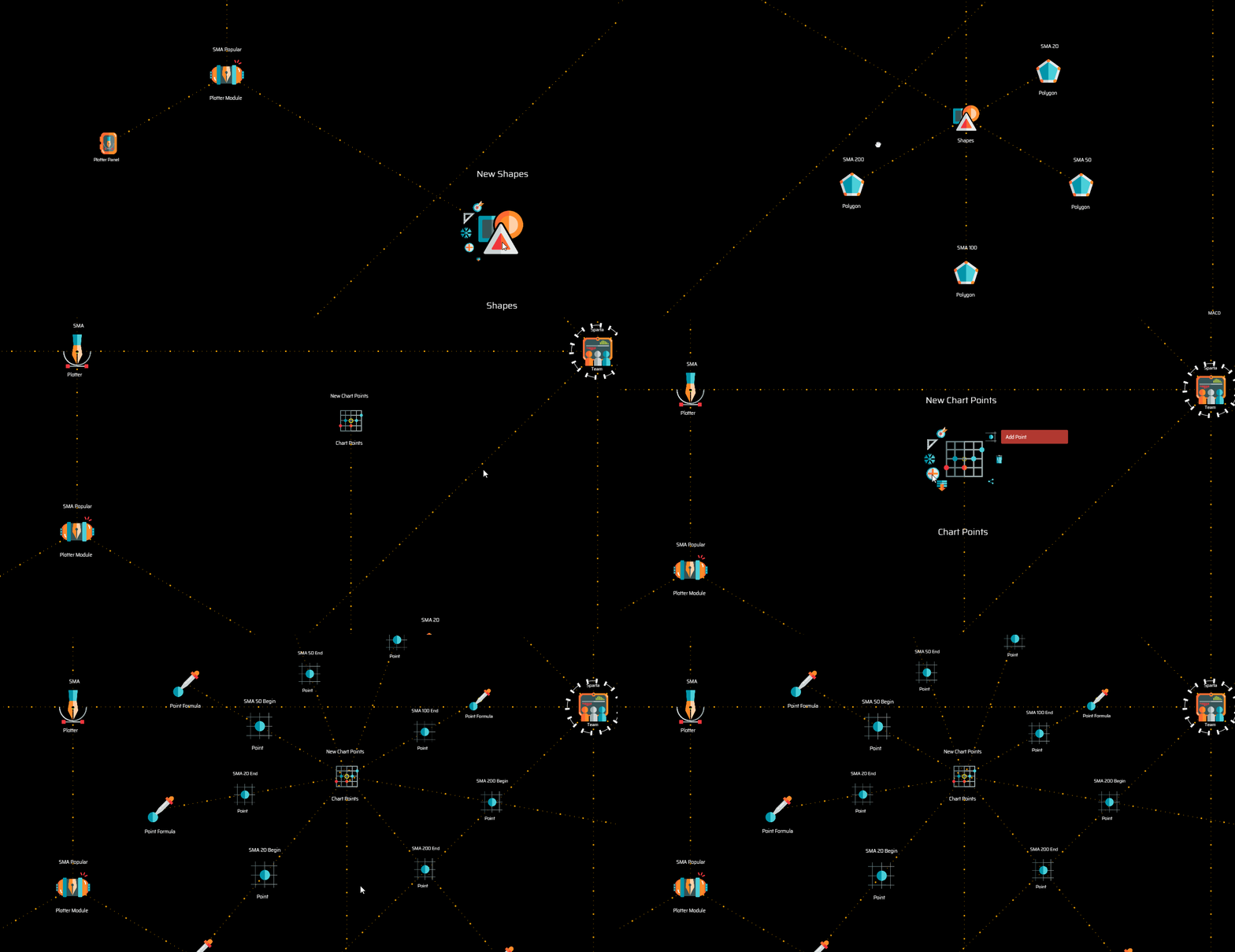](https://user-images.githubusercontent.com/13994516/71016080-eab41180-20f4-11ea-84c6-a514b87d568f.gif)\r","\r","In general terms, the process of defining what is going to be rendered on the screen consist of the following four steps:\r","\r"," 1. Identifying points defined by ```[x,y]``` coordinates\r"," 2. Defining polygons\r"," 3. Defining default styles\r"," 4. Defining conditional styles\r","\r"],"folderName":"data_mine","adding":["\r","\r","To add a shapes node, select *Add Shapes* on the plotter module menu.\r","\r"],"configuring":["\r","\r","XXXXXXXXXXXXXXXXXXXXXXXXXXXXXXXXXXXXXXXXXXXXXXXXXXXXXX\r","\r"],"starting":["\r","\r","XXXXXXXXXXXXXXXXXXXXXXXXXXXXXXXXXXXXXXXXXXXXXXXXXXXXXX\r","\r"]},{"type":"Plotter Panel","definition":"A plotter panel usually shows numerical representations of data over the charts on a small window or panel. The plotter panel node features definitions to make that possible.","content":["\r","\r","Beyond the graphic representation of data over the charts, plotters may also feature a *data panel*, that is, a numerical representation of the data showing the exact figures corresponding to the column or period that is in focus (the point of the charts where the mouse pointer is at any point).\r","\r"],"folderName":"data_mine","adding":["\r","\r","To add a plotter panel, select *Add Plotter Panel* on the plotter module node menu.\r","\r"],"configuring":["\r","\r","XXXXXXXXXXXXXXXXXXXXXXXXXXXXXXXXXXXXXXXXXXXXXXXXXXXXXX\r","\r"],"starting":["\r","\r","XXXXXXXXXXXXXXXXXXXXXXXXXXXXXXXXXXXXXXXXXXXXXXXXXXXXXX\r","\r"]},{"type":"Panel Data","definition":"A panel data node represents a data field to be plotted on the plotter panel.","content":["\r","\r","The system renders a panel featuring a centered, single-column vertical arrangement of data, with a label and a data field right below it. The label of each data field on the panel is given—by default—by the label set for each panel data node.\r","\r"],"folderName":"data_mine","adding":["\r","\r","To add a panel data node, select *Add Panel Data* on the plotter panel menu.\r","\r"],"configuring":["\r","\r","Select *Configure Panel Data* on the menu to access the configuration.\r","\r","```json\r","{\r"," \"valueDecimals\": 2\r","}\r","```\r","\r","* ```valueDecimals``` sets the number of decimals to be shown on the corresponding data field.\r","\r","To override the default manner in which the data is assembled on the panel, the following properties may be included and defined:\r","\r","```json\r","{\r"," \"labelText\": \"The Label\",\r"," \"labelPosition\": 15,\r"," \"valuePosition\": 20,\r"," \"valueDecimals\": 2\r","}\r","```\r","\r","* ```labelPosition``` and ```valuePosition``` represent the vertical distance of the corresponding fields to the top margin of the panel.\r","\r"],"starting":["\r","\r","XXXXXXXXXXXXXXXXXXXXXXXXXXXXXXXXXXXXXXXXXXXXXXXXXXXXXX\r","\r"]},{"type":"Data Formula","definition":"A data formula is a device used to assign a value to the panel data, usually in the form of the name of the corresponding record property.","content":["\r","\r","XXXXXXXXXXXXXXXXXXXXXXXXXXXXXXXXXXXXXXXXXXXXXXXXXXXXXX\r","\r"],"folderName":"data_mine","adding":["\r","\r","To add a data formula, select *Add Data Formula* on the plotter panel menu.\r","\r"],"configuring":["\r","\r","XXXXXXXXXXXXXXXXXXXXXXXXXXXXXXXXXXXXXXXXXXXXXXXXXXXXXX\r","\r"],"starting":["\r","\r","XXXXXXXXXXXXXXXXXXXXXXXXXXXXXXXXXXXXXXXXXXXXXXXXXXXXXX\r","\r"]},{"type":"Javascript Code","definition":"The JavaScript code node may hold any snippet of valid JavaScript.","content":["\r","\r","In the case of the master script, the JavaScript Code node features the code required to run each template script and handle the operations beyond the scope of individual template scripts.\r","\r","In the case of a template script, the JavaScript Code node features the code that deals with the specific scope of the template script only.\r","\r"],"folderName":"super_scripts","adding":["\r","\r","To add a JavaScript code node, select *Add JavaScript Code* on the master script or the template script node menu. \r","\r"],"configuring":["\r","\r","XXXXXXXXXXXXXXXXXXXXXXXXXXXXXXXXXXXXXXXXXXXXXXXXXXXXXX\r","\r"],"starting":["\r","\r","XXXXXXXXXXXXXXXXXXXXXXXXXXXXXXXXXXXXXXXXXXXXXXXXXXXXXX\r","\r"]},{"type":"Chart Points","definition":"A chart points groups definitions of coordinate points used to define polygons.","content":["\r","\r","The definition of a point consists of the name of the point and the corresponding values for the ```x``` and ```y``` coordinates. To create such definitions, point and point formulas are used.\r","\r"],"folderName":"data_mine","adding":["\r","\r","To add a chart points node, select *Add Chart Points* on the shapes menu.\r","\r"],"configuring":["\r","\r","XXXXXXXXXXXXXXXXXXXXXXXXXXXXXXXXXXXXXXXXXXXXXXXXXXXXXX\r","\r"],"starting":["\r","\r","XXXXXXXXXXXXXXXXXXXXXXXXXXXXXXXXXXXXXXXXXXXXXXXXXXXXXX\r","\r"]},{"type":"Point","definition":"A point is a definition of an [x,y] coordinate. The value [x] usually represents a datetime. The value [y] may refer to a price or some other concept.","content":["\r","\r","These coordinate points are used to define polygons. Values for ```[x,y]```coordinates are entered with a point formula.\r","\r","{% include tip.html content=\"Each point should be given a significant name so that it is easier to identify them at the time of establishing references with polygon vertices.\" %}\r","\r"],"folderName":"data_mine","adding":["\r","\r","To add a point, select *Add Point* on the chart points node menu.\r","\r"],"configuring":["\r","\r","XXXXXXXXXXXXXXXXXXXXXXXXXXXXXXXXXXXXXXXXXXXXXXXXXXXXXX\r","\r"],"starting":["\r","\r","XXXXXXXXXXXXXXXXXXXXXXXXXXXXXXXXXXXXXXXXXXXXXXXXXXXXXX\r","\r"]},{"type":"Point Formula","definition":"A point formula is a node used to input the [x,y] coordinates of a point.","content":["\r","\r","To represent some form of variation of the price or a price derivative over time, a typical point formula consists of the following two coordinates: ```x = datetime``` and ```y = rate```.\r","\r","For example:\r","\r","**Point *SMA 20 Begin***\r","```js\r","x = record.begin\r","y = record.previous.sma20\r","```\r","\r","The example above shows the definition of the first of two points necessary to draw the segment of the 20-periods SMA curve for any particular period or candle. In this case, ```x = record.begin``` is the starting datetime of the period and ```y = record.previous.sma20``` is the rate of the 20-periods SMA of the previous period.\r","\r","{% include note.html content=\"The above variables are constructed with information originating at the product definition that references the corresponding plotter module.\" %}\r","\r","To complete the line segment corresponding to a single period, the closing datetime of the period and the closing rate for the 20-periods SMA are required:\r","\r","**Point *SMA 20 End***\r","```js\r","x = record.end\r","y = record.sma20\r","```\r","\r","The above system works very well for plotting all sorts of information over the candles, on the charts.\r","\r","An oscillator like RSI too needs the definition of the starting and ending datetime of the period as the value for the *x-axis*. However, the value for *axis y* fits a different scale.\r","\r","Anyway, the points definition is just as straight forward, for example:\r","\r","**Point *RSI Begin***\r","```js\r","x = record.begin\r","y = record.previous.value\r","```\r","\r","**Point *RSI End***\r","```js\r","x = record.end\r","y = record.value\r","```\r","\r","Points do not necessarily need to refer to values on the dataset produced by the corresponding data product. For example, absolute values for the *y-axis* may be used to describe fixed graphical elements, for instance, a horizontal line, or a box.\r","\r","**Point *Begin 20***\r","```js\r","x = record.begin\r","y = 20\r","```\r","\r","**Point *End 20***\r","```js\r","x = record.end\r","y = 20\r","```\r","\r","**Point *Begin 30***\r","```js\r","x = record.begin\r","y = 30\r","```\r","\r","**Point *End 30***\r","```js\r","x = record.end\r","y = 30\r","```\r","\r","The above four points are used to paint the background of the 20 to 30 value range of the RSI chart. The first two points are also used to draw the dotted line signaling the 20-value mark, and the last two are used for the dotted line indicating the 30-value mark.\r","\r","{% include note.html content=\"The reason from separating the definition of points from the definition of polygons is that any point may be used by one or more polygons.\" %}\r","\r"],"folderName":"data_mine","adding":["\r","\r","To add a point formula, select *Add Point Formula* on the point node menu.\r","\r"],"configuring":["\r","\r","XXXXXXXXXXXXXXXXXXXXXXXXXXXXXXXXXXXXXXXXXXXXXXXXXXXXXX\r","\r"],"starting":["\r","\r","XXXXXXXXXXXXXXXXXXXXXXXXXXXXXXXXXXXXXXXXXXXXXXXXXXXXXX\r","\r"]},{"type":"Image","definition":"The image node allows overlaying an image over the charts, controlling its position, size, and when it shall be rendered.","content":["\r","\r","The foremost requirement for images is that they are in the ```png``` format, 24 bits, with transparency, a low case extension, and are square.\r","\r","If you envision contributing your indicator so that the community may use it, then please follow the guidelines in the [contribute icons](contributing-icons.html#technical-requirements) page, in particular, the Technical Requirements.\r","\r","Images must the stored in the following path: ```\\BackendServers\\WebServer\\Images\\Icons\\style-01```\r","\r","{% include note.html content=\"See the configuration for further details.\" %}\r","\r"],"folderName":"data_mine","adding":["\r","\r","To add the {{ title | downcase }} node, select *Add {{ title }}* on the parent node menu. \r","\r"],"configuring":["\r","\r","Select *Configure* on the menu to access the configuration.\r","\r","```json\r","{ \r"," \"codeName\": \"imagename\", \r"," \"size\": 15\r","}\r","```\r","\r","* ```codeName``` is the name of the image, without the ```.png``` extension.\r","\r","* ```size``` is the size at which the image shall be rendered, in pixels. \r","\r"],"starting":["\r","\r","XXXXXXXXXXXXXXXXXXXXXXXXXXXXXXXXXXXXXXXXXXXXXXXXXXXXXX\r","\r"]},{"type":"Image Condition","definition":"An image condition is a rule that allows establishing when an image shall be rendered and when not.","content":["\r","\r","The node is optional. When the node is not present in the definition of the image or when the condition validates ```true```, the image is rendered on screen. When the condition validates ```false``` the image is not rendered. As such, the node allows dynamically switching the rendering of the corresponding image on and off .\r","\r"],"folderName":"data_mine","adding":["\r","\r","To add the {{ title | downcase }} node, select *Add {{ title }}* on the parent node menu. \r","\r"],"configuring":["\r","\r","XXXXXXXXXXXXXXXXXXXXXXXXXXXXXXXXXXXXXXXXXXXXXXXXXXXXXX\r","\r"],"starting":["\r","\r","XXXXXXXXXXXXXXXXXXXXXXXXXXXXXXXXXXXXXXXXXXXXXXXXXXXXXX\r","\r"]},{"type":"Image Position","definition":"The image position node is a reference to a point defined in the chart points, and serves to determine the position in which the image shall be placed.","content":["\r","\r","The image position node works similarly to the polygon vertex in the sense that it must establish a reference with a point in the charts point to acquire a defined coordinate that determines where the image shall be placed.\r","\r","{% include note.html content=\"See the configuration for further details.\" %}\r","\r"],"folderName":"data_mine","adding":["\r","\r","To add the {{ title | downcase }} node, select *Add {{ title }}* on the parent node menu. \r","\r"],"configuring":["\r","\r","Select *Configure* on the menu to access the configuration.\r","\r","```json\r","{ \r"," \"offsetX\": 0,\r"," \"offsetY\": 10\r","}\r","```\r","\r","* ```offsetX``` is an offset in the X axis, in pixels, applied to displace the image in relation to the coordinate point defined by the reference of the node. Negative values displace the image to the left and positive values to the right.\r","\r","* ```offsetY``` is an offset in the Y axis. Negative values displace the image downwards and positive values displace the image upwards.\r","\r"],"starting":["\r","\r","XXXXXXXXXXXXXXXXXXXXXXXXXXXXXXXXXXXXXXXXXXXXXXXXXXXXXX\r","\r"]},{"type":"Text","definition":"The text node allows overlaying text on the charts, controlling its position, size, appearance, and when it shall be rendered.","content":["\r","\r","The node's offspring control the different aspects of how, where, and when text shall be rendered over the charts.\r","\r"],"folderName":"data_mine","adding":["\r","\r","To add the {{ title | downcase }} node, select *Add {{ title }}* on the parent node menu. \r","\r"],"configuring":["\r","\r","XXXXXXXXXXXXXXXXXXXXXXXXXXXXXXXXXXXXXXXXXXXXXXXXXXXXXX\r","\r"],"starting":["\r","\r","XXXXXXXXXXXXXXXXXXXXXXXXXXXXXXXXXXXXXXXXXXXXXXXXXXXXXX\r","\r"]},{"type":"Text Style","definition":"The text style is a definition of color, opacity, and font size that determines the appearance of the text to be rendered over the charts.","content":["\r","\r","{% include note.html content=\"See the configuration for further details.\" %}\r","\r"],"folderName":"data_mine","adding":["\r","\r","To add the {{ title | downcase }} node, select *Add {{ title }}* on the parent node menu. \r","\r"],"configuring":["\r","\r","Select *Configure* on the menu to access the configuration.\r","\r","```json\r","{\r"," \"paletteColor\": \"UI_COLOR.GREY\",\r"," \"opacity\": 0.5,\r"," \"fontSize\": 10\r","}\r","```\r","\r","* ```paletteColor``` is one of the predefined colors available, as described in the configuration of the *Style* node.\r","\r","* ```opacity``` is probably self-explanatory, and may range from 0 for a fully transparent object to 1 for a solid object.\r","\r","* ```fontSize``` is self explanatory too; values above zero produce the expected results.\r","\r"],"starting":["\r","\r","XXXXXXXXXXXXXXXXXXXXXXXXXXXXXXXXXXXXXXXXXXXXXXXXXXXXXX\r","\r"]},{"type":"Text Condition","definition":"A text condition is a rule that allows establishing when text shall be rendered and when not.","content":["\r","\r","The node is optional. When the node is not present in the definition of the text node or when the condition validates ```true```, the text is rendered on screen. When the condition validates ```false```, text is not rendered. As such, the node allows dynamically switching the rendering of the corresponding text on and off .\r","\r"],"folderName":"data_mine","adding":["\r","\r","To add the {{ title | downcase }} node, select *Add {{ title }}* on the parent node menu. \r","\r"],"configuring":["\r","\r","XXXXXXXXXXXXXXXXXXXXXXXXXXXXXXXXXXXXXXXXXXXXXXXXXXXXXX\r","\r"],"starting":["\r","\r","XXXXXXXXXXXXXXXXXXXXXXXXXXXXXXXXXXXXXXXXXXXXXXXXXXXXXX\r","\r"]},{"type":"Text Position","definition":"The text position node is a reference to a point defined in the chart points, and serves to determine the position in which text shall be rendered.","content":["\r","\r","The text position node works similarly to the image position node in the sense that it must establish a reference with a point in the charts point to acquire a defined coordinate that determines where the text shall be placed.\r","\r","{% include note.html content=\"See the configuration for further details.\" %}\r","\r"],"folderName":"data_mine","adding":["\r","\r","To add the {{ title | downcase }} node, select *Add {{ title }}* on the parent node menu. \r","\r"],"configuring":["\r","\r","Select *Configure* on the menu to access the configuration.\r","\r","```json\r","{ \r"," \"offsetX\": 0,\r"," \"offsetY\": 10\r","}\r","```\r","\r","* ```offsetX``` is an offset in the X axis, in pixels, applied to displace the text in relation to the coordinate point defined by the reference of the node. Negative values displace the text to the left and positive values to the right.\r","\r","* ```offsetY``` is an offset in the Y axis. Negative values displace the text downwards and positive values displace the image upwards.\r","\r"],"starting":["\r","\r","XXXXXXXXXXXXXXXXXXXXXXXXXXXXXXXXXXXXXXXXXXXXXXXXXXXXXX\r","\r"]},{"type":"Text Formula","definition":"The text formula determines the content that shall be rendered over the charts.","content":["\r","\r","The text formula may use any of the variables available to the plotter, and may produce either a numeric or a text string result.\r","\r"],"folderName":"data_mine","adding":["\r","\r","To add the {{ title | downcase }} node, select *Add {{ title }}* on the parent node menu. \r","\r"],"configuring":["\r","\r","XXXXXXXXXXXXXXXXXXXXXXXXXXXXXXXXXXXXXXXXXXXXXXXXXXXXXX\r","\r"],"starting":["\r","\r","XXXXXXXXXXXXXXXXXXXXXXXXXXXXXXXXXXXXXXXXXXXXXXXXXXXXXX\r","\r"]},{"type":"Polygon","definition":"A polygon features definitions that makeup shapes and their styles.","content":["\r","\r","Polygons are defined by two or more vertices, which map points in a charts point. The graphic representation of polygons originates in styles applied to either or both polygon bodies and polygon borders. \r","\r","{% include note.html content=\"The order in which polygons are ordered around the parent shapes node determines the order in which they are drawn on the screen. In cases on which polygons intersect, those drawn last are drawn on top of those drawn first.\" %}\r","\r"],"folderName":"data_mine","adding":["\r","\r","To add a polygon, select *Add Polygon* on the shapes node menu.\r","\r"],"configuring":["\r","\r","XXXXXXXXXXXXXXXXXXXXXXXXXXXXXXXXXXXXXXXXXXXXXXXXXXXXXX\r","\r"],"starting":["\r","\r","XXXXXXXXXXXXXXXXXXXXXXXXXXXXXXXXXXXXXXXXXXXXXXXXXXXXXX\r","\r"]},{"type":"Polygon Condition","definition":"A polygon condition is a rule that allows establishing when a polygon shall be rendered and when not.","content":["\r","\r","The node is optional. When the node is not present in the definition of the polygon or when the condition validates ```true```, the polygon is rendered on screen. When the condition validates ```false``` the polygon is not rendered. As such, the node allows dynamically switching the rendering of the corresponding polygon on and off.\r","\r"],"folderName":"data_mine","adding":["\r","\r","To add a polygon condition, select *Add Polygon Condition* on a polygon node menu.\r","\r"],"configuring":["\r","\r","Select *Edit Condition* on the menu to access the configuration.\r","\r","Polygon conditions work pretty much like conditions used on trading systems. The main difference is that the variables available are solely those provided by the bot product definition that reference the corresponding plotter module.\r","\r"],"starting":["\r","\r","XXXXXXXXXXXXXXXXXXXXXXXXXXXXXXXXXXXXXXXXXXXXXXXXXXXXXX\r","\r"]},{"type":"Polygon Body","definition":"A polygon body is the fill of a shape made out of at least three vertices.","content":["\r","\r","A polygon body needs at least three vertices to be defined. A body serves to create a *fill* for the outlines of any sort of polygon, either closed or open, by giving it a style.\r","\r"],"folderName":"data_mine","adding":["\r","\r","To add a polygon body, select *Add Polygon Body* on the polygon node menu.\r","\r"],"configuring":["\r","\r","XXXXXXXXXXXXXXXXXXXXXXXXXXXXXXXXXXXXXXXXXXXXXXXXXXXXXX\r","\r"],"starting":["\r","\r","XXXXXXXXXXXXXXXXXXXXXXXXXXXXXXXXXXXXXXXXXXXXXXXXXXXXXX\r","\r"]},{"type":"Polygon Border","definition":"A polygon border is a shape defined by at least two vertices used to draw lines or to apply a style to the stroke of a closed shape.","content":["\r","\r","A polygon border needs at least two vertices to be defined. A border serves to create a *stroke* for the outlines of any sort of polygon, either closed or open, by giving it a style.\r","\r"],"folderName":"data_mine","adding":["\r","\r","To add a polygon border, select *Add Polygon Border* on the polygon node menu.\r","\r"],"configuring":["\r","\r","XXXXXXXXXXXXXXXXXXXXXXXXXXXXXXXXXXXXXXXXXXXXXXXXXXXXXX\r","\r"],"starting":["\r","\r","XXXXXXXXXXXXXXXXXXXXXXXXXXXXXXXXXXXXXXXXXXXXXXXXXXXXXX\r","\r"]},{"type":"Style Condition","definition":"A style condition is a rule that allows applying an alternative style in cases where the rule validates true.","content":["\r","\r","Style conditions offer a way to introduce additional intelligence on the visual representation of data by using styles that respond to certain conditions.\r","\r","For example, the *Percentage Bandwidth* plotter module assigns a different color to the Moving Average line when it's going up or down.\r","\r","To do that, a style condition features it's own style so that, when the condition validates true, the new style is applied.\r","\r","Style conditions me be created in a sequence so that the style may continue changing upon the validation of a series of style conditions. The system evaluates all style conditions in a sequential order determined by their position in the rotational symmetry around the parent node. Each condition that is met may modify or add up to the resulting style that is rendered on screen. That is, the final style is the result of the sequential application of the styles defined for each condition that is met, on top of the default style.\r","\r"],"folderName":"data_mine","adding":["\r","\r","To add a style condition, select *Add Style Condition* on a polygon border or polygon body node menu.\r","\r"],"configuring":["\r","\r","Select *Edit Condition* on the menu to access the configuration.\r","\r","Style conditions work pretty much like conditions used on trading systems. The main difference is that the variables available are solely those provided by the bot product definition that reference the corresponding plotter module.\r","\r","To continue the example of the Percentage Bandwidth plotter, the following is the condition that determines the newly added styles:\r","\r","```js\r","record.previous.movingAverage > record.movingAverage\r","```\r","\r","As hinted earlier, when the condition is met, the default style is modified by a second style that may be created on the menu of the style condition node.\r","\r","The definition of secondary styles is slightly different from that of the default style, as—in such cases—the ```atMousePosition``` property may no longer be defined:\r","\r","```js\r","{\r"," \"opacity\": 0.55,\r"," \"lineWidth\": 1,\r"," \"lineDash\": [0,0],\r"," \"paletteColor\": \"UI_COLOR.RED\"\r","}\r","```\r","\r","\r"],"starting":["\r","\r","XXXXXXXXXXXXXXXXXXXXXXXXXXXXXXXXXXXXXXXXXXXXXXXXXXXXXX\r","\r"]},{"type":"Style","definition":"A style is a definition of color and opacity in case of a polygon body, and color, opacity and line thickness in case of polygon borders.","content":["\r","\r","A style applied to a polygon body or a polygon border node acts as the default style. Styles including colors, opacity, line width, and more, are defined in the node's configuration.\r","\r","{% include note.html content=\"See the configuration for further details.\" %}\r","\r"],"folderName":"data_mine","adding":["\r","\r","To add a style, select *Add Style* on a polygon border or polygon body node menu.\r","\r"],"configuring":["\r","\r","Select *Configure Style* on the menu to access the configuration.\r","\r","A typical definition for a polygon *body style* looks like this:\r","\r","```json\r","{\r"," \"default\": {\r"," \"opacity\": 0.2,\r"," \"paletteColor\": \"UI_COLOR.DARK_TURQUOISE\"\r"," },\r"," \"atMousePosition\": {\r"," \"opacity\": 0.3,\r"," \"paletteColor\": \"UI_COLOR.DARK_TURQUOISE\"\r"," }\r","}\r","```\r","\r","A typical definition for a polygon *border style* has a couple more properties:\r","\r","```json\r","{\r"," \"default\": {\r"," \"opacity\": 0.2,\r"," \"lineWidth\": 1,\r"," \"lineDash\": [0,0],\r"," \"paletteColor\": \"UI_COLOR.DARK_TURQUOISE\"\r"," },\r"," \"atMousePosition\": {\r"," \"opacity\": 0.3,\r"," \"lineWidth\": 2,\r"," \"lineDash\": [0,0],\r"," \"paletteColor\": \"UI_COLOR.RUSTED_RED\"\r"," }\r","}\r","```\r","\r","The first section of the definition refers, as explicitly stated, to the default state of the style.\r","\r","The second section refers to the style assigned to the column or period on which the mouse pointer is located. This is very useful for highlighting the specific zone of interest as the user browses the charts.\r","\r","* ```opacity``` is probably self-explanatory: it may range from ```0``` for a fully transparent object to ```1``` for a solid object.\r","\r","* ```paletteColor``` sets the color for the *fill* or *stroke* in cases of polygon bodies and polygon borders respectively. Use the variable ```UI_COLOR``` followed by a ```.``` and any of the properties in the following list for a selection of currently available colors:\r","\r","| Variable Value | RGB Value | Color Sample |\r","| :--- | :---: | :------------------- |\r","| ```DARK``` | 48, 48, 54 | <span style=\"display: block; background: RGB(48, 48, 54); border: 1px solid black;\"> </span> |\r","| ```LIGHT``` | 234, 226, 222 | <span style=\"display: block; background: RGB(234, 226, 222); border: 1px black; border: 1px solid black;\"> </span> |\r","| ```GREY``` | 150, 150, 150 | <span style=\"display: block; background: RGB(150, 150, 150); border: 1px solid black;\"> </span> |\r","| ```LIGHT_GREY``` | 247, 247, 247 | <span style=\"display: block; background: RGB(247, 247, 247); border: 1px solid black;\"> </span> |\r","| ```WHITE``` | 255, 255, 255 | <span style=\"display: block; background: RGB(255, 255, 255); border: 1px solid black;\"> </span> |\r","| ```BLACK``` | 0, 0, 0 | <span style=\"display: block; background: RGB(0, 0, 0); border: 1px solid black;\"> </span> |\r","| ```GOLDEN_ORANGE``` | 240, 162, 2 | <span style=\"display: block; background: RGB(240, 162, 2); border: 1px solid black;\"> </span> |\r","| ```RUSTED_RED``` | 204, 88, 53 | <span style=\"display: block; background: RGB(204, 88, 53); border: 1px solid black;\"> </span> |\r","| ```GREEN``` | 188, 214, 67 | <span style=\"display: block; background: RGB(188, 214, 67); border: 1px solid black;\"> </span> |\r","| ```RED``` | 223, 70, 60 | <span style=\"display: block; background: RGB(223, 70, 60); border: 1px solid black;\"> </span> |\r","| ```PATINATED_TURQUOISE``` | 27, 153, 139 | <span style=\"display: block; background: RGB(27, 153, 139); border: 1px solid black;\"> </span> |\r","| ```TITANIUM_YELLOW``` | 244, 228, 9 | <span style=\"display: block; background: RGB(244, 228, 9); border: 1px solid black;\"> </span> |\r","| ```MANGANESE_PURPLE``` | 91,80, 122 | <span style=\"display: block; background: RGB(91,80, 122); border: 1px solid black;\"> </span> |\r","| ```TURQUOISE``` | 74, 207, 217 | <span style=\"display: block; background: RGB(74, 207, 217); border: 1px solid black;\"> </span> |\r","| ```DARK_TURQUOISE``` | 2, 149, 170 | <span style=\"display: block; background: RGB(2, 149, 170); border: 1px solid black;\"> </span> |\r","\r","* ```lineWidth``` is the width of the border line, which should be greater than 0.\r","\r","* ```lineDash``` is used to turn the border into a dashed-line; the first value corresponds to the length of the dash while the second value defines the length of the space.\r","\r","{% include note.html content=\"When using dashed lines, bear in mind that the drawing from one column or period is independent of the next. Big values for dashes and spaces may not work well for lines that span several columns.\" %}\r","\r"],"starting":["\r","\r","XXXXXXXXXXXXXXXXXXXXXXXXXXXXXXXXXXXXXXXXXXXXXXXXXXXXXX\r","\r"]},{"type":"Polygon Vertex","definition":"A polygon vertex is a reference to a point defined in the chart points, constituting a specific coordinate to be used as a vertex of a shape.","content":["\r","\r","Vertices are the main element defining polygons. Once created, each vertex must establish a reference to the corresponding point in the charts point.\r","\r","[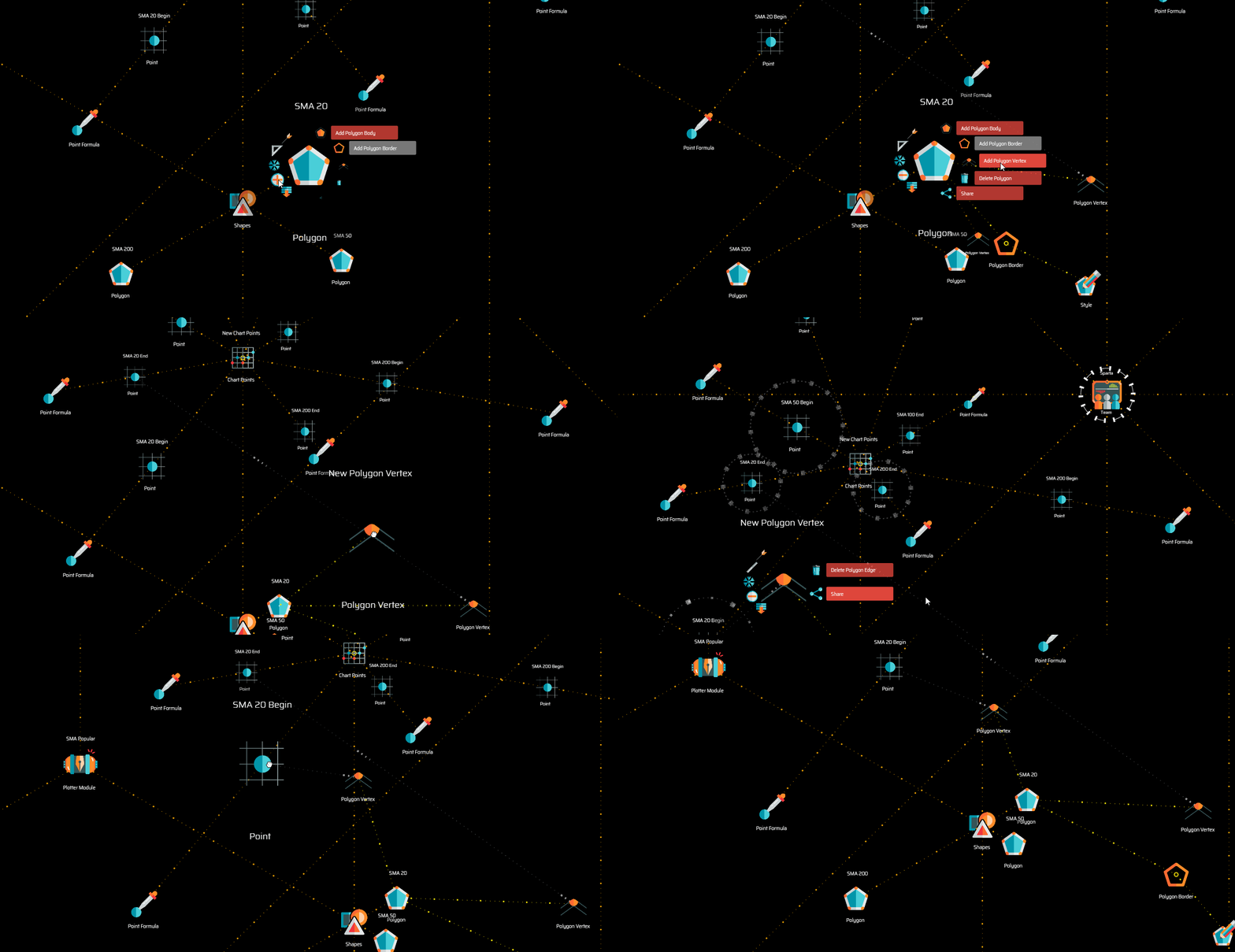](https://user-images.githubusercontent.com/13994516/71016081-eb4ca800-20f4-11ea-8fee-4d38ecfb0596.gif)\r","\r","Drawing curves requires two vertices. Painting areas, such as the background of a chart, likely requires four vertices. Note that vertices are not capable of featuring a style. Instead, styles are applied to polygon borders and polygon bodies.\r","\r","{% include important.html content=\"Bear in mind that the order in which vertices in a polygon are arranged around the parent polygon node when their *rotational symmetry* property is selected, is the order in which the plotter computes the points. This means that points need to be in the correct order, for example, when drawing a box. Imagine drawing a box on a piece of paper without lifting the pencil... that is how the plotter does it.\" %}\r","\r"],"folderName":"data_mine","adding":["\r","\r","To add a polygon vertex, select *Add Polygon Vertex* on the polygon node menu.\r","\r","{% include tip.html content=\"Remember that a vertex must establish a reference to a point in the charts point to be properly defined\" %}\r","\r"],"configuring":["\r","\r","XXXXXXXXXXXXXXXXXXXXXXXXXXXXXXXXXXXXXXXXXXXXXXXXXXXXXX\r","\r"],"starting":["\r","\r","XXXXXXXXXXXXXXXXXXXXXXXXXXXXXXXXXXXXXXXXXXXXXXXXXXXXXX\r","\r"]},{"type":"Workspace"},{"type":"Situation","definition":"A situation refers to a specific state of the market in which a certain event should take place, as defined by any number of conditions.","content":["\r","\r","In other words, you define situations in which you wish a certain event to happen (*i.e.:* trigger on the strategy, take a position, etc.) and each situation is described as a set of conditions that need to be met for the event to be triggered.\r","\r","A situation gets validated when all conditions under it are true. \r","\r","An event may have more than one situation attached to it. In such a case, when any of the situations gets validated, the event gets triggered. That is, events may be triggered in different circumstances, meaning that you are free to define different situations upon which the same event would be triggered. In such a case, when any of the situations evaluate true, then the event is triggered.\r","\r"],"folderName":"trading_system","starting":["\r","\r","XXXXXXXXXXXXXXXXXXXXXXXXXXXXXXXXXXXXXXXXXXXXXXXXXXXXXX\r","\r"],"adding":["\r","\r","To add a situation, select *Add Situation* on the corresponding event node menu. A situation is added along with a condition and JavaScript code node.\r","\r"],"configuring":["\r","\r","XXXXXXXXXXXXXXXXXXXXXXXXXXXXXXXXXXXXXXXXXXXXXXXXXXXXXX\r","\r"]},{"type":"Condition","definition":"Conditions are rules within a situation. When all conditions under a situation validate true, then the situation gets validated as well, and the associated event is triggered.","content":["\r","\r","Therefore, conditions are used to mathematically describe what needs to happen with the market for a certain action to be taken.\r","\r","**For example:**\r","\r","**Situation 1**\r","\r","* Condition A: ```chart.at01hs.candle.close > chart.at01hs.bollingerBand.MovingAverage``` → This means that the latest candle at the 1 hour chart closed above the Bollinger Bands moving average.\r","\r","* Condition B: ```chart.at01hs.candle.previous.max > chart.at01hs.bollingerBand.previous.MovingAverage``` → This means that the maximum value of the candle before the last one, was higher than the Bollinger Bands moving average.\r"," \r","In the example above, conditions A and B are comparison statements that may evaluate either _true_ or _false_. In the case both would evaluate _true_ then Situation 1 would be true as well.\r","\r","{% include note.html content=\"To learn how to write conditions, start with the <a href='suite-sysntax-overview.html'>Syntax Overview</a>.\" %}\r","\r"],"folderName":"trading_system","adding":["\r","\r","To add a condition, select *Add Condition* on the corresponding situation node menu. A condition with its JavaScript code node is added.\r","\r"],"configuring":["\r","\r","XXXXXXXXXXXXXXXXXXXXXXXXXXXXXXXXXXXXXXXXXXXXXXXXXXXXXX\r","\r"],"starting":["\r","\r","XXXXXXXXXXXXXXXXXXXXXXXXXXXXXXXXXXXXXXXXXXXXXXXXXXXXXX\r","\r"]},{"type":"Super Scripts","definition":"The super scripts hierarchy holds definitions of scripts used to automate certain aspects of the administration and maintenance of the workspace, such as installing and deleting markets.","content":["\r","\r","The super scripts hierarchy may be used by developers who wish to create their own scripts for automating the deployment or manitenance of all sorts of structures of nodes across any of the hierarchies in the design space.\r","\r","Regular users will find little to do with this hierarchy, even though they may use it indirectly, for instance, when installing or uninstalling markets.\r","\r","{% include important.html content=\"Changes made to super scripts shipping with the system may not be saved at the workspace level. If you wish to modify those hierarchies and use them in such modified versions, you need to clone them and modify the clone instead. To do this successfully, you need to learn more about [backups](suite-backups.html) and [clones](suite-clones.html).\" %}\r","\r"],"folderName":"super_scripts","adding":["\r","\r","To add a super scripts hierarchy, select *Add Super Scripts* on the workspace node menu. \r","\r"],"configuring":["\r","\r","Select *Configure Super Scripts* on the menu to access the configuration.\r","\r","```\r","{ \r","\"codeName\": \"Masters\"\r","}\r","```\r","\r","* ```codeName``` is the name of the hierarchy as is used in the system's code.\r","\r"],"starting":["\r","\r","XXXXXXXXXXXXXXXXXXXXXXXXXXXXXXXXXXXXXXXXXXXXXXXXXXXXXX\r","\r"]},{"type":"Scripts Library","definition":"A script library is a collection of related scripts.","content":["\r","\r","The script library node plays an organizational role, grouping masters scripts according to the criteria of the developer.\r","\r"],"folderName":"super_scripts","adding":["\r","\r","To add a scripts library, select *Add Scripts Library* on the super scripts node menu. \r","\r"],"configuring":["\r","\r","XXXXXXXXXXXXXXXXXXXXXXXXXXXXXXXXXXXXXXXXXXXXXXXXXXXXXX\r","\r"],"starting":["\r","\r","XXXXXXXXXXXXXXXXXXXXXXXXXXXXXXXXXXXXXXXXXXXXXXXXXXXXXX\r","\r"]},{"type":"Master Script","definition":"A master script contains the definitions of any number of template scripts along with the master JavaScript code providing the logic to implement them.","content":["\r","\r","In general terms, master scripts serve to atomize the complexity of the task at hand by subdividing the task into any number of specific scopes, handled by individual template scripts. The master script controls the execution of template scripts and solves issues beyond their scope.\r","\r","The current implementation of the Masters super scripts hierarchy features two master scripts you may use as examples. The Setup Market master script deals with all the steps required to install a new market, while the Delete Market Dependencies master script deals with uninstalling markets.\r","\r"],"folderName":"super_scripts","adding":["\r","\r","To add a master script, select *Add Master Script* on the scripts library node menu. \r","\r"],"configuring":["\r","\r","XXXXXXXXXXXXXXXXXXXXXXXXXXXXXXXXXXXXXXXXXXXXXXXXXXXXXX\r","\r"],"starting":["\r","\r","XXXXXXXXXXXXXXXXXXXXXXXXXXXXXXXXXXXXXXXXXXXXXXXXXXXXXX\r","\r"]},{"type":"Template Script","definition":"The template script node holds the definitions concerned with the scope of a particular structure of nodes.","content":["\r","\r","As such, a template script features all the components required to deal with such scope only.\r","\r","In the particular Masters super script implementation, each template script in the Setup Markets master script features a structure of nodes to be created in a specific location, and the associated JavaScript code deals with implementing such structure of nodes and establishing the corresponding references.\r","\r"],"folderName":"super_scripts","adding":["\r","\r","To add a template script, select *Add Template Script* on the scripts master script node menu. \r","\r"],"configuring":["\r","\r","XXXXXXXXXXXXXXXXXXXXXXXXXXXXXXXXXXXXXXXXXXXXXXXXXXXXXX\r","\r"],"starting":["\r","\r","XXXXXXXXXXXXXXXXXXXXXXXXXXXXXXXXXXXXXXXXXXXXXXXXXXXXXX\r","\r"]},{"type":"Template Structure","definition":"The template structure holds the structure of nodes with all its configurations and properties, exactly as it should be implemented.","content":["\r","\r","Properties include the physical arrangement of nodes, references and so on. \r","\r","{% include note.html content=\"The actual structure of nodes contained in the template usually originates as a clone of an existing structure of nodes.\" %}\r","\r"],"folderName":"super_scripts","adding":["\r","\r","To add a tempalte strucutre, select *Add Teemplate Structure* on the template script node menu. \r","\r"],"configuring":["\r","\r","XXXXXXXXXXXXXXXXXXXXXXXXXXXXXXXXXXXXXXXXXXXXXXXXXXXXXX\r","\r"],"starting":["\r","\r","XXXXXXXXXXXXXXXXXXXXXXXXXXXXXXXXXXXXXXXXXXXXXXXXXXXXXX\r","\r"]},{"type":"Template Target","content":["\r","\r","XXXXXXXXXXXXXXXXXXXXXXXXXXXXXXXXXXXXXXXXXXXXXXXXXXXXXX\r","\r"],"folderName":"super_scripts","adding":["\r","\r","To add a template target, select *Add Template Target* on the template script node menu. \r","\r"],"configuring":["\r","\r","XXXXXXXXXXXXXXXXXXXXXXXXXXXXXXXXXXXXXXXXXXXXXXXXXXXXXX\r","\r"],"starting":["\r","\r","XXXXXXXXXXXXXXXXXXXXXXXXXXXXXXXXXXXXXXXXXXXXXXXXXXXXXX\r","\r"]},{"type":"Super Action"},{"type":"Network","definition":"The network hierarchy provides the control functions for running data-mining and trading operations. Because operations may be run either on a single machine or distributed over a network of machines, it also contains definitions regarding the physical location in which nodes live or function.","content":["\r","\r","The network hierarchy defines where in the network you run each of the bots you choose to run, and where the data they output is stored. \r","\r","You will use the network hierarchy for the following purposes:\r","\r","* To control your data mining operation—that is, tasks running <a data-toggle=\"tooltip\" data-original-title=\"{{site.data.concepts.sensor_bot}}\">sensor</a> and <a data-toggle=\"tooltip\" data-original-title=\"{{site.data.concepts.sensor_bot}}\">indicator bots</a>. Data mining tasks process data that may be consumed by others; for example, so that your trading systems may count with quality information.\r","\r","* To control your testing environment—that is, trading sessions including <a data-toggle=\"tooltip\" data-original-title=\"{{site.data.network.backtesting_session}}\">backtesting</a> and <a data-toggle=\"tooltip\" data-original-title=\"{{site.data.network.paper_trading_session}}\">paper trading</a> sessions.\r","\r","* To control your production environment—that is, <a data-toggle=\"tooltip\" data-original-title=\"{{site.data.network.forward_testing_session}}\">forward testing</a>, and <a data-toggle=\"tooltip\" data-original-title=\"{{site.data.network.live_trading_session}}\">live trading sessions</a>.\r","\r","* To manage the storage of the data produced by the bots you run as outputs. This includes administering the physical locations on which the data products produced by bots reside.\r","\r","{% include note.html content=\"These processes may run together on a single machine, or may be distributed across a network of machines, or what we call a [trading farm](suite-fundamental-trading-farms-concepts.html). \" %}\r","\r","{% include warning.html content=\"At this stage, the system does not implement any form of security measures, therefore, Superalgos is to be run in the context of a restricted Local Area Network only, unless you implement your own network security.\" %}\r","\r"],"folderName":"network","adding":["\r","\r","XXXXXXXXXXXXXXXXXXXXXXXXXXXXXXXXXXXXXXXXXXXXXXXXXXXXXX\r","\r"],"configuring":["\r","\r","XXXXXXXXXXXXXXXXXXXXXXXXXXXXXXXXXXXXXXXXXXXXXXXXXXXXXX\r","\r"],"starting":["\r","\r","XXXXXXXXXXXXXXXXXXXXXXXXXXXXXXXXXXXXXXXXXXXXXXXXXXXXXX\r","\r"]},{"type":"Network Node","definition":"A network node represents a machine running Superalgos, on which processes run and data is stored.","content":["\r","\r","By default, processes are set up to run locally in a network node representing your local machine. However, the system is prepared to run distributed on a network of nodes, or what we call a trading farm.\r","\r","You may create unlimited network nodes and map them with different machines on a network. Each machine in the network runs an instance of the Superalgos backend, and you may control the whole network operation from a single machine, or—in general—from any machine in the network running the Superalgos frontend. To learn more about distributed setups, check the [trading farms](suite-fundamental-trading-farms-concepts.html) pages.\r","\r","The easiest and fastest way to set up a network node is using the *Install Market* function available on markets defined in the Crypto Ecosystem hierarchy, under the exchange markets node. This function adds data mining tasks for all sensor and indicator bots shipping with the system, backtesting and live trading tasks for trading systems shipping with the system, including the data storage definitions for both, and also creates the corresponding dashboards and charts in the Charting Space hierarchy. You may learn more about this function in the [how to install a new market](suite-how-to-install-a-new-market.html) page.\r","\r","If you need finer control over the operation you wish to deploy on the network, then you may use the individual functions available under each section of the hierarchy under the network node.\r","\r"],"folderName":"network","adding":["\r","\r","To add a network node, select *Add Network Node* on the *Superalgos Network* node menu. A network node is added along with the basic structure of nodes to set up a node.\r","\r"],"configuring":["\r","\r","Select *Configure Network Node* on the menu to access the configuration.\r","\r","```json\r","{ \r","\"host\": \"0.0.0.0\", \r","\"webPort\": \"34247\", \r","\"webSocketsPort\": \"8080\"\r","}\r","```\r","\r","* ```host``` is the machine or hardware represented by the network node, which must be identified by its IP address.\r","\r","* ```webPort``` is the port used by the Web Server, at this stage ```34247```.\r","\r","* ```webSocketsPort``` is the port used by the system to communicate over the local area network, by default set at ```8080```.\r","\r"],"starting":["\r","\r","XXXXXXXXXXXXXXXXXXXXXXXXXXXXXXXXXXXXXXXXXXXXXXXXXXXXXX\r","\r"]},{"type":"Task Manager","definition":"A task manager is a device used to organize and control any number of tasks, which, in turn, control bot instances. You use a task manager to start or stop several tasks at the same time.","content":["\r","\r","Task managers are used both in the context of data mining and trading operations, to facilitate the organization of tasks. \r","\r","For example, you may set up a task manager to handle tasks related to a particular set of indicators used with a certain strategy. Or, for example, to organize multiple backtesting sessions.\r","\r","{% include tip.html content=\"The key aspect of a task manager is that it allows starting and stopping all tasks at once.\" %}\r","\r"],"folderName":"network","adding":["\r","\r","To add a task manager, select *Add Task Manager* on the parent node menu. \r","\r"],"configuring":["\r","\r","XXXXXXXXXXXXXXXXXXXXXXXXXXXXXXXXXXXXXXXXXXXXXXXXXXXXXX\r","\r"],"starting":["\r","\r","Select *Run All Tasks* or *Stop All Tasks* on the menu to start and stop all tasks respectively.\r","\r"]},{"type":"Task","definition":"A task is the device used to control bot instances, that is, to start and stop bots, including sensors, indicators and the trading bot.","content":["\r","\r","Each task controls a single bot. A bot instance running on its own task is independent from other bots at the operating system level, thus, may not be affected by errors ocurring on those other bots.\r","\r"],"folderName":"network","adding":["\r","\r","To add a task, select *Add Task* on the task manager node menu.\r","\r","{% include tip.html content=\"Instead of adding nodes, configuring them, and setting references one by one, you may want to clone an existing, fully functional task with all its offspring.\" %}\r","\r"],"configuring":["\r","\r","XXXXXXXXXXXXXXXXXXXXXXXXXXXXXXXXXXXXXXXXXXXXXXXXXXXXXX\r","\r"],"starting":["\r","\r","Select *Run* on the menu to start a task. When a task is started, the process instance of the bot instance attached to the task is started. Also, a visual indication that both the task and the process instance are running appear surrounding the corresponding nodes, in the form of a progress ring.\r","\r","To stop a task, select *Stop* on the menu.\r","\r"]},{"type":"Trading Bot Instance","definition":"A trading bot instance is a reference to the trading bot as defined in the Masters data mine. The instance of the bot runs the defined processes and generates the defined data products.","content":["\r","\r","{{site.data.concepts.trading_bot}}\r","\r","The trading bot instance holds no definitions as to what the bot does. Instead, its process instance references the process definition in the Masters data mine. That is how the indicator bot instance obtains the information of what it needs to do once it is run.\r","\r"],"folderName":"network","adding":["\r","\r","To add a trading bot instance, select *Add Trading Bot Instance* on the task node menu. When a trading bot instance is added, it is created with one trading process instance, and a market reference.\r","\r"],"configuring":["\r","\r","XXXXXXXXXXXXXXXXXXXXXXXXXXXXXXXXXXXXXXXXXXXXXXXXXXXXXX\r","\r"],"starting":["\r","\r","You do not start or stop a trading bot instance directly. Instead, you start or stop the corresponding task.\r","\r"]},{"type":"Sensor Process Instance","definition":"A sensor process instance is a reference to the process definition of a sensor bot, as defined in a data mine.","content":["\r","\r","For example, in the case of an instance of the Masters data mine Exchange Raw Data sensor bot, the bot process instance references the *Historic OHLCVs* process definition. Once the reference is established, the sensor process instance adopts the name of the process definition it references.\r","\r"],"folderName":"network","adding":["\r","\r","To add a sensor process instance, select *Add Sensor Process Instance* on the sensor bot instance node menu.\r","\r"],"configuring":["\r","\r","XXXXXXXXXXXXXXXXXXXXXXXXXXXXXXXXXXXXXXXXXXXXXXXXXXXXXX\r","\r"],"starting":["\r","\r","You do not start or stop a sensor process instance directly. Instead, you start or stop the corresponding task.\r","\r"]},{"type":"Indicator Process Instance","definition":"An indicator process instance is a reference to the process definition of an indicator bot, as defined in a data mine.","content":["\r","\r","Indicator bot instances usually require two indicator process instances. One of them references the indicator's *multi-period-market* process definition and the second references the *multi-period-daily* process definition.\r","\r","Once the reference is established, the indicator process instance adopts the name of the process definition it references.\r","\r"],"folderName":"network","adding":["\r","\r","To add an indicator process instance, select *Add Indicator Process Instance* on the indicator bot instance node menu. \r","\r"],"configuring":["\r","\r","XXXXXXXXXXXXXXXXXXXXXXXXXXXXXXXXXXXXXXXXXXXXXXXXXXXXXX\r","\r"],"starting":["\r","\r","You do not start or stop an indicator process instance directly. Instead, you start or stop the corresponding task.\r","\r"]},{"type":"Trading Process Instance","definition":"A trading process instance is a reference to the process definition of the trading bot, as defined in the Masters data mine.","content":["\r","\r","The trading process instance must reference the *Multi-Period* process definition of the Jason trading bot in the Masters data mine.\r","\r"],"folderName":"network","adding":["\r","\r","To add a trading process instance, select *Add Trading Process Instance* on the trading bot instance node menu. When a trading process instance is added, it is created with a market reference.\r","\r","{% include note.html content=\"After adding a trading process instance node, make sure you establish the reference to the *Multi-Period* process definition of the Jason trading bot in the Masters data mine.\" %}\r","\r"],"configuring":["\r","\r","XXXXXXXXXXXXXXXXXXXXXXXXXXXXXXXXXXXXXXXXXXXXXXXXXXXXXX\r","\r"],"starting":["\r","\r","You do not start or stop a trading process instance directly. Instead, you start or stop the corresponding task.\r","\r"]},{"type":"Backtesting Session","definition":"A backtesting session is a trading mode by which the trading bot instance reads historic market data in a user-defined datetime range, applies the rules defined in the associated trading system, and generates a trading simulation.","content":["\r","\r","A backtesting session node must reference a trading system to gain access to the trading logic to be applied during the session. Other considerations framing the session come from the set of parameters attached to it.\r","\r"],"folderName":"network","adding":["\r","\r","To add a backtesting session, select *Add Backtesting Session* on the trading process instance node menu. When a session is added, it is created with the full set of parameters.\r","\r","{% include note.html content=\"After adding a session node, make sure you establish a reference to the trading system you want it to work with.\" %}\r","\r"],"configuring":["\r","\r","Select *Configure Session* on the menu to access the configuration.\r","\r","```json\r","{\r","\"folderName\": \"Session-Name\"\r","}\r","```\r","\r","* ```folderName``` allows you to set a significant name to the folder in which the data products—and logs—generated by the session are stored. If left blank, the system names the folders with the session id. This may be handy when you intend to consult the raw data generated by the session, as, otherwise, the folder would be hard to identify.\r","\r"],"starting":["\r","\r","Before you start a backtesting session, the corresponding task needs to be running, as it is the task that puts the trading bot instance to run. Once the trading bot instance is running, select *Run* on the menu to start the session.\r","\r","After a few seconds, a literal indication of the progress of the calculations appears below the session node, displaying the date that is currently being processed. Once the calculation is finished, the session stops and the date below the session node dissapears.\r","\r","To stop a backtesting session, select *Stop* on the menu.\r","\r"]},{"type":"Trading Engine","definition":"The trading engine hierarchy is the data structure used by the trading bot to keep runtime information highly accessible and exposed to others.","content":["\r","\r","You will use this hierarchy for two main purposes:\r","\r","* **To let your trading systems access the information processed by the trading bot.** This allows strategies to keep track of and react to current and past events—including those involving the exchange, such as orders placed or filled—as the bot is running.\r","\r","* **To keep track of the actions of the trading bot via the design space visual environment and panels over the charts.** By analyzing runtime information, you may gain a detailed understanding of what happens, when, and why, throughout a trading session.\r","\r","The hierarchy exposes—literally—all the information processed by the trading bot, providing a comprehensive feedback loop to trading systems and analysis capabilities to users.\r","\r"],"folderName":"trading_engine","adding":["\r","\r","{% include tip.html content=\"There may be more than one trading engine in a workspace. Cloning the default trading engine is the best way to start a new one.\" %}\r","\r","To add the {{ title | downcase }} node from scratch, select *Add Trading Engine* on the workspace node menu. \r","\r"],"configuring":["\r","\r","XXXXXXXXXXXXXXXXXXXXXXXXXXXXXXXXXXXXXXXXXXXXXXXXXXXXXX\r","\r"],"starting":["\r","\r","XXXXXXXXXXXXXXXXXXXXXXXXXXXXXXXXXXXXXXXXXXXXXXXXXXXXXX\r","\r"]},{"type":"Dynamic Indicators","definition":"","content":["\r","\r","XXXXXXXXXXXXXXXXXXXXXXXXXXXXXXXXXXXXXXXXXXXXXXXXXXXXXX\r","\r"],"folderName":"trading_engine","adding":["\r","\r","To add the {{ title | downcase }} node, select *Add Missing Items* on the parent node menu. \r","\r"],"configuring":["\r","\r","XXXXXXXXXXXXXXXXXXXXXXXXXXXXXXXXXXXXXXXXXXXXXXXXXXXXXX\r","\r"],"starting":["\r","\r","XXXXXXXXXXXXXXXXXXXXXXXXXXXXXXXXXXXXXXXXXXXXXXXXXXXXXX\r","\r"]},{"type":"Indicator Function","definition":"","content":["\r","\r","XXXXXXXXXXXXXXXXXXXXXXXXXXXXXXXXXXXXXXXXXXXXXXXXXXXXXX\r","\r"],"folderName":"trading_engine","adding":["\r","\r","To add the {{ title | downcase }} node, select *Add Missing Items* on the parent node menu. \r","\r"],"configuring":["\r","\r","XXXXXXXXXXXXXXXXXXXXXXXXXXXXXXXXXXXXXXXXXXXXXXXXXXXXXX\r","\r"],"starting":["\r","\r","XXXXXXXXXXXXXXXXXXXXXXXXXXXXXXXXXXXXXXXXXXXXXXXXXXXXXX\r","\r"]},{"type":"Episode","definition":"Episode is the object that handles the information corresponding to the whole run of the trading bot—beginning to end—between the specified initial datetime and final datetime, in the time range parameter of the trading session.","content":["\r","\r","In other words, episode is the context framed between the datetimes that make up the whole trading session, as per the session's configuration. As such, an episode keeps track of—and accumulates—the results of all positions entered throughout a complete run of a trading session.\r","\r","In this section of the hierarchy, you have access to:\r","\r","* **[running balances and overall performance metrics](suite-trading-engine-accounts-and-metrics.html)** denominated in both the base and quoted assets;\r","\r","* **[counters](suite-trading-engine-counters.html)**, such as the number of positions taken, orders placed, hits, fails, and so on;\r","\r","* **[statistics](suite-trading-engine-statistics.html)**, such as performance metrics consolidating both assets, number of days in the episode, or user-defined statistics;\r","\r","* **[the distance to certain events](suite-trading-engine-distance-to-event.html)**, such as the number of candles to the last take position event, or the last create order event;\r","\r","* **[rates describing each candle](suite-trading-engine-candle.html)** in the episode, such as the open, close, min and max rates;\r","\r","\r"],"folderName":"trading_engine","adding":["\r","\r","To add the {{ title | downcase }} node, select *Add Missing Items* on the parent node menu. \r","\r"],"configuring":["\r","\r","XXXXXXXXXXXXXXXXXXXXXXXXXXXXXXXXXXXXXXXXXXXXXXXXXXXXXX\r","\r"],"starting":["\r","\r","XXXXXXXXXXXXXXXXXXXXXXXXXXXXXXXXXXXXXXXXXXXXXXXXXXXXXX\r","\r"]},{"type":"Episode Counters","definition":"The episode counters node features counters of instances of objects that come to exist during the duration of the episode.","content":["\r","\r","XXXXXXXXXXXXXXXXXXXXXXXXXXXXXXXXXXXXXXXXXXXXXXXXXXXXXX\r","\r"],"folderName":"trading_engine","adding":["\r","\r","To add the {{ title | downcase }} node, select *Add Missing Items* on the parent node menu. \r","\r"],"configuring":["\r","\r","XXXXXXXXXXXXXXXXXXXXXXXXXXXXXXXXXXXXXXXXXXXXXXXXXXXXXX\r","\r"],"starting":["\r","\r","XXXXXXXXXXXXXXXXXXXXXXXXXXXXXXXXXXXXXXXXXXXXXXXXXXXXXX\r","\r"]},{"type":"Position Counters","definition":"The position counters node features counters of instances of objects that come to exist during the duration of the position.","content":["\r","\r","XXXXXXXXXXXXXXXXXXXXXXXXXXXXXXXXXXXXXXXXXXXXXXXXXXXXXX\r","\r"],"folderName":"trading_engine","adding":["\r","\r","To add the {{ title | downcase }} node, select *Add Missing Items* on the parent node menu. \r","\r"],"configuring":["\r","\r","XXXXXXXXXXXXXXXXXXXXXXXXXXXXXXXXXXXXXXXXXXXXXXXXXXXXXX\r","\r"],"starting":["\r","\r","XXXXXXXXXXXXXXXXXXXXXXXXXXXXXXXXXXXXXXXXXXXXXXXXXXXXXX\r","\r"]},{"type":"Strategy Counters","definition":"The strategy counters node features counters of instances of objects that come to exist while the strategy is open.","content":["\r","\r","XXXXXXXXXXXXXXXXXXXXXXXXXXXXXXXXXXXXXXXXXXXXXXXXXXXXXX\r","\r"],"folderName":"trading_engine","adding":["\r","\r","To add the {{ title | downcase }} node, select *Add Missing Items* on the parent node menu. \r","\r"],"configuring":["\r","\r","XXXXXXXXXXXXXXXXXXXXXXXXXXXXXXXXXXXXXXXXXXXXXXXXXXXXXX\r","\r"],"starting":["\r","\r","XXXXXXXXXXXXXXXXXXXXXXXXXXXXXXXXXXXXXXXXXXXXXXXXXXXXXX\r","\r"]},{"type":"Order Counters","definition":"The order counters node features counters of instances of objects that come to exist while the order is open.","content":["\r","\r","XXXXXXXXXXXXXXXXXXXXXXXXXXXXXXXXXXXXXXXXXXXXXXXXXXXXXX\r","\r"],"folderName":"trading_engine","adding":["\r","\r","To add the {{ title | downcase }} node, select *Add Missing Items* on the parent node menu. \r","\r"],"configuring":["\r","\r","XXXXXXXXXXXXXXXXXXXXXXXXXXXXXXXXXXXXXXXXXXXXXXXXXXXXXX\r","\r"],"starting":["\r","\r","XXXXXXXXXXXXXXXXXXXXXXXXXXXXXXXXXXXXXXXXXXXXXXXXXXXXXX\r","\r"]},{"type":"Positions","definition":"Positions counts the number of times positions have been opened, in the context of the parent node.","content":["\r","\r","XXXXXXXXXXXXXXXXXXXXXXXXXXXXXXXXXXXXXXXXXXXXXXXXXXXXXX\r","\r"],"folderName":"trading_engine","adding":["\r","\r","To add the {{ title | downcase }} node, select *Add Missing Items* on the parent node menu. \r","\r"],"configuring":["\r","\r","XXXXXXXXXXXXXXXXXXXXXXXXXXXXXXXXXXXXXXXXXXXXXXXXXXXXXX\r","\r"],"starting":["\r","\r","XXXXXXXXXXXXXXXXXXXXXXXXXXXXXXXXXXXXXXXXXXXXXXXXXXXXXX\r","\r"]},{"type":"Strategies","definition":"Strategies counts the number of times strategies have been triggered-on, in the context of the parent node.","content":["\r","\r","XXXXXXXXXXXXXXXXXXXXXXXXXXXXXXXXXXXXXXXXXXXXXXXXXXXXXX\r","\r"],"folderName":"trading_engine","adding":["\r","\r","To add the {{ title | downcase }} node, select *Add Missing Items* on the parent node menu. \r","\r"],"configuring":["\r","\r","XXXXXXXXXXXXXXXXXXXXXXXXXXXXXXXXXXXXXXXXXXXXXXXXXXXXXX\r","\r"],"starting":["\r","\r","XXXXXXXXXXXXXXXXXXXXXXXXXXXXXXXXXXXXXXXXXXXXXXXXXXXXXX\r","\r"]},{"type":"Orders","definition":"Orders counts the number of times orders have been placed, in the context of the parent node.","content":["\r","\r","XXXXXXXXXXXXXXXXXXXXXXXXXXXXXXXXXXXXXXXXXXXXXXXXXXXXXX\r","\r"],"folderName":"trading_engine","adding":["\r","\r","To add the {{ title | downcase }} node, select *Add Missing Items* on the parent node menu. \r","\r"],"configuring":["\r","\r","XXXXXXXXXXXXXXXXXXXXXXXXXXXXXXXXXXXXXXXXXXXXXXXXXXXXXX\r","\r"],"starting":["\r","\r","XXXXXXXXXXXXXXXXXXXXXXXXXXXXXXXXXXXXXXXXXXXXXXXXXXXXXX\r","\r"]},{"type":"Fails","definition":"Fails counts the number of positions that closed with a negative profit loss, in the context of the parent node.","content":["\r","\r","{% include note.html content=\"The workings of the fail counts are analogous to the workings of the hits counts, reversing the sign. That is, when profit loss is negative, it is counted as a fail. Please refer to the definition of *hits* for the details.\" %}\r","\r"],"folderName":"trading_engine","adding":["\r","\r","To add the {{ title | downcase }} node, select *Add Missing Items* on the parent node menu. \r","\r"],"configuring":["\r","\r","XXXXXXXXXXXXXXXXXXXXXXXXXXXXXXXXXXXXXXXXXXXXXXXXXXXXXX\r","\r"],"starting":["\r","\r","XXXXXXXXXXXXXXXXXXXXXXXXXXXXXXXXXXXXXXXXXXXXXXXXXXXXXX\r","\r"]},{"type":"Hits","definition":"Hits counts the number of positions that closed with a positive profit loss, in the context of the parent node.","content":["\r","\r","In the context of the quoted asset or the base asset, *hits* are calculated relative to the asset in question. That is, if the base asset profit loss is positive, then a hit is counted for the base asset.\r","\r","However, when the context of the asset is not specified—such as under the statistics node—then *hits* are calculated in a consolidated manner, converting the respective balances to perform the calculations. \r","\r","{% include note.html content=\"The consolidated calculations are explained thoroughly in the profit loss node.\" %}\r","\r"],"folderName":"trading_engine","adding":["\r","\r","To add the {{ title | downcase }} node, select *Add Missing Items* on the parent node menu. \r","\r"],"configuring":["\r","\r","XXXXXXXXXXXXXXXXXXXXXXXXXXXXXXXXXXXXXXXXXXXXXXXXXXXXXX\r","\r"],"starting":["\r","\r","XXXXXXXXXXXXXXXXXXXXXXXXXXXXXXXXXXXXXXXXXXXXXXXXXXXXXX\r","\r"]},{"type":"Periods","definition":"Periods counts the number of candles that have been evaluated, in the context of the parent node.","content":["\r","\r","XXXXXXXXXXXXXXXXXXXXXXXXXXXXXXXXXXXXXXXXXXXXXXXXXXXXXX\r","\r"],"folderName":"trading_engine","adding":["\r","\r","To add the {{ title | downcase }} node, select *Add Missing Items* on the parent node menu. \r","\r"],"configuring":["\r","\r","XXXXXXXXXXXXXXXXXXXXXXXXXXXXXXXXXXXXXXXXXXXXXXXXXXXXXX\r","\r"],"starting":["\r","\r","XXXXXXXXXXXXXXXXXXXXXXXXXXXXXXXXXXXXXXXXXXXXXXXXXXXXXX\r","\r"]},{"type":"User Defined Counter","definition":"","content":["\r","\r","XXXXXXXXXXXXXXXXXXXXXXXXXXXXXXXXXXXXXXXXXXXXXXXXXXXXXX\r","\r"],"folderName":"trading_engine","adding":["\r","\r","To add the {{ title | downcase }} node, select *Add Missing Items* on the parent node menu. \r","\r"],"configuring":["\r","\r","XXXXXXXXXXXXXXXXXXXXXXXXXXXXXXXXXXXXXXXXXXXXXXXXXXXXXX\r","\r"],"starting":["\r","\r","XXXXXXXXXXXXXXXXXXXXXXXXXXXXXXXXXXXXXXXXXXXXXXXXXXXXXX\r","\r"]},{"type":"Episode Statistics","definition":"Episode statistics keeps track of several metrics in the context of the episode.","content":["\r","\r","XXXXXXXXXXXXXXXXXXXXXXXXXXXXXXXXXXXXXXXXXXXXXXXXXXXXXX\r","\r"],"folderName":"trading_engine","adding":["\r","\r","To add the {{ title | downcase }} node, select *Add Missing Items* on the parent node menu. \r","\r"],"configuring":["\r","\r","XXXXXXXXXXXXXXXXXXXXXXXXXXXXXXXXXXXXXXXXXXXXXXXXXXXXXX\r","\r"],"starting":["\r","\r","XXXXXXXXXXXXXXXXXXXXXXXXXXXXXXXXXXXXXXXXXXXXXXXXXXXXXX\r","\r"]},{"type":"Stop Loss","definition":"Stop loss is the current stop loss target, as defined in the manage stage of the corresponding strategy.","content":["\r","\r","XXXXXXXXXXXXXXXXXXXXXXXXXXXXXXXXXXXXXXXXXXXXXXXXXXXXXX\r","\r"],"folderName":"trading_engine","adding":["\r","\r","To add the {{ title | downcase }} node, select *Add Missing Items* on the parent node menu. \r","\r"],"configuring":["\r","\r","XXXXXXXXXXXXXXXXXXXXXXXXXXXXXXXXXXXXXXXXXXXXXXXXXXXXXX\r","\r"],"starting":["\r","\r","XXXXXXXXXXXXXXXXXXXXXXXXXXXXXXXXXXXXXXXXXXXXXXXXXXXXXX\r","\r"]},{"type":"Take Profit","definition":"Take profit is the current take profit target, as defined in the manage stage of the corresponding strategy.","content":["\r","\r","XXXXXXXXXXXXXXXXXXXXXXXXXXXXXXXXXXXXXXXXXXXXXXXXXXXXXX\r","\r"],"folderName":"trading_engine","adding":["\r","\r","To add the {{ title | downcase }} node, select *Add Missing Items* on the parent node menu. \r","\r"],"configuring":["\r","\r","XXXXXXXXXXXXXXXXXXXXXXXXXXXXXXXXXXXXXXXXXXXXXXXXXXXXXX\r","\r"],"starting":["\r","\r","XXXXXXXXXXXXXXXXXXXXXXXXXXXXXXXXXXXXXXXXXXXXXXXXXXXXXX\r","\r"]},{"type":"Stop Loss Phase","definition":"Stop loss phase is the numeric value of the phase that is currently open, and thus, defining the value of the stop loss.","content":["\r","\r","XXXXXXXXXXXXXXXXXXXXXXXXXXXXXXXXXXXXXXXXXXXXXXXXXXXXXX\r","\r"],"folderName":"trading_engine","adding":["\r","\r","To add the {{ title | downcase }} node, select *Add Missing Items* on the parent node menu. \r","\r"],"configuring":["\r","\r","XXXXXXXXXXXXXXXXXXXXXXXXXXXXXXXXXXXXXXXXXXXXXXXXXXXXXX\r","\r"],"starting":["\r","\r","XXXXXXXXXXXXXXXXXXXXXXXXXXXXXXXXXXXXXXXXXXXXXXXXXXXXXX\r","\r"]},{"type":"Take Profit Phase","definition":"Take profit phase is the numeric value of the phase that is currently open, and thus, defining the value of the take profit.","content":["\r","\r","XXXXXXXXXXXXXXXXXXXXXXXXXXXXXXXXXXXXXXXXXXXXXXXXXXXXXX\r","\r"],"folderName":"trading_engine","adding":["\r","\r","To add the {{ title | downcase }} node, select *Add Missing Items* on the parent node menu. \r","\r"],"configuring":["\r","\r","XXXXXXXXXXXXXXXXXXXXXXXXXXXXXXXXXXXXXXXXXXXXXXXXXXXXXX\r","\r"],"starting":["\r","\r","XXXXXXXXXXXXXXXXXXXXXXXXXXXXXXXXXXXXXXXXXXXXXXXXXXXXXX\r","\r"]},{"type":"Take Profit Position","definition":"Take profit position indicates if the take profit target is above or below the position rate.","content":["\r","\r","Possible values are ```Above``` and ```Below```.\r","\r","The implications of setting the take profit target above or below the position rate are explained on the trading system section of the documentation, in particular while describing the [initial target rate definition](suite-strategies-open-targets.html#target-rate).\r","\r"],"folderName":"trading_engine","adding":["\r","\r","To add the {{ title | downcase }} node, select *Add Missing Items* on the parent node menu. \r","\r"],"configuring":["\r","\r","XXXXXXXXXXXXXXXXXXXXXXXXXXXXXXXXXXXXXXXXXXXXXXXXXXXXXX\r","\r"],"starting":["\r","\r","XXXXXXXXXXXXXXXXXXXXXXXXXXXXXXXXXXXXXXXXXXXXXXXXXXXXXX\r","\r"]},{"type":"Stop Loss Position","definition":"Stop Loss position indicates if the stop loss target is above or below the position rate.","content":["\r","\r","Possible values are ```Above``` and ```Below```.\r","\r","The implications of setting the stop loss target above or below the position rate are explained on the trading system section of the documentation, in particular while describing the [initial target rate definition](suite-strategies-open-targets.html#target-rate).\r","\r"],"folderName":"trading_engine","adding":["\r","\r","To add the {{ title | downcase }} node, select *Add Missing Items* on the parent node menu. \r","\r"],"configuring":["\r","\r","XXXXXXXXXXXXXXXXXXXXXXXXXXXXXXXXXXXXXXXXXXXXXXXXXXXXXX\r","\r"],"starting":["\r","\r","XXXXXXXXXXXXXXXXXXXXXXXXXXXXXXXXXXXXXXXXXXXXXXXXXXXXXX\r","\r"]},{"type":"Position Statistics","definition":"Position statistics keeps track of several metrics in the context of the position.","content":["\r","\r","XXXXXXXXXXXXXXXXXXXXXXXXXXXXXXXXXXXXXXXXXXXXXXXXXXXXXX\r","\r"],"folderName":"trading_engine","adding":["\r","\r","To add the {{ title | downcase }} node, select *Add Missing Items* on the parent node menu. \r","\r"],"configuring":["\r","\r","XXXXXXXXXXXXXXXXXXXXXXXXXXXXXXXXXXXXXXXXXXXXXXXXXXXXXX\r","\r"],"starting":["\r","\r","XXXXXXXXXXXXXXXXXXXXXXXXXXXXXXXXXXXXXXXXXXXXXXXXXXXXXX\r","\r"]},{"type":"Stage Base Asset","definition":"The stage base asset node keeps track of the evolution of variables related to the base asset throughout the stage.","content":["\r","\r","{% include note.html content=\"Learn more about how accounts for the base asset and the quoted asset are kept in the [base asset and quoted asset](suite-trading-engine-base-asset-and-quoted-asset.html) page on the trading engine section of the documentation.\" %}\r","\r"],"folderName":"trading_engine","adding":["\r","\r","To add the {{ title | downcase }} node, select *Add Missing Items* on the parent node menu. \r","\r"],"configuring":["\r","\r","XXXXXXXXXXXXXXXXXXXXXXXXXXXXXXXXXXXXXXXXXXXXXXXXXXXXXX\r","\r"],"starting":["\r","\r","XXXXXXXXXXXXXXXXXXXXXXXXXXXXXXXXXXXXXXXXXXXXXXXXXXXXXX\r","\r"]},{"type":"Stage Quoted Asset","definition":"The stage quoted asset node keeps track of the evolution of variables related to the quoted asset throughout the stage.","content":["\r","\r","{% include note.html content=\"Learn more about how accounts for the base asset and the quoted asset are kept in the [base asset and quoted asset](suite-trading-engine-base-asset-and-quoted-asset.html) page on the trading engine section of the documentation.\" %}\r","\r"],"folderName":"trading_engine","adding":["\r","\r","To add the {{ title | downcase }} node, select *Add Missing Items* on the parent node menu. \r","\r"],"configuring":["\r","\r","XXXXXXXXXXXXXXXXXXXXXXXXXXXXXXXXXXXXXXXXXXXXXXXXXXXXXX\r","\r"],"starting":["\r","\r","XXXXXXXXXXXXXXXXXXXXXXXXXXXXXXXXXXXXXXXXXXXXXXXXXXXXXX\r","\r"]},{"type":"Episode Base Asset","definition":"The episode base asset node keeps track of the evolution of variables and metrics denominated in the base asset, throughout the episode.","content":["\r","\r","{% include note.html content=\"Learn more about how accounts for the base asset and the quoted asset are kept in the [base asset and quoted asset](suite-trading-engine-base-asset-and-quoted-asset.html) page on the trading engine section of the documentation.\" %}\r","\r"],"folderName":"trading_engine","adding":["\r","\r","To add the {{ title | downcase }} node, select *Add Missing Items* on the parent node menu. \r","\r"],"configuring":["\r","\r","XXXXXXXXXXXXXXXXXXXXXXXXXXXXXXXXXXXXXXXXXXXXXXXXXXXXXX\r","\r"],"starting":["\r","\r","XXXXXXXXXXXXXXXXXXXXXXXXXXXXXXXXXXXXXXXXXXXXXXXXXXXXXX\r","\r"]},{"type":"Episode Quoted Asset","definition":"The episode quoted asset node keeps track of the evolution of variables and metrics denominated in the quoted asset, throughout the episode.","content":["\r","\r","{% include note.html content=\"Learn more about how accounts for the base asset and the quoted asset are kept in the [base asset and quoted asset](suite-trading-engine-base-asset-and-quoted-asset.html) page on the trading engine section of the documentation.\" %}\r","\r"],"folderName":"trading_engine","adding":["\r","\r","To add the {{ title | downcase }} node, select *Add Missing Items* on the parent node menu. \r","\r"],"configuring":["\r","\r","XXXXXXXXXXXXXXXXXXXXXXXXXXXXXXXXXXXXXXXXXXXXXXXXXXXXXX\r","\r"],"starting":["\r","\r","XXXXXXXXXXXXXXXXXXXXXXXXXXXXXXXXXXXXXXXXXXXXXXXXXXXXXX\r","\r"]},{"type":"Position Base Asset","definition":"The position base asset node keeps track of the evolution of variables related to the base asset throughout the position.","content":["\r","\r","{% include note.html content=\"Learn more about how accounts for the base asset and the quoted asset are kept in the [base asset and quoted asset](suite-trading-engine-base-asset-and-quoted-asset.html) page on the trading engine section of the documentation.\" %}\r","\r"],"folderName":"trading_engine","adding":["\r","\r","To add the {{ title | downcase }} node, select *Add Missing Items* on the parent node menu. \r","\r"],"configuring":["\r","\r","XXXXXXXXXXXXXXXXXXXXXXXXXXXXXXXXXXXXXXXXXXXXXXXXXXXXXX\r","\r"],"starting":["\r","\r","XXXXXXXXXXXXXXXXXXXXXXXXXXXXXXXXXXXXXXXXXXXXXXXXXXXXXX\r","\r"]},{"type":"Position Quoted Asset","definition":"The position quoted asset node keeps track of the evolution of variables related to the quoted asset throughout the position.","content":["\r","\r","{% include note.html content=\"Learn more about how accounts for the base asset and the quoted asset are kept in the [base asset and quoted asset](suite-trading-engine-base-asset-and-quoted-asset.html) page on the trading engine section of the documentation.\" %}\r","\r"],"folderName":"trading_engine","adding":["\r","\r","To add the {{ title | downcase }} node, select *Add Missing Items* on the parent node menu. \r","\r"],"configuring":["\r","\r","XXXXXXXXXXXXXXXXXXXXXXXXXXXXXXXXXXXXXXXXXXXXXXXXXXXXXX\r","\r"],"starting":["\r","\r","XXXXXXXXXXXXXXXXXXXXXXXXXXXXXXXXXXXXXXXXXXXXXXXXXXXXXX\r","\r"]},{"type":"Order Statistics","definition":"Order statistics keeps track of several metrics in the context of the order.","content":["\r","\r","XXXXXXXXXXXXXXXXXXXXXXXXXXXXXXXXXXXXXXXXXXXXXXXXXXXXXX\r","\r"],"folderName":"trading_engine","adding":["\r","\r","To add the {{ title | downcase }} node, select *Add Missing Items* on the parent node menu. \r","\r"],"configuring":["\r","\r","XXXXXXXXXXXXXXXXXXXXXXXXXXXXXXXXXXXXXXXXXXXXXXXXXXXXXX\r","\r"],"starting":["\r","\r","XXXXXXXXXXXXXXXXXXXXXXXXXXXXXXXXXXXXXXXXXXXXXXXXXXXXXX\r","\r"]},{"type":"Order Base Asset","definition":"The order base asset node keeps track of the evolution of certain properties of orders, denominated in the base asset.","content":["\r","\r","{% include note.html content=\"Learn more about how accounts for the base asset and the quoted asset are kept in the [base asset and quoted asset](suite-trading-engine-base-asset-and-quoted-asset.html) page on the trading engine section of the documentation.\" %}\r","\r"],"folderName":"trading_engine","adding":["\r","\r","To add the {{ title | downcase }} node, select *Add Missing Items* on the parent node menu. \r","\r"],"configuring":["\r","\r","XXXXXXXXXXXXXXXXXXXXXXXXXXXXXXXXXXXXXXXXXXXXXXXXXXXXXX\r","\r"],"starting":["\r","\r","XXXXXXXXXXXXXXXXXXXXXXXXXXXXXXXXXXXXXXXXXXXXXXXXXXXXXX\r","\r"]},{"type":"Order Quoted Asset","definition":"The order quoted asset node keeps track of the evolution of certain properties of orders, denominated in the quoted asset.","content":["\r","\r","{% include note.html content=\"Learn more about how accounts for the base asset and the quoted asset are kept in the [base asset and quoted asset](suite-trading-engine-base-asset-and-quoted-asset.html) page on the trading engine section of the documentation.\" %}\r","\r"],"folderName":"trading_engine","adding":["\r","\r","To add the {{ title | downcase }} node, select *Add Missing Items* on the parent node menu. \r","\r"],"configuring":["\r","\r","XXXXXXXXXXXXXXXXXXXXXXXXXXXXXXXXXXXXXXXXXXXXXXXXXXXXXX\r","\r"],"starting":["\r","\r","XXXXXXXXXXXXXXXXXXXXXXXXXXXXXXXXXXXXXXXXXXXXXXXXXXXXXX\r","\r"]},{"type":"User Defined Statistic","definition":"A user defined statistic allows users to create custom metrics by defining the corresponding calculation in a formula, in the context of the parent node.","content":["\r","\r","The current contexts in which custom statistics may be defined are episodes, positions, and orders.\r","\r"],"folderName":"trading_engine","adding":["\r","\r","To add the {{ title | downcase }} node, select *Add Missing Items* on the parent node menu. \r","\r"],"configuring":["\r","\r","XXXXXXXXXXXXXXXXXXXXXXXXXXXXXXXXXXXXXXXXXXXXXXXXXXXXXX\r","\r"],"starting":["\r","\r","XXXXXXXXXXXXXXXXXXXXXXXXXXXXXXXXXXXXXXXXXXXXXXXXXXXXXX\r","\r"]},{"type":"Profit Loss","definition":"Profit loss is the difference between the balance at the end and the balance at the beginning of a certain period, given by the context.","content":["\r","\r","In the context of the base asset or the quoted asset, the calculation is done by subtracting the balances in the corresponding assets, using the variable appropriate to the larger context (i.e.: episode, position, etc.).\r","\r","*In general terms:*\r","\r","* ```base asset profit loss = base asset end balance - base asset begin balance```\r","\r","* ```quoted asset profit loss = quoted asset end balance - quoted asset begin balance```\r","\r","*In the case of the episode base asset and episode quoted asset:*\r","\r","```\r","tradingEngine.current.episode.episodeBaseAsset.profitLoss.value =\r"," tradingEngine.current.episode.episodeBaseAsset.balance.value -\r"," sessionParameters.sessionBaseAsset.config.initialBalance\r"," \r","tradingEngine.current.episode.episodeQuotedAsset.profitLoss.value =\r"," tradingEngine.current.episode.episodeQuotedAsset.balance.value -\r"," sessionParameters.sessionQuotedAsset.config.initialBalance\r","```\r","\r","*In the case of the position base asset and position quoted asset:*\r","\r","```\r","tradingEngine.current.position.positionBaseAsset.profitLoss.value =\r"," tradingEngine.current.episode.episodeBaseAsset.balance.value -\r"," tradingEngine.current.position.positionBaseAsset.beginBalance\r"," \r","tradingEngine.current.position.positionQuotedAsset.profitLoss.value =\r"," tradingEngine.current.episode.episodeQuotedAsset.balance.value -\r"," tradingEngine.current.position.positionQuotedAsset.beginBalance\r","```\r","\r","In the context of the episode statistics or the position statistics, the calculation is done consolidating the profits of both assets. \r","\r","{% include note.html content=\"When the context does not refer to either of the assets in particular, then both assets are taken into account in the calculation.\" %}\r","\r","*In the context of the episode statistics:*\r","\r","```\r","tradingEngine.current.episode.episodeStatistics.profitLoss.value =\r"," tradingEngine.current.episode.episodeBaseAsset.profitLoss.value * \r"," tradingEngine.current.episode.candle.close.value +\r"," tradingEngine.current.episode.episodeQuotedAsset.profitLoss.value\r","```\r","\r","*In the context of the position statistics:*\r","\r","```\r","tradingEngine.current.position.positionStatistics.profitLoss.value =\r"," tradingEngine.current.episode.episodeBaseAsset.profitLoss.value * \r"," tradingEngine.current.position.endRate.value +\r"," tradingEngine.current.episode.episodeQuotedAsset.profitLoss.value\r","```\r","\r"],"folderName":"trading_engine","adding":["\r","\r","To add the {{ title | downcase }} node, select *Add Missing Items* on the parent node menu. \r","\r"],"configuring":["\r","\r","XXXXXXXXXXXXXXXXXXXXXXXXXXXXXXXXXXXXXXXXXXXXXXXXXXXXXX\r","\r"],"starting":["\r","\r","XXXXXXXXXXXXXXXXXXXXXXXXXXXXXXXXXXXXXXXXXXXXXXXXXXXXXX\r","\r"]},{"type":"Hit Ratio","definition":"Hit ratio is the percentage of positions that closed with a positive profit loss, in the context of the parent node.","content":["\r","\r","Hit ratio results from multiplying the number of hits by 100 and dividing it by the number of positions: ```hit ratio = hits * 100 / positions```.\r","\r"],"folderName":"trading_engine","adding":["\r","\r","To add the {{ title | downcase }} node, select *Add Missing Items* on the parent node menu. \r","\r"],"configuring":["\r","\r","XXXXXXXXXXXXXXXXXXXXXXXXXXXXXXXXXXXXXXXXXXXXXXXXXXXXXX\r","\r"],"starting":["\r","\r","XXXXXXXXXXXXXXXXXXXXXXXXXXXXXXXXXXXXXXXXXXXXXXXXXXXXXX\r","\r"]},{"type":"Days","definition":"Days counts the number of days through which the trading bot has cycled since the object represented by the parent node was open.","content":["\r","\r","In the context of an episode, it counts the number of days in the episode.\r","\r","In the context of a position, it counts the number of days a position has been open.\r","\r"],"folderName":"trading_engine","adding":["\r","\r","To add the {{ title | downcase }} node, select *Add Missing Items* on the parent node menu. \r","\r"],"configuring":["\r","\r","XXXXXXXXXXXXXXXXXXXXXXXXXXXXXXXXXXXXXXXXXXXXXXXXXXXXXX\r","\r"],"starting":["\r","\r","XXXXXXXXXXXXXXXXXXXXXXXXXXXXXXXXXXXXXXXXXXXXXXXXXXXXXX\r","\r"]},{"type":"Size Filled","definition":"Size filled is the amount of the order that has been filled at the exchange.","content":["\r","\r","In the context of a strategy stage, the size filled refers to the sum of the size filled for all orders placed on the corresponding stage.\r","\r","In the context of an order, it refers to the size filled for the particular order.\r","\r","Upon each execution of the trading bot, the system asks the exchange about the status of the orders placed, and the exchange reports back with the size filled and the actual rate at which orders are filled.\r","\r","In liquid markets, market orders should usually fill immediately. However, limit orders may fill incrementally. Size filled keeps track of how much of the size placed has been filled on every execution.\r","\r"],"folderName":"trading_engine","adding":["\r","\r","To add the {{ title | downcase }} node, select *Add Missing Items* on the parent node menu. \r","\r"],"configuring":["\r","\r","XXXXXXXXXXXXXXXXXXXXXXXXXXXXXXXXXXXXXXXXXXXXXXXXXXXXXX\r","\r"],"starting":["\r","\r","XXXXXXXXXXXXXXXXXXXXXXXXXXXXXXXXXXXXXXXXXXXXXXXXXXXXXX\r","\r"]},{"type":"Percentage Filled","definition":"Percentage filled represents the portion of the order that has been filled, expressed as a percentage.","content":["\r","\r","*The formula:*\r","\r","```percentage filled = size filled * 100 / size```\r","\r"],"folderName":"trading_engine","adding":["\r","\r","To add the {{ title | downcase }} node, select *Add Missing Items* on the parent node menu. \r","\r"],"configuring":["\r","\r","XXXXXXXXXXXXXXXXXXXXXXXXXXXXXXXXXXXXXXXXXXXXXXXXXXXXXX\r","\r"],"starting":["\r","\r","XXXXXXXXXXXXXXXXXXXXXXXXXXXXXXXXXXXXXXXXXXXXXXXXXXXXXX\r","\r"]},{"type":"Actual Rate","definition":"Actual rate is the number reported by the exchange as the rate at which an order was filled.","content":["\r","\r","When the system consults the status of open orders with the exchange, the exchange responds with the size filled and the actual rate for the particular order. In case an order is filled incrementally, the value is updated accordingly. \r","\r","The system uses the actual rate to update the calculation of balances, which are otherwise calculated with the original rate, by default.\r","\r"],"folderName":"trading_engine","adding":["\r","\r","To add the {{ title | downcase }} node, select *Add Missing Items* on the parent node menu. \r","\r"],"configuring":["\r","\r","XXXXXXXXXXXXXXXXXXXXXXXXXXXXXXXXXXXXXXXXXXXXXXXXXXXXXX\r","\r"],"starting":["\r","\r","XXXXXXXXXXXXXXXXXXXXXXXXXXXXXXXXXXXXXXXXXXXXXXXXXXXXXX\r","\r"]},{"type":"Fees Paid","definition":"Fees paid is the amount paid in fees.","content":["\r","\r","The exchange does not explicitly indicate how much has been paid in fees for a given transaction. Instead, when Superalgos verifies if an order has been filled or not, the exchange reports the size filled and the actual rate only.\r","\r","{% include callout.html type=\"success\" content=\"Exchange fees are *estimated* using the *fee structure* parameter set for the trading session. It is, therefore, important to set the correct values for that parameter.\" %}\r","\r","Exchanges deduct fees from the asset you are receiving. For instance, if you are selling BTC in the BTC-USDT market, then you are receiving USDT, and the exchange will deduct the fees directly from the amount of USDT you are receiving.\r","\r"],"folderName":"trading_engine","adding":["\r","\r","To add the {{ title | downcase }} node, select *Add Missing Items* on the parent node menu. \r","\r"],"configuring":["\r","\r","XXXXXXXXXXXXXXXXXXXXXXXXXXXXXXXXXXXXXXXXXXXXXXXXXXXXXX\r","\r"],"starting":["\r","\r","XXXXXXXXXXXXXXXXXXXXXXXXXXXXXXXXXXXXXXXXXXXXXXXXXXXXXX\r","\r"]},{"type":"ROI","definition":"ROI is a ratio that compares the profit loss with the cost of the investment, expressed as a percentage."},{"type":"Annualized Rate Of Return","definition":"Annualized rate of return is the equivalent ROI scaled to one year.","content":["\r","\r","In other words, it is the equivalent annual return received over a given period.\r","\r","*The formula:*\r","\r","```annualized rate of return = (((investment + profits) / investments) ^ (365 / days)) - 1```\r","\r","In the context of the episode base asset and episode quoted asset, the calculation is done relative to the corresponding assets, and the overall context.\r","\r","*The formulas:*\r","\r","```\r","tradingEngine.current.episode.episodeBaseAsset.annualizedRateOfReturn.value = \r","((( tradingEngine.current.episode.episodeBaseAsset.beginBalance.value +\r","tradingEngine.current.episode.episodeBaseAsset.profitLoss.value ) / \r","tradingEngine.current.episode.episodeBaseAsset.beginBalance.value) ^\r","(365 / tradingEngine.current.episode.episodeStatistics.days.value)) - 1\r","\r","tradingEngine.current.episode.episodeQuotedAsset.annualizedRateOfReturn.value = \r","((( tradingEngine.current.episode.episodeQuotedAsset.beginBalance.value +\r","tradingEngine.current.episode.episodeQuotedAsset.profitLoss.value ) / \r","tradingEngine.current.episode.episodeQuotedAsset.beginBalance.value) ^\r","(365 / tradingEngine.current.episode.episodeStatistics.days.value)) - 1\r","```\r","\r","*The JavaScript code:*\r","\r","```js\r","tradingEngine.current.episode.episodeBaseAsset.annualizedRateOfReturn.value = \r","Math.pow(\r"," ( tradingEngine.current.episode.episodeBaseAsset.beginBalance.value +\r"," tradingEngine.current.episode.episodeBaseAsset.profitLoss.value ) / \r"," tradingEngine.current.episode.episodeBaseAsset.beginBalance.value\r"," , \r"," (365 / tradingEngine.current.episode.episodeStatistics.days.value)\r"," ) - 1\r","\r","tradingEngine.current.episode.episodeQuotedAsset.annualizedRateOfReturn.value = \r","Math.pow(\r"," ( tradingEngine.current.episode.episodeQuotedAsset.beginBalance.value +\r"," tradingEngine.current.episode.episodeQuotedAsset.profitLoss.value ) / \r"," tradingEngine.current.episode.episodeQuotedAsset.beginBalance.value\r"," , \r"," (365 / tradingEngine.current.episode.episodeStatistics.days.value)\r"," ) - 1\r","```\r","\r","In the context of the episode statistics, the calculation is done using the consolidated balance, as explained in the profit loss definition. \r","\r","{% include note.html content=\"When the context does not refer to either of the assets in particular, then both asset balances are consolidated, and denominated in the quoted asset.\" %}\r","\r","*The JavaScript code:*\r","\r","```js\r","tradingEngine.current.episode.episodeStatistics.annualizedRateOfReturn.value =\r","Math.pow(\r"," (\r"," tradingEngine.current.episode.episodeBaseAsset.beginBalance.value * \r"," tradingEngine.current.episode.beginRate.value +\r"," tradingEngine.current.episode.episodeQuotedAsset.beginBalance.value +\r"," tradingEngine.current.episode.episodeBaseAsset.profitLoss.value +\r"," tradingEngine.current.episode.episodeQuotedAsset.profitLoss.value\r"," ) / \r"," (\r"," tradingEngine.current.episode.episodeBaseAsset.beginBalance.value * \r"," tradingEngine.current.episode.beginRate.value +\r"," tradingEngine.current.episode.episodeQuotedAsset.beginBalance.value \r"," ) \r"," , \r"," (\r"," 365 / tradingEngine.current.episode.episodeStatistics.days.value\r"," ) \r"," ) - 1\r","```\r","\r"],"folderName":"trading_engine","adding":["\r","\r","To add the {{ title | downcase }} node, select *Add Missing Items* on the parent node menu. \r","\r"],"configuring":["\r","\r","XXXXXXXXXXXXXXXXXXXXXXXXXXXXXXXXXXXXXXXXXXXXXXXXXXXXXX\r","\r"],"starting":["\r","\r","XXXXXXXXXXXXXXXXXXXXXXXXXXXXXXXXXXXXXXXXXXXXXXXXXXXXXX\r","\r"]},{"type":"Hit Fail","definition":"Hit fail states whether a transaction is successful or not, hit meaning it is successful and fail meaning it is not.","content":["\r","\r","Superalgos marks positions and even entire episodes as hits or fails, by evaluating profit loss for the corresponding context. If profit loss is positive, then the position or episode is a hit. If profit loss is negative, it is a fail.\r","\r","{% include note.html content=\"Please refer to the definition of *hits* for the details.\" %}\r","\r"],"folderName":"trading_engine","adding":["\r","\r","To add the {{ title | downcase }} node, select *Add Missing Items* on the parent node menu. \r","\r"],"configuring":["\r","\r","XXXXXXXXXXXXXXXXXXXXXXXXXXXXXXXXXXXXXXXXXXXXXXXXXXXXXX\r","\r"],"starting":["\r","\r","XXXXXXXXXXXXXXXXXXXXXXXXXXXXXXXXXXXXXXXXXXXXXXXXXXXXXX\r","\r"]},{"type":"Current","definition":"The current object refers to the context in which instances of several other objects exist—like episode, strategy, position, strategy stages, and so on—in particular, the instances that are open at the time of evaluation, hence the adjective current.","content":["\r","\r","Conceptually, current is used as an adjective applied to different concepts, such as the current episode, the current strategy, the current position, or the current strategy stage, to indicate the instance that is passing at the moment.\r","\r","The generation of offspring nodes under the current section of the hierarchy keeps track of information within the scope of the embodied concept: episode, strategy, position, and so on. \r","\r","In other words, the episode, strategy and position nodes within the current section of the hierarchy feature information relative to the instances of the episode, strategy, and position that are currently passing, at any point in time.\r","\r"],"folderName":"trading_engine","adding":["\r","\r","To add the current node, select *Add Missing Items* on the trading engine node menu. \r","\r"],"configuring":["\r","\r","XXXXXXXXXXXXXXXXXXXXXXXXXXXXXXXXXXXXXXXXXXXXXXXXXXXXXX\r","\r"],"starting":["\r","\r","XXXXXXXXXXXXXXXXXXXXXXXXXXXXXXXXXXXXXXXXXXXXXXXXXXXXXX\r","\r"]},{"type":"Balance","definition":"Balance is the running balance, that is, the amount of the asset that exists at any point in time.","content":["\r","\r","The balance of an asset changes every time an order involving the asset is filled. When the trading bot consults the exchange to find out the status of each order placed, the exchange answers with the size filled and actual rate for the order. That is the information used to calculate balances.\r","\r"],"folderName":"trading_engine","adding":["\r","\r","To add the {{ title | downcase }} node, select *Add Missing Items* on the parent node menu. \r","\r"],"configuring":["\r","\r","XXXXXXXXXXXXXXXXXXXXXXXXXXXXXXXXXXXXXXXXXXXXXXXXXXXXXX\r","\r"],"starting":["\r","\r","XXXXXXXXXXXXXXXXXXXXXXXXXXXXXXXXXXXXXXXXXXXXXXXXXXXXXX\r","\r"]},{"type":"Begin Balance","definition":"Begin balance is the balance at the datetime of the begin property of the parent node or concept.","content":["\r","\r","In the context of an episode, it is the balance at the datetime the episode started.\r","\r","In the context of a position, it is the balance at the datetime the position started.\r","\r"],"folderName":"trading_engine","adding":["\r","\r","To add the {{ title | downcase }} node, select *Add Missing Items* on the parent node menu. \r","\r"],"configuring":["\r","\r","XXXXXXXXXXXXXXXXXXXXXXXXXXXXXXXXXXXXXXXXXXXXXXXXXXXXXX\r","\r"],"starting":["\r","\r","XXXXXXXXXXXXXXXXXXXXXXXXXXXXXXXXXXXXXXXXXXXXXXXXXXXXXX\r","\r"]},{"type":"End Balance","definition":"End balance is the balance at the datetime of the end property of the parent node or concept.","content":["\r","\r","In the context of an episode, it is the balance at the datetime the episode ended.\r","\r","In the context of a position, it is the balance at the datetime the position was closed.\r","\r"],"folderName":"trading_engine","adding":["\r","\r","To add the {{ title | downcase }} node, select *Add Missing Items* on the parent node menu. \r","\r"],"configuring":["\r","\r","XXXXXXXXXXXXXXXXXXXXXXXXXXXXXXXXXXXXXXXXXXXXXXXXXXXXXX\r","\r"],"starting":["\r","\r","XXXXXXXXXXXXXXXXXXXXXXXXXXXXXXXXXXXXXXXXXXXXXXXXXXXXXX\r","\r"]},{"type":"Distance To Event","definition":"Distance to event features counters indicating how many periods (candles) have passed since the last occurrence of certain events, in the context of the episode.","content":["\r","\r","The information may be used from within strategies, for example, to leave a cool-down period in-between positions, to separate orders in specific intervals, or to achieve any particular logic that may require counting how much time has passed since the last time a specific event was triggered.\r","\r"],"folderName":"trading_engine","adding":["\r","\r","To add the {{ title | downcase }} node, select *Add Missing Items* on the parent node menu. \r","\r"],"configuring":["\r","\r","XXXXXXXXXXXXXXXXXXXXXXXXXXXXXXXXXXXXXXXXXXXXXXXXXXXXXX\r","\r"],"starting":["\r","\r","XXXXXXXXXXXXXXXXXXXXXXXXXXXXXXXXXXXXXXXXXXXXXXXXXXXXXX\r","\r"]},{"type":"Trigger On","definition":"Counts the periods since the last time a strategy was triggered on.","content":["\r","\r","XXXXXXXXXXXXXXXXXXXXXXXXXXXXXXXXXXXXXXXXXXXXXXXXXXXXXX\r","\r"],"folderName":"trading_engine","adding":["\r","\r","To add the {{ title | downcase }} node, select *Add Missing Items* on the parent node menu. \r","\r"],"configuring":["\r","\r","XXXXXXXXXXXXXXXXXXXXXXXXXXXXXXXXXXXXXXXXXXXXXXXXXXXXXX\r","\r"],"starting":["\r","\r","XXXXXXXXXXXXXXXXXXXXXXXXXXXXXXXXXXXXXXXXXXXXXXXXXXXXXX\r","\r"]},{"type":"Trigger Off","definition":"Counts the periods since the last time a strategy was triggered off.","content":["\r","\r","XXXXXXXXXXXXXXXXXXXXXXXXXXXXXXXXXXXXXXXXXXXXXXXXXXXXXX\r","\r"],"folderName":"trading_engine","adding":["\r","\r","To add the {{ title | downcase }} node, select *Add Missing Items* on the parent node menu. \r","\r"],"configuring":["\r","\r","XXXXXXXXXXXXXXXXXXXXXXXXXXXXXXXXXXXXXXXXXXXXXXXXXXXXXX\r","\r"],"starting":["\r","\r","XXXXXXXXXXXXXXXXXXXXXXXXXXXXXXXXXXXXXXXXXXXXXXXXXXXXXX\r","\r"]},{"type":"Take Position","definition":"Counts the periods since the last time a position was taken.","content":["\r","\r","XXXXXXXXXXXXXXXXXXXXXXXXXXXXXXXXXXXXXXXXXXXXXXXXXXXXXX\r","\r"],"folderName":"trading_engine","adding":["\r","\r","To add the {{ title | downcase }} node, select *Add Missing Items* on the parent node menu. \r","\r"],"configuring":["\r","\r","XXXXXXXXXXXXXXXXXXXXXXXXXXXXXXXXXXXXXXXXXXXXXXXXXXXXXX\r","\r"],"starting":["\r","\r","XXXXXXXXXXXXXXXXXXXXXXXXXXXXXXXXXXXXXXXXXXXXXXXXXXXXXX\r","\r"]},{"type":"Close Position","definition":"Counts the periods since the last time a position was closed.","content":["\r","\r","XXXXXXXXXXXXXXXXXXXXXXXXXXXXXXXXXXXXXXXXXXXXXXXXXXXXXX\r","\r"],"folderName":"trading_engine","adding":["\r","\r","To add the {{ title | downcase }} node, select *Add Missing Items* on the parent node menu. \r","\r"],"configuring":["\r","\r","XXXXXXXXXXXXXXXXXXXXXXXXXXXXXXXXXXXXXXXXXXXXXXXXXXXXXX\r","\r"],"starting":["\r","\r","XXXXXXXXXXXXXXXXXXXXXXXXXXXXXXXXXXXXXXXXXXXXXXXXXXXXXX\r","\r"]},{"type":"Next Phase","definition":"Counts the periods since the last time a next phase event was triggered.","content":["\r","\r","XXXXXXXXXXXXXXXXXXXXXXXXXXXXXXXXXXXXXXXXXXXXXXXXXXXXXX\r","\r"],"folderName":"trading_engine","adding":["\r","\r","To add the {{ title | downcase }} node, select *Add Missing Items* on the parent node menu. \r","\r"],"configuring":["\r","\r","XXXXXXXXXXXXXXXXXXXXXXXXXXXXXXXXXXXXXXXXXXXXXXXXXXXXXX\r","\r"],"starting":["\r","\r","XXXXXXXXXXXXXXXXXXXXXXXXXXXXXXXXXXXXXXXXXXXXXXXXXXXXXX\r","\r"]},{"type":"Move To Phase","definition":"Counts the periods since the last time a move to phase event was triggered.","content":["\r","\r","XXXXXXXXXXXXXXXXXXXXXXXXXXXXXXXXXXXXXXXXXXXXXXXXXXXXXX\r","\r"],"folderName":"trading_engine","adding":["\r","\r","To add the {{ title | downcase }} node, select *Add Missing Items* on the parent node menu. \r","\r"],"configuring":["\r","\r","XXXXXXXXXXXXXXXXXXXXXXXXXXXXXXXXXXXXXXXXXXXXXXXXXXXXXX\r","\r"],"starting":["\r","\r","XXXXXXXXXXXXXXXXXXXXXXXXXXXXXXXXXXXXXXXXXXXXXXXXXXXXXX\r","\r"]},{"type":"Create Order","definition":"Counts the periods since the last time an order was created.","content":["\r","\r","XXXXXXXXXXXXXXXXXXXXXXXXXXXXXXXXXXXXXXXXXXXXXXXXXXXXXX\r","\r"],"folderName":"trading_engine","adding":["\r","\r","To add the {{ title | downcase }} node, select *Add Missing Items* on the parent node menu. \r","\r"],"configuring":["\r","\r","XXXXXXXXXXXXXXXXXXXXXXXXXXXXXXXXXXXXXXXXXXXXXXXXXXXXXX\r","\r"],"starting":["\r","\r","XXXXXXXXXXXXXXXXXXXXXXXXXXXXXXXXXXXXXXXXXXXXXXXXXXXXXX\r","\r"]},{"type":"Cancel Order","definition":"Counts the periods since the last time an order was canceled.","content":["\r","\r","XXXXXXXXXXXXXXXXXXXXXXXXXXXXXXXXXXXXXXXXXXXXXXXXXXXXXX\r","\r"],"folderName":"trading_engine","adding":["\r","\r","To add the {{ title | downcase }} node, select *Add Missing Items* on the parent node menu. \r","\r"],"configuring":["\r","\r","XXXXXXXXXXXXXXXXXXXXXXXXXXXXXXXXXXXXXXXXXXXXXXXXXXXXXX\r","\r"],"starting":["\r","\r","XXXXXXXXXXXXXXXXXXXXXXXXXXXXXXXXXXXXXXXXXXXXXXXXXXXXXX\r","\r"]},{"type":"Close Order","definition":"Counts the periods since the last time an order was closed.","content":["\r","\r","XXXXXXXXXXXXXXXXXXXXXXXXXXXXXXXXXXXXXXXXXXXXXXXXXXXXXX\r","\r"],"folderName":"trading_engine","adding":["\r","\r","To add the {{ title | downcase }} node, select *Add Missing Items* on the parent node menu. \r","\r"],"configuring":["\r","\r","XXXXXXXXXXXXXXXXXXXXXXXXXXXXXXXXXXXXXXXXXXXXXXXXXXXXXX\r","\r"],"starting":["\r","\r","XXXXXXXXXXXXXXXXXXXXXXXXXXXXXXXXXXXXXXXXXXXXXXXXXXXXXX\r","\r"]},{"type":"Strategy Trigger Stage","definition":"Strategy trigger stage is the section of the data structure that keeps track of information specific to the scope of the trigger stage during the period the stage is open.","content":["\r","\r","The trigger stage is active from the instant the trigger-on event is triggered until either the trigger-off event or the take position event gets triggered. Therefore, this section of the data structure features information spaning those periods only.\r","\r"],"folderName":"trading_engine","adding":["\r","\r","To add the {{ title | downcase }} node, select *Add Missing Items* on the parent node menu. \r","\r"],"configuring":["\r","\r","XXXXXXXXXXXXXXXXXXXXXXXXXXXXXXXXXXXXXXXXXXXXXXXXXXXXXX\r","\r"],"starting":["\r","\r","XXXXXXXXXXXXXXXXXXXXXXXXXXXXXXXXXXXXXXXXXXXXXXXXXXXXXX\r","\r"]},{"type":"Strategy Manage Stage","definition":"Strategy manage stage is the section of the data structure that keeps track of information specific to the scope of the manage stage during the period the stage is open.","content":["\r","\r","The manage stage is active from the instant the take position event is triggered until the instant either the stop or take profit targets are hit.\r","\r","Therefore, this section of the data structure features information spaning those periods only.\r","\r"],"folderName":"trading_engine","adding":["\r","\r","To add the {{ title | downcase }} node, select *Add Missing Items* on the parent node menu. \r","\r"],"configuring":["\r","\r","XXXXXXXXXXXXXXXXXXXXXXXXXXXXXXXXXXXXXXXXXXXXXXXXXXXXXX\r","\r"],"starting":["\r","\r","XXXXXXXXXXXXXXXXXXXXXXXXXXXXXXXXXXXXXXXXXXXXXXXXXXXXXX\r","\r"]},{"type":"Strategy Open Stage","definition":"Strategy open stage is the section of the data structure that keeps track of information specific to the scope of the open stage during the period the stage is open.","content":["\r","\r","The open stage is open from the instant the take position event gets triggered, and starts closing from the instant one of the following things happen:\r","\r","* the target size is filled, \r","\r","* the close stage event is triggered, \r","\r","* the take profit or stop loss targets are hit. \r","\r","Therefore, this section of the data structure features information spaning those periods only.\r","\r"],"folderName":"trading_engine","adding":["\r","\r","To add the {{ title | downcase }} node, select *Add Missing Items* on the parent node menu. \r","\r"],"configuring":["\r","\r","XXXXXXXXXXXXXXXXXXXXXXXXXXXXXXXXXXXXXXXXXXXXXXXXXXXXXX\r","\r"],"starting":["\r","\r","XXXXXXXXXXXXXXXXXXXXXXXXXXXXXXXXXXXXXXXXXXXXXXXXXXXXXX\r","\r"]},{"type":"Strategy Close Stage","definition":"Strategy close stage is the section of the data structure that keeps track of information specific to the scope of the close stage during the period the stage is open.","content":["\r","\r","The close stage is active from the instant either the stop loss or take profit targets are hit until the instant the target size is filled or the close stage event is triggered.\r","\r","Therefore, this section of the data structure features information spaning those periods only.\r","\r"],"folderName":"trading_engine","adding":["\r","\r","To add the {{ title | downcase }} node, select *Add Missing Items* on the parent node menu. \r","\r"],"configuring":["\r","\r","XXXXXXXXXXXXXXXXXXXXXXXXXXXXXXXXXXXXXXXXXXXXXXXXXXXXXX\r","\r"],"starting":["\r","\r","XXXXXXXXXXXXXXXXXXXXXXXXXXXXXXXXXXXXXXXXXXXXXXXXXXXXXX\r","\r"]},{"type":"Strategy","definition":"The strategy section of the trading engine keeps track of information relating to the trading strategies that are triggered-on, during the time they remain open.","content":["\r","\r","The strategy node is available both in the current context and the last context, that is, you may retrieve information of the strategy that was last triggered or the one currently open.\r","\r","A strategy is open from the instant it is triggered-on until the instant it is triggered-off. Therefore, this section of the data structure features information spaning those periods only.\r","\r","This section provides all the basic details about the strategy, which is particularly useful when the trading system features multiple strategies. It also provides information about the context, that is, what is going on with the market at the time strategies are triggered-on and off.\r","\r","Most interestingly, the strategy section provides information such as which situation was responsible for triggering the strategy. This may be particularly useful in complex strategies in which the trigger on event may be defined by multiple situations.\r","\r"],"folderName":"trading_engine","adding":["\r","\r","To add the {{ title | downcase }} node, select *Add Missing Items* on the parent node menu. \r","\r"],"configuring":["\r","\r","XXXXXXXXXXXXXXXXXXXXXXXXXXXXXXXXXXXXXXXXXXXXXXXXXXXXXX\r","\r"],"starting":["\r","\r","XXXXXXXXXXXXXXXXXXXXXXXXXXXXXXXXXXXXXXXXXXXXXXXXXXXXXX\r","\r"]},{"type":"Strategy Name","definition":"Strategy name features the name of the strategy that is currently open.","content":["\r","\r","XXXXXXXXXXXXXXXXXXXXXXXXXXXXXXXXXXXXXXXXXXXXXXXXXXXXXX\r","\r"],"folderName":"trading_engine","adding":["\r","\r","To add the {{ title | downcase }} node, select *Add Missing Items* on the parent node menu. \r","\r"],"configuring":["\r","\r","XXXXXXXXXXXXXXXXXXXXXXXXXXXXXXXXXXXXXXXXXXXXXXXXXXXXXX\r","\r"],"starting":["\r","\r","XXXXXXXXXXXXXXXXXXXXXXXXXXXXXXXXXXXXXXXXXXXXXXXXXXXXXX\r","\r"]},{"type":"Index","definition":"Index is the position of the parent object in the corresponding data collection, as determined by the context.","content":["\r","\r","In the context of a candle, *index* is the position of the current candle in the array of candles within the larger context, for example, an episode.\r","\r","Trading systems may feature more than one strategy. In the context of a strategy, *index* is the position of the strategy within the trading system. \r","\r"],"folderName":"trading_engine","adding":["\r","\r","To add the {{ title | downcase }} node, select *Add Missing Items* on the parent node menu. \r","\r"],"configuring":["\r","\r","XXXXXXXXXXXXXXXXXXXXXXXXXXXXXXXXXXXXXXXXXXXXXXXXXXXXXX\r","\r"],"starting":["\r","\r","XXXXXXXXXXXXXXXXXXXXXXXXXXXXXXXXXXXXXXXXXXXXXXXXXXXXXX\r","\r"]},{"type":"Status","definition":"Status refers to the state of the object represented by the parent node at the moment of evaluation.","content":["\r","\r","There are three possible status:\r","\r","* ```Not Open```: the object is not open at the current candle.\r","\r","* ```Open```: the object is open at the current candle.\r","\r","* ```Closed```: the object closes at the current candle.\r","\r"],"folderName":"trading_engine","adding":["\r","\r","To add the {{ title | downcase }} node, select *Add Missing Items* on the parent node menu. \r","\r"],"configuring":["\r","\r","XXXXXXXXXXXXXXXXXXXXXXXXXXXXXXXXXXXXXXXXXXXXXXXXXXXXXX\r","\r"],"starting":["\r","\r","XXXXXXXXXXXXXXXXXXXXXXXXXXXXXXXXXXXXXXXXXXXXXXXXXXXXXX\r","\r"]},{"type":"Situation Name","definition":"Situation name features the name of the situation that triggered a certain event, which is dependent on the context.","content":["\r","\r","In the context of a strategy, it is the name of the situation that triggered-on the strategy.\r","\r","In the context of a position, it's the name of the situation that triggered the take position event.\r","\r","In the context of an order, it's the situation that triggered the create order event.\r","\r"],"folderName":"trading_engine","adding":["\r","\r","To add the {{ title | downcase }} node, select *Add Missing Items* on the parent node menu. \r","\r"],"configuring":["\r","\r","XXXXXXXXXXXXXXXXXXXXXXXXXXXXXXXXXXXXXXXXXXXXXXXXXXXXXX\r","\r"],"starting":["\r","\r","XXXXXXXXXXXXXXXXXXXXXXXXXXXXXXXXXXXXXXXXXXXXXXXXXXXXXX\r","\r"]},{"type":"Algorithm Name","definition":"Algorithm name is the name of the execution algorithm that opened the order, as specified in the trading system.","content":["\r","\r","Assigning names to execution algorithms in the definition of the trading system makes tracking the execution of orders easier.\r","\r"],"folderName":"trading_engine","adding":["\r","\r","To add the {{ title | downcase }} node, select *Add Missing Items* on the parent node menu. \r","\r"],"configuring":["\r","\r","XXXXXXXXXXXXXXXXXXXXXXXXXXXXXXXXXXXXXXXXXXXXXXXXXXXXXX\r","\r"],"starting":["\r","\r","XXXXXXXXXXXXXXXXXXXXXXXXXXXXXXXXXXXXXXXXXXXXXXXXXXXXXX\r","\r"]},{"type":"Order Name","definition":"Order name is the name of the order as specified in the trading system.","content":["\r","\r","Assigning names to orders in the definition of the trading system makes tracking the execution of orders easier.\r","\r"],"folderName":"trading_engine","adding":["\r","\r","To add the {{ title | downcase }} node, select *Add Missing Items* on the parent node menu. \r","\r"],"configuring":["\r","\r","XXXXXXXXXXXXXXXXXXXXXXXXXXXXXXXXXXXXXXXXXXXXXXXXXXXXXX\r","\r"],"starting":["\r","\r","XXXXXXXXXXXXXXXXXXXXXXXXXXXXXXXXXXXXXXXXXXXXXXXXXXXXXX\r","\r"]},{"type":"Serial Number","definition":"Serial number is a sequential number assigned to the object represented by the parent node at the moment it is opened.","content":["\r","\r","Serial numbers start at 1 and increment by 1 with each intance of the object that is opened.\r","\r"],"folderName":"trading_engine","adding":["\r","\r","To add the {{ title | downcase }} node, select *Add Missing Items* on the parent node menu. \r","\r"],"configuring":["\r","\r","XXXXXXXXXXXXXXXXXXXXXXXXXXXXXXXXXXXXXXXXXXXXXXXXXXXXXX\r","\r"],"starting":["\r","\r","XXXXXXXXXXXXXXXXXXXXXXXXXXXXXXXXXXXXXXXXXXXXXXXXXXXXXX\r","\r"]},{"type":"Identifier","definition":"Identifier is a unique alphanumeric string by which the object represented by the parent node may be unequivocally identified.","content":["\r","\r","The property is what would be used to access a specific known record.\r","\r"],"folderName":"trading_engine","adding":["\r","\r","To add the {{ title | downcase }} node, select *Add Missing Items* on the parent node menu. \r","\r"],"configuring":["\r","\r","XXXXXXXXXXXXXXXXXXXXXXXXXXXXXXXXXXXXXXXXXXXXXXXXXXXXXX\r","\r"],"starting":["\r","\r","XXXXXXXXXXXXXXXXXXXXXXXXXXXXXXXXXXXXXXXXXXXXXXXXXXXXXX\r","\r"]},{"type":"Exchange Id","definition":"Exchange ID is a unique identifier the exchange assigns to the order, so that it may be unequivocally identified.","content":["\r","\r","By default, it is the rate at the close of the last candle at the moment the order is placed. All market orders have the default rate value.\r","\r","In the case of limit orders, it is the rate as specified by the formula under the order rate node. If no such definition exists, then limit orders use the default value as well.\r","\r"],"folderName":"trading_engine","adding":["\r","\r","To add the {{ title | downcase }} node, select *Add Missing Items* on the parent node menu. \r","\r"],"configuring":["\r","\r","XXXXXXXXXXXXXXXXXXXXXXXXXXXXXXXXXXXXXXXXXXXXXXXXXXXXXX\r","\r"],"starting":["\r","\r","XXXXXXXXXXXXXXXXXXXXXXXXXXXXXXXXXXXXXXXXXXXXXXXXXXXXXX\r","\r"]},{"type":"Lock","definition":"Lock is an internal mechanism that blocks the data structure of the order at the trading engine when the definition of the order at the trading system disallows spawning multiple orders.","content":["\r","\r","Possible values for lock are ```open``` and ```closed```.\r","\r","The moment an order is closed, the system checks the ```spawnMultipleOrders``` parameter at the order's configuration in the trading system. If the value is ```false```, the system sets the lock to ```closed``` so that the data structure may not be used again during the same position.\r","\r","At the moment of opening an order, the system checks the ```spawnMultipleOrders``` parameter at the order's configuration in the trading system. If the value is ```false```, the system checks the value of the lock. If the value is ```open```, then it may create the order; if it is ```closed``` then the order may not be created.\r","\r"],"folderName":"trading_engine","adding":["\r","\r","To add the {{ title | downcase }} node, select *Add Missing Items* on the parent node menu. \r","\r"],"configuring":["\r","\r","XXXXXXXXXXXXXXXXXXXXXXXXXXXXXXXXXXXXXXXXXXXXXXXXXXXXXX\r","\r"],"starting":["\r","\r","XXXXXXXXXXXXXXXXXXXXXXXXXXXXXXXXXXXXXXXXXXXXXXXXXXXXXX\r","\r"]},{"type":"Begin","definition":"Begin is the datetime at the moment the object represented by the parent node began to exist.","content":["\r","\r","In the context of a candle, it is the datetime of the open of the candle as provided by the exchange.\r","\r"],"folderName":"trading_engine","adding":["\r","\r","To add the {{ title | downcase }} node, select *Add Missing Items* on the parent node menu. \r","\r"],"configuring":["\r","\r","XXXXXXXXXXXXXXXXXXXXXXXXXXXXXXXXXXXXXXXXXXXXXXXXXXXXXX\r","\r"],"starting":["\r","\r","XXXXXXXXXXXXXXXXXXXXXXXXXXXXXXXXXXXXXXXXXXXXXXXXXXXXXX\r","\r"]},{"type":"End","definition":"End is the datetime on which the object represented by the parent node ceased to exist. In case the object has not been closed yet, it is the datetime at the moment of evaluation.","content":["\r","\r","In the context of a candle, it is the datetime of the close of the candle as provided by the exchange.\r","\r","In every other context, the datetime is given by the datetime of the moment of evaluation. When evaluating a point in time in which the object remains open, *end* stores the datetime of that moment, because the object existed until that point in time when the value was last being updated. Once the object is closed, the end value is not modified again.\r","\r"],"folderName":"trading_engine","adding":["\r","\r","To add the {{ title | downcase }} node, select *Add Missing Items* on the parent node menu. \r","\r"],"configuring":["\r","\r","XXXXXXXXXXXXXXXXXXXXXXXXXXXXXXXXXXXXXXXXXXXXXXXXXXXXXX\r","\r"],"starting":["\r","\r","XXXXXXXXXXXXXXXXXXXXXXXXXXXXXXXXXXXXXXXXXXXXXXXXXXXXXX\r","\r"]},{"type":"Open","definition":"Open is the rate at the datetime of the begin property, as provided by the exchange. That is, the rate at the open of the candle.","content":["\r","\r","XXXXXXXXXXXXXXXXXXXXXXXXXXXXXXXXXXXXXXXXXXXXXXXXXXXXXX\r","\r"],"folderName":"trading_engine","adding":["\r","\r","To add the {{ title | downcase }} node, select *Add Missing Items* on the parent node menu. \r","\r"],"configuring":["\r","\r","XXXXXXXXXXXXXXXXXXXXXXXXXXXXXXXXXXXXXXXXXXXXXXXXXXXXXX\r","\r"],"starting":["\r","\r","XXXXXXXXXXXXXXXXXXXXXXXXXXXXXXXXXXXXXXXXXXXXXXXXXXXXXX\r","\r"]},{"type":"Close","definition":"Close is the rate at the datetime of the end property, as provided by the exchange. That is, the rate at the close of the candle.","content":["\r","\r","XXXXXXXXXXXXXXXXXXXXXXXXXXXXXXXXXXXXXXXXXXXXXXXXXXXXXX\r","\r"],"folderName":"trading_engine","adding":["\r","\r","To add the {{ title | downcase }} node, select *Add Missing Items* on the parent node menu. \r","\r"],"configuring":["\r","\r","XXXXXXXXXXXXXXXXXXXXXXXXXXXXXXXXXXXXXXXXXXXXXXXXXXXXXX\r","\r"],"starting":["\r","\r","XXXXXXXXXXXXXXXXXXXXXXXXXXXXXXXXXXXXXXXXXXXXXXXXXXXXXX\r","\r"]},{"type":"Min","definition":"Min is the minimum rate registered by the exchange during the period between the datetimes of the begin and end properties, as provided by the exchange.","content":["\r","\r","XXXXXXXXXXXXXXXXXXXXXXXXXXXXXXXXXXXXXXXXXXXXXXXXXXXXXX\r","\r"],"folderName":"trading_engine","adding":["\r","\r","To add the {{ title | downcase }} node, select *Add Missing Items* on the parent node menu. \r","\r"],"configuring":["\r","\r","XXXXXXXXXXXXXXXXXXXXXXXXXXXXXXXXXXXXXXXXXXXXXXXXXXXXXX\r","\r"],"starting":["\r","\r","XXXXXXXXXXXXXXXXXXXXXXXXXXXXXXXXXXXXXXXXXXXXXXXXXXXXXX\r","\r"]},{"type":"Max","definition":"Max is the maximum rate registered by the exchange during the period between the datetimes of the begin and end properties, as provided by the exchange.","content":["\r","\r","XXXXXXXXXXXXXXXXXXXXXXXXXXXXXXXXXXXXXXXXXXXXXXXXXXXXXX\r","\r"],"folderName":"trading_engine","adding":["\r","\r","To add the {{ title | downcase }} node, select *Add Missing Items* on the parent node menu. \r","\r"],"configuring":["\r","\r","XXXXXXXXXXXXXXXXXXXXXXXXXXXXXXXXXXXXXXXXXXXXXXXXXXXXXX\r","\r"],"starting":["\r","\r","XXXXXXXXXXXXXXXXXXXXXXXXXXXXXXXXXXXXXXXXXXXXXXXXXXXXXX\r","\r"]},{"type":"Begin Rate","definition":"Begin rate is the close rate of the candle corresponding to the datetime of the begin property.","content":["\r","\r","In the context of a strategy, it is the close rate of the last closed candle at the moment the strategy was triggered.\r","\r","In the context of a position, it is the close rate of the last closed candle at the moment the take position event was triggered.\r","\r","In the context of an episode, it is the close rate of the last closed candle at the moment the episode starts.\r","\r"],"folderName":"trading_engine","adding":["\r","\r","To add the {{ title | downcase }} node, select *Add Missing Items* on the parent node menu. \r","\r"],"configuring":["\r","\r","XXXXXXXXXXXXXXXXXXXXXXXXXXXXXXXXXXXXXXXXXXXXXXXXXXXXXX\r","\r"],"starting":["\r","\r","XXXXXXXXXXXXXXXXXXXXXXXXXXXXXXXXXXXXXXXXXXXXXXXXXXXXXX\r","\r"]},{"type":"End Rate","definition":"End rate is the close rate of the candle corresponding to the datetime of the end property.","content":["\r","\r","In the context of a strategy, it is the close rate of the last closed candle at the moment the strategy is triggered-off.\r","\r","In the context of a position, it is the close rate of the last closed candle at the moment the close stage is closed.\r","\r","In the context of an episode, it is the close rate of the last closed candle at the moment the episode ends.\r","\r"],"folderName":"trading_engine","adding":["\r","\r","To add the {{ title | downcase }} node, select *Add Missing Items* on the parent node menu. \r","\r"],"configuring":["\r","\r","XXXXXXXXXXXXXXXXXXXXXXXXXXXXXXXXXXXXXXXXXXXXXXXXXXXXXX\r","\r"],"starting":["\r","\r","XXXXXXXXXXXXXXXXXXXXXXXXXXXXXXXXXXXXXXXXXXXXXXXXXXXXXX\r","\r"]},{"type":"Position","definition":"Position is the section of the data structure that keeps track of information within the scope of each position, and during the time a position is open.","content":["\r","\r","The position node is available both in the current context and the last context, that is, you may retrieve information of the position that was last opened or the one currently open.\r","\r","A position is open from the instant the take position event is triggered until the instant the close stage is closed. Therefore, this section of the data structure features information spaning those periods only.\r","\r","In this section of the hierarchy, you have access to:\r","\r","* **[balances and position performance metrics](suite-trading-engine-accounts-and-metrics.html)** denominated in both the base and quoted assets;\r","\r","* **[counters](suite-trading-engine-counters.html)**, such as the number of periods the position has been open;\r","\r","* **[statistics](suite-trading-engine-statistics.html)**, such as performance metrics consolidating both assets, or user-defined statistics;\r","\r","* **[the distance to certain events](suite-trading-engine-distance-to-event.html)**, such as the number of candles to the last take position event, or the last create order event;\r","\r","* **[rates describing each candle](suite-trading-engine-candle.html)** in the episode, such as the open, close, min and max rates;\r","\r"],"folderName":"trading_engine","adding":["\r","\r","To add the {{ title | downcase }} node, select *Add Missing Items* on the parent node menu. \r","\r"],"configuring":["\r","\r","XXXXXXXXXXXXXXXXXXXXXXXXXXXXXXXXXXXXXXXXXXXXXXXXXXXXXX\r","\r"],"starting":["\r","\r","XXXXXXXXXXXXXXXXXXXXXXXXXXXXXXXXXXXXXXXXXXXXXXXXXXXXXX\r","\r"]},{"type":"Rate","definition":"Rate is the rate at which the order is placed.","content":["\r","\r","By default, it is the rate at the close of the last candle at the moment the order is placed. All market orders have the default rate value.\r","\r","In the case of limit orders, it is the rate as specified by the formula under the order rate node. If no such definition exists, then limit orders use the default value as well.\r","\r","The rate is used by the system for all internal calculations affecting the accounts kept in both assets.\r","\r"],"folderName":"trading_engine","adding":["\r","\r","To add the {{ title | downcase }} node, select *Add Missing Items* on the parent node menu. \r","\r"],"configuring":["\r","\r","XXXXXXXXXXXXXXXXXXXXXXXXXXXXXXXXXXXXXXXXXXXXXXXXXXXXXX\r","\r"],"starting":["\r","\r","XXXXXXXXXXXXXXXXXXXXXXXXXXXXXXXXXXXXXXXXXXXXXXXXXXXXXX\r","\r"]},{"type":"Entry Target Rate","definition":"Entry target rate is the target rate set on the initial targets definition, in the open stage of the strategy.","content":["\r","\r","Refresh this concepts by reading about the [initial target definitions](suite-strategies-open-targets.html) at the trading system.\r","\r"],"folderName":"trading_engine","adding":["\r","\r","To add the {{ title | downcase }} node, select *Add Missing Items* on the parent node menu. \r","\r"],"configuring":["\r","\r","XXXXXXXXXXXXXXXXXXXXXXXXXXXXXXXXXXXXXXXXXXXXXXXXXXXXXX\r","\r"],"starting":["\r","\r","XXXXXXXXXXXXXXXXXXXXXXXXXXXXXXXXXXXXXXXXXXXXXXXXXXXXXX\r","\r"]},{"type":"Exit Target Rate","definition":"Exit target rate is the target rate set on the initial targets definition, in the close stage of the strategy.","content":["\r","\r","Refresh this concepts by reading about the [initial target definitions](suite-strategies-open-targets.html) at the trading system.\r","\r"],"folderName":"trading_engine","adding":["\r","\r","To add the {{ title | downcase }} node, select *Add Missing Items* on the parent node menu. \r","\r"],"configuring":["\r","\r","XXXXXXXXXXXXXXXXXXXXXXXXXXXXXXXXXXXXXXXXXXXXXXXXXXXXXX\r","\r"],"starting":["\r","\r","XXXXXXXXXXXXXXXXXXXXXXXXXXXXXXXXXXXXXXXXXXXXXXXXXXXXXX\r","\r"]},{"type":"Stage Defined In"},{"type":"Size","definition":"Size is the size set for the order through a combination of formulas and configurations defined in the trading system, and is the value passed on to the exchange as the size of the order.","content":["\r","\r","The system provides a flexible and robust infrastructure to control execution. The size of a single order results from the combination of multiple settings.\r","\r","* **The target size in base asset or target size in quoted asset**: The formulas under these nodes define the absolute maximum size allowed for the position. The implications of using one or the other are explained under the initial targets node in the open stage.\r","\r","* **The configuration of the execution algorithm**: The parameter ```percentageOfStageTargetSize``` determines what fraction of the target size the algorithm will attempt to execute.\r","\r","* **The configuration of the order**: The parameter ```percentageOfAlgorithmSize``` determines what fraction of the size handled by the algorithm the order shall be constrained to.\r","\r"],"folderName":"trading_engine","adding":["\r","\r","To add the {{ title | downcase }} node, select *Add Missing Items* on the parent node menu. \r","\r"],"configuring":["\r","\r","XXXXXXXXXXXXXXXXXXXXXXXXXXXXXXXXXXXXXXXXXXXXXXXXXXXXXX\r","\r"],"starting":["\r","\r","XXXXXXXXXXXXXXXXXXXXXXXXXXXXXXXXXXXXXXXXXXXXXXXXXXXXXX\r","\r"]},{"type":"Entry Target Size","definition":"Entry target size is the target size set on the initial targets definition, in the open stage of the strategy.","content":["\r","\r","Refer to the explanations on the entry target size for some relevant context.\r","\r","Refresh this concepts by reading about the [initial target definitions](suite-strategies-open-targets.html) at the trading system.\r","\r"],"folderName":"trading_engine","adding":["\r","\r","To add the {{ title | downcase }} node, select *Add Missing Items* on the parent node menu. \r","\r"],"configuring":["\r","\r","XXXXXXXXXXXXXXXXXXXXXXXXXXXXXXXXXXXXXXXXXXXXXXXXXXXXXX\r","\r"],"starting":["\r","\r","XXXXXXXXXXXXXXXXXXXXXXXXXXXXXXXXXXXXXXXXXXXXXXXXXXXXXX\r","\r"]},{"type":"Exit Target Size","definition":"Exit target size is the target size set on the initial targets definition, in the close stage of the strategy.","content":["\r","\r","Both entry and exit target sizes may be defined either denominated in the base asset or the quoted asset. Nevertheless, the sytem keeps track of target sizes in both assets. If the target is defined denominated in the base asset, then the target for the quoted asset is calculated using the current rate, and viceversa.\r","\r","Refresh this concepts by reading about the [initial target definitions](suite-strategies-open-targets.html) at the trading system.\r","\r"],"folderName":"trading_engine","adding":["\r","\r","To add the {{ title | downcase }} node, select *Add Missing Items* on the parent node menu. \r","\r"],"configuring":["\r","\r","XXXXXXXXXXXXXXXXXXXXXXXXXXXXXXXXXXXXXXXXXXXXXXXXXXXXXX\r","\r"],"starting":["\r","\r","XXXXXXXXXXXXXXXXXXXXXXXXXXXXXXXXXXXXXXXXXXXXXXXXXXXXXX\r","\r"]},{"type":"Size Placed","definition":"Size placed is the size of the order placed at the exchange.","content":["\r","\r","In the context of a strategy stage, the size placed refers to the sum of the sizes placed for all orders placed on the corresponding stage.\r","\r","In the context of an order, it refers to the size placed for the particular order.\r","\r"],"folderName":"trading_engine","adding":["\r","\r","To add the {{ title | downcase }} node, select *Add Missing Items* on the parent node menu. \r","\r"],"configuring":["\r","\r","XXXXXXXXXXXXXXXXXXXXXXXXXXXXXXXXXXXXXXXXXXXXXXXXXXXXXX\r","\r"],"starting":["\r","\r","XXXXXXXXXXXXXXXXXXXXXXXXXXXXXXXXXXXXXXXXXXXXXXXXXXXXXX\r","\r"]},{"type":"Target Size","definition":"Target size is the target set on the initial targets definition which, in the context of a strategy stage, acts as a limit.","content":["\r","\r","Both the close and open stages may have multiple execution algorithms, each with multiple orders defined. In this context, the target size acts as a limit, as it is defined by the user as the maximum size allowed for any given position.\r","\r","Before placing an order, the system makes sure that the size limit embodied in the target size would not be breached by opening a new order.\r","\r"],"folderName":"trading_engine","adding":["\r","\r","To add the {{ title | downcase }} node, select *Add Missing Items* on the parent node menu. \r","\r"],"configuring":["\r","\r","XXXXXXXXXXXXXXXXXXXXXXXXXXXXXXXXXXXXXXXXXXXXXXXXXXXXXX\r","\r"],"starting":["\r","\r","XXXXXXXXXXXXXXXXXXXXXXXXXXXXXXXXXXXXXXXXXXXXXXXXXXXXXX\r","\r"]},{"type":"Exit Type","definition":"Exit type refers to the reason why the object is closed.","content":["\r","```No Exit``` is the default value until a new value is assigned before the object is closed. Other possible values vary with the context.\r","\r","In the context of the episode object:\r","\r","* ```Last Candle Reached```: the object was closed because the last candle was reached.\r","\r","In the context of the strategy object:\r","\r","* ```Position Closed```: the position was closed.\r","\r","In the context of the position object:\r","\r","* ```Take Profit```: the take profit target was hit.\r","\r","* ```Stop Loss```: the stop loss target was hit.\r","\r","In the context of an order:\r","\r","* ```Closing Stage```: the current stage started closing because the Close Stage is opening.\r","\r"],"folderName":"trading_engine","adding":["\r","\r","To add the {{ title | downcase }} node, select *Add Missing Items* on the parent node menu. \r","\r"],"configuring":["\r","\r","XXXXXXXXXXXXXXXXXXXXXXXXXXXXXXXXXXXXXXXXXXXXXXXXXXXXXX\r","\r"],"starting":["\r","\r","XXXXXXXXXXXXXXXXXXXXXXXXXXXXXXXXXXXXXXXXXXXXXXXXXXXXXX\r","\r"]},{"type":"Process Date"},{"type":"Head Of The Market"},{"type":"Last","definition":"The last object stores instances of position and strategy objects, in particular the instances that were last open at the time of evaluation, hence the adjective last.","content":["\r","\r","Conceptually, last is used as an adjective applied to these concepts, such as the last position or the last strategy, providing the context on which those concepts exist.\r","\r","The *last* context exists so that you may easily access information about the strategy that was last triggered or the position that was last opened. \r","\r","This is valuable information, both for users and trading systems alike.\r","\r","* As a user, you will value being able to visually follow what happened with the last position after it closed, or the last strategy after it triggered off, and at the same time see what is going on with the current position or the current strategy.\r","\r","* From within a trading system, your strategies may make decisions factoring in what happened with the last position or strategy. For example, you may want to affect the size of the next position depending on the result of the last one.\r","\r","If you can code, you may actually access any object that was open in the past at any point in time, and not just the last one.\r","\r","\r","\r","\r","\r","\r","\r"],"folderName":"trading_engine","adding":["\r","\r","To add the {{ title | downcase }} node, select *Add Missing Items* on the parent node menu. \r","\r"],"configuring":["\r","\r","XXXXXXXXXXXXXXXXXXXXXXXXXXXXXXXXXXXXXXXXXXXXXXXXXXXXXX\r","\r"],"starting":["\r","\r","XXXXXXXXXXXXXXXXXXXXXXXXXXXXXXXXXXXXXXXXXXXXXXXXXXXXXX\r","\r"]},{"type":"Candle","definition":"The candle structure of nodes stores the properties that make up each candle in the episode, including open and close datetime, and the rates for open, min, max, and close.","content":["\r","\r","XXXXXXXXXXXXXXXXXXXXXXXXXXXXXXXXXXXXXXXXXXXXXXXXXXXXXX\r","\r"],"folderName":"trading_engine","adding":["\r","\r","To add the {{ title | downcase }} node, select *Add Missing Items* on the parent node menu. \r","\r"],"configuring":["\r","\r","XXXXXXXXXXXXXXXXXXXXXXXXXXXXXXXXXXXXXXXXXXXXXXXXXXXXXX\r","\r"],"starting":["\r","\r","XXXXXXXXXXXXXXXXXXXXXXXXXXXXXXXXXXXXXXXXXXXXXXXXXXXXXX\r","\r"]},{"type":"Cycle","definition":"The trading bot performs its duties in regards to exchange orders and accounts in two consecutive cycles for each candle.","content":["\r","\r","In the first cycle, it checks the status of orders at the exchange, synchronizes the accounts, and verifies if conditions to place new orders are met.\r","\r","In the second cycle, it creates the orders at the exchange, provided conditions where met on the previous cycle.\r","\r","The two possible values for the cycle node are ```First``` and ```Second```.\r","\r"],"folderName":"trading_engine","adding":["\r","\r","To add the {{ title | downcase }} node, select *Add Missing Items* on the parent node menu. \r","\r"],"configuring":["\r","\r","Select *Configure* on the menu to access the configuration.\r","\r","```json\r","XXXXXXXXXXXXXXXXXXXXXXXXXXXXXXXXXXXXXXXXXXXXXXXXXXXXXX\r","```\r","\r"],"starting":["\r","\r","XXXXXXXXXXXXXXXXXXXXXXXXXXXXXXXXXXXXXXXXXXXXXXXXXXXXXX\r","\r"]},{"type":"Exchange Orders","definition":"Exchange orders is the section of the data structure that keeps track of orders of all types.","content":["\r","\r","The function of this section of the trading engine is to provide the data structure to hold the information of orders as they are open and closed. \r","\r","Orders are organized by type, such as market orders and limit orders, and also by the type of transaction, such as buy or sell orders.\r","\r","Each section of the hierarchy must have the definition of as many orders of each type as the trading system is capable of placing concurrently. For example, if the execution algorithm may place up to three limit buy orders to open a position, then three limit orders must exist under the limit buy orders section of the hierarchy. Each order defined in the trading system must reference the data structure of a matching type of order in the trading engine.\r","\r"],"folderName":"trading_engine","adding":["\r","\r","To add the {{ title | downcase }} node, select *Add Missing Items* on the parent node menu. \r","\r"],"configuring":["\r","\r","XXXXXXXXXXXXXXXXXXXXXXXXXXXXXXXXXXXXXXXXXXXXXXXXXXXXXX\r","\r"],"starting":["\r","\r","XXXXXXXXXXXXXXXXXXXXXXXXXXXXXXXXXXXXXXXXXXXXXXXXXXXXXX\r","\r"]},{"type":"Market Buy Orders","definition":"Market buy orders is the section of the data structure that keeps track of this specific type of order.","content":["\r","\r","XXXXXXXXXXXXXXXXXXXXXXXXXXXXXXXXXXXXXXXXXXXXXXXXXXXXXX\r","\r"],"folderName":"trading_engine","adding":["\r","\r","To add the {{ title | downcase }} node, select *Add Missing Items* on the parent node menu. \r","\r"],"configuring":["\r","\r","XXXXXXXXXXXXXXXXXXXXXXXXXXXXXXXXXXXXXXXXXXXXXXXXXXXXXX\r","\r"],"starting":["\r","\r","XXXXXXXXXXXXXXXXXXXXXXXXXXXXXXXXXXXXXXXXXXXXXXXXXXXXXX\r","\r"]},{"type":"Market Order","definition":"Market order is the section of the data structure that keeps track of the properties of a specific market order, as defined in the trading system.","content":["\r","\r","Each market order defined in the trading system must reference the data structure of a market order in the trading engine.\r","\r"],"folderName":"trading_engine","adding":["\r","\r","To add the {{ title | downcase }} node, select *Add Missing Items* on the parent node menu. \r","\r"],"configuring":["\r","\r","XXXXXXXXXXXXXXXXXXXXXXXXXXXXXXXXXXXXXXXXXXXXXXXXXXXXXX\r","\r"],"starting":["\r","\r","XXXXXXXXXXXXXXXXXXXXXXXXXXXXXXXXXXXXXXXXXXXXXXXXXXXXXX\r","\r"]},{"type":"Market Sell Orders","definition":"Market sell orders is the section of the data structure that keeps track of this specific type of order.","content":["\r","\r","XXXXXXXXXXXXXXXXXXXXXXXXXXXXXXXXXXXXXXXXXXXXXXXXXXXXXX\r","\r"],"folderName":"trading_engine","adding":["\r","\r","To add the {{ title | downcase }} node, select *Add Missing Items* on the parent node menu. \r","\r"],"configuring":["\r","\r","XXXXXXXXXXXXXXXXXXXXXXXXXXXXXXXXXXXXXXXXXXXXXXXXXXXXXX\r","\r"],"starting":["\r","\r","XXXXXXXXXXXXXXXXXXXXXXXXXXXXXXXXXXXXXXXXXXXXXXXXXXXXXX\r","\r"]},{"type":"Limit Buy Orders","definition":"Limit buy orders is the section of the data structure that keeps track of this specific type of order.","content":["\r","\r","XXXXXXXXXXXXXXXXXXXXXXXXXXXXXXXXXXXXXXXXXXXXXXXXXXXXXX\r","\r"],"folderName":"trading_engine","adding":["\r","\r","To add the {{ title | downcase }} node, select *Add Missing Items* on the parent node menu. \r","\r"],"configuring":["\r","\r","XXXXXXXXXXXXXXXXXXXXXXXXXXXXXXXXXXXXXXXXXXXXXXXXXXXXXX\r","\r"],"starting":["\r","\r","XXXXXXXXXXXXXXXXXXXXXXXXXXXXXXXXXXXXXXXXXXXXXXXXXXXXXX\r","\r"]},{"type":"Limit Sell Orders","definition":"Limit sell orders is the section of the data structure that keeps track of this specific type of order.","content":["\r","\r","XXXXXXXXXXXXXXXXXXXXXXXXXXXXXXXXXXXXXXXXXXXXXXXXXXXXXX\r","\r"],"folderName":"trading_engine","adding":["\r","\r","To add the {{ title | downcase }} node, select *Add Missing Items* on the parent node menu. \r","\r"],"configuring":["\r","\r","XXXXXXXXXXXXXXXXXXXXXXXXXXXXXXXXXXXXXXXXXXXXXXXXXXXXXX\r","\r"],"starting":["\r","\r","XXXXXXXXXXXXXXXXXXXXXXXXXXXXXXXXXXXXXXXXXXXXXXXXXXXXXX\r","\r"]},{"type":"Limit Order","definition":"Limit order is the section of the data structure that keeps track of the properties of a specific limit order, as defined in the trading system.","content":["\r","\r","Each limit order defined in the trading system must reference the data structure of a limit order in the trading engine.\r","\r"],"folderName":"trading_engine","adding":["\r","\r","To add the {{ title | downcase }} node, select *Add Missing Items* on the parent node menu. \r","\r"],"configuring":["\r","\r","XXXXXXXXXXXXXXXXXXXXXXXXXXXXXXXXXXXXXXXXXXXXXXXXXXXXXX\r","\r"],"starting":["\r","\r","XXXXXXXXXXXXXXXXXXXXXXXXXXXXXXXXXXXXXXXXXXXXXXXXXXXXXX\r","\r"]},{"type":"Parameters","definition":"Parameters are properties of trading sessions, defined by users, to determine their behavior and improve the quality of simulations.","content":["\r","\r","The behavior of parameters may vary depending on the type of session.\r","\r","Each testing session has its own set of parameters. This allows you to configure different trading sessions with different parameters, and go back and forth between them as required. For instance, you may have different backtesting sessions with different date ranges, different exchange fees or different slippage settings to account for different possible scenarios.\r","\r"],"folderName":"network","starting":["\r","\r","XXXXXXXXXXXXXXXXXXXXXXXXXXXXXXXXXXXXXXXXXXXXXXXXXXXXXX\r","\r"],"adding":["\r","\r","To add a parameters node, select *Add Parameters* on the session or the trading system menu, depending on the context. When a parameters node is added, the full set of parameters are created with it.\r","\r","If you already have a parameters node but are missing some of the parameters, then select *Add Missing Params* on the menu.\r","\r"],"configuring":["\r","\r","XXXXXXXXXXXXXXXXXXXXXXXXXXXXXXXXXXXXXXXXXXXXXXXXXXXXXX\r","\r"]},{"type":"Trading System Reference","definition":"A trading engine reference determines which trading system shall be evaluated by the trading bot to run the trading session.","content":["\r","\r","In other words, the trading system reference lets the process instance know which trading rules to process for the given session.\r","\r"],"folderName":"network","adding":["\r","\r","To add a trading ensystemgine reference, select *Add Missing Children* on the trading session node menu.\r","\r","{% include note.html content=\"After adding a trading system reference node, make sure you establish the reference to the corresponding trading system hierarchy.\" %}\r","\r"],"configuring":["\r","\r","XXXXXXXXXXXXXXXXXXXXXXXXXXXXXXXXXXXXXXXXXXXXXXXXXXXXXX\r","\r"],"starting":["\r","\r","XXXXXXXXXXXXXXXXXXXXXXXXXXXXXXXXXXXXXXXXXXXXXXXXXXXXXX\r","\r"]},{"type":"Trading Engine Reference","definition":"A trading engine reference determines which trading engine the trading bot shall use to structure the data it processes while running the trading session.","content":["\r","\r","In other words, the trading engine reference lets the process instance know which data structure to use to store information related to the trading session. This means that a workspace may have more than one trading engine.\r","\r"],"folderName":"network","adding":["\r","\r","To add a trading engine reference, select *Add Missing Children* on the trading session node menu.\r","\r","{% include note.html content=\"After adding a trading engine reference node, make sure you establish the reference to the corresponding trading engine hierarchy.\" %}\r","\r"],"configuring":["\r","\r","XXXXXXXXXXXXXXXXXXXXXXXXXXXXXXXXXXXXXXXXXXXXXXXXXXXXXX\r","\r"],"starting":["\r","\r","XXXXXXXXXXXXXXXXXXXXXXXXXXXXXXXXXXXXXXXXXXXXXXXXXXXXXX\r","\r"]},{"type":"Session Base Asset","definition":"The base asset is the asset whose price is determined by the market. It is usually the first asset in the pair, as listed by the exchange.","adding":["\r","\r","To add a parameter that may be missing, select *Add Missing Params* on the parameters node menu. \r","\r","{% include note.html content=\"After adding a base asset node, make sure you establish a reference to the asset in a specific market of a specific exchange in the Crypto Ecosystem hierarchy.\" %}\r","\r"],"folderName":"network","configuring":["\r","\r","Select *Configure Base Asset* on the menu to access the configuration.\r","\r","```json\r","{\r","\"initialBalance\": 0.001,\r","\"minimumBalance\": 0.0001,\r","\"maximumBalance\": 0.1\r","}\r","```\r","\r","* ```initialBalance``` is the amount of capital you wish to allocate to the trading system.\r","\r","* ```minimumBalance``` is the threshold of accummulated losses that switches off the session; when your overall balance (balanceAssetA + balanceAssetB) drops to this value, all trading stops; think of the ```minimumBalance``` as a general safety switch.\r","\r","* ```maximumBalance``` is a similar concept as with the ```minimumBalance``` but on the high side of the ```initialBalance```.\r","\r","\r"]},{"type":"Session Quoted Asset","definition":"The quoted asset is the asset on which the price of the base asset is denominated in the market. It is usually the second asset in the pair, as listed by the exchange.","content":["\r","\r","The parameter allows defining an initial balance of the corresponding asset, which may be used for trading with the corresponding trading system and trading session. Please see the configuration.\r","\r"],"folderName":"network","starting":["\r","\r","XXXXXXXXXXXXXXXXXXXXXXXXXXXXXXXXXXXXXXXXXXXXXXXXXXXXXX\r","\r"],"adding":["\r","\r","To add a parameter that may be missing, select *Add Missing Params* on the parameters node menu. \r","\r","{% include note.html content=\"After adding a quoted asset node, make sure you establish a reference to the second asset in the same market of the same exchange as the reference established with the base asset.\" %}\r","\r"],"configuring":["\r","\r","XXXXXXXXXXXXXXXXXXXXXXXXXXXXXXXXXXXXXXXXXXXXXXXXXXXXXX\r","\r"]},{"type":"Market Base Asset","definition":"The market base asset is the asset in the pair used to provide a quote—a price—for the quoted asset, as listed at the exchange.","content":["\r","\r","A market base asset must reference an asset defined under the exchange assets node.\r","\r"],"folderName":"crypto_ecosystem","adding":["\r","\r","To add a market base asset, select *Add Market Base Asset* on the market node menu. \r","\r","{% include note.html content=\"Remember to establish a reference with an asset defined under the exchange assets node.\" %}\r","\r"],"configuring":["\r","\r","XXXXXXXXXXXXXXXXXXXXXXXXXXXXXXXXXXXXXXXXXXXXXXXXXXXXXX\r","\r"],"starting":["\r","\r","XXXXXXXXXXXXXXXXXXXXXXXXXXXXXXXXXXXXXXXXXXXXXXXXXXXXXX\r","\r"]},{"type":"Market Quoted Asset","definition":"The market quoted asset is the asset in the pair for which a quote is given, denominated in the base asset, as listed at the exchange.","content":["\r","\r","A market quoted asset must reference an asset defined under the exchange assets node.\r","\r"],"folderName":"crypto_ecosystem","adding":["\r","\r","To add a market quoted asset, select *Add Market Quoted Asset* on the market node menu. \r","\r","{% include note.html content=\"Remember to establish a reference with an asset defined under the exchange assets node.\" %}\r","\r"],"configuring":["\r","\r","XXXXXXXXXXXXXXXXXXXXXXXXXXXXXXXXXXXXXXXXXXXXXXXXXXXXXX\r","\r"],"starting":["\r","\r","XXXXXXXXXXXXXXXXXXXXXXXXXXXXXXXXXXXXXXXXXXXXXXXXXXXXXX\r","\r"]},{"type":"Time Range","definition":"The time range parameter determines the period of time on which the trading session is run.","content":["\r","\r","The parameter offers precise control over the duration, starting and ending points of the session. Several options are available, and there are differences in how backtesting and the rest of the types of trading sessions function in this regard. \r","\r","Check the configuration to learn more.\r","\r"],"folderName":"network","starting":["\r","\r","XXXXXXXXXXXXXXXXXXXXXXXXXXXXXXXXXXXXXXXXXXXXXXXXXXXXXX\r","\r"],"adding":["\r","\r","To add a parameter that may be missing, select *Add Missing Params* on the parameters node menu. \r","\r"],"configuring":["\r","\r","Select *Configure Time Range* on the menu to access the configuration. The configuration varies slightly depending on the type of session you are running.\r","\r","{{include.configuring}}# On Backtesting Sessions\r","\r","```json\r","{\r","\"initialDatetime\": \"2019-09-01T00:00:00.000Z\",\r","\"finalDatetime\": \"2019-09-25T00:00:00.000Z\"\r","}\r","```\r","\r","* ```initialDatetime``` is the datetime the session starts at.\r","\r","* ```finalDatetime``` is the datetime the session finishes at. If you don't set a *finalDatetime*, the session runs until the date data is available.\r","\r","{{include.configuring}}# On Paper Trading, Forward Testing and Live Trading Sessions\r","\r","```json\r","{\r","\"initialDatetime\": \"2019-09-01T00:00:00.000Z\",\r","\"finalDatetime\": \"2019-09-25T00:00:00.000Z\",\r","\"allowStartingFromThePast\": false\r","}\r","```\r","\r","* ```finalDatetime``` is the datetime the session finishes at. If you don't set a *finalDatetime* at the level of the testing session or the trading system, then the session runs for one year.\r","\r","By default, paper trading, forward testing and live trading sessions start at the datetime the session is run, that is, the present time. Such a behavior is in accordance with the most common use case, by which a user starting a new live trading session usually wishes the session to start at that moment.\r","\r","However, users have requested to be allowed to start live sessions in the past. Such a feature may be useful, for example, to take an opportunity that was just missed for whatever reason, including technical ones.\r","\r","* ```initialDatetime```, in combination with the ```allowStartingFromThePast``` parameter, is a hack to allow a live session to start from a date in the past. If there is a valid ```initialDatetime``` and ```allowStartingFromThePast``` is ```true```, then the live session effectively starts from the specified date in the past. If ```allowStartingFromThePast``` is ```false``` the ```initialDatetime``` is ignored and the session starts from the present time.\r","\r","* ```allowStartingFromThePast``` may be ```true``` or ```false```.\r","\r","{% include warning.html content=\"In the case of forward testing and live trading sessions, starting from the past may involve placing orders at the exchange while evaluating past events. That is, if conditions to take a position and place orders validate true for candles in the past, the position is taken and orders are placed.\" %}\r","\r"]},{"type":"Time Frame","definition":"The time frame determines the collection of candles to be analyzed during a backtesting session, and the frequency with which the trading bot runs on paper trading, forward testing, and live trading sessions.","content":["\r","\r","In the context of backtesting sessions, what time frame you decide to run the session depends on the trading system being tested. If the trading system makes decisions based on the 1-hour candle and above, then ```01-hs``` may be the best choice. However, if decisions are influenced by sub-hour candles then you should match the time frame accordingly.\r","\r","In other words, in backtesting sessions, you should match the time frame to the smallest period on which the trading system makes decisions.\r","\r","In the context of live sessions, that is, paper trading, forward testing, and live trading, you should run the session on the ```01-min``` time frame so that the trading bot reacts fast when the price tags the take profit or stop loss targets. Remember that stop and take profit orders are not placed at the exchange after the take position event, that is, once you enter the position. Instead, the trading bot checks the current price upon each execution cycle and determines whether targets have been hit or not. If targets are hit, only then orders are placed. That is why running live trading sessions at the ```01-min``` time frame is recommended. Learn more about the [management](suite-strategies-manage.html) of take profit and stop loss targets.\r","\r","If for whatever reason you don't need to minimize the potential for slippage when hitting stop or take profit targets, you may choose whatever time frame you like, taking into account the explanations below.\r","\r","{{include.heading}}## Why the Time Frame Matters\r","\r","{% include callout.html type=\"success\" content=\"Running trading sessions of any given trading system on different time frames may produce different results. This is because the behavior of a trading session may vary depending on how well the time frame on which the session is run matches the logic of the strategy.\" %}\r","\r","This is why:\r","\r","The trading bot evaluates closed candles only. At any given point in time, the current candle in each time frame is the candle that closed last.\r","\r","*For example:*\r","\r","Let's say it's ```2020-06-11T11:39:30:00.000Z```, that is, 11 hours, 39 minutes and 30 seconds of June 11th, 2020.\r","\r","* The current 1-minute candle is the one which closed at 11:38:59.999.\r","* The current 5-minute candle is the one which closed at 11:34:59.999.\r","* The current 30-minute candle is the one which closed at 11:29:59.999.\r","* The current 1-hour candle is the one which closed at 10:59:59.999.\r","* The current 2-hour candle is the one which closed at 09:59:59.999.\r","* The current 6-hour candle is the one which closed at 05:59:59.999.\r","* The current 24-hour candle is the one which closed at 23:59:59.999 of June 10th!\r","\r","... and so on.\r","\r","Let's say the trading system implements conditions that evaluate 30-minute and 1-hour candles.\r","\r","If a session is run at the 30-minutes time frame, all 30-minutes candles are evaluated. Also, all 1-hour candles are evaluated twice.\r","\r","However, if the session is run at the 1-hour time frame, only one out of two 30-minute candles are evaluated.\r","\r","And if the session is run at the 2-hour time frame, only one out of four 30-minute candles and one out of two 1-hour candles are evaluated.\r","\r","This means that running the session (for this particular trading system) at the 30-minute time frame has higher probabilities of conditions evaluating 30-minute candles to be ```true``` during the session.\r","\r","{% include callout.html type=\"success\" content=\"In other words, when running the session on time frames higher than the time frame on which decisions are made, chances are the bot will eventually skip candles on which conditions would have evaluated true, potentially skipping trading opportunities.\" %}\r","\r","The above is true for all types of trading sessions.\r","\r","{{include.heading}}## Backtesting Vs. Live Sessions\r","\r","In a backtesting session, the collection of candles evaluated is determined by the time frame selected to better simulate what would happen if the live trading session was run in the same time frame.\r","\r","\r"],"folderName":"network","starting":["\r","\r","XXXXXXXXXXXXXXXXXXXXXXXXXXXXXXXXXXXXXXXXXXXXXXXXXXXXXX\r","\r"],"adding":["\r","\r","To add a parameter that may be missing, select *Add Missing Params* on the parameters node menu. \r","\r"],"configuring":["\r","\r","Select *Configure Time Frame* on the menu to access the configuration.\r","\r","```js\r","{\r","\"value\": \"01-min\"\r","}\r","```\r","\r","* ```value``` is the setting for the time frame. You may use any of the values below.\r","\r","Available options at the sub-hour level are:\r","\r","```json\r","01-min\r","02-min\r","03-min\r","04-min\r","05-min\r","10-min\r","15-min\r","20-min\r","30-min\r","45-min\r","```\r","\r","Available options at larger time frames are:\r","\r","```json\r","01-hs\r","02-hs\r","03-hs\r","04-hs\r","06-hs\r","08-hs\r","12-hs\r","24-hs\r","```\r","\r"]},{"type":"Slippage","definition":"The slippage is an assumption on the difference between the simulated rate and the actual fill rate of an order, most relevant in the context of backtesting and paper-trading sessions. The parameter is a tool to make simulations more realistic.","content":["\r","\r","In the context of forward testing and live trading sessions, slippage does not affect the actual transactions. However, the parameter is taken into account when creating simulation layers, which are also available during forward testing and live trading.\r","\r","Slippage is factored both in the session reports and in the graphic representation of each trade provided by the simulation trades product of the trading bot.\r","\r"],"folderName":"network","starting":["\r","\r","XXXXXXXXXXXXXXXXXXXXXXXXXXXXXXXXXXXXXXXXXXXXXXXXXXXXXX\r","\r"],"adding":["\r","\r","To add a parameter that may be missing, select *Add Missing Params* on the parameters node menu. \r","\r"],"configuring":["\r","\r","Select *Configure Slippage* on the menu to access the configuration.\r","\r","```json\r","{\r","\"positionRate\": 0.1,\r","\"stopLoss\": 0.2,\r","\"takeProfit\": 0.3\r","}\r","```\r","\r","* ```positionRate``` is the slippage value to be applied to the rate of the take position order, expressed as a percentage (*i.e.:* 0.1 means 0.1%).\r","\r","* ```stopLoss``` is the slippage value to be applied to the rate of the stop order, expressed as a percentage (*i.e.:* 0.2 means 0.2%).\r","\r","* ```takeProfit``` is the slippage value to be applied to the rate of the take profit order, expressed as a percentage (*i.e.:* 0.3 means 0.3%).\r","\r","The number you enter is applied as a percentage of the price of the order and added or subtracted from the price depending on the circumstances, always working against you. For instance, ```\"positionRate\": 0.1``` means the position will be set at a price 0.1% higher or lower depending on which of the assets in the pair is your base asset. \r","\r","{% include note.html content=\"If the slippage parameter is left empty or detached both from your session and your trading system, slippage is not computed during simulations.\"%}\r","\r"]},{"type":"Fee Structure","definition":"The fee structure is a parameter fundamental to the calculation of fees, both in testing and live trading sessions.","content":["\r","\r","Exchange fees are a crucial part of trading. A strategy may work like a charm when you leave fees out of the equation but would lead you to bankruptcy in a live trading situation.\r","\r","Exchanges don't usually report the amount charged in fees on each transaction, thus, the system calculates fees and subtract them from balances. Learn more about the handling of [fees](suite-trading-engine-order-specific.html#fees-paid).\r","\r","{% include important.html content=\"The accuracy of the internal account-keeping depends on this parameter. Make sure you obtain the correct fee structure from the exchange corresponding to the tier of your account.\" %}\r","\r","To illustrate how fees affect your bottom line, take a look at the image below.\r","\r","[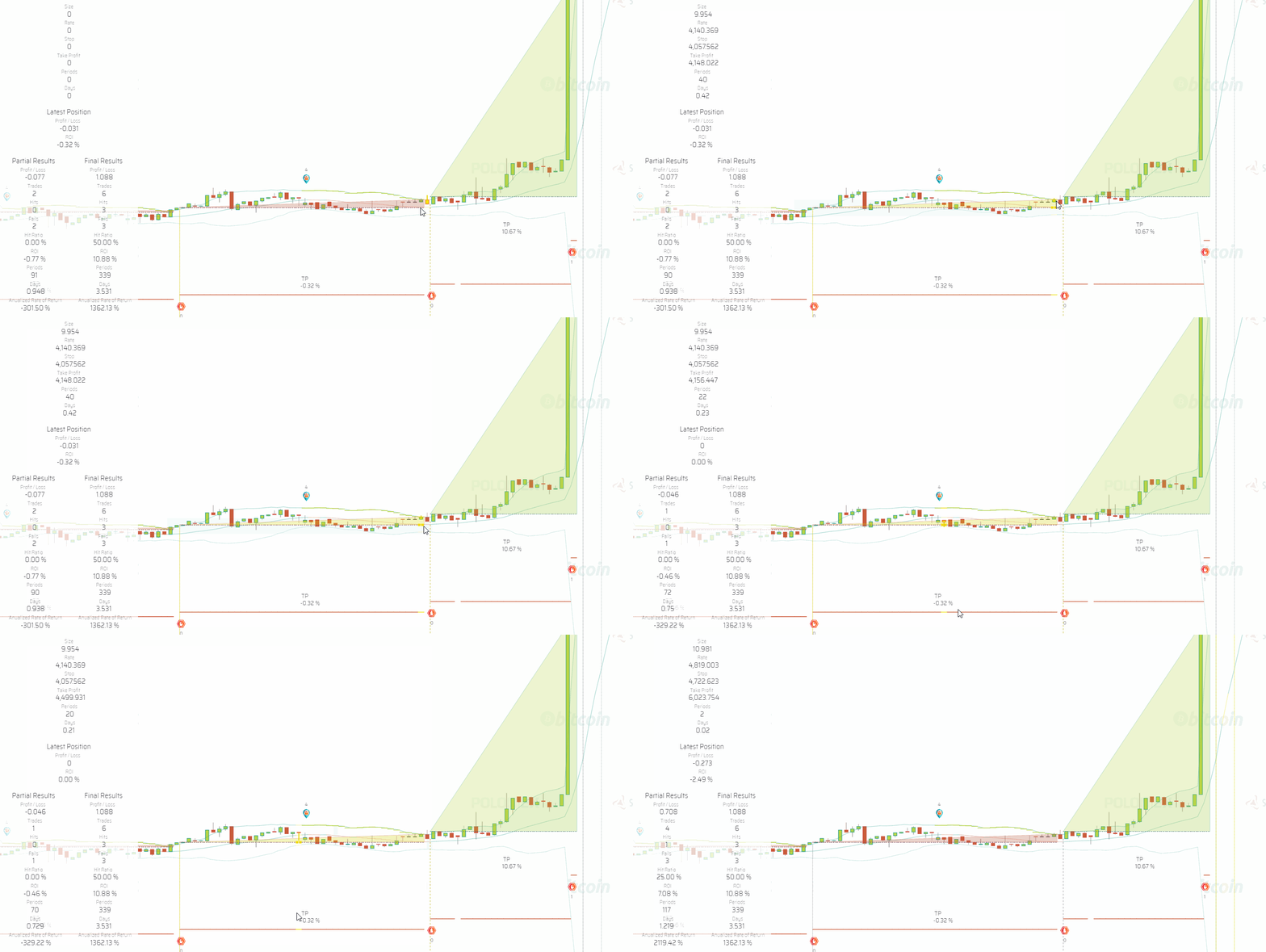](https://user-images.githubusercontent.com/13994516/63636432-8d8cdf80-c66f-11e9-86a3-480d157d8126.gif)\r","\r","The trade hits the take profit target above the Position Rate level, however, due to fees, the trade has a negative 0.32% ROI.\r","\r"],"folderName":"network","starting":["\r","\r","XXXXXXXXXXXXXXXXXXXXXXXXXXXXXXXXXXXXXXXXXXXXXXXXXXXXXX\r","\r"],"adding":["\r","\r","To add a parameter that may be missing, select *Add Missing Params* on the parameters node menu. \r","\r"],"configuring":["\r","\r","Select *Configure Fee Structure* on the menu to access the configuration.\r","\r","```json\r","{\r","\"maker\": 0.15,\r","\"taker\": 0.25\r","}\r","```\r","\r","* ```maker``` is the setting for the fee the exchange charges when an order adds liquidity to the market, such as with limit orders.\r","\r","* ```taker``` is the setting for the fee the exchange charges when an order takes liquidity from the market, such as with market or instant orders.\r","\r","{% include note.html content=\"Check the fees structure in your exchange, carefully looking into the tier you fall in to feed accurate assumptions to your backtesting and paper trading sessions.\" %}\r","\r","{% include note.html content=\"If the fee structure parameter is left empty or detached both from your session and your trading system, fees are not computed during simulations.\" %}\r","\r","{% include important.html content=\"Remember that, for the time being, and until the new execution engine is released, all orders placed by the trading bot are *market orders*, thus, the *taker* fee applies in all cases.\" %}\r","\r"]},{"type":"Snapshots","definition":"Snapshots are CSV files output by the trading bot listing every trade in a backtesting session. The snapshots parameter determines whether snapshots shall be produced, and how.","content":["\r","\r","Learn more about [snapshots](suite-snapshots.html) and check the configuration file to control if and how snapshots are produced.\r","\r"],"folderName":"network","adding":["\r","\r","To add a parameter that may be missing, select *Add Missing Params* on the parameters node menu. \r","\r"],"configuring":["\r","\r","Select *Configure Slippage* on the menu to access the configuration.\r","\r","```json\r","{ \r"," \"strategy\": true,\r"," \"position\": true\r","}\r","```\r","\r","* ```strategy``` determines whether to take a snapshot at the trigger on event or not; possible values are ```true``` or ```false```.\r","\r","* ```position``` determines whether to take a snapshot at the take position event or not; possible values are ```true``` or ```false```.\r","\r"],"starting":["\r","\r","XXXXXXXXXXXXXXXXXXXXXXXXXXXXXXXXXXXXXXXXXXXXXXXXXXXXXX\r","\r"]},{"type":"Heartbeats","definition":"During a trading session, the backend communicates with the front end via heartbeats to inform the frontend about the status of the session. The parameter controls what information is made available to the user through the frontend.","content":["\r","\r","This parameter affects how you see the progress of the trading session below the trading bot instance node on the design space.\r","\r"],"folderName":"network","adding":["\r","\r","To add a parameter that may be missing, select *Add Missing Params* on the parameters node menu. \r","\r"],"configuring":["\r","\r","Select *Configure Slippage* on the menu to access the configuration.\r","\r","```json\r","{ \r"," \"date\": true,\r"," \"candleIndex\": false\r","}\r","```\r","\r","* ```date``` determines whether the date is shown in the progress notice below the trading process instance node; possible values are ```true``` or ```false```.\r","\r","* ```candleIndex``` determines whether the index of the candle is shown in the progress notice below the trading process instance node; possible values are ```true``` or ```false```.\r","\r","\r"],"starting":["\r","\r","XXXXXXXXXXXXXXXXXXXXXXXXXXXXXXXXXXXXXXXXXXXXXXXXXXXXXX\r","\r"]},{"type":"User Defined Parameters","definition":"Users may define parameters to be used within the trading system during the trading session.","content":["\r","\r","Parameters defined in the configuration file of these node become available to trading systems using the following path: ```sessionParameters.userDefinedParameters.config.parameterName```.\r","\r","These parameters may be useful, for example, when you wish to use a *constant* multiple times across several nodes in the definition of a strategy. Instead of feeding a constant value to all formulas involved, you may feed the parameter instead. This gives you the added benefit of being able to change the value of such a constant in a single point.\r","\r"],"folderName":"network","adding":["\r","\r","To add a parameter that may be missing, select *Add Missing Params* on the parameters node menu. \r","\r"],"configuring":["\r","\r","Select *Configure Slippage* on the menu to access the configuration.\r","\r","```json\r","{ \r"," \"param1Name\": \"A text string value example\",\r"," \"param2Name\": 0\r","}\r","```\r","\r","* ```param1Name``` is an example of a name. You may change the names of the parameters as required. Values including text strings go between quotation marks, while numeric values, without. You may define as many parameters as you wish; simply separate them with a comma to keep a valid JSON format for the configuration file.\r","\r"],"starting":["\r","\r","XXXXXXXXXXXXXXXXXXXXXXXXXXXXXXXXXXXXXXXXXXXXXXXXXXXXXX\r","\r"]},{"type":"Time Frames Filter","definition":"The time frame filters node allows control over which time frames are to be calculated by each indicator bot instance running on the data mining operation.","content":["\r","\r","Limiting the number of time frames calculated by any given indicator to the few that may be required by a particular trading system has a significant positive impact on performance: it reduces the load on the CPU, the memory requirements, and the requirements of storage space, in proportion with the time frames you remove.\r","\r","When a time frames filter is set up, a ```Time.Frames.json``` file is created by the indicator process in the corresponding output folder. This file is read by others—such as the charting system—to get the information regarding which time frames are available and which are not, to avoid reporting errors.\r","\r","{% include important.html content=\"Before applying a time frames filter or changing the configuration, that is, changing which time frames are produced and which are not, it is highly recommended to delete the data corresponding to the affected indicator, to avoid inconsistencies in the data that may later cause confusion.\" %}\r","\r","{% include note.html content=\"When no time frames filter is defined, the bot processes all time frames by default.\" %}\r","\r"],"folderName":"network","starting":["\r","\r","XXXXXXXXXXXXXXXXXXXXXXXXXXXXXXXXXXXXXXXXXXXXXXXXXXXXXX\r","\r"],"adding":["\r","\r","To add the {{ title | downcase }} node, select *Add {{ title }}* on the parent node menu. \r","\r"],"configuring":["\r","\r","Select *Configure* on the menu to access the configuration.\r","\r","```json\r","{ \r","\"dailyTimeFrames\": [ \"45-min\", \"40-min\", \"30-min\", \"20-min\", \"15-min\", \"10-min\", \"05-min\", \"04-min\", \"03-min\", \"02-min\", \"01-min\" ],\r","\"marketTimeFrames\": [ \"24-hs\", \"12-hs\", \"08-hs\", \"06-hs\", \"04-hs\", \"03-hs\", \"02-hs\", \"01-hs\"]\r","}\r","```\r","\r","* ```dailyTimeFrames``` features the time frames corresponding to the *daily files* type of data structure; in practical terms, the time frames below one hour.\r","\r","* ```marketTimeFrames``` features the time frames corresponding to the *market files* type of data structure; in practical terms, the time frames of one hour and above.\r","\r","{% include tip.html content=\"Remove the time frames you are not interested in, making sure the JSON file is still valid.\" %}\r","\r"]},{"type":"Paper Trading Session","definition":"A paper trading session is a trading mode by which the trading bot instance reads a live market data feed, applies the rules defined in the associated trading system, and generates a trading simulation.","content":["\r","\r","A paper trading session node must reference a trading system to gain access to the trading logic to be applied during the session. Other considerations framing the session come from the set of parameters attached to it.\r","\r"],"folderName":"network","adding":["\r","\r","To add a paper trading session, select *Add Paper Trading Session* on the trading process instance node menu. When a session is added, it is created with the full set of parameters.\r","\r","{% include note.html content=\"After adding a session node, make sure you establish a reference to the trading system you want it to work with.\" %}\r","\r"],"configuring":["\r","\r","Select *Configure Session* on the menu to access the configuration.\r","\r","```json\r","{\r","\"folderName\": \"Session-Name\"\r","}\r","```\r","\r","* ```folderName``` allows you to set a significant name to the folder in which the data products—and logs—generated by the session are stored. If left blank, the system names the folders with the session id. This may be handy when you intend to consult the raw data generated by the session, as, otherwise, the folder would be hard to identify.\r","\r"],"starting":["\r","\r","Before you start a paper trading session, the corresponding task needs to be running, as it is the task that puts the trading bot instance to run. Once the trading bot instance is running, select *Run* on the menu to start the session.\r","\r","To stop a backtesting session, select *Stop* on the menu.\r","\r"]},{"type":"Forward Testing Session","definition":"A forward testing session is a trading mode by which the trading bot instance performs live trading with a user-defined fraction of the available capital.","content":["\r","\r","A forward testing session node must reference a trading system to gain access to the trading logic to be applied during the session. Other considerations framing the session come from the set of parameters attached to it.\r","\r","{% include important.html content=\"Running a live session requires the setup of a key reference at the market reference. It also requires a live data feed, meaning that the corresponding sensor bot, along with all indicators used by the referenced trading system, must be up and running. Finally, a live session also requires at least 48 hours of historic market data. Bear in mind that the trading system may require even more historic market data to properly analyze the market.\" %}\r","\r"],"folderName":"network","adding":["\r","\r","To add a forward testing session, select *Add Forward Testing Session* on the trading process instance node menu. When a session is added, it is created with the full set of parameters.\r","\r","{% include note.html content=\"After adding a session node, make sure you establish a reference to the trading system you want it to work with.\" %}\r","\r"],"configuring":["\r","\r","Select *Configure Session* on the menu to access the configuration.\r","\r","```json\r","{ \r","\"folderName\": \"Session-Name\",\r","\"balancePercentage\": 1\r","}\r","```\r","\r","* ```folderName``` allows you to set a significant name to the folder in which the data products—and logs—generated by the session are stored. If left blank, the system names the folders with the session id. This may be handy when you intend to consult the raw data generated by the session, as, otherwise, the folder would be hard to identify.\r","\r","* ```balancePercentage``` is a number defining the percentage of the initialBalance specified in the base aset configuration that will be used for trading. For instance, ```\"balancePercentage\": 1``` means that 1% of your balance will be made available. Just like the ```initialBalance``` is scaled down, the ```minimumBalance``` and ```maximumBalance``` are also scaled down accordingly (see base asset).\r","\r","Let's draw a quick example:\r","\r","Your base asset is USDT and your initialBalance is USDT 10,000.\r","\r","If you set up your forward-testing session with \"balancePercentage\": \"1\", then USDT 10,000 * 1% = USDT 100. This is the balance that will be available to your forward-testing session.\r","\r","{% include important.html content=\"You need to take this into account at the time of defining your positionSize formula. If the formula is a constant, you may easily run out of balance, as only a fraction of the balance will be available for the strategy to use. It may be a good idea to set up your positionSize as a function of your available balance instead.\" %}\r","\r"],"starting":["\r","\r","Before you start a forward testing session, the corresponding task needs to be running, as it is the task that puts the trading bot instance to run. Once the trading bot instance is running, select *Run* on the menu to start the session.\r","\r","To stop a backtesting session, select *Stop* on the menu.\r","\r"]},{"type":"Key Reference","definition":"The key reference is a reference to an exchange account key as defined in a specific user account, in a specific exchange, on the Crypto Ecosystem hierarchy.","content":["\r","\r","Usually, exchanges require autentication via your exchange account key for monetary transactions only. However, some exchanges may require autentication in other contexts as well, for instance, to retrieve information above a certain quota, or to retrieve raw trades data instead of OHLCV data.\r","\r","For those reasons, exchange key references are available both in the context of data mining and trading operations, and are always attached to the corresponding task.\r","\r","Forward testing and live trading sessions always require setting up key references, as that is the kind of scenario in which the user must validate with the exchange.\r","\r","In all cases, the key reference node must reference a valid exchange account key from an account with the exchange, as defined in the Crypto Ecosystem hierarchy.\r","\r","{% include important.html content=\"Most exchanges do not allow the same exchange account key to be used with multiple processes querying the exchange API. This means that if you are trading with multiple trading systems or multiple sessions on the same exchange, each session requires different exchange account keys.\" %}\r","\r"],"folderName":"network","adding":["\r","\r","To add a key reference, select *Add Key Reference* on the task node menu.\r","\r","{% include note.html content=\"Remember to establish a reference with a valid exchange account key after creating the key reference.\" %}\r","\r"],"configuring":["\r","\r","XXXXXXXXXXXXXXXXXXXXXXXXXXXXXXXXXXXXXXXXXXXXXXXXXXXXXX\r","\r"],"starting":["\r","\r","XXXXXXXXXXXXXXXXXXXXXXXXXXXXXXXXXXXXXXXXXXXXXXXXXXXXXX\r","\r"]},{"type":"Live Trading Session","definition":"A live trading session is a trading mode by which the trading bot instance reads a live market data feed, applies the rules as defined in the associated trading system, places the corresponding orders at the associated exchange, and stores the defined data products.","content":["\r","\r","A live trading session node must reference a trading system to gain access to the trading logic to be applied during the session. Other considerations framing the session come from the set of parameters attached to it.\r","\r","{% include important.html content=\"Running a live session requires the setup of a key reference at the market reference. It also requires a live data feed, meaning that the corresponding sensor bot, along with all indicators used by the referenced trading system, must be up and running. Finally, a live session also requires at least 48 hours of historic market data. Bear in mind that the trading system may require even more historic market data to properly analyze the market.\" %}\r","\r"],"folderName":"network","adding":["\r","\r","To add a live trading session, select *Add Live Trading Session* on the trading process instance node menu. When a session is added, it is created with the full set of parameters.\r","\r","{% include note.html content=\"After adding a session node, make sure you establish a reference to the trading system you want it to work with.\" %}\r","\r"],"configuring":["\r","\r","Select *Configure Session* on the menu to access the configuration.\r","\r","```json\r","{\r","\"folderName\": \"Session-Name\"\r","}\r","```\r","\r","* ```folderName``` allows you to set a significant name to the folder in which the data products—and logs—generated by the session are stored. If left blank, the system names the folders with the session id. This may be handy when you intend to consult the raw data generated by the session, as, otherwise, the folder would be hard to identify.\r","\r"],"starting":["\r","\r","Before you start a live trading session, the corresponding task needs to be running, as it is the task that puts the trading bot instance to run. Once the trading bot instance is running, select *Run* on the menu to start the session.\r","\r","To stop a backtesting session, select *Stop* on the menu.\r","\r"]},{"type":"Sensor Bot Instance","definition":"A sensor bot instance is a reference to a sensor bot as defined in a data mine. The instance of the bot runs the defined processes and generates the defined data products.","content":["\r","\r","{{site.data.concepts.sensor_bot}}\r","\r","The sensor bot instance holds no definitions as to what the bot does. Instead, its process instance references a process definition in the corresponding data mine. That is how the sensor bot instance obtains the information regarding what it needs to do once it is run.\r","\r"],"folderName":"network","adding":["\r","\r","To add a sensor bot instance, select *Add Sensor Bot Instance* on the task node menu.\r","\r"],"configuring":["\r","\r","Select *Configure Sensor Bot Instance* on the menu to access the configuration.\r","\r","```json\r"," {\r"," \"startDate\": \"2020-01-01\"\r"," }\r","```\r","\r","* ```startDate``` is the *desired starting date* of the data product the sensor bot instance builds, in the ```YYYY-MM-DD``` format. The sensor bot instance queries its data source for data starting on the configured ```startDate```.\r","\r"," * The actual date in which the dataset starts depends on external factors: A. The market may start at a later date. B. The exchange may limit how far in the past data may be retrieved. In both cases, the sensor bot automatically discovers the date closest to the *desired starting date* that is possible to start with, and proceeds accordingly.\r","\r"," * In the case the ```startDate``` is changed after the sensor bot has started building a data product, either for an earlier or later date, the sensor re-evaluates the feasibility of starting at the new date. The actual date may or may not change; regardless, the sensor bot discards the existing data product and starts over from the newly discovered date. In other words, if the ```startDate``` is changed, the sensor bot starts over.\r"," \r"," * Notice that the above starts a chain reaction among all indicator bots that have a data dependency with the sensor bot's output dataset. Also, if the actual date ends up changing, all indicators that determine the starting date of the market by looking at the date discovered by the sensor bot have to discard their existing data products and start over from the new date.\r","\r","\r"],"starting":["\r","\r","You do not start or stop a sensor bot instance directly. Instead, you start or stop the corresponding task.\r","\r"]},{"type":"Indicator Bot Instance","definition":"An indicator bot instance is a reference to an indicator bot as defined in a data mine. The instance of the bot runs the defined processes and generates the defined data products.","content":["\r","\r","{{site.data.concepts.indicator_bot}}\r","\r","The indicator bot instance holds no definitions as to what the bot does. Instead, its processes instances reference the process definitions in the corresponding data mine. That is how the indicator bot instance obtains the information of what it needs to do once it is run.\r","\r"],"folderName":"network","adding":["\r","\r","To add an indicator bot instance, select *Add Indicator Bot Instance* on the task node menu.\r","\r"],"configuring":["\r","\r","XXXXXXXXXXXXXXXXXXXXXXXXXXXXXXXXXXXXXXXXXXXXXXXXXXXXXX\r","\r"],"starting":["\r","\r","You do not start or stop an indicator bot instance directly. Instead, you start or stop the corresponding task.\r","\r"]},{"type":"Data Mine","definition":"A data mine is a hierarchy that contains definitions of bots, including the trading bot, sensors, indicators, and even plotters. These definitions make up the actual programs of such bots—the source code.","content":["\r","\r","In a way, data mines are catalogs of bots that anyone may create. This hierarchy provides all the tools required to create sensors, indicators, and plotters, with minimal coding required.\r","\r","Because the hierarchy provides definitions, it does not intervene in the execution of bots. Instead, the definitions in data mines are instantiated from the network hierarchy by bot instances. Bot instances and process instances are the ones running the code according to the definitions in the corresponding data mine.\r","\r","{% include important.html content=\"Changes made to data mines shipping with the system may not be saved at the workspace level. If you wish to modify those hierarchies and use them in such modified versions, you need to clone them and modify the clone instead. To do this successfully, you need to learn more about [backups](suite-backups.html) and [clones](suite-clones.html).\" %}\r","\r"],"folderName":"data_mine","adding":["\r","\r","To add a data mine, select *Add Data Mine* on the workspace node menu.\r","\r"],"configuring":["\r","\r","Select *Configure Data Mine* on the menu to access the configuration.\r","\r","```json\r","{\r","\"codeName\": \"Supermine\"\r","}\r","```\r","\r","* ```codeName``` is the name of the data mine as used within the code of the system.\r","\r"],"starting":["\r","\r","XXXXXXXXXXXXXXXXXXXXXXXXXXXXXXXXXXXXXXXXXXXXXXXXXXXXXX\r","\r"]},{"type":"Trading Mine"},{"type":"Sensor Bot","definition":"A sensor bot is an algorithm that extracts raw data from external sources (i.e.: exchanges, Twitter, etc.) and stores it in a dataset that other bots may consume.","content":["\r","\r","The sensor bot node holds all definitions required for a sensor bot to function. Definitions are split between the definition of processes and products. A sensor's processes is an algorithm that obtains data from a third pary and produces an output for other bots to consume. Part of that output is the data products the bot creates.\r","\r"],"folderName":"data_mine","adding":["\r","\r","To add a sensor bot, select *Add Sensor Bot* on the data mine node menu. A sensor bot is created along with the basic structure of nodes required to define it.\r","\r"],"configuring":["\r","\r","Select *Configure Bot* on the menu to access the configuration.\r","\r","```json\r","{\r","\"codeName\": \"Super\",\r","\"repo\": \"Super-Sensor-Bot\"\r","}\r","```\r","\r","* ```codeName``` is the name of the bot as used within the code of the system.\r","\r"],"starting":["\r","\r","XXXXXXXXXXXXXXXXXXXXXXXXXXXXXXXXXXXXXXXXXXXXXXXXXXXXXX\r","\r"]},{"type":"Process Definition","definition":"The process definition node groups all definitions required for a process to function. The Multi-Period-Market Process deals with time frames of one hour and above. The Multi-Period-Daily Process deals with time frames of 45 minutes and below.","content":["\r","\r","As hinted above, most bots—in particular indicators—have two different processes. The reason is that different data structures need to be handled in different manners. The Multi-Period-Daily process handles *daily files*, while the Multi-Period-Market process handles *market files*.\r","\r","The Multi-Period-Market process deals with time frames of one hour and above. Because these time frames produce relatively small numbers of records, the process builds one single file per time frame spanning the whole market history—hence the name Multi-Period-*Market*.\r","\r","On the other hand, the Multi-Period-Daily process deals with time frames below one hour. These time frames produce huge numbers of records, therefore, the corresponding data must be fragmented in multiple files. The Multi-Period-Daily process builds one file per day for each time frame—hence the name Multi-Period-*Daily*.\r","\r","{% include note.html content=\"The way in which datasets are structured by each of the processes is determined by the corresponding dataset definitions.\" %}\r","\r","\r"],"folderName":"data_mine","adding":["\r","\r","To add a process definition, select *Add Process Definition* on the bot's menu. A process definition node is created along with the basic structure of nodes comprising the definition.\r","\r"],"configuring":["\r","\r","Select *Configure Process* on the menu to access the configuration.\r","\r","**Multi-Period-Market:**\r","\r","```json\r"," {\r"," \"codeName\": \"Multi-Period-Market\",\r"," \"normalWaitTime\": 0,\r"," \"retryWaitTime\": 10000,\r"," \"framework\": {\r"," \"name\": \"Multi-Period-Market\"\r"," }\r"," }\r","```\r","\r","**Multi-Period-Daily:**\r","\r","```json\r"," {\r"," \"codeName\": \"Multi-Period-Daily\",\r"," \"normalWaitTime\": 0,\r"," \"retryWaitTime\": 10000,\r"," \"framework\": {\r"," \"name\": \"Multi-Period-Daily\"\r"," }\r"," }\r","```\r","\r","* ```codeName``` is the name of the process as used within the code of the system.\r","\r"],"starting":["\r","\r","XXXXXXXXXXXXXXXXXXXXXXXXXXXXXXXXXXXXXXXXXXXXXXXXXXXXXX\r","\r"]},{"type":"Process Output","definition":"The process output groups the definitions of which datasets are impacted by the process, that is, which datasets the process builds or takes a part in building.","content":["\r","\r","XXXXXXXXXXXXXXXXXXXXXXXXXXXXXXXXXXXXXXXXXXXXXXXXXXXXXX\r","\r"],"folderName":"data_mine","adding":["\r","\r","To add a process output node, select *Add Missing Items* on the process definition node menu. Items that may be missing are created along with the basic structure of nodes required to define them.\r","\r"],"configuring":["\r","\r","XXXXXXXXXXXXXXXXXXXXXXXXXXXXXXXXXXXXXXXXXXXXXXXXXXXXXX\r","\r"],"starting":["\r","\r","XXXXXXXXXXXXXXXXXXXXXXXXXXXXXXXXXXXXXXXXXXXXXXXXXXXXXX\r","\r"]},{"type":"Process Dependencies","definition":"Process dependencies are references to various data structures on which the process depends to function.","content":["\r","\r","While processes run autonomously, most processes participate in a value-adding chain by which a process produces a data product that other processes may consume as an input to be processed further. This means that bots—while autonomous in their particular jobs—do depend both on other bots and on the data other bots produce.\r","\r"],"folderName":"data_mine","adding":["\r","\r","To add a process dependencies node, select *Add Missing Items* on the process definition node menu. Items that may be missing are created along with the basic structure of nodes required to define them.\r","\r"],"configuring":["\r","\r","XXXXXXXXXXXXXXXXXXXXXXXXXXXXXXXXXXXXXXXXXXXXXXXXXXXXXX\r","\r"],"starting":["\r","\r","XXXXXXXXXXXXXXXXXXXXXXXXXXXXXXXXXXXXXXXXXXXXXXXXXXXXXX\r","\r"]},{"type":"Status Dependency","definition":"Status dependencies are references to a status report that define which process the process establishing the reference depends on.","content":["\r","\r","The reference is established to acquire the information relative to what the target process is doing. For example, by reading a status report a process may learn when was the last time the referenced process ran, and what was the last file processed.\r","\r","The status report referenced may belong to the same process— which is called a self-reference. In such a case, the process is learning what it did the last time it ran. Also, the status report referenced may belong to another process—another bot. In that case, the dependency may be of the Market Starting Point or Market Ending Point types.\r","\r","* **Self Reference** is mandatory, as a process needs to read its own status report every time it wakes up.\r","\r","* **Market Starting Point** is a status dependency existing on Multi-Period-Daily processes so that the process establishing the reference learns the datetime of the start of the market. Usually, the reference is established with the sensor's Historic-OHLCVs process status report. Multi-Period-Market processes do not have this type of status dependency as the date of the start of the market is implied in their dataset (a single file with all market data).\r","\r","* **Market Ending Point** is a status dependency existing both in Multi-Period-Market and Multi-Period-Daily processes so that the process establishing the reference knows the datetime of the end of the market.\r","\r","[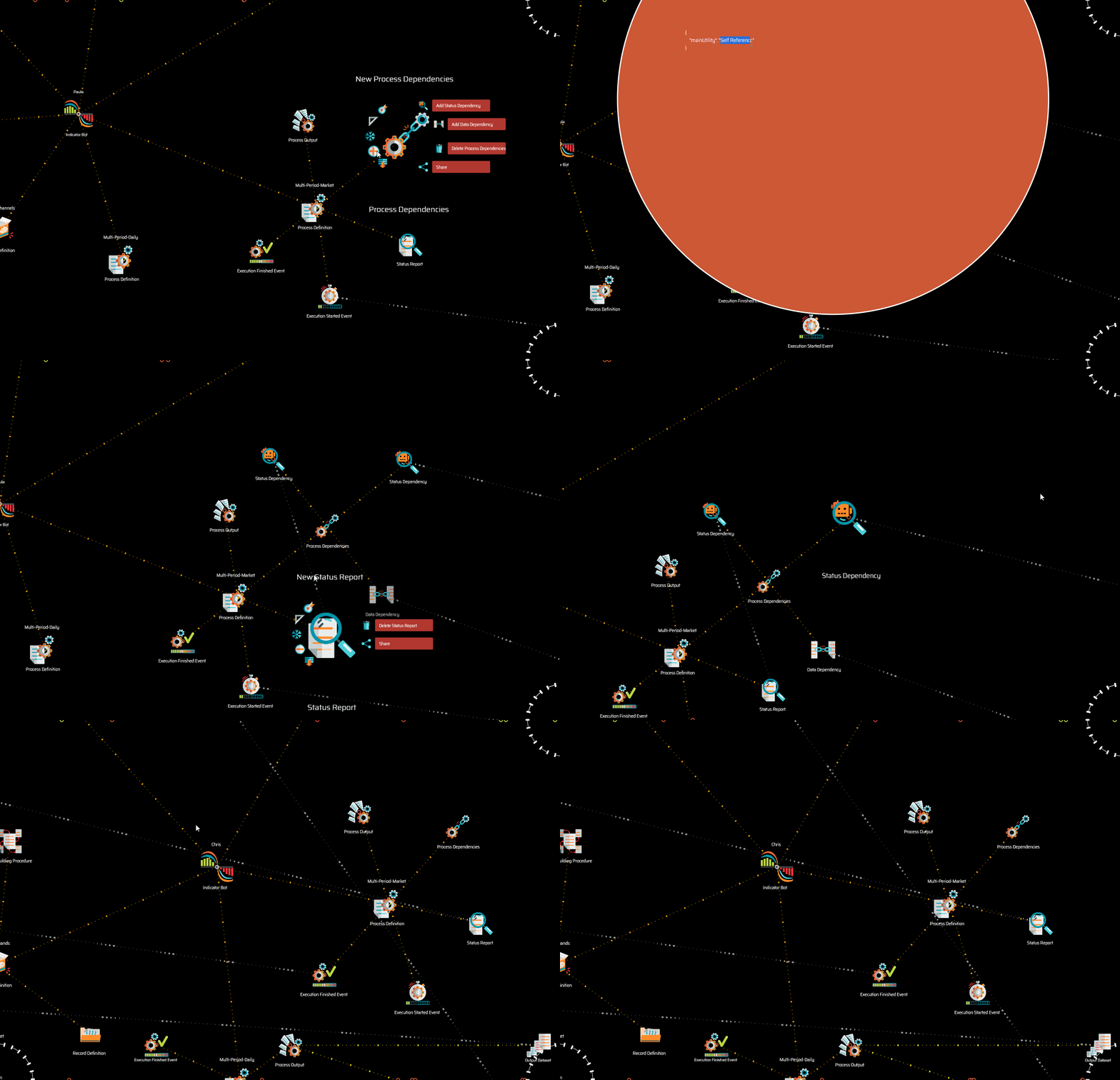](https://user-images.githubusercontent.com/13994516/68991956-dfa36280-0864-11ea-87ec-f0e4e3b7bf0f.gif)\r","\r","The image above shows a case of a self-reference status dependency as well as a market ending point status dependency.\r","\r"],"folderName":"data_mine","adding":["\r","\r","To add a status dependency, select *Add Status Dependency* on the process dependencies node menu.\r","\r","{% include tip.html content=\"Remember that a status dependency must be configured, and must establish a reference to the appropriate status report.\" %}\r","\r"],"configuring":["\r","\r","Select *Configure Status Dependency* on the menu to access the configuration.\r","\r","```json\r","{ \r","\"mainUtility\": \"Self Reference|Market Starting Point|Market Ending Point\"\r","}\r","```\r","\r","* ```mainUtility``` determines the type of status dependency, with possible values being ```Self Reference```, ```Market Starting Point```, or ```Market Ending Point```.\r","\r"],"starting":["\r","\r","XXXXXXXXXXXXXXXXXXXXXXXXXXXXXXXXXXXXXXXXXXXXXXXXXXXXXX\r","\r"]},{"type":"Status Report","definition":"Status reports serve as temporal annotations that bots read every time they run to know what was done in the previous cycle and what the state of affairs is at present. Status reports are dynamic, and they change constantly, with updates after every cycle of the associated process.","content":["\r","\r","Bots do not run continuously. Instead, they run in cycles. A cycle usually lasts until there is no more data to process, and once they finish, they shut down until the next cycle is due. A status report is a file every bot writes at the end of each cycle with information about the last run, including the datetime of the run and the last record processed.\r","\r","A status report may be consumed by the same bot producing it, or by other bots.\r","\r"],"folderName":"data_mine","adding":["\r","\r","To add a status report, select *Add Missing Items* on the process definition node menu. Items that may be missing are created along with the basic structure of nodes required to define them.\r","\r"],"configuring":["\r","\r","XXXXXXXXXXXXXXXXXXXXXXXXXXXXXXXXXXXXXXXXXXXXXXXXXXXXXX\r","\r"],"starting":["\r","\r","XXXXXXXXXXXXXXXXXXXXXXXXXXXXXXXXXXXXXXXXXXXXXXXXXXXXXX\r","\r"]},{"type":"Execution Started Event","definition":"The execution started event is the event that triggers the execution of a process. It usually references the execution finished event of another process on which the process depends on.","content":["\r","\r","These references determine when a process is due for another run. By listening to the execution finished event of the process it depends on, it may wake up just in time to process the new batch of data the dependency has just delivered.\r","\r","Bots form a sort of multi-branched execution sequence with an indeterminate number of dependencies. Every time the bot further down the tree of dependencies finishes a cycle, it triggers the execution of multiple bots listening to its execution finished event.\r","\r","In the context of a trading process instance running a trading session on the network hierarchy, the execution started event may be used to force the trading process to run only after the last indicator bot dependency finishes its job. This guarantees that all dependencies are up to date and that the trading bot will evaluate the information corresponding to the same candles for all indicators used by the trading system.\r","\r","Not setting up this event on a trading session may result in eventual data inconsistencies, as—in theory—the trading bot may run with some indicators up to date and some slightly delayed.\r","\r"],"folderName":"data_mine","adding":["\r","\r","To add an execution started event, select *Add Missing Items* on the process definition node menu. Items that may be missing are created along with the basic structure of nodes required to define them.\r","\r","{% include tip.html content=\"Remember that an execution started event must establish a reference to the appropriate execution finished event.\" %}\r","\r"],"configuring":["\r","\r","XXXXXXXXXXXXXXXXXXXXXXXXXXXXXXXXXXXXXXXXXXXXXXXXXXXXXX\r","\r"],"starting":["\r","\r","XXXXXXXXXXXXXXXXXXXXXXXXXXXXXXXXXXXXXXXXXXXXXXXXXXXXXX\r","\r"]},{"type":"Execution Finished Event","definition":"The execution finished event is the event that processes trigger once they have finished an execution cycle. The event is broadcasted to whoever wants to listen, so that other bots may know when the process has finished its execution cycle.","content":["\r","\r","The execution finished event is responsible for triggering the execution of every process that depends on the data a bot produces. If bot Alice depends on bot Bob, Alice listens to the execution finished event of Bob so that it may start a new execution cycle as soon as Bob finishes its cycle. Alice listens to Bob's execution finished event by establishing a reference from its execution started event.\r","\r","[](https://user-images.githubusercontent.com/13994516/68993254-39605880-0876-11ea-9ee7-9f49976bd2dc.gif)\r","\r","The image above shows a reference established from the execution started event of a process to the execution finished event of another process.\r","\r"],"folderName":"data_mine","adding":["\r","\r","To add an execution finished event, select *Add Missing Items* on the process definition node menu. Items that may be missing are created along with the basic structure of nodes required to define them.\r","\r"],"configuring":["\r","\r","XXXXXXXXXXXXXXXXXXXXXXXXXXXXXXXXXXXXXXXXXXXXXXXXXXXXXX\r","\r"],"starting":["\r","\r","XXXXXXXXXXXXXXXXXXXXXXXXXXXXXXXXXXXXXXXXXXXXXXXXXXXXXX\r","\r"]},{"type":"Output Dataset Folder","definition":"An output dataset folder is an organizational device used to create arrangements of output datasets, particularly useful when the bot has many products.","content":["\r","\r","In cases in which a single bot has many different products, output dataset folders may help organize the outputs referencing each product, making their management easier. Folders may be nested like folders in the file system.\r","\r","The use of output dataset folders is optional, as product definitions may also exist outside of folders.\r","\r"],"folderName":"data_mine","adding":["\r","\r","To add the {{ title | downcase }} node, select *Add {{ title }}* on the parent node menu. \r","\r"],"configuring":["\r","\r","Select *Configure* on the menu to access the configuration.\r","\r","```json\r","XXXXXXXXXXXXXXXXXXXXXXXXXXXXXXXXXXXXXXXXXXXXXXXXXXXXXX\r","```\r","\r"],"starting":["\r","\r","XXXXXXXXXXXXXXXXXXXXXXXXXXXXXXXXXXXXXXXXXXXXXXXXXXXXXX\r","\r"]},{"type":"Product Definition Folder","definition":"A product definition folder is an organizational device used to create arrangements of product definitions, particularly useful when the bot has many products.","content":["\r","\r","In cases in which a single bot has many different products, product definitions folders may help organize those products, making their management easier. Folders may be nested like folders in the file system.\r","\r","The use of product definition folders is optional, as product definitions may also exist outside of folders.\r","\r"],"folderName":"data_mine","adding":["\r","\r","To add the {{ title | downcase }} node, select *Add {{ title }}* on the parent node menu. \r","\r"],"configuring":["\r","\r","XXXXXXXXXXXXXXXXXXXXXXXXXXXXXXXXXXXXXXXXXXXXXXXXXXXXXX\r","\r"],"starting":["\r","\r","XXXXXXXXXXXXXXXXXXXXXXXXXXXXXXXXXXXXXXXXXXXXXXXXXXXXXX\r","\r"]},{"type":"Product Definition","definition":"The product definition node holds all definitions that make up a product, including how the product is calculated and the datasets the product is comprised of.","content":["\r","\r","A bot may feature multiple products, thus, there may be multiple product definitions. Three main aspects need to be defined in terms of products: the characteristics of the dataset, the composition of each record, and the way records are calculated.\r","\r","{% include note.html content=\"A product definition usually references a plotter module, which provides a graphic representation of the underlying dataset\" %}\r","\r"],"folderName":"data_mine","adding":["\r","\r","To add a product definition, select *Add Product Definition* on the bot's node menu. A product definition is created along with the basic structure of nodes required to make up a product.\r","\r"],"configuring":["\r","\r","Select *Configure Product* on the menu to access the configuration.\r","\r","```json\r","{\r"," \"codeName\": \"Product-Name\",\r"," \"singularVariableName\": \"productName\",\r"," \"pluralVariableName\": \"productNames\"\r","}\r","```\r","\r","* ```codeName``` is the name of the product as it is used within the bot's code.\r","\r","* ```singularVariableName``` is the singular form of the name of the variable representing the product, as is used on strategies (*i.e.:* ```bollingerChannel.direction```, where *bollingerChannel* is the name of the product as defined in its configuration and *direction* is the name of the property.\r","\r","* ```pluralVariableName``` is the plural form of the variable.\r","\r"],"starting":["\r","\r","XXXXXXXXXXXXXXXXXXXXXXXXXXXXXXXXXXXXXXXXXXXXXXXXXXXXXX\r","\r"]},{"type":"Dataset Definition","definition":"A dataset definition contains a configuration file that defines many aspects of the dataset. There are two types of dataset definitions: Multi-Period-Market and Multi-Period-Daily.","content":["\r","\r","A good part of what makes datasets easy to consume by other bots is the fact that they are standardized in terms of their structure. It is that structure that is specified in the dataset definitions.\r","\r"],"folderName":"data_mine","adding":["\r","\r","To add a dataset definition, select *Add Dataset Definition* on the bot's node menu.\r","\r"],"configuring":["\r","\r","Select *Configure Definition* on the menu to access the configuration.\r","\r","**Multi-Period-Market:**\r","\r","```json\r","{\r"," \"codeName\": \"Multi-Period-Market\",\r"," \"type\": \"Market Files\",\r"," \"validTimeFrames\": [ \"24-hs\", \"12-hs\", \"08-hs\", \"06-hs\", \"04-hs\", \"03-hs\", \"02-hs\", \"01-hs\" ],\r"," \"filePath\": \"@Exchange/@BaseAsset-@QuotedAsset/@DataMine/@Bot/Output/@Product/@Dataset/@Period\",\r"," \"fileName\": \"Data.json\",\r"," \"timeFrames\": {\r"," \"filePath\": \"\",\r"," \"fileName\": \"\"\r"," }\r","}\r","```\r","\r","**Multi-Period-Daily:**\r","\r","```json\r","{\r"," \"codeName\": \"Multi-Period-Daily\",\r"," \"type\": \"Daily Files\",\r"," \"validTimeFrames\": [ \"45-min\", \"40-min\", \"30-min\", \"20-min\", \"15-min\", \"10-min\", \"05-min\", \"04-min\", \"03-min\", \"02-min\", \"01-min\" ],\r"," \"filePath\": \"@Exchange/@BaseAsset-@QuotedAsset/@DataMine/@Bot/Output/@Product/@Dataset/@Period/@Year/@Month/@Day\",\r"," \"fileName\": \"Data.json\",\r"," \"dataRange\": {\r"," \"filePath\": \"@Exchange/@BaseAsset-@QuotedAsset/@DataMine/@Bot/Output/@Product/@Dataset\",\r"," \"fileName\": \"Data.Range.json\"\r"," },\r"," \"timeFrames\": {\r"," \"filePath\": \"\",\r"," \"fileName\": \"\"\r"," }\r","}\r","```\r","\r","\r","* ```codeName``` is the name of the dataset as used within the code.\r","\r","* ```type``` refers to the type of dataset; possible values are ```Market Files``` and ```Daily Files```.\r","\r","* ```validTimeFrames``` refers to the time frames handled by the dataset.\r","\r","* ```filePath``` sets the path on which files are stored; the proper name of the data mine, the bot and the product need to be entered.\r","\r","* ```fileName``` sets the name of the files that constitute the dataset.\r","\r","* ```timeFrames``` sets the name and path of the file indicating which time frames shall be filtered when the users sets a time frames filter.\r","\r"],"starting":["\r","\r","XXXXXXXXXXXXXXXXXXXXXXXXXXXXXXXXXXXXXXXXXXXXXXXXXXXXXX\r","\r"]},{"type":"Indicator Bot","definition":"An indicator bot is an algorithm that processes information that other bots have generated, and produces elaborate datasets for others to consume.","content":["\r","\r","The indicator bot node holds all definitions required for an indicator bot to function. Definitions are split between the definition of processes and products. Processes are algorithms that go through an input dataset, perform certain calculations, and produce an output. Products are the outcome of the work produced by these algorithms, in the form of ellaborate data sets.\r","\r","Most of the behavior expected from an indicator bot is defined by the structure of nodes in the hierarchy and the references among the nodes within these definitions. As such, you do not need to code any of the functions that make up the infrastructure functionality. Dependencies, outputs, data structures, execution sequences, and several other problems are handled by the definitions embodied in the structure of nodes that make up an indicator, and are configured in the visual environment of the design space. Coding is limited to the actual calculation and data building procedures.\r","\r"],"folderName":"data_mine","adding":["\r","\r","To add an indicator bot, select *Add Indicator Bot* on the data mine node menu. An indicator bot is created along with the basic structure of nodes required to define it.\r","\r"],"configuring":["\r","\r","Select *Configure Bot* on the menu to access the configuration.\r","\r","```json\r","{\r","\"codeName\": \"Superbot\"\r","}\r","```\r","\r","* ```codeName``` is the name of the bot as used within the code of the system.\r","\r"],"starting":["\r","\r","XXXXXXXXXXXXXXXXXXXXXXXXXXXXXXXXXXXXXXXXXXXXXXXXXXXXXX\r","\r"]},{"type":"Output Dataset","definition":"The output dataset is a reference to a dataset definition. By establishing such reference, the process acquires the definitions as of how the dataset is to be constructed.","content":["\r","\r","There are other effects of establishing a reference from the output dataset to a product dataset definition. Upon execution, every time a process finishes a processing cycle, it triggers an event that may be consumed by other entities. This event indicates that the datasets impacted by the process have been updated.\r","\r","An example of other entities that may be listening to such events is that of plotters. Plotters read datasets and create graphical representations of this data over the charts. Charts are constantly updating the information in the form of candles and indicators in realtime, synchronized with the data being extracted from the exchange by the sensor bot. That kind of automatism is possible thanks to the events that processes trigger every time an execution cycle is finished, signaling to everyone listening that new data is available on each of the impacted datasets.\r","\r","[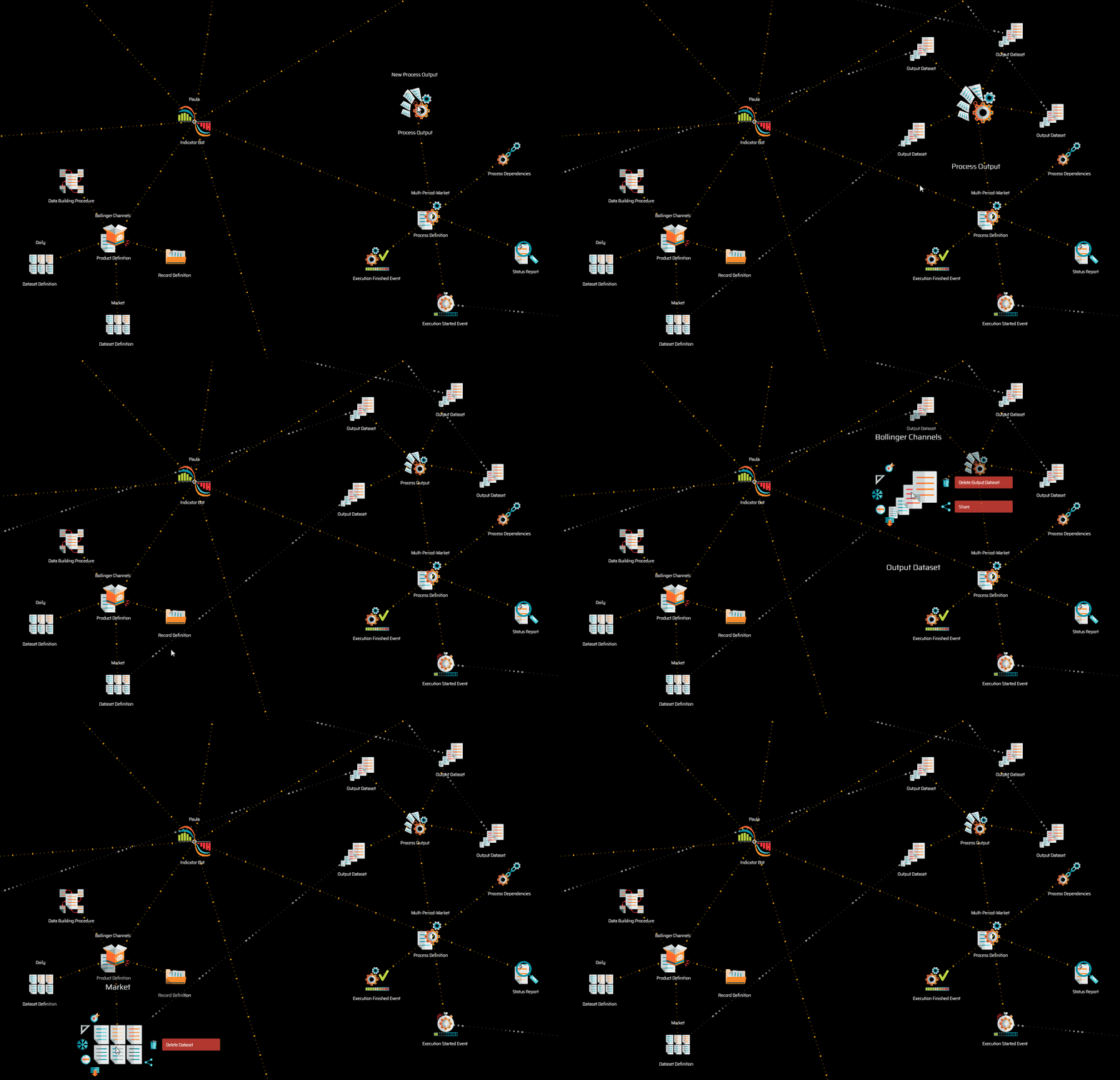](https://user-images.githubusercontent.com/13994516/68976798-f01cf400-07f6-11ea-9ffb-198b5853a220.gif)\r","\r","The image above shows the typical references from output datasets to datasets definitions.\r","\r","{% include note.html content=\"An output dataset must reference a dataset definition.\" %}\r","\r"],"folderName":"data_mine","adding":["\r","\r","Output datasets may be added in bulk, for all defined products, or one by one.\r","\r","To add a single {{ title | downcase }} node, select *Add {{ title }}* on the process output menu. \r","\r","{% include tip.html content=\"Remember that an output dataset must reference a valid dataset definition. Make sure you establish the reference after creating the output dataset.\" %}\r","\r","If you have defined multiple products, each with their dataset definitions, and wish to create all corresponding output datasets in bulk, select *Add All Output Datasets\" on the process output menu. The system maps the product definition folder structure with output dataset folders, creates all required output datasets, and establishes the references with the corresponding dataset definitions, with a single click of the button.\r","\r","{% include note.html content=\"Make sure each product has properly defined dataset definitions before creating output datasets in bulk. You may always delete the output datasets and re-create them at will.\" %}\r","\r"],"configuring":["\r","\r","XXXXXXXXXXXXXXXXXXXXXXXXXXXXXXXXXXXXXXXXXXXXXXXXXXXXXX\r","\r"],"starting":["\r","\r","XXXXXXXXXXXXXXXXXXXXXXXXXXXXXXXXXXXXXXXXXXXXXXXXXXXXXX\r","\r"]},{"type":"Data Dependency","definition":"Data dependencies are references established with dataset definitions of other bots, determining which datasets the process establishing the reference uses as input.","content":["\r","\r","Most bots consume data other bots have produced. Because bots need the data as input for their calculations, processes establish a data dependency with the dataset definitions of other bots. The reference provides the process with all the information needed to decode the dataset, enabling it to perform the required calculations.\r","\r","[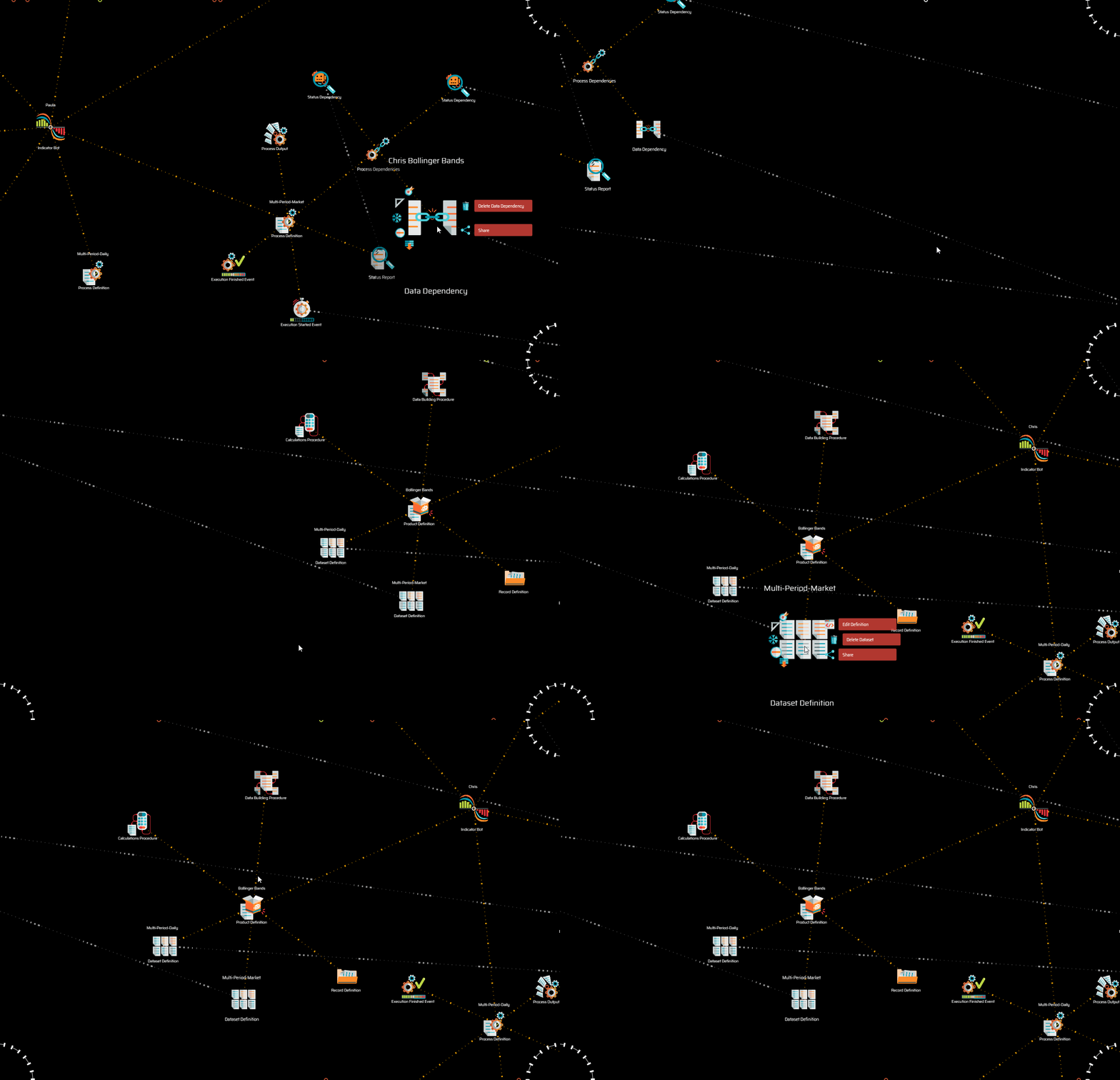](https://user-images.githubusercontent.com/13994516/68993034-7840df00-0873-11ea-804d-d24e88ce25f7.gif)\r","\r","The image above shows data dependencies in one bot referencing dataset definitions of another bot.\r","\r"],"folderName":"data_mine","adding":["\r","\r","To add a single data dependency, select *Add Data Dependency* on the process dependencies, bot data dependencies, or data dependency folder node menus.\r","\r","{% include tip.html content=\"Remember that a data dependency must establish a reference to the appropriate dataset definition. When adding data dependencies manually, you also need to manually establish the reference.\" %}\r","\r","In cases in which multiple data dependencies must be established, you may use the option to create data dependencies in bulk:\r","\r","* The *Add All Data Dependencies* option on the data mine data dependencies node menu adds a bot data dependency for each bot in the data mine, and a data dependency for each dataset definition or each product of each bot. You may use this option after manually adding a data mine data dependencies node and manually establishing the reference with the desired data mine, or after adding all data mine data dependencies, by which the references with data mines are established automatically.\r","\r","It is unlikely that a bot requires numerous data dependencies, thus, the most common scenario is setting up individual data dependencies and establishing references manually. However, if your bot requires multiple data dependencies, the bulk features may be quite useful, as you may create all data dependencies for any given data mine, and simply delete those that are not required.\r","\r"],"configuring":["\r","\r","XXXXXXXXXXXXXXXXXXXXXXXXXXXXXXXXXXXXXXXXXXXXXXXXXXXXXX\r","\r"],"starting":["\r","\r","XXXXXXXXXXXXXXXXXXXXXXXXXXXXXXXXXXXXXXXXXXXXXXXXXXXXXX\r","\r"]},{"type":"Record Definition","definition":"The record definition is where indicators define how many properties, what properties and in which order those properties will be made available in each record.","content":["\r","\r","Bots store data in the form of arrays of records, in a minimized plain text file and the standard JSON format, although not as objects with named properties, but as arrays.\r","\r","{% include image-ext.html file='https://user-images.githubusercontent.com/13994516/68998023-303eae00-08ad-11ea-9baa-ddea801c7d6d.png' url='yes' max-width='100' caption='Typical dataset file showing records as arrays.' %}\r","\r","The choice of plain text for storage of large volumes of information has benefits in terms of not requiring any sophisticated technology to store and serve the data (*i.e.:* no database is required).\r","\r","Best practice indicates that there needs to be a balance between the amount of data that is stored and calculations that may be performed at runtime.\r","\r","Storing objects with named properties in the JSON format would be inappropriate as labels would repeat over and over, creating a ridiculous amount of unnecessary information. However, storing arrays in the JSON standard facilitates the handling of files in the context of JavaScript and Node.JS.\r","\r"],"folderName":"data_mine","adding":["\r","\r","To add a record definition node, select *Add Record Definition* on the product definition node menu. A record definition node is created along with the first record property.\r","\r"],"configuring":["\r","\r","XXXXXXXXXXXXXXXXXXXXXXXXXXXXXXXXXXXXXXXXXXXXXXXXXXXXXX\r","\r"],"starting":["\r","\r","XXXXXXXXXXXXXXXXXXXXXXXXXXXXXXXXXXXXXXXXXXXXXXXXXXXXXX\r","\r"]},{"type":"Record Property","definition":"A record property is a piece of information that may be stored as part of the dataset or made available as a calculated property.","content":["\r","\r","Records may have as many properties as required. \r","\r","{% include important.html content=\"The order in which record properties are defined around the parent record definition node is the order in which they are stored in the actual record.\" %}\r","\r","{% include tip.html content=\"The first two records are usually the *begin* and *end* records, featuring the corresponding datetimes that indicate when the record starts and ends.\" %}\r","\r"],"folderName":"data_mine","adding":["\r","\r","To add a record property, select *Add Record Property* on the bot's node menu.\r","\r"],"configuring":["\r","\r","Select *Configure Property* on the menu to access the configuration.\r","\r","```js\r","{\r"," \"codeName\": \"record-name\",\r"," \"isString\": false,\r"," \"isCalculated\": true\r","}\r","```\r","\r","* ```codeName``` is the name of the record as it is used in the bot's code. \r","\r","* ```isString``` determines if the field is a text string or if, in turn, is a numeric field. Dates are stored in the *epoch* format, which is numeric. The reason why this configuration is important is that fields that are strings need to be stored between \"double quotes\".\r","\r","* ```isCalculated``` determines if the field is stored in the dataset or if, instead, is calculated at a later stage. A value *true* means that the record is not stored. In the case ```isCaculated``` is not defined in the configuration, it is assumed to be false.\r","\r","[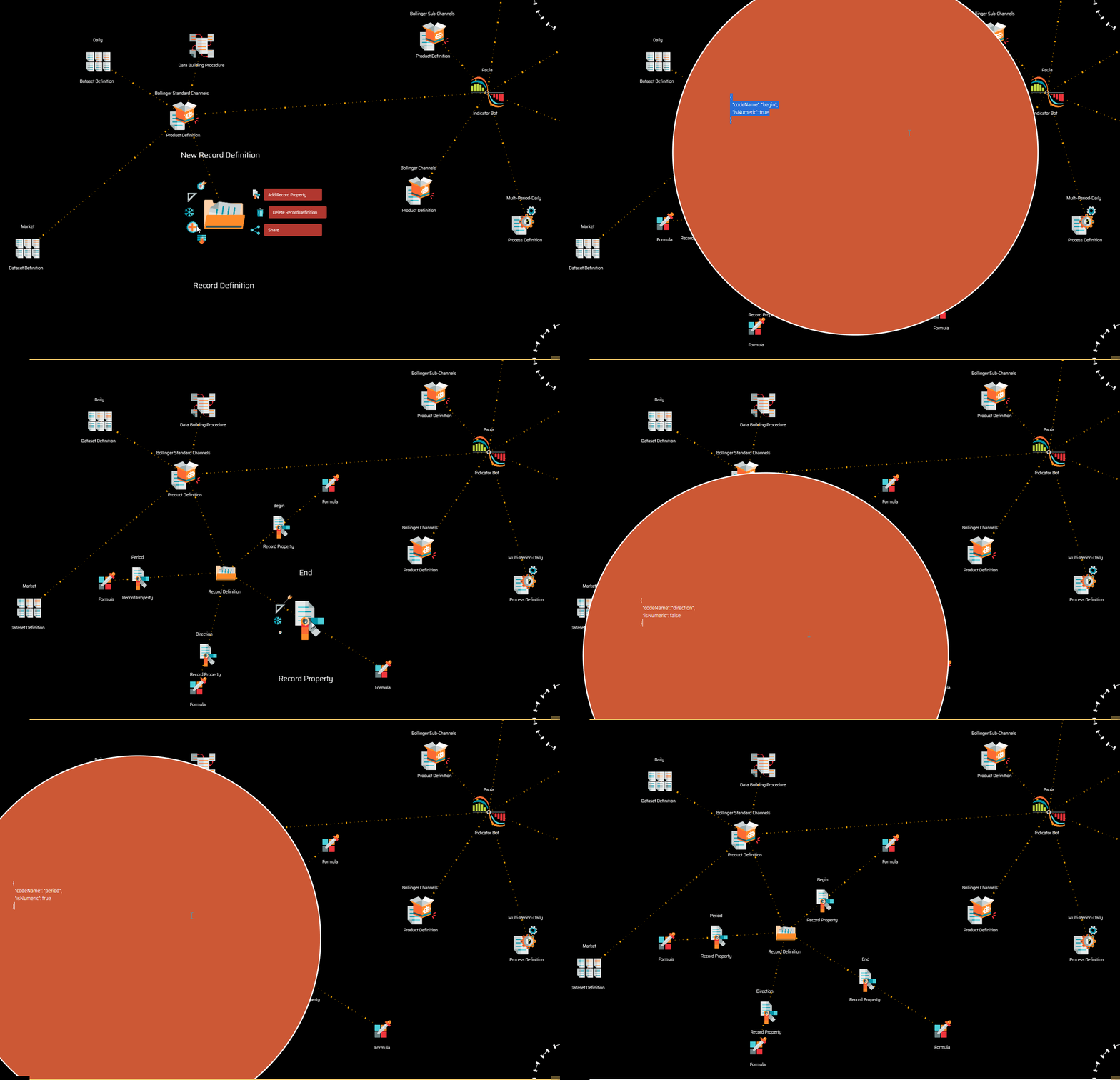](https://user-images.githubusercontent.com/13994516/69139160-3ce72000-0ac0-11ea-9566-a259c9ea6194.gif)\r","\r","The image above shows a record definition with four record properties.\r","\r"],"starting":["\r","\r","XXXXXXXXXXXXXXXXXXXXXXXXXXXXXXXXXXXXXXXXXXXXXXXXXXXXXX\r","\r"]},{"type":"Formula","definition":"A formula is a mathematical expression intended to determine a numerical value to be applied dynamically to a certain property.","content":["\r","\r","In the context of the trading engine, formulas are used to create user defined statistics.\r","\r","Formulas may use indicators and object properties made available by the trading engine. They must evaluate to a number.\r","\r","{% include note.html content=\"To learn how to write formulas, see [syntax overview](suite-syntax-overview.html).\" %}\r","\r"],"folderName":"trading_engine","adding":["\r","\r","To add the {{ title | downcase }} node, select *Add Missing Items* on the parent node menu. \r","\r"],"configuring":["\r","\r","XXXXXXXXXXXXXXXXXXXXXXXXXXXXXXXXXXXXXXXXXXXXXXXXXXXXXX\r","\r"],"starting":["\r","\r","XXXXXXXXXXXXXXXXXXXXXXXXXXXXXXXXXXXXXXXXXXXXXXXXXXXXXX\r","\r"]},{"type":"Announcement Formula"},{"type":"Calculations Procedure","definition":"The calculations procedure processes information to be fed to calculated properties. Calculated properties are not stored in the data set; instead, they are calculated in real-time as the data is consumed by others.","content":["\r","\r","Bots store data in the minimized array format as a strategy to build the lightest possible datasets. For the same reason, a bot may choose not to store easily calculable information.\r","\r","For example, imagine an indicator that stores buy and sell volumes... does it *need* to store the total volume? Given that it is so easy to calculate, the answer is *probably* not. It is up to the developer to decide, but it is certainly not required.\r","\r","{% include note.html content=\"The calculations procedure is used to calculate properties that the developer chooses not to store in the dataset.\" %}\r","\r","{% include note.html content=\"To fully understand the role of the calculations procedure, please refer to the [data mining workflow](suite-data-mining-workflow.html) page.\" %}\r","\r"],"folderName":"data_mine","adding":["\r","\r","To add a calculations procedure, select *Add Missing Items* on the product definition node menu. Items that may be missing are created along with the basic structure of nodes required to define them.\r","\r"],"configuring":["\r","\r","XXXXXXXXXXXXXXXXXXXXXXXXXXXXXXXXXXXXXXXXXXXXXXXXXXXXXX\r","\r"],"starting":["\r","\r","XXXXXXXXXXXXXXXXXXXXXXXXXXXXXXXXXXXXXXXXXXXXXXXXXXXXXX\r","\r"]},{"type":"Procedure Initialization","definition":"The procedure initialization is used to initialize variables used by the procedure loop.","content":["\r","\r","This is an example of a procedure loop code snippet, in particular, the code that initializes the array used in the calculation of the Popular SMAs product of the Simple Moving Average (SMA) indicator.\r","\r","```js\r","/* Initialization Code. */\r","variable.last200 = []\r","```\r","\r"],"folderName":"data_mine","adding":["\r","\r","To add a procedure initialization, select *Add Procedure Initialization* on the corresponding procedure node menu. A procedure initialization node is created along with the corresponding JavaScript node.\r","\r"],"configuring":["\r","\r","XXXXXXXXXXXXXXXXXXXXXXXXXXXXXXXXXXXXXXXXXXXXXXXXXXXXXX\r","\r"],"starting":["\r","\r","XXXXXXXXXXXXXXXXXXXXXXXXXXXXXXXXXXXXXXXXXXXXXXXXXXXXXX\r","\r"]},{"type":"Procedure Loop","definition":"The procedure loop holds the JavaScript code that reads an input, processes the information, and generates an output recursively.","content":["\r","\r","{% include note.html content=\"Please refer to the [coding references](suite-coding-the-indicator-logic.html) page to learn how to code the indicator's logic.\" %}\r","\r"],"folderName":"data_mine","adding":["\r","\r","To add a procedure loop, select *Add Procedure loop* on the corresponding procedure node menu. A procedure loop node is created along with the corresponding JavaScript node.\r","\r"],"configuring":["\r","\r","XXXXXXXXXXXXXXXXXXXXXXXXXXXXXXXXXXXXXXXXXXXXXXXXXXXXXX\r","\r"],"starting":["\r","\r","XXXXXXXXXXXXXXXXXXXXXXXXXXXXXXXXXXXXXXXXXXXXXXXXXXXXXX\r","\r"]},{"type":"Data Building Procedure","definition":"The data building procedure processes information to be fed to properties that are stored in the output dataset.","content":["\r","\r","This procedure holds the core logic of the bot, as it features the code that performs the calculations required to produce the new data set. The code is split between a procedure initialization and a procedure loop.\r","\r"],"folderName":"data_mine","adding":["\r","\r","To add a data buildings procedure, select *Add Missing Items* on the product definition node menu. Items that may be missing are created along with the basic structure of nodes required to define them.\r","\r"],"configuring":["\r","\r","XXXXXXXXXXXXXXXXXXXXXXXXXXXXXXXXXXXXXXXXXXXXXXXXXXXXXX\r","\r"],"starting":["\r","\r","XXXXXXXXXXXXXXXXXXXXXXXXXXXXXXXXXXXXXXXXXXXXXXXXXXXXXX\r","\r"]},{"type":"Trading Bot","definition":"Based on datasets exposed as products by other bots (counting sensors, indicators and even other trading bots), a trading bot applies the trading logic defined on a trading system to, on one side, generate a complete trading simulation (outputting datasets that include trades, the action of strategies, validation of conditions, etc.), and on the other side, manage the execution of orders when on a forward testing or live trading session.","content":["\r","\r","Trading bots are complex pieces of software. The system does not yet encourage the creation of further trading bots, as it is not currently possible to create them with minimal coding. However, developers are free to clone the existing trading bot and improve it as they see fit.\r","\r"],"folderName":"data_mine","adding":["\r","\r","XXXXXXXXXXXXXXXXXXXXXXXXXXXXXXXXXXXXXXXXXXXXXXXXXXXXXX\r","\r"],"configuring":["\r","\r","XXXXXXXXXXXXXXXXXXXXXXXXXXXXXXXXXXXXXXXXXXXXXXXXXXXXXX\r","\r"],"starting":["\r","\r","XXXXXXXXXXXXXXXXXXXXXXXXXXXXXXXXXXXXXXXXXXXXXXXXXXXXXX\r","\r"]},{"type":"Plotter","definition":"A plotter is a device used to produce a graphic representation of datasets generated by bots.","content":["\r","\r","Plotters usually have a one-to-one relationship with bots, as they are often created as a customized solution. However, in practice, there is no constraint to creating any number of plotters for a single bot or a single plotter for multiple bots.\r","\r","The overall workflow of a plotter, while reading a dataset, consists in:\r","\r","* Applying a set of rules to identify certain data points;\r","\r","* Use those points to form lines and polygons;\r","\r","* Apply graphical styles to those lines and polygons.\r","\r","Those actions are performed recursively for each record, and the graphics are plotted on the charts in real-time as data is processed.\r","\r"],"folderName":"data_mine","adding":["\r","\r","To add a plotter, select *Add Plotter* on the data mine node menu. An indicator bot is created along with the basic structure of nodes required to define it.\r","\r"],"configuring":["\r","\r","Select *Configure Plotter* on the menu to access the configuration.\r","\r","```json\r","{\r"," \"codeName\": \"Plotter-Name\"\r","}\r","```\r","\r","* ```codeName``` is the name of the plotter as it is used within the bot's code.\r","\r"],"starting":["\r","\r","XXXXXXXXXXXXXXXXXXXXXXXXXXXXXXXXXXXXXXXXXXXXXXXXXXXXXX\r","\r"]},{"type":"Trading System","definition":"A trading system is a framework handling the low-level logic that serves to structure the processes and methods used to implement and deploy trading strategies.","content":["\r","\r","In practical terms, a trading system is a hierarchical arrangement organizing the actionable aspects of your investment plan. The hierarchy contains definitions regarding any number of trading strategies, all operating on the same market and sharing the same initial capital allocation.\r","\r","You use a trading system to define strategies following the <a data-toggle=\"tooltip\" data-original-title=\"{{site.data.concepts.superalgos_protocol}}\">Superalgos Protocol</a>, splitting strategies into four stages: trigger, open, manage, and close.\r","\r","The concept of describing strategies in stages is fundamental to the methodical aspect of the trading system, as it provides a framework to run every strategy with the same framework, which contributes to developing scalable trading systems that may grow to any number of strategies.\r","\r","When a trading system features more than one strategy, the first strategy has precedence over the second, the second over the third, and so on. This means that strategies are evaluated in a sequence. When a given strategy is triggered-on, the remaining strategies in the queue are no longer evaluated until the strategy triggers off. In other words, when multiple strategies are deployed within a single trading system, only one strategy may trade at any given moment, and precedence is given by the order around the trading system node.\r","\r","As a corollary to the above, if you wish strategies to operate in different markets, or you wish strategies to be able to take positions simultaneously, then you must set up those strategies in different trading systems.\r","\r","{% include important.html content=\"Changes made to trading systems shipping with Superalgos may not be saved at the workspace level. If you wish to modify those hierarchies and use them in such modified versions, you need to clone them and modify the clone instead.\" %}\r","\r"],"folderName":"trading_system","starting":["\r","\r","XXXXXXXXXXXXXXXXXXXXXXXXXXXXXXXXXXXXXXXXXXXXXXXXXXXXXX\r","\r"],"adding":["\r","\r","To add a trading system, select *Add Trading System* on the workspace node menu. \r","\r","{% include tip.html content=\"You may work with as many trading systems as you wish\" %}\r","\r"],"configuring":["\r","\r","XXXXXXXXXXXXXXXXXXXXXXXXXXXXXXXXXXXXXXXXXXXXXXXXXXXXXX\r","\r"]},{"type":"Trading Strategy","definition":"A trading strategy is a set of actions occurring in stages, designed to achieve a specific goal within a broader plan, via taking and managing positions.","content":["\r","\r","The definition of a strategy may be analyzed in three sections:\r","\r","{% include callout.html type=\"success\" content=\"A strategy is a set of actions occurring in stages\" %}\r","\r","Strategies are defined in the following stages:\r","\r","* <a href=\"suite-strategies-trigger.html\" data-toggle=\"tooltip\" data-original-title=\"{{site.data.trading_system.trigger_stage}}\">Trigger Stage</a>\r","* <a href=\"suite-strategies-open.html\" data-toggle=\"tooltip\" data-original-title=\"{{site.data.trading_system.open_stage}}\">Open Stage</a>\r","* <a href=\"suite-strategies-manage.html\" data-toggle=\"tooltip\" data-original-title=\"{{site.data.trading_system.manage_stage}}\">Manage Stage</a>\r","* <a href=\"suite-strategies-close.html\" data-toggle=\"tooltip\" data-original-title=\"{{site.data.trading_system.close_stage}}\">Close Stage</a>\r","\r","These stages are played in a sequence: once a strategy is *triggered* it looks to *open* a position; once a position is open, it is time to *manage* it as the trade develops; and once a stop or take profit target is hit, it is time to *close* the position.\r","\r","While stages are played in a sequence, upon execution there are overlaps. That is, a stage doesn't need to be closed for the next stage to be opened. The framework sets a clear separation of the concepts embodied in each stage to facilitate the process of defining and developing a trading system. But the truth is that, both at the conceptual level and during execution, the lines between stages are rather blurry.\r","\r","{% include callout.html type=\"success\" content=\"designed to achieve a specific goal within a broader plan\" %}\r","\r","Your investment plan or trading career may have any number of goals *(e.g.: accumulating a certain asset, diversifying on a basket of coins, annual profit targets, etc.)*. If you attempt to achieve more than one goal with a single strategy, you will sooner or later run into problems. It may be doable, but the strategy would certainly be more complex than is necessary or desirable. In any case, the logical thing to do is to analyze each goal separately so that you may design (at least) one clear, straightforward strategy for each goal.\r","\r","One of the edges granted by trading automation is the capacity to develop and deploy an unlimited number of strategies. At the same time, Superalgos allows the administration of complexity by breaking down and structuring concepts in small units: a trading system contains strategies, which contain stages, which contain specific definitions. \r","\r","Understanding that keeping things simple is important will help you develop a robust and extensible arsenal of bots. Simplicity is the key to sustainability.\r","\r","In other words, the infrastructure provided by Superalgos enables the hyperspecialization of strategies. Do not aim to trade in all sorts of market situations with the same strategy. Instead, develop a strategy for each market situation you wish to trade.\r","\r","{% include callout.html type=\"success\" content=\"via taking and managing positions\" %}\r","\r","The definition of strategy points to the concept of a *position*. A position is a process that exchanges the base asset for the quoted asset and that—after some time, as the position develops and targets are hit—exchanges back the quoted asset for the base asset. \r","\r","The framework implemented in the Superalgos Protocol is optimized to work with such a concept.\r","\r","However, Superalgos is flexible enough to allow you to override this hard interpretation of the concept of *a position*. For example, you may design market-making strategies, a strategy to balance portfolios, or develop all sorts of ideas that don't necessarily fit in that part of the definition.\r","\r"],"folderName":"trading_system","starting":["\r","\r","XXXXXXXXXXXXXXXXXXXXXXXXXXXXXXXXXXXXXXXXXXXXXXXXXXXXXX\r","\r"],"adding":["\r","\r","To add a strategy, select *Add Strategy* on the trading system node menu. The strategy node is created along with the rest of the basic structure of nodes required to define each of the strategy stages and their events.\r","\r","{% include tip.html content=\"You may work with as many strategies as you wish. \" %}\r","\r","{% include important.html content=\"Strategies within the same trading system work in the same market, have the same base asset, and —most importantly—share the same capital. This means that only one strategy in the trading system may be triggered at any one point and that no other strategy in the trading system may be triggered until the first one is triggered off. If you wish to have more than one strategy trading at the same time, then those strategies must be put in separate trading systems. \" %}\r","\r"],"configuring":["\r","\r","XXXXXXXXXXXXXXXXXXXXXXXXXXXXXXXXXXXXXXXXXXXXXXXXXXXXXX\r","\r"]},{"type":"Trigger Stage","definition":"The trigger stage deals with monitoring the market in search of trading opportunities with the corresponding strategy.","content":["\r","\r","A trading system may have multiple strategies designed for the same market.\r","\r","An important aspect of trading systems is that they are allocated a certain amount of capital (see the <a data-toggle=\"tooltip\" data-original-title=\"{{site.data.network.base_asset}}\">base asset</a> parameter of the trading session). As a consequence, strategies within a trading system share a certain capital allocation. \r","\r","The logic behind the concept of the trigger stage assumes that different strategies within a trading system may be specialized for trading in different market situations. The trigger stage in each strategy is, therefore, the mechanism by which any particular strategy within the trading system may be selected to trade, given any particular market situation.\r","\r","The triggering-on of a strategy effectively blocks the selection of any other strategy in the trading system and reserves the whole capital allocation for the one strategy selected, until the strategy is triggered-off.\r","\r","Therefore, if certain strategies are meant to trade under the same market situations and open trades concurrently, then those strategies should be deployed in separate trading systems.\r","\r","Once a strategy is triggered, the strategy may decide—or not—to take a position. If a position is taken, then the rest of the stages eventually become active.\r","\r","However, the strategy may also be triggered off without taking a position. When a strategy is triggered off, the trading system goes back to monitoring the trigger-on definitions for all strategies, and capital is released to be used by whatever strategy is triggered-on next.\r","\r"],"folderName":"trading_system","starting":["\r","\r","XXXXXXXXXXXXXXXXXXXXXXXXXXXXXXXXXXXXXXXXXXXXXXXXXXXXXX\r","\r"],"adding":["\r","\r","To add a trigger stage node, select *Add Missing Stages* on the strategy node menu. All stages that may be missing are created along with the rest of the basic structure of nodes required to define each of them and their events.\r","\r","{% include note.html content=\"Only one trigger stage may exist in each strategy.\" %}\r","\r"],"configuring":["\r","\r","XXXXXXXXXXXXXXXXXXXXXXXXXXXXXXXXXXXXXXXXXXXXXXXXXXXXXX\r","\r"]},{"type":"Trigger On Event","definition":"The trigger-on event defines the set of rules that need to be met for the corresponding strategy to be triggered on. A strategy that is triggered may use all the capital available to the trading system, and prevents other strategies in the system from triggering.","content":["\r","\r","In conceptual terms, the trigger-on event is the mechanism you use to define the specific situations in which you would consider trading with the corresponding strategy. Think of the trigger-on event as the definition of the scenario in which the trading idea behind the strategy should be carefully considered.\r","\r","Once a strategy is triggered-on, the system starts evaluating the take position event. In conceptual terms, it means that the system has been alerted that the trading idea behind the corresponding trading strategy has produced a signal and that it should carefully monitor the market for the opportunity to take a position.\r","\r"],"folderName":"trading_system","starting":["\r","\r","XXXXXXXXXXXXXXXXXXXXXXXXXXXXXXXXXXXXXXXXXXXXXXXXXXXXXX\r","\r"],"adding":["\r","\r","To add a trigger-on event node, select *Add Missing Events* on the trigger stage node menu. All events that may be missing are created along with the rest of the basic structure of nodes required to define each of them.\r","\r"],"configuring":["\r","\r","XXXXXXXXXXXXXXXXXXXXXXXXXXXXXXXXXXXXXXXXXXXXXXXXXXXXXX\r","\r"]},{"type":"Trigger Off Event","definition":"The trigger-off event defines the situation in which the corresponding strategy shall be triggered-off. A strategy that is triggered-off releases the capital in reserve and makes it available to other strategies in the trading system.","content":["\r","\r","In conceptual terms, the trigger-off event is the mechanism you use to define the situation in which the corresponding strategy should stop considering the trading opportunity signaled by the trigger-on event. That is, you use the trigger off event to describe the scenario for the invalidation of the trading idea behind the strategy.\r","\r","Once a strategy is triggered-on, only two possible scenarios may follow. Either the take position event is triggered, thus, taking a position, or the trigger-off event is triggered first.\r","\r","In the first scenario, the strategy remains *on* until the position is closed. As the position is closed, the strategy is triggered-off. In the second scenario, the strategy is triggered-off immediately.\r","\r"],"folderName":"trading_system","starting":["\r","\r","XXXXXXXXXXXXXXXXXXXXXXXXXXXXXXXXXXXXXXXXXXXXXXXXXXXXXX\r","\r"],"adding":["\r","\r","To add a trigger-off event node, select *Add Missing Events* on the trigger stage node menu. All events that may be missing are created along with the rest of the basic structure of nodes required to define each of them.\r","\r"],"configuring":["\r","\r","XXXXXXXXXXXXXXXXXXXXXXXXXXXXXXXXXXXXXXXXXXXXXXXXXXXXXX\r","\r"]},{"type":"Take Position Event","definition":"The take position event defines the situation that needs to be met to take a position.","content":["\r","\r","The trigger-on event merely selects a strategy to be considered for trading under the current market situation. The actual decision to enter a position may require more specific conditions to be met. For that reason, the take position event is a separate entity from the trigger-on event.\r","\r","Therefore, the take position event is defined with its own set of situations and conditions.\r","\r","Once the take position event is triggered, the decision to take a position has been made and there is nothing else to consider in that regard. Therefore, the runtime evaluation of the trading system shifts from the trigger stage to the open stage. \r","\r"],"folderName":"trading_system","starting":["\r","\r","XXXXXXXXXXXXXXXXXXXXXXXXXXXXXXXXXXXXXXXXXXXXXXXXXXXXXX\r","\r"],"adding":["\r","\r","To add a take position event node, select *Add Missing Events* on the trigger stage node menu. All events that may be missing are created along with the rest of the basic structure of nodes required to define each of them.\r","\r"],"configuring":["\r","\r","XXXXXXXXXXXXXXXXXXXXXXXXXXXXXXXXXXXXXXXXXXXXXXXXXXXXXX\r","\r"]},{"type":"Open Stage","definition":"The open stage deals with the definitions that make up the logic to enter a position, including the target rate and size, and order execution.","content":["\r","\r","The open stage comes into play once the take position event is triggered. \r","Conceptually, the open stage deals with the details concerning how the position shall be opened once the decision to take a position has been made. That is, the open stage does not participate in the process of deciding whether a position should be open or not.\r","\r","To take a position, several definitions are required. In particular, those concerning targets, such as the rate and size of the position, and the logic of the execution strategy, that is, how many of which orders shall be placed at the exchange—and when—to enter the position.\r","\r","The open stage closes as soon as one of the following events happen:\r","\r","* the target size gets filled,\r","\r","* the close stage event is triggered,\r","\r","* the take profit or stop loss targets are hit.\r","\r"],"folderName":"trading_system","starting":["\r","\r","XXXXXXXXXXXXXXXXXXXXXXXXXXXXXXXXXXXXXXXXXXXXXXXXXXXXXX\r","\r"],"adding":["\r","\r","To add an open stage node, select *Add Missing Stages* on the strategy node menu. All stages that may be missing are created along with the rest of the basic structure of nodes required to define each of them and their events.\r","\r","{% include note.html content=\"Only one open stage may exist in each strategy.\" %}\r","\r"],"configuring":["\r","\r","XXXXXXXXXXXXXXXXXXXXXXXXXXXXXXXXXXXXXXXXXXXXXXXXXXXXXX\r","\r"]},{"type":"Close Stage Event","definition":"The close stage event defines the set of rules that need to be met for the corresponding stage to be closed.","content":["\r","\r","Both the open and close stages are closed once the target size is filled. \r","\r","However, Superalgos allows an extra level of control so that the user may choose to close either stage given specific market situations. Such is the intent of the close stage event.\r","\r"],"folderName":"trading_system","adding":["\r","\r","To add the {{ title | downcase }} node, select *Add Missing Items* on the parent node menu. \r","\r"],"configuring":["\r","\r","XXXXXXXXXXXXXXXXXXXXXXXXXXXXXXXXXXXXXXXXXXXXXXXXXXXXXX\r","\r"],"starting":["\r","\r","XXXXXXXXXXXXXXXXXXXXXXXXXXXXXXXXXXXXXXXXXXXXXXXXXXXXXX\r","\r"]},{"type":"Initial Targets","definition":"The initial targets node holds the most basic definitions about the position to be taken: the target rate and the target size.","content":["\r","\r","XXXXXXXXXXXXXXXXXXXXXXXXXXXXXXXXXXXXXXXXXXXXXXXXXXXXXX\r","\r"],"folderName":"trading_system","adding":["\r","\r","To add the {{ title | downcase }} node, select *Add Missing Items* on the parent node menu. \r","\r"],"configuring":["\r","\r","XXXXXXXXXXXXXXXXXXXXXXXXXXXXXXXXXXXXXXXXXXXXXXXXXXXXXX\r","\r"],"starting":["\r","\r","XXXXXXXXXXXXXXXXXXXXXXXXXXXXXXXXXXXXXXXXXXXXXXXXXXXXXX\r","\r"]},{"type":"Managed Stop Loss","definition":"The managed stop loss node features the definition of the phases that make up the management of the stop loss target as the position develops.","content":["\r","\r","A stop loss target is a crucial element of a trading strategy, as it is the device in charge of preserving capital. Used wisely, the management of the stop loss may also play the role of protecting unrealized profits. \r","\r","The system for managing the stop loss provided by Superalgos is highly flexible. It may start as simple as a constant value at a certain rate, but may switch to a trailing stop as soon as the price moves away from the target rate by a certain percentage, or when a certain market situation arises.\r","\r","In fact, the formula may change as many times as required, as you may set up unlimited phases, and switch back and forth as required using predefined events to make the switch.\r","\r","{% include note.html content=\"The above example of a constant stop loss followed by a trailing stop is merely an example of a typical setup. The formulas you use to determine the rate of the target on each phase may be anything you choose, thus, you may achieve whatever behavior you imagine and can describe mathematically.\" %}\r","\r"],"folderName":"trading_system","adding":["\r","\r","To add a stop node, select *Add Missing Items* on the manage stage node menu. All items that may be missing are created along with the rest of the basic structure of nodes required to define each of them.\r","\r"],"configuring":["\r","\r","XXXXXXXXXXXXXXXXXXXXXXXXXXXXXXXXXXXXXXXXXXXXXXXXXXXXXX\r","\r"],"starting":["\r","\r","XXXXXXXXXXXXXXXXXXXXXXXXXXXXXXXXXXXXXXXXXXXXXXXXXXXXXX\r","\r"]},{"type":"Phase","definition":"The management of take profit and stop loss targets is done in phases. Phase 1 sets the initial targets, either for the managed stop loss or the managed take profit, and becomes active as soon as the first order is placed. Subsequent phases allows switching to different formulas given certain market situations.","content":["\r","\r","The default management of phases is sequential, meaning that phase 2 comes after phase 1, phase 3 comes after phase 2, and so on. \r","\r","To switch from one phase to the next phase in the sequence, the next phase event is used. When the situation described in the next phase event validates ```true```, the switch occurs and the next phase becomes the active phase.\r","\r","However, management does not need to happen sequentially. By using the move to phase event instead of the next phase event, the system may activate any other phase and not just the one next in the sequence.\r","\r","Both events may be used at the same time, and whichever event is triggered first takes precedence.\r","\r","{% include note.html content=\"Notice that stop loss and take profit phases are independent and defined separately from each other, each below the corresponding managed stop loss and managed take profit nodes.\" %}\r","\r","{% include note.html content=\"The value of the target set for a phase is expressed by a formula. Learn more about [formulas](suite-situations-conditions-formulas.html) and how to write them.\" %}\r","\r","{% include tip.html content=\"This explanation about phase 1 may be extended to any other phase, as they all work similarly, and it applies both for managed stop loss phases and managed take profit phases.\" %}\r","\r"],"folderName":"trading_system","adding":["\r","\r","To add a new phase, select *Add Phase* on the stop or take-profit node menu. A new phase is added along with the basic structure of nodes required to define each of them and their events.\r","\r"],"configuring":["\r","\r","XXXXXXXXXXXXXXXXXXXXXXXXXXXXXXXXXXXXXXXXXXXXXXXXXXXXXX\r","\r"],"starting":["\r","\r","XXXXXXXXXXXXXXXXXXXXXXXXXXXXXXXXXXXXXXXXXXXXXXXXXXXXXX\r","\r"]},{"type":"Next Phase Event","definition":"The next phase event determines when there should be a switch of phases to the next phase in a predefined sequence.","content":["\r","\r","The management of a position is —by default—done in sequential phases, each phase with its formula. To move from one phase to the next, a situation you define must be validated. \r","\r","When that happens, the next phase event is triggered, the current phase is abandoned, and the next phase is activated. From that instant on, the system evaluates the formula corresponding to the next phase.\r","\r","The sequence of phases may be as long as the number of phases you choose to add and define. There may be unlimited numbers of phases.\r","\r","{% include note.html content=\"Events are triggered by situations, which are defined by conditions. Both are explained in the <a href='suite-situations-conditions-formulas'>situations, conditions, and formulas</a> page.\" %}\r","\r","{% include tip.html content=\"To set up a next phase event, add the node and define the situation that should trigger the event.\" %}\r","\r"],"folderName":"trading_system","adding":["\r","\r","To add a next phase event, select *Add Next Phase Event* on the corresponding phase node menu. The event is added along with the basic structure of nodes to define it.\r","\r"],"configuring":["\r","\r","XXXXXXXXXXXXXXXXXXXXXXXXXXXXXXXXXXXXXXXXXXXXXXXXXXXXXX\r","\r"],"starting":["\r","\r","XXXXXXXXXXXXXXXXXXXXXXXXXXXXXXXXXXXXXXXXXXXXXXXXXXXXXX\r","\r"]},{"type":"Move To Phase Event","definition":"The move to phase event determines when there should be a switch of phases from the current phase to an arbitrary phase determined by a reference.","content":["\r","\r","While phases are defined in a sequence and you may choose to manage the position by shifting from one phase to the next in the sequence, the move to phase event offers an alternative.\r","\r","With the move to phase event, you may arbitrarily decide which will be the next phase. To do that, you must establish a reference from the move to phase event, to the phase that should be activated once the event is triggered.\r","\r","Any number of move-to-phase events may be set up for each and every phase, allowing complete flexibility on how the position is managed. This feature allows setting up versatile position-management algorithms that may switch to different formulas back and forth, or in any configuration imaginable.\r","\r","{% include note.html content=\"A move-to-phase event must reference a phase node. When the situation in the move-to-phase event evaluates ```true``` the management shifts to the referenced phase.\" %}\r","\r"],"folderName":"trading_system","adding":["\r","\r","To add a move-to-phase event, select *Add Move to Phase Event* on the corresponding phase node menu. The event is added along with the basic structure of nodes to define it.\r","\r","{% include note.html content=\"Remember to establish a reference with the phase you wish to activate once the situation associated with the event validates true.\" %}\r","\r"],"configuring":["\r","\r","XXXXXXXXXXXXXXXXXXXXXXXXXXXXXXXXXXXXXXXXXXXXXXXXXXXXXX\r","\r"],"starting":["\r","\r","XXXXXXXXXXXXXXXXXXXXXXXXXXXXXXXXXXXXXXXXXXXXXXXXXXXXXX\r","\r"]},{"type":"Managed Take Profit","definition":"The managed take profit node features the definition of the phases that make up the management of the take profit target as the position develops.","content":["\r","\r","A take profit target bears an important role in your strategy, as it plays a crucial role in determining the risk/reward ratio of the trading opportunity that materialized, and upon which your strategy acted to take a position.\r","\r","The foremost goal of trading is to increase your capital, and how you set your initial take profit target and manage it afterward determines how much you may increase your capital given a favorable price action.\r","\r","{% include note.html content=\"The system provides the same functionality for managing the take profit target as explained for the managed stop loss target, so please make sure you go through that section too. \" %}\r","\r"],"folderName":"trading_system","adding":["\r","\r","To add a take profit node, select *Add Missing Items* on the manage stage node menu. All items that may be missing are created along with the rest of the basic structure of nodes required to define each of them.\r","\r"],"configuring":["\r","\r","XXXXXXXXXXXXXXXXXXXXXXXXXXXXXXXXXXXXXXXXXXXXXXXXXXXXXX\r","\r"],"starting":["\r","\r","XXXXXXXXXXXXXXXXXXXXXXXXXXXXXXXXXXXXXXXXXXXXXXXXXXXXXX\r","\r"]},{"type":"Target Size In Base Asset","definition":"Target size in base asset is used to define the size of the position, denominating it in the base asset.","content":["\r","\r","The system supports defining the size of the position in either asset involved in the market: the base asset, or the quoted asset, as per the exchange listing of the market. \r","\r","The target size may be defined in one of the two assets only, to avoid inconsistencies. \r","\r","The target size is the maximum size the position may achieve. That is, the definition of the target size is used as a cap for the total size of orders that may be placed during the open stage.\r","\r","If you prefer to define the size of the position denominated in the base asset, then use this node and delete the target size in quoted asset node.\r","\r","{% include important.html content=\"Only one target size definition may exist at a time.\" %}\r","\r","Even though the definition of the target size is denominated in one of the two assets in the market, the system keeps track of accounts for both assets. That is, performance metrics such as profit loss, ROI, hit ratio, or the annualized rate of return are calculated both based on the base asset and the quoted asset. In fact, metrics are also calculated in a consolidated manner, taking into account both assets at the same time. \r","\r","All of this information is made available for multiple contexts, for instance, for each position or the whole episode, through the data structure of the trading engine.\r","\r","When tracking the results of your trading operation, make sure you refer to the set of accounts that make sense for your trading system. This will all become clearer once you read about the trading engine and the layer managers available on the charts.\r","\r"],"folderName":"trading_system","adding":["\r","\r","To add the {{ title | downcase }} node, select *Add Missing Items* on the parent node menu. \r","\r"],"configuring":["\r","\r","XXXXXXXXXXXXXXXXXXXXXXXXXXXXXXXXXXXXXXXXXXXXXXXXXXXXXX\r","\r"],"starting":["\r","\r","XXXXXXXXXXXXXXXXXXXXXXXXXXXXXXXXXXXXXXXXXXXXXXXXXXXXXX\r","\r"]},{"type":"Target Size In Quoted Asset","definition":"Target size in quoted asset is used to define the size of the position, denominating it in the quoted asset.","content":["\r","\r","If you prefer to define the size of the position denominated in the quoted asset, then use this node and delete the target size in base asset node.\r","\r","{% include important.html content=\"Make sure you read the definition of the target size in base asset node to get the proper context for this definition.\" %}\r","\r"],"folderName":"trading_system","adding":["\r","\r","To add the {{ title | downcase }} node, select *Add Missing Items* on the parent node menu. \r","\r"],"configuring":["\r","\r","XXXXXXXXXXXXXXXXXXXXXXXXXXXXXXXXXXXXXXXXXXXXXXXXXXXXXX\r","\r"],"starting":["\r","\r","XXXXXXXXXXXXXXXXXXXXXXXXXXXXXXXXXXXXXXXXXXXXXXXXXXXXXX\r","\r"]},{"type":"Target Rate","definition":"The target rate is a reference rate that, in combination with the placement of managed stop loss and managed take profit targets, is used to determine whether the targets have been hit.","content":["\r","\r","The system needs to determine when the managed stop loss and managed take profit targets have been hit. To do this, the system observes how the user places the targets in relation to the target rate.\r","\r","*For example:*\r","\r","If the phase 1 managed stop loss target is placed below the target rate and the phase 1 managed take profit target above it, the system assumes that:\r","\r","* the stop loss target is hit when the current rate is equal to or smaller than the managed stop loss value;\r","\r","* the stop loss target is hit when the current rate is equal to or greater than the managed take profit value;\r","\r","The reversed example is true, as well.\r","\r","This is how the system uses the target rate internally.\r","\r","Additionally, defining a target rate at the level of the stage may be of use so that you may retrieve the value from formulas while setting the rate of limit orders.\r","\r"],"folderName":"trading_system","adding":["\r","\r","To add the {{ title | downcase }} node, select *Add Missing Items* on the parent node menu. \r","\r"],"configuring":["\r","\r","XXXXXXXXXXXXXXXXXXXXXXXXXXXXXXXXXXXXXXXXXXXXXXXXXXXXXX\r","\r"],"starting":["\r","\r","XXXXXXXXXXXXXXXXXXXXXXXXXXXXXXXXXXXXXXXXXXXXXXXXXXXXXX\r","\r"]},{"type":"Order Rate","definition":"The order rate node defines the rate of limit orders.","content":["\r","\r","Because the purpose of limit orders is to have control over the rate at which the order is executed, the definition of the order rate is required for all limit orders.\r","\r","{% include note.html content=\"Please, read about [limit orders](suite-strategies-open-execution.html#limit-buy-order) to complement the information in this definition.\" %}\r","\r"],"folderName":"trading_system","adding":["\r","\r","To add the {{ title | downcase }} node, select *Add Missing Items* on the parent node menu. \r","\r"],"configuring":["\r","\r","XXXXXXXXXXXXXXXXXXXXXXXXXXXXXXXXXXXXXXXXXXXXXXXXXXXXXX\r","\r"],"starting":["\r","\r","XXXXXXXXXXXXXXXXXXXXXXXXXXXXXXXXXXXXXXXXXXXXXXXXXXXXXX\r","\r"]},{"type":"Open Execution","definition":"The open execution node groups all execution algorithms involved in the process of opening a position.","content":["\r","\r","One of the crucial elements that make up trading intelligence is the capacity to control every aspect of order execution, as the execution itself entails strategic elements that directly affect performance. \r","\r","Superalgos' trading engine is designed as a generic infrastructure that allows building execution logic from the ground up, with as much simplicity or complexity as may be required.\r","\r","The trading system splits the definitions of the execution logic by trading strategy. That is, each strategy in a trading system may have its execution logic. \r","\r","The next layer of control comes in the form of execution algorithms. Each strategy may have as many algorithms as required, and each algorithm may have as many instructions as required.\r","\r","This model allows the granular control of orders with which you may build algorithms that may interact with other algorithms, and so on.\r","\r"],"folderName":"trading_system","adding":["\r","\r","To add the {{ title | downcase }} node, select *Add Missing Items* on the parent node menu. \r","\r"],"configuring":["\r","\r","XXXXXXXXXXXXXXXXXXXXXXXXXXXXXXXXXXXXXXXXXXXXXXXXXXXXXX\r","\r"],"starting":["\r","\r","XXXXXXXXXXXXXXXXXXXXXXXXXXXXXXXXXXXXXXXXXXXXXXXXXXXXXX\r","\r"]},{"type":"Execution Algorithm","definition":"An execution algorithm is a set of instructions used to place and manage orders at the exchange.","content":["\r","\r","Any given strategy may have simple or very complex execution requirements. To deal with complexity, Superalgos allows users to set up as many execution algorithms as required.\r","\r","Then, the logic in each algorithm may remain simple, while the combined work of multiple algorithms may deal with the required complexity.\r","\r","Each algorithm may be assigned a fraction of the target size (see the configuration section), thus, the extent of each algorithm's involvement in the execution is defined by this parameter.\r","\r","An execution algorithm is a set of instructions in the sense that the orders defined in each algorithm are themselves the instructions. That is, an execution algorithm is a set of predefined orders which may be created or canceled given specific market situations.\r","\r"],"folderName":"trading_system","adding":["\r","\r","To add the {{ title | downcase }} node, select *Add Missing Items* on the parent node menu. \r","\r"],"configuring":["\r","\r","To configure the {{ title | downcase }} node, select *Configure* on the menu. \r","\r","```json\r","{\r"," \"percentageOfStageTargetSize\": 100 \r","}\r","```\r","\r","* ```percentageOfStageTargetSize``` is the definition of how much of the target size of the whole stage will be handled by the one specific execution algorithm, expressed as a percentage of the total target size. Posible values are real numbers between ```0``` and ```100```, including the extremes. If you set the value to ```0```, the algorithm will not be executed.\r","\r"],"starting":["\r","\r","XXXXXXXXXXXXXXXXXXXXXXXXXXXXXXXXXXXXXXXXXXXXXXXXXXXXXX\r","\r"]},{"type":"Market Buy Order","definition":"A market buy order is an instruction sent to the exchange to buy the base asset, for immediate execution at current market prices.","content":["\r","\r","Traders usually use market orders when the priority is the certainty of execution over the rate of execution. Depending on the size of the order and the liquidity of the particular market/exchange, market orders may experience more or less slippage.\r","\r","###### Market Orders' Rate\r","\r","Users have no control over the rate at which a market order is filled. The exchange fills the order with available bids/asks at the time of execution.\r","\r","{% include tip.html content=\"The information below this banner is valid for all types of orders.\" %}\r","\r","###### Order Size\r","\r","As explained in the definition of the execution algorithm, each algorithm is allocated a percentage of the target size defined under the initial targets node.\r","\r","*The simplified logic for non-coders:*\r","\r","```algorithmSize = targetSize * percentageOfStageTargetSize / 100```\r","\r","*The actual code:*\r","\r","```js\r","let algorithmSizeInBaseAsset = tradingEngineStage.stageBaseAsset.targetSize.value * executionAlgorithm.config.percentageOfStageTargetSize / 100\r","\r","let algorithmSizeInQuotedAsset = tradingEngineStage.stageQuotedAsset.targetSize.value * executionAlgorithm.config.percentageOfStageTargetSize / 100\r","```\r","\r","Similarly, the size of an order is defined as a percentage of the size that the particular algorithm is allowed to execute *(see the configuration)*. \r","\r","*The simplified logic for non-coders:*\r","\r","```orderSize = algorithmSize * percentageOfAlgorithmSize / 100```\r","\r","*The actual code:*\r","\r","```js\r","tradingEngineOrder.orderBaseAsset.size.value = algorithmSizeInBaseAsset * tradingSystemOrder.config.percentageOfAlgorithmSize / 100\r","```\r","\r","Because each execution algorithm may define multiple orders, the typical scenario is that all orders defined within an algorithm add up to 100% of the size allocated to the algorithm. \r","\r","However, it is up to the user how to manage this setting, as different hacks may be found to achieve different behaviors.\r","\r","{% include callout.html type=\"success\" content=\"If orders defined add up to more than 100% of the size allocated to the algorithm, the trading engine does not enforce a cap.\" %}\r","\r","Pretty much like the user may decide to define the size of orders within an algorithm above or below the 100% mark, the same is true when defining multiple algorithms. In other words, the user may choose to set up algorithms whose combined sizes amount to more or less than 100%.\r","\r","In cases in which the combined sizes amount to less than 100%, the target size would be partially filled at best. On the other hand, in cases in which the combined sizes amount to more than 100%, then the orders and/or algorithms would compete with each other.\r","\r","{% include callout.html type=\"success\" content=\"The one validation the trading engine does is to enforce the target size defined under the initial targets node. The target size is treated as a hard cap, so that no position may ever be sized larger than the target.\" %}\r","\r","If the order size as defined would cause the target size to be breached, then the order size is lowered to match the hard cap.\r","\r","*The simplified logic for non-coders:*\r","\r","```js\r","if ( targetSize + sizePlaced > targetSize )\r"," { orderSize = targetSize - sizePlaced }\r","```\r","\r","*The actual code:*\r","\r","```js\r","if (\r"," tradingEngineOrder.orderBaseAsset.size.value + tradingEngineStage.stageBaseAsset.sizePlaced.value >\r"," tradingEngineStage.stageBaseAsset.targetSize.value\r"," ) {\r"," tradingEngineOrder.orderBaseAsset.size.value = tradingEngineStage.stageBaseAsset.targetSize.value - tradingEngineStage.stageBaseAsset.sizePlaced.value\r"," }\r","```\r","\r","{% include note.html content=\"See the order's configuration to learn how to set up the order size.\" %}\r","\r","###### Placing and Filling of Orders\r","\r","The trading engine keeps track of the amounts placed and the amounts filled based on the feedback obtained from the exchange, and makes the information available in the size placed and size filled nodes. The nodes are present in multiple contexts, such as the particular stage (open and close) or the particular order type, and are denominated both in the base asset and quoted asset. You may learn more about how to track the size placed and size filled on the trading engine pages.\r","\r","###### Closing of Orders\r","\r","Orders may be closed upon the occurrence of the following two events:\r","\r","* The exchange reports the order was filled. In such a case, the trading engine closes the order.\r","\r","* The cancel order event is triggered. This is an event the user may configure with the typical set up of situations and conditions.\r","\r","###### Spawning Multiple Orders\r","\r","All of the available types of orders may be configured so that multiple orders may be spawned, one after the other, through the same order definition.\r","\r","This allows, for example, setting an order for 1% of the size allocated to the algorithm, and have the trading engine spawn one order per execution cycle until the 100% mark is reached. Such a feature may allow many more hacks and is yet another tool that—combined with the rest—enables a great deal of control over orders execution.\r","\r","A new instance of an order may be spawned only under the following context:\r","\r","* The previous instance of the order is closed. That is, two instances of the same order may not exist at the same time.\r","\r","* The size filled at the level of the execution algorithm is within the limit established in the algorithm's configuration.\r","\r","* The size filled at the level of the stage must be within the target size defined under the initial targets node.\r","\r","{% include note.html content=\"See the order's configuration to learn how to configure the parameter affecting this behavior.\" %}\r","\r"],"folderName":"trading_system","adding":["\r","\r","To add the {{ title | downcase }} node, select *Add Missing Items* on the parent node menu. \r","\r"],"configuring":["\r","\r","To configure the {{ title | downcase }} node, select *Configure* on the menu. \r","\r","```json\r","{\r"," \"percentageOfAlgorithmSize\": 100, \r"," \"spawnMultipleOrders\": false \r","}\r","```\r","\r","* ```percentageOfAlgorithmSize``` is the definition of how much of the size handled by the algorithm shall be allocated to this particular order. Posible values are real numbers between ```0``` and ```100```, including the extremes. If you set the value to ```0```, the order will not be executed.\r","\r","* ```spawnMultipleOrders``` is the parameter that indicates whether additional spawned orders are allowed (```true```) or not (```false```).\r","\r"],"starting":["\r","\r","XXXXXXXXXXXXXXXXXXXXXXXXXXXXXXXXXXXXXXXXXXXXXXXXXXXXXX\r","\r"]},{"type":"Market Sell Order","definition":"A market sell order is an instruction sent to the exchange to sell the base asset, for immediate execution at current market prices.","content":["\r","\r","{% include tip.html content=\"Please read the definition of [market buy order](suite-strategies-open.html#market-buy-order) for relevant information about how orders in general—and market orders in particular—work. \" %}\r","\r"],"folderName":"trading_system","adding":["\r","\r","To add the {{ title | downcase }} node, select *Add Missing Items* on the parent node menu. \r","\r"],"configuring":["\r","\r","To configure the {{ title | downcase }} node, select *Configure* on the menu. \r","\r","```json\r","{\r"," \"percentageOfAlgorithmSize\": 100, \r"," \"spawnMultipleOrders\": false \r","}\r","```\r","\r","* ```percentageOfAlgorithmSize``` is the definition of how much of the size handled by the algorithm shall be allocated to this particular order. Posible values are real numbers between ```0``` and ```100```, including the extremes. If you set the value to ```0```, the order will not be executed.\r","\r","* ```spawnMultipleOrders``` is the parameter that indicates whether additional spawned orders are allowed (```true```) or not (```false```).\r","\r"],"starting":["\r","\r","XXXXXXXXXXXXXXXXXXXXXXXXXXXXXXXXXXXXXXXXXXXXXXXXXXXXXX\r","\r"]},{"type":"Limit Buy Order","definition":"A limit buy order is an instruction sent to the exchange to buy the base asset, for execution at a specific rate or better.","content":["\r","\r","Traders usually use limit orders when the priority is the rate of execution over the certainty of execution. Limit orders are much more efficient than market orders in terms of rate, particularly for larger sizes which—when executed as market orders—may suffer considerable slippage filled as fast as possible with the order book of the particular instant.\r","\r","Also, many exchanges regard limit orders as market makers, that is, orders that bring liquidity to the market, and, therefore, may charge relatively better fees.\r","\r","###### Limit Orders' Rate\r","\r","Superalgos users must define the rate at wish they wish the order to be filled. The exchange is responsible for not filling the order unless it can match it with bids/asks at the rate set by the user, or at a better rate.\r","\r","Small discrepancies between the actual rate and the order rate are to be expected, as not all exchanges handle decimals and other conversions involving, for example, fees, in the same manner.\r","\r","{% include note.html content=\"Limit orders must define a rate using the appropriate child node, otherwise, the target rate defined as an initial target is used. If no rate is defined at all, the system stops with an error upon execution. The configuration of the order deals with the size. \" %}\r","\r","{% include tip.html content=\"Please read the definition of [market buy order](suite-strategies-open.html#market-buy-order) for relevant information about how orders in general work, in particular, the section about Order Size, Filling of Orders, Closing of Orders, and Spawning Multiple Orders. \" %}\r","\r"],"folderName":"trading_system","adding":["\r","\r","To add the {{ title | downcase }} node, select *Add Missing Items* on the parent node menu. \r","\r"],"configuring":["\r","\r","To configure the {{ title | downcase }} node, select *Configure* on the menu. \r","\r","```json\r","{\r"," \"percentageOfAlgorithmSize\": 100, \r"," \"spawnMultipleOrders\": false \r","}\r","```\r","\r","* ```percentageOfAlgorithmSize``` is the definition of how much of the size handled by the algorithm shall be allocated to this particular order. Posible values are real numbers between ```0``` and ```100```, including the extremes. If you set the value to ```0```, the order will not be executed.\r","\r","* ```spawnMultipleOrders``` is the parameter that indicates whether additional spawned orders are allowed (```true```) or not (```false```).\r","\r"],"starting":["\r","\r","XXXXXXXXXXXXXXXXXXXXXXXXXXXXXXXXXXXXXXXXXXXXXXXXXXXXXX\r","\r"]},{"type":"Limit Sell Order","definition":"A limit sell order is an instruction sent to the exchange to sell the base asset, for execution at a specific rate or better.","content":["\r","\r","{% include tip.html content=\"Please read the definition of [limit buy order](suite-strategies-open.html#limit-buy-order) for relevant information about how limit orders work. Also, please read the definition of [market buy order](suite-strategies-open.html#market-buy-order) for relevant information about how orders in general work, in particular, the section about Order Size, Filling of Orders, Closing of Orders, and Spawning Multiple Orders. \" %}\r","\r","\r","\r"],"folderName":"trading_system","adding":["\r","\r","To add the {{ title | downcase }} node, select *Add Missing Items* on the parent node menu. \r","\r"],"configuring":["\r","\r","To configure the {{ title | downcase }} node, select *Configure* on the menu. \r","\r","```json\r","{\r"," \"percentageOfAlgorithmSize\": 100, \r"," \"spawnMultipleOrders\": false \r","}\r","```\r","\r","* ```percentageOfAlgorithmSize``` is the definition of how much of the size handled by the algorithm shall be allocated to this particular order. Posible values are real numbers between ```0``` and ```100```, including the extremes. If you set the value to ```0```, the order will not be executed.\r","\r","* ```spawnMultipleOrders``` is the parameter that indicates whether additional spawned orders are allowed (```true```) or not (```false```).\r","\r"],"starting":["\r","\r","XXXXXXXXXXXXXXXXXXXXXXXXXXXXXXXXXXXXXXXXXXXXXXXXXXXXXX\r","\r"]},{"type":"Create Order Event","definition":"The create order event controls the placement of orders.","content":["\r","\r","Even though the decision to take a position may have been made, the user may still decide to exert additional control over the placement of orders. Such is the intent of the create order event.\r","\r","An order defined in an execution algorithm will be executed only if the event evaluates ```true```.\r","\r","If you wish orders to be placed as defined immediately after the take position event has been triggered, the use the statement ```true``` your only create order event condition.\r","\r"],"folderName":"trading_system","adding":["\r","\r","To add the {{ title | downcase }} node, select *Add Missing Items* on the parent node menu. \r","\r"],"configuring":["\r","\r","XXXXXXXXXXXXXXXXXXXXXXXXXXXXXXXXXXXXXXXXXXXXXXXXXXXXXX\r","\r"],"starting":["\r","\r","XXXXXXXXXXXXXXXXXXXXXXXXXXXXXXXXXXXXXXXXXXXXXXXXXXXXXX\r","\r"]},{"type":"Cancel Order Event","definition":"The cancel order event makes cancelling limit orders possible.","content":["\r","\r","The cancel order event defines the market situations in which a limit order shall be canceled. When the event is triggered, the order is closed, even when the order may have been partially filled. In such a case, the size filled remains as is, and all accounts are computed accordingly, with the partial fill.\r","\r"],"folderName":"trading_system","adding":["\r","\r","To add the {{ title | downcase }} node, select *Add Missing Items* on the parent node menu. \r","\r"],"configuring":["\r","\r","XXXXXXXXXXXXXXXXXXXXXXXXXXXXXXXXXXXXXXXXXXXXXXXXXXXXXX\r","\r"],"starting":["\r","\r","XXXXXXXXXXXXXXXXXXXXXXXXXXXXXXXXXXXXXXXXXXXXXXXXXXXXXX\r","\r"]},{"type":"Simulated Exchange Events","definition":"The simulated exchange event node allows to override the parameters set at the level of the trading session on a per order basis to determine how each order shall be simulated.","content":["\r","\r","The offspring nodes under simulated exchange events allow setting order-specific parameters for the size filled, actual rate, and fees paid, so that each order may be simulated in a specific manner.\r","\r","If either of the offspring nodes is not present or is undefined, then the parameters configured at the level of the trading session are factored in by default.\r","\r"],"folderName":"trading_system","adding":["\r","\r","To add the {{ title | downcase }} node, select *Add Missing Items* on the parent node menu. \r","\r"],"configuring":["\r","\r","XXXXXXXXXXXXXXXXXXXXXXXXXXXXXXXXXXXXXXXXXXXXXXXXXXXXXX\r","\r"],"starting":["\r","\r","XXXXXXXXXXXXXXXXXXXXXXXXXXXXXXXXXXXXXXXXXXXXXXXXXXXXXX\r","\r"]},{"type":"Simulated Partial Fill","definition":"The simulated partial fill parameter allows simulating the partial fill of orders.","content":["\r","\r","Upon each execution, the simulation verifies if the current candle intersects the rate set for the order. If it does, it uses the value in this parameter as a factor to determine and keep track of what percentage of the order is filled.\r","\r","The same process repeats for each subsequent candle, until the order is filled.\r","\r","When the parameter is not present or undefined, the simulation assumes the order is filled as soon as the rate is hit.\r","\r"],"folderName":"trading_system","adding":["\r","\r","To add the {{ title | downcase }} node, select *Add Missing Items* on the parent node menu. \r","\r"],"configuring":["\r","\r","To configure the {{ title | downcase }} node, select *Configure* on the menu. \r","\r","```json\r","{ \r"," \"fillProbability\": 1\r","}\r","```\r","\r","* ```fillProbability``` indicates the probability of an order getting filled upon each tag of the price. Values may range from ```0``` to ```1```. The value ```0``` indicates that there are 0% chances of the order getting filled. With such a setting, the order will never get filled in the simulation. The value ```1``` indicates that there is a 100% probability of the order getting filled. With such a setting, the order is filled upon the first tag of the price. A value of ```0.5``` indicates a 50% probability, thus, it takes two tags of the price for the order to fill completely with such a setting.\r","\r"],"starting":["\r","\r","XXXXXXXXXXXXXXXXXXXXXXXXXXXXXXXXXXXXXXXXXXXXXXXXXXXXXX\r","\r"]},{"type":"Simulated Actual Rate","definition":"The simulated actual rate node allows setting a specific rate value for the simulation of each order, overriding the slippage parameter of the trading session.","content":["\r","\r","The slippage parameter of the trading session allows setting a blanket slippage for all orders in the trading system. The simulated actual rate node allows control on a per-order basis, so each order may be simulated with a specific rate. \r","\r","{% include note.html content=\"If the node is not present or the parameter is undefined, the slippage parameter set up for the trading session is used.\" %}\r","\r"],"folderName":"trading_system","adding":["\r","\r","To add the {{ title | downcase }} node, select *Add Missing Items* on the parent node menu. \r","\r"],"configuring":["\r","\r","XXXXXXXXXXXXXXXXXXXXXXXXXXXXXXXXXXXXXXXXXXXXXXXXXXXXXX\r","\r"],"starting":["\r","\r","XXXXXXXXXXXXXXXXXXXXXXXXXXXXXXXXXXXXXXXXXXXXXXXXXXXXXX\r","\r"]},{"type":"Simulated Fees Paid","definition":"The simulated fees paid node allows setting a specific fee for the simulation of each order, overriding the fee structure parameter of the trading session.","content":["\r","\r","The fee structure parameter of the trading session allows setting a blanket fee structure (maker and taker) for all orders in the trading system. The simulated fees paid node allows control on a per-order basis, so each order may be simulated with a specific fee. \r","\r","{% include note.html content=\"If the node is not present or the parameter is undefined, the fee structure parameter set up for the trading session is used.\" %}\r","\r"],"folderName":"trading_system","adding":["\r","\r","To add the {{ title | downcase }} node, select *Add Missing Items* on the parent node menu. \r","\r"],"configuring":["\r","\r","To configure the {{ title | downcase }} node, select *Configure* on the menu. \r","\r","```json\r","{ \r","\"percentage\": 0.1\r","}\r","```\r","\r","* ```percentage``` is the percentage to be applied to calculate the fees for the specific order.\r","\r"],"starting":["\r","\r","XXXXXXXXXXXXXXXXXXXXXXXXXXXXXXXXXXXXXXXXXXXXXXXXXXXXXX\r","\r"]},{"type":"Manage Stage","definition":"The manage stage deals with the setting and management of stop loss and take profit targets, both to protect your capital and to increase the efficiency of your trading system.","content":["\r","\r","The first and foremost rule of trading is to preserve capital and its main goal is to increase it.\r","\r","Conceptually, a position is not an instantaneous event, but an event which has an opening, a period of maturation, and a closing. The management of the position happens throughout the process.\r","\r","The concept of managing the position refers to the fact that the formulas that determine the take profit and stop loss targets may change as the position develops. A typical situation in which you may want to change your original take profit and stop loss formulas is when the position seems to be developing well in your favor.\r","\r","It may be in your best interest to manage the stop loss, moving the target in the direction that would help protect unrealized profits. It may also be in your interest to move the take profit target to extract a larger profit than originally expected. Or you may wish to set up a mechanism that closes the trade as soon as a certain market situation materializes.\r","\r","The management of take profit and stop loss is done independently of each other, in phases. Therefore, each concept has its own set of management phases.\r","\r","Each phase has its formula to describe the corresponding target. Users may define situations in which the current phase shall be abandoned and a different phase—with its formula—shall be implemented. \r","\r","Keep in mind that the position is in constant development, so there may be as many phases as you deem appropriate for your particular strategy.\r","\r","The idea of managing targets in phases derives from the notion that big market moves tend to provide clues as to what may come up next. For instance, rallies may accelerate as more traders join the move. Recognizable patterns may emerge. Signs of exhaustion may be identified.\r","\r","All of these considerations may feed the dynamic analysis performed in each phase as the position develops.\r","\r","Upon execution, the system verifies if the current candle has tagged either of the targets. If—or when—it does, the close stage kicks in and closing execution begins.\r","\r","{% include callout.html type=\"success\" content=\"It is crucial to understand that Superalgos does not place orders to close a position until the stop loss or take profit targets are hit. That is, stop loss and take profit are not orders sitting at the exchange waiting to be filled at a certain rate. Instead, Superalgos keeps track of targets internally, and places the orders at the exchange during the execution cycle in which it detects either of the targets has been hit.\" %}\r","\r","This behavior has advantages and disadvantages, but it was designed as is because the former outweigh the latter.\r","\r","By not placing stop or take profit orders at the exchange, Superalgos keeps your targets—and the underlying strategy—secret. This guarantees that such a crucial piece of information may not be used against you by the exchange itself or any third party that may have access to privileged information.\r","\r","On the other hand, not placing a stop order in advance may occasionally cause relatively more slippage, for instance, in cases of massive flash market moves. \r","\r","That said, the default behavior of the system may be hacked to avoid the eventual risk of excessive slippage: set your stop loss and take profit targets tighter than intended.\r","\r"],"folderName":"trading_system","starting":["\r","\r","XXXXXXXXXXXXXXXXXXXXXXXXXXXXXXXXXXXXXXXXXXXXXXXXXXXXXX\r","\r"],"adding":["\r","\r","To add a manage stage node, select *Add Missing Stages* on the strategy node menu. All stages that may be missing are created along with the rest of the basic structure of nodes required to define each of them and their events.\r","\r","{% include note.html content=\"Only one manage stage may exist in each strategy.\" %}\r","\r"],"configuring":["\r","\r","XXXXXXXXXXXXXXXXXXXXXXXXXXXXXXXXXXXXXXXXXXXXXXXXXXXXXX\r","\r"]},{"type":"Close Stage","definition":"The close stage deals with the definitions that make up the logic to close a position, including the target rate and size, and order execution.","content":["\r","\r","The close stage is opened when either the stop loss or take profit targets are hit. \r","\r","In a way, the close stage is virtually a mirror of the open stage, as the same definitions are required to close a position. There are a few logical differences, though.\r","\r","For example, in the open stage, you probably defined the target size as a function of the capital allocated to the trading system. In the close stage, you will likely want to define the target size as a function of the size filled, that is, the amount of the orders placed that was filled during the open stage.\r","\r"],"folderName":"trading_system","adding":["\r","\r","To add a close stage node, select *Add Missing Stages* on the strategy node menu. All stages that may be missing are created along with the rest of the basic structure of nodes required to define each of them and their events.\r","\r","{% include note.html content=\"Only one close stage may exist in each strategy.\" %}\r","\r"],"configuring":["\r","\r","XXXXXXXXXXXXXXXXXXXXXXXXXXXXXXXXXXXXXXXXXXXXXXXXXXXXXX\r","\r"],"starting":["\r","\r","XXXXXXXXXXXXXXXXXXXXXXXXXXXXXXXXXXXXXXXXXXXXXXXXXXXXXX\r","\r"]},{"type":"Close Execution","definition":"The close execution node groups all execution algorithms involved in the process of closing a position.","content":["\r","\r","The close execution section of the close stage works similarly to the open execution in the open stage. Please refer to the explanations of the open stage for the details.\r","\r"],"folderName":"trading_system","adding":["\r","\r","To add a close execution node, select *Add Close Execution* on the open stage node menu.\r","\r"],"configuring":["\r","\r","XXXXXXXXXXXXXXXXXXXXXXXXXXXXXXXXXXXXXXXXXXXXXXXXXXXXXX\r","\r"],"starting":["\r","\r","XXXXXXXXXXXXXXXXXXXXXXXXXXXXXXXXXXXXXXXXXXXXXXXXXXXXXX\r","\r"]},{"type":"Social Bots"},{"type":"Telegram Bot"},{"type":"Announcement"},{"type":"Announcement Condition"},{"type":"Crypto Ecosystem","definition":"The crypto ecosystem is a hierarchy that contains definitions about third-parties, including exchanges and their markets, as well as accounts of users with those third parties.","content":["\r","\r","There is only one crypto ecosystem hierarchy. You will use it to define which exchanges and which markets you wish to work with, as well as the details of your accounts with those exchanges. \r","\r"],"folderName":"crypto_ecosystem","adding":["\r","\r","XXXXXXXXXXXXXXXXXXXXXXXXXXXXXXXXXXXXXXXXXXXXXXXXXXXXXX\r","\r"],"configuring":["\r","\r","XXXXXXXXXXXXXXXXXXXXXXXXXXXXXXXXXXXXXXXXXXXXXXXXXXXXXX\r","\r"],"starting":["\r","\r","XXXXXXXXXXXXXXXXXXXXXXXXXXXXXXXXXXXXXXXXXXXXXXXXXXXXXX\r","\r"]},{"type":"Super Actions"},{"type":"Signals Providers"},{"type":"Signals Provider"},{"type":"Crypto Exchanges","definition":"The crypto exchanges node groups definitions of the different exchanges the user may interact with.","content":["\r","\r","XXXXXXXXXXXXXXXXXXXXXXXXXXXXXXXXXXXXXXXXXXXXXXXXXXXXXX\r","\r"],"folderName":"crypto_ecosystem","adding":["\r","\r","To add a crypto exchanges node, select *Add Crypto Exchanges* on the crypto ecosystem node menu. \r","\r","{% include note.html content=\"Only one crypto exchanges node may exist on the hierarchy.\" %}\r","\r"],"configuring":["\r","\r","XXXXXXXXXXXXXXXXXXXXXXXXXXXXXXXXXXXXXXXXXXXXXXXXXXXXXX\r","\r"],"starting":["\r","\r","XXXXXXXXXXXXXXXXXXXXXXXXXXXXXXXXXXXXXXXXXXXXXXXXXXXXXX\r","\r"]},{"type":"Crypto Exchange","definition":"A crypto exchange node holds the definitions of assets and markets in a specific exchange.","content":["\r","\r","XXXXXXXXXXXXXXXXXXXXXXXXXXXXXXXXXXXXXXXXXXXXXXXXXXXXXX\r","\r"],"folderName":"crypto_ecosystem","adding":["\r","\r","To add a crypto exchange, select *Add Crypto Exchange* on the crypto exchanges node menu. The crypto exchange node is created along with the rest of the basic structure of nodes required to define assets, markets and user accounts.\r","\r"],"configuring":["\r","\r","Select *Configure Crypto Exchange* on the menu to access the configuration.\r","\r","```json\r","{\r"," \"codeName\": \"binance\",\r"," \"API\": [\r"," {\r"," \"method\": \"fetchTrades\",\r"," \"fetchType\": \"by Id\",\r"," \"fetchTradesMethod\": \"publicGetHistoricalTrades\",\r"," \"firstId\": \"f\"\r"," }\r"," ]\r","}\r","```\r","\r","* ```codeName``` is the name of the exchange as handled in the code of the system. \r","\r","* ```API``` holds a series of definitions used only in the case in which the sensor bot fetches trades (using the Historic-Trades process) instead of the OHLCV process that fetches one-minute candles and is the current default. In such a case, finding the right set of parameters to work with a specific exchange may be challenging, nd involves understanding how the exchanges API and the CCXT Library API work. In other words, there is no hard rule as of what each of the values should be. Determining each of this values requires exploring the exchange's API documentation, as well as the documentation of the CCXT Library.\r","\r"],"starting":["\r","\r","XXXXXXXXXXXXXXXXXXXXXXXXXXXXXXXXXXXXXXXXXXXXXXXXXXXXXX\r","\r"]},{"type":"Exchange Assets","definition":"The exchange assets node groups the definitions of assets.","content":["\r","\r","XXXXXXXXXXXXXXXXXXXXXXXXXXXXXXXXXXXXXXXXXXXXXXXXXXXXXX\r","\r"],"folderName":"crypto_ecosystem","adding":["\r","\r","To add an exchange assets node, select *Add Exchange Assets* on the crypto exchanges node menu. The exchange assets node is created along with a first asset.\r","\r","{% include note.html content=\"Only one exchange assets node may exist on each exchange.\" %}\r","\r"],"configuring":["\r","\r","Select *Configure Exchange Assets* on the menu to access the configuration.\r","\r","```json\r","{ \r","\"addMissingAssets\": { \"quotedAsset\": \"BTC\"} \r","}\r","```\r","\r","* ```addMissingAssets``` acts as a filter to determine which assets of a (potentially long) list of assets listed at the exchange will be added when the *Add Missing Assets* option in the menu is used. Because many exchanges do not offer a list of assets, the system fetches assets from actual markets (pairs) listed at the exchange. You may add missing assets filtered by the ```quotedAsset``` or by the ```baseAsset```. For example, the above configuration would add all assets listed in markets in which BTC is the quoted asset.\r","\r"],"starting":["\r","\r","XXXXXXXXXXXXXXXXXXXXXXXXXXXXXXXXXXXXXXXXXXXXXXXXXXXXXX\r","\r"]},{"type":"Asset","definition":"An asset node is the definition of an asset listed at the corresponding exchange.","content":["\r","\r","XXXXXXXXXXXXXXXXXXXXXXXXXXXXXXXXXXXXXXXXXXXXXXXXXXXXXX\r","\r"],"folderName":"crypto_ecosystem","adding":["\r","\r","To add an asset, select *Add Asset* on the exchange assets node menu. \r","\r","To add assets in bulk, select *Add Missing Assets* on the exchange assets node menu. Beware that the exchange may handle hundreds of assets. Before using this option you may want to implement a filter using the exchange assets configuration.\r","\r","{% include /crypto_ecosystem/exchange-assets.md heading=\"\" icon=\"no\" adding=\"\" configuring=\"#####\" starting=\"\" content=\"no\" definition=\"no\" table=\"\" more=\"yes\"%}\r","\r"],"configuring":["\r","\r","Select *Configure Asset* on the menu to access the configuration.\r","\r","```json\r","{ \r","\"codeName\": \"BTC\"\r","}\r","```\r","\r","* ```codeName``` is the ticker of the asset as listed by the exchange (*i.e.:* BTC, BTH, ETH, LTC, BNB, USDT, USD, etc.)\r","\r","{% include note.html content=\"When a configured asset is within the system's icon catalog, the standard asset icon is replaced with the logotype of the corresponding asset.\" %}\r","\r"],"starting":["\r","\r","XXXXXXXXXXXXXXXXXXXXXXXXXXXXXXXXXXXXXXXXXXXXXXXXXXXXXX\r","\r"]},{"type":"Exchange Markets","definition":"The exchange markets node groups the definitions of markets.","content":["\r","\r","XXXXXXXXXXXXXXXXXXXXXXXXXXXXXXXXXXXXXXXXXXXXXXXXXXXXXX\r","\r"],"folderName":"crypto_ecosystem","adding":["\r","\r","To add an exchange markets node, select *Add Exchange Markets* on the crypto exchange node menu. The exchange markets node is created along with the basic structure of nodes to define the first market.\r","\r","{% include note.html content=\"Only one exchange assets node may exist on each exchange.\" %}\r","\r"],"configuring":["\r","\r","XXXXXXXXXXXXXXXXXXXXXXXXXXXXXXXXXXXXXXXXXXXXXXXXXXXXXX\r","\r"],"starting":["\r","\r","XXXXXXXXXXXXXXXXXXXXXXXXXXXXXXXXXXXXXXXXXXXXXXXXXXXXXX\r","\r"]},{"type":"Market","definition":"A market is the definition of a pair of assets (i.e.: BTC-USDT) listed as a market in the corresponding exchange.","content":["\r","\r","{% include important.html content=\"Only markets that are effectively listed on the exchange may be configured and used with the system. Check with the exchange and make sure you understand what tickers they are using, which is the base asset and which the quoted asset on the listed markets.\" %}\r","\r"],"folderName":"crypto_ecosystem","adding":["\r","\r","To add a market, select *Add Market* on the exchange markets node menu. The market node is created along with the basic structure of nodes used to define the market. This option does not generate the super actions required to install and uninstall markets.\r","\r","To add markets in bulk, select *Add Missing Markets* on the exchange markets node menu. This option adds all markets listed at the exchange that may result from the combination of assets listed under the exchange assets node, along with the required super actions to intall those markets.\r","\r","\r"],"configuring":["\r","\r","XXXXXXXXXXXXXXXXXXXXXXXXXXXXXXXXXXXXXXXXXXXXXXXXXXXXXX\r","\r"],"starting":["\r","\r","XXXXXXXXXXXXXXXXXXXXXXXXXXXXXXXXXXXXXXXXXXXXXXXXXXXXXX\r","\r"]},{"type":"Exchange Accounts","definition":"The exchange accounts node groups the different accounts the user may have with the corresponding exchange.","content":["\r","\r","XXXXXXXXXXXXXXXXXXXXXXXXXXXXXXXXXXXXXXXXXXXXXXXXXXXXXX\r","\r"],"folderName":"crypto_ecosystem","adding":["\r","\r","To add an exchange accounts node, select *Add Exchange Account* on the crypto exchange node menu. The exchange account node is created along with the basic structure of nodes used to define keys and user assets with the exchange.\r","\r","{% include note.html content=\"Only one exchange accounts node may exist on each exchange.\" %}\r","\r"],"configuring":["\r","\r","XXXXXXXXXXXXXXXXXXXXXXXXXXXXXXXXXXXXXXXXXXXXXXXXXXXXXX\r","\r"],"starting":["\r","\r","XXXXXXXXXXXXXXXXXXXXXXXXXXXXXXXXXXXXXXXXXXXXXXXXXXXXXX\r","\r"]},{"type":"User Account","definition":"A user account represents a single account with the corresponding exchange, holding the definitions of user assets, including keys and balances.","content":["\r","\r","XXXXXXXXXXXXXXXXXXXXXXXXXXXXXXXXXXXXXXXXXXXXXXXXXXXXXX\r","\r"],"folderName":"crypto_ecosystem","adding":["\r","\r","To add a user account, select *Add User Account* on the exchange accounts node menu. The user account node is created along with the basic structure of nodes used to define keys and user assets with the exchange.\r","\r","{% include tip.html content=\"You may add and administer as many user accounts as you wish.\" %}\r","\r"],"configuring":["\r","\r","XXXXXXXXXXXXXXXXXXXXXXXXXXXXXXXXXXXXXXXXXXXXXXXXXXXXXX\r","\r"],"starting":["\r","\r","XXXXXXXXXXXXXXXXXXXXXXXXXXXXXXXXXXXXXXXXXXXXXXXXXXXXXX\r","\r"]},{"type":"User Assets","definition":"The user assets node groups the assets the user has at the exchange.","content":["\r","\r","XXXXXXXXXXXXXXXXXXXXXXXXXXXXXXXXXXXXXXXXXXXXXXXXXXXXXX\r","\r"],"folderName":"crypto_ecosystem","adding":["\r","\r","To add user assets node, select *Add User Assets* on the user account node menu. The user assets node is created along with the first exchange account asset.\r","\r","{% include note.html content=\"Only one user assets node may exist under a user account.\" %}\r","\r"],"configuring":["\r","\r","XXXXXXXXXXXXXXXXXXXXXXXXXXXXXXXXXXXXXXXXXXXXXXXXXXXXXX\r","\r"],"starting":["\r","\r","XXXXXXXXXXXXXXXXXXXXXXXXXXXXXXXXXXXXXXXXXXXXXXXXXXXXXX\r","\r"]},{"type":"User Keys","definition":"The user keys node groups the various exchange account keys the user may have under the corresponding account with the exchange.","content":["\r","\r","XXXXXXXXXXXXXXXXXXXXXXXXXXXXXXXXXXXXXXXXXXXXXXXXXXXXXX\r","\r"],"folderName":"crypto_ecosystem","adding":["\r","\r","To add user keys node, select *Add User Keys* on the user account node menu. The user keys node is created along with the first exchange account key.\r","\r","{% include note.html content=\"Only one user keys node may exist under a user account.\" %}\r","\r"],"configuring":["\r","\r","XXXXXXXXXXXXXXXXXXXXXXXXXXXXXXXXXXXXXXXXXXXXXXXXXXXXXX\r","\r"],"starting":["\r","\r","XXXXXXXXXXXXXXXXXXXXXXXXXXXXXXXXXXXXXXXXXXXXXXXXXXXXXX\r","\r"]},{"type":"Exchange Account Asset","definition":"The exchange account asset represents a single asset the user has at the exchange.","content":["\r","\r","The exchange account asset is a reference to an asset defined under the exchange assets node.\r","\r"],"folderName":"crypto_ecosystem","adding":["\r","\r","To add an exchange account asset node, select *Add Asset* on the user assets node menu. \r","\r","{% include note.html content=\"Remember to establish a reference with an asset defined under the exchange assets node.\" %}\r","\r"],"configuring":["\r","\r","XXXXXXXXXXXXXXXXXXXXXXXXXXXXXXXXXXXXXXXXXXXXXXXXXXXXXX\r","\r"],"starting":["\r","\r","XXXXXXXXXXXXXXXXXXXXXXXXXXXXXXXXXXXXXXXXXXXXXXXXXXXXXX\r","\r"]},{"type":"Exchange Account Key","definition":"The exchange account key holds the definition of the key name and secret provided by the corresponding exchange to access the user account via the exchange API.","content":["\r","\r","XXXXXXXXXXXXXXXXXXXXXXXXXXXXXXXXXXXXXXXXXXXXXXXXXXXXXX\r","\r"],"folderName":"crypto_ecosystem","adding":["\r","\r","To add an exchange account key, select *Add Key* on the user keys node menu.\r","\r"],"configuring":["\r","\r","Select *Configure Key* on the menu to access the configuration.\r","\r","```json\r","{ \r","\"codeName\": \"Paste your exchange API name or label here\",\r","\"secret\": \"Paste your exchange API secret key here.\"\r","}\r","```\r","\r","* ```codeName``` is the name or label of your key, as supplied by the exchange.\r","\r","* ```secret``` is the *secret key* as supplied by the exchange.\r","\r","{% include warning.html content=\"To keep your exchange keys safe, never share data structures you may download from the system, as downloads contain all information in the data structure, including personal information such as exchange keys. Use the share option on the menu instead. The share option strips sensitive information and outputs a file that is safe for sharing.\" %}\r","\r"],"starting":["\r","\r","XXXXXXXXXXXXXXXXXXXXXXXXXXXXXXXXXXXXXXXXXXXXXXXXXXXXXX\r","\r"]},{"type":"Charting Space","definition":"The charting space is the hierarchy that governs the configuration of the charts, and the bidimensional space on which charts are drawn.","content":["\r","\r","Think of the charting space as a huge drawing board. You may have lots of information plotted on different parts of the space and use a viewport to look into that space.\r","\r","There is only one charting space hierarchy, thus all charts are configured here. As is common throughout the system, different concepts and elements of the charts such as scales, data layers and so on, are represented by nodes in the hierarchy. The system allows great flexibility on how to visualize information over the charts by adding, configuring, and arranging these nodes.\r","\r"],"folderName":"charting_space","adding":["\r","\r","XXXXXXXXXXXXXXXXXXXXXXXXXXXXXXXXXXXXXXXXXXXXXXXXXXXXXX\r","\r"],"configuring":["\r","\r","XXXXXXXXXXXXXXXXXXXXXXXXXXXXXXXXXXXXXXXXXXXXXXXXXXXXXX\r","\r"],"charts":["\r","\r","XXXXXXXXXXXXXXXXXXXXXXXXXXXXXXXXXXXXXXXXXXXXXXXXXXXXXX\r","\r"]},{"type":"Dashboard","definition":"A dashboard is a collection of time machines, each containing any number of charts.","content":["\r","\r","The concept of the dashboard allows having multiple charts configured all at once, so that you may consult different exchanges, different markets, different time frames, or different technical studies on demand, simply by moving around and zooming in or out. You may put charts side by side, or even superimpose them to study market flows, search for arbitrage opportunities, or simply keep them in sight when you analyze particular market situations.\r","\r","At the moment, the functionality of a dashboard is trivial: grouping time machines. However, in the future, it will offer various features to enhance the user experience.\r","\r"],"folderName":"charting_space","adding":["\r","\r","To add a dashboard, select *Add Dashboard* on the Charting Space node menu.\r","\r"],"configuring":["\r","\r","XXXXXXXXXXXXXXXXXXXXXXXXXXXXXXXXXXXXXXXXXXXXXXXXXXXXXX\r","\r"],"charts":["\r","\r","XXXXXXXXXXXXXXXXXXXXXXXXXXXXXXXXXXXXXXXXXXXXXXXXXXXXXX\r","\r"]},{"type":"Time Machine","definition":"A time machine synchronizes multiple timeline charts over the same timeline. Timeline charts within a time machine may have different rate scales or time frame scales, but their time scale will always match.","content":["\r","\r","Think of a time machine as an aide that helps you keep any number of pieces of information synchronized on the same time scale. Every data structure that you set up within the same time machine, will always be synchronized in time. Put in other words, the open and closing datetime of each dataset will always be aligned on the vertical axis.\r","\r","On the other hand, when you arrange charts on different time machines, they are completely independent of one another.\r","\r"],"folderName":"charting_space","adding":["\r","\r","To add a time machine, select *Add Time Machine* on the Dashboard node menu.\r","\r"],"configuring":["\r","\r","XXXXXXXXXXXXXXXXXXXXXXXXXXXXXXXXXXXXXXXXXXXXXXXXXXXXXX\r","\r"],"charts":["\r","\r","XXXXXXXXXXXXXXXXXXXXXXXXXXXXXXXXXXXXXXXXXXXXXXXXXXXXXX\r","\r"]},{"type":"Viewport","definition":"The viewport is a window through which you may look into the charting space.","content":["\r","\r","The viewport offers an opening into the visual environment in which you may see, analyze and go over every piece of data involved in the process of trading cryptocurrencies:\r","\r","* Live and historic market data;\r","* Data crunched in the form of indicators;\r","* The specific effects of the rules you will program into your strategies, and how strategies behave during testing and live trading sessions.\r","\r","At this point, the system supports one viewport only. In the future, different viewports may give you direct access to different parts of the charting space.\r","\r","{% include note.html content=\"The information that is out of focus, that is, out of the viewport, is not read nor rendered graphically, thus, does not consume resources.\" %}\r","\r"],"folderName":"charting_space","adding":["\r","\r","XXXXXXXXXXXXXXXXXXXXXXXXXXXXXXXXXXXXXXXXXXXXXXXXXXXXXX\r","\r"],"configuring":["\r","\r","XXXXXXXXXXXXXXXXXXXXXXXXXXXXXXXXXXXXXXXXXXXXXXXXXXXXXX\r","\r"],"charts":["\r","\r","XXXXXXXXXXXXXXXXXXXXXXXXXXXXXXXXXXXXXXXXXXXXXXXXXXXXXX\r","\r"]},{"type":"Time Scale","definition":"The time scale controls the scale of the horizontal axis, that is, the timeline of the corresponding time machine, and of all of the timeline charts within it.","content":["\r","\r","{% if include.heading == \"more\" %}##{% else %}{{include.heading}}{% endif %}### Scale Minimum and Maximum Values\r","\r","A time scale has a minimum and a maximum value. The minimum value is the value at the left border of the chart. The maximum, is the value at the right border of the chart.\r","\r","In technical terms, the minimum and maximum scale values are constantly changing as, whenever you pan across the charts, you are directly affecting the minimum and maximum scale values. That said, the actual scale doesn't change when panning across a chart.\r","\r","{% if include.heading == \"more\" %}##{% else %}{{include.heading}}{% endif %}### Automatic Scale\r","\r","The system features an automatic adjustment of the scale, which is turned on by default in our shared workspaces. The scale may be automatic in its minimum value, in its maximum value, or both. \r","\r","When the scale is automatic in the minimum value, the scale is adjusted so that the chart shows all data from the beginning of the market. Panning the charts under such setting has the effect of compressing and decompressing the data against the left border of the chart.\r","\r","When the scale is automatic in the maximum value, the scale is adjusted so that the chart shows all data until the end of the market. In such case, panning the charts has the effect of compressing and decompressing the data against the right border of the chart.\r","\r","When the scale is automatic in both the minimum and maximum value, the scale is adjusted so that the chart shows the whole market. In such case, when you click and drag to pan the charts, the settings turns back to manual on both ends of the chart.\r","\r","{% include note.html content=\"Having the time scale set to automatic by default helps finding the data as soon as it starts being processed the first time you run the Masters bot instances.\" %}\r","\r","{% if include.heading == \"more\" %}##{% else %}{{include.heading}}{% endif %}### Manual Scale\r","\r","The scale features a manual mode. When in manual mode the scale does not change, even if the minimum and maximum values change while panning through a chart. This is the natural state of the time scale. \r","\r"],"folderName":"charting_space","adding":["\r","\r","To add a time scale, select *Add Time Scale* on the time machine node menu.\r","\r"],"configuring":["\r","\r","Select *Configure Rate Scale* on the menu to access the configuration.\r","\r","```json\r","{\r"," \"fromDate\": \"2019-05-02T20:07:50.872Z\",\r"," \"toDate\": \"2019-05-22T20:28:21.515Z\",\r"," \"autoMinScale\": false,\r"," \"autoMaxScale\": false\r","}\r","```\r","\r","* ```minValue``` is a date in the Epoch time format that represents the value of the scale at the left border of the chart.\r","\r","* ```maxValue``` is a date in the Epoch time format that represents the value of the scale at the right border of the chart.\r","\r","* ```autoMinScale``` sets the mode of the scale for the minimum value; ```true``` sets the value to automatic, ```false``` sets the value to manual. \r","\r","* ```autoMaxScale``` sets the mode of the scale for the maximum value; ```true``` sets the value to automatic, ```false``` sets the value to manual. \r","\r","{% include note.html content=\"The ```minValue``` and ```maxValue``` may be entered via the design space and the charts. Both input methods are synchronized and the resulting values are stored in the node.\" %}\r","\r"],"charts":["\r","\r","{{include.charts}}# Automatic Scale\r","\r","**1. To change the automatic scale settings**, place the mouse pointer over the corresponding time box, press the <kbd>Shift</kbd> key and slowly scroll the wheel of the mouse. The action cycles through different possible scale automation settings. Notice a tiny green triangle to the sides of the time scale icon. \r","\r","* A triangle pointing right means that the maximum value of the scale is automatic. \r","\r","* A triangle pointing left means that the minimum value of the scale is automatic.\r","\r","* Both triangles present at the same time means that both minimum and maximum values are automatic.\r","\r","* No triangle means that both minimum and maximum values are in manual mode.\r","\r","{% include image.html file='interface/time-scale-00.gif' url='yes' max-width='100' caption='Pay attention to the effects of the different setting for the automatic and manual time scales.' %}\r","\r","{{include.charts}}# Manual Scale\r","\r","**2. To adjust the scale**, make sure either or both minimum and maximum values are in manual mode. Place the mouse pointer over the time box and scroll the wheel of the mouse. The scale will increase or decrease accordingly, depending on which values are set to manual.\r","\r","{% include image.html file='interface/time-scale-01.gif' url='yes' max-width='100' caption='When the scale is set to manual, scrolling the mouse wheel on top of the time scale box changes the scale.' %}\r","\r","Notice that, while changing the scale, a number is displayed replacing the actual datetime. This is a reference value of the scale, that may serve for comparison purposes, with scales in other charts.\r","\r","{% include note.html content=\"This action has no effect when both minimum and maximum values are set to automatic mode.\" %}\r","\r"]},{"type":"Rate Scale","definition":"The rate scale controls the scale of the vertical axis, that is, the scale of the quoted asset, either of the time machine or of the timeline chart, depending on where the node is located.","content":["\r","\r","Rate scales may exist both at the level of a time machine and at the level of a timeline chart, each affecting the corresponding concept.\r","\r","When set at the level of the time machine, the scale settings affect all charts within the time machine. When set at the level of the timeline chart, the settings override the rate scale at the time machine level. This allows having multiple charts on the same time machine, each with a different rate scale.\r","\r","{% if include.heading == \"more\" %}##{% else %}{{include.heading}}{% endif %}### Scale Minimum and Maximum Values\r","\r","A rate scale has a minimum and a maximum value. The minimum value is the value at bottom of the chart. The maximum, is the value at the top of the chart.\r","\r","In technical terms, the minimum and maximum scale values are constantly changing as, whenever you pan across the charts, you are directly affecting the minimum and maximum scale values. That said, the actual scale may change dynamically or not, depending on the scale-automation settings.\r","\r","{% if include.heading == \"more\" %}##{% else %}{{include.heading}}{% endif %}### Automatic Scale\r","\r","The system features an automatic adjustment of the scale, which is turned on by default in our shared workspaces. The scale may be automatic in its minimum value, in its maximum value, or both. \r","\r","When the scale is automatic in the minimum value, the scale is adjusted so that no piece of information in the span of the chart ever remains below the bottom of the chart. As a result, the lowest data point aligns with the bottom of the chart.\r","\r","When the scale is automatic in the maximum value, the scale is adjusted so that no piece of information in the span of the chart ever remains above the top of the chart. As a result, the highest data point aligns with the top of the chart.\r","\r","The scale may be automated on either, or both minimum and maximum values at the same time. In the later case, no data point in the span of the chart ever remains out of the visible area of the chart, as the lowest data point aligns with the bottom of the chart and the highest aligns with the top.\r","\r","{% if include.heading == \"more\" %}##{% else %}{{include.heading}}{% endif %}### Manual Scale\r","\r","The system also features a manual mode. When in manual mode the scale does not change, even if the minimum and maximum values change while panning across a chart. This design feature allows comparing different periods using the same scale, which may be valuable in many cases. \r","\r","{% if include.heading == \"more\" %}##{% else %}{{include.heading}}{% endif %}### Scale Offset\r","\r","The offset is a feature of the rate scale by which the scale may be shifted upwards or downwards. As a result, charts aligned on the vertical axis—synchronized in datetime by a shared time machine—may be put one above the other. In technical terms, what happens is that the scale is shifted upwards or downwards.\r","\r"],"folderName":"charting_space","adding":["\r","\r","To add a rate scale, select *Add Rate Scale* on the time machine or the timeline chart node menu.\r","\r"],"configuring":["\r","\r","Select *Configure Rate Scale* on the menu to access the configuration.\r","\r","```json\r","{\r"," \"minValue\": 388.60416666666424,\r"," \"maxValue\": 9715.104166666664,\r"," \"autoMinScale\": true,\r"," \"autoMaxScale\": true\r","}\r","```\r","\r","* ```minValue``` is a numerical value that represents the value of the scale at the bottom of the chart.\r","\r","* ```maxValue``` is a numerical value that represents the value of the scale at the top of the chart.\r","\r","* ```autoMinScale``` sets the mode of the scale for the minimum value; ```true``` sets the value to automatic, ```false``` sets the value to manual. \r","\r","* ```autoMaxScale``` sets the mode of the scale for the maximum value; ```true``` sets the value to automatic, ```false``` sets the value to manual. \r","\r","{% include note.html content=\"The ```minValue``` and ```maxValue``` may be entered via the design space and the charts. Both input methods are synchronized and the resulting values are stored in the node.\" %}\r","\r"],"charts":["\r","\r","{{include.charts}}# Automatic Scale\r","\r","**1. To change the automatic scale settings**, place the mouse pointer over the corresponding time machine or timeline chart rate box, press the <kbd>Shift</kbd> key and slowly scroll the wheel of the mouse. The action cycles through different possible scale automation settings. Notice a tiny green triangle below and/or above the rate scale icon. \r","\r","* A triangle pointing up means that the maximum value of the scale is automatic. \r","\r","* A triangle pointing down means that the minimum value of the scale is automatic.\r","\r","* Both triangles present at the same time means that both minimum and maximum values are automatic.\r","\r","* No triangle means that both minimum and maximum values are in manual mode.\r","\r","{% include image.html file='interface/rate-scale-00.gif' url='yes' max-width='100' caption='Pay attention to the effects of the different setting for the automatic and manual time scales.' %}\r","\r","{{include.charts}}# Manual Scale\r","\r","**2. To adjust the scale**, make sure either or both minimum and maximum values are in manual mode. Place the mouse pointer over the corresponding time machine or timeline chart rate box and scroll the wheel of the mouse. The scale will increase or decrease accordingly, depending on which values are set to manual.\r","\r","{% include image.html file='interface/rate-scale-01.gif' url='yes' max-width='100' caption='When the scale is set to manual, scrolling the mouse wheel on top of the rate scale box changes the scale.' %}\r","\r","Notice that, while changing the scale, a number is displayed replacing the actual rate. This is a reference value of the scale, that may serve for comparison purposes, with scales in other charts.\r","\r","{% include note.html content=\"This action has no effect when both minimum and maximum values are set to automatic mode.\" %}\r","\r","{{include.charts}}# Scale Offset\r","\r","**3. To shift or offset a timeline chart on the vertical axis**, place the mouse pointer on the rate box, left-click and drag upwards or downwards, as desired. The timeline chart will shift in the specified direction while the remaining charts stay in the same position.\r","\r","{% include image.html file='interface/rate-scale-02.gif' url='yes' max-width='100' caption='To control the offset between timeline charts, right-click on the rate box and drag upwards or downwards.' %}\r","\r","{% include note.html content=\"Setting an offset in a timeline chart only makes sense in the context of a time machine with multiple charts. That is, if you are browsing a single chart, an offset behaves the same as moving the single chart up or down.\" %}\r","\r","\r"]},{"type":"Time Frame Scale","definition":"The time frame scale controls the time frame setting, that is, the period represented by each candle, either of the time machine or of the timeline chart, depending on where the node is located.","content":["\r","\r","When the time frame scale is set at the level of the time machine, the scale setting affects all charts within the time machine. When set at the level of the timeline chart, the setting overrides the time frame scale at the time machine level. This allows comparing charts in different time frames, but still synchronized at the datetime level.\r","\r"],"folderName":"charting_space","adding":["\r","\r","To add a time frame scale, select *Add Time Frame Scale* on the time machine or the timeline chart node menu.\r","\r"],"configuring":["\r","\r","Select *Configure Frame Scale* on the menu to access the configuration.\r","\r","```json\r","{\r"," \"value\":\"06-hs\"\r","}\r","```\r","\r","* ```value``` can be any of the time frames supported by the system:\r","\r"," * ```01-min```, ```02-min```, ```03-min```, ```04-min```, ```05-min```, ```10-min```, ```15-min```, ```20-min```, ```30-min```, ```40-min```, and ```45-min```.\r","\r"," * ```01-hs```, ```02-hs```, ```03-hs```, ```04-hs```, ```06-hs```, ```08-hs```, ```12-hs```, and ```24-hs```.\r","\r"," {% include note.html content=\"The values entered via the design space and the charts are synchronized and stored in the node.\" %}\r","\r"],"charts":["\r","\r","**1. To set a time frame value**, place the mouse pointer over the corresponding time machine or timeline chart time frame box and scroll the mouse wheel.\r","\r","{% include image.html file='interface/time-frame-scale-00.gif' url='yes' max-width='100' caption='To set a time frame, scroll the wheel of the mouse over the time frame scale box.' %}\r","\r"]},{"type":"Timeline Chart","definition":"The timeline chart represents a chart within a time machine, which may have independent rate and time frame scales, as well as particular layers.","content":["\r","\r","In other words, a timeline chart—often referred simply as *chart*—is a set of information to be displayed over a timeline. The information may include candles—the main and foremost resource—as well as any other indicator, study or—in general—data products that may be available.\r","\r","You may add as many charts as you wish. Charts within the same time machine are synchronized in the y-axis, that is, in the datetime dimension. Charts in different time machines are independent of each other concerning the datetime. In either case, you may also add rate scales and time frame scales at the timeline charts level.\r","\r","The information that each timeline chart makes available on the screen is given by the layers set up in the corresponding layer manager.\r","\r"],"folderName":"charting_space","adding":["\r","\r","To add a timeline chart, select *Add Timeline Chart* on the preferred time machine node menu.\r","\r"],"configuring":["\r","\r","XXXXXXXXXXXXXXXXXXXXXXXXXXXXXXXXXXXXXXXXXXXXXXXXXXXXXX\r","\r"],"charts":["\r","\r","XXXXXXXXXXXXXXXXXXXXXXXXXXXXXXXXXXXXXXXXXXXXXXXXXXXXXX\r","\r"]},{"type":"Layer Manager","definition":"The layer manager determines which layers will be visible on the corresponding timeline chart.","content":["\r","\r","In other words, you use the layer manager node to configure which data products you wish to be made available for visualization purposes on the charts, in particular, on a specific timeline chart to which the layer manager node is attached to.\r","\r"],"folderName":"charting_space","adding":["\r","\r","To add a layer manager, select *Add Layer Manager* on the preferred timeline chart node menu.\r","\r"],"configuring":["\r","Select *Configure Layer Manager* in the menu to access the configuration.\r","\r","```json\r","{\r"," \"visibleLayers\": 3,\r"," \"panelLocation\": {\r"," \"upOrDown\": \"up\",\r"," \"leftOrRight\": \"left\"\r"," },\r"," \"label2FontSize\": 12\r","}\r","```\r","\r","* ```visibleLayers``` keeps track of how many layers the managers is rolled to, that is, how many layers it is displaying.\r","\r","* ```panelLocation``` keeps track of the position of the panel relative to the four screen corners.\r","\r","* ```label2FontSize``` allows adjusting the font size of the second-order label of each layer, displaying the name of the exchange and market.\r","\r"],"charts":["\r","\r","XXXXXXXXXXXXXXXXXXXXXXXXXXXXXXXXXXXXXXXXXXXXXXXXXXXXXX\r","\r"]},{"type":"Layer","definition":"A layer represents a reference to a data product in the data storage node of the network hierarchy. Conceptually, it means that a certain data product, which exists in a certain location on the network, holds the data to be rendered on the charts.","content":["\r","\r","To set up a layer, you need to establish a <a href=\"suite-references.html\" data-toggle=\"tooltip\" data-original-title=\"{{site.data.concepts.reference}}\">reference</a> with the <a href=\"suite-hierarchy-network.html#data-product\" data-toggle=\"tooltip\" data-original-title=\"{{site.data.network.data_product}}\">data product</a> of your choice.\r","\r"],"folderName":"charting_space","adding":["\r","\r","To add a layer, select *Add Layer* on the layer manager node menu. \r","\r","{% include note.html content=\"After adding a layer node, make sure you establish a reference to the corresponding data product in the data storage node of the network hierarchy.\" %}\r","\r"],"configuring":["\r","\r","Select *Configure Layer* on the menu to access the configuration.\r","\r","```json\r","{\r"," \"status\":\"on\", \r"," \"showPanels\":true\r","}\r","```\r","\r","* ```status``` may be *on* or *off* and refers to the layer being visible or not on the charts.\r","\r","* ```showPanels``` may be *true* or *false*; *true* shows the plotter panel that may be associated with the data product as per the plotter module definitions; *false* makes panels invisible.\r","\r"],"charts":["\r","\r","To turn layers on and off, simply click on the layer in the corresponding products panel.\r","\r","To turn on and off a layer panel, click the panel button on the bottom-left corner of the layer.\r","\r"]},{"type":"Bot Layers"},{"type":"Layer Folder"},{"type":"Data Storage","definition":"The data storage node holds the definitions as to what data is stored in the corresponding network node.","content":["\r","\r","Bot instances running on the data mining and trading sections of a network node produce data products that need to be stored somewhere, specifically. The data storage node and its chain of offspring determine which data is to be stored where; that is, in what network node.\r","\r","Like with the data mining section and the sections referring to trading operations (testing and production environments), the data storage section is too organized by exchange, market, and data or trading mines. See the [sorting of tasks](suite-sorting-of-tasks.html) page for the details.\r","\r","The storage of data is split between [data mines data](suite-data-mines-data.html) and [trading mines data](suite-trading-mines-data.html). This is to facilitate the management of data storage definitions in [trading farms](suite-fundamental-trading-farms-concepts.html), on which data mining operations may be separate from trading operations.\r","\r","The data stored on each node of the network may be accessed by others, including the charting system, to visualize information via plotters defined in data mines, by trading systems to make trading decisions, and even by third-party systems. The information regarding trading mine data is explained in length in the [trading engine](suite-trading-engine.html) section of the documentation.\r","\r","The setup of data storage definitions is done automatically when the [install market](suite-how-to-install-a-new-market.html) function under the exchange markets node of the Crypto Ecosystem hierarchy is used. However, when data mining or trading tasks are created manually, the data storage definitions must be created manually as well, using the tools available in each of the data structures below this node.\r","\r","{% include node-deletion-warning.html %}\r","\r"],"folderName":"network","adding":["\r","\r","To add a data storage, select *Add Data Storage* on the network node menu. \r","\r","{% include note.html content=\"Only one data storage node may exist on each network node.\" %}\r","\r"],"configuring":["\r","\r","XXXXXXXXXXXXXXXXXXXXXXXXXXXXXXXXXXXXXXXXXXXXXXXXXXXXXX\r","\r"],"starting":["\r","\r","XXXXXXXXXXXXXXXXXXXXXXXXXXXXXXXXXXXXXXXXXXXXXXXXXXXXXX\r","\r"]},{"type":"Data Mine Tasks","definition":"The data mine tasks node is an organizational device that groups tasks corresponding to the referenced data mine.","content":["\r","\r","The data mine tasks node must reference the definition of a data mine. The node may spawn tasks for each bot in the data mine.\r","\r"],"folderName":"network","adding":["\r","\r","To add a {{ title | downcase }} node, select *Add {{ title }}* on the parent node menu. This action adds the node but does not establish a reference with any data mine.\r","\r","The smarter use of the node involves using the *Add Missing Data Mine Tasks* option on the parent node menu. This action creates a data mine tasks node for each data mine in the workspace, establishing a reference with the corresponding data mines. This is the first step in the direction of quickly setting up tasks for each bot in a given data mine.\r","\r","{% include note.html content=\"See the task node definition and the *Adding a Task Node* section for all the details.\" %}\r","\r"],"configuring":["\r","\r","Select *Configure* on the menu to access the configuration.\r","\r","```json\r","XXXXXXXXXXXXXXXXXXXXXXXXXXXXXXXXXXXXXXXXXXXXXXXXXXXXXX\r","```\r","\r"],"starting":["\r","\r","Select *Run All Task Managers* or *Stop All Task Managers* on the menu to start and stop all tasks under this node.\r","\r"]},{"type":"Trading Mine Tasks","definition":"The trading mine tasks node is an organizational device that groups tasks corresponding to the referenced trading mine.","content":["\r","\r","The market trading tasks node must reference the definition of a data mine. The node may spawn tasks for each bot in the data mine.\r","\r"],"folderName":"network","adding":["\r","\r","To add a {{ title | downcase }} node, select *Add {{ title }}* on the parent node menu. This action adds the node but does not establish a reference with any data mine.\r","\r","The smarter use of the node involves using the *Add Missing market trading tasks* option on the parent node menu. This action creates a market trading tasks node for each data mine in the workspace, establishing a reference with the corresponding data mines. This is the first step in the direction of quickly setting up tasks for each bot in a given data mine.\r","\r","{% include note.html content=\"See the task node definition and the *Adding a Task Node* section for all the details.\" %}\r","\r"],"configuring":["\r","\r","Select *Configure* on the menu to access the configuration.\r","\r","```json\r","XXXXXXXXXXXXXXXXXXXXXXXXXXXXXXXXXXXXXXXXXXXXXXXXXXXXXX\r","```\r","\r"],"starting":["\r","\r","Select *Run All Task Managers* or *Stop All Task Managers* on the menu to start and stop all tasks under this node.\r","\r"]},{"type":"Market Data Tasks","definition":"A market data tasks node groups data mining tasks operating in a specific market.","content":["\r","\r","The market data tasks node must reference a market defined in the Crypto Ecosystem hierarchy.\r","\r","This node may spawn individual data products or may deploy data products in bulk organized by data mine and by bots. See the data products node for the details.\r","\r"],"folderName":"network","adding":["\r","\r","To add a market data tasks node, select *Add Market Data* on the parent node menu. \r","\r","{% include note.html content=\"Remember to establish a reference with a market defined in the Crypto Ecosystem hierarchy after adding the node.\" %}\r","\r","You may also add market data tasks nodes in bulk for all markets that may have been previously defined in the Crypto Ecosystem hierarchy. To do that, select *Add Missing Markets* on the parent node menu. A market data tasks node is created for each defined market, each with the corresponding reference.\r","\r"],"configuring":["\r","\r","XXXXXXXXXXXXXXXXXXXXXXXXXXXXXXXXXXXXXXXXXXXXXXXXXXXXXX\r","\r"],"starting":["\r","\r","Select *Run All Data Mine Tasks* or *Stop All Data Mine Tasks* on the menu to start and stop all tasks under this node.\r","\r"]},{"type":"Market Trading Tasks","definition":"A market trading tasks node groups trading tasks operating in a specific market.","content":["\r","\r","The market trading tasks node must reference a market defined in the Crypto Ecosystem hierarchy.\r","\r","This node may spawn individual data products or may deploy data products in bulk organized by data mine and by bots. See the data products node for the details.\r","\r"],"folderName":"network","adding":["\r","\r","To add a market trading tasks node, select *Add Market Data* on the parent node menu. \r","\r","{% include note.html content=\"Remember to establish a reference with a market defined in the Crypto Ecosystem hierarchy after adding the node.\" %}\r","\r","You may also add market trading tasks nodes in bulk for all markets that may have been previously defined in the Crypto Ecosystem hierarchy. To do that, select *Add Missing Markets* on the parent node menu. A market trading tasks node is created for each defined market, each with the corresponding reference.\r","\r"],"configuring":["\r","\r","XXXXXXXXXXXXXXXXXXXXXXXXXXXXXXXXXXXXXXXXXXXXXXXXXXXXXX\r","\r"],"starting":["\r","\r","Select *Run All Trading Mine Tasks* or *Stop All Trading Mine Tasks* on the menu to start and stop all tasks under this node.\r","\r"]},{"type":"Exchange Data Tasks","definition":"The exchange data tasks node organizes data mining tasks by exchange. That is, each exchange installed in the system has an exchange data tasks node grouping all market data tasks corresponding to the said exchange.","content":["\r","\r","The exchange data tasks node must reference the exchange of choice. This reference constraints the rest of the definitions to the context of the said exchange.\r","\r","When representing an exchange featured in the system's icons library, the standard exchange data tasks icon is replaced by the exchange's logo.\r","\r"],"folderName":"network","adding":["\r","\r","To add a specific {{ title | downcase }} node, select *Add {{ title }}* on the parent node menu. \r","\r","{% include note.html content=\"Remember to establish a reference to the desired exchange in the Crypto Ecosystem hierarchy.\" %}\r","\r","You may also add exchange data tasks node in bulk for all exchanges that may have been previously defined in the Crypto Ecosystem hierarchy. To do that, select *Add Missing Exchanges* on the parent node menu. An exchange data tasks node is created for each defined exchange, each with the corresponding reference.\r","\r"],"configuring":["\r","\r","XXXXXXXXXXXXXXXXXXXXXXXXXXXXXXXXXXXXXXXXXXXXXXXXXXXXXX\r","\r"],"starting":["\r","\r","Select *Run All Market Data Tasks* or *Stop All Market Data Tasks* on the menu to start and stop all tasks under this node.\r","\r"]},{"type":"Exchange Trading Tasks","definition":"The exchange trading tasks node organizes trading tasks by exchange. That is, each exchange installed in the system has an exchange trading tasks node grouping all market trading tasks corresponding to the said exchange.","content":["\r","\r","The exchange trading tasks node must reference the exchange of choice. This reference constraints the rest of the definitions to the context of the said exchange.\r","\r","When representing an exchange featured in the system's icons library, the standard exchange trading tasks icon is replaced by the exchange's logo.\r","\r"],"folderName":"network","adding":["\r","\r","To add a specific {{ title | downcase }} node, select *Add {{ title }}* on the parent node menu. \r","\r","{% include note.html content=\"Remember to establish a reference to the desired exchange in the Crypto Ecosystem hierarchy.\" %}\r","\r","You may also add exchange trading tasks node in bulk for all exchanges that may have been previously defined in the Crypto Ecosystem hierarchy. To do that, select *Add Missing Exchanges* on the parent node menu. An exchange trading tasks node is created for each defined exchange, each with the corresponding reference.\r","\r"],"configuring":["\r","\r","XXXXXXXXXXXXXXXXXXXXXXXXXXXXXXXXXXXXXXXXXXXXXXXXXXXXXX\r","\r"],"starting":["\r","\r","Select *Run All Market Trading Tasks* or *Stop All Market Trading Tasks* on the menu to start and stop all tasks under this node.\r","\r"]},{"type":"Data Mining","definition":"Data mining is the activity of processing data. You need to process data to feed charts, and so that your trading systems may make decisions based on quality information.","content":["\r","\r","Having access to quality information is a crucial element of trading. For that reason, Superalgos strives to give users full control over how, where, and when data is processed. You will use this section of the network hierarchy to exert that control.\r","\r","Data mining is done through tasks running instances of sensor and indicator bots. The data structure under this node allows organizing the data mining operation by exchange, market, and data mine.\r","\r","The setup of the data mining operation may be done using the *Install Market* function of the market you wish to install as defined in the Crypto Ecosystem hierarchy under the exchange markets node. Learn more about this function on the [how to install a new market](suite-how-to-install-a-new-market.html) page.\r","\r","You may also set up data mining tasks by using the different functions in this section of the hierarchy, starting with the options in the menu of this node. This route offers finer control over what tasks you set up, and how. \r","\r","{% include node-deletion-warning.html %}\r","\r"],"folderName":"network","adding":["\r","\r","To add a {{ title | downcase }} node, select *Add {{ title }}* on the parent node menu.\r","\r"],"configuring":["\r","\r","XXXXXXXXXXXXXXXXXXXXXXXXXXXXXXXXXXXXXXXXXXXXXXXXXXXXXX\r","\r"],"starting":["\r","\r","XXXXXXXXXXXXXXXXXXXXXXXXXXXXXXXXXXXXXXXXXXXXXXXXXXXXXX\r","\r"]},{"type":"Testing Environment","definition":"The testing environment node organizes trading sessions involving testing of trading systems.","content":["\r","\r","Thorough and comprehensive testing of strategies is at the core of successful trading. Superalgos strives to put you in control of the testing process providing you with flexible tools to fit your criteria.\r","\r","Depending on how you use the system, how many markets and exchanges you work with, the number of trading systems you use, or the way you choose to test your strategies, you may find yourself with a large number of testing sessions. As explained in the [sorting of tasks](suite-sorting-of-tasks.html) page, the testing environment helps you organize large numbers of tasks sorting them by exchange, market, and trading mine.\r","\r","Superalgos handles two types of simulated tests: backtesting and paper trading. Backtesting involves testing over historic data, while paper trading is about testing on a live data stream, but without placing orders at the exchange.\r","\r","Trading sessions are controlled by a number of parameters that determine how the session is run. The built-in parameters provide great control and flexibility as to how to handle data sets and how to produce the resulting simulations.\r","\r","{% include note.html content=\"Please, read on and study the workings of the chain of nodes under the testing environment node. The investment of time is well worth it, as you will learn how to make the most out of the strategy-testing features built-in Superalgos.\" %}\r","\r","{% include node-deletion-warning.html %}\r","\r"],"folderName":"network","adding":["\r","\r","XXXXXXXXXXXXXXXXXXXXXXXXXXXXXXXXXXXXXXXXXXXXXXXXXXXXXX\r","\r"],"configuring":["\r","\r","XXXXXXXXXXXXXXXXXXXXXXXXXXXXXXXXXXXXXXXXXXXXXXXXXXXXXX\r","\r"],"starting":["\r","\r","XXXXXXXXXXXXXXXXXXXXXXXXXXXXXXXXXXXXXXXXXXXXXXXXXXXXXX\r","\r"]},{"type":"Production Environment","definition":"The production environment node organizes trading sessions involving live trading.","content":["\r","\r","Superalgos aims to provide a flexible and robust trading bots deployment toolbox.\r","\r","With Superalgos, you may deploy as many trading bots as you wish and have them running on a single computer or in as many machines as you wish, in a [trading farm](suite-fundamental-trading-farms-concepts.html) type of setup. To help with the management of large numbers of live trading sessions, the system helps you with [sorting tasks](suite-sorting-of-tasks.html) by exchange, market, and trading mine.\r","\r","The production environment works pretty much in the same way as the testing environment, save for two important differences:\r","\r","* The production environment runs forward testing and live trading sessions, instead of backtesting and paper trading sessions.\r","\r","* These two types of sessions involve monetary transactions at the exchange, thus require the set up of a key reference to authenticate your account with the exchange.\r","\r","{% include note.html content=\"If you are familiar with the testing environment, there isn't much more to learn to understand the production environment. If you are not familiar with either, please refer to the [tesing environment](suite-testing-evironment.html) page for the details.\" %}\r","\r","{% include node-deletion-warning.html %}\r","\r"],"folderName":"network","adding":["\r","\r","XXXXXXXXXXXXXXXXXXXXXXXXXXXXXXXXXXXXXXXXXXXXXXXXXXXXXX\r","\r"],"configuring":["\r","\r","XXXXXXXXXXXXXXXXXXXXXXXXXXXXXXXXXXXXXXXXXXXXXXXXXXXXXX\r","\r"],"starting":["\r","\r","XXXXXXXXXXXXXXXXXXXXXXXXXXXXXXXXXXXXXXXXXXXXXXXXXXXXXX\r","\r"]},{"type":"Exchange Data Products","definition":"The exchange data products node organizes data mines data by exchange. That is, each exchange installed in the system has an exchange data products node grouping all market data products nodes corresponding to the said exchange.","content":["\r","\r","The exchange data products node must reference the exchange of choice. This reference constraints the rest of the definitions to the context of the said exchange.\r","\r","When representing an exchange featured in the system's icons library, the standard exchange data tasks icon is replaced by the exchange's logo.\r","\r"],"folderName":"network","adding":["\r","\r","To add a specific {{ title | downcase }} node, select *Add {{ title }}* on the parent node menu. \r","\r","{% include note.html content=\"Remember to establish a reference to the desired exchange in the Crypto Ecosystem hierarchy.\" %}\r","\r","You may also add exchange data products nodes in bulk for all exchanges that may have been previously defined in the Crypto Ecosystem hierarchy. To do that, select *Add Missing Exchanges* on the parent node menu. An exchange data products node is created for each defined exchange, each with the corresponding reference.\r","\r","\r"],"configuring":["\r","\r","Select *Configure* on the menu to access the configuration.\r","\r","```json\r","XXXXXXXXXXXXXXXXXXXXXXXXXXXXXXXXXXXXXXXXXXXXXXXXXXXXXX\r","```\r","\r"],"starting":["\r","\r","XXXXXXXXXXXXXXXXXXXXXXXXXXXXXXXXXXXXXXXXXXXXXXXXXXXXXX\r","\r"]},{"type":"Data Mines Data","definition":"Session independent data refers to data generated by sensors and indicators, not related to trading sessions.","content":["\r","\r","As explained in the [sorting of tasks](suite-sorting-of-tasks.html) page, data mines data is sorted by exchange, market, and the corresponding data mine, sensor or indicator bot, and bot product. That is, most of the nodes in this section of the hierarchy play an organizational role.\r","\r","Many of them require references to the nodes that delimit the context for which the data is applicable. For example, the market data products node must reference one of the installed markets, in particular, the market on which the data mining operation is run. These references help other entities understand the context to which the data belongs to.\r","\r","Whenever you create data mining tasks manually from within the Network hierarchy (as opposed to using the [install market](suite-how-to-install-a-new-market.html) function under the exchange markets node of the Crypto Ecosystem hierarchy), you need to create the proper definitions for the storage of data mines data.\r","\r"],"folderName":"network","adding":["\r","\r","To add a session-independent data node, select *Add Session-independent Data* on the network node menu. \r","\r","{% include note.html content=\"Only one session-independent data node may exist on each data storage node.\" %}\r","\r"],"configuring":["\r","\r","XXXXXXXXXXXXXXXXXXXXXXXXXXXXXXXXXXXXXXXXXXXXXXXXXXXXXX\r","\r"],"starting":["\r","\r","XXXXXXXXXXXXXXXXXXXXXXXXXXXXXXXXXXXXXXXXXXXXXXXXXXXXXX\r","\r"]},{"type":"Exchange Trading Products","definition":"The exchange trading products node organizes trading mines data by exchange. That is, each exchange installed in the system has an exchange trading products node grouping all session references corresponding to the said exchange.","content":["\r","\r","The exchange trading products node must reference the exchange of choice. This reference constraints the rest of the definitions to the context of the said exchange.\r","\r","When representing an exchange featured in the system's icons library, the standard exchange trading products icon is replaced by the exchange's logo.\r","\r"],"folderName":"network","adding":["\r","\r","To add a specific {{ title | downcase }} node, select *Add {{ title }}* on the parent node menu. \r","\r","{% include note.html content=\"Remember to establish a reference to the desired exchange in the Crypto Ecosystem hierarchy.\" %}\r","\r","You may also add exchange trading products nodes in bulk for all exchanges that may have been previously defined in the Crypto Ecosystem hierarchy. To do that, select *Add Missing Exchanges* on the trading mines data node menu. An exchange trading products node is created for each defined exchange, each with the corresponding reference.\r","\r","\r"],"configuring":["\r","\r","Select *Configure* on the menu to access the configuration.\r","\r","```json\r","XXXXXXXXXXXXXXXXXXXXXXXXXXXXXXXXXXXXXXXXXXXXXXXXXXXXXX\r","```\r","\r"],"starting":["\r","\r","XXXXXXXXXXXXXXXXXXXXXXXXXXXXXXXXXXXXXXXXXXXXXXXXXXXXXX\r","\r"]},{"type":"Trading Mines Data","definition":"Session-based data refers to data that is generated as a consequence of running a trading session, that is, data the trading bot instance generates while running backtesting, paper trading, forward testing, or live trading sessions.","content":["\r","\r","As explained in the [sorting of tasks](suite-sorting-of-tasks.html) page, trading mines data is sorted by exchange, market, the corresponding trading session, and the corresponding trading mine, trading bot, and bot product. That is, most of the nodes in this section of the hierarchy play an organizational role.\r","\r","Many of them require references to the nodes that delimit the context for which the data is applicable. For example, the exchange trading products node must reference one of the installed exchanges, in particular, the exchange on which the trading operation is run. These references help other entities understand the context to which the data belongs to.\r","\r","Whenever you create trading tasks manually from within the Network hierarchy (as opposed to using the [install market](suite-how-to-install-a-new-market.html) function under the exchange markets node of the Crypto Ecosystem hierarchy), you need to create the proper definitions for the storage of trading mines data.\r","\r"],"folderName":"network","adding":["\r","\r","To add a session-based data node, select *Add Session-based Data* on the network node menu. \r","\r","{% include note.html content=\"Only one session-based data node may exist on each data storage node.\" %}\r","\r"],"configuring":["\r","\r","XXXXXXXXXXXXXXXXXXXXXXXXXXXXXXXXXXXXXXXXXXXXXXXXXXXXXX\r","\r"],"starting":["\r","\r","XXXXXXXXXXXXXXXXXXXXXXXXXXXXXXXXXXXXXXXXXXXXXXXXXXXXXX\r","\r"]},{"type":"Session Reference","definition":"A session reference establishes which session is the one which shall store data in the current location.","content":["\r","\r","A such, the session reference node must establish a reference with a trading session. Also, its offspring nodes determine precisely which data products are stored.\r","\r"],"folderName":"network","adding":["\r","\r","To add a session reference node, select *Add Session Reference* on the network node menu. \r","\r","{% include note.html content=\"Remember to establish a reference with a trading session after adding the node.\" %}\r","\r","You may also add session reference nodes in bulk for all sessions defined in the same network that are not yet defined. To do that, select *Add Missing Sessions* on the exchange trading products node menu. A session reference node is created for each defined trading session in the node, each with the corresponding reference.\r","\r"],"configuring":["\r","\r","XXXXXXXXXXXXXXXXXXXXXXXXXXXXXXXXXXXXXXXXXXXXXXXXXXXXXX\r","\r"],"starting":["\r","\r","XXXXXXXXXXXXXXXXXXXXXXXXXXXXXXXXXXXXXXXXXXXXXXXXXXXXXX\r","\r"]},{"type":"Market Data Products","definition":"A market data products node represents the group of data products generated in a specific market.","content":["\r","\r","The market data products node must reference a market defined in the Crypto Ecosystem hierarchy.\r","\r","This node may spawn individual data products or may deploy data products in bulk organized by data mine and by bots. See the data products node for the details.\r","\r"],"folderName":"network","adding":["\r","\r","To add a market data products node, select *Add Market Data* on the parent node menu. \r","\r","{% include note.html content=\"Remember to establish a reference with a market defined in the Crypto Ecosystem hierarchy after adding the node.\" %}\r","\r","You may also add market data products nodes in bulk for all markets that may have been previously defined in the Crypto Ecosystem hierarchy. To do that, select *Add Missing Markets* on the parent node menu. A market data products node is created for each defined market, each with the corresponding reference.\r","\r"],"configuring":["\r","\r","XXXXXXXXXXXXXXXXXXXXXXXXXXXXXXXXXXXXXXXXXXXXXXXXXXXXXX\r","\r"],"starting":["\r","\r","XXXXXXXXXXXXXXXXXXXXXXXXXXXXXXXXXXXXXXXXXXXXXXXXXXXXXX\r","\r"]},{"type":"Market Trading Products","definition":"A market trading products node features the group of data products generated by the referenced session in a specific market.","content":["\r","\r","The market trading products node must reference a market defined in the Crypto Ecosystem hierarchy.\r","\r","This node may spawn individual data products or may deploy data products in bulk organized by trading mine and by trading bots. See the data products node for the details.\r","\r"],"folderName":"network","adding":["\r","\r","To add a market trading products node, select *Add Market Trading Data* on the parent node menu. \r","\r","{% include note.html content=\"Remember to establish a reference with a market defined in the Crypto Ecosystem hierarchy after adding the node.\" %}\r","\r"],"configuring":["\r","\r","XXXXXXXXXXXXXXXXXXXXXXXXXXXXXXXXXXXXXXXXXXXXXXXXXXXXXX\r","\r"],"starting":["\r","\r","XXXXXXXXXXXXXXXXXXXXXXXXXXXXXXXXXXXXXXXXXXXXXXXXXXXXXX\r","\r"]},{"type":"Data Product","definition":"A data product represents the collection of datasets generated by the instance of a bot as defined in the corresponding data mine or trading mine.","content":["\r","\r","Data products exist in the context of trading mines data and data mines data nodes. In the first case, a data product is the collection of datasets generated by an instance of a trading bot as defined in a trading mine, running a trading session. In the latter case, it is the collection of datasets generated by either a sensor bot or an indicator bot instance, as defined in a data mine, and running a data mining task.\r","\r","A data product node must reference a product definition in the corresponding bot.\r","\r","{% include important.html content=\"Data products may only be stored on the same network node on which the task—data mining or trading—runs.\" %}\r","\r"],"folderName":"network","adding":["\r","\r","To add a single data product, select *Add Data Product* on the market trading products, market data products, bot products, or data products folder node menus. \r","\r","{% include note.html content=\"Remember to establish a reference with a product definition of the corresponding bot in the corresponding data or trading mine.\" %}\r","\r","In cases in which multiple data products must be added, you may use the option to create data products in bulk.\r","\r","Select the *Add All Data Products* option on the data or trading mine products node menu. This adds a bot products node for each bot in the data or trading mine, and a data product for each product definition of each bot. \r","\r","You may use this option after manually adding a data or trading mine products node and manually establishing the reference with the desired data mine, or after adding all data or trading mine data products, by which the references with data or trading mines are established automatically.\r","\r","{% include tip.html content=\"If adding data products in bulk results in adding data products that are not required, you may easily delete those.\" %}\r","\r"],"configuring":["\r","\r","XXXXXXXXXXXXXXXXXXXXXXXXXXXXXXXXXXXXXXXXXXXXXXXXXXXXXX\r","\r"],"starting":["\r","\r","XXXXXXXXXXXXXXXXXXXXXXXXXXXXXXXXXXXXXXXXXXXXXXXXXXXXXX\r","\r"]},{"type":"Data Mine Products","definition":"Data mine products are references established with data mines to facilitate establishing data product references with multiple products in the given data mine.","content":["\r","\r","The node may be used as an organizational device, simply to arrange bot products. However, the smart use of the node involves automating the deployment of multiple data products.\r","\r","The use of the {{ title | downcase }} node is optional, as data products may also exist outside of {{ title | downcase }} nodes.\r","\r"],"folderName":"network","adding":["\r","\r","To add a {{ title | downcase }} node, select *Add {{ title }}* on the parent node menu. This action adds the node but does not establish a reference with any data mine. \r","\r","The smarter use of the node involves using the *Add All Data Mine Products* option on the parent node menu. This action creates a data mine products node for each data mine in the workspace, establishing a reference with the corresponding data mines. This is the first step in the direction of quickly setting up multiple data products when needed.\r","\r","{% include note.html content=\"See the data product node definition and the *Adding a Data Product Node* section for all the details.\" %}\r","\r"],"configuring":["\r","\r","Select *Configure* on the menu to access the configuration.\r","\r","```json\r","XXXXXXXXXXXXXXXXXXXXXXXXXXXXXXXXXXXXXXXXXXXXXXXXXXXXXX\r","```\r","\r"],"starting":["\r","\r","XXXXXXXXXXXXXXXXXXXXXXXXXXXXXXXXXXXXXXXXXXXXXXXXXXXXXX\r","\r"]},{"type":"Trading Mine Products","definition":"Trading mine products are references established with trading mines to facilitate establishing data product references with multiple products in the given mine.","content":["\r","\r","At this point, Superalgos ships with a single trading mine, featuring a single *low frequency* trading bot. However, developers may create their own trading bots or fork the existing one. \r","\r","The node may be used as an organizational device, simply to arrange bot products. However, the smart use of the node involves automating the deployment of multiple data products.\r","\r","The use of the {{ title | downcase }} node is optional, as data products may also exist outside of {{ title | downcase }} nodes.\r","\r"],"folderName":"network","adding":["\r","\r","To add a {{ title | downcase }} node, select *Add {{ title }}* on the parent node menu. This action adds the node but does not establish a reference with any trading mine. \r","\r","The smarter use of the node involves using the *Add All Trading Mine Products* option on the parent node menu. This action creates a trading mine products node for each trading mine in the workspace, establishing a reference with the corresponding trading mines. This is the first step in the direction of quickly setting up multiple data products when needed.\r","\r","{% include note.html content=\"See the data product node definition and the *Adding a Data Product Node* section for all the details.\" %}\r","\r"],"configuring":["\r","\r","Select *Configure* on the menu to access the configuration.\r","\r","```json\r","XXXXXXXXXXXXXXXXXXXXXXXXXXXXXXXXXXXXXXXXXXXXXXXXXXXXXX\r","```\r","\r"],"starting":["\r","\r","XXXXXXXXXXXXXXXXXXXXXXXXXXXXXXXXXXXXXXXXXXXXXXXXXXXXXX\r","\r"]},{"type":"Bot Products","definition":"A bot products node is an organizational device used to arrange data products corresponding to a specific bot.","content":["\r","\r","The device exists as an offspring of a data or trading mine products node, and does not require a reference to a bot in the given data or trading mine. \r","\r","The use of the {{ title | downcase }} node is optional, as data products may also exist outside of {{ title | downcase }}.\r","\r"],"folderName":"network","adding":["\r","\r","To add a {{ title | downcase }} node, select *Add {{ title }}* on the parent node menu.\r","\r","The bot products node may also be created automatically. When created using the *Add All Data Products* option on the data mine products node, the node inherits the label of the corresponding bot in the corresponding data mine. \r","\r","{% include note.html content=\"See the data product node definition and the *Adding a Data Product Node* section for all the details.\" %}\r","\r"],"configuring":["\r","\r","Select *Configure* on the menu to access the configuration.\r","\r","```json\r","XXXXXXXXXXXXXXXXXXXXXXXXXXXXXXXXXXXXXXXXXXXXXXXXXXXXXX\r","```\r","\r"],"starting":["\r","\r","XXXXXXXXXXXXXXXXXXXXXXXXXXXXXXXXXXXXXXXXXXXXXXXXXXXXXX\r","\r"]},{"type":"Data Product Folder","definition":"A data product folder node is an organizational device used to map the arrangement of product definition folders as may exist in the bot definition of the corresponding data or trading mine.","content":["\r","\r","The use of the {{ title | downcase }} node is optional, as data products may also exist outside of {{ title | downcase }}s.\r","\r"],"folderName":"network","adding":["\r","\r","To add the {{ title | downcase }} node, select *Add {{ title }}* on the parent node menu. \r","\r"],"configuring":["\r","\r","Select *Configure* on the menu to access the configuration.\r","\r","```json\r","XXXXXXXXXXXXXXXXXXXXXXXXXXXXXXXXXXXXXXXXXXXXXXXXXXXXXX\r","```\r","\r"],"starting":["\r","\r","XXXXXXXXXXXXXXXXXXXXXXXXXXXXXXXXXXXXXXXXXXXXXXXXXXXXXX\r","\r"]},{"type":"Tutorial"},{"type":"Tutorial Topic"},{"type":"Tutorial Step"},{"type":"Data Mine Data Dependencies","definition":"Data mine data dependencies are references established with entire data mines to facilitate establishing data dependencies with multiple datasets in the given data mine.","content":["\r","\r","The node may be used as an organizational device, simply to arrange bot data dependencies. However, the smart use of the node involves automating the deployment of multiple data dependencies and their references.\r","\r"],"folderName":"data_mine","adding":["\r","\r","To add a {{ title | downcase }} node, select *Add {{ title }}* on the parent node menu. This action adds the node but does not establish a reference with any data mine. \r","\r","The smarter use of the node involves using the *Add All Data Mine Dependencies* option on the parent node menu. This action creates a data mine data dependencies node for each data mine in the workspace, establishing a reference with the corresponding data mines. This is the first step in the direction of quickly setting up multiple data dependencies when needed.\r","\r","{% include note.html content=\"See the data dependency node definition and the *Adding a Data Dependecy Node* section for all the details.\" %}\r","\r"],"configuring":["\r","\r","Select *Configure* on the menu to access the configuration.\r","\r","```json\r","XXXXXXXXXXXXXXXXXXXXXXXXXXXXXXXXXXXXXXXXXXXXXXXXXXXXXX\r","```\r","\r"],"starting":["\r","\r","XXXXXXXXXXXXXXXXXXXXXXXXXXXXXXXXXXXXXXXXXXXXXXXXXXXXXX\r","\r"]},{"type":"Bot Data Dependencies","definition":"A bot data dependencies node is an organizational device used to arrange data dependencies corresponding to a specific bot.","content":["\r","\r","The device exists as an offspring of a data mine data dependencies node, and does not require a reference to a bot in the given data mine. \r","\r"],"folderName":"data_mine","adding":["\r","\r","To add the {{ title | downcase }} node, select *Add {{ title }}* on the parent node menu. When adding a bot data dependency in this manner, the node does not inherit any particular label. In fact, it may even host data dependencies pointing to other data mines.\r","\r","The bot data dependencies node may also be created automatically. When created using the *Add All Data Dependencies* option on the data mine data dependencies node, the node inherits the label of the corresponding bot in the corresponding data mine. \r","\r","{% include note.html content=\"See the data dependency node definition and the *Adding a Data Dependecy Node* section for all the details.\" %}\r","\r"],"configuring":["\r","\r","Select *Configure* on the menu to access the configuration.\r","\r","```json\r","XXXXXXXXXXXXXXXXXXXXXXXXXXXXXXXXXXXXXXXXXXXXXXXXXXXXXX\r","```\r","\r"],"starting":["\r","\r","XXXXXXXXXXXXXXXXXXXXXXXXXXXXXXXXXXXXXXXXXXXXXXXXXXXXXX\r","\r"]},{"type":"Data Dependency Folder","definition":"A data dependency folder node is an organizational device used to map the arrangement of product definition folders of a given bot.","content":["\r","\r","The use of product data dependency folders is optional, as data dependencies may also exist outside of folders.\r","\r"],"folderName":"data_mine","adding":["\r","\r","To add the {{ title | downcase }} node, select *Add {{ title }}* on the parent node menu.\r","\r","The {{ title | downcase }} node may be added automatically when using the *Add All Data Dependencies* option on the data mine data dependencies node menu.\r","\r"],"configuring":["\r","\r","Select *Configure* on the menu to access the configuration.\r","\r","```json\r","XXXXXXXXXXXXXXXXXXXXXXXXXXXXXXXXXXXXXXXXXXXXXXXXXXXXXX\r","```\r","\r"],"starting":["\r","\r","XXXXXXXXXXXXXXXXXXXXXXXXXXXXXXXXXXXXXXXXXXXXXXXXXXXXXX\r","\r"]}]