<?xml version="1.0" encoding="utf-8"?>
<feed xmlns="http://www.w3.org/2005/Atom" xml:lang="zh-CN">
    <generator uri="https://gohugo.io/" version="0.157.0">Hugo</generator><title type="html"><![CDATA[LMS]]></title>
    
        <subtitle type="html"><![CDATA[Life, Magic, and Stories.]]></subtitle>


            <link href="https://lms.im/" rel="alternate" type="text/html" title="html" />
            <link href="https://lms.im/index.xml" rel="alternate" type="application/rss+xml" title="rss" />
            <link href="https://lms.im/atom.xml" rel="self" type="application/rss+xml" title="atom" />
            <link href="https://lms.im/index.json" rel="alternate" type="application/json" title="json" />
    <updated>2026-03-29T14:24:02+00:00</updated>
    
    <author>
            <name>LMS</name>
            </author>
    
        <id>https://lms.im/</id>
    
        
        <entry>
            <title type="html"><![CDATA[熊猫世界]]></title>
            <link href="https://lms.im/life/panda-world/" rel="alternate" type="text/html" />
            
                <id>https://lms.im/life/panda-world/</id>
            
            <author>
                    <name>LMS</name>
                </author>
            
            <published>2026-03-29T22:00:18+08:00</published>
            <updated>2026-03-29T22:00:18+08:00</updated>
                <content type="html"><![CDATA[<p>话说，Windows 11 的连接手机功能真是差劲，显示手机连接着，同一个 WIFI 蓝牙已连接，但照片就是不更新，想不使用微信传几张照片折腾我半天，最后没成功。</p>
<p>文件资源管理器（文件夹）里的照片倒是新的，但全部都是图片的 icon，缩略图都看不到，打开卡半天。</p>
<p>最后，我手机拍照格式是 heic 格式，好不容易传到电脑打不开。。。</p>
<hr>
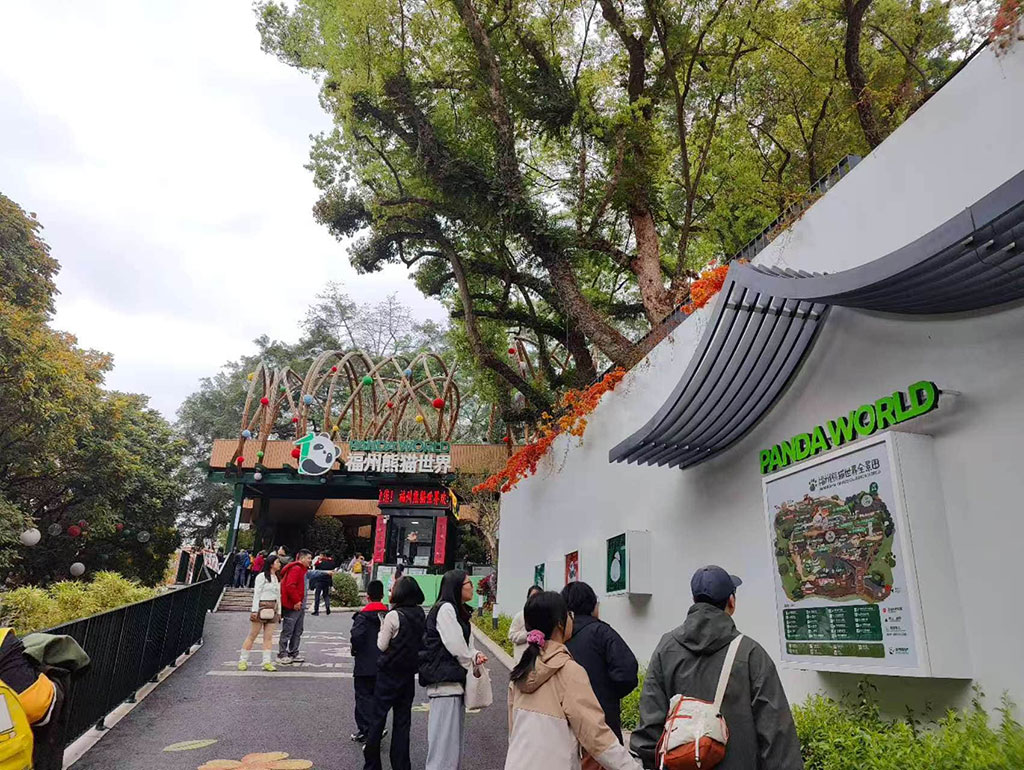
<p>这周末天气不大好，阴天，还是老样子，送完大宝和小宝去了熊猫世界。</p>
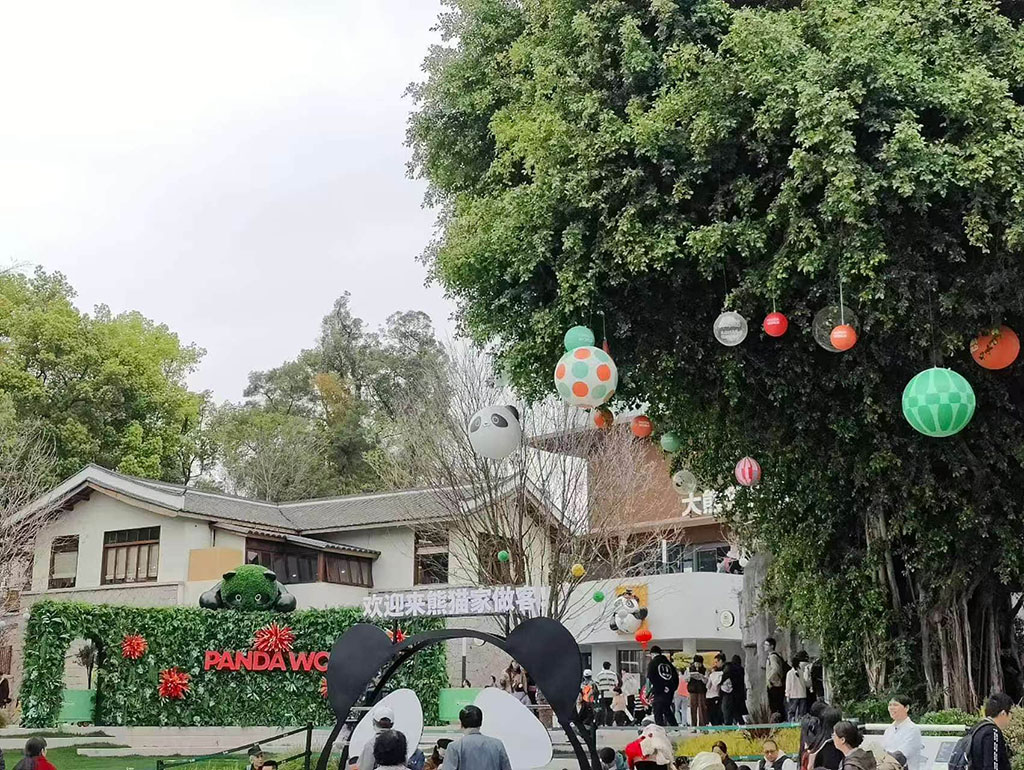
<p>不知道是不是天气不好，加上电瓶车都没地方停影响的心情，整个熊猫世界给我印象非常一般。总体感觉就像是在商业街里放了几只熊猫。</p>
<p>进门需要门票外，里面似乎都是要花钱的地方，加上文创纪念品，好像每个建筑都带有消费的地方，当然，不消费也是可以的。只是和巴掌大的地方+几乎没看到的熊猫一对比，就感觉商业气氛特别浓厚，没啥意思。</p>
<p><figure class="figure"><img src="https://s.lms.pub/wp-content/uploads/2026/03/panda01.jpg" alt="平平无奇的大门入口"  loading="lazy" /><figcaption class="caption">平平无奇的大门入口</figcaption></figure>
<figure class="figure"><img src="https://s.lms.pub/wp-content/uploads/2026/03/panda02.jpg" alt="这是走的比较里面的一个广场"  loading="lazy" /><figcaption class="caption">这是走的比较里面的一个广场</figcaption></figure>
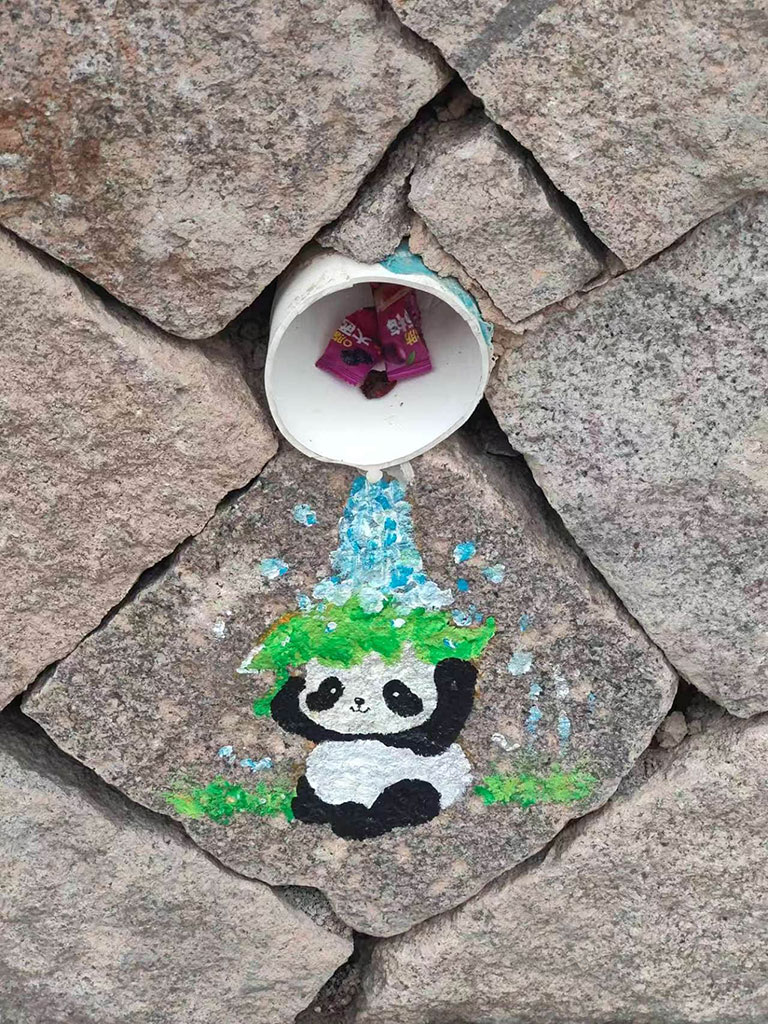
<figure class="figure"><img src="https://s.lms.pub/wp-content/uploads/2026/03/panda03.jpg" alt="广场边上的小涂鸦"  loading="lazy" /><figcaption class="caption">广场边上的小涂鸦</figcaption></figure>
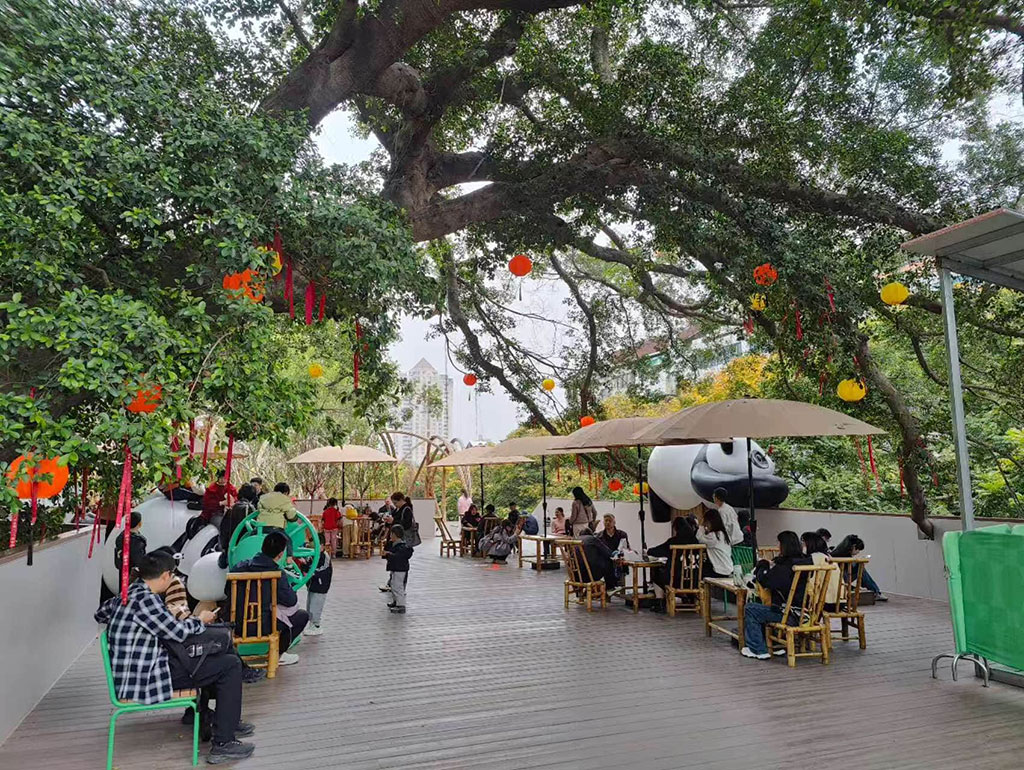
<figure class="figure"><img src="https://s.lms.pub/wp-content/uploads/2026/03/panda04.jpg" alt="游客中心边上休息的地方，坐满了"  loading="lazy" /><figcaption class="caption">游客中心边上休息的地方，坐满了</figcaption></figure>
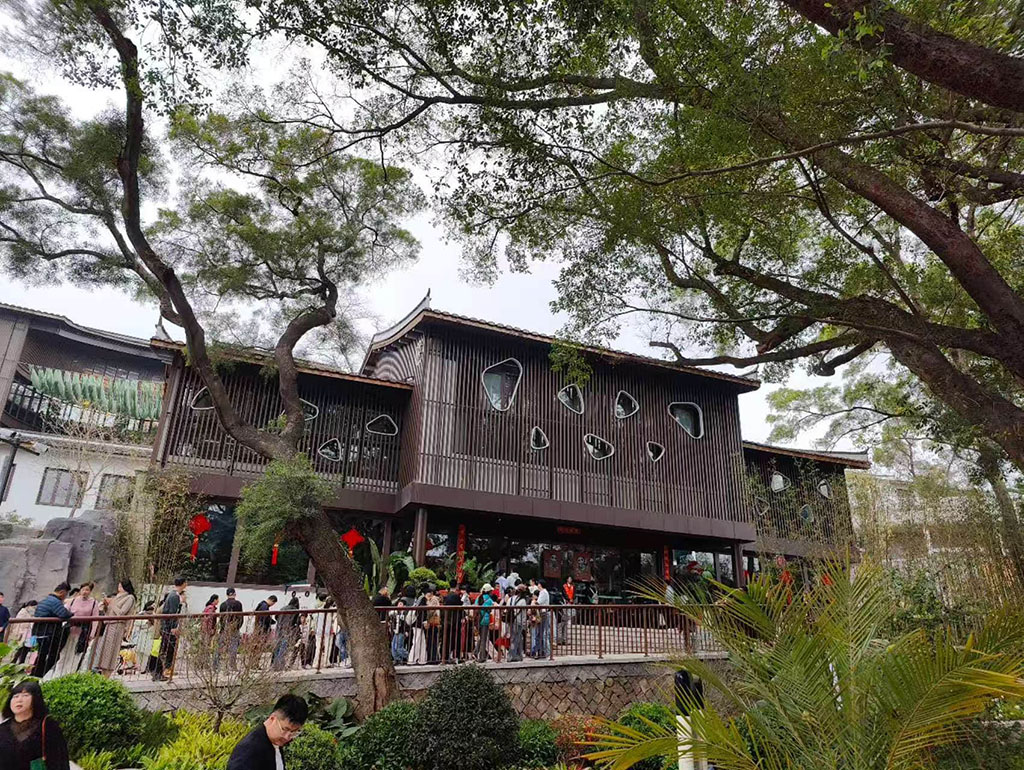
<figure class="figure"><img src="https://s.lms.pub/wp-content/uploads/2026/03/panda05.jpg" alt="这是进门看到的第一个建筑，排着长队"  loading="lazy" /><figcaption class="caption">这是进门看到的第一个建筑，排着长队</figcaption></figure>
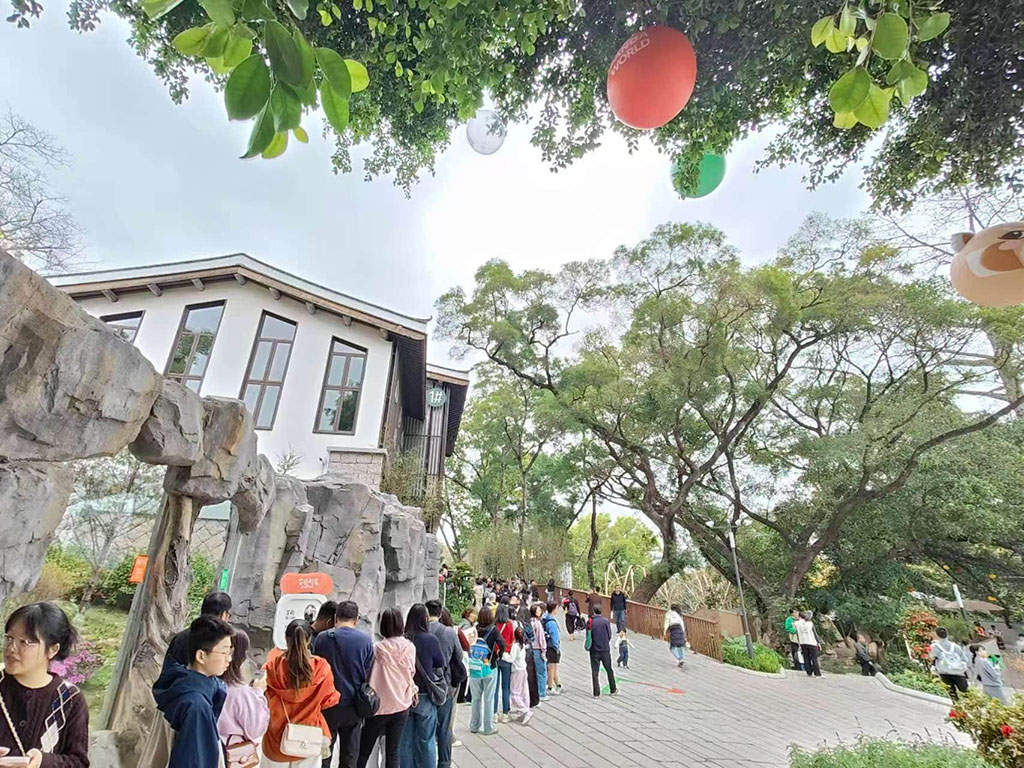
<figure class="figure"><img src="https://s.lms.pub/wp-content/uploads/2026/03/panda06.jpg" alt="队伍的长度"  loading="lazy" /><figcaption class="caption">队伍的长度</figcaption></figure></p>
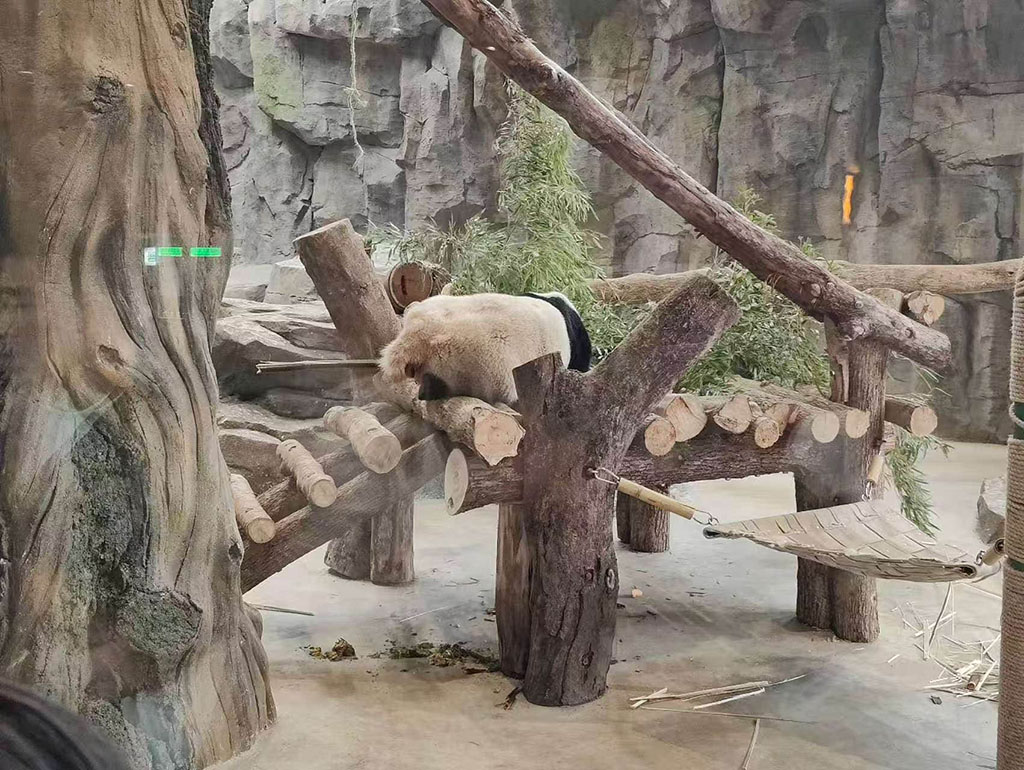
<p>队伍老长原来是因为里面地方小，中间一个小厅，左右两边隔着玻璃里面各一只熊猫，半天了一直躺着，也不起来营业，留给游客生无可恋的背影。
<figure class="figure"><img src="https://s.lms.pub/wp-content/uploads/2026/03/panda07.jpg" alt="左边的熊猫1"  loading="lazy" /><figcaption class="caption">左边的熊猫1</figcaption></figure>
<figure class="figure"><img src="https://s.lms.pub/wp-content/uploads/2026/03/panda08.jpg" alt="右边的熊猫2"  loading="lazy" /><figcaption class="caption">右边的熊猫2</figcaption></figure>
<figure class="figure"><img src="https://s.lms.pub/wp-content/uploads/2026/03/panda09.jpg" alt="等了半天右边的终于动了，拉了泡屎"  loading="lazy" /><figcaption class="caption">等了半天右边的终于动了，拉了泡屎</figcaption></figure>
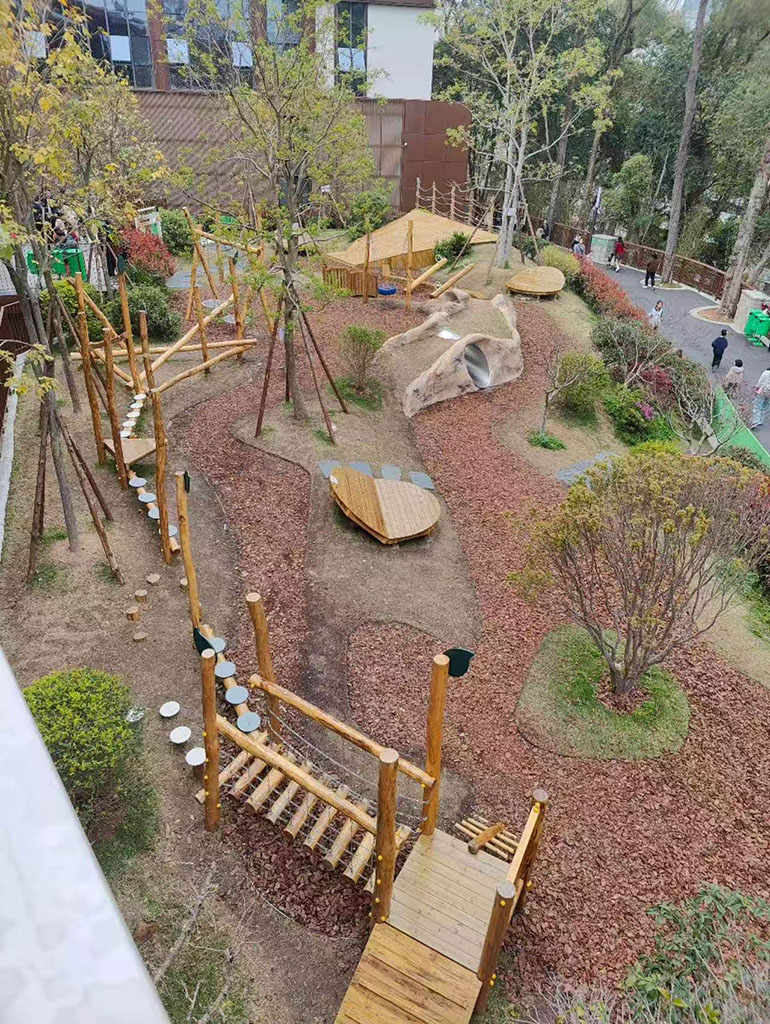
<figure class="figure"><img src="https://s.lms.pub/wp-content/uploads/2026/03/panda10.jpg" alt="熊猫的活动场所，没有熊猫"  loading="lazy" /><figcaption class="caption">熊猫的活动场所，没有熊猫</figcaption></figure>
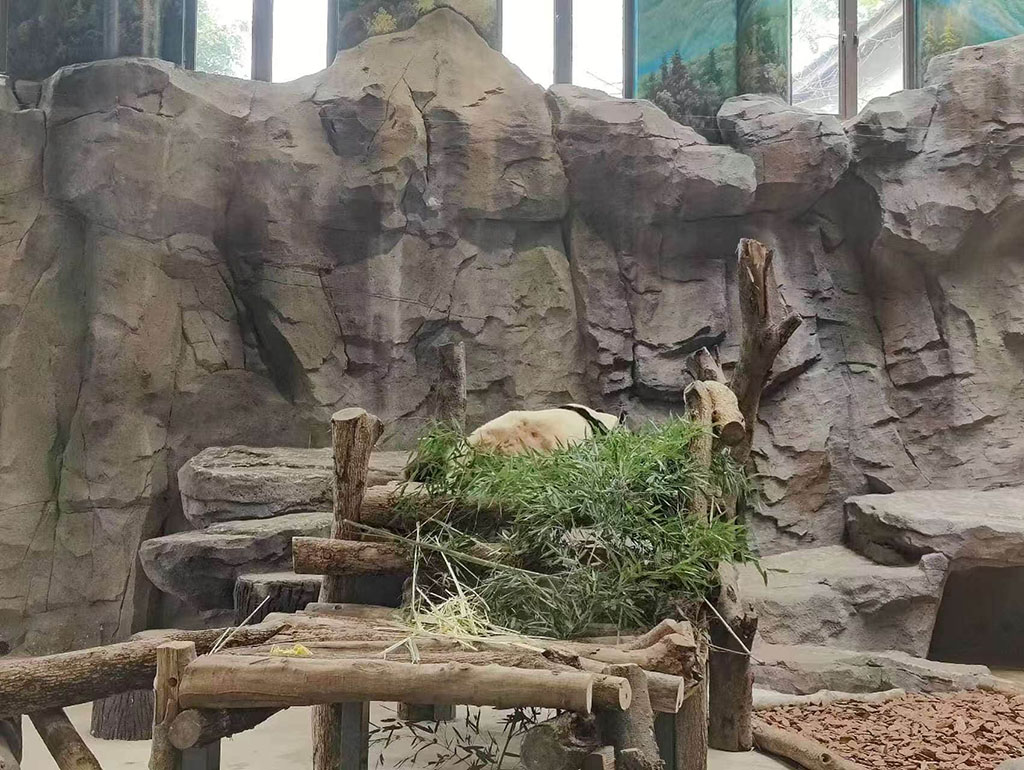
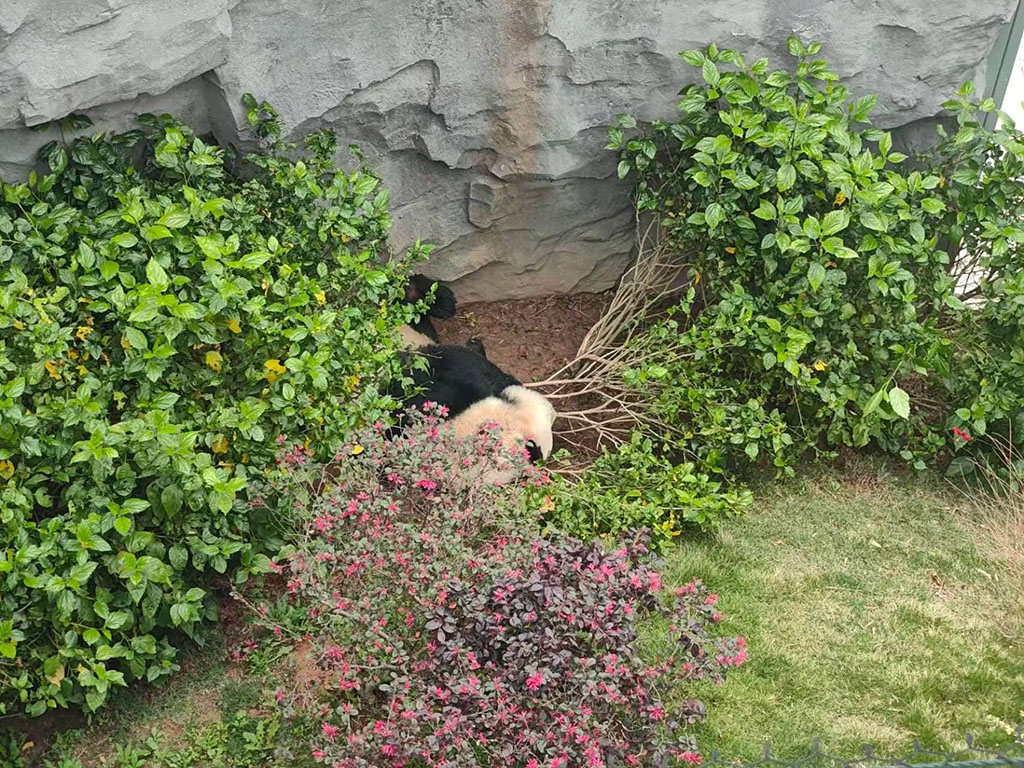
<figure class="figure"><img src="https://s.lms.pub/wp-content/uploads/2026/03/panda11.jpg" alt="熊猫3，躺在草堆里不起来营业，没见动过"  loading="lazy" /><figcaption class="caption">熊猫3，躺在草堆里不起来营业，没见动过</figcaption></figure>
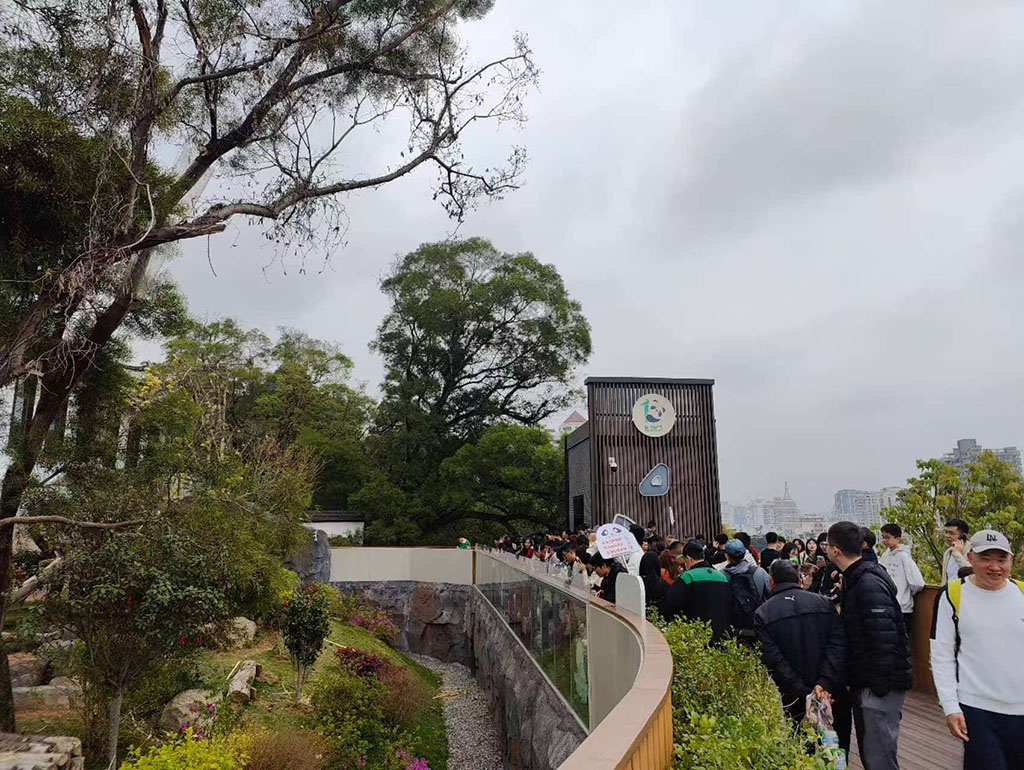
<figure class="figure"><img src="https://s.lms.pub/wp-content/uploads/2026/03/panda12.jpg" alt="另一处看熊猫的人群"  loading="lazy" /><figcaption class="caption">另一处看熊猫的人群</figcaption></figure>
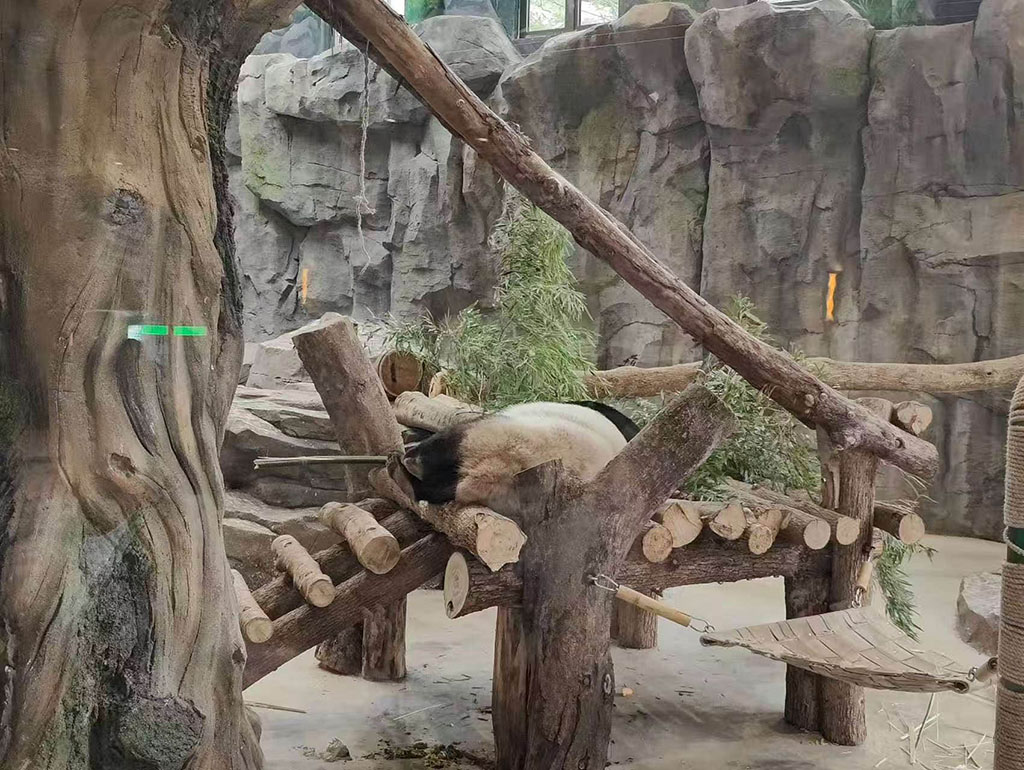
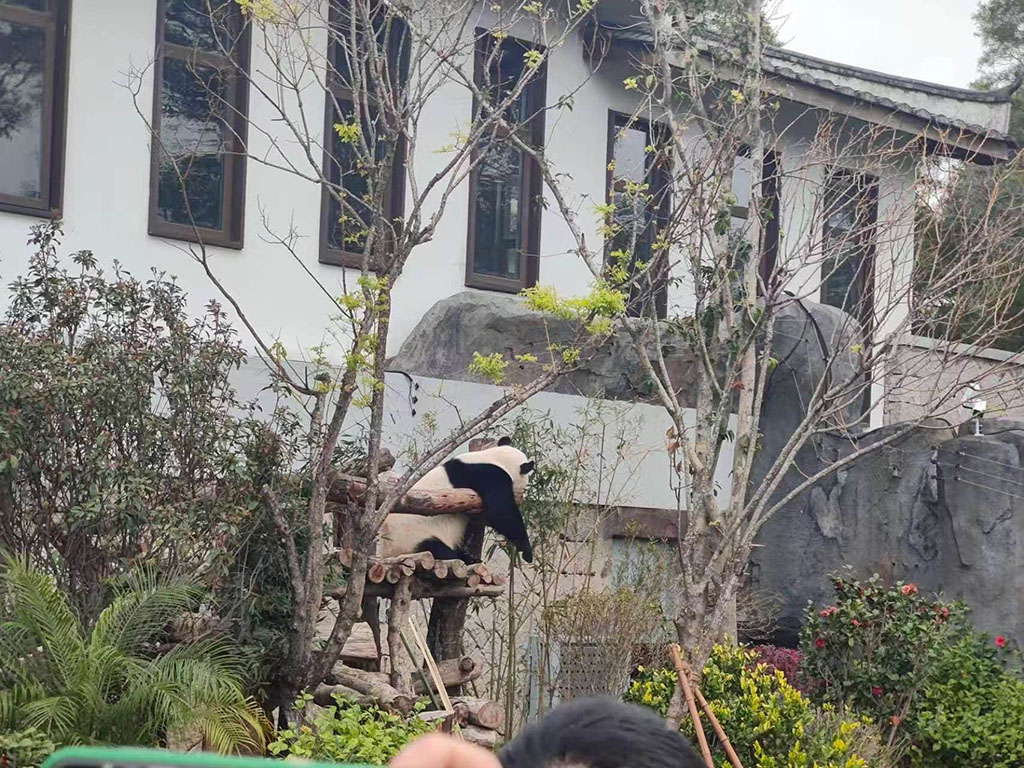
<figure class="figure"><img src="https://s.lms.pub/wp-content/uploads/2026/03/panda13.jpg" alt="熊猫4，等了半天一直这个姿势没动过。"  loading="lazy" /><figcaption class="caption">熊猫4，等了半天一直这个姿势没动过。</figcaption></figure></p>
<p>就这样，带着小朋友绕了一圈，本来要去看小熊猫，跟着地上的标志走着走着到一个下山口没了，看着标志是出口没下去，原来小熊猫就在那个出口处。</p>
]]></content>


                                <category scheme="https://lms.im/cats/%E6%97%A5%E5%BF%97" term="%E6%97%A5%E5%BF%97" label="日志" />


                                <category scheme="https://lms.im/topics/%E7%86%8A%E7%8C%AB" term="%E7%86%8A%E7%8C%AB" label="熊猫" />
                             
                                <category scheme="https://lms.im/topics/%E5%91%A8%E6%9C%AB" term="%E5%91%A8%E6%9C%AB" label="周末" />
                             
                                <category scheme="https://lms.im/topics/%E5%95%86%E4%B8%9A" term="%E5%95%86%E4%B8%9A" label="商业" />


        </entry>
    
        
        <entry>
            <title type="html"><![CDATA[茶亭公园]]></title>
            <link href="https://lms.im/life/chating-park/" rel="alternate" type="text/html" />
            
                <id>https://lms.im/life/chating-park/</id>
            
            <author>
                    <name>LMS</name>
                </author>
            
            <published>2026-03-21T20:49:12+08:00</published>
            <updated>2026-03-21T20:49:12+08:00</updated>
                <content type="html"><![CDATA[<p>一周一周过的真快，上周末才逛了西湖，这周末还是老样子，送了大的去补习，和小的再去逛公园，这周是茶亭公园。</p>
<p>这会儿想起来疑惑茶亭公园的名字来历，bing 搜索了一下，说是园名源于明代僧人在此搭建茶亭供行人歇脚的典故，逛公园时也没注意，不知道有没有这个介绍。</p>
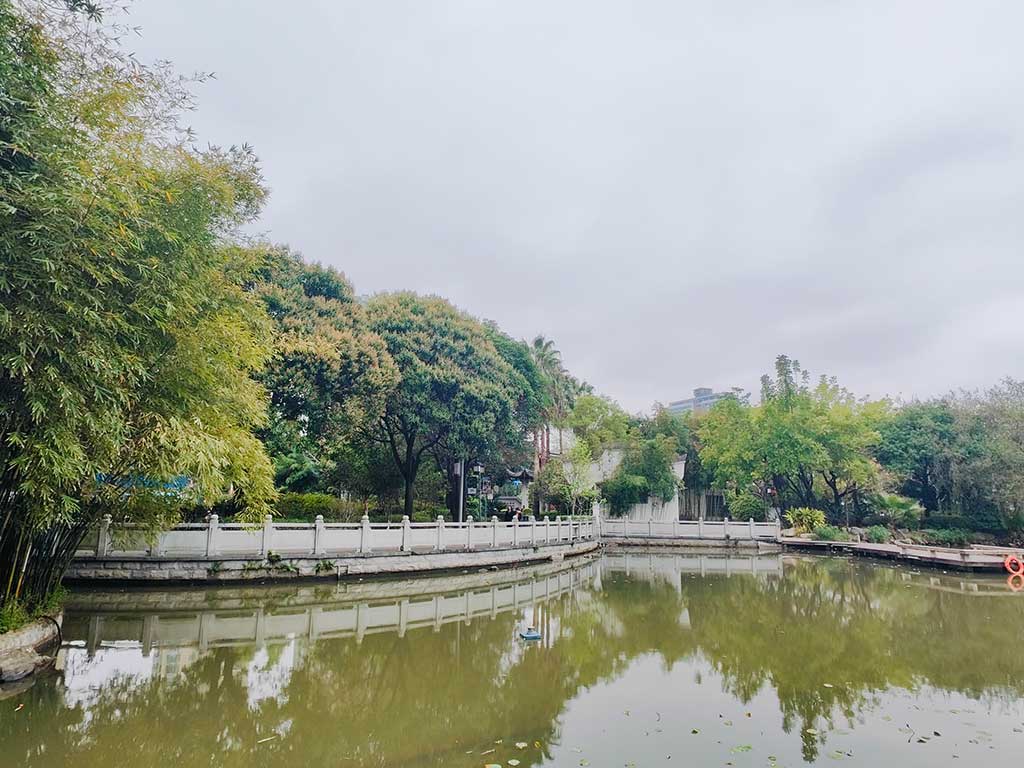
<p>茶亭公园都是看荷花去的，不过这个季节不要说荷花了，连荷叶和杠子都没有，随走随拍。</p>
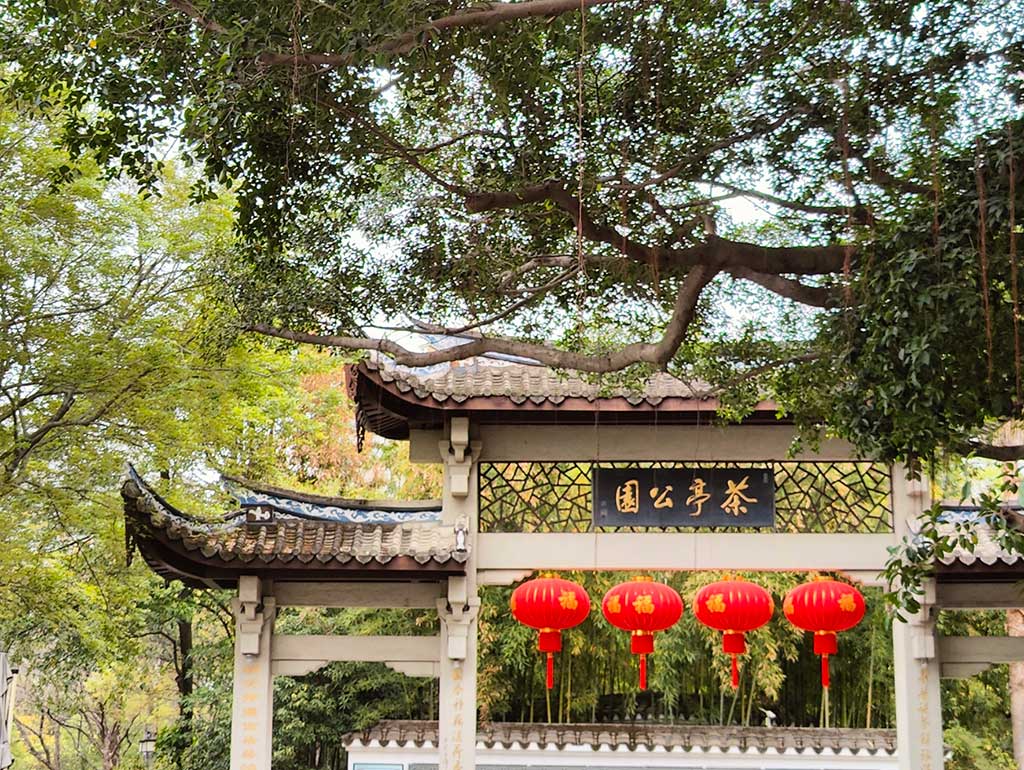
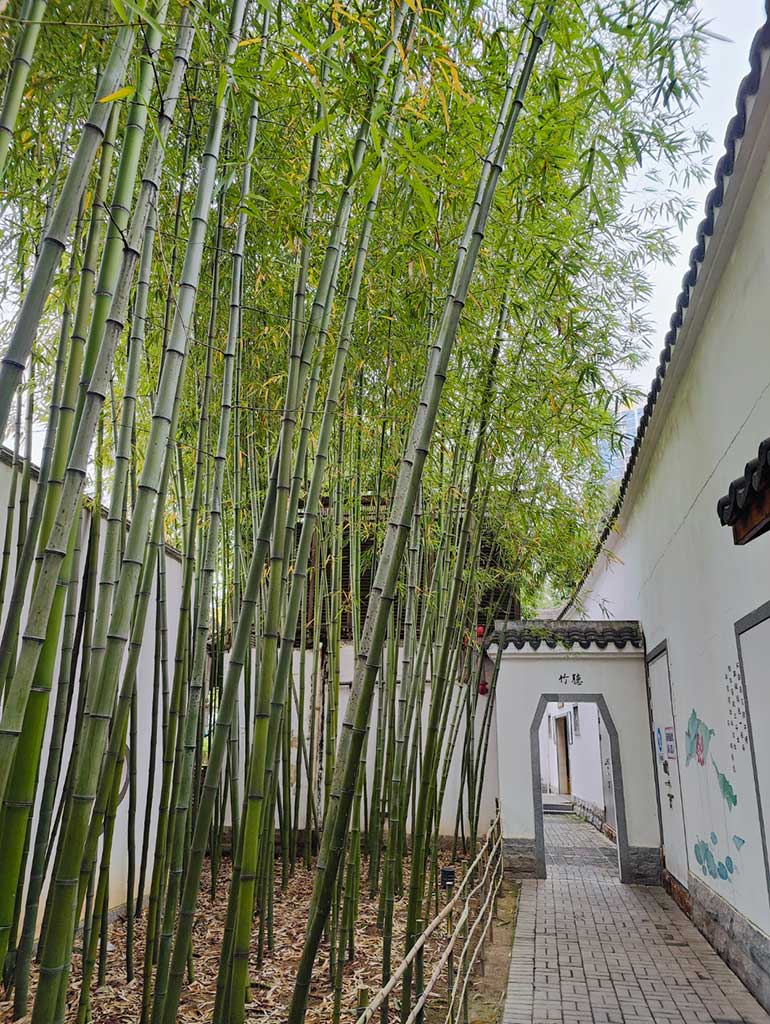
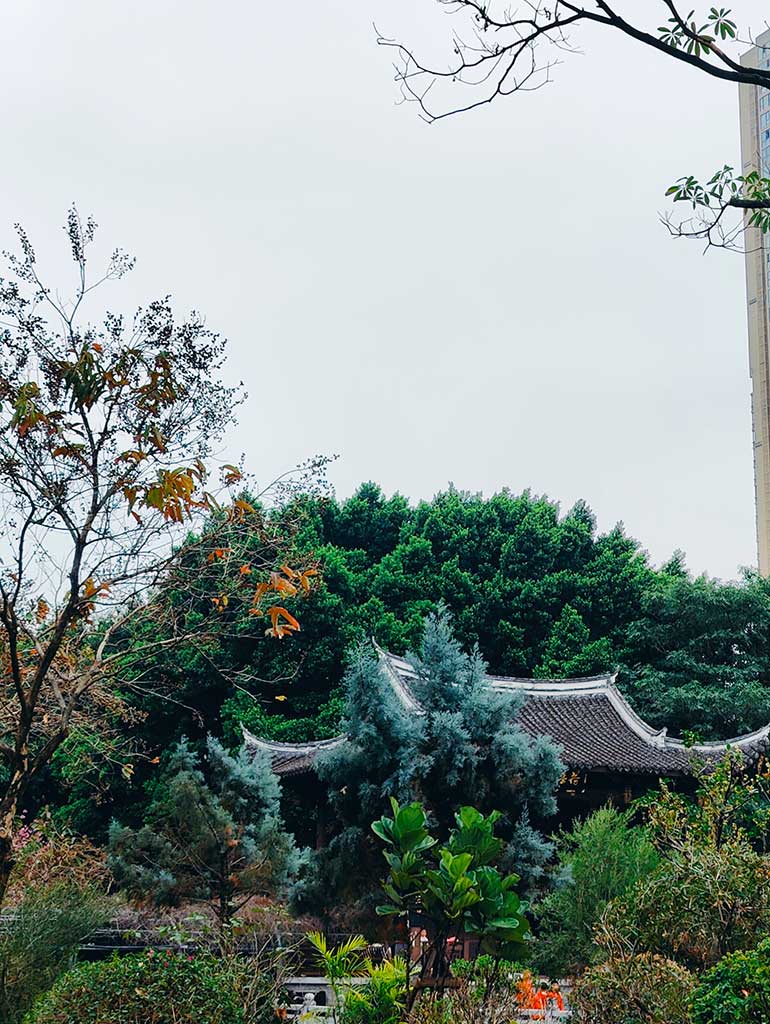
<p><figure class="figure"><img src="https://s.lms.pub/wp-content/uploads/2026/03/2026032101.jpg" alt="公园大门，的上半部分"  loading="lazy" /><figcaption class="caption">公园大门，的上半部分</figcaption></figure>
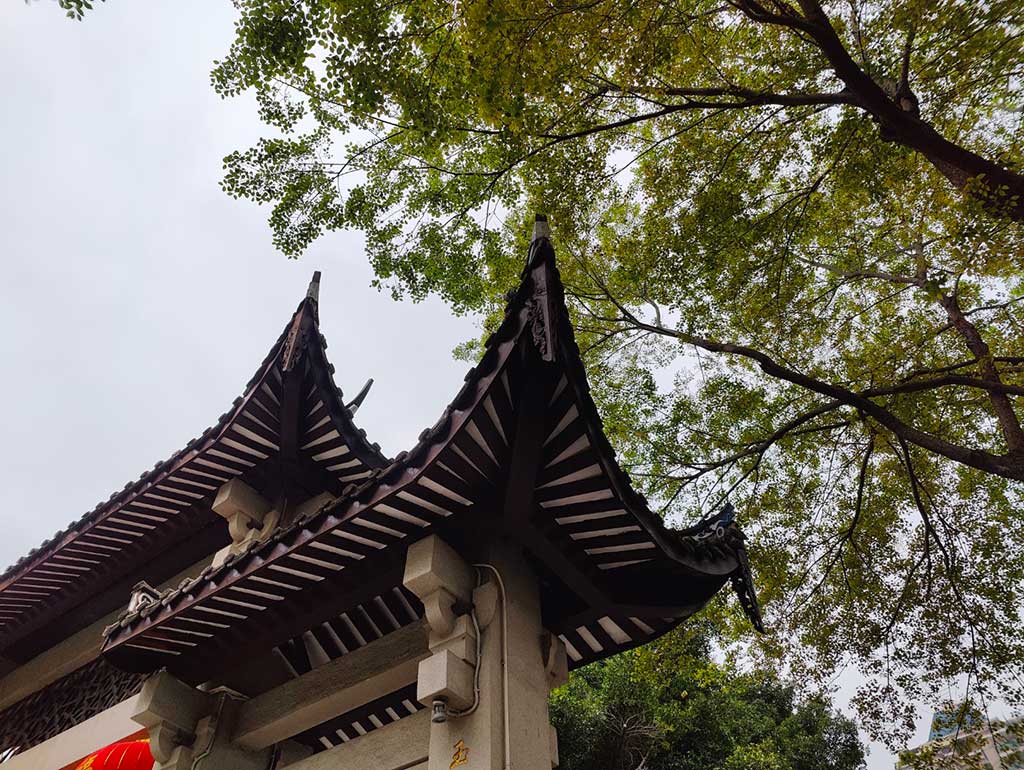
<figure class="figure"><img src="https://s.lms.pub/wp-content/uploads/2026/03/2026032102.jpg" alt="公园大门，回头一角"  loading="lazy" /><figcaption class="caption">公园大门，回头一角</figcaption></figure>
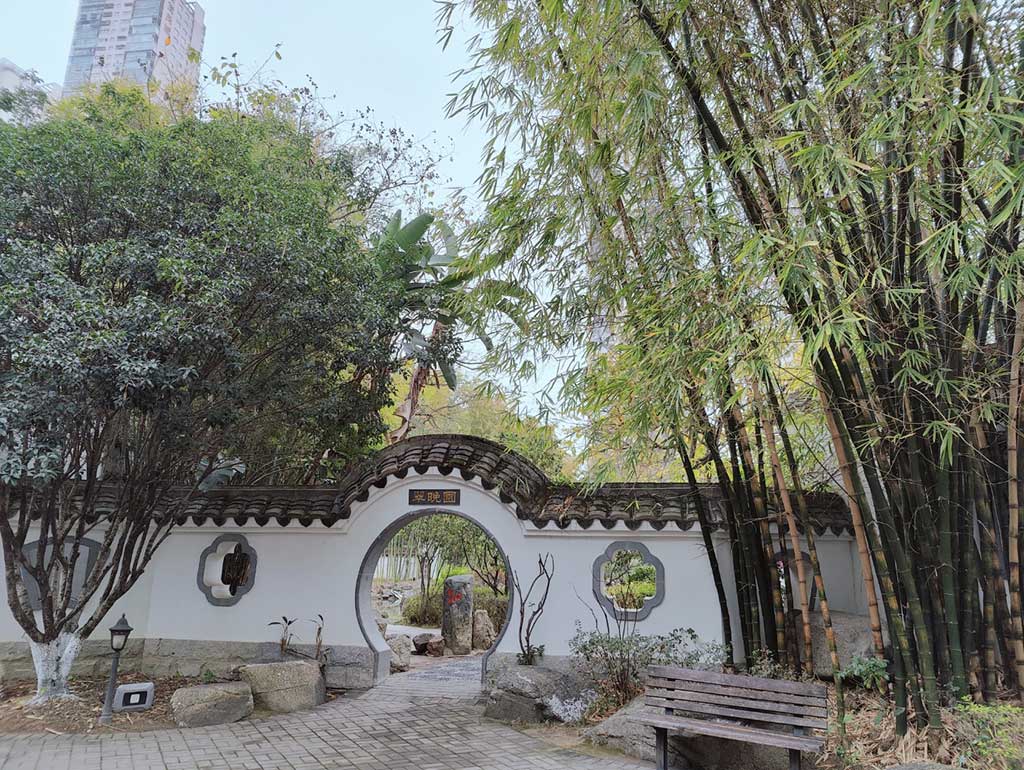
<figure class="figure"><img src="https://s.lms.pub/wp-content/uploads/2026/03/2026032103.jpg" alt="园内一个月亮门"  loading="lazy" /><figcaption class="caption">园内一个月亮门</figcaption></figure>
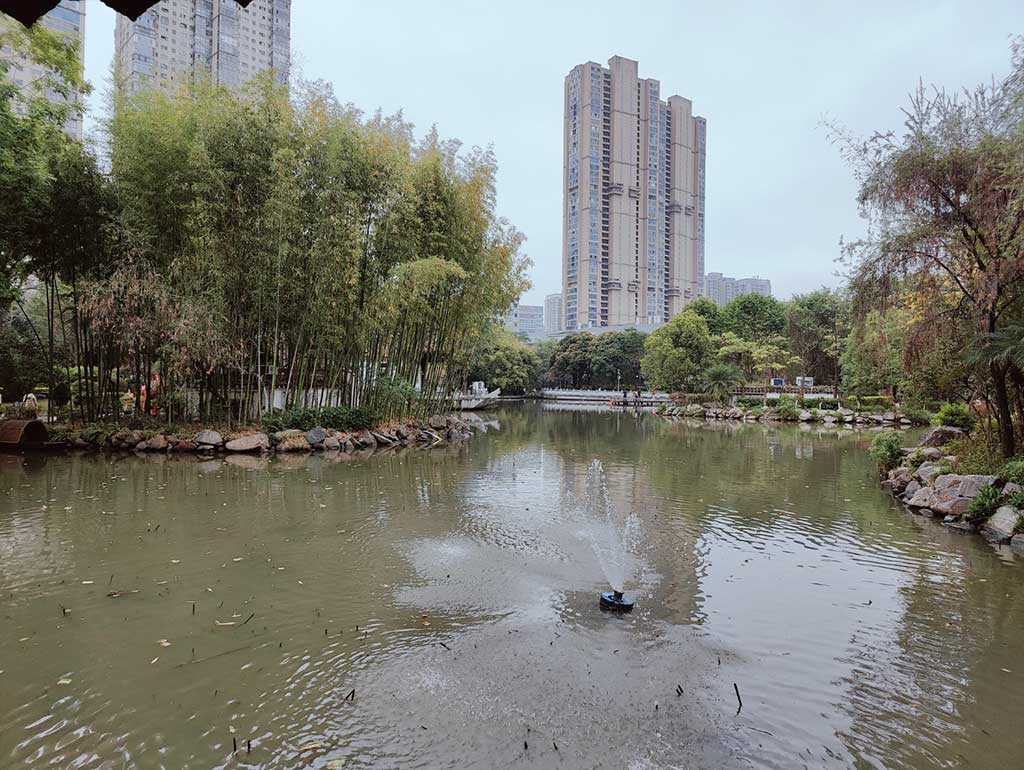
<figure class="figure"><img src="https://s.lms.pub/wp-content/uploads/2026/03/2026032104.jpg" alt="没有荷叶荷花，只有一池残根和一个喷水的"  loading="lazy" /><figcaption class="caption">没有荷叶荷花，只有一池残根和一个喷水的</figcaption></figure>
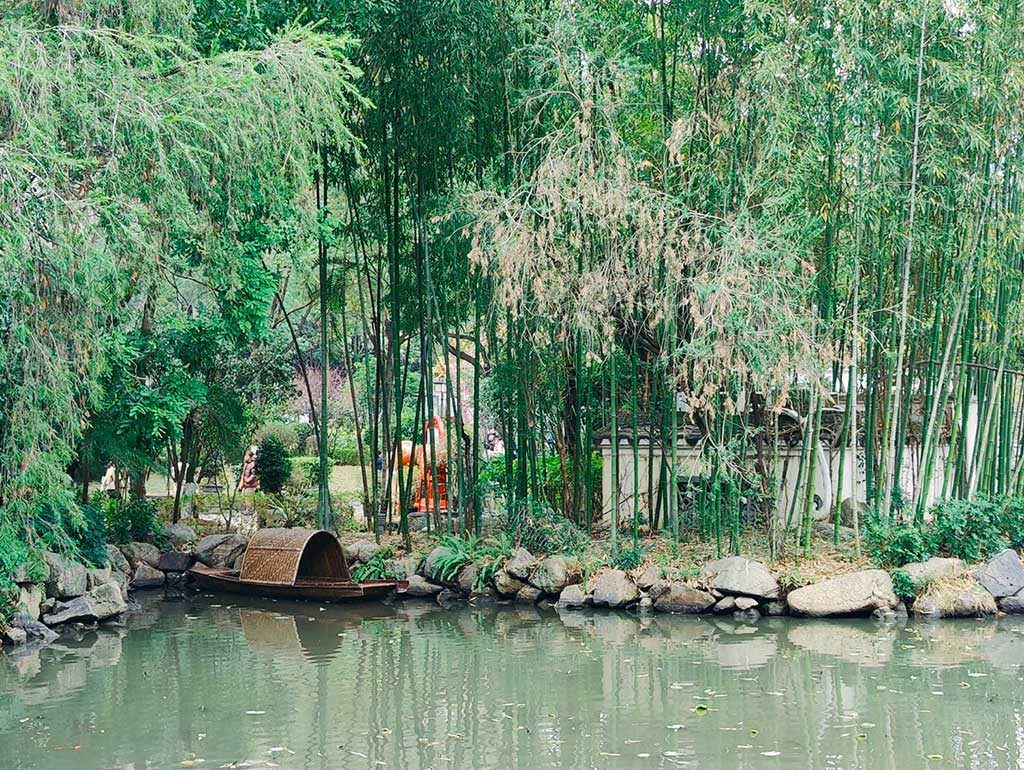
<figure class="figure"><img src="https://s.lms.pub/wp-content/uploads/2026/03/2026032105.jpg" alt="竹篷船，用了手机自带的一个滤镜"  loading="lazy" /><figcaption class="caption">竹篷船，用了手机自带的一个滤镜</figcaption></figure>
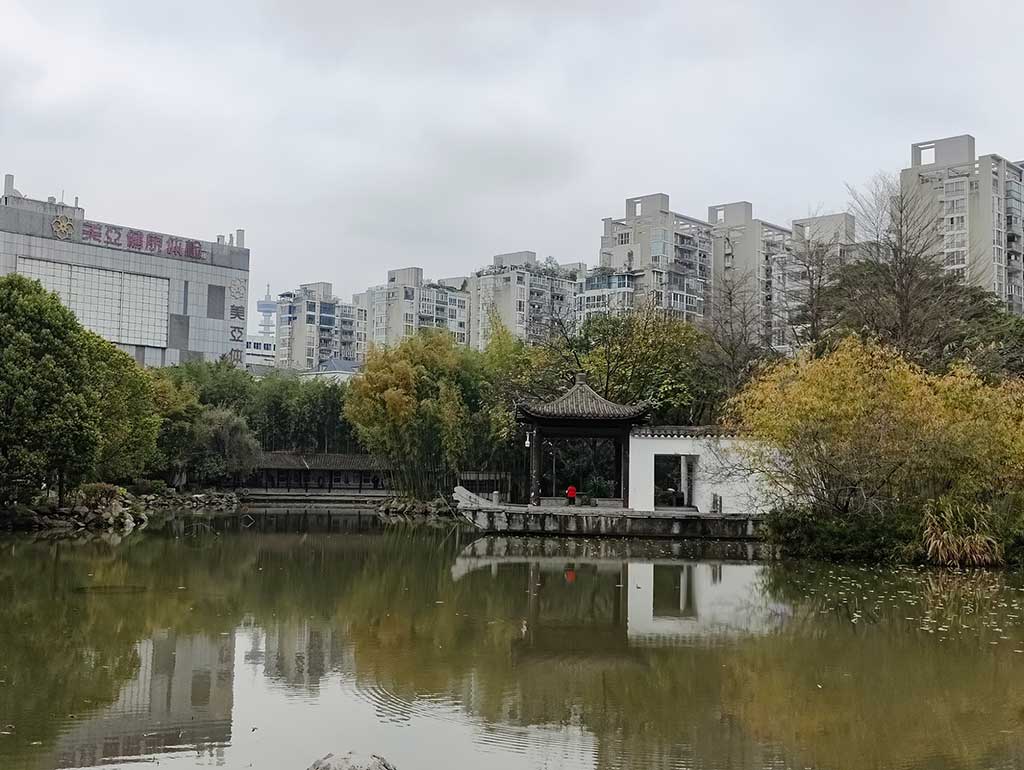
<figure class="figure"><img src="https://s.lms.pub/wp-content/uploads/2026/03/2026032106.jpg" alt="像船一样的亭子"  loading="lazy" /><figcaption class="caption">像船一样的亭子</figcaption></figure>
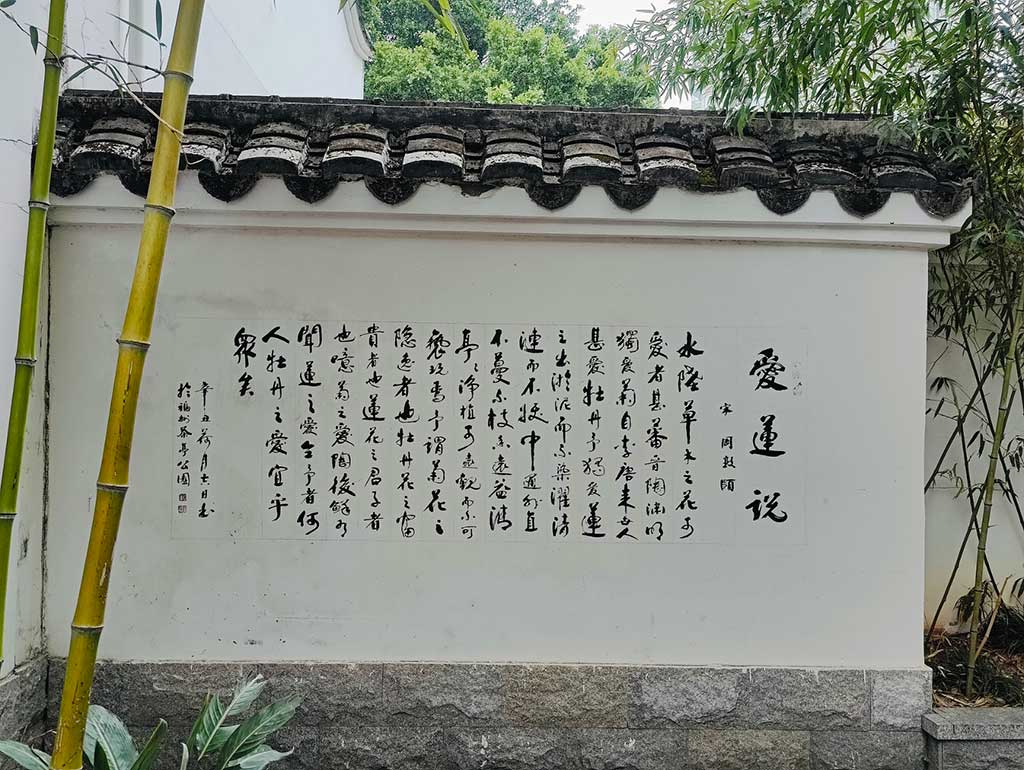
<figure class="figure"><img src="https://s.lms.pub/wp-content/uploads/2026/03/2026032107.jpg" alt="竹撑四季，莲徒爱说"  loading="lazy" /><figcaption class="caption">竹撑四季，莲徒爱说</figcaption></figure>


<div class="figure-group">


    <figure class="figure">
      <img src="https://s.lms.pub/wp-content/uploads/2026/03/2026032111.jpg" loading="lazy" alt="听竹，单薄了一点"  />
      
        <figcaption class="caption">听竹，单薄了一点</figcaption>
      
    </figure>


    <figure class="figure">
      <img src="https://s.lms.pub/wp-content/uploads/2026/03/2026032108.jpg" loading="lazy" alt="戏台一角"  />
      
        <figcaption class="caption">戏台一角</figcaption>
      
    </figure>
  
</div>

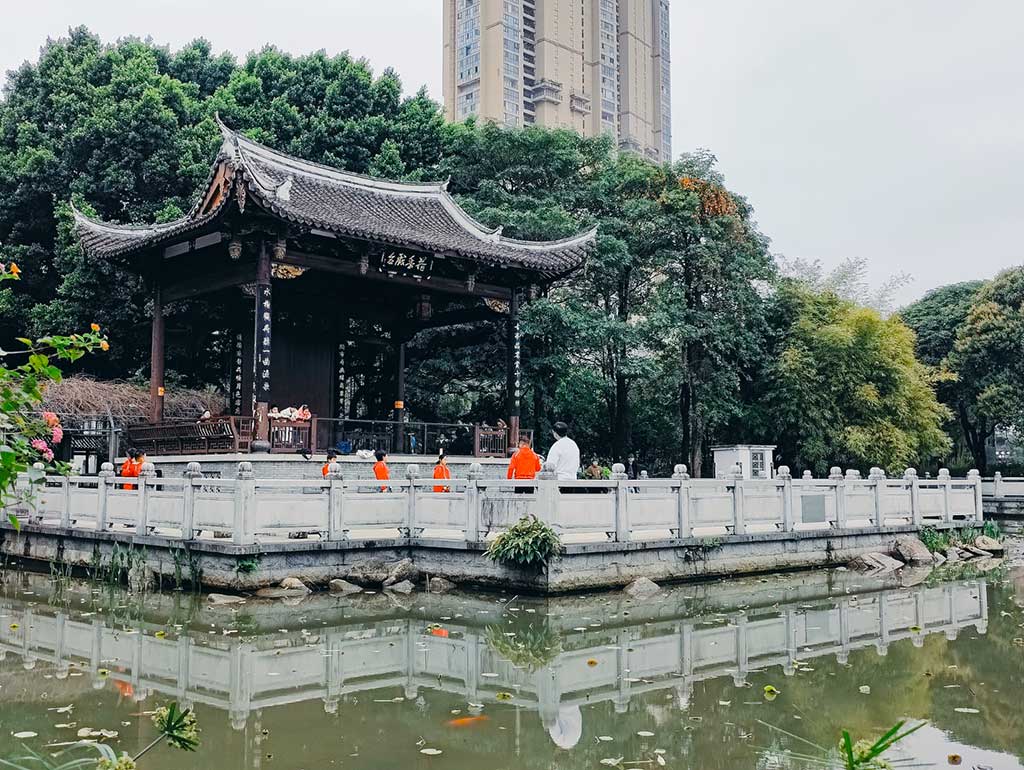
<figure class="figure"><img src="https://s.lms.pub/wp-content/uploads/2026/03/2026032109.jpg" alt="荷香戏台"  loading="lazy" /><figcaption class="caption">荷香戏台</figcaption></figure>
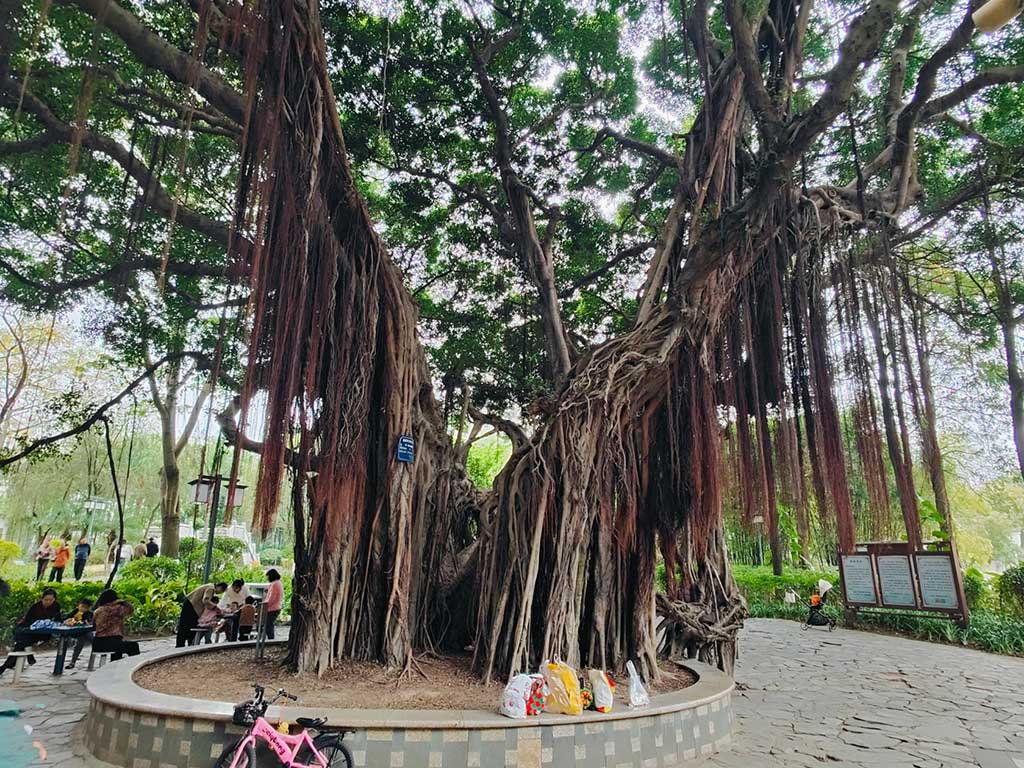
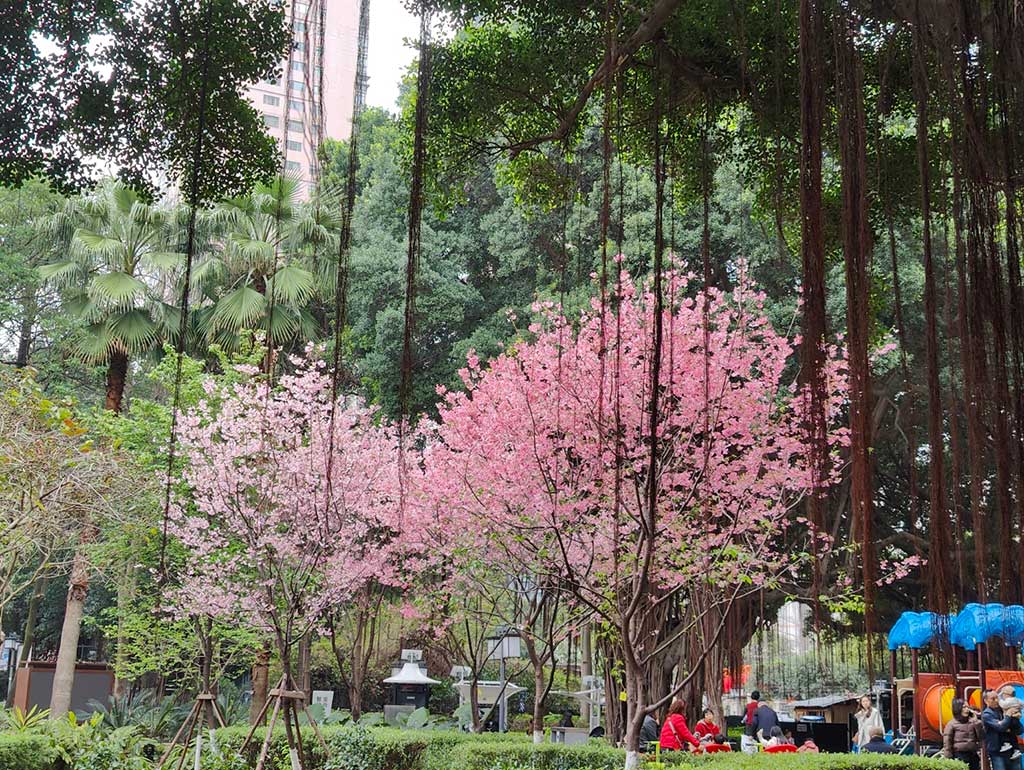
<figure class="figure"><img src="https://s.lms.pub/wp-content/uploads/2026/03/2026032110.jpg" alt="少不了的榕树"  loading="lazy" /><figcaption class="caption">少不了的榕树</figcaption></figure>
<figure class="figure"><img src="https://s.lms.pub/wp-content/uploads/2026/03/2026032112.jpg" alt="戏台视角，荷香不遇"  loading="lazy" /><figcaption class="caption">戏台视角，荷香不遇</figcaption></figure></p>
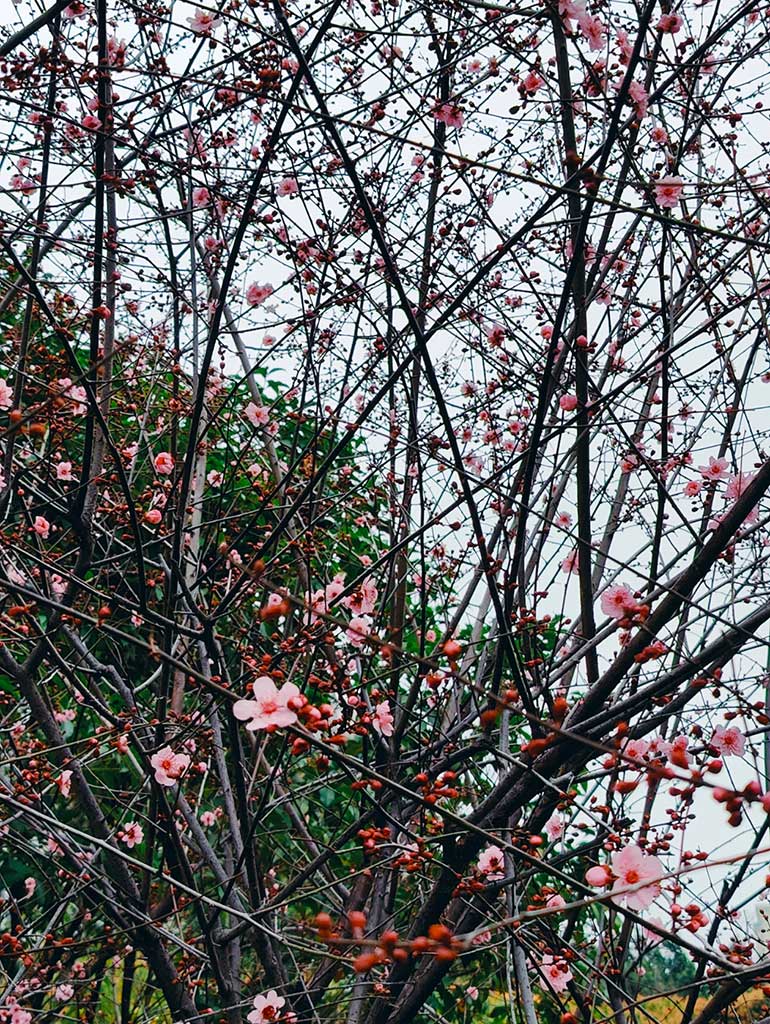
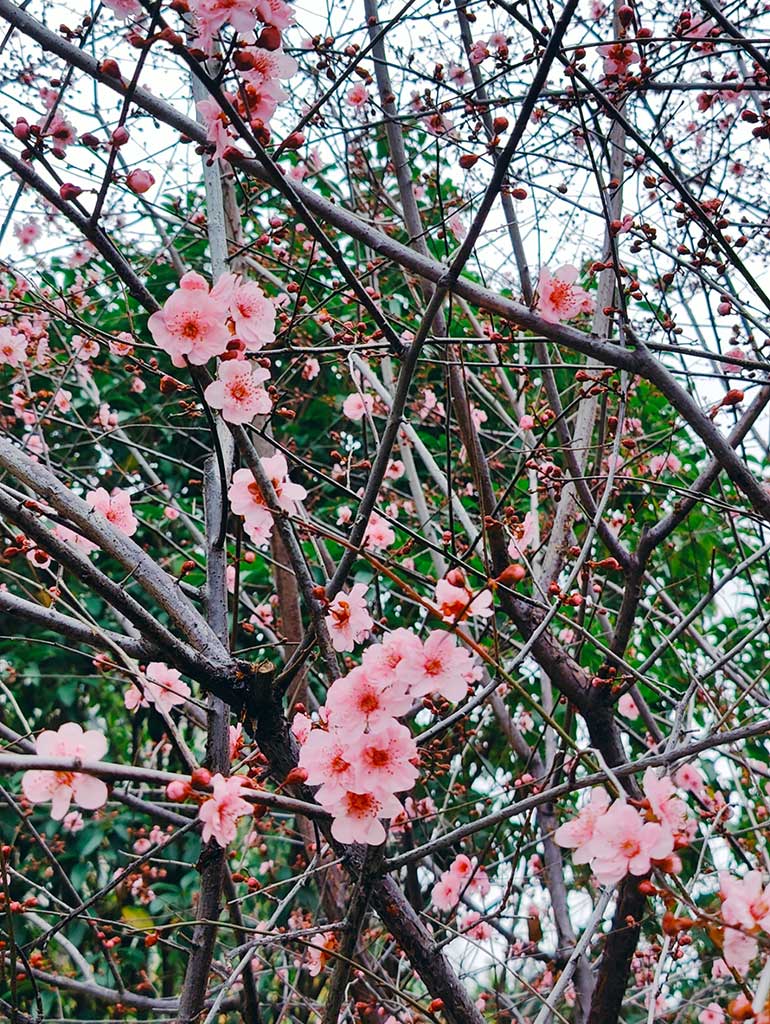
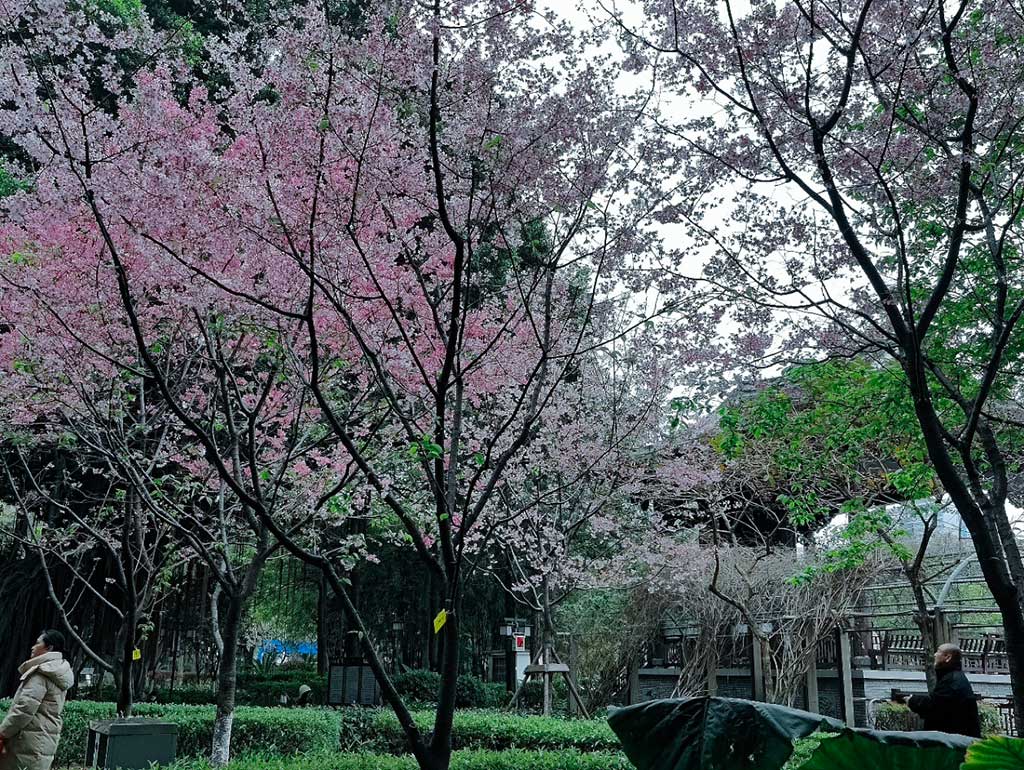
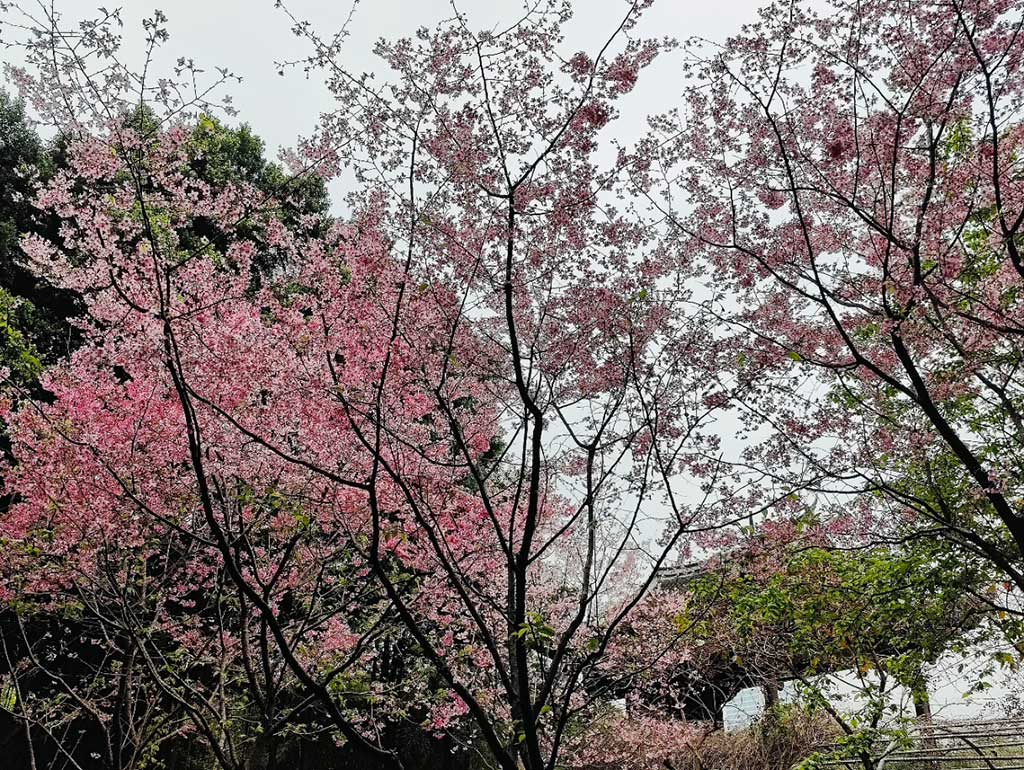
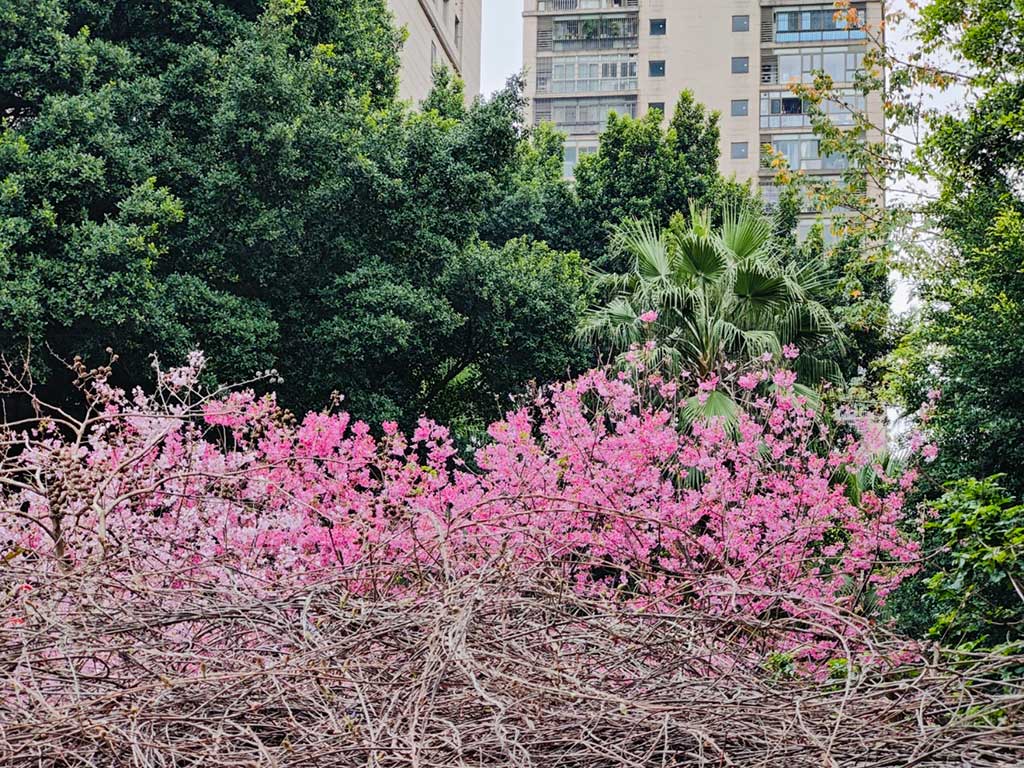
<p>下面是梅花专辑，这是梅花吧？！


<div class="figure-group">


    <figure class="figure">
      <img src="https://s.lms.pub/wp-content/uploads/2026/03/hua01.jpg" loading="lazy" alt="疏枝横玉瘦"  />
      
        <figcaption class="caption">疏枝横玉瘦</figcaption>
      
    </figure>


    <figure class="figure">
      <img src="https://s.lms.pub/wp-content/uploads/2026/03/hua02.jpg" loading="lazy" alt="小萼点珠光"  />
      
        <figcaption class="caption">小萼点珠光</figcaption>
      
    </figure>
  
</div>

<figure class="figure"><img src="https://s.lms.pub/wp-content/uploads/2026/03/hua001.jpg" alt="满树和娇烂漫红，万枝丹彩灼春融。"  loading="lazy" /><figcaption class="caption">满树和娇烂漫红，万枝丹彩灼春融。</figcaption></figure>
<figure class="figure"><img src="https://s.lms.pub/wp-content/uploads/2026/03/hua002.jpg" alt="换一个角度的满树芳华"  loading="lazy" /><figcaption class="caption">换一个角度的满树芳华</figcaption></figure>
<figure class="figure"><img src="https://s.lms.pub/wp-content/uploads/2026/03/hua003.jpg" alt="再换一个角度的满树芳华"  loading="lazy" /><figcaption class="caption">再换一个角度的满树芳华</figcaption></figure>
<figure class="figure"><img src="https://s.lms.pub/wp-content/uploads/2026/03/hua004.jpg" alt="再换一个角度，如火如荼"  loading="lazy" /><figcaption class="caption">再换一个角度，如火如荼</figcaption></figure></p>
<p>我发现写博客发图片真是比纯文字累多了，拍照不用说了，拍半天可能拍不出一张好的，完了回来还得导图片，导出来后挑图片，挑完图片处理图片一张张按统一大小缩放保存转格式，最后还得上传博客，再配上文字，真不是一般人能干的活，好摄的大佬们真是牛逼。</p>
]]></content>


                                <category scheme="https://lms.im/cats/%E6%97%A5%E5%BF%97" term="%E6%97%A5%E5%BF%97" label="日志" />


                                <category scheme="https://lms.im/topics/%E5%85%AC%E5%9B%AD" term="%E5%85%AC%E5%9B%AD" label="公园" />
                             
                                <category scheme="https://lms.im/topics/%E8%8C%B6%E4%BA%AD%E5%85%AC%E5%9B%AD" term="%E8%8C%B6%E4%BA%AD%E5%85%AC%E5%9B%AD" label="茶亭公园" />
                             
                                <category scheme="https://lms.im/topics/%E8%8D%B7%E8%8A%B1" term="%E8%8D%B7%E8%8A%B1" label="荷花" />
                             
                                <category scheme="https://lms.im/topics/%E5%91%A8%E6%9C%AB" term="%E5%91%A8%E6%9C%AB" label="周末" />
                             
                                <category scheme="https://lms.im/topics/%E6%95%A3%E6%AD%A5" term="%E6%95%A3%E6%AD%A5" label="散步" />
                             
                                <category scheme="https://lms.im/topics/%E6%8B%8D%E7%85%A7" term="%E6%8B%8D%E7%85%A7" label="拍照" />
                             
                                <category scheme="https://lms.im/topics/%E6%A2%85%E8%8A%B1" term="%E6%A2%85%E8%8A%B1" label="梅花" />


        </entry>
    
        
        <entry>
            <title type="html"><![CDATA[VMWare 安装 kaihongOS 失败]]></title>
            <link href="https://lms.im/magic/vmware-failed-to-install-kaihongos/" rel="alternate" type="text/html" />
            
                <id>https://lms.im/magic/vmware-failed-to-install-kaihongos/</id>
            
            <author>
                    <name>LMS</name>
                </author>
            
            <published>2026-03-20T22:31:43+08:00</published>
            <updated>2026-03-20T22:31:43+08:00</updated>
                <content type="html"><![CDATA[<p>听说出了个基于鸿蒙 OS 的桌面操作系统 kaihongOS，于是又重新安装了 VMware Workstation Pro，有了 Windows 子系统后，我就把它删了，反正现在安装也是免费。</p>
<p>到官网下载了桌面版压缩包，解压得到 5.0 ISO 包 2.98G。官方给的推荐配置：</p>
<blockquote>
<p>推荐配置：<br>
CPU： Intel 64位处理器（双核或多核）、主频1GHz以上<br>
RAM：4GB以上内存<br>
存储：30GB以上可用独立分区空间，支持SATA、NVME<br>
系统固件：支持从外部USB引导的UEFI系统固件<br>
显卡：Intel HD Graphics 系列五代及以上集显、部分Intel UHD Graphics系列的集显、部分 Intel Iris 架构的集显<br>
注意：如果有双显卡的需将显示器接到集显上</p>
</blockquote>
<p>开搞。</p>
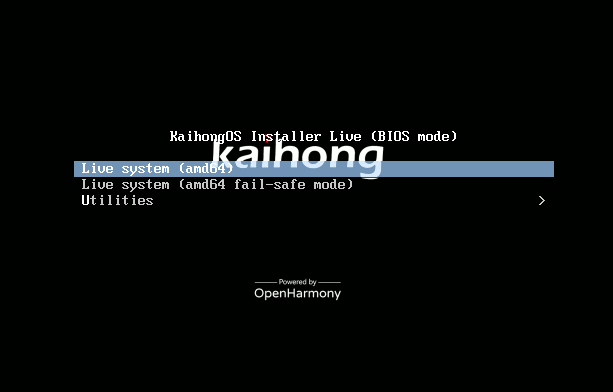
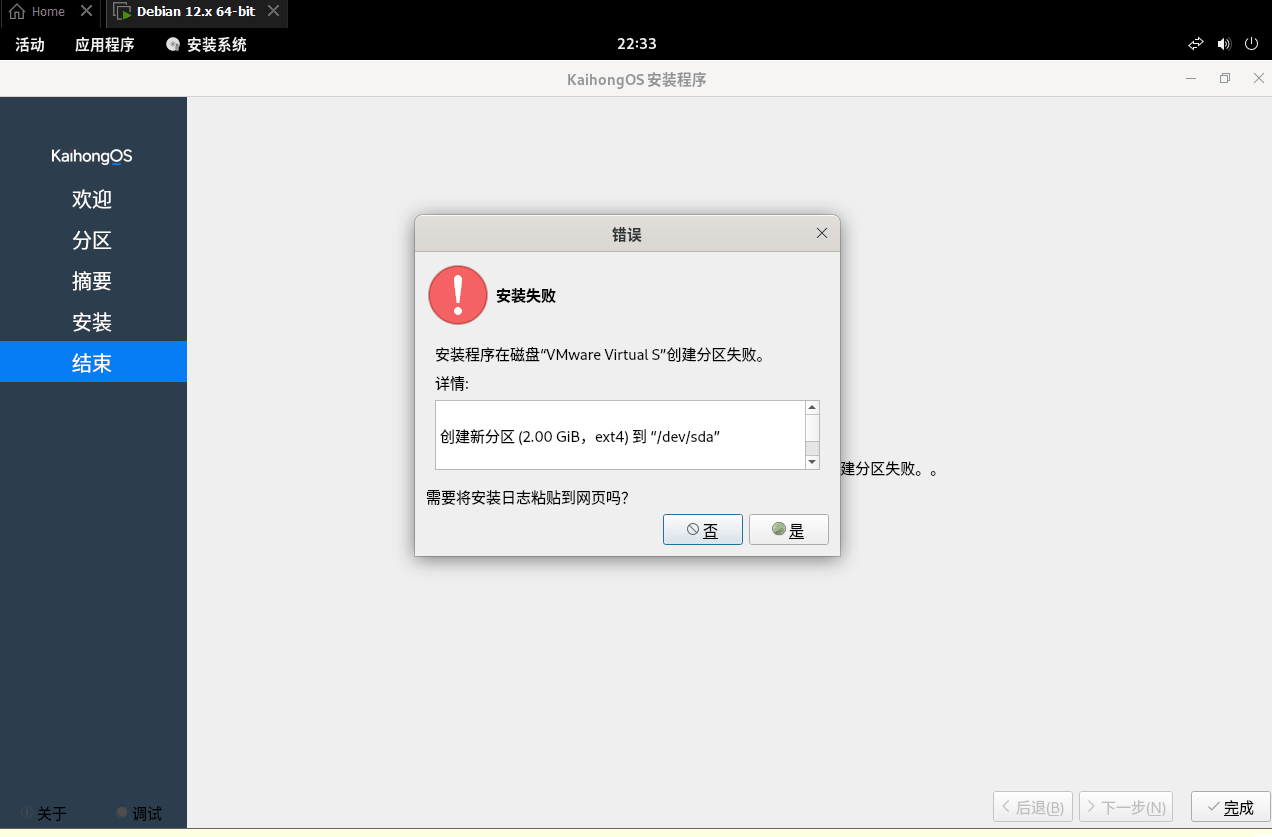
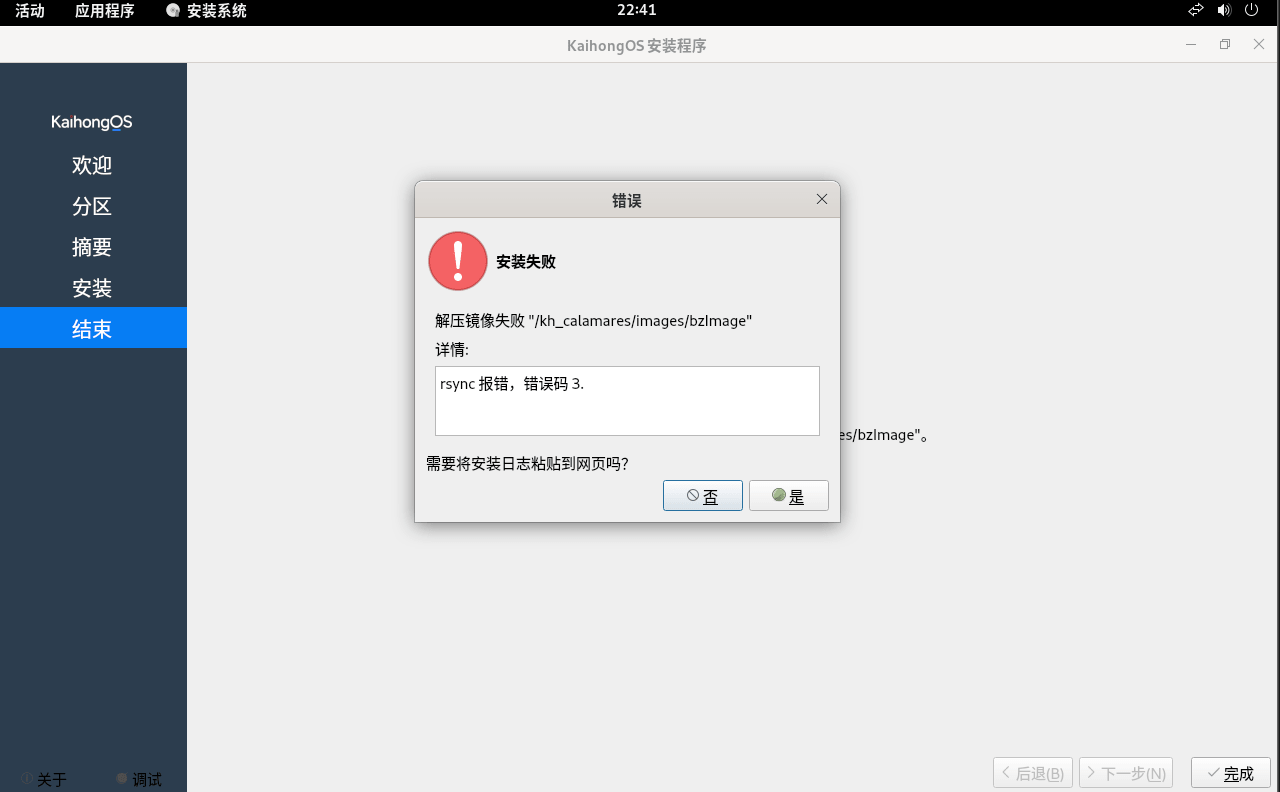
<p>最后当然失败，不知道为什么一直在格式化硬盘处出错，不管是按默认的还是自定义格式化，来回试了几次都是失败。</p>
<p>两种格式化方式提示错误还不同。</p>
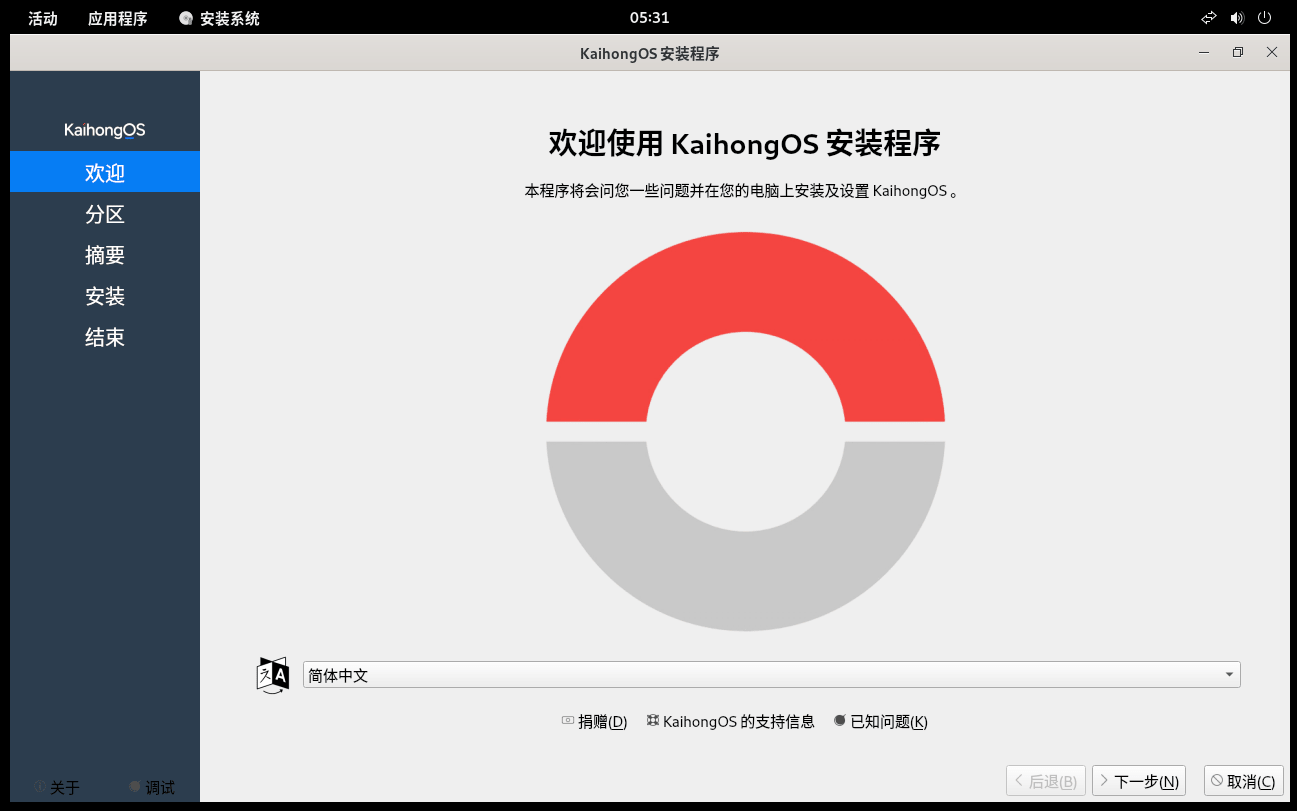
<p><figure class="figure"><img src="https://s.lms.pub/wp-content/uploads/2026/03/kaihongOS01.png" alt="启动能看到 OpenHarmony"  loading="lazy" /><figcaption class="caption">启动能看到 OpenHarmony</figcaption></figure>
<figure class="figure"><img src="https://s.lms.pub/wp-content/uploads/2026/03/kaihongOS02.png" alt="KaihongOS安装界面"  loading="lazy" /><figcaption class="caption">KaihongOS安装界面</figcaption></figure>


<div class="figure-group">


    <figure class="figure">
      <img src="https://s.lms.pub/wp-content/uploads/2026/03/kaihongOS04.png" loading="lazy" alt="磁盘格式化错误1"  />
      
        <figcaption class="caption">磁盘格式化错误1</figcaption>
      
    </figure>


    <figure class="figure">
      <img src="https://s.lms.pub/wp-content/uploads/2026/03/kaihongOS05.png" loading="lazy" alt="磁盘格式化错误2"  />
      
        <figcaption class="caption">磁盘格式化错误2</figcaption>
      
    </figure>
  
</div>

<figure class="figure"><img src="https://s.lms.pub/wp-content/uploads/2026/03/kaihongOS03.png" alt="Dedian?"  loading="lazy" /><figcaption class="caption">Dedian?</figcaption></figure></p>
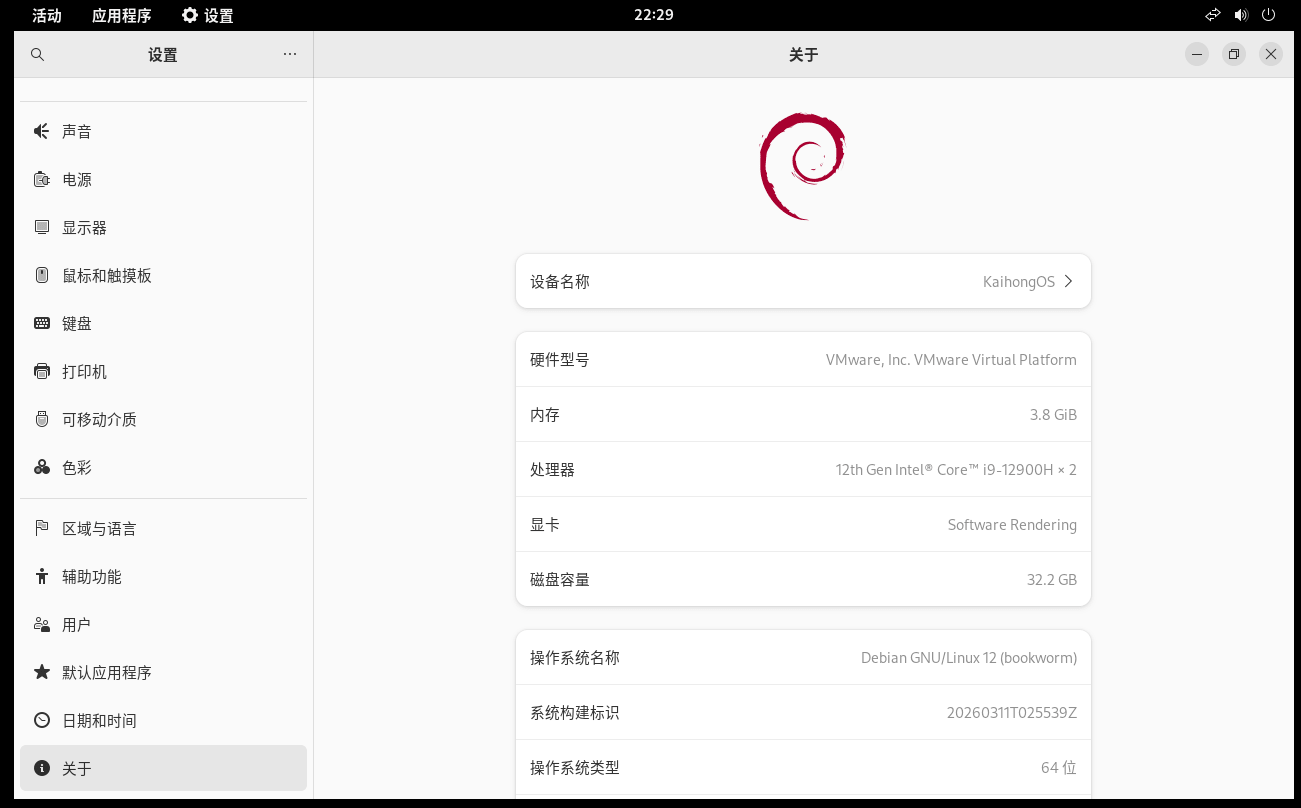
<p>奇怪的是，安装程序里打开设置，看到的是 Debian 的图标，操作系统名称显示：Debian GNU/Linux12 (bookworm)，没安装成功也看不到真正的系统界面，也不知道这是安装程序基于 linux 还是整个 KaihongOS 就是基于 Linux。</p>
<h3 id="后续">后续</h3>
<p>经过热心网友提醒，通过编辑 VMWare 虚拟主机设置，将选项-高级-Firmware type 改为 UEFI 顺利安装成功，但开机后一直疯狂跑系统日志，跑到 [ 500.xxx] 多行还在跑，重启添加 grub 参数也不行。</p>
<p>不好玩，放弃。</p>
]]></content>


                                <category scheme="https://lms.im/cats/%E6%8A%98%E8%85%BE" term="%E6%8A%98%E8%85%BE" label="折腾" />


                                <category scheme="https://lms.im/topics/linux" term="linux" label="Linux" />
                             
                                <category scheme="https://lms.im/topics/%E9%B8%BF%E8%92%99" term="%E9%B8%BF%E8%92%99" label="鸿蒙" />
                             
                                <category scheme="https://lms.im/topics/%E6%93%8D%E4%BD%9C%E7%B3%BB%E7%BB%9F" term="%E6%93%8D%E4%BD%9C%E7%B3%BB%E7%BB%9F" label="操作系统" />
                             
                                <category scheme="https://lms.im/topics/kaihongos" term="kaihongos" label="KaihongOS" />
                             
                                <category scheme="https://lms.im/topics/vmware" term="vmware" label="VMWare" />


        </entry>
    
        
        <entry>
            <title type="html"><![CDATA[周末公园走走]]></title>
            <link href="https://lms.im/life/weekend-park-walk/" rel="alternate" type="text/html" />
            
                <id>https://lms.im/life/weekend-park-walk/</id>
            
            <author>
                    <name>LMS</name>
                </author>
            
            <published>2026-03-15T07:04:02+08:00</published>
            <updated>2026-03-15T07:04:02+08:00</updated>
                <content type="html"><![CDATA[<p>长期失踪人口闪现。</p>
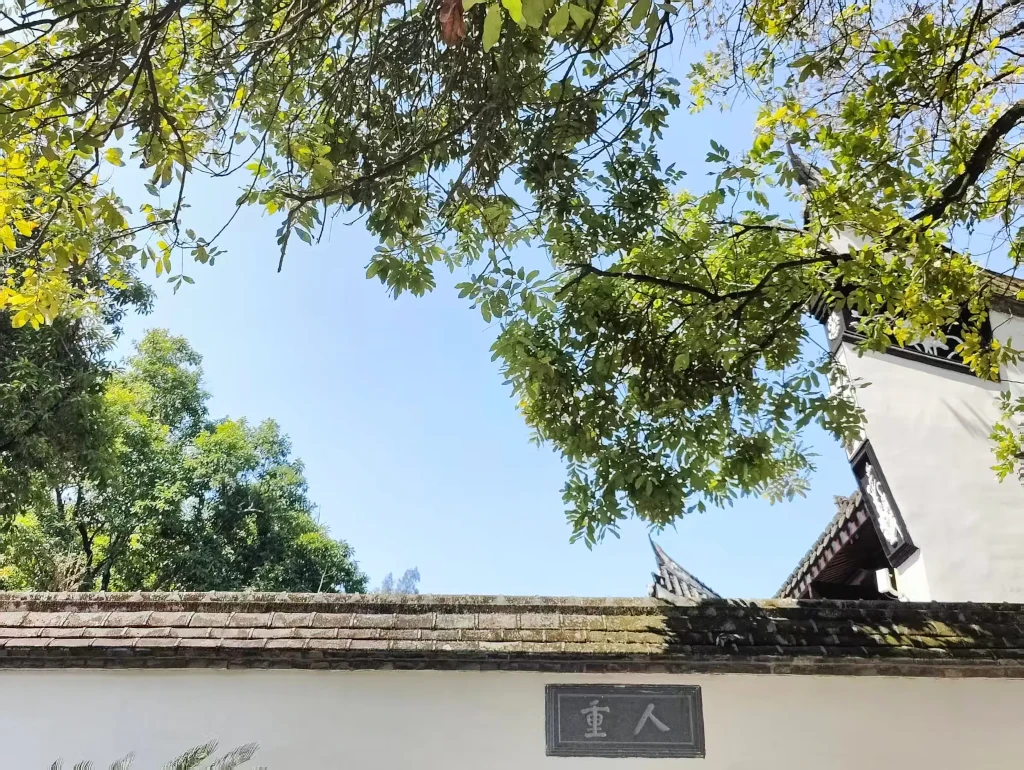
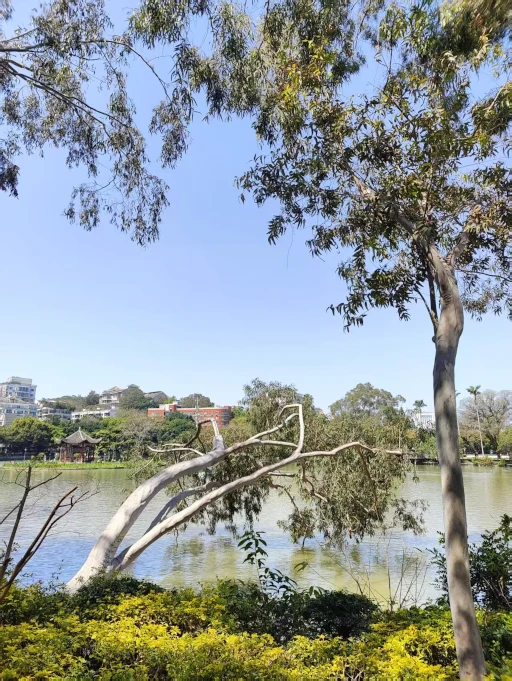
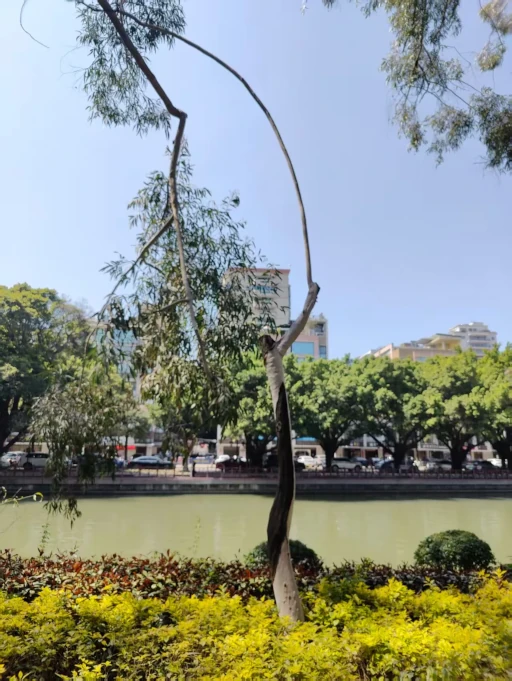
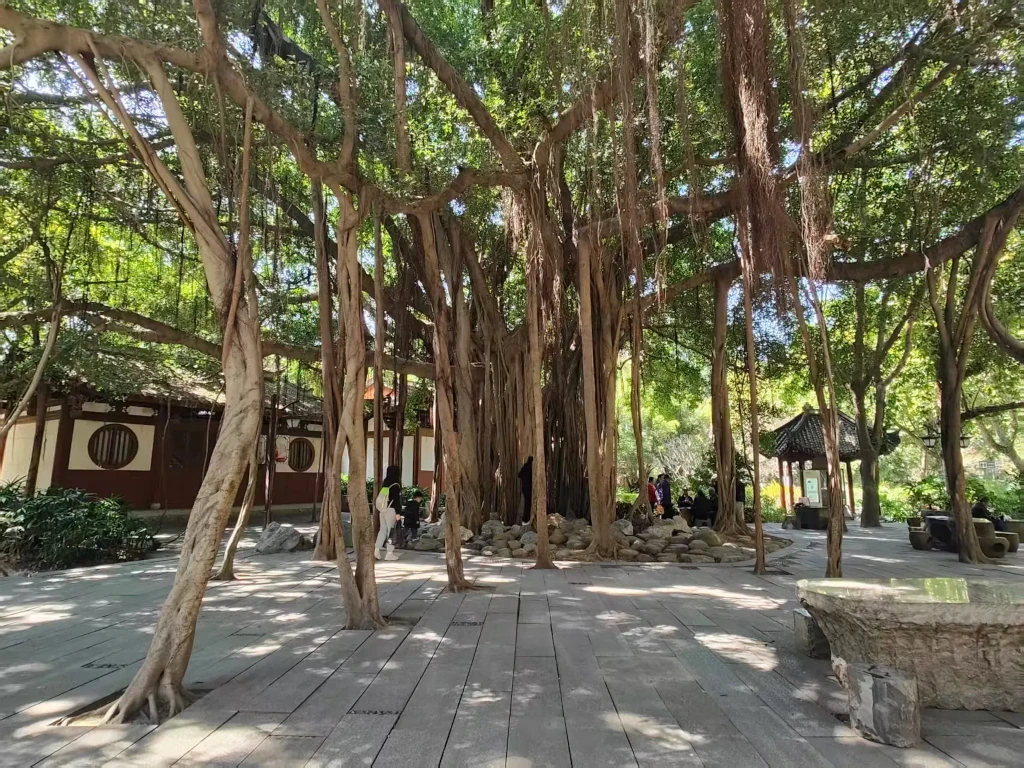
<p>周末大娃补习，和小娃及他玛在公园走走，想起 @S 和 @雅余 两位好摄博主以及长久没更新的博客，遂拿出手机。
<figure class="figure"><img src="https://s.lms.pub/wp-content/uploads/2026/03/20260314001.webp" alt="重人？人重？"  loading="lazy" /><figcaption class="caption">重人？人重？</figcaption></figure></p>
<p>上面这两个字怎么读？什么意思？zhòngren？renzhòng？chóngren？renchóng？
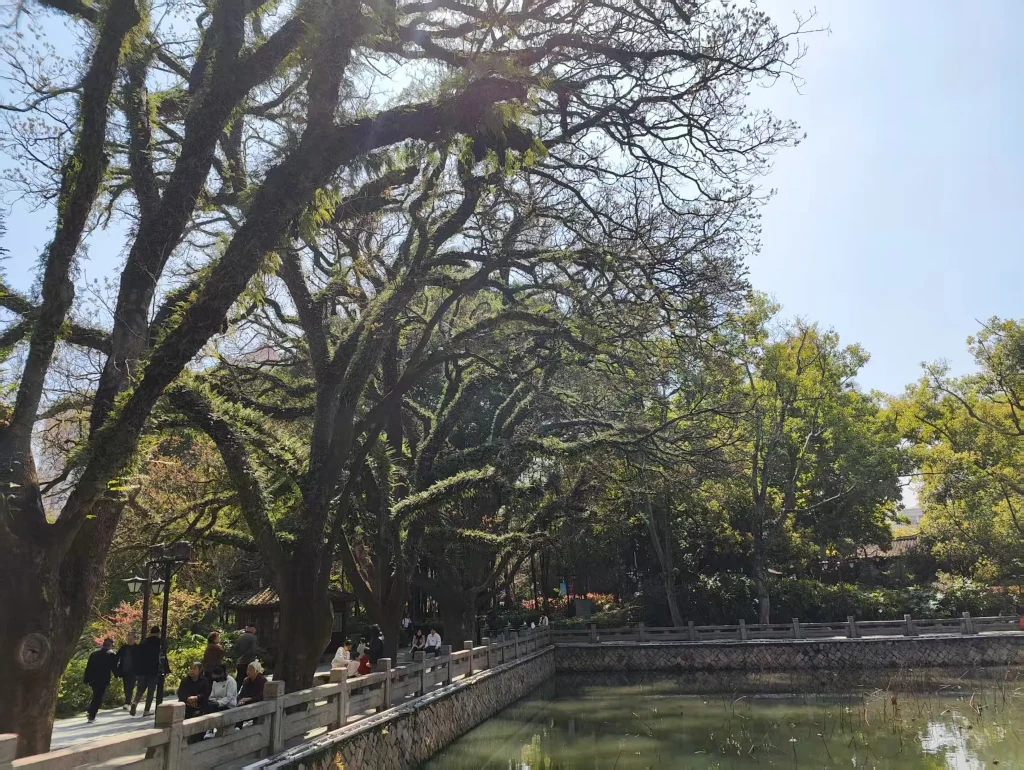
<figure class="figure"><img src="https://s.lms.pub/wp-content/uploads/2026/03/20260314002.webp" alt="一树毛茸茸"  loading="lazy" /><figcaption class="caption">一树毛茸茸</figcaption></figure>
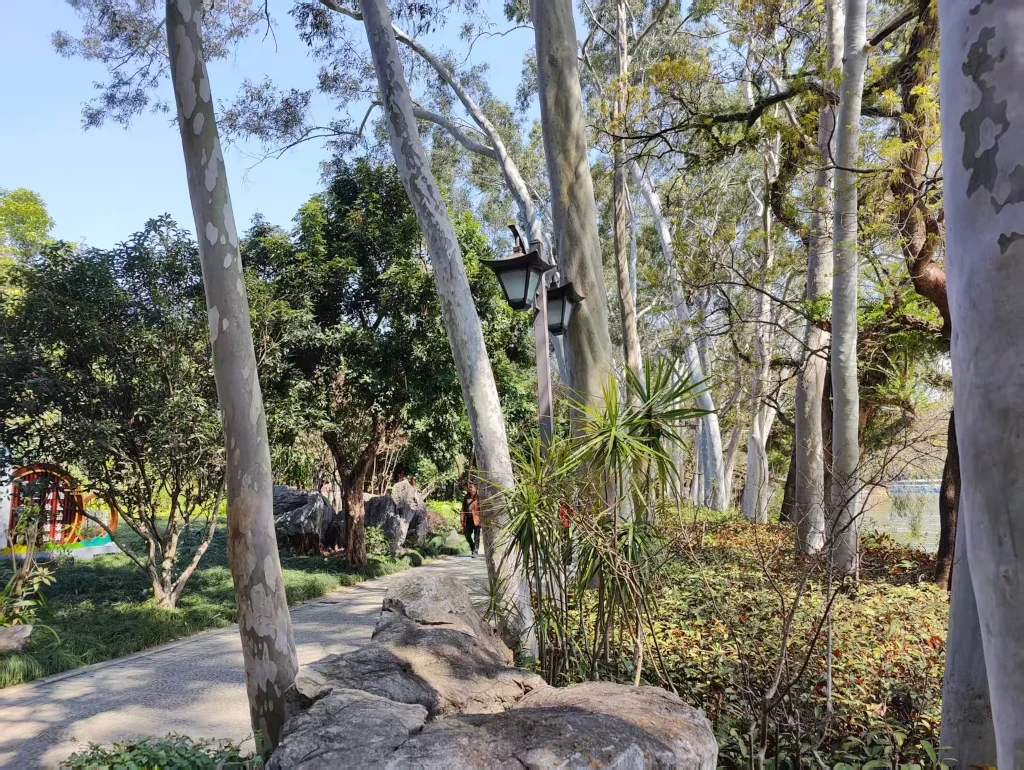
<figure class="figure"><img src="https://s.lms.pub/wp-content/uploads/2026/03/20260314003.webp" alt="拍杆杆"  loading="lazy" /><figcaption class="caption">拍杆杆</figcaption></figure>
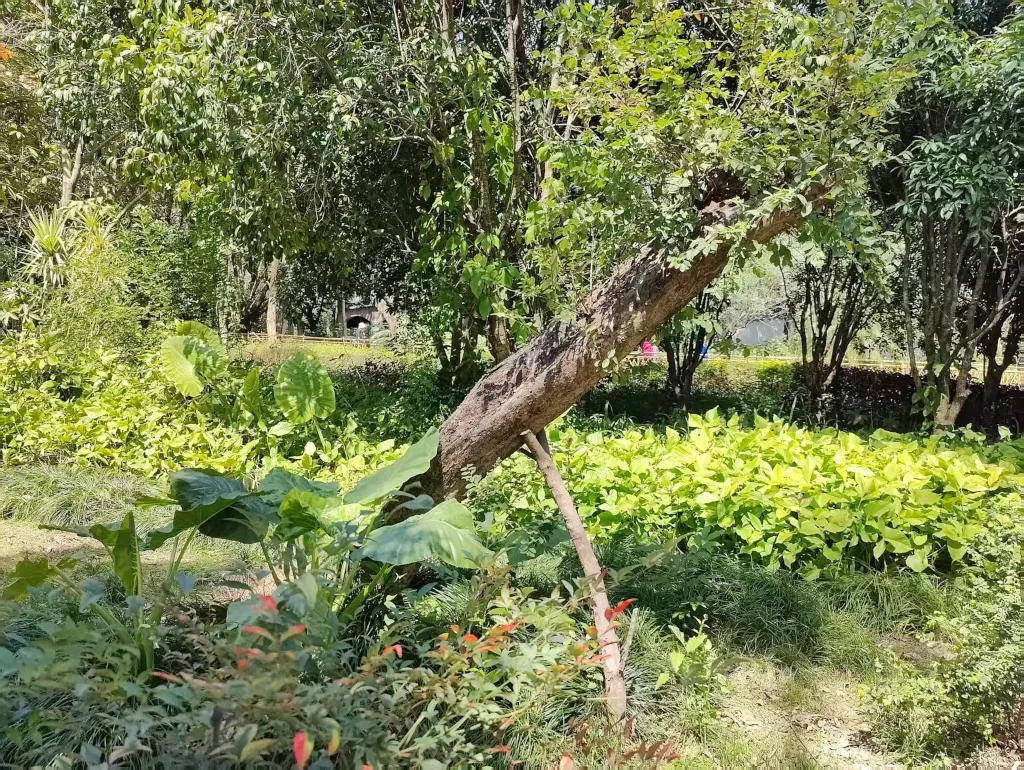
<figure class="figure"><img src="https://s.lms.pub/wp-content/uploads/2026/03/20260314004.webp" alt="撑柱！撑住一头绿油油"  loading="lazy" /><figcaption class="caption">撑柱！撑住一头绿油油</figcaption></figure>


<div class="figure-group">


    <figure class="figure">
      <img src="https://s.lms.pub/wp-content/uploads/2026/03/20260314005.webp" loading="lazy" alt="以身垂钓"  />
      
        <figcaption class="caption">以身垂钓</figcaption>
      
    </figure>


    <figure class="figure">
      <img src="https://s.lms.pub/wp-content/uploads/2026/03/20260314006.webp" loading="lazy" alt="扬鞭"  />
      
        <figcaption class="caption">扬鞭</figcaption>
      
    </figure>
  
</div>

<figure class="figure"><img src="https://s.lms.pub/wp-content/uploads/2026/03/20260314007.webp" alt="根须成树"  loading="lazy" /><figcaption class="caption">根须成树</figcaption></figure>
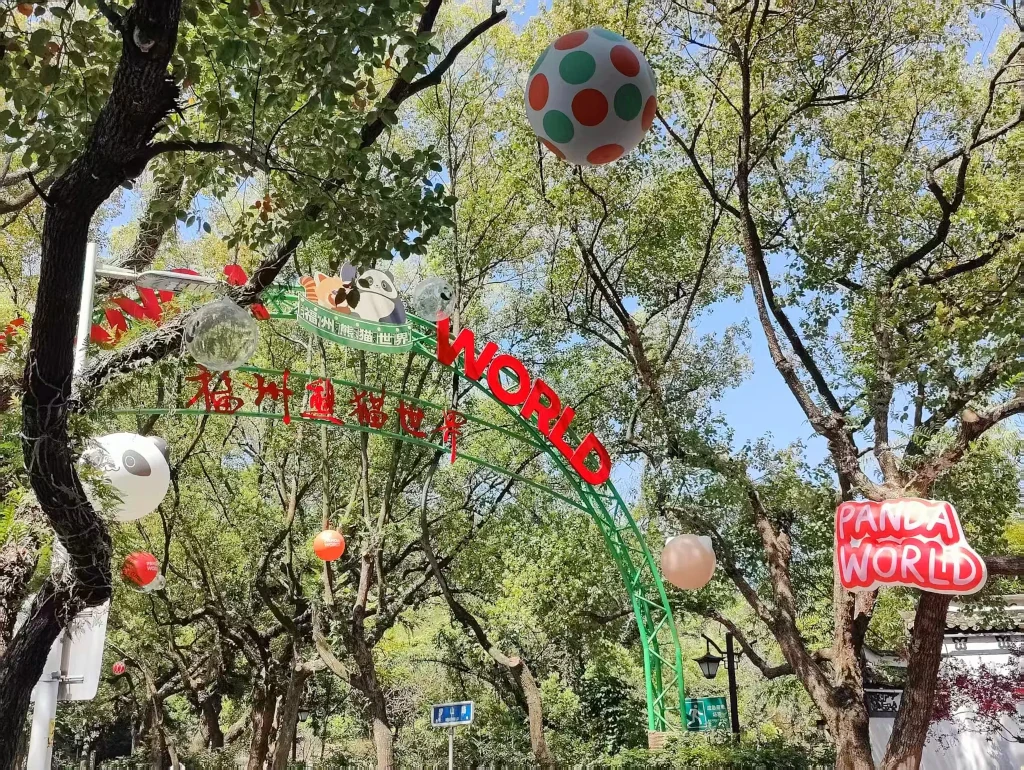
<figure class="figure"><img src="https://s.lms.pub/wp-content/uploads/2026/03/20260314008.webp" alt="熊猫世界入口"  loading="lazy" /><figcaption class="caption">熊猫世界入口</figcaption></figure></p>
<p>走路都没往上看，出了公园才发现一直预约不到票的熊猫世界入口在这么外面。</p>
]]></content>


                                <category scheme="https://lms.im/cats/%E6%97%A5%E5%BF%97" term="%E6%97%A5%E5%BF%97" label="日志" />


                                <category scheme="https://lms.im/topics/%E5%85%AC%E5%9B%AD" term="%E5%85%AC%E5%9B%AD" label="公园" />
                             
                                <category scheme="https://lms.im/topics/%E6%95%A3%E6%AD%A5" term="%E6%95%A3%E6%AD%A5" label="散步" />


        </entry>
    
        
        <entry>
            <title type="html"><![CDATA[握了大草]]></title>
            <link href="https://lms.im/magic/grasping-the-grass/" rel="alternate" type="text/html" />
            
                <id>https://lms.im/magic/grasping-the-grass/</id>
            
            <author>
                    <name>LMS</name>
                </author>
            
            <published>2026-01-28T08:46:36+08:00</published>
            <updated>2026-01-28T08:46:36+08:00</updated>
                <content type="html"><![CDATA[<p>这两天在折腾一个叫“若依”的开源程序，java 的，部署在了 Windows 11 的子系统Ubuntu 中。</p>
<p>我其他折腾的东西也全部放在这个子系统 Ubuntu 里面，比如 typecho\wordpress\hugo 等。</p>
<p>然后早上想到昨天没搞定的东西，想趁上班前试试。</p>
<p>因为是子系统，又是基于 java，所以目前修改程序和执行程序都在一个命令框里操作很不方便，于是我想起来了 vscode。</p>
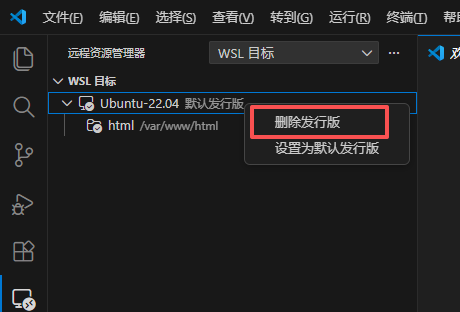
<p>我折腾的东西都是放在 <code>/var/www/html/</code> 目录下，好死不死，这个 RuoYi 我解压在了 <code>/var/www/</code> 目录下，于是我想着把这个在 vscode 里显示的 “WSL 目标” 往上移一个目录，只是一下子没找到方法。</p>
<p>其实另外添加一个目录到工作区应该就能解决了，我只是强迫症，想着只显示一个。</p>
<p>于是右键那里，我看到一个 <strong>删除发行版</strong> ，我想着一个代码工具应该不至于删除 Windows 系统自身的东西吧，当我脑子还没意识到问题的严重性的时候，我手已经点了下去了。</p>
<p><figure class="figure"><img src="https://s.lms.pub/wp-content/uploads/2026/01/vscode-shit.png" alt="vscode-shit"  loading="lazy" /><figcaption class="caption">vscode-shit</figcaption></figure></p>
<p>然后悲剧的事情发生了，任务栏子系统的命令框关闭，vscode 远程连接子系统掉线，整个子系统没了，真的猥琐了（WSL）。</p>
<p>更可恨的是，子系统虽然没了，但是 Windows 开始菜单里的的那个 Ubuntu 图标居然还在。当我点击图标后，直接开始重新安装子系统，数据也直接被覆盖。</p>
<p>所以，啥都没了，一大早的握了大草，欲哭无泪。</p>
]]></content>


                                <category scheme="https://lms.im/cats/%E6%8A%98%E8%85%BE" term="%E6%8A%98%E8%85%BE" label="折腾" />


                                <category scheme="https://lms.im/topics/ubuntu" term="ubuntu" label="Ubuntu" />
                             
                                <category scheme="https://lms.im/topics/%E5%AD%90%E7%B3%BB%E7%BB%9F" term="%E5%AD%90%E7%B3%BB%E7%BB%9F" label="子系统" />


        </entry>
    
</feed>