- Create a versatile blog site
- Create a framework that makes it easy to add external data to the site
- Give the site the capacity to replicate the logging and rating I do on Serialized and Letterboxd.
- Be able to pull down RSS feeds from other sites and create forward links to my other sites
- Create forward links to sites I want to post about.
- Create a way to pull in my Goodreads data and display it on the site
- Create a way to automate pulls from other data sources
- Combine easy inputs like text lists and JSON data files with markdown files that I can build on top of.
- Add a TMDB credit to footer in base.njk
- Make sure tags do not repeat in the displayed tag list.
- Get my Kindle Quotes into the site
- YouTube Channel Recommendations
- Minify HTML via Netlify plugin.
- Log played games
Day 19
Ok, so I'm going to start setting up the unit tests now to build up to the functionality I want.
Here's the first two, initiating my connection and getting posts:
test('checkPDSForPosts returns the correct number of posts', async () => {
	let connectionManager = await getConnection();
	if (false == connectionManager) {
		throw new Error("connection manager failed");

	}
	const posts = await checkPDSForPosts(10, 'app.bsky.feed.post', connectionManager.rpc, connectionManager.manager, connectionManager.config);
	expect(posts.length).toBe(10);
})

test('Can get a specific post with getSpecificRecord', async () => {
	let connectionManager = await getConnection();
	if (false == connectionManager) {
		throw new Error("connection manager failed");
	}
	const { rpc, manager, config } = connectionManager;
	const rkey = '3kulbtuuixs27'; // Replace with a valid rkey
	const post = await getSpecificRecord(rkey, rpc, config.handle, 'app.bsky.feed.post');
	expect(post).toBeDefined();
	expect(post.value).toBeDefined();
	console.log(post);
	expect(post.value.createdAt).toBe("2024-06-10T14:27:41.118Z");
});
This all works well, so we've got the basics.
The next step is to look at function pushOrUpsertPost and get that working.
I was hoping there would be some sort of search function in the PDS, and I'm not the only one. There's a good walkthrough of the basics for the ATmosphere here that is a place to start up, as is the data model. The protocol does seem to indicate there is no standard for search that exists at the protocol level. There's a listener for Lexicons. But most things are looking for specific posts.
I guess no real option for that other than building my own index, which is not the way to go for this project. I'll have to make sure I save rkey values into the files that they are mapped to.
I'll need to generate TIDs consistently, that should be its own function too, that will let me configure it more effectively.
Let's cover that with tests too:
test('can generate a TID consistently with a record', () => {
	const record = { date: "2024-06-10T14:27:41.118Z" };
	const tid = generateTID(record);
	expect(tid).toBeDefined();
	const tid2 = generateTID(record);
	expect(tid).toBe(tid2);
});

test('can generate TIDs without a record', async () => {
	const tid = generateTID(null);
	expect(tid).toBeDefined();
	await new Promise(resolve => setTimeout(resolve, 1000));
	const tid2 = generateTID(null);
	expect(tid).not.toBe(tid2);
});
Let's do the insert!
Let's run a test to insert the first record:
test('update a post with pushOrUpsertPost', async () => {
	let connectionManager = await getConnection();
	if (false == connectionManager) {
		throw new Error("connection manager failed");
	}
	const { rpc, manager, config } = connectionManager;
	const lex = 'test.record.activity';

	const record = {
		$type: lex,
		type: 'test',
		date: new Date(),
		testProject: 'marksky-pub',
		testContext: 'ts-vitest',
		testOwner: 'AramZS'
	}

	let result = await pushOrUpsertPost(false, rpc, config.handle, lex, record);
	expect(result).toBeDefined();
	expect(result.rKey).toBeDefined();
	expect(result.resultRecord).toBeDefined();

});
That worked! We can take the rkey 3mewhxxahis3h and pull it in so this gets upsert (hopefully).
Let's do the update
Update the test to:
test('update a post with pushOrUpsertPost', async () => {
	let connectionManager = await getConnection();
	if (false == connectionManager) {
		throw new Error("connection manager failed");
	}
	const { rpc, manager, config } = connectionManager;
	const lex = 'test.record.activity';

	const record = {
		$type: lex,
		type: 'test',
		date: new Date(),
		testProject: 'marksky-pub',
		testContext: 'ts-vitest',
		testOwner: 'AramZS',
		insertStatus: 'upsert'
	}

	let result = await pushOrUpsertPost('3mewhxxahis3h', rpc, config.handle, lex, record);
	expect(result).toBeDefined();
	expect(result.rKey).toBeDefined();
	expect(result.resultRecord).toBeDefined();

});
Looks like this uploaded!
Uploaded activity with rkey: 3mewhxxahis3h {
  uri: 'at://did:plc:t5xmf33p5kqgkbznx22p7d7g/test.record.activity/3mewhxxahis3h',
  cid: 'bafyreifkiskhiuv6bf2jrskn2xkdpyi4yf2fq54k56z3gxcaczhkz6jqbu',
  value: {
    date: '2026-02-15T21:25:55.735Z',
    type: 'test',
    '$type': 'test.record.activity',
    testOwner: 'AramZS',
    testContext: 'ts-vitest',
    testProject: 'marksky-pub'
  }
}
But it isn't adding the additional property or changing the date value? It isn't on the raw record either.
Hmmm. I had assumed it is possible, but is it not? I see that one coder verdverm created a flow that copies, deletes, and inserts a new version of the record. Nothing in the posts examples for BlueSky. I'll ask. But this is going well.
Next step will be being able to grab a Markdown file and manipulate it to pull from and push the rkey to. I'll need to handle when it is already there, maybe comparing the values and then only handling updates when the file is changed? After that we'll want to scan a specified directory for markdown files.
I think maybe I need to get the original record, pull the cid from a top-level object like
{
  "uri": "at://did:plc:t5xmf33p5kqgkbznx22p7d7g/test.record.activity/3mewhxxahis3h",
  "cid": "bafyreifkiskhiuv6bf2jrskn2xkdpyi4yf2fq54k56z3gxcaczhkz6jqbu",
  "value": {
    "date": "2026-02-15T21:25:55.735Z",
    "type": "test",
    "$type": "test.record.activity",
    "testOwner": "AramZS",
    "testContext": "ts-vitest",
    "testProject": "marksky-pub"
  }
}
and then pass it into a field on the record at swapCommit?
I think that's what I'm seeing in the verdverm example:
  let i: PutRecordInputSchema = {
    repo,
    collection,
    rkey,
    record,
  }
  if (swapCommit) {
    i.swapCommit = swapCommit
  }
  if (swapRecord) {
    i.swapRecord = swapRecord
  }

  return agent.com.atproto.repo.putRecord(i)
Oh wait, my fkup here. Forgot to put the right flow in.
Ok, I now have a full update-record flow for atproto here:
export const generateTID = (record: any) => {
	let recordDate: Date;
	if (record){
		recordDate = record.date ? new Date(record.date) : new Date();
	} else {
		recordDate = new Date();
	}
	let recordInMS = recordDate.getTime(); // This returns ms right?
	// needs to go from milliseconds to microseconds.
	return TID.create(recordInMS * 1000, CLOCK_ID);
}

export const putRecord = async (input: any) => await ok(rpc.post('com.atproto.repo.putRecord' as any, {
			input
		}));

export const pushOrUpsertPost = async (origRkey: string | false, rpc: Client, handle: string, collection: string, recordData: any) => {
	//Creates that unique key from the startTime of the activity so we don't have duplicates
	let rKey = origRkey ? origRkey : generateTID(recordData)
	let newRecord = origRkey ? false : true;
	console.log(`Using rkey: ${rKey}. New status: ${newRecord}`);
	//let resultRKey = rKey;
	let resultRecord;
	let inputObj = {
				repo: handle,
				collection,
				rkey: rKey,
				record: recordData,
			}

	if(!newRecord){
		// resultRecord = await getSpecificRecord(rKey, rpc, handle, collection);
		console.log('updating record')
		resultRecord = await putRecord(inputObj);
	} else {
		resultRecord = await putRecord(inputObj);
	}
	console.log(`Uploaded activity with rkey: ${rKey}`, resultRecord);
	return {rKey, resultRecord};
};
On the ATProto Touchers discord, user Nelind gave me the heads up on what swap is used for:
swapRecord and swapCommit essentially say "only perform this update if ..." swapRecord being if the current value of the record is the value provided and swapCommit being if the current commit has the CID provided
basically you can say you only want to update if no other client has changed either the record you want to update or the repo as a whole since last you saw it
you use it to avoid overriding changes other sessions have made or write invalid data due to changes to other records that other sessions have made
Useful and good to know. Maybe this is something I'll want to use if I want a more complex but foolproof updating flow.
]]>- Create a versatile blog site
- Create a framework that makes it easy to add external data to the site
- Give the site the capacity to replicate the logging and rating I do on Serialized and Letterboxd.
- Be able to pull down RSS feeds from other sites and create forward links to my other sites
- Create forward links to sites I want to post about.
- Create a way to pull in my Goodreads data and display it on the site
- Create a way to automate pulls from other data sources
- Combine easy inputs like text lists and JSON data files with markdown files that I can build on top of.
- Add a TMDB credit to footer in base.njk
- Make sure tags do not repeat in the displayed tag list.
- Get my Kindle Quotes into the site
- YouTube Channel Recommendations
- Minify HTML via Netlify plugin.
- Log played games
Day 18
Ok, that worked, what does an article update look like?
I made an edit to my one post on Leaflet. Looks like it just adjusts the record in place, which is nice. Updates are pretty easy then.
Ok, so then how to integrate this with my publishing flow? Let's take a look at a basic authenticated flow from BlueSky. Looks like there is also some ways to reference standard types for standard.site. This uses the atcute package, which seems to be well respected.
There seems to be an interesting example of comments out there, but that doesn't post anything.
There's also an interesting exploration of upserting records.
A good basic example here as well.
To make this flexible, we should make it as it's own extension for static sites. Let's try to make a basic version.
First, I want to get used to tangled, so I'll set the repo up on there.
I'm pretty sure my PDS host would be https://bsky.social right?
I can start with the example. I'll reorg it a little into the pieces I need as a start.
Ok, a nice place to pick up later from.
]]>- Create a versatile blog site
- Create a framework that makes it easy to add external data to the site
- Give the site the capacity to replicate the logging and rating I do on Serialized and Letterboxd.
- Be able to pull down RSS feeds from other sites and create forward links to my other sites
- Create forward links to sites I want to post about.
- Create a way to pull in my Goodreads data and display it on the site
- Create a way to automate pulls from other data sources
- Combine easy inputs like text lists and JSON data files with markdown files that I can build on top of.
- Add a TMDB credit to footer in base.njk
- Make sure tags do not repeat in the displayed tag list.
- Get my Kindle Quotes into the site
- YouTube Channel Recommendations
- Minify HTML via Netlify plugin.
- Log played games
Day 17
Let's start today by uploading a blob for the image.
goat blob upload public/img/posts/1443px-Typical-orb-web-photo.jpg
That seems to have uploaded it. I get back the response:
{
  "$type": "blob",
  "ref": {
    "$link": "bafkreig2247wcpqjkqy2ukjh4gjyqhpl32kg3pva4x55npjmuh4joeware"
  },
  "mimeType": "image/jpeg",
  "size": 347901
}
Ok, so here's the formed document so far:
{
	"$type": "site.standard.document",
	"publishedAt": "2024-06-08T10:00:00.000Z",
	"site": "at://did:plc:t5xmf33p5kqgkbznx22p7d7g/site.standard.publication/3mbrgnnqzrr2q",
	"path": "/essays/the-internet-is-a-series-of-webs/",
	"title": "The Internet is a Series of Webs",
	"description": "The fate of the open web is inextricable from the other ways our world is in crisis. What can we do about it?",
	"coverImage": {
		"$type": "blob",
		"ref": {
			"$link": "bafkreig2247wcpqjkqy2ukjh4gjyqhpl32kg3pva4x55npjmuh4joeware"
		},
		"mimeType": "image/jpeg",
		"size": 347901
  	},
	"textContent": "",
	"bskyPostRef": "https://bsky.app/profile/chronotope.aramzs.xyz/post/3kulbtuuixs27",
	"tags": ["IndieWeb", "Tech", "The Long Next"],
	"updatedAt":"2024-06-08T10:30:00.000Z"

}
I think this is a full post now? I just add the full text content from here. Plaintext representation of the documents contents. Should not contain markdown or other formatting.
What is out there for site.standard.document?
I see some folks are using a Markdown type, even if it doesn't have an NSID:
"content": {
    "$type": "site.standard.content.markdown",
    "text": "<markdown here>",
    "version": "1.0"
  },
I'm not sure that is the right hierarchy? Should it be site.standard.document.content.markdown? I see others are going that direction. Well, might as well use what is out there.
I'll write a little script to pull the markdown into a single line:
#!/bin/bash

# Check if file argument is provided
if [ $# -eq 0 ]; then
    echo "Usage: $0 <markdown-file>"
    exit 1
fi

# Check if file exists
if [ ! -f "$1" ]; then
    echo "Error: File '$1' not found"
    exit 1
fi

# Convert markdown to single line with \n for linebreaks and escape double-quotes
awk '{gsub(/"/, "\\\""); printf "%s\\n", $0}' "$1" | sed 's/\\n$//'
Final document is:
{
	"$type": "site.standard.document",
	"publishedAt": "2024-06-08T10:00:00.000Z",
	"site": "at://did:plc:t5xmf33p5kqgkbznx22p7d7g/site.standard.publication/3mbrgnnqzrr2q",
	"path": "/essays/the-internet-is-a-series-of-webs/",
	"title": "The Internet is a Series of Webs",
	"description": "The fate of the open web is inextricable from the other ways our world is in crisis. What can we do about it?",
	"coverImage": {
		"$type": "blob",
		"ref": {
			"$link": "bafkreig2247wcpqjkqy2ukjh4gjyqhpl32kg3pva4x55npjmuh4joeware"
		},
		"mimeType": "image/jpeg",
		"size": 347901
  	},
	"textContent": "<textContent>",
	"content": {
		"$type": "site.standard.content.markdown",
		"text": "<markdown here>",
		"version": "1.0"
	},
	"bskyPostRef": "https://bsky.app/profile/chronotope.aramzs.xyz/post/3kulbtuuixs27",
	"tags": ["IndieWeb", "Tech", "The Long Next", "series:The Wild Web"],
	"updatedAt":"2024-06-08T10:30:00.000Z"

}
bskyPostRef can't be a string apparently as the post did not validate in goat. I was able to find a reason using atproto.tools. So now I know from the definition that I need:
"bskyPostRef": {
		"$type": "com.atproto.repo.strongRef",
		"uri": "at://did:plc:t5xmf33p5kqgkbznx22p7d7g/app.bsky.feed.post/3kulbtuuixs27",
		"cid": "bafyreigh7yods3ndrmqeq55cjisda6wi34swt7s6kkduwcotkgq5g5y2oe"
	}
Since this will be my first document record, I have to push without the validation.
goat record create fightwithtools-publication.json --no-validate
and I get back:
at://did:plc:t5xmf33p5kqgkbznx22p7d7g/site.standard.document/3mdbvp5q2kz2l bafyreiedky4yjivfcm5df5ygqy7vkt3q3qdvzppcg7mcq4osyefjaizyd4
And hey, looks like it worked!
For the curious my final json doc was:
{
	"$type": "site.standard.document",
	"publishedAt": "2024-06-08T10:00:00.000Z",
	"site": "at://did:plc:t5xmf33p5kqgkbznx22p7d7g/site.standard.publication/3mbrgnnqzrr2q",
	"path": "/essays/the-internet-is-a-series-of-webs/",
	"title": "The Internet is a Series of Webs",
	"description": "The fate of the open web is inextricable from the other ways our world is in crisis. What can we do about it?",
	"coverImage": {
		"$type": "blob",
		"ref": {
			"$link": "bafkreig2247wcpqjkqy2ukjh4gjyqhpl32kg3pva4x55npjmuh4joeware"
		},
		"mimeType": "image/jpeg",
		"size": 347901
  	},
	"textContent": "<textContent>",
	"content": {
		"$type": "site.standard.content.markdown",
		"text": "<markdown here>",
		"version": "1.0"
	},
	"bskyPostRef": {
		"$type": "com.atproto.repo.strongRef",
		"uri": "at://did:plc:t5xmf33p5kqgkbznx22p7d7g/app.bsky.feed.post/3kulbtuuixs27",
		"cid": "bafyreigh7yods3ndrmqeq55cjisda6wi34swt7s6kkduwcotkgq5g5y2oe"
	},
	"tags": ["IndieWeb", "Tech", "The Long Next", "series:The Wild Web"],
	"updatedAt":"2024-06-08T10:30:00.000Z"

}- Create a versatile blog site
- Create a framework that makes it easy to add external data to the site
- Give the site the capacity to replicate the logging and rating I do on Serialized and Letterboxd.
- Be able to pull down RSS feeds from other sites and create forward links to my other sites
- Create forward links to sites I want to post about.
- Create a way to pull in my Goodreads data and display it on the site
- Create a way to automate pulls from other data sources
- Combine easy inputs like text lists and JSON data files with markdown files that I can build on top of.
- Add a TMDB credit to footer in base.njk
- Make sure tags do not repeat in the displayed tag list.
- Get my Kindle Quotes into the site
- YouTube Channel Recommendations
- Minify HTML via Netlify plugin.
- Log played games
Day 16
Ok, I was able to get the site information published!
Next up is pushing a blog post with the format.
goat account login -u chronotope.aramzs.xyz -p <app password>
So now we craft a JSON in the correct format for a post. We'll start with one of my essays.
If I want to link my main BlueSky post, I need to use a com.atproto.repo.strongRef apparently. This is a standard lexicon type.
I can pull it down with goat lex pull com.atproto.repo.strongRef.
There doesn't seem to be a an example of that? I guess that makes sense if it isn't an actual object. But the docs indicate it can just be a string of either a URI or a CID. I could use the URL to the post, but let's do the CID? How does one get the CID? I see it in the metadata on PDSL. But it isn't in the document or on the goat data. What is a CID anyway? Well I guess I'll look it up. Not so useful. Looks like there is a spec though.
Seems complicated. I'll just do the URL for now.
Interesting that accept: [image/*] is the value for coverImage. I don't know what that means? Let's see if we can find some examples. Let's see if we can find some examples. Here's a fully formatted one.
{
  "path": "/a/3mcqr6f5jdg23-hi-from-brookie",
  "site": "at://did:plc:v46ojbiop5ebs5h7gaomixcc/site.standard.publication/3mcqr4rrb7x22",
  "$type": "site.standard.document",
  "title": "Hi from Brookie",
  "content": {
    "$type": "app.offprint.content",
    "items": [
      {
        "$type": "app.offprint.block.imageGrid",
        "images": [
          {
            "image": {
              "$type": "blob",
              "ref": {
                "$link": "bafkreihub3ikzctbstjy5e34g4hw2ux7tbryd7cpcqg7fbosaxlicapggu"
              },
              "mimeType": "image/png",
              "size": 13270
            },
            "aspectRatio": {
              "width": 480,
              "height": 480
            }
          },
          {
            "image": {
              "$type": "blob",
              "ref": {
                "$link": "bafkreib5zrxr33anmw6gxjr5232uo3y324xpizzv7c7433jugllobvulxu"
              },
              "mimeType": "image/png",
              "size": 13325
            },
            "aspectRatio": {
              "width": 480,
              "height": 480
            }
          },
          {
            "image": {
              "$type": "blob",
              "ref": {
                "$link": "bafkreifyqhedylyfocp3wmn4kcv4fe6b2n7cdpmfs2x2ljvdby64gvirjm"
              },
              "mimeType": "image/png",
              "size": 13358
            },
            "aspectRatio": {
              "width": 480,
              "height": 480
            }
          },
          {
            "image": {
              "$type": "blob",
              "ref": {
                "$link": "bafkreig2xm6piu7lzclljzyiahowvflajsylasqjtnl26m4mqz7gpwqgwu"
              },
              "mimeType": "image/png",
              "size": 13322
            },
            "aspectRatio": {
              "width": 480,
              "height": 480
            }
          }
        ],
        "gridRows": 2,
        "aspectRatio": "mosaic"
      },
      {
        "$type": "app.offprint.block.imageDiff",
        "images": [
          {
            "image": {
              "$type": "blob",
              "ref": {
                "$link": "bafkreihub3ikzctbstjy5e34g4hw2ux7tbryd7cpcqg7fbosaxlicapggu"
              },
              "mimeType": "image/png",
              "size": 13270
            },
            "aspectRatio": {
              "width": 480,
              "height": 480
            }
          },
          {
            "image": {
              "$type": "blob",
              "ref": {
                "$link": "bafkreifyqhedylyfocp3wmn4kcv4fe6b2n7cdpmfs2x2ljvdby64gvirjm"
              },
              "mimeType": "image/png",
              "size": 13358
            },
            "aspectRatio": {
              "width": 480,
              "height": 480
            }
          }
        ],
        "labels": [
          "Before",
          "After"
        ],
        "alignment": "center"
      },
      {
        "$type": "app.offprint.block.imageCarousel",
        "images": [
          {
            "image": {
              "$type": "blob",
              "ref": {
                "$link": "bafkreihub3ikzctbstjy5e34g4hw2ux7tbryd7cpcqg7fbosaxlicapggu"
              },
              "mimeType": "image/png",
              "size": 13270
            },
            "aspectRatio": {
              "width": 480,
              "height": 480
            }
          },
          {
            "image": {
              "$type": "blob",
              "ref": {
                "$link": "bafkreib5zrxr33anmw6gxjr5232uo3y324xpizzv7c7433jugllobvulxu"
              },
              "mimeType": "image/png",
              "size": 13325
            },
            "aspectRatio": {
              "width": 480,
              "height": 480
            }
          },
          {
            "image": {
              "$type": "blob",
              "ref": {
                "$link": "bafkreifyqhedylyfocp3wmn4kcv4fe6b2n7cdpmfs2x2ljvdby64gvirjm"
              },
              "mimeType": "image/png",
              "size": 13358
            },
            "aspectRatio": {
              "width": 480,
              "height": 480
            }
          },
          {
            "image": {
              "$type": "blob",
              "ref": {
                "$link": "bafkreig2xm6piu7lzclljzyiahowvflajsylasqjtnl26m4mqz7gpwqgwu"
              },
              "mimeType": "image/png",
              "size": 13322
            },
            "aspectRatio": {
              "width": 480,
              "height": 480
            }
          }
        ],
        "autoplay": false,
        "interval": 3000
      },
      {
        "$type": "app.offprint.block.text",
        "plaintext": "I really like all the image things :) "
      },
      {
        "$type": "app.offprint.block.text",
        "facets": [
          {
            "index": {
              "byteEnd": 8,
              "byteStart": 0
            },
            "features": [
              {
                "did": "did:plc:eob75vcjtmbaef2tn4evc4sl",
                "$type": "app.offprint.richtext.facet#mention",
                "handle": "aka.dad"
              }
            ]
          },
          {
            "index": {
              "byteEnd": 22,
              "byteStart": 9
            },
            "features": [
              {
                "did": "did:plc:pgjkomf37an4czloay5zeth6",
                "$type": "app.offprint.richtext.facet#mention",
                "handle": "offprint.app"
              }
            ]
          },
          {
            "index": {
              "byteEnd": 36,
              "byteStart": 23
            },
            "features": [
              {
                "did": "did:plc:v46ojbiop5ebs5h7gaomixcc",
                "$type": "app.offprint.richtext.facet#mention",
                "handle": "brookie.blog"
              }
            ]
          },
          {
            "index": {
              "byteEnd": 47,
              "byteStart": 37
            },
            "features": [
              {
                "did": "did:plc:revjuqmkvrw6fnkxppqtszpv",
                "$type": "app.offprint.richtext.facet#mention",
                "handle": "pckt.blog"
              }
            ]
          }
        ],
        "plaintext": "@aka.dad @offprint.app @brookie.blog @pckt.blog "
      },
      {
        "$type": "app.offprint.block.text",
        "plaintext": ""
      },
      {
        "$type": "app.offprint.block.callout",
        "emoji": "💡",
        "plaintext": "Good Job Miguel ! "
      },
      {
        "$type": "app.offprint.block.text",
        "plaintext": ""
      },
      {
        "$type": "app.offprint.block.text",
        "plaintext": ""
      }
    ]
  },
  "coverImage": {
    "$type": "blob",
    "ref": {
      "$link": "bafkreif6sve2kjuioifion3apv277sggym4jxhlgrkuyqqxdck7cy7x6c4"
    },
    "mimeType": "image/png",
    "size": 8455
  },
  "description": "brookie from pckt",
  "publishedAt": "2026-01-18T21:08:15-07:00",
  "textContent": "I really like all the image things :) \[email protected] @offprint.app @brookie.blog @pckt.blog \n\n💡 Good Job Miguel !"
}
It looks like the intended format for that field is:
  "coverImage": {
    "$type": "blob",
    "ref": {
      "$link": "bafkreif6sve2kjuioifion3apv277sggym4jxhlgrkuyqqxdck7cy7x6c4"
    },
    "mimeType": "image/png",
    "size": 8455
  },
The indication here is that you'd push a blob of image data to the PDS it looks like? Let's find the documentation. Ok, interesting. Something to figure out later, it is getting late now.
Ok, so here's the formed document so far:
{
	"$type": "site.standard.document",
	"publishedAt": "2024-06-08T10:00:00.000Z",
	"site": "at://did:plc:t5xmf33p5kqgkbznx22p7d7g/site.standard.publication/3mbrgnnqzrr2q",
	"path": "/essays/the-internet-is-a-series-of-webs/",
	"title": "The Internet is a Series of Webs",
	"description": "The fate of the open web is inextricable from the other ways our world is in crisis. What can we do about it?",
	"textContent": "",
	"bskyPostRef": "https://bsky.app/profile/chronotope.aramzs.xyz/post/3kulbtuuixs27",
	"tags": ["IndieWeb", "Tech", "The Long Next"],
	"updatedAt":"2024-06-08T10:30:00.000Z"

}
Getting there!
]]>- Create a versatile blog site
- Create a framework that makes it easy to add external data to the site
- Give the site the capacity to replicate the logging and rating I do on Serialized and Letterboxd.
- Be able to pull down RSS feeds from other sites and create forward links to my other sites
- Create forward links to sites I want to post about.
- Create a way to pull in my Goodreads data and display it on the site
- Create a way to automate pulls from other data sources
- Combine easy inputs like text lists and JSON data files with markdown files that I can build on top of.
- Add a TMDB credit to footer in base.njk
- Make sure tags do not repeat in the displayed tag list.
- Get my Kindle Quotes into the site
- YouTube Channel Recommendations
- Minify HTML via Netlify plugin.
- Log played games
Day 15
Looks cool. Let's try it like some others have. Going to try to post blog entries to my PDS.
1 - let's do some testing.
brew install goat
goat account login -u chronotope.aramzs.xyz -p <app password here>
Verify resolution:
goat resolve wyden.senate.gov works.
goat bsky post "A quick test" works. I get back:
at://did:plc:t5xmf33p5kqgkbznx22p7d7g/app.bsky.feed.post/3mbpifihvqm2q	bafyreih7zufh4rezvg6h766djnptbaizm2thiuxx4chkzql7wmvdcskcwm
view post at: https://bsky.app/profile/did:plc:t5xmf33p5kqgkbznx22p7d7g/post/3mbpifihvqm2q
Can I then retrieve it?
goat get at://did:plc:t5xmf33p5kqgkbznx22p7d7g/app.bsky.feed.post/3mbpifihvqm2q
{
  "$type": "app.bsky.feed.post",
  "createdAt": "2026-01-05T22:29:16.86Z",
  "text": "A quick test"
}
Yup!
Let's publish a test on Leaflet.pub to see what it looks like on my PDS:
tags: "test"
$type: "pub.leaflet.document"
pages:
  - id: "019b729c-2664-7ddb-9229-31341239825f"
    $type: "pub.leaflet.pages.linearDocument"
	blocks:
	  - $type: "pub.leaflet.pages.linearDocument#block"
		block:
		  $type: "pub.leaflet.blocks.text"
		  facets:
		  plaintext: "This is a test on Leaflet to see how the record looks. "
title: "A quick test post on Leaflet"
author: "did:plc:t5xmf33p5kqgkbznx22p7d7g"
postRef:
  cid: "bafyreic44p5jnfa2eq2zdq6pwnrdi2e4nzhiv3ebd2lhmbo2oxcdszm364"
  uri: "at://did:plc:t5xmf33p5kqgkbznx22p7d7g/app.bsky.feed.post/3mbpjrkknys2y"
  commit:
	cid: "bafyreif3xtgrmgqrdoizotxpyo2ryiqfqwwak6c2lm2jxwrx3xz4icmajy"
	rev: "3mbpjrknvxl26"
  validationStatus: "valid"
description: "Giving this a try"
publication: "at://did:plc:t5xmf33p5kqgkbznx22p7d7g/pub.leaflet.publication/3makguj34cs2t"
publishedAt: "2026-01-05T22:53:50.696Z"
or in JSON
{
  "$type": "app.bsky.feed.post",
  "createdAt": "2026-01-05T22:53:55.543Z",
  "embed": {
    "$type": "app.bsky.embed.external",
    "external": {
      "description": "Giving this a try",
      "thumb": {
        "$type": "blob",
        "ref": {
          "$link": "bafkreiblxmhoozultlvi5lx6j3lcvcyfqfiructung6fnkrl4yklacqg5e"
        },
        "mimeType": "image/webp",
        "size": 19322
      },
      "title": "A quick test post on Leaflet",
      "uri": "https://chronotope.leaflet.pub/3mbpjrfwqm22y"
    }
  },
  "facets": [],
  "text": ""
}
Looks like it hasn't been implimented in leaflet yet? Ok, let's try Thomas's top blog example:
goat record get at://did:plc:txurc6ueald5d7462bpvzdby/site.standard.publication/3mbnlfyowxg2v
and we get a response that describes the publication:
{
  "$type": "site.standard.publication",
  "description": "Keeping up appearances as a professional software developer who has meaningful things to say about computers, programming, and the industry.",
  "name": "Serious Computer Business",
  "url": "https://octet-stream.net/b/scb"
}
And a post: goat record get at://did:plc:txurc6ueald5d7462bpvzdby/site.standard.document/3mbnqpz3ziw2v
{
  "$type": "site.standard.document",
  "path": "/2026-01-03-including-rust-in-an-xcode-project-with-pointer-auth-arm64e.html",
  "publishedAt": "2026-01-03T06:46:21Z",
  "site": "at://did:plc:txurc6ueald5d7462bpvzdby/site.standard.publication/3mbnlfyowxg2v",
  "title": "Including Rust in an Xcode project with Pointer Authentication (arm64e)"
}
Ok, let's try to make one for this publication? First we'll make a JSON file.
{
	"$type": "site.standard.publication",
	"description": "This is my outpost for documenting and live blogging my work on various side projects. Occasionally it is also the place I write about stuff I learned or useful information. Sometimes it can also be a place for rough writing that is dev-adjacent but doesn't really make sense for my main blog. \n\nTechnology won't save the world, but you can.",
	"name": "Fight With Tools: A Dev Blog",
	"url": "https://fightwithtools.dev"
}
Huh. How do I do a linebreak? \n\n according to BlueSky.
Huh.
goat record create fightwithtools-publication.json
error: API request failed (HTTP 400): InvalidRequest: Lexicon not found: lex:site.standard.publication
Let's get the Lexicons
goat lex pull site.standard.publication
goat lex pull site.standard.document
Ooops they seem to fail lint:
goat lex lint
 🟡 lexicons/site/standard/document.json
    [missing-primary-description]: primary type missing a description
    [unlimited-string]: no max length
    [unlimited-string]: no max length
 🟡 lexicons/site/standard/publication.json
    [missing-primary-description]: primary type missing a description
error: linting issues detected
It seems this is blocking me from publishing.
Ah, I got some advice, and it turns out for the first entry of a lexicon on my PDS I have to not verify the Lexicon.
goat record create fightwithtools-publication.json --no-validate
- Create a versatile blog site
- Create a framework that makes it easy to add external data to the site
- Give the site the capacity to replicate the logging and rating I do on Serialized and Letterboxd.
- Be able to pull down RSS feeds from other sites and create forward links to my other sites
- Create forward links to sites I want to post about.
- Create a way to pull in my Goodreads data and display it on the site
- Create a way to automate pulls from other data sources
- Combine easy inputs like text lists and JSON data files with markdown files that I can build on top of.
- Add a TMDB credit to footer in base.njk
- Make sure tags do not repeat in the displayed tag list.
- Get my Kindle Quotes into the site
- YouTube Channel Recommendations
- Minify HTML via Netlify plugin.
- Log played games
Day 14
Ok, let's get back at the share button.
The only thing left is to style it. I've got some basic stuff in here but do I want to add an additional button? I think I want to have a Share Openly button.
Easy enough to add the button and the logic, ShareOpenly is very easy to use:
triggerShareOpenly(context) {
	const shareUrl = this.url;
	const shareTitle = this.shareText || this.title;

	const shareLink = 'https://shareopenly.org/share/?url='+encodeURIComponent(shareUrl)+"&text="+encodeURIComponent(shareTitle);

	// Open the share dialog with the specified URL and text
	window.open(shareLink, '_blank');
}I'll re-layout the buttons as a flex layout.
I want to make the share area background just a little bit darker, but I don't want to add another color. I think I can handle an opacity shift with CSS?
Yeah, looks like there's a way to do this in a straightforward way! I'm not super familiar with this technique, but it does work without me declaring another theme color. Pretty nice.
I made it just slightly darker, to give the whole footer area a gradient style by using the css:
    background-color: var(--background-muted);
background-image: linear-gradient(hsla(0,0%,0%,.3) 100%,transparent 100%);This is enough to make it live though! I'll have to figure out the share dialogue positioning later. I'll also add some classes to make it trackable in Plausible.
git commit -am "Get share buttons production ready and add shareopenly"
- Create a versatile blog site
- Create a framework that makes it easy to add external data to the site
- Give the site the capacity to replicate the logging and rating I do on Serialized and Letterboxd.
- Be able to pull down RSS feeds from other sites and create forward links to my other sites
- Create forward links to sites I want to post about.
- Create a way to pull in my Goodreads data and display it on the site
- Create a way to automate pulls from other data sources
- Combine easy inputs like text lists and JSON data files with markdown files that I can build on top of.
- Add a TMDB credit to footer in base.njk
- Make sure tags do not repeat in the displayed tag list.
- Get my Kindle Quotes into the site
- YouTube Channel Recommendations
- Minify HTML via Netlify plugin.
- Log played games
Day 13
After thinking about it some more I'm realizing the easiest thing is to turn this into a Eleventy plugin. So I'm going to restructure it that way.
Let's start with a quick template for the eleventy.config.js file:
export default function (eleventyConfig, options = {}) {
	let options = Object.assign({
		defaultUtms: []
	}, options);

	eleventyConfig.addPlugin(function(eleventyConfig) {
		// I am a plugin!
	});
};const { activateShortcodes } = require("./lib/shortcodes");
module.exports = {
configFunction: function (eleventyConfig, options = {}) {
options = Object.assign({
defaultUtms: [],
defaultShareText: "Share this post",
domain: ""
}, options);
eleventyConfig.addPlugin(function(eleventyConfig) {
// I am a plugin!
activateShortcodes(eleventyConfig, options);
});
},
}- Create a versatile blog site
- Create a framework that makes it easy to add external data to the site
- Give the site the capacity to replicate the logging and rating I do on Serialized and Letterboxd.
- Be able to pull down RSS feeds from other sites and create forward links to my other sites
- Create forward links to sites I want to post about.
- Create a way to pull in my Goodreads data and display it on the site
- Create a way to automate pulls from other data sources
- Combine easy inputs like text lists and JSON data files with markdown files that I can build on top of.
- Add a TMDB credit to footer in base.njk
- Make sure tags do not repeat in the displayed tag list.
- Get my Kindle Quotes into the site
- YouTube Channel Recommendations
- Minify HTML via Netlify plugin.
- Log played games
Day 12
Now that the Web Share API is pretty much available everywhere I really have wanted to take some time to figure out how to use it. An article on setting up sharing with HTML/JS popped up on my feed reader and I figured this is the excuse to give it a try.
One thing I really want to do here is avoid having more network requests for script files. This has been an issue that has come up at work and the tactic I thought about there is one I want to try for myself here, which is to pull the script out of a JS file and into the HTML file for inline script tags.
There might be more than one script I want to handle this way, but I think they all belong in a single script tag? The potential problem here is that this could cause problems with how JS pointers bubble up, giving it a broad scope.
Actually... now that I've typed it out... I don't want it to be in a single script tag. Let's not do that.
Ok, so I need a block in the template:
``
I need to make it safe because it is HTML and I don't want it escaped.
This is a build Eleventy data object in the _data folder. In there I have an object now:
const shareActions = require("../../plugins/share-actions");

module.exports = {
	env: process.env.ELEVENTY_ENV,
	timestamp: new Date(),
	bookwyrm: {
		username: "aramzs",
		instance: "bookwyrm.tilde.zone",
	},
  footerInlineScript: `<script>${shareActions.js()}</script>`
};Now I'm free to build in .js files easily.
The other thing I may want to add to this process is minification, but I'll worry about that later.
I will want my custom HTML as well, and I can export that from my index also. I might not be able to get the per-page data context with the URL that way, but let's see what we can do.
Ok yeah, the data from the page build just doesn't seem accessible in the global data? At least not with the Nunjucks rendering process. I guess I'll have to define a Nunjucks template and import it into my template.
I'm putting it in the plugin's folder for now. That's not great because it doesn't trigger rebuild but hopefully it has full access to the page context?
]]>- Create a versatile blog site
- Create a framework that makes it easy to add external data to the site
- Give the site the capacity to replicate the logging and rating I do on Serialized and Letterboxd.
- Be able to pull down RSS feeds from other sites and create forward links to my other sites
- Create forward links to sites I want to post about.
- Create a way to pull in my Goodreads data and display it on the site
- Create a way to automate pulls from other data sources
- Combine easy inputs like text lists and JSON data files with markdown files that I can build on top of.
- Add a TMDB credit to footer in base.njk
- Make sure tags do not repeat in the displayed tag list.
- Get my Kindle Quotes into the site
- YouTube Channel Recommendations
- Minify HTML via Netlify plugin.
Day 11
Still working on my page for collecting interesting color contrasts, a fun little feature on my site. Thanks to suggestions from Michael Grossman I've added features citing color sources and making it easier to access the rgb codes for each swatch and background. https://aramzs.xyz/
]]>- Create a new site
- Process the Foursquare data to a set of locations with additional data
- Set the data up so it can be put on a map (it needs lat and long)
- Can be searched
- Can show travel paths throughout a day
Day 5
I want to crawl Foursquare URLs for pages I do not have data in the API for. Here's an example page: https://foursquare.com/v/north-philadelphia/4e9ae7244901d3b0b7190bde
This is one of the pages that are there on the web (though who knows for how long) but are not in the Foursquare Places API. So let's figure out how to determine location data from a URL like that by starting in a Jupyter Notebook.
I'll use requests here as well to get the HTML pages. Then I can use the classic BeautifulSoup package to parse what I need out of it.
Ok, it turns out that there are two types of pages, ones like the one above, which have lat and long in the metadata, but no additional place/address location data. Then there are ones like Baruch College's Vertical Campus which are locations with place data but are, I guess, not business enough to be in the Places API.
So I can always get lat and long, but I'll need to check if the address block exists:
htmlLatitude = soup.find("meta", property="playfoursquare:location:latitude")
print(htmlLatitude)
print(f"Latitude is {htmlLatitude['content']}")
locationDataDict["latitude"] = htmlLatitude['content'];

htmlLongitude = soup.find("meta", property="playfoursquare:location:longitude")
print(htmlLongitude)
print(f"Latitude is {htmlLongitude['content']}")
locationDataDict["longitude"] = htmlLongitude['content'];

htmlAddressBlock = soup.find("div", itemprop="address")
if htmlAddressBlock is None:
	print("No address block found")
else:
	htmlStreetAddress = soup.find("span", itemprop="streetAddress")
	print(htmlStreetAddress)
	print(f"address is {htmlStreetAddress.string}")
	locationDataDict["address"] = htmlStreetAddress.string;
It looks like the Places API that Foursquare open sourced is the API I'm using, so yeah, better crawl the pages I want before they're gone.
Weirdly, this does not appear to have "country" in the HTML. But there is another place to pull it from, the mess of Javascript that gets pushed on to the page. I suppose I could pull this from lat and long, but I'm trying to avoid grabbing a ton of data from external APIs.
I guess someetimes you just need to Do A Regex lol.
# Country pull
pattern = r'","country":"([^"]+)","'
match = re.search(pattern, str(htmlContent))
print("country match")
print(match.groups()[0])
Also, it seems not every page has all the address fields, so I'll have to allow some of those to null out.
git commit -am "Crawl HTML as a fallback to foursquare API 404"
Ok, I tried writing all of these rows to JSON:
for i in dataFrames["venues"].index:
    idString = dataFrames["venues"].iloc[i].get('id')
    dataFrames["venues"].loc[i].to_json("../datasets/venues/{}.json".format(idString))

for i in dataFrames["photos"].index:
    idString = dataFrames["photos"].iloc[i].get('id')
    dataFrames["venues"].loc[i].to_json("../datasets/photos/{}.json".format(idString))

for i in dataFrames["checkins"].index:
    idString = dataFrames["checkins"].iloc[i].get('id')
    dataFrames["checkins"].loc[i].to_json("../datasets/checkins/{}.json".format(idString))
and took a quick skim through it and it looks like everything looks good, plus I have a full archive of all the data I need.
]]>- Be able to host a server
- Be able to build node projects
- Be able to handle larger projects
- Be able to run continually
Day 4
Ok, I had to reset the device's OS to a 64-bit version because I want to do some applications that require it.
Now I want to use it as a web host, but that means a Dynamic DNS mapping.
I took a look at options and I think I can use the new registrar I've been trying out, Porkbun, directly. I use GoDaddy for most of my domains (yes I know) but their API doesn't seem to allow for you to create keys with restricted access to particular domains, it is all or nothing. Porkbun apparently allows you to limit access to particular domains. So let's try that.
Everything I've read seems to indicate that DDClient is the way to go, but thus far I haven't gotten it to work. Let's see what the deal is.
I can find the Porkbun API down in the footer.
That lets me create the key and secret for the API. Now I can see the API docs.
So I'm going to test out the API to make sure my keys work:
curl --request GET \
  --url https://api.porkbun.com/api/json/v3/ping \
  --header 'Content-Type: application/json' \
  --header 'User-Agent: insomnia/10.3.0' \
  --cookie BUNSESSION2=xxxx \
  --data '{
	"secretapikey": "xxxxx",
	"apikey": "xxxxxx"
}
'
Ok, that worked! I got back:
{
	"status": "SUCCESS",
	"yourIp": "xxxx",
	"xForwardedFor": "xxxx"
}
So I know my keys work!
I wasn't able to get this working with GoDaddy, but that means I configured it incorrectly. So I need to know how to re-configure the config file with whereis ddclient.
Ok, that wasn't where it was, but running it did give me an error that told me where the file was. Going to try to alter the file via sudo nano /etc/ddclient.conf .
# Configuration file for ddclient generated by debconf
#
# /etc/ddclient.conf

protocol=porkbun \
use=web, web=ipify-ipv4 \
login='xxxx' \
password='xxxx' \
Huh, Porkbun isn't a protocol. Let's look and see how I activate it.
Ah, well it needs a different configuration:
##
## Porkbun (https://porkbun.com/)
##
# protocol=porkbun
# apikey=APIKey
# secretapikey=SecretAPIKey
# root-domain=example.com
# host.example.com,host2.sub.example.com
# example.com,sub.example.com
Oh, apparently the package manager version is not up to date. I checked:
ddclient ---
and it is 3.10.0.
Looks like I'm not the only one with this problem.
Let's remove the package from apt-get sudo apt-get remove ddclient.
I found something useful, Porkbun has their own walkthrough! But wait... it points at depreciated tech. Ok, so build DDClient locally instead I guess!
I will get the latest from the GitHub tags.
wget https://github.com/ddclient/ddclient/archive/refs/tags/v3.11.2.tar.gz

tar xvfa v3.11.2.tar.gz

cd ddclient-3.11.2/

sudo mkdir /etc/ddclient

sudo touch /etc/ddclient/ddclient.conf
Ok, stuff isn't working. Let's try and pull it from GitHub. It says first you have to configure the project, but I don't have the needed package to run autoreconf so
sudo apt-get install autoconf
Ok! So now: sudo ./autogen
Now I can run this?
./configure \
    --prefix=/usr \
    --sysconfdir=/etc/ddclient \
    --localstatedir=/var
Yes!
Then these commands from the ReadMe:
make
make VERBOSE=1 check
sudo make install
Now I can configure sudo nano /etc/ddclient/ddclient.conf.
Then down the readme we go!
cp sample-etc_systemd.service /etc/systemd/system/ddclient.service
systemctl enable ddclient.service
systemctl start ddclient.service
Then I can sudo run the service manually to determine what is going on!
sudo ddclient -daemon=0 -debug -verbose -noquiet
Hmm, it sure is taking a while to get to https://checkip.dyndns.org/ :/
Doesn't look like it works? Not great! Let's investigate the options for the reading the data out of the router. Looks like it won't work for my router.
Instead let's look at other protocols.
We can change the config to try to use a different protocol, now:
use=web, web=ipify-ipv4 # via web
Ok, that is finding the IP properly! But it isn't setting it into the domain.
Looks like I need to delete the ALIAS record set into the domain by default in Porkbun and replace it with an A record. Then the system can use that. I can also map the IP to subdomains.
protocol=porkbun
apikey=xxxx
secretapikey=xxxx
www.my.domain
on-root-domain=yes my.domain
And hey, that brings me to my home router >.<
I can, however, access the service on the port it is running on via the domain once I've set up port forwarding for that port, so I'm getting close!
It looks like my particular Verizon router may just not allow me to open port 80. Ok, let's try to go on with setting up the task that will keep the static IP up to date for now. At some point in the future I may want to figure out an HTTPS cert as well, once I got everything mapped.
Ok, no, the setup instructions do activate the daemon on the server for ddclient and set it up to come back online when the system restarts. That's good, it should keep my Raspberry Pi connected to the domain.
I think this is a good place to stop, nifty to get this work!
]]>- Create a new site
- Process the Foursquare data to a set of locations with additional data
- Set the data up so it can be put on a map (it needs lat and long)
- Can be searched
- Can show travel paths throughout a day
Day 4
Ok, I've got the whole setup for retrieving from the API done. Places that 200 are being integrated into the dataframe successfully and also being written to local JSON files.
There's only one problem, check-in locations that don't correspond to a business aren't in the API and I have a ton of them.
I'm going to write them all to files, this allows me to debug them a little easier.
git commit -am "Adding more processing for Foursquare's API to get the data I need."
I think I'm going to have to crawl the pages, which are still up for now. That will hopefully get me the data I need.
Every page has this data in the HEAD, it looks like!
We can see lat and long in:
<meta content="40.73920556687168" property="playfoursquare:location:latitude">
<meta content="-73.95259827375412" property="playfoursquare:location:longitude">
That is likely all I need, but I can also get the address info it looks like, that's on the page in structured HTML:
<div class="venueAddress">
	<div class="adr" itemprop="address" itemscope="" itemtype="http://schema.org/PostalAddress">
		<span itemprop="streetAddress">Pulaski Bridge</span> (at Newtown Creek)<br><span itemprop="addressLocality">Brooklyn</span>, <span itemprop="addressRegion">NY</span> <span itemprop="postalCode">11211</span>
	</div>
</div>
I'll need to add a function to access the url from the dataframe and crawl that page, and do it quickly before this stuff goes offline, assuming it still will. I can then pull that data into my dataframe.
I'll likely have to use beautifulsoup.
I also should investigate if the new Places data set that was open sourced might have this data and, if so, how I can access it.
]]>- Create a new site
- Process the Foursquare data to a set of locations with additional data
- Set the data up so it can be put on a map (it needs lat and long)
- Can be searched
- Can show travel paths throughout a day
Day 3
Moving my work from the Jupyter Notebook into some more useful functions that make it easier to understand what is going on took some adjustments. I want to make the flow simpler and take less code as well. Some accidents along the way, but I think I have it working.
I wanted to flatten the items files as well as use the loop more simply to create a base object that is generic for multiple data files. This means changing some of the downstream functions as well.
I also want to make the whole project as flat as possible while providing some logical divisions for the files based on what needs to be imported and what the functions do.
I also took a look at what to do with the init file:
- python - What is __init__.py for? - Stack Overflow
- What's your opinion on what to include in __init__.py ? : r/Python
- Structuring Your Project — The Hitchhiker's Guide to Python
- python - The Pythonic way of organizing modules and packages - Stack Overflow
- python - How do I write good/correct package __init__.py files - Stack Overflow
- python - What exactly does "import *" import? - Stack Overflow
I ended up using it to refine the exposed API like so:
from .process_to_dfs import process_to_dfs, get_place_details
from .pull_in_data_files import pull_in_data_files
Ok, got the data retrieval and the processing into dataframes working now!
]]>- Create a new site
- Process the Foursquare data to a set of locations with additional data
- Set the data up so it can be put on a map (it needs lat and long)
- Can be searched
- Can show travel paths throughout a day
Day 2
I think I got it writing photos effectively, but I think I made a mistake trying to put them in the venue dataframe. I need a photo table.
git commit -am "Setting up a dataframe for individual photos"
Ok, I can see how to do it, but the sequence is getting complicated. I want to actually set up some functions and call them into the notebook I'm working on. Then I need to do the next thing, which is resolve venues to have lat and long values.
git commit -am "Processing sequence of files into dataframes now in functions"
Oh, I know some photos exist without a checkin, which means no venue entry. I'll have to add that.
git commit -am "Photos should always have venues associated with them."
Ok, so now we gotta look at hitting the Foursquare API to get the correct lat and long data.
Using the Foursquare API
Ok, I tried out the place details endpoint in the FourSquare API Explorer.
It returns an object like this:
{
  "fsq_id": "59e63da08c35dc3e57ab5520",
  "categories": [
    {
      "id": 10032,
      "name": "Night Club",
      "short_name": "Night Club",
      "plural_name": "Night Clubs",
      "icon": {
        "prefix": "https://ss3.4sqi.net/img/categories_v2/nightlife/nightclub_",
        "suffix": ".png"
      }
    },
    {
      "id": 13009,
      "name": "Cocktail Bar",
      "short_name": "Cocktail",
      "plural_name": "Cocktail Bars",
      "icon": {
        "prefix": "https://ss3.4sqi.net/img/categories_v2/nightlife/cocktails_",
        "suffix": ".png"
      }
    },
    {
      "id": 13021,
      "name": "Speakeasy",
      "short_name": "Speakeasy",
      "plural_name": "Speakeasies",
      "icon": {
        "prefix": "https://ss3.4sqi.net/img/categories_v2/nightlife/secretbar_",
        "suffix": ".png"
      }
    }
  ],
  "chains": [],
  "closed_bucket": "Unsure",
  "geocodes": {
    "drop_off": {
      "latitude": 40.745138,
      "longitude": -73.990299
    },
    "main": {
      "latitude": 40.745324,
      "longitude": -73.990221
    },
    "roof": {
      "latitude": 40.745324,
      "longitude": -73.990221
    }
  },
  "link": "/v3/places/59e63da08c35dc3e57ab5520",
  "location": {
    "address": "49 W 27th St",
    "census_block": "360610058001001",
    "country": "US",
    "cross_street": "btwn Broadway & 6th Ave",
    "dma": "New York",
    "formatted_address": "49 W 27th St (btwn Broadway & 6th Ave), New York, NY 10001",
    "locality": "New York",
    "postcode": "10001",
    "region": "NY"
  },
  "name": "Patent Pending",
  "related_places": {
    "parent": {
      "fsq_id": "59e618dc4c9be64fbe509006",
      "categories": [
        {
          "id": 13035,
          "name": "Coffee Shop",
          "short_name": "Coffee Shop",
          "plural_name": "Coffee Shops",
          "icon": {
            "prefix": "https://ss3.4sqi.net/img/categories_v2/food/coffeeshop_",
            "suffix": ".png"
          }
        },
        {
          "id": 13034,
          "name": "Café",
          "short_name": "Café",
          "plural_name": "Cafés",
          "icon": {
            "prefix": "https://ss3.4sqi.net/img/categories_v2/food/cafe_",
            "suffix": ".png"
          }
        }
      ],
      "name": "Patent Coffee"
    }
  },
  "timezone": "America/New_York"
}
Ok, that has all the information I need! And a lot more besides. I was thinking I could just pull the information in to the dataframe, and I think that is true, but also I think I want to just replicate the object into a physical file for now. I might want to do more with it later.
I want to play around with these new functions and test them in my Jupyter Notebook. Looks like the best way to do this is with autoreload.
%autoreload 2
import data_processing

config = dotenv_values('../.env')
apiKey = config['FSQ_API_KEY']

data_processing.get_place_details("59e63da08c35dc3e57ab5520", apiKey)
git commit -am "Adding FSq API checks and file writing and new notebook for testing functions"
- Create a new site
- Process the Foursquare data to a set of locations with additional data
- Set the data up so it can be put on a map (it needs lat and long)
- Can be searched
- Can show travel paths throughout a day
Day 1
Since the Foursquare site is shutting down I got a data export. I have to decide what I want to do with it now that I have it. It is a big set of data, so I will need to do some work to make it usable and figure out how to treat it and turn it into the type of site I want.
Big dataset, so let's turn to Python to process it. That's what it is best at. It has been a while, but I can start drawing some interesting conclusions from it for sure.
There are a bunch of different files, and it seems like the checkins files are the most relevant. But they don't have latitude and longitude data attached. That's not great. I also have a visits file that does have latitude and longitude, but it does seem to map to anything.
I'll assemble the data into a Pandas dataframe to start playing with it. See if I can find if the two connect at all.
It looks like someone else has encountered this problem. They recommend hitting the Foursquare API to get the lat/long.
import requests
import json
import csv

headers = {
    "accept": "application/json",
    "Authorization": "YOUR_API_KEY"
}

# define path for products adoc file
path = r'foursquare.csv'

# clear attributes file if exists
c = open(path,'w')
c.close()
csv = open(path, 'a')

with open('ids.txt', 'r') as f:
  for line in f:
    fsq_id = str(line).replace("\n","")
    url = "https://api.foursquare.com/v3/places/"+fsq_id+"?fields=geocodes"
    response = requests.get(url, headers=headers)
    if response.status_code != 404:
        locations = response.json()
        csv.write(fsq_id)
        csv.write(", ")
        csv.write(str(locations['geocodes']['main']['latitude']))
        csv.write(", ")
        csv.write(str(locations['geocodes']['main']['longitude']))
        csv.write("\n")

print("done")
This leverages the Place Details API.
Once I loaded the JSON files into memory, I can walk them into a dataframe:
# Create a DataFrame from the list of dictionaries
df = pd.DataFrame(columns=[
    'id',
    'createdAt',
    'type',
    # 'visibility',
    'timeZoneOffset',
    'venueId',
    'venueName',
    'venueURL',
    'commentsCount'
])

for checkinList in data:
	for item in checkinList["items"]:
		if 'venue' not in item:
			continue
		df = pd.concat([pd.DataFrame([[
      item['id'],
      item['createdAt'],
      item['type'],
      # item['visibility'],
      item['timeZoneOffset'],
      item['venue']['id'],
      item['venue']['name'],
      item['venue']['url'],
      item['comments']['count']
      ]], columns=df.columns), df], ignore_index=True)


print(df.shape)
Checked and for some reason only 1000 items don't have visibility, I've manually defaulted those to "private".
Even now that I've got those included though, the IDs in visits.json and visits.csv don't map to anything in my checkins.
Now my total checkins in the dataframe are 14265 entries.
Ok, so visits seems to be non-check-in occurrences where I was at a location. The Swarm app will occasionally have draft checkins that it suggests, saying it thinks I was in a particular location and prompting me to check in, correct, or not. This appears to be what is going on here. So for example
		{
			"id": "673e69ccdc7d4627b68ceb3b",
			"userId": "15234",
			"timeArrived": "2024-11-20 22:59:24.483000",
			"timeDeparted": "2024-11-20 23:15:22.419000",
			"os": "Android",
			"osVersion": "12",
			"deviceModel": "SM-G975U1",
			"isTraveling": false,
			"latitude": 40.6436454,
			"longitude": -74.072583,
			"city": "Staten Island",
			"state": "New York",
			"postalCode": "8600000US10301",
			"countryCode": "US",
			"locationType": "Venue"
		}
Is a visit. And it happens around the same time as check-ins that I actually made. I looked up the lat/long and found the location seemed to be the Staten Island ferry terminal.
print(df.query('venueName.str.contains("Staten Island")'))Here's the result:
| id | createdAt | type | visibility | timeZoneOffset | venueId | venueName | venueUrl | commentsCount |
|---|---|---|---|---|---|---|---|---|
| 5bc75aa89cadd9002ce17dc3 | 2018-10-17 15:52:08.000000 | checkin | private | -240 | 4165d880f964a5207e1d1fe3 | Staten Island Ferry - Whitehall Terminal | https://foursquare.com/v/staten-island-ferry--... | 0 |
| 673e61fdf804d01340b055f2 | 2024-11-20 22:26:05.000000 | checkin | closeFriends | -300 | 4165d880f964a5207e1d1fe3 | Staten Island Ferry - Whitehall Terminal | https://foursquare.com/v/staten-island-ferry-- ... | 0 |
| 673e69ccc2749c4b190f5fb9 | 2024-11-20 22:59:24.000000 | checkin | closeFriends | -300 | 4a478d19f964a520d2a91fe3 | Staten Island Ferry - St. George Terminal | https://foursquare.com/v/staten-island-ferry--... | 0 |
| 673e73175e573a13d383bcfa | 2024-11-20 23:39:03.000000 | checkin | closeFriends | -300 | 4d35e19d6c7c721eb511cf56 | College of Staten Island Main Gate | https://foursquare.com/v/college-of-staten-isl... | 0 |
| 673ea1637f8f7e3e6b5232db | 2024-11-21 02:56:35.000000 | checkin | closeFriends | -300 | 4165d880f964a5207e1d1fe3 | Staten Island Ferry - Whitehall Terminal | https://foursquare.com/v/staten-island-ferry-- ... | 0 |
Ok, well, that seems fine, but no match really. There is a close match (if you ignore milliseconds) in timing. But it isn't really enough to join on en-mass, even if it is close. This also shows me that the records that don't have a visibility value look like they are early on in my checkin history, which is useful to know.
So I have 9,993 "visits". Which I think are dismissed check-in prompts?
There's also a whole file for unconfirmed_vists.json which has 18,279 entries. Where I can find some matches, it looks like they also are maybe pending prompts that I never confirmed or denied? These aren't just lat and long
There's no clear difference between the two. And there's no documentation from Foursquare. I'm going to go with my assumptions here. In that case, the only thing that matters is my checkins. That's cool.
Interestingly, the unconfirmed_visits have lat and long values. They look like this:
{
	"id":"673a6e9eddf0e34a16590965",
	"startTime":"2024-11-17 22:08:21.628000",
	"endTime":"2024-11-17 22:31:27.761000",
	"venueId":"59e63da08c35dc3e57ab5520",
	"lat":40.74526808227119,
	"lng":-73.99024878341206,
	"venue":{
		"id":"59e63da08c35dc3e57ab5520",
		"name":"Patent Pending",
		"url":"https:\/\/foursquare.com\/v\/patent-pending\/59e63da08c35dc3e57ab5520"
	}
}
There is a checkin around this time, found via
print(df.query('venueName.str.contains("Patent Pending")'))I'm pretty sure it is based around the time I did the actual checkin, found that via the above at createdAt time 2024-11-17 22:31:33.000000.
It looks like comments file is pretty useless:
{
	"userId":15234,
	"time":"2017-03-03 02:37:36.000000",
	"comment":"Hey! Just saw this, we just got to Kimchi Grill, if you want to join for food."
}
I could potentially make some assumptions on time, but it doesn't necessarily map out, comments could happen way later, after other checkins.
Then there is the tips file.
It has objects like:
{
	"id":"670f00d47d191f5820d40dda",
	"createdAt":"2024-10-15 23:55:00.000000",
	"text":"Great bookstore, with drinks, snacks, and plentiful recommendations cards with lots of details.",
	"type":"user",
	"canonicalUrl":"https:\/\/foursquare.com\/item\/670f00d47d191f5820d40dda",
	"flags":[],
	"viewCount":29,
	"agreeCount":0,
	"disagreeCount":0,
	"user":{
		"id":"15234",
		"firstName":"Aram",
		"lastName":"Zucker-Scharff",
		"handle":"chronotope",
		"privateProfile":false,
		"gender":"male",
		"address":"",
		"city":"",
		"state":"",
		"countryCode":"US",
		"relationship":"self",
		"photo":{
			"prefix":"https:\/\/fastly.4sqi.net\/img\/user\/",
			"suffix":"\/15234-EMJINMXJKZ5R5S20.jpg"
		}
	},
	"venue":{
		"id":"64dd65470e981a714e4c9f6c",
		"name":"First Light Books",
		"url":"https:\/\/foursquare.com\/v\/first-light-books\/64dd65470e981a714e4c9f6c"
	}
}
There do appear to be associated photos, but those photos don't seem to be in the pix folder I got with the export. I tried accessing the URL directly, but didn't get anything at that URL. However, looking at the venue, I didn't upload an image.
But that does match my profile image at https://fastly.4sqi.net/img/user/64x64/15234-EMJINMXJKZ5R5S20.jpg.
So I guess that is what that is. This does have a check-in associated with it:
| id | createdAt | type | visibility | timeZoneOffset | venueId | venueName | venueUrl | commentsCount |
|---|---|---|---|---|---|---|---|---|
| 670efb74d8a0e46cd107fea5 | 2024-10-15 23:32:04.000000 | checkin | closeFriends | -300 | 64dd65470e981a714e4c9f6c | First Light Books | https://foursquare.com/v/first-light-books/64d... | 0 |
Nothing there to associate based on except ID of the venue.
I am starting to conclude that maybe I also need just a listing of all the venues I've visited.
So I need to build a venues dataframe too.
Ok, so we'll need to load a few files:
# Get tips file
tipsFile = open('../foursquare-export/tips.json', 'r')
print(f"Reading tips file")
tipsObject = json.load(tipsFile)
tipsSetObject = tipsObject['items']

# get Venue Ratings
ratingsFile = open('../foursquare-export/venueRatings.json', 'r')
print(f"Reading ratings file")
ratingsObject = json.load(ratingsFile)

venueLikes = ratingsObject['venueLikes']
venueDislikes = ratingsObject['venueDislikes']
venueOkays = ratingsObject['venueOkays']

photosFile = open('../foursquare-export/photos.json', 'r')
print(f"Reading photos file")
photosObject = json.load(photosFile)
photosSetObject = photosObject['items']
As you can see, the venue ratings file is divided into venueLikes, venueDislikes and venueOkays. So I'm pulling those out.
So we know what a tip looks like.
Here's what each object inside the venue ratings looks like:
{
	"id": "6278124503e634412f05cdaf",
	"name": "Sobremesa Cocina Mexicana",
	"url": "https:\/\/foursquare.com\/v\/sobremesa-cocina-mexicana\/6278124503e634412f05cdaf"
},
And then we've got the photos object:
{
	"id":"4db1b674fd28f0dcfa1c0d2c",
	"createdAt":"2011-04-22 17:10:12.000000",
	"prefix":"https:\/\/fastly.4sqi.net\/img\/general\/",
	"suffix":"\/BMGMLXNIP44I0WPVA2LOPEMOYCFXBGQ1ZFTY1IILIQXJP3WA.jpg",
	"width":538,
	"height":720,
	"demoted":false,
	"visibility":"friends",
	"fullUrl":"https:\/\/fastly.4sqi.net\/img\/general\/538x720\/BMGMLXNIP44I0WPVA2LOPEMOYCFXBGQ1ZFTY1IILIQXJP3WA.jpg",
	"relatedItemUrl":"https:\/\/www.swarmapp.com\/checkin\/4db1b66fa86e63d21171a701"
}
or
{
	"id":"51fc5b1f498ea67cd47c6be5",
	"createdAt":"2013-08-03 01:21:35.000000",
	"prefix":"https:\/\/fastly.4sqi.net\/img\/general\/",
	"suffix":"\/15234_GrwLQ564TbAJeS3qJjRxK5ZYDOVCj93L1ATyPJt_3RU.jpg",
	"width":720,
	"height":960,
	"demoted":false,
	"visibility":"public",
	"fullUrl":"https:\/\/fastly.4sqi.net\/img\/general\/720x960\/15234_GrwLQ564TbAJeS3qJjRxK5ZYDOVCj93L1ATyPJt_3RU.jpg",
	"relatedItemUrl":"https:\/\/foursquare.com\/v\/51fc5a63498ec02f4de928e0"
},
There the suffix field does match up with a file in the pix folder, so that's where those connect up.
The relatedItemUrl doesn't go to anywhere that is online on the web. The value at the end of that though, the 4db1b66fa86e63d21171a701 part of the relatedItemUrl does match up with an id in the checkins files! So that's how I can associate a photo with a check-in and venue it seems.
So what format should the second dataframe be?
I'm thinking:
venuesDf = pd.DataFrame(columns=[
    'id', # venue id
    'name', # venue name
    'url', # venue url
    'latitude',
    'longitude',
    'tipString', # tip text
    'tipCreatedAt',
    'tipId',
    'tipUrl', # tip canonicalUrl
    'tipViews', # tip viewCount
    'tipAgreeCount', # tip agreeCount
    'tipDisagreeCount', # tip disagreeCount
    'rating', # from ratings file, can be like, dislike, okay
    'imageSuffix', # from photos file, is the `suffix` field
    'imageWidth', # from photos file, is the `width` field
    'imageHeight', # from photos file, is the `height` field
    'imageId', # from photos file, is the `id` field
    'imageCreatedAt', # from photos file, is the `createdAt` field
    'checkIns' # array of string checkin IDs.
])
Ok, so I want to append the other checkin IDs. How to do this? In theory this should work.
for index, row in df.iterrows():
	venueRow = venuesDf.loc[venuesDf['id']==row['venueId']]
	if venueRow.empty:
		# print(f"Venue not found for {row['venueId']}")
		# continue
		venuesDf.loc[-1] = [
      row['venueId'],
      row['venueName'],
      row["venueURL"],
      "", # latitude
      "", # longitude
      "", # tipString
      "", # tipCreatedAt
      "", # tipId
      "", # tipUrl
      "", # tipViews
      "", # tipAgreeCount
      "", # tipDisagreeCount
      "", # rating
      "", # imageSuffix
      "", # imageWidth
      "", # imageHeight
      "", # imageId
      "", # imageCreatedAt
      [row['id']] # checkIns
      ]  # adding a row
		venuesDf.index = venuesDf.index + 1  # shifting index
		venuesDf = venuesDf.sort_index()  # sorting by index
	else:
		# add a new checkin to the series of checkins for this venue
		venuesDf.loc[venuesDf['id'] == row['venueId'], 'checkIns'] = venuesDf.loc[venuesDf['id'] == row['venueId'], 'checkIns'].apply(lambda x: x + [row['id']])
git commit -am "Getting the initial feed in of venues into their own dataframe"
Ok, this is appending the ID where needed.
Now I need to get the ratings in:
def addVenueRating(ratingSet, ratingType, venueDFSet):
	for ratingItem in ratingSet:
		venueRatingId = ratingItem['url'].split('/')[-1]
		venueRow = venueDFSet.loc[venueDFSet['id']==venueRatingId]
		if venueRow.empty:
			print(f"Venue not found for {venueRatingId}")
			venueDFSet.loc[-1] = [
				row['venueId'],
				row['venueName'],
				row["venueURL"],
				"", # latitude
				"", # longitude
				"", # tipString
				"", # tipCreatedAt
				"", # tipId
				"", # tipUrl
				"", # tipViews
				"", # tipAgreeCount
				"", # tipDisagreeCount
				"", # rating
				"", # imageSuffix
				"", # imageWidth
				"", # imageHeight
				"", # imageId
				"", # imageCreatedAt
				[row['id']] # checkIns
			]  # adding a row
			venueDFSet.index = venueDFSet.index + 1  # shifting index
			venueDFSet = venueDFSet.sort_index()  # sorting by index
			continue
		venueDFSet.loc[venueDFSet['id'] == venueRatingId, 'rating'] = ratingType

addVenueRating(venueLikes, "like", venuesDf)
addVenueRating(venueDislikes, "dislike", venuesDf)
addVenueRating(venueOkays, "okay", venuesDf)
I discovered there were a few venues I guess I rated without a corresponding check-in? Had to make sure to create them I guess.
Ok, now I have ratings and checkins. I now need photos and tips.
Tips first? Ok, this does it:
for tip in tipsSetObject:
	tipVenueId = tip["venue"]["id"]
	venueRow = venuesDf.loc[venuesDf['id']==tipVenueId]
	if venueRow.empty:
		print(f"Venue not found for {tip['id']}")
		continue
	# print(f"Venue found for {tipVenueId}")
	venuesDf.loc[venuesDf['id'] == tipVenueId, 'tipString'] = tip["text"]
	venuesDf.loc[venuesDf['id'] == tipVenueId, 'tipCreatedAt'] = tip["createdAt"]
	venuesDf.loc[venuesDf['id'] == tipVenueId, 'tipId'] = tip["id"]
	venuesDf.loc[venuesDf['id'] == tipVenueId, 'tipViews'] = tip["viewCount"]
	venuesDf.loc[venuesDf['id'] == tipVenueId, 'tipAgreeCount'] = tip["agreeCount"]
	venuesDf.loc[venuesDf['id'] == tipVenueId, 'tipDisagreeCount'] = tip["disagreeCount"]
	venuesDf.loc[venuesDf['id'] == tipVenueId, 'tipUrl'] = tip["canonicalUrl"]

print(venuesDf.loc[venuesDf['id']=="64dd65470e981a714e4c9f6c"])
git commit -am "Set up tip pull into the venue dataframe"
Next up is the images and then the last thing is to figure out how to pull lat and long data.
Hmmm. Looks like checkins can also have a shout value:
{
	"id":"673583d957abcd42163c5c32",
	"createdAt":"2024-11-14 05:00:09.000000",
	"type":"checkin",
	"visibility":"closeFriends",
	"entities":[],
	"shout":"Kareoke time!",
	"timeZoneOffset":-300,
	"venue":{
		"id":"5285412911d2a3e51484ff56",
		"name":"The Brew Inn",
		"url":"https:\/\/foursquare.com\/v\/the-brew-inn\/5285412911d2a3e51484ff56"},
		"comments":{"count":0}
	}
Ok, back to photos.
Looks like we got a problem: When the URL for a photo contains foursquare it doesn't map to a check-in, but to the location. Need to check.
Interesting. Somehow I have images that don't have attached check-ins. Seems impossible, but ok. Maybe from earlier versions of the app.
The photos don't seem to be joining in. Something is wrong with my logic. Hmmm.
]]>- Create a new site
- Can be searched
Day 1
Going through the Astro Vercel setup
Usage with Vercel
- @astrojs/vercel | Docs
- On-demand rendering | Docs
npx vercel login- Build locally
npx vercel build
- Note: Vercel serverless currently (12/08/24) only works with Node 18. Make sure to use Node 18. - Serverless Function contains invalid runtime error
Trying plugins
I'm also interested in trying out more plugins with Astro. Here's some of the ones I'm looking at
Plugins
]]>- Create a versatile blog site
- Create a framework that makes it easy to add external data to the site
- Give the site the capacity to replicate the logging and rating I do on Serialized and Letterboxd.
- Be able to pull down RSS feeds from other sites and create forward links to my other sites
- Create forward links to sites I want to post about.
- Create a way to pull in my Goodreads data and display it on the site
- Create a way to automate pulls from other data sources
- Combine easy inputs like text lists and JSON data files with markdown files that I can build on top of.
- Add a TMDB credit to footer in base.njk
- Make sure tags do not repeat in the displayed tag list.
- Get my Kindle Quotes into the site
- YouTube Channel Recommendations
- Minify HTML via Netlify plugin.
Day 10
Ok, on a train, and learning all about the Netlify CLI so I can run the build plugin to minify the HTML locally.
I'm making sure my TOML file is configured correctly.
Looks like it is. I can console.log to echo the configuration out and make sure.
I think it is set up correctly to use onPostBuild so that's good.
Using Netlify CLI
I'm installing Netlify's CLI local to the project. So to authenticate in (which I need to do for some reason) I have to use npx netlify link.
I logged in last night, but it looks like I need to push npx netlify status to get it warmed up or something. Then I can use npx netlify build. That gets it running locally!
Looks like these options to give me a similar HTML minification to what I had before:
{
  collapseWhitespace: true,
  collapseInlineTagWhitespace: false,
  conservativeCollapse: true,
  preserveLineBreaks: false,
  removeComments: true,
  useShortDoctype: true
}
I think this is looking pretty good. Let's try and push it out.
git commit -am "Setting up logging and, hopefully, the right configuration for my Netlify plugin"
Looks like it works!
I'm actually not sure how much extra time this saves, but I think by running it separate from the build, it should really decrease the amount of stuff that has to be held in memory. All that said, it looks like I've cut down around 10m from my production build time. Definitely a good sign.
I think the right thing to do, now that I have all these improvements, is merge them into main and then try and merge my Amplify changes in.
Subtree Update
Going to also subtree push
git subtree push --prefix plugins/netlify-plugin-html-minify [email protected]:AramZS/netlify-plugin-html-minify.git master
and try and see if I can get the current owner of the html minification plugin to update theirs and make it more broadly usable!
Things looking good!
Decided to start new and pull in the changes from other branches I needed. And it worked! Things are looking good! Build time is very fast. This is great!
So a quick review of what worked here!
- I altered the process of loading postcss to manage it through the Eleventy loader. This allowed me to specify a single file to process, cutting down on the persistent set of files that were getting built to never be used.
- I moved the HTML Minification process out of the Eleventy flow. By moving it to a Netlify plugin it allowed Node to drop the memory used to build the site with Eleventy and avoid the memory limit I was tripping over before by initiating a new block of memory instead of continuing to expand what Eleventy was working with.
- I took a look at a Nunjucks filter that was running on every page and prioritized which pages it needed to run on and which I could avoid. Since my Amplify pages forward users directly to the target site, there's no need to have a bunch of article counts no one will ever see. I removed it.
- The
filternative Array property function is surprisingly expensive in execution time. Running it at even the reduced scale was pretty harmful to my build time. I switched it to a custom function which should consistently perform better - The
groupByKeyfunction is pretty powerful and clever! But I was only using it to count up a bunch posts and generate a full count number. I could make it a lot more performant by having it skipmediaTypeposts when they were not intended to be included. Then even faster by having it skip Amplify posts. - I could also speed up
groupByKeysignificantly by switching it to using a standardObjectinstead of aMap. Maps are cool, and I like using them, but it turns out they take a lot more to process than standard objects. I wasn't really using their special features here, so I switched to a standard object. - Finally, on the
groupByKeyfront, it's important to use the right tool for the right job. I may use it for other things later, but by having it build the huge object filled with every post in the collection it was sticking a ton of data in the active memory during the build. I made acountByKeyfunction that just added up the posts and stored a single number instead of the whole object for each post. This really did great things for performance as well. - I added the 2023 Amplify posts to the ignore list via
eleventyConfig.ignores.add("src/content/amplify/2023/**");. I don't really need them right now. Good URLs stay alive forever though, so, even though I don't think there are a ton of my Amplify links floating around, I'd like to get them back online. One of my ideas on this front is to use a date check to decide to automatically ignore a segment of Amplify posts and push them to my_redirectsfile instead, so they'll keep doing what they are intended to do without weighing down the build time. Something to experiment with later.
There is likely more I can do to improve appearance, but it is high difficulty. Most notably, I could remove Amplify entirely from the contentType grouping. I really should have thought that through the first time, but now I'm pretty locked in though a bunch of places and fixing it is going to be a huge pain. I am having really good performance right know though, way better than even before I added all the Amplify posts. I think I'll save this as an option for later, if it is needed.
I'm pretty happy with all this, and the significant improvement in build time it created! I'm pretty consistently under 200s now! A huge improvement! We'll have to keep an eye on the stats here and see when we might need to improve a little more in advance this time.
Also, I noticed that there are some rendered files, like the Amplify files, that are just pretty large when they don't need to be. I could play around with improving that in the future. But for now, yay, my site works again!
Before:
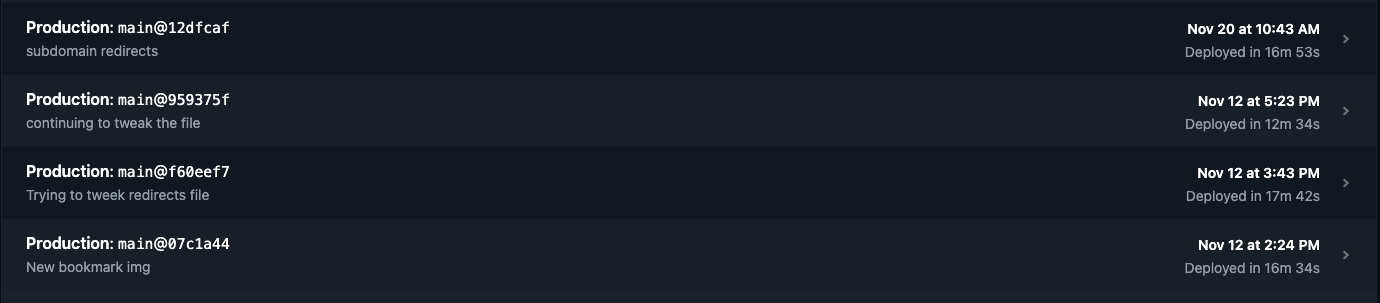
After:

Even adding every single Amplify in to the production build of the novel only takes it up to 8m. A huge improvement!
]]>- Create a versatile blog site
- Create a framework that makes it easy to add external data to the site
- Give the site the capacity to replicate the logging and rating I do on Serialized and Letterboxd.
- Be able to pull down RSS feeds from other sites and create forward links to my other sites
- Create forward links to sites I want to post about.
- Create a way to pull in my Goodreads data and display it on the site
- Create a way to automate pulls from other data sources
- Combine easy inputs like text lists and JSON data files with markdown files that I can build on top of.
- Add a TMDB credit to footer in base.njk
- Make sure tags do not repeat in the displayed tag list.
- Get my Kindle Quotes into the site
- YouTube Channel Recommendations
- Minify HTML via Netlify plugin.
Day 9
I'm trying to speed up the build time. It turns out that this many files is causing the memory in my Netlify build is causing the process to use up too much memory. So a few hacks to get in place.
filter is too expensive for arrays from everything I've read so I'm going to try and replace it with a for I pulled off a blogpost.
/**
@func util
a custom high-performance filter
via https://dev.to/functional_js/write-a-custom-javascript-filter-function-that-is-60-faster-than-array-filter-4b66
@perf
60% faster than the built-in JavaScript filter func
@typedef {(e: *) => boolean} filterFnAny
@param {filterFnAny} fn
@param {*[]} a
@return {*[]}
*/
const betterFilter = (fn, a) => {
  const f = []; //final
  for (let i = 0; i < a.length; i++) {
    if (fn(a[i])) {
      f.push(a[i]);
    }
  }
  return f;
};
There are a few places the filters for Nunjucks are using that filter, so I'll replace them.
I can also exclude amplify contentType posts from a number of places where it is building big objects up. Discarding them and doing it early in those processes should mean the build will take up less memory and go faster.
This is helping drop some of the build time, but it is still expensive.
My last build gave me this info:
[11ty] Benchmark  16412ms  15% 12166× (Configuration) "excludeStubs" Nunjucks Filter
[11ty] Benchmark  35852ms  33% 36435× (Configuration) "countByKey" Nunjucks Filter
[11ty] Benchmark  13719ms  13% 12168× (Configuration) "identifyGlyphs" Transform
Big build functions. Let's see if I can accelerate further.
I'm going to try and use "@11ty/eleventy-plugin-directory-output" to give me some ideas of where I can decrease CPU and memory usage as well.
I've managed to improve some of these, but they're still expensive, especially when run so many times. countByKey is part of the menu build, so especially expensive.
I also want to try and remove the HTML minify process to Netlify, but the plugin they have for that doesn't seem to work, probably because it is so out of date. I'm going to subtree it in and run it internally.
git commit -am "Moving html minification to a netlify function"
Let's try and run this on Netlify to see if my switchover works!
Huh, apparently in order to run Netlify plugins that are local to the project I need to add a plugin:
[[plugins]]
package = "@netlify/plugin-local-install-core"
This gets it running, but it doesn't seem to actually minify the HTML, no matter what options I put in! Ugh. Maybe I'll leave that alone for now to fiddle with later. Looks like there is info about how to test it here.
I'm also looking at how to fix it so it isn't spending time building the sub-css files that are prefixed with _, which it seems to be doing.
Is there really no way to get postcss not to waste time on the included files? It seems very strange to me.
Ok, I looked around and found a way that speeds things up significantly. I can add it as a template format and then manage it with an extension.
I can manage it in an extensions file.
const cssHandler = {
  outputFileExtension: 'css',
  compile: async (inputContent, inputPath) => {
    if (inputPath !== './src/styles/main.css') {
      return;
    }

    return async () => {
      const postcss = require('postcss');
      // https://github.com/postcss/postcss-load-config
      const postcssrc = require('postcss-load-config');
      console.log('postcssrc', postcssrc);
      // https://github.com/11ty/eleventy/discussions/2388
      let cssPromise = new Promise((resolve, reject) => {
        postcssrc().then(({ plugins, options }) => {
          console.log('pcss plugins', plugins);
          options.from = inputPath;
          console.log('pcss options', options);
          postcss(plugins)
            .process(inputContent, options)
            .then((result) => {
              resolve(result.css)
            })
        })
      });
      const cssResult = await cssPromise;
      // console.log('cssResult', cssResult);
      // debugger;
      return cssResult;

      let output = await postcss([
        pimport,
        autoprefixer,
        csso
      ]).process(inputContent, { from: inputPath });
    }
  }
};


module.exports = {
  css: cssHandler
}
which I can then load like this in my eleventy config file:
  eleventyConfig.addTemplateFormats('css');

  Object.keys(extensions).forEach((extensionName) => {
		eleventyConfig.addExtension(extensionName, extensions[extensionName]);
	});
I added the use of 'postcss-load-config' here to let me manage postcss settings and plugins from a file at postcss.config.js.
In case you are wondering, the logging looks like this:
postcssrc [Function: rc]
pcss plugins [
  [Function: AtImport] { postcss: true },
  [Function: plugin] {
    postcss: true,
    data: { browsers: [Object], prefixes: [Object] },
    defaults: [ '> 0.5%', 'last 2 versions', 'Firefox ESR', 'not dead' ],
    info: [Function (anonymous)]
  },
  { postcssPlugin: 'postcss-purgecss', OnceExit: [Function: OnceExit] },
  [Function (anonymous)] { postcss: true }
]
pcss options {
  configLocation: './postcss.config.js',
  cwd: '/Users/chrono/Dev/aramzs.xyz',
  env: undefined,
  from: './src/styles/main.css'
}
Looks like the options we get out of that tool is just everything supplied in the export of the file that isn't on the plugins property.
Ok, that works much faster. Mostly because it only has to process the main.css file and not build the others.
git commit -am "Move postcss processing internal to the template format flow of eleventy"
I can also remove invocations of my most expensive functions from the pages that forward users where the users will never see the menu that triggers them.
]]>- Create a versatile blog site
- Create a framework that makes it easy to add external data to the site
- Give the site the capacity to replicate the logging and rating I do on Serialized and Letterboxd.
- Be able to pull down RSS feeds from other sites and create forward links to my other sites
- Create forward links to sites I want to post about.
- Create a way to pull in my Goodreads data and display it on the site
- Create a way to automate pulls from other data sources
- Combine easy inputs like text lists and JSON data files with markdown files that I can build on top of.
- Add a TMDB credit to footer in base.njk
- Make sure tags do not repeat in the displayed tag list.
- Get my Kindle Quotes into the site
- YouTube Channel Recommendations
Day 8
Ok, I'm pulling the link object into my markdown writer and it is looking good. It is retaining the right naming conventions.
I'm going to use Sort - Oldest to see if it will match up with my old file titles. It looks like it might be rewriting over existing files. I don't want that. I'll try passing in the neverOverwrite property I assigned to my JSON-to-flat-file creator. I also want to try and figure out how to bring in cover images for social for this. I should be able to pull them out of the pocket object.
Ok, it's looking good. I had to adjust how images are rendered to check if they have https in the string and not try to prepend my img path if they do.
Now I'm pre-setting some of the set up to crawl the whole API and get every article I'm missing. I want to use the since param in the config I pass to only get new articles after this, so I'll set up for that too.
const walkPocketAPI = async () => {
  // let resultObj = await processPocketExport(0);
  let offset = 0;
  let total = 0;
  // let resultSet = [];

  do {
    let resultObj = await processPocketExport(offset);
    // resultSet = resultSet.concat(resultObj.resultSet);
    total = resultObj.total;
    offset += resultObj.resultSet.length;
  } while (total > 0);

  return resultSet;
  // return result;
}
Hmmm. It looks like the API response isn't sending me a total value. Well, let's adjust to that.
Oops, forgot to make sure that it can handle a lack of tags. I'll fix that.
Ok, now I just need to make sure I can handle a few other places it can fail and fix the return in the above function and I should be good to go.
]]>All of this and none of it worked! I was at a loss. Then I fiddled around more with Quick Actions > Customize on the folder right click and found the solution. If you too are looking for a solution, here is what it is (adapted from the Apple OSX documentation):
The Solution
Go to Apple menu > System Settings, click Privacy & Security in the sidebar, then click Extensions on the right. (You may need to scroll down.) Click Added Extensions and hit the checkboxes to enable Dropbox's Finder Extensions
The Solution Visualized
Here's the steps with screenshots:
Find the Extensions button on the bottom of Privacy & Security:
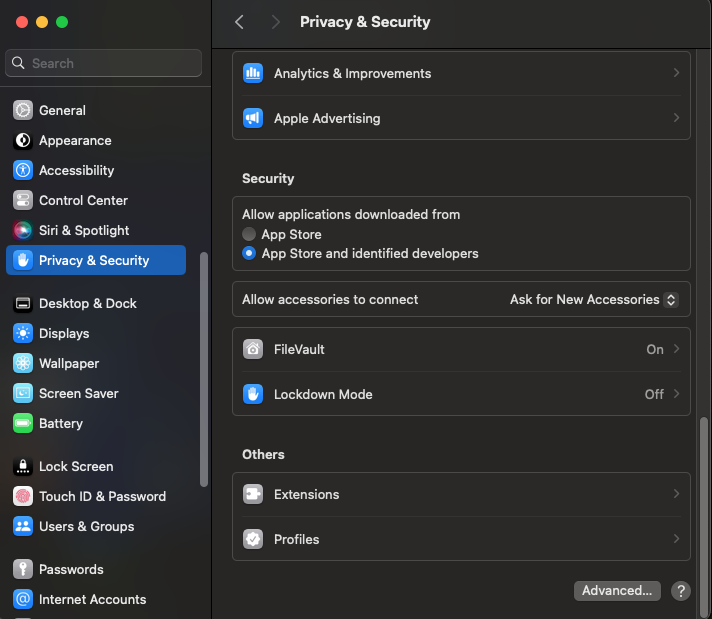
Once that is open, you can click Added extensions:
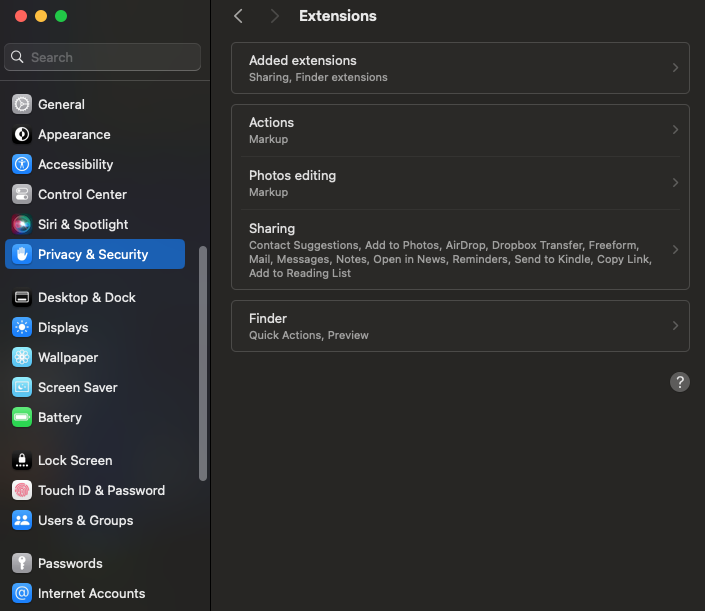
Then you can activate the Dropbox extensions and everything should work!
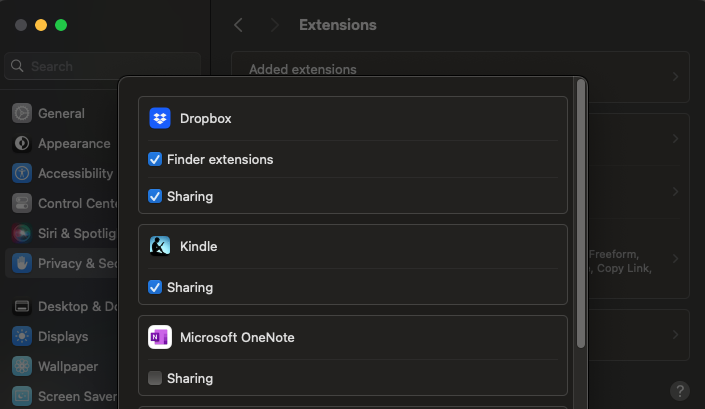
- Create a versatile blog site
- Create a framework that makes it easy to add external data to the site
- Give the site the capacity to replicate the logging and rating I do on Serialized and Letterboxd.
- Be able to pull down RSS feeds from other sites and create forward links to my other sites
- Create forward links to sites I want to post about.
- Create a way to pull in my Goodreads data and display it on the site
- Create a way to automate pulls from other data sources
- Combine easy inputs like text lists and JSON data files with markdown files that I can build on top of.
- Add a TMDB credit to footer in base.njk
- Make sure tags do not repeat in the displayed tag list.
- Get my Kindle Quotes into the site
- YouTube Channel Recommendations
Day 7
Ok, let's look at translating objects from the Pocket API to my own.
Ok, most of the translation is pretty obvious. However, there is something a little weird.
Here's my old object:
let dataSet = {
	link: aChild.href,
	date: isoDate,
	tags: aChild.getAttribute('tags').split(',').filter(e => e).map(tag => tag.toLowerCase()),
	title: aChild.textContent,
	content: '',
	isBasedOn: aChild.href,
	slug: slugger(dateFileString + "-" + aChild.textContent),
	dateFolder: `${year}/${month}/${day}`
}
The weird thing is the textContent check of the slug. I want to have the same slugs as before. The files do look like they are taking a URL. The aChild object is the link but the link it is pulling here is as follows:
<a href="https://www.poynter.org/business-work/2024/over-half-of-journalists-considered-quitting-due-to-burnout-this-year-per-new-report/" time_added="1727312468" tags="journalism">Over half of journalists considered quitting due to burnout this year, per new report - Poynter</a>Well, it should be fine as long as I'm using the same slug right?
Ok, so we'll hook it up to my function and take a look at trying to write some files.
Hmmm, the CLI tool isn't opening the browser like it did before. I wonder if it is a systems thing.
Ok, just needed to restart the computer I guess.
I also needed to break down the date object into a more manageable function:
const dateInfoObjMaker = (initialDateString) => {
  let dateString = '';
  try {
    dateString = initialDateString || '';
  } catch (e) {
    console.log('Date error', el, aChild);
    throw new Error('Could not parse date' + el)
  }
  let dateObj = new Date(parseInt(dateString) * 1000);
  // Generate a file-slug YYYY-MM-DD string from the date
  let date = dateObj;
  let yearFormatter = new Intl.DateTimeFormat('en-US', { timeZone: 'America/New_York', year: 'numeric' });

  let year = yearFormatter.format(dateObj);
  // Use Intl.DateTimeFormat to get the month in New York timezone
  let monthFormatter = new Intl.DateTimeFormat('en-US', { timeZone: 'America/New_York', month: '2-digit' });
  let month = monthFormatter.format(date);
  // Use Intl.DateTimeFormat to get the day in New York timezone
  let dayFormatter = new Intl.DateTimeFormat('en-US', { timeZone: 'America/New_York', day: '2-digit' });
  let day = dayFormatter.format(date);
  let dateFileString = `${year}-${month}-${day}`;
  let isoDate = '';
  try {
    isoDate = dateObj.toISOString();
  } catch (e) {
    console.log('Date error', e, dateString);
    throw new Error('Could not parse date' + dateString)
  }
  return {
    year: year,
    month: month,
    day: day,
    dateFileString: dateFileString,
    isoDate: isoDate
  }
}
Looking good! I think I got it:
{
	link: 'https://www.axios.com/2024/11/21/sec-chair-gary-gensler-step-down',
	date: '2024-11-21T18:04:50.000Z',
	tags: [ 'economy', 'politics' ],
	title: 'https://www.axios.com/2024/11/21/sec-chair-gary-gensler-step-down',
	description: '',
	content: '',
	isBasedOn: 'https://www.axios.com/2024/11/21/sec-chair-gary-gensler-step-down',
	slug: '2024-11-21-httpswwwaxioscom20241121sec-chair-gary-gensler-step-down',
	dateFolder: '2024/11/21'
},
The next step is seeing how it looks when I write it to a file.
]]>- Create a versatile blog site
- Create a framework that makes it easy to add external data to the site
- Give the site the capacity to replicate the logging and rating I do on Serialized and Letterboxd.
- Be able to pull down RSS feeds from other sites and create forward links to my other sites
- Create forward links to sites I want to post about.
- Create a way to pull in my Goodreads data and display it on the site
- Create a way to automate pulls from other data sources
- Combine easy inputs like text lists and JSON data files with markdown files that I can build on top of.
- Add a TMDB credit to footer in base.njk
- Make sure tags do not repeat in the displayed tag list.
- Get my Kindle Quotes into the site
- YouTube Channel Recommendations
Day 6
Time to fix my broken processing of Pocket exports. Let's start with using a CLI auth tool. That will be the node Pocket API CLI tool. I can use that plus a dotenv CLI package to pass in the consumer key from a .env file without committing it.
{
	...
    "write:pocket-info-user": "node -e \"console.log('POCKET_UN=\\\"'+$(sed '3q;d' .env-json.json).username.trim()+'\\\"');\" >> .env",
    "write:pocket-info-access": "node -e \"console.log('ACCESS_TOKEN=\\\"'+$(sed '3q;d' .env-json.json).access_token.trim()+'\\\"');\" >> .env",
    "activate:pocket": "node_modules/pocket-auth-cli/bin/pocket-auth $CON_KEY > .env-json.json && total_string=\"CON_KEY=\\\"$CON_KEY\\\"\" && echo $total_string > .env && npm run write:pocket-info-access && npm run write:pocket-info-user && node -e 'var w = require(\"./bin/enrichers/pocket-api.js\"); w.writeAmplify()'",
    "get:pocket": "node node_modules/dotenv-cli/cli.js -- npm run activate:pocket"
Now I can process the resulting variables that this process has written into my .env file in my JS code.
const processPocketExport = async () => {
  require('dotenv').config()

  let consumer_key = process.env.CON_KEY;
  let access_token = process.env.ACCESS_TOKEN;

  let pocket = new getPocket(consumer_key);
  //sets access_token
  pocket.setAccessToken(access_token)
  const pocketConfigForGet = {
    state: 'all',
    sort: 'newest',
    detailType: 'complete',
    count: 4,
    offset: 0
  }
  //returns articles
  let response = await pocket.getArticles(pocketConfigForGet)

  console.log(response);

};
This gives me the results from the read API endpoint from Pocket.
{
  maxActions: 30,
  cachetype: 'db',
  status: 1,
  error: null,
  complete: 1,
  since: 1732166480,
  list: {
    '4136799598': {
      item_id: '4136799598',
      favorite: '0',
      status: '1',
      time_added: '1732155928',
      time_updated: '1732178996',
      time_read: '1732178996',
      time_favorited: '0',
      sort_id: 0,
      tags: [Object],
      top_image_url: 'https://unwinnable.com/wp-content/uploads/2024/11/Springer.jpg',
      resolved_id: '4136799598',
      given_url: 'https://unwinnable.com/2024/11/19/a-nightmare-on-valleyfield-drive/',
      given_title: 'A Nightmare on Valleyfield Drive - Unwinnable | Unwinnable',
      resolved_title: 'A Nightmare on Valleyfield Drive',
      resolved_url: 'https://unwinnable.com/2024/11/19/a-nightmare-on-valleyfield-drive/',
      excerpt: 'This column is a reprint from Unwinnable Monthly #180. If you like what you see, grab the magazine for less than ten dollars, or subscribe and get all future magazines for half price. Now this.',
      is_article: '1',
      is_index: '0',
      has_video: '0',
      has_image: '1',
      word_count: '1136',
      lang: 'en',
      time_to_read: 5,
      listen_duration_estimate: 440,
      authors: [Object],
      domain_metadata: [Object],
      images: [Object],
      image: [Object]
    },
    '4137300187': {
      item_id: '4137300187',
      favorite: '0',
      status: '0',
      time_added: '1732153566',
      time_updated: '1732153582',
      time_read: '0',
      time_favorited: '0',
      sort_id: 2,
      tags: [Object],
      top_image_url: 'https://static.politico.com/dims4/default/55a1666/2147483647/resize/1200/quality/100/?url=https://static.politico.com/1a/5c/71191d2044058aaf12b82f49e34e/trump-73479.jpg',
      resolved_id: '4137300187',
      given_url: 'https://www.eenews.net/articles/trump-allies-want-to-resurrect-red-teams-to-question-climate-science/',
      given_title: 'Trump allies want to resurrect ‘red teams’ to question climate science - E&',
      resolved_title: 'Trump allies want to resurrect ‘red teams’ to question climate science',
      resolved_url: 'https://www.eenews.net/articles/trump-allies-want-to-resurrect-red-teams-to-question-climate-science/',
      excerpt: 'The second Trump administration may take a page out of military strategy to challenge established climate science.',
      is_article: '1',
      is_index: '0',
      has_video: '0',
      has_image: '1',
      word_count: '922',
      lang: 'en',
      time_to_read: 4,
      listen_duration_estimate: 357,
      authors: [Object],
      domain_metadata: [Object],
      images: [Object],
      image: [Object]
    },
    '4137356790': {
      item_id: '4137356790',
      favorite: '0',
      status: '0',
      time_added: '1732154258',
      time_updated: '1732154263',
      time_read: '0',
      time_favorited: '0',
      sort_id: 1,
      tags: [Object],
      top_image_url: 'https://webapi.project-syndicate.org/library/3df3445c1d2626e11bbfe7756d7d1039.2-1-super.1.jpg',
      resolved_id: '4137356790',
      given_url: 'https://www.project-syndicate.org/commentary/illusion-of-soil-carbon-offsets-by-sophie-scherger-2024-11',
      given_title: "Carbon Farming Won't Save the Planet by Sophie Scherger - Project Syndicate",
      resolved_title: "Carbon Farming Won't Save the Planet",
      resolved_url: 'https://www.project-syndicate.org/commentary/illusion-of-soil-carbon-offsets-by-sophie-scherger-2024-11',
      excerpt: 'At first glance, funding climate action through soil carbon credits instead of taxpayer dollars may seem like a win-win solution. But real-world evidence suggests that improving soil health and supporting farmers as they adapt to more sustainable practices would be far more effective.',
      is_article: '1',
      is_index: '0',
      has_video: '0',
      has_image: '1',
      word_count: '795',
      lang: 'en',
      time_to_read: 4,
      listen_duration_estimate: 308,
      domain_metadata: [Object],
      images: [Object],
      image: [Object]
    },
    '4137436970': {
      item_id: '4137436970',
      favorite: '0',
      status: '0',
      time_added: '1732153374',
      time_updated: '1732153395',
      time_read: '0',
      time_favorited: '0',
      sort_id: 3,
      tags: [Object],
      top_image_url: 'https://img-cdn.inc.com/image/upload/f_webp,q_auto,c_fit/vip/2024/11/80-hrs-lifestyle-inc_c2044e.jpg',
      resolved_id: '4137436970',
      given_url: 'https://www.inc.com/sam-blum/this-22-year-old-tech-ceo-says-an-80-hour-work-week-is-a-lifestyle-choice-it-earned-him-death-threats-and-job-seekers/91022060',
      given_title: 'This 22-Year-Old Tech CEO Says an 80-Hour Work Week Is a Lifestyle Choice. ',
      resolved_title: 'This 22-Year-Old Tech CEO Says an 80-Hour Work Week Is a Lifestyle Choice. It Earned Him Death Threats. And Job Seekers.',
      resolved_url: 'https://www.inc.com/sam-blum/this-22-year-old-tech-ceo-says-an-80-hour-work-week-is-a-lifestyle-choice-it-earned-him-death-threats-and-job-seekers/91022060',
      excerpt: 'Daksh Gupta, the 22-year-old founder of Greptile, a San Francisco-based enterprise software company, posted on X earlier this month that his firm “offers no work-life-balance.” The typical day is a 14-hour slog, and employees often work weekends.',
      is_article: '1',
      is_index: '0',
      has_video: '0',
      has_image: '0',
      word_count: '702',
      lang: 'en',
      time_to_read: 3,
      listen_duration_estimate: 272,
      authors: [Object],
      domain_metadata: [Object]
    }
  }
}
I want to fully expand the objects so I know what I'm working with. Let's use util.inspect here: console.log(util.inspect(response, {showHidden: false, depth: null, colors: true}))
Got it!
{
  maxActions: 30,
  cachetype: 'db',
  status: 1,
  error: null,
  complete: 1,
  since: 1732167050,
  list: {
    '4136799598': {
      item_id: '4136799598',
      favorite: '0',
      status: '1',
      time_added: '1732155928',
      time_updated: '1732178996',
      time_read: '1732178996',
      time_favorited: '0',
      sort_id: 0,
      tags: { culture: { tag: 'culture', item_id: '4136799598' } },
      top_image_url: 'https://unwinnable.com/wp-content/uploads/2024/11/Springer.jpg',
      resolved_id: '4136799598',
      given_url: 'https://unwinnable.com/2024/11/19/a-nightmare-on-valleyfield-drive/',
      given_title: 'A Nightmare on Valleyfield Drive - Unwinnable | Unwinnable',
      resolved_title: 'A Nightmare on Valleyfield Drive',
      resolved_url: 'https://unwinnable.com/2024/11/19/a-nightmare-on-valleyfield-drive/',
      excerpt: 'This column is a reprint from Unwinnable Monthly #180. If you like what you see, grab the magazine for less than ten dollars, or subscribe and get all future magazines for half price. Now this.',
      is_article: '1',
      is_index: '0',
      has_video: '0',
      has_image: '1',
      word_count: '1136',
      lang: 'en',
      time_to_read: 5,
      listen_duration_estimate: 440,
      authors: {
        '95063516': {
          author_id: '95063516',
          name: 'Noah Springer',
          url: 'https://unwinnable.com/author/noah-springer/',
          item_id: '4136799598'
        }
      },
      domain_metadata: { name: 'unwinnable.com' },
      images: {
        '1': {
          item_id: '4136799598',
          image_id: '1',
          src: 'https://unwinnable.com/wp-content/uploads/2024/10/UM180.jpg',
          width: '314',
          height: '443',
          credit: '',
          caption: ''
        },
        '2': {
          item_id: '4136799598',
          image_id: '2',
          src: 'https://unwinnable.com/wp-content/uploads/2024/11/Springer-2-794x412.png',
          width: '794',
          height: '412',
          credit: '',
          caption: ''
        }
      },
      image: {
        item_id: '4136799598',
        src: 'https://unwinnable.com/wp-content/uploads/2024/10/UM180.jpg',
        width: '314',
        height: '443'
      }
    },
    '4137300187': {
      item_id: '4137300187',
      favorite: '0',
      status: '0',
      time_added: '1732153566',
      time_updated: '1732153582',
      time_read: '0',
      time_favorited: '0',
      sort_id: 2,
      tags: { climate: { tag: 'climate', item_id: '4137300187' } },
      top_image_url: 'https://static.politico.com/dims4/default/55a1666/2147483647/resize/1200/quality/100/?url=https://static.politico.com/1a/5c/71191d2044058aaf12b82f49e34e/trump-73479.jpg',
      resolved_id: '4137300187',
      given_url: 'https://www.eenews.net/articles/trump-allies-want-to-resurrect-red-teams-to-question-climate-science/',
      given_title: 'Trump allies want to resurrect ‘red teams’ to question climate science - E&',
      resolved_title: 'Trump allies want to resurrect ‘red teams’ to question climate science',
      resolved_url: 'https://www.eenews.net/articles/trump-allies-want-to-resurrect-red-teams-to-question-climate-science/',
      excerpt: 'The second Trump administration may take a page out of military strategy to challenge established climate science.',
      is_article: '1',
      is_index: '0',
      has_video: '0',
      has_image: '1',
      word_count: '922',
      lang: 'en',
      time_to_read: 4,
      listen_duration_estimate: 357,
      authors: {
        '1289487': {
          author_id: '1289487',
          name: 'SCOTT WALDMAN',
          url: '',
          item_id: '4137300187'
        }
      },
      domain_metadata: { name: 'www.eenews.net' },
      images: {
        '1': {
          item_id: '4137300187',
          image_id: '1',
          src: 'https://static.politico.com/dims4/default/55a1666/2147483647/resize/600/quality/100/?url=https://static.politico.com/1a/5c/71191d2044058aaf12b82f49e34e/trump-73479.jpg',
          width: '0',
          height: '0',
          credit: '',
          caption: 'President-elect Donald Trump speaks during a meeting with the House Republican Conference in Washington on Nov. 13. Pool photo by Allison Robbert'
        }
      },
      image: {
        item_id: '4137300187',
        src: 'https://static.politico.com/dims4/default/55a1666/2147483647/resize/600/quality/100/?url=https://static.politico.com/1a/5c/71191d2044058aaf12b82f49e34e/trump-73479.jpg',
        width: '0',
        height: '0'
      }
    },
    '4137356790': {
      item_id: '4137356790',
      favorite: '0',
      status: '0',
      time_added: '1732154258',
      time_updated: '1732154263',
      time_read: '0',
      time_favorited: '0',
      sort_id: 1,
      tags: { climate: { tag: 'climate', item_id: '4137356790' } },
      top_image_url: 'https://webapi.project-syndicate.org/library/3df3445c1d2626e11bbfe7756d7d1039.2-1-super.1.jpg',
      resolved_id: '4137356790',
      given_url: 'https://www.project-syndicate.org/commentary/illusion-of-soil-carbon-offsets-by-sophie-scherger-2024-11',
      given_title: "Carbon Farming Won't Save the Planet by Sophie Scherger - Project Syndicate",
      resolved_title: "Carbon Farming Won't Save the Planet",
      resolved_url: 'https://www.project-syndicate.org/commentary/illusion-of-soil-carbon-offsets-by-sophie-scherger-2024-11',
      excerpt: 'At first glance, funding climate action through soil carbon credits instead of taxpayer dollars may seem like a win-win solution. But real-world evidence suggests that improving soil health and supporting farmers as they adapt to more sustainable practices would be far more effective.',
      is_article: '1',
      is_index: '0',
      has_video: '0',
      has_image: '1',
      word_count: '795',
      lang: 'en',
      time_to_read: 4,
      listen_duration_estimate: 308,
      domain_metadata: {
        name: 'Project Syndicate',
        logo: 'https://logo.clearbit.com/project-syndicate.org?size=800'
      },
      images: {
        '1': {
          item_id: '4137356790',
          image_id: '1',
          src: 'https://webapi.project-syndicate.org/library/becdb3b63fbb8839238df869cc13153b.16-9-medium.1.jpg',
          width: '480',
          height: '270',
          credit: '',
          caption: ''
        },
        '2': {
          item_id: '4137356790',
          image_id: '2',
          src: 'https://webapi.project-syndicate.org/library/0afd4a7f1b2009d4f8b8754a84559f53.16-9-medium.1.jpg',
          width: '480',
          height: '270',
          credit: '',
          caption: ''
        },
        '3': {
          item_id: '4137356790',
          image_id: '3',
          src: 'https://webapi.project-syndicate.org/library/5e3b73dbaa2e26d472a8786e4bcf9407.16-9-medium.1.jpg',
          width: '480',
          height: '270',
          credit: '',
          caption: ''
        },
        '4': {
          item_id: '4137356790',
          image_id: '4',
          src: 'https://webapi.project-syndicate.org/library/5150820f497697cf28b3c6ee415a4618.16-9-medium.1.jpg',
          width: '480',
          height: '270',
          credit: '',
          caption: ''
        }
      },
      image: {
        item_id: '4137356790',
        src: 'https://webapi.project-syndicate.org/library/becdb3b63fbb8839238df869cc13153b.16-9-medium.1.jpg',
        width: '480',
        height: '270'
      }
    },
    '4137436970': {
      item_id: '4137436970',
      favorite: '0',
      status: '0',
      time_added: '1732153374',
      time_updated: '1732153395',
      time_read: '0',
      time_favorited: '0',
      sort_id: 3,
      tags: {
        labor: { tag: 'labor', item_id: '4137436970' },
        tech: { tag: 'tech', item_id: '4137436970' }
      },
      top_image_url: 'https://img-cdn.inc.com/image/upload/f_webp,q_auto,c_fit/vip/2024/11/80-hrs-lifestyle-inc_c2044e.jpg',
      resolved_id: '4137436970',
      given_url: 'https://www.inc.com/sam-blum/this-22-year-old-tech-ceo-says-an-80-hour-work-week-is-a-lifestyle-choice-it-earned-him-death-threats-and-job-seekers/91022060',
      given_title: 'This 22-Year-Old Tech CEO Says an 80-Hour Work Week Is a Lifestyle Choice. ',
      resolved_title: 'This 22-Year-Old Tech CEO Says an 80-Hour Work Week Is a Lifestyle Choice. It Earned Him Death Threats. And Job Seekers.',
      resolved_url: 'https://www.inc.com/sam-blum/this-22-year-old-tech-ceo-says-an-80-hour-work-week-is-a-lifestyle-choice-it-earned-him-death-threats-and-job-seekers/91022060',
      excerpt: 'Daksh Gupta, the 22-year-old founder of Greptile, a San Francisco-based enterprise software company, posted on X earlier this month that his firm “offers no work-life-balance.” The typical day is a 14-hour slog, and employees often work weekends.',
      is_article: '1',
      is_index: '0',
      has_video: '0',
      has_image: '0',
      word_count: '702',
      lang: 'en',
      time_to_read: 3,
      listen_duration_estimate: 272,
      authors: {
        '182809703': {
          author_id: '182809703',
          name: 'Sam Blum',
          url: 'https://www.inc.com/author/sam-blum',
          item_id: '4137436970'
        }
      },
      domain_metadata: {
        name: 'Inc. Magazine',
        logo: 'https://logo.clearbit.com/inc.com?size=800'
      }
    }
  }
}
Ok, so now I need to figure out a way to walk through as much of the Pocket API output as possible, avoid re-writing files I've already written, and transform these objects into the flat files I want to output.
]]>- Create a versatile blog site
- Create a framework that makes it easy to add external data to the site
- Give the site the capacity to replicate the logging and rating I do on Serialized and Letterboxd.
- Be able to pull down RSS feeds from other sites and create forward links to my other sites
- Create forward links to sites I want to post about.
- Create a way to pull in my Goodreads data and display it on the site
- Create a way to automate pulls from other data sources
- Combine easy inputs like text lists and JSON data files with markdown files that I can build on top of.
- Add a TMDB credit to footer in base.njk
- Make sure tags do not repeat in the displayed tag list.
- Get my Kindle Quotes into the site
- YouTube Channel Recommendations
Day 5
So previously I had a simple JSON file I could pull from Clippings.Io and just walk each object and turn it into a flat file. It was such a negligible transform I didn't even think much about it. Now that service appears to have broken, so I'm looking at a new service called Readwise. Let's see if it works.
I played around with some more specific CSV to JSON libraries, but they really didn't work so I'm going with csv and csv-parse to keep it as simple as possible. Now I'll have to write more of my own code, but obviously I don't have any problem with that. First let's try to make sure everything works as intended:
async function readCSVFromFolder(folderPath) {
  //let parse = csvParse.parse({delimiter: ":"});
  const records = [];
  let counter = 0;
  let headers = [];
  const parser = fs
  .createReadStream(`./to-process/readwise-data.csv`)
  .pipe(csvParse.parse({
    trim: true,
  // CSV options if any
  }));
  for await (const record of parser) {
    if (counter === 0) {
      // Skip the first row
      counter++;
      headers = record;
      continue;
    }
    counter++;
    // Work with each record
    let jsonRecord = record.reduce((acc, value, index) => {
      acc[headers[index]] = value;
      return acc;
    }, {});
    records.push(record);
    console.log(jsonRecord);
  }
  console.log(records);
}
This is mostly straight out of the documentation. I've never used an async iterator like this before, but it does make things a lot easier.
It's a simple library, so it is just taking each CSV item and turning it into an entry in an array. Each entry is itself an array. But I want JSON objects. So I took the first entry of the array (where the table headers are) and wrote it out to an array. Now I can use that array to pull from for my object keys.
Very straightforward here. And it works! Here's the first object on my list:
{
  Highlight: 'Words can be like X-rays, if you use them properly—they’ll go through anything. You read and you’re pierced.',
  'Book Title': 'Brave New World',
  'Book Author': 'Aldous Huxley',
  'Amazon Book ID': 'B000FA5R5S',
  Note: '',
  Color: 'yellow',
  Tags: '',
  'Location Type': 'location',
  Location: '911',
  'Highlighted at': '2011-01-30 04:56:00+00:00',
  'Document tags': ''
}
These aren't the best JSON object keys, but it is a good start.
I'm not deep in fancy typescript or anything here so I have to map these out to the object I built from the old format, using a class-style function:
function Quote(quoteObj) {
	this.sourceTitle = "";
	this.cite = {
		name: "",
		href: "",
	}; // author
	this.blockquote = "";
	this.createdDate = new Date().toISOString();
	this.publishDate = new Date().toISOString();
	this.location = 0;
	this.type = "quote";
	this.handedFrom = "Kindle";
	this.referringUri = false;
	this.notes = [];
	this.publish = true;
	this.slug = false;
	this.tags = ["Quote"];
	Object.assign(this, quoteObj);
	var quoteHasContent = false;
	if (
		quoteObj.hasOwnProperty("blockquote") &&
		quoteObj.blockquote.length > 3
	) {
		quoteHasContent = true;
	}
	if (!quoteHasContent) {
		this.publish = false;
	}
  if (this.hasOwnProperty("page")){
    this.pageNum = this.page;
    delete this.page;
  }
}
There are a few extra fields here because my quotes section isn't only for Kindle quotes, it's for everyone! But that structure, if I keep to it, will mean that I have to do very little change at the file writing stage.
There is a major change I will have to do. Previously my parse and write process was very blunt. It was fine for running locally but now that I've got a Readstream I can operate on the CSV with more efficiency. It will be more performant to, instead of parse the file, get the objects, right the objects; parse the individual objects, and write them to the flat files I use for my site at that time, during the processing of the Readstream.
That's fine. LFG!!!
Let's do the transform to the new format:
function readwiseReformatQuote(clipping) {
	// console.log("Clipping", clipping);
	var quoteObj = {
		sourceTitle: clipping["Book Title"],
		cite: {
      name: clipping["Book Author"],
      href: false
    },
		blockquote: clipping.Highlight,
		location: clipping['Location Type'] === "location" ? clipping.Location : null,
		page: null,
		createdDate: clipping["Highlighted at"],
    date: new Date(clipping["Highlighted at"]).toISOString(),
		publishDate: null,
		annotationType: "Highlight",
		notes: clipping.Note ? [clipping.Note] : [],
		publish: clipping.publish ? clipping.publish : true,
    tags: clipping["Document tags"] ? clipping["Document tags"].split(',') : [],
	};
	console.log("Readwise transformed", clipping, quoteObj);
	return quoteObj;
}
Here is the function for writing the file:
function quoteObjectWriter(quoteObj){
  let sourcePath = '';
  if (quoteObj.sourceSlug && quoteObj.sourceSlug.length > 0) {
    sourcePath = `/${quoteObj.sourceSlug}`;
  }
  return processObjectToMarkdown(
    "title",
    "content",
    "./src/content/resources/quotes"+sourcePath,
    quoteObj,
    true
  )
}
Ok, first test showed some interesting issues. It looks like it pulled in quotes that I exported from Pocket as well, which I forgot was something I added to Readwise. This is cool! I want some way to differentiate the two for further development though!
Here is what a Pocket-sourced Readwise JSON looks like:
{
  Highlight: 'A longstanding 1800s ban on wearing masks during protests in New York State, originally introduced to discourage tenant demonstrations, was repealed in 2020 when the world began wearing masks to stop the spread of COVID-19.',
  'Book Title': 'At-Risk Hell’s Kitchen Resident Hits Out at Proposed Mask Ban',
  'Book Author': 'Dashiell Allen',
  'Amazon Book ID': '',
  Note: '',
  Color: '',
  Tags: '',
  'Location Type': '',
  Location: '0',
  'Highlighted at': '2024-08-03 14:27:41+00:00',
  'Document tags': 'nyc,politics'
}
And here is what the file that comes out of that looks like right now:
---
annotationType: Highlight
blockquote: >-
  A longstanding 1800s ban on wearing masks during protests in New York State,
  originally introduced to discourage tenant demonstrations, was repealed in
  2020 when the world began wearing masks to stop the spread of COVID-19.
cite:
  name: Dashiell Allen
  href: false
createdDate: '2024-08-03 14:27:41+00:00'
date: '2024-08-03T14:27:41.000Z'
handedFrom: Kindle
id: 041a7d8c6bd019882888796524cc94ed
location: null
notes: []
pageNum: null
publish: true
publishDate: null
referringUri: false
slug: a-longstanding-1800s-ban-on-041a7
sourceSlug: at-risk-hells-kitchen-resident-hits-out-at-proposed-mask-ban
sourceTitle: At-Risk Hell’s Kitchen Resident Hits Out at Proposed Mask Ban
tags:
  - nyc
  - politics
title: >-
  A longstanding 1800s ban on wearing masks during protests in... - At-Risk
  Hell’s Kitchen Resident Hits Out at Proposed Mask Ban
type: quote
---

> A longstanding 1800s ban on wearing masks during protests in New York State, originally introduced to discourage tenant demonstrations, was repealed in 2020 when the world began wearing masks to stop the spread of COVID-19.
I think I can check and if Location Type and Amazon Book ID doesn't exist then I can assume that the quote is from Pocket. Cool!
For whatever reason Readwise doesn't do the following:
- Include book subtitles
- Include page numbers
- Use special characters like smartquotes in titles.
The first two sort of suck, the 3rd is great. The downside to not including the book subtitles or special characters in titles that were there before is that it means some quotes are recreated in new folders because my parser understands the names to be different. I'm ok with that. I'll delete the old folders.
Let's clean up and recreate with the new rules.
git clean -fdn yeah, that looks right.
git clean -fd
Ok, let's go again!
npm run make:quotes
Ooops. I forgot that setting a property to null will still set it to override an object when I merge them. Let's comment out publishDate which is intended to show when I published the quote on my site.
git clean -fd
Once more:
npm run make:quotes
Ok, that looks good, let's try serving it locally!
Cleaning up some of the repeated folders and wow...
It is very weird to me that apparently they just change some of the book titles some times. You'd think that would be a stable identifier for a book published before the internet existed.
Apparently Amazon has re-categorized The Algebraist as being part of Iain M Banks' Culture series? Even though Wikipedia says it is not part of that series? And this has apparently forced the series number to change. Apparently the listing of the Kindle book was altered to make it part of the Culture series as part of a reprinting issued a few months ago. Some wikipedians are gonna get real mad.
Why do some Diskworld books not have numbers as part of the subtitle now? Odd. And some of the Discworld novels they added numbers to! WTF.
Ok, serves great locally. Looks good.
Let's try connecting a few more import sources to Readwise, running a new export and see what we get.
Annoying that Readwise does nothing to tell me what particular import source a quote comes from. I'm just going to categorize everything that is an article as coming from Pocket for now. It's a bit of a cheat, but it looks like they don't differentiate internally in their own system so shrugz.
Better than nothing and hey, I got quote imports working again! Looks like this is a good stopping point.
]]>The first time
I tried app settings, I tried reinstalling, I tried all sorts of stuff and, to Spotify's credit, they were really helpful. But none of it worked.
Then I wondered: could it be the amount of music I've liked? I don't know how Spotify uses the liked/saved songs, but presumably they have something to do with how it decides to recommend things to me. I imagine that, especially with the Smart Shuffle feature, if I was going to have quick, easy recommendations for users--even when they were offline--the Liked Songs list might come in handy, I might want to preload it, or query it occasionally, or in some other way process that list.
Now, I don't know if that's what was happening on my app, but I do know one thing: the minute I dropped a few thousand songs off my Liked List, dropping it below six thousand, the app started speeding up. All the connection problems, slow loading, and inability to access other Spotify-enabled devices? Gone like magic. (And no, it isn't because I had my Liked Songs list downloaded and it was taking up too much memory, I don't download that list.)
Whatever the reason, clearly the size of the Liked Songs list has some impact on the performance of the Android app. So I kept cleaning it up by making a copy of the list into a named playlist and deleting a bunch of songs off the Liked list.
The second time
Then I forgot to do it for a while. Then something changed in the Spotify app. I could no longer make a copy of my Liked list easily, I couldn't select large swaths of it and copy them and I couldn't Ctrl-A select all and copy that to a different playlist. It seemed that with my Liked Songs list over 10,000 tracks it was just beyond Spotify's ability to handle playlist operations.
The app was slowed down again, and I couldn't do the needed cleanup without permanently losing the record of songs I had liked!
Open source salvation
In comes Alberto Redondo.
I was searching for ways to use the Spotify API to solve this problem, which I suspected was related to the way the UI lazy-loads track items. I couldn't find much help in the forums, but I did find Alberto's spotipy-scripts repository, thanks to its well put-together README, which wrapped the Python Spotify API tool Spotipy with a few useful utility scripts.
I got it working in my terminally misconfigured local Python environment and pulled new env variables in for a new Spotify app. Then I was able to use their scripts easily and, after a bit of digging around I found out that Spotipy did support accessing the Liked Songs list.
There were a few trip-ups:
- I needed to request an additional role
- Playlists normally allow you to query 100 items, but the Liked Songs list seems to limit you to 50.
- Spotipy has a unique function of
current_user_saved_tracksfor accessing Liked Songs mirroring Spotify's unique API endpoint for that list. - I did end up hitting an API limit hand having to back off for a little bit.
But after I had that all figured out, I was able to create a new playlist in Spotify and copy all the Liked Songs into that playlist!
After that I was able to remove a few thousand tracks from my Liked Songs list and as soon as I did my app was working nicely again.
Contributing my work back to the project
I put my function up on a branch in my own GitHub (along with documentation) as a forked repo and opened a PR against Alberto's repository. Hopefully they'll find it useful and accept it. In any case, I have a tool now to solve this in the future.
See it for yourself
You can see how it works in the PR's code. You can pull my version from my fork.
After I exported the environment variables as specified in the README, all I had to do was run: python3 scripts/copy_saved_to_playlist.py playlist-id-goes-here. It took a few minutes to run, but it was able to work with no issues!
Spotify, how does it work?
I don't know how the Liked Songs list works, or why this fixes my app, but I have my suspicions. Judging by the impact on speed and how it only happens when I open the app, I think that it is likely that the Spotify app does some sort of check or operation on the Liked Songs list when it starts up or regains focus. If so, then yeah, slimming that list down would have a big impact.
Previously, I explored how to get the most out of Spotify's recommendations.
]]>- Create a versatile blog site
- Create a framework that makes it easy to add external data to the site
- Give the site the capacity to replicate the logging and rating I do on Serialized and Letterboxd.
- Be able to pull down RSS feeds from other sites and create forward links to my other sites
- Create forward links to sites I want to post about.
- Create a way to pull in my Goodreads data and display it on the site
- Create a way to automate pulls from other data sources
- Combine easy inputs like text lists and JSON data files with markdown files that I can build on top of.
- Add a TMDB credit to footer in base.njk
- Make sure tags do not repeat in the displayed tag list.
Day 4
One of the things I wanted to accomplish here is have this site host my reviews and ratings from Letterboxd. I've pulled a data export from them and it has given me a bunch of CSVs.
I pulled in the reviews.csv file without any issues. A film I reviewed and rated will show up in multiple CSVs however. So I need to import them in an order where the most information comes first. Reviews first, then ratings.csv and then, if I want to pull them in, watched.csv which may include some films that I didn't review or rate but still watched.
However, this appears to have crashed the build process. I rolled it back. I've made some changes and run an import again and it seems to be working. Last time I did watched first, but that won't work. I'll start with ratings.
An important note is that I need to have Markdown files include some content, even if it is an empty string. Otherwise, the build process will crash. Doing that fixes the mysterious Cannot read properties of undefined (reading 'includes') (via TypeError) error I was getting during the Eleventy build process.
Hmmm, it doesn't seem like that has worked. There must be an error in another file.
I'll adjust my glob ignore for local development until I identify the file.
Looks like there is something in the 'b's. Let's go deeper:
  // Dev Time Build Ignores
  if (process.env.IS_LOCAL === "true"){
    eleventyConfig.ignores.add("src/content/amplify/2023**");
    eleventyConfig.ignores.add("src/content/amplify/2024-01**");
    eleventyConfig.ignores.add("src/content/amplify/2024-02**");
    eleventyConfig.ignores.add("src/content/amplify/2024-03**");
    eleventyConfig.ignores.add("src/content/resources/film/[c-z]**");
    eleventyConfig.ignores.add("src/content/resources/film/b[j-z]**");
    eleventyConfig.ignores.add("src/content/resources/film/t**");
  }
Ok, let's go forward to bp. That works. We'll have to move forward again!
Oh, there's a TV show in here that the TMDB API doesn't like. As a result it doesn't have any of the usual metadata, especially tags. That seems to have been what caused the problem.
Looks like there are a few of those I can find by searching for
rating: false
title:
I think I can just add tags to fix this as well? Yeah, that does seem to work. I'll also add something in the film-making script to avoid this problem.
git commit -am "bugfix: Don't write film files with no tags"
Looks like it is building now!
But hmmm, it looks like the date sort isn't working for the film-and-tv page.
Ah, I didn't pick the data object to get the key for sorting from. I can fix that.
git commit -am "End the movies data file and use md files only."
- Create a versatile blog site
- Create a framework that makes it easy to add external data to the site
- Give the site the capacity to replicate the logging and rating I do on Serialized and Letterboxd.
- Be able to pull down RSS feeds from other sites and create forward links to my other sites
- Create forward links to sites I want to post about.
- Create a way to pull in my Goodreads data and display it on the site
- Create a way to automate pulls from other data sources
- Combine easy inputs like text lists and JSON data files with markdown files that I can build on top of.
- Add a TMDB credit to footer in base.njk
- Make sure tags do not repeat in the displayed tag list.
Day 3
I frequently will bookmark or reblog particularly interesting images that I think will provide a good mix of colors I could use in a different project. I'm not much of a designer, so this is a good way to bootstrap a website into looking good. It's how I decided on the Song Obsessed color scheme for instance.
I want to put a page in this site that includes that and I want to be able to compare the colors' contrasts in order to make sure they are accessible. I found a npm module called get-contrast that will do this for me. But I want to use it based on clicks on the contrast page, which means making it work client side.
I'll take a look at rollup, but it seems to complex for this. In theory eslint should do the trick, and it has a nice convenient API I can leverage in a JS file to run it as part of 11ty's build process. It isn't working though and eslint's documentation is--as always--a painful read. It's been a long time since I last used Browserify, so let's try that.
Ok, this looks promising! I think I need to import it into the JS file I want to build like so:
const contrast = require('get-contrast')

window.contrast = contrast;
I can either set it to the window object like this or set up my code in that file I think. To get the result running client side, it looks like I need to place it as a module like so:
<script type="module" src="/scripts/contrast-ratio.js" async></script>It seems to work! Now to make it build with Eleventy. I don't see docs on a javascript API for Browserify. I'll take my command line script and use exec from Node to run it in eleventy.before.
Looks good in theory, but isn't working on the actual built site.
It appears like there is a race condition where Eleventy is copying over the script before Browserify finishes building it. I need to make it wait and exec doesn't have a built-in promise. I can use util.promisify from node to make it work I think.
And yes, now it does!
eleventyConfig.on(
		"eleventy.before",
		async ({ dir, runMode, outputMode }) => {
			// Run me before the build starts
			console.log("Before Build", dir, runMode, outputMode);
      const util = require('util');
      const exec = util.promisify(require('node:child_process').exec);
      await exec('npx browserify ./public/scripts/contrast-calc.js > ./public/scripts/contrast-ratio.js');
git commit -am "Get a contrast checker npm module client side"
Not the cleanest solution, but it works. Now let's see if I can get my functionality for interacting with the colors working.
I really want to compare two colors of any type, but that's a little much for now. I think I'll just click a foreground color and compare it to the background color. This seems good.
How do I want to grab the results? I think I can fix a div to the top of the page and output it there. That works well, though I'll need to mod some pixels widths and background colors to make the text persistently displayable and make the whole thing work on mobile.
I can select IDs and use those to easy swap in values where needed for now.
]]>- Create a versatile blog site
- Create a framework that makes it easy to add external data to the site
- Give the site the capacity to replicate the logging and rating I do on Serialized and Letterboxd.
- Be able to pull down RSS feeds from other sites and create forward links to my other sites
- Create forward links to sites I want to post about.
- Create a way to pull in my Goodreads data and display it on the site
- Create a way to automate pulls from other data sources
- Combine easy inputs like text lists and JSON data files with markdown files that I can build on top of.
- Add a TMDB credit to footer in base.njk
- Make sure tags do not repeat in the displayed tag list.
Day 2
I've decided that I really want to make this site a repository of my site export data. I'll start with manual exports first. I've pulled my data from JustWatch on TV shows, I got an export from Letterboxd and now I'm working through my previously treated data from a Goodreads export. I'll likely end on my Pocket data for dealing with exports. The next step will be moving over content automatically as I update the other sites. But that's for another day.
As I was exploring the options for an up to date dump of my GoodReads data, I found that they killed their API making this whole process a little more difficult to the future. I also realized that, although my Kindle book highlights and quotes are visible in Goodreads, they aren't in the export and I can't find any official way to export them. So I found a site called Clippings.io that can get the quotes and deliver them to me in a JSON file. I had to pay a monthly fee to get the big features on the site, but it was pretty reasonable so I don't mind. I should try and remember to turn it off in the future.
For each of these exports I've been processing I've tried to set up a standalone package.json script, and once they're working I can incorporate them into the build process (if I want). I've set one up to test quotes import and see how it works. It pulls from the data file, which itself pulls from a sources JSON I set up when I was thinking of writing these all to a JSON file, but I've decided to write them to Markdown instead, like all the rest of these. I just like the idea of individual pages being mapped to individual files and long JSON files that have no limit just seem like a recipe for disaster.
git commit -am "Adding media template and setting up for quotes"
The resulting file will give me a lot more data than I need at this moment, but I don't mind. But it is a lot of disorganized files. I wonder if I should folder them by book, or organize the file names by date to make it a little more parsable. Considering how I dip in and out of books I don't think organizing by date is the right way. I can slug from the sourceTitle and use that to add to the file path I'm sending into processObjectToMarkdown.
I'll have to figure out how to make source specific pages later.
Hmmm, I'm seeing a rather unhelpful error:
[11ty] Problem writing Eleventy templates: (more in DEBUG output)
[11ty] Cannot use 'in' operator to search for 'date' in 43 (via TypeError)
[11ty]
[11ty] Original error stack trace: TypeError: Cannot use 'in' operator to search for 'date' in 43
[11ty]     at Template.addPageDate (.../node_modules/@11ty/eleventy/src/Template.js:405:34)
[11ty]     at async Template.getData (.../node_modules/@11ty/eleventy/src/Template.js:390:18)
[11ty]     at async TemplateMap.add (.../node_modules/@11ty/eleventy/src/TemplateMap.js:65:16)
[11ty]     at async Promise.all (index 381)
[11ty]     at async TemplateWriter._createTemplateMap (.../node_modules/@11ty/eleventy/src/TemplateWriter.js:325:5)
[11ty]     at async TemplateWriter.generateTemplates (.../node_modules/@11ty/eleventy/src/TemplateWriter.js:360:5)
[11ty]     at async TemplateWriter.write (.../node_modules/@11ty/eleventy/src/TemplateWriter.js:407:23)
[11ty]     at async Eleventy.executeBuild (.../node_modules/@11ty/eleventy/src/Eleventy.js:1191:13)
[11ty]     at async Eleventy.watch (.../node_modules/@11ty/eleventy/src/Eleventy.js:1014:18)
Seems like it is a template rendering problem. I've added some data properties to help me debug this sort of thing so I can more easily see the possible templates having a problem:
src/_includes/layouts/page.njksrc/resources/types.njksrc/_includes/layouts/page-resource.njk
Of those three, the only concern is on page-resource.njk. I'll start there. This code appears to be the problem, as it assumes a date value, and there should be one on all of these.
(remove backslashes)
{\% set subTitle %\}
    posted on <time datetime="{\{ page.date.toISOString() }\}">{\{ page.date | dateToFormat("DDD") }\}</time> in: {\% include "../components/tag-list.njk" %\}.
{\% endset %\}
The error seems to be coming from this area in particular in the Eleventy core code:
  async addPageDate(data) {
    if (!("page" in data)) {
      data.page = {};
    }

    let newDate = await this.getMappedDate(data);
    console.log(data.page);
    if ("page" in data && "date" in data.page) {
      debug(
        "Warning: data.page.date is in use (%o) will be overwritten with: %o",
        data.page.date,
        newDate
      );
    }

    data.page.date = newDate;

    return data;
  }
But I'm not sure why. I've tried removing the date property, but that's not working. But it is definitely the quote md files causing the issue, because removing them stops the error.
Oh, my Quote posts have their own page property (the page the quote was on) and that is conflicting with how page objects work in Eleventy. Apparently this is sort of a protected property, but not in a way that it emits a useful warning >.<. I'll replace it with pageNum as the property.
git commit -am "Get quotes working by avoiding conflict with the page object"
Ok, that looks good. Still getting a conflict, this time with my custom slugs not passing through. It looks like the logic for resource pages doesn't include a slug if I set one in the post. I can correct it to check for the slug field.
Looking good, I now have to deal with the quote files that have publish: false attached to them. This isn't a 11ty native concept, so I'll have to build some logic in to keep them out of the flow.
I'm going to adapt the approach in the Eleventy Base Blog.
Ok, so after some experimentation, I don't think this is working, though I'm not sure why.
I'm not entirely sure what the issue was, but I've solved it by adding new logic on filtering into the file at lib/collections.js to filter the default inclusion logic for the post collection. This seems to have worked even where a file might be in another collection. I guess no collection gets made that isn't made through that file, so it has total control. Good to know. In any case, my new more extensive draft logic does seem to work now.
I've added an additional control to by dotenv file DRAFT_FREE="false" to allow me to turn off drafts, even in the local development environment. This also means that I'll be draft free by default in my dev env. I know a lot of folks manage drafts more actively looking at them in the built site, but I'm not currently doing that. Maybe if I start, I'll have to figure out some more elaborate logic. The template does support that flow by showing draft posts in place with (D) in red before the title. That's pretty cool, even if I'm not planning to use it!
git commit -am "Add logic to manage draft mode and a no-publish mode"
- Create a versatile blog site
- Create a framework that makes it easy to add external data to the site
- Give the site the capacity to replicate the logging and rating I do on Serialized and Letterboxd.
- Be able to pull down RSS feeds from other sites and create forward links to my other sites
- Create forward links to sites I want to post about.
- Create a way to pull in my Goodreads data and display it on the site
- Create a way to automate pulls from other data sources
- Combine easy inputs like text lists and JSON data files with markdown files that I can build on top of.
- Add a TMDB credit to footer in base.njk
Day 1
I've branched the work from Simon Dann (@[email protected]) whose blog I really liked. I reached out and got the ok to adapt the site to my own site. So that's what I'm trying to do now. I've been fiddling around to try and figure out how it all works, and it's pretty cool!
One of the things I want to do is be able to contribute back to Dann's site if I have useful improvements. I also did some work that will make a hard split from the origin make sense. So I'm not working on the site as a branch, but I should be able to sync back from and potentially into the original repository. I'm going to add it as an origin I can interact with:
git remote add upstream [email protected]:photogabble/website.git
Let's see if that works.
It does! It allows me to cherry-pick improvements from the remote. That's useful, because they've added a lot of updates since I branched. We'll see later if I have useful things to contribute back.
Now I want to try and get my TV lists working. I've been playing around with using a text list I pulled from JustWatch activity. I then crawl that and pull metadata and images out of The Movie DB. I want to combine it or interact with the movie data that is in the data folder for global data. But I have to admit, I'm not really clear with how Dann set up processing that into the particular template that shows it. The result is that by using the list mechanism in the site I've ended up having both the TV markdown files I created and the data file writing to the same place. I've got to fix that, but to do that I need a better grasp on what is going on with how the site interacts with the data objects. Dann has made some pretty different structural choices around how to build and Eleventy site than any of mine (that's one of the reasons I wanted to work with this code) but it means I'm pretty confused about some of the pages and how they pop into existence at build. That's fine, I want to learn.
Part of the confusion is that Dann has really leaned into some of the Nunjucks Eleventy hierarchy for rendering that really got me mixed up the first time around I used it for an Eleventy site. I think that it seems the site is just tapping that data object directly into the template. Whereas I can try and change the template to combine the two with a custom layout in the layouts folder I think. To combine the two data sources, I'm going to try a technique I found on Dev.to from Giulia Chiola.
The key to getting the page to display right is to also have some information in the src/_data/lists-meta.js file. I actually think I could have put the layout into that file, but I've had my automated process put it into the actual generated MD files for now. Let's see how it goes.
Ok, I've been able to generate the file using my new template, but it doesn't have the new data I put in.
The one issue is the item/post format from Eleventy is a lot more complicated than the content from the JS files. Not only that, but I'll need to sort the two together. I know, I'll build a filter! That way I can transform the posts to the simpler format and also handle the date sort.
Dann's project makes it easy to add new filters. I can just add to lib/filters.js.
const dateSort = (arrayOfObjects, key) => {
	arrayOfObjects.sort(function (a, b) {
		// Turn your strings into dates, and then subtract them
		// to get a value that is either negative, positive, or zero.
		return new Date(b[key]) - new Date(a[key]);
	});
	return arrayOfObjects;
};

const mixedDataSortWatchedMedia = (arrayOfObjects) => {
	let standardizedArrayOfObjects = arrayOfObjects.map((item) => {
		if (item.data) {
			let newObject = {
				...item.data,
				content: item.content,
				date: item.date,
			};
			return newObject;
		}
		return item;
	});
	const sorted = dateSort(standardizedArrayOfObjects, "watchedDate");
	console.log("mixedDataSortWatchedMedia sorted", sorted);
	return sorted;
};
That takes care of it!
]]>Neobooks
We had a recent discussion on the 24th of January, 2024, where we discussed the idea of neobooks and the assembly of parts into whole publications that reminded me a lot of the Proceedings of THATCamp project I worked on a while back. I think that leads me to think a little more about nuggets of data and content and how their assembly can be leveraged to their benefit and to create useful things. The idea of a book artifact at the end of the process is, I think, a good one. But, building on some of our previous discussions, I'm particularly interested in how these online neobooks, as artifacts of an aggregation process, provide other properties.
Transclusion
We've talked a lot about the power of linking, digital gardens, and more recently about approaches to transclusion, especially in Obsidian. Transclusion is, I think, an important element in this, especially depending on the variety of ways something might be considered transcluded.
Transclusion could be, mechanically, an iframe, a replica, something that looks like a more traditional reference or perhaps something like I do with archiving on PressForward sites and the Context.Center.
Amplification
On the web, depending on how we process it, there's an opportunity (and for me, a preference) for any composed or aggregated element to be both archive, and aggregation. There's even ways that can leverage structured data, using hasPart for the overall document and isPartOf for nugget-documents to clearly link them all together. Once these different elements have clear links to each other, both through metadata and on-page linking, they naturally amplify each other. Crawlers will examine all parts and connect them to each other in a number of contexts, and the reinforcing links back and forth will raise the "link juice" of each part. Making sure that the parts note their relationship to the whole, and the whole to the parts, is a key part of this. I'd have to double check but, beyond using canonical tagging, we'd likely want to use the sameAs property to make sure that the area where the parts are assembled doesn't look like replication to any machines. Having prominent linking between the two that is human visible will also be helpful. We talked about webmentions for this and, though I have some misgivings at the implementation level, I agree that's the best way to automate this.
The Eternal Web and Agility
Does crawling even matter is the obvious question. Some participants will almost certainly reject the primacy of Google (even if I believe it is unavoidable) and ask -- why bother? I think the answer here is that more entities crawl than Google. I have been thinking a lot about the question of what makes for a long-lasting web, what fights effectively not just against linkrot, but against corporate rot. We can't really depend on any system we don't own to last, but also we can't depend on our own systems to last. One day we die and the domains we use will stop getting paid for and the links will die. There has to be some hybrid between the two. I've been thinking about this as "The Eternal Web", a future state where what we put online can absolutely outlast us.
This has driven a lot of my movement towards static site generators; as well as the use of the Internet Archive and Webrecorder. Static sites and their content have an intrinsic portability that anything database driven lacks. I think a good indication of that is the cost of 100-year WordPress. It's a cool idea but the difficulty of maintaining and securing WordPress makes a long lasting iteration of a WordPress site a difficult proposition. I think we can take as an absolute: if it has to query a database to load the page, it will one day fail to work at all. But even when my domains fail, my sites will continue to be accessible through GitHub, along with all the information on it. When GitHub dies there is still the possibility that my sites can be maintained by interested parties without too much work. The sites are all static HTML and therefore inherently portable.
Own Your Archive
This gets to the importance of agility in this process. The work of assembly has to be fast, quick, and detachable. The other guarantee for long lasting life for a website is when it is replicated. So we should have fast, paired, process of aggregation and archiving. The best way to really keep the web alive is not just to depend on the Internet Archive, which may one day fail, or be sued out of existence, but to make sure that everyone has their own copy of the parts of the web they think are important.
We often talk of the importance of owning your own platform, but I think it is equally important to own your own archive. As we look towards an increasingly unsure future, what we can guarantee of the web is the parts of it we keep near to us. I imagine a world where a layer lives between us and the wider web that requires less energy to access, less data to absorb and can easily be shared with those physically near us. This will also be a kind of amplification.
To reach this end, our approach has to be agile. Assembly of nuggets should include automatically the means of amplification and archiving. The goal should be to make this all quick, easy, and also easy to access purely locally, without a connection to anything but a local network. The best web is one that is massively replicated and this seems a clear path towards that practice.
The Long Watch
The Long Now project, with its tendency towards conservatism, it's bias towards corporate entities as reservoirs of knowledge and practice (even though every example we have shows that not to be a reliable approach) and it's insistence on a money basis makes its sustainability goals questionable, and the world they might create if they did succeed even more so. It will never be capable of creating a truly useful archive or system of civilization amplification because both require the type of aggregation that is inherently disruptive of the present systems of copyright and intellectual property in a way that its libertarian capitalist leanings forbid it from pursuing.
Instead of a top-down, hierarchical, corporate idea of preservation and future building, I think we need to consider a community approach, one highly decentralized that can also be worked with locally.
We should consider even more broadly than we have thus far: what does it mean to have a community-first web, a localized library archive of the things that matter, and how can we build it together. Where we need to go is towards a type of toolset that can let anyone stand watch over the web and preserve it, not just centrally, but for themselves and the people around them. But also one that can connect with any other such system, build links of replication and amplification, and provide a web that doesn't require any central authority to last forever.
This is an early draft
]]>- Static Site Generator that can build the blog and let me host it on Github Pages
- I want to write posts in Markdown because I'm lazy, it's easy, and it is how I take notes now.
- I don't want to spend a ton of time doing design work. I'm doing complicated designs for other projects, so I want to pull a theme I like that I can rely on someone else to keep up.
- Once it gets going, I want template changes to be easy.
- It should be as easy as Jekyll, so I need to be able to build it using GitHub Actions, where I can just commit a template change or Markdown file and away it goes. If I can't figure this out than fk it, just use Jekyll.
- I require it to be used by a significant percent of my professional peers so I can get easy answers when something goes wrong.
- I want source maps. This is a dev log site which means whatever I do with it should be easy for other developers to read.
- Also the sitemap plugin looks cool. Should grab that later.
- So does the reading time one.
-
Also this TOC plugin mby?
-
Use Data Deep Merge in this blog.
-
Decide if I want to render the CSS fancier than just a base file and do per-template splitting.
- Can I use the template inside of dinky that already exists instead of copy/pasting it?
- Is there a way to have permalinks to posts contain metadata without organizing them into subfolders?
-
How do I cachebreak files on the basis of new build events? Datetime?
site.github.build_revisionis how Jekyll accomplishes this, but is there a way to push that into the build process for Eleventy? -
Make link text look less shitty. It looks like it is a whole, lighter, font.
-
Code blocks do not have good syntax highlighting. I want good syntax highlighting.
-
Build a Markdown-it plugin to take my typing shortcuts
[prob, b/c, ...?]and expand them on build.
- See if we can start Markdown's interpretation of H tags to start at 2, since H1 is always pulled from the page title metadata. If it isn't easy, I just have to change my pattern of writing in the MD documents.
-
Should I explore some shortcodes?
-
Order projects listing by last posted blog in that project
-
Limit the output of home page post lists to a specific number of posts
-
Show the latest post below the site intro on the homepage.
-
Tags pages with Pagination
-
Posts should be able to support a preview header image that can also be shown on post lists.
-
Create a Markdown-It plugin that reads the project's repo URL off the folder data file and renders commit messages with links to the referenced commit. (Is this even possible?) (Is there a way to do it with eleventy instead?)
-
Create Next Day/Previous Day links on each post / Next/Previous post on post templates from projects
-
Tags should be in the sidebar of articles and link to tag pages
-
Create a skiplink for the todo section (or would this be better served with the ToC plugin?) - Yes it would be!
-
Add a Things I Learned section to the project pages that are the things I learned from that specific project.
-
Add a technical reading log to the homepage
-
Hide empty sections.
-
Add byline to post pages
-
Have table of contents attach to sidebar bottom on mobile
-
Support dark mode
-
Social Icons
-
SEO/Social/JSON-LD HEAD data
Day 45
I want to try a way to add comments to this blog. I want something where I have a good degree of ownership over the comments, so I took a look at some options. Mainly, I'm hoping I don't have to host a server.
I took a look at a whole bunch of interesting options:
- Introduction · Commento
- Webmention.io
- Linked Data Notifications
- GitHub - coralproject/talk: A better commenting experience from Vox Media
- GitHub - discourse/discourse: A platform for community discussion. Free, open, simple.
- Isso
- GitHub - djyde/cusdis: lightweight, privacy-friendly alternative to Disqus.
- GitHub - eduardoboucas/staticman: 💪 User-generated content for Git-powered websites
- Comments for static websites, using GitHub Issues.
I'm going to try utterances. It's a GitHub Issues based comment system that looks like it just needs a GitHub app and some JS.
I suppose the GitHub App could break and that would screw me, but I'd still have the comments and I could always pull them in some other way if needed. The one downside is that they aren't really static in my code for this site. But let's give it a try. Staticman seems like it is closer to what I want, but I don't want to have to care for some tiny server, which seems a requirement.
Seems to work fine. I guess... I'll try it out? Sure, why not!
]]>From it's website:
htmx gives you access to AJAX, CSS Transitions, WebSockets and Server Sent Events directly in HTML, using attributes, so you can build modern user interfaces with the simplicity and power of hypertext
Why HTMX?
It has been recommended to me a few times and I'm pretty interested in what appears to be a pretty simple way to do single-page-app style behavior without a ton of complex and overly heavy javasscript.
Step one: the basics
I'm going to use Glitch to set up a basic HTMX website where I can play around with some of the core concepts, the ability to swap out content, and gain a better understanding of how to work HTMX.
As I'd hoped, it's pretty straightforward. I can identify basic things to swap, events that cause swapping and even elements that I can replace in response to the swap to allow one page to provide updates to different areas of the page separately.
hx-get, hx-swap, and hx-swap-oob all seem to work really clearly and as expected.
hx-get creates a GET request to a URL (relative to the site domain, not the local path, as far as I've been able to tell thus far.) and swaps in the retrieved HTML with the current element (the method can also be hx-post). It can instructed how it swaps in the content wtih hx-swap and hx-swap-oob.
This is pretty cool, and is promising for some things I want to try out.
Step two: media navigation
One of the key things I want to accomplish is to be able to navigate around a site while a piece of media stays in place and can play uninterrupted. Let's try that.
First I'll set up some basic navigation tests. Good to note that hx-push-url is relative to the core domain, not the local path. So if you're on /test and you want to go to /test/2 you need to use hx-push-url="/test/2" not hx-push-url="/2". It also looks like it automatically picks up the <title></title> tag. I wonder if it picks up everything else that can be in there? I'll have to test it out.
Ok, it requires some hacking on to the process, you have to essentially create a space outside the elements changed by HTMX and then modify it depending on pulling in particular script tags. But it does work! This seems to be the way to go. The other thing I'll have to do is figure out how to queue up separate videos / audio tags and then swap them in on complete for each video / audio file. It seems like this is the way to go though! I think I can do one more test, to try to make the player queue more complex. If I can do that, and also make it so playing media goes into the preserved element from elsewhere on the page, then this will be my solve for a bunch of projects I'd like to try out.
Step three: multi-play
I think I can make it a better organized multi-play system with a custom HTML element. Let's remind ourselves of how that works.
I can even use the custom element mount events to inform the page it is ready to receive a playlist item and back it with a timeout if needed. Then I can push stuff to the playlist element and it will have an array to work through.
I'll also have to check the iframe for YouTube's status. Here's one way to do so and a reference. That'll be the next step. However, so testing around how I can add things in seems to indicate it can work. Just placing a script tag in an HTMX loaded element that does the work of pushing into a playlist seems like it can do the trick. I think I'll base it on user action in the actual sites I'm working on though.
]]>- Create timeline pages where one can see the whole timeline of a particular event
- Give timeline items type or category icons so that you can easily scan what is happening.
- Allow the user to enter the timeline at any individually sharable link of an event and seamlessly scroll up and down
- Deliver timelines as a plugin that can be extended by other Eleventy users
- Auto-create social-media-ready screenshots of a timeline item
- Integrate with Contexter to have context-full link cards in the timeline
- Leverage the Live Blog format of Schema dot org
- Allow each entry to be its own Markdown file
- Handle SASS instead of CSS
- Fast Scroller by Month and Year
- Add timelines and individual timeline items to the sitemap
- Generate images more efficiently.
- Support a counter that can increment depending on where you are on the timeline.
- Generate QR codes / Stickers for each timeline
- /raw/md returns a raw version of a topic (in markdown)
- /raw/md includes a YAML header with relevant information
- /raw/json returns a JSON version of a topic
- /feed/ returns a latest links feed of a topic
- RSS feed of links
- RSS feed of new links per topic / timeline
- Support a header image.
Day 23
I had my site stop deploying. It looked like some problem having to do with my deploy action and when I went for support to the repo for the action I was using it sent me to GitHub Actions.
I read it, seems straighforward, looked at the examples. There isn't one for Eleventy, so I decided to stitch together the Next and Static workflows. Still didn't quite work.
I ended up pulling together a few of the actions as anticipated, but also having to update some packages and fiddle around with the process. A big tripping point was that, for some reason, I needed to make the deploy step (with the deploy action) a separate job. I'm not sure why.
Even then it didn't work. But it did tell me that I could only deploy from the gh-pages branch. Ok, weird.
Well, it turned out I had one last step to take. I had to tell GitHub to use Actions instead of deploying from the branch by going to Settings > Pages and finding the Source pulldown and changing it to "GitHub Actions". Once I did that the build worked! Deployment worked! I could even, at last, delete the old gh-pages branch. Everything is working and deploying now .
Here's the final file
]]>- Create timeline pages where one can see the whole timeline of a particular event
- Give timeline items type or category icons so that you can easily scan what is happening.
- Allow the user to enter the timeline at any individually sharable link of an event and seamlessly scroll up and down
- Deliver timelines as a plugin that can be extended by other Eleventy users
- Auto-create social-media-ready screenshots of a timeline item
- Integrate with Contexter to have context-full link cards in the timeline
- Leverage the Live Blog format of Schema dot org
- Allow each entry to be its own Markdown file
- Handle SASS instead of CSS
- Fast Scroller by Month and Year
- Add timelines and individual timeline items to the sitemap
- Generate images more efficiently.
- Support a counter that can increment depending on where you are on the timeline.
- Generate QR codes / Stickers for each timeline
- /raw/md returns a raw version of a topic (in markdown)
- /raw/md includes a YAML header with relevant information
- /raw/json returns a JSON version of a topic
- /feed/ returns a latest links feed of a topic
- RSS feed of links
- RSS feed of new links per topic / timeline
- Support a header image.
Day 22
Ok, I want to try and set up a new site with the Timelinety plugin. I've been able to get it mostly working, but there is a lot of extra setup. I want to see if I can make time-to-start shorter by incorporating more initial templates in the plugin itself.
Right now, the user who wants to create a site with Timelinety has to do so by creating at least 4 pages outside of the actual timeline items.
The question is, can I add additional input directories to the Eleventy config?
Oh, looks like... no. I can add the files maybe? Can I get inputs and outputs for Eleventy in the plugin? I think so!
Ok, so I can set it up to copy over the setup files. I think this will work:
if (pluginConfig.addBaseFiles) {
	eleventyConfig.on("eleventy.before", () => {
		let copyFileTo = path.normalize(path.join(process.cwd(), "src"));
		if (typeof pluginConfig.addBaseFiles == "string") {
			copyFileTo = pluginConfig.addBaseFiles;
		} else {
			copyFileTo = path.normalize(
				path.join(process.cwd(), eleventyConfig.dir.input)
			);
		}
		const copyFromPath = path.normalize(
			path.join(__dirname, "src/pages")
		);
		[
			"timeline.md",
			"timelines.md",
			"timeline-endpoints.md",
			"timeline-pages.md",
		].forEach((file) => {
			const timelineMDFile = path.join(copyFromPath, file);
			const targetMDFile = path.join(copyFileTo, file);

			if (!fs.existsSync(targetMDFile)) {
				console.log(
					`Eleventy copy from ${timelineMDFile} to ${targetMDFile}`
				);
				console.log("File does not already exist, copy it over");
				fs.copyFileSync(
					timelineMDFile,
					targetMDFile,
					fs.constants.COPYFILE_EXCL
				);
			}
		});
	});
}
I think I want to make sure the file copy happens before the build. I can use eleventyConfig.on('eleventy.before', () => ()); for that.
Ok, that copies it over. Does it work with the build timing? Yes, it does! Awesome.
Ok. Now I need to make sure that I actually have the minimum timeline CSS files.
Ok, the stuff in template-timeline.sass is good to do without.
I don't need my reset.sass.
Ok, looks like it is working.
I think things look like they are working, but there is a problem with the JSON response from Timelinety. It isn't working when there is no content value for a Timeline entry. I'll need to add another filter I think. Oh no, I need a different thing, I need a false state.
Ok, I think this is ready to be a package now. Let's set up a repo.
We add the .npmignore file. Then we can publish it.
Ok, let's try switching to using this package in the new site.
It mostly seems to work. The one downside is that I can't use extends the way I had hoped. I end up having to use {% extends "../../node_modules/timelinety/src/layouts/timeline-wrapper.njk" %}. extends doesn't use the Eleventy layout alias systems so I can't use it exactly as I had hoped. But other than that, it works!
- Pull public-marked notes from the notebook to the new repo
- Create website that treats them like a wiki and links pages together
- Support the basic YAML in https://github.com/AramZS/notebook/blob/main/README.md
Day 7
]]>- Pull public-marked notes from the notebook to the new repo
- Create website that treats them like a wiki and links pages together
- Support the basic YAML in https://github.com/AramZS/notebook/blob/main/README.md
Day 6
Ok I want to try out my new function. That means getting everything up and running. Looks like I have one issue, my use of the new md_file_transformer function isn't working for my processing. I have to deal with turning the PathBuf output I'm getting from the directory walk into a string I can process. I thought I could use to_str but I guess not. Let's take a look at PathBuf. Huh. Docs say to_str should work. Yet, the Rust compiler isn't working. Hmmm, it says expected struct "std::string::String" found enum "Option<&str>".
Ok, so I need to transform it into a string. Looks like there are a few options. I'll use path.into_os_string().into_string().unwrap(). It doesn't look like the best way to do it, especially if the user is on a Windows machine, but I'm not sure what the best alternative is. I suspect there is a way to pass the PathBuf direction into read_to_string in fs. But I can fiddle with that later, I'd like to move on from this for now.
Ok, that got me to the next problem. if !keycheck || false == yamlObj["public"].as_bool().unwrap() { doesn't work if the value isn't a boolean. Oh yeah, I could use a match process, similar to Javascript switch. Ok, I want to further symplify it a bit. I'll set up another function to do the actual writing of the file in the match.
Ok, I think I've gotten it working:
let keycheck = yamlHashmap.contains_key(&Yaml::from_str("public"));
// as_hash().unwrap().contains_key("public");
dbg!(&yamlObj["public"]);

// Check if variable is true
if !keycheck {
	// Not a public ready file.
} else {
	match yamlObj["public"].as_str().unwrap() {
		"true" => public_file_transform(single_file_path, markdown_input, "public"),
		"partial-public" => {
			public_file_transform(single_file_path, markdown_input, "partial-public")
		}
		"partial-private" => {
			public_file_transform(single_file_path, markdown_input, "partial-private")
		}
		"false" => println!("Public is false"),
		_ => println!("Public is not an expected value"),
	}
}
Now I'll have to build out public_file_transform to do the actual work of processing and copying the file. I'm not sure it makes sense to pass the markdown value for the public argument in this way. It might be a bit repetitive, after all I have to do a bunch of processing of the YAML data anyway inside the function. At the very least perhaps I should pass the YAML object into public_file_transform? I'll have to think if this is the best way to handle it. Perhaps I should just set a variable to the value of public after I've decided to continue and otherwise return early? I'll have to fiddle with it later.
git commit -am "Continue setting up decision-making if file is public"
- Static Site Generator that can build the blog and let me host it on Github Pages
- I want to write posts in Markdown because I'm lazy, it's easy, and it is how I take notes now.
- I don't want to spend a ton of time doing design work. I'm doing complicated designs for other projects, so I want to pull a theme I like that I can rely on someone else to keep up.
- Once it gets going, I want template changes to be easy.
- It should be as easy as Jekyll, so I need to be able to build it using GitHub Actions, where I can just commit a template change or Markdown file and away it goes. If I can't figure this out than fk it, just use Jekyll.
- I require it to be used by a significant percent of my professional peers so I can get easy answers when something goes wrong.
- I want source maps. This is a dev log site which means whatever I do with it should be easy for other developers to read.
- Also the sitemap plugin looks cool. Should grab that later.
- So does the reading time one.
-
Also this TOC plugin mby?
-
Use Data Deep Merge in this blog.
-
Decide if I want to render the CSS fancier than just a base file and do per-template splitting.
- Can I use the template inside of dinky that already exists instead of copy/pasting it?
- Is there a way to have permalinks to posts contain metadata without organizing them into subfolders?
-
How do I cachebreak files on the basis of new build events? Datetime?
site.github.build_revisionis how Jekyll accomplishes this, but is there a way to push that into the build process for Eleventy? -
Make link text look less shitty. It looks like it is a whole, lighter, font.
-
Code blocks do not have good syntax highlighting. I want good syntax highlighting.
-
Build a Markdown-it plugin to take my typing shortcuts
[prob, b/c, ...?]and expand them on build.
- See if we can start Markdown's interpretation of H tags to start at 2, since H1 is always pulled from the page title metadata. If it isn't easy, I just have to change my pattern of writing in the MD documents.
-
Should I explore some shortcodes?
-
Order projects listing by last posted blog in that project
-
Limit the output of home page post lists to a specific number of posts
-
Show the latest post below the site intro on the homepage.
-
Tags pages with Pagination
-
Posts should be able to support a preview header image that can also be shown on post lists.
-
Create a Markdown-It plugin that reads the project's repo URL off the folder data file and renders commit messages with links to the referenced commit. (Is this even possible?) (Is there a way to do it with eleventy instead?)
-
Create Next Day/Previous Day links on each post / Next/Previous post on post templates from projects
-
Tags should be in the sidebar of articles and link to tag pages
-
Create a skiplink for the todo section (or would this be better served with the ToC plugin?) - Yes it would be!
-
Add a Things I Learned section to the project pages that are the things I learned from that specific project.
-
Add a technical reading log to the homepage
-
Hide empty sections.
-
Add byline to post pages
-
Have table of contents attach to sidebar bottom on mobile
-
Support dark mode
-
Social Icons
-
SEO/Social/JSON-LD HEAD data
-
Create a per-project
/nowpage. -
Create a whole-site aggregated
/nowpage.
Day 44
My github actions were running on Node 12 apparently and GitHub doesn't support that anymore. Let's update to 16 as required.
I use nvm to manage my local project Node version so:
nvm use 16
I'm going to want to make sure I can build this locally first so:
npm ci
npm run build
Oh, that failed because I tried to use sh for one of my code blocks and that isn't a language supported by Prism. I'll switch that to bash instead and try again.
git commit -am "Update project to 16"
That worked!
]]>- Pull public-marked notes from the notebook to the new repo
- Create website that treats them like a wiki and links pages together
- Support the basic YAML in https://github.com/AramZS/notebook/blob/main/README.md
Day 5
Ok, so I found the path. Now I can try and iterate through the files and folders in that path. First step, is it a folder at all?
fs::read_dir(note_path)Ok, that should get the dir. But it also consumes the value. I think the best thing to do is .clone the variable so it can be used down the line. Now I need to do error handling and have an else. I can create a dir if none is found and if one isn't, I'll iterate through the files and folders in the path and find one. Then when I walk through that list I can figure out if it is a file or a folder and if it is a file I can process it with a function. I'll need more complex loops as well so I'll pull this into a function all its own later. For now, let's just get it working.
    if fs::read_dir(note_path.clone()).is_err() {
        // Create the notes directory if none is found.
        println!("No notes directory found. Creating one now.");
        fs::create_dir(note_path).expect("Failed to create notes directory");
    } else {
        // Parse the notes directory into an iterable object that we can walk through and take actions on.
        fs::read_dir(note_path)
            .and_then(|op| {
                for entry in op {
                    let entry = entry?;
                    let path = entry.path();
                    println!("Name: {}", path.display());
                }
                Ok(())
            })
            .expect("Failed to read notes directory");
    }
Ok, look at that. I have a list of directories and files! Now I need to detect if it is a dir or file and take the next step. It looks like the fs library has a metadata function that I can use to find out! Once I have that path, I can pass it to my function to parse it. I see there are some options for things I can do with that path var. Should I be using OsStr? What's the difference between that and a normal string? Why should I use it? It's pretty unclear.
Wait I just realized that I don't only have a bool value in public. My notes have the public YAML property with a bunch of different properties:
- `public:` This note is intended to be published.
	- Notes marked `false` or with no value will never have any part published.
	- Notes marked `true` will have their whole body published along with metadata.
	- Notes marked `partial-public` will have any `:::{public} content :::` content blocks published and no metadata other than title.
	- Notes marked `partial-private` will have all content except for `:::{private} content :::` content blocks published and all metadata.
	- Notes marked `true` will also follow the `private` directives.
Ok, so how do I deal--in a strongly typed system--with the fact that I have a value that can be more than one type? Wait... more than that, what happens where the property isn't there? I need to do a check.
It looks like in Rust the best way to parse an object with a set of defined but not consistent properties is a hashmap. The YAML library I'm using has a function to transform the YAML object into a linked hashmap. I can then use that to check for the property and then check the value of the property.
Huh... it's still not working. I have the LinkedHashMap but contains_key won't just take a string. It looks like I have to transform my key into a yaml-y string from looking at the code.
let yamlHashmap = &yamlObj.as_hash().unwrap();
let keycheck = yamlHashmap.contains_key(&Yaml::from_str("public"));
Yeah, that works! I can check if the key exists now. And if it does I can start doing stuff with it. But will Rust let me cast it as a bool even when it has a value for the purposes of the first check? Can I do if !keycheck || false == yamlObj["public"].as_bool().unwrap()?
Ok, I gotta get off the computer so I'll find out next workday!
git commit -am "Improving md processer for my notes."
- Pull public-marked notes from the notebook to the new repo
- Create website that treats them like a wiki and links pages together
- Support the basic YAML in https://github.com/AramZS/notebook/blob/main/README.md
Day 4
I'd like to change option_to_hold_file to an ANY? I'm not sure how best to do that, but let's set up to actually do something that needs that process.
Ok, I'm at the point where I need to start scanning folders. Only one thing... I don't want to leak my folder structure from my system, so I need to store it as an environmental variable. What's the best way to do that? Does Rust have some equivalent of dotenv?
Looks like it does!
Ok, it loads, but I don't see any result. Have I misconfigured it or have I done something wrong?
Looks like the recommended way to run the function is dotenvy::dotenv()?; but that only gives the good result not the error. I can drop that question mark and get a Result object which I can check for an ok or an error.
Cool so now it looks like this:
let env_result = dotenvy::dotenv();
if (env_result.is_ok()) {
	dbg!(env_result.unwrap());
} else {
	println!("Env tool failed");
	dbg!(env_result.unwrap());
}
This does the bad thing I want it to do, which is I want it to freak out and stop execution and tell me what the heck the failure is.
Env tool failed
thread 'main' panicked at 'called `Result::unwrap()` on an `Err` value: LineParse("\"../../../Dropbox\\ \\(redacted)/redacted path to notes/Notes\"", 20)', src/main.rs:19:25
note: run with `RUST_BACKTRACE=1` environment variable to display a backtrace
Likely not good error handling, but good at doing what I want, which is to give me a useful error.
Ok, so I am calling the function correctly but it doesn't like my string. I pulled that string from the autocomplete for the path by OSX. But perhaps it doesn't need to handle things that way. Ok. let's try some test strings.
Ok, removing the escaping required by OSX terminal does seem to make the string workable for this process. But can it give me a path to query the directory? Let's see!
Fun aside here: Though the rest of the ENV vars come out in alphabetical order when walking the keys, the one this adds gets put at the bottom of the list. Almost thought it didn't work when that happened, glad I checked.
]]>- Pull public-marked notes from the notebook to the new repo
- Create website that treats them like a wiki and links pages together
- Support the basic YAML in https://github.com/AramZS/notebook/blob/main/README.md
Day 3
Ok, I think I've got stuff basically working!
git commit -am "Adding more conventions."
So I got the object, I can read metadata out of the file. Now I need to do something with that file! Step one, let's copy that file! I may want to edit it at the point of copying it over. I've read the file into a variable, so that should be the first step. Now how to write it?
First I want to check if the YAML public value is true. Hey, is this my first Rust if statement? I think so. Ok, so we cast it as bool and unrap it is what I'm seeing. Let's try that.
    if yamlObj["public"].as_bool().unwrap() {
        println!("Public is true");
    }
Hey, it works! Ok, now I want to write it.
Ok, just like node there's a clearly labeled fs library. Looks like it has a basic write function. Let's give it a try!
I've been passing everything (pretty much) by reference. But I'm actually done with this variable, so good behavior would be to actually clear it out when I'm done with it. So I should pass it not by reference, right? Let's try that. I've used expect in the past to handle errors, but the documentation says it isn't the preferred way to handle it. It looks like there is chaining to handle errors instead. Hmmm, whatever the syntax is supposed to be here, I'm not getting it right. I'll have to look around.
Ok, it might not be the right error handling process for this. It looks like perhaps I could use a ? after to early return an error. But that's not great, I want to do something with the error. So a control structure for that appears to be match. It looks like this is the suggested way to handle errors in a recoverable way.
    if yamlObj["public"].as_bool().unwrap() {
        println!("Public is true");
        let write_result = fs::write("../src/notes/README.md", file_contents);
        let written_file = match write_result {
            Ok(file) => file,
            Err(error) => panic!("Problem opening the file: {:?}", error),
        };
    }
Hey, look at that, I wrote a file! It works!
git commit -am "Write a file, heck yes"
And yeah, if public is false it won't write the file. Good first step!
Ok, what happens if public is not a bool, but is instead one of the directives I'm planning to use? How do I take a value that may or may not be a bool and handle it, optionally turning it into a bool or using it like a bool? I think the right answer is using match?
Maybe not, I think I can use Any and either downcast it or handle it in a Box.
- Pull public-marked notes from the notebook to the new repo
- Create website that treats them like a wiki and links pages together
- Support the basic YAML in https://github.com/AramZS/notebook/blob/main/README.md
Day 2
Ok, let's play around with Rust some more and see what we can figure out while futzing around blind. We have to figure out how to handle this object.
[src/main.rs:91] yaml_test_result = Ok(
    Some(
        Hash(
            {
                String(
                    "aliases",
                ): Array(
                    [
                        String(
                            "Note Publisher",
                        ),
                        String(
                            "NotePub",
                        ),
                        String(
                            "NotePublisher",
                        ),
                        String(
                            "Notebook",
                        ),
                    ],
                ),
                String(
                    "public",
                ): Boolean(
                    true,
                ),
            },
        ),
    ),
)
Ok is a way to handle error checking. Useful info on how to deal with it here. It looks like I want to check it, then unwrap() it. Ok. I also have to remove the first dbg! because it takes ownership of the yaml_test_result object.
Next, what to do with Some? It appears to be a way to return a legitimate response from a function when it could also potentially respond with a null value, since there isn't another way to hold that according to stack overflow. Rust has some useful tools for processing Some it seems!
Ending the expression with ? will result in the Some’s unwrapped value, unless the result is None, in which case None is returned early from the enclosing function.
Hmmmm. That's not quite right. It looks like we probably need to further unwrap it? Perhaps with unwrap_or_else? Hmmmm, not sure how to use that. I could just unwrap again and deal with the Hash, but that probably isn't good handling.
git commit -am "Continuing to figure out rust"
- Pull public-marked notes from the notebook to the new repo
- Create website that treats them like a wiki and links pages together
- Support the basic YAML in https://github.com/AramZS/notebook/blob/main/README.md
Day 1
I have a private Notes file, but I want to start making some of those files public so other people can use the notes files that might be helpful. I also want to connect with folks involved in the Fellowship of the Link project who are putting together similar notes and personal knowledge management sites.
I also want to move forward with learning new things! So let's start with something cool - Rust. Everyone is doing stuff with Rust lately. I want to pick it up. Ok. So we start at the beginning.
Let's go with the basics!
curl --proto '=https' --tlsv1.2 -sSf https://sh.rustup.rs | sh
1 to do a basic install.
I want to add it to zsh, which is my CLI tool of choice.
I can add it to my export PATH= setup. Just slip $HOME/.cargo/env in there.
Ok. cargo new notebox. Set it up.
It isn't running however.
xcrun: error: invalid active developer path (/Library/Developer/CommandLineTools), missing xcrun at: /Library/Developer/CommandLineTools/usr/bin/xcrun
Looks like I may need to update xcode.
Ok that works.
Next: we'll need to read some files and parse some Markdown!
Let's look at some options
I think, for the sake of trying stuff out here, we'll try pulldown-cmark and comrak.
For pulldown-cmark we'll try one of their examples.
use pulldown_cmark::{html, Options, Parser};

fn main() {
    let markdown_input: &str = "Hello world, this is a ~~complicated~~ *very simple* example.";
    println!("Parsing the following markdown string:\n{}", markdown_input);

    // Set up options and parser. Strikethroughs are not part of the CommonMark standard
    // and we therefore must enable it explicitly.
    let mut options = Options::empty();
    options.insert(Options::ENABLE_STRIKETHROUGH);
    let parser = Parser::new_ext(markdown_input, options);

    // Write to String buffer.
    let mut html_output: String = String::with_capacity(markdown_input.len() * 3 / 2);
    html::push_html(&mut html_output, parser);

    // Check that the output is what we expected.
    let expected_html: &str =
        "<p>Hello world, this is a <del>complicated</del> <em>very simple</em> example.</p>\n";
    assert_eq!(expected_html, &html_output);

    // Write result to stdout.
    println!("\nHTML output:\n{}", &html_output);
}
Ok, that worked! A good sign. Let's pull the document file we want out of the file and into the string. We'll start with the README.
What can I learn from reading the code while I do this?
Well, it looks like one can do Rust typed. : &str at the end of the var decleration seems to indicate an expected type. It isn't a normal string, not like what I get out of the fs::read_to_string function though. I can expect a String out of the fs function it seems.
However, the Markdown parser expects the simpler type of string. I'll need to transform it. Looks like there's an easy way to handle this issue listed in the docs:
StringimplementsDeref<Target = str>, and so inherits all ofstr’s methods. In addition, this means that you can pass a String to a function which takes a &str by using an ampersand (&)
Ok! This works:
use pulldown_cmark::{html, Options, Parser};
use std::fs;

fn main() {
	let file_contents: String = fs::read_to_string("../README.md")
        .expect("LogRocket: Should have been able to read the file");
    let markdown_input: &str = &file_contents;
    println!("Parsing the following markdown string:\n{}", markdown_input);

    // Set up options and parser. Strikethroughs are not part of the CommonMark standard
    // and we therefore must enable it explicitly.
    let mut options = Options::empty();
    options.insert(Options::ENABLE_STRIKETHROUGH);
    let parser = Parser::new_ext(markdown_input, options);

    // Write to String buffer.
    let mut html_output: String = String::with_capacity(markdown_input.len() * 3 / 2);
    html::push_html(&mut html_output, parser);

    // Check that the output is what we expected.
    // let expected_html: &str =
    //     "<p>Hello world, this is a <del>complicated</del> <em>very simple</em> example.</p>\n";
    // assert_eq!(expected_html, &html_output);

    // Write result to stdout.
    println!("\nHTML output:\n{}", &html_output);
}
But it doesn't parse out the YAML headmatter which isn't great!
Between pulldown_cmark being old and not seeming to be interested in supporting YAML and the fact that there doesn't appear to be a big community interested in resolving that problem I'm not particularly inclined to resolve this issue.
Let's try the next tool.
Looking at the ways it can be rendered now. Interesting. I hadn't realized it but println! takes a string and has a way to deliver an argument into the string at the position of {};
Ok, this works:
extern crate comrak;
use comrak::{markdown_to_html, parse_document, format_html, Arena, ComrakOptions};
use comrak::nodes::{AstNode, NodeValue};
use std::fs;

fn main() {
	let file_contents: String = fs::read_to_string("../README.md")
        .expect("LogRocket: Should have been able to read the file");
    let markdown_input: &str = &file_contents;
    // println!("Parsing the following markdown string:\n{}", markdown_input);

	// The returned nodes are created in the supplied Arena, and are bound by its lifetime.
	let arena = Arena::new();

	let root = parse_document(
		&arena,
		"This is my input.\n\n1. Also my input.\n2. Certainly my input.\n",
		&ComrakOptions::default());

	fn iter_nodes<'a, F>(node: &'a AstNode<'a>, f: &F)
		where F : Fn(&'a AstNode<'a>) {
		f(node);
		for c in node.children() {
			iter_nodes(c, f);
		}
	}

	iter_nodes(root, &|node| {
		match &mut node.data.borrow_mut().value {
			&mut NodeValue::Text(ref mut text) => {
				let orig = std::mem::replace(text, vec![]);
				*text = String::from_utf8(orig).unwrap().replace("my", "your").as_bytes().to_vec();
			}
			_ => (),
		}
	});

	let mut html = vec![];
	format_html(root, &ComrakOptions::default(), &mut html).unwrap();

	let result = String::from_utf8(html).unwrap();

	assert_eq!(
		result,
		"<p>This is your input.</p>\n\
		 <ol>\n\
		 <li>Also your input.</li>\n\
		 <li>Certainly your input.</li>\n\
		 </ol>\n");

	let basic_result = markdown_to_html("Hello, **世界**!", &ComrakOptions::default());
	assert_eq!(basic_result,
		 "<p>Hello, <strong>世界</strong>!</p>\n");

	println!("\nHTML output:\n");
	println!("{}", result);

	println!("\nBasic HTML output:\n{}", basic_result);
}
Both ways allow you to render HTML. It looks good! Now let's take a look at the YAML parsing processs.
Hmmmm, I tried adding:
	let file_result = markdown_to_html(markdown_input, &ComrakOptions::default());
	println!("\nFile HTML output:\n{}", file_result);
But the output seems to just include the YAML frontmatter as HTML. Not at all what I had hoped. Ok is there a way to handle this using the Comrak package? Yeah! It looks like I wasn't the only one looking at doing this!
Ok, looking through how this works and realizing this changes in place.
I think I can zero out all the text and just output the FrontMatter in theory to process. I suppose I could just pull it out. It looks like someone else has tried that.
The problem is that I want to replace in-place the various blocks. The way this seems to be done in Rust is with std::mem::replace(blocks, vec![]);. But when the block does not have a vec type but instead a more complex type it will refuse to run the program. Perhaps I can just pull it out outside the function?
No, that doesn't work.
I want to try to figure this out using the tool at hand. I think it would be interesting. How can I best zero out those blocks? Could I use std::mem::forget?
Doesn't seem to work.
Oh look though I can do *text = vec![]; to eliminate the Text nodes. I'm guessing it reassigns it back to the node effectively?
It looks like I could replace it with a default using Default::default() or std::mem::take, but there's no way to do so right now because the crate doesn't define a default state. Interesting!
Ok, well, this is almost enough for now. Let's try that frontmatter package: cargo add frontmatter.
    let yaml_test_result = frontmatter::parse(markdown_input);
    dbg!(yaml_test_result);
Looks like it works? I don't know the dbg output what is shown when I do cargo run in the CLI well enough to fully understand what is happening here.
[src/main.rs:91] yaml_test_result = Ok(
    Some(
        Hash(
            {
                String(
                    "aliases",
                ): Array(
                    [
                        String(
                            "Note Publisher",
                        ),
                        String(
                            "NotePub",
                        ),
                        String(
                            "NotePublisher",
                        ),
                        String(
                            "Notebook",
                        ),
                    ],
                ),
                String(
                    "public",
                ): Boolean(
                    true,
                ),
            },
        ),
    ),
)
Ok, well, I found out a whole bunch of random interesting stuff about Rust, so mission accomplished in that sense! We'll get back to processing this later.
git commit -am "Wild and potentially useless experementation"
- Create timeline pages where one can see the whole timeline of a particular event
- Give timeline items type or category icons so that you can easily scan what is happening.
- Allow the user to enter the timeline at any individually sharable link of an event and seamlessly scroll up and down
- Deliver timelines as a plugin that can be extended by other Eleventy users
- Auto-create social-media-ready screenshots of a timeline item
- Integrate with Contexter to have context-full link cards in the timeline
- Leverage the Live Blog format of Schema dot org
- Allow each entry to be its own Markdown file
- Handle SASS instead of CSS
- Fast Scroller by Month and Year
- Add timelines and individual timeline items to the sitemap
- Generate images more efficiently.
- Support a counter that can increment depending on where you are on the timeline.
- Generate QR codes / Stickers for each timeline
- /raw/md returns a raw version of a topic (in markdown)
- /raw/md includes a YAML header with relevant information
- /raw/json returns a JSON version of a topic
- /feed/ returns a latest links feed of a topic
- RSS feed of links
- RSS feed of new links per topic / timeline
- Support a header image.
Day 21
Ok, so it looks like it is just the skiplink slug that is inconsistent with the rest of the site. But just in case, I'm going to do my own slug function and run all the timeline stuff through that. I can separate it out into a file and import it everywhere I need it and as a template filter.
git commit -am "Fixing to a consistent slugging process"
- Create timeline pages where one can see the whole timeline of a particular event
- Give timeline items type or category icons so that you can easily scan what is happening.
- Allow the user to enter the timeline at any individually sharable link of an event and seamlessly scroll up and down
- Deliver timelines as a plugin that can be extended by other Eleventy users
- Auto-create social-media-ready screenshots of a timeline item
- Integrate with Contexter to have context-full link cards in the timeline
- Leverage the Live Blog format of Schema dot org
- Allow each entry to be its own Markdown file
- Handle SASS instead of CSS
- Fast Scroller by Month and Year
- Add timelines and individual timeline items to the sitemap
- Generate images more efficiently.
- Support a counter that can increment depending on where you are on the timeline.
- Generate QR codes / Stickers for each timeline
- /raw/md returns a raw version of a topic (in markdown)
- /raw/md includes a YAML header with relevant information
- /raw/json returns a JSON version of a topic
- /feed/ returns a latest links feed of a topic
- RSS feed of links
- RSS feed of new links per topic / timeline
- Support a header image.
Day 20
Ok, I need to pull the raw version (markdown) of the post text in for the JSON-LD. I think I've got it working with timelineItem.template.frontMatter.content.
git commit -am "Timeline JSON LD working for overall timelines."
Now that the basics are there, let's take a larger more detailed block and we can put the new details into it via Nunjucks extends method.
Before I test this out I'll switch my methodology around images, only create them now where they don't already exist.
Oops, I need to resolve something when the image to-create queue is zeroed out or the build won't resolve. I can't leave the promise un-resolved.
git commit -am "Fix timeline and timeline image generation"
I need to have an object for single pages now.
I gotta say, as usual, Nunjucks isn't doing great with formatting. I should likely figure out a switch over to using JS to generate my templates instead of Nunjucks, at least for JSON-LD where these are JSON objects anyway.
This is pretty straightforward, except for the isPartOf block which needs to refer back to the timeline, not the site. I'll need to pass the url from the timeline obj into the template.
It works! I think I'm good on metadata for now!
Huh, wait, I am seeing an issue.
Why doesn't my page.url match with the URL I can access it on? There's two URLs for this?
new-omicron-variant-ba2121-has-taken-over-massachusetts-here-s-what-you-need-know
and
http://localhost/timeline/covid/new-omicron-variant-ba2121-has-taken-over-massachusetts-heres-what-you-need-know/
Something is wonky here. Ok, let's save place before digging into it.
git commit -am "Setting up standalone item meta"
- Create timeline pages where one can see the whole timeline of a particular event
- Give timeline items type or category icons so that you can easily scan what is happening.
- Allow the user to enter the timeline at any individually sharable link of an event and seamlessly scroll up and down
- Deliver timelines as a plugin that can be extended by other Eleventy users
- Auto-create social-media-ready screenshots of a timeline item
- Integrate with Contexter to have context-full link cards in the timeline
- Leverage the Live Blog format of Schema dot org
- Allow each entry to be its own Markdown file
- Handle SASS instead of CSS
- Fast Scroller by Month and Year
- Add timelines and individual timeline items to the sitemap
- Generate images more efficiently.
- Generate QR codes / Stickers for each timeline
- /raw/md returns a raw version of a topic (in markdown)
- /raw/md includes a YAML header with relevant information
- /raw/json returns a JSON version of a topic
- /feed/ returns a latest links feed of a topic
Day 19
Ok, lets start figuring out what the metadata structure is that is needed for the timeline schema.
I have a bunch of these values set already, though they may not be passed through to the template.
But I might not have all of them.
I'll start with timelineObj as my new template layout uses that object pretty effectively, even if I'll have to enhance it. But it looks like it doesn't have all the data I need.
I'll need to calculate a value for coverageStartTime. That should be easy enough, I can just reverse the calculation for lastUpdatedPost and make sure it doesn't fall back to zero.
There are some places where I might want to have fields in the future but keep fallbacks to standard values. For those I'll use the Nunjucks construction of {{ X or Y }} which will hopefully work without issue.
Then comes the hard part, I need to play out the timeline entries into the liveBlogUpdate array.
Some of this is pretty straightforward, but I am going to have some trailing commas that are not how they are supposed to be. Is that going to be a problem? Probably! I can use the same last technique I used when generating the JSON of timelines earlier.
But wait... I don't think I can compare complex objects like this?
{% if entry !== collections[timelineSlug] | sort | last %},{% endif %}Welllllll, let's try next time.
git commit -am "Setting up timeline metadata"
- Create timeline pages where one can see the whole timeline of a particular event
- Give timeline items type or category icons so that you can easily scan what is happening.
- Allow the user to enter the timeline at any individually sharable link of an event and seamlessly scroll up and down
- Deliver timelines as a plugin that can be extended by other Eleventy users
- Auto-create social-media-ready screenshots of a timeline item
- Integrate with Contexter to have context-full link cards in the timeline
- Leverage the Live Blog format of Schema dot org
- Allow each entry to be its own Markdown file
- Handle SASS instead of CSS
- Fast Scroller by Month and Year
- Add timelines and individual timeline items to the sitemap
- Generate images more efficiently.
- Generate QR codes / Stickers for each timeline
Day 18
What I'd like to do is implement the correct SEO tags. I've now put in the Social Media Optimization tags.
git commit -am "Add socials and fix links. Still don't have the keyvalues working for individual timeline items"
But it has been very annoying to have the images build constantly during watch. I bet I can fix that.
Let's try setting a breaker to stop the .after from running after the first time.
	let ranOnce = false;
	eleventyConfig.on("eleventy.after", async () => {
		if (ranOnce) {
			return;
		}
		console.log(`Image array of ${timelineImages.length} ready to process`);
		let processFinished = imageTool.queueImagesProcess(timelineImages);
		ranOnce = false;
		return processFinished.then(() =>
			console.log("Image generation process complete")
		);
	});
This means establishing an a structured data article schema using JSON-LD.
We want news articles I think? Or articles as a format.
https://developers.google.com/search/docs/appearance/structured-data/article
I think it makes sense to render these timelines as LiveBlogPostings? It isn't traditionally the case for longer term content, however, we should give it a try. We can always make it optional later, perhaps only some timelines get the Liveblog treatment. These are composed of liveBlogUpdates. We can see an example of how this works with one of the articles that the Moz blog linked.
Ok, I fixed the image generation process so it won't constantly re-run in watch mode. I think this is a good start, but maybe I shouldn't even build the images if they are already built.
I'll set up the framework of the JSON-LD block I have in the main blog and then work from there now that I've unblocked myself on this issue.
git commit -am "Set up JSON LD block for further development"
- Create timeline pages where one can see the whole timeline of a particular event
- Give timeline items type or category icons so that you can easily scan what is happening.
- Allow the user to enter the timeline at any individually sharable link of an event and seamlessly scroll up and down
- Deliver timelines as a plugin that can be extended by other Eleventy users
- Auto-create social-media-ready screenshots of a timeline item
- Integrate with Contexter to have context-full link cards in the timeline
- Leverage the Live Blog format of Schema dot org
- Allow each entry to be its own Markdown file
- Handle SASS instead of CSS
- Fast Scroller by Month and Year
- Add timelines and individual timeline items to the sitemap
- Generate images more efficiently.
Day 17
After the experimentation with the other error, I don't think it is causing the failure I'm seeing. It seems like even with an array of images it may be crashing anyway. I want to try this out in isolation.
By going into the log function in my version of Eleventy in the node_modules folder (node_modules/@11ty/elevent/src/EleventyErrorHandler.js) I added more general logging to see the issue better:
log(e, type = "log", prefix = ">", chalkColor = "", forceToConsole = false) {
  let ref = e;
	console.log('Error Thrown', e)
  while (ref) {
    let nextRef = ref.originalError;
    if (!nextRef && EleventyErrorUtil.hasEmbeddedError(ref.message)) {
      nextRef = EleventyErrorUtil.deconvertErrorToObject(ref);
    }
Let's get the actual image objects I want to use and write them locally.
	eleventyConfig.on("eleventy.after", () => {
		console.log(`Image array of ${timelineImages.length} ready to process`);
		const fs = require("fs");
		fs.writeFileSync(
			"images.json",
			JSON.stringify(timelineImages, null, 1)
		);
		console.log(timelineImages);
		return true;
		htmlToImage({
			html: imageTool.handlebarsTemplate(),
			content: timelineImages,
			puppeteerArgs: { timeout: 0 },
		})
			.then(() => console.log("The images were created successfully!"))
			.catch((error) => {
				console.log("The images were not created successfully!", error);
			});
	});
Once I've got this file, I can go ahead, take it, and move it into a standalone project. I can use Glitch to experiment with this.
Ok, looks like I can't use Puppeteer on Glitch for some reason. I'll do this locally. Glitch provides Git urls, so I can just download it right from that site using Git. Here's the Glitch project and I can just run the local file without the server: node -e 'require("./image-generator.js")()'.
Hmmm, well, in isolation it seems to freeze at around 129 items and then stop there. I should likely back off, or perhaps split up the array of images and handle them, maybe 50 at a time.
Let's pull together some code to chunk up the array.
Once it is chunked up, I wonder if I can get it to run in parallel? Or should I get it to run in sequence. Let's try parallel first.
Huh. It says it completed, but no go, only 129 of over 400 items it is supposed to generate.
I can try using await in the forEach loop? No, that is still causing a timeout. What if I try decreasing the size of the sub arrays. Nope, that didn't work.
Let's instead try chaining the array more directly into a Promise sequence.
Wait... there are only 62 posts and I'm duplicating, so there should be 124 images. That's weird... why did it act like were over 400 elements?
Huh, it looks like there was a problem with the image output names not being properly escaped via slugify. Let's make sure the fix for that is in place.
Hmm ok, I also need to remove quotes and some other symbols. Ok, better file names now. This seems like it is working, but I'm not seeing every single file created. Let me check to see if somehow I'm overwriting a file that already exists.
Ah, I need to shift the first element off the front of the array.
Oh and I need to return the Promise so it can be handled. Ok, this is working in the standalone project now. Let's bring it back over.
git commit -am "Get image generation more sequenced, less in parallel. And it is working"
My working dynamically generated Promise chain looks like this:
function generateSomeImages(imageSet) {
	return new Promise((resolve, reject) => {
		console.log(`Image sub array of ${imageSet.length} ready to process`);
		imageSet.forEach((imgObject) => {
			if (fs.existsSync(imgObject.output)) {
				//console.log("File already exists", imgObject.output);
			}
		});
		htmlToImage({
			html: handlebarsTemplate(),
			content: imageSet,
			puppeteerArgs: { timeout: 0 },
		})
			.then(() => {
				console.log("The images were created successfully!");
				resolve(true);
			})
			.catch((error) => {
				console.log("The images were not created successfully!", error);
				reject(error);
			});
	});
}


const queueImagesProcess = (timelineImages) => {
	console.log(`Image array of ${timelineImages.length} ready to process`);
	//console.log(timelineImages);
	let chunks = chunkUpArray(timelineImages);
	let firstChunk = chunks.shift();
	try {
		let finalPromise = new Promise((resolve, reject) => {
			let finalStep = Promise.resolve();
			let promiseChain = chunks.reduce(
				(prev, cur) =>
					prev.then(() => {
						return generateSomeImages(cur);
					}),
				generateSomeImages(firstChunk)
			);
			return promiseChain
				.then(() => {
					console.log("Chain complete");
					resolve(true);
				})
				.catch((e) => {
					console.log("Promise catch error in-chain ", e);
					reject(false);
				});
		});
		return finalPromise;
	} catch (e) {
		console.log("Promise resolution failed", e);
		return false;
	}
};
I found this after I found my solution, which itself was adapted, but this appears to be a pretty decent walk-through of the thinking behind using reduce to accomplish this.
And the last step is to set it up in the HEAD tag of the template!
git commit -am "Add social image to timeline page headers"
- Create timeline pages where one can see the whole timeline of a particular event
- Give timeline items type or category icons so that you can easily scan what is happening.
- Allow the user to enter the timeline at any individually sharable link of an event and seamlessly scroll up and down
- Deliver timelines as a plugin that can be extended by other Eleventy users
- Auto-create social-media-ready screenshots of a timeline item
- Integrate with Contexter to have context-full link cards in the timeline
- Leverage the Live Blog format of Schema dot org
- Allow each entry to be its own Markdown file
- Handle SASS instead of CSS
- Fast Scroller by Month and Year
- Add timelines and individual timeline items to the sitemap
Day 16
The image build is just too heavy to do as is, even if it works.
It looks like I can pass an array into the library and build all the images at once? This might solve my problem with too many puppeteer instances launching (looks like I'm not the only one to have this issue). But it looks like it expects me to pass in a content property and use a Handlebars template. Well, that's good, I already have a Handlebars template I can pull in.
I just need to pass in the object for content.
I'll do another test function to handle this.
Hmmm, there are a few things that need to be cleaned up let's see.
Ok, I've resolved most of the errors, but I'm still getting one.
✘ ~/Dev/context-center timeline ● node -e 'require("./_custom-plugins/timelinety/src/build-tools/timeline-social-image.js").testHandlebarImg()'
Create Template Social Image Enters
TypeError: (lookupProperty(...) || (depth0 && lookupProperty(...)) || alias4).call is not a function
at Object.eval [as main] (eval at createFunctionContext (/Users/zuckerscharffa/Dev/context-center/node_modules/handlebars/dist/cjs/handlebars/compiler/javascript-compiler.js:262:23), <anonymous>:35:128)
at main (/Users/zuckerscharffa/Dev/context-center/node_modules/handlebars/dist/cjs/handlebars/runtime.js:208:32)
at ret (/Users/zuckerscharffa/Dev/context-center/node_modules/handlebars/dist/cjs/handlebars/runtime.js:212:12)
at ret (/Users/zuckerscharffa/Dev/context-center/node_modules/handlebars/dist/cjs/handlebars/compiler/compiler.js:519:21)
at /Users/zuckerscharffa/Dev/context-center/node_modules/node-html-to-image/dist/screenshot.js:50:44
at step (/Users/zuckerscharffa/Dev/context-center/node_modules/node-html-to-image/dist/screenshot.js:33:23)
at Object.next (/Users/zuckerscharffa/Dev/context-center/node_modules/node-html-to-image/dist/screenshot.js:14:53)
at /Users/zuckerscharffa/Dev/context-center/node_modules/node-html-to-image/dist/screenshot.js:8:71
at new Promise (<anonymous>)
at __awaiter (/Users/zuckerscharffa/Dev/context-center/node_modules/node-html-to-image/dist/screenshot.js:4:12)Ok, let's start slowly adding chunks of Handlebar code to see what triggers the error.
Ok, it looks like the core problem is or use in my template? Is there a different version of Handlebars at use in the node-html-to-image process?
What happens if we change the ors to instead be ifs.
Ok, that seems to have fixed the issue, though it is still showing some rendering errors. I am not sure why Handlebars is working differently here. The Handlebars version we're seeing in the node library is 4.5.3 and in Eleventy we're using 4.7.7.
Hmm, it looks like the techniques I used for Nunjucks doesn't translate to Handlebars. I'll have to swap it over to Handlebars techniques instead. Annoying. Ugh, I've been doing Nunjucks for so long I've forgotten my Handlebars.
Ok, I've gotten a corrected template working now, but it isn't quite the same, I'll have to fix the style since I don't have custom HTML components anymore.
I'll need to set up Handlebars to generate a test rendered page, even with the fixes it still isn't working like I'd hoped.
Ok, a few differences in the layout are there that I'll need to adjust for, but shouldn't be too bad.
Ok, got it working again!
git commit -am "Set up a handlebars template for social image generation"
Ok, it looks like by putting an Array variable outside of the filter function, using it inside the filter function, and then using the Eleventy after event I can have it run against all the images at once:
eleventyConfig.on("eleventy.after", () => {
	console.log("Image object ready to process", timelineImages);
	htmlToImage({
		html: imageTool.handlebarsTemplate(),
		content: timelineImages,
	}).then(() => console.log("The images were created successfully!"));
});
This does seem to work, but I'm still getting an error:
Error: Timeout hit: 30000
    at /Users/zuckerscharffa/Dev/context-center/node_modules/puppeteer-cluster/dist/util.js:69:23
    at Generator.next (<anonymous>)
    at fulfilled (/Users/zuckerscharffa/Dev/context-center/node_modules/puppeteer-cluster/dist/util.js:5:58)
    at runNextTicks (internal/process/task_queues.js:60:5)
    at processTimers (internal/timers.js:497:9)
  Eleventy:TemplatePassthrough Copying individual
This appears to be Puppeteer timing out when I build the images? Let's see if I can pass it the args in order to avoid that timeout.
I'm getting an unrelated error from JSDOM... I guess I don't really need that anymore though? Let's remove it. Wow that will be a lot of work that it turned out I didn't need to do. Yeah, that works!
Ok, I've got less errors now, but it is still crashing. The images seem to be building out, but it crashes out and I think it is still the timeout?
git commit -m "Adding fixes for the template generation of the preview image"
Ok, I don't seem to be getting the same error. Perhaps this is a error about a particular post? I don't know, but the timeout error does seem to be gone.
I'm trying to eliminate other errors, and it does look as if Eleventy is tripping over my error in the markdown-contexter around processing after pContext there.
It appears that the timeout error is at
setTimeout(() => {
	console.log(
		"Request timed out for ",
		cacheFile
	);
	reject("Timeout error");
}, 6000);
So it looks like a try/catch around my array of promises with Promise.all resolution doesn't seem to be working.
Ok, replacing reject("Timeout error") with reject(new Error("Archiving request timeout error")); at least tells me what the error is. But it is saying it is unhandled, and I'm not sure why that is the case. It should be handled. Maybe I just remove the reject?
git commit -am "Adding better logging for markdown contexter"
- Create timeline pages where one can see the whole timeline of a particular event
- Give timeline items type or category icons so that you can easily scan what is happening.
- Allow the user to enter the timeline at any individually sharable link of an event and seamlessly scroll up and down
- Deliver timelines as a plugin that can be extended by other Eleventy users
- Auto-create social-media-ready screenshots of a timeline item
- Integrate with Contexter to have context-full link cards in the timeline
- Leverage the Live Blog format of Schema dot org
- Allow each entry to be its own Markdown file
- Handle SASS instead of CSS
- Fast Scroller by Month and Year
- Add timelines and individual timeline items to the sitemap
Day 15
Looks like there are quite a few options for getting CSS minified in the way I'm thinking, but when filtering for recently updated, not with a lot of issues, commonly used, and with a clear intent to be used inside standard Node work, not some larger system, I've narrowed it down to one candidate - csso.
Let's install and try that.
Wait though... what happens when an eleventy plugin has a dependency? I should be fine once it is packaged up and I install it with an actual install command, right? Ok, lets put that to one side.
Ok, now we're getting somewhere!
I need to import the user stylesheet as well and the layout isn't fully working, but it is definitely a lot closer.
 .
.
To get it all the way there I'll need an image specific stylesheet to pull in. I've done it so it is always odd in terms of its placement configuration so I don't have to worry about two different styles.
I will need to make two images it looks like, one for Facebook at 1200 x 630 and one with a 2:1 aspect ratio (so lets do 1200 x 600) for Twitter.
Now that I know that there is a queued writing system in Eleventy using graceful-fs, I'll use that instead of standard fs here.
I know that if the link is there by itself, it'll have a particular pattern I can check the content property for with a ReExp check:
let rexExpCheck = new RegExp(
  `<p><a href="proxy.php?url=${dataObj.isBasedOn}" target="_blank">${dataObj.isBasedOn}</a></p>\n`
);
Wait actually, I think it might build the share card beforehand? Let's try.
I also should try to vertically center the box during image generation.
Ok, yeah, it does! Nice!
git commit -am "Set up image build function"
Hmmm, it looks like the image builder backs up and crashes.
I can also see that there is a problem with some of the timegate URLs that are based on URLs. Looks like I'm getting some filepaths like timegate/https://activitystrea.ms//index.html.
And we'll fix the positioning in the CSS.
git commit -am "Get image positioning right."
Ok, now to figure out how to generate these images during build.
]]>- Create timeline pages where one can see the whole timeline of a particular event
- Give timeline items type or category icons so that you can easily scan what is happening.
- Allow the user to enter the timeline at any individually sharable link of an event and seamlessly scroll up and down
- Deliver timelines as a plugin that can be extended by other Eleventy users
- Auto-create social-media-ready screenshots of a timeline item
- Integrate with Contexter to have context-full link cards in the timeline
- Leverage the Live Blog format of Schema dot org
- Allow each entry to be its own Markdown file
- Handle SASS instead of CSS
- Fast Scroller by Month and Year
- Add timelines and individual timeline items to the sitemap
Day 14
Ok, not sure what is going wrong with the image generation, but clearly something is wonky. I'm going to try running a test function on the command line and see what happens.
node -e 'require("./_custom-plugins/timelinety/src/build-tools/timeline-social-image.js").testImg()'
Ok, this has worked.

Let us try to add some elements here and see if it continues to work.
Sizing is a little weird, but looking good!

Ok, this is looking promising!
To size the final image I need to set body styles when I create JSDOM as an object, like so:
const dom = new JSDOM(`<!DOCTYPE html><head>
<link href="proxy.php?url=https://fonts.googleapis.com/css?family=Roboto+Slab|Hind+Vadodara:400,600" rel="stylesheet" type="text/css">
<style>
body {
 width: 600px;
 height: 500px;
}
</style>
</head><body></body>`);
I'll try adding the style in next. Hmm. Oh, I forgot that the style element needs innerHTML. Hmmm, no that doesn't do it. Perhaps I need to give it a type.
Looks like that worked. Hmm.
Ok, lets see if I can abstract the custom HTML element class to its own file.
I'll just have to pass the class the document and HTMLElement objects into the stand-alone file like so:
module.exports = (document, HTMLElement) => {
	class TimelineItem extends HTMLElement {
		...
	}
	return TimelineItem;
}
Ok, now lets try running a test with an actual timeline object:
{
  timeline: 'monkeypox',
  title: 'A looming deadline for tens of millions of Americans',
  description: 'The GOP battles over a trillion-dollar stimulus deal. Ahead of the November election, President Trump guts a landmark environmental law. And, how to avoid a devastating potential kink in the vaccine supply chain.',
  tags: [
    'timeline',
    'Monkeypox',
    'Health',
    'Medicine',
    'Stimulus',
    'Markets'
  ],
  date: '2020-06-22T16:00:00.100Z',
  categories: [ 'News' ],
  filters: [ 'USA' ],
  dateAdded: '2022-08-09T02:59:43.100Z',
  isBasedOn: 'https://www.washingtonpost.com/podcasts/post-reports/a-looming-deadline-for-tens-of-millions-americans/',
  shortdate: false,
  color: 'grey',
  content: '<p><a href="proxy.php?url=https://www.washingtonpost.com/podcasts/post-reports/a-looming-deadline-for-tens-of-millions-americans/" target="_blank">https://www.washingtonpost.com/podcasts/post-reports/a-looming-deadline-for-tens-of-millions-americans/</a></p>\n',
  slug: 'a-looming-deadline-for-tens-of-millions-of-americans'
}
Now we're starting to get somewhere!

git commit -m "Basic working timeline image even if it looks terrible"
Ok, I need to write the HTML to a document to debug it.
Oh huh, I guess I need to add metadata with the Contexter plugin settings, since I'm going to need it to add information to the images as well. Ok, shouldn't be too hard, for that plugin I can add global data.
let options = {
	name: "markdown-contexter",
	extension: "md",
	cachePath: "_contexterCache",
	publicImagePath: "assets/images/contexter",
	publicPath: "timegate",
	domain: "http://localhost:8080",
	buildArchive: true,
	existingRenderer: function () {},
	...userOptions,
};

const cacheFolder = path.join(
	__dirname,
	"../../",
	`/${options.cachePath}/`,
	pageFilePath
);

options.cacheFolder = cacheFolder;
eleventyConfig.addPassthroughCopy({
	[`${options.cachePath}/images`]: options.publicImagePath,
});
eleventyConfig.addGlobalData("contexterSettings", options);
Hmm and instead of copy pasting the CSS, why don't I use fs.readSync to import it?
Hmmm, this seems to theoretically work, but I'm getting a huge cluster of CSS that isn't working because all the linebreaks are gone. I suppose I could minify it, but that seems silly, why can't I get a readFile output to maintain it's format?
I gotta remember to put my \ns in doublequotes too.
Hmmm, is the problem is createTextNode? Or is it just not possible to get all the linebreaks in there properly with how JS inserts text inside of elements? I guess I have to minify the CSS after all.
- Be able to host a server
- Be able to build node projects
- Be able to handle larger projects
- Be able to run continually
Day 3
Problem still not resolved. I'm starting to think maybe a hack is needed to Eleventy to make it work. Let's fiddle!
I'm trying my own changes with graceful-fs but I want to try the fix that is currently in a PR. To do that I'll need to use npm link.
Hmm, I've got some good logging changes I did with nano on my Raspberry Pi. Let's get setup with GitHub to commit some changes and set up GPG.
Noting that the command I needed to key my key ID for use here is gpg --list-keys --with-colons --with-fingerprint with the ID being the first long sequence on the pub line. (I can copy one over with scp although I ended up just genning a new one for that machine.)
Also need to setup and add an SSH Key.
]]>- Be able to host a server
- Be able to build node projects
- Be able to handle larger projects
- Be able to run continually
Day 3
Ok, it does seem to be that I'm still running out of memory. This is why I wanted to move over to the Raspberry Pi Linux setup. I can start doing things I wouldn't feel comfortable doing with a work machine, like setting up a ludicrous amount of swap memory.
Looks like this is a swapfile setting I can edit that sets the default max from 2gigs to something higher. Let's try 32 and see if I blow up my machine or my USB stick.
I was able to do a dry run on my Macbook and it worked, but when I try to write the files it all goes to shit.
npx @11ty/eleventy --quiet --incremental
Image request error Bad response for https://pbs.twimg.com/media/Coe4W7eUEAMxRd2.jpg (404): Not Found
Image request error Bad response for https://pbs.twimg.com/media/B3-EfHwCIAAMDKN.jpg (404): Not Found
Image request error Bad response for https://pbs.twimg.com/media/B3VERMVCMAAdf1U.jpg (404): Not Found

<--- Last few GCs --->

[3594:0x7fd580008000]   536892 ms: Scavenge (reduce) 3826.7 (3948.8) -> 3826.6 (3949.0) MB, 3.9 / 0.0 ms  (average mu = 0.277, current mu = 0.256) allocation failure
[3594:0x7fd580008000]   536923 ms: Scavenge (reduce) 3833.2 (3954.5) -> 3833.1 (3954.5) MB, 4.6 / 0.0 ms  (average mu = 0.277, current mu = 0.256) allocation failure
[3594:0x7fd580008000]   536947 ms: Scavenge (reduce) 3838.1 (3958.8) -> 3838.0 (3958.5) MB, 4.0 / 0.0 ms  (average mu = 0.277, current mu = 0.256) allocation failure


<--- JS stacktrace --->

FATAL ERROR: Ineffective mark-compacts near heap limit Allocation failed - JavaScript heap out of memory
 1: 0x108e19815 node::Abort() (.cold.1) [/Users/zuckerscharffa/.nvm/versions/node/v16.13.1/bin/node]
 2: 0x107b18aa9 node::Abort() [/Users/zuckerscharffa/.nvm/versions/node/v16.13.1/bin/node]
 3: 0x107b18c1f node::OnFatalError(char const*, char const*) [/Users/zuckerscharffa/.nvm/versions/node/v16.13.1/bin/node]
 4: 0x107c99877 v8::Utils::ReportOOMFailure(v8::internal::Isolate*, char const*, bool) [/Users/zuckerscharffa/.nvm/versions/node/v16.13.1/bin/node]
 5: 0x107c99813 v8::internal::V8::FatalProcessOutOfMemory(v8::internal::Isolate*, char const*, bool) [/Users/zuckerscharffa/.nvm/versions/node/v16.13.1/bin/node]
 6: 0x107e3ac65 v8::internal::Heap::FatalProcessOutOfMemory(char const*) [/Users/zuckerscharffa/.nvm/versions/node/v16.13.1/bin/node]
 7: 0x107e3ecad v8::internal::Heap::RecomputeLimits(v8::internal::GarbageCollector) [/Users/zuckerscharffa/.nvm/versions/node/v16.13.1/bin/node]
 8: 0x107e3b58d v8::internal::Heap::PerformGarbageCollection(v8::internal::GarbageCollector, v8::GCCallbackFlags) [/Users/zuckerscharffa/.nvm/versions/node/v16.13.1/bin/node]
 9: 0x107e38aad v8::internal::Heap::CollectGarbage(v8::internal::AllocationSpace, v8::internal::GarbageCollectionReason, v8::GCCallbackFlags) [/Users/zuckerscharffa/.nvm/versions/node/v16.13.1/bin/node]
10: 0x107e45de0 v8::internal::Heap::AllocateRawWithLightRetrySlowPath(int, v8::internal::AllocationType, v8::internal::AllocationOrigin, v8::internal::AllocationAlignment) [/Users/zuckerscharffa/.nvm/versions/node/v16.13.1/bin/node]
11: 0x107e45e61 v8::internal::Heap::AllocateRawWithRetryOrFailSlowPath(int, v8::internal::AllocationType, v8::internal::AllocationOrigin, v8::internal::AllocationAlignment) [/Users/zuckerscharffa/.nvm/versions/node/v16.13.1/bin/node]
12: 0x107e0cfce v8::internal::FactoryBase<v8::internal::Factory>::NewRawTwoByteString(int, v8::internal::AllocationType) [/Users/zuckerscharffa/.nvm/versions/node/v16.13.1/bin/node]
13: 0x1080e7c88 v8::internal::String::SlowFlatten(v8::internal::Isolate*, v8::internal::Handle<v8::internal::ConsString>, v8::internal::AllocationType) [/Users/zuckerscharffa/.nvm/versions/node/v16.13.1/bin/node]
14: 0x107cb65ad v8::String::Utf8Length(v8::Isolate*) const [/Users/zuckerscharffa/.nvm/versions/node/v16.13.1/bin/node]
15: 0x107af3e0b node::Buffer::(anonymous namespace)::ByteLengthUtf8(v8::FunctionCallbackInfo<v8::Value> const&) [/Users/zuckerscharffa/.nvm/versions/node/v16.13.1/bin/node]
16: 0x108506e8c Builtins_CallApiCallback [/Users/zuckerscharffa/.nvm/versions/node/v16.13.1/bin/node]
[1]    3503 abort      npx @11ty/eleventy --quiet --incremental
Meanwhile on the Raspberry Pi I was able to get it closer to running it seems, but even a dry-run hits the RAM max. Very strange because htop doesn't seem to show it ever hitting max. Is it not able to access the swap space?
The failures here seem to be the important ones?
 6: 0x10cc46c65 v8::internal::Heap::FatalProcessOutOfMemory(char const*) [/Users/zuckerscharffa/.nvm/versions/node/v16.13.1/bin/node]
 7: 0x10cc4acad v8::internal::Heap::RecomputeLimits(v8::internal::GarbageCollector) [/Users/zuckerscharffa/.nvm/versions/node/v16.13.1/bin/node]
 8: 0x10cc4758d v8::internal::Heap::PerformGarbageCollection(v8::internal::GarbageCollector, v8::GCCallbackFlags) [/Users/zuckerscharffa/.nvm/versions/node/v16.13.1/bin/node]
 9: 0x10cc44aad v8::internal::Heap::CollectGarbage(v8::internal::AllocationSpace, v8::internal::GarbageCollectionReason, v8::GCCallbackFlags) [/Users/zuckerscharffa/.nvm/versions/node/v16.13.1/bin/node]
10: 0x10cc51de0 v8::internal::Heap::AllocateRawWithLightRetrySlowPath(int, v8::internal::AllocationType, v8::internal::AllocationOrigin, v8::internal::AllocationAlignment) [/Users/zuckerscharffa/.nvm/versions/node/v16.13.1/bin/node]- Be able to host a server
- Be able to build node projects
- Be able to handle larger projects
- Be able to run continually
Day 2
Ok, I've got a complicated project here to run npm install on. Let's see if it works.
Ok, so I've got my big project on the Raspberry Pi and NPM install seems to have worked despite throwing a bunch of errors. But now I've got
FATAL ERROR: Ineffective mark-compacts near heap limit Allocation failed - JavaScript heap out of memory
There is a suggested way forward, let's try it.
I'm going to add this as a command to my package.json.
"start:heavy": "NODE_OPTIONS=--max-old-space-size=16384 npm run start",
Ok, let's give that a try.
Nope, still maxing out. In fact, now it does so immediately. Oh, I see. I've made the allowed use of RAM more than the 8gigs in my Raspberry Pi 4.
Hmmm, still getting FATAL ERROR: Committing semi space failed. Allocation failed - JavaScript heap out of memory.
This seems to be a memory issue. I think I can increase the memory fast by using a USB key as swap space? Let's try that.
NAME        MAJ:MIN RM   SIZE RO TYPE MOUNTPOINT
sda           8:0    1 119.2G  0 disk
├─sda1        8:1    1   200M  0 part
└─sda2        8:2    1   119G  0 part /media/zs/BigStick
mmcblk0     179:0    0  29.7G  0 disk
├─mmcblk0p1 179:1    0   2.4G  0 part
├─mmcblk0p2 179:2    0     1K  0 part
├─mmcblk0p5 179:5    0    32M  0 part
├─mmcblk0p6 179:6    0   256M  0 part /boot
└─mmcblk0p7 179:7    0  27.1G  0 part /
Ok, I've reformatted my BigStick using the instructions at addictive tips. It worked pretty well so far, but I did have to change the type to Linux Swap which is noted as 82 instead of 83 here.
I rebooted and it looks like, by using free -m I can see I've added about 2 gigs of swap, not the whole stick. Why is that the case?
               total        used        free      shared  buff/cache   available
Mem:            7898         244        7160          35         493        7393
Swap:           2047           0        2047
It looks like that's the max using the tools I used. But lets try leaving it here and rerunning my commands.
Well, it definitely used the swap space and I don't think I ever saw it run out of Memory, but it still failed. New error this time though! Let's reproduce here in full:
<--- Last few GCs --->

[3171:0x40cd090]  1578766 ms: Scavenge 2040.1 (2088.9) -> 2039.9 (2088.9) MB, 26.5 / 0.1 ms  (average mu = 0.874, current mu = 0.340) external memory pressure
[3171:0x40cd090]  1578831 ms: Scavenge 2039.9 (2088.9) -> 2039.7 (2088.9) MB, 63.4 / 0.1 ms  (average mu = 0.874, current mu = 0.340) external memory pressure
[3171:0x40cd090]  1582402 ms: Mark-sweep 2041.7 (2090.6) -> 2026.5 (2085.1) MB, 3102.0 / 2.0 ms  (average mu = 0.783, current mu = 0.292) allocation failure GC in old space requested


<--- JS stacktrace --->

FATAL ERROR: NewSpace::Rebalance Allocation failed - JavaScript heap out of memory
Aborted
New error is good!
]]>- Be able to host a server
- Be able to build node projects
- Be able to handle larger projects
- Be able to run continually
Day 1
I've had a Canakit Raspberry Pi 4 sitting around for a while and while trying to set up a site to host an archive of my Tweets I've maxed out some some things on my MacBook. This isn't great, but there seem to be solutions. However, those solutions require mucking about with some pretty core system settings that maybe I don't want to mess with on my main machine.
So, it makes sense to set this machine up to handle these projects. That means getting a dev environment running with Node capabilities. The package I got ships with NOOBS a tool for setting it up with Raspbian a Linux variant specialized for Pis. I slid that in, connected it to the internet via ethernet, and then let it do the install. First step was easy.
Next step is allowing me to control it remotely. I have a tiny keyboard and tiny monitor that helps me with my Pi setup, but it isn't really great to work on, so let's do some alternatives right?
I can go into the first menu and go to Raspberry Pi Configuration under preferences. From there I can turn on SSH and VNC connections. That's a good start!
Now that I've turned this on I can SSH in. But I'll need to know my local IP.
hostname -I
That gives me my the IP. Useful! I also want it to have a real hostname so I can more easily see it on the network.
sudo hostnamectl set-hostname newhostname
sudo vi /etc/hosts
Then I can replace the value that follows 127.0.1.1 (usually raspberrypi) with my new hostname newhostname.
Now from my normal machine I can SSH in.
I then accept the new key and enter my password and I'm in. I can see my new hostname.
Ok, I have a bluetooth dongle I might want to use later, so I'll make sure I've got that all configured.
With lsusb I can see all the USB items that are attached to the device.
I'll first update my packages.
sudo apt-get update
Then I'll make sure all the bluetooth tools are ready to go.
sudo apt install bluetooth pi-bluetooth bluez blueman
I'll make sure the default configuration is in place.
sudo update-rc.d bluetooth defaults
I'll double check and can see that the git command is working. So we've got that.
Next, from my home directory, I'll make a folder to put my projects into:
mkdir Projects
I want to pull my first big project in from my main machine. I could pull it on to a USB stick and copy it back and forth, but there is a faster option.
In a new console window, I'll set up that connection and use -az in order to make the copying of the files as efficient as possible.
rsync -az ~/ProjectsFolder/tweetback [email protected]:~/ProjectsFolder/twitterwork/
This will copy the folder on my local machine tweetback as a folder into ~/ProjectsFolder/twitterwork/ giving me my project at ~/ProjectsFolder/twitterwork/tweetback. Ok, now to let it move over 5+ gigs. All done in around 20 minutes!
I might want to do some actual folder sharing later, so for that sudo apt install samba -y
I want to set up to use Node now. Easy way to do that? Let's use nvm which we can set up to manage our node versions for use in various projects:
curl -o- https://raw.githubusercontent.com/nvm-sh/nvm/v0.37.2/install.sh | bash
Now I can install node versions with nvm like nvm install 14
Now, let's make this a slightly better dev environment. We're going to install ZSH.
sudo apt-get install zsh -y
and now Oh My ZSH.
sh -c "$(curl -fsSL https://raw.github.com/robbyrussell/oh-my-zsh/master/tools/install.sh)"
Now let's install Powerline fonts.
git clone https://github.com/powerline/fonts
cd fonts
./install.sh
Now we can try out using the agnoster theme for ZSH, which is my fav.
Here's the bash configuration for NVM:
export NVM_DIR="$HOME/.nvm"
[ -s "$NVM_DIR/nvm.sh" ] && \. "$NVM_DIR/nvm.sh"  # This loads nvm
[ -s "$NVM_DIR/bash_completion" ] && \. "$NVM_DIR/bash_completion"  # This loads nvm bash_completion
Hmm, adopting my version of NVM as a manager isn't quite working. It looks like there are some tools for managing ZSH plugins. Let's take a look.
Let's try Zplug?
Having this issue. Hmmm.
First I had to chmod 775 /home/zs/.zplug
Then I had to do zplug 'tj/n', as:command, use:'bin/n' from here.
Then I set up zsh-nvm using zplug - https://github.com/lukechilds/zsh-nvm.
Next I need to remove node_modules. I'll need to rebuild everything on the new Linux environment.
Ok, that's it for today, I'll take care of that tomorrow.
]]>- Create timeline pages where one can see the whole timeline of a particular event
- Give timeline items type or category icons so that you can easily scan what is happening.
- Allow the user to enter the timeline at any individually sharable link of an event and seamlessly scroll up and down
- Deliver timelines as a plugin that can be extended by other Eleventy users
- Auto-create social-media-ready screenshots of a timeline item
- Integrate with Contexter to have context-full link cards in the timeline
- Leverage the Live Blog format of Schema dot org
- Allow each entry to be its own Markdown file
- Handle SASS instead of CSS
- Fast Scroller by Month and Year
- Add timelines and individual timeline items to the sitemap
Day 13
It looks like there is no straightforward way to handle the Canvas element with JSDOM without a lot of hacking. When people out there are writing about trying to do this purely through Node, it appears the only real choice is using puppeteer.
Ok. Looks like there is a package for doing it this way. Let's try node-html-to-image instead. Ugh. I'm going to basically have to redo my template if I want to do this right. But... for now I might just dump it out of JSDOM now to see if it works.
I did a little test and it looks like it works!
console.log("Create Template Social Image Enters");
const dom = new JSDOM(`<!DOCTYPE html><head>
<link href="proxy.php?url=https://fonts.googleapis.com/css?family=Roboto+Slab|Hind+Vadodara:400,600" rel="stylesheet" type="text/css">
</head><body></body>`);
const window = dom.window;
const document = window.document;
const customElements = window.customElements;
const HTMLElement = window.HTMLElement;
function h(tag, attrs, ...children) {
var el = document.createElement(tag);
if (isPlainObject(attrs)) {
	for (let k in attrs) {
		if (typeof attrs[k] === "function")
			el.addEventListener(k, attrs[k]);
		else el.setAttribute(k, attrs[k]);
	}
} else if (attrs) {
	children = [attrs].concat(children);
}
children = children.filter(Boolean);
for (let child of children) el.append(child);
return el;
}

function isPlainObject(v) {
return v && typeof v === "object" && Object.prototype === v.__proto__;
}
document.body.append(h("div", {}, h("p", {}, "Hello world")));
htmlToImage({
output: "./image.png",
html: dom.serialize(),
}).then(() => console.log("The image was created successfully!"));
Ok, let's see if we can use this with the timeline code. Wow... doing every image at once is a lot. The system is freaking out, so that's not good. Also it re-triggers the build task, which... I dunno if I want that?
Ugh, that didn't work.
git commit -m "Another test of the image generation"
Self-hosting Mastodon as a personal instance is a neat trick I see some of you are doing, but it is just as bad for your experience as joining one of the super popular main instances. It just isn't really how you're going to get the most out of the tool. Let me explain.
Mastodon is decentralized in a general sense, but more importantly the service is federated, which means it's capable of being meaningfully decentralized... but still having centers of activity. The point isn't decentralization, it's to find a center you want to live in.

From left to right: Centralized, Federated, Distributed, from the Mastodon Website.
To get the most out of it, you have to find an instance you like, with rules you like, people you like, and—most importantly—people interested in the same stuff and content you want to talk about. Because the secret power of Mastodon is...
your instance's Local.
Why do you need to care about your Local Timeline?
See Mastodon has no algorithm or suggested friends on purpose because what it has instead is federated instances & their Locals. Your Local, if you've got a good one, will replace all those recommendation tools. By the way, this is why the main instance sucks, its Local is nonsense. You use it to find a better one.
Twitter doesn't map on to Mastodon evenly, but it is easier to understand if you think of an instance like a Twitter list, or your Notified feed. Most people who use Twitter well either: live in lists, have a small Follow count, or rely on the algorithm (which emulates the other 2).
You don't actually discover people or stuff on Twitter, other people discover it and discover each other and boost other accounts or sites; then you see those boosts. It's not magical, Twitter just makes the retweet text small so you don't notice and think there's 'magic'.
Like all algorithmic magic it's just people. For Mastodon you join the main instance, you see a person talking about stuff you like to talk about and you check out their instance. If that instance is mostly talking about the type of stuff you like to talk about in the way you like to talk about it, you join! Mastodon makes it very easy for you to port your account over from one instance to another. Your follows, settings, etc..., all that gets moved over easily with your account, making it much easier to switch out algorithmic discovery with Local Timeline discovery.
More than one interest?
Chances are, you're interested in more than one thing! That's cool, set up more accounts! Lurk on servers. I lurk on an art instance and a politics instance and check in on their Locals semi regularly. I basically use these lurker accounts the same way I use Twitter lists, but with less duplication. Those accounts are also little feeder fish, sometimes they'll spot something or someone I really like and I'll follow or boost on my main account. One day, if I decide I'm more interested in drawing than in building indie websites, I can move my main account again!
When things go viral on Mastodon it's usually stuff you saw on your Local. By boosting it people who follow you see it, but also people who don't know you but like the same stuff you do on your instance will see it on their Local and wow you've got new friends now.
When you follow someone from a new instance, they bring cool stuff with them, so you can search their instance, see your favorite tags on more instances relevant to you and have an easier time finding new and interesting stuff. That's why I follow interesting instances' admins along with whoever brought me there. Boosting and following also creates a higher likelihood other people in your instance will find new users and interesting instances! A bonus for everyone! That's what I mean when I say the Local is the key: that's your Discovery, Virality, and Suggested Friends, all at once.
Still want to do it yourself?
So, if you have a group of people with similar interests, by all means start up a server and get them all together on your own instance. Or, as you use a more general instance, gather a group of users and split off. But... a personal instance just for yourself? You're giving yourself extra work to miss out on the fun.
If you just want to broadcast, you can rig your WordPress blog up to ActivityPub. But if you want to participate: join a few instances, find one you like, and make it home. Solo instances, like big undifferentiated instances, are missing the point of the whole system.
This is, I think, the most confusing part about Mastodon. Sorry, it definitely isn't perfect. To be clear, it isn't just Twitter with a different skin! If that sounds interesting then you'll have to invest some time in figuring it out. We had to with Twitter too!
Oh and uh, follow me on Mastodon!
Adapted from my original Twitter thread
]]>- Create timeline pages where one can see the whole timeline of a particular event
- Give timeline items type or category icons so that you can easily scan what is happening.
- Allow the user to enter the timeline at any individually sharable link of an event and seamlessly scroll up and down
- Deliver timelines as a plugin that can be extended by other Eleventy users
- Auto-create social-media-ready screenshots of a timeline item
- Integrate with Contexter to have context-full link cards in the timeline
- Leverage the Live Blog format of Schema dot org
- Allow each entry to be its own Markdown file
- Handle SASS instead of CSS
- Fast Scroller by Month and Year
- Add timelines and individual timeline items to the sitemap
Day 12
Ok, so I want to create social-media-ready screenshots of timeline items. This feels like something I can do with some preexisting library pretty quickly and leverage the Javascript I wrote in my last session to build the DOM element. Today I feel like I want to just complete a task.
So, let's search around and see what we can pull.
So it looks like the two main libraries that people reference are the older but less recently updated library dom-to-image and the more recently updated html-to-image. They both seem pretty similar. dom-to-image is more widely used even if it isn't more recently updated. I feel bad using a library that is ripping off another one... if it is? Ah, I see they do give credit to the original. The original author no longer seems to be active on GitHub at all. Ok, I'm going to go with the newer one.
I'm going to duplicate my old code from my previous session for now. I want to keep it dry, but that'll mean setting up a JS build task, and that's for later, assuming I get this to work.
To move towards that, I think I'll want to use Shadow DOM with my custom element.
Now I need to apply the CSS from the stylesheet that isn't included in the element using that.
To create this at the build step, I'll need a virtual DOM I think? Let's pull down JSDOM. It looks that JSDOM does indeed have customElements to use.
Ok, set that up, set my style element up. How do I attach a Shadow DOM from outside the element?
It looks like as long as I define the Shadow DOM as open with this.attachShadow({ mode: "open" }); in my custom element setup, I can attach to it like itemDOMObj.shadowRoot.appendChild(styleElement());
Ok, I think I have the right custom element, and I can use the library to create the right dataUrl. Then, I think, I can use fs to write that as an image file for my site.
Ok, now how do I create the file during my build step?
The problem is that a bunch of my data is built on to the object at the point the template is made. Can I pull my function into there? Perhaps I can pass it in as a filter? But the object is not ready really there either. And I can't use the set keyword to set deep object properties.
Looks like Nunjucks folks have developed a technique for this. I'll use that.
Ok, looks like that is sending the right object and it is getting set up into the right DOM element. Only... it's not writing a file.
Found the error!
Test Social image build failed for reason:  ReferenceError: HTMLCanvasElement is not defined
    at /Users/zuckerscharffa/Dev/context-center/node_modules/html-to-image/lib/clone-node.js:75:33
    at step (/Users/zuckerscharffa/Dev/context-center/node_modules/html-to-image/lib/clone-node.js:33:23)
    at Object.next (/Users/zuckerscharffa/Dev/context-center/node_modules/html-to-image/lib/clone-node.js:14:53)
    at /Users/zuckerscharffa/Dev/context-center/node_modules/html-to-image/lib/clone-node.js:8:71
    at new Promise (<anonymous>)
    at __awaiter (/Users/zuckerscharffa/Dev/context-center/node_modules/html-to-image/lib/clone-node.js:4:12)
    at cloneSingleNode (/Users/zuckerscharffa/Dev/context-center/node_modules/html-to-image/lib/clone-node.js:73:12)
    at /Users/zuckerscharffa/Dev/context-center/node_modules/html-to-image/lib/clone-node.js:171:58
So it looks like HTMLCanvasElement isn't in JSDOM? Uh oh. I might be able to use this?
Hmmm. Guess this is not so simple. I'll save the rest for another day.
git commit -am "Step one of setting up automatic image generation"
- Create timeline pages where one can see the whole timeline of a particular event
- Give timeline items type or category icons so that you can easily scan what is happening.
- Allow the user to enter the timeline at any individually sharable link of an event and seamlessly scroll up and down
- Deliver timelines as a plugin that can be extended by other Eleventy users
- Auto-create social-media-ready screenshots of a timeline item
- Integrate with Contexter to have context-full link cards in the timeline
- Leverage the Live Blog format of Schema dot org
- Allow each entry to be its own Markdown file
- Handle SASS instead of CSS
- Fast Scroller by Month and Year
Day 11
Ok, so we have single item pages, they are individually linkable, and we have the JSON file we need that has all the data to fill in the timeline.
So, let's set up the page to request the API and use it.
I will set up a single JS file that only loads on this template to handle this process. And to speed up that connection, I'll use the preload link hint to set up the requests.
<link rel="preload" href="{{timelinesConfig.jsPath}}/single-item.js" as="script" />
<link rel="preload" href="{{timelinesConfig.domainName}}/{{timelinesConfig.timelineOutFolder}}/{{timelineEntryItem.data.timeline}}/index.json" as="fetch" />
I also will want some of the basic data set up to use in my scripts.
<script>
    window.baseItem = "{{- timelineEntryItem.data.title | slugify -}}";
    window.timelineAPI = "{{timelinesConfig.domainName}}/{{timelinesConfig.timelineOutFolder}}/{{timelineEntryItem.data.timeline}}/index.json";
</script>
Now we can fetch the data for use.
fetch(window.timelineAPI)
.then((response) => response.json())
.then((data) => {
	console.log(data);
});
The objects I need reside on data.items. The object properties are:
contentdatefaiconhumanReadableDateimage- Can contain an
Objectwith the properties of:srclinkcaption
- Can contain an
isBasedOnlinks- Can contain an
ArrayofObjects with the propertieshreflinkTextextraText
- Can contain an
slugtags- This contains an
Arrayof strings.
- This contains an
title
Now I have to use JS to translate it to content on the page.
I could prerender some of this stuff, but, as I may have written before, I'm being very intentional here. The goal is a solo page that represents a solo item and so can be SEOed as such, including building and sending the metaphorical link juice to the good publication.
I'm going to steal a function from an old project, which I actually stole from Paul Frazee a while ago.
function h(tag, attrs, ...children) {
	var el = document.createElement(tag);
	if (isPlainObject(attrs)) {
		for (let k in attrs) {
			if (typeof attrs[k] === "function")
				el.addEventListener(k, attrs[k]);
			else el.setAttribute(k, attrs[k]);
		}
	} else if (attrs) {
		children = [attrs].concat(children);
	}
	for (let child of children) el.append(child);
	return el;
}

function isPlainObject(v) {
	return v && typeof v === "object" && Object.prototype === v.__proto__;
}
There are a lot of complicated JS to HTML functions out there. I don't need any of them. This isn't updating live, I don't care about state management. Simple basic stuff here. This works, it lets me set up nice HTML with attributes and nested elements. Exactly what I need to make this easy.
I think, even though this is pretty basic, it is going to be easier to manage with a custom HTML element. I haven't done this on the main page, though maybe I should, but with setting it up for building with JS, this just seems easier.
class TimelineItem extends HTMLElement {
	static get observedAttributes() {
		return ["data-buildobj"];
	}
	elBuilder(data) {
		console.log("Set data ", data);
		this.setAttribute("data-tags", data.tags.join(","));
		let timelineIcon = h(
			"div",
			{
				class: `timeline-icon ${data.color}`,
			},
			data?.faicon
				? h("i", {
						class: `fas fa-${data.faicon}`,
						"aria-hidden": "true",
				  })
				: null
		);
		if (data.color) timelineIcon.classList.add(data.color);
		this.appendChild(timelineIcon);

		let timelineDescription = h(
			"div",
			{
				class: "timeline-description",
			},
			h(
				"span",
				{ class: "timestamp" },
				h("time", { datetime: data.date }, data.humanReadableDate)
			),
			h(
				"h2",
				{},
				h(
					"a",
					{ id: data.slug, href: data.slug },
					h("i", { class: "fas fa-link" })
				),
				data.title
			),
			data.image
				? h(
						"div",
						{ class: "captioned-image image-right" },
						h(
							data.image.link ? "a" : "span",
							{},
							h("img", {
								src: data.image.src,
								alt: data.image.alt,
							})
						),
						h("span", { class: "caption" }, data.image.caption)
				  )
				: null,
			data.isBasedOn && data.customLink
				? h(
						"a",
						{ target: "_blank", href: "data.customLink" },
						"Read the article"
				  )
				: null,
			h("span", { class: "inner-description" }),
			data?.links.length
				? h(
						"ul",
						{},
						...(() => {
							let lis = [];
							data.links.forEach((link) => {
								lis.push(
									h(
										"li",
										{},
										h(
											"a",
											{
												href: link.href,
												target: "_blank",
											},
											link.linkText
										),
										` ` + link.extraText
									)
								);
							});
							return lis;
						})()
				  )
				: null
		);
		this.appendChild(timelineDescription);
		let innerContent = this.querySelector(".inner-description");
		innerContent.innerHTML = `${data.content}`;
	}
	connectedCallback() {
		let data = JSON.parse(this.getAttribute("data-buildobj"));
	}
	constructor() {
		// Always call super first in constructor
		super();
		this.setAttribute("aria-hidden", "false");
		this.classList.add("timeline-entry");
		this.classList.add("odd");
		// Element functionality written in here
	}
}

customElements.define("timeline-item", TimelineItem);
Originally what I was going to do is set the JSON into the custom element and then use connectedCallback to build it when it attaches to the DOM, the constructor here for the custom HTML element sets up the element with the basic classes and attributes I need. It really works well here and is straightforward.
This approach is fine, and works with both types of custom HTML elements if I wanted to use the is: based construction of HTML elements. But div and this element here is pretty basic and so doesn't need that approach. I also should really construct the element before I attach it, as the DOM would run smoother that way.
Also, something unexpected has happened here, when I ran this with the if statements occasionally casting nulls I discovered something unexpected. append seems to cast null as a string.
Oh Javascript and your weird casting of various falsys into unexpected stuff.
Ok, so, let's remove the null strings from my DOM first. The spread operator ... turns the passed children into an array. So I can use array sanitization technique. Let's just filter(Boolean). append may cast null weirdly, but filter should handle this just fine.
function h(tag, attrs, ...children) {
	var el = document.createElement(tag);
	if (isPlainObject(attrs)) {
		for (let k in attrs) {
			if (typeof attrs[k] === "function")
				el.addEventListener(k, attrs[k]);
			else el.setAttribute(k, attrs[k]);
		}
	} else if (attrs) {
		children = [attrs].concat(children);
	}
	children = children.filter(Boolean);
	for (let child of children) el.append(child);
	return el;
}
Bingo, that works!
Now let's set up the custom element with a custom setter to handle the passage of a complex data object into it.
class TimelineItem extends HTMLElement {
	elBuilder(data) {
		console.log("Set data ", data);
		this.setAttribute("data-tags", data.tags.join(","));
		let timelineIcon = h(
			"div",
			{
				class: `timeline-icon ${data.color}`,
			},
			data?.faicon
				? h("i", {
						class: `fas fa-${data.faicon}`,
						"aria-hidden": "true",
				  })
				: null
		);
		if (data.color) timelineIcon.classList.add(data.color);
		this.appendChild(timelineIcon);

		let timelineDescription = h(
			"div",
			{
				class: "timeline-description",
			},
			h(
				"span",
				{ class: "timestamp" },
				h("time", { datetime: data.date }, data.humanReadableDate)
			),
			h(
				"h2",
				{},
				h(
					"a",
					{ id: data.slug, href: data.slug },
					h("i", { class: "fas fa-link" })
				),
				data.title
			),
			data.image
				? h(
						"div",
						{ class: "captioned-image image-right" },
						h(
							data.image.link ? "a" : "span",
							{},
							h("img", {
								src: data.image.src,
								alt: data.image.alt,
							})
						),
						h("span", { class: "caption" }, data.image.caption)
				  )
				: null,
			data.isBasedOn && data.customLink
				? h(
						"a",
						{ target: "_blank", href: "data.customLink" },
						"Read the article"
				  )
				: null,
			h("span", { class: "inner-description" }),
			data?.links.length
				? h(
						"ul",
						{},
						...(() => {
							let lis = [];
							data.links.forEach((link) => {
								lis.push(
									h(
										"li",
										{},
										h(
											"a",
											{
												href: link.href,
												target: "_blank",
											},
											link.linkText
										),
										` ` + link.extraText
									)
								);
							});
							return lis;
						})()
				  )
				: null
		);
		this.appendChild(timelineDescription);
		let innerContent = this.querySelector(".inner-description");
		innerContent.innerHTML = `${data.content}`;
	}
	set itembuild(data) {
		this.elBuilder(data);
	}
	constructor() {
		// Always call super first in constructor
		super();
		console.log("Custom Element Setup");
		this.setAttribute("aria-hidden", "false");
		this.classList.add("timeline-entry");
		this.classList.add("odd");
		// Element functionality written in here
	}
}
Now I can pull the individual objects out of the JSON endpoint and set them up with a very simple set, itemDOMObj.itembuild = item;. See how cool it is that I can just set the object into the DOM element and it sets up the rest?
Now, to make this as efficent as possible I want to set the DOM elements up as fast as possible and then place them on the page as soon as the DOM is ready. For that, I need to use DOMContentLoaded right after I've finished building my objects. I could use onload, but only one function can be set to that property. If I use it then I might forget down the line and replace the function by accident. Using the Event Listener is the way to go.
First I set up the objects.
let preload = () => {
	fetch(window.timelineAPI)
		.then((response) => response.json())
		.then((data) => {
			console.log(data);
			let homeItemFound = false;
			window.timelinePrepends = [];
			window.timelineAppends = [];
			const TimelineEl = customElements.get("timeline-item");
			data.items.forEach((item) => {
				console.log("process this data", item);
				let itemDOMObj = new TimelineEl(); // document.createElement("timeline-item");
				// itemDOMObj.setAttribute("data-buildobj", JSON.stringify(item));
				itemDOMObj.itembuild = item;
				if (item.slug == window.timelineHomeItemSlug) {
					homeItemFound = true;
				} else {
					if (!homeItemFound) {
						window.timelinePrepends.push(itemDOMObj);
					} else {
						window.timelineAppends.push(itemDOMObj);
					}
				}
			});
			console.log(document.readyState);
			if (document.readyState != "loading") {
				console.log("Document ready");
				singleItemPageFill();
			} else {
				document.addEventListener(
					"DOMContentLoaded",
					singleItemPageFill
				);
			}
		});
};
I have to set up placing these on the page and I'm going to use scrollIntoView() on the DOM element to keep it centered. There will be some movement inside the viewport, but it will be very minimal (I hope).
function singleItemPageFill() {
	/* We have JS! */
	console.log("onload trigger");
	var root = document.documentElement;
	root.classList.remove("no-js");

	let container = document.querySelector("section article.timeline");
	let homeItem = document.getElementById(window.timelineHomeItemSlug);
	container.prepend(...window.timelinePrepends);
	homeItem.scrollIntoView();
	container.append(...window.timelineAppends);
	homeItem.scrollIntoView();
	homeItem.querySelector(".timeline-description").style.border =
		"2px solid var(--border-base)";
	console.log("Build complete");
	reflowEntries();
	// Clean up
	document.removeEventListener("DOMContentLoaded", singleItemPageFill);
}
Ok, we're good to go! It fills in great!
git commit -am "Getting standalone timeline item pages working and using variables more actively throughout"
- Create timeline pages where one can see the whole timeline of a particular event
- Give timeline items type or category icons so that you can easily scan what is happening.
- Allow the user to enter the timeline at any individually sharable link of an event and seamlessly scroll up and down
- Deliver timelines as a plugin that can be extended by other Eleventy users
- Auto-create social-media-ready screenshots of a timeline item
- Integrate with Contexter to have context-full link cards in the timeline
- Leverage the Live Blog format of Schema dot org
- Allow each entry to be its own Markdown file
- Handle SASS instead of CSS
- Fast Scroller by Month and Year
Day 10
Ok, I want to set it up the entry page. I've got the whole page looking like an empty timeline, but I need the individual item filled in.
To do that, I'll need to pull the entry off of the global object. To make it so I can reuse my templates, I'll need to cast the entry into the right object.
I seem to be able to set it up during the Eleventy Computed phase, but placing it on the entry object just lets it get overwritten down the line apparently.
Let's try using the console filter to see what the object is on the page.
Hmmm it isn't getting overwritten in the template, it's getting overwritten during the eleventyComputed phase by... I think my own changes? I'll have to break the link between the objects. I can cast it to a string and back. Then set the entry object at the template level instead.
It looks like this might work? But now I'm getting a new error Cannot read property 'posts' of undefined but I don't know where a posts property could be coming from.
Huh, looks like it is my debug tool getting empty values. What's happening to my new object.
I can fix that, but when I echo the new object I'm building, I'm getting the overwritten object still. What is happening?
It looks like somehow the object is being overwritten globally. My timeline is no itself broken along with the individual item. But what could be doing that? Why is it only the title?
Ok, let's just create a new object instead of trying to overwrite the built in properties. That seems to work, but I'm still missing some fields.
It means I'm going to have to do some weird extra stuff where I set variables for use in the various reusable template parts. Ok, plenty to do, especially around the content property, which acts pretty oddly.
But it does look like it is working!
git commit -am "Getting standalone timeline item pages working and using variables more actively throughout"
- Create timeline pages where one can see the whole timeline of a particular event
- Give timeline items type or category icons so that you can easily scan what is happening.
- Allow the user to enter the timeline at any individually sharable link of an event and seamlessly scroll up and down
- Deliver timelines as a plugin that can be extended by other Eleventy users
- Auto-create social-media-ready screenshots of a timeline item
- Integrate with Contexter to have context-full link cards in the timeline
- Leverage the Live Blog format of Schema dot org
- Allow each entry to be its own Markdown file
- Handle SASS instead of CSS
- Fast Scroller by Month and Year
Day 9
Ok, so to do what I want to do with single Timeline items that can expand into the whole timeline, I'm going to need to have an API with the remaining timeline items. There doesn't seem to be much out there for building JSON using Nunjucks, but I think that's what I'll try to do here.
Setting up a folder for json in layouts and using a similar naming style.
The one big problem is default loops have tailing commas. I need some way to avoid that happening.
Jinja, which Nunjucks is based on, seems to have a loop.last variable that lets you know if you are on the last step of a loop. Nunjucks doesn't seem to have this. But it does seem to have a last filter one can apply to an array to get the last element. Ok, I can use that instead.
This takes my filters list and outputs them as strings followed by a comma, except for the last one. Looks like this works, even for more complex objects!
Quick note that tripped me up here, if the list is sorted then it needs to be sorted before the last filter is applied, like so:
This is mostly looking good, but my content text is not being escaped properly. It looks like I'm not the only one to deal with this and filtering it through | dump | safe does seem to work. I just need to remember to allow it to generate its own quote marks.
Looking good. This is a nice place to take a break. We can go back to the individual timeline items next coding session.
git commit -am "Set up JSON endpoints for timelines"
- Create timeline pages where one can see the whole timeline of a particular event
- Give timeline items type or category icons so that you can easily scan what is happening.
- Allow the user to enter the timeline at any individually sharable link of an event and seamlessly scroll up and down
- Deliver timelines as a plugin that can be extended by other Eleventy users
- Auto-create social-media-ready screenshots of a timeline item
- Integrate with Contexter to have context-full link cards in the timeline
- Leverage the Live Blog format of Schema dot org
- Allow each entry to be its own Markdown file
- Handle SASS instead of CSS
- Fast Scroller by Month and Year
Day 8
Looks like I'm getting a different error this time.
`Error` was thrown:
[11ty]     Error: ENOENT: no such file or directory, open '/Users/zuckerscharffa/Dev/context-center/_contexterCache/images/httpstwittercomFoldableHumanstatus1464821797392551945/FDIsE-VUYAIbPyk.png'
        at Object.openSync (fs.js:498:3)
        at Object.writeFileSync (fs.js:1524:35)
        at /Users/zuckerscharffa/Dev/context-center/_custom-plugins/markdown-contexter/image-handler.js:176:10
        at runMicrotasks (<anonymous>)
        at processTicksAndRejections (internal/process/task_queues.js:95:5)
[11ty] Unhandled rejection in promise: (more in DEBUG output)
[11ty] > ENOENT: no such file or directory, open '/Users/zuckerscharffa/Dev/context-center/_contexterCache/images/httpstwittercomFoldableHumanstatus1464821797392551945/FBSA8vKVIAUJOn6.png'
Ok, it looks like the folders at hand in this Twitter Image handling aren't being created. Looks like I missed a folder create event.
Ok, moving to use reject on a promise to keep the error chain consistent. I think this may have resolved it? Or maybe not.
I'm now getting a Nunjucks error.
[11ty] Writing docs/timegate/https:/www.th/_custom-plugins/timelinety/src/layouts/timeline-item.njk)
      Template render error: (/Users/zuckerscharffa/Dev/context-center/_custom-plugins/timelinety/src/layouts/timeline-item-wrapper.njk)
      Template render error: (/Users/zuckerscharffa/Dev/context-center/_custom-plugins/timelinety/src/layouts/timeline-filters.njk) [Line 21, Column 50]
      attempted to output null or undefined value
        at Object._prettifyError (/Users/zuckerscharffa/Dev/context-center/node_modules/nunjucks/src/lib.js:36:11)
        at /Users/zuckerscharffa/Dev/context-center/node_modules/nunjucks/src/environment.js:563:19
        at eval (eval at _compile (/Users/zuckerscharffa/Dev/context-center/node_modules/nunjucks/src/environment.js:633:18), <anonymous>:19:11)
        at /Users/zuckerscharffa/Dev/context-center/node_modules/nunjucks/src/environment.js:571:11
        at eval (eval at _compile (/Users/zuckerschaeblockcrypto.com/linked/133982/world-wildlife-fund-pulls-conservation-focused-nft-project-after-backlash/index.html from ./src/archives.md (njk)
Ok, it looks like Twitter Object stuff is totally borked. I'll need to check media objects for a URL before I try and do any processing on them and return false if they don't have them.
That resolves a bunch of the errors, but my build is still failing. What now? Ok, setting my Nunjucks config to throwOnUndefined as false lets the site build. But if it is supposed to throw on undefined where is the error?
Ok, looks like my handling of filters in the standalone timeline item isn't working. I can fix that, but it is still failing. Something in the timeline-item I think.
I think I've got all the checks in place.
Now I need to make sure that I'm properly populating timeline entry pages with both timeline and timeline item info.
Here's the resulting object
{
  defaults: {
    layout: 'default.njk',
    title: 'Site Title',
    description: 'Site Description'
  },
  site: {
    lang: 'en-US',
    github: { build_revision: 1, build_sha: 1 },
    site_url: 'http://localhost:8082',
    site_domain: 'context.center',
    site_name: 'Context Center',
    description: 'Context Center Description',
    featuredImage: 'context.center/img/nyc_noir.jpg',
    author: 'Aram Zucker-Scharff',
    authorPhoto: 'https://raw.githubusercontent.com/AramZS/aramzs.github.io/master/_includes/Aram-Zucker-Scharff-square.jpg'
  },
  timelinesConfig: {
    domainName: 'http://localhost:8082',
    timelineOutFolder: 'timeline',
    outDir: '/Users/zuckerscharffa/Dev/context-center/docs',
    layoutFolderDepth: '../../',
    timelinesInFolder: '/Users/zuckerscharffa/Dev/context-center/src/timeline',
    customCSS: 'assets/css/template-timeline.css',
    jsPath: 'http://localhost:8082/assets/timelines/js',
    cssPath: 'http://localhost:8082/assets/timelines/css'
  },
  globalTimelines: {
    covid: {
      timeline: 'covid',
      title: 'COVID Timeline',
      description: 'A Timeline about COVID as it was reported, maintained on Context Center',
      tags: [Array],
      categories: [Array],
      filters: [Array],
      doNotUseFilters: [Array],
      date: 'Last Modified',
      layout: 'timeline-standalone-item',
      header: "Let's talk about the history of COVID",
      color: 'grey',
      shortdate: false,
      slug: 'covid',
      timelineSlug: 'timeline-covid',
      timelineUrl: 'covid',
      timelineName: 'COVID Timeline',
      url: 'http://localhost:8082/timelines/covid',
      count: 68,
      lastUpdatedPost: 1661569183000
    },
    monkeypox: {
      timeline: 'monkeypox',
      title: 'Monkeypox Timeline',
      description: 'A Timeline about Monkeypox as it was reported, maintained on Context Center',
      tags: [Array],
      categories: [Array],
      filters: [Array],
      doNotUseFilters: [Array],
      date: 'Last Modified',
      layout: 'timeline-standalone-item',
      header: "Let's talk about the history of Monkeypox",
      color: 'grey',
      shortdate: false,
      slug: 'monkeypox',
      timelineSlug: 'timeline-monkeypox',
      timelineUrl: 'monkeypox',
      timelineName: 'Monkeypox Timeline',
      url: 'http://localhost:8082/timelines/monkeypox',
      count: 1,
      lastUpdatedPost: 0
    }
  },
  eleventy: {
    env: {
      config: '/Users/zuckerscharffa/Dev/context-center/.eleventy.js',
      root: '/Users/zuckerscharffa/Dev/context-center',
      source: 'cli'
    }
  },
  pkg: {
    name: 'context-center',
    version: '1.0.0',
    description: 'A center for context.',
    main: 'index.js',
    scripts: {
      test: 'echo "Error: no test specified" && exit 1',
      build: 'eleventy',
      'build-with-log-debug': 'DEBUG=Eleventy:Template* npx @11ty/eleventy --serve --port=8082 2>&1 | tee ./buildlog.txt',
      'build-with-log': 'npx @11ty/eleventy --serve --port=8082 | tee ./buildlog.txt'
    },
    keywords: [],
    author: '',
    license: 'ISC',
    devDependencies: {
      '@11ty/eleventy': '^1.0.0',
      '@11ty/eleventy-navigation': '^0.2.0',
      '@11ty/eleventy-plugin-rss': '^1.1.1',
      '@quasibit/eleventy-plugin-sitemap': '^2.1.4',
      del: '^2.2.2',
      'markdown-it': '^10.0.0',
      'markdown-it-replace-link': '^1.1.0',
      sass: '^1.34.1'
    },
    dependencies: {
      '@11ty/eleventy-upgrade-help': '^1.0.1',
      'cross-spawn': '^7.0.3',
      dotenv: '^10.0.0',
      'eleventy-plugin-dart-sass': '^1.0.3',
      'eleventy-plugin-toc': '^1.1.5',
      'gray-matter': '^4.0.3',
      'link-contexter': '^0.5.1',
      'markdown-it-anchor': '^8.1.2',
      'markdown-it-find-and-replace': '^1.0.2',
      'markdown-it-regexp': '^0.4.0',
      'music-metadata': '^7.11.4',
      'normalize-path': '^3.0.0',
      nunjucks: '^3.2.3',
      'sanitize-filename': '^1.6.3',
      slugify: '^1.6.0'
    }
  },
  eleventyComputed: {
    applyThis: { timelineCheck: [Function: timelineCheck] },
    title: [Function: title],
    description: [Function: description],
    tags: [Function: tags],
    categories: [Function: categories],
    filters: [Function: filters],
    date: [Function: date],
    header: [Function: header],
    color: [Function: color],
    shortdate: [Function: shortdate],
    lastUpdatedPost: [Function: lastUpdatedPost]
  },
  layout: 'timeline-standalone-item',
  description: 'The GOP battles over a trillion-dollar stimulus deal. Ahead of the November election, President Trump guts a landmark environmental law. And, how to avoid a devastating potential kink in the vaccine supply chain.',
  tags: [
    'timeline',
    'Monkeypox',
    'Health',
    'Medicine',
    'Stimulus',
    'Markets'
  ],
  date: 2020-06-22T16:00:00.100Z,
  timeline: 'monkeypox',
  title: 'A looming deadline for tens of millions of Americans',
  categories: [ 'News' ],
  filters: [ 'USA' ],
  doNotUseFilters: [ '4 and under' ],
  header: "Let's talk about the history of Monkeypox",
  color: 'grey',
  shortdate: false,
  dateAdded: 2022-08-09T02:59:43.100Z,
  isBasedOn: 'https://www.washingtonpost.com/podcasts/post-reports/a-looming-deadline-for-tens-of-millions-americans/',
  page: {
    date: 2020-06-22T16:00:00.100Z,
    inputPath: './src/timeline/monkeypox/a-looming-deadline-for-tens-of-millions-americans.md',
    fileSlug: 'a-looming-deadline-for-tens-of-millions-americans',
    filePathStem: '/timeline/monkeypox/a-looming-deadline-for-tens-of-millions-americans',
    outputFileExtension: undefined,
    url: '/timeline/monkeypox/a-looming-deadline-for-tens-of-millions-americans/',
    outputPath: 'docs/timeline/monkeypox/a-looming-deadline-for-tens-of-millions-americans/index.html'
  },
  collections: {},
  applyThis: { timelineCheck: '' },
  lastUpdatedPost: ''
}
Ok, have to do some translation from the globalTimeline object to the post context. The next step is setting up the entry object.
git commit -am "Progressing timeline with fixes to contexter plugin and translating the object of the top timeline properly"
- Create timeline pages where one can see the whole timeline of a particular event
- Give timeline items type or category icons so that you can easily scan what is happening.
- Allow the user to enter the timeline at any individually sharable link of an event and seamlessly scroll up and down
- Deliver timelines as a plugin that can be extended by other Eleventy users
- Auto-create social-media-ready screenshots of a timeline item
- Integrate with Contexter to have context-full link cards in the timeline
- Leverage the Live Blog format of Schema dot org
- Allow each entry to be its own Markdown file
- Handle SASS instead of CSS
- Fast Scroller by Month and Year
Day 7
Ok, there are two parts to figuring out how the individual URLs work. The first is to have the individual URLs available to copy from the timeline itself.
First lets get back to a running local env. Looks like timeline-item's data cascade at the template level is having some issues. Says timeline is missing from the following functions:
applyThis: {
    timelineCheck: function(siteContext){
        if (siteContext){
            console.log("Global check", siteContext.globalTimelines, 'for timeline', siteContext?.timeline, ' and global object is ', siteContext)
        }
    },
},
timelineData: function(siteContext){
    if (siteContext?.timeline && siteContext?.globalTimelines.hasOwnProperty(siteContext.timeline)){
        return siteContext.globalTimelines[timeline]
    }
},
Hmmm, even removing that I'm still having the build process fail. Looks like there is another problem. Maybe a problem with the archive page retrieval process.
Yeah, looks like it is throwing an error as part of the HTTP response check.
Last thing in the log is this function:
const checkStatus = (response) => {
	if (response.ok) {
		// response.status >= 200 && response.status < 300
		return response;
	} else {
		console.log("HTTP response internals", response.internals);
		throw new HTTPResponseError(response);
	}
};
There should be plenty of places where this gets caught, but it doesn't seem to be catched properly. Instead it is crashing the build. Ok so I don't see any useful information. It looks like there's a problem there but I don't know what it is. Let's get more information and pass it through that function. We'll need the URL to understand what's going on. I'll rewrite the status check in order to emit the URL into the log.
Ok, interesting. It looks like the problem is specifically with retrieving a PNG file. Ok, I fixed the problem with fetchUrl not being caught a while back, but I only did it with pages. I missed catching the error with images. That must be where the problem is here. Ok, let's see if this is a fix.
const getImageAndWriteLocally = async (url, imageCacheFile) => {
	try {
		const responseImage = await fetchUrl(url);
		if (responseImage) {
			const buffer = await responseImage.buffer();
			fs.writeFileSync(imageCacheFile, buffer);
			return imageCacheFile;
		} else {
			return false;
		}
	} catch (e) {
		return false;
	}
};
That doesn't seem to have done it. It is still the same error causing the problem, but it isn't properly resolving. I should be able to return false in the catch statement and be done with this as my error handling?
It looks like I have identified the right function. When I add more logging to downstream error handling it doesn't show up. So the system is indeed breaking at this function. I need to reconfigure the try to capture only the specific await function that is having a problem I guess. I'd hoped returning a false would be fine, but it seems the Error is still bubbling up.
Let me get closer to the metal and try returning an actual promise.
const getImageAndWriteLocally = (url, imageCacheFile) => {
	return new Promise((resolve, reject) => {
		fetchUrl(url)
			.then((responseImage) => {
				if (responseImage) {
					responseImage.buffer().then((buffer) => {
						fs.writeFileSync(imageCacheFile, buffer);
						resolve(imageCacheFile);
					});
				} else {
					resolve(false);
				}
			})
			.catch((error) => {
				console.log("Image write failed ", error);
				resolve(false);
			});
Ok, now it is giving me better information. But still not working.
git commit -am "Build process is breaking for something to do with image retrieval."
- Create timeline pages where one can see the whole timeline of a particular event
- Give timeline items type or category icons so that you can easily scan what is happening.
- Allow the user to enter the timeline at any individually sharable link of an event and seamlessly scroll up and down
- Deliver timelines as a plugin that can be extended by other Eleventy users
- Auto-create social-media-ready screenshots of a timeline item
- Integrate with Contexter to have context-full link cards in the timeline
- Leverage the Live Blog format of Schema dot org
- Allow each entry to be its own Markdown file
- Handle SASS instead of CSS
- Fast Scroller by Month and Year
Day 6
Now that I've extracted the shared components betweeen the overall timeline page and the potential individual item pages I need to set up the indiviual timeline pages.
I'll need to set up a way to query the other pages so that they can be populated into the individual timeline pages, but that means getting the overall timeline object, and all its info, into the individual timeline pages. I'll have to do this when setting up the collection. But the collection is pre-created by the JSON at the level of each folder. I'll need to figure out a way to either not do that or to enhance the collection.
I tried setting up a new collection, but the existing collection formed by the setup of folders inside src is still activating. I could move it outside of the src folder, but I don't like that idea and it doesn't make a lot of sense. I could use eleventyExcludeFromCollections: true to remove it from the collections system and add it in manually, but I don't like that approach at all.
As far as I can tell, there's no way to 'enhance' a preexisting collection?
Ok, I tried a few ways around it and I think the best approach here is to instead add the timelines' data to the global site configuration object. I can then pull it during the build process executed at the template level for eleventyComputer data. For better or worse this is a function that is only available at later versions of Eleventy so this will lock the plugin to those versions.
eleventyConfig.addGlobalData(
	"globalTimelines",
	timelines.reduce((previousValue, currentValue) => {
		//console.log("reduce", previousValue, currentValue);
		previousValue[currentValue.timeline] = currentValue;
		return previousValue;
	}, {})
);
git commit -am "Setting up a new timeline and getting the data from individual timelines on the global object"
- Create timeline pages where one can see the whole timeline of a particular event
- Give timeline items type or category icons so that you can easily scan what is happening.
- Allow the user to enter the timeline at any individually sharable link of an event and seamlessly scroll up and down
- Deliver timelines as a plugin that can be extended by other Eleventy users
- Auto-create social-media-ready screenshots of a timeline item
- Integrate with Contexter to have context-full link cards in the timeline
- Leverage the Live Blog format of Schema dot org
- Allow each entry to be its own Markdown file
- Handle SASS instead of CSS
- Fast Scroller by Month and Year
Day 5
I realized that extending sites using the plugins, including my own, might want to insert stuff in the templates, like a nav.
Thankfully, Nunjucks templates in Eleventy can do some really interesting things.
I was hoping I could treat it like it was all in one location. However, it doesn't seem to be the case. I can create a filepath to it from my site directory like:
{% include "../../_custom-plugins/timelinety/src/layouts/timeline-base.njk" %}Oh, but the actual js block (that starts and ends with ---) that can be at the top of the njk file has to only be at the top of the top most template file. So I can't use or extend a template that contains that. I'll have to further destructure my templates so that I can use them effectively.
Now I have timeline.njk which can be used by someone who wants an out-of-the-box timeline. It looks like this:
---js
{
    eleventyComputed: {
        applyThis: {
            timelineCheck: function(siteContext){
                if (siteContext){
                    console.log(siteContext.timeline, "Global check")
                }
            },
        },
        title: function(siteContext){
            if (siteContext?.timeline)
                return siteContext.timeline.title

            return '';
        },
        description: function(siteContext){
            if (siteContext?.timeline)
                return siteContext.timeline.description

            return '';
        },
        tags: function(siteContext){
            if (siteContext?.timeline)
                return siteContext.timeline.tags

            return [];
        },
        categories: function(siteContext){
            if (siteContext?.timeline)
                return siteContext.timeline.categories

            return '';
        },
        filters: function(siteContext){
            if (siteContext?.timeline)
                return siteContext.timeline.filters

            return [];
        },
        date: function(siteContext){
            if (siteContext?.timeline)
                return siteContext.timeline.date

            return "Last Modified";
        },
        header: function(siteContext){
            if (siteContext?.timeline)
                return siteContext.timeline.header

            return [];
        },
        color: function(siteContext){
            if (siteContext?.timeline)
                return siteContext.timeline.color

            return 'grey';
        },
        shortdate: function(siteContext){
            if (siteContext?.timeline)
                return siteContext.timeline.shortdate

            return false;
        },
        lastUpdatedPost: function(siteContext){
            if (siteContext?.timeline)
                return siteContext.timeline.lastUpdatedPost

            return false;
        },
    }
}
---
{% include "./timeline-wrapper.njk" %}
timeline-wrapper.njk which can be extended by someone who wants to use it in their own template and even has some nice Nunjucks blocks that can be used to overwrite the header or the nav. They'll have to pull in their own version of the ---js block of course.
<!DOCTYPE html>
<html lang="en" class="no-js">
    <head>
    {% block head %}

        {% include "./head.njk" %}

    {% endblock %}
    </head>
    <body>
    {% block nav %}
        <!-- <nav><a href="proxy.php?url={{timelinesConfig.domainName}}">Return to Home</a></nav> -->
    {% endblock %}
    {% include "./timeline-base.njk" %}
    </body>
</html>
I have the previously created head.njk that I cas use as the default setup for the HEAD element. Then I have timeline-base.njk and that has the core timeline setup, which itself has the previously set up timeline-entry.njk.
It's a little complicated, but I think that's the best way to handle the logical file separations and also allow future developers to extend it.
Ok, but now I need to reorganize my styles a little so I can get the Nav in there and have it look the same as the rest of the site.
That will mean pulling out the nav styles into their own SASS file that I can include in the timeline SASS file, as well as grabbing some of the color rules on :root and some of the other style rules on the base SASS. This will essentially allow me to encapsulate the nav.
git commit -am "Restructure timeline templates and SASS code to support new configuration."
- Create timeline pages where one can see the whole timeline of a particular event
- Give timeline items type or category icons so that you can easily scan what is happening.
- Allow the user to enter the timeline at any individually sharable link of an event and seamlessly scroll up and down
- Deliver timelines as a plugin that can be extended by other Eleventy users
- Auto-create social-media-ready screenshots of a timeline item
- Integrate with Contexter to have context-full link cards in the timeline
- Leverage the Live Blog format of Schema dot org
- Allow each entry to be its own Markdown file
- Handle SASS instead of CSS
- Fast Scroller by Month and Year
Day 4
Ok, so first step is to separate out some of the basics of each template so that they can be reused.
git commit -am "Setting up timeline shared Nunjucks components"
This is the first step towards getting individual timeline item pages working, making sure I can reuse them easily and maintain them easily.
Next I need to make sure those elements have everything in place and can be generalized properly out to individual pages.
Looks like the filter isn't working as well as I'd hoped. For one thing I'd like to make it so tags naturally flow into filters. That's going to mean further changing the build of the timeline object.
First, I'll pull the Timeline object:
let filterSet = [...timelineData.filters];I might want to have filters set explicitly instead of just tags, so let's support both.
if (mdObject.data.hasOwnProperty("filters")) {
	filterSet = filterSet.concat(mdObject.data.filters);
} else {
	filterSet = filterSet.concat(mdObject.data.tags);
}
This will let me set filters explicitly on a timeline item object, but otherwise default to tags.
Next, there may be some tags or filters I want to exclude without explicitly setting up the filter argument on a timeline object. Let's create a timeline-level set of exclusions for filter names.
if (timelineData.hasOwnProperty("doNotUseFilters")) {
	filterSet = filterSet.filter((el) => {
		return !timelineData.doNotUseFilters.includes(el);
	});
}
Ok, that looks good. It's working the way I'd hoped and giving me a lot of options. Only one issue with the timeline pages now, it seems the sort isn't working as I'd precisely hoped. But it should, I'm using the normal date field for these posts.
For tracking when a page was last updated, I added a field - dateAdded. That's being used to generate a new template element that says when the page was last updated. That's good and it is working. However, for some reason one of the posts isn't falling into the date sort properly.
...
Ok, I played around with it some more and multiple posts aren't showing up properly in order and I don't know why. I am not sure what the reason was, I had assumed collections sort by date by default... but something in my site was going wrong. It does look like sorting it explicitly seems to fix the problem.
timelines.map((timelineObj) => {
  eleventyConfig.addCollection(
  	"timeline-" + timelineObj.timeline,
  	(collection) => {
  		const collectionFiltered = collection
  			.getAll()
  			.filter(
  				(item) => item.data.timeline === timelineObj.timeline
  			);

  		collectionFiltered.sort((a, b) => {
  			if (a.date > b.date) return -1;
  			else if (a.date < b.date) return 1;
  			else return 0;
  		});

  		return collectionFiltered;
  	}
  );
});
Good stuff. The ordering is working now.
git commit -am "Adding new COVID entries for testing"
- Create timeline pages where one can see the whole timeline of a particular event
- Give timeline items type or category icons so that you can easily scan what is happening.
- Allow the user to enter the timeline at any individually sharable link of an event and seamlessly scroll up and down
- Deliver timelines as a plugin that can be extended by other Eleventy users
- Auto-create social-media-ready screenshots of a timeline item
- Integrate with Contexter to have context-full link cards in the timeline
- Leverage the Live Blog format of Schema dot org
- Allow each entry to be its own Markdown file
- Handle SASS instead of CSS
Day 3
Ok, after playing around with the CSS for a bit I think I've got the basic layout working. Now I need to get the metadata passed on to the page. First I should take the JSON file and merge it in to the timeline object I'm creating.
I've been passing this data in through the MD file, but I should be able to handle it in the NJK file with a js header.
Previously I've been setting up self executing functions, however, it looks like I no longer need to do that. And if I pass these functions inside the eleventyComputed object I'll get access to the global data.
I was able to verify it using a custom function that I passed into there. It looks like this.
{
    eleventyComputed: {
        applyThis: {
            timelineCheck: function(siteContext){
                if (siteContext){
                    console.log(siteContext.timeline, "Global check")
                }
            },
        },
        title: function(siteContext){
            if (siteContext?.timeline)
                return siteContext.timeline.title

            return '';
        },
        description: function(siteContext){
            if (siteContext?.timeline)
                return siteContext.timeline.description

            return '';
        },
        tags: function(siteContext){
            if (siteContext?.timeline)
                return siteContext.timeline.tags

            return [];
        },
        categories: function(siteContext){
            if (siteContext?.timeline)
                return siteContext.timeline.categories

            return '';
        },
        filters: function(siteContext){
            if (siteContext?.timeline)
                return siteContext.timeline.filters

            return [];
        },
        date: function(siteContext){
            if (siteContext?.timeline)
                return siteContext.timeline.date

            return "Last Modified";
        },
        header: function(siteContext){
            if (siteContext?.timeline)
                return siteContext.timeline.header

            return [];
        },
        color: function(siteContext){
            if (siteContext?.timeline)
                return siteContext.timeline.color

            return 'grey';
        },
        shortdate: function(siteContext){
            if (siteContext?.timeline)
                return siteContext.timeline.shortdate

            return false;
        },
    }
}
Great! I also want the ability to support the links field for timeline objects, to give me the ability to set links on the timeline. That means passing more complex objects into the YAML head data. How do I do that? I tried passing in an actual object but that doesn't work.
It wasn't obvious to me, but apparently how you handle deeper YAML objects is by passing a blank indented hyphen and indenting the properties beneath that. If you want to pass an object into an object, this is how:
links:
  -
    href: "https://www.bostonglobe.com/2022/05/13/metro/new-omicron-variant-ba2121-has-taken-over-massachusetts-heres-what-you-need-know/",
    linkText: "A new Omicron variant, BA.2.12.1, has taken over in Massachusetts. Here’s what you need to know.",
    extraText: "BA.2.12.1 has exploded"
Notably this structure needs to be all spaces, no tabs. Two spaces before the first hyphen and 4 before each of the properties.
I also want to get it working with my contexter plugin, so I'm going to set up some extra styles to get a start at integrating it and then get the layout type integrated.
git commit -am "Timeline improvements plus contexter integration."
- Create timeline pages where one can see the whole timeline of a particular event
- Give timeline items type or category icons so that you can easily scan what is happening.
- Allow the user to enter the timeline at any individually sharable link of an event and seamlessly scroll up and down
- Deliver timelines as a plugin that can be extended by other Eleventy users
- Auto-create social-media-ready screenshots of a timeline item
- Integrate with Contexter to have context-full link cards in the timeline
- Leverage the Live Blog format of Schema dot org
- Allow each entry to be its own Markdown file
- Handle SASS instead of CSS
Bringing over the Template for the Timeline
So I think it won't be so easy to directly port over the code, even if I transform the EJS to Nunjucks. What's worth doing is seeing if I can transform the data approach so it matches the different structure of content I'm trying to do.
I think I can use the Project structures I have in my devblog as a starting point.
I was really hoping that a plugin could come in and establish some template file, but it looks like that can't be done with a simple template alias. Instead I'm going to have to set up some way to handle it as a path relative to the site's _layouts folder. That's pretty awkward. But I do think I can make it work, especially if I pass in the depth I'll have to traverse the file structure up.
	const dirs = __dirname.split(process.cwd());
	const pluginLayoutPath = path.join(
		pluginConfig.layoutFolderDepth,
		dirs[1],
		"src",
		"layouts"
	);
Yeah, that is not the easiest, but it does look like it works. Definitely not as intended by Eleventy core, but hey, it works. This gets the template system to traverse up from _layouts in my core site by a layoutFolderDepth value of ../../. It then travels into the plugin parent folder, the plugin, then--internal to the plugin--src/layouts where my layout folders are.
Once that file path is in place I can use layout aliases that lead to template files local to my plugin folder, like so:
	eleventyConfig.addLayoutAlias(
		"timeline",
		path.join(pluginLayoutPath, "timeline.njk")
	);
	eleventyConfig.addLayoutAlias(
		"timeline-item",
		path.join(pluginLayoutPath, "timeline-item.njk")
	);
Nice, that looks good! Now I can just pass in my timelines collection and start building some pages!
Next up, getting those templates actually working.
git commit -am "Setting up Context Timeline templates and collections"
- Create timeline pages where one can see the whole timeline of a particular event
- Give timeline items type or category icons so that you can easily scan what is happening.
- Allow the user to enter the timeline at any individually sharable link of an event and seamlessly scroll up and down
- Deliver timelines as a plugin that can be extended by other Eleventy users
- Auto-create social-media-ready screenshots of a timeline item
- Integrate with Contexter to have context-full link cards in the timeline
- Leverage the Live Blog format of Schema dot org
- Allow each entry to be its own Markdown file
- Handle SASS instead of CSS
Setting up a Timeline Plugin?
Ok, so I really love the work that Molly White has put in to create timelines in their work. Molly has created a great starting point in an open-source 11ty-based timeline project and then a much more advanced timeline for their coverage of "web3" that is also open-source.
So, I decided to set up a version for myself. I want to build multiple timelines within my context-center site so I set up a branch to try and set up a way to do that. My hope is that not only can I set it up for multiple timelines within my own site, but I can also set it up within a plugin that other people (and future sites of mine) can use easily. I haven't really seen templates packaged up this way so this feels like unexplored ground. I think it might be possible, but maybe not! I guess we'll find out.
So first I want to port over Molly's basic timeline work, this gives me a good starting point and lets me avoid the fact that I'm bad at design. I'll set up a timeline plugin and start moving it over. I don't want to deal with trying to do Sass builds inside the plugin so I'll also try to move her Sass work into standard CSS for now.
I've set up a basic plugin structure to start me off and contain the work.
I'll start with the variables.
git commit -am "Set up first folder and start porting CSS"
- Take a link and turn it into an oEmbed/Open Graph style share card
- Take a link and archive it in the most reliable way
- When the link is a tweet, display the tweet but also the whole tweet thread.
- When the link is a tweet, archive the tweets, and display them if the live ones are not available.
- Capture any embedded retweets in the thread. Capture their thread if one exists
- Capture any links in the Tweet
- Create the process as an abstract function that returns the data in a savable way
- Archive links on Archive.org and save the resulting archival links
- Create link IDs that can be used to cache related content
- Integrate it into the site to be able to make context pages here.
- Check if a link is still available at build time and rebuild the block with links to an archived link
- Use v1 Twitter API to get Gifs and videos
- Pull Twitter images into Eleventy archive.
- Add YouTube DL tool.
- Use https://github.com/oduwsdl/archivenow?
- Improve handoff to Archive.org with various other methods.
- Contexter needs to read author objects out of Schema dot org JSON-LD blocks.
- Fall back to use Puppeteer
- Fall back to read the version on the Internet Archive
- Do something better when the same link is in the text more than once.
- Allow the user to override a link's metadata with a markdown file.
Day 18
Ok, so I put this project through it's paces by using it over the last monthish. It's working surprisingly well, but I think there are a few issues. The first is that while the Facebook UA works most of the time, it doesn't always. So let's use the work I did in Backreads to try and up my chances of successfully getting a scrape using the standard means, even if I want to eventually drop a headless browser into this process.
I also want to set it up so that the static site generator does the actual build process instead of baking it into the JSON file. I think this process ends up being a little more compelex, but it will make creating updates easier and I think make the whole project more sustainable and easier to support.
Get better scraping results
Ok, so, when I was experimenting with Backreads I found that the right User Agent really made a difference. So I'm going to bring over and clean up some of the logic I worked out there.
The first thing is to bring over a list of User Agents (or UAs) and give myself some tools to select which one to use. When working with Node Fetch before I found that particular URLs were more likely to respond with particular UAs. So I'll build a function to handle that selection process and store a few UAs that might be useful for scraping. I also want to have the option to exclude specific UAs when I've already tried them. Ok so:
const ua =
	"facebookexternalhit/1.1 (+http://www.facebook.com/externalhit_uatext.php)";


const selectUserAgent = (link, shuffleExclude = false) => {
	let userAgent = ua;
	// https://developers.whatismybrowser.com/useragents/explore/software_type_specific/?utm_source=whatismybrowsercom&utm_medium=internal&utm_campaign=breadcrumbs
	// https://user-agents.net/lookup
	const userAgents = {
		windows:
			"Mozilla/5.0 (Windows NT 10.0; Win64; x64) " +
			"AppleWebKit/537.36 (KHTML, like Gecko) Chrome/80.0.3987.149 " +
			"Safari/537.36",
		osx14: "Mozilla/5.0 (Macintosh; Intel Mac OS X 10_14_5) AppleWebKit/537.36 (KHTML, like Gecko) Chrome/86.0.4240.198 Safari/537.36 OPR/72.0.3815.400",
		firefox:
			"Mozilla/5.0 (Macintosh; Intel Mac OS X 10.14; rv:83.0) Gecko/20100101 Firefox/83.0",
		firefox99:
			"Mozilla/5.0 (Macintosh; Intel Mac OS X 10.15; rv:99.0) Gecko/20100101 Firefox/99.0",
		osx11: "Mozilla/5.0 (Macintosh; Intel Mac OS X 10_11_2) AppleWebKit/601.3.9 (KHTML, like Gecko) Version/9.0.2 Safari/601.3.9",
		baidu_ua: "Baiduspider+(+http://www.baidu.com/search/spider.htm)",
		googlebot: "Googlebot/2.1 (+http://www.google.com/bot.html)",
		modernGooglebot:
			"UCWEB/2.0 (compatible; Googlebot/2.1; +google.com/bot.html)",
		pythonRequests: "python-requests/2.23.0",
		facebookRequests:
			"facebookexternalhit/1.1 (+http://www.facebook.com/externalhit_uatext.php)",
		lighthouse:
			"Mozilla/5.0 (X11; Linux x86_64) AppleWebKit/537.36 (KHTML, like Gecko; Google Page Speed Insights) Chrome/41.0.2272.118 Safari/537.36",
		osx15: "Mozilla/5.0 (Macintosh; Intel Mac OS X 10.15; rv:77.0) Gecko/20100101 Firefox/77.0",
		linux: "Mozilla/5.0 (X11; Linux x86_64)",
		mobileBrave:
			"Mozilla/5.0 (Windows NT 10.0; Win64; x64) AppleWebKit/537.36 (KHTML, like Gecko) Chrome/75.0.3770.38 Safari/537.36 Brave/75",
		feedReader:
			"Feedspot/1.0 (+https://www.feedspot.com/fs/fetcher; like FeedFetcher-Google)",
	};
	const substackERx = RegExp("email.substack");
	const substackMGRx = RegExp("mg2.substack");
	const washPostRx = RegExp("s2.washingtonpost.com");
	const washPostStandardRx = RegExp("washingtonpost.com");
	const archiveOrg = RegExp("archive.org");
	const bbergLink = /link\.mail\.bloombergbusiness\.com/;
	const bberg = /bloomberg/;
	const goLink = /r\.g-omedia\.com/;
	const logicLink = /thelogic\.us12\.list-manage\.com/;

	if (substackMGRx.test(link) || substackERx.test(link)) {
		userAgent = userAgents.baidu_ua;
	} else if (washPostRx.test(link)) {
		userAgent = userAgents.lighthouse;
	} else if (washPostStandardRx.test(link)) {
		userAgent = userAgents.lighthouse;
	} else if (bbergLink.test(link) || goLink.test(link) || bberg.test(link)) {
		userAgent = userAgents.osx11;
	} else if (logicLink.test(link) || archiveOrg.test(link)) {
		userAgent = userAgents.firefox;
	} else {
		const keys = Object.keys(userAgents);
		if (shuffleExclude) {
			var index = keys.indexOf(shuffleExclude);
			if (index > -1) {
				keys.splice(index, 1);
			}
		}
		userAgent = keys[Math.floor(Math.random() * keys.length)];
	}
	return userAgent;
};
This structure should also allow me to add more UAs and more links that respond to them as I go forward and when the link isn't known to me I can just shuffle the User Agent list and pull a random UA from the set.
I also noticed an issue where a number of the URLs would hang on request for unclear reasons. I should set up a way to avoid that. Thankfully, this was also something I developed for the Backreads project.
I can set the timeout using the AbortController object.
Using this to set my fetch options with an abort signal should work and prevent future hanging of the process (hopefully!).
const controller = new AbortController();
const fetchTimeout = setTimeout(() => {
	console.log("Request timed out for", link, userAgent);
	controller.abort();
}, 6000);
finalFetchOptions.signal = controller.signal;
With this in hand I can also set up a retry process.
git commit -m "Setting up UA rotation + retry"
Ok, I can incorporate a better header into the Archives request. There is an option to download via the web archive which might be worth exploring later.
git commit -m "Fix request UA setup, add archiver improvements"
Embed Build Process
Ok, so now we should set up functions that can be accessible to the extending program so it can build it's own link blocks. We can also set it up so that the required setup script can be created only once by the subject site.
Ok. While I'm in here I want to avoid situations like Bloomberg where I keep getting back context-less robot blocking pages. Let's set up a check for titles like those that aren't properly giving me status codes.
git commit -am "Check titles for 404-style responses that don't have the right status codes."
Unit Tests Now, Twitter Embeds Later
The other thing I want to do is have better Twitter embeds. That means good styles and not relying on the Twitter scripts, which are pretty awful to load.
But now that I've taken the time to get the unit tests working, that'll have to be for another night.
]]>- Take a link and turn it into an oEmbed/Open Graph style share card
- Take a link and archive it in the most reliable way
- When the link is a tweet, display the tweet but also the whole tweet thread.
- When the link is a tweet, archive the tweets, and display them if the live ones are not available.
- Capture any embedded retweets in the thread. Capture their thread if one exists
- Capture any links in the Tweet
- Create the process as an abstract function that returns the data in a savable way
- Archive links on Archive.org and save the resulting archival links
- Create link IDs that can be used to cache related content
- Integrate it into the site to be able to make context pages here.
- Check if a link is still available at build time and rebuild the block with links to an archived link
- Use v1 Twitter API to get Gifs and videos
- Pull Twitter images into Eleventy archive.
- Add YouTube DL tool.
- Use https://github.com/oduwsdl/archivenow?
Day 17
Ok, so I'm still pretty interested in looking at what I can do with static sites, WARCs and the Memento API. I see I may want to leverage mock headers. I found a sample timemap.
That timemap looks like
[
  [
    "urlkey",
    "timestamp",
    "original",
    "mimetype",
    "statuscode",
    "digest",
    "redirect",
    "robotflags",
    "length",
    "offset",
    "filename"
  ],
  [
    "io,github,aramzs)/fun/2020/11/09/spotify-asks-listeners-to-hack-its-algorithm.html",
    "20201109180955",
    "http://aramzs.github.io/fun/2020/11/09/spotify-asks-listeners-to-hack-its-algorithm.html",
    "text/html",
    "200",
    "S33ZE7G6463ELSCNFYXIYHYXFGHK5HGO",
    "-",
    "-",
    "10524",
    "7139989390",
    "archiveteam_urls_20201109191316_1b954904/urls_20201109191316_1b954904.1604536932.megawarc.warc.zst"
  ],
  [
    "io,github,aramzs)/fun/2020/11/09/spotify-asks-listeners-to-hack-its-algorithm.html",
    "20210308195542",
    "https://aramzs.github.io/fun/2020/11/09/spotify-asks-listeners-to-hack-its-algorithm.html",
    "text/html",
    "200",
    "S33ZE7G6463ELSCNFYXIYHYXFGHK5HGO",
    "-",
    "-",
    "10353",
    "6333153645",
    "archiveteam_urls_20210309153400_0533dba8/urls_20210309153400_0533dba8.1606352862.megawarc.warc.zst"
  ],
  [
    "io,github,aramzs)/fun/2020/11/09/spotify-asks-listeners-to-hack-its-algorithm.html",
    "20210414035818",
    "http://aramzs.github.io/fun/2020/11/09/spotify-asks-listeners-to-hack-its-algorithm.html",
    "text/html",
    "200",
    "S33ZE7G6463ELSCNFYXIYHYXFGHK5HGO",
    "-",
    "-",
    "11973",
    "8278303",
    "CC-MAIN-2021-17-1618038076819.36-0025/CC-MAIN-20210414034544-20210414064544-00514.warc.gz"
  ],
  [
    "io,github,aramzs)/fun/2020/11/09/spotify-asks-listeners-to-hack-its-algorithm.html",
    "20220116021654",
    "https://aramzs.github.io/fun/2020/11/09/spotify-asks-listeners-to-hack-its-algorithm.html",
    "text/html",
    "200",
    "BA22HK45SJSQXS2I5CQUCPDKQJRKFWY4",
    "-",
    "-",
    "12283",
    "579559352",
    "spn2-20220116023030/spn2-20220116004556-wwwb-spn19.us.archive.org-8002.warc.gz"
  ],
  [
    "io,github,aramzs)/fun/2020/11/09/spotify-asks-listeners-to-hack-its-algorithm.html",
    "20220206030455",
    "https://aramzs.github.io/fun/2020/11/09/spotify-asks-listeners-to-hack-its-algorithm.html",
    "warc/revisit",
    "-",
    "BA22HK45SJSQXS2I5CQUCPDKQJRKFWY4",
    "-",
    "-",
    "916",
    "568112967",
    "spn2-20220206032300/spn2-20220206024053-wwwb-spn24.us.archive.org-8000.warc.gz"
  ],
  [
    "io,github,aramzs)/fun/2020/11/09/spotify-asks-listeners-to-hack-its-algorithm.html",
    "20220206185806",
    "https://aramzs.github.io/fun/2020/11/09/spotify-asks-listeners-to-hack-its-algorithm.html",
    "warc/revisit",
    "-",
    "BA22HK45SJSQXS2I5CQUCPDKQJRKFWY4",
    "-",
    "-",
    "921",
    "812868693",
    "spn2-20220206190643/spn2-20220206182209-wwwb-spn24.us.archive.org-8001.warc.gz"
  ],
  [
    "io,github,aramzs)/fun/2020/11/09/spotify-asks-listeners-to-hack-its-algorithm.html",
    "20220206204948",
    "https://aramzs.github.io/fun/2020/11/09/spotify-asks-listeners-to-hack-its-algorithm.html",
    "warc/revisit",
    "-",
    "BA22HK45SJSQXS2I5CQUCPDKQJRKFWY4",
    "-",
    "-",
    "912",
    "52062476",
    "spn2-20220206214458/spn2-20220206204436-wwwb-spn17.us.archive.org-8002.warc.gz"
  ],
  [
    "io,github,aramzs)/fun/2020/11/09/spotify-asks-listeners-to-hack-its-algorithm.html",
    "20220207004047",
    "https://aramzs.github.io/fun/2020/11/09/spotify-asks-listeners-to-hack-its-algorithm.html",
    "warc/revisit",
    "-",
    "BA22HK45SJSQXS2I5CQUCPDKQJRKFWY4",
    "-",
    "-",
    "918",
    "166550557",
    "spn2-20220207012349/spn2-20220207003218-wwwb-spn17.us.archive.org-8001.warc.gz"
  ],
  [
    "io,github,aramzs)/fun/2020/11/09/spotify-asks-listeners-to-hack-its-algorithm.html",
    "20220212181146",
    "https://aramzs.github.io/fun/2020/11/09/spotify-asks-listeners-to-hack-its-algorithm.html",
    "warc/revisit",
    "-",
    "BA22HK45SJSQXS2I5CQUCPDKQJRKFWY4",
    "-",
    "-",
    "919",
    "805489884",
    "spn2-20220212181059/spn2-20220212172701-wwwb-spn15.us.archive.org-8002.warc.gz"
  ],
  [
    "io,github,aramzs)/fun/2020/11/09/spotify-asks-listeners-to-hack-its-algorithm.html",
    "20220218011756",
    "https://aramzs.github.io/fun/2020/11/09/spotify-asks-listeners-to-hack-its-algorithm.html",
    "warc/revisit",
    "-",
    "BA22HK45SJSQXS2I5CQUCPDKQJRKFWY4",
    "-",
    "-",
    "920",
    "364865488",
    "spn2-20220218015755/spn2-20220218004035-wwwb-spn23.us.archive.org-8000.warc.gz"
  ],
  [
    "io,github,aramzs)/fun/2020/11/09/spotify-asks-listeners-to-hack-its-algorithm.html",
    "20220221162143",
    "https://aramzs.github.io/fun/2020/11/09/spotify-asks-listeners-to-hack-its-algorithm.html",
    "warc/revisit",
    "-",
    "BA22HK45SJSQXS2I5CQUCPDKQJRKFWY4",
    "-",
    "-",
    "912",
    "116301727",
    "spn2-20220221163700/spn2-20220221161222-wwwb-spn07.us.archive.org-8001.warc.gz"
  ]
]
I'm not sure I'm any more interested in having multiple dates, but it is notable that this includes multiple formats. I think we need to figure out some better way to handle building these files, especially if I also want to generate WARCs or save more images locally.
Looking at the code I have now there's a lot of repetition and overlap and I'm wondering if I need a larger restructure to really support any complex operation. Yeah. Yeah I do.
Also, I'm still hoping for a way to use GitHub Actions to handle the archive process instead of running things locally.
Let's abstract some stuff into functions and see if we can use Promises differently here.
Also, I have a bunch of transformations being made to the incoming cache object from the contexter plugin, but in retrospect, I don't think that's the right approach. It will make it a lot harder to patch. These modifications should instead be happening when the data is added to the collection, if possible. Though there are some restrictions for the in-moment replacement process I guess. I'm not sure what is best to move actually now that I think about it. Let's try just getting the new async process working.
Hmm I'm not sure I can. Having to not have async in the compiler is really quite a problem.
Ok, well, I noticed that the local images for cards were not getting passed through and I attempted to get Twitter images working, but they really don't in the way I approached it.
That said, I think my actual Context objects are solid now? I think that the actual Contexter library (not the Eleventy plugin) is solid enough to push out to the NPM library, even if it isn't really out of beta. Let's do that now so that I can merge this working branch into my production blog.
Hmm... looks like there is already a contexter library on NPM so I'll name it something else. We'll be even more specific and call it link-contexter.
Ok, that is set up!
I'm now able to merge this branch of my blog into production!
]]>- Take a link and turn it into an oEmbed/Open Graph style share card
- Take a link and archive it in the most reliable way
- When the link is a tweet, display the tweet but also the whole tweet thread.
- When the link is a tweet, archive the tweets, and display them if the live ones are not available.
- Capture any embedded retweets in the thread. Capture their thread if one exists
- Capture any links in the Tweet
- Create the process as an abstract function that returns the data in a savable way
- Archive links on Archive.org and save the resulting archival links
- Create link IDs that can be used to cache related content
- Integrate it into the site to be able to make context pages here.
- Check if a link is still available at build time and rebuild the block with links to an archived link
- Use v1 Twitter API to get Gifs and videos
- Pull Twitter images into Eleventy archive.
- Add YouTube DL tool.
- Use https://github.com/oduwsdl/archivenow?
Day 16
Ok, so I wasn't actively logging the last two days of work because a lot of it was random fiddles that I didn't think would take very long and a bunch of playing around with styling. But it all turned out to take a lot longer than I thought, and ended up more complicated.
First I decided to make a more complex take on the embed HTML based on some stuff I learned from work. Specifically, I decided I wanted to more strongly encapsulate the styles based on custom HTML elements and the shadow DOM.
I played around a bunch in Glitch with HTML and styles to form the embed design I want for non-oEmbed cards.
I've ended up with the HTML (here filled with sample data):
<contexter-box
class="contexter-box"
itemscope=""
itemtype="https://schema.org/CreativeWork"
>
<contexter-thumbnail class="contexter-box__thumbnail" slot="thumbnail"
><img
src="https://github.com/AramZS/aramzs.github.io/blob/master/_includes/beamdown.gif?raw=true"
alt=""
itemprop="image" /></contexter-thumbnail
><contexter-box-head
slot="header"
class="contexter-box__head"
itemprop="headline"
><contexter-box-head
slot="header"
class="contexter-box__head"
itemprop="headline"
><a
is="contexter-link"
href="http://aramzs.github.io/jekyll/schema-dot-org/2018/04/27/how-to-make-your-jekyll-site-structured.html"
itemprop="url"
target="_blank"
>How to give your Jekyll Site Structured Data for Search with
JSON-LD</a
></contexter-box-head
></contexter-box-head
><contexter-byline class="contexter-box__byline" slot="author"
><span class="p-name byline" rel="author" itemprop="author"
>Aram Zucker-Scharff</span
></contexter-byline
><time
class="dt-published published"
slot="time"
itemprop="datePublished"
datetime="2018-04-27T22:00:51.000Z"
>3/27/2018</time
><contexter-summary
class="p-summary entry-summary"
itemprop="abstract"
slot="summary"
><p>
Let's make your Jekyll site work with Schema.org structured data and
JSON-LD.
</p></contexter-summary
><contexter-keywordset
itemprop="keywords"
slot="keywords"
class="contexter-box__keywordset"
><span rel="category tag" class="p-category" itemprop="keywords"
>jekyll</span
>,
<span rel="category tag" class="p-category" itemprop="keywords"
>schema-dot-org</span
>,
<span rel="category tag" class="p-category" itemprop="keywords"
>Code</span
></contexter-keywordset
><a
href="https://web.archive.org/web/20220219224214/https://aramzs.github.io/jekyll/schema-dot-org/2018/04/27/how-to-make-your-jekyll-site-structured.html"
is="contexter-link"
target="_blank"
class="read-link archive-link"
itemprop="archivedAt"
slot="archive-link"
>Archived</a
> | <a
is="contexter-link"
href="http://aramzs.github.io/jekyll/schema-dot-org/2018/04/27/how-to-make-your-jekyll-site-structured.html"
class="read-link main-link"
itemprop="sameAs"
target="_blank"
slot="read-link"
>Read</a
></contexter-box
>And to make that work, I'll have to insert the following Javascript to make the functionality run with custom HTML elements and add the shadow DOM:
		window.contexterSetup = window.contexterSetup ? window.contexterSetup : function() {
			window.contexterSetupComplete = true;
		class ContexterLink extends HTMLAnchorElement {
		constructor() {
			// Always call super first in constructor
			super();

			// Element functionality written in here
		}
		connectedCallback() {
			this.setAttribute("target", "_blank");
		}
		}
		// https://stackoverflow.com/questions/70716734/custom-web-component-that-acts-like-a-link-anchor-tag
		customElements.define("contexter-link", ContexterLink, {
		extends: "a",
		});
		customElements.define(
		"contexter-inner",
		class extends HTMLElement {
			constructor() {
			// Always call super first in constructor
			super();
			// Element functionality written in here
			}
			attributeChangedCallback(name, oldValue, newValue) {

			}
			connectedCallback() {
			this.className = "contexter-box__inner";
			}
		}
		);
		customElements.define(
		"contexter-thumbnail",
		class extends HTMLElement {
			constructor() {
			// Always call super first in constructor
			super();
			// Element functionality written in here
			}
			attributeChangedCallback(name, oldValue, newValue) {

			}
			connectedCallback() {
			this.className = "contexter-box__thumbnail";
			}
		}
		);
		customElements.define(
		"contexter-byline",
		class extends HTMLElement {
			constructor() {
			// Always call super first in constructor
			super();
			// Element functionality written in here
			}
			attributeChangedCallback(name, oldValue, newValue) {

			}
			connectedCallback() {
			this.className = "contexter-box__byline";
			}
		}
		);
		customElements.define(
		"contexter-keywordset",
		class extends HTMLElement {
			constructor() {
			// Always call super first in constructor
			super();
			// Element functionality written in here
			}
			attributeChangedCallback(name, oldValue, newValue) {

			}
			connectedCallback() {
			this.className = "contexter-box__keywordset";
			}
		}
		);
		customElements.define(
		"contexter-linkset",
		class extends HTMLElement {
			constructor() {
			// Always call super first in constructor
			super();
			// Element functionality written in here
			}
			attributeChangedCallback(name, oldValue, newValue) {

			}
			connectedCallback() {
			this.className = "contexter-box__linkset";
			}
		}
		);
		customElements.define(
		"contexter-meta",
		class extends HTMLElement {
			constructor() {
			// Always call super first in constructor
			super();
			// Element functionality written in here
			}
			attributeChangedCallback(name, oldValue, newValue) {

			}
			connectedCallback() {
			this.className = "contexter-box__meta";
			}
		}
		);
		customElements.define(
		"contexter-summary",
		class extends HTMLElement {
			constructor() {
			// Always call super first in constructor
			super();
			// Element functionality written in here
			}
			attributeChangedCallback(name, oldValue, newValue) {

			}
			connectedCallback() {
			this.className = "p-summary entry-summary";
			}
		}
		);
		customElements.define(
		"contexter-box-head",
		class extends HTMLElement {
			constructor() {
			// Always call super first in constructor
			super();

			// Element functionality written in here
			}
			connectedCallback() {
			this.className = "contexter-box__head";
			}
		}
		);
		customElements.define(
		"contexter-box-inner",
		class extends HTMLElement {
			constructor() {
			// Always call super first in constructor
			super();

			// Element functionality written in here
			}
			connectedCallback() {
			}
		}
		);
		// https://developers.google.com/web/fundamentals/web-components/best-practices
		class ContexterBox extends HTMLElement {
		constructor() {
			// Always call super first in constructor
			super();
			this.first = true;
			this.shadow = this.attachShadow({ mode: "open" });
		}
		connectedCallback() {
			if (this.first){
			this.first = false
			var style = document.createElement("style");
			style.innerHTML = `
					:host {
						--background: #f5f6f7;
						--border: darkblue;
						--blue: #0000ee;
						--font-color: black;
						--inner-border: black;
						font-family: Franklin,Arial,Helvetica,sans-serif;
						font-size: 14px;
						background: var(--background);
						width: 600px;
						color: var(--font-color);
						min-height: 90px;
						display: block;
						padding: 8px;
						border: 1px solid var(--border);
						cursor: pointer;
						box-sizing: border-box;
						margin: 6px;
						contain: content;
					}

					// can only select top-level nodes with slotted
					::slotted(*) {
						max-width: 100%;
						display:block;
					}
					::slotted([slot=thumbnail]) {
						max-width: 100%;
						display:block;
					}
					::slotted([slot=header]) {
						width: 100%;
						font-size: 1.25rem;
						font-weight: bold;
						display:block;
						margin-bottom: 6px;
					}
					::slotted([slot=author]) {
						max-width: 50%;
						font-size: 12px;
						display:inline-block;
						float: left;
					}
					::slotted([slot=time]) {
						max-width: 50%;
						font-size: 12px;
						display:inline-block;
						float: right;
					}
					::slotted([slot=summary]) {
						width: 100%;
						margin-top: 6px;
						padding: 10px 2px;
						border-top: 1px solid var(--inner-border);
						font-size: 15px;
						display:inline-block;
						margin-bottom: 6px;
					}
					contexter-meta {
						height: auto;
						margin-bottom: 4px;
						width: 100%;
						display: grid;
						position: relative;
						min-height: 16px;
						grid-template-columns: repeat(2, 1fr);
					}
					::slotted([slot=keywords]) {
						width: 80%;
						padding: 2px 4px;
						border-top: 1px solid var(--inner-border);
						font-size: 11px;
						display: block;
						float: right;
						font-style: italic;
						text-align: right;
						grid-column: 2/2;
						grid-row: 1;
						align-self: end;
						justify-self: end;
					}
					::slotted([slot=archive-link]) {
						font-size: 1em;
						display: inline;
					}
					::slotted([slot=archive-link])::after {
						content: "|";
						display: inline;
						color: var(--font-color);
						text-decoration: none;
						margin: 0 .5em;
					}
					::slotted([slot=read-link]) {
						font-size: 1em;
						display: inline;
					}
					contexter-linkset {
						width: 80%;
						padding: 2px 4px;
						font-size: 13px;
						float: left;
						font-weight: bold;
						grid-row: 1;
						grid-column: 1/2;
						align-self: end;
						justify-self: start;
					}
					/* Extra small devices (phones, 600px and down) */
					@media only screen and (max-width: 600px) {
						:host {
						width: 310px;
						}
					}
					/* Small devices (portrait tablets and large phones, 600px and up) */
					@media only screen and (min-width: 600px) {...}
					/* Medium devices (landscape tablets, 768px and up) */
					@media only screen and (min-width: 768px) {...}
					/* Large devices (laptops/desktops, 992px and up) */
					@media only screen and (min-width: 992px) {...}
					/* Extra large devices (large laptops and desktops, 1200px and up) */
					@media only screen and (min-width: 1200px) {...}
					@media (prefers-color-scheme: dark){
						:host {
						--background: #354150;
						--border: #1f2b37;
						--blue: #55b0ff;
						--font-color: #ffffff;
						--inner-border: #787a7c;
						background: var(--background);
						border: 1px solid var(--border)
						}
					}
				`;
			var lightDomStyle = document.createElement("style");
			lightDomStyle.innerHTML = `
					contexter-box {
						contain: content;
					}
					contexter-box .read-link {
						font-weight: bold;
					}
					contexter-box a {
						color: #0000ee;
					}
					contexter-box img {
						width: 100%;
						border: 0;
						padding: 0;
						margin: 0;
					}
					/* Extra small devices (phones, 600px and down) */
					@media only screen and (max-width: 600px) {...}
					/* Small devices (portrait tablets and large phones, 600px and up) */
					@media only screen and (min-width: 600px) {...}
					/* Medium devices (landscape tablets, 768px and up) */
					@media only screen and (min-width: 768px) {...}
					/* Large devices (laptops/desktops, 992px and up) */
					@media only screen and (min-width: 992px) {...}
					/* Extra large devices (large laptops and desktops, 1200px and up) */
					@media only screen and (min-width: 1200px) {...}
					@media (prefers-color-scheme: dark){
						contexter-box a {
						color: #55b0ff;
						}
					}
			`;
			this.appendChild(lightDomStyle);
			//https://stackoverflow.com/questions/49678342/css-how-to-target-slotted-siblings-in-shadow-dom-root
			this.shadow.appendChild(style);
			// https://developers.google.com/web/fundamentals/web-components/shadowdom
			// https://developer.mozilla.org/en-US/docs/Web/Web_Components/Using_templates_and_slots
			const innerContainer = document.createElement("contexter-box-inner")
			this.shadow.appendChild(innerContainer)
			// https://javascript.info/slots-composition
			const innerSlotThumbnail = document.createElement('slot');
			innerSlotThumbnail.name = "thumbnail"
			innerContainer.appendChild(innerSlotThumbnail)
			const innerSlotHeader = document.createElement('slot');
			innerSlotHeader.name = "header"
			innerContainer.appendChild(innerSlotHeader)
			const innerSlotAuthor = document.createElement('slot');
			innerSlotAuthor.name = "author"
			innerContainer.appendChild(innerSlotAuthor)
			const innerSlotTime = document.createElement('slot');
			innerSlotTime.name = "time"
			innerContainer.appendChild(innerSlotTime)
			const innerSlotSummary = document.createElement('slot');
			innerSlotSummary.name = "summary"
			innerContainer.appendChild(innerSlotSummary)

			const metaContainer = document.createElement("contexter-meta");
			innerContainer.appendChild(metaContainer)

			const innerSlotInfo = document.createElement('slot');
			innerSlotInfo.name = "keywords"
			metaContainer.appendChild(innerSlotInfo)

			const linkContainer = document.createElement("contexter-linkset");
			metaContainer.appendChild(linkContainer)
			const innerSlotArchiveLink = document.createElement('slot');
			innerSlotArchiveLink.name = "archive-link"
			linkContainer.appendChild(innerSlotArchiveLink)
			const innerSlotReadLink = document.createElement('slot');
			innerSlotReadLink.name = "read-link"
			linkContainer.appendChild(innerSlotReadLink)

			this.className = "contexter-box";
			this.onclick = (e) => {
				// console.log('Click on block', this)
				if (!e.target.className.includes('read-link') && !e.target.className.includes('title-link')) {
				const mainLinks = this.querySelectorAll('a.main-link');
				// console.log('mainLink', e, mainLinks)
				mainLinks[0].click()
				}
			}
			}
		}
		}

		customElements.define("contexter-box", ContexterBox);
}
if (!window.contexterSetupComplete){
	window.contexterSetup();
}
You can see here I've made the entire box clickable by capturing any clicks (not on the archive link) and routing them to the Read link
	const mainLinks = this.querySelectorAll('a.main-link');
	mainLinks[0].click()
I also don't want to re-run this script when there are multiple embeds so I encapsulate it inside a function call with a window level check that is set the first time I set up the script:
if (!window.contexterSetupComplete){
	window.contexterSetup();
}
I originally set the links in a single element that contained both links. But I realized that I should slot them separately, to allow me to actively insert the archive link at another step for my Eleventy site's archive pages.
I had to fix my access of element properties, check the readability object as a backup for some of the finalizedMeta data, and fix the oembed for Twitter so it doesn't show replies in a thread that already includes replies.
I want to bring images used in the embeds local to the site. This turned out a lot harder than I expected.
I pulled tweets in easily enough, but realized I needed to print the author data for the Tweet to really make the archive readable.
Now that I have a local archive, I can take advantage of the slot at the point where I build the collection. If I don't have the archive link from Wayback I can use my own site's archive.
if (
	!contextData.data.archivedData.link &&
	!contextData.data.twitterObj
) {
	contextData.htmlEmbed =
		contextData.htmlEmbed.replace(
			`</contexter-box>`,
			`<a href="proxy.php?url=${options.domain}/${options.publicPath}/${contextData.sanitizedLink}" is="contexter-link" target="_blank" class="read-link archive-link" itemprop="archivedAt" slot="archive-link">Archived</a></contexter-box>`
		);
}
Oops, I also need to add that to the initial build of in-article embeds too.
Ok, things are looking good! This is a good place to stop!
]]>- Take a link and turn it into an oEmbed/Open Graph style share card
- Take a link and archive it in the most reliable way
- When the link is a tweet, display the tweet but also the whole tweet thread.
- When the link is a tweet, archive the tweets, and display them if the live ones are not available.
- Capture any embedded retweets in the thread. Capture their thread if one exists
- Capture any links in the Tweet
- Create the process as an abstract function that returns the data in a savable way
- Archive links on Archive.org and save the resulting archival links
- Create link IDs that can be used to cache related content
- Integrate it into the site to be able to make context pages here.
- Check if a link is still available at build time and rebuild the block with links to an archived link
- Use v1 Twitter API to get Gifs and videos
Day 15
Ok, so I've figured out that I may want to try something different this time, instead of sitting it inside of the markdown-it process, I can use Eleventy. My hope is that at some point I can attach these promises to something that can resolve them within the build process, but I'm not seeing a way yet.
It looks like the right direction is setting up a custom renderer, the original docs said it worked on async, but it doesn't work on async apparently, at least for now. So I think I'm going to have to pursue the same strategy I did in the past with the Markdown Github links, cache and reprocess opportunistically.
Ok, so the setup as an extension:
eleventyConfig.addExtension(options.extension, {
	read: true,
	compile: compiler,
});
It looks like I can't use the defaultRenderer with the inputContent argument that is the first argument sent into the compiler. So I'm going to need to use the already set-up markdown object.
Hmmm, easiest way to handle it is to pass the Markdown-It object into my plugin's options.
eleventyConfig.addPlugin(require("./_custom-plugins/markdown-contexter"), {
	existingRenderer: markdownSetup,
});
Ok, I've got Markdown-It working in my Eleventy extension, but it screwing up my other Markdown extension because it doesn't have anything set into the env. The object I need for my other markdown project in the env property looks like this:
{
    defaults: { layout: 'default.njk', description: 'Talking about code' },
    description: 'I want to get the data set up in an HTML block a user can style',
    layout: 'post.njk',
    projects: [ [Object], [Object], [Object] ],
    site: {
      lang: 'en-US',
      github: [Object],
      site_url: 'http://localhost:8080',
      site_name: 'Fight With Tools: A Dev Blog',
      description: 'A site opening up my development process to all.',
      featuredImage: 'nyc_noir.jpg',
      aramPhoto: 'https://raw.githubusercontent.com/AramZS/aramzs.github.io/master/_includes/Aram-Zucker-Scharff-square.jpg'
    },
    eleventy: { env: [Object] },
    pkg: {
      name: 'fightwithtooldev',
      version: '1.0.0',
      description: "This is the repo for Aram ZS's developer notes and log, keeping track of code experiments and decisions.",
      main: 'index.js',
      scripts: [Object],
      keywords: [],
      author: '',
      license: 'ISC',
      devDependencies: [Object],
      dependencies: [Object]
    },
    tags: [
      'posts',
      'projects',
      'Node',
      'WiP',
      'archiving',
      'embeds',
      'Twitter'
    ],
    date: 2022-02-07T02:59:43.100Z,
    project: 'Context Pages',
    repo: 'https://github.com/AramZS/contexter',
    featuredImage: 'radial_crosshair.jpg',
    title: 'Day 14: Testing the Contexter in action',
    page: {
      date: 2022-02-07T02:59:43.100Z,
      inputPath: './src/posts/projects/context-pages/day-14.md',
      fileSlug: 'day-14',
      filePathStem: '/posts/projects/context-pages/day-14',
      outputFileExtension: undefined,
      url: '/posts/projects/context-pages/day-14/',
      outputPath: 'docs/posts/projects/context-pages/day-14/index.html'
    },
    collections: {
      all: [Array],
      blogroll: [Array],
      'Personal Blog': [Array],
      links: [Array],
      'Code Reference': [Array],
      Sass: [Array],
      '11ty': [Array],
      NPM: [Array],
      'Product Output': [Array],
      'Tech Critical': [Array],
      Blockchain: [Array],
      Cryptocurrency: [Array],
      posts: [Array],
      Writing: [Array],
      Collaboration: [Array],
      'Open Source': [Array],
      'Ad Tech': [Array],
      'BAd Tech': [Array],
      'Broken By Design': [Array],
      projects: [Array],
      Node: [Array],
      WiP: [Array],
      Analytics: [Array],
      Privacy: [Array],
      Metrics: [Array],
      archiving: [Array],
      Twitter: [Array],
      embeds: [Array],
      oembed: [Array],
      opengraph: [Array],
      metadata: [Array],
      hcard: [Array],
      RDF: [Array],
      'JSON-LD': [Array],
      'Schema Dot Org': [Array],
      'Structured Data': [Array],
      Markdown: [Array],
      'Markdown-It': [Array],
      'Internet Archive': [Array],
      fetch: [Array],
      research: [Array],
      'Memento API': [Array],
      Starters: [Array],
      dinky: [Array],
      nvm: [Array],
      'GitHub Pages': [Array],
      Nunjucks: [Array],
      Shortcodes: [Array],
      'GitHub Actions': [Array],
      CSS: [Array],
      GPC: [Array],
      'Dart Sass': [Array],
      SEO: [Array],
      SMO: [Array],
      YAML: [Array],
      Aggregation: [Array],
      Mustache: [Array],
      'Code Blocks': [Array],
      a11y: [Array],
      GitHub: [Array],
      'GitHub API': [Array],
      Prism: [Array],
      'Source Maps': [Array],
      Sitemaps: [Array],
      Cachebreak: [Array],
      Mocha: [Array],
      RSS: [Array],
      'Cache breaking': [Array],
      Retros: [Array],
      '30m': [Array],
      SCSS: [Array],
      tagList: [Array],
      deepLinkPostsList: [Array],
      projectsPages: [Array],
      deepProjectPostsList: [Array],
      postsPages: [Array],
      deepTagList: [Array]
    }
  }
}
Ok, where can I get it?
My compiler function only gets the basic data, the file path and content. But of course, the Markdown-It function has to get this data at some point? How does it even get set?
Looks like env gets passed into the Markdown-It render function. Ok, what's the data argument that gets passed into the function I return from the compiler?
Let's log it.
Bingo! Ok, so we're going to have a bit of a complicated set up, the function that handles rendering the contexter output and passing it into the Markdown-It object is going to have to be pre-defined and passed into the returned function.
	const reMarkdown = (inputContent, data) => {
		if (
			inputContent.includes(
				"https://twitter.com/Chronotope/status/1402628536121319424"
			)
		) {
			console.log("inputContent Process");
			let pContext = contexter(
				"https://twitter.com/Chronotope/status/1485620069229027329"
			);
		}
		// 2nd argument sets env
		return options.existingRenderer.render(inputContent, data);
	};
	const compiler = (inputContent, inputPath) => {
		let remark = false;
		if (
			inputContent &&
			inputPath &&
			inputPath.endsWith(`.${options.extension}`)
		) {
			remark = true;
		}
		return function (data) {
			if (remark && data.layout && /post/.test(data.layout)) {
				const rmResult = reMarkdown(inputContent, data);
				return rmResult;
			}
			// You can also access the default `markdown-it` renderer here:
			return this.defaultRenderer(data);
		};
	};
Ok, now to write some files!
Hmmm, to get the file name, I'll need to be able to get the link ID and the sanitized link before initiating the promise. I'll have to restructure the main object to return those functions.
git commit -am "Small fixes and getting link utils facing out of the module"
Ok, now to pull the URLs in with the regex. I'm going to name the regex group and use exec to pull just the URL along with the full match to make it possible to replace in the text.
Here's the final regex:
const urlRegex =
	/^(?:[\t\- ]*)(?<main>(\b((?:[a-z][\w-]+:(?:\/{1,3}|[a-z0-9%])|www\d{0,3}[.]|[a-z0-9.\-]+[.][a-z]{2,4}\/)(?:[^\s()<>]+|\(([^\s()<>]+|(\([^\s()<>]+\)))*\))+(?:\(([^\s()<>]+|(\([^\s()<>]+\)))*\)|[^\s`!()\[\]{};:'".,<>?«»“”‘’]))(?=\n|\r)$)+)/gim;
EDIT (3/14/2023): Don't use the above Regex. It turns out to have a catastrophic backtracking problem caused when the line ends on a space. Here is the Regex I quickly switched to, though I am still testing:
const urlRegex =
	/^([\t\- ]*)*(?<main>(\b((?:[a-z][\w-]+:(?:\/{1,3}|[a-z0-9%])|www\d{0,3}[.]|[a-z0-9.\-]+[.][a-z]{2,4}\/)(?:[^\s()<>]+|\(([^\s()<>]+|(\([^\s()<>]+\)))*\))+(?:\(([^\s()<>]+|(\([^\s()<>]+\)))*\)|[^\s`!()\[\]{};:'".,<>?«»“”‘’])))+)/gim;
Here's how I handled the walkthrough of the regex results:
		let matchArray = [];
		let urlsArray = [];
		let counter = 0;
		while ((matchArray = urlRegex.exec(inputContent)) != null) {
			if (urls) {
				console.log(
					"Found URLs",
					matchArray.groups.main,
					matchArray[0]
				);
				urlsArray.push({
					url: matchArray.groups.main,
					replace: matchArray[0],
				});
				counter++;
			}
		}
		if (urlsArray.length) {
			urlsArray.forEach((urlObj) => {
				const link = urlObj.url;
				console.log("inputContent Process");
				// console.log("inputContent treated", inputContent);
				const { cacheFolder, cacheFile } = cacheFilePath(
					"",
					contexter.uidLink(contexter.sanitizeLink(link))
				);
				try {
					fs.accessSync(cacheFile, fs.constants.F_OK);
					const contextString = fs.readFileSync(cacheFile).toString();
					const contextData = JSON.parse(contextString);
					// console.log("contextData", contextData);
					// const contextData = JSON.parse(contextString);
					inputContent = inputContent.replace(
						urlObj.replace,
						contextData.htmlEmbed
					);
				} catch (e) {
					let pContext = contexter.context(link);
					// No file yet
					console.log(
						"Cached link " + cacheFile + " to repo not ready"
					);
					pContext.then((r) => {
						console.log("Context ready", r.linkId);
						// No file yet
						console.log(
							"Cached link for " + cacheFile + " ready to write."
						);
						try {
							fs.mkdirSync(cacheFolder, { recursive: true });
							// console.log('write data to file', cacheFile)
							fs.writeFileSync(cacheFile, JSON.stringify(r));
						} catch (e) {
							console.log("writing to cache failed:", e);
						}
					});
				}
			});
		}
Ok, my treatment here looks good! Only, the embeds don't look so good. Ok, looks like we have some work to do in terms of how the HTML can work, but the basic concept is very sound.
The last difficulty is setting up some archive pages that I can generate out of the JSON I cache local to the site on the basis of links. It isn't perfect, but a simple run at this makes sense first, I can have more complex archive pages, or WARCs or both later. This also turns out to be more complicated than I expected. There's some weirdness here. For some reason eleventyComputed doesn't take every property I set up in it, but I can use the object itself. I took a first run at a Twitter object, but it doesn't work like I'd hoped.
I am going to need richer user data. Let's give it a try.
]]>- Take a link and turn it into an oEmbed/Open Graph style share card
- Take a link and archive it in the most reliable way
- When the link is a tweet, display the tweet but also the whole tweet thread.
- When the link is a tweet, archive the tweets, and display them if the live ones are not available.
- Capture any embedded retweets in the thread. Capture their thread if one exists
- Capture any links in the Tweet
- Create the process as an abstract function that returns the data in a savable way
- Archive links on Archive.org and save the resulting archival links
- Create link IDs that can be used to cache related content
- Integrate it into the site to be able to make context pages here.
- Check if a link is still available at build time and rebuild the block with links to an archived link
- Use v1 Twitter API to get Gifs and videos
Day 14
Ok, let's make sure that the finalized meta object is as filled out as possible.
git commit -am "Fill out finalizedMeta object"
Let's try to embed a tweet and a link in this post! What would this look like for Eleventy? We can't just pull the module in, we'll need to build something to process it.
So first a Tweet in a thread:
https://twitter.com/Chronotope/status/1402628536121319424
A single tweet:
A link:
A tabbed link:
https://www.regular-expressions.info/lookaround.html
Now, let's try building out the Eleventy plugin we need.
The core will be detection, so we want the right regex for it.
There's a good preexisting safe URL regex I can use. But I want to also make sure it's on its own line along with supporting -, - and a version that opens with a tab.
So we can play around a little bit to capture the opening and make sure that the URL is the end of the line as well:
const urlRegex =
	/^((\t?| )?\- )?(\b((?:[a-z][\w-]+:(?:\/{1,3}|[a-z0-9%])|www\d{0,3}[.]|[a-z0-9.\-]+[.][a-z]{2,4}\/)(?:[^\s()<>]+|\(([^\s()<>]+|(\([^\s()<>]+\)))*\))+(?:\(([^\s()<>]+|(\([^\s()<>]+\)))*\)|[^\s`!()\[\]{};:'".,<>?«»“”‘’]))(?=\n|\r)$)+/gim;
Good stuff!
But how to apply it? I've tried doing it inside Markdown before but it requires a double-run. I wonder if I can try another approach?
What about Eleventy transforms? They look pretty straightforward to implement.
Oop ended up going out instead of finishing this. Whelp, on to the next day!
]]>- Take a link and turn it into an oEmbed/Open Graph style share card
- Take a link and archive it in the most reliable way
- When the link is a tweet, display the tweet but also the whole tweet thread.
- When the link is a tweet, archive the tweets, and display them if the live ones are not available.
- Capture any embedded retweets in the thread. Capture their thread if one exists
- Capture any links in the Tweet
- Create the process as an abstract function that returns the data in a savable way
- Archive links on Archive.org and save the resulting archival links
- Create link IDs that can be used to cache related content
- Integrate it into the site to be able to make context pages here.
- Check if a link is still available at build time and rebuild the block with links to an archived link
- Use v1 Twitter API to get Gifs and videos
Day 13
Ok, forgot to do one thing, hook in the Twitter work. The one big issue is that I want to tie a bunch of oembeds together but the query doesn't seem to actually return a Twitter URL, just the ID. Is there a way to link to a Tweet without having to query up the user?
Looks like there is a way to construct this by putting the UID for the tweet on to the end of https://twitter.com/i/web/status/. Can I use this structure to get an oembed?
Nope.
Ok, it looks like even though this link doesn't work on the web and it isn't documented, you can take the ID and pass it into the oembed endpoint in the format of twitter.com/twitter/status/{id}. This is a very irritating hack, but hey, it works. I can get real complicated here, but I think it would be good to get to actually integrating this into a blog setup to get a better handle on how it works.
It looks like my oEmbed tool doesn't work with Twitter, but I can make a custom fetch to that process. It will get me back an object with an html property. I can then use reduce to pull all those oembeds together into a single string. Each comes with a script tag, so I'll just remove that. The final version that gets stitched together can have the tag added to the end.
git commit -am "Combine blockquotes, remove scripts and set up twitter thread oembeds."
Oh wait, I need to fix the finalized meta date object not filling properly!
]]>- Take a link and turn it into an oEmbed/Open Graph style share card
- Take a link and archive it in the most reliable way
- When the link is a tweet, display the tweet but also the whole tweet thread.
- When the link is a tweet, archive the tweets, and display them if the live ones are not available.
- Capture any embedded retweets in the thread. Capture their thread if one exists
- Capture any links in the Tweet
- Create the process as an abstract function that returns the data in a savable way
- Archive links on Archive.org and save the resulting archival links
- Create link IDs that can be used to cache related content
- Integrate it into the site to be able to make context pages here.
- Check if a link is still available at build time and rebuild the block with links to an archived link
- Use v1 Twitter API to get Gifs and videos
Day 12
Ok, I want to make it easy to set archives for queries by any user. So that means a predictable ID based on the link text. Could we handle that with a one way hash? We'll leverage the built-in node cryptographic library and use the most performant approach. If we were handling passwords we wouldn't use sha1 but to create a predictable ID it should be just fine.
I can't use base64 encoding, because that would generate a string with slashes in it, so I'll need to use the hex digest. That can give me a nice safe-for-filename structure like 943fae25db612f29a54dc9851ae87f46de959cad. I can also cover it with tests to make sure the functionality works the way I expect.
git commit -am "Create unique link IDs"'
- Create link IDs that can be used to cache related content
Ok, let's create a basic template for link listings. We can mark it up with useful metadata as well, starting with h-entry and including Schema.org. I'll start by building a basic version of the HTML I want to generate with all the markdown working correctly.
<article id="link-card h-entry hentry" itemscope itemtype="https://schema.org/CreativeWork">
  <div class="thumbnail">
    <img src="" alt="" itemprop="image" />
  </div>
  <div>
    <header>
      <span class="p-name entry-title" itemprop="headline">
        <a href="" itemprop="url">A Tale Of Two Tags</a>
      </span>
    </header>
    <div class="p-author author">
      <span class="p-name" rel="author" itemprop="author">Chandra</span>
    </div>
    <time class="dt-published published" itemprop="datePublished" datetime="2012-06-20T08:34:46-07:00">June 20, 2012</time>
    <summary class="p-summary entry-summary" itemprop="abstract">
      <p>It was the best of visible tags, it was the alternative invisible tags.</p>
      <p>The a tag is perhaps the best of HTML, yet its corresponding invisible link tag has uses too.</p>
    </summary>
    <div itemprop="keywords">
      <span rel="category tag" class="p-category" itemprop="keywords">General</span>
    </div>
    <div>
      <a href="" itemprop="archivedAt">Archived</a>
      <a href="" itemprop="isBasedOn">Read</a>
    </div>
  </div>
</article>
Now let's break it down into components that are generated based on what data we get and then I can build them into the template.
At the point of the link-request module I'll want to get some backup values for image and description if I can. So I'll add some DOM walking properties to the object. I want to get the first Image SRC and that's easy enough to get, but notable that jsdom doesn't support innerText so I'll use textContent instead.
There are likely some other things that I could add to that finalizedMeta object to make it simpler to build the HTML I want.
git commit -am "Add more data to finalized meta object"
Ok, once I have everything passed into the template I want to test it using jsDom to make sure it has all the right stuff passed in.
git commit -am "Set up creation of link block"
I'm pretty much ready. I think it's good to take a look at the archive link which isn't really hooked in yet. I can check the request and...
Yup the GET request to the web archive returns the link that gets created by the request. Ok, I can include that in the object and yeah! This looks like it's good to go! Next step is to try integrating it into something.
]]>- Take a link and turn it into an oEmbed/Open Graph style share card
- Take a link and archive it in the most reliable way
- When the link is a tweet, display the tweet but also the whole tweet thread.
- When the link is a tweet, archive the tweets, and display them if the live ones are not available.
- Capture any embedded retweets in the thread. Capture their thread if one exists
- Capture any links in the Tweet
- Create the process as an abstract function that returns the data in a savable way
- Archive links on Archive.org and save the resulting archival links
- Create link IDs that can be used to cache related content
- Integrate it into the site to be able to make context pages here.
- Check if a link is still available at build time and rebuild the block with links to an archived link
- Use v1 Twitter API to get Gifs and videos
Day 11
Ok, let's set up the last supporting function of the Twitter archiving process.
Ok, so what is the data structure involved here? I'm going to set up a test to log out the single tweet versions of this in order to understand what the data is and where it lives.
Here's how we figure out what we're looking at via tests.
describe("Capture twitter media", function () {
	this.timeout(60000);
	it("should capture a basic tweet with an image link", async function () {
		const getUser = await linkModule
			.getTwitterClient()
			.singleTweet("1487451928309207047");
		expect(getUser.data.text).to.equal(
			"Hmmm not sure I would want a mortgage from a company also encouraging me to gamble. https://t.co/S9tVJpjeZo"
		);
	});
	it.only("should get image media from a Tweet", async function () {
		const gotTweet = await linkModule.getTweetByUrl(
			"https://twitter.com/Chronotope/status/1487451928309207047"
		);
		console.log("gotTweet", gotTweet);
		console.dir(gotTweet.data.attachments);
		console.dir(gotTweet.data.entities);
		expect(gotTweet.data.attachments).to.deep.include({
			media_keys: ["3_1487451926233030667"],
		});
		const quotedId = await linkModule.getQuotedTweetId(gotTweet.data);
	});
});
So now we know that a tweet might have a media_keys property inside its attachments property and that it will give us a media key.
Looking at the list of endpoints... is there a way to query for the media by key? It doesn't look like it, it looks like it is just handled on the includes property of the query response object. Easy enough to see by altering this test slightly for a single Tweet query. What about the search? I don't see media links, even though I can add them to the query according to the documentation. The library explains that it has an access property on searches.
But using that seems to do no more than accessing the tweet directly from the query object. The tweets themselves are surprisingly bare of metadata, regardless of what arguments I pass in. Ah, I can't just pass media.fields I also need to pass expansions: ["attachments.media_keys"]. But what happens when there is more than one result? I need a search that gets me multiple media tweets. Ok, so it is just a list, with keys alongside a list of tweets.
Instead I can combine the two, folding the includes data into the attachments key.
Ok, that works!
git commit -am "Get image media from Tweet"
Seems like I can't get gif media or videos from a Tweet. So those are out for now unless I want to activate v1. I'll put that on a future feature list nice-to-have. The last piece I want now is to extract links from Tweets.
Ok, for this I'll have to build a function that looks in the tweet data for the entities property and in the entities property for the urls property. If I find that, then I'll want to week out any pic.twitter URLs or twitter.com URLs in order to avoid double handling Twitter-based media I've already dealt with at some other part of the process. That should make sure that I don't have a situation where I'm trying to capture Twitter-based media as if it was a link off Twitter.
git commit -am "Pull links from tweets."
It's worth noting the expanded URL object can be pretty extensive. Here's an example of a full one:
[
    {
      start: 224,
      end: 247,
      url: 'https://t.co/csLhSgsVy4',
      expanded_url: 'https://www.thegamer.com/facebooks-horizon-worlds-broken-metaverse-unimaginative-games/',
      display_url: 'thegamer.com/facebooks-hori…',
      images: [Array],
      status: 200,
      title: 'Facebook’s Horizon Worlds Is A Broken Metaverse Filled With Unimaginative Games',
      description: "For now, Mark Zuckerberg's virtual paradise looks like an underbaked digital space instead of Ready Player One",
      unwound_url: 'https://www.thegamer.com/facebooks-horizon-worlds-broken-metaverse-unimaginative-games/'
    }
]
I'll build a simple function to dig those out.
Last piece before I integrate this chunk in with the rest of the library is a function to wind all this together.
I'll need to compile the data together into a single object and then run tests to cover single tweets, quoted tweets, tweet threads, and tweet threads with quote tweets.
git commit -am "Setup getTweets by URL for further use, with full data"
- Take a link and turn it into an oEmbed/Open Graph style share card
- Take a link and archive it in the most reliable way
- When the link is a tweet, display the tweet but also the whole tweet thread.
- When the link is a tweet, archive the tweets, and display them if the live ones are not available.
- Capture any embedded retweets in the thread. Capture their thread if one exists
- Capture any links in the Tweet
- Create the process as an abstract function that returns the data in a savable way
- Archive links on Archive.org and save the resulting archival links
- Create link IDs that can be used to cache related content
- Integrate it into the site to be able to make context pages here.
- Check if a link is still available at build time and rebuild the block with links to an archived link
Day 10
Ok, I got my stuff pretty well working yesterday, but I want to check to see if it works with a thread that's not just me.
It isn't quite working though. It looks like I can't depend on the replied_to tweet data to be in the first position consistently. I'll use a find instead of making that assumption.
const getRepliedTo = (tweetData) => {
	if (tweetData.referenced_tweets && tweetData.referenced_tweets.length) {
		const repliedTo = tweetData.referenced_tweets.find((tweet) => {
			if (tweet.type == "replied_to") {
				return true;
			} else {
				return false;
			}
		});
		if (repliedTo) {
			console.log("referenced_tweet 0", repliedTo.id);
			return repliedTo.id;
		} else {
			return false;
		}
	} else {
		return false;
	}
};
Ok, now when I want to get a quoted tweet, I can build a similar function to extract the ID as a first step. Then I can get the full Tweet. I can try pulling that Tweet's thread... But what if that tweet is the middle of a thread? I should likely check that as well. Do I need to do that in every case, or just this case? I think it would be unwise to assume I want to do it in every case, so let's just do it in this case. Get the assumed Thread AND the conversation thread?
I guess it is a little more complicated and requires a little more complex of a return than a simple array to handle all the cases. Ok, time to refactor it.
Oh, ok, you don't get a data object with every tweet. It's only per query (though not the search query I guess?). Let's refactor some more to remove it from the equation and make my functions generally usable.
Ok, so now let's set up a situation where we need this new feature to work! I've found a good Tweet, so now I'll give it a try.
Hmmmm
And for some reason my conversation_id based query isn't working. The query is going through, but it isn't getting results. Even though checking the search it should be.
Oh, I see, the search endpoint only goes back 7 days. Annoying.
git commit -am "Tweet archiver test if tweets were more recent this would work"
Ok, I'm getting my quoted tweets and tweet threads!
Last step is a function for grabbing the media from tweets to archive and then I can build a function that takes tweet objects and turns them into something useful and embedable, and easy to archive.
]]>- Take a link and turn it into an oEmbed/Open Graph style share card
- Take a link and archive it in the most reliable way
- When the link is a tweet, display the tweet but also the whole tweet thread.
- When the link is a tweet, archive the tweets, and display them if the live ones are not available.
- Capture any embedded retweets in the thread. Capture their thread if one exists
- Capture any links in the Tweet
- Create the process as an abstract function that returns the data in a savable way
- Archive links on Archive.org and save the resulting archival links
- Create link IDs that can be used to cache related content
- Integrate it into the site to be able to make context pages here.
- Check if a link is still available at build time and rebuild the block with links to an archived link
Day 9
Ok, so last time we were here it wasn't looping properly with the While and I assumed it had something to do with the Promises. I'm not so sure now. I forgot that I added the first tweet into the array which means it never even loops once. So this means the loop isn't advancing, but it's unclear why. My conditions seem to be correct.
After adding a little logging, it seems like it doesn't even finish that first loop.
Oops, looks like I captured the wrong Tweet to test with. Well, that's a good reason why.
Ok, code works, it's a little messy but it works!
Cleaned it up, refined the test. Here's the final function to walk a Tweet thread:
const getTweetThread = async (tweetObj = defaultTweetObj) => {
	let threadCheck = false;
	let threadFirstCheck = false;
	let conversation = false;
	// const promises = [];
	const tweetData = tweetObj.data;
	const tweetIncludes = tweetObj.includes;
	if (tweetData.in_reply_to_user_id) {
		threadFirstCheck = true;
	}
	if (
		Array.isArray(tweetIncludes.users) &&
		tweetIncludes.users.length > 0 &&
		tweetIncludes.users[0].users &&
		tweetData.in_reply_to_user_id &&
		tweetData.conversation_id != tweetData.id
	) {
		threadFirstCheck = true;
	}
	if (!threadFirstCheck) {
		conversation = await getTwitterClient().search(
			`conversation_id:${tweetData.conversation_id} to:${tweetIncludes.users[0].username} from:${tweetIncludes.users[0].username}`,
			tweetFields
		);
		const fullConversation = conversation._realData.data;
		if (conversation._realData.data.length < 1) {
			return false;
		}
		fullConversation.push(tweetObj);
		console.dir(fullConversation);
		return fullConversation.reverse();
	} else {
		console.dir(tweetData);
		conversation = [tweetObj];
		let nextTweet = true;
		while (nextTweet != false) {
			console.log("nextTweet", nextTweet);
			if (nextTweet === true) {
				nextTweet = getRepliedTo(tweetData);
				console.log("nextTweet true", nextTweet);
			}
			var tweet = await getTwitterClient().singleTweet(
				`${nextTweet}`,
				tweetFields
			);
			// promises.push(tweet);
			console.log("tweet true", tweet);
			conversation.push(tweet);
			nextTweet = getRepliedTo(tweet.data);
		}
		// await Promise.all(promises);
		return conversation.reverse();
	}
};
Cool stuff. I can now capture a twitter thread either bottom up or top down. Next step here is to capture any quote tweets and their threads. Luckily this thread provides an example quote tweet, I'll have to find another thread to give me a quoted thread.
]]>- Take a link and turn it into an oEmbed/Open Graph style share card
- Take a link and archive it in the most reliable way
- When the link is a tweet, display the tweet but also the whole tweet thread.
- When the link is a tweet, archive the tweets, and display them if the live ones are not available.
- Capture any embedded retweets in the thread. Capture their thread if one exists
- Capture any links in the Tweet
- Create the process as an abstract function that returns the data in a savable way
- Archive links on Archive.org and save the resulting archival links
- Create link IDs that can be used to cache related content
- Integrate it into the site to be able to make context pages here.
- Check if a link is still available at build time and rebuild the block with links to an archived link
Day 8
Last time I worked on this project I got a basic Twitter tweet object worked out. It looked like this:
{
	data: {
		text: "@swodinsky Everything connected to the internet eventually becomes ads :/",
		referenced_tweets: [
			{ type: "replied_to", id: "1275920325000278020" },
		],
		author_id: "15099054",
		in_reply_to_user_id: "15099054",
		id: "1275920609097199628",
		entities: {
			mentions: [
				{
					start: 0,
					end: 10,
					username: "swodinsky",
					id: "2908572178",
				},
			],
		},
		possibly_sensitive: false,
		conversation_id: "1275917959618232320",
		reply_settings: "everyone",
		created_at: "2020-06-24T22:35:53.000Z",
		source: "Twitter Web App",
	},
	includes: {
		users: [
			{
				username: "Chronotope",
				name: "Aram Zucker-Scharff",
				id: "15099054",
				url: "https://t.co/2rHFiUBQX1",
			},
			{
				username: "swodinsky",
				name: "shoshana wodinsky (she/her)",
				id: "2908572178",
				url: "https://t.co/MYBP7NgPOL",
			},
		],
		tweets: [
			{
				possibly_sensitive: false,
				text: "@swodinsky I think that, unless something changes pretty radically at the regulatory level, that is a fair assumption.  https://t.co/aDY7rAbJYd",
				id: "1275920325000278020",
				source: "Twitter Web App",
				author_id: "15099054",
				in_reply_to_user_id: "2908572178",
				reply_settings: "everyone",
				created_at: "2020-06-24T22:34:45.000Z",
				entities: {
					urls: [
						{
							start: 120,
							end: 143,
							url: "https://t.co/aDY7rAbJYd",
							expanded_url:
								"https://twitter.com/Chronotope/status/1134464455872524288",
							display_url:
								"twitter.com/Chronotope/sta…",
						},
					],
					mentions: [
						{
							start: 0,
							end: 10,
							username: "swodinsky",
							id: "2908572178",
						},
					],
				},
				referenced_tweets: [
					{ type: "quoted", id: "1134464455872524288" },
					{
						type: "replied_to",
						id: "1275919838607794181",
					},
				],
				conversation_id: "1275917959618232320",
			},
		],
	},
}
This time I want to be able to capture a Twitter thread. I have a short one starting with a retweet at the top that will be perfect for this. So how do I test for this to be a thread?
I think there are a few early checks that can narrow it down:
- If the ID of the tweet doesn't match the conversation_id of the tweet.
- If the
in_reply_to_user_idfield matches theauthor_id
This doesn't cover conversations that start at the beginning of the tweet though. For that I want to search by conversation_id and author_id to see if there are replies.
I'm able to search by conversation_id:
	const conversation = await getTwitterClient().search(
		`conversation_id:${tweetData.conversation_id}`
	);
but + or or & as a join with author_id doesn't work.
Let me try it with just the author_id field.
Ok, well, that field isn't valid to query by itself either.
Looks like only some fields are valid to query with.
Ok! This works!
const conversation = await getTwitterClient().search(
	`conversation_id:${tweetData.conversation_id} to:${tweetIncludes.users[0].username} from:${tweetIncludes.users[0].username}`,
	tweetFields
);
I can then take the array of tweets at conversation._realData.data, push the passed-in Tweet Object to the array of tweets, and then reverse() it.
Ok, that verifies if the tweet is at the top of the thread. I can check to make sure the query returns more than one object, so I know it is a thread.
The next type of Twitter link is the one that is at the bottom of the thread.
Hmmm, I can break out the function to get the replied to ID to it's own function so I can reuse it, but that doesn't solve the problem that walking up the Twitter thread is going to have a series of asyncs that need to be awaited. Perhaps this way?
} else {
	console.dir(tweetData);
	conversation = [tweetObj];

	let nextTweet = true;
	while (nextTweet) {
		if (nextTweet === true) {
			nextTweet = getRepliedTo(tweetData);
		}
		var tweet = await getTwitterClient().singleTweet(
			`${nextTweet}`,
			tweetFields
		);
		conversation.push(tweet);
		nextTweet = getRepliedTo(tweet.data);
	}
}
Hmmm... I'm not getting the right array length. Seems like it isn't waiting to resolve things wrong enough or my loop is wrong. Something to check tomorrow!
]]>- Take a link and turn it into an oEmbed/Open Graph style share card
- Take a link and archive it in the most reliable way
- When the link is a tweet, display the tweet but also the whole tweet thread.
- When the link is a tweet, archive the tweets, and display them if the live ones are not available.
- Capture any embedded retweets in the thread. Capture their thread if one exists
- Capture any links in the Tweet
- Create the process as an abstract function that returns the data in a savable way
- Archive links on Archive.org and save the resulting archival links
- Create link IDs that can be used to cache related content
- Integrate it into the site to be able to make context pages here.
- Check if a link is still available at build time and rebuild the block with links to an archived link
Day 7
I want to have a good archive of tweets, with the capability to capture the tweet, even if it is deleted. I also want to be able to capture a whole thread from the starting tweet.
One step at a time, let's capture tweets, create a specific-to-tweet archive mode, and then move on to the thread mode.
I could make a direct communication to the Twitter API, or do some more straightforward API requests, but it looks like there is a publicly maintained Node package with frequent activity and good contribution. Let's start there.
I'll need to manage Twitter keys, so I need to use dotenv for local development.
Ok, documentation on this package isn't great, so let's start playing with it. First I'll set up a client and set that up with a unit test. Ok, well it looks like that isn't working. Something is wrong with how I'm setting up the client apparently. The most basic version isn't giving me back results.
Ok, I got to keep trying. I think I need to use the app flow here?
The tutorial they provide is annoyingly not very useful.
Ok, I tested out a few different takes on the authentication flow and got one working on Glitch. It looks like the way to build the client, since I already have the token, is with:
	const appOnlyClient = new TwitterApi(process.env.TWITTER_BEARER);
	// const roC = appOnlyClient.readOnly;
	const v2Client = appOnlyClient.v2;
	return v2Client;
Ok, to check this is working I need to check deep equality with the expected object. Not sure how to do that with mocha and chai. It looks like I can do that with expect(object).to.deep.include?
var chai = require("chai"),
	expect = chai.expect,
	assert = chai.assert,
	should = chai.should();

const linkModule = require("../src/tweet-archiver");
describe("The Twitter Archive Module", function () {
	// Basic, let's make sure everything is working
	// Some adapted from https://github.com/braintree/sanitize-url/blob/main/src/__tests__/test.ts
	describe("Capture a single tweet", function () {
		this.timeout(60000);
		it("should capture a basic tweet", async function () {
			const getUser = await linkModule
				.getTwitterClient()
				.userByUsername("chronotope");
			expect(getUser).to.deep.include({
				data: {
					id: "15099054",

					name: "Aram Zucker-Scharff",

					username: "Chronotope",
				},
			});
		});
	});
});
Yup, that works!
Ok, I've got a basic connection to twitter up and running!
Ok, so now I want to be able to get a Tweet's data from it's URL.
I want to start by finding an individual tweet. I need to regex the number out of the URL and then I can query up the tweet data.
const getTweetByUrl = async (url) => {
	var tweetID = url.match(/(?<=status\/).*(?=\/|)/i)[0];
	console.log(tweetID);
	var tweet = await getTwitterClient().tweets([`${tweetID}`]);
	return tweet;
};
and in the test:
it("should capture a single tweet", async function () {
	const getTweet = await linkModule.getTweetByUrl(
		"https://twitter.com/Chronotope/status/1275920609097199628"
	);
	expect(getTweet).to.deep.include({
		data: [
			{
				id: "1275920609097199628",
				text:
					"@swodinsky Everything connected to " +
					"the internet eventually becomes ads " +
					":/",
			},
		],
	});
});
That works!
git commit -am "Basic Twitter query functionality"
This is a little troubling though. There's no information about the tweet as a thread. That information is in a standard response from the Twitter API. Do I need to access the API directly or do I need to change my function call here?
Ok, it looks like I have to use expansions and optional fields to get the info I want. I can look in the defined types file for this module to understand a little more about how these get passed (easy enough to pull up with the Peak feature in VS Code).
Using that, I can get a much more complex object back!
Now I can have the whole tweet object I'm generating in the test, useful for reference.
]]>- Take a link and turn it into an oEmbed/Open Graph style share card
- Take a link and archive it in the most reliable way
- When the link is a tweet, display the tweet but also the whole tweet thread.
- When the link is a tweet, archive the tweets, and display them if the live ones are not available.
- Capture any embedded retweets in the thread. Capture their thread if one exists
- Capture any links in the Tweet
- Create the process as an abstract function that returns the data in a savable way
- Archive links on Archive.org and save the resulting archival links
- Create link IDs that can be used to cache related content
- Integrate it into the site to be able to make context pages here.
- Check if a link is still available at build time and rebuild the block with links to an archived link
Day 6
It looks like if I want to get any more complicated than the basics of the Wayback Machine's /save/ URL, I'll likely need to explore the Memento API structure. So, we'll start with the Memento intro.
Examining Memento
Ok the main points here are that there are three Memento entities joined over a link-based time map:
- TimeGate
- TimeMap
- Memento
It seems that whoever builds the site would be responsible for the first two entities, so I want to really (at least for now) drill down into the Mementos. There is a spec for Mementos as well and a useful slideshow. But most of this is looking at the access protocol, not the actual process of creating the archive.
Let's look for some guidance from the Archive Team projects. There are a few places that might be useful starts. There's grab-site and wpull.
I think the place to start is running a little test of grab-site locally. Let's try it out.
Adding Readability to the Link Object
I also wonder if it makes sense to have a less complex archive shipped in this initial package, like taking the already downloaded HTML document and processing it with Readability.
I'll start with npm install @mozilla/readability and incorporate it into building my link object.
Like I did with the other sources of metadata, I'll add it to the core object so people can do what they wish with it when they pull in this package. Let's make sure that this new property is properly covered with unit tests.
git commit -am "Add readability object to output"
Ok. I got that working!
Trying out grab-site
I want to switch back--now that I've installed it--to grab-site and see how it works.
Hmmm, it does not. It appears I have some missing libraries here. I'll have to run some system level updates. Let's see if that works.
It looks like the key was running softwareupdate --all --install --force and then sudo xcode-select --switch /Applications/Xcode.app/ on my OSX machine. Yup, that got it working!
Wow, when I archive a page with no additional actions it crawls way deep into every related page and link huh? I was thinking it might be possible to run this in a Github Action virtual machine. But if I even want to try that I'll have to think about ways to limit it. And on top of everything else, grab-site at least creates WARC files, which aren't ready to deploy to a static site that can then be browsed in a normal browser the way I would want to have this work. I'd either have to find different tools or some way to transform the WARC file into a browser accessible website. I'm sure there's a way, perhaps this ReplayWeb package or some other method, but I'll have to dig into it.
As I'm starting to examine grab-site and wpull and I'm wondering if building a Memento of a site is something that is going to be easy to do in Node. There are some utilities that it looks like have been adapted from Python into node that I can explore: warcio.js and node-warc. At least if I do go down that route it will be a major project. It looks like I can also look at ArchiveWeb as a possible tool to emulate or some related tools? It might make more sense to handle it in another way. It's still worth digging into, but I'm wondering if I need to put a more complex archiving process aside to work on some other components. Let's put a pin in it for now.
Ok, I think it's a good place to stop for tonight!
]]>I've been thinking a lot about how to get better at code when it's in my own side projects. I do these side projects pretty much in isolation. Maybe sometimes I get a comment or, if I tweet about it enough and it's relevant, it might get rolled into some blog post. When that happens it's great! But it doesn't really give me feedback on my work or the quality of it. Without feedback it's hard to improve.
Don't get me wrong, I do these projects for myself. I do them because I want to find something out and I need a tool to do it. I do them to learn new things because learning is fun. I do them because I want to create something cool that lets me play in code. These are all core to why I even bother with side projects.
I don't want to stagnate in these side projects. I want them to get better, I want them to make me better, I want to make the projects better, and I want to advance my skills while working on them.
At work, when I'm putting code together, I get opportunities to talk over ideas, plan architecture, and then, of course, I get feedback on my approach and technique in pull requests. PRs can be frustrating, revelatory, or any feeling in between, but I always learn something, even if it is just another way to approach how to write code.
This process makes better coders. It makes me a better coder. Exponentially so. I badly miss it when it comes to side projects, but there doesn't really seem to be any formal structures around how to make getting feedback part of casual coding projects. So, I thought about this for a while.
Then three things happened.
Play To Find Out
One: I started to play more Powered by the Apocalypse (PbtA) tabletop games. Then I started to write Powered by the Apocalypse games. Then I started to write rulesets for Powered by the Apocalypse games. This meant reading a lot of other people's PbtA games. I saw and came to appreciate one of the core rules for all Powered by the Apocalypse games, which is "Play to Find Out".
Play to Find Out is deceptively simple; it means that you don't pre-decide the outcomes. It means that games don't go off the rails because they don't have the rails. You have a general endpoint in mind... maybe... but the more important thing is to not be a game "master" in the way D&D games are run, but to be a facilitator. It's to let go of the style of absolute control and realize that sometimes decisions come from outside and are driven by accident and play as much as they are by starting intention.
This was the first idea to build on. I started thinking about these side projects less as end goals that leveraged things I knew and more as opportunities to explore the ecosystems and communities of the libraries and code samples I built on top of and potentially contribute back to them. I wasn't just going to go with my favorite tool, or what I wanted to learn, I was also going to go with the flow to some extent, even if it meant trying a library I neither needed to learn or would get any particular job-relevant knowledge from.
I know it seems strange to say this, but this sort of thinking led me towards moving more with the flow of the work. I began treating side projects less as an outcome or desired product and more of an exploration. This has led me down some weird roads, but I think has made the process more sustainable and fun and will continue to do so!
Math and Showing Your Work
Two: I started to get more into math. I know people generally expect those who work with code are "math-y" (for lack of a better term). But that was never my path. I wasn't particularly engaged (and, therefore, not particularly good) with math in high school or college. I never enjoyed it, nor could I focus on it. However, I've been encountering more complex math and math concepts through my work with the W3C.
I discovered that math was fun to read about and, more importantly, fun to play with conceptually. This is something I've been doing more. I think there's an image painted in most people's minds that an outcome of learning math in-depth is becoming the Math Expert, standing at a chalkboard working through equations. But I'm starting to think that's not the outcome, but the path.
To learn and refine our practice as coders we play towards an outcome with sketching system architecture, or pseudo code, both at a whiteboard.
Learning math isn't about getting to the point where you can stand at a whiteboard and do equations, it's about the process of learning through playing at the whiteboard.
The problems of my math education came out of a solutionism approach. So many of the problems that I've had trying to figure stuff out with code stem from the same frustrations I had as a kid with math: that there is only one methodology, only one solution, only one way, and I just have to find it like I'm digging up an artifact.
Solutionism isn't just a problem in how I learned math, solutionism is a fundamental tech issue. Approaching these projects as if they had ready-made solutions walls me off from collaboration in work. If I assume the solution is already there, ready formed in the metaphorical block of marble, I block out other viewpoints unlike mine and I remove the fun from the process of building, the exact opposite of what I want to do.
When I learned math, we always had to "show our work". But showing our work wasn't really the point of my math education. "Showing your work" was code for "prove you didn't cheat," and it wasn't about exploring the problem... it was about showing you could recite back rote methodology. It was an approach that enforced the opposite of what showing your work should be about. It was trying to enforce the concept that there was only one solution to any math problem. Math became something to be whipped into you.
No wonder Americans resisted so hard when math educators proclaimed that there might be more than one way to Do Math and that they were going to teach a different way to do so with Common Core. The math education I, and I suspect most others, received was designed to enforce that--not only was there a single solution--there was only one way to get to it. Learning some other approach to math hit a wall of dogma that the education system had handed down in math classrooms for decades.
So, from this realization that my math education was injured by a lack of play, I realized that what I needed for my side projects was to spend significantly more time showing my work than showing the resulting product. If I was going to be able to keep track of projects and enjoy my time on them, they had to be a vehicle for play, and the way you play with code is by working through it, sometimes down the wrong path, sometimes down an unexpected one.
Streaming Code
Three: Then I saw someone who had really encoded the first two realizations I had into their programming process and turned it into not just a way to work but a resource. I'm talking about this very cool thing that Paul Frazee is doing with his work where he livestreams himself coding, working on his project. He talks through what he's doing and the decisions he's making, and opens himself up to feedback from a live and later reviewing audience. This is very much like the writing-circle-style coding approach that I want to create.
Even better, his code livestream becomes a permanent resource about his work that others can look to through his dev-vlog, which links commits he's made during livestreams to the actual video where he's making those commits.
I think that, in some regards, streaming oneself doing code is terrifying. It means admitting that you have to look things up, that you don't know everything, and that maybe your code isn't always the best. It also means opening yourself up to a community of feedback, for better or worse.
I think my main hesitation with opening up my workflow like this is I worried that process is less interesting, even when I'm just thinking through an approach. I was disabused of this notion when I watched Helen 侯-Sandí do her bug scrub livestream as part of the WordPress development workflow. Watching people at work is interesting, regardless of the work.
Principles of the Dev Blog
So, taking these inspirations, I decided that what I really needed was a dev blog... heavy on the log part.
I could have done a video stream, like a number of other people do. Clearly, there are some great examples out there. But I don't think that model fits for me. I don't code regularly. This is a fun thing to do in my free time and I don't want to make a schedule for it in the way that livestreaming seems to require. Also, sometimes I think up something at lunch and jot a note about it and some code down. Or, I do very little one day. Or, I spread it out over small sessions. My approach for the projects I want to document just doesn't seem to be the right one for livestreaming.
It's less of a resource that way too, at least when it isn't attached to a specific project. I want this to be as much of a reference as a log. Part of the goal here is to create stuff that is useful to people. Even if maybe I need to de-index things via robots.txt with some regularity.
So, instead, I decided to create a written blog, which lets me exercise my writing too. This is another practice I enjoy but don't spend enough time doing.
On top of everything else, this will help me solve a problem where I often like to put projects down for a while, or switch projects, and then when I come back to it I can't remember what I was doing. With an active log, it'll be easier to pick up and put down projects, which will be more fun.
I decided it needs principles
- Commit often: better to save a reasonable mistake than forget it and repeat it.
- Work in the open: with errors and frustration on display.
- Play to learn: work through the problems instead of around them, even if it means sticking with a library that might frustrate me.
- Document the mistakes.
- Always take the opportunity to contribute: so that means building plugins, making PRs, leaving Issues and taking feedback in my own issues or PRs. Engage in the communities around the code I use, even if it means slowing down and breaking from working on a project.
- Work towards readability: The goal should always be to make my work readable in both log and code formats and to be clearer through things like leaving in scrap print statements and comments so others can reuse my shown work as much as the end product.
- Write messy, clean another day: Logs should be raw first and then edited and cleaned up on a later date.
- Define scope, but don't make it the absolute limit.
And I decided I needed to make the first project this blog documented the making of the blog itself.
So, that's what this is about, trying to code but without a solutionism bent, instead with a mind to show my work, to show that this is a process, and not always an easy one. That this type of work is better done with a community, open to input, and out in the open. That I might fight with my tools, but that's part of the process. Hopefully, by opening up that process, I can help others.
Also, I'm just a big Flobots fan.
]]>- Static Site Generator that can build the blog and let me host it on Github Pages
- I want to write posts in Markdown because I'm lazy, it's easy, and it is how I take notes now.
- I don't want to spend a ton of time doing design work. I'm doing complicated designs for other projects, so I want to pull a theme I like that I can rely on someone else to keep up.
- Once it gets going, I want template changes to be easy.
- It should be as easy as Jekyll, so I need to be able to build it using GitHub Actions, where I can just commit a template change or Markdown file and away it goes. If I can't figure this out than fk it, just use Jekyll.
- I require it to be used by a significant percent of my professional peers so I can get easy answers when something goes wrong.
- I want source maps. This is a dev log site which means whatever I do with it should be easy for other developers to read.
- Also the sitemap plugin looks cool. Should grab that later.
- So does the reading time one.
-
Also this TOC plugin mby?
-
Use Data Deep Merge in this blog.
-
Decide if I want to render the CSS fancier than just a base file and do per-template splitting.
- Can I use the template inside of dinky that already exists instead of copy/pasting it?
- Is there a way to have permalinks to posts contain metadata without organizing them into subfolders?
-
How do I cachebreak files on the basis of new build events? Datetime?
site.github.build_revisionis how Jekyll accomplishes this, but is there a way to push that into the build process for Eleventy? -
Make link text look less shitty. It looks like it is a whole, lighter, font.
-
Code blocks do not have good syntax highlighting. I want good syntax highlighting.
-
Build a Markdown-it plugin to take my typing shortcuts
[prob, b/c, ...?]and expand them on build.
- See if we can start Markdown's interpretation of H tags to start at 2, since H1 is always pulled from the page title metadata. If it isn't easy, I just have to change my pattern of writing in the MD documents.
-
Should I explore some shortcodes?
-
Order projects listing by last posted blog in that project
-
Limit the output of home page post lists to a specific number of posts
-
Show the latest post below the site intro on the homepage.
-
Tags pages with Pagination
-
Posts should be able to support a preview header image that can also be shown on post lists.
-
Create a Markdown-It plugin that reads the project's repo URL off the folder data file and renders commit messages with links to the referenced commit. (Is this even possible?) (Is there a way to do it with eleventy instead?)
-
Create Next Day/Previous Day links on each post / Next/Previous post on post templates from projects
-
Tags should be in the sidebar of articles and link to tag pages
-
Create a skiplink for the todo section (or would this be better served with the ToC plugin?) - Yes it would be!
-
Add a Things I Learned section to the project pages that are the things I learned from that specific project.
-
Add a technical reading log to the homepage
-
Hide empty sections.
-
Add byline to post pages
-
Have table of contents attach to sidebar bottom on mobile
-
Support dark mode
-
Social Icons
-
SEO/Social/JSON-LD HEAD data
-
Create a per-project
/nowpage. -
Create a whole-site aggregated
/nowpage.
Day 43
Ok, so I want to update Eleventy to v1. In part, because I want to try some features. So let's give it a go!
I installed 11ty's upgrade helper, and it passes me. It helps that apparently most of the changes were to Liquid stuff which I don't use.
Ok, things look good. I'll have to check what, if anything, changes. I got a warning about my sitemap plugin from NPM, but http://localhost:8080/sitemap.xml on my local build looks fine. So... looking good?
- Take a link and turn it into an oEmbed/Open Graph style share card
- Take a link and archive it in the most reliable way
- When the link is a tweet, display the tweet but also the whole tweet thread.
- When the link is a tweet, archive the tweets, and display them if the live ones are not available.
- Capture any embedded retweets in the thread. Capture their thread if one exists
- Capture any links in the Tweet
- Create the process as an abstract function that returns the data in a savable way
- Archive links on Archive.org and save the resulting archival links
- Create link IDs that can be used to cache related content
- Integrate it into the site to be able to make context pages here.
- Check if a link is still available at build time and rebuild the block with links to an archived link
Day 5
Ok, the Archive.is stuff isn't working for no clear reason. Let's step back and try Archive.org. I want to first standardize to a single set of finalized meta values. I built a function to find the right values moving down priorities from metadata to OpenGraph to JSON-LD, with JSON-LD (where there) being the most likely to have accurate metadata.
Ok, let's look at Web Archive documentation
- https://blog.archive.org/2017/01/25/see-something-save-something/
- https://github.com/ArchiveTeam
- https://wiki.archiveteam.org/index.php/Dev/Source_Code
- https://github.com/ArchiveTeam/seesaw-kit
- https://github.com/ArchiveTeam/grab-site
- https://help.archive.org/how-to-upload-files-to-create-a-new-item-page/
- https://help.archive.org/example-of-good-metadata-for-items/
- https://en.wikipedia.org/wiki/Help:Using_the_Wayback_Machine
It can definitely get complicated depending on how complex we want our archiving process to be. But let's start with a very basic version. It looks like I should just be able to send a request and start the archiving process off? Let's try setting up a basic fetch.
Hmm there's a bunch of repeated code I'll need to implement for fetch. Let's pull it out into its own file. Now I can basically use it in place and also reuse it for my link archiver functions:
// Using suggestion from the docs - https://www.npmjs.com/package/node-fetch#loading-and-configuring-the-module

const fetch = (...args) =>
	import("node-fetch").then(({ default: fetch }) => fetch(...args));

const ua =
	"facebookexternalhit/1.1 (+http://www.facebook.com/externalhit_uatext.php)";

const getRequestHeaders = () => {
	return {
		cookie: "",
		"Accept-Language": "en-US,en;q=0.8",
		"User-Agent": ua,
	};
};

class HTTPResponseError extends Error {
	constructor(response, ...args) {
		super(
			`HTTP Error Response: ${response.status} ${response.statusText}`,
			...args
		);
		this.response = response;
	}
}

const checkStatus = (response) => {
	if (response.ok) {
		// response.status >= 200 && response.status < 300
		return response;
	} else {
		throw new HTTPResponseError(response);
	}
};

const fetchUrl = async (url, options = false, ua = true) => {
	let response = false;
	let finalOptions = options
		? options
		: {
				method: "get",
		  };
	if (ua) {
		finalOptions.header = ua === true ? ua : getRequestHeaders();
	}
	try {
		response = await fetch(url, finalOptions);
	} catch (e) {
		if (e.hasOwnProperty("response")) {
			console.error("Fetch Error in response", e.response.text());
		} else if (e.code == "ENOTFOUND") {
			console.error("URL Does Not Exist", e);
		}
		return false;
	}
	response = checkStatus(response);
	return response;
};

module.exports = fetchUrl;
Ok, that works! I am getting a 200 back, implying that it is being archived. Yeah, when I check the archive page for me test link it is working!
]]>- Take a link and turn it into an oEmbed/Open Graph style share card
- Take a link and archive it in the most reliable way
- When the link is a tweet, display the tweet but also the whole tweet thread.
- When the link is a tweet, archive the tweets, and display them if the live ones are not available.
- Capture any embedded retweets in the thread. Capture their thread if one exists
- Capture any links in the Tweet
- Create the process as an abstract function that returns the data in a savable way
- Archive links on Archive.org and save the resulting archival links
- Create link IDs that can be used to cache related content
- Integrate it into the site to be able to make context pages here.
- Check if a link is still available at build time and rebuild the block with links to an archived link
Day 4
Ok, now that I have a sane link and metadata, I want to archive the links in a useful way and take that archive link and make it available. I thought a little more about this in public and got an example approach in Python.
Looking at other work in the space I'll need to walk my generated metadata object and get specific metadata values to set as the main version of those values for the archive. If I want to set this up so it can be locally archived by users It'll also be useful to look at current work on this process in Python and PHP. It looks like there are some existing tools that also might be useful to reference. There's even a rather old but still useful archive.is package. Some people have even talked about taking screenshots.
Let's start with Archive.is. Trying the preexisting package seems easiest and the code within seems pretty straightforward, very similar to the Python API I was looking at.
We'll find out if the package still works, very simple if so, though I'm adapting it to use async/await. We'll see how that goes:
const pushToArchiveIs = async (url) => {
	// Based on https://github.com/palewire/archiveis/blob/master/archiveis/api.py
	const archiveTool = "https://archive.is";
	const archivingPath = "/submit/";
	const saveUrl = archiveTool + archivingPath;

	let result = await archiveIs.save(url);
	console.log(result);
	return result;
};
Well, wrote a test and it doesn't seem to work.
it("should send a URL to archive.is", async function () {
			const result = await linkModule.pushToArchiveIs(
				"https://blog.aramzs.me"
			);
			result.shortUrl.should.equal("");
		});
Results in TooManyRequestsError: Too Many Requests no matter what URL I put in. So I guess the module doesn't work.
Ok, now I know. I wonder if I can fix it? I guess that's for the next day I work on this. Today was mostly about research and reading.
git commit -am "Set up archiver and test archive.is module (it failed)"
- Take a link and turn it into an oEmbed/Open Graph style share card
- Take a link and archive it in the most reliable way
- When the link is a tweet, display the tweet but also the whole tweet thread.
- When the link is a tweet, archive the tweets, and display them if the live ones are not available.
- Capture any embedded retweets in the thread. Capture their thread if one exists
- Capture any links in the Tweet
- Create the process as an abstract function that returns the data in a savable way
- Archive links on Archive.org and save the resulting archival links
- Create link IDs that can be used to cache related content
- Integrate it into the site to be able to make context pages here.
Day 3
Ok, yesterday I was trying to knock down the oEmbed process from Facebook and getting nothing. Let's take this back to base principles and see if I can make a request outside of Node that gets what I need
Ok, it looks like I don't have the right permissions for my Facebook app? Sort of taking the o out of oEmbed if I need an app, permissions and a key isn't it Facebook?
Ok, to get the oEmbed process working I need to have my App verified on Facebook... which means uploading a photo of my government provided ID? Nope, fk that. Ok, just no Facebook oembeds in this process then.
Ok, let's grab the page data that tells us about a post now. To do that, I'm going to use a classic package I've done some work in before: JSDOM.
JSDOM can do its own requests, but I would prefer to handle that as a separate step.
First I'm going to build a basic object that can contain data about the page that should be useful. I want to predefine a few namespaces I would use. Let's pull the standard stuff from the meta tags and JSON-LD. I can also use Dublin Core potentially. I can also use h-card perhaps or h-entry? We can try that out at some later point.
Ok, so once I have the DOM set up how can I grab the data I need?
On the DOM object I can execute window.document.getElementsByTagName("meta"); and get a list back. Interestingly tags using the name property are accessible on the resulting object by name. For OpenGraph we can use a wildcard search of querySelectorAll.
const openGraphNodes = window.document.querySelectorAll(
	"meta[property^='og:']"
);
Ok, so I need to set up some tests to make sure it is working as expected.
Can I use to.equal in mocha?
result.metadata.keyvalues.equal([
	"jekyll",
	"social-media",
]);
Apparently not.
Ok, did some searching around and it looks like the right way to handle this:
expect(result.metadata.keyvalues).to.have.members([
	"jekyll",
	"social-media",
])
Ok, things are working. But I think I can make this better code by simplifying and abstracting the functions around the querySelector. There OpenGraph and Twitter based meta values are all based on RDF and we can analyze them in a similar way.
const pullMetadataFromRDFProperty = (documentObj, topNode) => {
	const graphNodes = documentObj.querySelectorAll(
		`meta[property^='${topNode}:']`
	);
	const openGraphObject = Array.from(graphNodes).reduce((prev, curr) => {
		const keyValue = curr.attributes
			.item(0)
			.nodeValue.replace(`${topNode}:`, "");
		if (prev.hasOwnProperty(keyValue)) {
			const lastValue = prev[keyValue];
			if (Array.isArray(lastValue)) {
				prev[keyValue].push(curr.content);
			} else {
				prev[keyValue] = [lastValue, curr.content];
			}
		} else {
			prev[keyValue] = curr.content;
		}
		return prev;
	}, {});
	// console.log("openGraphObject", openGraphObject);
	return openGraphObject;
};
git commit -am "Setting up scrape of OpenGraph data and supporting unit tests"
Now I can use this function to capture the Twitter metadata as well!
git commit -am "Setting up scrape of twitter data"
Oh wait, I need to account for the fact that some tags are using name and some are using property.
git commit -am "Fix pullMetadataFromRDFProperty to have a prop type"
A few more modifications and I can get it to capture DublinCore if available as well.
I can even build some tests to prove some negative cases. That should be useful for more comprehensive testing.
Basically this should allow me to compose a bunch of different tests with different HTML.
git commit -am "More extensive test coverage"
Looking good. Now I want to test it end to end.
	describe("should create link objects from a domain requests", function () {
		this.timeout(5000);
		it("should resolve a basic URL", async function () {
			const result = await linkModule.getLinkData({
				sanitizedLink:
					"http://aramzs.github.io/jekyll/social-media/2015/11/11/be-social-with-jekyll.html",
				link: "http://aramzs.github.io/jekyll/social-media/2015/11/11/be-social-with-jekyll.html",
			});
			result.status.should.equal(200);
			result.metadata.title.should.equal(
				"How to make your Jekyll site show up on social"
			);
			result.metadata.author.should.equal("Aram Zucker-Scharff");
			result.metadata.description.should.equal(
				"Here's how to make Jekyll posts easier for others to see and share on social networks."
			);
			result.metadata.canonical.should.equal(
				"http://aramzs.github.io/jekyll/social-media/2015/11/11/be-social-with-jekyll.html"
			);
			expect(result.metadata.keywords).to.have.members([
				"jekyll",
				"social-media",
			]);
			result.opengraph.title.should.equal(
				"How to make your Jekyll site show up on social"
			);
			result.opengraph.locale.should.equal("en_US");
			result.opengraph.description.should.equal(
				"Here's how to make Jekyll posts easier for others to see and share on social networks."
			);
			result.opengraph.url.should.equal(
				"http://aramzs.github.io/jekyll/social-media/2015/11/11/be-social-with-jekyll.html"
			);
			result.twitter.card.should.equal("summary_large_image");
			result.twitter.creator.should.equal("@chronotope");
			result.twitter.title.should.equal(
				"How to make your Jekyll site show up on social"
			);
			result.twitter.image.should.equal(
				"https://raw.githubusercontent.com/AramZS/aramzs.github.io/master/_includes/tumblr_nwncf1T2ht1rl195mo1_1280.jpg"
			);
			result.dublinCore.Format.should.equal("video/mpeg; 10 minutes");
			result.dublinCore.Language.should.equal("en");
			result.dublinCore.Publisher.should.equal("publisher-name");
			result.dublinCore.Title.should.equal("HYP");
			result.jsonLd["@type"].should.equal("BlogPosting");
			result.jsonLd.headline.should.equal(
				"How to make your Jekyll site show up on social"
			);
			result.jsonLd.description.should.equal(
				"Here's how to make Jekyll posts easier for others to see and share on social networks."
			);
			expect(result.jsonLd.image).to.have.members([
				"https://raw.githubusercontent.com/AramZS/aramzs.github.io/master/_includes/tumblr_nwncf1T2ht1rl195mo1_1280.jpg",
			]);
		});
	});
Oh, I forgot, I need to await response.text()!
Ok, a few more tweaks and a reminder that I don't have Dublin Core on my actual site and it should be good to go.
git commit -am "End to end unit test for building a link object"
Now I have a good looking data object I can use to build context cards:
{
  originalLink: 'http://aramzs.github.io/jekyll/social-media/2015/11/11/be-social-with-jekyll.html',
  sanitizedLink: 'http://aramzs.github.io/jekyll/social-media/2015/11/11/be-social-with-jekyll.html',
  oembed: false,
  jsonLd: {
    '@type': 'BlogPosting',
    headline: 'How to make your Jekyll site show up on social',
    description: "Here's how to make Jekyll posts easier for others to see and share on social networks.",
    image: [
      'https://raw.githubusercontent.com/AramZS/aramzs.github.io/master/_includes/tumblr_nwncf1T2ht1rl195mo1_1280.jpg'
    ],
    mainEntityOfPage: {
      '@type': 'WebPage',
      '@id': 'http://aramzs.github.io/jekyll/social-media/2015/11/11/be-social-with-jekyll.html'
    },
    datePublished: '2015-11-11 10:34:51 -0500',
    dateModified: '2015-11-11 10:34:51 -0500',
    isAccessibleForFree: 'True',
    isPartOf: {
      '@type': [ 'CreativeWork', 'Product', 'Blog' ],
      name: 'Fight With Tools',
      productID: 'aramzs.github.io'
    },
    discussionUrl: false,
    license: 'http://creativecommons.org/licenses/by-sa/4.0/',
    author: {
      '@type': 'Person',
      name: 'Aram Zucker-Scharff',
      description: 'Aram Zucker-Scharff is Director for Ad Engineering at Washington Post, lead dev for PressForward and a consultant. Tech solutions for journo problems.',
      sameAs: 'http://aramzs.github.io/aramzs/',
      image: {
        '@type': 'ImageObject',
        url: 'https://raw.githubusercontent.com/AramZS/aramzs.github.io/master/_includes/Aram-Zucker-Scharff-square.jpg'
      },
      givenName: 'Aram',
      familyName: 'Zucker-Scharff',
      alternateName: 'AramZS',
      publishingPrinciples: 'http://aramzs.github.io/about/'
    },
    publisher: {
      '@type': 'Organization',
      name: 'Fight With Tools',
      description: "A site discussing how to imagine, build, analyze and use cool code and web tools. Better websites, better stories, better developers. Technology won't save the world, but you can.",
      sameAs: 'http://aramzs.github.io',
      logo: {
        '@type': 'ImageObject',
        url: 'https://41.media.tumblr.com/709bb3c371b9924add351bfe3386e946/tumblr_nxdq8uFdx81qzocgko1_1280.jpg'
      },
      publishingPrinciples: 'http://aramzs.github.io/about/'
    },
    editor: {
      '@type': false,
      name: false,
      description: false,
      sameAs: false,
      image: { '@type': false, url: false },
      givenName: false,
      familyName: false,
      alternateName: false,
      publishingPrinciples: false
    },
    '@context': 'http://schema.org'
  },
  status: 200,
  metadata: {
    author: 'Aram Zucker-Scharff',
    title: 'How to make your Jekyll site show up on social',
    description: "Here's how to make Jekyll posts easier for others to see and share on social networks.",
    canonical: 'http://aramzs.github.io/jekyll/social-media/2015/11/11/be-social-with-jekyll.html',
    keywords: [ 'jekyll', 'social-media' ]
  },
  dublinCore: {},
  opengraph: {
    title: 'How to make your Jekyll site show up on social',
    description: "Here's how to make Jekyll posts easier for others to see and share on social networks.",
    url: 'http://aramzs.github.io/jekyll/social-media/2015/11/11/be-social-with-jekyll.html',
    site_name: 'Fight With Tools by AramZS',
    locale: 'en_US',
    type: 'article',
    typeObject: {
      published_time: '2015-11-11 10:34:51 -0500',
      modified_time: false,
      author: 'http://facebook.com/aramzs',
      publisher: 'https://www.facebook.com/aramzs',
      section: 'Code',
      tag: [ 'jekyll', 'social-media' ]
    },
    image: 'https://raw.githubusercontent.com/AramZS/aramzs.github.io/master/_includes/tumblr_nwncf1T2ht1rl195mo1_1280.jpg'
  },
  twitter: {
    site: '@chronotope',
    description: "Here's how to make Jekyll posts easier for others to see and share on social networks.",
    card: 'summary_large_image',
    creator: '@chronotope',
    title: 'How to make your Jekyll site show up on social',
    image: 'https://raw.githubusercontent.com/AramZS/aramzs.github.io/master/_includes/tumblr_nwncf1T2ht1rl195mo1_1280.jpg'
  }
}- Take a link and turn it into an oEmbed/Open Graph style share card
- Take a link and archive it in the most reliable way
- When the link is a tweet, display the tweet but also the whole tweet thread.
- When the link is a tweet, archive the tweets, and display them if the live ones are not available.
- Capture any embedded retweets in the thread. Capture their thread if one exists
- Capture any links in the Tweet
- Create the process as an abstract function that returns the data in a savable way
- Archive links on Archive.org and save the resulting archival links
- Create link IDs that can be used to cache related content
- Integrate it into the site to be able to make context pages here.
Day 2
Ok, let's set up the request process. I want to retrieve the page so let's move forward on that as the next step.
Fetch is increasingly the way to handle HTTP requests in the browser, so it would be a good library to play with. Luckily there is a Node Fetch library I can leverage.
If I want to use fetch v3 it looks like this is how I have to go
const fetch = (...args) =>
	import("node-fetch").then(({ default: fetch }) => fetch(...args));`
The other thing I know from working on PressForward is that requests will often get blocked if they look too much like a bot, so it is helpful to purposefully identify yourself as a trusted bot. There's a list of UAs that I could search, but I know from experiance that the most successful User Agent is Facebook's, especially when I'm trying to retrieve page metadata. So let's start there.
I also want to check for errors.
Let's use the advised pattern on the module page to start with. The logic here is that a response can still be "successful" even if it comes back with an error code. Their pattern should be able to catch that.
Ok, here's my code now:
const fetch = (...args) =>
	import("node-fetch").then(({ default: fetch }) => fetch(...args));

const ua =
	"facebookexternalhit/1.1 (+http://www.facebook.com/externalhit_uatext.php)";

const getRequestHeaders = () => {
	return {
		cookie: "",
		"Accept-Language": "en-US,en;q=0.8",
		"User-Agent": ua,
	};
};

class HTTPResponseError extends Error {
	constructor(response, ...args) {
		super(
			`HTTP Error Response: ${response.status} ${response.statusText}`,
			...args
		);
		this.response = response;
	}
}

const checkStatus = (response) => {
	if (response.ok) {
		// response.status >= 200 && response.status < 300
		return response;
	} else {
		throw new HTTPResponseError(response);
	}
};

const fetchUrl = async (url) => {
	try {
		const response = await fetch(url, {
			method: "get",
			header: getRequestHeaders(),
		});
	} catch (e) {
		console.error("Fetch Error", e.response.text());
	}
	checkStatus(response);
};
Let's add this to the module export and see if some basic requests work. Let's make a basic request that we know will respond to the GitHub API. Getting the head of this project's main commit tree should work just fine. Let's request https://api.github.com/repos/AramZS/devblog/git/refs/heads/main.
Ok, so what does a fetch returned object look like?
{ size: 0,
  type: 'default',
  url: 'https://api.github.com/repos/AramZS/devblog/git/refs/heads/main',
  status: 200,
  ok: true,
  redirected: false,
  statusText: 'OK',
  headers:
   { get: [Function: get],
     forEach: [Function: forEach],
     values: [Function: values],
     entries: [Function: entries],
     append: [Function],
     delete: [Function],
     getAll: [Function],
     has: [Function],
     set: [Function],
     sort: [Function: sort],
     keys: [Function] },
  clone: [Function: clone],
  body:
   { _writeState: [ 0, 0 ],
     _readableState:
      { objectMode: false,
        highWaterMark: 16384,
        buffer: [Object],
        length: 0,
        pipes: [],
        flowing: null,
        ended: false,
        endEmitted: false,
        reading: false,
        constructed: true,
        sync: false,
        needReadable: false,
        emittedReadable: false,
        readableListening: false,
        resumeScheduled: false,
        errorEmitted: false,
        emitClose: true,
        autoDestroy: true,
        destroyed: false,
        errored: null,
        closed: false,
        closeEmitted: false,
        defaultEncoding: 'utf8',
        awaitDrainWriters: null,
        multiAwaitDrain: false,
        readingMore: false,
        dataEmitted: false,
        decoder: null,
        encoding: null },
     _events:
      { prefinish: [Function: prefinish],
        close: [Object],
        end: [Function: onend],
        finish: [Object],
        error: [Object],
        unpipe: [Function: onunpipe] },
     _eventsCount: 6,
     _maxListeners: undefined,
     _writableState:
      { objectMode: false,
        highWaterMark: 16384,
        finalCalled: false,
        needDrain: false,
        ending: false,
        ended: false,
        finished: false,
        destroyed: false,
        decodeStrings: true,
        defaultEncoding: 'utf8',
        length: 61,
        writing: true,
        corked: 0,
        sync: false,
        bufferProcessing: false,
        onwrite: [Function: bound onwrite],
        writecb: [Function: nop],
        writelen: 61,
        afterWriteTickInfo: null,
        buffered: [],
        bufferedIndex: 0,
        allBuffers: true,
        allNoop: true,
        pendingcb: 1,
        constructed: true,
        prefinished: false,
        errorEmitted: false,
        emitClose: true,
        autoDestroy: true,
        errored: null,
        closed: false,
        closeEmitted: false,
        getBuffer: [Function: getBuffer] },
     allowHalfOpen: true,
     bytesWritten: 0,
     _handle:
      { onerror: [Function: zlibOnError],
        buffer: <Buffer 1f 8b 08 00 00 00 00 00 00 03 9d 8e 3f 6b c3 30 10 47 bf 8b e6 10 d9 8e 89 6b 43 86 40 e9 9f 80 92 a1 34 05 2f e5 24 9d 2d 15 cb 12 96 62 a8 43 be 7b ... 11 more bytes>,
        cb: [Function],
        availOutBefore: 16384,
        availInBefore: 61,
        inOff: 0,
        flushFlag: 2,
        write: [Function: write],
        writeSync: [Function: writeSync],
        close: [Function: close],
        init: [Function: init],
        params: [Function: params],
        reset: [Function: reset],
        getAsyncId: [Function: getAsyncId],
        asyncReset: [Function: asyncReset],
        getProviderType: [Function: getProviderType] },
     _outBuffer: <Buffer 7b 55 55 55 55 55 55 55 55 55 55 55 55 55 55 55 55 00 00 00 00 00 00 00 c3 00 00 00 00 00 00 00 e0 bd 80 f2 e8 7f 00 00 20 b8 80 f2 e8 7f 00 00 00 00 ... 16334 more bytes>,
     _outOffset: 0,
     _chunkSize: 16384,
     _defaultFlushFlag: 2,
     _finishFlushFlag: 2,
     _defaultFullFlushFlag: 3,
     _info: undefined,
     _maxOutputLength: 4294967296,
     _level: -1,
     _strategy: 0,
     params: [Function: params],
     _closed: false,
     bytesRead: 0,
     reset: [Function],
     _flush: [Function],
     _final: [Function],
     flush: [Function],
     close: [Function],
     _destroy: [Function],
     _transform: [Function],
     _processChunk: [Function],
     _write: [Function],
     _read: [Function],
     write: [Function],
     cork: [Function],
     uncork: [Function],
     setDefaultEncoding: [Function: setDefaultEncoding],
     _writev: null,
     end: [Function],
     destroy: [Function: destroy],
     _undestroy: [Function: undestroy],
     push: [Function],
     unshift: [Function],
     isPaused: [Function],
     setEncoding: [Function],
     read: [Function],
     pipe: [Function],
     unpipe: [Function],
     on: [Function],
     addListener: [Function],
     removeListener: [Function],
     off: [Function],
     removeAllListeners: [Function],
     resume: [Function],
     pause: [Function],
     wrap: [Function],
     iterator: [Function],
     setMaxListeners: [Function: setMaxListeners],
     getMaxListeners: [Function: getMaxListeners],
     emit: [Function: emit],
     prependListener: [Function: prependListener],
     once: [Function: once],
     prependOnceListener: [Function: prependOnceListener],
     listeners: [Function: listeners],
     rawListeners: [Function: rawListeners],
     listenerCount: [Function: listenerCount],
     eventNames: [Function: eventNames] },
  bodyUsed: false,
  arrayBuffer: [Function: arrayBuffer],
  blob: [Function: blob],
  json: [Function: json],
  text: [Function: text] }
Ok, this is pretty standard, we can get the body as JSON or as Text by using awaited functions. So I can check for a string that I expect inside that text and that will be there no matter when I make the HTTP request.
describe("handle basic requests", function () {
		this.timeout(5000);
		it("should resolve a basic URL", async function () {
			const result = await linkModule(
				"https://api.github.com/repos/AramZS/devblog/git/refs/heads/main"
			);
			result.status.should.equal(200);
			const textResponse = await result.text();
			console.log(textResponse);
			textResponse
				.includes(
					'"url":"https://api.github.com/repos/AramZS/devblog/git/refs/heads/main"'
				)
				.should.equal(true);
		});
	});
That works! This is a good test.
Ok, I want to look up how to create oEmbeds (where they're available). I've done a lot with scraping pages but I've never done oEmbed. How does it work? Let's look around.
It looks like the standard is described in a pretty basic way here. It looks like the relevant code for WordPress is over here. There are two popular options oembed and oembed-parser.
This is interesting. I'd always assumed oEmbeds were based off HEAD data, but it looks like sites declare an endpoint from which to retrieve them?
oembed-parser looks up to date and well maintained. I think I'll try pulling that in.
It looks like, should any of the links be Facebook, I'll need a Facebook API key. I want to design this to be extended to other projects, so let's set up the function that way.
And Now we have a pretty basic oEmbed functionality. Let's see what I get as a test result.
Ok, first step is to log the result. Here's what I get
{
type: 'photo',
flickr_type: 'photo',
title: 'upload',
author_name: 'AramZS',
author_url: 'https://www.flickr.com/photos/aramzs/',
width: 640,
height: 640,
url: 'https://live.staticflickr.com/2941/33763840540_481ce97db2_z.jpg',
web_page: 'https://www.flickr.com/photos/aramzs/33763840540/',
thumbnail_url: 'https://live.staticflickr.com/2941/33763840540_481ce97db2_q.jpg',
thumbnail_width: 150,
thumbnail_height: 150,
web_page_short_url: 'https://flic.kr/p/TrAvtJ',
license: 'Attribution License',
license_url: 'https://creativecommons.org/licenses/by/2.0/',
license_id: '4',
html: '<a data-flickr-embed="true" href="proxy.php?url=https://www.flickr.com/photos/aramzs/33763840540/" title="upload by AramZS, on Flickr"><img src="proxy.php?url=https://live.staticflickr.com/2941/33763840540_481ce97db2_z.jpg" width="640" height="640" alt="upload"></a><script async src="proxy.php?url=https://embedr.flickr.com/assets/client-code.js" charset="utf-8"></script>',
version: '1.0',
cache_age: 3600,
provider_name: 'Flickr',
provider_url: 'https://www.flickr.com/'
}Ok, I can test for that. I should really modal the response instead of making an actual HTTP request, but for now this is a good place to be. Last thing I want to test is if it can make a request to Facebook.
Hmm, trying some URLs and all I'm getting is nulls. That's annoying.
Ok, well, I'm hungry for dinner, so let's stop here.
git commit -am "Getting the Link Request modules requesting and testing oembed"
- Take a link and turn it into an oEmbed/Open Graph style share card
- Take a link and archive it in the most reliable way
- When the link is a tweet, display the tweet but also the whole tweet thread.
- When the link is a tweet, archive the tweets, and display them if the live ones are not available.
- Capture any embedded retweets in the thread. Capture their thread if one exists
- Capture any links in the Tweet
- Create the process as an abstract function that returns the data in a savable way
- Archive links on Archive.org and save the resulting archival links
- Create link IDs that can be used to cache related content
- Integrate it into the site to be able to make context pages here.
- Archive linked YouTubes
Day 1
Ok, so this is a thing that happens a lot. I collect a bunch of links to a particular topic, and I want to share it. But it's hard to read a bunch of links, so how do I make it more readable?
I thought through some scope requirements and to dos and put them on the top of this page first. My first goal is to take a list of links and turn them into something more easy to read. I think the best way is by creating Open Graph style share cards for each link and replacing the link in place with those cards. So let's handle that request process.
Selecting test tool
I think the easiest way to move forward is to build some test processes first so that I can run links through the function I'm building and test my outputs. I've now done tests with Jest and Mocha. Another popular library is Chai, so let's try that.
Archiving Tools Refrerence
It's also worthwhile to do exactly the sort of thing I'm talking about here and record some info about archiving links.
- https://github.com/palewire/savemy.news
- https://github.com/palewire/archiveis
- https://perma.cc/docs/developer
- https://conifer.rhizome.org/
- https://en.wikipedia.org/wiki/Help:Using_the_Wayback_Machine#JavaScript_bookmarklet
- https://help.archive.org/save-pages-in-the-wayback-machine/
- http://mementoweb.org/depot/native/archiveis/
- http://mementoweb.org/guide/quick-intro/
- https://wiki.archiveteam.org/index.php/ArchiveTeam_Warrior
- https://wiki.archiveteam.org/index.php/Software
- https://github.com/eloquence/freeyourstuff.cc
- https://github.com/dhamaniasad/WARCTools
- https://blog.risingstack.com/pdf-from-html-node-js-puppeteer/
- https://www.npmjs.com/package/html-pdf-node
- https://github.com/mozilla/readability
This is all pretty much more extensive then I want to do for my first run at this project, but it is good to have a list. To start, let's turn link lists into HTML cards.
Sanitizing the URL
Ok, first thing is to sanitize the URL.
There's a fairly popular Node sanitation library, I'll start there.
I'll pull the regex WordPress uses to clean URLs, as I've used that in PHP and it's fairly reliable.
Finally, I want to strip marketing params that are commonly used in links. I could make my own code here, but a quick search around has revealed that someone built some good regexes to handle this.
Ok, this makes for a good test setup. It looks like Chai builds on top of Mocha, so let's install that too.
Ok, it looks like Chai has a suite of tools, the major ones are should, expect and assert.
Ok, let's make some bad links.
I want to invalidate mailto links also. So let's see if I can throw an error and capture it in Chai.
I should be able to capture the tests with .should.Throw and expect(fn).to.throw(new Error('text'))
Hmm, that's not working.
Ok, it looks like it has a different format and does require we put the error-throwing function inside another function... for some reason. I also can't use the error object, just the error text. Also unclear from the docs.
it("should throw on mailto links", () => {
expect(() => {
linkModule("mailto:[email protected]?subject=hello+world");
}).to.throw("Invalid Mailto Link");
});Ok, my sanitizer looks good and I think that I have some good coverage. Next step will be handling the Fetch step and building out the data model. But this is a good place to stop.
]]>I am going to be critical of Markdown-It here, so I want to put this up front: the community was helpful, I got fast feedback on an issue, once I figured it out it was hugely useful. If you've got time and a willingness to figure stuff out yourself and a whole bunch of patience to really explore the tool... well then I couldn't recommend it more. If all you want to do is zero-config your way to a basic Markdown to HTML pipeline, then this should be fine (along with a variety of other tools). But if you want to do some basic modification, like some text-to-fun-CSS or shortcode-style template tags in Markdown itself instead of in something like Eleventy or Nunjucks (this is a thing I have definitely done), then this likely isn't the Markdown renderer you're looking for.
And like... that's fine. That's totally cool. There's room in the world for more than one Markdown renderer. No one get mad. I'm not insulting any library here. Ok, onward.
The Frustration
I think it is generous to say that Markdown It's documentation is unclear. It's very sparse and everything about the project is difficult to navigate. At least it isn't misleading, which is good! But even the available in-project resources were difficult to find! The Markdown-It demo page was really useful or at least it would have been if I had found it earlier than a month+ into this project. I'm not even totally sure how I got to it? I don't think it is linked on the project readme. Maybe I just went to the URL because I was curious what the site home page was, not expecting anything? It should really be at the top of their readme. Also, their architecture doc was hugely useful, but it was linked as plugin developer docs, so I almost didn't get to it.
The unclear documentation is especially difficult when paired with the standard problems of the Node ecosystem, which is a lot of badly maintained, no longer functioning, libraries. You can see me wasting a lot of time on day 16 on the supposed Markdown-It Regex plugin. This isn't Markdown It's fault, but it almost put me off using the tool at all.
I already noted that this combination of bad package maintenance, too many blog posts, and misleading resources seems to be especially common in Node for reasons that are unclear to me. Increasingly I think I'm going to rely less on random blogs and plugins and more on just trying to figure out how libraries work by tweezing them apart through use and logging and then maybe code reading (though good inline documentation is even more rare, even on otherwise good projects). I wish that wasn't the case, but I'm not sure what the alternatives are. One would think a more robust community would be an advantage, but it doesn't feel like it is in many mid-size projects' cases.
Project Feel and Future Use
Now that I've bull-headed my way through learning Markdown It, I finally understand it. The decisions make sense. It's a smart project that is centered on a number of smart decisions that, while they might not be easy to find or initially figure out, all feel right. I understand now why the project is so popular, it's flexible, it's holistic, it's comprehensive. Like all the best libraries getting the hang of it feels like unlocking a super power.
It's likely that, for my future projects where I use Markdown, Markdown-It will be the project I'll use. There may be a few exceptions for extremely simple Markdown parsing, but I think I'll be continuing to use Markdown-It. It's a great tool.
What I Learned (other than the code in my blog posts)
Working with Markdown-It was a great excuse to stretch my Regex legs and really try for some more complex patterns than I would usually deal with.
Other than that, and what I learned about being more self-reliant when exploring libraries in the Sass project, I think learning to use Markdown-It was a very code heavy experience. Which isn't at all a bad thing.
It was also great how responsive the project maintainers were. I don't think you can rely on that in every project, but in this case it was a great reminder that GitHub issues, if you follow the instructions and put together your example effectively, are a great place to ask questions and learn stuff, not just mark errors. I think phrasing it as "what's the best practice for using your code" is the right way to go, and an approach I might employ in the future.
Also, all things considered, I validated my approach of trying a new thing just for the sake of it being something different. I had no particular reason to stick with Markdown-It, but I'm glad I did.
Self-check: Assumptions and Validations
Should I prefer Markdown-It for future projects?
- I went in with the assumption being no. I assumed this would be a one-off experiment where I'd return to using Showdown later.
- I did not validate this assumption. I will definitely use Markdown-It in the future.
Was Markdown-It effective?
- I did not go in with any particular assumptions, but early into the project I was highly frustrated and questioning Markdown It's effectiveness.
- Invalidated. Markdown-It is absolutely effective.
Does Markdown-It block collaboration?
- I went in assuming yes.
- This is a mixed bag. People familiar with the project already are out there and seem ready to collaborate, but I'm not sure I established enough information in my writing to make it easy for newcomers to enter my Markdown-It related code and understand what's going on.
Does Markdown-It Have Effective Documentation either External or Internal
- I went in with no idea, but feeling no.
- Validated. The documentation for Markdown-It just isn't there, either in the project or the community.
Will it be easy to maintain?
- I went in assuming no.
- I... think it will be? Markdown It's structures, once understood, are pretty straightforward, make use of very standardized code and objects, and seem to be very stable and built on well-thought-out architecture.
Did learning Markdown-It give me broadly applicable skills?
- I went in assuming no.
- I think the exercise with Regex was very useful, but I'm not sure the rest is. Markdown is a thing I use for personal projects, but not a thing I ever anticipate using for professional projects. While their Token structure makes a lot of sense, it doesn't have a lot of overlap with text/html processing engines I've used.
Working on this will allow me to give something back to the community
- I went in assuming no.
- Invalid. I have contributed one plugin and could easily see myself writing another. There's a lot of cool things Markdown-It can do that I think I could leverage in new ways that the existing community (while large) hasn't done yet.
Conclusion
What an unexpected delight. After I got through the frustration of decoding how Markdown-It works, getting more advanced features up and running on my blog was just a lot of fun. I don't really know why I barreled forward on using Markdown-It, but I'm glad I did.
Use of Markdown-It: Validated
]]>I've dipped my toe in and out of Sass many times over the years. This, though, is the most I've focused on it in a while.
Rebuilding my build process from scratch
I think it was pretty wild to basically have to re-figure-out what is essentially a CSS build process from scratch with the end of Node Sass. It was a real slow down. Also, hardly the first time I have had to do that for a Sass project. It feels like I've had to rebuild my Sass build process every time I've worked on it. I'm also not sure when the split between SCSS and SASS formats happened? Perhaps it has always been there and I've just forgotten... or my build tools took care of it for me? It was easy enough to change grooves, but weird.
On the flip side, Dart Sass in Node seems to be significantly simpler than its predecessor. I will give it this: it is definitely an improvement. Once I was able to struggle through the meager documentation and log my way towards how it functioned I was able to get it working well enough and able to do some flexible things with it. Obviously, once I got the hang of it I was able to really get it working for me; well enough that I was able to write an Eleventy plugin based on my code and approach. It works so well and is so much clearer to me code-wise than the Node Sass alternative I was even ready to submit it to the Eleventy plugin directory.
Leveraging best practices
I don't know if I used Sass as well as I could. I'd hoped to find some way to do intelligent code splitting, but the build process Dart Sass has doesn't interact with Eleventy in a way I could see that happening automatically, and so I ended up doing it manually. I also am not sure I fully took advantage of Sass features. I could likely do something better in regards to variables, mixins, etc... but having built my CSS by hand on my last few projects, I think it likely would have been simpler to have done that for this project and maybe stitch the files together for ease of managing my rules.
There's just a lot of advanced CSS features that are native now. Features like calc, CSS variables, and the ever growing list of nifty pseudo-selectors seems to make unnecessary much of the stuff I once relied on Sass to do.
Project feel and future use
Compounding the issue, it doesn't feel like the Sass project is especially stable these days. It was extremely disconcerting to discover that one of their main rendering functions had apparently been marked for depreciation over the course of this project (about 10 minor versions in half a year). Especially considering that this switch to a new function didn't maintain the interface of the previous function which, as far as I can see, is one which most Sass projects would have used. Worse, the transition didn't seem to be clearly documented.
Perhaps this is all just a result of my distance from Sass over the last few years, where I was either ending up using hand-cranked CSS or I was going to go the CSS-in-JS route. But it doesn't feel that way. My last Sass project was in June of last year. It really makes me doubt if I should go the Sass route in the future. With Eleventy especially I feel like I could likely find or build a CSS compression + source map process that would be just as effective performance-wise and easier to use. It might be worth it to try, or to look into one of the fancy frameworks like Tailwind or a CSS-in-JS process that doesn't feel gross and renders out to one or more stylesheets (though those seem to be hard to find).
What I Learned (other than the code in my blog posts)
I think one of the major things I learned working on the Sass part of this project is how bad the reliance on the community to provide documentation is. In trying to get this to work I encountered:
- a ton of malfunctioning code examples;
- a plugin that looks like it should work, was only 10 months old, but is completely non functional;
- a full on documentation error in the core Dart Sass library;
- some misleading blog posts with bad, old or just wrong info;
- a major depreciation mid-project;
None of this makes me feel great about reusing Sass but also I think it highlights a major realization:
A lot of these modern projects like Sass provide really bare minimum documentation. I think they rely on the community to write about their libraries and then have those show up in search. And a lot of them do have communities that do write about their use of the code libraries and how to do interesting stuff with them but...
All that is pointless if you change your library so frequently and radically as to invalidate community-generated materials.
This isn't just a Sass problem, it seems to be a major issue I've seen a lot ever since React started becoming popular. I don't know why this is the case, maybe it comes from some mother projects, maybe it's just a Node community tendency? I'm not sure what it is but it is annoying.
It means that there are a ton of well-meaning developer bloggers (like myself now!) who write posts that are "this is how to do x" without a lot of information about why, or how they navigated the library to figure out how to do X, or how others might learn for themselves. Without better docs in the actual library site the end result is that picking up any of these packages new is made harder when there are more people blogging about the library because it is so easy to burn time on frustrating dead ends. I think I'll do a Markdown It retro as well, but a notable overlap is that the period I gave myself to work on it without referring to developer blogs or Stack Exchange was the time I was most productive in unlocking the library's value. There are just too many out-of-date blogs and false leads. The best source material ends up being Github Issues, which at least are easy to search and sort by date.
The two main things I took away from this to apply to my own projects are:
I should apply extensive documentation and examples in the core project documentation. It's nice when your project is popular enough that people start writing about it, but it's a mistake to act in a way that assumes those resource exist or are kept up to date. Sadly, blog posts don't have a filter that checks them for forward compatibility. Instead, I need to keep documentation for my own projects verbose, up to date, and explanatory.
The second take away is for how I blog here on this and future projects. I endeavored here not just to document what I did but also how I figured it out; what bad processes and incorrect assumptions I made; and how I taught myself the correct way forward. I think that for this type of blog that information is far more useful than a bunch of minimally documented code samples of "How to do X". Even when the code itself might no longer be usable because of library changes my process will hopefully still be useful to future developers.
Self-check: Assumptions and Validations
Should I prefer Sass for future projects?
- I went in with the assumption being yes. I made a beeline for Sass both because of preference and experience.
- I did not validate this assumption. I should not start future projects with the assumption that Sass is the best tool for the job.
Was Sass effective?
- I went in assuming yes.
- Validated. It was effective. It was easy to build with, I was able to fly with it once I learned how. I can use it for projects like this. I don't know if it saved me time, but it didn't feel like it took up a ton of extra time.
Does Sass block collaboration?
- I went in assuming no.
- Validated. It was easy to form Site Maps once I nosed out a few errors. I think it creates easy to read code on both site maps and Github. It's hard to be final on this without hearing from others, but I think it worked out.
Sass is a broad project with good documentation either on it's site or through self-documentation
- I went in assuming yes.
- Invalidated. See above. But also it turned out that getting a good VS Code plugin significantly helped the process.
Sass will be easy to maintain
- I went in assuming yes.
- Unclear. I stumbled on errors in the docs, at least two cases of depreciation, and one feature that was marked as for future use only. Major changes in Sass meant I basically had to starting over for everything but writing the style rules themselves. We'll have to see if the project gets leveled out, but for now it worries me for something like this where I want to do minimal maintenance of the project's core code.
Did learning Sass give me broadly applicable skills that I could use elsewhere?
- I went in assuming yes.
- Unclear. One of the major things I noticed looking up CSS info was that people seem to be frequently moving to Tailwind or CSS-in-JS techniques. I'm not sure I appreciate either from an abstract or best practices perspective, but it doesn't speak to Sass skills being broadly applicable. Maybe I'll see a lot of users on the plugin I built and come back to this and say that the answer is yes later.
Sass will help me do smart code splitting
- I went in assuming yes.
- Invalid. It really didn't. I had to build that functionality on top entirely myself.
Working on this will allow me to give something back to the community
- I went in assuming no.
- Invalid. It turned out that Eleventy's Sass plugin, though not even a year old, wasn't really working anymore. I built a new one. Maybe people will use it? It turned out that there were big things I needed to learn myself and ways I could take what I learned and make it broadly applicable. If everything else had been bad, this would have made using Sass worth it all on its own. It's good to give back.
Conclusion
Using Sass more may not be in my future, but I think it was a worthwhile process to go through for this project. At some future point I may switch the relatively simple CSS I'm maintaining for this project to just plain CSS files, but right now I think it'll be good to keep iterating using Sass. There are clearly others who want to use it. Continuing to have it in this project will help me maintain my plugin and help the wider community.
Use of Sass: Validated
]]>- Static Site Generator that can build the blog and let me host it on Github Pages
- I want to write posts in Markdown because I'm lazy, it's easy, and it is how I take notes now.
- I don't want to spend a ton of time doing design work. I'm doing complicated designs for other projects, so I want to pull a theme I like that I can rely on someone else to keep up.
- Once it gets going, I want template changes to be easy.
- It should be as easy as Jekyll, so I need to be able to build it using GitHub Actions, where I can just commit a template change or Markdown file and away it goes. If I can't figure this out than fk it, just use Jekyll.
- I require it to be used by a significant percent of my professional peers so I can get easy answers when something goes wrong.
- I want source maps. This is a dev log site which means whatever I do with it should be easy for other developers to read.
- Also the sitemap plugin looks cool. Should grab that later.
- So does the reading time one.
-
Also this TOC plugin mby?
-
Use Data Deep Merge in this blog.
-
Decide if I want to render the CSS fancier than just a base file and do per-template splitting.
- Can I use the template inside of dinky that already exists instead of copy/pasting it?
- Is there a way to have permalinks to posts contain metadata without organizing them into subfolders?
-
How do I cachebreak files on the basis of new build events? Datetime?
site.github.build_revisionis how Jekyll accomplishes this, but is there a way to push that into the build process for Eleventy? -
Make link text look less shitty. It looks like it is a whole, lighter, font.
-
Code blocks do not have good syntax highlighting. I want good syntax highlighting.
-
Build a Markdown-it plugin to take my typing shortcuts
[prob, b/c, ...?]and expand them on build.
- See if we can start Markdown's interpretation of H tags to start at 2, since H1 is always pulled from the page title metadata. If it isn't easy, I just have to change my pattern of writing in the MD documents.
-
Should I explore some shortcodes?
-
Order projects listing by last posted blog in that project
-
Limit the output of home page post lists to a specific number of posts
-
Show the latest post below the site intro on the homepage.
-
Tags pages with Pagination
-
Posts should be able to support a preview header image that can also be shown on post lists.
-
Create a Markdown-It plugin that reads the project's repo URL off the folder data file and renders commit messages with links to the referenced commit. (Is this even possible?) (Is there a way to do it with eleventy instead?)
-
Create Next Day/Previous Day links on each post / Next/Previous post on post templates from projects
-
Tags should be in the sidebar of articles and link to tag pages
-
Create a skiplink for the todo section (or would this be better served with the ToC plugin?) - Yes it would be!
-
Add a Things I Learned section to the project pages that are the things I learned from that specific project.
-
Add a technical reading log to the homepage
-
Hide empty sections.
-
Add byline to post pages
-
Have table of contents attach to sidebar bottom on mobile
-
Support dark mode
-
Social Icons
-
SEO/Social/JSON-LD HEAD data
Day 42
Ok. This site is almost ready to go. There are some enhancements I still want to do to code blocks and I want to add some more advanced content to tag pages, but it is at the point where I want to take this and show it to other people.
So one of the things I want to do is set up privacy-respecting analytics. I polled folks on this a while back and got some options. I considered them and have basically come down to two options: Plausible or Fathom. I'm going to read around both of them.
They both seem very privacy forward. They run in the EU to use GDPR to help them protect data. They both contribute to climate issues and have smart export settings. I think they both seem like fine services. I'm leaning towards Plausible because it is slightly cheaper, more open source, and the script itself seems to be just slightly lighter-weight (though they are both very lightweight). Also, I sort of like the idea of opening up my analytics to anyone. I think I'm going to start there. Oh... interesting... they let me do the 30 day trial for free, without entering anything credit card wise!
Very cool. Let's try it out.
git commit -am "Early commit to try out Plausible"
Ok, it works, and I can flip on a public dashboard as well!
Oh and it has a nice Google Search Console integration. I'll set that up as well. Huh, can I add a TXT record but there but it looks like this whole process has changed somewhat since the last time I was there. Ok. That's fine. I can get it working easily enough. Seems to be integrated now!
I guess that's it, it's working? Yeah! Ok. Well I don't think there's much blocking me now, I hit almost everything I wanted to hit.
There are a few features I'd still like to implement here, but I think things are well formed enough that I can put this out there for feedback. Last thing to do is some touch up regarding featured images, tags and titles that I can take care of tonight or tomorrow.
]]>- Static Site Generator that can build the blog and let me host it on Github Pages
- I want to write posts in Markdown because I'm lazy, it's easy, and it is how I take notes now.
- I don't want to spend a ton of time doing design work. I'm doing complicated designs for other projects, so I want to pull a theme I like that I can rely on someone else to keep up.
- Once it gets going, I want template changes to be easy.
- It should be as easy as Jekyll, so I need to be able to build it using GitHub Actions, where I can just commit a template change or Markdown file and away it goes. If I can't figure this out than fk it, just use Jekyll.
- I require it to be used by a significant percent of my professional peers so I can get easy answers when something goes wrong.
- I want source maps. This is a dev log site which means whatever I do with it should be easy for other developers to read.
- Also the sitemap plugin looks cool. Should grab that later.
- So does the reading time one.
-
Also this TOC plugin mby?
-
Use Data Deep Merge in this blog.
-
Decide if I want to render the CSS fancier than just a base file and do per-template splitting.
- Can I use the template inside of dinky that already exists instead of copy/pasting it?
- Is there a way to have permalinks to posts contain metadata without organizing them into subfolders?
-
How do I cachebreak files on the basis of new build events? Datetime?
site.github.build_revisionis how Jekyll accomplishes this, but is there a way to push that into the build process for Eleventy? -
Make link text look less shitty. It looks like it is a whole, lighter, font.
-
Code blocks do not have good syntax highlighting. I want good syntax highlighting.
-
Build a Markdown-it plugin to take my typing shortcuts
[prob, b/c, ...?]and expand them on build.
- See if we can start Markdown's interpretation of H tags to start at 2, since H1 is always pulled from the page title metadata. If it isn't easy, I just have to change my pattern of writing in the MD documents.
-
Should I explore some shortcodes?
-
Order projects listing by last posted blog in that project
-
Limit the output of home page post lists to a specific number of posts
-
Show the latest post below the site intro on the homepage.
-
Tags pages with Pagination
-
Posts should be able to support a preview header image that can also be shown on post lists.
-
Create a Markdown-It plugin that reads the project's repo URL off the folder data file and renders commit messages with links to the referenced commit. (Is this even possible?) (Is there a way to do it with eleventy instead?)
-
Create Next Day/Previous Day links on each post / Next/Previous post on post templates from projects
-
Tags should be in the sidebar of articles and link to tag pages
-
Create a skiplink for the todo section (or would this be better served with the ToC plugin?) - Yes it would be!
-
Add a Things I Learned section to the project pages that are the things I learned from that specific project.
-
Add a technical reading log to the homepage
-
Hide empty sections.
-
Add byline to post pages
-
Have table of contents attach to sidebar bottom on mobile
-
Support dark mode
-
Social Icons
-
SEO/Social/JSON-LD HEAD data
Day 41
Ok, so I want to continue to get a better understanding of Eleventy so as part of my end-of-project clean up I'm extracting tools I wrote for this blog into general use plugins. Yesterday, a Markdown-It plugin. Today, let's see if I can make my Sass plugin generally usable, since that seems to be missing in the Eleventy community.
Basic Eleventy Plugin Setup
Ok, so let's look at some of the useful plugins I'm familiar with: the TOC plugin and Eleventy Google Fonts. These both handle different Eleventy flows and so are useful examples.
The first thing to note is that Eleventy plugins initiate with .eleventy.js files and take an eleventyConfig object and passed options object.
In the .eleventy.js file I'll set up a very basic structure and work in my original JS.
const generateSass = require("./src/generate-sass");
module.exports = function (eleventyConfig, options) {
return generateSass(eleventyConfig, options);
};Ok, so now what and how do I handle this eleventyConfig object? Well let's take a look at it:
So here's what an eleventyConfig object looks like:
Eleventy Plugin Info UserConfig {
events: EventEmitter {
_events: [Object: null prototype] { beforeWatch: [Function (anonymous)] },
_eventsCount: 1,
_maxListeners: undefined,
[Symbol(kCapture)]: false
},
collections: {},
templateFormats: undefined,
liquidOptions: {},
liquidTags: {},
liquidFilters: {
slug: [Function (anonymous)],
url: [Function (anonymous)],
log: [Function (anonymous)],
getCollectionItem: [Function (anonymous)],
getPreviousCollectionItem: [Function (anonymous)],
getNextCollectionItem: [Function (anonymous)],
eleventyNavigation: [Function (anonymous)],
eleventyNavigationBreadcrumb: [Function (anonymous)],
eleventyNavigationToHtml: [Function (anonymous)]
},
liquidShortcodes: { sitemap: [Function (anonymous)] },
liquidPairedShortcodes: {},
nunjucksFilters: {
slug: [Function (anonymous)],
url: [Function (anonymous)],
log: [Function (anonymous)],
getCollectionItem: [Function (anonymous)],
getPreviousCollectionItem: [Function (anonymous)],
getNextCollectionItem: [Function (anonymous)],
eleventyNavigation: [Function (anonymous)],
eleventyNavigationBreadcrumb: [Function (anonymous)],
eleventyNavigationToHtml: [Function (anonymous)],
absoluteUrl: [Function (anonymous)],
getNewestCollectionItemDate: [Function (anonymous)],
dateToRfc3339: [Function (anonymous)],
rssLastUpdatedDate: [Function (anonymous)],
rssDate: [Function (anonymous)]
},
nunjucksAsyncFilters: { htmlToAbsoluteUrls: [Function (anonymous)] },
nunjucksTags: {},
nunjucksShortcodes: {},
nunjucksAsyncShortcodes: { sitemap: [Function (anonymous)] },
nunjucksPairedShortcodes: {},
nunjucksAsyncPairedShortcodes: {},
handlebarsHelpers: {
slug: [Function (anonymous)],
url: [Function (anonymous)],
log: [Function (anonymous)],
getCollectionItem: [Function (anonymous)],
getPreviousCollectionItem: [Function (anonymous)],
getNextCollectionItem: [Function (anonymous)],
eleventyNavigation: [Function (anonymous)],
eleventyNavigationBreadcrumb: [Function (anonymous)],
eleventyNavigationToHtml: [Function (anonymous)]
},
handlebarsShortcodes: {},
handlebarsPairedShortcodes: {},
javascriptFunctions: {
slug: [Function (anonymous)],
url: [Function (anonymous)],
log: [Function (anonymous)],
getCollectionItem: [Function (anonymous)],
getPreviousCollectionItem: [Function (anonymous)],
getNextCollectionItem: [Function (anonymous)],
eleventyNavigation: [Function (anonymous)],
eleventyNavigationBreadcrumb: [Function (anonymous)],
eleventyNavigationToHtml: [Function (anonymous)],
sitemap: [Function (anonymous)]
},
pugOptions: {},
ejsOptions: {},
markdownHighlighter: null,
libraryOverrides: {},
passthroughCopies: {},
layoutAliases: {},
linters: {},
filters: {},
activeNamespace: '',
DateTime: [class DateTime],
dynamicPermalinks: true,
useGitIgnore: true,
dataDeepMerge: false,
extensionMap: Set(0) {},
watchJavaScriptDependencies: true,
additionalWatchTargets: [ './_custom-plugins/', './src/_sass' ],
browserSyncConfig: {},
chokidarConfig: {},
watchThrottleWaitTime: 0,
dataExtensions: Map(0) {},
quietMode: false
}It turns out that none of these things are... directly accessible though? I'm not sure how to get into any of those. Well, I have the usual eleventyConfig tools though, so I guess that's the point.
Let's set some default options that I'll need to build CSS files along with URL-domain-based source maps.
const pluginDefaults = {
domainName: "http://localhost:8080",
includePaths: ["**/*.{scss,sass}", "!node_modules/**"],
sassLocation: path.join(path.resolve("../../"), "src/_sass/"),
sassIndexFile: "_index.sass",
outDir: path.join(path.resolve("../../"), "docs"),
outPath: "/assets/css/",
sourceMap: true,
perTemplateFiles: "template-",
cacheBreak: false,
};It's a lot, I know, but I don't think there's any way around it.
I could use addTransform to alter the HTML output to add the CSS to it, but as I explore more plugins it seems like the way to do this is to supply a shortcode and let the user leverage it. It would be fun to play with this, but I think I may end up removing it.
eleventyConfig.addTransform("sassCore", async (content, outputPath) => {
if (outputPath && outputPath.endsWith(".html")) {
}
return content;
});Ok, so I'll split this into three files to make it easy to handle, one each for: generating Sass stuff in the Eleventy context, creating Sass strings, writing Sass strings to the correct location.
It looks like my use of renderSync has been depreciated and replaced by compile. Ok.
You know what? I'm just going to lock patch version. I don't want to deal with this badly documented transition right now and it looks like compile is missing some options I depend on and has transformed other options to a new unclear property.
Now dependencies looks like:
"dependencies": {
"sass": "~1.45.1"
}This feels like a problem I keep encountering in the Sass project which is that... it's a mess for no good reason and it doesn't do a great job documenting changes. Frustrating.
Ok, let's seperate out the functions and put in the variables.
Note to self: can't assume users are in Eleventy v1, so addGlobalData is out.
Ok, how am I going to pass my plugin options into the shortcode? Looks like it is in-scope as long as I have the call inside my function.
Ok, some difficulty in making sure I get all my file names correct, but nothing to do other then 3 or 4 or 5 iterations until I'm sure all my filepaths are correct. Just keep going!
Ok, a little more fiddling on file names and source maps' names. Alrighty! It looks good.
Looks like there is a way I can make it rebuild that Sass on every build, even watch builds.
Let's test it as a module!
Oh right, I can't call it this. There's already a plugin called "eleventy-plugin-sass" that I struggled with on Day 1! Ok, let's call it the more accurate "eleventy-plugin-dart-sass".
Works with passed configuration options. Let's try it with the defaults. Oo, nope. Ok, more path fiddling!
New default object figured out:
const pluginDefaults = {
domainName: "http://localhost:8080",
includePaths: ["**/*.{scss,sass}", "!node_modules/**"],
sassLocation: path.normalize(path.join(__dirname, "../../../", "src/_sass/")),
sassIndexFile: "_index.sass",
outDir: path.normalize(path.join(__dirname, "../../../", "docs")),
outPath: "/assets/css/",
outFileName: "style",
sourceMap: true,
perTemplateFiles: "template-",
cacheBreak: false,
outputStyle: "compressed",
watchSass: true,
};Ok, yeah, everything is working now and even smoother than before! I guess I should write some tests? But that seems really really complicated right? I'm not sure where to start. Ok... well... maybe something to come back to. I'm going to write the docs and update the package. Let's test how it builds on remote first.
Oh, right, I need to path the paths until I update the NPM package. Ok, I will fix that annnnnddddd..... yeah, it works! Yay!
Ok, let's add the readme!
And it is published!
]]>- Static Site Generator that can build the blog and let me host it on Github Pages
- I want to write posts in Markdown because I'm lazy, it's easy, and it is how I take notes now.
- I don't want to spend a ton of time doing design work. I'm doing complicated designs for other projects, so I want to pull a theme I like that I can rely on someone else to keep up.
- Once it gets going, I want template changes to be easy.
- It should be as easy as Jekyll, so I need to be able to build it using GitHub Actions, where I can just commit a template change or Markdown file and away it goes. If I can't figure this out than fk it, just use Jekyll.
- I require it to be used by a significant percent of my professional peers so I can get easy answers when something goes wrong.
- I want source maps. This is a dev log site which means whatever I do with it should be easy for other developers to read.
- Also the sitemap plugin looks cool. Should grab that later.
- So does the reading time one.
-
Also this TOC plugin mby?
-
Use Data Deep Merge in this blog.
-
Decide if I want to render the CSS fancier than just a base file and do per-template splitting.
- Can I use the template inside of dinky that already exists instead of copy/pasting it?
- Is there a way to have permalinks to posts contain metadata without organizing them into subfolders?
-
How do I cachebreak files on the basis of new build events? Datetime?
site.github.build_revisionis how Jekyll accomplishes this, but is there a way to push that into the build process for Eleventy? -
Make link text look less shitty. It looks like it is a whole, lighter, font.
-
Code blocks do not have good syntax highlighting. I want good syntax highlighting.
-
Build a Markdown-it plugin to take my typing shortcuts
[prob, b/c, ...?]and expand them on build.
- See if we can start Markdown's interpretation of H tags to start at 2, since H1 is always pulled from the page title metadata. If it isn't easy, I just have to change my pattern of writing in the MD documents.
-
Should I explore some shortcodes?
-
Order projects listing by last posted blog in that project
-
Limit the output of home page post lists to a specific number of posts
-
Show the latest post below the site intro on the homepage.
-
Tags pages with Pagination
-
Posts should be able to support a preview header image that can also be shown on post lists.
-
Create a Markdown-It plugin that reads the project's repo URL off the folder data file and renders commit messages with links to the referenced commit. (Is this even possible?) (Is there a way to do it with eleventy instead?)
-
Create Next Day/Previous Day links on each post / Next/Previous post on post templates from projects
-
Tags should be in the sidebar of articles and link to tag pages
-
Create a skiplink for the todo section (or would this be better served with the ToC plugin?) - Yes it would be!
-
Add a Things I Learned section to the project pages that are the things I learned from that specific project.
-
Add a technical reading log to the homepage
-
Hide empty sections.
-
Add byline to post pages
-
Have table of contents attach to sidebar bottom on mobile
-
Support dark mode
-
Social Icons
-
SEO/Social/JSON-LD HEAD data
Day 40
Ok, so I want to make my pretty simple but very useful Markdown-it short phrase replacer into a stand alone NPM package that others can use.
I need to set up the project, add the package.json file, the .npmignore file, the README and the other chunks of the initial setup.
The other thing I need to do is set it up so that a developer can pass in the patterns and replacement rules. So no more using a function outside of the exported function. Instead I need to let others pull it in. I also want to add some test coverage. I've always used Jest for testing, but never Mocha, so let's try doing that! I'll review the docs.
Good thing I wish they called out with more emphasis:
Passing arrow functions (aka “lambdas”) to Mocha is discouraged. Lambdas lexically bind this and cannot access the Mocha context.
I want to start testing, but that will mean a devDependency for markdown-it. It also made me realize I need to define a peerDependencies object.
"peerDependencies": {
"markdown-it": "*"
}I want to test that the errors being thrown are working as expected, so I'm going to grab expect.js.
Using that I need to initiate the function I want to dump and error into the expect statement. And I need it to explicitly match a regex pattern (feeding a string in apparently doesn't work).
Ok, this works!
it("should not initiate without an array", function () {
expect(() => mdProcessor(options).use(plugin, {})).to.throwException(
/Markdown-It-Find-and-Replace requires that options\.replaceRules be an array\./
);
});Let's throw some more tests on there!
Ok, it works.
Oh, and in writing the tests I realized I don't have a setup for when it starts a sentence or token content or when it ends one! I can fix that though with a few more regexs.
Ok, plugin looks good. Tests work. You know what's sort of strange, I've never created an NPM module that I've also published before. I guess this is the first time! Let's go!
I already have an NPM account I created earlier, so that part is easy.
I'll reformat my author property to match their requirements.
I tried pulling it into this project and it looks like it works, so I think the code is good to go.
npm publish --access public
Ok, that was easy!
I'll pull it in to this project and see if that version works.
And it does!
Awesome, made it into a module that hopefully some other people will find useful!
I'll add some documentation and update that and we're done! Very useful!
npm publish to update the package listing.
Markdown It plugin package is live and ready for others to use!
git commit -am "Switching to use my newly published markdown-it plugin"
- Static Site Generator that can build the blog and let me host it on Github Pages
- I want to write posts in Markdown because I'm lazy, it's easy, and it is how I take notes now.
- I don't want to spend a ton of time doing design work. I'm doing complicated designs for other projects, so I want to pull a theme I like that I can rely on someone else to keep up.
- Once it gets going, I want template changes to be easy.
- It should be as easy as Jekyll, so I need to be able to build it using GitHub Actions, where I can just commit a template change or Markdown file and away it goes. If I can't figure this out than fk it, just use Jekyll.
- I require it to be used by a significant percent of my professional peers so I can get easy answers when something goes wrong.
- I want source maps. This is a dev log site which means whatever I do with it should be easy for other developers to read.
-
Also the sitemap plugin looks cool. Should grab that later.
-
So does the reading time one.
-
Also this TOC plugin mby?
-
Use Data Deep Merge in this blog.
-
Decide if I want to render the CSS fancier than just a base file and do per-template splitting.
- Can I use the template inside of dinky that already exists instead of copy/pasting it?
- Is there a way to have permalinks to posts contain metadata without organizing them into subfolders?
-
How do I cachebreak files on the basis of new build events? Datetime?
site.github.build_revisionis how Jekyll accomplishes this, but is there a way to push that into the build process for Eleventy? -
Make link text look less shitty. It looks like it is a whole, lighter, font.
-
Code blocks do not have good syntax highlighting. I want good syntax highlighting.
-
Build a Markdown-it plugin to take my typing shortcuts
[prob, b/c, ...?]and expand them on build.
- See if we can start Markdown's interpretation of H tags to start at 2, since H1 is always pulled from the page title metadata. If it isn't easy, I just have to change my pattern of writing in the MD documents.
-
Should I explore some shortcodes?
-
Order projects listing by last posted blog in that project
-
Limit the output of home page post lists to a specific number of posts
-
Show the latest post below the site intro on the homepage.
-
Tags pages with Pagination
-
Posts should be able to support a preview header image that can also be shown on post lists.
-
Create a Markdown-It plugin that reads the project's repo URL off the folder data file and renders commit messages with links to the referenced commit. (Is this even possible?) (Is there a way to do it with eleventy instead?)
-
Create Next Day/Previous Day links on each post / Next/Previous post on post templates from projects
-
Tags should be in the sidebar of articles and link to tag pages
-
Create a skiplink for the todo section (or would this be better served with the ToC plugin?) - Yes it would be!
-
Add a Things I Learned section to the project pages that are the things I learned from that specific project.
-
Add a technical reading log to the homepage
-
Hide empty sections.
-
Add byline to post pages
-
Have table of contents attach to sidebar bottom on mobile
-
Support dark mode
-
Social Icons
-
SEO/Social/JSON-LD HEAD data
Day 39
Look at this! Every checkmark I want to check off is checked off! Now all I have left to do is close off the last few things that are broken!
Fix anchors
My anchor link generator is being broken by double-quote marks.
I'll change the configuration for markdown-it-anchor as follows:
.use(require("markdown-it-anchor"), {
slugify: (s) => slugify(s.toLowerCase().replace(/"/g, "")),
})And yeah, that works!
Making Code Blocks More Readable
So I'm going to make a few changes to the codeblocks in general here to make them more consumable.
First, it looks like the wisdom of the crowds is leaning towards wrapping code lines. So I'm going to add some CSSto do that:
code[class*="language-"], pre[class*="language-"] {
white-space:pre-wrap;
}Next, I use 4-space tabs and that can make my code blocks pretty roomy. Let's resize those tabs by adding a new property to the same css rule. Instead I can shrink it down to 1em with tab-size: 1em;. This won't change spaces in codeblocks like YAML, but it helps with most of the rest I think.
There's one problem that I don't think I can solve with CSS? Some of my early code blocks take the tab level of their files so they have a bunch of extra tabs that aren't needed and make them less readable. Is there a way to fix this? I can't think of one, so I'll just try and remember to collapse my code blocks to start at zero tabs.
Finally, for the very long code blocks, they badly need skip links, both for accessibility and good UI reasons.
I guess... this needs to be another markdown-it plugin? That is where the code-blocks are made. Ok!
git commit -am "Fix some basic readability issues"
Add skip links to code blocks
Ok, I'm not going to make the same mistake I did before of starting in my .eleventy file. Let's open up a new custom plugin folder.
Now, because of my investigation on Day 36 I know that there is a code_block rule that is absolutely the one I'm going to need to deal with. And, because I need to manipulate the token tree around the code block, I know that I'm going to have to use ruler and not renderer.
Ok, so first I'm going to figure out what token types exist:
console.log('Token Types', state.tokens.reduce((prevV, currV) => {
return prevV.add(currV.type)
},new Set()))Result:
[
'ordered_list_open',
'list_item_open',
'paragraph_open',
'inline',
'paragraph_close',
'list_item_close',
'ordered_list_close',
'bullet_list_open',
'bullet_list_close',
'html_block',
'heading_open',
'heading_close',
'blockquote_open',
'blockquote_close',
'fence'
]Ok, so nothing clearly shows my codeblocks. So, let's try a different strategy. What about looking for my markdown codeblock indicator the three backticks?
for (let i = 0; i < tokens.length; i++) {
if (/```/.test(tokens[i].content)){
console.log(tokens[i])
}
}Nope...
Ok, let's look for <code>?
for (let i = 0; i < tokens.length; i++) {
if (/\<code\>/.test(tokens[i].content)){
console.log(tokens[i])
}
}Ok, that sort of worked! This is good!
Token {
type: 'fence',
tag: 'code',
attrs: null,
map: [ 161, 168 ],
nesting: 0,
level: 0,
children: null,
content: 'for (let i = 0; i < tokens.length; i++) {\n' +
'\tif (/```/.test(tokens[i].content)){\n' +
'\t\tconsole.log(tokens[i])\n' +
'\t}\n' +
'}\n',
markup: '```',
info: 'javascript',
meta: null,
block: true,
hidden: false
}Interesting. Maybe this could eventually be a way to fix some of the bad tabbing? I think this is a little out of scope, so I'll put that aside for now. This is a good place to start!
What does this token tree look like? Maybe I can look around it.
for (let i = 0; i < tokens.length; i++) {
if (tokens[i].type == "fence" && tokens[i].tag == "code"){
console.log(tokens[i-1], tokens[i], tokens[i+1])
}
}Ok, I guess there isn't anything relevant? All are surrounded by paragraph_close and paragraph_open. So I'll need to construct the skip links around the token basically from scratch. Likely I'll need to create new paragraphs?
Though to make the skip link work effectively I think I'll need to add an ID to the following paragraph_open token that looks like this:
Token {
type: 'paragraph_open',
tag: 'p',
attrs: [ [ 'data-wordfix', 'true' ] ],
map: [ 113, 114 ],
nesting: 1,
level: 0,
children: null,
content: '',
markup: '',
info: '',
meta: null,
block: true,
hidden: false
}git commit -am "Saving part way through day 39"
I'll also need some way to name the skip links. I've been thinking about this and I think I should be able to just increment a count on state.env since Markdown It processing occurs synchronously, right? I can pull the fileSlug off the page object just to be sure the anchor links are unique enough.
Ok, so I'm going to create the skip link name:
if (!env.state.page.hasOwnProperty('skipCount')){
env.state.page.skipCount = 0;
}
const skipCount = env.state.page.skipCount + 1
env.state.page.skipCount = skipCount;
const skipName = `code-skip-${skipCount}`And I'm going to apply the skip name to the following paragraph. But, what if the next block isn't a paragraph? I guess we got to check for that.
const foundGraf = false
let nextI = 0;
while (!foundGraf) {
if (tokens[i+(++nextI)].type === "paragraph_open"){
foundGraf = true;
break;
}
}Ok, didn't quite work. I guess there could be an end of the article or a non-paragraph token? Let's take that into account.
while (!foundGraf) {
if (tokens[i+(++nextI)] && tokens[i+nextI].hasOwnProperty('type') && tokens[i+nextI].type === "paragraph_open"){
foundGraf = true;
addSkipGrafID(tokens[i+nextI], skipName)
break;
} else if (!tokens[i+nextI]){
// do something
// I guess we're at the end?
foundGraf = true;
break
}
}Ok so this applies the needed ID! I now need to build the paragraph block above the code block and place te skip link. Good to refer to the complex Markdown It chain I recorded on Day 34.
I'm really unclear how the nesting property is supposed to work? I guess we will just try it and see!
const createSkipLink = (TokenConstructor, skipName) => {
const p_open = new TokenConstructor("paragraph_open", "p", 1);
setAttr(p_open, "class", "skip-link-graf");
p_open.children = []
const link_open = new TokenConstructor("link_open", "a", 2);
setAttr(link_open, "href", `#${skipName}`);
setAttr(link_open, "id", `skip-to-${skipName}`);
setAttr(link_open, "class", "skip-link");
p_open.children.push(link_open);
const link_text = new TokenConstructor("text", "", 3);
link_text.content = "Skip code block ▼"
p_open.children.push(link_text);
const link_close = new TokenConstructor("link_close", "a", 2);
p_open.children.push(link_close);
const p_close = new TokenConstructor("paragraph_close", "p", -1);
return { p_open, p_close };
};Once I have my tokens, I can splce them into the token tree!
console.log('Create skip link')
const { p_open, p_close } = createSkipLink(state.Token, skipName)
tokens.splice(i, 0, p_close)
tokens.splice(i, 0, p_open)Ok, apparently doing this drives the build process into an infinite loop? That's not great. What do I do now?
Ok, found the nesting info:
Level change (number in {-1, 0, 1} set), where:
- 1 means the tag is opening
- 0 means the tag is self-closing
- -1 means the tag is closing
Got it. Well, fixing that doesn't seem to have fixed anything, still looping.
Let's read some docs I guess!
Well it looks like I'm not supposed to put children on the paragraph token. In fact, it looks like it is supposed to be flat.
Ok tried:
const createSkipLink = (TokenConstructor, skipName) => {
const p_open = new TokenConstructor("paragraph_open", "p", 1);
setAttr(p_open, "class", "skip-link-graf");
p_open.level = 0
// p_open.children = []
const link_open = new TokenConstructor("link_open", "a", 1);
setAttr(link_open, "href", `#${skipName}`);
setAttr(link_open, "id", `skip-to-${skipName}`);
setAttr(link_open, "class", "skip-link");
link_open.level = 1
// p_open.children.push(link_open);
const link_text = new TokenConstructor("text", "", 0);
link_text.content = "Skip code block ▼"
link_text.level = 2
// p_open.children.push(link_text);
const link_close = new TokenConstructor("link_close", "a", -1);
link_close.level = 1
// p_open.children.push(link_close);
const p_close = new TokenConstructor("paragraph_close", "p", -1);
return { p_open, link_open, link_text, link_close, p_close };
};Still looping.
Ok, it is not my token making process, it's what happens when I splice the tokens into the chain.
Ok... so how do I add new tokens?
Ok, did some searching and maybe there are functions to handle this on the state object?
Let's see what keys are available on the state object.
[ 'src', 'env', 'tokens', 'inlineMode', 'md' ]Ok, not useful.
Ok, maybe it is an issue with a particular token? My approach looks like it should work. Let's see what we can add without the loop happening.
Oh, duh, ok the for loop is hitting the same item over and over again as new items are added above it. I'm dumb. I can take the approach from the linkify plugin and just reverse it.
Oh, only now my little renderer hack for adding _blank targets to all the links is adding targets to the skip links which is bad. I can use the meta property of the tokens to note that these links are skip links and they should not be treated to _blank targeting.
Ok, looking good. It's working!
git commit -am "Adding skip links to code blocks"
Ok. So now I just need to give it some better styling!
Looking good enough for now! I may want to play with it a bit but this looks like a good place to stop.
]]>- Static Site Generator that can build the blog and let me host it on Github Pages
- I want to write posts in Markdown because I'm lazy, it's easy, and it is how I take notes now.
- I don't want to spend a ton of time doing design work. I'm doing complicated designs for other projects, so I want to pull a theme I like that I can rely on someone else to keep up.
- Once it gets going, I want template changes to be easy.
- It should be as easy as Jekyll, so I need to be able to build it using GitHub Actions, where I can just commit a template change or Markdown file and away it goes. If I can't figure this out than fk it, just use Jekyll.
- I require it to be used by a significant percent of my professional peers so I can get easy answers when something goes wrong.
- I want source maps. This is a dev log site which means whatever I do with it should be easy for other developers to read.
-
Also the sitemap plugin looks cool. Should grab that later.
-
So does the reading time one.
-
Also this TOC plugin mby?
-
Use Data Deep Merge in this blog.
-
Decide if I want to render the CSS fancier than just a base file and do per-template splitting.
- Can I use the template inside of dinky that already exists instead of copy/pasting it?
- Is there a way to have permalinks to posts contain metadata without organizing them into subfolders?
-
How do I cachebreak files on the basis of new build events? Datetime?
site.github.build_revisionis how Jekyll accomplishes this, but is there a way to push that into the build process for Eleventy? -
Make link text look less shitty. It looks like it is a whole, lighter, font.
-
Code blocks do not have good syntax highlighting. I want good syntax highlighting.
-
Build a Markdown-it plugin to take my typing shortcuts
[prob, b/c, ...?]and expand them on build. -
See if we can start Markdown's interpretation of H tags to start at 2, since H1 is always pulled from the page title metadata. If it isn't easy, I just have to change my pattern of writing in the MD documents.
-
Should I explore some shortcodes?
-
Order projects listing by last posted blog in that project
-
Limit the output of home page post lists to a specific number of posts
-
Show the latest post below the site intro on the homepage.
-
Tags pages with Pagination
-
Posts should be able to support a preview header image that can also be shown on post lists.
-
Create a Markdown-It plugin that reads the project's repo URL off the folder data file and renders commit messages with links to the referenced commit. (Is this even possible?) (Is there a way to do it with eleventy instead?)
-
Create Next Day/Previous Day links on each post / Next/Previous post on post templates from projects
-
Tags should be in the sidebar of articles and link to tag pages
-
Create a skiplink for the todo section (or would this be better served with the ToC plugin?) - Yes it would be!
-
Add a Things I Learned section to the project pages that are the things I learned from that specific project.
-
Add a technical reading log to the homepage
-
Hide empty sections.
-
Add byline to post pages
-
Have table of contents attach to sidebar bottom on mobile
-
Support dark mode
-
Social Icons
-
SEO/Social/JSON-LD HEAD data
Day 38
Ok, as I listed in Issue 7 there are a few URL paths in my site that I don't want to see 404ing.
I thought this would be a pretty straightforward but it turned out to be harder than I thought, so instead of letting it go undocumented I figured I'd write it up.
Filling in "Fake" Tags
Ok so I want a paginated list of all things tagged "posts" in a place other than the previously created tag structure. I can reuse the tag layout. But I'll need a new data structure to handle it.
I'm going to create a postsPages collection to fill /posts/.
I'll need to grab the posts collection with collection.getFilteredByTag("posts").
Then I'll need to sort the collection into page-ready objects the same way I had done for deepTagList.
The first step is I'll define the form of the page object as a function.
const makePageObject = (tagName, slug, number, posts, first, last) => {
return {
tagName: tagName,
slug: slug ? slug : slugify(tagName.toLowerCase()),
number: number,
posts: posts,
first: first,
last: last,
}
}This is the object that I can handle via the Eleventy paginate process.
Next I want to get the posts per each page object. I want 10 per page and I'll again be using a similar process to the deepTagList in order to do so.
First a function to take a single array and turn it into an array of arrays, each containing the contents of my 10-post long page. I took this function straight from a Stack Overflow response.
const paginate = (arr, size) => {
return arr.reduce((acc, val, i) => {
let idx = Math.floor(i / size);
let page = acc[idx] || (acc[idx] = []);
page.push(val);
return acc;
}, []);
};
Now I have the tools to make the collection.
getPostClusters = (allPosts, tagName, slug) => {
aSet = new Set();
let postArray = allPosts.reverse();
aSet = [...postArray];
postArray = paginate(aSet, 10);
let paginatedPostArray = [];
postArray.forEach((p, i) => {
paginatedPostArray.push({
tagName,
slug: slug ? slug : slugify(tagName.toLowerCase()),
number: i + 1,
posts: p,
first: i === 0,
last: i === postArray.length - 1,
});
});
// console.log(paginatedPostArray)
return paginatedPostArray;
};
eleventyConfig.addCollection("postsPages", (collection) => {
return getPostClusters(collection.getFilteredByTag("posts"), "Posts");
});I can use the exact same process to build a collection for projects.
eleventyConfig.addCollection("projectsPages",(collection) => {
return getPostClusters(
collection.getFilteredByTag("projects"),
"Projects"
);
});With these new collections I can build corresponding pages in Eleventy.
Posts:
---
layout: tags
templateName: tag
eleventyExcludeFromCollections: true
pagination:
data: collections.postsPages
size: 1
alias: paged
permalink: "posts/{% if paged.number > 1 %}{{ paged.number }}/{% endif %}index.html"
eleventyComputed:
title: "All Posts{% if paged.number > 1 %} | Page {{paged.number}}{% endif %}"
description: "Posts"
---Projects:
---
layout: tags
templateName: tag
eleventyExcludeFromCollections: true
pagination:
data: collections.deepProjectPostsList
size: 1
alias: paged
permalink: "posts/projects/{{ paged.slug }}/{% if paged.number > 1 %}{{ paged.number }}/{% endif %}index.html"
eleventyComputed:
title: "Posts from Project: {{ paged.tagName }}{% if paged.number > 1 %} | Page {{paged.number}}{% endif %}"
description: "Project Posts tagged with {{ paged.tagName }}"
---Now for the last step I need to generate pages to fill posts/projects/projectName pages.
Now I can query posts into collections by their project property. I can use my projects collection and filter posts based on matches.
Now, this is my second try. The first time I did this I screwed up because of two reasons. I forgot that it needed to be a flat array (that is one array of posts).
The other hard thing for me to wrap my mind around is that I don't need to separate each project into its own array or project.
So first I need to get the posts, separated out by projects.
It seems like the global data object isn't set up in .eleventy.js. So I'll need to import the object for use in this project with const projectSet = require("./src/_data/projects");
Then I can use it to filter my posts by their project property.
let deepProjectPostList = [];
// Run this for each of the projects in the `project` collection I build in my data file.
projectSet.forEach((project) => {
// Step into an individual project and only run this process for projects that have posts, otherwise we'll throw errors during the build process.
if (project.count > 0) {
// This gets all posts with the project tag, those that fall under the `src/posts/projects` folder.
let allProjectPosts = collection.getFilteredByTag("projects");
// Now I'm going to use the filter function to return only those posts that match the project I've stepped into.
let allPosts = allProjectPosts.filter((post) => {
if (post.data.project == project.projectName) {
return true;
} else {
return false;
}
});
// Now I have an array of all the posts that are in this particular project, based on their project property. This isn't being called at the post level, and it is a new array anyway, so I seem to be safe to reverse it.
allPosts.reverse();
// I take the set of all the project posts and turn it into page clusters.
const postClusters = getPostClusters(
allPosts,
project.projectName,
project.slug
);
// And I can put those clusters into an array.
deepProjectPostList.push(
getPostClusters(allPosts, project.projectName, project.slug)
);
}
});So now I have an array of pages. This is good, but too deep.
[ // deepProjectPostList
[ // Level of a project
[ // a "page" of 10 posts
]
]
]That's way too deep. Like I said earlier, my initial mistake was leaving this as is. I forgot that it needs to be one layer deep to work with how Eleventy does pagination.
let pagedDeepProjectList = [];
deepProjectPostList.forEach((projectCluster) => {
// Inside each projectCluster array is a set of "pages" each with this object.
/**
* tagName,
slug: slug ? slug : slugify(tagName.toLowerCase()),
number: i + 1,
posts: p,
first: i === 0,
last: i === postArray.length - 1,
*/
pagedDeepProjectList.push(...projectCluster);
});So I can use the spread operator here! Makes it much easier. This takes the array of arrays and pulls out the inner array and delivers it into the single level array I intend to use.
The end result is a much simpler array that can work with the page functionality.
Now I have an array of objects that look like this:
[
{
tagName,
slug: slug,
number: 1,
posts: postsObject,
first: true,
last: false,
}
...
]git commit -am "Trying to figure out the project pages"
See I forgot that I control the permalink structure not through the structures in the array, but the objects. So I can now take this array and use it to generate any number of paged collections at /posts/projects/projectSlug/. So now I can use this new collection with this md file:
---
layout: tags
templateName: tag
eleventyExcludeFromCollections: true
pagination:
data: collections.deepProjectPostsList
size: 1
alias: paged
permalink: "posts/projects/{{ paged.slug }}/{% if paged.number > 1 %}{{ paged.number }}/{% endif %}index.html"
eleventyComputed:
title: "Posts from Project: {{ paged.tagName }}{% if paged.number > 1 %} | Page {{paged.number}}{% endif %}"
description: "Project Posts tagged with {{ paged.tagName }}"
---git commit -am "Trying to figure out the project pages"
And this should resolve Issue 7!
]]>- Static Site Generator that can build the blog and let me host it on Github Pages
- I want to write posts in Markdown because I'm lazy, it's easy, and it is how I take notes now.
- I don't want to spend a ton of time doing design work. I'm doing complicated designs for other projects, so I want to pull a theme I like that I can rely on someone else to keep up.
- Once it gets going, I want template changes to be easy.
- It should be as easy as Jekyll, so I need to be able to build it using GitHub Actions, where I can just commit a template change or Markdown file and away it goes. If I can't figure this out than fk it, just use Jekyll.
- I require it to be used by a significant percent of my professional peers so I can get easy answers when something goes wrong.
- I want source maps. This is a dev log site which means whatever I do with it should be easy for other developers to read.
-
Also the sitemap plugin looks cool. Should grab that later.
-
So does the reading time one.
-
Also this TOC plugin mby?
-
Use Data Deep Merge in this blog.
-
Decide if I want to render the CSS fancier than just a base file and do per-template splitting.
- Can I use the template inside of dinky that already exists instead of copy/pasting it?
- Is there a way to have permalinks to posts contain metadata without organizing them into subfolders?
-
How do I cachebreak files on the basis of new build events? Datetime?
site.github.build_revisionis how Jekyll accomplishes this, but is there a way to push that into the build process for Eleventy? -
Make link text look less shitty. It looks like it is a whole, lighter, font.
-
Code blocks do not have good syntax highlighting. I want good syntax highlighting.
-
Build a Markdown-it plugin to take my typing shortcuts
[prob, b/c, ...?]and expand them on build. -
See if we can start Markdown's interpretation of H tags to start at 2, since H1 is always pulled from the page title metadata. If it isn't easy, I just have to change my pattern of writing in the MD documents.
-
Should I explore some shortcodes?
-
Order projects listing by last posted blog in that project
-
Limit the output of home page post lists to a specific number of posts
-
Show the latest post below the site intro on the homepage.
-
Tags pages with Pagination
-
Posts should be able to support a preview header image that can also be shown on post lists.
-
Create a Markdown-It plugin that reads the project's repo URL off the folder data file and renders commit messages with links to the referenced commit. (Is this even possible?) (Is there a way to do it with eleventy instead?)
-
Create Next Day/Previous Day links on each post / Next/Previous post on post templates from projects
-
Tags should be in the sidebar of articles and link to tag pages
-
Create a skiplink for the todo section (or would this be better served with the ToC plugin?) - Yes it would be!
-
Add a Things I Learned section to the project pages that are the things I learned from that specific project.
-
Add a technical reading log to the homepage
-
Hide empty sections.
-
Add byline to post pages
-
Have table of contents attach to sidebar bottom on mobile
-
Support dark mode
-
Social Icons
-
SEO/Social/JSON-LD HEAD data
Day 37
Ok,so I need to apply the rules properly.
First, let's see what rules exist:
console.dir(md.core.ruler)Ok:
Ruler {
__rules__: [
{
name: 'normalize',
enabled: true,
fn: [Function: normalize],
alt: []
},
{ name: 'block', enabled: true, fn: [Function: block], alt: [] },
{ name: 'inline', enabled: true, fn: [Function: inline], alt: [] },
{
name: 'short-phrase-fixer',
enabled: true,
fn: [Function (anonymous)],
alt: []
},
{
name: 'evernote-todo',
enabled: true,
fn: [Function (anonymous)],
alt: []
},
{
name: 'replace-link',
enabled: true,
fn: [Function (anonymous)],
alt: []
},
{
name: 'linkify',
enabled: true,
fn: [Function: linkify],
alt: []
},
{
name: 'replacements',
enabled: true,
fn: [Function: replace],
alt: []
},
{
name: 'smartquotes',
enabled: true,
fn: [Function: smartquotes],
alt: []
},
{
name: 'anchor',
enabled: true,
fn: [Function (anonymous)],
alt: []
}
],
__cache__: null
}Finding the inline token
Ok, so I need to set up a token type starting with inline. Let's try and match the right token:
const testPattern = /(?<=git commit \-am [\"|\'])(.*)(?=[\"|\'])/i;
// console.dir(md.core.ruler)
md.core.ruler.after('inline', 'git_commit', state => {
const tokens = state.tokens
for (let i = 0; i < tokens.length; i++) {
if (testPattern.test(tokens[i].content)) {
console.log('tokens round 1: ', tokens[i])
}
}
})Results:
Token {
type: 'inline',
tag: '',
attrs: null,
map: [ 143, 144 ],
nesting: 0,
level: 1,
children: [
Token {
type: 'code_inline',
tag: 'code',
attrs: null,
map: null,
nesting: 0,
level: 0,
children: null,
content: 'git commit -am "Get macros in the mix."',
markup: '`',
info: '',
meta: null,
block: false,
hidden: false
}
],
content: '`git commit -am "Get macros in the mix."`',
markup: '',
info: '',
meta: null,
block: true,
hidden: false
}Markdown-it State Obj
Good to know, ok, what is in this state object anyway?
StateCore {
src: '',
env: {
defaults: { layout: 'default.njk', description: 'Talking about code' },
description: 'Posts tagged with Markdown-It',
layout: 'tags',
projects: [ [Object], [Object] ],
site: {
lang: 'en-US',
github: [Object],
site_url: 'http://localhost:8080',
site_name: 'Fight With Tools: A Dev Blog',
description: 'A site opening up my development process to all.',
featuredImage: 'nyc_noir.jpg',
aramPhoto: 'https://raw.githubusercontent.com/AramZS/aramzs.github.io/master/_includes/Aram-Zucker-Scharff-square.jpg'
},
pkg: {
name: 'fightwithtooldev',
version: '1.0.0',
description: "This is the repo for Aram ZS's developer notes and log, keeping track of code experiments and decisions.",
main: 'index.js',
scripts: [Object],
keywords: [],
author: '',
license: 'ISC',
devDependencies: [Object],
dependencies: [Object]
},
templateName: 'tag',
eleventyExcludeFromCollections: true,
pagination: {
data: 'collections.deepTagList',
size: 1,
alias: 'paged',
pages: [Array],
page: [Object],
items: [Array],
pageNumber: 37,
previousPageLink: '/tag/smo/index.html',
previous: '/tag/smo/index.html',
nextPageLink: null,
next: null,
firstPageLink: '/tag/blogroll/index.html',
lastPageLink: '/tag/markdown-it/index.html',
links: [Array],
pageLinks: [Array],
previousPageHref: '/tag/smo/',
nextPageHref: null,
firstPageHref: '/tag/blogroll/',
lastPageHref: '/tag/markdown-it/',
hrefs: [Array],
href: [Object]
},
permalink: 'tag/{{ paged.tagName | slug }}/{% if paged.number > 1 %}{{ paged.number }}/{% endif %}index.html',
eleventyComputed: {
title: 'Tag: {{ paged.tagName }}{% if paged.number > 1 %} | Page {{paged.number}}{% endif %}',
description: 'Posts tagged with {{ paged.tagName }}'
},
page: {
date: 2021-11-13T22:11:01.651Z,
inputPath: './src/tags-pages.md',
fileSlug: 'tags-pages',
filePathStem: '/tags-pages',
url: '/tag/markdown-it/',
outputPath: 'docs/tag/markdown-it/index.html'
},
paged: {
tagName: 'Markdown-It',
number: 1,
posts: [Array],
first: true,
last: true
},
title: 'Tag: Markdown-It',
collections: {
all: [Array],
blogroll: [Array],
'Personal Blog': [Array],
links: [Array],
'Tech Critical': [Array],
Blockchain: [Array],
Cryptocurrency: [Array],
'Code Reference': [Array],
'Ad Tech': [Array],
'BAd Tech': [Array],
'Broken By Design': [Array],
posts: [Array],
projects: [Array],
Starters: [Array],
'11ty': [Array],
Node: [Array],
Sass: [Array],
WiP: [Array],
'Github Actions': [Array],
GPC: [Array],
CSS: [Array],
Aggregation: [Array],
SEO: [Array],
SMO: [Array],
'Markdown-It': [Array],
tagList: [Array],
deepTagList: [Array]
}
},
tokens: [],
inlineMode: false,
md: MarkdownIt {
inline: ParserInline { ruler: [Ruler], ruler2: [Ruler] },
block: ParserBlock { ruler: [Ruler] },
core: Core { ruler: [Ruler] },
renderer: Renderer { rules: [Object] },
linkify: LinkifyIt {
__opts__: [Object],
__index__: -1,
__last_index__: 29,
__schema__: '',
__text_cache__: 'Especially with the variable name in the ',
__schemas__: [Object],
__compiled__: [Object],
__tlds__: [Array],
__tlds_replaced__: false,
re: [Object]
},
validateLink: [Function: validateLink],
normalizeLink: [Function: normalizeLink],
normalizeLinkText: [Function: normalizeLinkText],
utils: {
lib: [Object],
assign: [Function: assign],
isString: [Function: isString],
has: [Function: has],
unescapeMd: [Function: unescapeMd],
unescapeAll: [Function: unescapeAll],
isValidEntityCode: [Function: isValidEntityCode],
fromCodePoint: [Function: fromCodePoint],
escapeHtml: [Function: escapeHtml],
arrayReplaceAt: [Function: arrayReplaceAt],
isSpace: [Function: isSpace],
isWhiteSpace: [Function: isWhiteSpace],
isMdAsciiPunct: [Function: isMdAsciiPunct],
isPunctChar: [Function: isPunctChar],
escapeRE: [Function: escapeRE],
normalizeReference: [Function: normalizeReference]
},
helpers: {
parseLinkLabel: [Function: parseLinkLabel],
parseLinkDestination: [Function: parseLinkDestination],
parseLinkTitle: [Function: parseLinkTitle]
},
options: {
html: true,
xhtmlOut: false,
breaks: true,
langPrefix: 'language-',
linkify: true,
typographer: false,
quotes: '“”‘’',
highlight: [Function (anonymous)],
maxNesting: 100,
replaceLink: [Function: replaceLink]
}
}
}Oh, look at that. Everything I need to handle it at the rule level, instead of the rerender process!
Ok, so now I can make a plugin pretty similar to the one I did before.
Searching for git commit via API
I can find the commit message by searching through inline tokens, and pull the repo out of state.env.repo. I can then pull the commit message out of the inline token's content and use it with Octokit to search for the repo. The API query results in a data object with an items property that returns an array that looks like:
[
{
url: 'https://api.github.com/repos/AramZS/devblog/commits/29ae79850439397742e0b7147a0fd9b5683058a4',
sha: '29ae79850439397742e0b7147a0fd9b5683058a4',
node_id: 'MDY6Q29tbWl0Mzc2NzA2MzI2OjI5YWU3OTg1MDQzOTM5Nzc0MmUwYjcxNDdhMGZkOWI1NjgzMDU4YTQ=',
html_url: 'https://github.com/AramZS/devblog/commit/29ae79850439397742e0b7147a0fd9b5683058a4',
comments_url: 'https://api.github.com/repos/AramZS/devblog/commits/29ae79850439397742e0b7147a0fd9b5683058a4/comments',
commit: {
url: 'https://api.github.com/repos/AramZS/devblog/git/commits/29ae79850439397742e0b7147a0fd9b5683058a4',
author: [Object],
committer: [Object],
message: 'Set up blogroll and links and write up day 26',
tree: [Object],
comment_count: 0
},
author: {
login: 'AramZS',
id: 748069,
node_id: 'MDQ6VXNlcjc0ODA2OQ==',
avatar_url: 'https://avatars.githubusercontent.com/u/748069?v=4',
gravatar_id: '',
url: 'https://api.github.com/users/AramZS',
html_url: 'https://github.com/AramZS',
followers_url: 'https://api.github.com/users/AramZS/followers',
following_url: 'https://api.github.com/users/AramZS/following{/other_user}',
gists_url: 'https://api.github.com/users/AramZS/gists{/gist_id}',
starred_url: 'https://api.github.com/users/AramZS/starred{/owner}{/repo}',
subscriptions_url: 'https://api.github.com/users/AramZS/subscriptions',
organizations_url: 'https://api.github.com/users/AramZS/orgs',
repos_url: 'https://api.github.com/users/AramZS/repos',
events_url: 'https://api.github.com/users/AramZS/events{/privacy}',
received_events_url: 'https://api.github.com/users/AramZS/received_events',
type: 'User',
site_admin: false
},
committer: {
login: 'AramZS',
id: 748069,
node_id: 'MDQ6VXNlcjc0ODA2OQ==',
avatar_url: 'https://avatars.githubusercontent.com/u/748069?v=4',
gravatar_id: '',
url: 'https://api.github.com/users/AramZS',
html_url: 'https://github.com/AramZS',
followers_url: 'https://api.github.com/users/AramZS/followers',
following_url: 'https://api.github.com/users/AramZS/following{/other_user}',
gists_url: 'https://api.github.com/users/AramZS/gists{/gist_id}',
starred_url: 'https://api.github.com/users/AramZS/starred{/owner}{/repo}',
subscriptions_url: 'https://api.github.com/users/AramZS/subscriptions',
organizations_url: 'https://api.github.com/users/AramZS/orgs',
repos_url: 'https://api.github.com/users/AramZS/repos',
events_url: 'https://api.github.com/users/AramZS/events{/privacy}',
received_events_url: 'https://api.github.com/users/AramZS/received_events',
type: 'User',
site_admin: false
},
parents: [ [Object] ],
repository: {
id: 376706326,
node_id: 'MDEwOlJlcG9zaXRvcnkzNzY3MDYzMjY=',
name: 'devblog',
full_name: 'AramZS/devblog',
private: false,
owner: [Object],
html_url: 'https://github.com/AramZS/devblog',
description: null,
fork: false,
url: 'https://api.github.com/repos/AramZS/devblog',
forks_url: 'https://api.github.com/repos/AramZS/devblog/forks',
keys_url: 'https://api.github.com/repos/AramZS/devblog/keys{/key_id}',
collaborators_url: 'https://api.github.com/repos/AramZS/devblog/collaborators{/collaborator}',
teams_url: 'https://api.github.com/repos/AramZS/devblog/teams',
hooks_url: 'https://api.github.com/repos/AramZS/devblog/hooks',
issue_events_url: 'https://api.github.com/repos/AramZS/devblog/issues/events{/number}',
events_url: 'https://api.github.com/repos/AramZS/devblog/events',
assignees_url: 'https://api.github.com/repos/AramZS/devblog/assignees{/user}',
branches_url: 'https://api.github.com/repos/AramZS/devblog/branches{/branch}',
tags_url: 'https://api.github.com/repos/AramZS/devblog/tags',
blobs_url: 'https://api.github.com/repos/AramZS/devblog/git/blobs{/sha}',
git_tags_url: 'https://api.github.com/repos/AramZS/devblog/git/tags{/sha}',
git_refs_url: 'https://api.github.com/repos/AramZS/devblog/git/refs{/sha}',
trees_url: 'https://api.github.com/repos/AramZS/devblog/git/trees{/sha}',
statuses_url: 'https://api.github.com/repos/AramZS/devblog/statuses/{sha}',
languages_url: 'https://api.github.com/repos/AramZS/devblog/languages',
stargazers_url: 'https://api.github.com/repos/AramZS/devblog/stargazers',
contributors_url: 'https://api.github.com/repos/AramZS/devblog/contributors',
subscribers_url: 'https://api.github.com/repos/AramZS/devblog/subscribers',
subscription_url: 'https://api.github.com/repos/AramZS/devblog/subscription',
commits_url: 'https://api.github.com/repos/AramZS/devblog/commits{/sha}',
git_commits_url: 'https://api.github.com/repos/AramZS/devblog/git/commits{/sha}',
comments_url: 'https://api.github.com/repos/AramZS/devblog/comments{/number}',
issue_comment_url: 'https://api.github.com/repos/AramZS/devblog/issues/comments{/number}',
contents_url: 'https://api.github.com/repos/AramZS/devblog/contents/{+path}',
compare_url: 'https://api.github.com/repos/AramZS/devblog/compare/{base}...{head}',
merges_url: 'https://api.github.com/repos/AramZS/devblog/merges',
archive_url: 'https://api.github.com/repos/AramZS/devblog/{archive_format}{/ref}',
downloads_url: 'https://api.github.com/repos/AramZS/devblog/downloads',
issues_url: 'https://api.github.com/repos/AramZS/devblog/issues{/number}',
pulls_url: 'https://api.github.com/repos/AramZS/devblog/pulls{/number}',
milestones_url: 'https://api.github.com/repos/AramZS/devblog/milestones{/number}',
notifications_url: 'https://api.github.com/repos/AramZS/devblog/notifications{?since,all,participating}',
labels_url: 'https://api.github.com/repos/AramZS/devblog/labels{/name}',
releases_url: 'https://api.github.com/repos/AramZS/devblog/releases{/id}',
deployments_url: 'https://api.github.com/repos/AramZS/devblog/deployments'
},
score: 1
}
]So what I need is definitely in there. Now I just need to figure out how to get it out of the async request on on to my new token.
Caching Commit Links
Hmm, it looks like getting the async data into there is going to be the most complex part. The right answer has to be caching, and it looks like there is an Eleventy native tool for that, but I think that might be overkill. Especially because I want something I can save as basically a static file, since this won't be changing. Also, the Eleventy plugin won't work because it is still async. This means I'm basically required to handle this as a file. Also, need to watch out as if I write to the directory I'm watching, I may end up triggering the watch in a loop.
Another thing I'll need to be careful of when caching this data is if I'm automatically creating files, I should likely be using the query as a file key, that query may contain characters not safe for file names, so I'll need to pull something in to handle sanitization.
var sanitizeFilename = require("sanitize-filename");Ok, so let's start putting it down.
const commit_pattern = () => {
return /(?<=git commit \-am [\"|\'])(.+)(?=[\"|\'])/i;
}
// I can get the "repo" from the post object
// Then I need to change the commit message I captured
// Queries don't allow spaces, so replace them with "+"
const gitSearchQuery = (repo, commitMsg) => {
const searchCommitMsg = commitMsg.replace(" ", "+")
const repoName = repo.replace("https://github.com/", "")
return `repo:${repoName}+${searchCommitMsg}`
}Now let's create a function to figure out the path to the new cache folder.
const cacheFilePath = (pageFilePath, searchKey) => {
const cacheFolder = path.join(__dirname, "../../", '/_queryCache', pageFilePath)
const cacheFile = cacheFolder+sanitizeFilename(slugify(searchKey).replace(".", ""))
// console.log('cacheFile: ', cacheFile)
return { cacheFolder, cacheFile }
}I can use fs.accessSync to check if the file exists before creating a cache. After all I don't want to query GitHub every time I do a build. So we can use this in the process to find the repo commit link.
const getLinkToRepo = async (repo, commitMsg, pageFilePath) => {
const searchKey = gitSearchQuery(repo, commitMsg)
const {cacheFolder, cacheFile} = cacheFilePath(pageFilePath, searchKey)
try {
fs.accessSync(cacheFile, fs.constants.F_OK)
return true;If it exists the function ends here and returns true.
But when we know the file doesn't exist we will have to continue using the catch. I'll make a request to GitHub using Octokit. I'm pretty much skipping over how I set up Octokit because this is basically the boilerplate.
The only thing that I have added into the mix here is to get my Github Key using the environment. Locally I'll use DotEnv require('dotenv').config(). But I'll have to figure out how to handle it on GitHub next. And I get the searchKey using my above function gitSearchQuery.
} catch (e) {
console.log('Query is not cached: ', cacheFile, e)
const MyOctokit = Octokit.plugin(retry, throttling);
const myOctokit = new MyOctokit({
auth: process.env.GITHUB_KEY,
throttle: {
onRateLimit: (retryAfter, options) => {
myOctokit.log.warn(
`Request quota exhausted for request ${options.method} ${options.url}`
);
if (options.request.retryCount === 0) {
// only retries once
myOctokit.log.info(`Retrying after ${retryAfter} seconds!`);
return true;
}
},
onAbuseLimit: (retryAfter, options) => {
// does not retry, only logs a warning
myOctokit.log.warn(
`Abuse detected for request ${options.method} ${options.url}`
);
},
},
retry: {
doNotRetry: ["429"],
},
});
const r = await myOctokit.rest.search.commits({
q: searchKey,
});
if (r && r.data && r.data.items && r.data.items.length){Once the commit is found, I'll try to cache it by writing a file using the path to the post and then the search query as a file key.
try {
fs.mkdirSync(cacheFolder, { recursive: true })
// console.log('write data to file', cacheFile)
fs.writeFileSync(cacheFile, r.data.items[0].html_url)
} catch (e) {
console.log('writing to cache failed:', e)
}
return r.data.items[0].html_urlNow that I have a way to handle caching, I need to trigger it as part of the markdown building process.
Rendering link with Markdown It
I'll need a process to actually create the link on the commit in the markdown-it way.
I'll need to create HTML tokens for the link open and close as follows:
const createLinkTokens = (TokenConstructor,commitLink) => {
const link_open = new TokenConstructor('html_inline', '', 0)
link_open.content = '<a href="proxy.php?url='+commitLink+'" target="_blank">'
const link_close = new TokenConstructor('html_inline', '', 0)
link_close.content = '</a>'
return {link_open, link_close}
}I'll need to take the markdown-it object and create a new ruler rule. I'll use state.env to check for the repo property and test for the commit pattern in each inline token. By using inline instead of code_inline I will be able to place my new html_inline token around the commit text.
const gitCommitRule = (md) => {
md.core.ruler.after('inline', 'git_commit', state => {
const tokens = state.tokens
if (state.env.hasOwnProperty('repo')){
for (let i = 0; i < tokens.length; i++) {
if (commit_pattern().test(tokens[i].content) && tokens[i].type === 'inline') {
// console.log('tokens round 1: ', tokens[i])
const commitMessage = tokens[i].content.match(commit_pattern())[0]
const searchKey = gitSearchQuery(state.env.repo, commitMessage)
const {cacheFolder, cacheFile} = cacheFilePath(state.env.page.url, searchKey)
getLinkToRepo(state.env.repo, commitMessage, state.env.page.url).then((commitLink) => {
})
let envRepo = state.env.repo;
let linkToRepo = ''
// Let's make the default link go to the commit log, that makes more sense.
linkToRepo = envRepo
if (envRepo.slice(-1) != "/"){
// Assure the last character is a "/"
linkToRepo += "/"
}
linkToRepo += "commits/main"
try {
fs.accessSync(cacheFile, fs.constants.F_OK)
linkToRepo = (fs.readFileSync(cacheFile)).toString()
} catch (e) {
// No file yet
console.log('Cached link to repo not ready', e)
}
const { link_open, link_close } = createLinkTokens(state.Token,linkToRepo)
tokens[i].children.unshift(link_open)
tokens[i].children.push(link_close)
}
}
}
})
}
module.exports = (md) => {
gitCommitRule(md)
};Adding Link CSS
It's looking good here, though it isn't super clear that it is a link. Maybe I can add some style to it. Let me grab an image of a link to add to the style. I'll need to size it down.
Then I can add the CSS.
.git-commit-link
text-decoration: underline
&:hover
text-decoration-color: grey
&:after
content: ' '
background: transparent url(/img/linkicon-s.png) center right no-repeat
font-weight: normal
font-style: normal
margin: 0px 0px 0px 10px
text-decoration: none
background-size: contain
display: inline-block
width: 12px
height: 12pxgit commit -am "Set the default link for repos to go to the main commit log"
Touch Up of Markdown It Link Process
After getting a very helpful response from the Markdown-It team it looks like the html_inline process I used to add the link isn't really best practice.
Push to end of core rules
So I found two changes I needed to make. First, I needed to push the rule as the last core rule. It turns out there is a function specifically for this, so I used it and now declare my rule using md.core.ruler.push('git_commit', state => {.
Create link tokens
The other change is to use TokenConstructer to make a real token and not html_inline which doesn't have any of the tools and hooks that a normal token does. So now my function to create tokens looks like:
function setAttr(token, name, value) {
const index = token.attrIndex(name);
const attr = [name, value];
if (index < 0) {
token.attrPush(attr);
} else {
token.attrs[index] = attr;
}
}
const createLinkTokens = (TokenConstructor, commitLink) => {
const link_open = new TokenConstructor("link_open", "a", 1);
setAttr(link_open, "target", "_blank");
setAttr(link_open, "href", commitLink);
setAttr(link_open, "class", "git-commit-link");
// This is haunting me, so I asked - https://github.com/markdown-it/markdown-it/issues/834
const link_close = new TokenConstructor("link_close", "a", -1);
return { link_open, link_close };
};The 1/-1 here allows me to open and close the a tag and now I can use the attrPush on the token which is a much better practice.
Great!
git commit -am "Switching git-commit process to build link using link_open and link_close"
Can't start secrets with GITHUB
While prepping to merge I wanted to add the GITHUB_KEY env secret. But it turns out I can't start my keynames with GITHUB_. So I gotta rename it.
- Static Site Generator that can build the blog and let me host it on Github Pages
- I want to write posts in Markdown because I'm lazy, it's easy, and it is how I take notes now.
- I don't want to spend a ton of time doing design work. I'm doing complicated designs for other projects, so I want to pull a theme I like that I can rely on someone else to keep up.
- Once it gets going, I want template changes to be easy.
- It should be as easy as Jekyll, so I need to be able to build it using GitHub Actions, where I can just commit a template change or Markdown file and away it goes. If I can't figure this out than fk it, just use Jekyll.
- I require it to be used by a significant percent of my professional peers so I can get easy answers when something goes wrong.
- I want source maps. This is a dev log site which means whatever I do with it should be easy for other developers to read.
-
Also the sitemap plugin looks cool. Should grab that later.
-
So does the reading time one.
-
Also this TOC plugin mby?
-
Use Data Deep Merge in this blog.
-
Decide if I want to render the CSS fancier than just a base file and do per-template splitting.
- Can I use the template inside of dinky that already exists instead of copy/pasting it?
- Is there a way to have permalinks to posts contain metadata without organizing them into subfolders?
-
How do I cachebreak files on the basis of new build events? Datetime?
site.github.build_revisionis how Jekyll accomplishes this, but is there a way to push that into the build process for Eleventy? -
Make link text look less shitty. It looks like it is a whole, lighter, font.
-
Code blocks do not have good syntax highlighting. I want good syntax highlighting.
-
Build a Markdown-it plugin to take my typing shortcuts
[prob, b/c, ...?]and expand them on build. -
See if we can start Markdown's interpretation of H tags to start at 2, since H1 is always pulled from the page title metadata. If it isn't easy, I just have to change my pattern of writing in the MD documents.
-
Should I explore some shortcodes?
-
Order projects listing by last posted blog in that project
-
Limit the output of home page post lists to a specific number of posts
-
Show the latest post below the site intro on the homepage.
-
Tags pages with Pagination
-
Posts should be able to support a preview header image that can also be shown on post lists.
-
Create a Markdown-It plugin that reads the project's repo URL off the folder data file and renders commit messages with links to the referenced commit. (Is this even possible?) (Is there a way to do it with eleventy instead?)
-
Create Next Day/Previous Day links on each post / Next/Previous post on post templates from projects
-
Tags should be in the sidebar of articles and link to tag pages
-
Create a skiplink for the todo section (or would this be better served with the ToC plugin?) - Yes it would be!
-
Add a Things I Learned section to the project pages that are the things I learned from that specific project.
-
Add a technical reading log to the homepage
-
Hide empty sections.
-
Add byline to post pages
-
Have table of contents attach to sidebar bottom on mobile
-
Support dark mode
-
Social Icons
-
SEO/Social/JSON-LD HEAD data
Day 36
I'm realizing that if I want to pull the repo in for the Markdown It shortcode. How do I get the page-level data?
Ok, so I'm checking in the callback passed into md.core.ruler.after and I'm not seeing anything. Not even any process.env. Not a good sign. I'm going to try to console.log in a few places to see if I can see if any of them give me the right rights.
Ok, it looks like ruler.after isn't the right place to be. I've gone into rerender.rules instead.
Cool to see all my rules by logging them!
[
'code_inline',
'code_block',
'fence',
'image',
'hardbreak',
'softbreak',
'text',
'html_block',
'html_inline'
]Now I've got a small plugin
.use((md) => {
console.log('rules', Object.keys(md.renderer.rules))
const defaultRender = md.renderer.rules.code_inline;
md.renderer.rules.code_inline = function (tokens, idx, options, env, self) {
console.log('env ', Object.keys(env), env.repo)
// pass token to default renderer.
return defaultRender(tokens, idx, options, env, self);
}
});Perfect! I can see the global vars coming from the data cascade inside env as passed to the function.
[
'defaults', 'description',
'layout', 'projects',
'site', 'pkg',
'tags', 'date',
'project', 'repo',
'featuredImage', 'title',
'subtitle', 'page',
'collections'
]Ok, a little more experimentation and it looks like I can definitely use this approach to capture my commit messages in my posts! Function now looks like this and I am seeing the git commit messages I write to mark my commits in blog posts!
.use((md) => {
console.log('rules', Object.keys(md.renderer.rules))
const defaultRender = md.renderer.rules.code_inline,
testPattern = /git commit \-am \"/i
md.renderer.rules.code_inline = function (tokens, idx, options, env, self) {
console.log('env ', Object.keys(env), env.repo)
var token = tokens[idx],
content = token.content;
if (testPattern.test(content)) {
console.log('git content:', content)
}
// pass token to default renderer.
return defaultRender(tokens, idx, options, env, self);
}
});Progress! Gotta end now and go to sleep, but even though I could fit in a little work today, it went a long way!
]]>- Static Site Generator that can build the blog and let me host it on Github Pages
- I want to write posts in Markdown because I'm lazy, it's easy, and it is how I take notes now.
- I don't want to spend a ton of time doing design work. I'm doing complicated designs for other projects, so I want to pull a theme I like that I can rely on someone else to keep up.
- Once it gets going, I want template changes to be easy.
- It should be as easy as Jekyll, so I need to be able to build it using GitHub Actions, where I can just commit a template change or Markdown file and away it goes. If I can't figure this out than fk it, just use Jekyll.
- I require it to be used by a significant percent of my professional peers so I can get easy answers when something goes wrong.
- I want source maps. This is a dev log site which means whatever I do with it should be easy for other developers to read.
-
Also the sitemap plugin looks cool. Should grab that later.
-
So does the reading time one.
-
Also this TOC plugin mby?
-
Use Data Deep Merge in this blog.
-
Decide if I want to render the CSS fancier than just a base file and do per-template splitting.
- Can I use the template inside of dinky that already exists instead of copy/pasting it?
- Is there a way to have permalinks to posts contain metadata without organizing them into subfolders?
-
How do I cachebreak files on the basis of new build events? Datetime?
site.github.build_revisionis how Jekyll accomplishes this, but is there a way to push that into the build process for Eleventy? -
Make link text look less shitty. It looks like it is a whole, lighter, font.
-
Code blocks do not have good syntax highlighting. I want good syntax highlighting.
-
Build a Markdown-it plugin to take my typing shortcuts
[prob, b/c, ...?]and expand them on build. -
See if we can start Markdown's interpretation of H tags to start at 2, since H1 is always pulled from the page title metadata. If it isn't easy, I just have to change my pattern of writing in the MD documents.
-
Should I explore some shortcodes?
-
Order projects listing by last posted blog in that project
-
Limit the output of home page post lists to a specific number of posts
-
Show the latest post below the site intro on the homepage.
-
Tags pages with Pagination
-
Posts should be able to support a preview header image that can also be shown on post lists.
-
Create a Markdown-It plugin that reads the project's repo URL off the folder data file and renders commit messages with links to the referenced commit. (Is this even possible?) (Is there a way to do it with eleventy instead?)
-
Create Next Day/Previous Day links on each post / Next/Previous post on post templates from projects
-
Tags should be in the sidebar of articles and link to tag pages
-
Create a skiplink for the todo section (or would this be better served with the ToC plugin?) - Yes it would be!
-
Add a Things I Learned section to the project pages that are the things I learned from that specific project.
-
Add a technical reading log to the homepage
-
Hide empty sections.
-
Add byline to post pages
-
Have table of contents attach to sidebar bottom on mobile
-
Support dark mode
-
Social Icons
-
SEO/Social/JSON-LD HEAD data
Day 35
Ok, I got my first plugin for Markdown-It working! This is great! Let's try the GitHub plugin
First let's try some API requests in the terminal.
Looks like there is an endpoint for searching commits.
Ok, so a search of https --auth AramZS:[token] https://api.github.com/search/commits?q=repo:AramZS/devblog+day+32 results in:
{
"incomplete_results": false,
"items": [
{
"author": {
"avatar_url": "https://avatars.githubusercontent.com/u/748069?v=4",
"events_url": "https://api.github.com/users/AramZS/events{/privacy}",
"followers_url": "https://api.github.com/users/AramZS/followers",
"following_url": "https://api.github.com/users/AramZS/following{/other_user}",
"gists_url": "https://api.github.com/users/AramZS/gists{/gist_id}",
"gravatar_id": "",
"html_url": "https://github.com/AramZS",
"id": 748069,
"login": "AramZS",
"node_id": "MDQ6VXNlcjc0ODA2OQ==",
"organizations_url": "https://api.github.com/users/AramZS/orgs",
"received_events_url": "https://api.github.com/users/AramZS/received_events",
"repos_url": "https://api.github.com/users/AramZS/repos",
"site_admin": false,
"starred_url": "https://api.github.com/users/AramZS/starred{/owner}{/repo}",
"subscriptions_url": "https://api.github.com/users/AramZS/subscriptions",
"type": "User",
"url": "https://api.github.com/users/AramZS"
},
"comments_url": "https://api.github.com/repos/AramZS/devblog/commits/f738429d2fd507f2076240c68f6704b645cb468d/comments",
"commit": {
"author": {
"date": "2021-11-21T23:19:18.000-05:00",
"email": "[email protected]",
"name": "Aram Zucker-Scharff"
},
"comment_count": 0,
"committer": {
"date": "2021-11-21T23:19:18.000-05:00",
"email": "[email protected]",
"name": "GitHub"
},
"message": "Merge pull request #6 from AramZS/day-32\n\nDay 32",
"tree": {
"sha": "9ddafc9982b34cbab840ba81f0139c21eb43b5aa",
"url": "https://api.github.com/repos/AramZS/devblog/git/trees/9ddafc9982b34cbab840ba81f0139c21eb43b5aa"
},
"url": "https://api.github.com/repos/AramZS/devblog/git/commits/f738429d2fd507f2076240c68f6704b645cb468d"
},
"committer": {
"avatar_url": "https://avatars.githubusercontent.com/u/19864447?v=4",
"events_url": "https://api.github.com/users/web-flow/events{/privacy}",
"followers_url": "https://api.github.com/users/web-flow/followers",
"following_url": "https://api.github.com/users/web-flow/following{/other_user}",
"gists_url": "https://api.github.com/users/web-flow/gists{/gist_id}",
"gravatar_id": "",
"html_url": "https://github.com/web-flow",
"id": 19864447,
"login": "web-flow",
"node_id": "MDQ6VXNlcjE5ODY0NDQ3",
"organizations_url": "https://api.github.com/users/web-flow/orgs",
"received_events_url": "https://api.github.com/users/web-flow/received_events",
"repos_url": "https://api.github.com/users/web-flow/repos",
"site_admin": false,
"starred_url": "https://api.github.com/users/web-flow/starred{/owner}{/repo}",
"subscriptions_url": "https://api.github.com/users/web-flow/subscriptions",
"type": "User",
"url": "https://api.github.com/users/web-flow"
},
"html_url": "https://github.com/AramZS/devblog/commit/f738429d2fd507f2076240c68f6704b645cb468d",
"node_id": "MDY6Q29tbWl0Mzc2NzA2MzI2OmY3Mzg0MjlkMmZkNTA3ZjIwNzYyNDBjNjhmNjcwNGI2NDVjYjQ2OGQ=",
"parents": [
{
"html_url": "https://github.com/AramZS/devblog/commit/b0f64c92e21f230ee13692a99e347f0eed5678da",
"sha": "b0f64c92e21f230ee13692a99e347f0eed5678da",
"url": "https://api.github.com/repos/AramZS/devblog/commits/b0f64c92e21f230ee13692a99e347f0eed5678da"
},
{
"html_url": "https://github.com/AramZS/devblog/commit/cf3dc12d4183c10b51426d9bd45867ea37854481",
"sha": "cf3dc12d4183c10b51426d9bd45867ea37854481",
"url": "https://api.github.com/repos/AramZS/devblog/commits/cf3dc12d4183c10b51426d9bd45867ea37854481"
}
],
"repository": {
"archive_url": "https://api.github.com/repos/AramZS/devblog/{archive_format}{/ref}",
"assignees_url": "https://api.github.com/repos/AramZS/devblog/assignees{/user}",
"blobs_url": "https://api.github.com/repos/AramZS/devblog/git/blobs{/sha}",
"branches_url": "https://api.github.com/repos/AramZS/devblog/branches{/branch}",
"collaborators_url": "https://api.github.com/repos/AramZS/devblog/collaborators{/collaborator}",
"comments_url": "https://api.github.com/repos/AramZS/devblog/comments{/number}",
"commits_url": "https://api.github.com/repos/AramZS/devblog/commits{/sha}",
"compare_url": "https://api.github.com/repos/AramZS/devblog/compare/{base}...{head}",
"contents_url": "https://api.github.com/repos/AramZS/devblog/contents/{+path}",
"contributors_url": "https://api.github.com/repos/AramZS/devblog/contributors",
"deployments_url": "https://api.github.com/repos/AramZS/devblog/deployments",
"description": null,
"downloads_url": "https://api.github.com/repos/AramZS/devblog/downloads",
"events_url": "https://api.github.com/repos/AramZS/devblog/events",
"fork": false,
"forks_url": "https://api.github.com/repos/AramZS/devblog/forks",
"full_name": "AramZS/devblog",
"git_commits_url": "https://api.github.com/repos/AramZS/devblog/git/commits{/sha}",
"git_refs_url": "https://api.github.com/repos/AramZS/devblog/git/refs{/sha}",
"git_tags_url": "https://api.github.com/repos/AramZS/devblog/git/tags{/sha}",
"hooks_url": "https://api.github.com/repos/AramZS/devblog/hooks",
"html_url": "https://github.com/AramZS/devblog",
"id": 376706326,
"issue_comment_url": "https://api.github.com/repos/AramZS/devblog/issues/comments{/number}",
"issue_events_url": "https://api.github.com/repos/AramZS/devblog/issues/events{/number}",
"issues_url": "https://api.github.com/repos/AramZS/devblog/issues{/number}",
"keys_url": "https://api.github.com/repos/AramZS/devblog/keys{/key_id}",
"labels_url": "https://api.github.com/repos/AramZS/devblog/labels{/name}",
"languages_url": "https://api.github.com/repos/AramZS/devblog/languages",
"merges_url": "https://api.github.com/repos/AramZS/devblog/merges",
"milestones_url": "https://api.github.com/repos/AramZS/devblog/milestones{/number}",
"name": "devblog",
"node_id": "MDEwOlJlcG9zaXRvcnkzNzY3MDYzMjY=",
"notifications_url": "https://api.github.com/repos/AramZS/devblog/notifications{?since,all,participating}",
"owner": {
"avatar_url": "https://avatars.githubusercontent.com/u/748069?v=4",
"events_url": "https://api.github.com/users/AramZS/events{/privacy}",
"followers_url": "https://api.github.com/users/AramZS/followers",
"following_url": "https://api.github.com/users/AramZS/following{/other_user}",
"gists_url": "https://api.github.com/users/AramZS/gists{/gist_id}",
"gravatar_id": "",
"html_url": "https://github.com/AramZS",
"id": 748069,
"login": "AramZS",
"node_id": "MDQ6VXNlcjc0ODA2OQ==",
"organizations_url": "https://api.github.com/users/AramZS/orgs",
"received_events_url": "https://api.github.com/users/AramZS/received_events",
"repos_url": "https://api.github.com/users/AramZS/repos",
"site_admin": false,
"starred_url": "https://api.github.com/users/AramZS/starred{/owner}{/repo}",
"subscriptions_url": "https://api.github.com/users/AramZS/subscriptions",
"type": "User",
"url": "https://api.github.com/users/AramZS"
},
"private": false,
"pulls_url": "https://api.github.com/repos/AramZS/devblog/pulls{/number}",
"releases_url": "https://api.github.com/repos/AramZS/devblog/releases{/id}",
"stargazers_url": "https://api.github.com/repos/AramZS/devblog/stargazers",
"statuses_url": "https://api.github.com/repos/AramZS/devblog/statuses/{sha}",
"subscribers_url": "https://api.github.com/repos/AramZS/devblog/subscribers",
"subscription_url": "https://api.github.com/repos/AramZS/devblog/subscription",
"tags_url": "https://api.github.com/repos/AramZS/devblog/tags",
"teams_url": "https://api.github.com/repos/AramZS/devblog/teams",
"trees_url": "https://api.github.com/repos/AramZS/devblog/git/trees{/sha}",
"url": "https://api.github.com/repos/AramZS/devblog"
},
"score": 1.0,
"sha": "f738429d2fd507f2076240c68f6704b645cb468d",
"url": "https://api.github.com/repos/AramZS/devblog/commits/f738429d2fd507f2076240c68f6704b645cb468d"
},
{
"author": {
"avatar_url": "https://avatars.githubusercontent.com/u/748069?v=4",
"events_url": "https://api.github.com/users/AramZS/events{/privacy}",
"followers_url": "https://api.github.com/users/AramZS/followers",
"following_url": "https://api.github.com/users/AramZS/following{/other_user}",
"gists_url": "https://api.github.com/users/AramZS/gists{/gist_id}",
"gravatar_id": "",
"html_url": "https://github.com/AramZS",
"id": 748069,
"login": "AramZS",
"node_id": "MDQ6VXNlcjc0ODA2OQ==",
"organizations_url": "https://api.github.com/users/AramZS/orgs",
"received_events_url": "https://api.github.com/users/AramZS/received_events",
"repos_url": "https://api.github.com/users/AramZS/repos",
"site_admin": false,
"starred_url": "https://api.github.com/users/AramZS/starred{/owner}{/repo}",
"subscriptions_url": "https://api.github.com/users/AramZS/subscriptions",
"type": "User",
"url": "https://api.github.com/users/AramZS"
},
"comments_url": "https://api.github.com/repos/AramZS/devblog/commits/b0db043f14feb1ef6f9f00cad61e2fedcac6e958/comments",
"commit": {
"author": {
"date": "2021-11-21T23:17:06.000-05:00",
"email": "[email protected]",
"name": "Aram Zucker-Scharff"
},
"comment_count": 0,
"committer": {
"date": "2021-11-21T23:17:06.000-05:00",
"email": "[email protected]",
"name": "Aram Zucker-Scharff"
},
"message": "Finishing off day 32",
"tree": {
"sha": "b945b859b8c261d75bd02e107e1f0f3d3769aebe",
"url": "https://api.github.com/repos/AramZS/devblog/git/trees/b945b859b8c261d75bd02e107e1f0f3d3769aebe"
},
"url": "https://api.github.com/repos/AramZS/devblog/git/commits/b0db043f14feb1ef6f9f00cad61e2fedcac6e958"
},
"committer": {
"avatar_url": "https://avatars.githubusercontent.com/u/748069?v=4",
"events_url": "https://api.github.com/users/AramZS/events{/privacy}",
"followers_url": "https://api.github.com/users/AramZS/followers",
"following_url": "https://api.github.com/users/AramZS/following{/other_user}",
"gists_url": "https://api.github.com/users/AramZS/gists{/gist_id}",
"gravatar_id": "",
"html_url": "https://github.com/AramZS",
"id": 748069,
"login": "AramZS",
"node_id": "MDQ6VXNlcjc0ODA2OQ==",
"organizations_url": "https://api.github.com/users/AramZS/orgs",
"received_events_url": "https://api.github.com/users/AramZS/received_events",
"repos_url": "https://api.github.com/users/AramZS/repos",
"site_admin": false,
"starred_url": "https://api.github.com/users/AramZS/starred{/owner}{/repo}",
"subscriptions_url": "https://api.github.com/users/AramZS/subscriptions",
"type": "User",
"url": "https://api.github.com/users/AramZS"
},
"html_url": "https://github.com/AramZS/devblog/commit/b0db043f14feb1ef6f9f00cad61e2fedcac6e958",
"node_id": "MDY6Q29tbWl0Mzc2NzA2MzI2OmIwZGIwNDNmMTRmZWIxZWY2ZjlmMDBjYWQ2MWUyZmVkY2FjNmU5NTg=",
"parents": [
{
"html_url": "https://github.com/AramZS/devblog/commit/ae757146534498b1eb1429564f38c310a8697440",
"sha": "ae757146534498b1eb1429564f38c310a8697440",
"url": "https://api.github.com/repos/AramZS/devblog/commits/ae757146534498b1eb1429564f38c310a8697440"
}
],
"repository": {
"archive_url": "https://api.github.com/repos/AramZS/devblog/{archive_format}{/ref}",
"assignees_url": "https://api.github.com/repos/AramZS/devblog/assignees{/user}",
"blobs_url": "https://api.github.com/repos/AramZS/devblog/git/blobs{/sha}",
"branches_url": "https://api.github.com/repos/AramZS/devblog/branches{/branch}",
"collaborators_url": "https://api.github.com/repos/AramZS/devblog/collaborators{/collaborator}",
"comments_url": "https://api.github.com/repos/AramZS/devblog/comments{/number}",
"commits_url": "https://api.github.com/repos/AramZS/devblog/commits{/sha}",
"compare_url": "https://api.github.com/repos/AramZS/devblog/compare/{base}...{head}",
"contents_url": "https://api.github.com/repos/AramZS/devblog/contents/{+path}",
"contributors_url": "https://api.github.com/repos/AramZS/devblog/contributors",
"deployments_url": "https://api.github.com/repos/AramZS/devblog/deployments",
"description": null,
"downloads_url": "https://api.github.com/repos/AramZS/devblog/downloads",
"events_url": "https://api.github.com/repos/AramZS/devblog/events",
"fork": false,
"forks_url": "https://api.github.com/repos/AramZS/devblog/forks",
"full_name": "AramZS/devblog",
"git_commits_url": "https://api.github.com/repos/AramZS/devblog/git/commits{/sha}",
"git_refs_url": "https://api.github.com/repos/AramZS/devblog/git/refs{/sha}",
"git_tags_url": "https://api.github.com/repos/AramZS/devblog/git/tags{/sha}",
"hooks_url": "https://api.github.com/repos/AramZS/devblog/hooks",
"html_url": "https://github.com/AramZS/devblog",
"id": 376706326,
"issue_comment_url": "https://api.github.com/repos/AramZS/devblog/issues/comments{/number}",
"issue_events_url": "https://api.github.com/repos/AramZS/devblog/issues/events{/number}",
"issues_url": "https://api.github.com/repos/AramZS/devblog/issues{/number}",
"keys_url": "https://api.github.com/repos/AramZS/devblog/keys{/key_id}",
"labels_url": "https://api.github.com/repos/AramZS/devblog/labels{/name}",
"languages_url": "https://api.github.com/repos/AramZS/devblog/languages",
"merges_url": "https://api.github.com/repos/AramZS/devblog/merges",
"milestones_url": "https://api.github.com/repos/AramZS/devblog/milestones{/number}",
"name": "devblog",
"node_id": "MDEwOlJlcG9zaXRvcnkzNzY3MDYzMjY=",
"notifications_url": "https://api.github.com/repos/AramZS/devblog/notifications{?since,all,participating}",
"owner": {
"avatar_url": "https://avatars.githubusercontent.com/u/748069?v=4",
"events_url": "https://api.github.com/users/AramZS/events{/privacy}",
"followers_url": "https://api.github.com/users/AramZS/followers",
"following_url": "https://api.github.com/users/AramZS/following{/other_user}",
"gists_url": "https://api.github.com/users/AramZS/gists{/gist_id}",
"gravatar_id": "",
"html_url": "https://github.com/AramZS",
"id": 748069,
"login": "AramZS",
"node_id": "MDQ6VXNlcjc0ODA2OQ==",
"organizations_url": "https://api.github.com/users/AramZS/orgs",
"received_events_url": "https://api.github.com/users/AramZS/received_events",
"repos_url": "https://api.github.com/users/AramZS/repos",
"site_admin": false,
"starred_url": "https://api.github.com/users/AramZS/starred{/owner}{/repo}",
"subscriptions_url": "https://api.github.com/users/AramZS/subscriptions",
"type": "User",
"url": "https://api.github.com/users/AramZS"
},
"private": false,
"pulls_url": "https://api.github.com/repos/AramZS/devblog/pulls{/number}",
"releases_url": "https://api.github.com/repos/AramZS/devblog/releases{/id}",
"stargazers_url": "https://api.github.com/repos/AramZS/devblog/stargazers",
"statuses_url": "https://api.github.com/repos/AramZS/devblog/statuses/{sha}",
"subscribers_url": "https://api.github.com/repos/AramZS/devblog/subscribers",
"subscription_url": "https://api.github.com/repos/AramZS/devblog/subscription",
"tags_url": "https://api.github.com/repos/AramZS/devblog/tags",
"teams_url": "https://api.github.com/repos/AramZS/devblog/teams",
"trees_url": "https://api.github.com/repos/AramZS/devblog/git/trees{/sha}",
"url": "https://api.github.com/repos/AramZS/devblog"
},
"score": 1.0,
"sha": "b0db043f14feb1ef6f9f00cad61e2fedcac6e958",
"url": "https://api.github.com/repos/AramZS/devblog/commits/b0db043f14feb1ef6f9f00cad61e2fedcac6e958"
},
...
],
"total_count": 4
}So I can even use a more precise search and get back more useful results, like: https --auth AramZS:[token] https://api.github.com/search/commits?q=repo:AramZS/devblog+Finish+day+34 will give me back 2 results which is more useful.
I tried out Httpie on the CLI for this and it worked pretty well.
Good to know how to do this raw, but it might be more useful to use the Github maintained octokit/rest.js tool? Looks like it supports this type of query. There are a few other options to use as well.
Only a little time to work today, but unblocked this issue by better understanding the GitHub API and I think making this plugin work is possible.
]]>- Static Site Generator that can build the blog and let me host it on Github Pages
- I want to write posts in Markdown because I'm lazy, it's easy, and it is how I take notes now.
- I don't want to spend a ton of time doing design work. I'm doing complicated designs for other projects, so I want to pull a theme I like that I can rely on someone else to keep up.
- Once it gets going, I want template changes to be easy.
- It should be as easy as Jekyll, so I need to be able to build it using GitHub Actions, where I can just commit a template change or Markdown file and away it goes. If I can't figure this out than fk it, just use Jekyll.
- I require it to be used by a significant percent of my professional peers so I can get easy answers when something goes wrong.
- I want source maps. This is a dev log site which means whatever I do with it should be easy for other developers to read.
-
Also the sitemap plugin looks cool. Should grab that later.
-
So does the reading time one.
-
Also this TOC plugin mby?
-
Use Data Deep Merge in this blog.
-
Decide if I want to render the CSS fancier than just a base file and do per-template splitting.
- Can I use the template inside of dinky that already exists instead of copy/pasting it?
- Is there a way to have permalinks to posts contain metadata without organizing them into subfolders?
-
How do I cachebreak files on the basis of new build events? Datetime?
site.github.build_revisionis how Jekyll accomplishes this, but is there a way to push that into the build process for Eleventy? -
Make link text look less shitty. It looks like it is a whole, lighter, font.
-
Code blocks do not have good syntax highlighting. I want good syntax highlighting.
-
Build a Markdown-it plugin to take my typing shortcuts
[prob, b/c, ...?]and expand them on build. -
See if we can start Markdown's interpretation of H tags to start at 2, since H1 is always pulled from the page title metadata. If it isn't easy, I just have to change my pattern of writing in the MD documents.
-
Should I explore some shortcodes?
-
Order projects listing by last posted blog in that project
-
Limit the output of home page post lists to a specific number of posts
-
Show the latest post below the site intro on the homepage.
-
Tags pages with Pagination
-
Posts should be able to support a preview header image that can also be shown on post lists.
-
Create a Markdown-It plugin that reads the project's repo URL off the folder data file and renders commit messages with links to the referenced commit. (Is this even possible?) (Is there a way to do it with eleventy instead?)
-
Create Next Day/Previous Day links on each post / Next/Previous post on post templates from projects
-
Tags should be in the sidebar of articles and link to tag pages
-
Create a skiplink for the todo section (or would this be better served with the ToC plugin?) - Yes it would be!
-
Add a Things I Learned section to the project pages that are the things I learned from that specific project.
-
Add a technical reading log to the homepage
-
Hide empty sections.
-
Add byline to post pages
-
Have table of contents attach to sidebar bottom on mobile
-
Support dark mode
-
Social Icons
-
SEO/Social/JSON-LD HEAD data
Day 34
Ok, took some real vacation time, so on the flight back and back to work on trying to build my own markdown-it plugin.
Modifying the Markdown-It Plugin
Ok, dealing with some errors when it does processing. But I made a good choice this time before getting on the flight, I loaded up the documentation page on Markdown-It. The problem is I needed to give my rule a unique (non-overlapping name with the to-do rule).
Changed it to md.core.ruler.after("inline", "short-phrase-fixer", (state) => { and now the plugin isn't crashing the build process!
But it isn't doing what I want either.
Ok, it's advancing to the point in the while loop where it is executing my function. That's good, it means my check to find valid language to replace isMyWords is working properly I think.
Ah, ok, it looks like I am absolutely required to change the content of both the token and it's first child. Interesting, I'm not sure why Markdown-it works that way, but good to know. Ok, basic functionality is working! Looks like this now:
const isInline = (token) => token && token.type === "inline";
const isParagraph = (token) => token && token.type === "paragraph_open";
const hasMyWords = (token) => token && / 11ty | prob /.test(token.content);
function setAttr(token, name, value) {
const index = token.attrIndex(name);
const attr = [name, value];
if (index < 0) {
token.attrPush(attr);
} else {
token.attrs[index] = attr;
}
}
function isMyWords(tokens, index) {
return (
isInline(tokens[index]) &&
hasMyWords(tokens[index])
);
}
function fixMyWords(token, TokenConstructor) {
let wordChoice = "";
const betterWord = new TokenConstructor("inline", "", 0);
if (/ 11ty /.test(token.content)) {
betterWord.content = " Eleventy ";
wordChoice = " 11ty ";
} else if (/ prob /.test(token.content)) {
betterWord.content = " probably ";
wordChoice = " prob ";
} else {
return { betterWord: false, wordChoice: false };
}
return { betterWord, wordChoice };
}
function fixWordify(token, TokenConstructor) {
const { betterWord, wordChoice } = fixMyWords(token, TokenConstructor);
if (!betterWord) return false;
token.content = token.content.replace(wordChoice, betterWord.content);
const fixedContent = new TokenConstructor("inline", "", 0);
fixedContent.content = token.content;
token.children[0].content = fixedContent.content;
console.log("token:", token);
}
module.exports = (md) => {
md.core.ruler.after("inline", "short-phrase-fixer", (state) => {
const tokens = state.tokens;
console.log(
"Walking through possible words to fix3",
state.tokens.filter((token) => token.type === "text")
);
for (let i = 0; i < tokens.length; i++) {
if ((tokens, isMyWords(tokens, i))) {
console.log("Trying to fix some words!");
fixWordify(tokens[i], state.Token);
setAttr(tokens[i - 1], "data-wordfix", "true");
}
}
});
};But what if more than one word that I need to correct is in the paragraph? I'll need to set it up to run more than once on any piece of content, or do a smarter replace process.
Better replacement of words
So what if I want to use both prob and 11ty in a sentence or if I want to use 11ty twice? I need to set it up so I can use both.
Ok, so my instinct here is to set up a set of patterns and their replacements than walk through it. Only, I'm getting an error token.content.replaceAll is not a function. Ok, is this applying to everything or is there some weird edge case?
I'm going to try this for the new fixWordify setup.
const replaceMe = [
{ pattern: / 11ty /, replace: " Eleventy " },
{ pattern: / prob /, replace: " probably " },
{ pattern: / graf /, replace: " paragraph " },
];
try {
replaceMe.forEach((wordReplace) => {
const betterWord = new TokenConstructor("inline", "", 0);
betterWord.content = token.content.replaceAll(
wordReplace.pattern,
wordReplace.replace
);
token.content = betterWord.content;
token.children[0].content = betterWord.content;
console.log("token:", token);
});
} catch (e) {
console.log("Could not replace content in token: ", token);
console.log(e);
}Ok, now build continues, but notably the replacements don't seem to be happening. So it looks like it is breaking every time. Some of the tokens are indeed very complex like:
A More Complex Markdown-It Token
Token {
type: 'inline',
tag: '',
attrs: null,
map: [ 82, 83 ],
nesting: 0,
level: 1,
children: [
Token {
type: 'text',
tag: '',
attrs: null,
map: null,
nesting: 0,
level: 0,
children: null,
content: "First of all, I want a chunk of that page that shows my various Work in Progress posts. I've tagged the posts themselves correctly ",
markup: '',
info: '',
meta: null,
block: false,
hidden: false
},
Token {
type: 'link_open',
tag: 'a',
attrs: [Array],
map: null,
nesting: 1,
level: 0,
children: null,
content: '',
markup: '',
info: '',
meta: null,
block: false,
hidden: false
},
Token {
type: 'text',
tag: '',
attrs: null,
map: null,
nesting: 0,
level: 1,
children: null,
content: 'to create an 11ty collection',
markup: '',
info: '',
meta: null,
block: false,
hidden: false
},
Token {
type: 'link_close',
tag: 'a',
attrs: null,
map: null,
nesting: -1,
level: 0,
children: null,
content: '',
markup: '',
info: '',
meta: null,
block: false,
hidden: false
},
Token {
type: 'text',
tag: '',
attrs: null,
map: null,
nesting: 0,
level: 0,
children: null,
content: ", but I need to figure out how to call it. And I may want to display it elsewhere, so I'm going to create a component I can easily include that walks through the WiP tag.",
markup: '',
info: '',
meta: null,
block: false,
hidden: false
}
],
content: "First of all, I want a chunk of that page that shows my various Work in Progress posts. I've tagged the posts themselves correctly [to create an 11ty collection](https://www.11ty.dev/docs/collections/), but I need to figure out how to call it. And I may want to display it elsewhere, so I'm going to create a component I can easily include that walks through the WiP tag.",
markup: '',
info: '',
meta: null,
block: true,
hidden: false
}But some are simple. And they all have content I can replace.
Ok, let's add more detail to the log.
console.log(
"Could not replace content in token: ",
token.content,
token.children[0].content,
token
);I'm still not seeing what could go wrong. These things are strings and should have replaceAll? I double checked and indeed, replace works just fine. I guess we can just use replace if I have the right configuration for the regex, ending it with /gi.
Ok, that's working! Now let's remove my potential future human error opportunity by keeping the patterns I'm walking through in a single place:
const myWords = () => {
return [
{ pattern: / 11ty /gi, replace: " Eleventy " },
{ pattern: / prob /gi, replace: " probably " },
{ pattern: / graf /gi, replace: " paragraph " },
];
};and now my check is a little more complex:
const hasMyWords = (token) => {
if (token) {
// myWords().forEach((word) => {
for (let i = 0; i < myWords().length; i++) {
if (myWords()[i].pattern.test(token.content)) {
console.log("Word Replacement Time");
return true;
}
}
}
return false;
};Ok. Looking good. But it turns out this method doesn't handle the more complicated objects like the one above, instead of expecting only one child, we'll need to walk through all the children and do their replacements individually.
Handle each token child
Ok, let's turn the token.content process into its own function I can use during the interation of token children:
function fixMyWords(wordReplace, token, TokenConstructor) {
const betterWord = new TokenConstructor("inline", "", 0);
const replaced = token.content.replace(
wordReplace.pattern,
wordReplace.replace
);
if (replaced) {
betterWord.content = replaced;
token.content = betterWord.content;
}
}Now we can use a simpler version of replaceMe that works with walking over the children!
replaceMe.forEach((wordReplace) => {
fixMyWords(wordReplace, token, TokenConstructor);
for (let i = 0; i < token.children.length; i++) {
fixMyWords(wordReplace, token.children[i], TokenConstructor);
}
})That works!
Last thing I want to do... make sure this works if one of my replacement words is at the end of a sentence or has a comma after it and still needs to be replaced. I forgot about this case.
git commit -am "Get replacement working with complex tokens"
Replacing the word with punctuation
This one should be pretty easy, I just need to add a look ahead for a variety of eligible punctuation. (?=[\?\.\,\s\! ]) should do it.
Now the myWords function looks like this:
const myWords = () => {
return [
{ pattern: / 11ty(?=[\?\.\,\s\! ])/gi, replace: " Eleventy" },
{ pattern: / prob(?=[\?\.\,\s\! ])/gi, replace: " probably" },
{ pattern: / graf(?=[\?\.\,\s\! ])/gi, replace: " paragraph" },
];
};I specifically don't want to include quotes in this But what about parenthesis? It looks like Markdown-It does indeed break out the chunks of text in such a way that I don't have to worry about breaking Markdown links. Should be easy enough. Just need a lookbehind. Also, I can add in new lines or tabs as characters as well.
Now it looks like this:
const myWords = () => {
return [
{
pattern: /(?<=[\t\s\S\( ])11ty(?=[\?\.\,\s\r\n\!\) ])/gi,
replace: "Eleventy",
},
{
pattern: /(?<=[\t\s\( ])prob(?=[\?\.\,\s\r\n\!\) ])/gi,
replace: "probably",
},
{
pattern: /(?<=[\t\s\( ])graf(?=[\?\.\,\s\r\n\!\) ])/gi,
replace: "paragraph",
},
];
};Looking good! I can test and add more words later, landing now.
- Build a Markdown-it plugin to take my typing shortcuts
[prob, b/c, ...?]and expand them on build.
git commit -am "Finish day 34"
A few notes on touch up
Just noting on here that I touched up the above Regex which had a few bad errors I didn't want anyone to repeat. Most importantly, I removed my use of \S.
- Static Site Generator that can build the blog and let me host it on Github Pages
- I want to write posts in Markdown because I'm lazy, it's easy, and it is how I take notes now.
- I don't want to spend a ton of time doing design work. I'm doing complicated designs for other projects, so I want to pull a theme I like that I can rely on someone else to keep up.
- Once it gets going, I want template changes to be easy.
- It should be as easy as Jekyll, so I need to be able to build it using GitHub Actions, where I can just commit a template change or Markdown file and away it goes. If I can't figure this out than fk it, just use Jekyll.
- I require it to be used by a significant percent of my professional peers so I can get easy answers when something goes wrong.
- I want source maps. This is a dev log site which means whatever I do with it should be easy for other developers to read.
-
Also the sitemap plugin looks cool. Should grab that later.
-
So does the reading time one.
-
Also this TOC plugin mby?
-
Use Data Deep Merge in this blog.
-
Decide if I want to render the CSS fancier than just a base file and do per-template splitting.
- Can I use the template inside of dinky that already exists instead of copy/pasting it?
- Is there a way to have permalinks to posts contain metadata without organizing them into subfolders?
-
How do I cachebreak files on the basis of new build events? Datetime?
site.github.build_revisionis how Jekyll accomplishes this, but is there a way to push that into the build process for Eleventy? -
Make link text look less shitty. It looks like it is a whole, lighter, font.
-
Code blocks do not have good syntax highlighting. I want good syntax highlighting.
-
Build a Markdown-it plugin to take my typing shortcuts
[prob, b/c, ...?]and expand them on build. -
See if we can start Markdown's interpretation of H tags to start at 2, since H1 is always pulled from the page title metadata. If it isn't easy, I just have to change my pattern of writing in the MD documents.
-
Should I explore some shortcodes?
-
Order projects listing by last posted blog in that project
-
Limit the output of home page post lists to a specific number of posts
-
Show the latest post below the site intro on the homepage.
-
Tags pages with Pagination
-
Posts should be able to support a preview header image that can also be shown on post lists.
-
Create a Markdown-It plugin that reads the project's repo URL off the folder data file and renders commit messages with links to the referenced commit. (Is this even possible?) (Is there a way to do it with eleventy instead?)
-
Create Next Day/Previous Day links on each post / Next/Previous post on post templates from projects
-
Tags should be in the sidebar of articles and link to tag pages
-
Create a skiplink for the todo section (or would this be better served with the ToC plugin?) - Yes it would be!
-
Add a Things I Learned section to the project pages that are the things I learned from that specific project.
-
Add a technical reading log to the homepage
-
Hide empty sections.
-
Add byline to post pages
-
Have table of contents attach to sidebar bottom on mobile
-
Support dark mode
-
Social Icons
-
SEO/Social/JSON-LD HEAD data
Day 33
Ok, got some plane time today. Let's see how far I can get without connecting to the internet.
Syntax highlighting for NJK snippets.
I think I want to try to take on some of the hacking I need to do to the markdown parser. This is a good time to work at it a little and see what I can get it to do.
First, I've noticed that there isn't really a syntax highlight for Nunjucks in the Prism system I'm using for code hints. I've been building the code blocks using Liquid instead since they are basically the same. But it would be nice to use the correct naming convention. I think I should be able to? I copied the extension for how Prism handles Markdown from the Eleventy site. Can I do something similar here? Let's try.
Extending Liquid
New statement adding in Prism for code highlighting like this.
eleventyConfig.addPlugin(syntaxHighlight, {
templateFormats: ["md", "njk"],
init: function ({ Prism }) {
Prism.languages.markdown = Prism.languages.extend("markup", {
frontmatter: {
pattern: /^---[\s\S]*?^---$/m,
greedy: true,
inside: Prism.languages.yaml,
},
});
console.log(Prism.languages);
Prism.languages.njk = Prism.languages.extend("liquid", {});
},
});Ok, it didn't throw an error. Let's see what we can do? I added the console.log because I'm curious about what other languages are in there and interestingly it appears that maybe I don't need to have this language extension? I see a bunch of good looking rules in there under md. Something to try later.
Hmm I changed the log to only throw up the keys and the list is more limited than I thought.
[
'extend', 'insertBefore',
'DFS', 'markup',
'html', 'mathml',
'svg', 'xml',
'ssml', 'atom',
'rss', 'css',
'clike', 'javascript',
'js', 'yaml',
'yml', 'markdown'
]So I guess using liquid was doing me no favors either. Annoying. I guess HTML is likely the way I want to go then?
Extending HTML
Hmmm extending HTML for liquid/njk is doing me no favors. It's too bad that the handlebars-style syntax is not more JS like because I could likely use a pattern to make it easier to read. Worth a try at least?
Prism.languages.liquid = Prism.languages.extend("html", {
templateTag: {
pattern: /(?<=\{\%).*?(?=\%\})/g,
greedy: true,
inside: Prism.languages.javascript,
},
});
Prism.languages.njk = Prism.languages.extend("liquid", {});Ok this is looking much better, though I'd like to have some color on the opening and closing brackets.
Prism.languages.liquid = Prism.languages.extend("html", {
templateTag: {
pattern: /(?<=\{\%).*?(?=\%\})/g,
greedy: true,
inside: Prism.languages.javascript,
},
templateTagBoundary: {
pattern: /\{\%}?|\%\}?/g,
greedy: false,
alias: "template-tag-boundary",
},
});CSS Touchup for new Code Blocks
Ok by adding the pattern to capture the tag boundaries I've now wrapped every template tag opener and closer in <span> tags with the class set to token templateTagBoundary template-tag-boundary. Perfect. So now I just have to add the style I want. And you know what, while I'm in there I might touch up a few more styles.
.template-tag-boundary {
color: #ec4984;
}
.tag > .tag > .punctuation,
.tag > .punctuation:last-of-type {
color: #1cf08d;
}Ok, adding this to my syntax highlighting sheet means things are starting to look good. Great this is really great. I think I'm pretty satisfied with the code styling for now. Regex is always a mind-bender but I'm definitely getting better at it. I'd like to make the code blocks a little more readable. Let's start by giving them 100% width to fill to the width of the parent container.
Oh, this overscroll behavior looks useful. Maybe I'll add that, even if it isn't widely supported. Using overscroll-behavior-x: contain will hopefully at least prevent some of the browsers from bouncing when the user overscrolls on the pre elements on mobile.
I'm also going to shrink the size a bit, make it so that more fits into the pre box on smaller screens.
All together I think that should help make the code samples a little more readable on mobile.
git commit -am "Touching up syntax highlighting"
Touching up Table of Contents
Hmmm, while I was in here touching up the CSS I was not happy with some of the behavior of the table of contents. It really needs a lot of vertical space. But why not support big screens when they are available? A few small touch ups and I can make my site a little easier to navigate on larger screens.
Let's add a size to my variables Sass for the minimum width I'll need to fit everything in: $ultra-large: 1336px and now I'll want to cover ultra long TOCs, just in case:
#toc-container__inner
@media (min-width: variables.$large-mobile) and (min-height: 962px)
overflow-y: auto
max-height: 225px
@media (min-width: variables.$ultra-large)
overflow-y: auto
max-height: 80%And then I can fix the unit itself to the side of the content.
@media (min-width: variables.$ultra-large)
position: fixed
top: 10px
left: 1005px
width: 295pxPerfect and I put it below the left sidebar, so it'll prefer this new layout if the screen is large enough, even if there is enough height available on the screen.
git commit -am "Fix up TOC for ultra wide screens"
Continuing to muck with Markdown It
Ok, now that I've got a lot of big stuff out of the way I'd really like to see if I can load in my own Markdown-It plugin. I've still not connected to the internet, so let's examine one of the simple plugins I've got in my node_modules to see if I can learn something from that. I'll try markdown-it-todo as it seems closest to some of the stuff I want to do.
Ok, promising choice! The code totals 68 lines.
I'm going to start real simple. I want to turn 11ty into Eleventy. I can see I was working on this before. So let's put Eleventy into this blog post.
I'm actually currious, before I dive too deep into it, why the markdown-it-regexp library wasn't working when I tried it before. It looks like it is making some weird assumptions about what my regex should be, so I'm going to copy it local and see what happens if I change it a bit.
Ok, I fiddled with it and you know what? There is a lot of broken stuff. I'm not sure how it ever worked. I don't even see how it hooks into Markdown-it? Baffling. I'm going to drop it for real now I think it is too broken to save.
Ok, I'm sort of working blind from the example of the todo plugin but I've tried both that and a version of my previous work for creating _blank on links and neither are working.
"use strict";
/**
const Plugin = require("../markdown-it-regexp");
module.exports = Plugin(/s11tys/g, (match, utils) => {
console.log("Markdown It shorthand match", match);
return String(` Eleventy `);
});
*/
const isInline = (token) => token && token.type === "inline";
const isParagraph = (token) => token && token.type === "paragraph_open";
const hasMyWords = (token) =>
token && /^\[( 11ty | prob )]/.test(token.content);
function setAttr(token, name, value) {
const index = token.attrIndex(name);
const attr = [name, value];
if (index < 0) {
token.attrPush(attr);
} else {
token.attrs[index] = attr;
}
}
function isMyWords(tokens, index) {
return (
isInline(tokens[index]) &&
// isParagraph(tokens[index - 1]) &&
hasMyWords(tokens[index])
);
}
function fixMyWords(token, TokenConstructor) {
let wordChoice = "";
const betterWord = new TokenConstructor("inline", "", 0);
if (/ 11ty /.test(token.content)) {
betterWord.content = " Eleventy ";
wordChoice = " 11ty ";
} else if (/ prob /.test(token.content)) {
betterWord.content = " probably ";
wordChoice = " prob ";
}
return { betterWord, wordChoice };
}
function fixWordify(token, TokenConstructor) {
const { betterWord, wordChoice } = fixMyWords(token, TokenConstructor);
token.children.unshift(betterWord);
const sliceIndex = wordChoice.length;
token.content = token.content.slice(sliceIndex);
token.children[1].content = token.children[1].content.slice(sliceIndex);
}
module.exports = (md) => {
md.core.ruler.after("inline", "evernote-todo", (state) => {
const tokens = state.tokens;
console.log("Walking through possible words to fix2");
for (let i = 0; i < tokens.length; i++) {
if (isMyWords(tokens, i)) {
console.log("Trying to fix some words!");
fixMyWords(tokens[i], state.Token);
setAttr(tokens[i - 1], "data-wordfix", "true");
}
}
});
};
/**
module.exports = (markdownSetup) => {
var defaultRender =
markdownSetup.renderer.rules.fix_my_words ||
function (tokens, idx, options, env, self) {
return self.renderToken(tokens, idx, options);
};
markdownSetup.renderer.rules.fix_my_words = function (
tokens,
idx,
options,
env,
self
) {
for (let i = 0; i < tokens.length; i++) {
if (isMyWords(tokens, i)) {
console.log("Trying to fix some words!");
fixWordify(tokens[i], tokens);
setAttr(tokens[i - 1], "data-wordfix", "true");
}
}
// pass token to default renderer.
return defaultRender(tokens, idx, options, env, self);
};
};
*/I'm not even sure it is scanning the right stuff?! Time to do some logging.
It's especially annoying to test because I can't use Eleventy watch to reload the plugin and have it work consistently.
Ok so... inline is not the token type I need to target, it's just showing my little one-line code samples
Ok. It doesn't seem to be inline but I'm not sure what paragraph_open is and removing it has the plugin adding the "data-wordfix" property to the p tags properly. So progress!
Oops, I need to use fixWordify!
Ok, the todo plugin is just cutting the first few characters off the string. That's fine for it I guess, but I'm operating on the middle of the string. It looks like I may need to (from the code they have) change the content of both the token.content value and the token.children[1].content value? (Presumably because it unshifts the new token in to the beginning of that array, for some reason?) Well let's take it once at a time.
Hmmm, still no good. But I think I'm getting closer. Ok backs straight, tables in the upright position time.
]]>- Static Site Generator that can build the blog and let me host it on Github Pages
- I want to write posts in Markdown because I'm lazy, it's easy, and it is how I take notes now.
- I don't want to spend a ton of time doing design work. I'm doing complicated designs for other projects, so I want to pull a theme I like that I can rely on someone else to keep up.
- Once it gets going, I want template changes to be easy.
- It should be as easy as Jekyll, so I need to be able to build it using GitHub Actions, where I can just commit a template change or Markdown file and away it goes. If I can't figure this out than fk it, just use Jekyll.
- I require it to be used by a significant percent of my professional peers so I can get easy answers when something goes wrong.
- I want source maps. This is a dev log site which means whatever I do with it should be easy for other developers to read.
-
Also the sitemap plugin looks cool. Should grab that later.
-
So does the reading time one.
-
Also this TOC plugin mby?
-
Use Data Deep Merge in this blog.
-
Decide if I want to render the CSS fancier than just a base file and do per-template splitting.
- Can I use the template inside of dinky that already exists instead of copy/pasting it?
- Is there a way to have permalinks to posts contain metadata without organizing them into subfolders?
-
How do I cachebreak files on the basis of new build events? Datetime?
site.github.build_revisionis how Jekyll accomplishes this, but is there a way to push that into the build process for Eleventy? -
Make link text look less shitty. It looks like it is a whole, lighter, font.
-
Code blocks do not have good syntax highlighting. I want good syntax highlighting.
-
Build a Markdown-it plugin to take my typing shortcuts
[prob, b/c, ...?]and expand them on build. -
See if we can start Markdown's interpretation of H tags to start at 2, since H1 is always pulled from the page title metadata. If it isn't easy, I just have to change my pattern of writing in the MD documents.
-
Should I explore some shortcodes?
-
Order projects listing by last posted blog in that project
-
Limit the output of home page post lists to a specific number of posts
-
Show the latest post below the site intro on the homepage.
-
Tags pages with Pagination
-
Posts should be able to support a preview header image that can also be shown on post lists.
-
Create a Markdown-It plugin that reads the project's repo URL off the folder data file and renders commit messages with links to the referenced commit. (Is this even possible?) (Is there a way to do it with eleventy instead?)
-
Create Next Day/Previous Day links on each post / Next/Previous post on post templates from projects
-
Tags should be in the sidebar of articles and link to tag pages
-
Create a skiplink for the todo section (or would this be better served with the ToC plugin?) - Yes it would be!
-
Add a Things I Learned section to the project pages that are the things I learned from that specific project.
-
Add a technical reading log to the homepage
-
Hide empty sections.
-
Add byline to post pages
-
Have table of contents attach to sidebar bottom on mobile
-
Support dark mode
-
Social Icons
-
SEO/Social/JSON-LD HEAD data
Day 32
Projects Page
I realized that at some point I'm going to have too many projects to fit on the home page, so I need to limit the number that show up and set up a page to list the overall projects.
I want it to sit at /projects so I'll create a MD file to handle that and a template to handle this specific page type.
---
layout: project-list
pagination:
data: projects
size: 1
alias: project
permalink: "projects/"
eleventyComputed:
title: "Project List"
description: "A list of projects that Aram Zucker-Scharff has documented working on."
---I'll start with the project page as the template. Then I can take the loop through the projects object from the front page.
{% for project in projects %}
<li class="capitalize-first">
<a href="{{project.url}}">{{project.title}}</a> | <span>Days worked: {{project.count}}</span> | <span>Status: {{project.complete}}</span> <!-- last updated: {{project.lastUpdatedPost}} -->
</li>
{% endfor %}Ok this is good. To make this easy to debug I should put the link on the front page. So to do that I need to do two things, break the project for loop, and add a link to the new projects page.
Hmm, it doesn't look like there is actually a break in Nunjucks. Perhaps I should try altering the array?
Can I use an if check like if loop.index < 6 in the for statement? No that doesn't work. Looks like the if check is only for properties of the looped object.
Ah, no, that's not it at all. That doesn't work. Ah, ok, the best thing to do here is to slice the array before looping it. Instead of a break for this situation, we use slice.
for project in projects | slice(5)
Yup, that worked!
And I'll remove the dots on the li elements.
#all-projects
li
list-style: noneOk, did a little touching up of the formatting, and now we've got that page. Good to go.
Preview Images on Lists
Ok, next thing I wanted to check off is including the image on some of the post preview pages. Let's start with the tag pages.
First I'll set up a stand-alone Sass file for the post preview component. Then I'll add a containing class to the post-summary component itself.
Then I'm going to pull the post image HTML out of post.njk and into its own file in the partials folder. This way I can reuse the basic HTML structure of the image across the site.
Ok, had to make sure my styles are in place but it looks good. I may want to modify the styles a little bit, it isn't perfect and I may want to play with it a bit.
Now I want to add it to the front page as well. But I'll save that until the next day of working on this project.
]]>- Static Site Generator that can build the blog and let me host it on Github Pages
- I want to write posts in Markdown because I'm lazy, it's easy, and it is how I take notes now.
- I don't want to spend a ton of time doing design work. I'm doing complicated designs for other projects, so I want to pull a theme I like that I can rely on someone else to keep up.
- Once it gets going, I want template changes to be easy.
- It should be as easy as Jekyll, so I need to be able to build it using GitHub Actions, where I can just commit a template change or Markdown file and away it goes. If I can't figure this out than fk it, just use Jekyll.
- I require it to be used by a significant percent of my professional peers so I can get easy answers when something goes wrong.
- I want source maps. This is a dev log site which means whatever I do with it should be easy for other developers to read.
-
Also the sitemap plugin looks cool. Should grab that later.
-
So does the reading time one.
-
Also this TOC plugin mby?
-
Use Data Deep Merge in this blog.
-
Decide if I want to render the CSS fancier than just a base file and do per-template splitting.
- Can I use the template inside of dinky that already exists instead of copy/pasting it?
- Is there a way to have permalinks to posts contain metadata without organizing them into subfolders?
-
How do I cachebreak files on the basis of new build events? Datetime?
site.github.build_revisionis how Jekyll accomplishes this, but is there a way to push that into the build process for Eleventy? -
Make link text look less shitty. It looks like it is a whole, lighter, font.
-
Code blocks do not have good syntax highlighting. I want good syntax highlighting.
-
Build a Markdown-it plugin to take my typing shortcuts
[prob, b/c, ...?]and expand them on build. -
See if we can start Markdown's interpretation of H tags to start at 2, since H1 is always pulled from the page title metadata. If it isn't easy, I just have to change my pattern of writing in the MD documents.
-
Should I explore some shortcodes?
-
Order projects listing by last posted blog in that project
-
Limit the output of home page post lists to a specific number of posts
-
Show the latest post below the site intro on the homepage.
-
Tags pages with Pagination
-
Posts should be able to support a preview header image that can also be shown on post lists.
-
Create a Markdown-It plugin that reads the project's repo URL off the folder data file and renders commit messages with links to the referenced commit. (Is this even possible?) (Is there a way to do it with eleventy instead?)
-
Create Next Day/Previous Day links on each post / Next/Previous post on post templates from projects
-
Tags should be in the sidebar of articles and link to tag pages
-
Create a skiplink for the todo section (or would this be better served with the ToC plugin?) - Yes it would be!
-
Add a Things I Learned section to the project pages that are the things I learned from that specific project.
-
Add a technical reading log to the homepage
-
Hide empty sections.
-
Add byline to post pages
-
Have table of contents attach to sidebar bottom on mobile
-
Support dark mode
-
Social Icons
-
SEO/Social/JSON-LD HEAD data
Day 31
Looking good!
Setting up previous and next project post pages.
Ok, today we're going to try next and previous pages. Apparently there are universal filters built in to Eleventy that we can use to find previous and next posts. Let's give it a try.
Ok, the default set up is for a general posts collection, but what I need is the project collection. But first I'm going to make sure it works in the standard configuration. I can pull the styling in from the work I did on tag pages.
git commit -am "Basic post pagination"
Ok, figuring out the collection time.
Judging from my work back on days 10 and 11 I don't think there's a really good way to do so just within the Nunjucks template. I guess I'll need a custom shortcode. I can use the projectList shortcode again and see if I can't pull some useful code out of the getPreviousCollectionItem function built into 11ty.
Ok, so I want to use the same function that is being referred to in Eleventy. I'll pull it in
const getCollectionItem = require("@11ty/eleventy/src/Filters/GetCollectionItem");
Ok, unlike before, this should be a filter if I want to duplicate the functionality in Eleventy core.
Create the Filter tag
I gotta remember that the page object is very specific. I had to log it to remember how the object worked.
{
date: 2021-06-16T03:59:43.100Z,
inputPath: './src/posts/projects/devblog/hello-day-4.md',
fileSlug: 'hello-day-4',
filePathStem: '/posts/projects/devblog/hello-day-4',
url: '/posts/projects/devblog/hello-day-4/',
outputPath: 'docs/posts/projects/devblog/hello-day-4/index.html'
}So no project property. The project proprty of the post is escaped into its own variable in the page template
So now the template calls the filter like:
{% set previousPost = collections.posts | getPreviousProjectItem(page, project) %}
{% set nextPost = collections.posts | getNextProjectItem(page, project) %}Ok so now I have passed into the function the posts collection, the page object and the project name. Now to set up a function to walk through the posts collection and find the right post that is a project post and this project's post in particular.
eleventyConfig.addFilter(
"getPreviousProjectItem",
function (collection, page, project){
let index = -1;
let found = false;
if (project){
let lastPost;
while (found === false) {
lastPost = getCollectionItem(collection, page, index)
if (lastPost.data.hasOwnProperty("project") && lastPost.data.project == project){
found = true;
} else {
index = index-1;
}
}
return lastPost;
} else {
return false;
}
}
);Ok, I want to simplify it. But also, I am seeing one issue. Gotta check that the post exists, otherwise the first and last page will crash. Ok, let's fix that first.
eleventyConfig.addFilter(
"getNextProjectItem",
function (collection, page, project){
let index = 1;
let found = false;
if (project){
let lastPost;
while (found === false) {
lastPost = getCollectionItem(collection, page, index)
if (lastPost && lastPost.data.hasOwnProperty("project") && lastPost.data.project == project){
found = true;
} else {
if (!lastPost){
return false;
}
index = index+1;
}
}
return lastPost;
} else {
return false;
}
}
);Simplify the While loop
Ok, let's pull out the function, make it repeatable.
function getNProjectItem(collection, page, projectName, index, operation){
let found = false;
if (projectName){
let lastPost;
while (found === false) {
lastPost = getCollectionItem(collection, page, index)
if (lastPost && lastPost.data.hasOwnProperty("project") && lastPost.data.project == projectName){
found = true;
} else {
if (!lastPost){
return false;
}
index = operation(index);
}
}
return lastPost;
} else {
return false;
}
}Now my filter call looks like this.
eleventyConfig.addFilter(
"getPreviousProjectItem",
function (collection, page, project){
let index = -1;
return getNProjectItem(collection, page, project, index, function(i){return i-1};Ok, there's one other thing I need. I need to exclude the "Things I Learned" posts.
I have the check for them now, the wrapup property.
That means the check now looks like this:
if (
lastPost &&
lastPost.data.hasOwnProperty("project") &&
lastPost.data.project == projectName &&
!lastPost.data.hasOwnProperty('wrapup')
){Ok it's looking good!
git commit -am "Setting up in-post pagination for projects"
Ok, clean up time. Oh and I should make sure this is only for project work days, so an if check for that in the template.
{% if project and not wrapup %}
{% set previousPost = collections.posts | getPreviousProjectItem(page, project) %}
{% set nextPost = collections.posts | getNextProjectItem(page, project) %}
<div class="pagination">
<a href="{% if previousPost %}{{ previousPost.url }}{% else %}javascript:void(0){% endif %}" class="pagination-link {% if previousPost %}cursor-pointer {% else %} cursor-default disabled-link{% endif %}">Previous Project Days</a>
<a href="{% if nextPost %}{{ nextPost.url }}{% else %}javascript:void(0){% endif %}" class="pagination-link {% if nextPost %}cursor-pointer {% else %} disabled-link cursor-default{% endif %}">Next Project Day</a>
</div>
{% endif %}Ok, looking good. One more thing to check off the list!
- Create Next Day/Previous Day links on each post / Next/Previous post on post templates from projects
- Static Site Generator that can build the blog and let me host it on Github Pages
- I want to write posts in Markdown because I'm lazy, it's easy, and it is how I take notes now.
- I don't want to spend a ton of time doing design work. I'm doing complicated designs for other projects, so I want to pull a theme I like that I can rely on someone else to keep up.
- Once it gets going, I want template changes to be easy.
- It should be as easy as Jekyll, so I need to be able to build it using GitHub Actions, where I can just commit a template change or Markdown file and away it goes. If I can't figure this out than fk it, just use Jekyll.
- I require it to be used by a significant percent of my professional peers so I can get easy answers when something goes wrong.
- I want source maps. This is a dev log site which means whatever I do with it should be easy for other developers to read.
-
Also the sitemap plugin looks cool. Should grab that later.
-
So does the reading time one.
-
Also this TOC plugin mby?
-
Use Data Deep Merge in this blog.
-
Decide if I want to render the CSS fancier than just a base file and do per-template splitting.
- Can I use the template inside of dinky that already exists instead of copy/pasting it?
- Is there a way to have permalinks to posts contain metadata without organizing them into subfolders?
-
How do I cachebreak files on the basis of new build events? Datetime?
site.github.build_revisionis how Jekyll accomplishes this, but is there a way to push that into the build process for Eleventy? -
Make link text look less shitty. It looks like it is a whole, lighter, font.
-
Code blocks do not have good syntax highlighting. I want good syntax highlighting.
-
Build a Markdown-it plugin to take my typing shortcuts
[prob, b/c, ...?]and expand them on build. -
See if we can start Markdown's interpretation of H tags to start at 2, since H1 is always pulled from the page title metadata. If it isn't easy, I just have to change my pattern of writing in the MD documents.
-
Should I explore some shortcodes?
-
Order projects listing by last posted blog in that project
-
Limit the output of home page post lists to a specific number of posts
-
Show the latest post below the site intro on the homepage.
-
Tags pages with Pagination
-
Posts should be able to support a preview header image that can also be shown on post lists.
-
Create a Markdown-It plugin that reads the project's repo URL off the folder data file and renders commit messages with links to the referenced commit. (Is this even possible?) (Is there a way to do it with eleventy instead?)
-
Create Next Day/Previous Day links on each post / Next/Previous post on post templates from projects
-
Tags should be in the sidebar of articles and link to tag pages
-
Create a skiplink for the todo section (or would this be better served with the ToC plugin?) - Yes it would be!
-
Add a Things I Learned section to the project pages that are the things I learned from that specific project.
-
Add a technical reading log to the homepage
-
Hide empty sections.
-
Add byline to post pages
-
Have table of contents attach to sidebar bottom on mobile
-
Support dark mode
-
Social Icons
-
SEO/Social/JSON-LD HEAD data
Day 30
Ok, day 30. Pretty big benchmark and it looks like I'm getting close to being done.
Let's check a small one off the list first and hide the empties.
- Hide empty sections.
Adding Things I Learned to the Project Page
I am going to want to create some boxes if I want to set up Things I Learned on the project pages. That's going to mean collapsing some boxes too.
Ok, I'm on a new computer and for some reason the Sass file for the project template is not rebuilding. What's going on here?
Oh, something weird must be going on because for some reason on this computer (which is an old laptop I've tried to reclaim some usefulness via setting it up with Ubuntu) is not passing the process.env.DOMAIN variable. Oops... forgot to set up my .env file with IS_LOCAL=true. Ok, everything is working now!
Ok, everything is loading now and I did some styling with Flexbox for a fast and easy two column layout.
#postcontent
.content-lists-container
display: flex
justify-content: center
@media print, screen and (max-width: 630px)
display: block
.content-list
padding: 0 10px
min-width: 38%
&:nth-child(2)
margin-left: 10px
padding-left: 10px
border-left: 1px solid black
@media print, screen and (max-width: 630px)
padding: 0
&:nth-child(2)
border-left: 0
margin-left: 0
padding: 0Looks good!
- Add a Things I Learned section to the project pages that are the things I learned from that specific project.
git commit -am "Style work for day 30"
I put in a dummy post for things I learned just to make sure everything worked and it did. Don't forget, I need a h2 level header in every post. I'll remove it now.
- Static Site Generator that can build the blog and let me host it on Github Pages
- I want to write posts in Markdown because I'm lazy, it's easy, and it is how I take notes now.
- I don't want to spend a ton of time doing design work. I'm doing complicated designs for other projects, so I want to pull a theme I like that I can rely on someone else to keep up.
- Once it gets going, I want template changes to be easy.
- It should be as easy as Jekyll, so I need to be able to build it using GitHub Actions, where I can just commit a template change or Markdown file and away it goes. If I can't figure this out than fk it, just use Jekyll.
- I require it to be used by a significant percent of my professional peers so I can get easy answers when something goes wrong.
- I want source maps. This is a dev log site which means whatever I do with it should be easy for other developers to read.
-
Also the sitemap plugin looks cool. Should grab that later.
-
So does the reading time one.
-
Also this TOC plugin mby?
-
Use Data Deep Merge in this blog.
-
Decide if I want to render the CSS fancier than just a base file and do per-template splitting.
- Can I use the template inside of dinky that already exists instead of copy/pasting it?
- Is there a way to have permalinks to posts contain metadata without organizing them into subfolders?
-
How do I cachebreak files on the basis of new build events? Datetime?
site.github.build_revisionis how Jekyll accomplishes this, but is there a way to push that into the build process for Eleventy? -
Make link text look less shitty. It looks like it is a whole, lighter, font.
-
Code blocks do not have good syntax highlighting. I want good syntax highlighting.
-
Build a Markdown-it plugin to take my typing shortcuts
[prob, b/c, ...?]and expand them on build. -
See if we can start Markdown's interpretation of H tags to start at 2, since H1 is always pulled from the page title metadata. If it isn't easy, I just have to change my pattern of writing in the MD documents.
-
Should I explore some shortcodes?
-
Order projects listing by last posted blog in that project
-
Limit the output of home page post lists to a specific number of posts
-
Show the latest post below the site intro on the homepage.
-
Tags pages with Pagination
-
Posts should be able to support a preview header image that can also be shown on post lists.
-
Create a Markdown-It plugin that reads the project's repo URL off the folder data file and renders commit messages with links to the referenced commit. (Is this even possible?) (Is there a way to do it with eleventy instead?)
-
Create Next Day/Previous Day links on each post / Next/Previous post on post templates from projects
-
Tags should be in the sidebar of articles and link to tag pages
-
Create a skiplink for the todo section (or would this be better served with the ToC plugin?) - Yes it would be!
-
Add a Things I Learned section to the project pages that are the things I learned from that specific project.
-
Add a technical reading log to the homepage
-
Hide empty sections.
-
Add byline to post pages
-
Have table of contents attach to sidebar bottom on mobile
-
Support dark mode
-
Social Icons
-
SEO/Social/JSON-LD HEAD data
Day 29
Ok, all the SEO/SEM stuff is good. It's been a while so let's knock out an easy one and add my byline to post pages.
I'll pull the byline header from the index page and turn it into a partial. But I don't want people to click off the site to my ID page like they are now. I should use the Microdata for the Person object to link my identity page on Github to my byline on this site.
Hopefully I'll get this right. It looks like way to handle it is with a container of itemprop with the Person type.
<h5 itemprop="author" itemscope itemtype="https://schema.org/Person">
I want to keep the link to my ID and it looks like the way to do that is using a self-closing link tag.
<link itemprop="sameAs" href="http://aramzs.github.io/aramzs/" />
But if I want it to properly designate this as 'author' it can't stand on it's own. It'll need to be in a larger schema object. I guess that means giving my blog posts the Schema.org markup for a Creative Work. Might not be worth it but I wonder... can I have a block that is just properties for a tag?
Looks like yes:
<body {% block bodytags %}{% endblock %}>
And then I can fill that in with:
{% block bodytags %}itemscope itemtype="https://schema.org/CreativeWork"{% endblock %}
End then I can add a little custom styling to make it smaller for the article context where it is less relevant. I'll move the style up to my user.sass file and then add a post specific rule to change the size.
Looks good and looks like it validates!
Ok, didn't have much time today, so just a short dip of the toe.
]]>- Static Site Generator that can build the blog and let me host it on Github Pages
- I want to write posts in Markdown because I'm lazy, it's easy, and it is how I take notes now.
- I don't want to spend a ton of time doing design work. I'm doing complicated designs for other projects, so I want to pull a theme I like that I can rely on someone else to keep up.
- Once it gets going, I want template changes to be easy.
- It should be as easy as Jekyll, so I need to be able to build it using GitHub Actions, where I can just commit a template change or Markdown file and away it goes. If I can't figure this out than fk it, just use Jekyll.
- I require it to be used by a significant percent of my professional peers so I can get easy answers when something goes wrong.
- I want source maps. This is a dev log site which means whatever I do with it should be easy for other developers to read.
-
Also the sitemap plugin looks cool. Should grab that later.
-
So does the reading time one.
-
Also this TOC plugin mby?
-
Use Data Deep Merge in this blog.
-
Decide if I want to render the CSS fancier than just a base file and do per-template splitting.
- Can I use the template inside of dinky that already exists instead of copy/pasting it?
- Is there a way to have permalinks to posts contain metadata without organizing them into subfolders?
-
How do I cachebreak files on the basis of new build events? Datetime?
site.github.build_revisionis how Jekyll accomplishes this, but is there a way to push that into the build process for Eleventy? -
Make link text look less shitty. It looks like it is a whole, lighter, font.
-
Code blocks do not have good syntax highlighting. I want good syntax highlighting.
-
Build a Markdown-it plugin to take my typing shortcuts
[prob, b/c, ...?]and expand them on build. -
See if we can start Markdown's interpretation of H tags to start at 2, since H1 is always pulled from the page title metadata. If it isn't easy, I just have to change my pattern of writing in the MD documents.
-
Should I explore some shortcodes?
-
Order projects listing by last posted blog in that project
-
Limit the output of home page post lists to a specific number of posts
-
Show the latest post below the site intro on the homepage.
-
Tags pages with Pagination
-
Posts should be able to support a preview header image that can also be shown on post lists.
-
Create a Markdown-It plugin that reads the project's repo URL off the folder data file and renders commit messages with links to the referenced commit. (Is this even possible?) (Is there a way to do it with eleventy instead?)
-
Create Next Day/Previous Day links on each post / Next/Previous post on post templates from projects
-
Tags should be in the sidebar of articles and link to tag pages
-
Create a skiplink for the todo section (or would this be better served with the ToC plugin?) - Yes it would be!
-
Add a Things I Learned section to the project pages that are the things I learned from that specific project.
-
Add a technical reading log to the homepage
-
Hide empty sections.
-
Add byline to post pages
-
Have table of contents attach to sidebar bottom on mobile
-
Support dark mode
-
Social Icons
-
SEO/Social/JSON-LD HEAD data
Day 28
Ok, we're blocked from finishing the various social and search tags by the lack of feature images in the blog. So that's next.
Featured Images
So I want to have intellegent defaults here as well. I can have defaults at the project level, the site level and the individual post level. For the Devblog project I'll add to the devblog.json file "featuredImage": "radial_crosshair.jpg". All my images will be in ../img/ so to keep it DRY let's leave that out of the filepaths.
I'll set the same property at the site level, taking my default image from my GitHub blog.
Ok, for the individual blog posts I guess I'll need a little more detail. Since I'll often be taking photos from Creative Commons I need to have a place to put credit. Ok, so I've got a few things to add to the YAML metadata.
featuredImage: "close-up-keys.jpg"
featuredImageCredit: "'TYPE' by SarahDeer is licensed with CC BY 2.0"
featuredImageLink: "https://www.flickr.com/photos/40393390@N00/2386752252"
featuredImageAlt: "Close up photo of keys."I can add the following block to my social-header.njk file now:
{% if featuredImage %}
<meta property="og:image" content="{{site.site_url}}/img/{{featuredImage}}" />
<meta name="twitter:image" content="{{site.site_url}}/img/{{featuredImage}}" />
{% endif %}git commit -am "Day 28 half way done."
In my Jekyll site I had to code a page-level value with a site-level fallback. 11ty's deep data merge process allows me to just rely on the cascade of settings and JSON files to properly select a default.
Ok, that's the social tags! I'll set an else condition to make sure that there is always an og:type (default to content="website") and we're good to go.
Oh, I want to add the post image to the template too, but only when it is one set at the post level. Being a good web citizen, I should always have alt text on my image, so I'm going to only include it in the post template when I have alt text, that's an easy way to assure not every post has the default image.
I dunno what the right tag is for this? Sometimes I use aside but I think I'm supposed to use figure right? I'll use that here.
{% if featuredImageAlt %}
<figure class="figure preview-image">
<img src="{{site.site_url}}/img/{{featuredImage}}" alt="{{featuredImageAlt}}">
{% if featuredImageCaption or featuredImageCredit %}
<figcaption class="figcaption">
{% if featuredImageCaption %}{{featuredImageCaption}}{% endif %}{% if featuredImageCredit %} | <em><a href="{{ featuredImageLink }}" target="_blank">{{featuredImageCredit}}</a></em> | {% endif %}
</figcaption>
{% endif %}
</figure>
{% endif %}Ok, basic image stuff works!
]]>- Static Site Generator that can build the blog and let me host it on Github Pages
- I want to write posts in Markdown because I'm lazy, it's easy, and it is how I take notes now.
- I don't want to spend a ton of time doing design work. I'm doing complicated designs for other projects, so I want to pull a theme I like that I can rely on someone else to keep up.
- Once it gets going, I want template changes to be easy.
- It should be as easy as Jekyll, so I need to be able to build it using GitHub Actions, where I can just commit a template change or Markdown file and away it goes. If I can't figure this out than fk it, just use Jekyll.
- I require it to be used by a significant percent of my professional peers so I can get easy answers when something goes wrong.
- I want source maps. This is a dev log site which means whatever I do with it should be easy for other developers to read.
-
Also the sitemap plugin looks cool. Should grab that later.
-
So does the reading time one.
-
Also this TOC plugin mby?
-
Use Data Deep Merge in this blog.
-
Decide if I want to render the CSS fancier than just a base file and do per-template splitting.
- Can I use the template inside of dinky that already exists instead of copy/pasting it?
- Is there a way to have permalinks to posts contain metadata without organizing them into subfolders?
-
How do I cachebreak files on the basis of new build events? Datetime?
site.github.build_revisionis how Jekyll accomplishes this, but is there a way to push that into the build process for Eleventy? -
Make link text look less shitty. It looks like it is a whole, lighter, font.
-
Code blocks do not have good syntax highlighting. I want good syntax highlighting.
-
Build a Markdown-it plugin to take my typing shortcuts
[prob, b/c, ...?]and expand them on build. -
See if we can start Markdown's interpretation of H tags to start at 2, since H1 is always pulled from the page title metadata. If it isn't easy, I just have to change my pattern of writing in the MD documents.
-
Should I explore some shortcodes?
-
Order projects listing by last posted blog in that project
-
Limit the output of home page post lists to a specific number of posts
-
Show the latest post below the site intro on the homepage.
-
Tags pages with Pagination
-
Posts should be able to support a preview header image that can also be shown on post lists.
-
Create a Markdown-It plugin that reads the project's repo URL off the folder data file and renders commit messages with links to the referenced commit. (Is this even possible?) (Is there a way to do it with eleventy instead?)
-
Create Next Day/Previous Day links on each post / Next/Previous post on post templates from projects
-
Tags should be in the sidebar of articles and link to tag pages
-
Create a skiplink for the todo section (or would this be better served with the ToC plugin?) - Yes it would be!
-
Add a Things I Learned section to the project pages that are the things I learned from that specific project.
-
Add a technical reading log to the homepage
-
Hide empty sections.
-
Add byline to post pages
-
Have table of contents attach to sidebar bottom on mobile
-
Support dark mode
-
Social Icons
-
SEO/Social/JSON-LD HEAD data
Day 27
Footer size
I want to add a link to the repo for the blog. Hmm, the footer's small element is getting its style overwritten. I'll decrease the size, but it looks like the line-height isn't applying the way I'd like. Didn't this happen before? Oh yeah, on Day 22. It had something to do with the display type in the CSS right? Yup. Ok, so let's just switch to display: block.
Social Icons
Ok, let's create some social icons! I've pulled down some of the icons I want to use in SVG format and to create clear reusable modules here I've given each social icon its own NJK file and creating a social-block NJK file.
Good stuff, now I just have to size and align the social media icon containers, that will size the SVGs inside.
I'll use text-align: center on the containing block to get the icons centered underneath my byline on the homepage.
- Social Icons
git commit -am "Fix footer and set homepage social icons"
Social/SEO Block
Ok, let's set up some social header data. Let's refer back to my post on social meta tags for Jekyll, as I suspect it will be useful to reuse here.
First I'll set up a partial file social-header.njk. Like with my Jekyll site I have a site object that contains basic information I can keep in the mix as a default.
I'll need to add a description to my site object, but that's easy enough.
Oh and I need to have my og:url work without an extra trailing slash, so I'll add an if statement - {{site.site_url}}{% if page.url %}/{{ page.url }}{% endif %}
Huh... I still have a trailing slash.
Oh interesting, the homepage page.url is just / so I don't need an if statement I guess?
Yup, that works!
But I don't have a truncate function here, so I'll have to make my own filter to handle truncating a string.
Oh wait, no, there is a preexisting filter.
Ok the filters I was using in Jekyll don't port over exactly. It looks like I can replace strip_html | strip_newlines with | striptags(false).
Apparently I can't put line breaks into the templates the same way I can with Jekyll, so I'll have to collapse the various line-breaks and make it slightly less readable.
Ok, easy enough, I got everything figured out. Let's get the rest of the tags in.
Oh, right, I can't use excerpt, I'm using the more... uhh... descriptive 'description' property. Let's switch that. And I can't forget to strip out page. for individual posts.
Hmmm... no built-in last-modified, so I guess I'll handle it the same way, it will be in place when I manually add it to the post metadata, otherwise it will get skipped.
I'll switch my section to be the project property in my posts. Cool, make sure to add an if check and we're good there.
The rest of my old post deals with featured images, which I haven't figured out yet, so I figure I'll handle that next time.
]]>- Static Site Generator that can build the blog and let me host it on Github Pages
- I want to write posts in Markdown because I'm lazy, it's easy, and it is how I take notes now.
- I don't want to spend a ton of time doing design work. I'm doing complicated designs for other projects, so I want to pull a theme I like that I can rely on someone else to keep up.
- Once it gets going, I want template changes to be easy.
- It should be as easy as Jekyll, so I need to be able to build it using GitHub Actions, where I can just commit a template change or Markdown file and away it goes. If I can't figure this out than fk it, just use Jekyll.
- I require it to be used by a significant percent of my professional peers so I can get easy answers when something goes wrong.
- I want source maps. This is a dev log site which means whatever I do with it should be easy for other developers to read.
-
Also the sitemap plugin looks cool. Should grab that later.
-
So does the reading time one.
-
Also this TOC plugin mby?
-
Use Data Deep Merge in this blog.
-
Decide if I want to render the CSS fancier than just a base file and do per-template splitting.
- Can I use the template inside of dinky that already exists instead of copy/pasting it?
- Is there a way to have permalinks to posts contain metadata without organizing them into subfolders?
-
How do I cachebreak files on the basis of new build events? Datetime?
site.github.build_revisionis how Jekyll accomplishes this, but is there a way to push that into the build process for Eleventy? -
Make link text look less shitty. It looks like it is a whole, lighter, font.
-
Code blocks do not have good syntax highlighting. I want good syntax highlighting.
-
Build a Markdown-it plugin to take my typing shortcuts
[prob, b/c, ...?]and expand them on build. -
See if we can start Markdown's interpretation of H tags to start at 2, since H1 is always pulled from the page title metadata. If it isn't easy, I just have to change my pattern of writing in the MD documents.
-
Should I explore some shortcodes?
-
Order projects listing by last posted blog in that project
-
Limit the output of home page post lists to a specific number of posts
-
Show the latest post below the site intro on the homepage.
-
Tags pages with Pagination
-
Posts should be able to support a preview header image that can also be shown on post lists.
-
Create a Markdown-It plugin that reads the project's repo URL off the folder data file and renders commit messages with links to the referenced commit. (Is this even possible?) (Is there a way to do it with eleventy instead?)
-
Create Next Day/Previous Day links on each post / Next/Previous post on post templates from projects
-
Tags should be in the sidebar of articles and link to tag pages
-
Create a skiplink for the todo section (or would this be better served with the ToC plugin?) - Yes it would be!
-
Add a Things I Learned section to the project pages that are the things I learned from that specific project.
-
Add a technical reading log to the homepage
-
Hide empty sections.
-
Add byline to post pages
-
Have table of contents attach to sidebar bottom on mobile
-
Support dark mode
-
Social Icons
-
SEO/Social/JSON-LD HEAD data
Day 26
Wait... what am I using the subtitle metadata for? Maybe that should go under the title on post pages? Yeah let's do that.
{% if '/posts' not in page.url %}
<p class="header">{{ description }}</p>
{% endif %}
{% if '/posts' in page.url and subtitle %}
<p class="header">{{ subtitle }}</p>
{% endif %}Short Browsers
Also, there's a chance the user can really make the browser short if they do it may cause the footer elements to overlap, so let's try and get rid of that.
Using @media (min-width: variables.$large-mobile) and [height argument] I'll hide specific fixed elements in my makeshift sidebar based on window height. By using and (max-height: 850px) I can restrict fixed elements to appear only when there is room for them.
I'll hide the table of contents when the window is 850px or smaller with @media (min-width: variables.$large-mobile) and (max-height: 850px) and hide the taglist and footer at shorter heights so if the window is very short, we'll only have the title.
Actually... I'd prefer not to totally hide the Table of Contents, but have it return to place above the content if the browser is too short. While I'll keep the CSS Media Query and rule for the tags and footer as is, I can switch the #toc-container rule to be and (min-height: 962px)
But wait... the element is not going to scroll when it gets too high. Hmmm. Let's try a containing element... hmm no that's not it by itself. Oh, let's set a max-height on the content itself. Hmm, it makes it a little narrow. Let's try and attach that scrollbar somewhere else.
Ok, I'll use the container div I set up when I was playing with getting max-height working and set my overflow CSS on that. Oh yeah, that looks much better.
git commit -m "Fix height and positioning for short browser windows"
Autolinks for Git Commits?
Ok, I found some interesting ideas for traversing the Github API to get the actual commit links that I can auto apply to links here. Finding the strings will be it's own interesting task but for now I am experimenting with the API with the following requests:
- Get the repo HEAD on the
mainbranch. - Get commit by hash at HEAD
- Get commit by parent hash of HEAD commit
- Get commit tree
- Look at commits by push event
- Get latest commits via Atom feed
None are exactly right, but I might be able to walk backwards through parent commits if I start at the HEAD. I think I'll also want to cache commits so I don't have to walk the tree of commits on every build.
git commit -m "Add repo URL for future API calls."
Blogroll and Links
Ok, I know I said I'd lock scope, but this one last expansion! I want to have useful links on the homepage and a blogroll as well. Easy enough to do right? This is the last extra feature, I promise! I'm going to add them as non-post collections in their own folders at src/links and src/blogroll. I'll follow the same pattern I did with posts and projects and create a base json file with default values including the initial collection "tag" and the template I want to use (which won't be the standard one). As an example, I'll put a file at src/blogroll/blogroll.json that has these valeus:
{
"layout": "fwd.njk",
"description": "Aram is regularly reading",
"tags": [ "blogroll" ],
"date": "Last Modified"
}Good stuff! Now I need a template that can handle forwarding users to the correct off-site location. There's some fun and fancy ways to do this with Netlify I know, but I'm not using Netlify. So basic is the goal.
I'm going to use isBasedOn as the YAML metadata for the origin URL. This is broadly applicable if I write posts that are not intended to forward, so it means less metadata fields to get confused over and syncs with the Schema.org property, which I like to use for this sort of thing. For the page itself, I'm going to steal an iteration of the template from Bit.ly and make some modifications. I'll give it a title, a canonical link, and a JSON-LD block. Finally, the key to all this is a META refresh tag with the refresh time sent to 0 so it forwards immediately.
Here's the final template (for now).
<html>
<head>
<meta charset="UTF-8">
<meta name="viewport" content="width=device-width, initial-scale=1.0">
<link rel="canonical" href="{{ isBasedOn }}" />
<meta http-equiv="Link" rel="canonical" content="{{ isBasedOn }}" />
<meta http-equiv="refresh" content="0; URL='{{ isBasedOn }}'" />
<title>Fight With Tools Redirect: {{title}}</title>
<script type="application/ld+json">
{
"@context": "http://schema.org",
"@type": "BlogPosting",
"headline": "{{title}}",
"description": "{{description}}",
"mainEntityOfPage": {
"@type": "WebPage",
"@id": "{{ isBasedOn }}"
},
"isBasedOn": "{{ isBasedOn }}",
"isPartOf": {
"@type": ["CreativeWork", "Product", "Blog"],
"name": "Fight With Tools.dev",
"productID": "fightwithtools.dev"
}
}
</script>
</head>
<body>
<a href="{{isBasedOn}}">moved here</a>
</body>
</html>And here's a YAML statement in src/blogroll/hacktext.md.
title: "Hack Text"
description: "Thinking about Narrative"
date: 2021-09-27 22:59:43.10 -4
isBasedOn: "https://hacktext.com"
tags:
- Personal BlogLooks like it works! I think for a fast put-together, this works just fine and lets me do what I want! Good stuff. If I'm going to open a scope, I might as well close it on the same day. But no more of that, let's focus on closing the last remaining todos for next days.
git commit -am "Set up blogroll and links and write up day 26"
Oops forgot to add the raw tags to escape my code.
git commit -am "Add escaping tags to day 26
Touching up this post and realized, I didn't expand the scope, the reading log was already in there, lol.
- Add a technical reading log to the homepage
git commit -m "Touching up day 26 post"
- Static Site Generator that can build the blog and let me host it on Github Pages
- I want to write posts in Markdown because I'm lazy, it's easy, and it is how I take notes now.
- I don't want to spend a ton of time doing design work. I'm doing complicated designs for other projects, so I want to pull a theme I like that I can rely on someone else to keep up.
- Once it gets going, I want template changes to be easy.
- It should be as easy as Jekyll, so I need to be able to build it using GitHub Actions, where I can just commit a template change or Markdown file and away it goes. If I can't figure this out than fk it, just use Jekyll.
- I require it to be used by a significant percent of my professional peers so I can get easy answers when something goes wrong.
- I want source maps. This is a dev log site which means whatever I do with it should be easy for other developers to read.
-
Also the sitemap plugin looks cool. Should grab that later.
-
So does the reading time one.
-
Also this TOC plugin mby?
-
Use Data Deep Merge in this blog.
-
Decide if I want to render the CSS fancier than just a base file and do per-template splitting.
- Can I use the template inside of dinky that already exists instead of copy/pasting it?
- Is there a way to have permalinks to posts contain metadata without organizing them into subfolders?
-
How do I cachebreak files on the basis of new build events? Datetime?
site.github.build_revisionis how Jekyll accomplishes this, but is there a way to push that into the build process for Eleventy? -
Make link text look less shitty. It looks like it is a whole, lighter, font.
-
Code blocks do not have good syntax highlighting. I want good syntax highlighting.
-
Build a Markdown-it plugin to take my typing shortcuts
[prob, b/c, ...?]and expand them on build. -
See if we can start Markdown's interpretation of H tags to start at 2, since H1 is always pulled from the page title metadata. If it isn't easy, I just have to change my pattern of writing in the MD documents.
-
Should I explore some shortcodes?
-
Order projects listing by last posted blog in that project
-
Limit the output of home page post lists to a specific number of posts
-
Show the latest post below the site intro on the homepage.
-
Tags pages with Pagination
-
Posts should be able to support a preview header image that can also be shown on post lists.
-
Create a Markdown-It plugin that reads the project's repo URL off the folder data file and renders commit messages with links to the referenced commit. (Is this even possible?) (Is there a way to do it with eleventy instead?)
-
Create Next Day/Previous Day links on each post / Next/Previous post on post templates from projects
-
Tags should be in the sidebar of articles and link to tag pages
-
Create a skiplink for the todo section (or would this be better served with the ToC plugin?) - Yes it would be!
-
Add a Things I Learned section to the project pages that are the things I learned from that specific project.
-
Add a technical reading log to the homepage
-
Hide empty sections.
-
Add byline to post pages
-
Have table of contents attach to sidebar bottom on mobile
-
Support dark mode
-
Social Icons
-
SEO/Social/JSON-LD HEAD data
Day 25
Ok, wow, looking back on my last "day's" notes and it has been a while. Almost a month. I got very busy!
I did a quick review of some of my tasks and checked them off. Getting closer to catching up with my ever-broadining scope!
After some examination of what is in the project thus far and what I've added and completed... I think this is the time to declare a lock on this project. I've added two more items to complete and the 7 primary features I required from this project are done. Now, once I check off all the items of the remaining To Dos I think it'll be time to shift my focus back to Backreads... or to another project.
Ok! That's settled then!
The tag pages do appear to have working pagination with my last changes, though they need some design work, so it seems like now is a good time to do some CSS work!
I'll pull most of the preexisting classes that were on the elements from the theme I took the HTML from and add one of my own for disabled links, that'll be good to reuse. I'll also need to make sure to add an override for the hover state.
.disabled-link
color: grey
text-decoration: none
&:hover
text-decoration: none
color: greyI next need to set the pagination links to align with the article block. I'll give it a left padding of 25px to match the UL indentation on tag pages. Now I need to make it clearer what the links are and what they do.
It's sort of old school, but I'll layer some basic colors and a drop shadow. Why not?
- Tags pages with Pagination
git commit -m "Style pagination"
Ok, I'm going to add a sass file and a few per-file overrides to support a dark theme.
- Support dark mode
git commit -am "Set up dark mode styles"
Ok, I'm going to move the post description to be below the table of contents and that way I can set a fixed position for the ToC on wider screens and not worry about the header area overlapping with the fixed contents position. And to make sure it doesn't overlap with the footer I'll give it a max-height and set it to scroll if there is too much content.
git commit -am "Set fixed table of contents"
Ok, pretty good for a short day's work!
]]>- Static Site Generator that can build the blog and let me host it on Github Pages
- I want to write posts in Markdown because I'm lazy, it's easy, and it is how I take notes now.
- I don't want to spend a ton of time doing design work. I'm doing complicated designs for other projects, so I want to pull a theme I like that I can rely on someone else to keep up.
- Once it gets going, I want template changes to be easy.
- It should be as easy as Jekyll, so I need to be able to build it using GitHub Actions, where I can just commit a template change or Markdown file and away it goes. If I can't figure this out than fk it, just use Jekyll.
- I require it to be used by a significant percent of my professional peers so I can get easy answers when something goes wrong.
- I want source maps. This is a dev log site which means whatever I do with it should be easy for other developers to read.
-
Also the sitemap plugin looks cool. Should grab that later.
-
So does the reading time one.
-
Also this TOC plugin mby?
-
Use Data Deep Merge in this blog.
-
Decide if I want to render the CSS fancier than just a base file and do per-template splitting.
- Can I use the template inside of dinky that already exists instead of copy/pasting it?
- Is there a way to have permalinks to posts contain metadata without organizing them into subfolders?
-
How do I cachebreak files on the basis of new build events? Datetime?
site.github.build_revisionis how Jekyll accomplishes this, but is there a way to push that into the build process for Eleventy? -
Make link text look less shitty. It looks like it is a whole, lighter, font.
-
Code blocks do not have good syntax highlighting. I want good syntax highlighting.
-
Build a Markdown-it plugin to take my typing shortcuts
[prob, b/c, ...?]and expand them on build. -
See if we can start Markdown's interpretation of H tags to start at 2, since H1 is always pulled from the page title metadata. If it isn't easy, I just have to change my pattern of writing in the MD documents.
-
Should I explore some shortcodes?
-
Order projects listing by last posted blog in that project
-
Limit the output of home page post lists to a specific number of posts
-
Show the latest post below the site intro on the homepage.
-
Tags pages with Pagination
-
Posts should be able to support a preview header image that can also be shown on post lists.
-
Create a Markdown-It plugin that reads the project's repo URL off the folder data file and renders commit messages with links to the referenced commit. (Is this even possible?) (Is there a way to do it with eleventy instead?)
-
Create Next Day/Previous Day links on each post / Next/Previous post on post templates from projects
-
Tags should be in the sidebar of articles and link to tag pages
-
Create a skiplink for the todo section (or would this be better served with the ToC plugin?) - Yes it would be!
Day 24
I'm going to pause on trying to debug the nunjucks stuff not working as expected. I have no idea why content is appearing in the wrong block and I see no previous examples of this problem. It makes me more sure than ever that I likely screwed something up with an open tag somewhere but I have no idea where and the tooling isn't showing me like it should. Let's just try and get tag pages' content done first, even if that content is showing up in the wrong area.
I think I need to get better insight into how this object is showing on the page. I want to dump it on the page and examine it. Nunjucks seems to have {{ object | dump | safe}} but it isn't working with a more complicated eleventy-generated object. Let's give a custom debug filter a try. Looks like some good ideas in the eleventy issues.
Ok, used the comment with a clean echo.
eleventyConfig.addFilter('console', function(value) {
const str = util.inspect(value);
return `<div style="white-space: pre-wrap;">${unescape(str)}</div>;`
});But when it has a posts object, you end up with all the posts and their content in the middle of the object, which is no good.
I'm just going to remove the posts part of the object, but I want to make sure that doesn't impact the overall object, which might be used elsewhere, so I'm going to clone it. I have to use Object.assign for this, because JSON.stringify can't deal with circular references. I may also want to try log if this doesn't work.
eleventyConfig.addFilter("console", function (value) {
let objToEcho;
if (value.posts) {
objToEcho = Object.assign({}, value);
delete objToEcho.posts;
} else {
objToEcho = value;
}
const str = util.inspect(objToEcho);
return `<div style="white-space: pre-wrap;">${unescape(str)}</div>;`;
});Ok, this is useful, so there's three objects to concern oneself with. paged is the object I created with the contents of this page. page is specific metadata about the page, and pagination gives me the information about the previous and next pages, along with information about the collection itself. I can look at them all with this:
Pages dump:
{{ paged | console | safe }}
{{ page | console | safe }}
{{ pagination | console | safe }}Ok, that works, the code I used from the other theme gets me most of the way there, but I'll have to alter the style to make it work properly for me.
Ok. Now that I know what's going on, I feel a little more comfortable asking... wtf is going on with the pagination content not falling into the given block? It has to be something wrong with my base.njk file. But I don't know what. Let's walk it through.
Ok, first I'm going to switch all spacing to spaces. Then I'm going to clean up my messy if/else in defining the html tag as that's difficult to read or manage.
Does Nunjucks support elif as an "else if" expression as I thought on Day 9? It doesn't appear in Nunjucks docs, but I would assume it does. Removing it doesn't fix my problem, but it isn't really needed, so let's remove it anyway.
It is sort of irritating to have a section before my content when I don't need it, so let's remove the precontent section HTML tag from the base template and add it in the areas I use it instead.
Still nothing.
I'll try a blank page.
Still nothing. Maybe I'm crazy, but unless the rendering engine is broken by HTML comments, something at the rendering engine level is broken.
Let's google this and read some Github issues.
Ok... this is some eleventy stuff apparently. It just doesn't work as anticipated. I guess it is just rendering everything in the content tag.
Yup, that is what it is... the warning there isn't very clear but yup, can't mix and match. So no njk templates that use blocks in the base site, anywhere I want to have Nunjuck inherence I'll need to use a markdown file in my site folder and manage the actual templates using _layouts.
Ok, that works, time to commit and quit for the night.
git commit -am "Finishing off day 23, TOC working, pagination is not."
- Static Site Generator that can build the blog and let me host it on Github Pages
- I want to write posts in Markdown because I'm lazy, it's easy, and it is how I take notes now.
- I don't want to spend a ton of time doing design work. I'm doing complicated designs for other projects, so I want to pull a theme I like that I can rely on someone else to keep up.
- Once it gets going, I want template changes to be easy.
- It should be as easy as Jekyll, so I need to be able to build it using GitHub Actions, where I can just commit a template change or Markdown file and away it goes. If I can't figure this out than fk it, just use Jekyll.
- I require it to be used by a significant percent of my professional peers so I can get easy answers when something goes wrong.
- I want source maps. This is a dev log site which means whatever I do with it should be easy for other developers to read.
-
Also the sitemap plugin looks cool. Should grab that later.
-
So does the reading time one.
-
Also this TOC plugin mby?
-
Use Data Deep Merge in this blog.
-
Decide if I want to render the CSS fancier than just a base file and do per-template splitting.
- Can I use the template inside of dinky that already exists instead of copy/pasting it?
- Is there a way to have permalinks to posts contain metadata without organizing them into subfolders?
-
How do I cachebreak files on the basis of new build events? Datetime?
site.github.build_revisionis how Jekyll accomplishes this, but is there a way to push that into the build process for Eleventy? -
Make link text look less shitty. It looks like it is a whole, lighter, font.
-
Code blocks do not have good syntax highlighting. I want good syntax highlighting.
-
Build a Markdown-it plugin to take my typing shortcuts
[prob, b/c, ...?]and expand them on build. -
See if we can start Markdown's interpretation of H tags to start at 2, since H1 is always pulled from the page title metadata. If it isn't easy, I just have to change my pattern of writing in the MD documents.
-
Should I explore some shortcodes?
-
Order projects listing by last posted blog in that project
-
Limit the output of home page post lists to a specific number of posts
-
Show the latest post below the site intro on the homepage.
-
Tags pages with Pagination
-
Posts should be able to support a preview header image that can also be shown on post lists.
-
Create a Markdown-It plugin that reads the project's repo URL off the folder data file and renders commit messages with links to the referenced commit. (Is this even possible?) (Is there a way to do it with eleventy instead?)
-
Create Next Day/Previous Day links on each post
-
Tags should be in the sidebar of articles and link to tag pages
-
Create a skiplink for the todo section (or would this be better served with the ToC plugin?)
-
Next/Previous post on post templates from projects
Day 23
Huh, pretty sure RSS feeds should be in reverse chronological order, right?
git commit -m "Reverse chronological order on feeds."
Fix Tag Styling
Ok, going to fix the tag styling so it works on all sizes.
git commit -am "Fix post tag section styling"
Activate Table of Contents
Ok, let's try the Table of Contents Plugin real quick. Then I'll need to get the pagination working for tag pages.
I'm going to grab the style from the Wikipedia table of Contents, including their nifty little trick of setting the container to display: table to have it size with the contained text.
Interesting, my Day 1 and Day 2 posts seem to be breaking, with the following error: attempted to output null or undefined value. Looks like it is because there's only an h1 tag generated out of that markdown. Because of that, it seems to be printing it twice.
It looks like the issue is in how the code is processing the headers. But I'm not seeing exactly what it is.
Whatever the problem is, it seems like adding h1 to the set of tags is working. I just need to make sure to use the right headers at the right time when writing my markdown.
I want to have the style working a little better now. That means including the same constant for mobile mode so the TOC can have different header spacing on mobile and desktop. Can I move it to a standalone Sass file?
Ok, easy enough to theoretically work. I can move the variable decleration into constants.sass and then import it using @use 'constants'.
Hmmm. That didn't work. It looks like it should.
I think maybe I need to rename the files to have underscores at the beginning.
Hmm... looks like the variables are namespaced now? Renamed the file to _variables as well. Yup, that seems to have solved the issue.
Now when I want to use variables inside the variables file I have to refer to them as follows:
@media (max-width: variables.$mobile-width)
git commit -m "Add table of contents to posts"
Tag Pages
Ok, next we need to paginate the tag pages. I took the structure for the deepTagList from the vredeburg theme so I'm going to look to their structure for pagination as well.
Hmm, just pulling it in doesn't seem to work, but doesn't throw any useful errors either.
My block rendering doesn't seem to be working as expected?
Here are my blocks:
<section id="content">
{% block content %}
{{ content | safe }}
{% endblock %}
</section>
<section id="postcontent">
{% block postcontent %}
<!-- postcontent -->
Post Content Test
{% endblock %}
</section>And my extending template:
{% block content %}
<h2>Posts tagged: {{paged.tagName}}</h2>
<div id="post-summary-list">
<ul>
{%- for post in paged.posts %}
<li>{% include "partials/post-summary.njk" %}</li>
{%- endfor %}
</ul>
</div>
{% endblock %}
{% block postcontent %}
<div class="pagination-block">
Pages:
{% if collections.tagList[paged.tagName] > site.paginate %}
<!--Pagination-->
{% include "partials/pagination.njk" %}
{% endif %}
</div>
{% endblock %}But for some reason the content of postcontent is showing up in the content block.
Is there an open tag somewhere?
(Found out that I was copying code with newline controls in it, not a problem, but good to know.)
Gotta stop here.
git commit -am "Finishing off day 23, TOC working, pagination is not."
- Static Site Generator that can build the blog and let me host it on Github Pages
- I want to write posts in Markdown because I'm lazy, it's easy, and it is how I take notes now.
- I don't want to spend a ton of time doing design work. I'm doing complicated designs for other projects, so I want to pull a theme I like that I can rely on someone else to keep up.
- Once it gets going, I want template changes to be easy.
- It should be as easy as Jekyll, so I need to be able to build it using GitHub Actions, where I can just commit a template change or Markdown file and away it goes. If I can't figure this out than fk it, just use Jekyll.
- I require it to be used by a significant percent of my professional peers so I can get easy answers when something goes wrong.
- I want source maps. This is a dev log site which means whatever I do with it should be easy for other developers to read.
-
Also the sitemap plugin looks cool. Should grab that later.
-
So does the reading time one.
-
Also this TOC plugin mby?
-
Use Data Deep Merge in this blog.
-
Decide if I want to render the CSS fancier than just a base file and do per-template splitting.
- Can I use the template inside of dinky that already exists instead of copy/pasting it?
-
Is there a way to have permalinks to posts contain metadata without organizing them into subfolders?
-
How do I cachebreak files on the basis of new build events? Datetime?
site.github.build_revisionis how Jekyll accomplishes this, but is there a way to push that into the build process for Eleventy? -
Make link text look less shitty. It looks like it is a whole, lighter, font.
-
Code blocks do not have good syntax highlighting. I want good syntax highlighting.
-
Build a Markdown-it plugin to take my typing shortcuts
[prob, b/c, ...?]and expand them on build. -
See if we can start Markdown's interpretation of H tags to start at 2, since H1 is always pulled from the page title metadata. If it isn't easy, I just have to change my pattern of writing in the MD documents.
-
Should I explore some shortcodes?
-
Order projects listing by last posted blog in that project
-
Limit the output of home page post lists to a specific number of posts
-
Show the latest post below the site intro on the homepage.
-
Tags pages with Pagination
-
Posts should be able to support a preview header image that can also be shown on post lists.
-
Create a Markdown-It plugin that reads the project's repo URL off the folder data file and renders commit messages with links to the referenced commit. (Is this even possible?) (Is there a way to do it with eleventy instead?)
-
Create Next Day/Previous Day links on each post
-
Tags should be in the sidebar of articles and link to tag pages
-
Create a skiplink for the todo section (or would this be better served with the ToC plugin?)
Day 22
Ok did the basics of finishing off tags pages. I also want to link to them on the individual posts.
But we don't want to link to tag pages that I removed because they're collections but not what I think of as tags. So the same filter I applied to build out the tag pages themselves needs to be applied to the post template. Luckily, I have it set up already.
function filterTagList(tags) {
return (tags || []).filter(
(tag) =>
["all", "nav", "post", "posts", "projects"].indexOf(tag) === -1
);
}
eleventyConfig.addFilter("filterTagList", filterTagList);And now I can run my tags list through that filter in the template.
{% block prefooter %}
<div id="taglist">
<h6>Tags: </h6>
<ul>
{%- for tag in tags | filterTagList -%}
<li><a href="{{ site.site_url }}/tag/{{ tag | slug }}">{{ tag }}</a></li>
{%- endfor -%}
</ul>
</div>
{% endblock %}I don't like how that looks though, so let's apply some styling. We'll keep it in the semantically correct unordered list HTML, but I want to change the layout. First let's move it to be an inline-block. Then let's add some symbols.
Ok we're going to use :after. Oh, why is it autocorrecting me to use ::after?
Apparently, that's the standard! Did not know that. Ok, so I want to have a | seperater between each element, along with the list starting with the character. I know the pseudo-classes for this!
#taglist
li
font-size: 10px
line-height: 6px
display: inline-block
&::after
content: "|"
margin: 0 3px
&:first-of-type::before
content: "|"
margin: 0
margin-right: 3pxHmm, even with line-height set low, I'm still seeing a large separation between lines. It doesn't appear to be based on line-height, I'm not sure where the separation is coming from, it isn't in margin or padding in the Computed area of the styles.
I think it is just the nature of using inline-block so better to use something else. I'll use display: block and float: left. Then to make things flow properly without it colliding into the element below it I'll have to add the same to the ul container. So final style is like this.
#taglist
ul
display: block
position: relative
float: left
margin-bottom: 12px
li
font-size: 10px
line-height: 12px
height: 12px
display: block
float: left
margin: 3px 0
padding: 0
&::after, &:first-of-type::before
content: "|"
font-size: 11px
font-weight: bold
margin: 0 3px
&:first-of-type::before
margin: 0
margin-right: 3pxFirst response!
Ok, I noticed I have a PR around my attempt to open a custom environment. Let's see if it solves my problems from day 11.
First pdehaan noted I had a dumb error. Let's see if we can get the array of file strings working properly.
Also they ask: Why did I include the normalize function? Well, I can look back at day 10 and see that the reason is because, that's what Eleventy did. Good to know. It doesn't look like I need it... on Mac at least? But I assume that this has to do with handling weird paths in a multitude of operating systems, so I'll leave it in, just in case I want to develop in another environment.
Ok, let's leave it in place, but correctly fix all the paths.
Good stuff! Looks like it works.
[
'/Users/zuckerscharffa/Dev/fightwithtooldev/src/_includes',
'/Users/zuckerscharffa/Dev/fightwithtooldev/src/_layouts',
'/Users/zuckerscharffa/Dev/fightwithtooldev/src',
'.'
]So, do all the other things that broke when I last tried this work? Nope, let's move on to the other comments in the PR.
Ok, so first, I've got a new error. For some reason, it isn't going down to the partials path inside my _includes folder. Ok, I tried removing that specific call and it still isn't working, now it can't see base.njk, so the _includes folder isn't working at all. Let's try the version in the PR.
Huh, ok, does it need relative paths, not absolute ones for some reason?
[ 'src/_includes', 'src/_layouts', 'src' ]
pdehaan left off the . path, though that is included in the standard Eleventy setup. I'll add it back in, just for consistency.
Let's fix the other errors I made, before we dive back into the environment issues in more detail.
Ok, I think I've puilled in all of pdehaan suggestions. (Oops I probably should have made a commit after the tags work huh?)
A commit to cover tags changes:
git commit -m "Get tags pages working"
Ok now let's commit with the relative file paths working in the suggested way, since everything seems to be working.
Oh, let's also fix the styles for my PR to the Eleventy website while I'm here. And, while checking the issues involved with the problem, I noticed my input may have helped push a Nunjucks config option into the eventual Eleventy v1 release.
His suggestions to add the or to the title, while I understand, I want to avoid, as part of the reason I want it to throw errors is specifically to catch stuff like leaving out a title where there needs to be a title.
I tried a bunch of different ways to do it with the structure of code I had before, but something is wonky. I'll remove it out of the flow for now so I can deploy.
Going to break for now, gotta eat.
]]>- Static Site Generator that can build the blog and let me host it on Github Pages
- I want to write posts in Markdown because I'm lazy, it's easy, and it is how I take notes now.
- I don't want to spend a ton of time doing design work. I'm doing complicated designs for other projects, so I want to pull a theme I like that I can rely on someone else to keep up.
- Once it gets going, I want template changes to be easy.
- It should be as easy as Jekyll, so I need to be able to build it using GitHub Actions, where I can just commit a template change or Markdown file and away it goes. If I can't figure this out than fk it, just use Jekyll.
- I require it to be used by a significant percent of my professional peers so I can get easy answers when something goes wrong.
- I want source maps. This is a dev log site which means whatever I do with it should be easy for other developers to read.
-
Also the sitemap plugin looks cool. Should grab that later.
-
So does the reading time one.
-
Also this TOC plugin mby?
-
Use Data Deep Merge in this blog.
-
Decide if I want to render the CSS fancier than just a base file and do per-template splitting.
- Can I use the template inside of dinky that already exists instead of copy/pasting it?
-
Is there a way to have permalinks to posts contain metadata without organizing them into subfolders?
-
How do I cachebreak files on the basis of new build events? Datetime?
site.github.build_revisionis how Jekyll accomplishes this, but is there a way to push that into the build process for Eleventy? -
Make link text look less shitty. It looks like it is a whole, lighter, font.
-
Code blocks do not have good syntax highlighting. I want good syntax highlighting.
-
Build a Markdown-it plugin to take my typing shortcuts
[prob, b/c, ...?]and expand them on build. -
See if we can start Markdown's interpretation of H tags to start at 2, since H1 is always pulled from the page title metadata. If it isn't easy, I just have to change my pattern of writing in the MD documents.
-
Should I explore some shortcodes?
-
Order projects listing by last posted blog in that project
-
Limit the output of home page post lists to a specific number of posts
-
Show the latest post below the site intro on the homepage.
-
Tags pages with Pagination
-
Posts should be able to support a preview header image that can also be shown on post lists.
-
Create a Markdown-It plugin that reads the project's repo URL off the folder data file and renders commit messages with links to the referenced commit. (Is this even possible?) (Is there a way to do it with eleventy instead?)
-
Create Next Day/Previous Day links on each post
-
Tags should be in the sidebar of articles and link to tag pages
-
Create a skiplink for the todo section (or would this be better served with the ToC plugin?)
Day 21
Hmm I still want to paginate my tags pages. I originally thought that I could just add to the number of size in the YAML front matter. But of course that doesn't work, the template doesn't have knowledge of anything other than the list of tags at that point.
So we need to pass in a set of tags with the actual posts mapped per-tag. There doesn't seem to be a built in way to do this, so I need to adjust the tagList collection. I need to make it return an object where each tag is a top-level property that points to an array of posts.
Previously I had:
collection.getAll().forEach((item) => {
(item.data.tags || []).forEach((tag) => tagSet.add(tag));But now lets switch it around.
function filterTagList(tags) {
return (tags || []).filter(
(tag) => ["all", "nav", "post", "posts"].indexOf(tag) === -1
);
}
collection.getAll().forEach((item) => {
filterTagList(item.data.tags).forEach((tag) => {
if (tagSet.hasOwnProperty(tag)) {
tagSet[tag].push(item);
} else {
tagSet[tag] = new Set();
tagSet[tag].push(item);
}
});
});
return tagSet;Hmmm, not the most efficient, we're doing the same line of code twice. Let's simplify.
filterTagList(item.data.tags).forEach((tag) => {
if (!tagSet.hasOwnProperty(tag)) {
tagSet[tag] = new Set();
}
tagSet[tag].push(item);
});Ok, let's see if this works. Should be good, but how do I get the actual items? I'll have to change the template. Hmm, it looks like there isn't really a way to access the key in the YAML arguments. I'll have to add that too somehow?
Note the use of Set here, to keep posts unique.
Oops forgot that Set uses add not push for adding to the set.
Hmm. Better.
Now I'll have to adjust the pagination permalink it looks like to resolve this error:
Problem writing Eleventy templates: (more in DEBUG output)
> Having trouble rendering njk template ./src/tags-pages.njk
`TemplateContentRenderError` was thrown
> (./src/tags-pages.njk)
Error: slugify: string argument expected
`Template render error` was thrown:
Template render error: (./src/tags-pages.njk)
Error: slugify: string argument expectedOh, right, I can't access Sets with [0]. I don't think Eleventy anticipates Sets anyway, so I should likely take the time to convert the Sets of posts into Arrays.
Ok, easy enough, let's use the spread operator, that's what it is for right?
Object.keys(tagSet).forEach((key) => {
// console.log(key); // the name of the current key.
// console.log(myObj[key]); // the value of the current key.
tagSet[key] = [...tagSet[key]];
});
console.log(
"tagset",
tagSet[Object.keys(tagSet)[0]][0].data.verticalTag
);Ok, I'm getting the right information here in the console.log statement. It would seem that this is set up properly as a collection, but something about how it is being handled into the tags-pages isn't working.
I'm going to take a look around and see how it works. There's a basic tag page post on the Eleventy.dev site, but it doesn't allow for pagination of the tag pages in the way I was hoping.
Ok. So I think that, judging from the page on Pagination Navigation, I have to pass an array, not an object. Let's change the transformation into a set into a transformation from an object to an array.
Nope, that doesn't do it. And checking the docs it makes it clear that we can indeed paginate an object.
Hmmm. So I think maybe this just isn't working the way I would have hoped. It looks like I'm not the only person to want to do this. Judging by the pagination code this is indeed the best way to do what I want to do, which seems, sort of a shame. Others have taken a similar approach as well it looks like.
I like how the vredeburg these handles it. Very solid objects that make pagination easy and page links available. I should be able to adapt it easy. Switching over the code seems like it should be easy enough. The pagination seems to have applied, but the eleventyComputed doesn't seem to be working. Oh, a good time to commit!
git commit -am "Getting tag pages working, mostly there"
Oh, I used tabs instead of spaces. That was the problem. Well, solved now! I'll add that to my editorconfig file and be good to go!
]]>- Static Site Generator that can build the blog and let me host it on Github Pages
- I want to write posts in Markdown because I'm lazy, it's easy, and it is how I take notes now.
- I don't want to spend a ton of time doing design work. I'm doing complicated designs for other projects, so I want to pull a theme I like that I can rely on someone else to keep up.
- Once it gets going, I want template changes to be easy.
- It should be as easy as Jekyll, so I need to be able to build it using GitHub Actions, where I can just commit a template change or Markdown file and away it goes. If I can't figure this out than fk it, just use Jekyll.
- I require it to be used by a significant percent of my professional peers so I can get easy answers when something goes wrong.
- I want source maps. This is a dev log site which means whatever I do with it should be easy for other developers to read.
-
Also the sitemap plugin looks cool. Should grab that later.
-
So does the reading time one.
-
Also this TOC plugin mby?
-
Use Data Deep Merge in this blog.
-
Decide if I want to render the CSS fancier than just a base file and do per-template splitting.
- Can I use the template inside of dinky that already exists instead of copy/pasting it?
-
Is there a way to have permalinks to posts contain metadata without organizing them into subfolders?
-
How do I cachebreak files on the basis of new build events? Datetime?
site.github.build_revisionis how Jekyll accomplishes this, but is there a way to push that into the build process for Eleventy? -
Make link text look less shitty. It looks like it is a whole, lighter, font.
-
Code blocks do not have good syntax highlighting. I want good syntax highlighting.
-
Build a Markdown-it plugin to take my typing shortcuts
[prob, b/c, ...?]and expand them on build. -
See if we can start Markdown's interpretation of H tags to start at 2, since H1 is always pulled from the page title metadata. If it isn't easy, I just have to change my pattern of writing in the MD documents.
-
Should I explore some shortcodes?
-
Order projects listing by last posted blog in that project
-
Limit the output of home page post lists to a specific number of posts
-
Show the latest post below the site intro on the homepage.
-
Tags pages with Pagination
-
Posts should be able to support a preview header image that can also be shown on post lists.
-
Create a Markdown-It plugin that reads the project's repo URL off the folder data file and renders commit messages with links to the referenced commit. (Is this even possible?) (Is there a way to do it with eleventy instead?)
Day 20
Ok, well, first problem was I hadn't switched the variable. Doing that got the reverse working. Let's try removing the array clone.
Hmm. Interesting, doing that appears to keep the tag pages reversed, but the homepage post list from the projectList shortcode is broken again.
I checked this issue first and it looks this was reported, but not this exact context. It looks like it was an issue with getAllSorted. Ok, I'm going to suggest documentation and keep .slice in place. I could potentially use the reverse filter, but I'm not sure that would work well with the functionality I'm trying to create, which gives me the ability to generate and alter these lists using arguments from the Markdown front-matter. It would be good to warn that collections manipulated in shortcodes impact other uses of the same collections.
Got a late start so, short day today.
git commit -am "Solve issue with shortcodes mutating collections"
- Static Site Generator that can build the blog and let me host it on Github Pages
- I want to write posts in Markdown because I'm lazy, it's easy, and it is how I take notes now.
- I don't want to spend a ton of time doing design work. I'm doing complicated designs for other projects, so I want to pull a theme I like that I can rely on someone else to keep up.
- Once it gets going, I want template changes to be easy.
- It should be as easy as Jekyll, so I need to be able to build it using GitHub Actions, where I can just commit a template change or Markdown file and away it goes. If I can't figure this out than fk it, just use Jekyll.
- I require it to be used by a significant percent of my professional peers so I can get easy answers when something goes wrong.
- I want source maps. This is a dev log site which means whatever I do with it should be easy for other developers to read.
-
Also the sitemap plugin looks cool. Should grab that later.
-
So does the reading time one.
-
Also this TOC plugin mby?
-
Use Data Deep Merge in this blog.
-
Decide if I want to render the CSS fancier than just a base file and do per-template splitting.
- Can I use the template inside of dinky that already exists instead of copy/pasting it?
-
Is there a way to have permalinks to posts contain metadata without organizing them into subfolders?
-
How do I cachebreak files on the basis of new build events? Datetime?
site.github.build_revisionis how Jekyll accomplishes this, but is there a way to push that into the build process for Eleventy? -
Make link text look less shitty. It looks like it is a whole, lighter, font.
-
Code blocks do not have good syntax highlighting. I want good syntax highlighting.
-
Build a Markdown-it plugin to take my typing shortcuts
[prob, b/c, ...?]and expand them on build. -
See if we can start Markdown's interpretation of H tags to start at 2, since H1 is always pulled from the page title metadata. If it isn't easy, I just have to change my pattern of writing in the MD documents.
-
Should I explore some shortcodes?
-
Order projects listing by last posted blog in that project
-
Limit the output of home page post lists to a specific number of posts
-
Show the latest post below the site intro on the homepage.
-
Tags pages with Pagination
-
Posts should be able to support a preview header image that can also be shown on post lists.
Day 19
Oh let's turn on GPC
Oh, I'm not doing any personalized tracking to turn off, but I might as well register my support for GPC. It should be easy enough to set up a location for me to store .well-known data and pass it through. I'll have an internal folder at src/_well-known and set up a passthrough copy from there.
// added to .eleventy.js
eleventyConfig.addPassthroughCopy({ "src/_well-known": ".well-known" });Then I can just add a gpc.json file in that folder
{
"gpc": true,
"lastUpdate": "2021-07-31"
}git commit -am "Add GPC .well-known file"
Tag pages, let's do it!
Huh, my front page posts are no longer reversing properly. I think because reverse happens in-place it's causing some issues.
Let's clone the array before we operate on it in the shortcode. This will be an easy way to avoid any accidental problems.
eleventyConfig.addShortcode(
"projectList",
function (collectionName, collectionOfPosts, order, hlevel, limit) {
var postCollection = [];
if (collectionOfPosts) {
postCollection = collectionOfPosts.slice();
}Ok, good stuff!
Now let's look into pagination of tags pages.
Ok, the reverse is not working again... wtf...
Yeah, I'm pretty sure every place I'm calling reverse now is on a clone of the collections array. My post collection pull for the index page isn't reversing, it's just slicing one off the end. I'm not sure why the ordering here is wonky. Especially because it shouldn't even be a problem. According to the Eleventy site:
Note that while Array .reverse() mutates the array in-place, all Eleventy Collection API methods return new copies of collection arrays and can be modified without side effects to other collections.
So what is happening here?
Should I just use the reverse call intended for pagination instead?
Got distracted and ended up not finishing. The downside of weekend development.
]]>- Static Site Generator that can build the blog and let me host it on Github Pages
- I want to write posts in Markdown because I'm lazy, it's easy, and it is how I take notes now.
- I don't want to spend a ton of time doing design work. I'm doing complicated designs for other projects, so I want to pull a theme I like that I can rely on someone else to keep up.
- Once it gets going, I want template changes to be easy.
- It should be as easy as Jekyll, so I need to be able to build it using GitHub Actions, where I can just commit a template change or Markdown file and away it goes. If I can't figure this out than fk it, just use Jekyll.
- I require it to be used by a significant percent of my professional peers so I can get easy answers when something goes wrong.
- I want source maps. This is a dev log site which means whatever I do with it should be easy for other developers to read.
-
Also the sitemap plugin looks cool. Should grab that later.
-
So does the reading time one.
-
Also this TOC plugin mby?
-
Use Data Deep Merge in this blog.
-
Decide if I want to render the CSS fancier than just a base file and do per-template splitting.
- Can I use the template inside of dinky that already exists instead of copy/pasting it?
-
Is there a way to have permalinks to posts contain metadata without organizing them into subfolders?
-
How do I cachebreak files on the basis of new build events? Datetime?
site.github.build_revisionis how Jekyll accomplishes this, but is there a way to push that into the build process for Eleventy? -
Make link text look less shitty. It looks like it is a whole, lighter, font.
-
Code blocks do not have good syntax highlighting. I want good syntax highlighting.
-
Build a Markdown-it plugin to take my typing shortcuts
[prob, b/c, ...?]and expand them on build. -
See if we can start Markdown's interpretation of H tags to start at 2, since H1 is always pulled from the page title metadata. If it isn't easy, I just have to change my pattern of writing in the MD documents.
-
Should I explore some shortcodes?
-
Order projects listing by last posted blog in that project
-
Limit the output of home page post lists to a specific number of posts
-
Show the latest post below the site intro on the homepage.
-
Tags pages with Pagination
-
Posts should be able to support a preview header image that can also be shown on post lists.
Day 18
Ok, I'm still disappointed with markdown-it. So let's take on a different task today. I'm going to take on showing the latest post and the tags pages, if I can pull off both.
For the home page, it looks like I can pull a good example. It is dependent on a filter though. Oh this idea, to truncate an array with a filter, is really cool. I wish I hard realized it existed before I set up the limit number on the collection. But I'll pull it over. That said, I prefer to name it what it actually does and call it slice. Ok, now I can have a single post on the homepage. But I don't really want the whole thing. Time to use the "description" metadata key and value. I'll need it for SEO anyway, so good to have something else on the site that uses the value. I want to have a good separator in place to differentiate the post content. I can add an hr, but it will need some custom styling.
I'll use my index-specific Sass here.
.front-post
hr
margin-bottom: 6px
h3
margin-top: 2pxOk, on to the tag pages.
I'll start by duplicating the projects page. Now the question is how to get a list of collections.
There doesn't seem to be a native way, but I can build on the techniques that the Eleventy site itself uses.
Ok, what does that create exactly? According to console.log:
[
'projects',
'Starters',
'11ty',
'Node',
'Sass',
'WiP',
'Github Actions'
]Ok and from there I can base the new page off the example from the eleventy site. It worked! Now I have a set of pages.
I can use my postList shortcode here to get a list of posts. Just have to update it so the posts are linked.
This is a good start, next step is paginating these tag pages!
]]>- Static Site Generator that can build the blog and let me host it on Github Pages
- I want to write posts in Markdown because I'm lazy, it's easy, and it is how I take notes now.
- I don't want to spend a ton of time doing design work. I'm doing complicated designs for other projects, so I want to pull a theme I like that I can rely on someone else to keep up.
- Once it gets going, I want template changes to be easy.
- It should be as easy as Jekyll, so I need to be able to build it using GitHub Actions, where I can just commit a template change or Markdown file and away it goes. If I can't figure this out than fk it, just use Jekyll.
- I require it to be used by a significant percent of my professional peers so I can get easy answers when something goes wrong.
- I want source maps. This is a dev log site which means whatever I do with it should be easy for other developers to read.
-
Also the sitemap plugin looks cool. Should grab that later.
-
So does the reading time one.
-
Also this TOC plugin mby?
-
Use Data Deep Merge in this blog.
-
Decide if I want to render the CSS fancier than just a base file and do per-template splitting.
- Can I use the template inside of dinky that already exists instead of copy/pasting it?
-
Is there a way to have permalinks to posts contain metadata without organizing them into subfolders?
-
How do I cachebreak files on the basis of new build events? Datetime?
site.github.build_revisionis how Jekyll accomplishes this, but is there a way to push that into the build process for Eleventy? -
Make link text look less shitty. It looks like it is a whole, lighter, font.
-
Code blocks do not have good syntax highlighting. I want good syntax highlighting.
-
Build a Markdown-it plugin to take my typing shortcuts
[prob, b/c, ...?]and expand them on build. -
See if we can start Markdown's interpretation of H tags to start at 2, since H1 is always pulled from the page title metadata. If it isn't easy, I just have to change my pattern of writing in the MD documents.
-
Should I explore some shortcodes?
-
Order projects listing by last posted blog in that project
-
Limit the output of home page post lists to a specific number of posts
-
Show the latest post below the site intro on the homepage.
-
Tags pages with Pagination
Day 17
So as of last time I checked out this walkthrough.
It has a little more information for me to use than the Markdown-it documentation. It also recommended I check out one of the markdown-it plugins I was actually able to get working. So let's do that.
Just looking at my homepage and realizing I need to add some to-dos:
-
Order projects listing by last posted blog in that project
-
Limit the output of home page post lists to a specific number of posts
-
Show the latest post below the site intro on the homepage.
-
Tags pages with Pagination
-
Posts should be able to support a preview header image that can also be shown on post lists.
Ok, let's take on projects by last updated. I guess this means another field to add to that projects object. I guess I'll start off by getting the front matter. I guess the first step is pulling in a markdown frontmatter processor.
It looks like markdown-it doesn't ship with frontmatter parsing. Eleventy uses grey-matter to handle frontmatter so if I pull that package in it won't increase our NPM package footprint.
Ok, so with that in hand, let's get the file content.
const { readdirSync, readFileSync } = require("fs");
const path = require("path");
const matter = require("gray-matter");
// ...
const projectFilesContent = projectFiles.map((filePath) => {
return readFileSync(
path.resolve(`./src/posts/projects/${projectDir}/${filePath}`)
).toString(); // Don't forget the `toString` part!
});Gotta remember to use path in this because otherwise it just gives me the last portion of the path.
Ok, so let's use grey-matter to pull out that data. Where on the object does it live? I'm not getting anything yet.
Ok, it's because the front-matter data lives on object.data so my date is at object.data.date. Cool. Ok, got it working now. I can use Array.reduce here to figure out the most recent date.
lastUpdated = projectFilesContent.reduce((prevValue, fileContent) => {
try {
const mdObject = matter(fileContent);
// console.log("data", mdObject.data);
if (!mdObject.data || !mdObject.data.date) {
return 0;
}
const datetime = Date.parse(mdObject.data.date);
if (prevValue > datetime) {
return prevValue;
} else {
return datetime;
}
} catch (e) {
console.log("Could not find date", e);
return 0;
}
}, 0);And then I can sort it.
directorySet.sort((a, b) => b.lastUpdatedPost - a.lastUpdatedPost);Done!
Ok, now I can limit the posts output on the homepage by adding a limit count ot the shortcode.
eleventyConfig.addShortcode(
"projectList",
function (collectionName, collectionOfPosts, order, hlevel, limit) {
// ...
if (collectionOfPosts && limit) {
collectionOfPosts = collectionOfPosts.slice(0, limit);
}Works!
]]>- Static Site Generator that can build the blog and let me host it on Github Pages
- I want to write posts in Markdown because I'm lazy, it's easy, and it is how I take notes now.
- I don't want to spend a ton of time doing design work. I'm doing complicated designs for other projects, so I want to pull a theme I like that I can rely on someone else to keep up.
- Once it gets going, I want template changes to be easy.
- It should be as easy as Jekyll, so I need to be able to build it using GitHub Actions, where I can just commit a template change or Markdown file and away it goes. If I can't figure this out than fk it, just use Jekyll.
- I require it to be used by a significant percent of my professional peers so I can get easy answers when something goes wrong.
- I want source maps. This is a dev log site which means whatever I do with it should be easy for other developers to read.
-
Also the sitemap plugin looks cool. Should grab that later.
-
So does the reading time one.
-
Also this TOC plugin mby?
-
Use Data Deep Merge in this blog.
-
Decide if I want to render the CSS fancier than just a base file and do per-template splitting.
- Can I use the template inside of dinky that already exists instead of copy/pasting it?
-
Is there a way to have permalinks to posts contain metadata without organizing them into subfolders?
-
How do I cachebreak files on the basis of new build events? Datetime?
site.github.build_revisionis how Jekyll accomplishes this, but is there a way to push that into the build process for Eleventy? -
Make link text look less shitty. It looks like it is a whole, lighter, font.
-
Code blocks do not have good syntax highlighting. I want good syntax highlighting.
-
Build a Markdown-it plugin to take my typing shortcuts
[prob, b/c, ...?]and expand them on build. -
See if we can start Markdown's interpretation of H tags to start at 2, since H1 is always pulled from the page title metadata. If it isn't easy, I just have to change my pattern of writing in the MD documents.
-
Should I explore some shortcodes?
Day 16
Ok, so I'd like to continue using my shortcuts like b/c or prob. Seems like the way to go there is to set it up as a markdown-it shortcode. I'd like to try my hand at that.
Run One at a Markdown It Plugins
We can take a look at Markdown-it's documentation for help here.
Oh, README says this is the wrong place to look at for plugins. Ok.
Info for plugin developers... ok, two links in here.
Ok... I'm not sure how useful these are. The douments are nice for understanding the philosophy involved. But not great to kick me off. Ok, let's take recommendation 2 and look at some existing plugins. It sounds like I might possibly conflict with other plugins, so I probably should use an inline or block rule. That's useful.
Oh, this looks useful and like a good idea, anchor links on my headers.
Let's try and pull it in along with a slugify method that can make for clear URLs.
It recommends I use '@sindresorhus/slugify' or string to handle the slugify process. The 2nd is basic, but the first doesn't work well with how I structured this project. (It requires being called from a module, and my project isn't set up that way.) So, I'll use slugify which I have used in other projects in the past.
Ok, that worked!
git commit -am "Add anchors to headers"
Oh, there are some good looking markdown-it plugins here. I'm going to install the footnote one as well. Oh that didn't work. I'll try the base one instead in a little bit.
Trying to Figure Out the Markdown It Data Structure
Ok... What's a basic looking plugin I can look at easily as an example? The Wikilinks plugin looks good.
Ok so... no particular described format and I don't feel like digging through the markdown-it code to figure out how these plugins are supposed to work. Not the most developer friendly library I guess.
Ok, to facilitate a similar structure, I'll take the Wikilinks plugin and place it in my own folder under _custom-plugins. I'm not going to be taking in options right now, so I can remove that stuff from the plugin.
The plugin looks like it is very dependent on a modules called markdown-it-regexp. So let's check out how that works. It looks like it handles regex rules and does the work of registering those rules with the Markdown-it rules manager called ruler. It seems to take two arguments, a regex pattern and a function to run on that regex pattern. All this seems relatively straightforward, which makes me feel a lot better about using a library that doesn't seem to have had any activity since 2016.
I have to admit, I'm not super thrilled with Markdown-it. Normally I use Showdown for Markdown parsing, but a lot of the Eleventy docs push Markdown-it. I guess I'll stick with it for now, but I'm not sure I'd recommend it or use it in a future project.
Ok, let's strip it down to the basics.
First my regex, I want to replace my use of prob with probably. So easy enough, gotta surround it with spaces. /\sprob\s/ is a start. But it looks from the example that I should also have a capture group. Ok so instead I'll make it /\s(prob)\s/, Let's assume I'll eventually have a bunch of patterns, so I need to check to see that the pattern is giving me back one of a set of specific patterns. Then I can apply my specific transform.
Hmmm it should work now, but I'm not seeing any results. I tried adding a console.log, but still nothing.
Oh, oops, the pattern I'm using from the Wikilinks plugin, means I have to execute it as a function first.
Hmmmm. Still no go. Is the plugin even initiating? Let's put a console.log outside of the return statement and see.
Ok, the console.log outside of the return fired (once I exited watch mode and restarted it, I guess plugins don't get reloaded during watch mode?). But it isn't treating my text?
Markdown It and Regexp
Ok, the sample code given in the Readme of markdown-it-regexp doesn't work. It's just failing silently. This isn't a good sign. But there seem to be more modern plugins using it fine? Ok, the issue seems to be with how the jsfiddle is setup. When I set it up in a Glitch site, it seems to work just fine.
Ok, now I am even more annoyed that this isn't working. It should, by all rights. All I can think is that it must have something to do with the specific way eleventy implements Markdown-It?
I tried returning the Plugin function from markdown-it-regexp. No go there either. Frustrating. Just none of this stuff is executing. I'm starting to think that maybe this is a lost cause. It isn't working and I'm wondering if I should switch to trying out another option. Nothing but silent failures. Nothing is working.
Ok, trying to use markdown-it-regex. But it won't work either. I keep getting plugin.apply is not a function. Which makes me think the problem with the last plugin might be showing up here, where the way the markdown-it tool is being applied by eleventy isn't normal or at least isn't what some of these plugin authors expect.
Ok, nothing working here. Time to switch approaches. This walkthrough looks like it might be promising.
git commit -am "Day 16 - I fail to write a Markdown-it plugin"
- Static Site Generator that can build the blog and let me host it on Github Pages
- I want to write posts in Markdown because I'm lazy, it's easy, and it is how I take notes now.
- I don't want to spend a ton of time doing design work. I'm doing complicated designs for other projects, so I want to pull a theme I like that I can rely on someone else to keep up.
- Once it gets going, I want template changes to be easy.
- It should be as easy as Jekyll, so I need to be able to build it using GitHub Actions, where I can just commit a template change or Markdown file and away it goes. If I can't figure this out than fk it, just use Jekyll.
- I require it to be used by a significant percent of my professional peers so I can get easy answers when something goes wrong.
- I want source maps. This is a dev log site which means whatever I do with it should be easy for other developers to read.
-
Also the sitemap plugin looks cool. Should grab that later.
-
So does the reading time one.
-
Also this TOC plugin mby?
-
Use Data Deep Merge in this blog.
-
Decide if I want to render the CSS fancier than just a base file and do per-template splitting.
- Can I use the template inside of dinky that already exists instead of copy/pasting it?
-
Is there a way to have permalinks to posts contain metadata without organizing them into subfolders?
-
How do I cachebreak files on the basis of new build events? Datetime?
site.github.build_revisionis how Jekyll accomplishes this, but is there a way to push that into the build process for Eleventy? -
Make link text look less shitty. It looks like it is a whole, lighter, font.
-
Code blocks do not have good syntax highlighting. I want good syntax highlighting.
-
Build a Markdown-it plugin to take my typing shortcuts
[prob, b/c, ...?]and expand them on build. -
See if we can start Markdown's interpretation of H tags to start at 2, since H1 is always pulled from the page title metadata. If it isn't easy, I just have to change my pattern of writing in the MD documents.
-
Should I explore some shortcodes?
Day 15
Ok, let's add a little styling to handle mobile devices. Looking at the sizes the changes happen and also when the lines tend to start to break, I think I want a custom break point for the frontpage grid.
I'll put $mobile-width: 890px at the top of my stylesheet and set the width there. Then I can reuse it on per-unit queries like:
@media (max-width: $mobile-width)
display: blockOk, I want to set a link to the home page on every page. I started with a query to check for /posts and /projects in the base template. But I don't like how it looks if it is below the main content of the header. Let's switch up the design.
Ok, that's looking better. But I want the title of the page to span longer then it does now.
@media print, screen and (max-width: $large-mobile)
header
padding-right: 260pxHm. That's not working.
I'll come back to it in a second. I want to get a breadcrumb path working, but there's no way to split the URL at the build process, at least not one that I can see that's built in. I guess the answer is a filter I can run the URL through.
To manipulate chunks of the URL I am going to have to turn the URL into an array and manipulate it, along with handling the domain env variable.
eleventyConfig.addFilter("relproject", function (url) {
var urlArray = url.split('/')
var urlFiltered = urlArray.filter(e => e.length > 0)
urlFiltered.pop() // Remove post path
urlFiltered.shift() // Remove `posts/`
return process.env.DOMAIN + '/' + urlFiltered.join('/')
})Now I can use it in a template tag like this:
<a id="project-link" href="{{ page.url | relproject }}">{{project}}</a>Ok, back to SaaS. What's going on there?
Oops, forgot to give it a px for the unit type.
Ok. That works now.
git commit -am "Set up changes to styles and add some additional elements to the design"
- Static Site Generator that can build the blog and let me host it on Github Pages
- I want to write posts in Markdown because I'm lazy, it's easy, and it is how I take notes now.
- I don't want to spend a ton of time doing design work. I'm doing complicated designs for other projects, so I want to pull a theme I like that I can rely on someone else to keep up.
- Once it gets going, I want template changes to be easy.
- It should be as easy as Jekyll, so I need to be able to build it using GitHub Actions, where I can just commit a template change or Markdown file and away it goes. If I can't figure this out than fk it, just use Jekyll.
- I require it to be used by a significant percent of my professional peers so I can get easy answers when something goes wrong.
- I want source maps. This is a dev log site which means whatever I do with it should be easy for other developers to read.
-
Also the sitemap plugin looks cool. Should grab that later.
-
So does the reading time one.
-
Also this TOC plugin mby?
-
Use Data Deep Merge in this blog.
-
Decide if I want to render the CSS fancier than just a base file and do per-template splitting.
- Can I use the template inside of dinky that already exists instead of copy/pasting it?
-
Is there a way to have permalinks to posts contain metadata without organizing them into subfolders?
-
How do I cachebreak files on the basis of new build events? Datetime?
site.github.build_revisionis how Jekyll accomplishes this, but is there a way to push that into the build process for Eleventy? -
Make link text look less shitty. It looks like it is a whole, lighter, font.
-
Code blocks do not have good syntax highlighting. I want good syntax highlighting.
-
Build a Markdown-it plugin to take my typing shortcuts
[prob, b/c, ...?]and expand them on build. -
See if we can start Markdown's interpretation of H tags to start at 2, since H1 is always pulled from the page title metadata. If it isn't easy, I just have to change my pattern of writing in the MD documents.
-
Should I explore some shortcodes?
Day 14
Ok, let's work though making these vertical pages a little more functional. We'll start with the home page. I want to have links to the project pages, so I'm going to need to build a URL for those. To do that I think I'll need to place it into my projects object. I can use the same technique of environment variables I set up for the feeds to have proper absolute links here.
I'll add this to project.js.
url: (function(){ return process.env.DOMAIN + "/projects/" + projectDir })(),
Then I can use this data property to build the template links that go out to the project pages.
I don't like the lack of headers, I'll add an hlevel argument to my shortcode to allow me to set headers on each post list.
Good list headers now! Time to add links to the other post lists. I also want to format the post titles with the project name. To do that I'm going to create another shortcode that formats the post titles a little differently.
This also seems like a good time to move my posts over to the right folder.
Ok, adding the site name to the non-index pages and now its time to do some css.
git commit -am "Done with setting up vertical content, on to vertical styles."
Better styles, ready for reuse
Ok, to get the layouts the way I want while still having the base template be very reusable, I need to have some custom CSS that applies only to specific pages. I can handle that by adding an ID with the template name to the body HTML tag. That's easy. But I don't want to load down the CSS file with these file specific rules where I don't need them. So let's accomplish one of my early goals and split the CSS into smaller files.
- Decide if I want to render the CSS fancier than just a base file and do per-template splitting.
git commit -am "Set up SASS > CSS Code spliting with template selection"
Very annoying that SASS changes don't cause a watch trigger. I'll need to handle that.
eleventyConfig.addWatchTarget("./src/_sass");
Ok. It's looking good now. A basic grid layout that can fit inside the 650px wide main body. I'll need to add some media queries too, but it's the direction I want to go.
Dinner time!
]]>- Static Site Generator that can build the blog and let me host it on Github Pages
- I want to write posts in Markdown because I'm lazy, it's easy, and it is how I take notes now.
- I don't want to spend a ton of time doing design work. I'm doing complicated designs for other projects, so I want to pull a theme I like that I can rely on someone else to keep up.
- Once it gets going, I want template changes to be easy.
- It should be as easy as Jekyll, so I need to be able to build it using GitHub Actions, where I can just commit a template change or Markdown file and away it goes. If I can't figure this out than fk it, just use Jekyll.
- I require it to be used by a significant percent of my professional peers so I can get easy answers when something goes wrong.
- I want source maps. This is a dev log site which means whatever I do with it should be easy for other developers to read.
-
Also the sitemap plugin looks cool. Should grab that later.
-
So does the reading time one.
-
Also this TOC plugin mby?
-
Use Data Deep Merge in this blog.
-
Decide if I want to render the CSS fancier than just a base file and do per-template splitting.
- Can I use the template inside of dinky that already exists instead of copy/pasting it?
-
Is there a way to have permalinks to posts contain metadata without organizing them into subfolders?
-
How do I cachebreak files on the basis of new build events? Datetime?
site.github.build_revisionis how Jekyll accomplishes this, but is there a way to push that into the build process for Eleventy? -
Make link text look less shitty. It looks like it is a whole, lighter, font.
-
Code blocks do not have good syntax highlighting. I want good syntax highlighting.
-
Build a Markdown-it plugin to take my typing shortcuts
[prob, b/c, ...?]and expand them on build. -
See if we can start Markdown's interpretation of H tags to start at 2, since H1 is always pulled from the page title metadata. If it isn't easy, I just have to change my pattern of writing in the MD documents.
-
Should I explore some shortcodes?
Day 13
Ok, I'm trying to create a taxonomy that queries projects so I can list posts by their parent project. I tried to do it with addGlobalData but that's apparently a future feature of Eleventy. So I'm headed back from DC now on the Acela (it's been a long time since the last time that was true) so it's coooooooooooooooode time.
The main thing to note here is I want to be able to get:
- A list of "projects"
- A list of posts under each Project.
Global Data and new Taxonomies
So instead I'm going to use the global data folder _data and move my operation over there.
// In src/_data/projects.js
const { readdirSync } = require('fs');
const getDirectories = source =>
readdirSync(source, { withFileTypes: true })
.filter(dirent => dirent.isDirectory())
.map(dirent => dirent.name)
console.log(getDirectories('src/posts/projects/'));
module.exports = getDirectories('src/posts/projects/');And now I have a global data object I can iterate over. Sweet!
{%- for project in projects %}
<li class="capitalize-first">{{project}}</li>
{%- endfor %}Ok, now that I have the list of projects. I need to do something with them. Basically these should link to project pages that work like category pages in WordPress.
But before I get to that, every time I go through a tunnel my local environment dies because it is loading a remote URL for my Prism styles. Let's fix that. I'm going to copy it locally and set up a passthrough.
Ok, and while I'm here, let me add proper categories for the home page.
Oh wait, that didn't work. It doesn't have the capacity to handle empty collections. I thought I'd get an empty array, but apparently not. Ok, I'll write some checks in to my shortcode.
git commit -m "Setting up home page structure with local prism css"
Ok. That worked. Time to read about building Pages from Data with Eleventy.
Implementing Tag Data for New Templates
Ok so, let's build it out at project-pages.njk.
---
pagination:
data: projects
size: 1
alias: project
permalink: "projects/{{ project | slug }}/"
title: "Project: {{ project | slug }}"
---
{% block postcontent %}
<h3 class="capitalize-first">{{project}}</h3>
<!-- post list: -->
{% endblock %}Alright, the page is getting built, but the title meta isn't populated. How to fix?
Ok, it doesn't appear to be clearly documented, but I need to use eleventyComputed
So I replace the title property as follows:
---
pagination:
data: projects
size: 1
alias: project
permalink: "projects/{{ project | slug }}/"
eleventyComputed:
title: "Project: {{ project.title }}"
---Ok, I'm getting the title now. But I want to filter the list of project posts by the project metadata.
This is more complicated.
But ok, here's what I ended up doing
Folder Based Tags
First, I needed to make the project global data object even more complicated. It now needs a Title, a slug and a projectName.
To fill out that projectName I need to stop putting the project data in the blog post and instead put it in the
directory's data file.
Then I need to pull the content of that data file into my new global object's projectName like so:
const { readdirSync } = require('fs');
const path = require('path')
const getDirectories = source =>
readdirSync(source, { withFileTypes: true })
.filter(dirent => dirent.isDirectory())
.map(dirent => dirent.name)
const directorySet = getDirectories('src/posts/projects/').map(
(projectDir) => {
return {
title: projectDir.charAt(0).toUpperCase() + projectDir.slice(1),
slug: projectDir,
projectName: require(path.resolve(`./src/posts/projects/${projectDir}/${projectDir}.json`)).project
}
}
);Now the pages that I'm generating for individual projects can filter by that value:
<ul>
{%- for post in collections.projects -%}
{% if post.data.project == project.projectName %}
<li>
<a href="{{ post.url }}">{{ post.data.title }}</a>
</li>
{% endif %}
{%- endfor -%}
</ul>Ok, it works!
git commit -am "Project pages"
Ok, I'm going to add a description for the overall project and make it available the same way. Looks good.
I want to show tags in the sidebar/footer but the current layout isn't great. I'll have to add CSS to handle it.
Ok, train ride is over!
]]>- Static Site Generator that can build the blog and let me host it on Github Pages
- I want to write posts in Markdown because I'm lazy, it's easy, and it is how I take notes now.
- I don't want to spend a ton of time doing design work. I'm doing complicated designs for other projects, so I want to pull a theme I like that I can rely on someone else to keep up.
- Once it gets going, I want template changes to be easy.
- It should be as easy as Jekyll, so I need to be able to build it using GitHub Actions, where I can just commit a template change or Markdown file and away it goes. If I can't figure this out than fk it, just use Jekyll.
- I require it to be used by a significant percent of my professional peers so I can get easy answers when something goes wrong.
- I want source maps. This is a dev log site which means whatever I do with it should be easy for other developers to read.
-
Also the sitemap plugin looks cool. Should grab that later.
-
So does the reading time one.
-
Also this TOC plugin mby?
-
Use Data Deep Merge in this blog.
-
Decide if I want to render the CSS fancier than just a base file and do per-template splitting.
- Can I use the template inside of dinky that already exists instead of copy/pasting it?
-
Is there a way to have permalinks to posts contain metadata without organizing them into subfolders?
-
How do I cachebreak files on the basis of new build events? Datetime?
site.github.build_revisionis how Jekyll accomplishes this, but is there a way to push that into the build process for Eleventy? -
Make link text look less shitty. It looks like it is a whole, lighter, font.
-
Code blocks do not have good syntax highlighting. I want good syntax highlighting.
-
Build a Markdown-it plugin to take my typing shortcuts
[prob, b/c, ...?]and expand them on build. -
See if we can start Markdown's interpretation of H tags to start at 2, since H1 is always pulled from the page title metadata. If it isn't easy, I just have to change my pattern of writing in the MD documents.
-
Should I explore some shortcodes?
Day 12
Ok, I'd like to have a custom collection so I can get a list of project names. So is there a way to add a collection API that's an entirely different collection? Something I can use instead of tags in other words
-
Not what I want, but I should probably do this https://www.Eleventy.dev/docs/quicktips/tag-pages/
-
This will be good to have on the bottom of these posts - https://www.Eleventy.dev/docs/filters/collection-items/
Feels a little hacky, but it looks like the way to do this is to create a global object and filter the output I want into there.
There's another way I could potentially handle this, and that's by folder structure. I think it makes sense to try that first and see what we can do with it. First we'll move a post into this new folder structure to try and see if we can query the path usefuly.
I'll move my hello-day-1 post into src/posts/projects/devblog.
Now can I get a list of paths under a particular path? I'm not seeing a way actually. It seems like the sort of thing that it would make sense to be easy to do. Yet, no clear sign of how to do it.
I thought this might work, but no go:
eleventyConfig.addCollection('projects', function(collectionApi) {
return collectionApi.getFilteredByGlob('src/projects/*');
});Ok, looks like I'm going to have to do something a little more complex.
]]>- Static Site Generator that can build the blog and let me host it on Github Pages
- I want to write posts in Markdown because I'm lazy, it's easy, and it is how I take notes now.
- I don't want to spend a ton of time doing design work. I'm doing complicated designs for other projects, so I want to pull a theme I like that I can rely on someone else to keep up.
- Once it gets going, I want template changes to be easy.
- It should be as easy as Jekyll, so I need to be able to build it using GitHub Actions, where I can just commit a template change or Markdown file and away it goes. If I can't figure this out than fk it, just use Jekyll.
- I require it to be used by a significant percent of my professional peers so I can get easy answers when something goes wrong.
- I want source maps. This is a dev log site which means whatever I do with it should be easy for other developers to read.
-
Also the sitemap plugin looks cool. Should grab that later.
-
So does the reading time one.
-
Also this TOC plugin mby?
-
Use Data Deep Merge in this blog.
-
Decide if I want to render the CSS fancier than just a base file and do per-template splitting.
- Can I use the template inside of dinky that already exists instead of copy/pasting it?
-
Is there a way to have permalinks to posts contain metadata without organizing them into subfolders?
-
How do I cachebreak files on the basis of new build events? Datetime?
site.github.build_revisionis how Jekyll accomplishes this, but is there a way to push that into the build process for Eleventy? -
Make link text look less shitty. It looks like it is a whole, lighter, font.
-
Code blocks do not have good syntax highlighting. I want good syntax highlighting.
-
Build a Markdown-it plugin to take my typing shortcuts
[prob, b/c, ...?]and expand them on build. -
See if we can start Markdown's interpretation of H tags to start at 2, since H1 is always pulled from the page title metadata. If it isn't easy, I just have to change my pattern of writing in the MD documents.
-
Should I explore some shortcodes?
Day 11
Ok, still not getting Macros working exactly the way I wanted. It would be really useful to have Eleventy throw actual errors as part of this, but when I tried to set my own version of the Nunjucks Environment I kept hitting against undocumented settings that Eleventy apparently sets up. This is getting way off the main thing I was trying to build. I could dive deeper in, but this site still isn't live and I would like to get it to that point first. So, for now, I'm going to just drop it.
But before I do, I do think this is a major problem and would be useful for eleventy to fix. So, let's check issues one last time, and check if there is something for me to file.
It looks like there is an issue in the right space, but the suggested solution on the issue doesn't work. If I follow through the tickets a little more I can see another suggested solution. But it doesn't solve the issue with the raw tags no longer working either.
Difficulties with Nunjucks Library Setup
I don't understand. This should work. I even checked to make sure my version of Nunjucks is the same! I even tried removing one of the files, but now my Nunjucks execution is failing on a different chunk of JS in the js front matter block in rss2-feed.njk.
So let's add my voice.
git commit -am "Bookmarking attempt to set custom NJK library."
A quick bookmark of the current state of the site to help the Eleventy folks with debugging my issue!
And now a write up!
Ok, let's move on!
Shortcodes
I'm going to give up on Macros for now and instead I'll use a Shortcode.
Ok, honestly this is a ton easier. I should have just gone this direction in the first place.
eleventyConfig.addShortcode("postList", function(collectionName, collectionOfPosts) {
let postList = collectionOfPosts.map((post) => {
return `<li>${post.data.title}</li>`
})
return `<p>${collectionName}</p>
<ul>
<!-- Collection: ${collectionName} -->
${postList.join('\n')}
</ul>
`;
});and then I can call it easily with Eleventy data like this:
{% postList "WiP", collections["WiP"] %}
git commit -am "Set up a shortcode for postlist"
Ok, now I want to be able to pass the post type I want to list in the Markdown file.
New markdown front matter to make that work:
---
layout: index
eleventyExcludeFromCollections: true
internalPageTypes: [ 'home' ]
postLists: [
{name: "WiP", collection: "WiP", order: "date" },
{name: "Posts", collection: "posts", order: "reverse" }
]
---and I'll alter the shortcode to use the new arguments.
eleventyConfig.addShortcode("postList", function(collectionName, collectionOfPosts, order) {
if (!!!order){
order = "reverse"
}
if (order === "reverse"){
collectionOfPosts.reverse()
}
let postList = collectionOfPosts.map((post) => {
return `<li>${post.data.title}</li>`
})
return `<p>${collectionName}</p>
<ul>
<!-- Collection: ${collectionName} -->
${postList.join('\n')}
</ul>
`;
});and now my index.njk file is reusable for any vertical file I wish to reuse it with.
{% extends "base.njk" %}
{% block postcontent %}
<!-- post list: -->
{%- for postType in postLists %}
{% postList postType.name,
collections[postType.collection],
postType.order %}
{%- endfor %}
{% endblock %}git commit -am "Got shortcode + vertical layout template working"
- Static Site Generator that can build the blog and let me host it on Github Pages
- I want to write posts in Markdown because I'm lazy, it's easy, and it is how I take notes now.
- I don't want to spend a ton of time doing design work. I'm doing complicated designs for other projects, so I want to pull a theme I like that I can rely on someone else to keep up.
- Once it gets going, I want template changes to be easy.
- It should be as easy as Jekyll, so I need to be able to build it using GitHub Actions, where I can just commit a template change or Markdown file and away it goes. If I can't figure this out than fk it, just use Jekyll.
- I require it to be used by a significant percent of my professional peers so I can get easy answers when something goes wrong.
- I want source maps. This is a dev log site which means whatever I do with it should be easy for other developers to read.
-
Also the sitemap plugin looks cool. Should grab that later.
-
So does the reading time one.
-
Also this TOC plugin mby?
-
Use Data Deep Merge in this blog.
-
Decide if I want to render the CSS fancier than just a base file and do per-template splitting.
- Can I use the template inside of dinky that already exists instead of copy/pasting it?
-
Is there a way to have permalinks to posts contain metadata without organizing them into subfolders?
-
How do I cachebreak files on the basis of new build events? Datetime?
site.github.build_revisionis how Jekyll accomplishes this, but is there a way to push that into the build process for Eleventy? -
Make link text look less shitty. It looks like it is a whole, lighter, font.
-
Code blocks do not have good syntax highlighting. I want good syntax highlighting.
-
Build a Markdown-it plugin to take my typing shortcuts
[prob, b/c, ...?]and expand them on build. -
See if we can start Markdown's interpretation of H tags to start at 2, since H1 is always pulled from the page title metadata. If it isn't easy, I just have to change my pattern of writing in the MD documents.
-
Should I explore some shortcodes?
Day 10
Ok, when we left off I had totally failed to build a macro in Nunjucks.
Ok, I forgot to change the argument that was passed in the macros file and when I did that it worked.
So... progress!
Now let's try and figure out how to make it more useful.
Macros
There are some interesting things you can do with Macros! I really would like to get it to work, so before we go the filter route, let's see if we can make my intended methodology work. This seems like it would be a thing people would want to do! So some more web searching may be in order.
Ok, after trying a few different search terms I've found a useful middle ground. But I know that Nunjucks applies filters in a specific way in Eleventy.
Hmmm, apparently part of the issue is that Nunjucks fails silently on rendering stuff. Is there a way to turn it off? Looks like first I'll have to redefine the Nunjucks rendering environment.
The Nunjucks page on Eleventy suggests we pass in the _includes folder name as a string: new Nunjucks.FileSystemLoader("_includes"). But that's an extra instance of that string to keep track of. Better to use my Eleventy config object instead. I also want to switch throwOnUndefined to true, but only in the local environment. Another good use for process.env.DOMAIN.
Now at the top of my .eleventy.js file I have
let domain_name = "https://fightwithtools.dev";
let throwOnUndefinedSetting = false;
if (process.env.IS_LOCAL) {
domain_name = "http://localhost:8080";
throwOnUndefinedSetting = true;
}And I have a new section that sets up my own Nunjucks filter:
let nunjucksEnvironment = new Nunjucks.Environment(
new Nunjucks.FileSystemLoader(siteConfiguration.dir.includes,
{
throwOnUndefined: throwOnUndefinedSetting
}
));
eleventyConfig.setLibrary("njk", nunjucksEnvironment);Ok... interesting... when I set it up, it no longer reads the include statement properly, which calls a template located in src/_layouts and passed into the configuration object to Eleventy as dir.layouts:
{% extends "base.njk" %}
Eleventy and Nunjucks
Hmmmm. Well let's take a look at how Eleventy configures it.
const normalize = require("normalize-path");
...
const pathNormalizer = function(pathString){
return normalize(path.normalize(path.resolve(".")))
}
let nunjucksEnvironment = new Nunjucks.Environment(
new Nunjucks.FileSystemLoader([
pathNormalizer(siteConfiguration.dir.includes),
pathNormalizer(siteConfiguration.dir.layouts),
pathNormalizer(".")
]),
{
throwOnUndefined: throwOnUndefinedSetting
}
);
eleventyConfig.setLibrary("njk", nunjucksEnvironment);Well, it looks like Eleventy does more to configure the Nunjucks rendering engine than I thought. Let's see if I can try to duplicate how the core Eleventy approach does it.
Hmmm, pulled the same configuration, but now it looks like one of my posts isn't working. It looks like Nunjucks is adding some secret juice to the raw tag for escaping stuff. Hmmm, ok, there is a lot of badly documented stuff that Eleventy is doing with the Nunjucks engine and modifying it. Perhaps it is time to step back from attempting to mod it and take a different approach.
Maybe I should go for the custom filter method instead. Let's step back.
]]>- Static Site Generator that can build the blog and let me host it on Github Pages
- I want to write posts in Markdown because I'm lazy, it's easy, and it is how I take notes now.
- I don't want to spend a ton of time doing design work. I'm doing complicated designs for other projects, so I want to pull a theme I like that I can rely on someone else to keep up.
- Once it gets going, I want template changes to be easy.
- It should be as easy as Jekyll, so I need to be able to build it using GitHub Actions, where I can just commit a template change or Markdown file and away it goes. If I can't figure this out than fk it, just use Jekyll.
- I require it to be used by a significant percent of my professional peers so I can get easy answers when something goes wrong.
- I want source maps. This is a dev log site which means whatever I do with it should be easy for other developers to read.
-
Also the sitemap plugin looks cool. Should grab that later.
-
So does the reading time one.
-
Also this TOC plugin mby?
-
Use Data Deep Merge in this blog.
-
Decide if I want to render the CSS fancier than just a base file and do per-template splitting.
- Can I use the template inside of dinky that already exists instead of copy/pasting it?
-
Is there a way to have permalinks to posts contain metadata without organizing them into subfolders?
-
How do I cachebreak files on the basis of new build events? Datetime?
site.github.build_revisionis how Jekyll accomplishes this, but is there a way to push that into the build process for Eleventy? -
Make link text look less shitty. It looks like it is a whole, lighter, font.
-
Code blocks do not have good syntax highlighting. I want good syntax highlighting.
-
Build a Markdown-it plugin to take my typing shortcuts
[prob, b/c, ...?]and expand them on build. -
See if we can start Markdown's interpretation of H tags to start at 2, since H1 is always pulled from the page title metadata. If it isn't easy, I just have to change my pattern of writing in the MD documents.
-
Should I explore some shortcodes?
Day 9
RSS Feed and File Type on GitHub
Looks like the RSS feed is correct but being served from Github Pages as "application/octet-stream". I found a Stack Overflow that said it needs a trailing slash. But now that serves it as text/html. Apparently it needs to have an xml ending, but if we want to keep /rss/ we need to create an xml file.
git commit -am "Set an xml index for the rss path"
That did it! Good to know that Github Pages is very dependent on file endings, and if it doesn't get them it defaults /path-with-no-ending-slash to a downloadable octet-stream and /path-with-ending-slash/ to HTML.
Filling in Post Data and Templates
I want to build some post-only conditionals into a common base template. The goal here is to make my templates as DRY as possible. No code should have to be repeated. Looks like there are some tools to do that in Nunjucks.
Ok, so I'm going to split this into a few chunks.
First I'm going to establish a base template, one that all the others can pull off of. This can set up the basic HTML structure, my HTML, HEAD and BODY tags. It can also establish the baseline HTML to make the template work, like the wrapper-classed div and the semantic HTML5 tags within.
git commit -am "Setting up some templates to inheret from."
Then I'll want to define the areas that the layouts that pull off the base can pull from. Nunjucks seems to do this with block tags. So I'll set up some of these block tags in the <main> area to start with.
<main>
{% block precontent %}
{% endblock %}
<section>
{% block content %}
{{ content | safe }}
{% endblock %}
</section>
{% block postcontent %}
{% endblock %}
</main>With the basics in place, I can actually drop the entire content of post.njk and replace it with an extends statement.
{% extends "base.njk" %}
The original dinky template was designed for single page sites. So the post template works pretty much unchanged with no issues. But what about my index page? I'm going to want to add stuff to there.
Post Lists
First of all, I want a chunk of that page that shows my various Work in Progress posts. I've tagged the posts themselves correctly to create an Eleventy collection, but I need to figure out how to call it. And I may want to display it elsewhere, so I'm going to create a component I can easily include that walks through the WiP tag.
<ul>
{% for post in collections.WiP %}
<li>{{post.data.title}}</li>
{% endfor %}
</ul>This is a good start, but what if I only want one category of WiP? Or if I want to separate it out into projects? I need to make this more reusable.
But what about sorting? I may need to sort by date and dates are always messy. To make sure I can get them work right, I should start by adding a date to all post templates. I could add it in the post template itself, but I suspect there may be other pages I want to have the date on, so I'm going to handle it with an if/else chain at the base template.
<header>
<!-- post mode -->
<time>Tue Jun 29 2021</time>
<h1 class="header">Part 9: Post Data in Templates</h1>
<p class="header">Day 9 of setting up 11ty dev blog.</p>
</header>Oh, these dates aren't great, they seem to be pulling from some info that isn't totally accurate via the Eleventy defaults
Surprising no one, dates are a Common Pitfall. Eleventy documentation advises to directly set the date. And I can't just set them any which way, I need to set them via the YAML date format. Once that's done, I can display them using that built-in toDateString function in a way that makes the dates more human readable.
git commit -am "Adding template parts"
Ok back to my reusable post list. I started with a pretty basic version, but it looks to me like the right approach is Macros.
Huh... that didn't work.
Ok maybe this:
<!-- https://www.11ty.dev/docs/collections/ -->
<!-- Should I use {{ "abcdef" | reverse }} -->
<ul>
<!-- Collection: {{collectionName}} -->
{% for post in collections.{{collectionName}} %}
<li>{{post.data.title}}</li>
{% endfor %}
</ul>
Especially with the variable name in the for deceleration? I don't know if that works the way I think it does and I may even just need a shortcode instead. But I'd like to get it working. Let's try just echoing out the passed in value first.
Damn, still no go.
]]>- Static Site Generator that can build the blog and let me host it on Github Pages
- I want to write posts in Markdown because I'm lazy, it's easy, and it is how I take notes now.
- I don't want to spend a ton of time doing design work. I'm doing complicated designs for other projects, so I want to pull a theme I like that I can rely on someone else to keep up.
- Once it gets going, I want template changes to be easy.
- It should be as easy as Jekyll, so I need to be able to build it using GitHub Actions, where I can just commit a template change or Markdown file and away it goes. If I can't figure this out than fk it, just use Jekyll.
- I require it to be used by a significant percent of my professional peers so I can get easy answers when something goes wrong.
- I want source maps. This is a dev log site which means whatever I do with it should be easy for other developers to read.
-
Also the sitemap plugin looks cool. Should grab that later.
-
So does the reading time one.
-
Also this TOC plugin mby?
-
Use Data Deep Merge in this blog.
-
Decide if I want to render the CSS fancier than just a base file and do per-template splitting.
- Can I use the template inside of dinky that already exists instead of copy/pasting it?
-
Is there a way to have permalinks to posts contain metadata without organizing them into subfolders?
-
How do I cachebreak files on the basis of new build events? Datetime?
site.github.build_revisionis how Jekyll accomplishes this, but is there a way to push that into the build process for Eleventy? -
Make link text look less shitty. It looks like it is a whole, lighter, font.
-
Code blocks do not have good syntax highlighting. I want good syntax highlighting.
-
Build a Markdown-it plugin to take my typing shortcuts
[prob, b/c, ...?]and expand them on build. -
See if we can start Markdown's interpretation of H tags to start at 2, since H1 is always pulled from the page title metadata. If it isn't easy, I just have to change my pattern of writing in the MD documents.
-
Should I explore some shortcodes?
Day 8
Source Maps
So, the Sass source-map is still giving me file:// URLs. This is apparently some sort of weird error in the dart-sass implementation? I found a few issues, all of which seem to point at one issue's set of solutions. But none of these worked for me. I'm not really sure why. I think because dart-sass assumes source maps are only used for local development, not also for public-facing examples like I want. But the top of that thread pointed me at a useful build script example.
Filename Fixes
On the basis of that (which still uses dirname for local file paths) I altered it to match my reality of running a local server"
const outFile = "/assets/css/style.css";
var result = sass.renderSync({
includePaths: ["**/*.{scss,sass}", "!node_modules/**"],
file: "src/_sass/_index.sass",
outputStyle: "compressed",
sourceMap: true,
sourceMapContents: true,
outFile: path.join(process.cwd(), path.basename(outFile)),
});
console.log("Sass renderSync result", result);
var fullCSS = result.css.toString();
var map = JSON.parse(result.map);
map.sourceRoot = domain;
result.map = JSON.stringify(map, null, "\t");
var fullMap = result.map.toString();I understand everything that my code is doing here, but the use of process.cwd here is very confusing. It works, for sure! I now have:
"version": 3,
"sourceRoot": "http://localhost:8080",
"sources": [
"dinky/_sass/jekyll-theme-dinky.scss",
"dinky/_sass/rouge-github.scss",
"src/_sass/base-syntax-highlighting.scss",
"src/_sass/syntax-highlighting.scss",
"src/_sass/user.sass"
],The code sample says "HACK 1: Force all "sources" to be relative to project root" but it apparently does this so that dart-sass... gets rid of the project root? I find this process very confusing, I'm adding the project root so Sass can remove the project root? This is fking baffling to me and apparently hits some process that is very badly documented in dart-sass. The other hack "node-sass does not support sourceRoot, but we can add it" at least makes sense. Seems like something you should support! It looks like some iteration of Node-based Sass takes the sourceMapRoot configuration property, but not dart-sass. The documentation and debugging process is very confusing for this because dart-sass links to node-sass for most of its documentation, but node-sass clearly has some features that dart-sass does not, and the fact that issues are often in node-sass that are actually about dart-sass is just a mess.
Anyway, this works now... and it gives me a really useful insight into how the source map is built. I can hack better paths for sources! The paths themselves are useful for the project, but having them at the base of the website sort of irks me. Now I can put them all in a nice sass folder, makes it neat.
var newSources = map.sources.map((source) => {
return "sass/" + source;
});
map.sources = newSources;And I can also change my passthroughs in .eleventy.js.
eleventyConfig.addPassthroughCopy({
"dinky/_sass": "sass/dinky/_sass",
});
eleventyConfig.addPassthroughCopy({
"src/_sass": "sass/src/_sass",
});If this works correctly on publish, it will resolve the last of my base requirements!
Cache Break with GitHub
Ok, I was thinking about how to handle build-time cache-breaking and realized that there's likely a way to handle getting a cache-break variable at the build stage. There's a plugin for Jekyll to do it, it looks like it does so at least partially via the Github API. It gets a pretty good list of data too. There's also the "Github Context" which is available to GitHub actions. I could call the API during build time, which is what it appears that Jekyll is doing (I didn't really look too deeply into the plugin). But if this data is available in the Actions context... couldn't I export it as a environment variable? Why not try adding that to the Github Actions script?
- run: export GITHUB_HEAD_SHA=${{ github.run_id }}Now I should be able to call this in my site data, right? So I'll update the file at src/_data/site.js.
module.exports = (info) => {
return {
lang: "en-US",
github: {
build_revision: process.env.GITHUB_HEAD_SHA || 1.0,
},
site_url: process.env.DOMAIN,
};
};Huh... about to try this but a thought occurs... should I just export the whole github object? Would that work? Wait... is it already there? Let me try that both ways and see what I get.
git commit -am "Set up new Sass build process and new build vars in use"
Well... the Sass sitemaps built properly, but none of the Github Actions env stuff seemed to have gone off. For some reason calling process.env.GITHUB_JOB just got me deploy. Which is the job name, not a job-run ID. But a step in the right direction, just me mistakenly reading the docs.
What if I set the env at the level of job? I think this means I could probably use GITHUB_SHA, but I want to see what works.
jobs:
deploy:
runs-on: ubuntu-latest
env:
MY_GITHUB_RUN_ID: ${{ github.run_id }}Ah, that did it, so now I know how to use both!
Site Maps
The sitemap plugin looks easy to implement. Let's try that!
Looks good! A little basic as sitemaps go, and if this site gets extensive I may have to figure out file splitting, but there's a lot of flexibility and options in the plugin so I'm not too worried.
git commit -am "Set up sitemap"
Just checking off stuff in this post!
Looks like the Deep Data Merge is up and running already. I'll do a quick double check and it does appear to work fine!
Managing Page Data
RSS feed next. Need to add the collection tag to my posts.json in src/posts in order to have it properly in a posts collection.
{
"layout": "post.njk",
"description": "Aram is talking about code",
"tags": [ "posts" ]
}Huh, I'm getting this in the output now: Benchmark (Configuration): "htmlToAbsoluteUrls" Nunjucks Async Filter took 40ms (8.9%, called 8×, 5.0ms each) and the domain name is wrong in the RSS feed. Found some info on building permalinks that may be useful for my more dynamic link urls, but doesn't seem to be for this. Huh, looks like this generates an Atom feed, not an RSS standard one. Going to rename the file accordingly.
Still no go on getting those URLs set up properly. I need to pass the calculated domain in to the page metadata, but using template tags or JS functions doesn't seem to be doing it. The domain data just isn't going through.
Ok, I had thought the functions in the js layout-based front matter would execute themselves, but it looks like I have to write them to execute in the context of the front matter itself. So now the front matter looks like this:
---js
{
"permalink": "feed.xml",
"eleventyExcludeFromCollections": true,
"metadata": {
"title": "Feed for Fight With Tools - Aram's Dev Blog",
"subtitle": "Notes on various projects",
"url": (function(){ return process.env.DOMAIN + "/" })(),
"feedUrl": (function(){ return process.env.DOMAIN + "/feed.xml" })(),
"author": {
"name": "Aram Zucker-Scharff",
"email": "[email protected]"
}
},
"internalPageTypes": [ "feed" ]
}
---Looks like the solution was to use a immediately-invoked function there. Working well now!
Robots.txt
Looks like there is a straightforward way to handle building a good robots.txt file.
I'll hand build an RSS template so I have an RSS2 feed as well.
]]>- Static Site Generator that can build the blog and let me host it on Github Pages
- I want to write posts in Markdown because I'm lazy, it's easy, and it is how I take notes now.
- I don't want to spend a ton of time doing design work. I'm doing complicated designs for other projects, so I want to pull a theme I like that I can rely on someone else to keep up.
- Once it gets going, I want template changes to be easy.
- It should be as easy as Jekyll, so I need to be able to build it using GitHub Actions, where I can just commit a template change or Markdown file and away it goes. If I can't figure this out than fk it, just use Jekyll.
- I require it to be used by a significant percent of my professional peers so I can get easy answers when something goes wrong.
- I want source maps. This is a dev log site which means whatever I do with it should be easy for other developers to read.
-
Also the sitemap plugin looks cool. Should grab that later.
-
So does the reading time one.
-
Also this TOC plugin mby?
-
Use Data Deep Merge in this blog.
-
Decide if I want to render the CSS fancier than just a base file and do per-template splitting.
- Can I use the template inside of dinky that already exists instead of copy/pasting it?
-
Is there a way to have permalinks to posts contain metadata without organizing them into subfolders?
-
How do I cachebreak files on the basis of new build events? Datetime?
site.github.build_revisionis how Jekyll accomplishes this, but is there a way to push that into the build process for Eleventy? -
Make link text look less shitty. It looks like it is a whole, lighter, font.
-
Code blocks do not have good syntax highlighting. I want good syntax highlighting.
-
Build a Markdown-it plugin to take my typing shortcuts
[prob, b/c, ...?]and expand them on build.
Day 7
Ok, after struggling with the plane wifi and spending some time talking to my row-mate about us both being web engineers, I didn't get quite as much as I had planned done on the plane. So we're back with an empty build branch.
Time to get back to it. I think the first thing is to check the various GitHub actions. I'd hoped they'd work right out of the box but no-go (maybe?). The LinkedIn post was helpful, but the fact that the author's project is no longer public makes it a pain to make sure I'm following directions properly.
GitHub Actions with Node
First is setup-node. And some immediate things pop out at me. First I'd set up with Node 15 locally. But it looks like this action is only able to use up to and including Node 14. So, let's use nvm and rebuild the node_modules and package-lock.json files with Node 14. Deleting them both, changing the value in .nvmrc and rebooting my terminal.
Oh, NVM doesn't automatically use the latest node version huh? Ok, I'll specify the version to match the action on Github. Downloading and installing it now.
npm install
Ok. Everything still works, so that is good!
But what could be the issue, it must be me gitignoring the docs folder, I guess it has to commit the folder? I still don't want the docs folder on my main branch if I can avoid it. What if I just remove the docs gitignore during the build process?
I'll add the line to the top of the commands run, it basically echoes the contents of .gitignore starting at the 2nd line back into the .gitignore file:
- run: echo "$(tail -n +2 .gitignore)" > .gitignore
git commit -am "Update build process and attempt to commit the docs folder in the build process"
Hmmm still no go. Let's read the actions-gh-pages docs from zero instead.
It looks like publish_dir: in the build task says is the source folder to publish onto the gh-pages branch. A good lesson to read the docs right here because literally line 2 is
The next example step will deploy ./public directory to the remote gh-pages branch.
git commit -am "Is the issue the docs directory needs to be the public_dir?"
Interesting, now the content is properly in the gh-pages branch! I might not even need the gitignore change?
git commit -am "Remove the gitignore rewrite"
I also originally had the folder set for Github Pages to be /docs but that's not how this works, the action publishes the content inside the docs folder to the root of the gh-pages branch. I have to fix that in the repo settings.
Sweet, I see a page now! Just have to fix how the stylesheet works in the build environment!
Mapping the site
While I'm here I should map my apex domain to the Github Site. Easy enough, create a bunch of A records in GoDaddy's DNS controls and then direct my www record CNAME to my github.io user page.
I'll create the correct CNAME file and set up Eleventy to pass it through to the build process.
eleventyConfig.addPassthroughCopy("./CNAME");
And I'm going to set up my site data using dotenv in order to have my local http://localhost:8080 server used for the site domain when local and otherwise have it use my domain.
git commit -am "Setting up dotenv to have proper site data and domain use"
Oops, swapped my prod and local domains.
git commit -am "Ooops mixed up my local and prod urls"
Ok, it looks like it is all working for my my base level requirements 1-6. I still want a source map for my CSS and that isn't done yet, but that is a Sass task.
I still have some other major tasks... like building a real home page, including serious SE/MO and a few other things, but now I can move forward on that work confident that this system hits my baseline requirements and I can invest more time into it.
Finishing off my requirements means handling some Sass to get mapping to work. I can define sourceMap and write the file appropriately, but it looks like I'll need handle two complications, first the relative paths to the source file will have to be passed through so the Sass files can be exposed on the front end. That's easy enough with a few functions in .eleventy.js. But it also apparently will need to have a full, not relative, url.
I thought I might be able to use global data added at the config level, but it looks like that isn't available yet. Didn't see that on my first run through as it isn't super obviously called out.
I decided to use a combination of dotenv and setting some internal Node-level variables here to set up the domain name once and reuse it elsewhere.
Image and Link Conflicts
Hmmm, while trying to debug I noticed my image rewrite method was also applying to all links. Oops. I'll need to pass in a smarter function.
replaceLink: function (link, env) {
// console.log("env:", env);
var imageLinkRegex = /^..\/img\//;
if (link && imageLinkRegex.test(link)) {
return (
env.site.site_url +
"/img/" +
link.replace(imageLinkRegex, "")
);
} else {
return link;
}
}While I'm fiddling with markdown-it, I should also add target="_blank" to all my links.
Still looking at how to get sourcemaps working.
- See if we can start Markdown's interpretation of H tags to start at 2, since H1 is always pulled from the page title metadata. If it isn't easy, I just have to change my pattern of writing in the MD documents.
- Static Site Generator that can build the blog and let me host it on Github Pages
- I want to write posts in Markdown because I'm lazy, it's easy, and it is how I take notes now.
- I don't want to spend a ton of time doing design work. I'm doing complicated designs for other projects, so I want to pull a theme I like that I can rely on someone else to keep up.
- Once it gets going, I want template changes to be easy.
- It should be as easy as Jekyll, so I need to be able to build it using GitHub Actions, where I can just commit a template change or Markdown file and away it goes. If I can't figure this out than fk it, just use Jekyll.
- I require it to be used by a significant percent of my professional peers so I can get easy answers when something goes wrong.
- I want source maps. This is a dev log site which means whatever I do with it should be easy for other developers to read.
-
Also the sitemap plugin looks cool. Should grab that later.
-
So does the reading time one.
-
Also this TOC plugin mby?
-
Use Data Deep Merge in this blog.
-
Decide if I want to render the CSS fancier than just a base file and do per-template splitting.
- Can I use the template inside of dinky that already exists instead of copy/pasting it?
-
Is there a way to have permalinks to posts contain metadata without organizing them into subfolders?
-
How do I cachebreak files on the basis of new build events? Datetime?
site.github.build_revisionis how Jekyll accomplishes this, but is there a way to push that into the build process for Eleventy? -
Make link text look less shitty. It looks like it is a whole, lighter, font.
-
Code blocks do not have good syntax highlighting. I want good syntax highlighting.
Day 6
Ok, here we go on day 6. Today I write code on a Delta flight.
I've resolved some of the very basic blockers that were absolute need-to-haves from a design perspective. There is more work to be done on the design side (obviously, I still don't have a home page) but I think I need to answer questions about the GitHub Pages deployment process before I go any further. I know I can make an Eleventy blog that satisfies me now, but can I do so while also satisfying the ease of deployment and management that comes with Jekyll-style Github Pages deployment? Luckily the internet is free today, so I can find out at no added cost to my flight.
Looking at the Examples
The most upvoted solution I saw for Github Pages deployment was the LinkedIn post by Lea Tortay I found earlier. While I've managed a number of other deploy approaches, I actually have never written my own Github Pages deployment process, so figuring that out was one of my goals with this project. Let's start with that.
Oh, lol the wifi was only free for the first 5 minutes I guess? Ok, I'll pay.
Hmmmmm Captive Portal problems. Time to reboot.
Had to reboot, find the captive portal URL, cycle my DHCP lease and then pay for the privlige, but on the interwebs again. Payed to get on.
Ok, implimented the Github actions file with a few small changes, I went ahead and updated node-version to match my latest version and switched by branch from master to main. Took care of the keys as specified. The action ran... but no joy. Maybe the problem is a lack of index page? Let's try putting one together.
Huh... it build from the file at src/index.njk once... and now it hasn't again. I made my defaults layout the same as my posts layout, so it should work. But after I wiped it out one time, it hasn't built again.
Is it possible to have the docs content not committed on main but only on gh-pages? That would seem to be a good solution, but let's see.
Ooops, I was fiddling with trying to build a useful gitignore file for docs and passing it through and accidentally deleted all my layouts.
Let me pull those files back in from the last good commit: git checkout 32e6206c0680d9009a316b85e33461479058d81d src/_layouts/*
Yup that did it. My Index file is back.
Finding GitHub Actions log
Build still isn't working. Hmmm where are the logs for this?
Ok, in the Actions tab, not in settings.
Looks like it isn't pulling in Dinky properly as a submodule because Github Pages needs the https url for the repo in .gitsubmodules.
Hmmm, still not working.
Fixing Submodules
Ah, the issue is that the default configuration of Jekyll github pages pulls in submodules, but the default configuration of the checkout action doesn't. I just need to add that property to the yml file.
Oh, and fix my .editorconfig to work better with yml files.
git commit -am "Get submodules working for github actions hopefully"
Good news, a new error!
Run peaceiris/actions-gh-pages@v3
[INFO] Usage https://github.com/peaceiris/actions-gh-pages#readme
Dump inputs
Setup auth token
Error: Action failed with "not found deploy key or tokens"Oops, but the secret in a custom environment instead of the github-pages environment.
Hmmm... deploy was a success this time, but no-go on seeing any pages? Looks like it just deleted everything but the nojekyll file? I should probably look a little deeper into what is going on with these GitHub actions.
Ooooh. I should make a markdown code to expand my little typing shortcuts!
[ ] Build a Markdown-it plugin to take my typing shortcuts [prob, b/c, ...?] and expand them on build.
- Static Site Generator that can build the blog and let me host it on Github Pages
- I want to write posts in Markdown because I'm lazy, it's easy, and it is how I take notes now.
- I don't want to spend a ton of time doing design work. I'm doing complicated designs for other projects, so I want to pull a theme I like that I can rely on someone else to keep up.
- Once it gets going, I want template changes to be easy.
- It should be as easy as Jekyll, so I need to be able to build it using GitHub Actions, where I can just commit a template change or Markdown file and away it goes. If I can't figure this out than fk it, just use Jekyll.
- I require it to be used by a significant percent of my professional peers so I can get easy answers when something goes wrong.
- I want source maps. This is a dev log site which means whatever I do with it should be easy for other developers to read.
-
Also the sitemap plugin looks cool. Should grab that later.
-
So does the reading time one.
-
Also this TOC plugin mby?
-
Use Data Deep Merge in this blog.
-
Decide if I want to render the CSS fancier than just a base file and do per-template splitting.
- Can I use the template inside of dinky that already exists instead of copy/pasting it?
-
Is there a way to have permalinks to posts contain metadata without organizing them into subfolders?
-
How do I cachebreak files on the basis of new build events? Datetime?
site.github.build_revisionis how Jekyll accomplishes this, but is there a way to push that into the build process for Eleventy? -
Make link text look less shitty. It looks like it is a whole, lighter, font.
-
Code blocks do not have good syntax highlighting. I want good syntax highlighting.
Day 5
Ok, yesterday I didn't have that much time to work, but today I'm feeling as good as I can after having my main battery and a whole bunch of USB sticks, a Yubi key, and my main external Anker power battery robbed out of the back of a rental car in San Antonio yesterday.
Figuring out the Images
Good news, finally a check mark on my ever-expanding scope list. Some bad news for the task list as well, in that I'm now 99% sure I can't just pull the template from the dinky submodule. I think there are just too significant a set of differences between Jekyll and Nunjucks. I could explore more similar templating languages, but getting better at Nunjucks is part of the point of all this, so I'm going to dismiss that from my work scope for now.
So, since it hasn't been a great 24hs IRL, let's see if I can harvest a few more easy wins.
How do the GitHub variables work for cachebreaking? That seems like a potentially non-obvious but relatively easy win. A-searching we do go.
Interesting to see someone handling their build via Travis, good to remember.
Ok, that was unexpected. No one seems to have asked this question? Maybe it just works? I guess I'll have to wait to deploy in order to see. Moving on to something entirely in my hands, let's make the links look less shitty.
Let me show you the problem.
Oh, wait, need to get the image folder working first...
Ok, following the pattern of posts the img folder should be inside of src. Gotta fix the passthrough eleventyConfig.addPassthroughCopy("src/img", "img");.
Oh, I actually don't need to be that explicit. eleventyConfig.addPassthroughCopy("src/img", "img"); works just fine.
Hmmm, I could do full URLs, but this is actually one of the things I hate about Jekyll.
Ugh... it looks like the general strategy in GitHub issues is to copy images to be relative to the folders of the associated posts. That's... meh. I dislike it intensely. What if I want to reuse the image? Now I have multiples. One image, one URL IMHO.
Ok, looks like I'm not the only one fiddling around with this, someone else wrote all the annoying regexes for me in a markdown-it plugin.
There's no way to really get the base URL, but at least I can do it DRY.
Making Links More Visible
This comes from that whole annoying school of "native link styles are ugly so let's change them as much as possible and try to use some other thing to indicate they are links."
That school is one I do not attend. Clear and legible UX has to build on top of standards of design the user is familiar with lest a site confuse the reader. I can give any theme some room, you can remove underlines, or change the color to something other than close-to-link-blue, but both?! Nien.
Huh... first things first... that Sass folder should really be in src.
Ok, now to set up a user overwrite to be the last file in the Sass compile process, and t/f the one that overrides general site-level stuff. Let's fix it to a blue color and remove that very annoying light weight on the font.
Much better.
Oh, I want to make those checkboxes show up correctly. Bet there's a markdown-it plugin I can use. It looks like there are 2 possible node modules, a more used one with some unresolved PRs and ignored issues and a barely used one that correctly makes checkboxes readonly. It might be less popular, but I'm going with the version that works the way I want right out of the box. It also happens to be a very simple plugin, so if it goes wrong, I can always hack at it.
Looks good!
]]>- Static Site Generator that can build the blog and let me host it on Github Pages
- I want to write posts in Markdown because I'm lazy, it's easy, and it is how I take notes now.
- I don't want to spend a ton of time doing design work. I'm doing complicated designs for other projects, so I want to pull a theme I like that I can rely on someone else to keep up.
- Once it gets going, I want template changes to be easy.
- It should be as easy as Jekyll, so I need to be able to build it using GitHub Actions, where I can just commit a template change or Markdown file and away it goes. If I can't figure this out than fk it, just use Jekyll.
- I require it to be used by a significant percent of my professional peers so I can get easy answers when something goes wrong.
- I want source maps. This is a dev log site which means whatever I do with it should be easy for other developers to read.
[ ] Also the sitemap plugin looks cool. Should grab that later.
[ ] So does the reading time one.
[ ] Also this TOC plugin mby?
[ ] Use Data Deep Merge in this blog.
[ ] Decide if I want to render the CSS fancier than just a base file and do per-template splitting.
[ ] Can I use the template inside of dinky that already exists instead of copy/pasting it?
[ ] Is there a way to have permalinks to posts contain metadata without organizing them into subfolders?
[ ] How do I cachebreak files on the basis of new build events? Datetime? site.github.build_revision is how Jekyll accomplishes this, but is there a way to push that into the build process for Eleventy?
[ ] Make link text look less shitty. It looks like it is a whole, lighter, font.
[ ] Code blocks do not have good syntax highlighting. I want good syntax highlighting.
Day 4
Ok, don't have a ton of time to work today, but I've been thinking more about the shitty code blocks.
The core of the problem is that I can't even apply styles the way I want because the code is not being broken down properly.
Here's what I'm getting:
<pre class="language-markdown">
<code class="language-markdown">
<span class="token front-matter-block">
<span class="token punctuation">---</span><br>
<span class="token font-matter yaml language-yaml">layout: page</span><br>
<span class="token punctuation">---</span></span>
</code>
</pre>What I want would look like this:
<pre>
<code class="language-markdown" data-lang="markdown">
<span class="nn">---</span>
<span class="na">layout</span><span class="pi">:</span> <span class="s">post</span>
<span class="nn">---</span>
</code>
</pre>See the greater level of styling detail available via the additional span tags?
Ok. So, like I said, surely a lot of people are using Eleventy to demo code. Why not take a step back?
Instead of trying to get some increasingly complex markdown processor in play to do this, let's see if there is a code block plugin instead? If anyone uses it I bet 11ty's website does?
Yup!
Reading the docs. Looks like it uses Prism, which I'm also familiar with. I'll try to implement like the Eleventy site does.
Ok, that looks a LOT better! I'll have to walk through some examples to make sure it works.
]]>- Static Site Generator that can build the blog and let me host it on Github Pages
- I want to write posts in Markdown because I'm lazy, it's easy, and it is how I take notes now.
- I don't want to spend a ton of time doing design work. I'm doing complicated designs for other projects, so I want to pull a theme I like that I can rely on someone else to keep up.
- Once it gets going, I want template changes to be easy.
- It should be as easy as Jekyll, so I need to be able to build it using GitHub Actions, where I can just commit a template change or Markdown file and away it goes. If I can't figure this out than fk it, just use Jekyll.
- I require it to be used by a significant percent of my professional peers so I can get easy answers when something goes wrong.
- I want source maps. This is a dev log site which means whatever I do with it should be easy for other developers to read.
[ ] Also the sitemap plugin looks cool. Should grab that later.
[ ] So does the reading time one.
[ ] Also this TOC plugin mby?
[ ] Use Data Deep Merge in this blog.
[ ] Decide if I want to render the CSS fancier than just a base file and do per-template splitting.
[ ] Can I use the template inside of dinky that already exists instead of copy/pasting it?
Day 3
Ok, so I'm at day 3 and everything is working at a basic level. I need an index/entry page and some ways to present posts in lists. I also am not a huge fan of the site/posts/post-name structure.
[ ] Is there a way to have permalinks to posts contain metadata without organizing them into subfolders?
Nunjucks vs Mustache
There's also an open question of Why Nunjucks? I'm not the biggest fan of Nunjucks, outside of the Eleventy community that seems to be heavily invested into it, not many people seem to be using it. Documentation is (as we've already seen) sorta iffy and its relatively low adoption makes it harder to get questions answered.
I also haven't quite gotten syntax highlighting to work for njk files in VS Code, which is very frustrating and often turns me off from using something.
I could, at this point, switch to Mustache, which I'm already pretty familiar with. Mustache also has the advantage of having template tags that are more similar to Jekyll and more familiar to Javascript users. But, unless I hit a real bad obstacle I don't think I will, for two reasons. First, the point of this is to learn something new! Second, when I last tried Eleventy to basically generate a few quick pages from a common template, it had terrible trouble rendering with Mustache, even with the instructions from their site. I've got other things to complicate first, can save that for later. If I get everything working, I might come back to this issue.
Build Process
Ok, got Nunjucks syntax highlighting to properly work for now!
Stepping back it looks like the rendered site in the docs folder is generally looking ok. There's one issue, my passthrough of assets includes an assets/css folder with an entirely useless sass file that would be public-facing. So I'm going to have to do subdirectories of assets instead. Should be easy enough.
Huh... it doesn't clean up the now defunct css folder. Is there a build tool to clean things up?
Looks like it doesn't ship with 11ty. But there are other solutions that people have done.
I like the solution that defines the site configuration earlier, it seems generally useful. I'll give it a try.
That works! Deleting the whole folder and building it all new seems super inefficient, but there doesn't seem to be another way to handle things.
Eleventy Build and Serve
One other throught now occurs. I saw that the dinky template uses some sort of build version number passed by github on build to cachebreak. I'm not sure how that works or if it can work the same way for Eleventy. Perhaps I need to pass a datetime stamp for each build instead? Something to figure out later.
[ ] How do I cachebreak files on the basis of new build events? Datetime? site.github.build_revision is how Jekyll accomplishes this, but is there a way to push that into the build process for Eleventy?
git commit -am "Self-cleaning builds"
Eleventy build is now stable enough that I might be able to develop with npx @11ty/eleventy --serve and check in on it. Let's see what it looks like.
Gotta adjust my CSS output path to match the template file's.
Ok, content is rendering as escaped HTML. That's not right at all.
Ahhh, apparently (here we are at poorly documented Nunjucks again...) my content tag needs to be {{ content | safe }}.
Ok, it's working now! Good signs! Hmmm. I was hoping that 1-space empty brackets would be rendered as a checkbox, as in Github-flavored markdown. But apparently not. How difficult would that be to fix?
Hmmm also some other problems:
[ ] Make link text look less shitty. It looks like it is a whole, lighter, font.
[ ] Code blocks do not have good syntax highlighting. I want good syntax highlighting.
Sass and Syntax Highlighting
I have syntax highlighting styles I like on my Github user Pages site. Let's just reuse it.
Huh... why doesn't the plugin for building Sass re-trigger on watch? Looks like there's a way to fix that.
Ugh... apparently the Sass syntax has changed significantly since the last time I used it and also since it was set up in my other site. I'll need to correct.
sigh
Ok it's changed a lot. And the Sass build tools are dickishly specific about spaces over tabs. Need to add a new section to my .editorconfig.
[*.sass]
indent_style = space
Ok, I tried building the extendable placeholder into a standalone Sass file and a standalone Scss file and it looks right. But @extend %vertical-rhythm still isn't working.
My ordering looks correct!
@use '_sass/base-syntax-highlighting'
@use '_sass/syntax-highlighting'What's going on?
First error is a depreciation error. It shouldn't be a problem, but let's just get rid of it.
DEPRECATION WARNING: Using / for division is deprecated and will be removed in Dart Sass 2.0.0.
Recommendation: math.div($spacing-unit, 2)
More info and automated migrator: https://sass-lang.com/d/slash-divAlrighty. Go to the docs and do what it says. Side comment... this is dumb. Why is it easier to do this type of math with standard CSS (where it would be calc()) than it is with Sass. Why is Sass harder to use now than it was when I got deep into it years ago? Grrrrr.
OMG why does this documentation start off with // Future Sass, doesn't work yet!?!?! Why would you start off a documentation file with a suggested solution that doesn't work?!
Ok. Down to one error. Still not importing the placeholder, why not?
Oh no. This is A Problem. Apparently the move to @use has not synced well with the old ways of using mixins, imports and placeholders?
The answer seems to be that you can't have a master file import a variables and expect them to be picked up by downstream files @useed by that master file, instead you have to import them directly into the file you inted to use? I could have sworn that worked differently before? That isn't how it seems to work in my Jekyll site, perhaps there is a better way to do this?
[ ] Why is the logic around @use not working how I expect it to? Is there a better way?
Ok, I'm... not sure the styles are applying. Let's replicate a markdown block from my other site and see if it looks good.
---
layout: page
---It doesn't look good, but looking at the HTML markup... it looks like the problem is 11ty's processing and output of the actual markup.
:/
What does Jekyll use?
Confusingly, GitHub Pages renders Markdown differently than GitHub does. GitHub uses its own Markdown processor; GitHub Pages uses jekyll-commonmark.
lol thanks.
Looks like Markdown-It is a popular choice on Eleventy to switch to commonmark.
Oh no, it doesn't ship with syntax highlighting.
Ok, highlight.js is still not applying good tags. Is it an Eleventy issue, or is it that I need to use Pygments, which is apparently the code syntax highlighting engine that Github Pages uses? Ok, how does that work in Node? There is a package, let's read up!
I am concerned that it hasn't been update in 5 years. You know what? let's try https://highlightjs.org/ and see if I can force it to build better styles.
Oh no... white text on bright red background. This is a bad sign.
Ok, this looks like it actually should work ok though, what is going on? I'm going to add some console.log statements.
let options = {
html: true,
breaks: true,
linkify: true,
langPrefix: "language-",
highlight: function (str, lang) {
if (lang && hljs.getLanguage(lang)) {
try {
console.log("Syntax highlight good", lang);
return hljs.highlight(lang, str).value;
} catch (__) {
console.log("Syntax highlight fail", lang);
}
}
return ""; // use external default escaping
},
};
eleventyConfig.setLibrary("md", markdownIt(options));
eleventyConfig.setLibrary("markdown", markdownIt(options));Ok, they aren't triggering. No logging, this isn't working.
The eleventy website has good syntax highlighting. How are they doing it?
Ok, there's a lot going on there and I need a break. Break time.
]]>Ok, day 2. Let's restate the requirements and todos!
Project Scope and ToDos
- Static Site Generator that can build the blog and let me host it on Github Pages
- I want to write posts in Markdown because I'm lazy, it's easy, and it is how I take notes now.
- I don't want to spend a ton of time doing design work. I'm doing complicated designs for other projects, so I want to pull a theme I like that I can rely on someone else to keep up.
- Once it gets going, I want template changes to be easy.
- It should be as easy as Jekyll, so I need to be able to build it using GitHub Actions, where I can just commit a template change or Markdown file and away it goes. If I can't figure this out than fk it, just use Jekyll.
- I require it to be used by a significant percent of my professional peers so I can get easy answers when something goes wrong.
- I want source maps. This is a dev log site which means whatever I do with it should be easy for other developers to read.
[ ] Also the sitemap plugin looks cool. Should grab that later.
[ ] So does the reading time one.
[ ] Also this TOC plugin mby?
[ ] Use Data Deep Merge in this blog.
[ ] Decide if I want to render the CSS fancier than just a base file.
[ ] Can I use the template inside of dinky that already exists instead of copy/pasting it?
Setting up Layouts folder
Ok, so why isn't it picking up the layout from either _layouts/post.njk or _layouts/default.njk? Maybe I need to define a default at the data level? Or do I need to move it to src even if I define the location in the returned configuration?
Moving it into src doesn't seem to do anything. But it looks like all the files I configure into Eleventy in the returned object do need to be in there, so apparently I can't set a default layout in the data folder?
Adding a template to src/posts/posts.json
{ "layout": "layouts/post.njk" }Ok, yay, an error!
Error You’re trying to use a layout that does not exist layouts/post.njk (undefined)
Because I defined a path to layouts in the config, I don't need to include it?
{ "layout": "post.njk" }Yup, now I have an error in the template!
Ok, looks like I can't use this structure:
{{ site.lang | default: "en-US" }}"
So, default values, how should I do them? It looks like the answer is to define it as a data global. Ok let's try it, place the default in src/_data/site.json.
{
"lang": "en-US"
}Huh... render error on this file:
TemplateContentRenderError ... expected variable end
Going to remove {% seo %} from the template. I assume it is a template fragment without looking it up but I'm not prepared to figure it out. Still no solve. Good time to commit!
git commit -am "Template still not working but getting closer"
Ok, let's start stripping out stuff from the template. The error indicates the problem is in my markdown, but that doesn't make sense, so simpler template. Ok, first, I want the dinky assets folder so it works properly in the template. There are more ways to configure the passthrough rules to make this work for me.
eleventyConfig.addPassthroughCopy({ "dinky/assets": "assets" });
Ok, passthrough works! But the template still won't render. The error is still in my markdown! At [Line 49, Column 67]. What is going on?! That line is empty, it doesn't have columns.
Wait... the line number is likely being calculated after the metadata is removed from the head of the md file. Ok... my metadata takes up 10 lines so it is really line 59. Oh! It's a code sample from the template. It's trying to render an njk variable from the markdown file?! That's very dumb.
To Google! "njk picking up code sample of njk code" > result.
Raw tag huh? How does that work exactly? Oh... like this.
Ok, works both for blocks and inline, good!
Ok, defaults for posts have to be in the posts folder's posts.json. I cannot seem to set any defaults for posts in the _data folder. Or at least I haven't figured out how. But ok, things are rendering now in the right template. Also the assets are being passed out of the dinky submodule! This is good. The process works, so now I can start to build in my weirdness.
I still really want to figure out the defaults thing first. How do I make this work?
Ok, here we go.
So to get a default description value in my template I can set it up with a file at src/_data/description.js and have the content of that file be module.exports = "Talking about code";. Ok, that works!
Yay, Eleventy defaults work now! Good place to commit.
git commit -am "Ok, renders and defaults are working now"
Sass - figuring out _renderSync
Hmmm... ok I guess that I picked a bad example plugin, because the one I used doesn't have a typical footprint. Well, I'm not going to have a typical footprint I guess. Let's start without that. It runs sync, so I can just call the function during setup mby? Just add sassBuild(); to the inside of my .eleventy.js function inside of module.exports = function (eleventyConfig) {?
Ok... renderSync from dart-sass threw an error:
Receiver: Closure '_renderSync'
Arguments: [Instance of 'PlainJavaScriptObject', Instance of 'JavaScriptFunction']
`` was thrown:
NoSuchMethodError: method not found: 'call'Lol documentation error in dart-sass apparently. Don't pass two functions, because that's an async pattern, instead return the result.
Cool. New error!
Invalid argument(s): Either options.data or options.file must be set.
Can I not use multiple files? I guess I need a single file that calls the others using @use. Last time I used Sass it was @import, but according to docs, that method is out now. Good to know!
Oh, gotta remember paths are relative to execution, so I have to set up paths in both the Sass plugin AND the @use relative to the base of the project, where I'm executing the Eleventy build process.
Still no css file.
Oh, lol
Despite the name, Sass does not write the CSS output to this file. The caller must do that themselves.
Ok, gotta do that.
Writing out the Sass file
Ok, I want to use fs to write the resulting file into docs/styles/styles.css. Only, the styles directory does not predictably exist so fs fails because I have to make that folder. Of course, forgot. Easy enough.
Ok, it works! This is a good place to stop because it is almost midnight.
git commit -am "Compile that sass"
And this is pretty far along, huh? Time to push it to Github.
]]>I have decided I want a blog to write down some of my decisions as I build various public projects. So, inital requirements:
- Static Site Generator that can build the blog and let me host it on Github Pages
- I want to write posts in Markdown because I'm lazy, it's easy, and it is how I take notes now.
- I don't want to spend a ton of time doing design work. I'm doing complicated designs for other projects, so I want to pull a theme I like that I can rely on someone else to keep up.
- Once it gets going, I want template changes to be easy.
- It should be as easy as Jekyll, so I need to be able to build it using GitHub Actions, where I can just commit a template change or Markdown file and away it goes. If I can't figure this out than fk it, just use Jekyll.
So, after being completly put off by the Hugo quickstart page, I decided to go to Eleventy. I'd been using Eleventy for a very basic build process on another project, so I wanted to see what it would be like for a more complex blog. Everyone I know seems to love Eleventy so if I complain about it on Twitter someone will likely give me an answer. This is a requirement I only just realized:
- I require it to be used by a significant percent of my professional peers so I can get easy answers when something goes wrong.
Ok. Eleventy it is.
Ok, first things first. New folder. git init.
Oh, it starts new projects with the master branch? I don't like that, I like using main. I can checkout main and delete master right?
Huh... if you don't have anything committed to any branch and you checkout a new branch the master branch ceases to exist. Cool. I guess I don't need to do this.
Wait... does Eleventy work with GitHub Actions to build? I have no idea. Looks like yes... let's move forward.
npm init -y
npm install --save-dev @11ty/eleventy
Here we go with Eleventy! Only...
All the pre-built... ughhh "Themes" or "Starters" (I can't say template here, because searching for "Eleventy templates", while a logical thing to do, just gives me a ton of pages about using Nunjucks) suck. They all suck hardcore. I mean, they're all single page sites with no clear navigation or nav bar and look barely worked out beyond the Bootstrap Starter Template phase. I can't stand any of them. Is there a secret location for good Eleventy themes or is it just that the type of folks most likely to use Eleventy lack design skills?
But... I really like the Jekyll dinky theme. All I really need is the CSS and I can pull a copy of its template into whatever. Easy enough in theory (never in practice).
I'm going to pull it in as a submodule. I forgot how to do submodules. Here we go.
git submodule add [email protected]:pages-themes/dinky.git
git submodule update --init --recursive
Alright, what have we got here.
Sass. We've got Sass. That's going to need to be figured out.
Let's go to the Eleventy plugins and see what, if anything, can help me here.
Oh and let's grab some cool looking ones.
npm install @11ty/eleventy-img
Huh, some funkyness on the install... because I forgot that, for various complicated reasons, my Node install defaults to 8.*.
Ok. Create the .nvmrc file and what's the latest version of node these days? Put 16 in it.
Reboot my console so I take advantage of the nifty nvm auto-load ZSH script.
Dump package-lock, dump node_modules, npm install again.
Plugin install works now.
npm install @11ty/eleventy-plugin-syntaxhighlight --save-dev
npm install @11ty/eleventy-navigation --save-dev
npm install @11ty/eleventy-plugin-rss --save-dev
npm install eleventy-plugin-sass --save
Ok, that didn't work. And the whole point of looking at plugins was a SASS processor integrated into the Eleventy build process. Not great. What's wrong?
Looks like something with node-gyp. Frequently a problem.
Let's check node-gyp.
Ok, a whole thing for problems from an upgrade.
Let's do all of that. XCode needed an update and for some reason updating to Catalina also wiped out my XCode CLI tools... didn't realize that. Reinstall those:
xcode-select --install
Ok, cool. Moving on...
Oh, I am looking at the configuration options for gulp-sass which get passed into the Eleventy plugin and looks like gulp-sass is depreciated. So this plugin is not one I want to use. And it looks like there isn't an up to date Sass plugin.
lol.
So, let's assume I'm going to have to write my own plugin. I know nothing about Eleventy plugins. Find a real basic one and use that as the template to start a new one.
This one looks pretty simple! So I'm going to keep that tab open for reference as I build out a Sass processor.
[ ] Also the sitemap plugin looks cool. Should grab that later.
[ ] So does the reading time one.
I also saw a Loader plugin... but it looks way more complicated than I need while also not doing what I need, so mark it, move on. Might have something in its code that's useful for later.
[ ] Also this TOC plugin mby?
Ok, back to Sass. Now, I don't want to fk around with building a whole NPM module for this right now, so let's start with the plugin internal to the project.
There does not seem to be a standard pattern for these like there is for layouts, data, etc... so I'm going to imitate the _{thing} pattern and make a _custom-plugins folder. Maybe someday someone will read this and tell me this is a dumb pattern. Put it in there. Node module structure, index.js at the base, src folder with the files that actually do stuff.
Ok let's get Sass in here. I want the Javascript library, so read through docs at their site.
npm install sass --save-dev
npm install fiber --save-dev
That 2nd one didn't work... cool, what is Fiber... let's read about it.
Update [April 13th, 2021] -- Fibers is not compatible with nodejs v16.0.0 or later. Unfortunately, v8 commit dacc2fee0f is a breaking change and workarounds are non-trivial.
sigh
Ok, using latest version of Node, clearly a bad choice.
.nvmrc changed to 15. I like 15, I've used 15 for other stuff. Hopefully no problem.
You know... reading node-fiber's documentation... I... don't actually need it anyway. I want renderSync, to block the build process of Eleventy until the right assets are done.
Whatever... never use latest Node... it always causes problems. I have encountered this time and time again. Clear out package-lock and node_modules.
npm install
Ok at this point my process has already become more muddled then I'm comfortable with. Better start documenting it actually. Oh wait, this is a dev blog, I should start documenting it AS A BLOG POST.
I forgot the pattern for Eleventy posts' folders in a project. Here it is.
Started this file.
Forgot the number of dashes for the metadata format for markdown that Eleventy likes because it is not 8:30pm and I have not yet had dinner. I was reading about some feature that mentioned it in the context of merging data from templates with markdown files, I should likely note that.
[ ] Use Data Deep Merge in this blog.
Ok now:
[x] Write everything down that I've done to this point before it zeroes out of my head.
God bless CLI and browser history.
Ok, back to the Sass plugin. And also: this would be a good time to do a commit huh?
git commit -am "a real 11ty blog... I don't know wtf I'm doing to make this work yet"
Ok, dart-sass. I don't know what any of these listed options are...
Annoying, since they are emulating the node-sass API, it's just a link to the node-sass README documentation. Ok, taking a look.
- I want source maps. This is a dev log site which means whatever I do with it should be easy for other developers to read.
I also would like to have smart CSS, where it only loads the CSS files it needs for a template, so we'd have a main CSS file and then per-template CSS files? That would be cool. Or maybe this thing? You know what... table that... let's just render the damn CSS first.
[ ] Decide if I want to render the CSS fancier than just a base file.
Huh... a thought... can I just run any arbitrary function in Eleventy as part of the build?
Looks like the _data folder can contain functions that output arbitrary files?
Should I do that? I mean... I likely could... but it isn't elegant, it isn't the right way. Skip it.
Ok, set it up with the most basic Sass build rules. Let's hold there, I'm going to want to try it out, but first, let's make sure the normal Eleventy build works.
Ok, to do that I need a layout in place. Get it in the right place.
To make sure my CSS works properly, I should probably set up the dinky layout here. dinky/_layouts. Ok... only one file, easy enough. And the template syntax looks basically identical. Copy it and paste it into the _includes/layouts folder and rename it to default.njk.
NOTE: I'm pretty sure that Nunjucks can process HTML files. Do I want to just add a Eleventy alias to just pull default.html from dinky in the style of eleventyConfig.addLayoutAlias("base", "dinky/_layouts/default.html");? Would that work? Put a pin in that:
[ ] Can I use the template inside of dinky that already exists instead of copy/pasting it?
Pull the .eleventy.js return from the base blog and change output to docs for Github Pages...
dir: {
input: ".",
includes: "_includes",
data: "_data",
output: "docs",
},Wait... it's pulling njk files from the base of the project? Mixing project files with build configuration files? That's HOT NONSENSE. I did that last time, but it was becaause I wanted to build some real basic pages and only a few of them. Not good for a larger project IMO. Create an src folder.
input: "src",
Crap... what of these folders do I need to move in? I guess posts? That is likely it. I'll find out later!
Ok, theoretically should be able to make a build. Moment of truth.
npx @11ty/eleventy
It did not pick up the template
Let's try altering the .eleventy.js returned data to include, and I'll move the folder accordingly:
layouts: "_layouts",
Still didn't pick it up.
Ok, gotta play around, but good time to commit
git commit -am "First render, didn't work"
Time to take a break for dinner.
]]>