Effortless Task Design with FocusBoxTask design can be a cumbersome process, but FocusBox makes it so simple.
With FocusBox, you can enjoy a simpler and more productive task design process, and reach your goals faster. Sign up now to start designing your tasks effortlessly.
Frequently Asked Questions
What is task design in FocusBox?
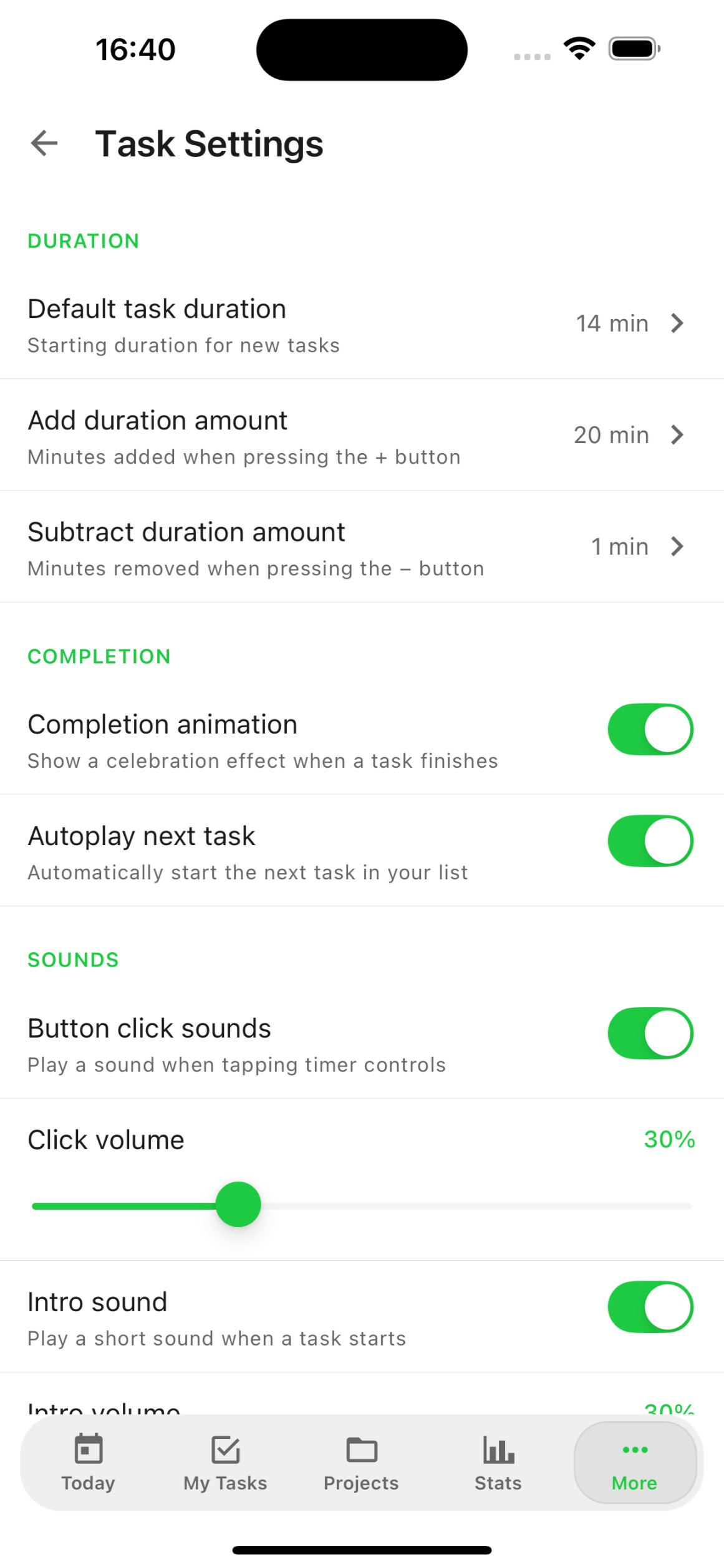
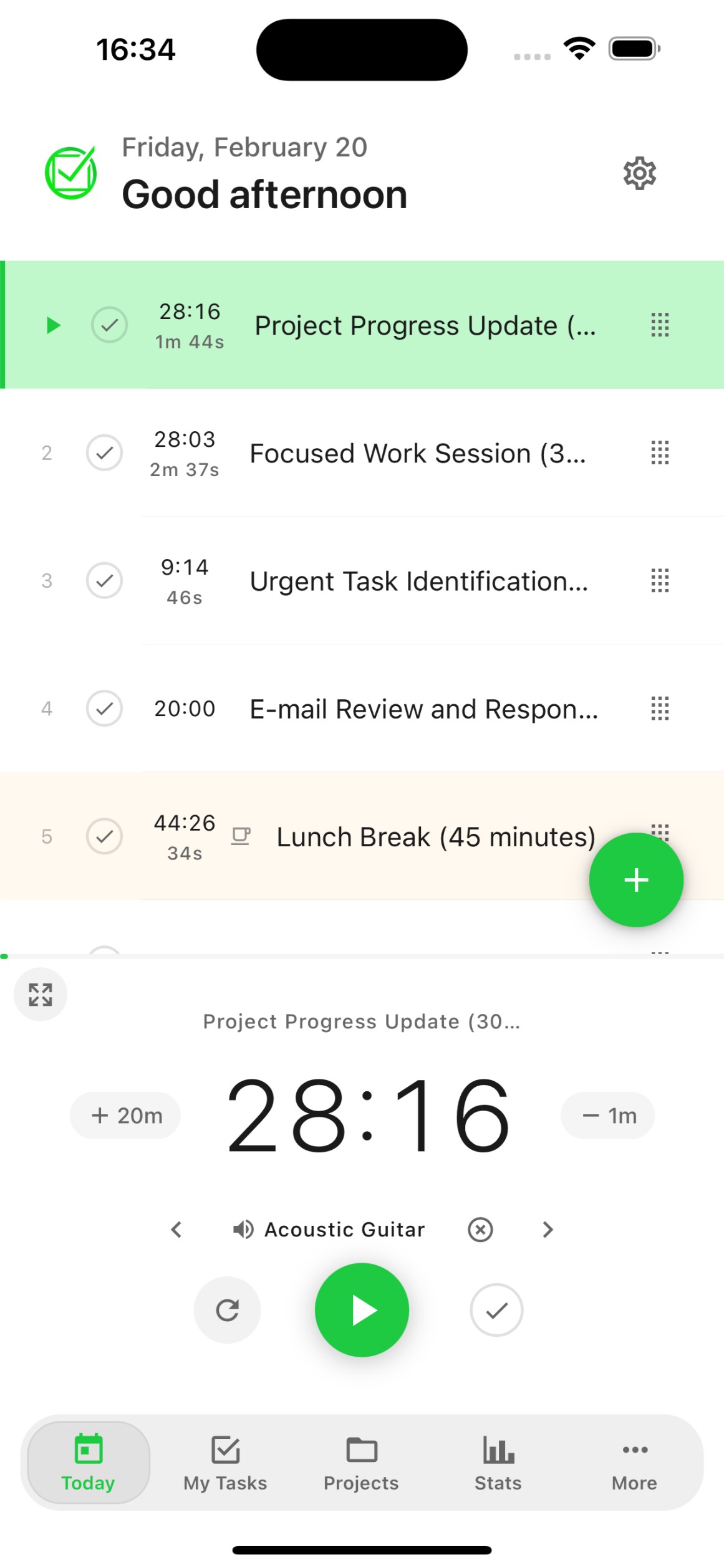
Task design in FocusBox lets you create and customize your tasks with titles, descriptions, durations, priorities, subtasks, and labels. Design your tasks to match your workflow perfectly.
Can I add subtasks to my tasks?
Yes. Break down complex tasks into smaller subtasks. Each subtask can have its own duration and can be checked off independently, helping you track progress on larger projects.
How do I prioritize tasks in FocusBox?
FocusBox allows you to reorder tasks by dragging and dropping. You can also use AI to prioritize tasks based on deadlines and importance, ensuring you work on what matters most.
Can I use templates for recurring tasks?
Yes. Save any Box as a template with its tasks, subtasks, and settings. Reuse templates for recurring projects like weekly reviews, sprint planning, or daily routines.
How does AI help with task design?
FocusBox AI can generate structured task lists from a simple description of your project. It creates organized subtasks, suggests durations, and helps you plan complex projects in seconds.
Can I customize how tasks look?
Yes. Customize your task view with different Box backgrounds, colors, and layouts. FocusBox is designed to be visually clean and pleasant, making task management an enjoyable experience.
Does task design work on mobile?
Yes. Create and customize tasks on the FocusBox iOS app with the same features as the web version. Add subtasks, set durations, and organize your workflow from your phone.
Is task design available on all plans?
Core task design features are available on all plans. Premium plans add AI task generation, advanced templates, and unlimited tasks for more powerful task design capabilities.
Start for free. No credit card needed.