Learn WordPress block themes and
Full Site Editing
Tutorials, guides, and developer resources for modern WordPress theme development
What is full site editing?
Site editing is a set of WordPress features that help us build and edit all parts of our website using blocks: Site Editor, global styles, block themes, patterns, and theme.json.
Fullsiteediting.com is an educational resource for learning about the features.
Site Editor
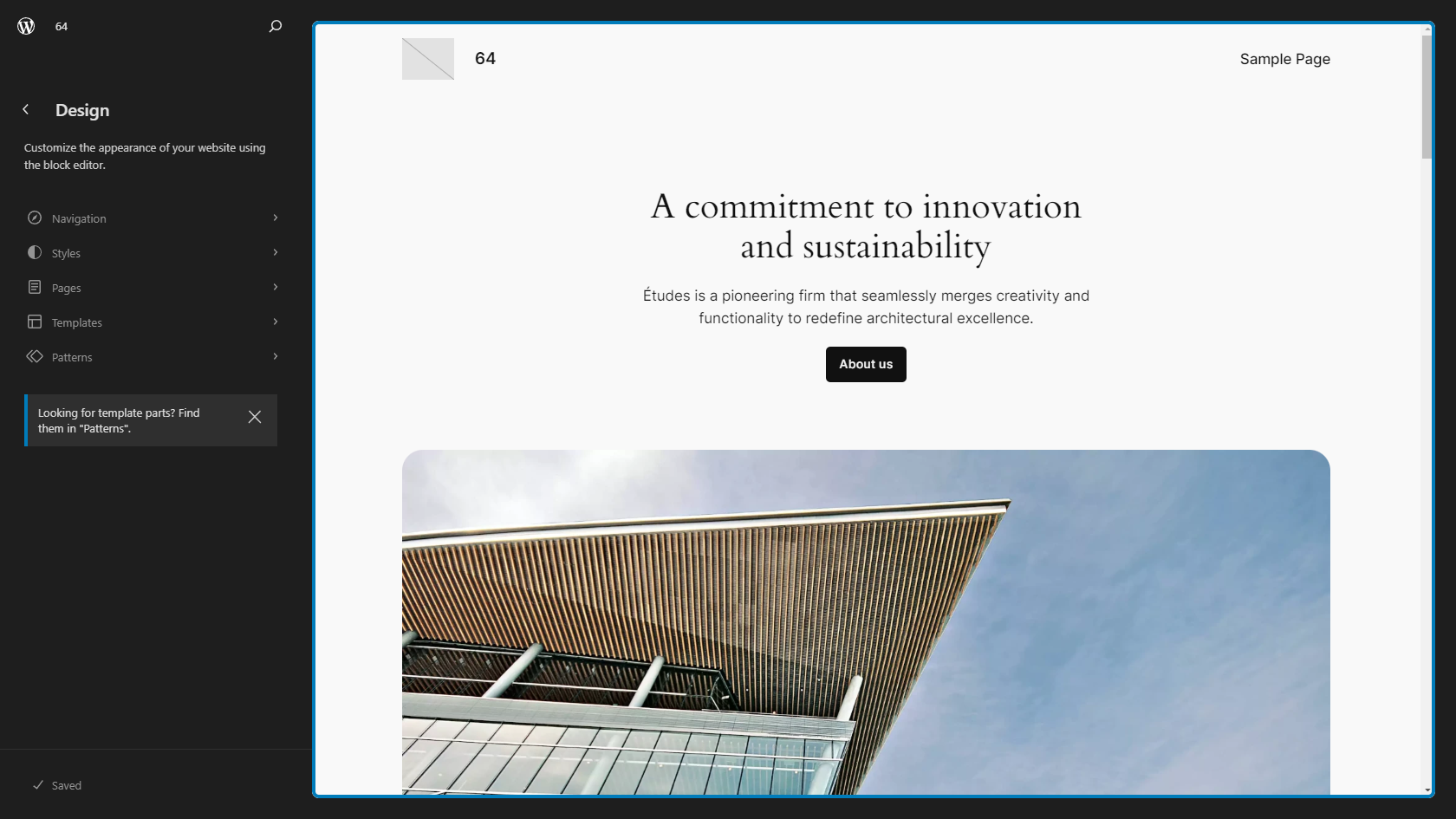
Use the Site Editor to create and manage your website’s pages, templates, menus, patterns, and template parts. You can also update your 404 page, archives, and search result pages in the Site Editor.
Global, site-wide styles
You can change the website’s colors and update typography settings like font family and font size from the Styles sidebar in the Site Editor. You can choose default block colors and create custom color palettes. There are also news ways to add custom CSS to the site and the blocks.
Block themes
With block themes, you use blocks and block patterns to create entire pages and websites.
Everything you see on a page is a block. You can customize your pages using new site blocks, including Site title, logo, navigation, post title, comment form, featured image, date, categories, and tags.
Theme.json, the new configuration file
Theme developers can use theme.json to configure settings such as enabling or disabling options for spacing, borders. gradients, or shadows. They can add default styles for blocks and HTML elements, as well as variations, for example one design with a light background and one with a dark background.
What would you like to learn?
Work with me
I’m currently available for consulting and development work. Areas I work with:
- Custom block and theme development
- Theme conversion: Classic to hybrid or block theme
- Technical writing, documentation, tutorials