


"When I am working on a problem I never think about beauty, but when I have finished, if the solution is not beautiful, I know it is wrong."
-- R. Buckminster Fuller
My dotfiles for Linux and macOS.
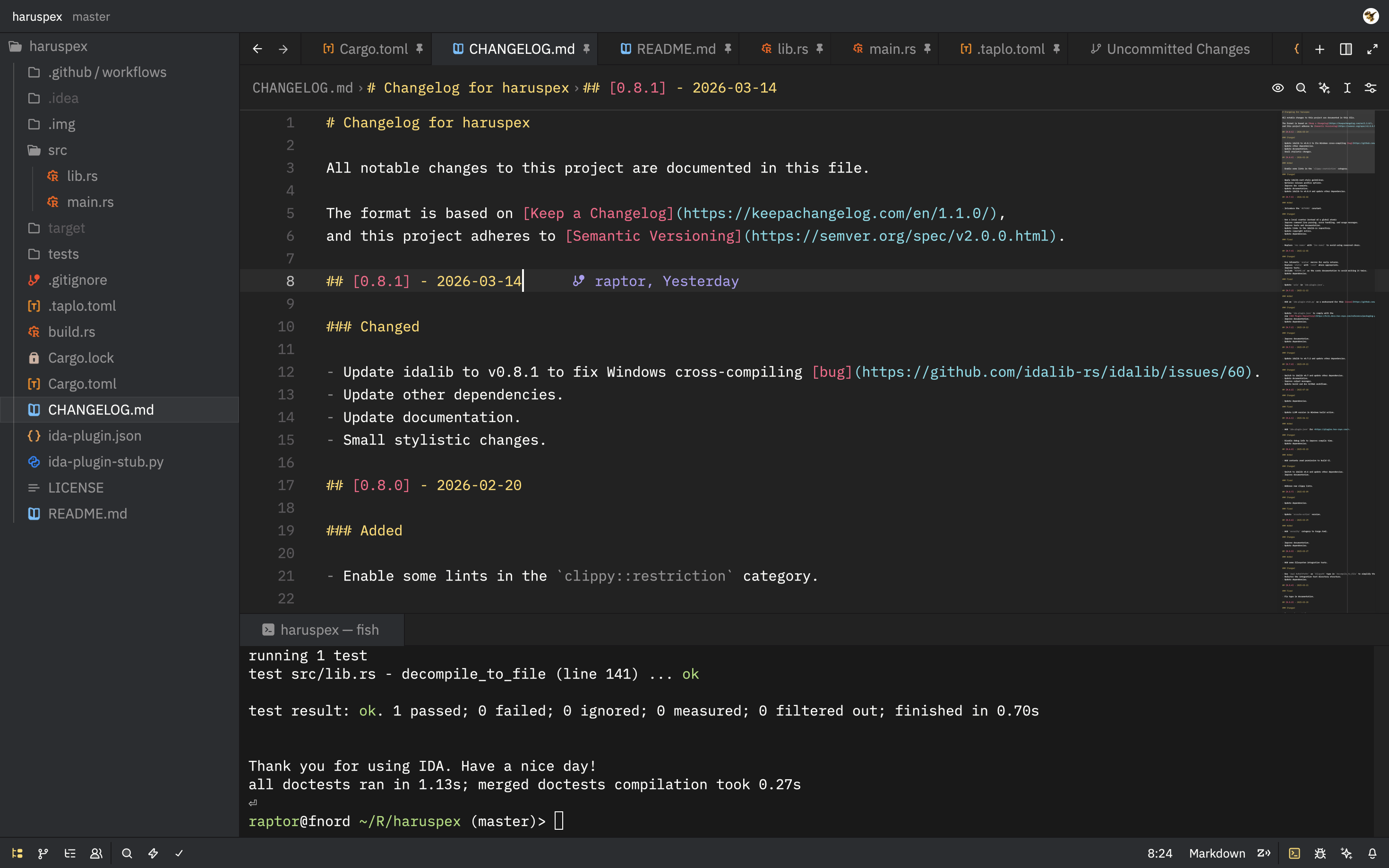
My dotfiles are currently managed with GNU Stow. Each top-level directory represents a configuration package:
- base16. Personalized color schemes based on Tinted Theming.
- fish. Configuration files for the fish shell.
- git. Configuration files for the Git version control system.
- iterm2. Configuration files for the iTerm2 macOS terminal emulator.
- nvim. Configuration files for the Neovim editor.
- pics. Some pictures for backgrounds and avatars.
- tmux. Configuration files for the tmux terminal multiplexer.
- x11. Configuration files for X Window and the i3 window manager.
- zed. Configuration files for the Zed editor.
Warning
You shouldn't blindly install dotfiles unless you know what you're doing.
You can install (by symlinking) the configurations of a package using:
git clone https://github.com/0xdea/dotfiles.git ~/.dotfiles
cd ~/.dotfiles
stow -vn base16 fish git nvim tmux x11 # dry run
stow -v base16 fish git nvim tmux x11 # install packages
To uninstall a package use instead:
stow -Dvn tmux # dry run
stow -Dv tmux # uninstall package
You can keep the package source repository updated using git:
cd ~/.dotfiles
git add .
git status
git commit -am "feat: nvim: update"
git push