
Check out our Devpost.
Manyi Cheng(@manyicheng), Daniel Ko(@Dandoko), Senni Tan(@senni0418), William Song(@williamssong)
A doctor’s note has always been seen as a scribble, never anything legible. Statistics across the nations describe patients being harmed by these misinterpretations, and thus, technology should come into play to allow for better communication.

Help-Doc is a simple software that translates and records the speech from a patient to a doctor, or vice versa. It is able to translate various languages, and pick up human speech into a readable and saveable form. This allows for complete transparency between the doctor and patient, and the doctor does not have to worry about messy handwriting or language barriers.
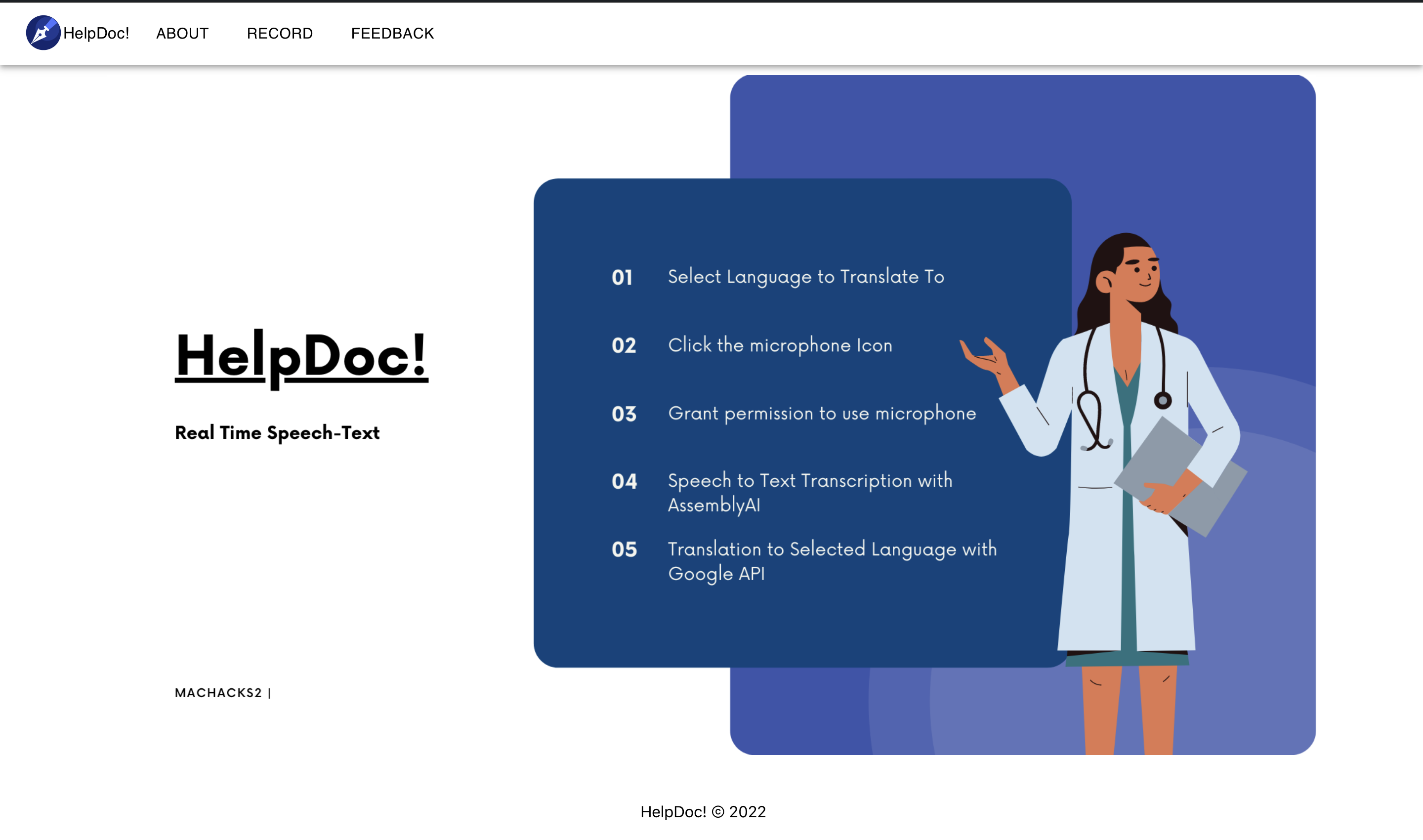
Fundamentally built on NodeJS and React, using the integration of AssemblyAI, doctor’s are able to speak into the application and see their words transcribed. Now that the words are recorded, the use of Google Cloud’s translation API allows various target languages to be displayed. To enhance the user experience, we utilized the MUI React package and prototyped the design on Figma.
Configuring and setting up the environment was very time costly. Getting the API to link up with our web application was another challenge..
We were able to create a web application from scratch that uses React as the front-end and several external APIs for the back-end with the goal to help doctors deliver information to their patients.
We learned to integrate AssemblyAI and Google Cloud API seamlessly into our React web application.
As input, we will add a feature that allows users to upload medical audio files to translate them to the desired language. For output, we intend to implement a download feature, allowing users to download the English text and the translated text into one file for ease of use.

- Run
npm installin the backend and frontend folder - To use the Google Cloud Translate API, you need a valid Google Cloud service account
- Store the details of the service account in a
.envfile in the top level of the frontend folder
- Store the details of the service account in a
- To use the AssemblyAI API, you need to insert a valid API key in the
server.jsfile in the backend folder