Investigating JavaScript files since 1850
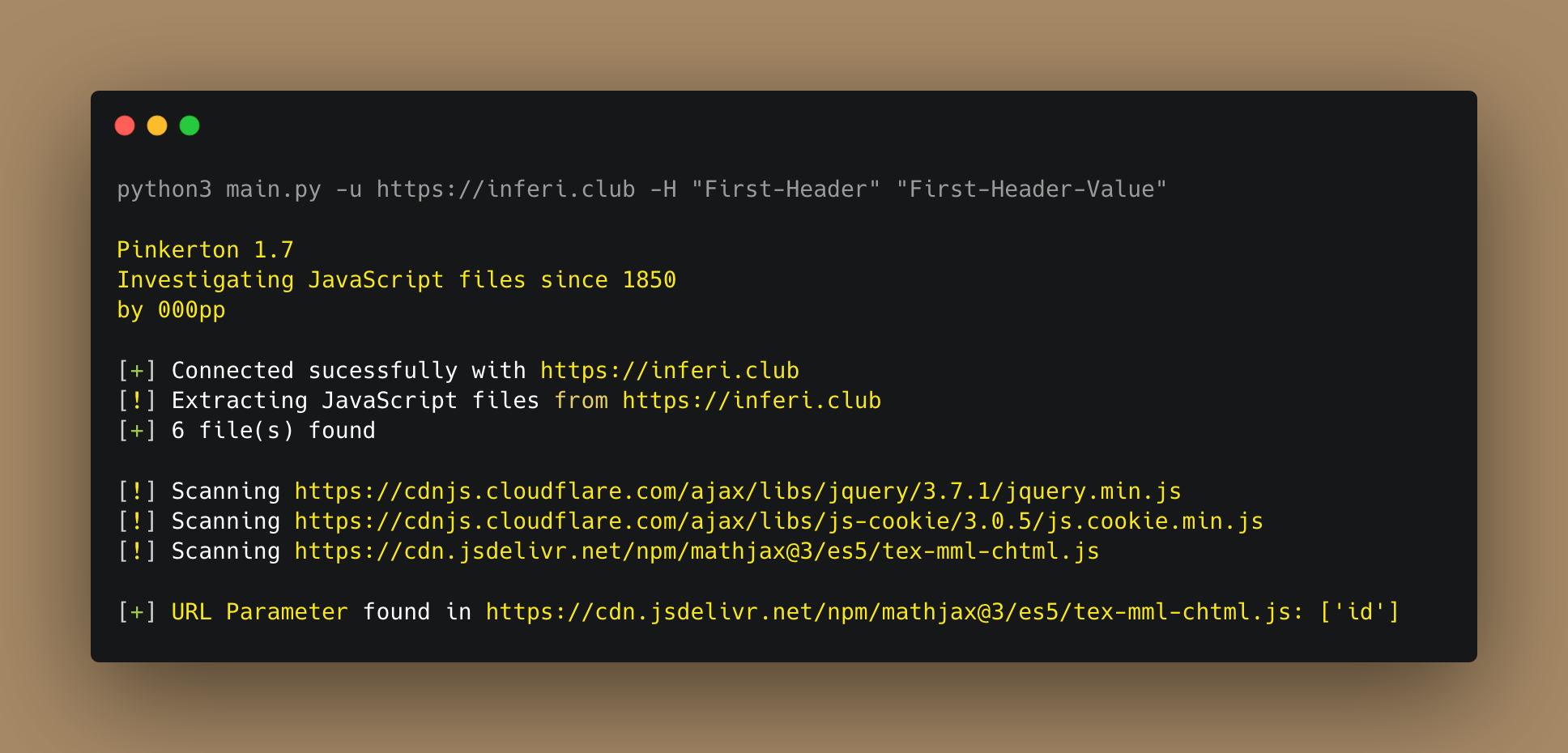


Python project to crawl for JavaScript files and search for secrets like API keys, authorization tokens, hardcoded passwords, or related data.
A quick guide on how to install and use Pinkerton.
- Clone the repository with:
git clone https://github.com/000pp/pinkerton.git - Install the libraries with:
pip3 install -r requirements.txt --break-system-packages - Run Pinkerton with:
python3 main.py -u https://example.com
If you want to use pinkerton in a Docker container, follow this procedure:
1. Clone the repository - git clone https://github.com/000pp/pinkerton.git
2. Build the image - sudo docker build -t pinkerton:latest .
3. Run container - sudo docker run pinkerton:latest
pacman -Syu pinkerton
A quick guide on how to contribute to the project.
- Create a fork of the Pinkerton repository
- Clone the repository with
git clone https://github.com/your/pinkerton.git - Type
cd pinkerton/ - Create a branch and make your changes
- Commit and perform a git push
- Open a pull request
- m4ll0k (SecretFinder creator) for the regex patterns
- h33lit (Jubaer Alnazi) for the regex patterns
- zricethezav (GitLeaks creator) for the regex patterns
- The developer is not responsible for any malicious use of this tool.