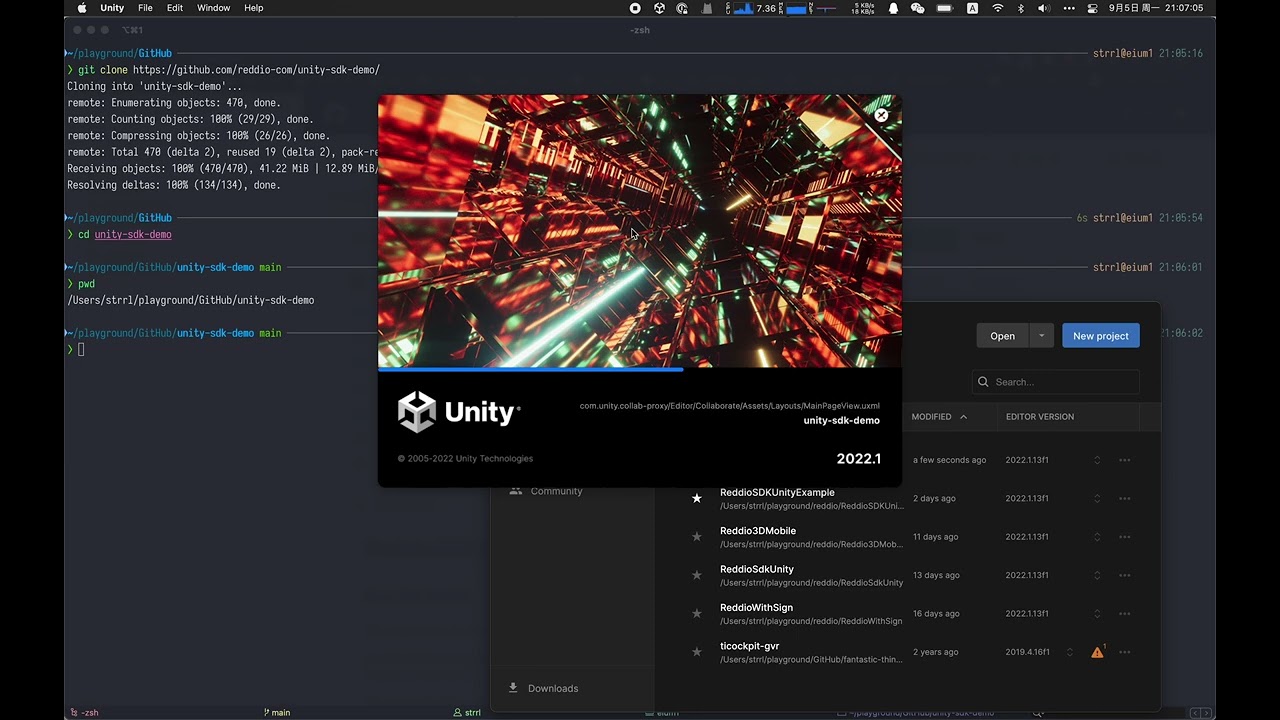
This project is build with Unity 2022.1.13f1, and the module "Android Build Support" is also required.
You should use an Android devices or AVD emulator to run the demo, also the app MetaMask should already installed on the device.
You could open this project with Unity Hub, then "build and run" the project with the scene "examples/ReddioSDKUnityExample/Assets/Scenes/ConnectWithMetaMask.unity".
Preview:


Create a new project on Unity Hub, with the template "3D Mobile".

Then change the build setting, switch to "Android".

Then add the current Scene into "Scenes In Build", then click "Build And Run".

The application would runs on your Android device which connected with the computer.
Download the latest reddio-sdk-unity.unitypackage from Releases.
Then import into the current project.

The
unitypackagefile already contains metadata for static/shared libraries (.so/.dll/.dylib/.a) for specifying the platform and architecture, so you don't need to specify them manually. BUT, you should setup the platform and architecture metadata if you import the library file without using theunitypackage, but withunity-plugin-zip.zip, or import.so/.dll/.dylib/.adirectly.
We should integrate with MetaMask to connect with the Ethereum network.
We use WalletConnect for integrate with MetaMask Mobile, see README.md#Installation and README.md#Usage for using it properly.
At last, a walkthrough about the logic:
There are 3 buttons in the UI canvas:
- "Connect with MetaMask"
- "Get Stark Key"
- "Disconnect"
and 2 text fields:
- The top one would show the account info
- The bottom one with scroll would print the log

Button "Connect with MetaMask" would call WalletConnect.OpenDeepLink, ref:
Button "Get Stark Key" would call Actions.GetStarkKey, ref:
unity-sdk-demo/Assets/Scenes/Actions.cs
Line 46 in d050d9b
Button "Disconnect" would call Actions.Disconnect, ref:
unity-sdk-demo/Assets/Scenes/Actions.cs
Line 32 in d050d9b
Actions.FixedUpdate would sync the current account info to the top text fields, ref:
unity-sdk-demo/Assets/Scenes/Actions.cs
Line 20 in d050d9b