

You must log in or # to comment.
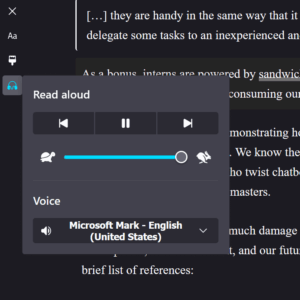
In Firefox on desktop, you can enter reader view (F9) and then activate the headphone / “Read aloud” button
Not on Linux you can’t. It’s been one of the larger downsides (still relatively minor, but annoying nonetheless) of having moved to Linux. I’ve not been able to get a decent TTS setup.
Yes, I can run Read Aloud, and using Piper or Supertonic (finally) get a decent voice, but it’s just not a great experience to use the addon, because it opens a separate window or tab, like it’s 2005. Oh, and some voices get a little… haunted every now and then >_>
Natural Reader on Chrome worked inline, which was great, but I’m not going back to Chrome.
