SystemCleanup5.25
Publisher Description
LAST WORKING Version for "OLD" Devices (pre Lollipop) pls use this version ->
https://forum.xda-developers.com/showpost.php?p=64542544&postcount=552
FOR NEWER Devices (android 5 and up) -> this app will not support "Update System App" in Future Releases
It doesnt make sense anymore on current hardware. we will more focus on managing battery draining apps and backgroundservices ....
http://forum.xda-developers.com/showthread.php?p=19625898
### if something doesnt work Please use the "SendDump" function of SystemCleanup and write me a short description ###
*best system / cache cleaner in market ;o) hold your system clean and free of bloatware. disable autostart / autorun of apps and services and ...
Features:
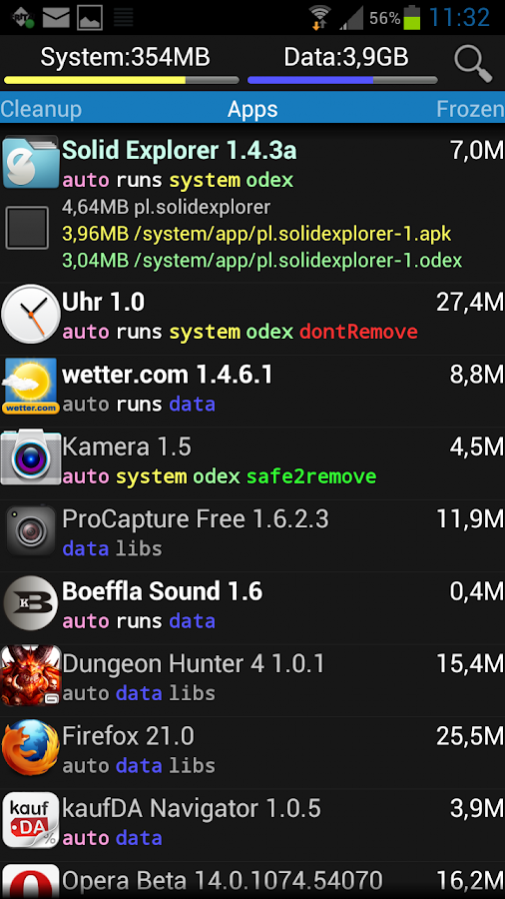
-Freeze/Remove Bloatware (it include a short description of common Apks)
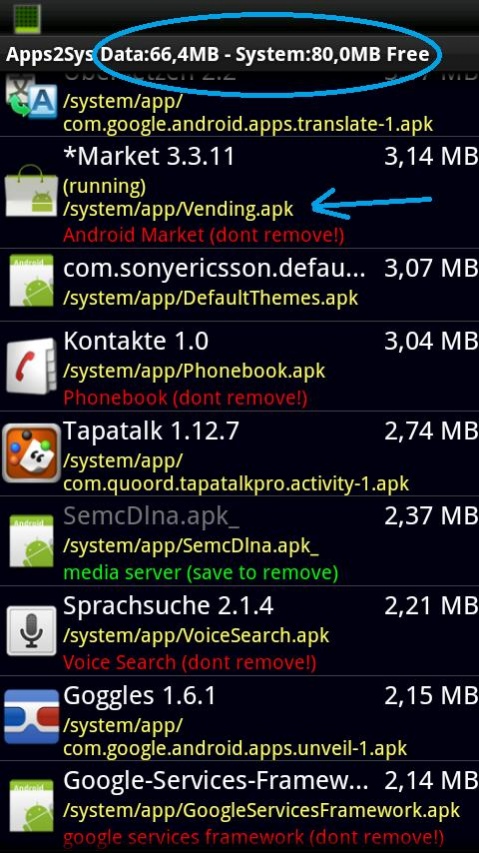
-Move Userapps to /System/App to save Space
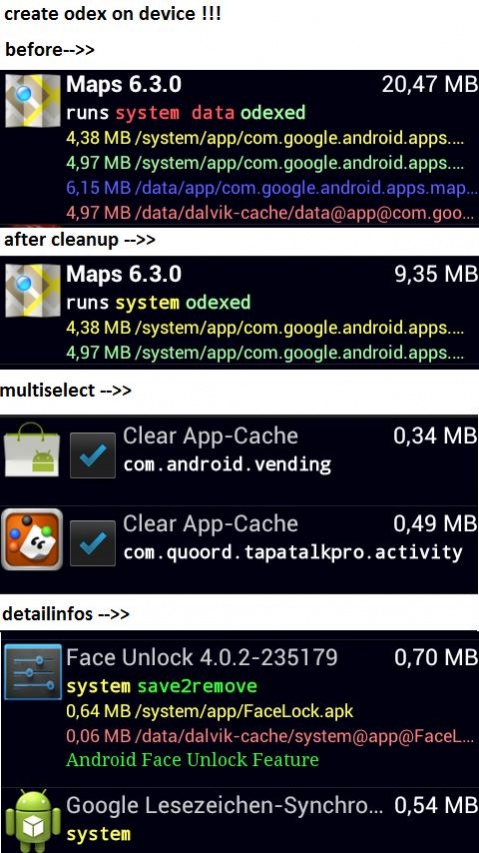
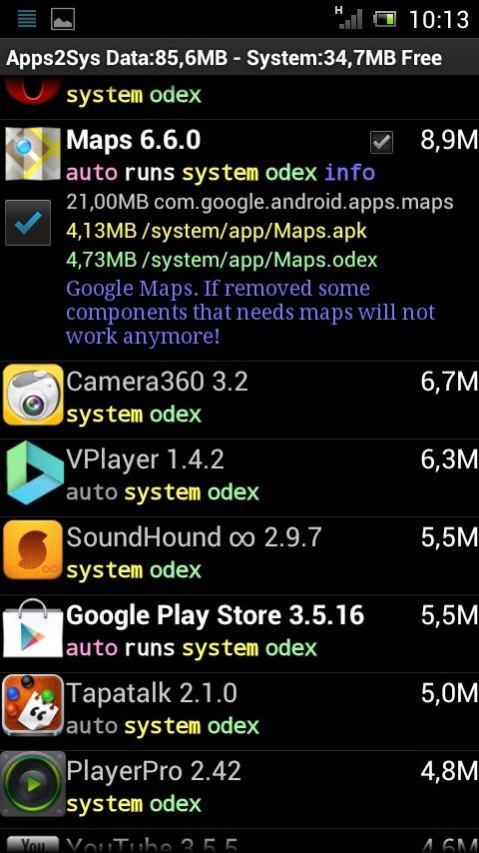
-Completely Odexfile aware (it shows the odex/dalvik file in detailview)
-Odex Apps directly On Phone to save Space on /data
-you'll get a notification if such an app is updated via Market
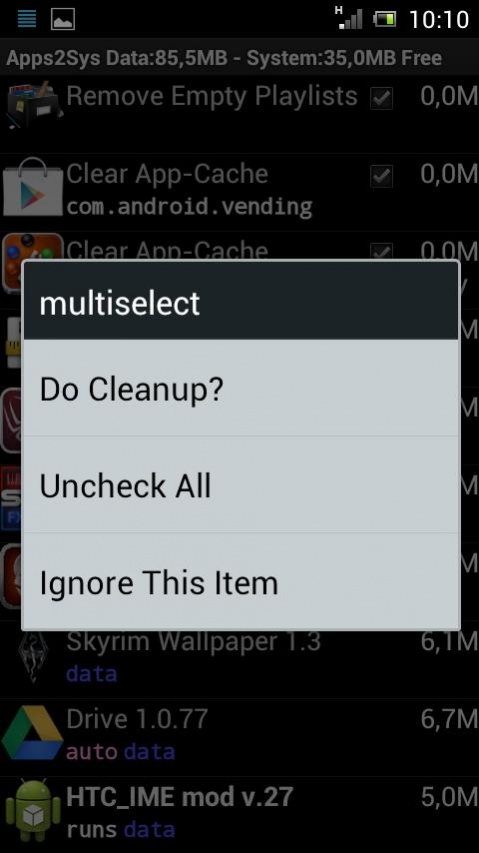
-cleanup App cache
-cleanup *dead* "/data/data//*.*" folder if apk is removed
-cleanup "/system/etc/product/applications/*.*"
-cleanup "/system/etc/customization/applications"
-cleanup ".android_secure/smdl2tmp1.asec"
-cleanup empty or duplicated Playlists
-cleanup dalvik-cache remove unused classes.dex files
-**automaticly checks for updated systemfiles wenn a package is updated (i.e. market) and shows a notify if a package exists in /system AND /data. (systemcleanup doesnt need to run in background! it register itself for 'package_replaced' intent ;o) **
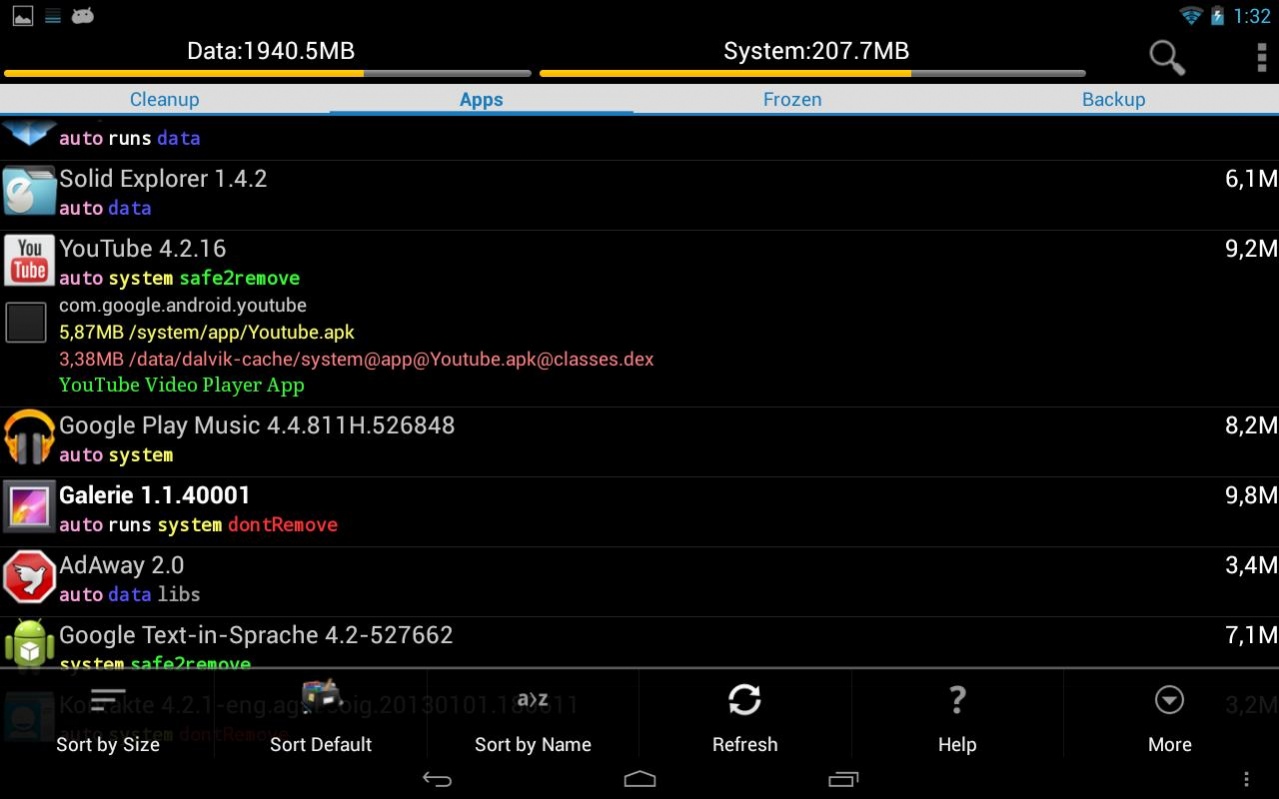
-shows memoryusage of running apps
-search for unknown packagenanme with Google on a Single Click
-you can send me an updated/missing description for a System.apk per eMail ;o)
-in settings you can set the default installation location for packagemanager (auto,internal,sdcard)
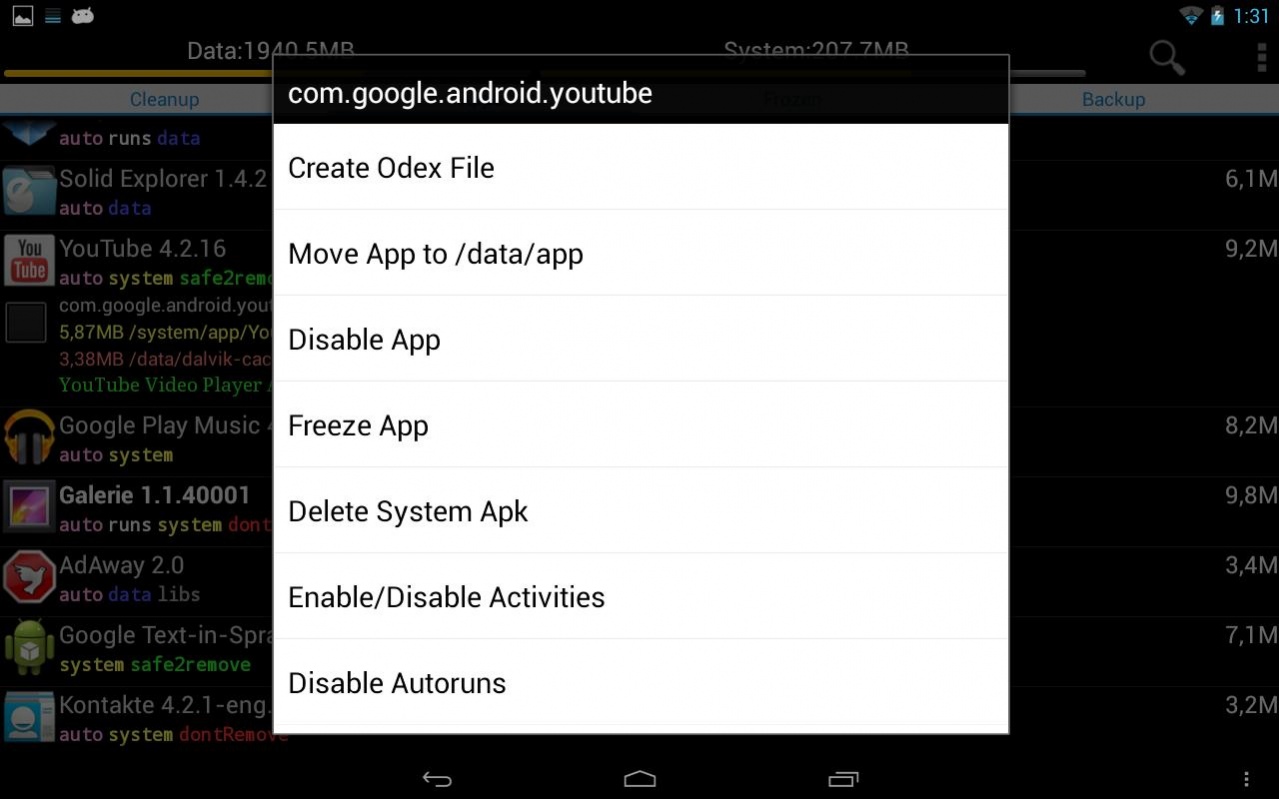
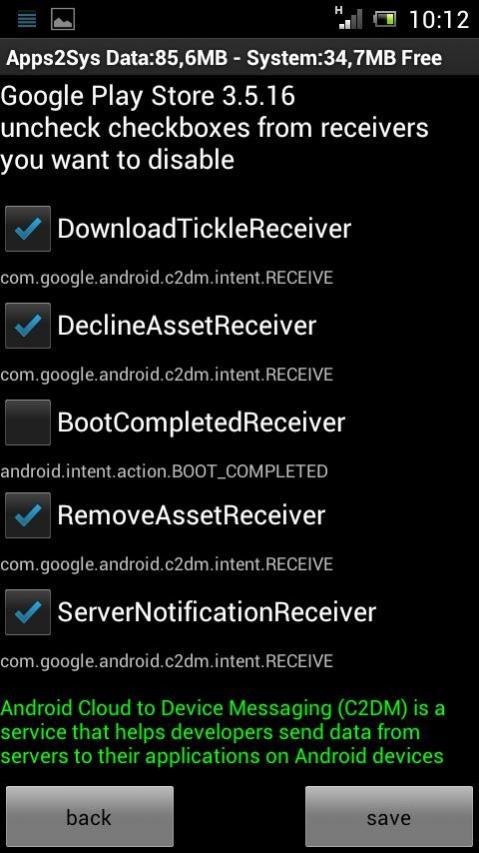
-enable disable Activities and Services (i.E. disable the "Latitude" component of Maps if you dont need it)
-enable disable Autoruns
-Freeze items by PackageManager "disable component" or simply by rename with undescore
-added /system/vendor/app as systempath
-added /vendor/overlay/framework to cleanup paths
-backup/restore function for apk+data
-show apps installed on sdcard to manage autoruns
-added "Move app to Sdcard"
-restore only the apk or only the app data now
-negate the search with an "!" as first char
-send your backups to you google drive, dropbox, bluetooth, wifi direct or just via email.
-restore your backups i.e. directly from your google drive ;)
-added the MEDIA_BUTTON to autostarts menu (to prevent the wrong (media)app to start on headsetbutton)
-added App Descriptions for Samsung Galaxy S3
-added support for Alcatel Phones
About SystemCleanup
The company that develops SystemCleanup is inteks. The latest version released by its developer is 5.25. This app was rated by 1 users of our site and has an average rating of 4.0.
To install SystemCleanup on your Android device, just click the green Continue To App button above to start the installation process. The app is listed on our website since 2017-06-14 and was downloaded 9 times. We have already checked if the download link is safe, however for your own protection we recommend that you scan the downloaded app with your antivirus. Your antivirus may detect the SystemCleanup as malware as malware if the download link to com.SystemCleanup.Inteks.org is broken.
How to install SystemCleanup on your Android device:
- Click on the Continue To App button on our website. This will redirect you to Google Play.
- Once the SystemCleanup is shown in the Google Play listing of your Android device, you can start its download and installation. Tap on the Install button located below the search bar and to the right of the app icon.
- A pop-up window with the permissions required by SystemCleanup will be shown. Click on Accept to continue the process.
- SystemCleanup will be downloaded onto your device, displaying a progress. Once the download completes, the installation will start and you'll get a notification after the installation is finished.
Program Details
System requirements
Download information
Pricing
Version History
version 5.25
posted on 2017-06-14
BIND_DEVICE_ADMIN permission removed!
version 5.20
posted on 2016-09-30
update 5.20:,-running background services are now listed and and can be disabled from "tasks" tab,-disabled services are now listed and can be enabled on the "frozen" tab,-switched from eclipse 2 android studio,-bug fixes,update 5.12:,-fix app crash,update 5.11:,-more detailed task view,-database updated,-bugfixes,update 5.10:,-small bugfixes,-some GUI improvments
version 4.05
posted on 2013-06-21
Several fixes and updates