

AI tools built into your WordPress site
Write better content, generate and edit images, get design help, and connect AI agents — all from inside WordPress.com.

Here’s what’s included
WordPress AI brings helpful AI support to building and managing your site — from getting started to creating content to connecting your site to trusted AI agents.
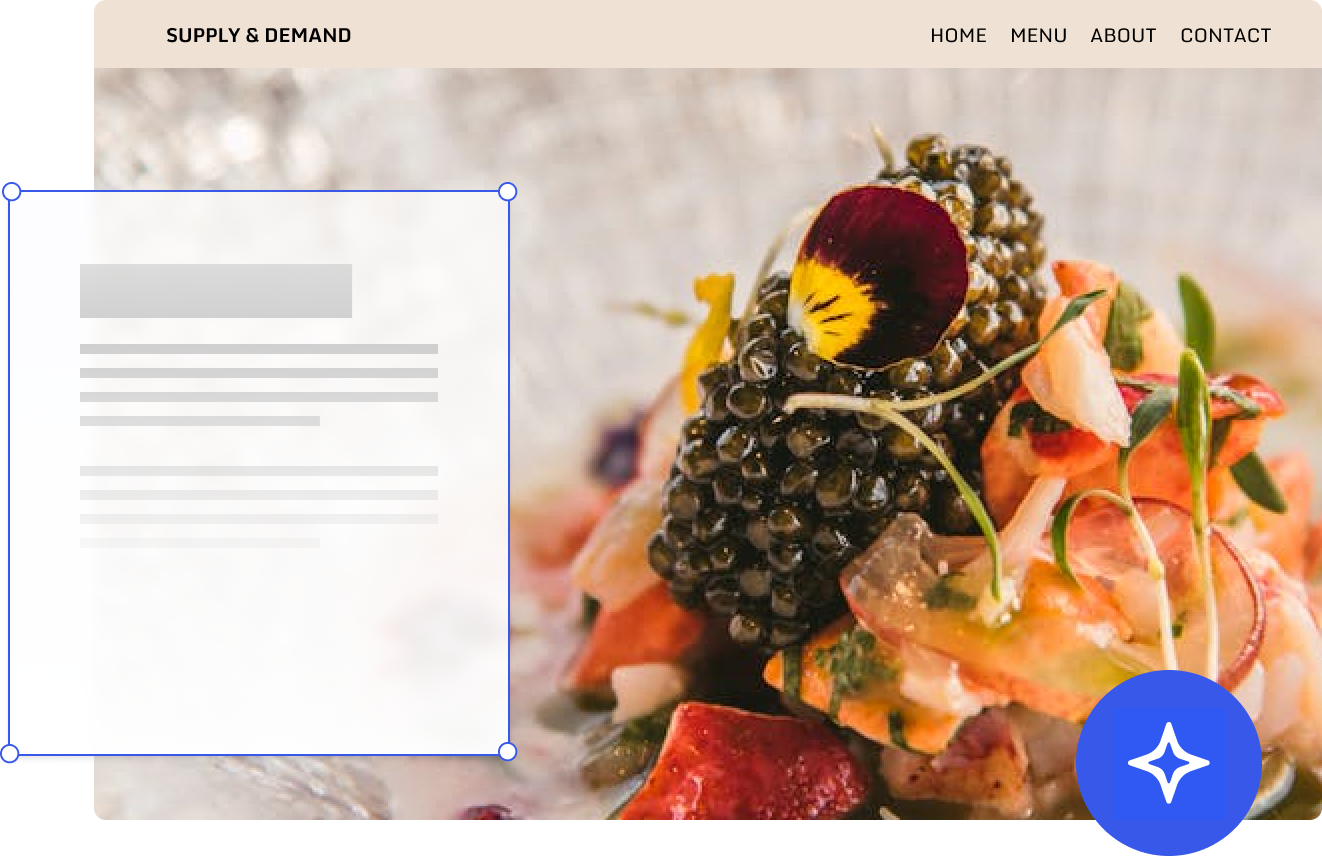
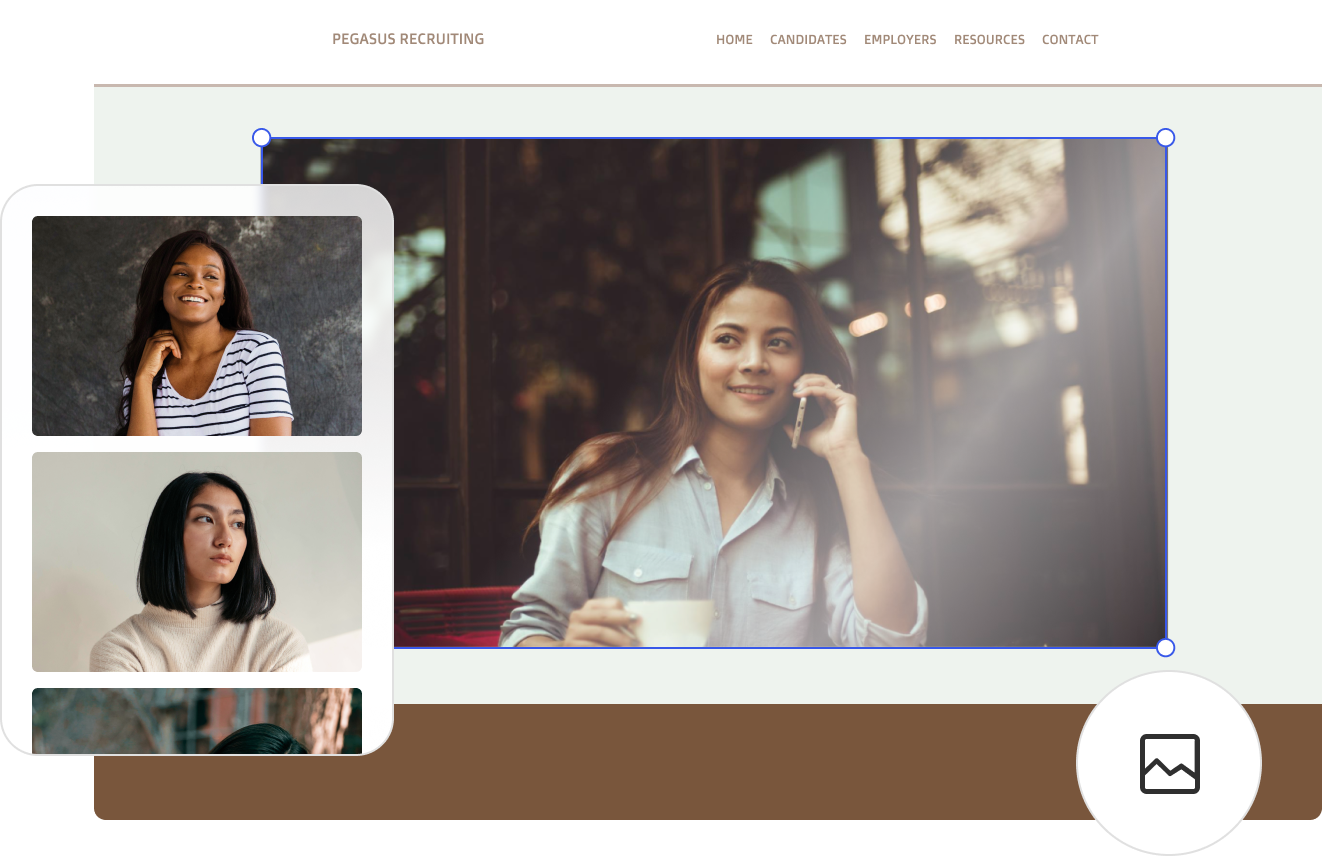
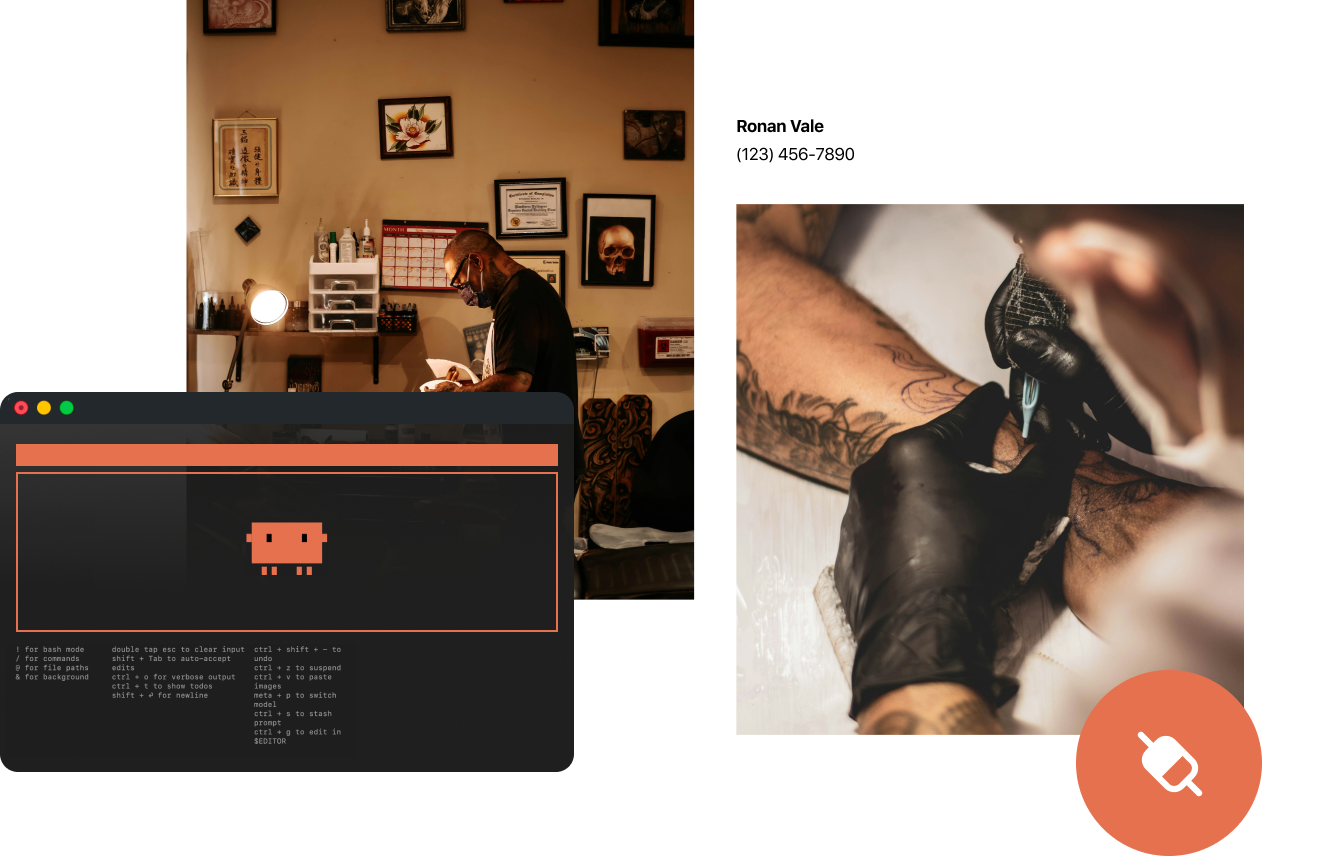
AI website builder
Chat to generate a full WordPress site you can continue to customize as you grow. No fragile, one-off code to manage. Just a fast and secure site built on the world’s most popular website builder. Try for free
AI assistant
The assistant works alongside you inside the editor to write content, refine layouts, adjust design, and navigate WordPress, with image generation and editing built into the Media Library. Enable the assistant
MCP
Skip the dashboards and get site-specific answers where you work. Connect your favorite AI agent to your site with MCP and start making data-driven decisions. Enable MCP
What WordPress AI helps you do
Write & edit
Rewrite, refine, and translate text for clarity, tone, and impact.
Images & visuals
Generate new images from a description, or edit and replace existing images.
Design & layout
Edit block styles, create pages or sections, and generate buttons, fonts, and color palettes.
Navigation & help
Use natural language to take action (like, “Open my About page”), and get WordPress-specific help without leaving the editor.
Multi-step requests
Ask for several things at once — the AI assistant breaks them into steps and handles them in sequence.
Site-aware troubleshooting & analysis
Get real, site-specific advice from the AI agent of your choice, including easy setup with our official Claude Connector.
What makes WordPress AI different
Built for people who want to start and grow a website, not manage a codebase.
✓ Built into your workflow
✓ Stays with you as you grow
✓ Built on WordPress
✓ Real human support when you need it
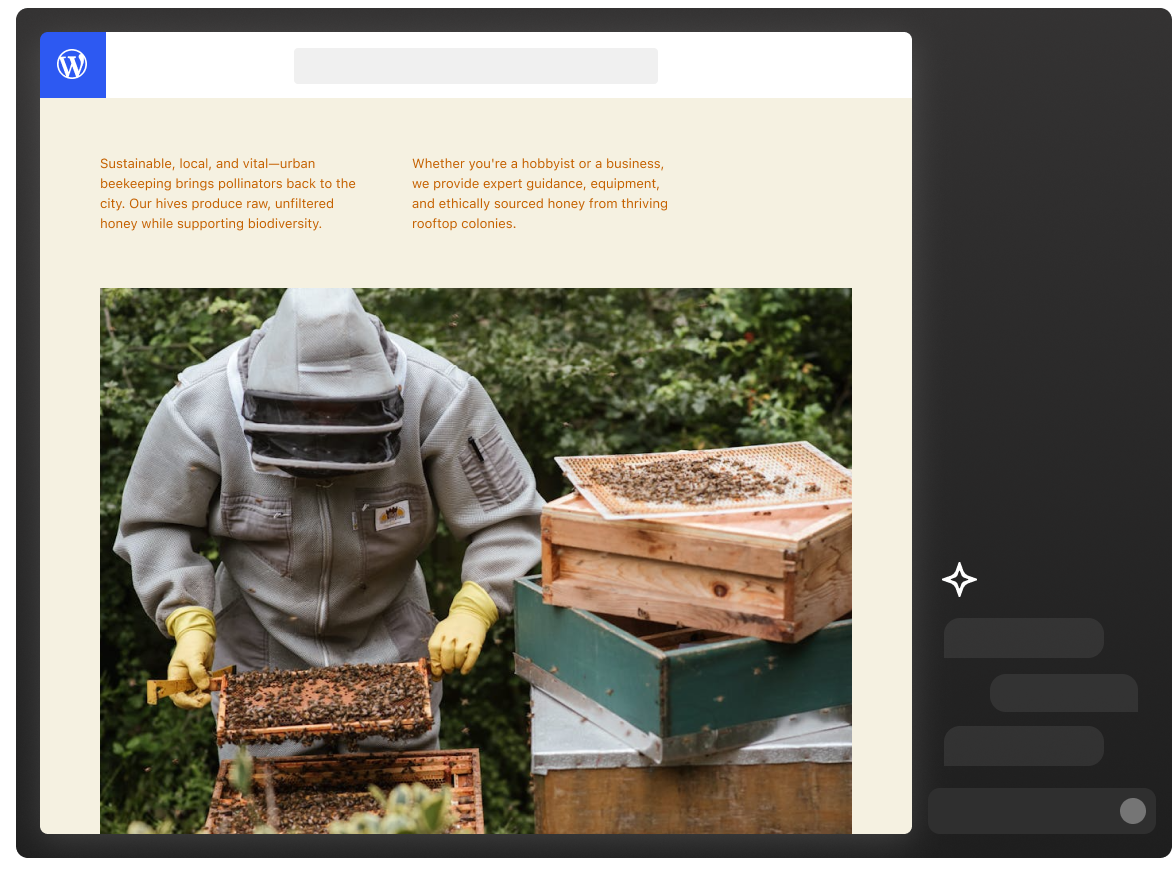
Built with AI, loved by users
AI did most of the work in 5 minutes, where it would’ve taken me 2 days, including watching a bunch of ‘how to’ videos.
Loved how easy it was to insert pictures and change things.
It leveraged very nice assets and gave us a canvas to iterate and tune with minimal effort/time.
I liked how he responded to get more info from me. It was like having a partner with someone who has my best interest.
It was a dream come true.
WordPress AI FAQ
Does WordPress AI replace my creativity or writing?
No. WordPress AI is designed to support your work, not replace it, so you stay in control of ideas, voice, and decisions. AI helps with things like tightening copy, improving clarity, formatting layouts, and optimizing for SEO when you ask.
Can I use WordPress AI just as an editor?
Yes. Many creators use the AI assistant to refine existing, human-written text — making it clearer, more concise, or better structured — without having AI generate content from scratch.
Is WordPress AI only for building new sites?
No. The AI website builder helps you create a site from scratch, and the AI assistant supports ongoing updates and improvements inside your existing site.
What can the AI assistant actually help me with?
Quite a lot. Inside your editor, you can ask it to rewrite or refine text, adjust tone, translate content, generate images from a description, edit existing photos in your Media Library, modify block styles and color palettes, create new pages, and navigate WordPress using plain language. You can also chain multiple requests together and it’ll handle them in sequence.
Does the AI assistant know what’s on my site, or only general information?
The AI assistant has context about the content you’re actively working on in the editor, but it doesn’t crawl or index your entire site by default. For deeper, site-wide awareness — like analyzing your content strategy or comparing pages — that’s what MCP agent connections are for.
Can the AI assistant translate my content into other languages?
Yes. You can ask the assistant to translate any text block into another language directly within the editor. It works across posts, pages, and other editable content on your site.
What’s the difference between the AI assistant and a connected AI agent?
The AI assistant is your in-editor helper — it responds to requests as you work and helps you create and edit content in real time. A connected AI agent (via MCP) is an external AI tool, like Claude, that you give read access to your site so it can analyze your content and provide deeper, data-driven insights. Think of the assistant as your writing partner and agents as your analysts.
Which plans include WordPress AI?
Launch a site built with the AI website builder by upgrading to Personal, Premium, or Business, and you’ll have access to all of WordPress AI.
If you built your site from scratch, you can use the AI assistant on Business and Commerce plans.
Sites on any paid plan can use MCP to connect to an AI agent.
I already have a WordPress.com site. How do I start using AI tools?
If you’re on a Business or Commerce plan, go to your dashboard, enable the AI assistant, and it’ll appear inside your editor.
For MCP agent connections, head to your MCP settings and follow the steps to connect your preferred agent. The whole setup takes a few minutes.
How much access does a connected AI agent have to my site?
You control exactly what a connected agent can see. Access is scoped to what you authorize. You can review connected agents and revoke access at any time from your WordPress.com settings.
Which AI agents can I connect to my WordPress.com site?
WordPress.com has an official Claude (Anthropic) connector. Any AI tool that supports MCP — the open standard for AI agent connectivity — can also be connected.
Can I use WordPress-related Agent Skills while building my project?
Yes. Agent Skills are a curated set of reusable “skills” (prompt/tooling packages) you can add to an AI agent’s toolbox to help it work more effectively on WordPress-related development tasks. Learn more about using and installing WordPress Agent Skills in our documentation.


