=> npmjs.com/package/notar-cli
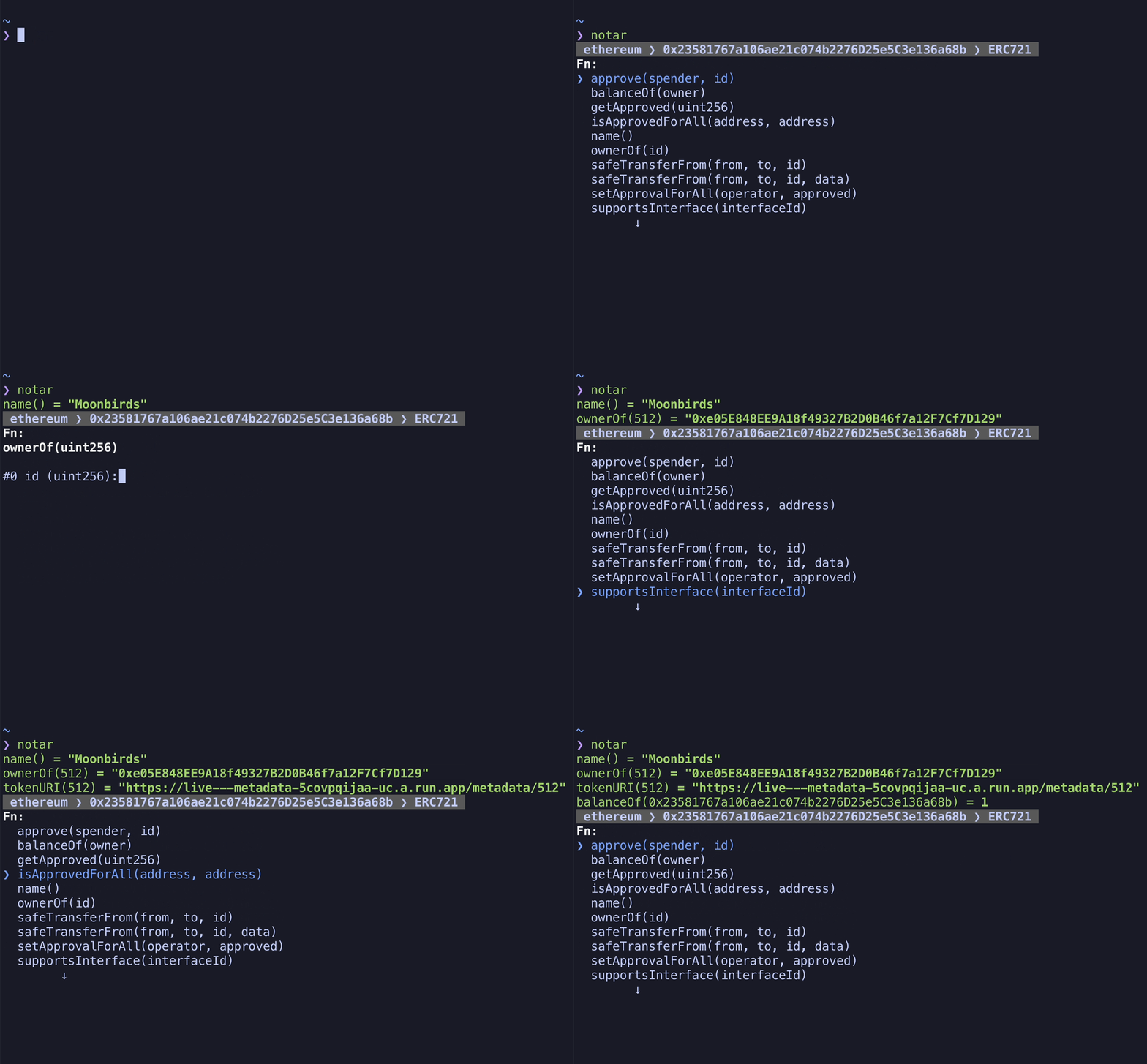
Concept piece of software to interact with smart-contracts on EVM based chains directly from your terminal. This allows for quick access and shortcut building using the shell builtins like alias.
Create custom token command to inspect ERC20 tokens:

npm install --global notar-clior use it via npx
npx notar-cli Usage
$ notar
Options
--address, -a preselect smart contract address
--network, -n preselect network
--abi, -i preselect abi
Examples
$ notar -n ethereum -a 0x956F47F50A910163D8BF957Cf5846D573E7f87CA -i ERC20notar has an default ethereum RPC setup (https://rpc.ankr.com/eth) and packaged with some ABIs out of the box.
However, notar can be configured to your liking by creating a .notarrc file in your $HOME directory. The configuration should follow the ini format. You can easily add your own ABI files as well as connect to other EVM compatible networks.
Example Config
~/.notarrc
; Global
abi_dir=~/.abis ; Folder which contains `ethers` compatible ABIs

; Sections
[bsc] ; Section header => network name
rpc=https://bsc-dataseed.binance.org/ ; rpc url

[polygon]
rpc=https://rpc-mainnet.matic.quiknode.pro

[moonbeam]
rpc=https://moonbeam.public.blastapi.ioNotar is able to fetch ABIs of verified contracts directly from Etherscan and others alike. In order to do this it needs the API url of the scanner and a valid API key. It's setup like this to support all chains which have an Etherscan equivalent.
~/.notarrc
[ethereum]
rpc=https://rpc.ankr.com/eth
scan_url=https://api.etherscan.io/ ; make sure it's the API endpoint url not the actual scanner website url.
scan_api_key=YOUR_API_KEY