v0.47.1.
What's agent-shell?
Agent shell is a native Emacs mode to interact with LLM agents powered by ACP (Agent Client Protocol).
Your employer can make a difference
agent-shell has been attracting quite a few users. Many of you are working in tech where employers are happily paying for IDE subscriptions and LLM tokens to improve productivity. If you are using agent-shell for work, consider getting your employer to give back by sponsoring the project.
I also know many of you work at AI companies offering paid agents like Claude Code, Copilot, Gemini, Codex, etc. all supported by agent-shell. Please nudge your employers to help fund projects like agent-shell, which are making their services available to more users.
So what's new?
claude-code-acp renamed to claude-agent-acp [Action Required]
Let's get this one out of the way, as it needs actioning. Both the npm package and the CLI agent have been renamed from claude-code-acp to claude-agent-acp (to align with Anthropic's branding guidelines). If you're using Claude Code, you'll need to update:
npm remove -g @zed-industries/claude-code-acp
npm install -g @zed-industries/claude-agent-acp
If you had customized agent-shell-anthropic-claude-acp-command, update it to point to claude-agent-acp.
New agents supported
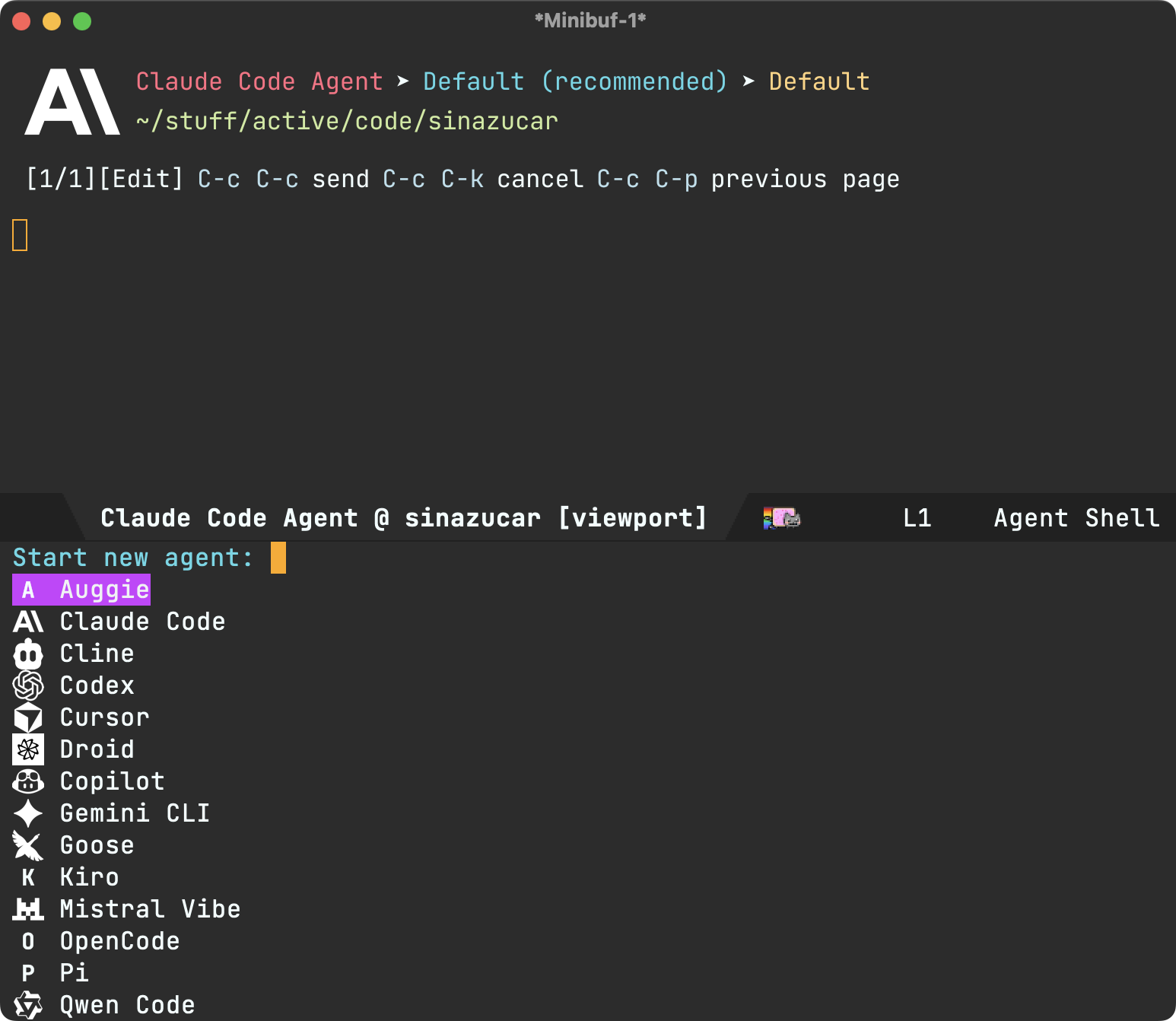
- Auggie (#179 by @Pacane).
- Cline.
- Factory Droid (#178 by @ag91).
- GitHub Copilot.
- Kiro CLI (#351 by @zmjones).
- Mistral Vibe.
- Pi (#232 by @conornash)
Bootstrapped sessions (experimental)
This was a biggie. How sessions are loaded is now configurable via agent-shell-session-strategy. When set to 'new, starting a new shell delivers a fully bootstrapped session before presenting you with the shell prompt. This means the ACP handshake, authentication, and session creation all happen upfront.
You can enable this flow with:
(setq agent-shell-session-strategy 'new)
What's the benefit? Bootstrapped sessions enable changing models and session modes (Planning, Don't ask, Skip permissions, etc…) before submitting your first prompt.

For the time being, the existing (deferred) behaviour is still offered via 'new-deferred. Just set as follows:
(setq agent-shell-session-strategy 'new-deferred)
Session resume (experimental)
Probably the most requested feature and also facilitated by the bootstrapping changes. agent-shell-session-strategy also unlocks session resume. Set it to 'prompt and every time either M-x agent-shell-new-shell or C-u M-x agent-shell are invoked, you'll be offered to resume previous sessions or start a new one.
(setq agent-shell-session-strategy 'prompt)

Alternatively, you can set to 'latest to always resume the most recent session in current project.
Under the hood, there are two ways to pick up from previous session: session/resume (lightweight, no message replay) and session/load (full history replay). By default, agent-shell prefers resuming (controlled by agent-shell-prefer-session-resume). Please favor resuming for the time being as loading has more edge cases to sort out still.
Note: Both resuming and loading sessions are agent-dependent. Some agents may not yet support either, especially as the features aren't yet considered stable in Agent Client Protocol (see session/list spec).
This feature was a collaboration between @farra, @travisjeffery, and myself.
Clipboard images
You can now use agent-shell-send-clipboard-image (#285 by @dangom) to send images straight from your clipboard into agent-shell. Clipboard images are saved to .agent-shell/screenshots in your project root and inserted into the shell buffer as context.
Note: You'll need either pngpaste or xclip installed on your system for the feature to automatically kick in.
In addition, we now have agent-shell-yank-dwim: if the clipboard has an image, it pastes it as context. Otherwise, it yanks text as usual. In other words, copy an image anywhere to your system's clipboard and paste/yank into the buffer as usual (typically via C-y).
Status display + tool calls
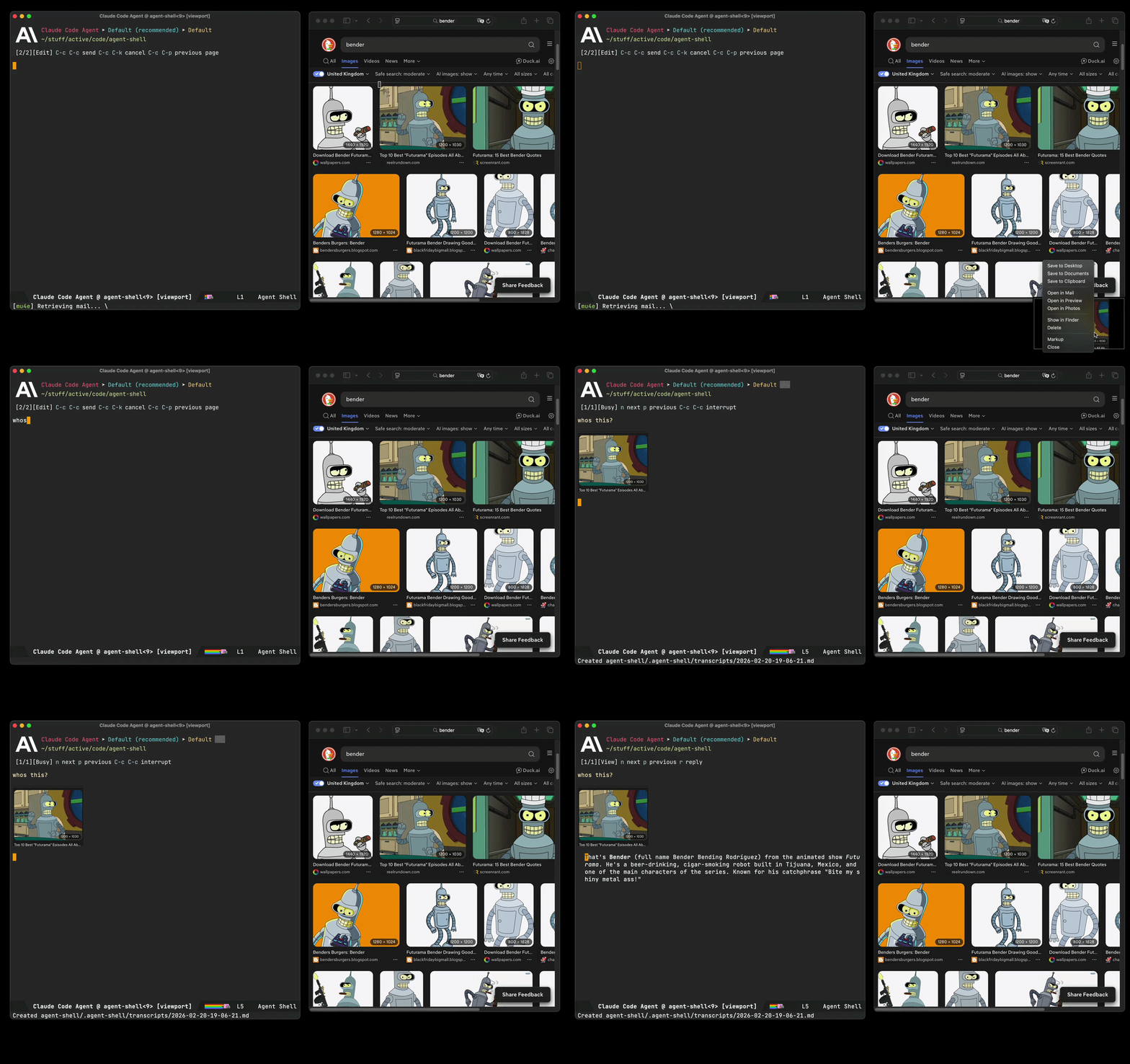
Status labels and tool call titles rendering got some improvements. Status reporting is generally more compact, redundant text is dropped from tool call titles, and tool status/kind shortening has been consolidated.
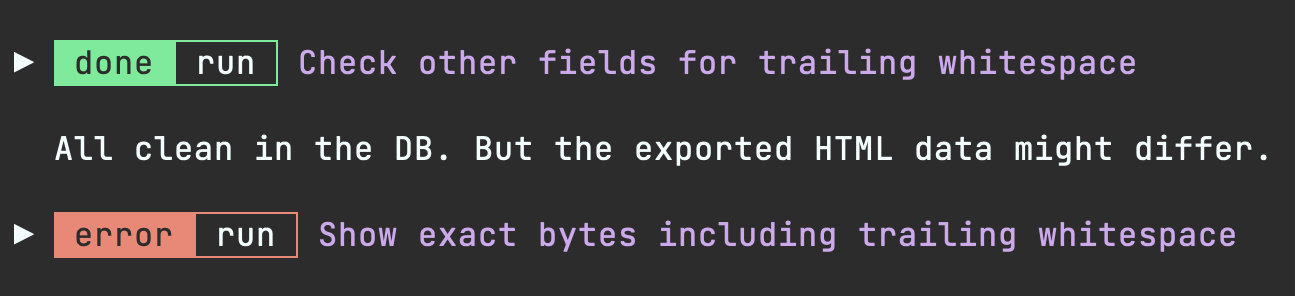
Image rendering
agent-shell now renders images inline. When agents output images (charts, diagrams, screenshots, etc.), they display directly in the shell buffer. You may need to nudge the agent to output image paths in the expected format so agent-shell can pick up.
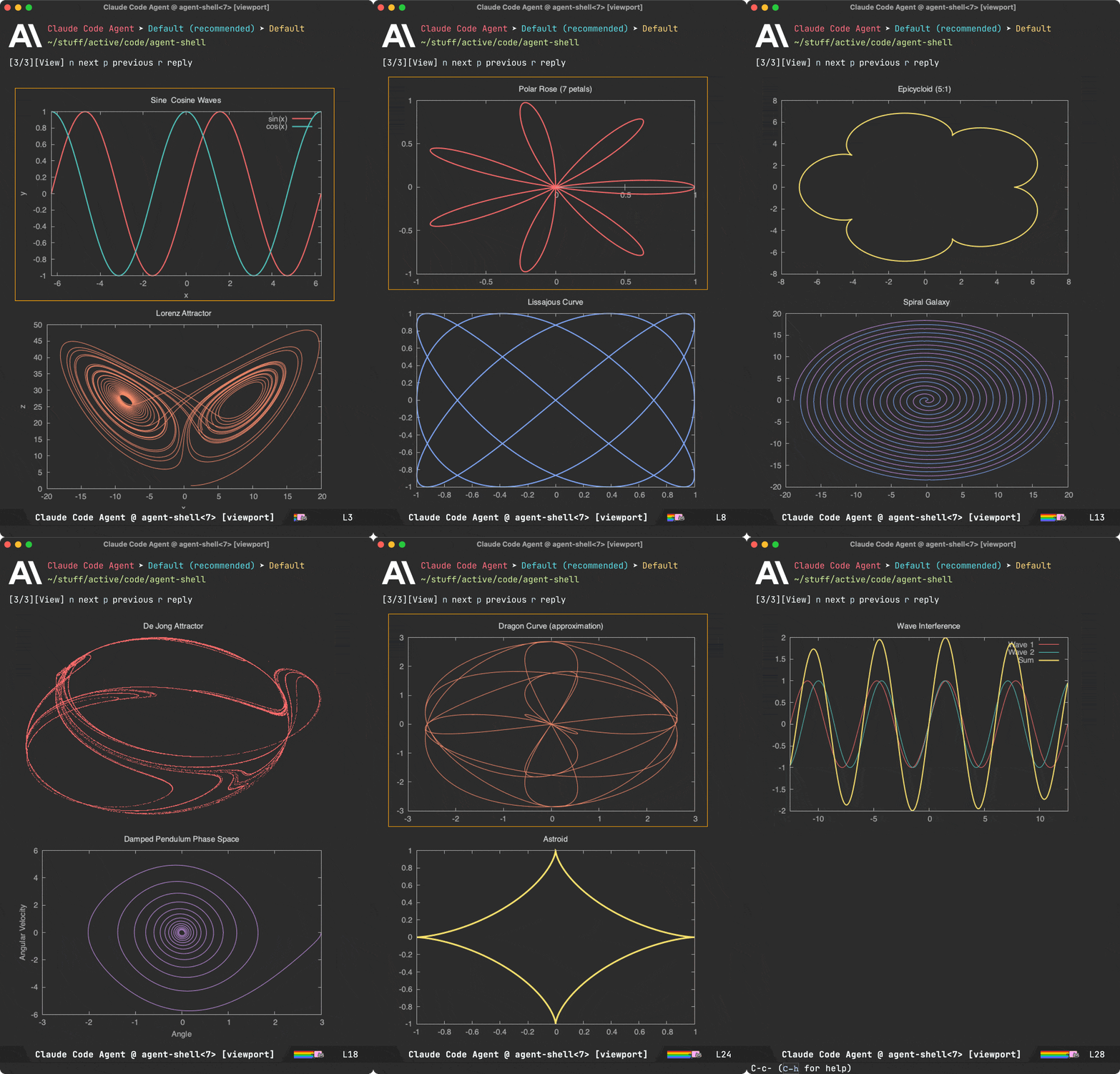
Markdown images:

Any of the following in a line of their own are supported also:
/path/to/image.png
file:///path/to/image.png
./output/chart.png
~/screenshots/demo.png
Recognized image formats depend on what your Emacs was built with (typically png, jpeg, gif, svg, webp, tiff, etc. via image-file-name-extensions).
Emacs skills
While on the topic of image rendering, this works particularly well when coupled with charting agent skills. I shared some of these over at emacs-skills, demoed in episode 13 of the Bending Emacs series.

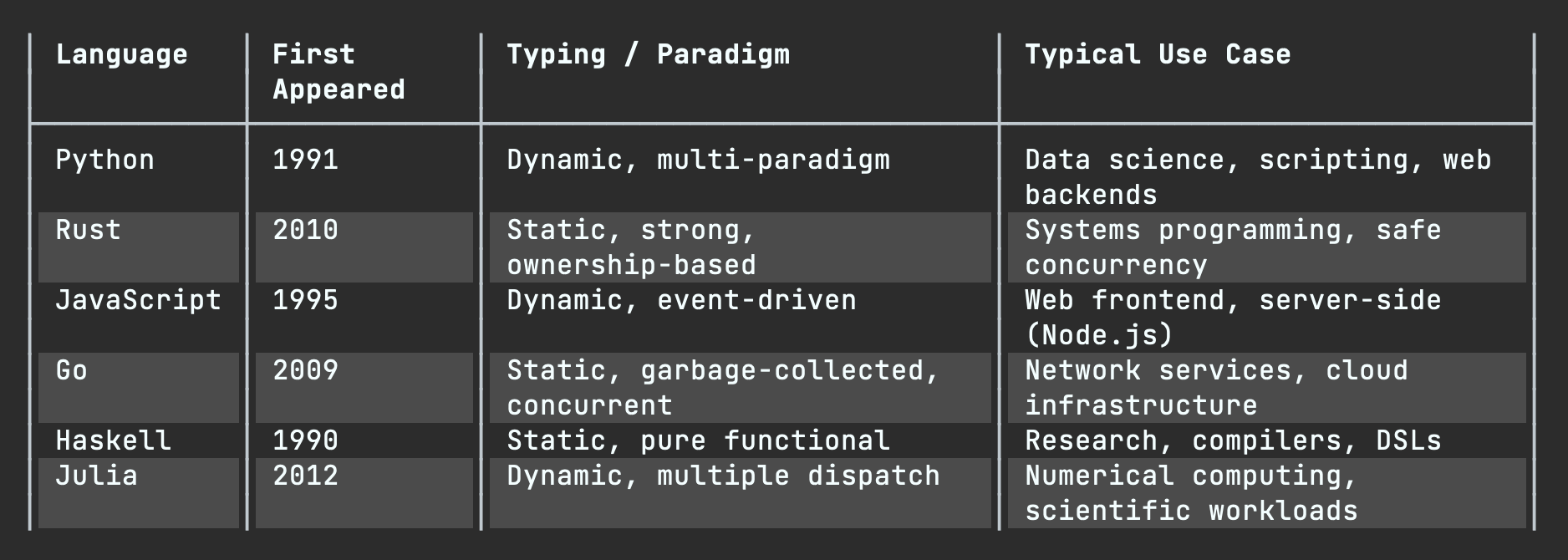
Table rendering
Tables are now rendered using overlays (#17 by @ewilderj).
Usage tracking
Tracking usage now possible (#270 by @Lenbok):
- A color-coded context usage indicator in the header (green -> yellow -> red as context fills up), enabled by default via
agent-shell-show-context-usage-indicator. M-x agent-shell-show-usageto check token counts, context window usage, and cost in the minibuffer.r- An optional end-of-turn usage summary can be enabled via(setq agent-shell-show-usage-at-turn-end t).
Git worktree shell
If keen to run multiple agents on the same repo without stepping on each other's work, M-x agent-shell-new-worktree-shell facilitates this via git worktrees (#255 by @nhojb).
Send context to…
You can now send context to a specific shell using agent-shell-send-file-to, agent-shell-send-region-to, agent-shell-send-clipboard-image-to. and agent-shell-send-screenshot-to. These prompt you to pick a target shell.
Both M-x agent-shell and agent-shell-send-dwim are now prefix-aware. C-u forces a new shell, while C-u C-u prompts you to pick a target shell.
Compose buffer improvements
Compose buffers now support file (via @) and command (via /) completions. It is now also possible to browse previous pages via C-c C-p and come back to your prompt draft.
There's also prompt history navigation/insertion when composing prompts via M-p (previous), M-n (next), and M-r (search).
Bringing context into viewport compose buffers is now more robust. For example, carrying context into a new viewport compose buffer is now supported (#383 by @liaowang11).
Viewport improvements
While viewport interaction was introduced in the previous post, it is now my preferred way of interacting with agent-shell. You can enable via (setq agent-shell-prefer-viewport-interaction t). In any case, viewport buffers got a handful of quality-of-life improvements.
Single key replies without needing to open a compose/reply buffer:
ysends "yes" (handy for quickly answering agent questions).1-9sends digits (handy for quickly choosing options).msends "more" (handy for requesting more of the same kind of data).asends "again" (handy for requesting to carry out instructions again).
Customizable context sources
agent-shell-context-sources lets you configure which DWIM context sources are considered by M-x agent-shell, agent-shell-send-dwim, and compose buffers. You can control the order sources are checked and add custom functions. Defaults to files, region, error, and line.
I'm always on the lookout for some DWIM goodness. If you add your own context function, I'd love to hear about it.
Flycheck support
While on the topic of context sources, in addition to picking up flymake errors at point, flycheck errors are now automatically recognized (#219 by @Lenbok).
Diff improvements
Diff buffers got some love too, now with syntax highlighting (#198 by @Azkae). There's also a new agent-shell-diff-mode-map for customizing diff keybindings, which avoid inheriting unsupported features from the parent mode. You can also press f to open the modified file from a diff buffer.
Additionally, you can now press C-c C-c from an agent-shell-diff buffer to reject all changes (same binding as the shell itself).
Event subscriptions
You can now programmatically subscribe to agent-shell events like initialization steps, tool call updates, file writes, permission responses, permission requests, and turn completions. This opens the door for building integrations on top of agent-shell.
(agent-shell-subscribe-to
 :shell-buffer (current-buffer)
 :event 'file-write
 :on-event (lambda (event)
             (message "File written: %s"
                      (alist-get :path (alist-get :data event)))))
Permission UX improvements
Permission dialogs got a few improvements. Amongst them, automatic navigation to the next pending dialog and also making executed commands more prominent for some agents.
Permission responder function
You can now programmatically respond to permission requests via agent-shell-permission-responder-function. A built-in agent-shell-permission-allow-always handler is provided to auto-approve everything (use with caution):
(setq agent-shell-permission-responder-function #'agent-shell-permission-allow-always)
Claude Code OAuth token support
OAuth token now supported for Claude Code (#339 by @chemtov).
Transcript improvements
Markdown transcripts generation needed love. Thank you @Idorobots and @systemfreund for the improvements (#374, #325, and #326).
Session ID display
With (setq agent-shell-show-session-id t), session IDs are now displayed in header as well as session lists (#363 by @Cy6erBr4in).
Custom CWD function
agent-shell-cwd-function now enables customizing how agent-shell determines the working directory sent to agents.
Configurable dot-subdir location
agent-shell-dot-subdir-function now lets you customize where agent-shell keeps per-project files (#378 by @zackattackz).
Lambda MCP servers
agent-shell-mcp-servers now accept lambda functions too (#237 by @matthewbauer). Useful for setups like claude-code-ide using dynamic MCP details.
Buffer name format
agent-shell-buffer-name-format now makes buffer naming configurable. Choose between the default title case ("Claude Code Agent @ My Project"), kebab-case ("claude-code-agent @ my-project"), or provide your own function (#256 by @nhojb).
Inhibit minor modes during writes
agent-shell-write-inhibit-minor-modes lets you temporarily disable modes (like auto-formatting entire file) when agents write files (#224 by @ultronozm).
File autocompletion performance
File autocompletion is now more performant for larger repositories (#262 by @perfectayush).
Container modeline indicator
When running shells inside a container, a [C] indicator now shows up in the modeline (#250 by @ElleNajt).
Graphical header improvements
Graphical header rendering is more robust now (#275 by @nhojb).
Busy throbber display options
The busy/working indicator now offers multiple visual styles, customizable via agent-shell-busy-indicator-frames (#280 by @Lenbok).
New related packages
- agent-shell-to-go: Interact with
agent-shellsessions from your mobile or any other device via Slack (by @ElleNajt). - meta-agent-shell: Multi-agent coordination system for
agent-shellwith inter-agent communication, task tracking, and project-level dispatching (by @ElleNajt). - agent-shell-workspace: Dedicated tab-bar workspace for managing multiple
agent-shellsessions (by @gveres).
Pull requests
Thank you to all contributors for these improvements!
- #159: Improve Mistral Vibe documentation (@KaiHa)
- #162: Fix agent-shell-help-menu binding (@jinnovation)
- #164: Fix nil-check semantics in
when-let(@jinnovation) - #166: Use project-name for buffer names (@catern)
- #169: Resolve
@mentionedpaths in devcontainers (@fritzgrabo) - #173: Fix
when-letbinding issue (@byronclark) - #178: Add Factory Droid capability (@ag91)
- #179: Add Auggie support (@Pacane)
- #185: Update OpenCode logo (@bps)
- #186: Use context in viewport mode (@byronclark)
- #193: Handle
user_message_chunksession update type (@Lenbok) - #196: Fix agent names when config icons are off (@budevg)
- #197: Function-based container command runner (@rpoisel)
- #198: Syntax highlighting in diffs (@Azkae)
- #199: Fix reply in viewport mode (@byronclark)
- #200: Prevent context from own agent-shell buffer (@juboba)
- #204: Terminal-mode status labels (@whhone)
- #206: Add Evil section to README (@juboba)
- #208: Theme-aware status label color (@whhone)
- #209: Add missing
imagerequire (@timvisher) - #212: Simplify language detection (@necaris)
- #213: Improve file and command completion (@necaris)
- #214: Fix auto-insert variable declaration (@ultronozm)
- #219: Flycheck error context support (@Lenbok)
- #224: Inhibit minor modes during file writes (@ultronozm)
- #226: Deduplicate file link (@bixuanzju)
- #232: Add Pi coding agent (@conornash)
- #235: Fix empty list normalizer (@ROCKTAKEY)
- #237: Lambda MCP servers (@matthewbauer)
- #240: Fix viewport shell buffer association (@Rutherther)
- #245: Fix
:tool-callsstate maintenance (@vermiculus) - #246: Respect viewport visits for buffer ordering (@Rutherther)
- #249: Fix tool call title duplication (@ElleNajt)
- #250: Container modeline indicator (@ElleNajt)
- #252: Document
C-c C-cto send (@HIRANO-Satoshi) - #255: Git worktree shell (@nhojb)
- #256: Buffer name format customization (@nhojb)
- #257: Fix kebab-case project name (@nhojb)
- #262: File autocompletion speedup (@perfectayush)
- #266: Guard permission title rendering (@budevg)
- #269: Add missing paren (@Rutherther)
- #270: Session usage tracking (@Lenbok)
- #272: Update Copilot ASCII art (@ewilderj)
- #275: Graphical header improvements (@nhojb)
- #279: Add
agent-shell-send-dwimto transient (@matthewbauer) - #280: Busy throbber options (@Lenbok)
- #285: Clipboard image pasting (@dangom)
- #289: Session list/load/resume (@farra, @travisjeffery)
- #291: Normalize tool call commands (@ultronozm)
- #292: Strip text properties from copied text (@ultronozm)
- #293: Restore usage indicator color (@Lenbok)
- #295: Handle tools without a command (@byronclark)
- #296: Handle nil tool-call command (@genegoykhman)
- #299: claude-code-acp -> claude-agent-acp rename (@byronclark)
- #312: Function-valued model ID (@lgfang)
- #316: Fix diff syntax highlighting (@Azkae)
- #318: Tool call parameters in transcripts (@systemfreund)
- #319: Fix terminal Emacs font crash (@eddof13)
- #325: Log agent thoughts in transcript (@Idorobots)
- #326: Fix nested backtick fences in transcript (@systemfreund)
- #328: Switch modes in agent-shell-diff (@wmedrano)
- #329: Fix tests (@timvisher-dd)
- #313: Bring "Start a new session" to the top (@catern)
- #335: Fix plan from request_permission (@Azkae)
- #339: OAuth token support for Anthropic (@chemtov)
- #350: Prepare devcontainer package extraction (@fritzgrabo)
- #351: Add Kiro CLI ACP support (@zmjones)
- #353: Fix xclip blocking on X11 (@chemtov)
- #363: Configurable session selection columns (@Cy6erBr4in)
- #370: Fix permission UI on out-of-order status updates (@xar7)
- #374: Indent markdown headers in transcript (@systemfreund)
- #376: Fix file skip check (@zackattackz)
- #378: Configurable dot-subdir location (@zackattackz)
- #382: Permission-request and turn-complete subscription events (@emil-e)
- #383: Viewport context on first open (@liaowang11)
- #385: Fix leading space in terminal prompt (@bcc32)
- #388: Apply dir-local variables in shell buffer (@fritzgrabo)
Bug fixes
- #168:
replace-buffer-contentstimeout to prevent freeze on large diffs - #170: Suppress effects of
find-file-noselectduring agent writes - #175: ACP configuration JSON-RPC inserted into shell
- #180: Terminal-friendly keybindings
- #189: Changing the model with Claude causes hang
- #191:
user_message_chunksession updates no longer dump raw JSON - #220: Python comments no longer interpreted as Markdown headers
- #265:
session/request_permissionwith argv array commands - #297: Unexpected tool-call command type error
- #300:
agent-shell-send-regionno longer fails silently without a region - #303: Context insertion for new deferred sessions
- #319: Fix "Wrong type argument: font, unspecified" in terminal Emacs (fix by @eddof13)
- #335: Plan not displaying from
session/request_permission(fix by @Azkae) - #345: Out of turn notifications inserted into shell
- #353: xclip handler blocking on X11 when clipboard has no image (fix by @chemtov)
- #361:
loadSessionregression - #370: Permission UI not reacting on status failed/completed (fix by @xar7)
- #376: File skip check using full path instead of filename only (fix by @zackattackz)
- #385: Leading space in
agent-shell-select-configprompt in terminal frames (fix by @bcc32)
Lots of polish
Beyond what's showcased, I've poured much love and effort into polishing the agent-shell experience. Interested in the nitty-gritty? Have a look through my regular commits.
Make the work sustainable
If agent-shell is useful to you, please consider sponsoring the project. These days, I've been working on agent-shell daily.

LLM tokens aren't free, and neither is the time dedicated to building this stuff. While I now have more time to work on agent-shell as an indie dev, I also have bills to pay ;)
Unless I can make this work sustainable, I will have to shift my focus to work on something else that is.
Bending Emacs Episode 13: agent-shell + Claude Skills + Charts
This time around, we look at inline image rendering in agent-shell and how it opens the door to charting. I added a handful of new charting skills to emacs-skills: /gnuplot, /mermaid, /d2, and /plantuml.
The agent extracts or fetches data from context, generates the charting code, saves it as a PNG, and agent-shell renders it inline. Cherry on top: the generated charts match your Emacs theme colors by querying them via emacsclient --eval.
Hope you enjoyed the video!
Want more videos?
Liked the video? Please let me know. Got feedback? Leave me some comments.
Please like my video, share with others, and subscribe to my channel.
As an indie dev, I now have a lot more flexibility to build Emacs tools and share knowledge, but it comes at the cost of not focusing on other activities that help pay the bills. If you benefit or enjoy my work please consider sponsoring.
]]>Bending Emacs Episode 12: agent-shell + Claude Skills

This time around, we explore Claude Skills and how to use them to teach agents Emacs tricks. I built a handful of skills packaged as a Claude Code plugin at github.com/xenodium/emacs-skills.
The skills use emacsclient --eval under the hood to bridge agent work to your running Emacs session:
/dired- Open files from the latest interaction in a dired buffer with marks./open- Open files in Emacs, jumping to a specific line when relevant./select- Open a file and select the relevant region./highlight- Highlight relevant regions across files with a temporary read-only minor mode./describe- Look up Emacs documentation and summarize findings.emacsclient(auto) - Teaches the agent to always preferemacsclientoveremacs.
Hope you enjoyed the video!
Want more videos?
Liked the video? Please let me know. Got feedback? Leave me some comments.
Please go like my video, share with others, and subscribe to my channel.
As an indie dev, I now have a lot more flexibility to build Emacs tools and share knowledge, but it comes at the cost of not focusing on other activities that help pay the bills. If you benefit or enjoy my work please consider sponsoring the work.
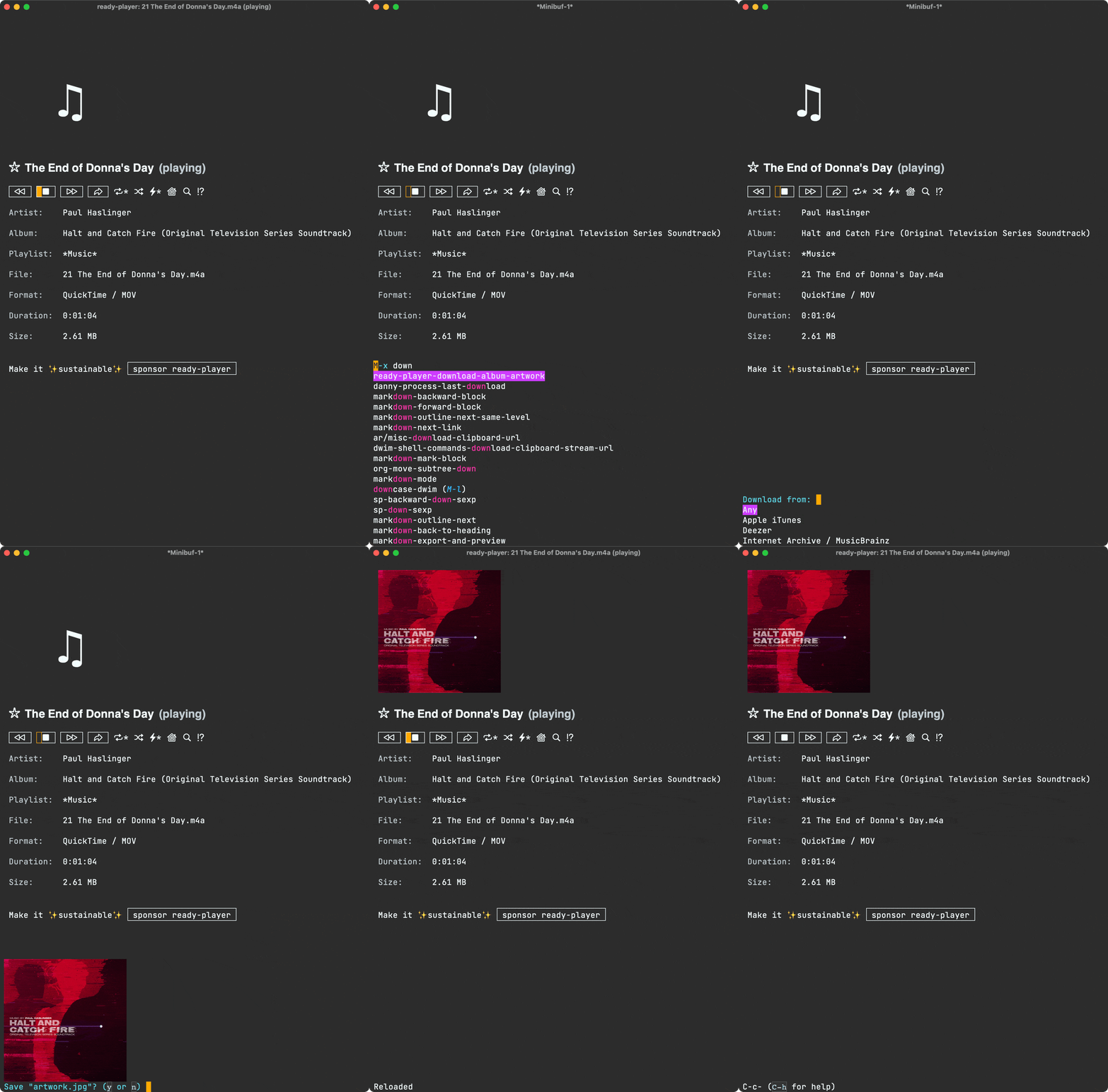
]]>M-x ready-player-download-album-artwork, which does as it says on the tin. The interactive command offers a couple of fetching providers (iTunes vs Internet Archive / MusicBrainz) to grab the album cover. The thing is, I often found myself trying one or the other provider, sometimes without luck. Today, I finally decided to add a third provider (Deezer) to the list. Even then, what's the point of manually trying each provider out when I can automatically try them all and return the result from the first successful one? And so that's what I did.
In addition to offering all providers, M-x ready-player-download-album-artwork now offers "Any", to download from the first successful provider. Now, why keep the option to request from a specific provider? Well, sometimes one provider has better artwork than another. If I don't like what "Any" returns, I can always request from a specific provider.
While on the subject, I also tidied the preview experience up and now display the thumbnail in the minibuffer. In any case, best to show rather than tell.
Enjoying your unrestricted music via Emacs and ready player mode? ✨sponsor✨ the project.
Bending Emacs Episode 11: winpulse

In addition to showcasing winpulse, we showed some of the built-in window-managing commands like:
C-x 3split-window-rightC-x 2split-window-belowC-x 0delete-windowC-x ^enlarge-windowC-x }enlarge-window-horizontallyC-x {shrink-window-horizontallyC-x oother-window
It's worth noting the last four commands are can be optimized by repeat-mode. Check out Karthink's It Bears Repeating: Emacs 28 & Repeat Mode post.
Hope you enjoyed the video!
Want more videos?
Liked the video? Please let me know. Got feedback? Leave me some comments.
Please go like my video, share with others, and subscribe to my channel.
If there's enough interest, I'll continue making more videos!
Make it all sustainable
Enjoying this content or my projects? I am an indie dev. Help make it sustainable by ✨sponsoring✨
Need a blog? I can help with that. Maybe buy my iOS apps too ;)
]]>I asked around to see if a package already existed for this purpose. Folks shared a handful of great options:
- pulsar: Emacs package to pulse the current line after running select functions.
- dimmer.el: Interactively highlight the active buffer by dimming the others.
- window-dim.el: A window dimmer package for Emacs.
I wanted my windows to temporarily flash when switching between them. Of these options, pulsar came closest, though highlighting the current line only.
This is Emacs, so I should be able to get the behavior I want by throwing some elisp at the problem. With that, I give you winpulse, a package to temporarily highlight focused Emacs windows.

This package is fresh out of the oven and likely has some edge cases I haven't yet considered. If you're still keen to check it out, it's available on GitHub.
Make it sustainable
Enjoying this package or my content? I'm an indie dev. Consider sponsoring to help make it sustainable.
]]>I'm fairly forgiving in my input form. I often link to Reddit discussions, IMDB/Letterboxd links, or at times simply write movie or director names. The only real requirement is to sprinkle some hashtags (#film or #series or #watch) for retrieval.
While this flexibility is important (makes it more likely for me to actually write), it's not super practical to browse through this mixed structure when looking for something to watch. Yesterday, I finally did something about that.
Here's what my save-to-Journelly flow may look like for a Reddit link:
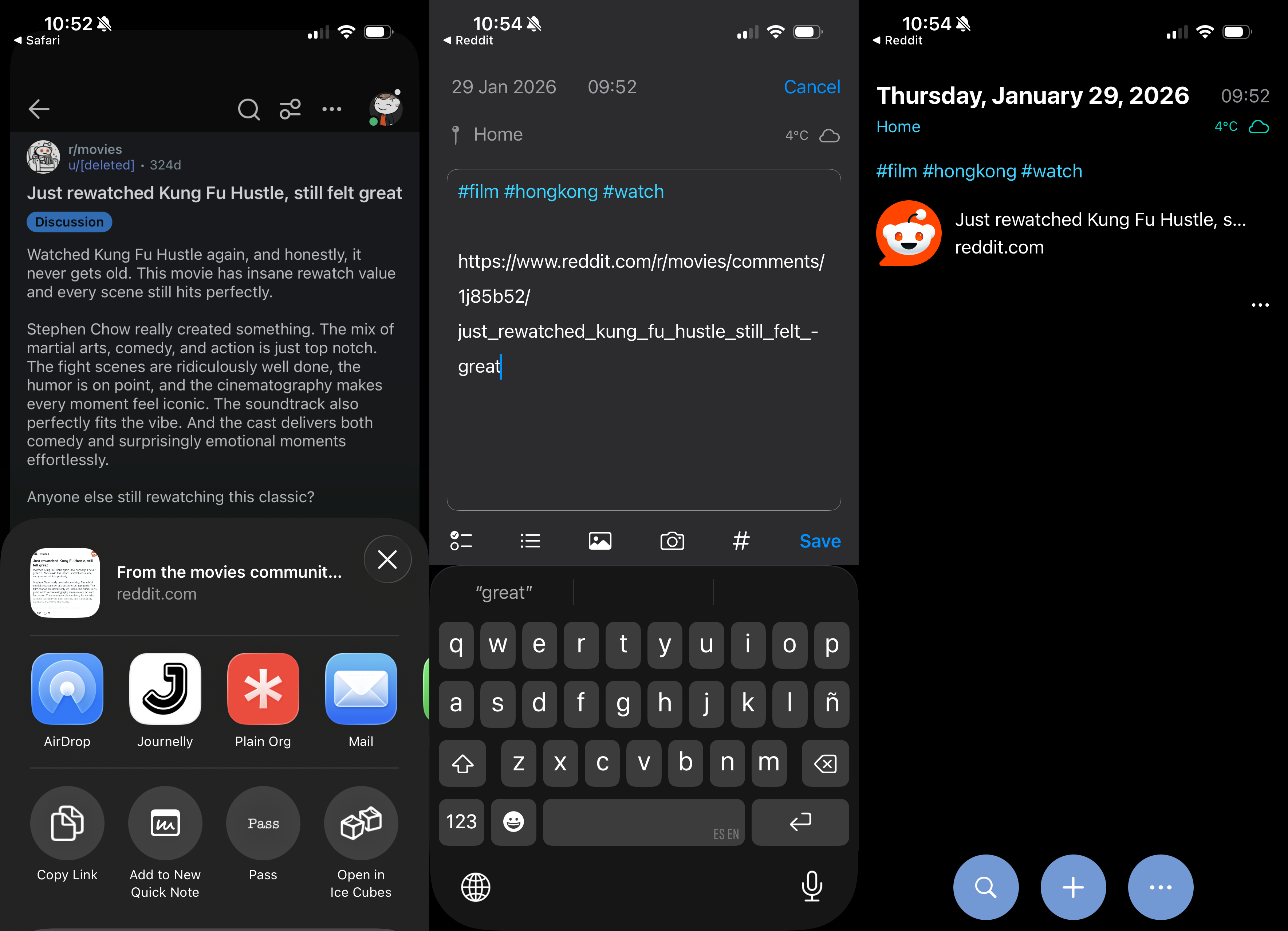
All entries are saved to Journelly.org, a plain text org file (Markdown is supported too), so I first extracted all relevant entries (containing #film or #series or #watch). A matching entry looks a little something like this:
* [2026-01-29 Thu 09:52] @ Home
:PROPERTIES:
:LATITUDE: 51.5007
:LONGITUDE: -0.1246
:WEATHER_TEMPERATURE: 4.2°C
:WEATHER_CONDITION: Cloudy
:WEATHER_SYMBOL: cloud
:END:
#film #hongkong #watch

https://www.reddit.com/r/movies/comments/1j85b52/just_rewatched_kung_fu_hustle_still_felt_great
Having extracted non-personal items from Journelly.org, I created a git repo with just one file: watchlist.org including entries like the one above.
With personal/private details out of the way, I decided to let the LLM robots loose. That is, hand watchlist.org over to a Claude Code agent, via Emacs agent-sell to organize my chaos.
First I asked to normalize data by extracting all film/tv info from each entry, visiting Reddit/IMDB/Letterboxd links if needed, which yielded normalized.org:
Kung Fu Hustle
https://www.imdb.com/title/tt0373074
Next I asked to generate metadata for me (using the fields I wanted from IMDB), stored in org drawers, saved to db.org:
* Kung Fu Hustle
:PROPERTIES:
:TYPE: film
:YEAR: 2004
:IMDB: https://www.imdb.com/title/tt0373074/
:IMDB_RATING: 7.7
:COUNTRY: Hong Kong
:DIRECTOR: Stephen Chow
:GENRE: action, comedy, fantasy
:RUNTIME: 99
:ADDED: [2026-01-28]
:THUMBNAIL: file:thumbnails/tt0373074.png
:IMDB_THUMBNAIL: https://m.media-amazon.com/images/M/MV5BNGU2OWVlM2ItZGZlOC00Yzk2LWE1NzEtMDYwMzE4YTE5MzQ2XkEyXkFqcGc@._V1_FMjpg_UY1024_.jpg
:END:
Finally, I asked to generate HTML from db.org so I can render and easily browse.
<div>
  <a href="https://www.imdb.com/title/tt0373074/"><img src="https://m.media-amazon.com/images/M/MV5BNGU2OWVlM2ItZGZlOC00Yzk2LWE1NzEtMDYwMzE4YTE5MzQ2XkEyXkFqcGc@._V1_FMjpg_UY1024_.jpg" alt="Kung Fu Hustle" width="150" height="225"></a>
  <p><strong>Kung Fu Hustle (2004)</strong></p>
  <p>action · comedy · fantasy</p>
  <p>Hong Kong · Stephen Chow</p>
</div>
For each transformation, Claude Code generated a python script. I've yet to decide what to do with all the resulting source code. Do I clean it up? Rewrite it?
For now, I'm happy with the results of the experiment. I managed to organize some of my chaos! In some ways, this isn't too different from me writing a quick/hacky/ugly script, when it's acceptable to do so.
At the center of it all, is my beloved org syntax. Thanks to plain text formats, we can easily peek at them, query them, poke at them, tweak them, and bend til our heart's content. It's just so versatile, and now we can throw them at LLMs too.
Oh, and if you're curious about that watch list, here you go. Do you have some movie/show suggestions for me?

12 Monkeys (2015)
tv · adventure · drama · mystery
United States

2149: The Aftermath (2021)
sci-fi
Canada · Benjamin Duffield

3 Body Problem (2024)
tv · adventure · drama · fantasy
United Kingdom

964 Pinocchio (1991)
horror · sci-fi
Japan · Shozin Fukui

A Scanner Darkly (2006)
animation · comedy · crime
United States · Richard Linklater

A Separation (2011)
drama
Iran · Asghar Farhadi

A Small Light (2023)
tv · biography · drama · history
United States

A Taxing Woman (1987)
comedy · crime
Japan · Jûzô Itami

Absentia (2017)
tv · crime · drama · mystery
Israel

Across the Furious Sea (2023)
crime · drama · mystery
China · Baoping Cao

Akira (1988)
animation · action · drama
Japan · Katsuhiro Ôtomo

Alita: Battle Angel (2019)
action · adventure · sci-fi
United States · Robert Rodriguez

All About My Mother (1999)
comedy · drama · romance
Spain · Pedro Almodóvar

Altered Carbon (2018)
tv · action · adventure · drama
United States

Altered Hours (2016)
sci-fi · thriller
United States · Bruce Wemple

Amelie (2001)
comedy · romance
France · Jean-Pierre Jeunet

Amores Perros (2000)
drama · thriller
Mexico · Alejandro G. Iñárritu

An Elephant Sitting Still (2018)
crime · drama
China · Bo Hu

Anatomy of a Fall (2023)
crime · drama · mystery
France · Justine Triet

Arcane (2021)
tv · animation · action · adventure
United States

Archive 81 (2022)
tv · drama · horror · mystery
United States

As Tears Go By (1988)
crime · drama · romance
Hong Kong · Wong Kar-Wai

Asakusa Kid (2021)
biography · drama
Japan · Gekidan Hitori

Ash Is Purest White (2018)
crime · drama · romance
China · Jia Zhang-ke

Asura (2023)
tv · comedy · drama
Indonesia

Band of Brothers (2001)
tv · action · drama · history
United Kingdom

Banshee (2013)
tv · action · crime · drama
United States

Barry (2018)
tv · action · comedy · crime
United States

Battlestar Galactica (2004)
tv · action · adventure · drama
United States

Being Human (UK) (2008)
tv · comedy · drama · fantasy
United Kingdom

Big Man Japan (2007)
action · comedy · sci-fi
Japan · Hitoshi Matsumoto

Black Coal, Thin Ice (2014)
crime · drama · mystery
China · Yi'nan Diao

Black Sails (2014)
tv · action · adventure · drama
South Africa

Blackadder (1983)
tv · comedy
United Kingdom

BlackBerry (2023)
biography · comedy · drama
Canada · Matt Johnson

Blade Runner (1982)
action · drama · sci-fi
United States · Ridley Scott

Blade Runner 2049 (2017)
action · drama · mystery
United States · Denis Villeneuve

Blade Runner: Black Lotus (2021)
tv · animation · action · drama
United States

Bloody Hell (2020)
comedy · horror · mystery
Australia · Alister Grierson

Boardwalk Empire (2010)
tv · crime · drama
United States

Bojack Horseman (2014)
tv · animation · comedy · drama
United States

Brand New Cherry Flavor (2021)
tv · drama · horror · mystery
United States

Brazil (1985)
drama · sci-fi · thriller
United Kingdom · Terry Gilliam

Broadchurch (2013)
tv · crime · drama · mystery
United Kingdom

Burn Notice (2007)
tv · action · crime · drama
United States

Burning (2018)
drama · mystery · thriller
South Korea · Lee Chang-dong

Carnivale (2003)
tv · drama · fantasy · mystery
United States

Castlevania (2017)
tv · animation · action · adventure
United States

Chungking Express (1994)
comedy · crime · drama
Hong Kong · Wong Kar-Wai

City Hunter (2024)
action · comedy · crime
Japan · Yûichi Satô

City of God (2002)
crime · drama
Brazil · Kátia Lund

Cloud (2024)
action · crime · drama
Japan · Kiyoshi Kurosawa

Cold Fish (2010)
crime · drama · horror
Japan · Sion Sono

Colony (2016)
tv · action · adventure · drama
United States

Counterpart (2017)
tv · drama · sci-fi · thriller
United States

Crouching Tiger Hidden Dragon (2000)
action · adventure · drama
Taiwan · Ang Lee

Cure (1997)
crime · horror · mystery
Japan · Kiyoshi Kurosawa

Cyberpunk: Edgerunners (2022)
tv · animation · action · adventure
Japan

DaVinci's Demons (2013)
tv · adventure · biography · drama
United States

Days of Being Wild (1990)
crime · drama · romance
Hong Kong · Wong Kar-Wai

Deadwind (2018)
tv · crime · drama · mystery
Finland

Deadwood (2004)
tv · crime · drama · history
United States

Dear Child (2023)
tv · crime · drama · mystery
Germany

Decision to Leave (2022)
crime · drama · mystery
South Korea · Park Chan-wook

Demon City (2024)
action · adventure · crime
Japan · Seiji Tanaka

Derry Girls (2018)
tv · comedy
United Kingdom

Destroyer (2018)
action · crime · drama
United States · Karyn Kusama

Devs (2020)
tv · drama · mystery · sci-fi
United Kingdom

Dirk Gently's Holistic Detective Agency (2016)
tv · action · adventure · comedy
United States

District 9 (2009)
action · sci-fi · thriller
South Africa · Neill Blomkamp

Doom Patrol (2019)
tv · action · adventure · comedy
United States

Downton Abbey (2010)
tv · drama · romance
United Kingdom

Dredd (2012)
action · crime · sci-fi
United Kingdom · Pete Travis

Drops of God (2023)
tv · drama
France

Dune (2021)
action · adventure · drama
United States · Denis Villeneuve

Dust of Angels (1992)
action · crime · drama
Taiwan · Hsiao-Ming Hsu

Edge of Tomorrow (2014)
action · adventure · sci-fi
United States · Doug Liman

Edie (2017)
adventure · drama
United Kingdom · Simon Hunter

Elysium (2013)
action · drama · sci-fi
United States · Neill Blomkamp

Encanto (2021)
animation · comedy · family
United States · Jared Bush

Endeavour (2012)
tv · crime · drama · mystery
United Kingdom

Equilibrium (2002)
action · drama · sci-fi
United States · Kurt Wimmer

Euphoria (2019)
tv · drama
United States

Extreme Job (2019)
action · comedy · crime
South Korea · Lee Byeong-heon

Fair Play (2023)
drama · thriller
United States · Chloe Domont

Fallen Leaves (2023)
comedy · drama · romance
Finland · Aki Kaurismäki

Fallout (2024)
tv · action · adventure · drama
United States

Fargo (2014)
tv · crime · drama · thriller
United States

Firefly (2002)
tv · adventure · drama · sci-fi
United States

Foundation (2021)
tv · drama · sci-fi
Ireland

Foyle's War (2002)
tv · crime · drama · mystery
United Kingdom

Fringe (2008)
tv · drama · mystery · sci-fi
United States

From (2022)
tv · drama · horror · mystery
United States

Funky Forest (2005)
comedy · fantasy
Japan · Katsuhito Ishii

Future Man (2017)
tv · action · adventure · comedy
United States

Gen V (2023)
tv · action · adventure · comedy
United States

Ghost in the Shell (1995)
animation · action · crime
Japan · Mamoru Oshii

Ghostbusters Afterlife (2021)
adventure · comedy · fantasy
United States · Jason Reitman

Godzilla Minus One (2023)
action · adventure · drama
Japan · Takashi Yamazaki

Going By The Book (2007)
action · comedy
South Korea · Hee-chan Ra

Gomorrah (2014)
tv · crime · drama · thriller
Italy

Guns & Talks (2001)
action · drama · comedy
South Korea · Jang Jin

Halt and Catch Fire (2014)
tv · drama
United States

Handmaid's Tale (2017)
tv · drama · sci-fi · thriller
United States

Hanna (2019)
tv · action · crime · drama
United States

Hannibal (2013)
tv · crime · drama · horror
United States

Hausen (2020)
tv · drama · horror · mystery
Germany

Heavy Water War (Kampen om tungtvannet) (2015)
tv · drama · history · war
Norway

Heroes (2006)
tv · crime · drama · fantasy
United States

Hotel Del Luna (2019)
tv · action · comedy · drama
South Korea

Infernal Affairs (2002)
crime · drama · mystery
Hong Kong · Wai Keung Lau

Inside the Yellow Cocoon Shell (2023)
drama
Vietnam · Thien An Pham

Inspector Morse (1987)
tv · crime · drama · mystery
United Kingdom

Ip Man (2008)
action · biography · drama
Hong Kong · Wilson Yip

Johnny Mnemonic (1995)
action · drama · sci-fi
Canada · Robert Longo

JSA: Joint Security Area (2000)
action · drama · thriller
South Korea · Park Chan-wook

Jury Duty (2023)
tv · comedy
United States

Justified (2010)
tv · action · crime · drama
United States

Kaili Blues (2015)
drama · mystery
China · Bi Gan

Kalifat (2020)
tv · crime · drama · thriller
Sweden

Katla (2021)
tv · drama · fantasy · mystery
Iceland

Killers of the Flower Moon (2023)
crime · drama · history
United States · Martin Scorsese

Killzone (SPL) (2005)
action · crime · thriller
Hong Kong · Wilson Yip

Kingdom (2019)
tv · action · drama · horror
South Korea

Kung Fu Dunk (2008)
action · comedy · sport
China · Yen-Ping Chu

Kung Fu Hustle (2004)
action · comedy · fantasy
Hong Kong · Stephen Chow

La Haine (1995)
crime · drama
France · Mathieu Kassovitz

Le Bureau des Legendes (2015)
tv · drama · thriller
France

Left Handed Girl (2024)
drama
Taiwan · Shih-Ching Tsou

Legion (2017)
tv · action · sci-fi · thriller
United States

Les Revenants (2012)
tv · drama · fantasy · horror
France

Little Fires Everywhere (2020)
tv · drama · mystery · thriller
United States

Locked In (2023)
mystery · thriller
United States · David C. Snyder

Lodge 49 (2018)
tv · comedy · drama · mystery
United States

Logan Lucky (2017)
action · comedy · crime
United States · Steven Soderbergh

Loki (2021)
tv · action · adventure · fantasy
United States

Long Day's Journey Into Night (2018)
drama · mystery · romance
China · Bi Gan

Looper (2012)
action · drama · sci-fi
United States · Rian Johnson

Lupin (2021)
tv · action · crime · drama
France

Lust, Caution (2007)
drama · history · romance
Taiwan · Ang Lee

Man in the High Castle (2015)
tv · drama · sci-fi · thriller
United States

Man Standing Next (2020)
thriller
South Korea · Min-ho Woo

Manhunt (2019)
tv · biography · crime · drama
United Kingdom

Manifest (2018)
tv · drama · mystery · sci-fi
United States

Marco Polo (2014)
tv · action · adventure · drama
United States

Marvelous Mrs Maisel (2017)
tv · comedy · drama
United States

Max Headroom (1987)
tv · comedy · sci-fi
United States

May December (2023)
comedy · drama
United States · Todd Haynes

Metropolis (1927)
drama · sci-fi
Germany · Fritz Lang

Midnight Mass (2021)
tv · drama · fantasy · horror
United States

Midsommar (2019)
drama · horror · mystery
United States · Ari Aster

Minority Report (2002)
action · crime · mystery
United States · Steven Spielberg

Misfits (2009)
tv · comedy · drama · fantasy
United Kingdom

Miss King (2024)
tv · drama · thriller
Japan

Mobland (2024)
tv · crime · drama
United Kingdom

Mogura (2024)
tv

Monk (2002)
tv · comedy · crime · drama
United States

Moving (2023)
tv · action · adventure · drama
South Korea

Mr Inbetween (2018)
tv · comedy · crime · drama
Australia

Mr. Robot (2015)
tv · crime · drama · thriller
United States

Sympathy for Mr. Vengeance (2002)
crime · drama · thriller
South Korea · Park Chan-wook

Mrs. Davis (2023)
tv · comedy · drama · sci-fi
United States

My Name (2021)
tv · action · crime · drama
South Korea

Narcos (2015)
tv · biography · crime · drama
United States

Nine Days (2020)
drama · fantasy
United States · Edson Oda

No Other Choice (2025)
comedy · crime · drama
South Korea · Park Chan-wook

Nobel (2016)
tv · drama · thriller · war
Norway

Northern Exposure (1990)
tv · adventure · comedy · drama
United States

Occupied (Okkupert) (2015)
tv · drama · thriller
Norway

Oldboy (2003)
action · drama · mystery
South Korea · Park Chan-wook

Once Upon a Time in China (1991)
action
Hong Kong · Hark Tsui

One False Move (1992)
crime · drama · thriller
United States · Carl Franklin

Ong Bak (2003)
action · crime · thriller
Thailand · Prachya Pinkaew

Oppenheimer (2023)
biography · drama · history
United States · Christopher Nolan

Orphan Black (2013)
tv · drama · sci-fi · thriller
Canada

Ozark (2017)
tv · crime · drama · thriller
United States

Pacifiction (2022)
drama · thriller
France · Albert Serra

Pan's Labyrinth (2006)
drama · fantasy · war
Mexico · Guillermo del Toro

Panchayat (2020)
tv · comedy · drama
India

Pantheon (2022)
tv · animation · action · adventure
United States

Past Lives (2023)
drama · romance
United States · Celine Song

Peacemaker (2022)
tv · action · adventure · comedy
United States

Peaky Blinders (2013)
tv · crime · drama
United Kingdom

PEN15 (2019)
tv · comedy · drama
United States

Penny Dreadful (2014)
tv · drama · fantasy · horror
United Kingdom

Perfect Days (2023)
drama
Japan · Wim Wenders

Persepolis (2007)
animation · biography · drama
France · Vincent Paronnaud

Police Story (1985)
action · comedy · crime
Hong Kong · Jackie Chan

Poor Things (2023)
comedy · drama · romance
Ireland · Yorgos Lanthimos

Preacher (2016)
tv · adventure · comedy · fantasy
United States

Primo (2023)
tv · comedy
United States

Priscilla (2023)
biography · drama · music
Italy · Sofia Coppola

Professor T (2015)
tv · comedy · crime · drama
Belgium

Raise the Red Lantern (1991)
drama · romance
China · Yimou Zhang

Reservation Dogs (2021)
tv · comedy · crime
United States

Riki Oh (1991)
action · comedy · crime
Hong Kong · Ngai Choi Lam

Ripley (2024)
tv · crime · drama · thriller
United States

Robocop (1987)
action · crime · sci-fi
United States · Paul Verhoeven

Rome (2005)
tv · action · drama · romance
United Kingdom

Rurouni Kenshin (2012)
action · adventure · drama
Japan · Keishi Otomo

Russian Doll (2019)
tv · comedy · drama · mystery
United States

Scavengers Reign (2023)
tv · animation · adventure · drama
United States

Scrapper (2023)
comedy · drama
United Kingdom · Charlotte Regan

Secret Level (2024)
tv · animation · action · adventure
United States

See (2019)
tv · action · drama · sci-fi
United States

Sex is Zero (2002)
comedy · drama · romance
South Korea · JK Youn

Shall We Dance (1996)
comedy · drama · music
Japan · Masayuki Suô

Shameless (2011)
tv · comedy · drama
United States

Shantaram (2022)
tv · action · adventure · crime
United States

Shaolin Soccer (2001)
action · comedy · fantasy
Hong Kong · Stephen Chow

Sharp Objects (2018)
tv · crime · drama · mystery
United States

Shin Ultraman (2022)
action · adventure · drama
Japan · Shinji Higuchi

Shinobi No Mono (1962)
action · drama
Japan · Satsuo Yamamoto

Shogun (2024)
tv · action · adventure · drama
United States

Shutter Island (2010)
drama · mystery · thriller
Canada · Martin Scorsese

Signal (2016)
tv · crime · drama · fantasy
South Korea

Silo (2023)
tv · drama · mystery · sci-fi
United States

Six Feet Under (2001)
tv · comedy · drama
United States

Slow Horses (2022)
tv · drama · thriller
United Kingdom

Snowfall (2017)
tv · crime · drama
United States

Snowpiercer (2013)
action · sci-fi · thriller
South Korea · Bong Joon Ho

Somebody Somewhere (2022)
tv · comedy · drama
United States

Sonatine (1993)
action · comedy · crime
Japan · Takeshi Kitano

Spartacus (2010)
tv · action · adventure · biography
United States

Spiral (Engrenage) (2005)
tv · crime · drama · mystery
France

Strange Darling (2023)
horror · thriller
United States · JT Mollner

Strange Days (1995)
crime · drama · sci-fi
United States · Kathryn Bigelow

Strike Back (2010)
tv · action · drama · thriller
United Kingdom

Succession (2018)
tv · comedy · drama
United States

Survive Style 5+ (2004)
comedy · fantasy · horror
Japan · Gen Sekiguchi

Suzhou River (2000)
drama · romance
Germany · Ye Lou

Taegukgi (2004)
action · drama · war
South Korea · Kang Je-kyu

Talk to Her (2002)
drama · mystery · romance
Spain · Pedro Almodóvar

Taxi Driver (2017)
action · drama · history
South Korea · Hun Jang

Ted Lasso (2020)
tv · comedy · drama · sport
United States

Terminal List (2022)
tv · action · drama · thriller
United States

Terminator (1984)
action · adventure · sci-fi
United Kingdom · James Cameron

Tetsuo: The Iron Man (1989)
horror · sci-fi
Japan · Shin'ya Tsukamoto

The 8 Show (2024)
tv · comedy · drama · horror
South Korea

The Americans (2013)
tv · crime · drama · mystery
United States

The Beekeeper (2024)
action · crime · thriller
United Kingdom · David Ayer

The Boys (2019)
tv · action · comedy · crime
United States

The Bridge (Broen/Bron) (2011)
tv · crime · mystery · thriller
Sweden

The Brothers Sun (2024)
tv · action · comedy · drama
United States

The Cabin in the Woods (2011)
horror · mystery · thriller
Canada · Drew Goddard

The Detour (2016)
tv · adventure · comedy
United States

The Electric State (2025)
action · adventure · comedy
United States · Anthony Russo

The Empty Man (2020)
drama · horror · mystery
United States · David Prior

The End of the F***ing World (2017)
tv · adventure · comedy · crime
United Kingdom

The Expanse (2015)
tv · drama · mystery · sci-fi
United States

The Fall of the House of Usher (2023)
tv · drama · horror · mystery
United States

The Glory (2022)
tv · drama · mystery · thriller
South Korea

The Good The Bad The Weird (2008)
action · adventure · comedy
South Korea · Kim Jee-woon

The Handmaiden (2016)
drama · romance · thriller
South Korea · Park Chan-wook

The Head (2020)
tv · drama · horror · mystery
Spain

The Holdovers (2023)
comedy · drama
United States · Alexander Payne

The Host (2006)
drama · horror · sci-fi
South Korea · Bong Joon Ho

The Killer (1989)
action · crime · drama
Hong Kong · John Woo

The Killing (2007)
tv · crime · drama · mystery
Denmark

The Last Kingdom (2015)
tv · action · drama · history
United Kingdom

The Last of Us (2023)
tv · action · adventure · drama
Canada

The Lazarus Project (2022)
tv · action · drama · fantasy
United Kingdom

The Leftovers (2014)
tv · drama · fantasy · mystery
United States

The Legend of Vox Machina (2022)
tv · animation · action · adventure
United States

The Letdown (2017)
tv · comedy
Australia

The Man from Nowhere (2010)
action · crime · drama
South Korea · Lee Jeong-beom

The Matrix (1999)
action · sci-fi
United States · Lana Wachowski

The Night Comes for Us (2018)
action · crime · thriller
Indonesia · Timo Tjahjanto

The Other Two (2019)
tv · comedy
United States

The Outsider (2020)
tv · crime · drama · horror
United States

The Pitt (2025)
tv · drama
United States

The Queen's Gambit (2020)
tv · drama
United States

The Raid (2011)
action · crime · thriller
Indonesia · Gareth Evans

The Raid 2 (2014)
action · crime · thriller
Indonesia · Gareth Evans

The Running Man (1987)
action · sci-fi · thriller
United States · Paul Michael Glaser

The Shield (2002)
tv · crime · drama · thriller
United States

The Sopranos (1999)
tv · crime · drama
United States

The Taste of Things (2023)
drama · history · romance
France · Anh Hung Tran

The Tower (2021)
tv · crime · drama · mystery
United Kingdom

The Town (2010)
crime · drama · thriller
United States · Ben Affleck

The Umbrella Academy (2019)
tv · action · adventure · comedy
United States

The Wire (2002)
tv · crime · drama · thriller
United States

The Zone of Interest (2023)
drama · history · war
United Kingdom · Jonathan Glazer

Three Colors: Blue (1993)
drama · music · mystery
France · Krzysztof Kieslowski

Three Colors: Red (1994)
drama · mystery · romance
France · Krzysztof Kieslowski

Three Colors: White (1994)
comedy · drama · romance
France · Krzysztof Kieslowski

Tokyo Vice (2022)
tv · crime · drama · thriller
Japan

Tom Yum Goong (The Protector) (2005)
action · crime · drama
Thailand · Prachya Pinkaew

Total Recall (1990)
action · adventure · sci-fi
United States · Paul Verhoeven

Trapped (2015)
tv · crime · drama · mystery
Iceland

Tron (1982)
action · adventure · sci-fi
United States · Steven Lisberger

Tumbbad (2018)
drama · fantasy · horror
India · Rahi Anil Barve

Upgrade (2018)
action · sci-fi · thriller
United States · Leigh Whannell

Us and Them (2018)
drama · romance
China · Rene Liu

Utopia (2013)
tv · drama · mystery · sci-fi
United Kingdom

Violet Evergarden: The Movie (2020)
animation · drama · fantasy
Japan · Taichi Ishidate

Volver (2006)
comedy · drama
Spain · Pedro Almodóvar

Warped Forest (2011)
comedy · fantasy
Japan · Shunichirô Miki

Warrior (2019)
tv · action · crime · drama
United States

Wayward Pines (2015)
tv · drama · horror · mystery
United States

Weeds (2005)
tv · comedy · crime · drama
United States

Westworld (2016)
tv · drama · mystery · sci-fi
United States

Wild Goose Lake (2019)
crime · drama
China · Yi'nan Diao

Wind River (2017)
crime · drama · mystery
United Kingdom · Taylor Sheridan

Winter's Bone (2010)
crime · drama · mystery
United States · Debra Granik

Yellowjackets (2021)
tv · drama · mystery · thriller
United States

You (2018)
tv · crime · drama · romance
United States

Yu Yu Hakusho (2023)
tv · action · adventure · comedy
Japan

Zero Zero Zero (2020)
tv · crime · drama · thriller
Italy
Neither my friend Vaarnan nor I are strangers to the iOS ecosystem, yet we both agreed the above approach wasn't very practical (for neither devs nor the average iOS user). So we figured we should have a crack at it.
While there are some ready-made solutions out there, they often require downloading additional iOS apps or working through clunky web interfaces. We just wanted a simpler way to create our own Apple Wallet cards, and so Kitty Cards (kitty.cards) was born: no app download or sign-in required.

Hopefully not much to explain. From kitty.cards, customize a card, press the Add to Apple Wallet button, and Bobs your uncle.
Hope you enjoy Kitty Cards!
]]>Bending Emacs Episode 10: agent-shell

You may have seen some of my previous posts on agent-shell, a package I built offering a uniform user experience across a diverse set of agents. In this video, I showcase the main agent-shell features. I had lots to cover, so the video is on the longer side of things.
I've showcased much of the content in previous agent-shell posts, so I'll just share links to those instead:
- agent-shell 0.25 updates.
- agent-shell 0.17 improvements + MELPA.
- agent-shell 0.5 improvements.
- Introducing Emacs agent-shell (powered by ACP).
- Introducing acp.el.
Hope you enjoyed the video!
Want more videos?
Liked the video? Please let me know. Got feedback? Leave me some comments.
Please go like my video, share with others, and subscribe to my channel.
If there's enough interest, I'll continue making more videos!
]]>Bending Emacs Episode 9: Time around the world

Emacs comes with a built-in world clock: M-x world-clock
To customize displayed timezones, use:
(setq world-clock-list '(("America/New_York" "New York")
                         ("America/Caracas" "Caracas")
                         ("Europe/London" "London")
                         ("Asia/Tokyo" "Tokyo")))
Each entry requires a valid timezone string (as per entries in your system's /usr/share/zoneinfo) and a display label.
I wanted a slightly different experience than the built-in command (more details here), so I built the time-zones package.
time-zones is available on MELPA, so you can install with:
(use-package time-zones :ensure t)
Toggle help with the "?" key add cities with the "+" key. Shifting time is possible via the "f" / "b" keys, in addition to a other features available via the "?" help menu.
Hope you enjoyed the video!
Want more videos?
Liked the video? Please let me know. Got feedback? Leave me some comments.
Please go like my video, share with others, and subscribe to my channel.
If there's enough interest, I'll continue making more videos!
Make it all sustainable
Enjoying this content or my projects? I am an indie dev. Help make it sustainable by ✨sponsoring✨
Need a blog? I can help with that. Maybe buy my iOS apps too ;)
]]>The rest of this post walks through some of the highlights from 2025. If you’ve found my work useful, please consider sponsoring.
Off we go…
Launched a new blogging service
For well over a decade, my blogging setup consisted of a handful of Elisp functions cobbled together over the years. While they did the job just fine, I couldn't shake the feeling that I could do better, and maybe even offer a blogging platform without the yucky bits of the modern web. At the beginning of the year, I launched LMNO.lol. Today, my xenodium.com blog proudly runs on LMNO.lol.

LMNO.lol blogs render pretty much anywhere (Emacs and terminals included, of course).

2026 is a great year to start a blog! Custom domains totally welcome.
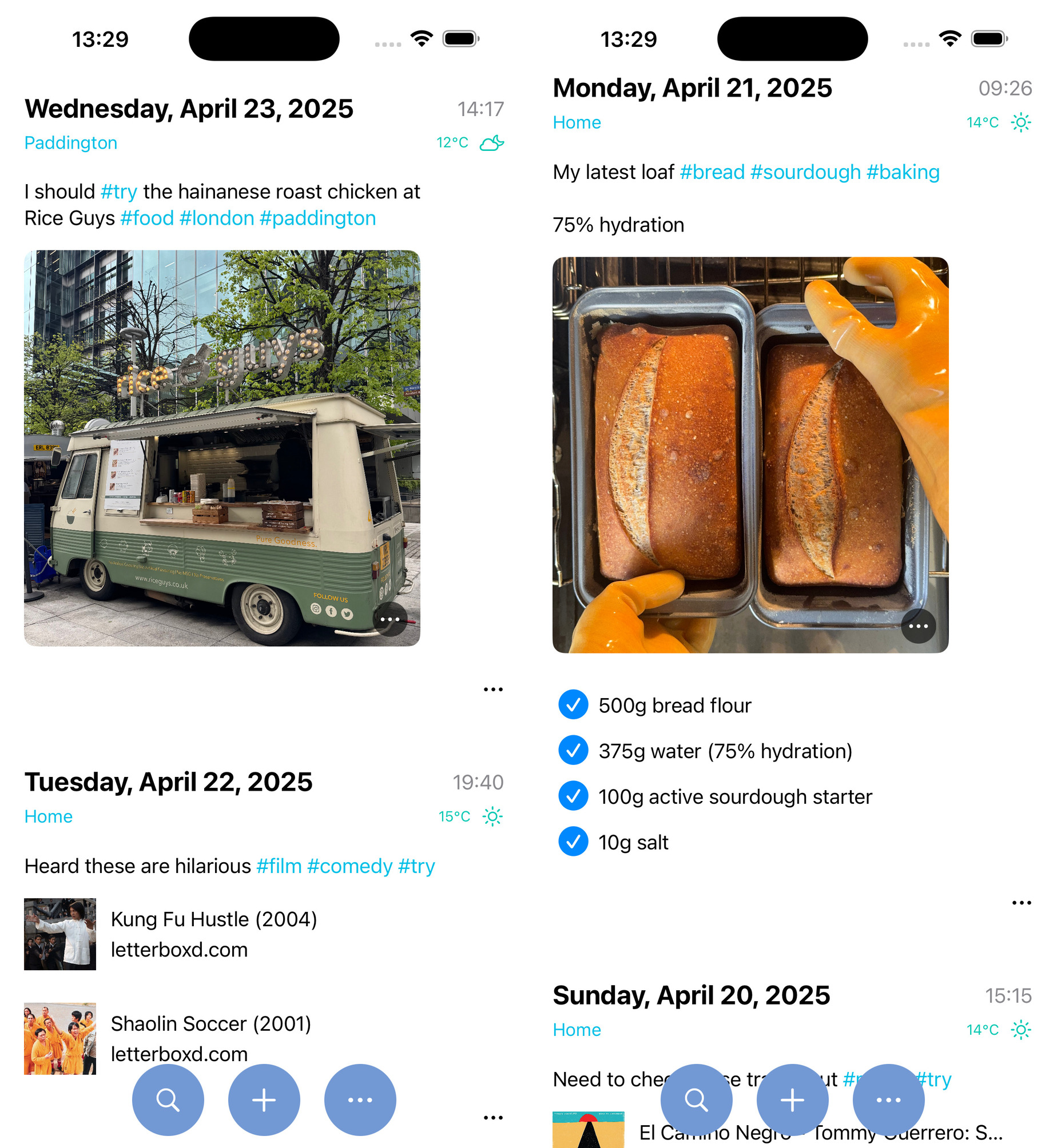
A journaling/note-taking app that feels like tweeting
Sure, there are plenty of journaling and note-taking apps out there. For one reason or another, none of them stuck for me (including my own apps). That is, until I learned a thing or two from social media.
With that in mind, Journelly was born: like tweeting, but for your eyes only. With the right user experience, I felt compelled to write things down all the time. Saving to Markdown and Org markup was the mighty sweet cherry on the cake.


Let's learn Japanese
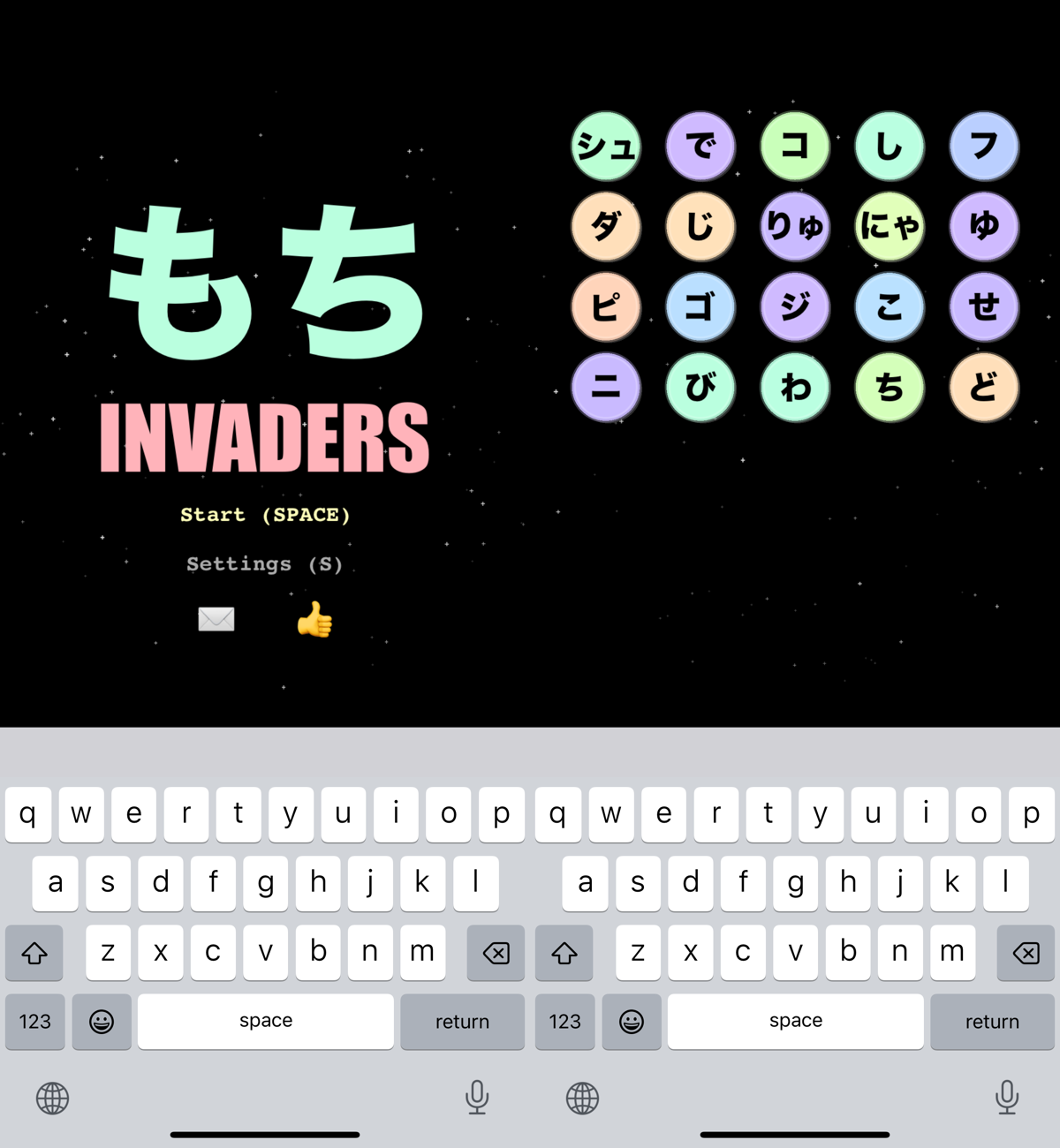
As a Japanese language learning noob, what better way to procrastinate than by building yet another Kana-practicing iOS app? Turns out, it kinda did the job.
Here's mochi invaders, a fun way to practice your Kana


A new Emacs-native AI/LLM agent (powered by ACP)
2025 brought us the likes of Claude Code, Gemini CLI, Goose, Codex, and many more AI/LLM CLI agents. While CLI utilities have their appeal, I wanted a native Emacs integration, so I simply ignored agents for quite some time.
I was initially tempted to write my own Emacs agent, but ultimately decided against it. My hope was that agent providers would somehow converge to offer editor integration, so I could focus on building an Emacs integration while leveraging the solid work from many teams producing agents. With LLM APIs historically fragmented, my hope for agent convergence seemed fairly far-fetched.
To my surprise, ACP (Agent Client Protocol) was announced by Zed and Google folks. This was the cue I had been waiting for, so I set out to build acp.el, a UX agnostic elisp library, followed by an actual client: agent-shell.

I'm fairly happy with how agent-shell's been shaping up. This is my most popular package from 2025, receiving lots of user feedback. If you're curious about the feature-set, I've written about agent-shell's progress from early on:
- agent-shell 0.25 updates
- agent-shell 0.17 improvements + MELPA
- agent-shell 0.5 improvements
- Introducing Emacs agent-shell (powered by ACP)
- Introducing acp.el
- So you want ACP (Agent Client Protocol) for Emacs?
chatgpt-shell improvements
While agent-shell is the new kid on the block, chatgpt-shell received DeepSeek, Open Router, Kagi, and Perplexity support, in addition to a handful of other improvements and bugfixes.
A new YouTube channel
While most of what I share usually ends up as a blog post, this year I decided to try something new. I started the Bending Emacs YouTube channel and posted 8 episodes:
- Bending Emacs - Episode 8: completing-read
- Bending Emacs - Episode 7: Eshell built-in commands
- Bending Emacs - Episode 6: Overlays
- Bending Emacs - Episode 5: Ready Player Mode
- Bending Emacs - Episode 4: Batch renaming files
- Bending Emacs - Episode 3: Git clone (the lazy way)
- Bending Emacs - Episode 2: From vanilla to your flavor
- Bending Emacs - Episode 1: Applying CLI utils
Enjoying the content? Leave me a comment or subscribe to my channel.
My decade with org (Emacs Carnival)
While I enthusiastically joined the Emacs Carnival, I didn't quite manage monthly posts. Having said that, when I did participate, I went all in, documenting my org experience over the last decade. Ok well… I also joined in with my elevator pitch ;)
Awesome Emacs on macOS
While migrating workflows to Emacs makes them extra portable across platforms, I've also accumulated a bunch of tweaks enhancing your Emacs experience on macOS.

EverTime for macOS
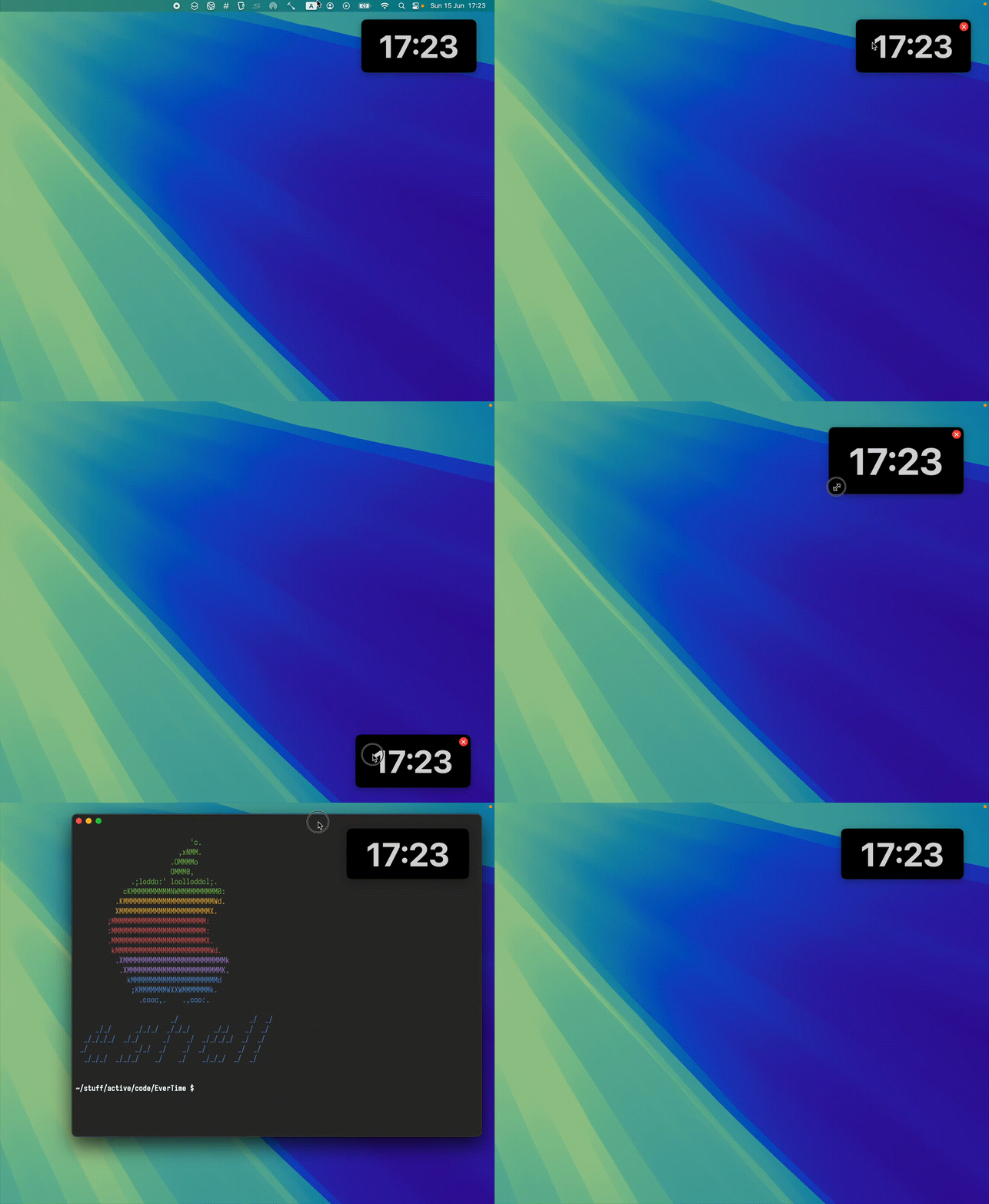
While we're talking macOS, I typically like my desktop free from distractions, which includes hiding the status bar.
Having said that, I don't want to lose track of time, and for that, I built EverTime, an ever-present floating clock (available via Homebrew).
A new time zone Emacs package
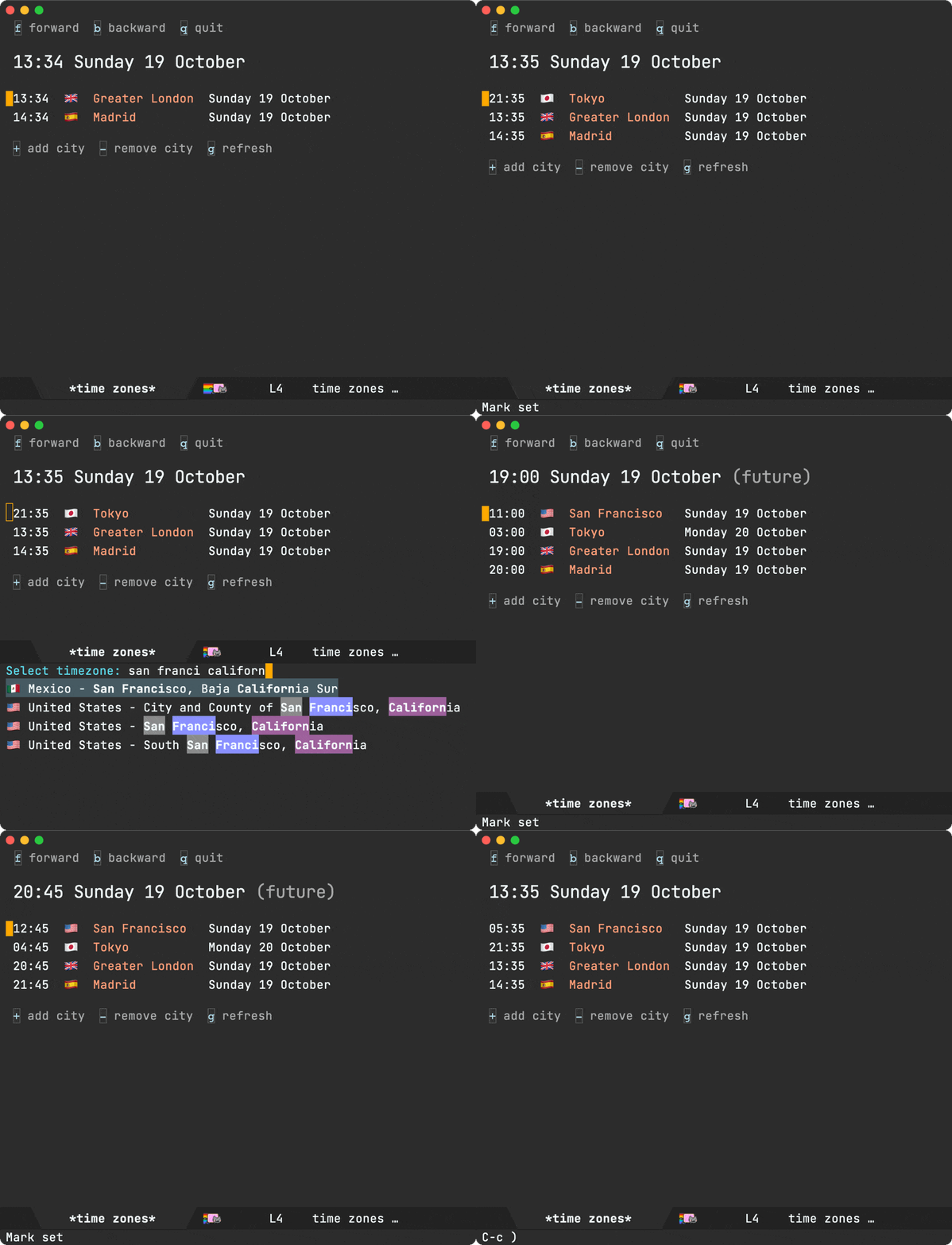
Emacs ships with a perfectly functional world clock, available via M-x world-clock, but I wanted a little more, so I built time-zones.
Also covered in:
A new WhatsApp Emacs client
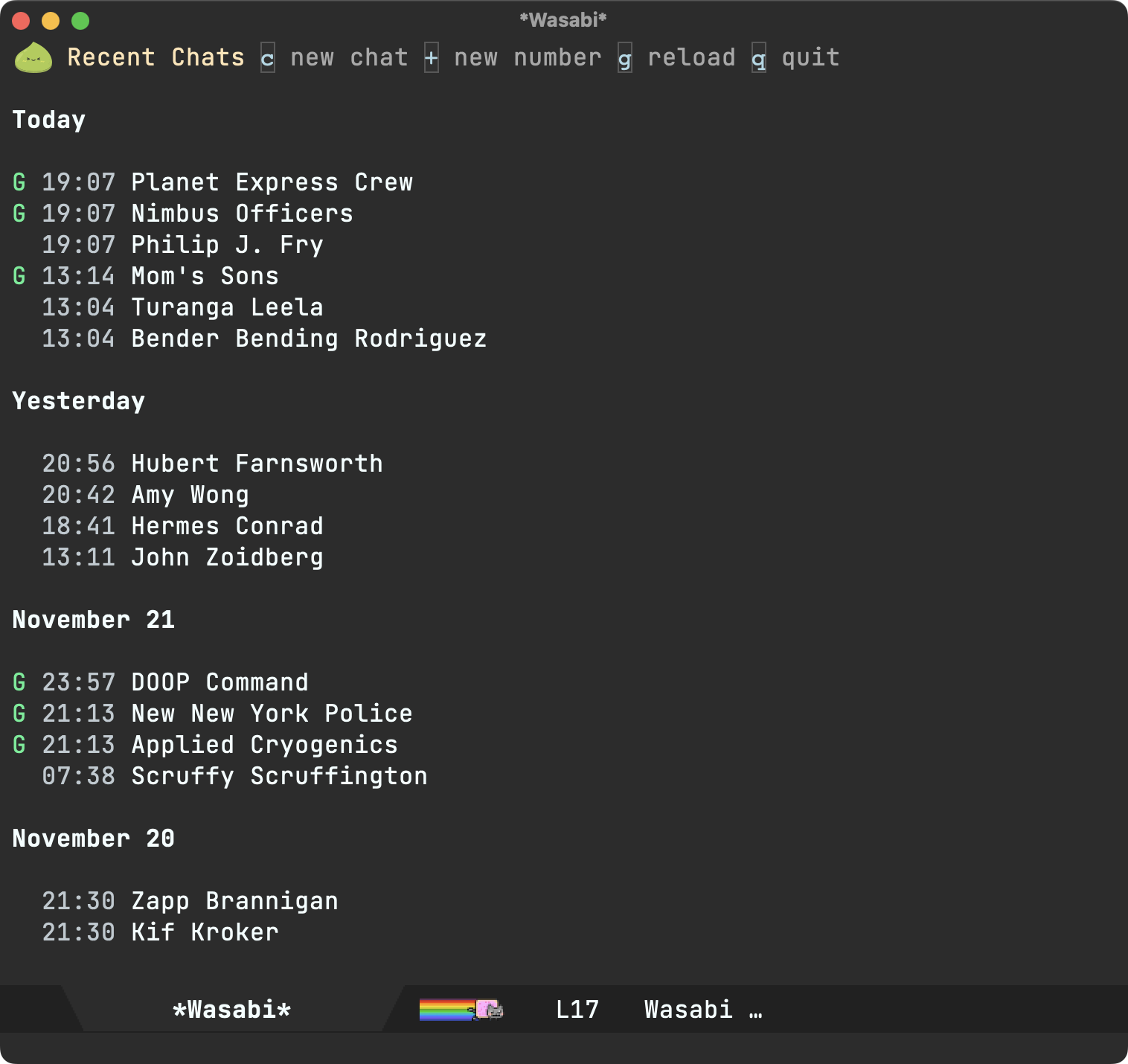
For better or worse, I rely on WhatsApp Messenger. Migrating to a different client or protocol just isn't viable for me, so I did the next best thing and built wasabi, an Emacs client ;)
While not a trivial task, wuzapi and whatsmeow offered a huge leg up. I wanted tighter Emacs integration, so I upstreamed a handful of patches to add JSON-RPC support, plus easier macOS installation via Homebrew.

Details covered in a couple of posts:
Spiff that shell up
While both macOS and iOS offer APIs for generating URL previews, they also let you fetch rich page metadata. I built rinku, a tiny command-line utility, and showed how to wire it all up via eshell for a nifty shell experience.
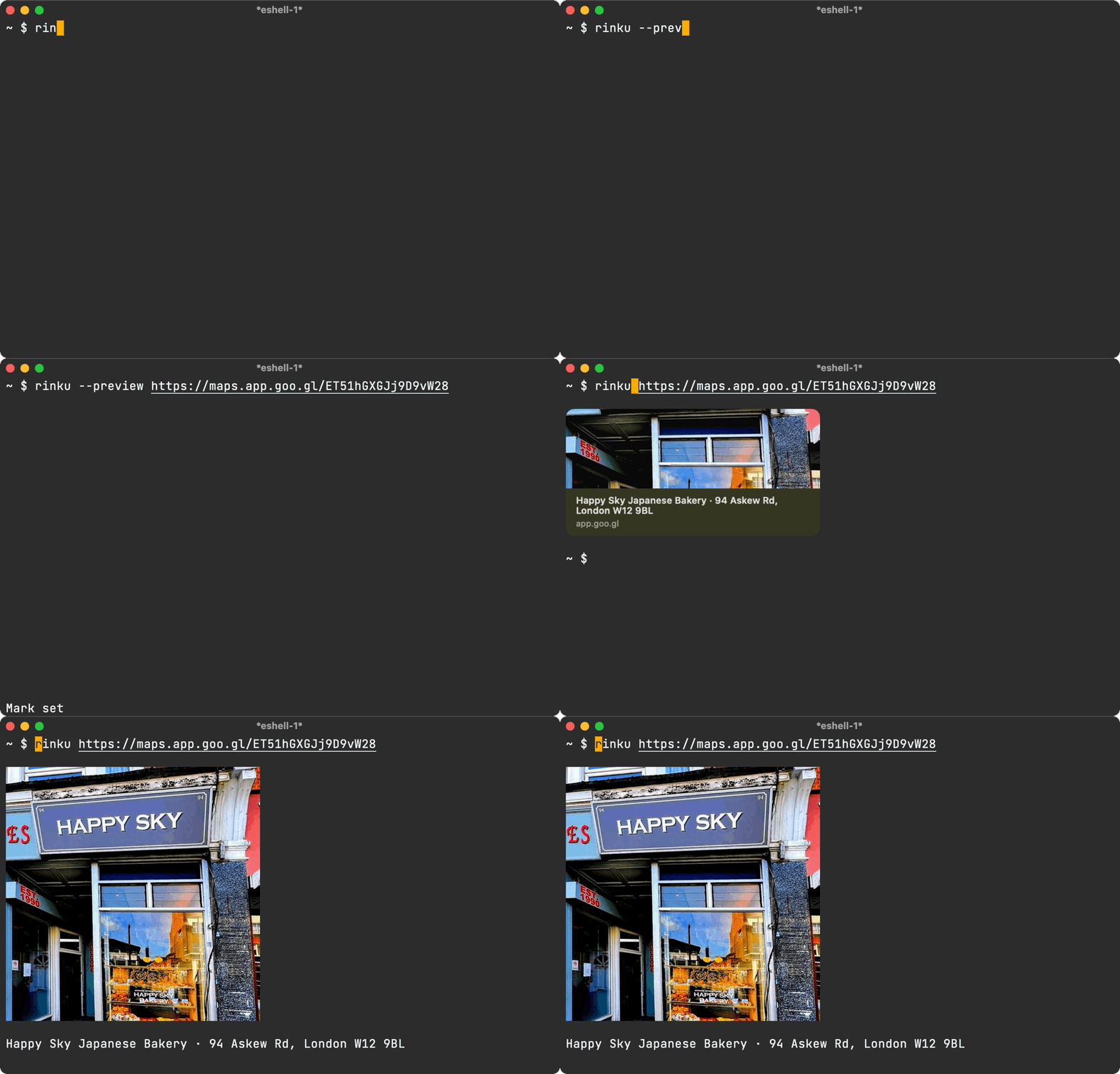
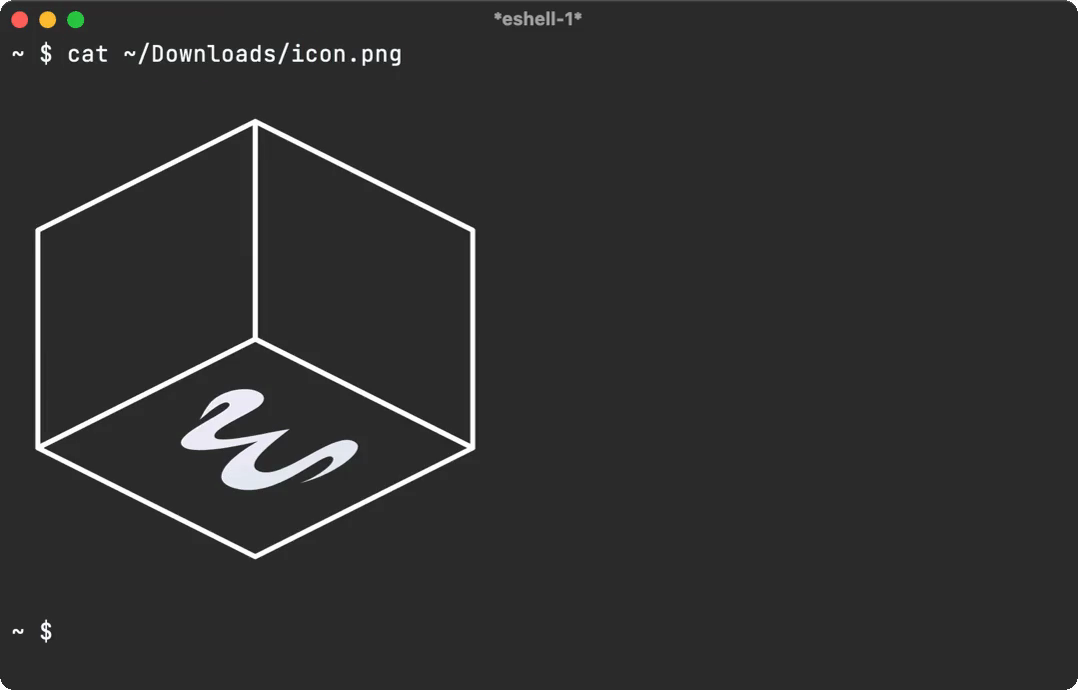
With similar eshell magic, you can also get a neat cat experience.
At one with your code
I always liked the idea of generating some sort of art or graphics from a code base, so I built one, a utility to transform images into character art using text from your codebase. Also covered in a short blog post.

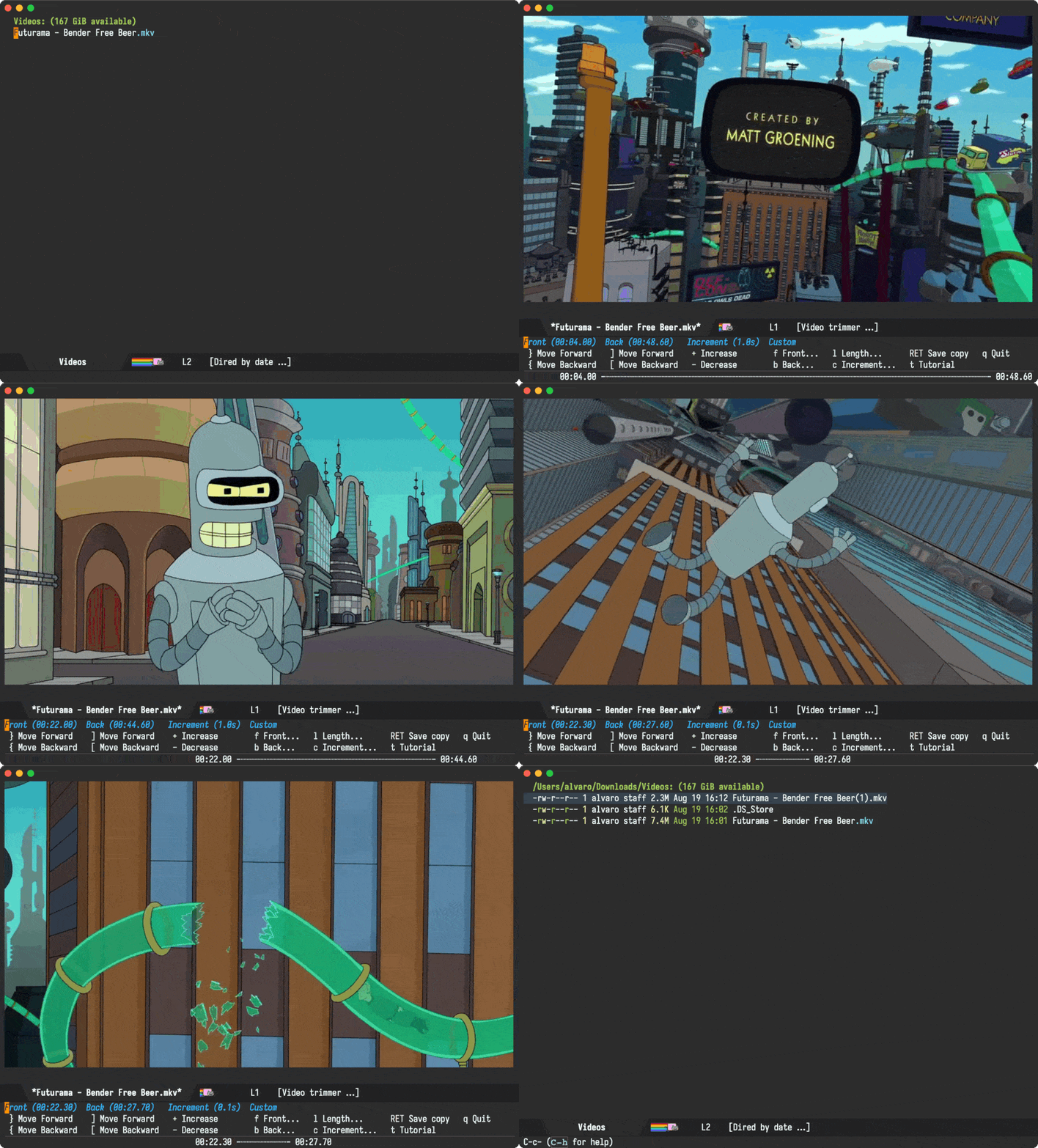
Emacs can trim your videos too
Emacs is just about the perfect porcelain for command-line utilities. With little ceremony, you can integrate almost any CLI tool. Magit remains the gold standard for CLI integration.
While trimming videos doesn't typically spring to mind as an Emacs use case, I was pleasantly surprised by the possibilities.
Landing Emacs patches upstream
While I've built my fair share of Emacs packages, I'm still fairly new at submitting Emacs features upstream. This year, I landed my send-to (aka sharing on macOS) patch. While the proposal did spark quite the discussion, I'm glad I stuck with it. Both Eli and Stefan were amazingly helpful.


This year, I also wanted to experiment with dictating into my Emacs text buffers, but unfortunately dictation had regressed in Emacs 30.
Bummer. But hey, it gave me a new opportunity to submit another patch upstream.

Ready Player improvements
Ready Player, my Emacs media-playing package received further improvements like starring media (via Emacs bookmarks), enabling further customizations, and other bug fixes. Also showcased a tour of its features.

GitHub activity
- Commits: 1,095
- Issues created: 37
- PRs reviewed: 106
- Average commits per day: ~3
New GitHub projects
- EverTime - An ever present clock for macOS
- acp.el - An ACP implementation in Emacs lisp
- agent-shell - A native Emacs buffer to interact with LLM agents powered by ACP
- diverted - Identify temporary Emacs diversions and return to original location
- emacs-materialized-theme - An Emacs theme derived from Material
- homebrew-evertime - EverTime formula for the Homebrew package manager
- homebrew-one - Homebrew recipe for one
- homebrew-rinku - Homebrew recipe for rinku
- one - Transform images into character art using text from your codebase
- rinku - Generate link previews from the command line (macOS)
- time-zones - View time at any city across the world in Emacs
- video-trimmer - A video-trimming utility for Emacs
- wasabi - A WhatsApp Emacs client powered by wuzapi and whatsmeow
Blog posts
- Journelly 1.3 released: Hello Markdown!
- agent-shell 0.25 updates
- Bending Emacs - Episode 8: completing-read
- At one with your code
- Bending Emacs - Episode 7: Eshell built-in commands
- Rinku: CLI link previews
- Bending Emacs - Episode 6: Overlays
- WhatsApp from you know where
- Want a WhatsApp Emacs client? Will you fund it?
- Bending Emacs - Episode 5: Ready Player Mode
- agent-shell 0.17 improvements + MELPA
- time-zones now on MELPA. Do I have your support?
- Bending Emacs - Episode 4: Batch renaming files
- Emacs time-zones
- Bending Emacs - Episode 3: Git clone (the lazy way)
- agent-shell 0.5 improvements
- Bending Emacs - Episode 2: From vanilla to your flavor
- Bending Emacs - Episode 1: Applying CLI utils
- Introducing Emacs agent-shell (powered by ACP)
- Introducing acp.el
- So you want ACP (Agent Client Protocol) for Emacs?
- Diverted mode
- Who moved my text?
- Dired buffers with media overlays
- Brisket recipe
- A tiny upgrade to the LLM model picker
- Emacs elevator pitch
- Emacs as your video-trimming tool
- macOS dictation returns to Emacs (fix merged)
- Writing experience: My decade with Org
- Interactive ordering of dired items
- Patching your Homebrew's Emacs Plus (macOS)
- Emacs send-to (aka macOS sharing) merged upstream
- Mochi Invaders now on the App Store
- Markdown is coming to Journelly
- EverTime available via Homebrew
- Journelly 1.2 released
- Ranking Officer now on the App Store
- Awesome Emacs on macOS
- Journelly 1.1 released
- LLM text chat is everywhere. Who's optimizing its UX?
- A richer Journelly org capture template
- Journelly: like tweeting but for your eyes only (in plain text)
- Journelly vs Emacs: Why Not Both?
- The Mac Observer showcases Journelly
- Journelly open for beta
- DeepSeek, Open Router, Kagi, and Perplexity join the chat
- Keychron K3 Pro: F1-F12 as default macOS keys
- E-ink bookmarks
- Sourdough bookmarks
- Cardamom Buns recipe
- A tour of Ready Player Mode
- A platform that moulds to your needs
- Blogging minus the yucky bits of the modern web
Hope you enjoyed my 2025 contributions. Sponsor the work.
]]>
Journelly 1.3 available on the App Store
What is Journelly?
Journelly feels like tweeting but for your eyes only.
A fresh take on frictionless note-taking or journaling for iOS, powered by plain text (Markdown + Org).
- Save cooking recipes, movies, music, restaurants, coffee shops…
- Jot down your thoughts.
- Save your favorite quotes.
- Use it as a journal, memo book, or notes.
- Write your shopping lists.
- Document your travels.
- Lots more…
Check out journelly.com for details.
What's new?
Journelly v1.3 brings Markdown support (the most requested feature), along with Simplified Chinese localization and other enhancements.
Markdown support
Journelly first launched with Org markup support, popular among Emacs enthusiasts. Markdown support has by far been the most requested feature. Thank you to everyone who reached out, shared your interest, and helped beta test early builds.
Whether you're a fan of Markdown or Org-mode, Journelly now lets you store entries in your preferred format. Choose your favorite markup on first launch or via the app menu.

So you like Markdown things?
While on topic, I also run lmno.lol, a Markdown-powered blogging service. Simple and focused, without the frustrating parts of the modern web. Custom domains welcome. My xenodium.com blog runs off lmno.lol.
Simplified Chinese (简体中文)
Simplified Chinese (简体中文) is now available, joining Journelly's list of supported languages:
- Simplified Chinese (简体中文)
- Danish
- Dutch
- English
- Finnish
- French
- German
- Italian
- Japanese
- Norwegian
- Spanish
- Swedish
Home Screen Widget
A home screen widget is now available, offering quick access to three key actions right from the home screen.

Discoverable mode
Prefer clear buttons over swipe gestures? You can now enable Discoverable Mode under “Menu > View.” This new mode makes features more visible and easier to navigate, perfect for folks favoring more explicit interaction over gestures or subtle hints.

Org rendering
For Org users: Journelly now renders both quote and code blocks.

Tidying the list up
The entry list received a little refresh to make better use of screen space. Bottom-aligned controls also make for easier one-handed use.
Love Journelly? I need your help
Since launch, Journelly has remained a single-payment app. No subscriptions. I get it, subscriptions are no fun.
That said, sustainable development is tough without regular downloads. I'm hoping the new Markdown support helps Journelly reach a wider audience.
Help Journelly grow:
- Leave a review on the App Store.
- Share Journelly with your friends.
Thank you
Hope you enjoy the v1.3 update.
Thank you for using Journelly and supporting indie development 💛💙❤️
]]>What's agent-shell?
A native Emacs shell to interact with any LLM agent powered by ACP (Agent Client Protocol).
So what's new?
Let's go through the latest changes…
Viewport/compose (experimental)
The biggest change is the new experimental viewport/compose mode. While agent-shell's comint shell experience has its benefits, some folks may opt for a more familiar buffer experience, that is less shell-like.
There are perhaps 3 defining characteristics in the new viewport/compose feature:
A dedicated compose buffer: You get a full, multiline buffer dedicated to crafting prompts. I personally find this mode of operation more natural (no need to watch out for accidental submissions via RET), but also opens up the possibility to enable your favourite minor modes that may not play nice with comint. You can launch compose buffers via M-x agent-shell-prompt-compose, edit your prompt, and when you're ready, submit with the familiar C-c C-c binding.
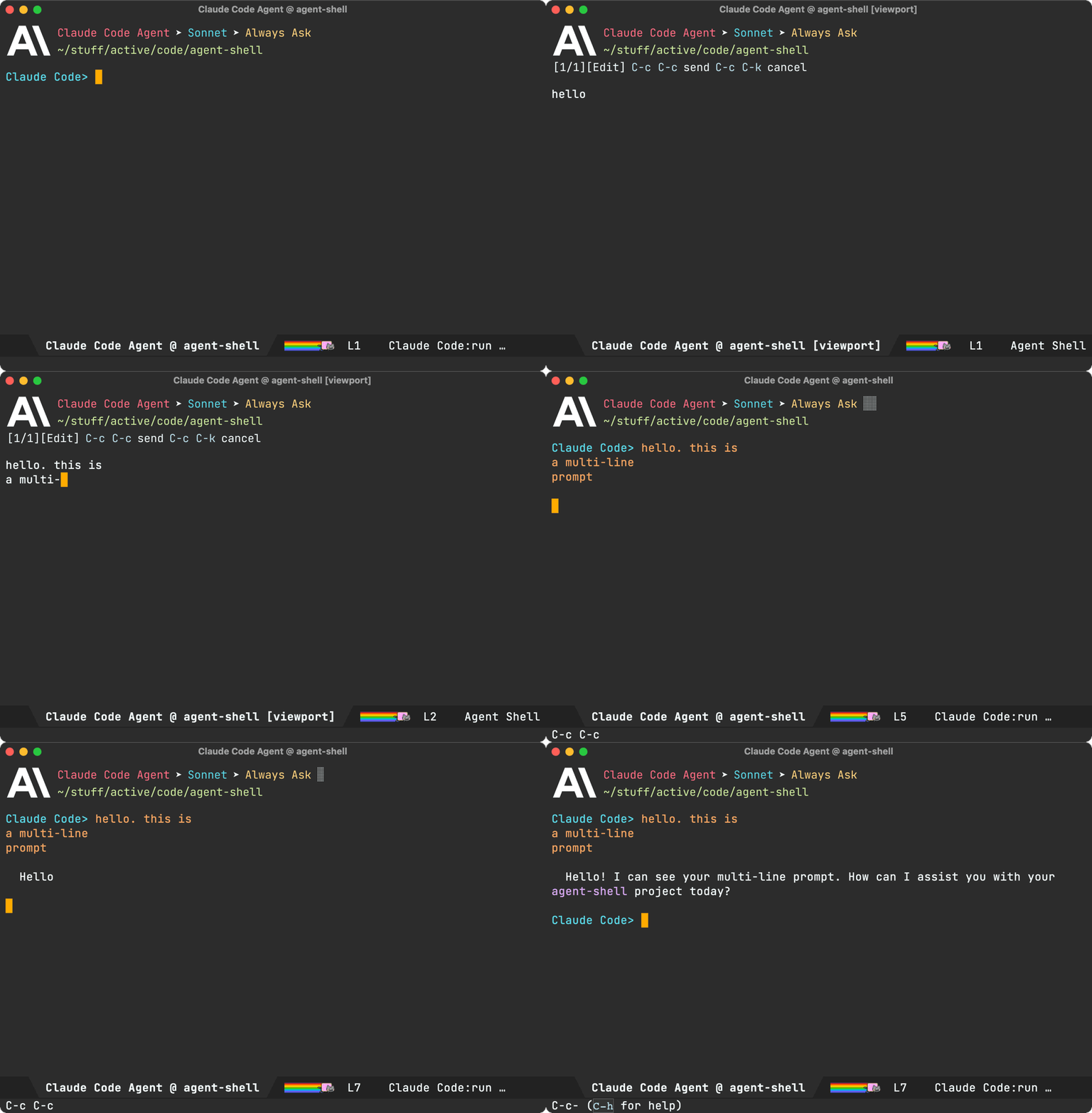
Viewport: I've experimented with shell viewports before and also added a similar experience to chatgpt-shell. This compose/viewport UX quickly became my primary way of interacting with non-agent LLMs. This is a read-only buffer typically displaying the latest agent interaction. Use n/p to navigate through current interaction items. Use f/b to switch through pages/interactions.
Auto-modal: Compose and viewport modes complement each other and offer automatic transition between read-only and editable (compose) buffers. From a viewport, you can always press r to reply to the latest interaction. When replying, you automatically go into edit/compose mode. When submitting via C-c C-c, you automatically transition into viewport (read-only) mode.

While you can use M-x agent-shell-prompt-compose at any time to compose multi-line prompts and send from the shell, to get the compose/viewport hybrid experience, you need to enable with (setq agent-shell-prefer-viewport-interaction t). From then on, M-x agent-shell will favor the compose/viewport experience. You can always jump between viewport and shell with C-c C-o.
Prompt queueing (experimental)
agent-shell buffers now offer the ability to queue additional prompts if the agent is busy. Use M-x agent-shell-queue-request and M-x agent-shell-remove-pending-request to queue and remove requests.

Session model/mode
You can now change models via M-x agent-shell-set-session-model (C-c C-v), when supported by the agent.
For Anthropic users, we now have agent-shell-anthropic-default-model-id and agent-shell-anthropic-default-session-mode-id to set default agent model and modes. You can view available values by expanding shell handshake items.
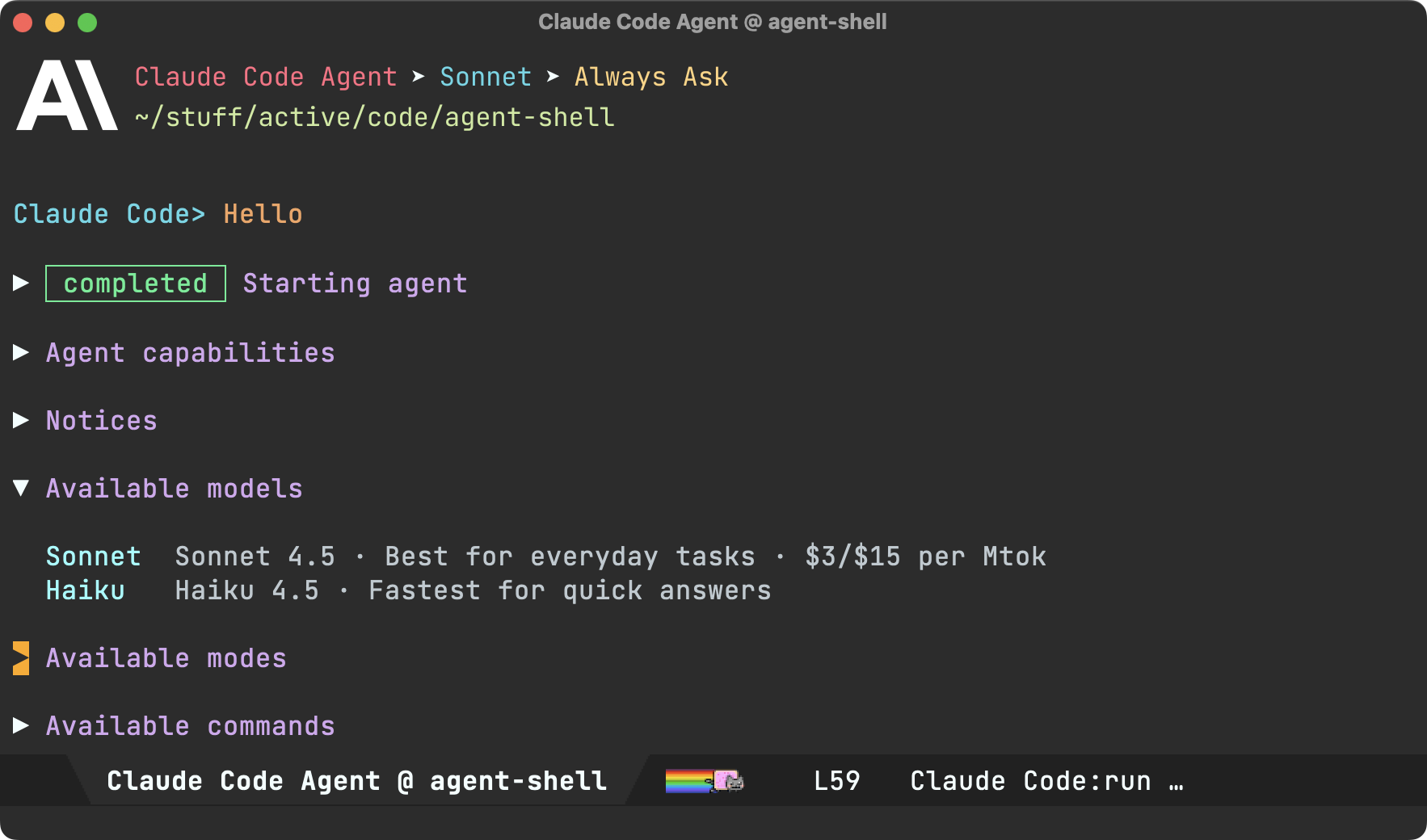
If keen on using defaults for a different agent, please file a feature request.
Set preferred agent
By default, launching via M-x agent-shell prompts users to select one of the supported agents. You can now skip this by setting your preferred agent (thank you Jonathan).
(setq agent-shell-new-shell-config (agent-shell-anthropic-make-claude-code-config))
Automatic transcripts
While shell-maker automatically prompts users to save content when killing agent-shell buffers, its integration was a little clunky with agents. Elle Najt's agent-shell-specific implementation is now enable by default, saving Markdown transcripts to project/.agent-shell/transcripts. When launching new shells, you should see a message like:
Created project/.agent-shell/transcripts/2025-12-17-22-07-38.md
You can always open the current transcript via M-x agent-shell-open-transcript.
To disable the new transcript generation use:
(setq agent-shell-transcript-file-path-function nil)
MCP servers
Jonathan Jin introduced agent-shell-mcp-servers, enabling folks to add MCP servers to their agents.
For example:
(setq agent-shell-mcp-servers
      '(((name . "notion")
         (type . "http")
         (headers . [])
         (url . "https://mcp.notion.com/mcp"))))
Buffer search
You can now search across shell nodes, including collapsed ones. When using isearch (swiper too), matching nodes are now automatically expanded.
DWIM context
When invoking M-x agent-shell, active region, flymake errors, dired and image buffers are now automatically considered and brought over to agent-shell buffers to be included while crafting prompts.
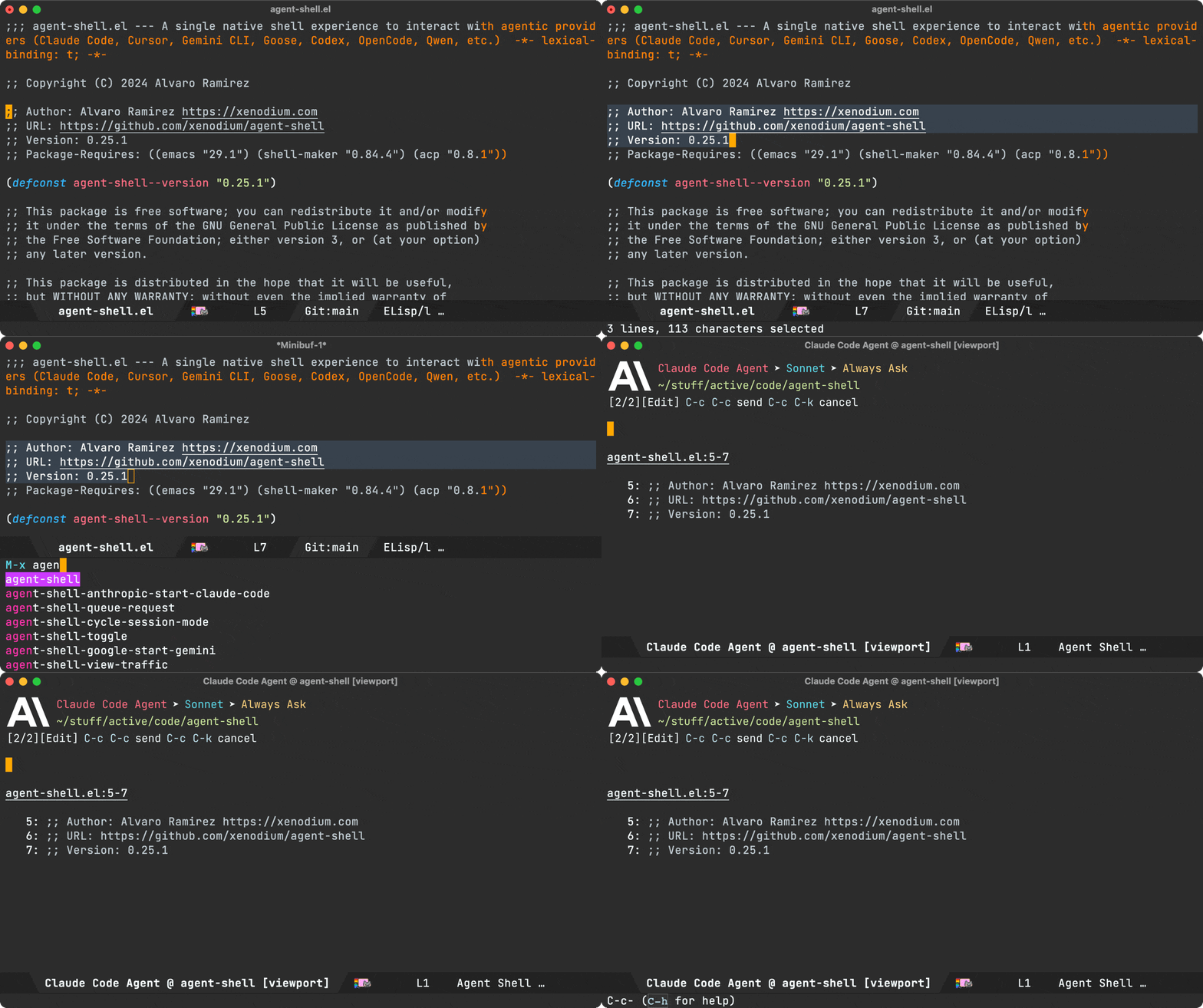
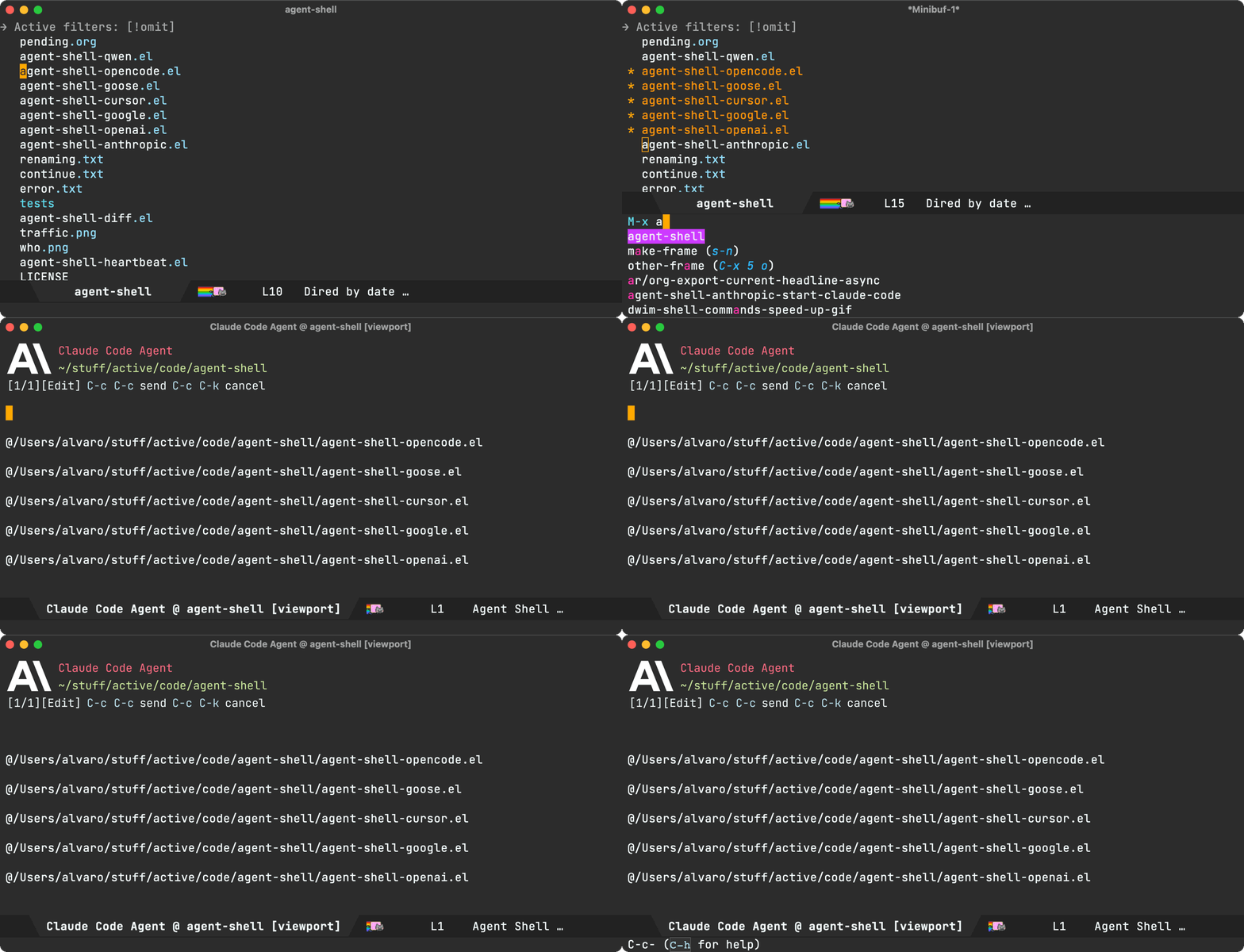


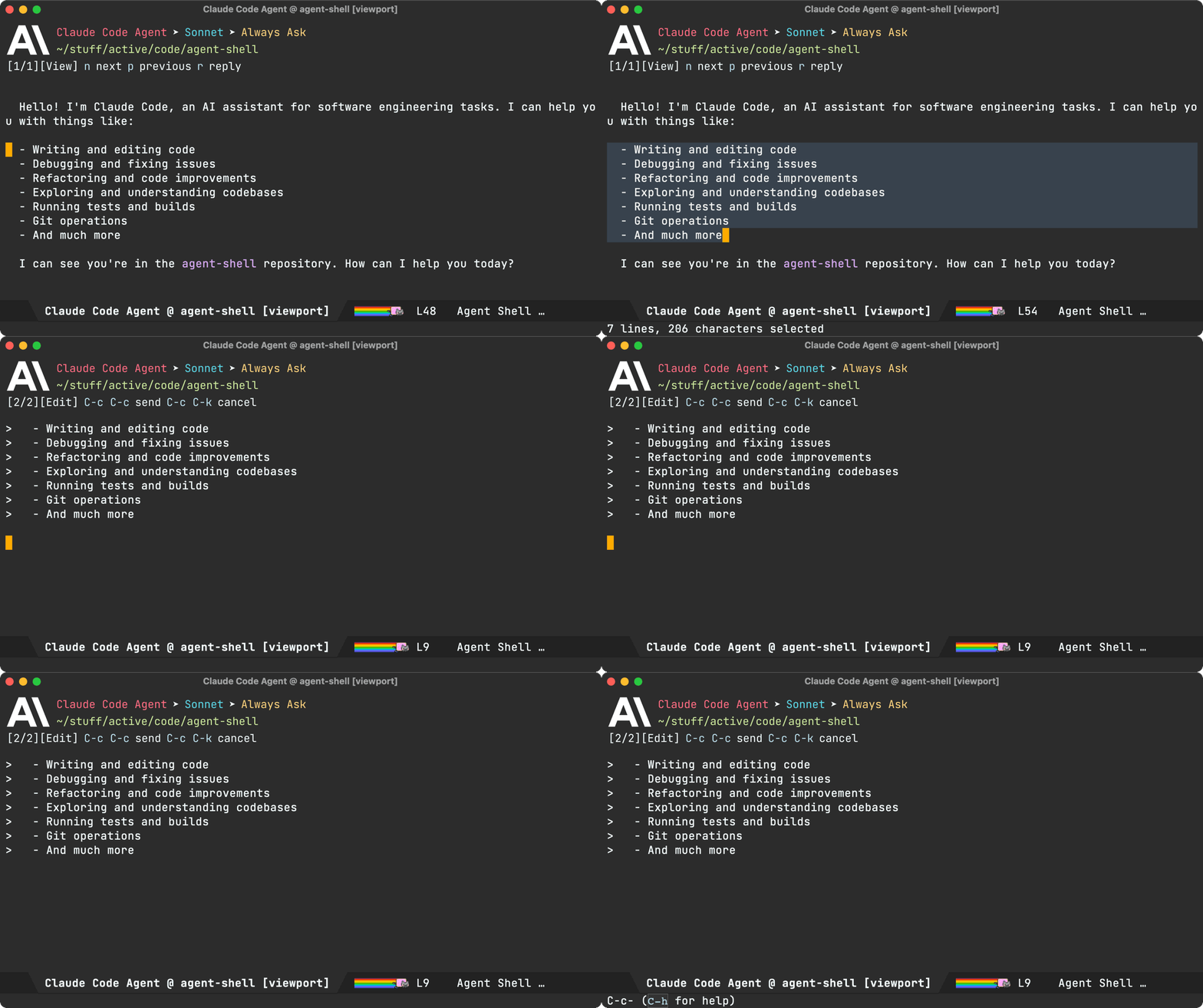
There's one more. From a viewport buffer, selecting a region and pressing "r" (for reply) brings the selection over to the compose buffer as blockquoted text.
Cursor support (migrated to Mike Moore's adapter)
We've migrated Cursor agent support to use Mike Moore's ACP Adapter.
Install with:
npm install -g @blowmage/cursor-agent-acp
New related packages
- Paul Nelson built agent-shell-attention.el offering a mode line attention indicator.
- Julian Hirn built agent-review introducing a streamlined workflow.
Bug fixes
- #106: Use replace-buffer-contents instead of erase-buffer/insert
- #127: No longer possible to select the Anthropic model used by Claude Code
- #142: [bug] Crash during message streaming: markdown overlay receives nil positions
- #143: gemini 0.17.1 requires authMethod to authenticate (fix by Andrea)
- #144: Make collapsible indicator keymap customizable
- #145: Unable to enter Plan Mode until after first message is sent
- #150: Warning (undo): Buffer 'Codex Agent @ …' undo info was 25664948 bytes long
- #154: Gemini CLI doesn't need authorization if already logged in
Pull requests
Thank you to all contributors for these improvements!
- #125: Fix error when viewing proposed diffs (Nat Page)
- #129: Support setting a preferred agent config (Jonathan Jin)
- #138: Enable specifying MCP server configurations via custom variable (Jonathan Jin)
- #139: Document MCP server config functionality (Jonathan Jin)
- #140: README: Add MELPA badge + expand install instructions (Jonathan Jin)
- #141: Add keybindings to cycle/set session mode (Jonathan Jin)
- #149: Use fixed-pitch for ascii art logos (Mark A. Hershberger)
- #155: Give the new custom flag to gemini for skipping the authorization (ccQpein)
Lots of other work ❤️😅
Beyond what's showcased, much love and effort's been poured into polishing the agent-shell experience. Interested in the nitty-gritty? Have a look through the 122 commits since the last blog post.
Make the work sustainable
If agent-shell or acp.el are useful to you, please consider sponsoring development. LLM tokens aren't free, and neither is the time dedicated to building this stuff ;-)
]]>Bending Emacs Episode 8: completing-read

In this video, we take a look at the humble but mighty completing-read function. We can use it to craft our purpose-built tools, whether in pure elisp or to interact with command-line utilities.
Of interest, I also highlighted the great elisp-demos package, which extends your help buffers with sample snippets.
Here are some of the completing-read snippets we played with:
Pick a queen:
(completing-read "Pick a Queen: "
                 '("Queen of Hearts ♥"
                   "Queen of Spades ♠"
                   "Queen of Clubs ♣"
                   "Queen of Diamonds ♦")
                 ;; predicate
                 nil
                 ;; require match
                 t)
Our own hashing function with an algo picker:
(defun misc/hash-region ()
  (interactive)
  (message "Hash: %s" (secure-hash (intern (completing-read
                                            "Hash type: "
                                            '(md5 sha1 sha224 sha256 sha384 sha512)))
                                   (current-buffer)
                                   (when (use-region-p)
                                     (region-beginning))
                                   (when (use-region-p)
                                     (region-end)))))
A first look at integrating completing read with a CLI util:
(completing-read "Select file: "
                 (string-split (shell-command-to-string "ls -1 ../") "\n"))
Also got creative with BluetoothConnector on macOS and completing-read.
(completing-read "Toggle BT connection: "
                 (mapcar (lambda (device)
                           ;; Extract device name
                           (nth 1 (split-string device " - ")))
                         (seq-filter
                          (lambda (line)
                            ;; Keep lines like: af-8c-3b-b1-99-af - Device name
                            (string-match-p "^[0-9a-f]\\{2\\}" line))
                          (split-string (shell-command-to-string "BluetoothConnector") "\n"))))
Some of my completing-read uses:
-
macOS share (the unhinged way).
-
ready-player search.
Hope you enjoyed the video!
Want more videos?
Liked the video? Please let me know. Got feedback? Leave me some comments.
Please go like my video, share with others, and subscribe to my channel.
If there's enough interest, I'll continue making more videos!
Make it all sustainable
Enjoying this content or my projects? I am an indie dev. Help make it sustainable by ✨sponsoring✨
Need a blog? I can help with that. Maybe buy my iOS apps too ;)
]]>With that, here's one: a utility to transform images into character art using text from your codebase.
Rather than tell you more about it, best to see it in action.
Just a bit of fun. That's all there is to it.
While I've only run it on macOS, one's written in Go, so should be fairly portable. I'd love to know if you get it running on Linux. The code's on GitHub.
If you're on macOS, I've added a Homebrew on GitHub, so you should just be able to install with:
brew install --HEAD xenodium/one/one
Make it all sustainable
Having fun with one? Enjoying this blog or my projects? I am an 👉 indie dev 👈. Help make it sustainable by ✨sponsoring✨
Need a blog? I can help with that. Maybe buy my iOS apps too ;)
]]>Bending Emacs Episode 7: Eshell built-in commands

Check out the rinku post for a rundown of things covered in the video.
Want more videos?
Liked the video? Please let me know. Got feedback? Leave me some comments.
Please go like my video, share with others, and subscribe to my channel.
If there's enough interest, I'll continue making more videos!
Make it all sustainable
Enjoying this content or my projects? I am an indie dev. Help make it sustainable by ✨sponsoring✨
Need a blog? I can help with that. Maybe buy my iOS apps too ;)
]]>While the overlays merely render an image, the actual link preview image is generated by rinku, a tiny command line utility I built recently.
Rinku leverages macOS APIs to do the actual heavy lifting, rendering/capturing a view off screen, and saving to disk. Similarly, it can fetch preview metadata, also saving the related thumbnail to disk. In both cases, rinku outputs to JSON.
By default, rinku fetches metadata for you.
rinku https://soundcloud.com/shehackedyou
Returns:
{
  "title": "she hacked you",
  "url": "https://soundcloud.com/shehackedyou",
  "image": "path/to/preview.png"
}
In this instance, the image looks a little something like this:

On the other hand, the --render flag generates a preview, very much like the ones you see in native macOS and iOS apps.
rinku --render https://soundcloud.com/shehackedyou
Returns:
{
  "image": "path/to/preview.png"
}
Similarly, the preview renders as follows:

Eshell superpowers
While overlays is one way to integrate rinku anywhere in Emacs, I had been meaning to look into what I can do for eshell in particular. Eshell is just another buffer, and while overlays could do the job, I wanted a shell-like experience. After all, I already knew we can echo images into an eshell buffer.
Before getting to rinku on eshell, there's a related hack I'd been meaning to get to for some time… While we're all likely familiar with the cat command, I remember being a little surprised to find that eshell offers an alternative cat elisp implementation. Surprised too? Go check it!
$ which cat
eshell/cat is a native-comp-function in ‘em-unix.el’.
Where am I going with this? Well, if eshell's cat command is an elisp implementation, we know its internals are up for grabs, so we can technically extend it to display images too. eshell/cat is just another function, so we can advice it to add image superpowers.
I was pleasantly surprised at how little code was needed. It basically scans for image arguments to handle within advice and otherwise delegates to eshell's original cat implementation.
(defun adviced:eshell/cat (orig-fun &rest args)
  "Like `eshell/cat' but with image support."
  (if (seq-every-p (lambda (arg)
                     (and (stringp arg)
                          (file-exists-p arg)
                          (image-supported-file-p arg)))
                   args)
      (with-temp-buffer
        (insert "\n")
        (dolist (path args)
          (let ((spec (create-image
                       (expand-file-name path)
                       (image-type-from-file-name path)
                       nil :max-width 350
                       :conversion (lambda (data) data))))
            (image-flush spec)
            (insert-image spec))
          (insert "\n"))
        (insert "\n")
        (buffer-string))
    (apply orig-fun args)))

(advice-add #'eshell/cat :around #'adviced:eshell/cat)
And with that, we can see our freshly powered-up cat command in action:
By now, you may wonder why the cat detour when the post was really about rinku? You see, this is Emacs, and everything compounds! We can now leverage our revamped cat command to give similar eshell superpowers to rinku, by merely adding an eshell/rinku function.
As we now know, rinku outputs things to JSON, so we can use json-read-from-string to parse the process output and subsequently feed the image path to eshell/cat. rinku can also output link titles, so we can show that too whenever possible.
(defun eshell/rinku (&rest args)
  "Fetch link preview with rinku and display image inline.

Usage: rinku https://soundcloud.com/shehackedyou
       rinku --render https://soundcloud.com/shehackedyou"
  (unless args
    (error "rinku: no arguments provided"))
  (let* ((output (with-temp-buffer
                   (apply #'call-process "rinku" nil t nil args)
                   (buffer-string)))
         (metadata (condition-case nil
                       (json-read-from-string output)
                     (error nil))))
    (if metadata
        (concat
         (if (map-elt metadata 'image)
             (eshell/cat (map-elt metadata 'image))
           "\n")
         (when (map-elt metadata 'title)
           (concat (map-elt metadata 'title)
                   "\n\n")))
      output)))
With that, we can see the lot in action:
While non-Emacs users are often puzzled by how frequently we bring user flows and integrations on to our beloved editor, once you learn a little elisp, you start realising how relatively easily things can integrate with one another and pretty much everything is up for grabs.
Make it all sustainable
Reckon rinku and these tips will be useful to you? Enjoying this blog or my projects? I am an 👉 indie dev 👈. Help make it sustainable by ✨sponsoring✨
Need a blog? I can help with that. Maybe buy my iOS apps too ;)
]]>Bending Emacs Episode 6: Overlays

Today we had a quick intro to overlays. Here's the snippet I used for adding snippets:
(save-excursion
  (goto-char (point-min))
  (when (search-forward "Hello World" nil t)
    (let* ((start (match-beginning 0))
           (end (match-end 0))
           (ov (make-overlay start end)))
      (overlay-put ov 'face '(:box (:line-width 1 :color "yellow")))
      ;; (overlay-put ov 'face 'underline)
      ;; (overlay-put ov 'face 'highlight)
      ;; (overlay-put ov 'before-string "🔥 ")
      ;; (overlay-put ov 'after-string  " 🚀")
      ;; (overlay-put ov 'display  "Howdy Planet")
      ;; (overlay-put ov 'invisible t)
      ;; (overlay-put ov 'help-echo "Yay overlay!")
      ;; (overlay-put ov 'mouse-face 'success)
      (overlay-put ov 'category 'overlays)
      (overlay-put ov 'evaporate t)
      ov)))
Similarly, this is what we used for removing the overlay.
(remove-overlays (point-min) (point-max)
                 'category 'overlays)
Of the experiments, you can find:
- Redaction snippet at the related blog post.
- Dired media metadata at Ready Player's ready-player-dired.el.
- Link previews: While I don't have elisp to share for link previews just yet, I did release a tiny thumbnail utility named rinku ;)
Hope you enjoyed the video!
Want more videos?
Liked the video? Please let me know. Got feedback? Leave me some comments.
Please go like my video, share with others, and subscribe to my channel.
If there's enough interest, I'll continue making more videos!
Make it all sustainable
Enjoying this content or my projects? I am an indie dev. Help make it sustainable by ✨sponsoring✨
Need a blog? I can help with that. Maybe buy my iOS apps too ;)
]]>With that in mind, I looked for ways to bring WhatsApp messaging to the comfort of my beloved text editor.
As mentioned in my initial findings, WhatsApp on Emacs is totally doable with the help of wuzapi and whatsmeow, which offer a huge leg up.
Wasabi joins the chat
Today, I introduce a super early version of Wasabi, a native Emacs interface for WhatsApp messaging.
Simple install as a feature/goal
I wanted Wasabi installation/setup to be as simple as possible. Ideally, you install a single Emacs package and off you go.
While leveraging XMPP is rather appealing in reusing existing Emacs messaging packages, I felt setting up a WhatsApp gateway or related infrastructure to be somewhat at odds with wasabi's simple installation goal. Having said that, wuzapi/whatsmeow offer a great middle ground. You install a single binary dependency, along with wasabi, and you're ready to go. This isn't too different from the git + magit combo.
As of now, wasabi's installation/setup boils down to two steps if you're on macOS:
(use-package wasabi
  :ensure t
  :vc (:url "https://github.com/xenodium/wasabi" :branch "main"))
brew install asternic/wuzapi/wuzapi
While you may try Homebrew on Linux, you're likely to prefer your native package manager. If that fails, building wuzapi from source is also an option.
Upstreaming wuzapi patches
While wuzapi runs as a RESTful API service + webhooks, I wanted to simplify the Emacs integration by using json-rpc over standard I/O, enabling us to leverage incoming json-rpc notifications in place of webhooks.
I floated the idea of adding json-rpc to wuzapi to wuzapi's author Nicolas, and to my delight, he was keen on it. He's now merged my initial proof of concept, and I followed up with a handful of additional patches (all merged now):
- Add JSON-RPC 2.0 stdio mode (via -mode=stdio) for communication
- Expose more HTTP endpoints as JSON-RPCs.
- Enable setting a custom data directory via -datadir=/path/to/data.
- Add Homebrew recipe/installation.
Early days - But give it a try!
With the latest Wasabi Emacs package and wuzapi binary, you now get the initial WhatsApp experience I've been working towards. At present, you can send/receive messages to/from 1:1 or group chats. You can also download/view images as well as videos. Viewing reactions is also supported.
Needless to say, you may find some initial rough edges in addition to missing features. Having said that, I'd love to hear your feedback and experience. As mentioned Wasabi is currently available on GitHub.
Reckon Wasabi is worth it?
I've now put in quite a bit of effort prototyping things, upstreaming changes to wuzapi, and building the first iteration of wasabi. I gotta say, it feels great to be able to quickly message and catch up with different chats from the comfort of Emacs. Having said that, it's taken a lot of work to get here and will require plenty more to get to a polished and featureful experience.
Since going full-time indie dev, I have the flexibility to work on projects of choice, but that's only to an extent. If I cannot make the project sustainable, I'll eventually move to work on something else that is.
If you're keen on Wasabi's offering, please consider sponsoring the effort, and please reach out to voice your interest (Mastodon / Twitter / Reddit / Bluesky).
Reckon a WhatsApp Emacs client would help you stay focused at work (less time on your phone)? Ask your employer to sponsor it too ;-)
]]>Given the circumstances, I wish I could use WhatsApp a little more on my terms. And by that, I mean from an Emacs client, of course. Surely I'm not the only one who feels this way, right? Right?! Fortunately, I'm not alone.
With that in mind, I've been hard at work prototyping, exploring what's feasible. Spoiler alert: it's totally possible, though will require a fair bit of work.
Thankfully, two wonderful projects offer a huge leg up: wuzapi and whatsmeow.
wuzapi offers a REST API on top of whatsmeow, a Go library leveraging WhatsApp's multi-device web API.
Last week, I prototyped sending a WhatsApp message using wuzapi's REST API.

I got there fairly quickly by onboarding myself on to wuzapi using its web interface and wiring shell-maker to send an HTTP message request via curl. While these two were enough for a quick demo, they won't cut it for a polished Emacs experience.
While I can make REST work, I would like a simpler integration under the hood. REST is fine for outgoing messages, but then I need to integrate webhooks for incoming events. No biggie, can be done, but now I have to deal with two local services opening a couple of ports. Can we simplify a little? Yes we can.
You may have seen me talk about agent-shell, my Emacs package implementing Agent Client Protocol (ACP)… Why is this relevant, you may ask? Well, after building a native Emacs ACP implementation, I learned a bit about json-rpc over standard I/O. The simplicity here is that we can bring bidirectional communication to an Emacs-owned process. No need for multiple channels handling incoming vs outgoing messages.
So where's this all going?
I've been prototyping some patches on top of wuzapi to expose json-rpc over standard I/O (as an alternative to REST). This prototype goes far beyond my initial experiment with sending messages, and yet the Emacs integration is considerably simpler, not to mention looking very promising. Here's a demo showing incoming WhatsApp messages, received via json-rpc, all through a single Emacs-owned process. Look ma, no ports!

It's feasible (but still lots to do)
These early prototypes are encouraging, but we've only scratched the surface. Before you can send and receive messages, you need to onboard users to the WhatsApp Emacs client. That is, you need to create a wuzapi user, manage/connect to a session, authorize via a QR code, and more. You'll want this flow to be realiable and that's just onboarding.
From there, you'll need to manage contacts, chats, multiple message types, incoming notifications… the list goes on. That's just the Emacs side. As mentioned, I've also been patching wuzapi. My plan is to upstream these changes, rather than maintaining a fork.
Will you fund the work?
I've prototyped quite a few things now, including the onboarding experience with QR code scanning. At this point, I feel fairly optimistic about feasibility, which is all pretty exciting! But there's a bunch of work needed. Since going full-time indie dev, I have the time available (for now), but it's hard to justify this effort without aiming for some level of sustainability.
If you're interested in making this a reality, please consider sponsoring the effort, and please reach out to voice your interest (Mastodon / Twitter / Reddit / Bluesky).
Reckon a WhatsApp Emacs client would help you stay focused at work (less time on your phone)? Ask your employer to sponsor it too ;-)
]]>Bending Emacs Episode 5: Ready Player Mode

Having migrated to mostly playing offline music, in this episode I show how to use Ready Player Mode (a package I built) for this purpose.
This is what my Ready Player configuration mostly looks like:
(use-package ready-player
  :ensure t
  :custom
  (ready-player-my-media-collection-location "~/Music/Music/Media.localized/Music")
  :config
  (ready-player-mode +1))
Note that ready-player-mode adds a global C-c m, which is https://github.com/xenodium/ready-player?tab=readme-ov-file#global-key-bindingsh
On macOS, I have one additional bit to tweak button icons to use SF Symbols. You'll need to tweak your fonts too.
(set-fontset-font t nil "SF Pro Display" nil 'append)
(ready-player-macos-use-sf-symbols)
On a related blog post, I gave a tour of Ready Player Mode.
In the video, I also mentioned dired buffers are at the heard of Ready Player. My dired abstraction post shows how to programmatically craft a valid dired buffer. Spoiler alert, it's pretty simple:
(let ((default-directory "/absolute/path/to/Music/George Benson"))
  (dired '("*My fancy m3u list*"
           "Body Talk/01 Dance.mp3"
           "Body Talk/02 When Love Has Grown.mp3"
           "Body Talk/03 Plum.mp3"
           "Original Album Classics/1-01 So What.mp3"
           "Original Album Classics/1-02 The Gentle Rain (From the Film, _The Gentle Rain_).mp3"
           "Original Album Classics/1-03 All Clear.mp3"
           "The Shape Of Things To Come/01 Footin' It.mp3"
           "The Shape Of Things To Come/02 Face It Boy It's Over.mp3"
           "The Shape Of Things To Come/03 Shape Of Things To Come.mp3")))
Hope you enjoyed the video!
Want more videos?
Liked the video? Please let me know. Got feedback? Leave me some comments.
Please go like my video, share with others, and subscribe to my channel.
If there's enough interest, I'll continue making more videos!
Make it all sustainable
Enjoying this content or my projects? I am an indie dev. Help make it sustainable by ✨sponsoring✨
Need a blog? I can help with that. Maybe buy my iOS apps too ;)
]]>What's agent-shell again? A native Emacs shell to interact with any LLM agent powered by ACP (Agent Client Protocol).
Thank you sponsors
Before getting to the latest and greatest, I'd like to say thank you to new and existing sponsors backing my projects.
While the work going in remains largely unsustainable, your contributions are indeed helping me get closer to sustainability. Thank you!
If you benefit from my content and projects, please consider sponsoring to make the work sustainable.
More productive at work?
Work paying for your LLM tokens and other tools? Why not get your employer to sponsor agent-shell also?
MELPA
Now on to the very first update… Both agent-shell and acp.el are now available on MELPA. As such, agent-shell installation now boils down to:
(use-package agent-shell :ensure t)
New providers
OpenCode and Qwen Code are two of the latest agents to join agent-shell. Both accessible via M-x agent-shell and M-x agent-shell-new-shell through the agent picker, but also directly from M-x agent-shell-opencode-start-agent and M-x agent-shell-qwen-start.

Send files - Thanks to Ian Davidson
Adding files as context has seen quite a few improvements in different shapes. Thank you Ian Davidson for contributing embedded context support.
Send screenshots
Invoke M-x agent-shell-send-screenshot to take a screenshot and automatically send it over to agent-shell.

Activity Indicator
A little side-note, did you notice the activity indicator in the header bar? Yep. That's new too.
@ completion (experimental)
While @ file completion remains experimental, you can enable via:
(setq agent-shell-file-completion-enabled t)

Send files or regions
From any file you can now invoke M-x agent-shell-send-file to send the current file to agent-shell. If region is selected, region information is sent also. Fancy sending a different file other than current one? Invoke M-x agent-shell-send-file with C-u prefix, or just use M-x agent-shell-send-other-file.

Send dired files
M-x agent-shell-send-file, also operates on dired files (selection or region), DWIM style ;-)

Shorter paths in titles
You may have noticed paths in section titles are no longer displayed as absolute paths. We're shortening those relative to project roots.
Shell creation / handling
While you can invoke M-x agent-shell with C-u prefix to create new shells, M-x agent-shell-new-shell is now available (and more discoverable than C-u).
Cancelling sessions
Cancelling prompt sessions (via C-c C-c) is much more reliable now. If you experienced a shell getting stuck after cancelling a session, that's because we were missing part of the protocol implementation. This is now implemented.
Shell commands
Use the new M-x agent-shell-insert-shell-command-output to automatically insert shell (ie. bash) command output.
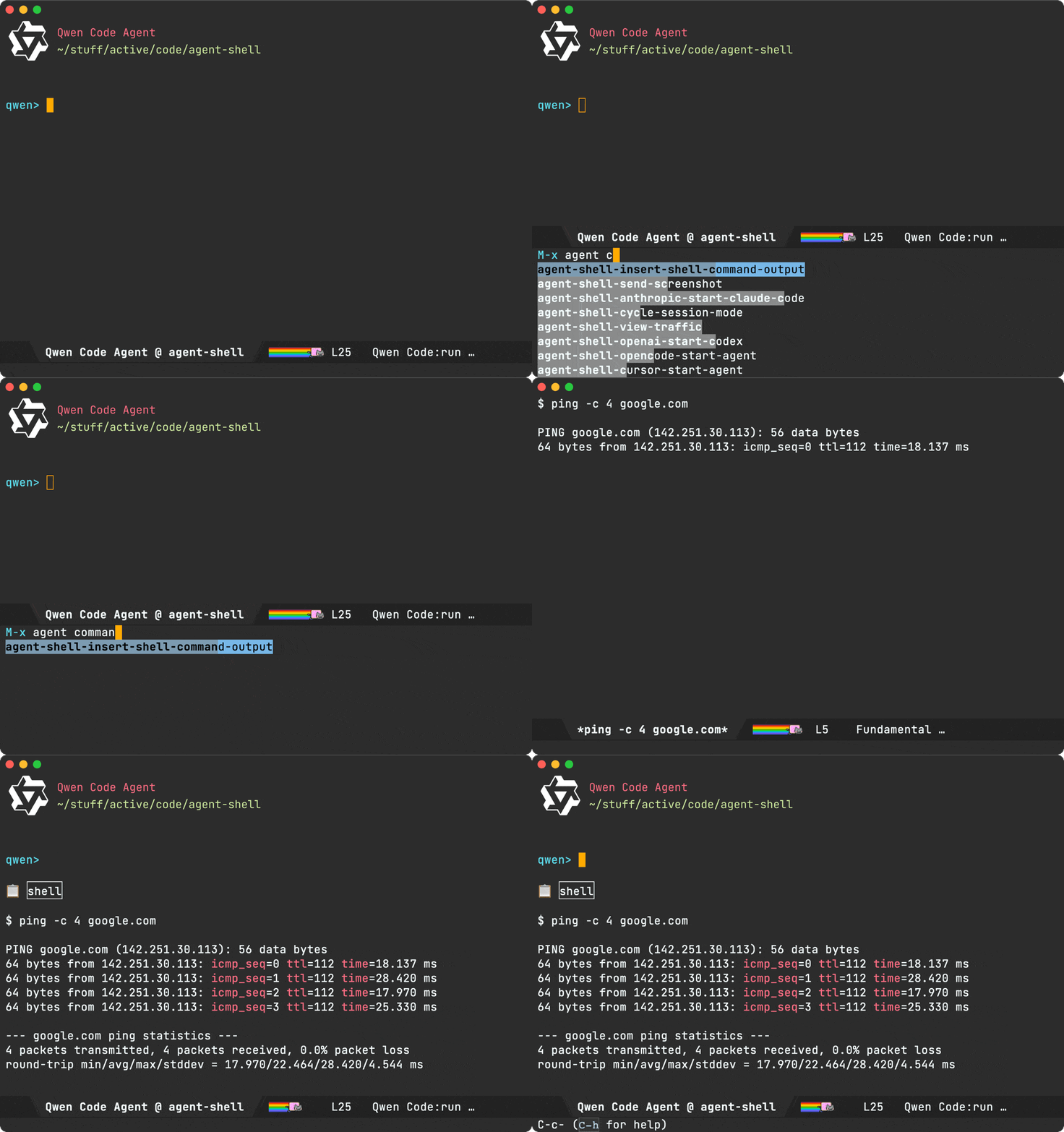
Markdown transcripts (experimental) - Thanks to Elle Najt
Initial work for automatically saving markdown transcripts is now in place. We're still iterating on it, but if keen to try things out, you can enable as follows:
(setq agent-shell--transcript-file-path-function #'agent-shell--default-transcript-file-path)
Configuration
Turn off ASCII welcome banners
(setq agent-shell-show-welcome-message nil)
Turn off graphical header
Text header
(setq agent-shell-header-style 'text)
No header
(setq agent-shell-header-style nil)
Inline display of historical changes - Thanks to Elle Najt
Applied changes are now displayed inline.

Session mode - Thanks to Elle Najt
The new M-x agent-shell-cycle-session-mode and M-x agent-shell-set-session-mode can now be used to change the session mode.

Agent capabilities
You can now find out what capabilities and session modes are supported by your agent. Expand either of the two sections.
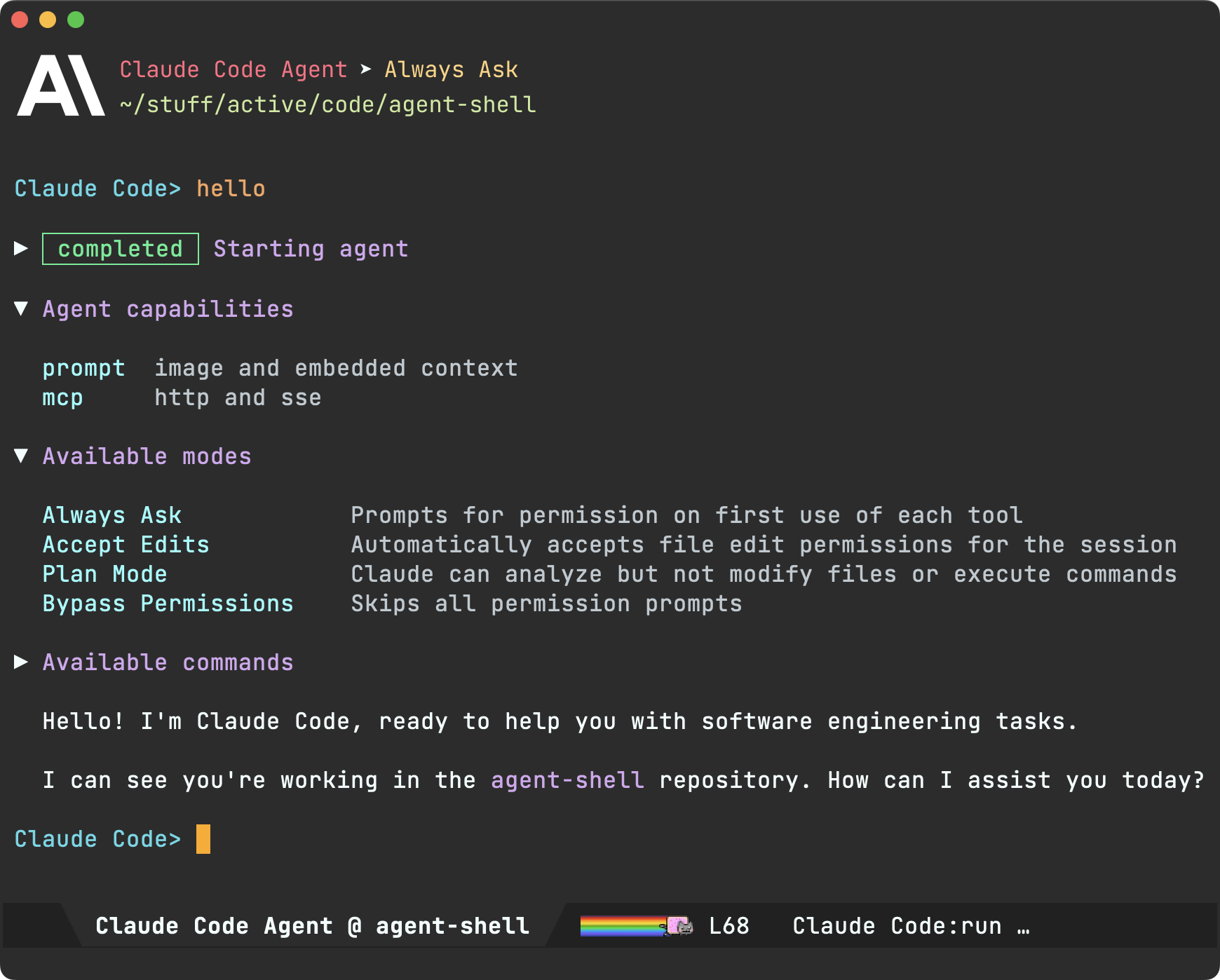
Accepting/rejecting changes from diff buffer
Tired of pressing q and y to accept changes from the diff buffer? Now just press y from the diff viewer to accept all hunks.
Same goes for rejecting. No more q and n. Now just press C-c C-c from the diff buffer.
Transient menu
We get a new basic transient menu. Currently available via M-x agent-shell-help-menu.
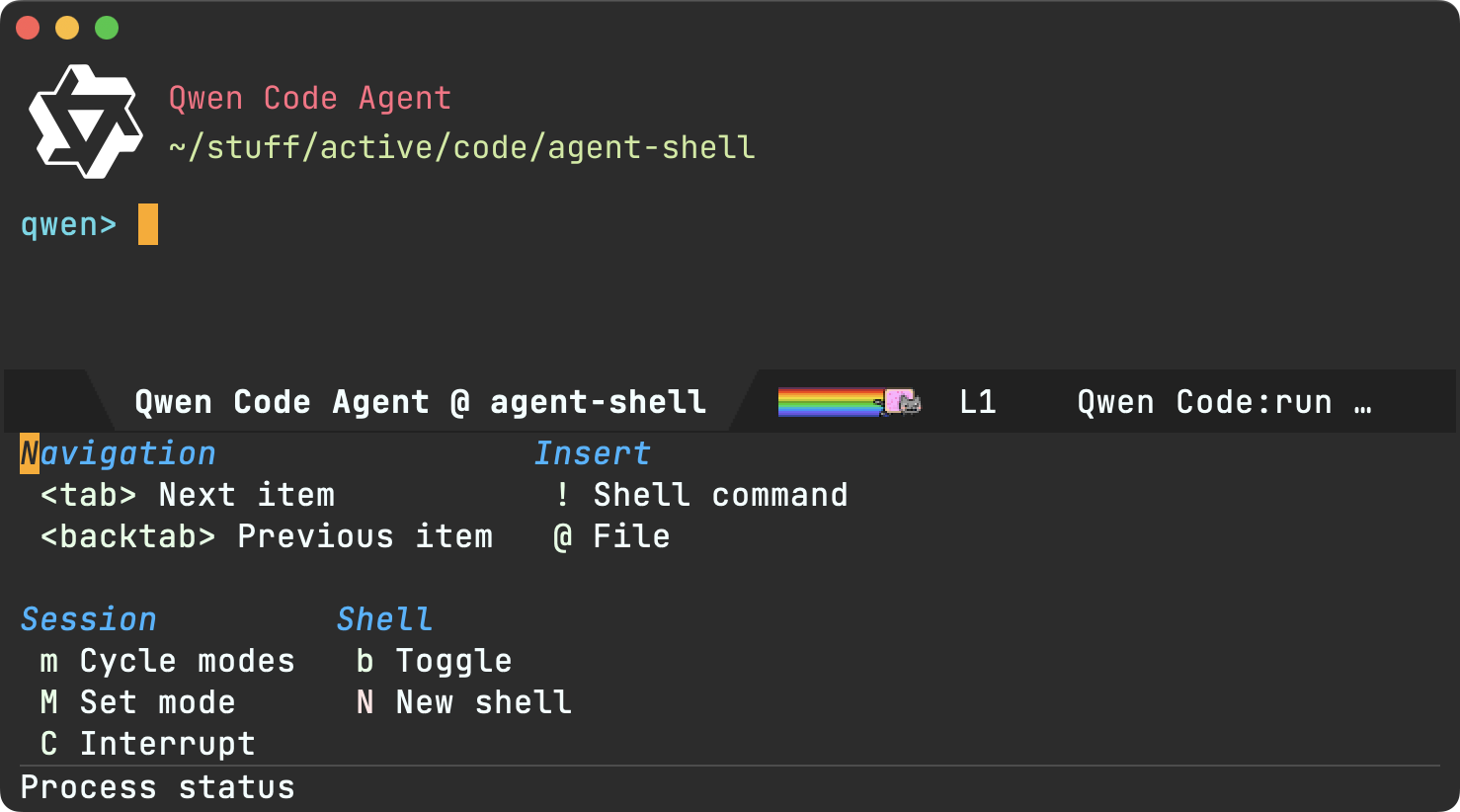
Contributions
We got lots of awesome pull requests from wonderful folks. Thank you for your contributions!
- Arthur Heymans: Add a Package-Requires header (PR).
- Elle Najt: Execute commands in devcontainer (PR).
- Elle Najt: Fix Write tool diff preview for new files (PR).
- Elle Najt: Inline display of historical changes (PR).
- Elle Najt: Live Markdown transcripts (PR).
- Elle Najt: Prompt session mode cycling and modeline display (PR).
- Fritz Grabo: Devcontainer fallback workspace (PR).
- Guilherme Pires: Codex subscription auth (PR).
- Hordur Freyr Yngvason: Make qwen authentication optional (PR).
- Ian Davidson: Embedded context support (PR).
- Julian Hirn: Fix quick-diff window restoration for full-screen (PR).
- Ruslan Kamashev: Hide header line altogether (PR).
- festive-onion: Show Planning mode more reliably (PR).
Lots of other work ❤️😅
Beyond what's been showcased here, much love and effort's been poured into polishing the agent-shell experience. Interested in the nitty-gritty? Have a look through the 173 commits since the last blog post.
Support this work
If agent-shell or acp.el are useful to you, please consider sponsoring its development. LLM tokens aren't free, and neither is the time dedicated to building this stuff ;-)
]]>
It's been wonderful to see how well time-zones was received on Reddit.
✓ You asked for MELPA publishing and I delivered.
✓ You asked for DST display and I delivered.
✓ You asked for a UTC picker and I delivered.
✓ You asked for UTC offset display and I delivered.
✓ You asked for Windows support and I delivered.
✓ You asked for help and bug fixes and I delivered.
Will you make the work sustainable?
Bringing features and improving our beloved text editor takes time and effort. time-zones isn't my first package, I've also published a bunch of Emacs packages. Will you help make this work sustainable?
Bending Emacs Episode 4: Batch renaming files

In this video, I show a few ways of batch renaming files.
The covered flows are:
- Dired editable buffers.
- Multiple cursors using region-bindings-mode to insert numbers via # (I had a tiny blog entry on this).
- We can batch rename using Keyboard Macros too and insert numbers via macro counters.
- While I typically use multiple cursors for batch renaming files, I also experimented with dwim-shell-command via M-x dwim-shell-commands-rename-all.
Want more videos?
Liked the video? Please let me know. Got feedback? Leave me some comments.
Please go like my video, share with others, and subscribe to my channel.
If there's enough interest, I'll continue making more videos!
Make it all sustainable
Enjoying this content or my projects? I am an indie dev. Help make it sustainable by ✨sponsoring✨
Need a blog? I can help with that. Maybe buy my iOS apps too ;)
]]>M-x world-clock. Having said that, there are two things I wish it had:
- A quick way to interactively add any city (bonus points for fuzzy search).
- An easy way to shift the time back and forth.
As far as I can tell, these are neither available nor possible on the built-in world-clock (please correct me if otherwise), so when my friend across the world recently asked me for the best time to meet, I knew this was the last nudge I needed to get this done.
With that, I give you M-x time-zones (now on GitHub).
There isn't much to talk about other than time-zones accomplishes the above tasks very easily without resorting to writing elisp nor accessing via customize, which I seldom use.
As I mentioned, time-zones is on GitHub if you'd like to give it a spin. It's super fresh, so please report any issues. Hope you like it.
Make it all sustainable
Reckon time-zones will be useful to you? Enjoying this blog or my projects? I am an indie dev. Help make it sustainable by ✨sponsoring✨
Need a blog? I can help with that. Maybe buy my iOS apps too ;)
]]>Bending Emacs Episode 03: Git clone (the lazy way)
In this video, I show my latest iteration on an expedited git clone flow.

If this topic sounds familiar, I covered it back in 2020 with my clone git repo from clipboard post.
My git clone flow consists of copying a git repo URL to the clipboard and subsequently invoking M-x dwim-shell-commands-git-clone-clipboard-url. Everything else is taken care of for you.
I've revisited this git clone command and added a couple of improvements:
-
Configurability (via
dwim-shell-commands-git-clone-dirs). For example:(setq dwim-shell-commands-git-clone-dirs '("~/Downloads" "~/Desktop")) -
Optional prefixes to change function behavior
C-u: Pick target locationdwim-shell-commands-git-clone-dirs.C-u C-u: Pick any directory.
-
Automatically place point/cursor at README file.
I was going to post the snippet here, though may as well point you over to GitHub where dwim-shell-commands-git-clone-clipboard-url is more likely to remain up-to-date.
Note that dwim-shell-commands-git-clone-dirs is now optionally available as part of my dwim-shell-command package.
Want more videos?
Liked the video? Please let me know. Got feedback? Leave me some comments.
Please go like my video, share with others, and subscribe to my channel.
If there's enough interest, I'll continue making more videos!
]]>More agents
agent-shell now includes support for two additional ACP-capable agents:
- Claude Code
- Codex via codex-acp (new)
- Gemini CLI
- Goose (new)
Unified entry point
In addition to starting new shells via agent-specific commands, we now have a unified M-x agent-shell entry point, enabling selection from a list of supported agents.
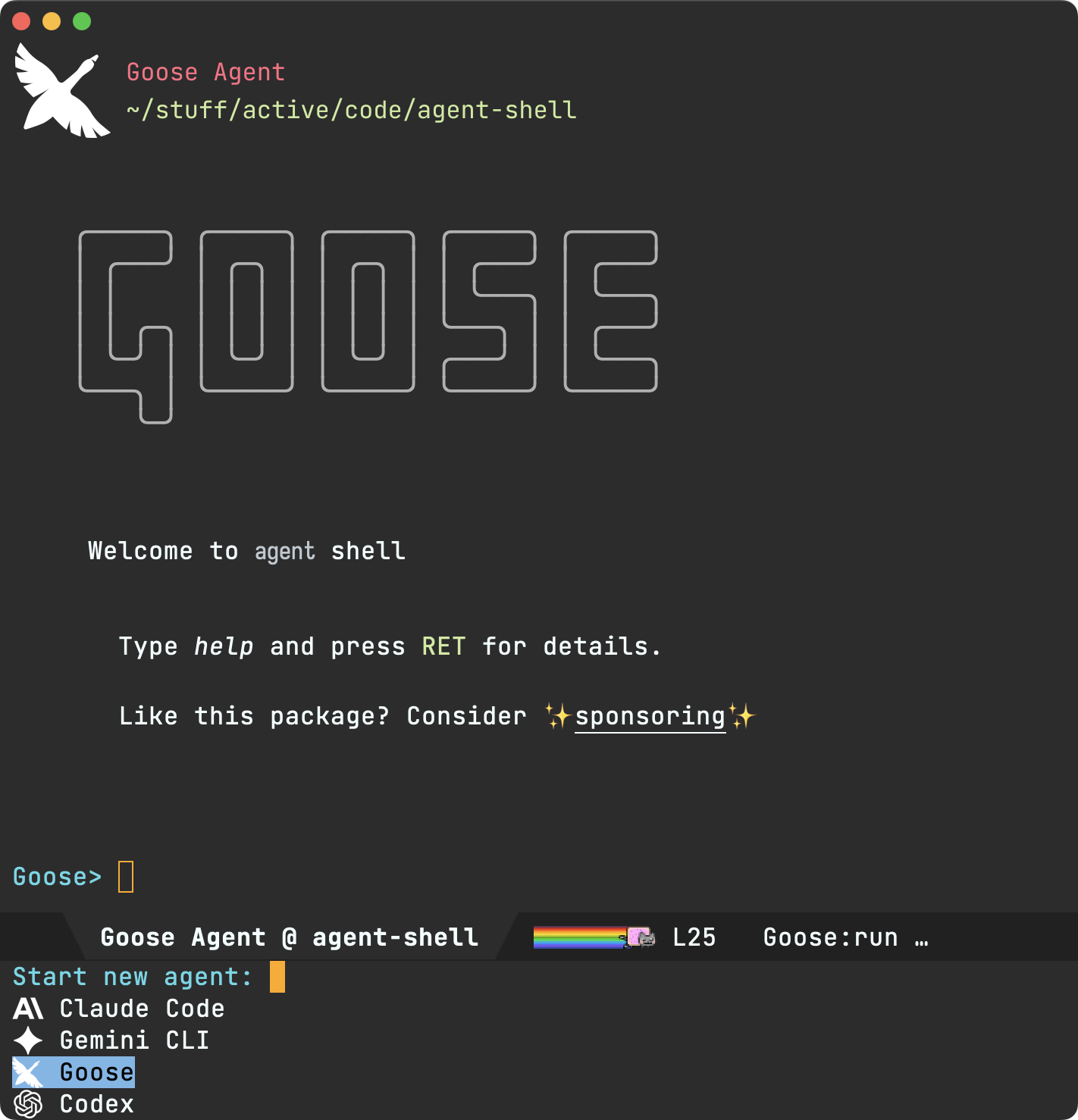
The agent-specific commands remain available as usual:
M-x agent-shell-anthropic-start-claude-codeM-x agent-shell-openai-start-codexM-x agent-shell-google-start-geminiM-x agent-shell-goose-start-agent
Toggling display
agent-shell now provides basic control to toggle display of shell buffers:
M-x agent-shell-toggle: Toggles display of the most recently accessed agent (per project).agent-shell-display-action: Controls how agent shells are displayed when activated.
agent-shell-sidebar (new package)
While agent-shell provides basic display toggling, Calum MacRae offers a comprehensive sidebar package. Check out agent-shell-sidebar.
Experimental dev container support (thanks to Fritz Grabo)
agent-shell now has experimental support for running agents inside dev containers. See docs.
quick-diff improvements
quick-diff buffers, proposing changes, get a more polished experience. More notably, diffs get context (thanks to David J. Rosenbaum), single-key patch navigation/acceptance, and file names now displayed in header line.
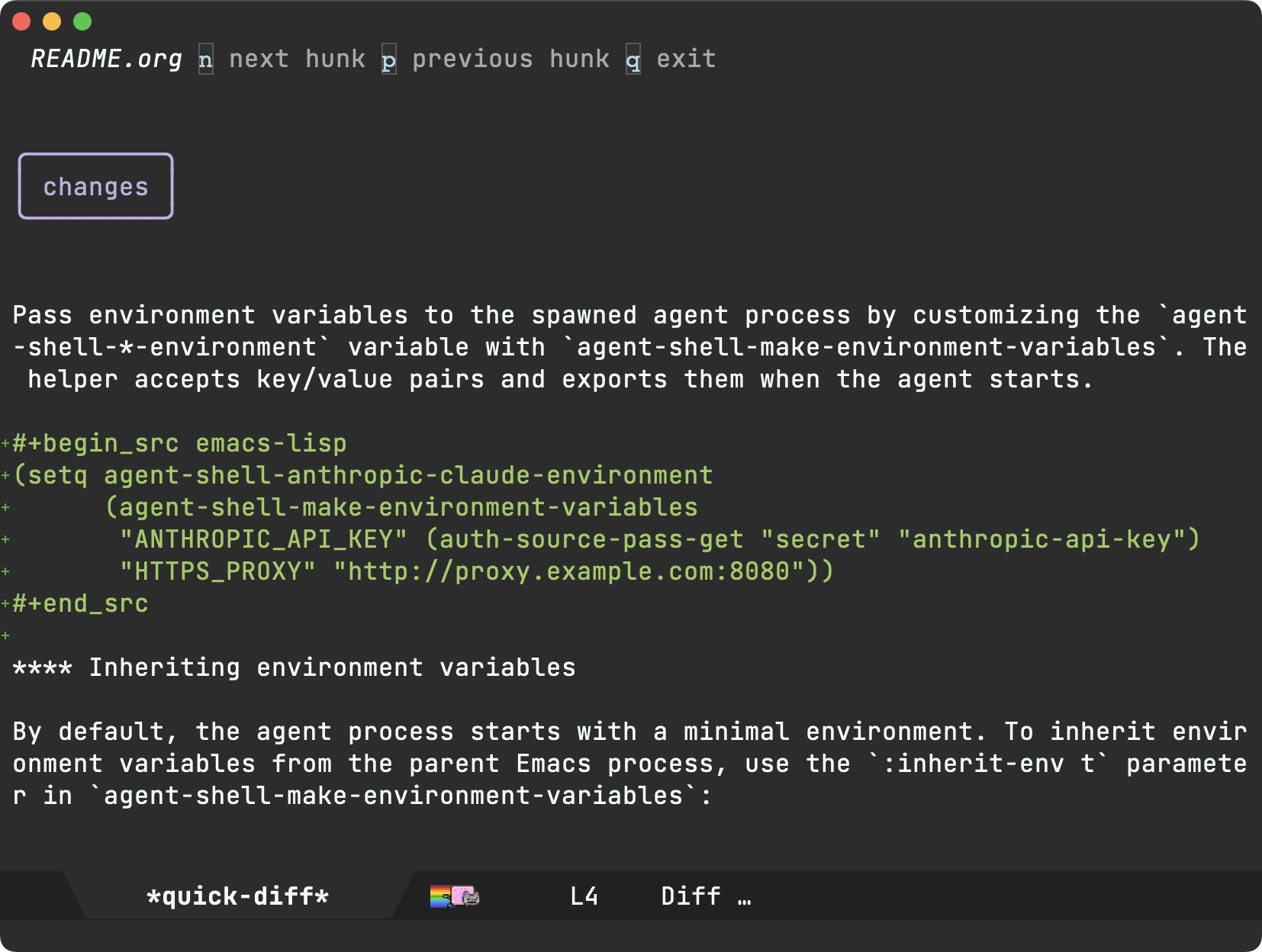
Environment variables
Environment variables can now be loaded from either the Emacs environment, .env files, and/or overridden inline:
(setq agent-shell-anthropic-claude-environment
      (agent-shell-make-environment-variables
       :inherit-env t
       :load-env "~/.env"
       "CUSTOM_VAR" "custom_value"))
Authentication methods
Different authentication methods are now supported. For example:
;; Login-based auth
(setq agent-shell-anthropic-authentication
      (agent-shell-anthropic-make-authentication :login t))

;; API key auth
(setq agent-shell-anthropic-authentication
      (agent-shell-anthropic-make-authentication
       :api-key (lambda () (auth-source-pass-get "secret" "anthropic-api-key"))))
Check agent-shell-*-authentication per provider, as available options may differ.
UX polish
On the smaller side, but also contributing to overall polish:
- Single-key permission bindings (y/n/!).
- Improved error messages.
- Improved task status rendering.
- Improved TAB navigation.
Traffic inspection and debugging
While not technically part of agent-shell, acp.el's traffic inspection has been getting some love to help users diagnose issues.
Contributions
Thank you for your contributions!
- David J. Rosenbaum: Context support in diffs (PR).
- Fritz Grabo: Dev container support (PR).
- Grant Surlyn: Doom Emacs installation instructions (PR).
- Mark A. Hershberger: Goose key improvement (PR).
- Ruslan Kamashev: Customization group fix (PR).
Sponsors
Thank you to all sponsors. While LLMs aren't everyone's cup of tea, we're seeing editors across the board evolving to accommodate these new LLM tools. In a somewhat similar vein, LSP integration wasn't for everyone, but for those who did want it, Emacs luckily catered to them. Thank you for helping make this project sustainable while also enabling Emacs to cater to all.
Support this work
If agent-shell or acp.el are useful to you, consider sponsoring its development. LLM tokens aren't free, and neither is the time dedicated to building this stuff ;-)
]]>Bending Emacs Episode 02: From vanilla to your flavor
The video is a little longer than I intended at 14:37, so plan accordingly.
In this video, I show some of my favorite UI customizations, with additional tips and tricks along the way. Like my first video, I'm hoping you find unexpected goodies in there despite being familiar with the general topic.

Read on for all supporting material…
Evaluating elisp
Showcased a handful of ways to evaluate elisp.
-
M-x eval-last-sexp
-
M-x eval-expression
-
M-x eval-buffer
-
M-x ielm
-
M-x org-ctrl-c-ctrl-c (Evaluate org source blocks)
Sample snippets:
(set-face-attribute 'default nil :background "DarkSlateGray")(set-face-attribute 'default nil :background "#212121")
Launching a separate Emacs instance
path/to/emacs/nextstep/Emacs.app/Contents/MacOS/Emacs -Q --init-directory /tmp/secondary/.emacs.d --load path/to/other-emacs.el
other-emacs.el (minimal, almost vanilla setup):
; -*- lexical-binding: t; -*-

(server-force-delete)
(make-directory "/tmp/secondary/" t)
(setq server-socket-dir "/tmp/secondary/")
(setq server-name "emacs-server")
(server-start)

(setq package-archives
      '(("melpa" . "https://melpa.org/packages/")))

(setq package-archive-priorities
      '(("melpa" .  4)))

(require 'package)
(package-initialize)
(mapc #'package-delete (mapcar #'cadr package-alist))

(add-to-list 'custom-theme-load-path "path/to/emacs-materialized-theme")
with-other-emacs macro (ie. evaluate elisp elsewhere)
(defmacro with-other-emacs (&rest body)
  "Evaluate BODY in the current buffer of the other Emacs instance."
  `(call-process "emacsclient" nil nil nil
                 "--socket-name=/tmp/secondary/emacs-server"
                 "--eval"
                 (prin1-to-string
                  '(with-current-buffer (window-buffer (selected-window))
                     ,@body))))
Looking up functions
- M-x describe-function (built-in).
- M-x helpful-callable (via third-party helpful package).
Advicing org-babel-expand-body:emacs-lisp
We want to extend source blocks to accept the :other-emacs header argument as follows:
#+begin_src emacs-lisp :other-emacs t
  (message (propertize "Hello again twin" 'face '(:height 6.0)))
#+end_src
So we advice org-babel-expand-body:emacs-lisp:
(defun adviced:org-babel-expand-body:emacs-lisp:other-emacs (orig-fn body header-args)
  (if (map-elt header-args :other-emacs)
      (format "(with-other-emacs %s)" (funcall orig-fn body header-args))
    (funcall orig-fn body header-args)))

(advice-add #'org-babel-expand-body:emacs-lisp
            :around #'adviced:org-babel-expand-body:emacs-lisp:other-emacs)
UI customizations
Font (JetBrains Mono)
(set-face-attribute 'default nil
                    :height 160 ;; 16pt
                    ;; brew tap homebrew/cask-fonts && brew install --cask font-jetbrains-mono
                    :family "JetBrains Mono")
Theme (Materialized)
(load-theme 'materialized t)
Calle 24 toolbar (macOS)
(use-package calle24 :ensure t
  :config
  (calle24-install)
  (calle24-refresh-appearance)))
Hide toolbar
(tool-bar-mode -1)
Titlebar
No text in title bar
(setq-default frame-title-format "")
Transparent titlebar (macOS)
(set-frame-parameter nil 'ns-transparent-titlebar t)
(add-to-list 'default-frame-alist '(ns-transparent-titlebar . t))
Hide scrollbars
(scroll-bar-mode -1)
Mode line
(use-package minions
  :ensure t
  :custom
  (mode-line-modes-delimiters nil)
  (minions-mode-line-lighter " …")
  :config
  (minions-mode +1)
  (force-mode-line-update t))
(use-package moody
  :ensure t
  :config
  (setq-default mode-line-format
                '(""
                  mode-line-front-space
                  mode-line-client
                  mode-line-frame-identification
                  mode-line-buffer-identification
                  " "
                  mode-line-position
                  (vc-mode vc-mode)
                  (multiple-cursors-mode mc/mode-line)
                  mode-line-modes
                  mode-line-end-spaces))
  (moody-replace-mode-line-buffer-identification)
  (moody-replace-vc-mode))
Nyan Cat (of course)
(use-package nyan-mode
  :ensure t
  :custom
  (nyan-bar-length 10)
  :config
  (nyan-mode +1)))
Welcome screen
A little static welcome screen I cooked up.
(defun ar/show-welcome-buffer ()
  "Show *Welcome* buffer."
  (with-current-buffer (get-buffer-create "*Welcome*")
    (setq truncate-lines t)
    (setq cursor-type nil)
    (read-only-mode +1)
    (ar/refresh-welcome-buffer)
    (local-set-key (kbd "q") 'kill-this-buffer)
    (add-hook 'window-size-change-functions
              (lambda (_frame)
                (ar/refresh-welcome-buffer)) nil t)
    (add-hook 'window-configuration-change-hook
              #'ar/refresh-welcome-buffer nil t)
    (switch-to-buffer (current-buffer))))

(defun ar/refresh-welcome-buffer ()
  "Refresh welcome buffer content for WINDOW."
  (when-let* ((inhibit-read-only t)
              (welcome-buffer (get-buffer "*Welcome*"))
              (window (get-buffer-window welcome-buffer))
              (image-path "~/.emacs.d/emacs.png")
              (image (create-image image-path nil nil :max-height 300))
              (image-height (cdr (image-size image)))
              (image-width (car (image-size image)))
              (top-margin (floor (/ (- (window-height window) image-height) 2)))
              (left-margin (floor (/ (- (window-width window) image-width) 2)))
              (title "Welcome to Emacs"))
    (with-current-buffer welcome-buffer
      (erase-buffer)
      (setq mode-line-format nil)
      (goto-char (point-min))
      (insert (make-string top-margin ?\n))
      (insert (make-string left-margin ?\ ))
      (insert-image image)
      (insert "\n\n\n")
      (insert (make-string (- (floor (/ (- (window-width window) (string-width title)) 2)) 1) ?\ ))
      (insert (propertize title 'face '(:height 1.2))))))

(ar/show-welcome-buffer)
Want more videos?
Liked the video? Please let me know. Got feedback? Leave me some comments.
Please go like my video, share with others, and subscribe to my channel.
If there's enough interest, I'll continue making more videos!
]]>Today, I'll share my first episode of Bending Emacs. This video focuses on how I like to apply (or batch-apply) command line utilities.

While the video focuses on applying command line utilities, here's a list of all the things I used:
- Org mode for the presentation itself.
- ffmpeg does the heavy lifting converting videos to gifs.
- Asked Claude for the relevant
ffmpegcommand via chatgpt-shell'sM-x chatgpt-shell-prompt-compose. - Browsed the video directory via dired mode.
- Previewed video thumbnails via ready-player mode.
- Previewed gifs via image mode's
M-x image-toggle-animation. - Validated the
ffmpegcommand via eshell. - Applied a DWIM shell command via
M-x dwim-shell-command. - Duplicated files from
diredviaM-x dwim-shell-commands-duplicate.
Want more videos?
Liked the video? Please let me know. Got feedback? Leave me some comments.
Please go like my video, share with others, and subscribe to my channel.
If there's enough interest, I'll make more videos!
]]>While I've been happily accessing LLMs from my beloved text editor via chatgpt-shell (a multi-model package I built), I've been fairly slow on the AI agents uptake. Probably a severe case of old-man-shouts-at-cloud sorta thing, but hey I want well-integrated tools in my text editor. When I heard of ACP, I knew this was the thing I was waiting for to play around with agents.
With an early acp.el client library in place, I set out to build an Emacs-native agent integration… Today, I have an initial version of agent-shell I can share.
agent-shell is a native Emacs shell, powered by comint-mode (check out Mickey's comint article btw). As such, we don't have to dance between char and line modes to interact with things. agent-shell is just a regular Emacs buffer like any other you're used to.
Agent-agnostic
Thanks to ACP, we can now build agent-agnostic experiences by simply configuring our clients to communicate with their respective agents using a common protocol. As users, we benefit from a single, consistent experience, powered by any agent of our choice.
Configuring different agents from agent-shell boils down which agent we want running in the comms process. Here's an example of Gemini CLI vs Claude Code configuration:
(defun agent-shell-start-gemini-agent ()
  "Start an interactive Gemini CLI agent shell."
  (interactive)
  (agent-shell--start
   :new-session t
   :mode-line-name "Gemini"
   :buffer-name "Gemini"
   :shell-prompt "Gemini> "
   :shell-prompt-regexp "Gemini> "
   :needs-authentication t
   :authenticate-request-maker (lambda ()
                                 (acp-make-authenticate-request :method-id "gemini-api-key"))
   :client-maker (lambda ()
                   (acp-make-client :command "gemini"
                                    :command-params '("--experimental-acp")
                                    :environment-variables (list (format "GEMINI_API_KEY=%s" (agent-shell-google-key)))))))
(defun agent-shell-start-claude-code-agent ()
  "Start an interactive Claude Code agent shell."
  (interactive)
  (agent-shell--start
   :new-session t
   :mode-line-name "Claude Code"
   :buffer-name "Claude Code"
   :shell-prompt "Claude Code> "
   :shell-prompt-regexp "Claude Code> "
   :client-maker (lambda ()
                   (acp-make-client :command "claude-code-acp"
                                    :environment-variables (list (format "ANTHROPIC_API_KEY=%s" (agent-shell-anthropic-key)))))))
I've yet to try other agents. If you get another agent running, I'd love to hear about it. Maybe submit a pull request?
Traffic
While I've been relying on my acp.el client library, I'm still fairly new to the protocol. I often inspect traffic to see what's going on. After staring at json for far too long, I figured I may as well build some tooling around acp.el to make my life easier. I added a traffic buffer for that. From agent-shell, you can invoke it via M-x agent-shell-view-traffic.
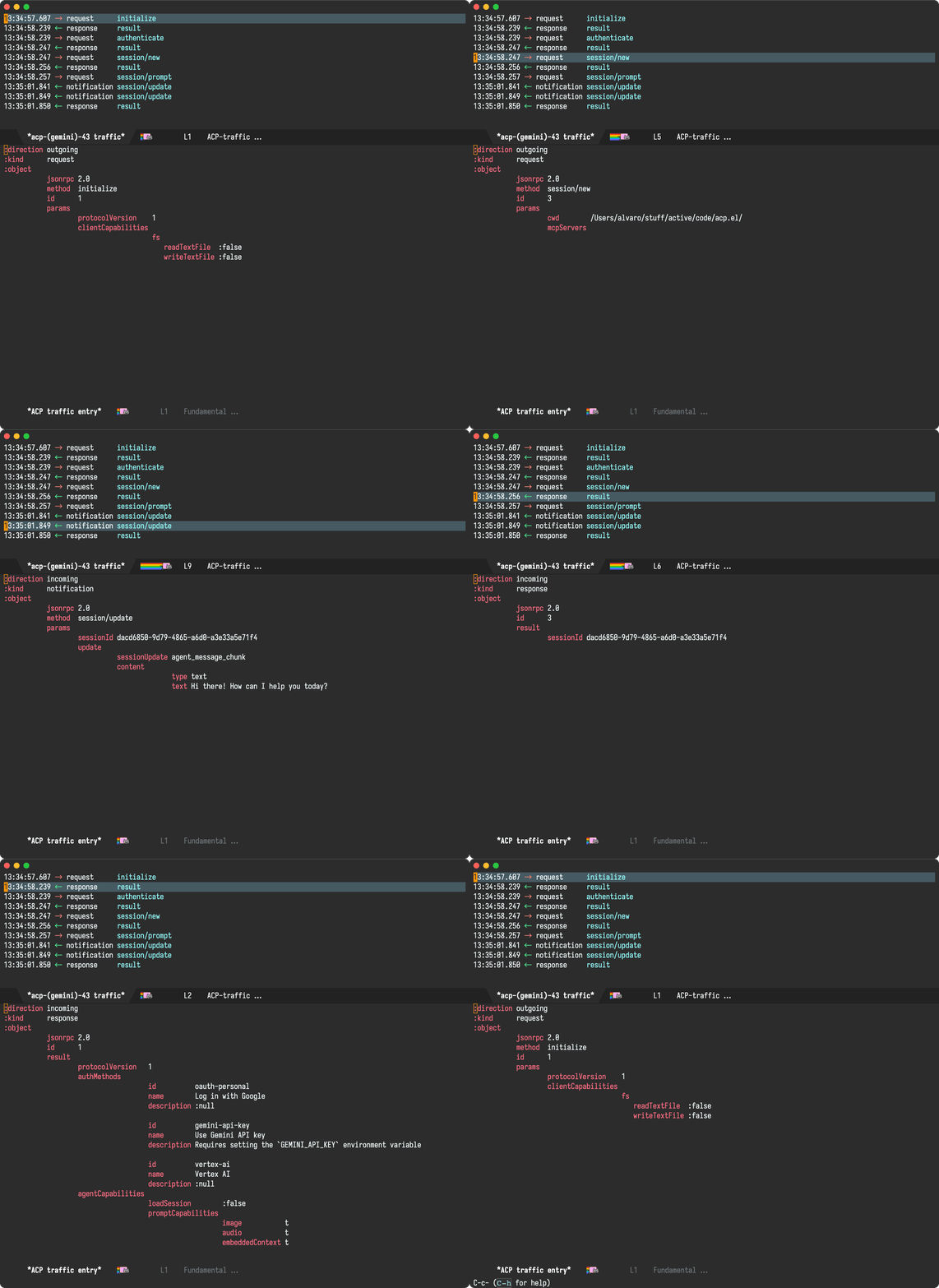
Fake agents
Developing agent-shell against paid agents got expensive quickly. Not only expensive, but my edit-compile-run cycle also became boringly slow waiting for agents. While I knew I wanted some sort of fake agent to work against, I didn't want to craft the fake traffic myself. Remember that traffic buffer I showed ya? Well, I can now save that traffic to disk and replay it later. This enabled me to run problematic sessions once and quickly replay multiple times to fix things. While re-playing has its quirks and limitations, it's done the job for now.
You can see a Claude Code session below, followed by its replayed counterpart via fake infrastructure.


What's next
Getting here took quite a bit of work. Having said that, it's only a start. I myself need to get more familiar with agent usage and evolve the package UX however it feels most natural within its new habitat. Lately, I've been experimenting with a quick diff buffer, driven by n/p keys, shown along the permission dialog.
#+ATTR_HTML: :width 99%

While I've implemented enough parts of the Agent Client Protocol Schema to make the package useful, it's hardly complete. I've yet to fully familiarize myself with most protocol features.
Take them for a spin
Both of my new Emacs packages, agent-shell and acp.el, are now available on GitHub. As an agent user, go straight to agent-shell. If you're a package author and would like to build an ACP experience, then give acp.el a try. Both packages are brand new and may have rough edges. Be sure to file bugs or feature requests as needed.
Paying for LLM tokens? How about sponsoring your Emacs tools?
I've been heads down, working on these packages for some time. If you're using cloud LLM services, you're likely already paying for tokens. If you find my work useful, please consider routing some of those coins to help fund it. Maybe my tools make you more productive at work? Ask your employer to support the work. These packages not only take time and effort, but also cost me money. Help fund the work.
]]>While we can already run these agents from Emacs with the likes of vterm, I'm keen to offer an Emacs-native alternative to drive them. To do that, I'm working an a new package: agent-shell (more on this to be shared soon). While this new Emacs agent shell has an opinionated user experience, it uses ACP under the hood. Being a protocol, it's entirely UI-agnostic. For this, I now have an early version available of the acp.el library.
acp.el implements Agent Client Protocol for Emacs lisp as per agentclientprotocol.com. While this library is in its infancy, it's enabling me to carry on with my agent-shell work. acp.el lives as a separate library, is UI-agnostic, and can be used by Emacs package authors to build the their desired ACP-powered agent experience.
You can instantiate an ACP client and send a request as follows:
(setq client (acp-make-client :command "gemini"
                              :command-params '("--experimental-acp")
                              :environment-variables (when api-key
                                                       (list (format "GEMINI_API_KEY=%s" "your-api-key")))))

(acp-send-request
 :client client
 :request (acp-make-initialize-request :protocol-version 1)
 :on-success (lambda (response)
               (message "Initialize success: %s" response))
 :on-failure (lambda (error)
               (message "Initialize failed: %s" error)))
((protocolVersion . 1)
 (authMethods . [((id . oauth-personal)
                  (name . Log in with Google)
                  (description . :null))
                 ((id . gemini-api-key)
                  (name . Use Gemini API key)
                  (description . Requires setting the `GEMINI_API_KEY` environment variable))
                 ((id . vertex-ai)
                  (name . Vertex AI)
                  (description . :null))])
 (agentCapabilities (loadSession . :false)
                    (promptCapabilities (image . t)
                                        (audio . t)
                                        (embeddedContext . t))))
I'm new at using ACP myself, so I've added a special logging buffer to acp.el which enables me to inspect traffic and learn about the exchanges between clients and agents. You can enable logging with:
(setq acp-logging-enabled t)
Look out for the *acp traffic* buffer, which looks a little like this:
If you're keen to experiment with ACP in Emacs lisp and build agent-agnostic packages, take a look at acp.el (now on GitHub). As mentioned, it's early days for this library, but it's a start. Please file issues and feature requests. If you build anything on top of acp.el, lemme know. I'd love to see it in action.
Make this work possible
I'm working on two new Emacs packages: acp.el (introduced in this post) and agent-shell (I'll soon share more about that). Please help me make development of these packages sustainable. These packages take time and effort, but also cost me money as I have to pay for LLM tokens throughout testing and development. Please help fund it.
While I have a bunch of LLM models integrated into chatgpt-shell (including local ones), I've yet to make much headway into enabling the models to access smarter context (ie. filesystem or local tools), beyond my initial tool calling experiment.
Somehow, I wasn't super excited about tool calling, as it felt like these integrations would fall short when compared to more advanced agents like Anthropic's Claude Code or Google's Gemini CLI. In fact, I haven't been that enthusiastic about these agents, since they offered relatively little API surface to enable deeper Emacs integration (which is where I live!). That is, until ACP came along.
With ACP in mind, I'm much more likely to get on board with Emacs-agent integrations. I can now delegate all that complex agent logic to external tools and focus on building a great Emacs experience I'd be happy with.
And with that, I had an initial go at prototyping a bare minimum but with enough UX shell goodies to get me excited about it. I chose Gemini for this prototype. You can see it all in its minimal glory:
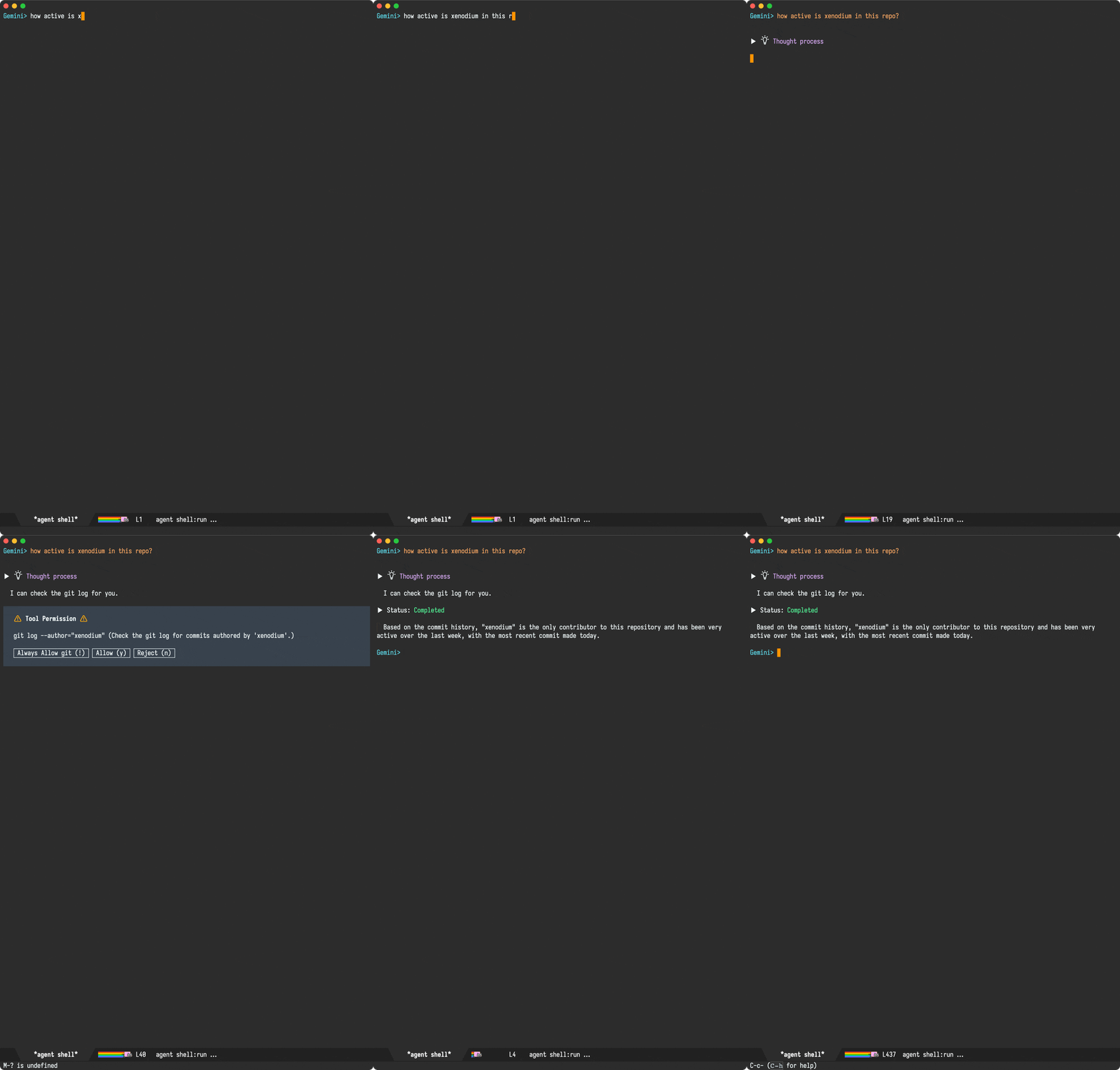
So how badly do you want ACP support in your beloved Emacs?
While getting the initials kinda working was relatively straightforward (with everything I already know about building chatgpt-shell), adding support for all ACP features with a delightfully polished Emacs experience will take a bunch of effort. While I'm excited about the prospects, dedicating a chunk of my time to make this happen isn't super feasible. You may have noticed more Emacs-related work/posts from me lately. This is currently possible because I've gone full indie dev. The flexibility is great, but doing Emacs things isn't exactly gonna help pay the bills unless interested folks help fund/support the effort.
My shell packages have quite a few enthusiastic users who more often than not, are using my package to talk to paid cloud services from the likes of OpenAI, Anthropic, or Google. I'm looking at you folks! I understand you're sending money to these companies who are providing you with a great service, but also remember the lovely Emacs integrations you use, which also need funding (much more than these well-funded commercial entities). While I'm a fan of chat-like Emacs shells for LLM/agents and would like to build a new agent shell, I also want to dedicate a chunk of this effort to building a UX-agnostic ACP Emacs library (acp.el). This library could be leveraged by me or any other Emacs package author.
So how badly do you want ACP support in your beloved Emacs? Enough to take your wallets out and help fund it?
- You’re working in a file with inconsistent indentation
- You want to fix the entire buffer’s formatting
- You run C-x h (select all) followed by M-x indent-region
- Your mark is now at the beginning of the buffer, disrupting your workflow
Naturally, this is Emacs and were both able to patch our editor to smoothen things out.
While I ran into the same indent-region snag after selecting an entire buffer (via mark-whole-buffer), I also faced it with mark-defun and er/expand-region (awesome package btw).
With three cases in mind, I wanted a somewhat generic solution, so I built diverted.el, a little minor mode to identify these momentary diversions and try to bring the point back to the original location. Mind you, this was back in 2019 and until James's post, I hadn't heard of anyone else running into a similar snag. Since then, I kept the package as part of my config. James's post gave me the nudge I needed to move diverted.el out of my config and into its own GitHub repo.
By default, diverted.el recognizes both mark-defun and mark-whole-buffer as diversions, but you can also recognize the likes of er/expand-region via diverted-events. I'm hoping configuring is fairly self-explanatory. To date, I only have mark-whole-buffer, mark-defun, and er/expand-region as recognized diversions.
(defcustom diverted-events
  (list
   (make-diverted-event :from 'mark-defun
                        :to 'indent-for-tab-command
                        :breadcrumb (lambda ()
                                      (diverted--pop-to-mark-command 2)))
   (make-diverted-event :from 'mark-whole-buffer
                        :to 'indent-for-tab-command
                        :breadcrumb (lambda ()
                                      (diverted--pop-to-mark-command 2))))
  "Diversion events to look for.

For example:

  (add-to-list 'diverted-events
    (make-diverted-event
      :from 'er/expand-region
      :to 'indent-for-tab-command
      :breadcrumb (lambda ()
                    (diverted--pop-to-mark-command 2))))"
  :type '(repeat sexp)
  :group 'diverted)
Read on for a little demo…
Without diverted-mode
Notice how point is left at the top of the screen after pressing TAB to indent region.

With diverted-mode
Notice how point is left where it was prior to selecting the function and pressing TAB to indent region.

That's it for today. If you want to give diverted.el a try, head over to GitHub.
Make it all sustainable
Reckon diverted-mode will be useful to you? Enjoying this blog or my projects? I am an 👉 indie dev 👈. Help make it sustainable by ✨sponsoring✨
Need a blog? I can help with that. Maybe buy my iOS apps too ;)
]]>I had a feeling I could maybe use something like after-change-functions hook to monitor changes, but that only tells me about the text modified. I wanted to know which of my functions triggered the change, so maybe I could print a few frames from the stack? So that's what I did…
(defun my-change-tracker (beg end len)
  (let ((stack (mapcar (lambda (frame)
                         (car (cdr frame)))
                       (backtrace-frames))))
    (message "Buffer %s changed: %d-%d | Stack: %s"
             (buffer-name) beg end
             (take 15 stack)))) ;; Adjust as needed

(add-hook 'after-change-functions 'my-change-tracker nil t)
Here's an extract from the logs:
Buffer claude llm (sonnet-4/Programming)> compose changed: 496-498 | Stack: (backtrace-frames mapcar let my-change-tracker insert save-excursion let save-current-buffer progn if #[(output) ((setq output (or output )) (if (buffer-live-p buffer) (progn (save-current-buffer (set-buffer buffer) (let ((inhibit-read-only t)) (save-excursion (if orig-region-active (progn (delete-region region-beginning region-end) (setq orig-region-active nil))) (goto-char marker) (insert output) (set-marker marker (+ (length output) (marker-position marker))))))))) ((region-end) (region-beginning) (orig-region-active) (marker . #<marker at 496 in *claude llm (sonnet-4/Programming)> compose*>) (buffer . claude llm (sonnet-4/Programming)> compose))] shell-maker–write-reply…
After increasing the number of logged frames, I started seeing bits of my code and… bingo! I found a very suspicious delete-region. After spotting this, fixing the bug was trivial.
While the bug was annoying, I had been procrastinating on fixing as it could have been a number of things. In this case, printing frames from after-change-functions turned out perfect for narrowing things down. I'll be keeping this in the toolbox. Maybe it can help you too.
Make it all sustainable
Learned something new? Enjoying this blog or my projects? I am an 👉 indie dev 👈. Help make it sustainable by ✨sponsoring✨
Need a blog? I can help with that. Maybe buy my iOS apps too ;)
]]>I had a directory with a handful of mp3s, which I wanted to split into separate album subdirectories. The challenge being the mp3 file names did not include album names. Sorting this out isn't a big task for a music-organization tool, but my brain quickly went hmmm… if dired displayed album metadata, I could just use that to quickly guide me through all the file management I needed. After all, I already know how to use ffprobe to extract relevant metadata, so I could just enhance dired's listing to also show me metadata as overlays. dired-git-info does just that.
With that, ready-player-dired-mode was born. After enabling with M-x ready-player-dired-mode, I can easily get on with my tiny file reorg without any procrastination whatsoever.

I've just pushed ready-player-dired-mode to Ready Player's GitHub repo. It's pretty fresh, so you may (or may not) encounter rough edges.
Make it all sustainable
Is Ready Player useful to you? Enjoying this blog or my projects? I am an 👉 indie dev 👈. Help make my work sustainable by ✨sponsoring✨
Need a blog? I can help with that. Maybe buy my macOS/iOS apps too ;)
]]>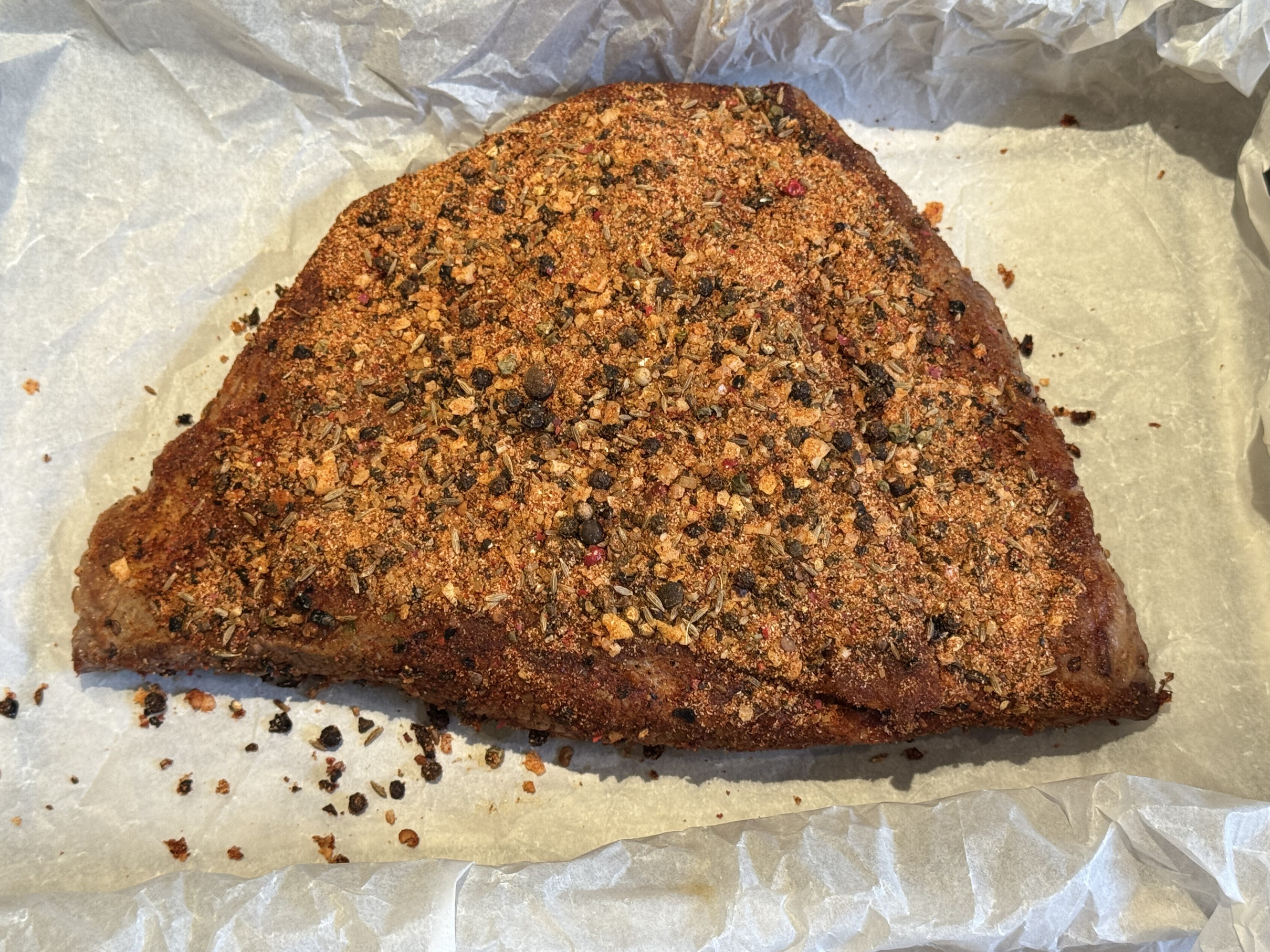
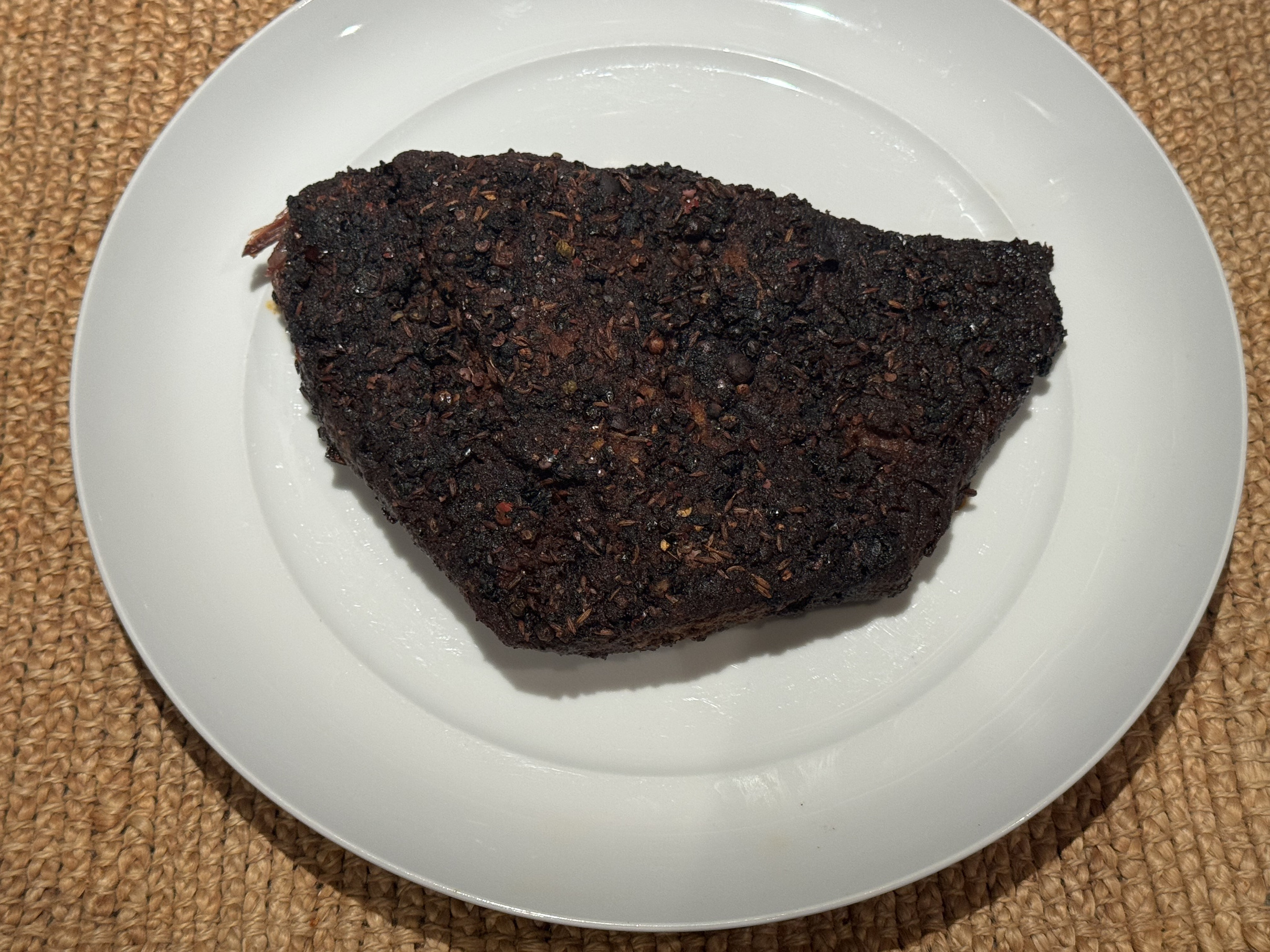
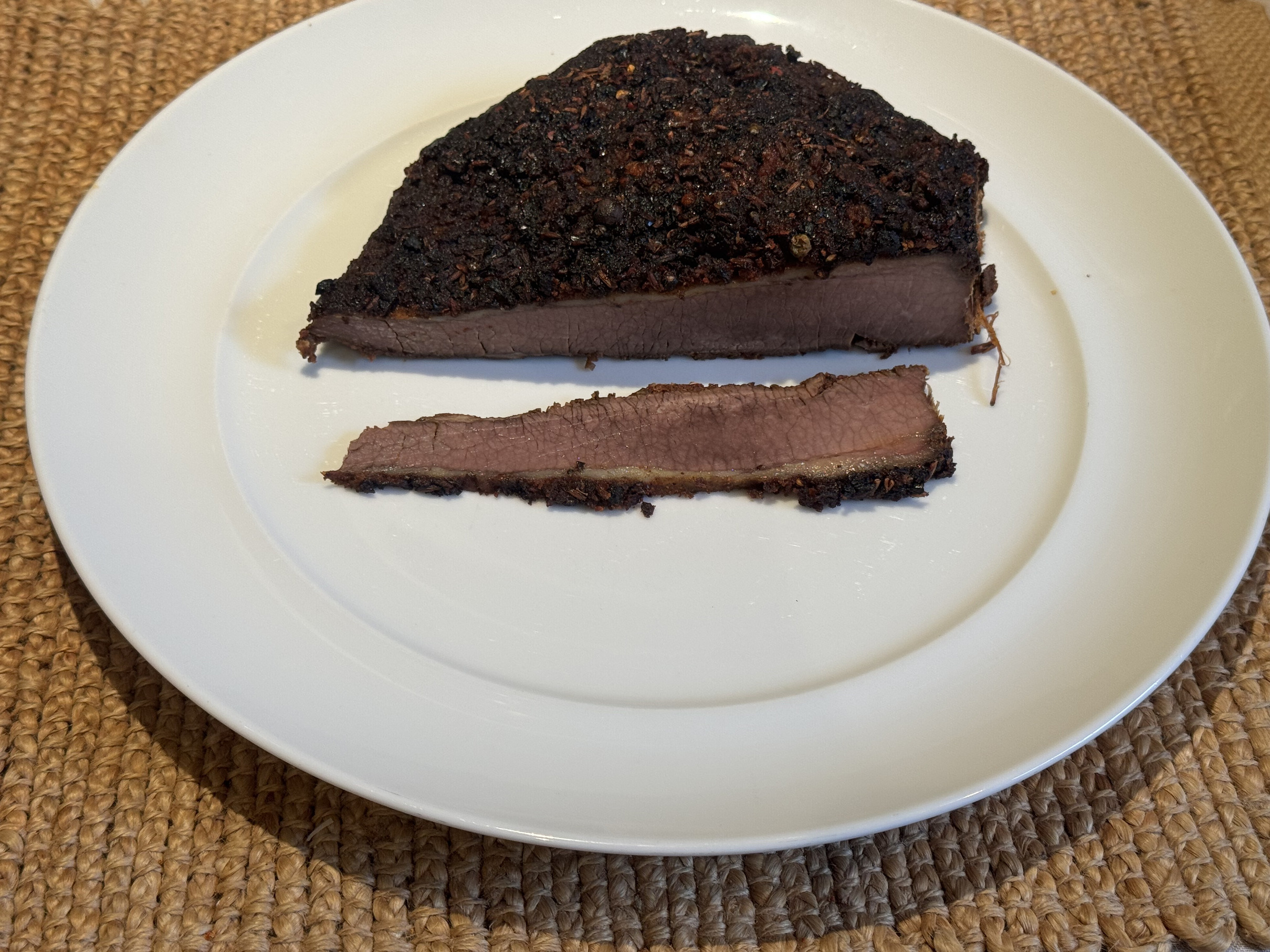
Ingredients
- 15g Kosher salt (coarse)
- 15g Black pepper (coarsely ground)
- 10g Smoked paprika
- 5g Chipotle powder
- 5g Onion granules
- 5g Garlic granules
- 2g Cumin seeds, toasted and ground
- 2g S&B hot mustard powder
- 5g Brown sugar
Clean
Rinse and pat dry.
Sear
Salt both sides and sear.
Dry rub
Crush spices, mix, and apply the rub generously all over the surface of the brisket, pressing gently to ensure it adheres.
Wrap up
Wrap up in baking paper, place on tray, and wrap with foil.
Bake
Bake at 120°C. Roughly 2-3 hours per kilo.
]]>With that in place, it was only a matter of time until M-x chatgpt-shell-swap-model got a similar upgrade in my Emacs package. As of chatgpt-shell v2.30.1, you can get the upgrade too.
If you prefer to keep graphics out of model-picking, I got you covered. Set chatgpt-shell-show-model-icons to nil.

Make it all sustainable
Is chatgpt-shell useful to you? Enjoying this blog or my projects? I am an 👉 indie dev 👈. Help make my work sustainable by ✨sponsoring✨
Need a blog? I can help with that. Maybe buy my macOS/iOS apps too ;)
]]>Me: On the surface, it looks like a text editor…
Me: But really, it's more like a gateway to a world moulded to your needs.
Me: Emacs ships with an RPN calculator and even a doctor.
Me: Naturally, it doesn't do everything I want it to do nor how I want it to.
Me: Luckily, I can throw elisp at it and make it do things my way.
Stranger: Huh??
Me: Emacs didn't quite do all the things I wanted it to, so…
Me: I made it play music how I wanted it to.
Me: Control my operating system (1, 2, 3, 4).
Me: Help me learn Japanese.
Me: Trim videos… or video screenshots.
Me: Talk to the LLM robots (1, 2).
Me: Preview SwiftUI layouts.
Me: Batch-apply all sorts of utils.
Me: Send notes to my Kindle.
Me: Tweak the debugger.
Me: Enhance my shell.
Stranger: ??!?
Me: Do what I mean.
Me: Tweak my email client (1, 2).
Me: Bring closer macOS integration (1, 2, 3, 4).
Me: Scan QR codes.
Me: Record Screencasts.
Me: Build iOS apps.
Me: Blog about all sorts of things.
Me: Tailor completion.
Me: Easily clone repos.
Me: Use my preferred eye candy.
Me: Evaluate Objective-C code.
Stranger: Sir…
Me: Write however I want.
Me: Stitch images.
Me: Make multiple cursors do what I want.
Me: Make searching smarter.
Me: Look up where I took photos.
Me: SQLite feel like a spreadsheet.
Me: Easily insert SF Symbols.
Me: Build an emotional zone.
Me: Tweak my file manager (1, 2, 3).
Me: Generate documentation.
Me: Gosh, I could keep going…
Stranger: Sir this is a Wendy's.

Emacs Carnival
This post is part of the Emacs Carnival, themed "Your Elevator Pitch for Emacs", hosted by Jeremy Friesen.
Make it all sustainable
Learned something new? Enjoying this blog or my projects? I am an 👉 indie dev 👈. Help make it sustainable by ✨sponsoring✨
Need a blog? I can help with that. Maybe buy my iOS apps too ;)
]]>
The solution relies on ffmpeg to do the heavy lifting and is roughly 300 lines of code. I was going to share the entire snippet in this post, though may as well point you to its repo. I'm likely to tweak it, so you may as well take a look at its latest incarnation.
Make it all sustainable
Find video-trimmer-mode useful? Want me to publish to MELPA? Enjoying this blog or my projects? I am an 👉 indie dev 👈. Help make my work sustainable by ✨sponsoring✨
Need a blog? I can help with that. Maybe buy my macOS/iOS apps too ;)
]]>
Emacs had supported this capability until relatively recently, when we began seeing reports that dictation was no longer available as of Emacs 30.
While I have no direct experience with macOS dictation-related APIs, I bisected Emacs 30 changes affecting macOS-related code (typically Objective-C code with .m file extensions). This led me to a seemingly harmless change introducing NSTextInputClient, intended to remove a deprecation warning. From that change onwards, dictation stopped working.
Reverting the change did indeed bring dictation back, but at the cost of re-introducing the deprecation warning. Looking closer at the current NSTextInputClient implementation, I noticed some stubbed-out methods. In particular, selectedRange stood out:
- (NSRange)selectedRange
{
  if (NS_KEYLOG)
    NSLog (@"selectedRange request");
  return NSMakeRange (NSNotFound, 0);
}
Turns out implementing selectedRange is all it took to bring dictation back:
diff --git a/src/nsterm.m b/src/nsterm.m
index 003aadb9782..2b34894f36e 100644
--- a/src/nsterm.m
+++ b/src/nsterm.m
@@ -7413,7 +7413,24 @@ - (NSRange)selectedRange
 {
   if (NS_KEYLOG)
     NSLog (@"selectedRange request");
-  return NSMakeRange (NSNotFound, 0);
+
+  struct window *w = XWINDOW (FRAME_SELECTED_WINDOW (emacsframe));
+  struct buffer *buf = XBUFFER (w->contents);
+  ptrdiff_t point = BUF_PT (buf);
+
+  if (NILP (BVAR (buf, mark_active)))
+    {
+      NSUInteger selection_location = point - BUF_BEGV (buf);
+      return NSMakeRange (selection_location, 0);
+    }
+
+  ptrdiff_t mark = marker_position (BVAR (buf, mark));
+  ptrdiff_t region_start = min (point, mark);
+  ptrdiff_t region_end = max (point, mark);
+  NSUInteger selection_location = region_start - BUF_BEGV (buf);
+  NSUInteger selection_length = region_end - region_start;
+
+  return NSMakeRange (selection_location, selection_length);
 }
Implementing selectedRange didn't just bring dictation back, but now leverages a newer macOS dictation implementation. You can see the slight differences in UI.
Before
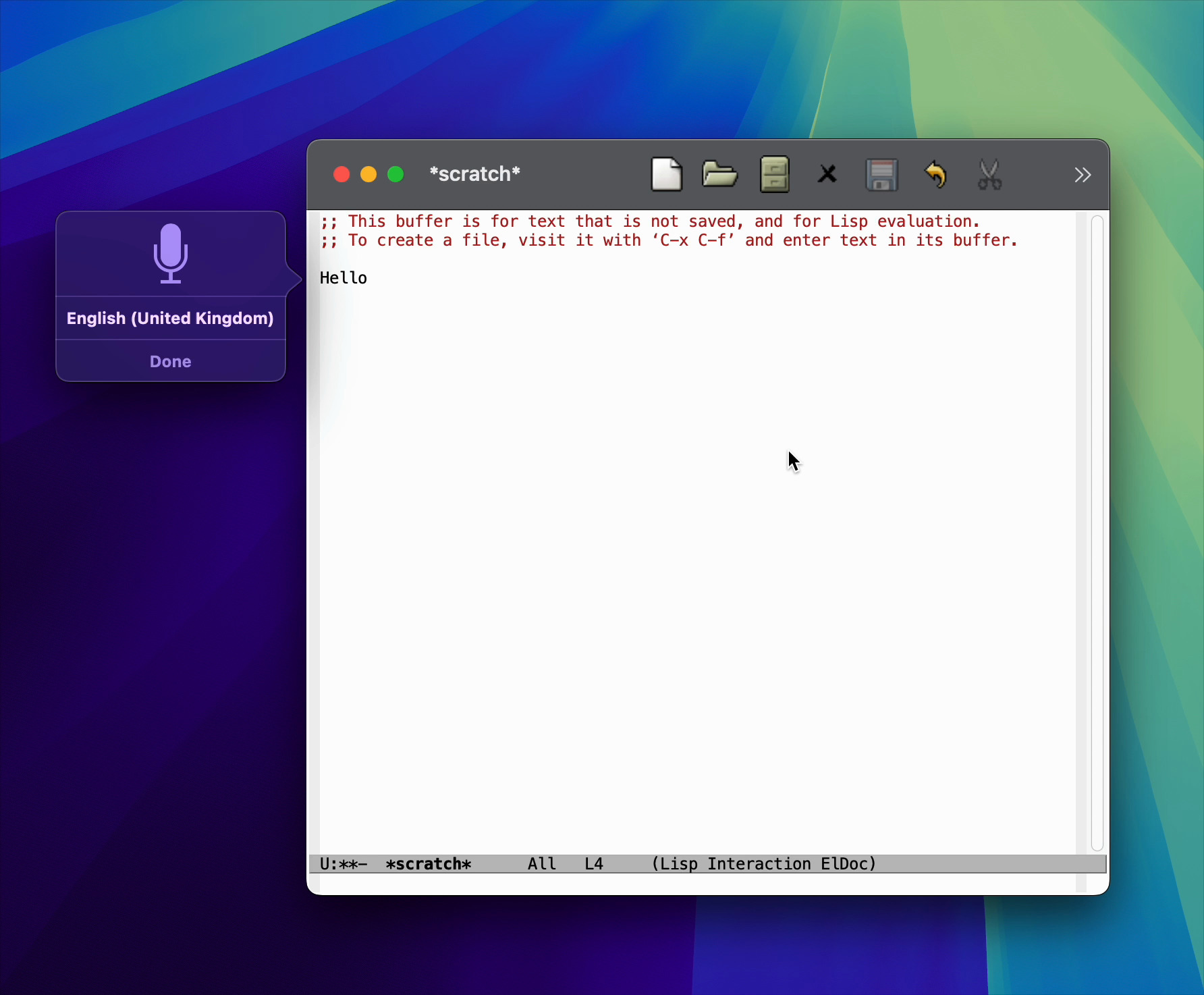
After

Merged upstream
I've since submitted a patch upstream. I'm happy to report that as of today, the patch is now merged into master. Thank you Gerd Möllmann and Eli Zaretskii for your help! Also big thanks to Stephen Englen, Fritz Grabo, @veer66 and @dotemacs on the fediverse who quickly jumped in to help validate the fix.
While we've yet to find out when the next Emacs release will ship, we at least know the fix is coming! If like me, you'd like to get the fix backported to Emacs 30, I've shown you how to do just that on Emacs Plus (my favourite macOS build).
Make it all sustainable
Glad macOS dictation is fixed? Enjoying this blog or my projects? I am an 👉 indie dev 👈. Help make my work sustainable by ✨sponsoring✨
Need a blog? I can help with that. Maybe buy my macOS/iOS apps too ;)
]]>Org mode is often regarded as one of the indispensable Emacs features. A Swiss army of sorts enabling outlining, presentations, task management, agenda, note-taking, blogging, literate programming, the list goes on… At its core, Org features are powered by a versatile markup. Kinda like Markdown but on steroids. When starting with Org, it's easy to feel lost in the overwhelming sea of features.
Luckily, we don't have to know or understand all of Org to get started nor ever need to. You get to pick and use what's useful to you at any given time.
Getting started
Want to get started with outlines? Easy. Let's say you wanted to start collecting python idioms, you can start with an entry like:
* Python idioms

- Prefer double quotes if escaping single quotes.
- Prefer string interpolation over join. Eg. "'%s'" % member_default.

...
That's precisely what I did when I started using Org nearly 12 years ago. I created a notes file and added my first entry to collect python 2 idioms. While the idioms may be outdated by now (who knows, it's been many years since I've written any significant amount of python code), but hey that's besides the point. I wanted to start a personal notes file and Org sounded awesome for that.
Over time, my notes file grew in usefulness. The more I wrote, the more I could recall with search. That is, until I was away from my computer. At that point, I figured I could just export my notes to HTML (via M-x org-export-dispatch) and post online. Over time, folks started reaching out about something read in my notes, and so by then I suppose I had accidentally become a blogger.
Blogging
In 12 years of "blogging", my approach hasn't changed much. I still write to the very same Org file (beware it's big) I started writing notes to. I found this approach fairly accessible, with little ceremony. When I want to write, I open the usual text file and just write. It wasn't until fairly recently I learned this is often referred to as "one big text file" (OBTF).
My HTML exporting evolved into hacky elisp cobbled together over time. While the code was nothing to rave about, it did the job just fine for well over a decade. Having said that, it was more of an "it works on my machine" sorta thing. Last year, I finally decided to change my blogging approach and built a blogging platform (in 2024?! I know right?!). Well, the modern web has led us to a sea of tracking, bloat, advertising, the list goes on… I wanted to offer a lightweight blogging alternative with none of the typical crummy bits, so I built LMNO.lol. Today, my xenodium.com blog runs off that.
Org and Markdown are friends
LMNO.lol is powered by Markdown. Wait, what? You may be wondering why an Org fan would build a blogging platform powered by a different markup? In a nutshell, reach. While I remain a faithful Org fan for its capabilities, if I want my blogging platform to appeal to more users, I can't ignore the fact that today Markdown is the prevalent format. Having said that, I wasn't about to give up on Org for personal use. I can actually have my cake and eat it too. You see, I continue writing to Org and convert to Markdown before uploading to LMNO.lol via pandoc, the Swiss Army tool of file converters.
Incremental Org adoption
Tables
As you know, my Org adoption started with a very simple outline intended for personal notes, but we know Org is a universe of its own. I soon learned about Org tables.
| name                 | job              | origin             |
|----------------------+------------------+--------------------|
| Fry                  | Delivery Boy     | Earth              |
| Bender               | Bending Unit     | Earth              |
| Leela                | Captain          | Mutant Underground |
| Professor Farnsworth | Scientist        | Earth              |
| Amy Wong             | Intern           | Mars               |
| Dr. Zoidberg         | Staff Doctor     | Decapod 10         |
| Hermes Conrad        | Bureaucrat       | Earth              |
| Zapp Brannigan       | 25-Star General  | Earth              |
| Mom                  | Owner of MomCorp | Earth              |
| Nibbler              | Leela's pet      | Planet Eternium    |
I'd keep finding really handy Org tips here and there. Like converting csv to Org by merely selecting the text from my beloved editor.

Tasks
We mentioned Org handling task management, amongst many other things. In a nutshell, tasks in Org are "simple TODO lists", using special keywords. I got started with Org tasks with something like this:
* DONE Call granny
* DONE Post on Reddit
* STARTED Procrastinate some more
* TODO Do your homework
I say "simple TODO lists" (in quotes) because Org task management is a another universe of its own. You can schedule tasks in all sorts of ways (like recurring), as habits, tag them, refile them, etc. and even get a nice agenda view to interact with.
I don’t have an agenda post on this myself, but Christian Tietze has a wonderful write-up showcasing an improved Org-mode agenda display.

Babel
Moving on from task management, I soon discovered babel, another Org super power enabling you to include code snippets. Not too different to Markdown, but I found the ability to evaluate/execute snippets and capture output pretty magical.
#+BEGIN_SRC python
  print("Hello python world")
#+END_SRC

#+RESULTS:
: Hello python world
Adding Objective-C Org babel support
At the time, I was writing a fair bit of Objective-C code but found babel support was missing. By looking at ob-C.el and ob-java.el, I figured how to add Objective-C support. Surprisingly, it took very little code and I could now execute Objective-C code just like python from the comfort of an Org buffer.
#+BEGIN_SRC objc
  #import <Foundation/Foundation.h>

  int main() {
    NSLog(@"Hello ObjC World");
    return 0;
  }
#+END_SRC

#+RESULTS:
: Hello ObjC World
Adding Org block completion
With Org code blocks (and babel superpowers), I soon found myself including lots of snippets in my notes. I tried different different input mechanisms and eventually settled on writing my own company completion backend.

company-org-block is available on GitHub and MELPA.
Later on, with Michael Eliachevitch's help, we got org-block-capf going.

Fitbit API, Org babel, and gnuplot
I continued having fun with Org babel. You can combine source blocks for different purposes, so I used it to fetch and plot Fitbit data via Gnuplot.
#+BEGIN_SRC sh :results table
curl -s -H "Authorization: Bearer TOKEN" https://api.fitbit.com/1/user/USER_ID/body/weight/date/2018-06-09/2018-07-11.json | jq '.[][] | "\(.dateTime) \(.value)"' | sed 's/"//g'
#+END_SRC

#+RESULTS: weight-data
| 2018-06-09 | 65.753 |
| 2018-06-10 | 65.762 |
...
| 2018-07-10 |  64.22 |
| 2018-07-11 |  63.95 |

#+BEGIN_SRC gnuplot :var data=weight-data :exports code :file images/fitbit-api-org-babel-and-gnuplot/weight.png
reset
set title "My recent weight"
set xdata time
set timefmt '%Y-%m-%d'
set format x "%d/%m/%y"
set term png
set xrange ['2018-06-09':'2018-07-11']
plot data u 1:2 with linespoints title 'Weight in Kg'
#+END_SRC
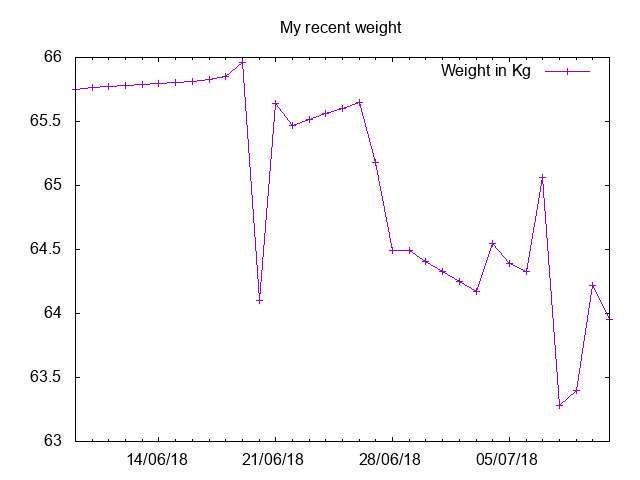
Adding SwiftUI Org babel support
Having learned that babel can generate images (like Gnuplot), I figured I could have fun with SwiftUI too and built ob-swiftui. Also on MELPA.
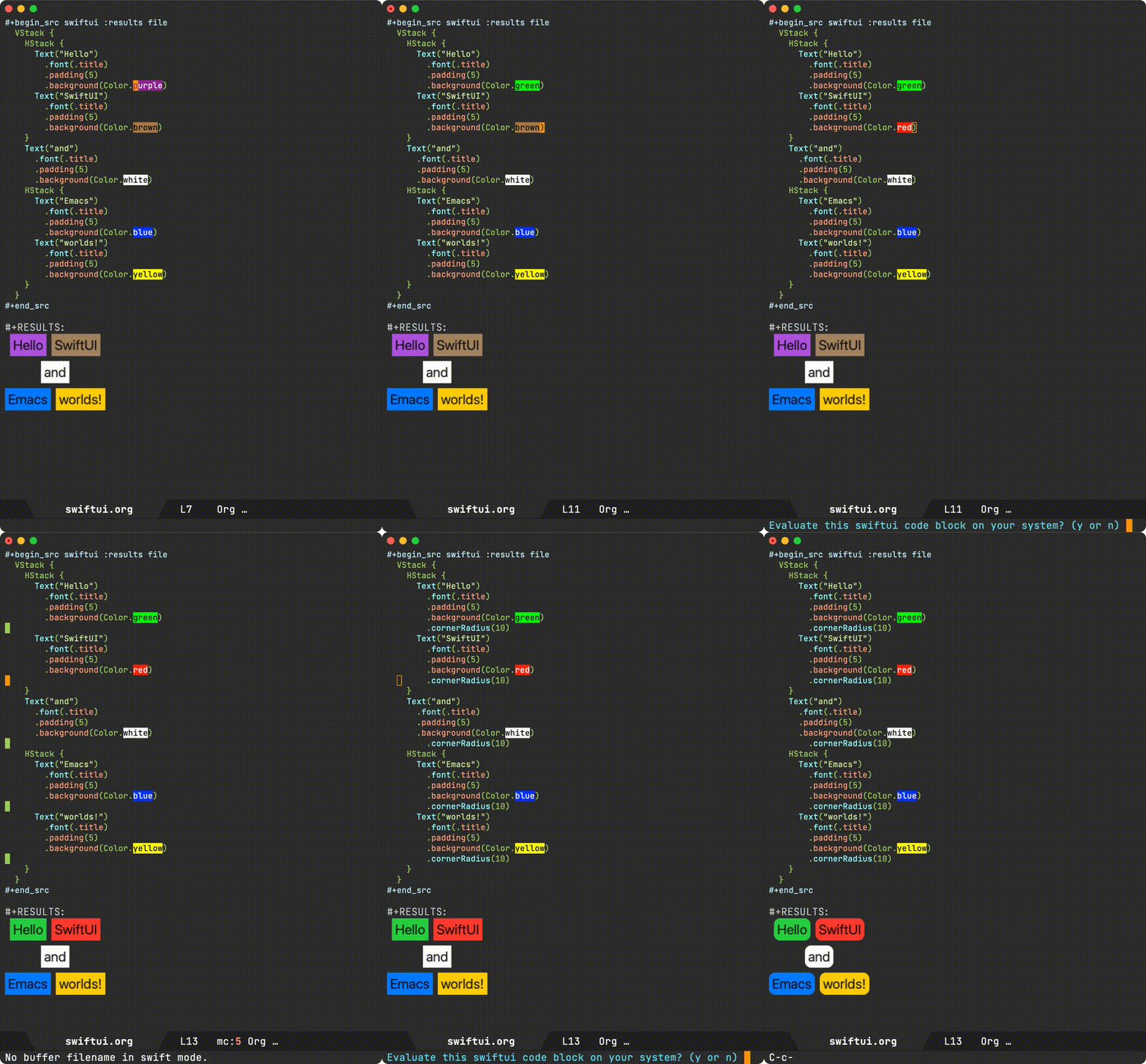
Adding Org links (DWIM style)
Notes aren't complete without links to references. I was already using a keyboard shortcut of sorts, but I figured I could make it much smarter. As in DWIM: Do what I mean. Like automatically fetching link title from the web and other things.


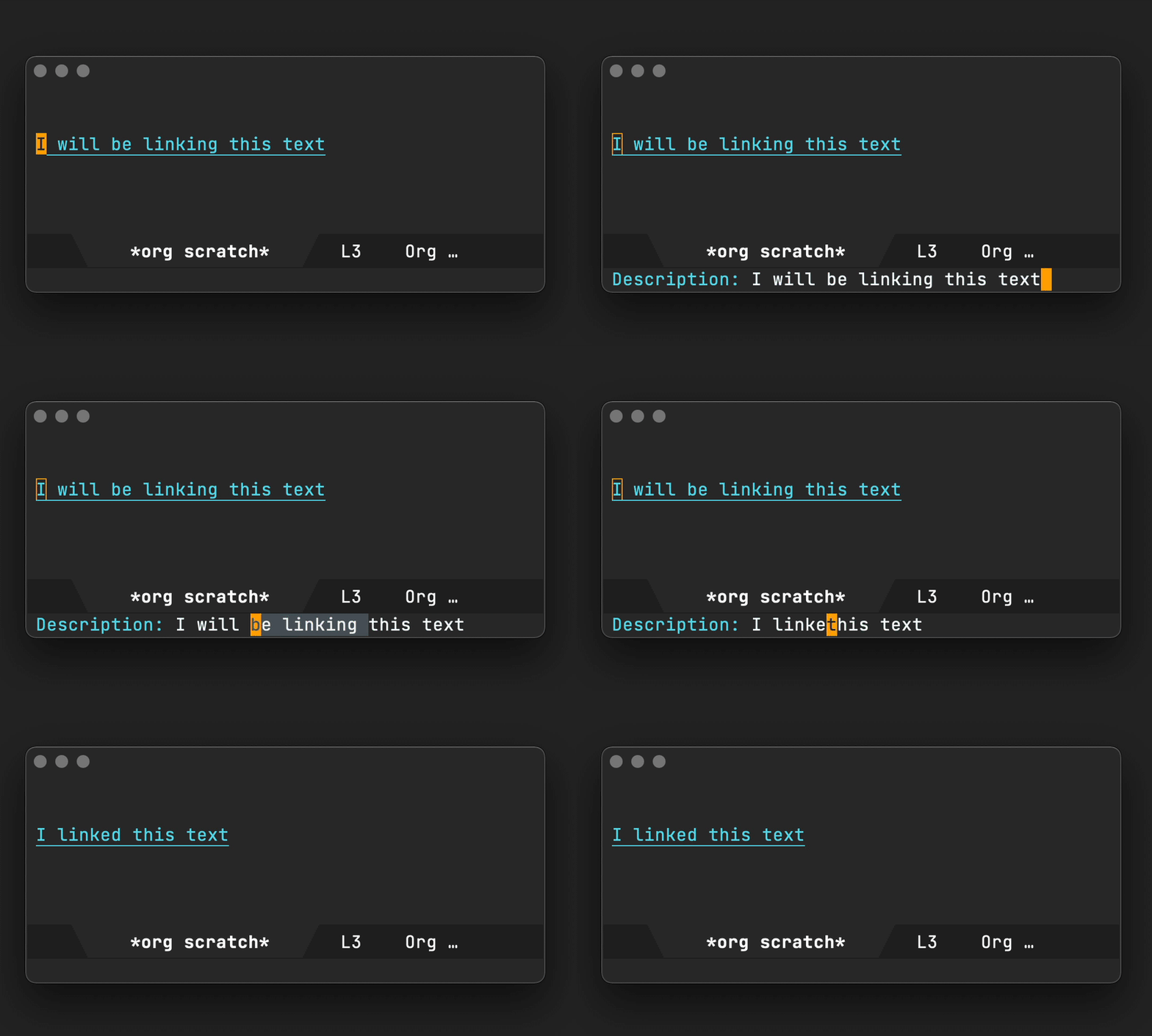
Scraping useful links
Comments in posts can be a great source of recommendations (someone asking for books, blogs, etc), so I figured I could get Emacs to extract all links from an online post and dump them to an org file.
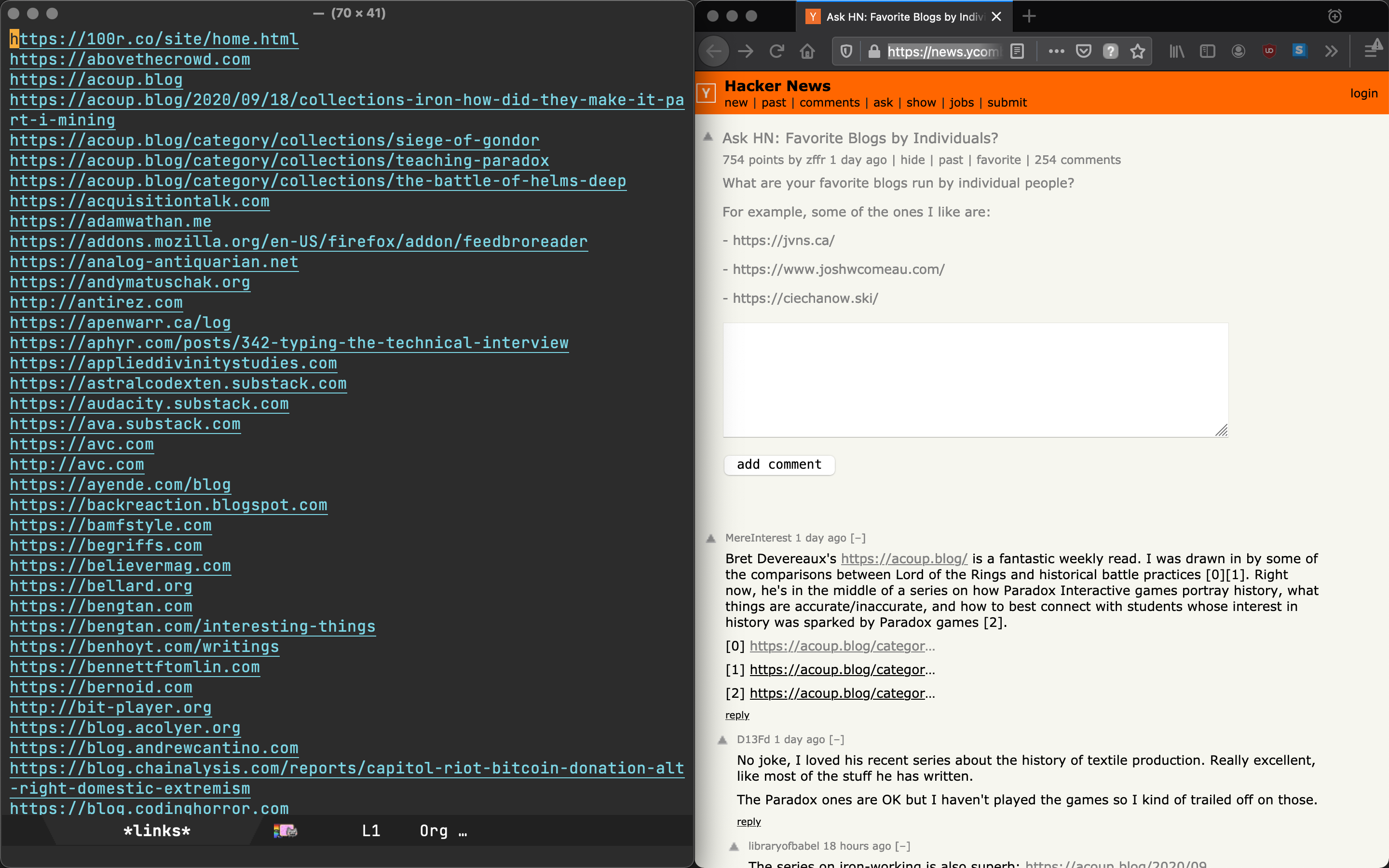
Change your MAC address in Org of course
Cause you never know when you're gonna need it, I randomly saved a snippet to change your MAC address from the comfort of your Org notes. Execute via C-c C-c.
#+begin_src bash :dir /sudo::
  changeMAC() {
      local mac=$(openssl rand -hex 6 | sed 's/\(..\)/\1:/g; s/.$//')
      ifconfig en0 ether $mac
      ifconfig en0 down
      ifconfig en0 up
      echo "Your new physical address is $mac"
  }

  changeMAC
#+end_src

#+RESULTS:
: Your new physical address is b4:b2:f8:77:bb:87
By the way, noticed the :dir /sudo:: header? It enables executing the snippet as root.
Generating documentation for your Emacs package
Having built a handful of Emacs packages, maintaining a README.org documenting commands available (and keeping it up-to-date) was a bit of a chore. I figured you could automate things and generate a nice Org table documenting your package commands and customizable variables.
When you see this table in my GitHub project, you now know how it was generated.
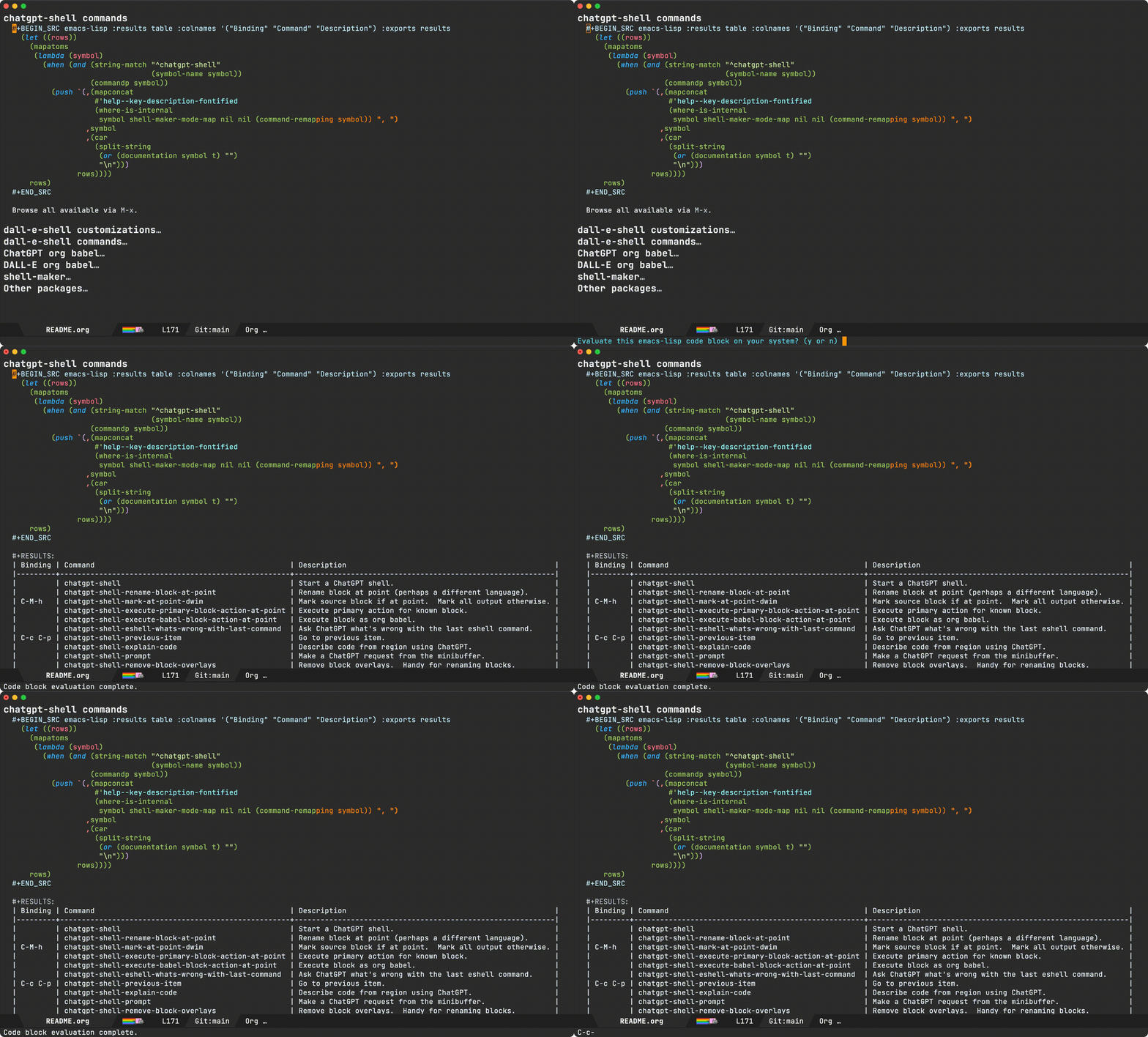
A noweb detour: the lesser known Org babel glue
While Org babel's noweb support isn't super widely known, I learned it's great for glueing org babel blocks. I love how Org knowledge (and Emacs benefits really) just keep compounding. I started by just writing a simple Org outline. Remember?
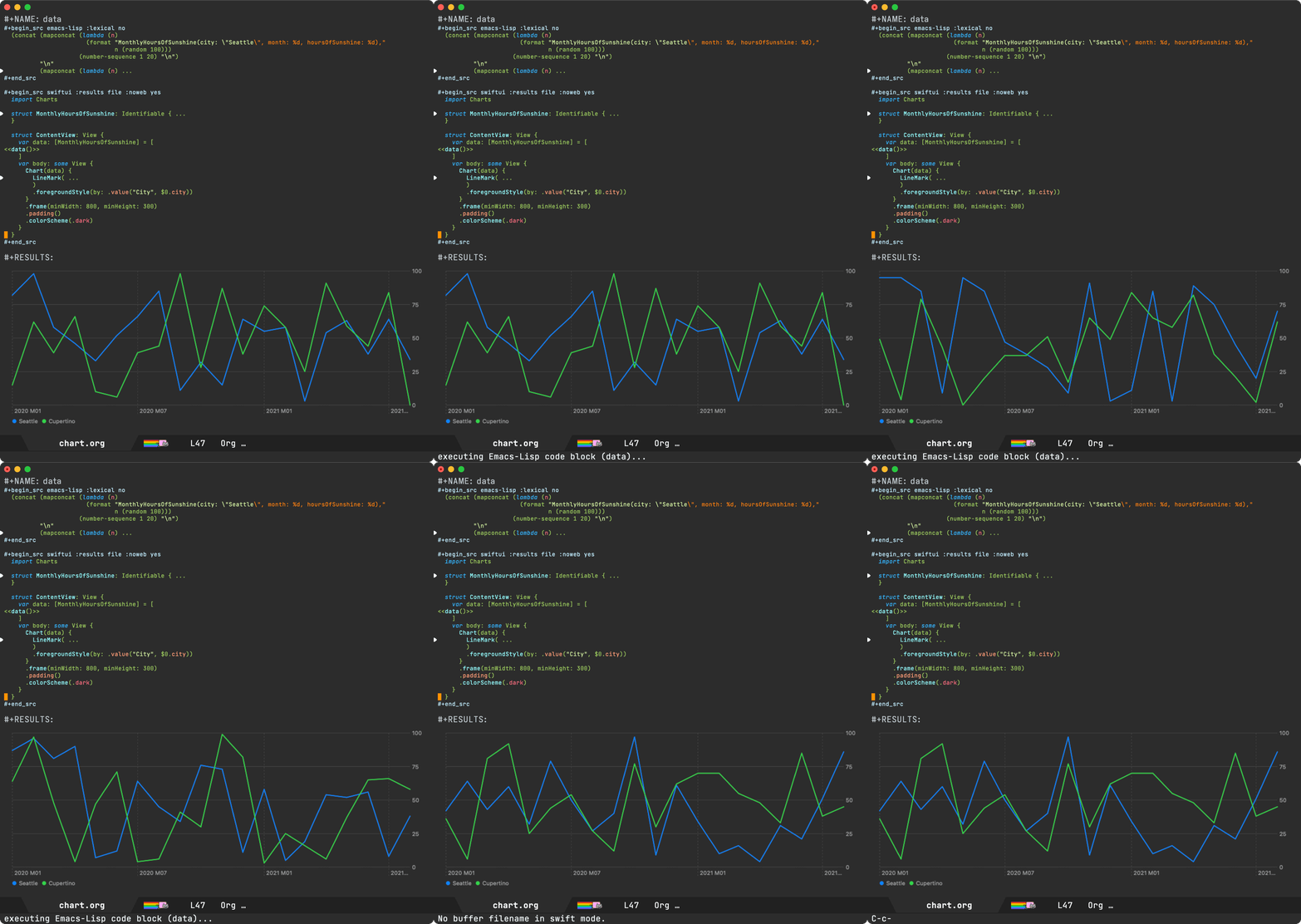
LLMs join the babel chat
In 2023, I started experimenting with LLMs and Emacs integrations. Naturally, I had to add babel support too, so ob-chatgpt-shell (MELPA) and ob-dall-e-shell (MELPA) were added to the mix.

Smarter Org capture templates
Your knowledge base is only as useful as its wealth. The more you write, the better. And of course, the less friction, the more likely you are to write more.
Org capture is super useful to save your thoughts quickly into an Org file. You can come up with all sorts of templates to expedite the process. In addition to the base structure, I figured I could automatically capture my current location, date, time, and weather as part of a note.
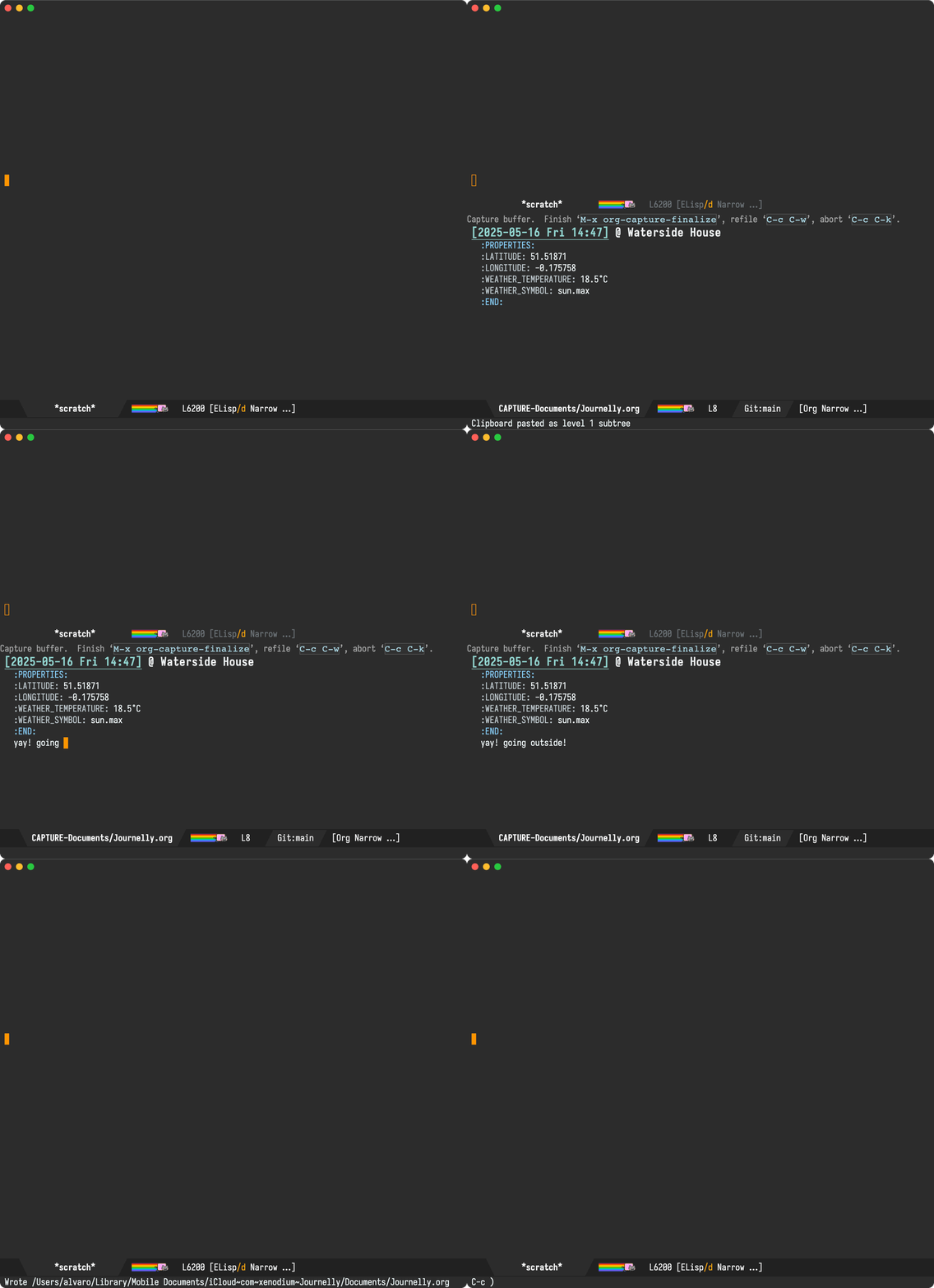
Presenting in style
There are no shortages of Emacs packages leveraging Org mode to give presentations (org-present is one of many). I often enjoy David Wilson's videos. In this one, he shares his presentation setup. I figured it'd be fun to experiment with org-present to spiff things up. I wanted a sort of smart navigation where items are automatically expanded and collapsed as I <tab> my way through a presentation.

Org as lingua franca
With my Org usage growing, I felt like I was missing Org support outside of Emacs. Web access to my blog wasn't enough. I wanted to quickly capture things while on the go, so I started building iOS apps revolving around my Emacs and Org usage.
Journelly (iOS)
Journelly is my latest iOS app, centered around note-taking and journaling. The app feels like tweeting, but for your eyes only of course. It's powered by Org markup, which can be synced with Emacs via iCloud.


Flat Habits (iOS)
Org habits are handy for tracking daily habits. However, it wasn't super practical for me as I often wanted to check things off while on the go (away from Emacs). That led me to build Flat Habits.
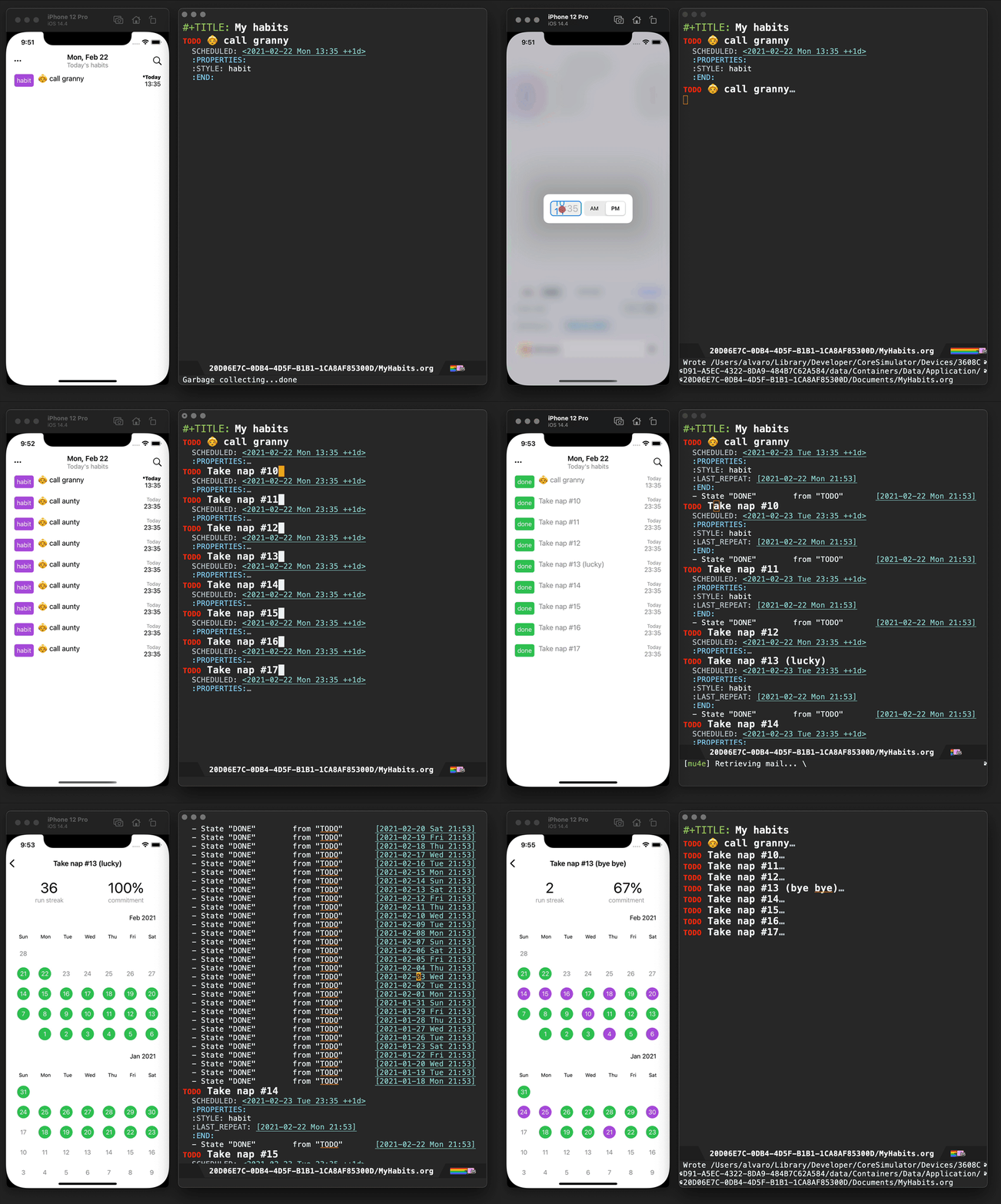

Scratch (iOS)
While these days I'm using Journelly to jot down just about anything, before that, I built and used Scratch as scratch pad of sorts. No iCloud syncing, but needless to say, it's also powered by Org markup.

Plain Org (iOS)
For more involved writing, nothing beats Emacs Org mode. But what if I want quick access to my Org files while on the go? Plain Org is my iOS solution for that.
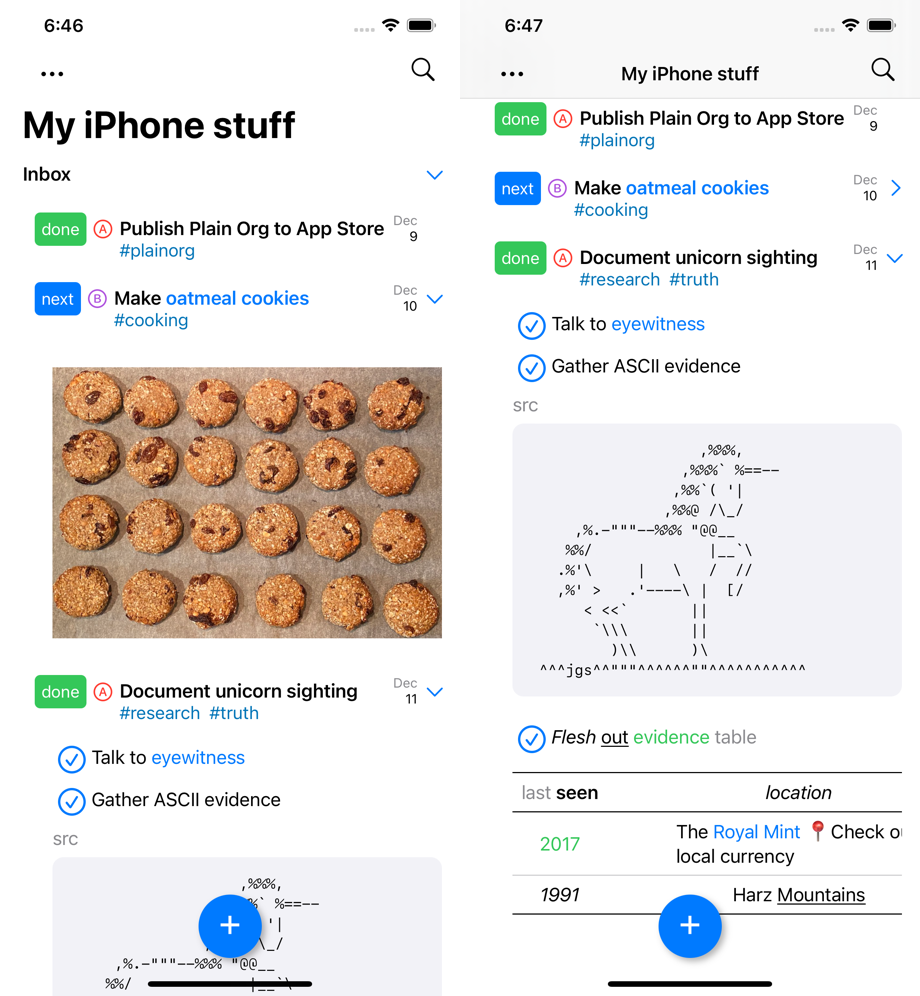
LMNO.lol
While I already mentioned LMNO.lol, it's been heavily inspired by my Org workflow. You write your notes or blog posts to a single plain text file, sprinkling Markdown this time around, and just drag and drop it to the web. LMNO.lol takes care of the rest.
Org bookmarks
While there is newer content out there, I did capture a handful of Org bookmarks at some point. This one took me down memory lane. Sacha Chua used make these really fun videos interviewing Emacs folks, often discussing their Emacs configs. I learned a ton from these videos. That time, Sacha interviewed Howard Abrams. Gosh, that was over 10 years ago.
Off the top of my head, Karl Voit also comes to mind, for championing Org for years. I know I'm not doing it justice. There are far too many folks I've learned from, who kindly share their knowledge. I've bookmarked some of them in the past.
Naturally, my Org journey wouldn't be possible without Org mode itself and the incredible work from the authors and maintainers. I've personally donated to their cause and even got my ex-employer to donate multiple times.
I could keep showing more things…
You could argue my Org usage is fairly random. Maybe it is. I'd say it's more organic than anything. I more or less started writing outlines and TODO lists, incrementally adopting whatever needed over time. It's up to you how much or little Org you adopt. Whatever you pick is the right answer for you. The Org feature set is just so vast. Some of the things I've tried didn't stick for me like plotting ledger reports or combating spam through Org, but by trying things I got to discover other things that probably did stick.
I could keep going, showing you more examples of the things I discovered, but in such a vast universe what's useful to me may not be useful to you. With such a diverse toolbox, it's highly likely you'll find just the right tool for your needs.
Ok, we get it. The feature set is rich. But most importantly, your data is saved in plain, transparent text, easily accessible to other tools. Heck, I even wrote my own iOS apps to view and edit Org files on the go. In over ten years of using Org, I've never lost access to my data, and I never will. That alone is the non-negotiable cherry on the cake.
Make it all sustainable
Learned something new? Enjoying this blog or my projects? I am an 👉 indie dev 👈. Help make it sustainable by ✨sponsoring✨
Need a blog? I can help with that. Maybe buy my iOS apps too ;)
]]>Take, for example, M-x dwim-shell-commands-join-images-horizontally. It does what it says on the tin. I can mark a handful of image files via dired and easily join them into a single file. The problem is that the file listing isn't always in the desired order, so this is where custom ordering comes in handy.
I wanted an interactive way of reordering dired items. While bouncing ideas with arthurno1, it led us to a drag-stuff experience, which I'm already a fan of. While drag-stuff works in most editable buffers, it breaks on dired. For now, I figured I could just write a couple of dired-specific interactive commands to provide a similar dragging experience, and so I did.
We can likely improve the commands a bit, but hey they do the job as is…
(defun ar/dired-drag-item-up ()
  "Drag dired item down in buffer."
  (interactive)
  (unless (dired-get-filename nil t)
    (error "Not a dired draggable item"))
  (when (= (line-number-at-pos) 2)
    (error "Already at top"))
  (let* ((inhibit-read-only t)
         (col (current-column))
         (item-start (line-beginning-position))
         (item-end (1+ (line-end-position)))
         (item (buffer-substring item-start item-end)))
    (delete-region item-start item-end)
    (forward-line -1)
    (beginning-of-line)
    (insert item)
    (forward-line -1)
    (move-to-column col)))

(defun ar/dired-drag-item-down ()
  "Drag dired item down in buffer."
  (interactive)
  (unless (dired-get-filename nil t)
    (error "Not a dired draggable item"))
  (when (save-excursion
          (forward-line 1)
          (eobp))
    (error "Already at bottom"))
  (let* ((inhibit-read-only t)
         (col (current-column))
         (item-start (line-beginning-position))
         (item-end (1+ (line-end-position)))
         (item (buffer-substring item-start item-end)))
    (delete-region item-start item-end)
    (forward-line 1)
    (beginning-of-line)
    (insert item)
    (forward-line -1)
    (move-to-column col)))
I gotta say, these dired dragging commands work great with M-x dwim-shell-commands-join-images-horizontally. I bind them to M-<up> and M-<down> same as drag-stuff elsewhere (already in my config).
(use-package dired
  :bind (:map dired-mode-map
              ("M-<up>" . ar/dired-drag-item-up)
              ("M-<down>" . ar/dired-drag-item-down)))
You can see the new dired commands in action.
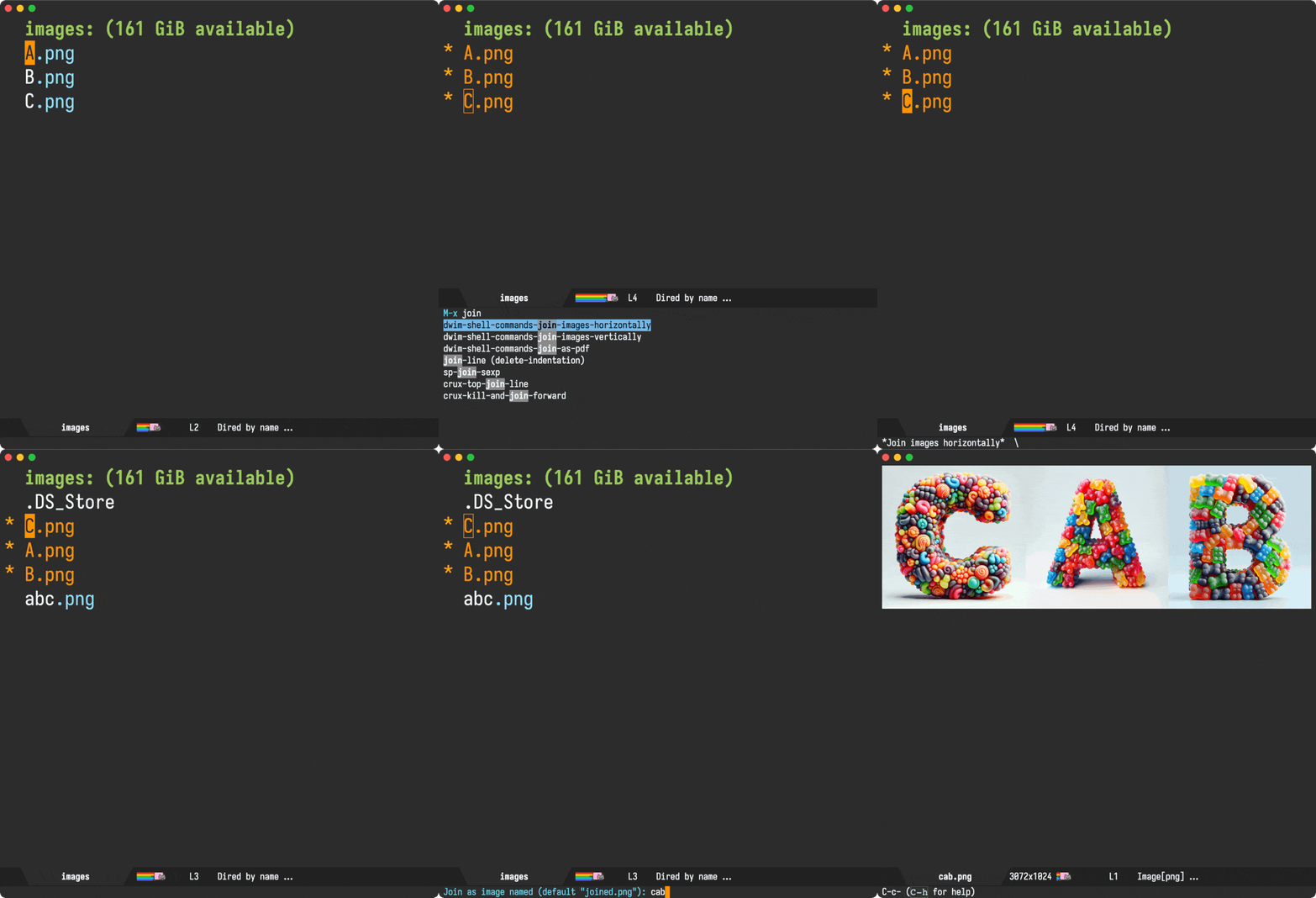
Bonus
While bouncing ideas with arthurno1, we also came up with another helper to create new dired buffers populated from marked items, maybe needed for those times you want a more focused experience.
(defun ar/dired-from-marked-items ()
  "Create a new dired buffer containing only the marked files.

Also allow dragging items up and down via M-<up> and M-x<down>."
  (interactive)
  (let ((marked-files (dired-get-marked-files))
        (buffer-name (generate-new-buffer-name
                      (format "*%s (selection)*"
                              (file-name-nondirectory
                               (directory-file-name default-directory))))))
    (unless marked-files
      (error "No dired marked files"))
    (dired (cons buffer-name
                 (mapcar (lambda (path)
                           (file-relative-name path default-directory))
                         marked-files)))))
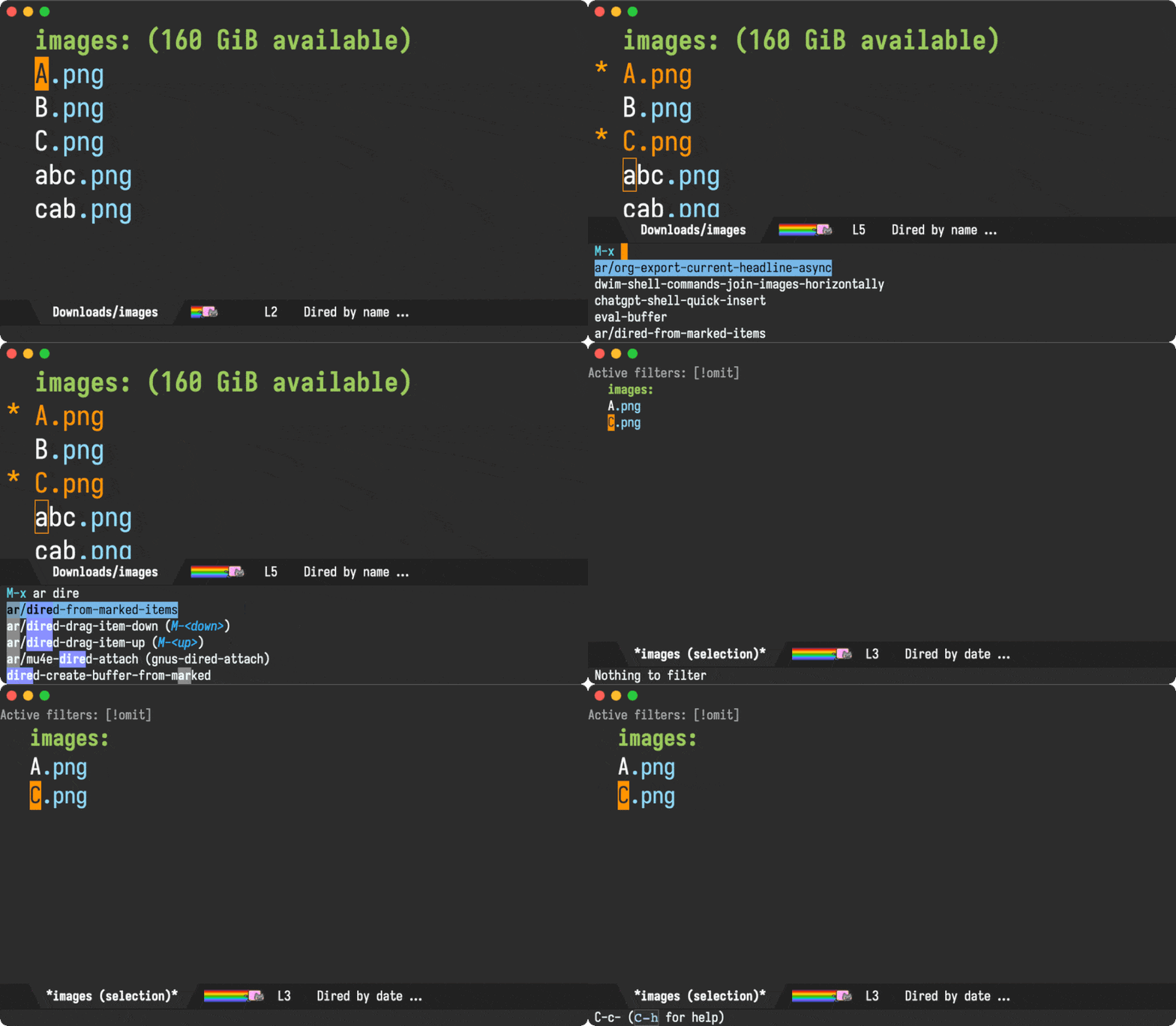
Make it all sustainable
Learned something new? Enjoying this blog or my projects? Help make it sustainable by ✨sponsoring✨
Need a blog? I can help with that. Maybe buy my iOS apps too ;)
]]>Let's cover both ways of patching our favourite editor…
Patching Emacs upstream sources
If you'd like to build from the master branch, you can check its sources out like so:
git clone git://git.sv.gnu.org/emacs.git
cd emacs
Next, we'll patch Emacs source as needed. For example, I recently wanted to patch src/nsterm.m to see if I could fix a macOS dictation regression introduced on Emacs 30.
diff --git a/src/nsterm.m b/src/nsterm.m
index 003aadb9782..2b34894f36e 100644
--- a/src/nsterm.m
+++ b/src/nsterm.m
@@ -7413,7 +7413,24 @@ - (NSRange)selectedRange
 {
   if (NS_KEYLOG)
     NSLog (@"selectedRange request");
-  return NSMakeRange (NSNotFound, 0);
+
+  struct window *w = XWINDOW (FRAME_SELECTED_WINDOW (emacsframe));
+  struct buffer *buf = XBUFFER (w->contents);
+  ptrdiff_t point = BUF_PT (buf);
+
+  if (NILP (BVAR (buf, mark_active)))
+    {
+      NSUInteger selection_location = point - BUF_BEGV (buf);
+      return NSMakeRange (selection_location, 0);
+    }
+
+  ptrdiff_t mark = marker_position (BVAR (buf, mark));
+  ptrdiff_t region_start = min (point, mark);
+  ptrdiff_t region_end = max (point, mark);
+  NSUInteger selection_location = region_start - BUF_BEGV (buf);
+  NSUInteger selection_length = region_end - region_start;
+
+  return NSMakeRange (selection_location, selection_length);
 }

 #if defined (NS_IMPL_COCOA) || GNUSTEP_GUI_MAJOR_VERSION > 0 || \
Now we're ready to configure and build.
./autogen.sh
./configure --with-ns --prefix="$PWD/nextstep/Emacs.app/Contents/MacOS" --enable-locallisppath="${PWD}/nextstep/Emacs.app/Contents/MacOS"
make install
We've used nextstep/Emacs.app/Contents/MacOS as our target directory, so we can test our builds from exactly there… and there you have it, your newly built Emacs.app, ready for opening.
open nextstep/Emacs.app
Patching Emacs Plus
While patching and building upstream Emacs sources as above is fairly common, patching Emacs Plus may not be as well known.
I'm a big fan of Boris Buliga's excellent Homebrew recipe and use it daily, so it makes sense for me to get acquainted with its patching capabilities.
First we check out the Emacs Plus Homebrew repo:
git clone https://github.com/d12frosted/homebrew-emacs-plus.git
cd homebrew-emacs-plus
At this point, it's worth noting Emacs Plus enables building different Emacs versions (29, 30, and even master). It extends Emacs by applying its own patches at build time. For example, if we'd like to patch Emacs 30, we'll customise the 30 build to apply our own changes.
Remember our src/nsterm.m patch above? We'll rebased it against the Emacs 30 tarball and save in the Emacs Plus patches directory:
./patches/emacs-30/dictation.patch
Next we'll need to generate a hash to complete our Emacs 30 patch details:
sha256sum ./patches/emacs-30/dictation.patch
Now we add our patch details to ./Formula/[email protected]:
local_patch "dictation", sha: "cb102525bba7385d7d85c52d31101af3d2cbbf076468dacbf505039082ec521c"
With that, we're ready to build Emacs Plus, which comes with a handy build script. I'm a fan of Valeriy Savchenko's macOS icons, so I'll throw in the optional icon flag. I should also mention Emacs Plus offers a rich catalog of app icons. Now back to building…
HOMEBREW_DEVELOPER=1 ./build 30 --with-savchenkovaleriy-big-sur-curvy-3d-icon
The build output should look a little something like the following (look out for our applied patch)
./Formula/emacs-plus-local.rb --with-savchenkovaleriy-big-sur-curvy-3d-icon
==> Fetching downloads for: emacs-plus-local
==> Fetching emacs-plus-local
==> Downloading https://ftp.gnu.org/gnu/emacs/emacs-30.1.tar.xz
Already downloaded: /Users/alvaro/Library/Caches/Homebrew/downloads/b2b29daf5d872710063495e32b8b5234c2fbfffccec82222b65e7f2b4e7fb4da--emacs-30.1.tar.xz
==> Patching
==> Applying fix-window-role.patch
==> Applying system-appearance.patch
==> Applying round-undecorated-frame.patch
==> Applying dictation.patch     <---- Our patch 🎉
==> ./autogen.sh
==> ./configure --disable-silent-rules --enable-locallisppath=/opt/homebrew/share/emacs/site-lisp --infodir=/opt/homebrew/Cellar/emacs-plus-local/30.1/share/info/emacs --with-native-compilation=aot --with-xml2 --
==> gmake
==> gmake install
==> Injecting PATH value to Emacs.app/Contents/Info.plist
Patching plist at /opt/homebrew/Cellar/emacs-plus-local/30.1/Emacs.app/Contents/Info.plist with following PATH value:


...


==> Caveats
Emacs.app was installed to:
  /opt/homebrew/opt/emacs-plus-local

To link the application to default Homebrew App location:
  osascript -e 'tell application "Finder" to make alias file to posix file "/opt/homebrew/opt/emacs-plus-local/Emacs.app" at posix file "/Applications" with properties {name:"Emacs.app"}'

Your PATH value was injected into Emacs.app/Contents/Info.plist

Report any issues to https://github.com/d12frosted/homebrew-emacs-plus

To start emacs-plus-local now and restart at login:
  brew services start emacs-plus-local
Or, if you don't want/need a background service you can just run:
  /opt/homebrew/opt/emacs-plus-local/bin/emacs --fg-daemon
==> Summary
🍺  /opt/homebrew/Cellar/emacs-plus-local/30.1: 7,470 files, 585.0MB, built in 8 minutes 59 seconds
==> Running `brew cleanup emacs-plus-local`...
Disable this behaviour by setting HOMEBREW_NO_INSTALL_CLEANUP.
Hide these hints with HOMEBREW_NO_ENV_HINTS (see `man brew`).
alvaro@MacBookPro homebrew-emacs-plus %  osascript -e 'tell application "Finder" to make alias file to posix file "/opt/homebrew/opt/emacs-plus-local/Emacs.app" at posix file "/Applications" with properties {name:"Emacs.app"}'

alias file Emacs.app of folder Applications of startup disk
At this point, your brand new patched Emacs Plus is ready for opening:
open /opt/homebrew/opt/emacs-plus-local/Emacs.app
Notice how Emacs.app is saved under emacs-plus-local, which is different from the default location: emacs-plus. In other words, your patched and regular builds can coexist.
I've pushed the changes to my Emacs Plus fork. If keen to take a closer look, check out the git commit. Should this change be sent to Emacs Plus in a pull request? Maybe not just yet. We'll try to get it admitted upstream first.
Now you know at least two ways of building and patching Emacs on macOS. There are more, but these are my favourite two.
Make it all sustainable
Learned something new? Enjoying this blog or my projects? Help make it sustainable by ✨sponsoring✨
Need a blog? I can help with that. Maybe buy my iOS apps too ;)
]]>While my chances of success sounded fairly low, I figured I had to at least try before giving up… and I have to say, I'm glad I gave it a chance. Yesterday, my patch was finally merged upstream.
That's not to say the patch did not face its challenges. The proposal sparked quite the discussion (you may need an extra large coffee to get through all messages). Frankly, my hopes of landing the patch after initial feedback quickly shrank to almost non-existent. Having said that, I really have to give huge credit and thanks to both Eli Zaretskii and Stefan Kangas for their help here. Without their steering, navigating the more turbulent parts of the discussion, I really would have had no chance of getting anywhere and simply would have just given up.
If you're wondering what was controversial about the patch, GNU guidelines discourage adding features targeting non-free operating systems before it can be made available for GNU/Linux. While the patch could be easily reworked to expose the native capabilities available for each platform, there's plenty of room for interpretation as to whether a rework is considered enough to satisfy the guideline. Most of the discussion was centered around this topic. Once the thread was refocused around shaping the patch, I received super constructive feedback and the patch was indeed reworked to cater for different platforms. We also agreed to rename the feature from "share" to "send". To my surprise, even RMS also chimed in on the patch discussion. Achievement unlocked?!
While one may or may not agree with GNU's guideline, I'm particularly grateful to the Free Software Foundation, the GNU project, and the wider open source community for building honest software that respects freedom and privacy, especially in this day and age.
I'm a huge Emacs fan. I frequently write about it, share tips/tricks, and even build/publish my own packages. In a perfect world, I would also run GNU/Linux exclusively (I did for many years), but nuance requires that I live in a mixed environment (open source + proprietary software), running macOS. I'm thankful for the parts I can control/modify (including Emacs).
When proposing my patch upstream, my intention was to offer the best possible Emacs experience for this particular feature (via native macOS APIs). In most Emacs patches, native changes aren't necessary. But for the rare instances where I'm unable to carry out all the necessary work for different platforms, I'm hoping I can work with other Emacs enthusiasts with complementary skills and strive to find common ground where my contribution raises the tide in a way that helps lift all boats (even if just a little), so to speak. That is, if I'm allowed to ;)
Emacs send-to is now accessible on the master branch via M-x context-menu-mode (right click and select "Send to…"), directly via M-x send-to, and can be applied to dired files, current buffer (with associated file), and selected text region.
File handling is configurable per platform via send-to-handlers.
(defvar-local send-to-handlers '(((:supported . send-to--ns-supported-p)
                                  (:collect . send-to--collect-items)
                                  (:send . send-to--ns-send-items))
                                 ((:supported . send-to--open-externally-supported-p)
                                  (:collect . send-to--collect-items)
                                  (:send . send-to--open-externally)))
  "A list of handlers that may be able to send files to applications or services.

Sending is handled by the first supported handler from `send-to-handlers' whose
`:supported' function returns non-nil.

Handlers are of the form:

((:supported . `is-supported-p')
 (:collect . `collect-items')
 (:send . `send-items'))

(defun is-supported-p ()
  \"Return non-nil for platform supporting send capability.\"
  ...)

(defun collect-items ()
  \"Return a list of items to be sent.

Items are strings and will be sent as text unless they are local file
paths known to exist. In these instances, files will be sent instead.\"
  ...)

(defun send-to--send-items (items)
  \"Send ITEMS.\"
  ...)")
The merged patch currently ships with two handlers. A native macOS handler, powered by NSSharingServicePicker, and a more generic one driven by the new shell-command-do-open.
With send-to-handlers now configurable, it opens up the possibility to expose all sorts of neat integrations like Android intents, KDE Connect, GSConnect, and so on… If you write a send-to-handler, I'd love to hear about it.
If you're on macOS and happen to find the new send-to's native sharing useful, you now know that exposing that little dialog took a non-trivial amount of effort, a turbulent discussion, and 5 months to land in your beloved Emacs. I'll just leave this here ;)
As of today Mochi Invaders is available on the App Store.
When Journelly launched, I asked users to get in touch if they were interested in Markdown support.
Since then, Markdown has by far been the most requested feature.
Today, I’m excited to share that Journelly beta builds now include initial Markdown support! If you’ve been in touch, you likely already have access. If not, let me know you’re interested.
Journelly still defaults to Org as its preferred markup, but you can now switch to Markdown from the welcome screen or the menu.
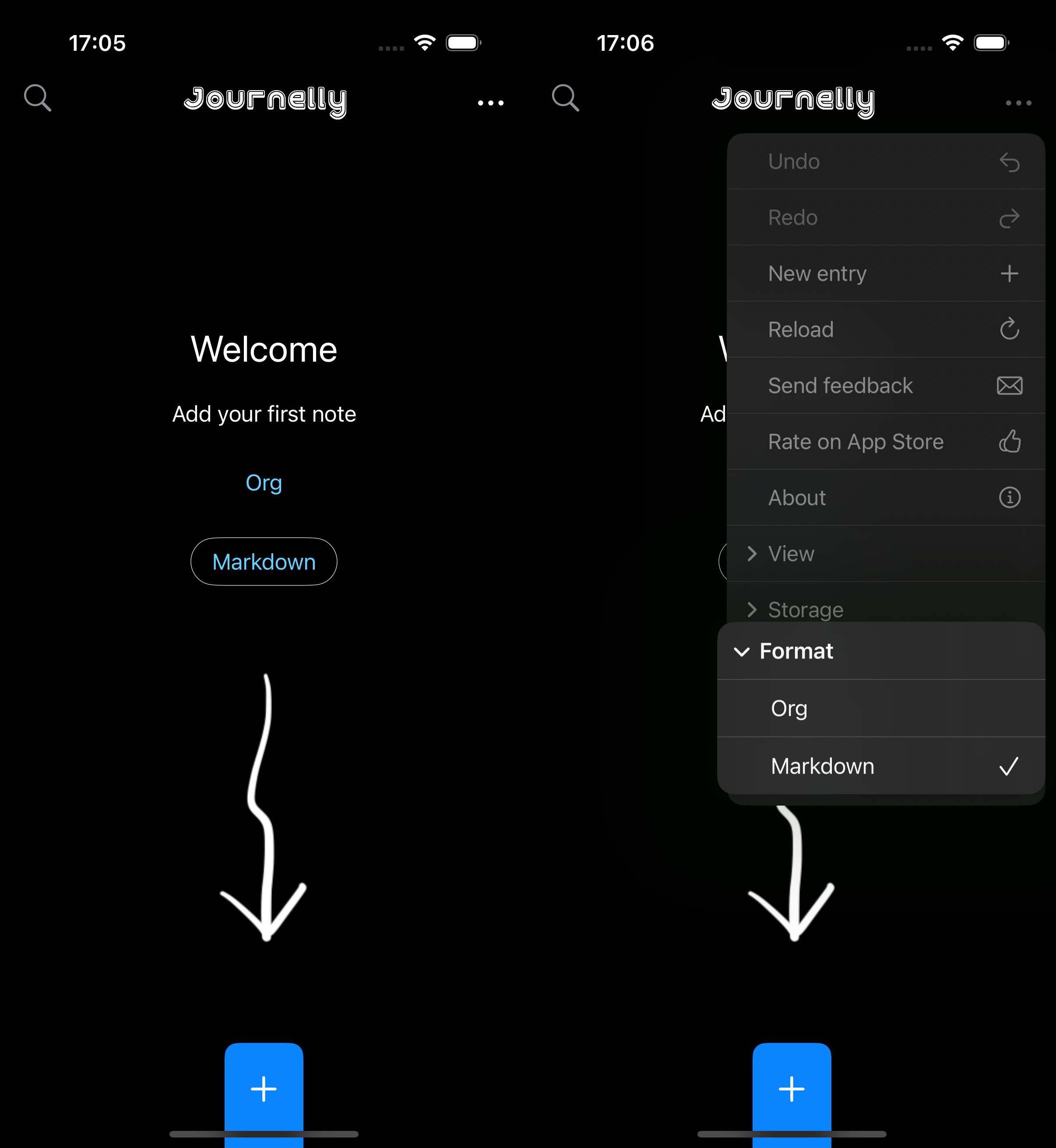
While Org is my own markup of choice, it remains fairly niche. As I work to build a sustainable iOS app as a full-time indie developer, I need to reach a wider audience, without resorting to subscriptions. Luckily, I think we can have our cake and eat it too.
Here's how I see Journelly's audience breaking down:
For anyone who just wants to write (regardless of markup)
This has always been Journelly’s main goal. I've worked hard to keep the serialization format in the background, focusing instead on delivering a smooth, friction-free experience. The primary goal: just write.
I think this is working well. Ellane's post sums it up: Journelly is the iOS Org App You’ll Love (Even if You Don’t Do Org).
If you just want a quick way to take notes or journal privately, Journelly already offers that. Adding quick notes, ideas, recipes, checklists, music, links, etc. is really easy and fast even if you don't do org (Brandon says so too).
Org mode enthusiasts
I got this one pretty well-covered also. I'm an Emacs org mode enthusiast myself and regularly share my Journelly entries between my iPhone and Mac. You don't need to take my word for it though. jcs is a seasoned Emacs enthusiast. From Irreal, he's covered Journelly pretty well. While journelly.com quotes and links to posts from happy users, I've been collecting posts from different users. I should share a post with all of them too!
Markdown enthusiasts
Which brings me back to this post: there are a lot of Markdown users out there. While Journelly’s UX has caught the interest of some Markdown fans, many prefer to stick with their favorite format. Your interest was heard! I did say, the more requests I get, the sooner I'll get Markdown support out the door, and so here we are.
You can now try Markdown support via TestFlight. I look forward to your feedback.
New to Journelly and want to join the Markdown beta? Get in touch.
]]>Having said that, I don't want to lose track of time, and for that, I built a tiny ever-present floating clock.
While it's been a while since I built this clock, it's only now that I decided to make it available via Homebrew.
EverTime lives in its own GitHub repository and can be installed with:
brew install --HEAD xenodium/evertime/evertime
In addition to using EverTime, I also like enabling "Announce the time" under macOS System Settings, which announces the time every hour.
Like EverTime? Consider ✨sponsoring me✨ or buying ✨my apps✨.
]]>Journelly v1.2 focuses exclusively on improving app accessibility.
In particular:
- Improved VoiceOver navigation and general app experience.
- Improved edit layout when "Settings > Accessibility > Display & Text Size > Button Shapes" is enabled.
Huge thanks to Yvonne Thompson for all her help shaping this release. VoiceOver support is in way better shape as a result.
Journelly 1.2 available on the App Store
What is Journelly?
Journelly feels like tweeting but for your eyes only.
A fresh take on frictionless note-taking for iOS, powered by Org plain text.
- Save cooking recipes, movies, music, restaurants, coffee shops…
- Jot down your thoughts.
- Save your favorite quotes.
- Use it as a journal, memo book, or notes.
- Write your shopping lists.
- Document your travels.
- Lots more…
Check out journelly.com for details.
A few of weeks ago, it just dawned on me that my Mac's status bar is likely the perfect place to keep this glanceable information handy. And with that, I built Ranking Officer. A little utility to do just that.

I wasn't too sure if this app would make it to the App Store. To my delight, Apple reviewed and accepted on its first submission.
As of today, you can install Ranking Officer from the App Store.

Ranking Officer
You can now stay up to date on your app’s rankings and user reviews from around the world, right from your Mac's status bar.
- Get the latest ranking and review data, updated every hour.
- Monitor as many apps as you like (there’s no limit).
- No login or personal details required.
- No subscription necessary.
Just add your apps using their App Store URLs and get tracking.
Good luck with your apps!
🍀🤞⭐🎋🧧🏮🪙🐞🎰🐘
While GNU/Linux had been my operating system of choice for many years, these days I'm primarily on macOS. Lucky for me, I spend most of my time in Emacs itself (or a web browser), making the switch between operating systems a relatively painless task.
I build iOS and macOS apps for a living, so naturally I've accumulated a handful of macOS-Emacs integrations and tweaks over time. Below are some of my favorites.
Emacs Plus
For starters, I should mention I run Emacs on macOS via the excellent Emacs Plus homebrew recipe. These are the options I use:
brew install emacs-plus@30 --with-no-frame-refocus --with-native-comp --with-savchenkovaleriy-big-sur-curvy-3d-icon
Valeriy Savchenko's icons
Valeriy Savchenko has created some wonderful macOS Emacs icons. These days, I use his curvy 3D rendered icon, which I get via Emacs Plus's --with-savchenkovaleriy-big-sur-curvy-3d-icon option.
Modifiers
It's been a long while since I've settled on using macOS's Command (⌘) as my Emacs Meta key. For that, you need:
(setq mac-command-modifier 'meta)
At the same time, I've disabled the ⌥ key to avoid inadvertent surprises.
(setq mac-option-modifier 'none)
Enabling Control-Meta(⌘)-D
After setting ⌘ as Meta key, I discovered C-M-d is not available to Emacs for binding keys. There's a little workaround:
defaults write com.apple.symbolichotkeys AppleSymbolicHotKeys -dict-add 70 '<dict><key>enabled</key><false/></dict>'
Frames
You may have noticed the --with-no-frame-refocus Emacs Plus option. I didn't like Emacs refocusing other frames when closing one, so I sent a tiny patch over to Emacs Plus, which gave us that option.
I also prefer reusing existing frames whenever possible.
(setq ns-pop-up-frames nil)
Visual tweaks
Most of my visual tweaks have been documented in my Emacs eye candy post. For macOS-specific things, read on…
It's been a while since I've added this, though vaguely remember needing it to fix mode line rendering artifacts.
(setq ns-use-srgb-colorspace nil)
I like using a transparent title bar and these two settings gave me just that:
(add-to-list 'default-frame-alist '(ns-transparent-titlebar . t))
(add-to-list 'default-frame-alist '(ns-appearance . dark))
I want a menu bar like other macOS apps, so I enable with:
(use-package menu-bar
  :config
  (menu-bar-mode +1))
Emoji picker (a freebie!)
If you got a more recent Apple keyboard, you can press the 🌐 key to insert emojis from anywhere, including Emacs. If you haven't got this key, you can always M-x ns-do-show-character-palette, which launches the very same dialog.
Also check out Charles Choi's macOS Native Emoji Picking in Emacs from the Edit Menu.
Longing long press for accents?
If you prefer Apple's long-press approach to inserting accents or other special characters, I got an Emacs version of that.
Rotate macOS display
I wanted to rotate my monitor from the comfort of M-x, so I made Emacs do it.
Open with
While there are different flavors of "open with default macOS app" commands out there (ie. crux-open-with as part of Bozhidar Batsov's crux), I wanted one that let me choose a specific macOS app.

Open in Xcode (at line number)
Shifting from Emacs to Xcode via "Open with" is simple enough, but don't you want to also visit the very same line?
SF Symbols (for work)
Apple offers SF Symbols on all their platforms, so why not enable Emacs to insert and render them?
This is particulary handy if you do any sort of iOS/macOS development, enabling you to insert SF Symbols using your favorite completion framework. I happen to remain a faithful ivy user.
SF Symbols (for fun)
Speaking of enabling SF Symbol rendering, you can also use them to spiff your Emacs up. Check out Charles Choi's Calle 24 for a great-looking Emacs toolbar. Also, Christian Tietze shows how to use SF Symbols as Emacs tab numbers.
Quick kill
While macOS's Activity Monitor does a fine job killing processes, I wanted something a little speedier, so I went with a killing solution leveraging Emacs completions.
SwiftUI a la org babel
Having learned how simple it was to enable Objective-C babel support, I figured I could do something a little more creative with SwiftUI, so I published ob-swiftui on MELPA.
Changing macOS default apps
I found the nifty duti command-line tool to change default macOS applications super handy, but could never remember its name when I needed it. And so I decided to bring it into dwim-shell-command as part of my toolbox.

I got a bunch of handy helpers in dwim-shell-commands.el (specially all the image/video helpers via ffmpeg and imagemagick). Go check dwim-shell-commands.el. There's loads in there, but here are my macOS-specific commands:
- dwim-shell-commands-macos-add-to-photos
- dwim-shell-commands-macos-bin-plist-to-xml
- dwim-shell-commands-macos-caffeinate
- dwim-shell-commands-macos-convert-to-mp4
- dwim-shell-commands-macos-empty-trash
- dwim-shell-commands-macos-install-iphone-device-ipa
- dwim-shell-commands-macos-make-finder-alias
- dwim-shell-commands-macos-ocr-text-from-desktop-region
- dwim-shell-commands-macos-ocr-text-from-image
- dwim-shell-commands-macos-open-with
- dwim-shell-commands-macos-open-with-firefox
- dwim-shell-commands-macos-open-with-safari
- dwim-shell-commands-macos-reveal-in-finder
- dwim-shell-commands-macos-screenshot-window
- dwim-shell-commands-macos-set-default-app
- dwim-shell-commands-macos-share
- dwim-shell-commands-macos-start-recording-window
- dwim-shell-commands-macos-abort-recording-window
- dwim-shell-commands-macos-end-recording-window
- dwim-shell-commands-macos-toggle-bluetooth-device-connection
- dwim-shell-commands-macos-toggle-dark-mode
- dwim-shell-commands-macos-toggle-display-rotation
- dwim-shell-commands-macos-toggle-menu-bar-autohide
- dwim-shell-commands-macos-version-and-hardware-overview-info
Toggle dark mode
Continuing on the dwim-shell-commands family, I should also mention dwim-shell-commands-macos-toggle-dark-mode.
While I hardly ever change my Emacs theme, I do toggle macOS dark mode from time to time to test macOS or web development.
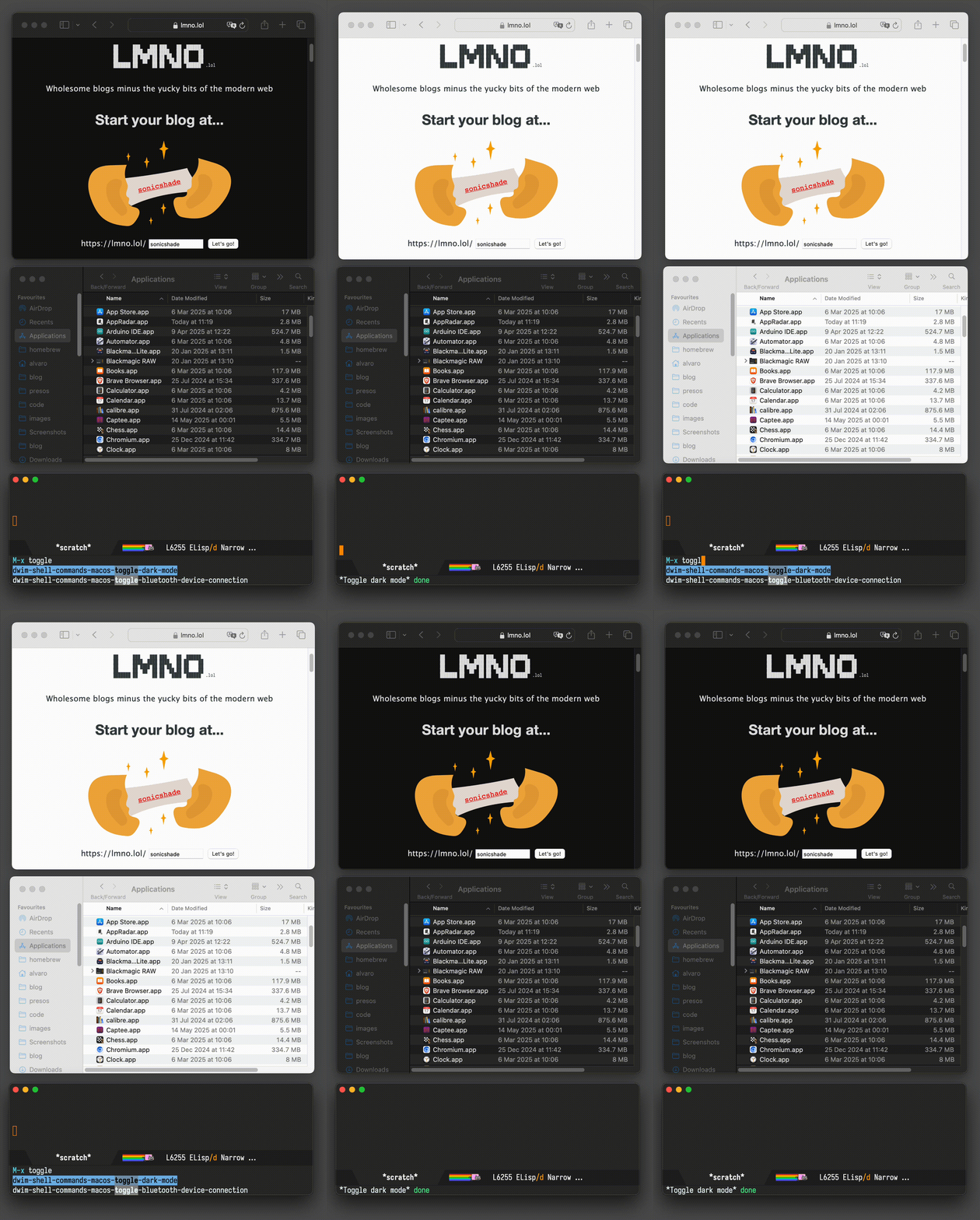
Menu bar auto hide
One last dwim-shell-command… One that showcases toggling the macOS menu bar (autohide).

Connect to your Bluetooth speaker
While this didn't quite stick for me, it was a fun experiment to add Emacs into the mix.

Eshell
This is just a little fun banner I see whenever I launch eshell.
This is all you need:
(use-package em-banner
  :custom
  (eshell-banner-message "
\x1b[32m                             'c.                    \x1b[0m
\x1b[32m                          ,xNMM.                    \x1b[0m
\x1b[32m                        .OMMMMo                     \x1b[0m
\x1b[32m                        OMMM0,                      \x1b[0m
\x1b[32m              .;loddo:' loolloddol;.                \x1b[0m
\x1b[32m            cKMMMMMMMMMMNWMMMMMMMMMM0:              \x1b[0m
\x1b[33m          .KMMMMMMMMMMMMMMMMMMMMMMMWd.              \x1b[0m
\x1b[33m          XMMMMMMMMMMMMMMMMMMMMMMMX.                \x1b[0m
\x1b[31m        ;MMMMMMMMMMMMMMMMMMMMMMMM:                  \x1b[0m
\x1b[31m        :MMMMMMMMMMMMMMMMMMMMMMMM:                  \x1b[0m
\x1b[31m        .MMMMMMMMMMMMMMMMMMMMMMMMX.                 \x1b[0m
\x1b[31m         kMMMMMMMMMMMMMMMMMMMMMMMMWd.               \x1b[0m
\x1b[35m          .XMMMMMMMMMMMMMMMMMMMMMMMMMMk             \x1b[0m
\x1b[35m           .XMMMMMMMMMMMMMMMMMMMMMMMMK.             \x1b[0m
\x1b[34m             kMMMMMMMMMMMMMMMMMMMMMMd               \x1b[0m
\x1b[34m              ;KMMMMMMMWXXWMMMMMMMk.                \x1b[0m
\x1b[34m                .cooc,.    .,coo:.                  \x1b[0m

\x1b[34m                        _/                  _/  _/  \x1b[0m
\x1b[34m     _/_/      _/_/_/  _/_/_/      _/_/    _/  _/   \x1b[0m
\x1b[34m  _/_/_/_/  _/_/      _/    _/  _/_/_/_/  _/  _/    \x1b[0m
\x1b[34m _/            _/_/  _/    _/  _/        _/  _/     \x1b[0m
\x1b[34m  _/_/_/  _/_/_/    _/    _/    _/_/_/  _/  _/      \x1b[0m


"))
Screencasts
I wanted a quick way to record or take screenshots of macOS windows, so I now have my lazy way, leveraging macosrec, a recording command line utility I built. Invoked via M-x of course.
Eglot (LSP) for iOS/macOS dev
If you want any sort of code completion for your macOS projects, you'd be happy to know that eglot works out of the box.
(use-package eglot
  :ensure t
  :hook (swift-mode . eglot-ensure)
  :config
  (message "warning: `jsonrpc--log-event' is ignored.")
  (fset #'jsonrpc--log-event #'ignore)
  (add-to-list 'eglot-server-programs '(swift-mode . ("/Applications/Xcode.app/Contents/Developer/Toolchains/XcodeDefault.xctoolchain/usr/bin/sourcekit-lsp"))))
Search and play (Music app)
This is another experiment that didn't quite stick, but I played with controlling the Music app's playback.

While I still purchase music via Apple's Music app, I now play directly from Emacs via Ready Player Mode. I'm fairly happy with this setup, having scratched that itch with my own package.
By the way, those buttons also leverage SF Symbols on macOS.
Reveal -> all <- in Finder
While there are plenty of solutions out there leveraging the open command line tool to reveal files in macOS's Finder, I wanted one that revealed multiple files in one go. For that, I leveraged the awesome emacs-swift-module, also by Valeriy Savchenko.

Use the macOS Trash
The macOS trash has saved my bacon in more than one occasion. Make Emacs aware of it. Also check out M-x dwim-shell-commands-macos-empty-trash.
Build your own macOS utils
While elisp wasn't in my top languages to learn back in the day, I sure am glad I finally bit the bullet and learned a thing or two. This opened many possibilities. I now see Emacs as a platform to build utilities and tools off of. A canvas of sorts, to be leveraged in and out of the editor.
For example, you could build your own bookmark launcher and invoke from anywhere on macOS.

Emacs as default email composer
Turns out you can also make Emacs your default email composer.
Emacs key bindings everywhere
While not exactly an Emacs tweak itself, I wanted to extend Emacs bindings into other macOS apps. In particular, I wanted more reliable Ctrl-n/p usage everywhere, which I achieved via Karabiner-Elements. I also mapped C-g to Esc, which really feels just great! I can now cancel things, dismiss menus, dialogs, etc. everywhere.
Org as lingua franca
With my Emacs usage growing over time, it was a matter of time until I discovered org mode. This blog is well over 11 years old now, yet still powered by the very same org file (beware, this file is big).
With my org usage growing, I felt like I was missing org support outside of Emacs. And so I started building iOS apps revolving around my Emacs usage.
Journelly (iOS)
Journelly is my latest iOS app, centered around note-taking and journaling. The app feels like tweeting, but for your eyes only of course. It's powered by org markup, which can be synced with Emacs via iCloud.
Flat Habits (iOS)
Org habits are handy for tracking daily habits. However, it wasn't super practical for me as I often wanted to check things off while on the go (away from Emacs). That led me to build Flat Habits.
Scratch (iOS)
While these days I'm using Journelly to jot down just about anything, before that, I built and used Scratch as scratch pad of sorts. No iCloud syncing, but needless to say, it's also powered by org markup.
Plain Org (iOS)
For more involved writing, nothing beats Emacs org mode. But what if I want quick access to my org files while on the go? Plain Org is my iOS solution for that.
Found this post useful?
I'll keep looking for other macOS-related tips and update this post in the future.
In the meantime, consider ✨sponsoring✨ this content, my Emacs packages, buying my apps, or just taking care of your eyes ;)
]]>
Journelly 1.1 available on the App Store
What is Journelly?
Journelly feels like tweeting but for your eyes only.
A fresh take on frictionless note-taking for iOS, powered by Org plain text.
- Save cooking recipes, movies, music, restaurants, coffee shops…
- Jot down your thoughts.
- Save your favorite quotes.
- Use it as a journal, memo book, or notes.
- Write your shopping lists.
- Document your travels.
- Lots more…
Check out journelly.com for details.
What's new?
Journelly v1.1 is the first release since launching. It adds support for 10 new languages and delivers the first round of feature requests and bug fixes.
New features
- New languages:
- Danish
- Dutch
- Finnish
- French
- German
- Italian
- Japanese
- Norwegian
- Spanish
- Swedish
- Easily add hashtags using the new picker (most requested feature).
- Hashtags are now highlighted in the editor.
- Automatically capture selected text in Safari.
- Paste images directly from the clipboard.
- Tap on email addresses to compose a new message.
- New context menu options:
- Set location as Home.
- Open location in Maps.
- Copy text.
- iPad keyboard shortcuts
- ⌘-N Create a new Entry
- ⌘-S Save the current Entry
- ↑/↓ Select entry in list
- ↵ Edit selected entry
- Uses the full date format based on your locale.
Fixes
- Prevents the Esc key from discarding unsaved changes.
- Resolves incorrect link icon colors in Light Mode.
- The About screen is now available on fresh installs.
- Fixes issue where the navigation bar became inaccessible when viewing markup.
- Locations are now only clickable when valid coordinates are available.
A happy Journelly user
Just as I'm getting ready to announce Journelly's 1.1 release, Ellane (from ellanew.com) shared a wonderful blog post on her experience using version 1.0:
Journelly is the Org App You’ll Love (Even if You Don’t Do Org).
I'm particulary excited to hear from Ellane given her Plain Text; Paper, Less philosophy.
"It’s the perfect mix of simplicity and low-tech plain text wizardry"
"It takes a very particular set of features for a new app to impress me enough to hit the purchase button as fast as I did with Journelly."
"Journelly is the first Org-powered app I’ve seen that lays out the welcome mat for people who don’t even know what Org is, never mind how to use it."
Ellane / ellanew.comAs an org mode enthusiast myself, I'm delighted to hear Journelly is paving a gentle road for org newcomers.
Ellane's post also has a great list of features requests. Lucky for me, I can report at least two of them are covered by today's release:
- The new hashtag picker.
- Pasting images from the clipboard.
Be sure to check out Ellane's post, as she covers many details I'm not mentioning here. But lemme share one last tip I learned from her post today…
Ellane's iCloud tip
Today I learned something new from Ellane’s post: you can Control-click the Journelly iCloud Drive folder on your Mac and select "Keep Downloaded" to ensure your notes are always available offline. Super handy, specially for those of us using Emacs on macOS.
Markdown enthusiast? Enquire within
Currently, Journelly stores entries in Org plain text format, but Markdown support is on the way. Interested in Markdown? Please reach out. Early support is already available on beta builds. Lemme know if you'd like to join the TestFlight group.
On the topic of Markdown: I also run lmno.lol, a Markdown-powered blogging service. Simple and focused, without the frustrating parts of the modern web. Custom domains are welcome too! My xenodium.com blog runs off lmno.lol.
]]>In the context of text chat UX, I haven't really come across huge differentiators across offerings. That's not to say they don't exist. The landscape moves fast and there are far too many products out there for me to check out, thus my question to you is…
Who's optimizing or innovating LLM text chat UX?
While there are plenty of new agents and model capabilities that are interesting in their own right, in the context of chat UX, I'm more interested in finding your favorite UX features. What are they? What do you love about them? Why? Do they feel like they reached or are close to reaching an optimal experience? On the other hand, what do you find that's rough about them? Tiny friction here and there? I'd love to know: Mastodon / Twitter / Reddit / Bluesky.
Chat as a shell, is it keyboard optimized?
Back in 2023, I released the first version of chatgpt-shell. To me, LLM chats felt like the perfect candidates to be implemented as shells. After all, aren't they just REPLs of sorts?
- Reads user input
- Evaluates the input
- Prints the result
- Loops back to read more input
While this mode of LLM interaction served me well for some time, I couldn't shake the feeling there were tiny improvements to be made to shed a little friction here and there.
TAB navigation
Not all LLM output is equal. I want to quickly jump to more interesting items like code blocks or links (via keyboard of course). Sure, I can search to navigate around, but don't we have better patterns already? Don't we often just TAB our way around apps and web pages?
With that, I added TAB and Shift-TAB navigation to chatgpt-shell.
Editable vs read-only (why not both?)
Most LLM text chat interfaces I've come across are made up of two components: the input text-box and the history of input requests along with their corresponding LLM outputs. While using the text-box, keyboard shortcuts are somewhat limited to modifier key shortcuts. I'd love to have a richer menu of options available or ways to quickly ask for things, without explicitly having to request a different interaction mode nor a menu of sorts. Circumstances aren't that different in a shell when you have to switch between character and line mode. In a way, the clunkiness intensifies when you'd like to input multi-line text through your shell. You better watch out for that muscle memory and avoid pressing enter prematurely while you intended to add a newline… Too late. Your incomplete request is already on its way.
With all this in mind, it's easy to dismiss shell foundations given their quirks. The thing is, we don't have to throw the baby out with the bathwater. What we need is a veneer of sorts, automatically switching between edit and view mode just when you need it.
Reducing history noise
While I want to have access to my LLM chat history (ie. the context), I'm hardly ever interested in seeing anything but the last LLM response. An always-present history feels like constant noise to me. If I want to see the history, I'd like to actively ask for it. Remember that veneer of sorts? Well, can't it act as viewport too? …showing me only the very last response. Want access to previous entries? Can it act as a pager also? One interaction per page (request + response). But if I really want to open the history floodgates, just give me access to the "raw" shell… and so I started experimenting with pagers of sorts.
One chat interface to rule them all
With my initial chatgpt-shell implementation, I envisioned multi-model chat support would be possible by isolating shell logic into a separate package (shell-maker) and let folks build whichever LLM chat they'd like (adding support for their favorite model).
While new shells started popping up here and there, I didn't foresee minor shell UX differences affecting general user experience. Learning the quirks of each new shell felt like unnecessary friction in developing muscle memory. I also became dependent on chatgpt-shell features, which I often missed when using some of the other shells. In the end, I bit the bullet and made chatgpt-shell go multi-model.
Tying it all together
TAB navigation, a smart veneer, a viewport, paging, optional access to chat history, a transient menu, a single interface driving different models, and a bunch of other tweaks currently make up chatgpt-shell's compose experience, available via Emacs's M-x chatgpt-shell-prompt-compose command or my preferred key binding: C-c C-e.
Today, I bring another tweak. Compose buffers get a brand new header presenting all relevant shell details including model and paging information.
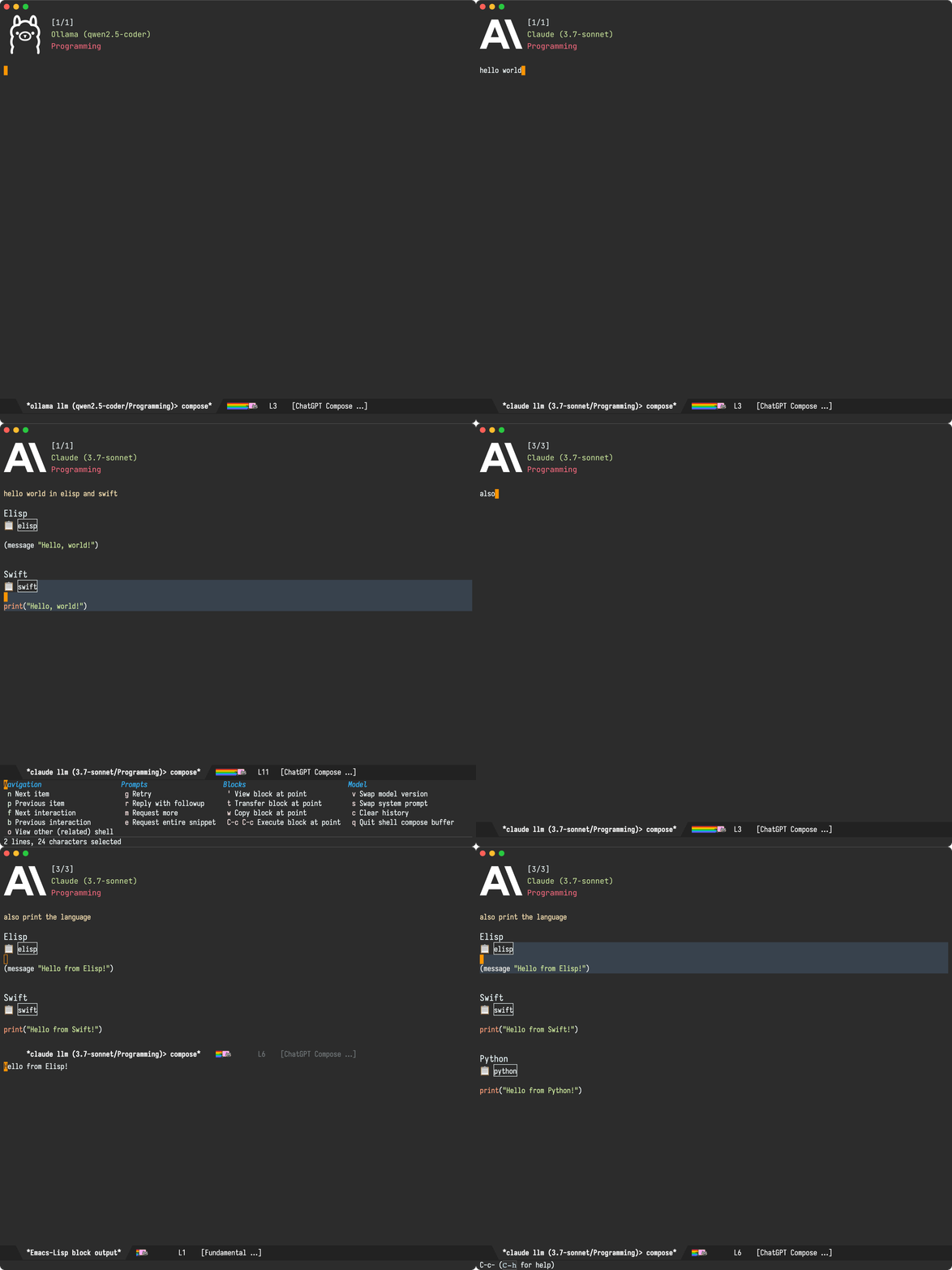
The new compose header is now available in the latest MELPA package version. Invoke M-x chatgpt-shell-prompt-compose and off you go. It's pretty fresh, so please report issues.
Back to the original question…
What are some of the text chat UX features you love? Bonus points if they are keyboard driven. I'd love to hear: Mastodon / Twitter / Reddit / Bluesky.
]]>
Behind the scenes, Journelly entries follow a fairly simple org structure:
* [2025-04-23 Wed 13:24] @ Waterside House
:PROPERTIES:
:LATITUDE: 51.518714352892665
:LONGITUDE: -0.17575820941499262
:WEATHER_TEMPERATURE: 11.4°C
:WEATHER_CONDITION: Mostly Cloudy
:WEATHER_SYMBOL: cloud
:END:
Try out Rice Guys #food #london on Wednesdays in Paddington

[[file:Journelly.org.assets/images/C5890C25-5575-4F52-80D9-CE0087E9986C.jpg]]
While out and capturing entries from my iPhone, I rely on Journelly to leverages iOS location and weather APIs to include relevant information. On the other hand, when capturing from my Macbook, I rely on a basic Emacs org capture template (very similar to Jack Baty's):
(setq org-capture-templates
      '(("j" "Journelly" entry (file "path/to/Journelly.org")
         "* %U @ Home\n%?" :prepend t)))
These templates yield straightforward entries like:
* [2025-05-16 Fri 12:42] @ Home
A simple entry from my Macbook.
I've been using this capture template for some time. It does a fine job, though you'd notice location and weather info aren't captured. No biggie, since the location of my laptop isn't typically relevant, but hey today seemed like a perfect day to get nerd snipped by @natharari.
And so, off I went, to look for a utility to capture location from the command line. I found CoreLocationCLI, which leverages the equivalent macOS location APIs. As a bonus, the project seemed active (modified only a few days ago).
Installing CoreLocationCLI via Homebrew was a breeze:
brew install corelocationcli
The first time you run corelocationcli, you'll get an message like:
"CoreLocationCLI" can't be opened because it is from an unidentified developer...
You'll need to follow CoreLocationCLI's instructions:
To approve the process and allow CoreLocationCLI to run, go to System Settings ➡️ Privacy & Security ➡️ General, and look in the bottom right corner for a button to click.
After approving the process, I ran into a snag:
$ CoreLocationCLI
CoreLocationCLI: ❌ The operation couldn’t be completed. (kCLErrorDomain error 0.)
Lucky for me, the README had the solution:
Note for Mac users: make sure Wi-Fi is turned on. Otherwise you will see kCLErrorDomain error 0.
Oddly, my WiFi was turned on, so I went ahead and toggled it. Success:
$ CoreLocationCLI
51.51871 -0.17575
We can start by wrapping this command-line utility to return coordinates along with reverse geolocation (ie. description):
(defun journelly-get-location ()
  "Get current location.

Return in the form:

`((lat . 51.51871)
  (lon . -0.17575)
  (description . \"Sunny House\"))

Signals an error if the location cannot be retrieved."
  (unless (executable-find "CoreLocationCLI")
    (error "Needs CoreLocationCLI (try brew install corelocationcli)"))
  (with-temp-buffer
    (if-let ((exit-code (call-process "CoreLocationCLI" nil t nil
                                      "--format" "%latitude\t%longitude\t%thoroughfare"))
             (success (eq exit-code 0))
             (parts (split-string (buffer-string) "\t")))
        `((lat . ,(string-to-number (nth 0 parts)))
          (lon . ,(string-to-number (nth 1 parts)))
          (description . ,(string-trim (nth 2 parts))))
      (error "No location available"))))
A quick check shows it's working as expected.
(journelly-get-location)
'((lat . 51.51871)
  (lon . -0.17575)
  (description . "Waterside House"))
Now that we're able to get the current location, we need a way to fetch weather info. I discarded using WeatherKit on macOS for its dependence on a developer account and obtaining an API key. No worries, I found the great MET Norway API which is freely available without the need for keys.
(defun journelly-fetch-weather (lat lon)
  "Fetch weather data from MET Norway API for LAT and LON.

Return the parsed JSON object."
  (let* ((url (format "https://api.met.no/weatherapi/locationforecast/2.0/compact?lat=%s&lon=%s" lat lon))
         (args (list "-s" url)))
    (with-temp-buffer
      (apply #'call-process "curl" nil t nil args)
      (goto-char (point-min))
      (json-parse-buffer :object-type 'alist))))
We can take it for a spin with:
(journelly-fetch-weather 51.51871 -0.17575)
We get a nice object with a chunky time series (cropped for readability):
((type . "Feature")
 (geometry (type . "Point") (coordinates . [-0.1758 51.5187 30]))
 (properties
  (meta (updated_at . "2025-05-16T11:17:44Z")
        (units (air_pressure_at_sea_level . "hPa")
               (air_temperature . "celsius")
               (cloud_area_fraction . "%")
               (precipitation_amount . "mm") (relative_humidity . "%")
               (wind_from_direction . "degrees") (wind_speed . "m/s")))
  (timeseries
   . [((time . "2025-05-16T12:00:00Z")
       (data
        (instant
         (details (air_pressure_at_sea_level . 1025.6)
                  (air_temperature . 18.0) (cloud_area_fraction . 4.7)
                  (relative_humidity . 44.2)
                  (wind_from_direction . 17.6) (wind_speed . 3.6)))
        (next_12_hours (summary (symbol_code . "fair_day")) (details))
        (next_1_hours (summary (symbol_code . "clearsky_day"))
                      (details (precipitation_amount . 0.0)))
        (next_6_hours (summary (symbol_code . "clearsky_day"))
                      (details (precipitation_amount . 0.0)))))

      ...


     ((time . "2025-05-26T00:00:00Z")
       (data
        (instant
         (details (air_pressure_at_sea_level . 1007.3)
                  (air_temperature . 12.6)
                  (cloud_area_fraction . 28.1)
                  (relative_humidity . 91.3)
                  (wind_from_direction . 258.7) (wind_speed . 3.5)))))])))
Journelly entries need only a tiny subset of the returned object, so let's add a helper to extract and format as preferred.
(defun journelly-fetch-weather-summary (lat lon)
  "Fetch weather data from MET Norway API for LAT and LON.

Return in the form:

 '((temperature . \"16.9°C\")
   (symbol . \"cloudy\"))."
  (let* ((data (journelly-fetch-weather lat lon))
         (now (current-time))
         (entry (seq-find
                 (lambda (entry)
                   (let-alist entry
                     (time-less-p now (date-to-time .time))))
                 (let-alist data
                   .properties.timeseries)))
         (unit (let-alist data
                 .properties.meta.units.air_temperature)))
    (unless entry
      (error "Couldn't fetch weather data"))
    (let-alist entry
      `((temperature . ,(format "%.1f%s"
                                .data.instant.details.air_temperature
                                (cond
                                 ((string= unit "celsius") "°C")
                                 ((string= unit "fahrenheit") "°F")
                                 (t (concat " " unit)))))
        (symbol . ,(alist-get 'symbol_code .data.next_1_hours.summary))))))
We can take it for a spin with:
(journelly-fetch-weather-summary 51.51871 -0.17575)
Nice! Look at that weather, it's a sign I should finish writing and go outside!
'((temperature . "19.0°C")
  (symbol . "clearsky_day"))
I really should go outside, but I'm just so close now… Or so I thought! That symbol (ie. "clearsky_day") isn't recognizable by Journelly, which relies on SF Symbols returned by WeatherKit. I need a mapping of sorts between these symbols. Gosh, I do need to go outside. Let's speed things along. This is a perfect task for a robot! Whipped chatgpt-shell out and asked the LLM robots to take on this grunt work, who gave me:
{
  "clearsky_day": "sun.max",
  "clearsky_night": "moon.stars",
  "clearsky_polartwilight": "sun.horizon",
  ...
  "snowshowers_and_thunder_day": "cloud.sun.bolt.snow",
  "snowshowers_and_thunder_night": "cloud.moon.bolt.snow",
  "thunderstorm": "cloud.bolt"
}
We're in elisp land so who wants json? Hey robot, I need an alist:

Won't the LLM make mapping errors? Most certainly! But for now, I'm just getting a rough prototype and I need to get moving if I want to go outside!
We plug our mapping into an elisp function
(defun journelly-resolve-metno-to-sf-symbol (symbol)
  "Resolve Met.no weather SYMBOL strings to a corresponding SF Symbols."
  (let ((symbols '(("clearsky_day" . "sun.max")
                   ("clearsky_night" . "moon.stars")
                   ("clearsky_polartwilight" . "sun.horizon")
                   ...
                   ("snowshowers_and_thunder_day" . "cloud.sun.bolt.snow")
                   ("snowshowers_and_thunder_night" . "cloud.moon.bolt.snow")
                   ("thunderstorm" . "cloud.bolt"))))
    (map-elt symbols symbol)))
Does it work? Kinda seems like it.
(journelly-resolve-metno-to-sf-symbol
 (map-elt (journelly-fetch-weather-summary 51.51871 -0.17575) 'symbol))
"sun.max"
We got everything we need now, let's put the bits together:
(defun journelly-generate-metadata ()
  (let* ((location (journelly-get-location))
         (weather (journelly-fetch-weather-summary
                   (map-elt location 'lat)
                   (map-elt location 'lon))))
    (format "%s
:PROPERTIES:
:LATITUDE: %s
:LONGITUDE: %s
:WEATHER_TEMPERATURE: %s
:WEATHER_SYMBOL: %s
:END:"
            (or (map-elt location 'description) "-")
            (map-elt location 'lat)
            (map-elt location 'lon)
            (alist-get 'temperature weather)
            (journelly-resolve-metno-to-sf-symbol
             (alist-get 'symbol weather)))))
Lovely, we now get the metadata we need in the expected format.
Waterside House
:PROPERTIES:
:LATITUDE: 51.51871
:LONGITUDE: -0.17575
:WEATHER_TEMPERATURE: 18.5°C
:WEATHER_SYMBOL: sun.max
:END:
Damn, the temperature is dropping. I really do need to go outside. So close now!
All we have to do is plug our journelly-generate-metadata function into our org template and… Bob's your uncle!
(setq org-capture-templates
      '(("j" "Journelly" entry (file "path/to/Journelly.org")
         "* %U @ %(journelly-generate-metadata)\n%?" :prepend t)))
We can now invoke our trusty M-x org-capture and off we go…

While the code currently lives in my Emacs config, it's available on GitHub. If you do take it for a spin, it may crash and burn. I blame the weather. In the UK, when sunny, you rush to go outside! 🌞🏃♂️💨
]]>I'm happy to share that, as of today, Journelly is generally available on the App Store. Check out journelly.com for all app details or just read on…
Like tweeting, but for your eyes only
While bringing social to note-taking was categorically never a goal, we got a thing or two we can draw from social media apps. They make it remarkably easy to browse and just share stuff.
All my previous mobile note-taking attempts failed to stick around almost exclusively because of friction. By bringing a social-media-like feed to my notes and making it remarkably easy to just add and search for things, app stickiness quickly took off.
Of course, these being my personal notes, privacy is non-negotiable. With Journelly being offline by default, combining elements from note-taking, journaling, and social media apps, I came to think of Journelly's experience as "tweeting but for your eyes only".
Is it a notes app? Journaling app? It's whatever you want it to be…
I like how journaling apps automatically bundle timestamps with your entries and maybe additional information like location or even weather details. At the same time, splitting my writing between two apps (quick notes vs. journaling) always felt like unnecessary friction. Even having to decide which app to launch felt like a deterrent.
While my typical Journelly use-case hops between taking notes, journaling, today's grocery shopping list, saving a few links from the web, music, movies, the list goes on… jcs from Irreal puts it best: "Journelly is a bit of a shape shifter." With just enough structure (but not too much), Journelly can serve all sorts of use-cases.
No lock-in (powered by org plain text)
While I want a smooth mobile note-taking experience, I also don't want my notes to live in a data island of sorts. I'm a fan of plain text. I've been writing my notes and blog posts at xenodium.com using Org plain text for well over a decade now, so my solution naturally had to have some plain text thrown at it.
Journelly stores entries using Org markup for now, but Markdown is coming too (UPDATE: launched). Interested in Markdown support? Please reach out. The more requests I receive, the sooner I'll get it out the door. Oh, and since we're talking Markdown, I also launched lmno.lol, a Markdown-powered blogging service (minus the yucky bits of the modern web). Custom domains are welcome too. My xenodium.com blog runs off lmno.lol.
Is it really powered by Org markup? Go ahead and fire up your beloved Emacs, Vim, Neovim, VS Code, Sublime Text, Zed… and take a peek. It's just text.
Having shown you all of that, this is all just cherry on the implementation cake. You need not know anything about markups to use Journelly. Just open the app and start writing.
iCloud syncing (optional)
While Journelly is offline by default, you may optionally sync with other devices via iCloud.
Folks have reported using Working Copy, Sushitrain, or Möbius Sync for syncing, though your mileage may vary. As of v1, I can only offer iCloud as the officially supported provider.
Searching + hashtags
There's little structure enforced on Journelly entries. Write whatever you want. If you want some categorization, sprinkle entries with your favorite hashtags. They're automatically actionable on tap, enabling quick searches in the future.
Thank you beta testers!
Nearly 300 folks signed up to Journelly's TestFlight. Thank you for testing, reporting issues, and all the great suggestions. While many of your feature requests made it to the launch, I've had to defer quite few to enable the v1 release. The good news is I now have a healthy backlog I can work on to bring features over time.
Support indie development
The App Store is a crowded place. Building ✨sustainable✨ iOS apps is quite the challenge, especially when doing right by the user. Journelly steers clear of ads, tracking, distractions, bloat, lock-in, and overreaching permissions. It embraces open formats like Org markup, safeguarding the longevity of your data.
Support independent development.



From my perspective as the author, I'm building this app to fill a void I have, complementing my org-mode usage. In my opinion, it's not a question of whether to use Journelly over Emacs. I freakin' love Emacs org. I don't want to give it up. If the apps speak to each other, the question I'd rather ask is: why not use both?
When I’m on my computer, nearly all my writing goes through org-mode. I’ve been an org fan for well over a decade. My blog is powered by a single org file (be warned, it's a chunky file).
It's no secret I'm also an Emacs fan. I love how this platform moulds to my needs. But when I’m on the go and on my iPhone, I want a different experience — quick mobile access, minimal ceremony, optimized for smaller touch screens. I want to capture quick notes on the go, with as little friction as possible. Optionally, I want to include photos, lists, checklists, location, weather, timestamps… I also want this experience to feel like other well-integrated iOS apps. The way I like to put it is: Journelly sorta feels like tweeting, but for your eyes only.

At the same time, I don’t want my mobile note-taking experience to live in a data island. After all, I'm still an org fan. So… why not use both apps? My goal for Journelly is to provide a mobile-optimized experience that happens to speak org and thus complement my existing org usage.
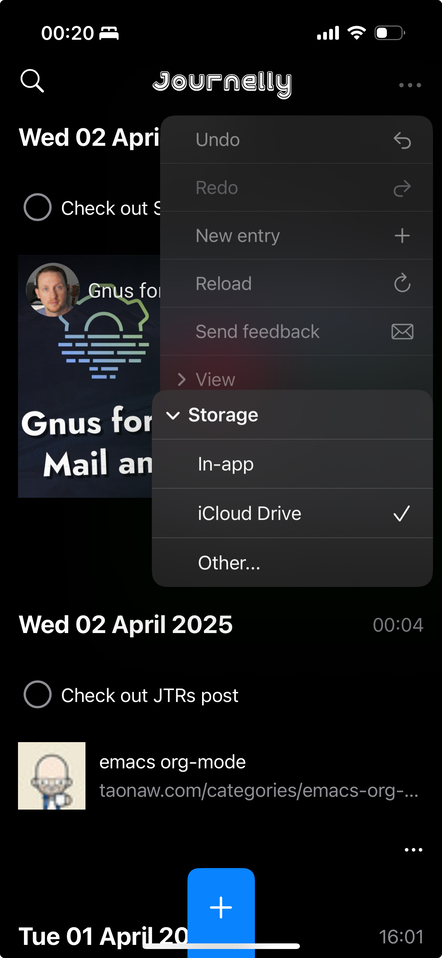
While Journelly is offline by default, you may choose a different location for your data, enabling you to access it from your beloved editor.
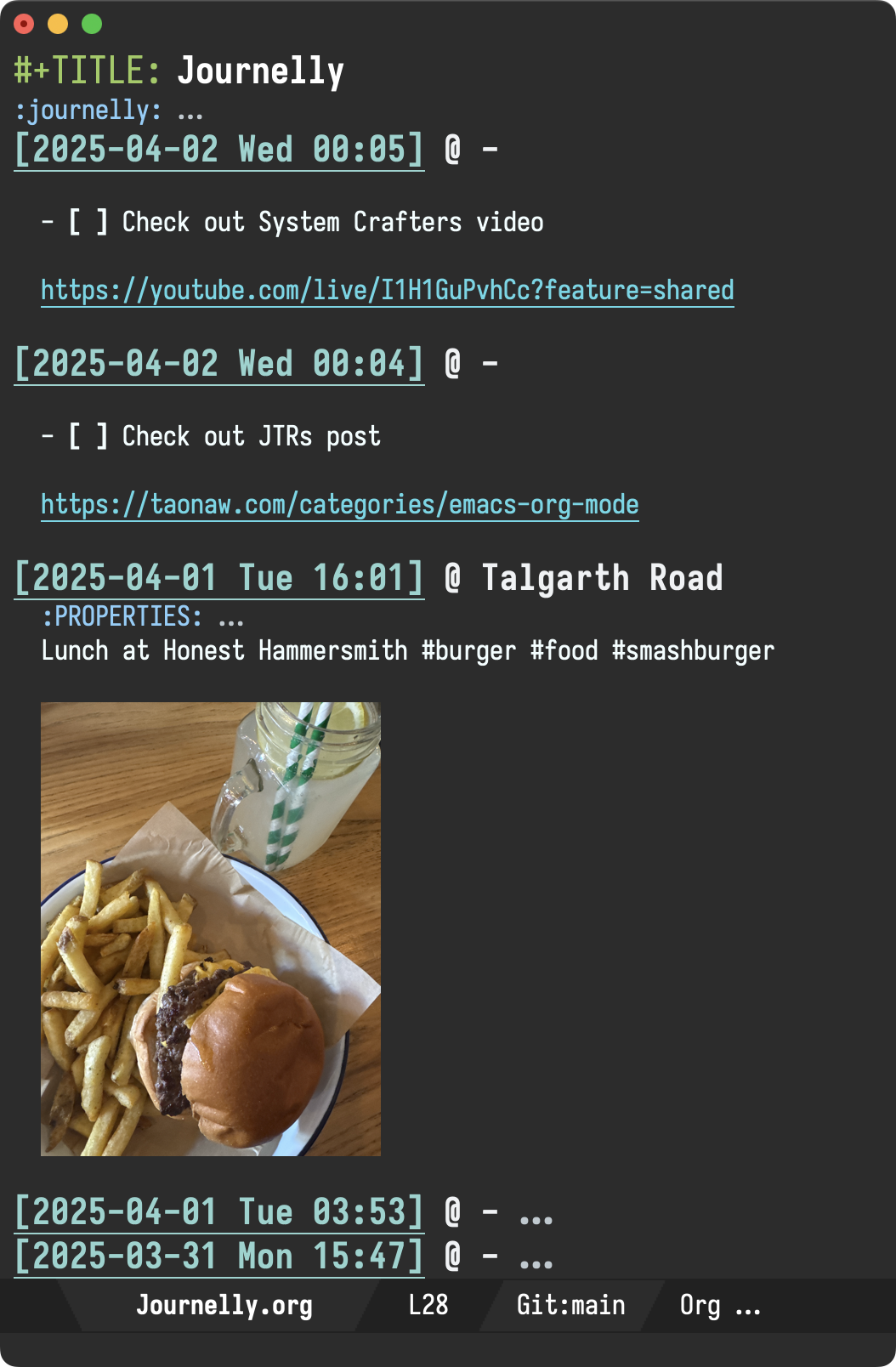
Back to the original question: why use another tool for quick notes other than Emacs? Journelly isn't meant to replace Emacs, but rather complement it. In a way, Journelly isn't that different from Beorg, which was mentioned in JTR's post. Both apps speak org on iOS. It just so happens the apps offer slightly different targeted experiences. While Beorg is perhaps more geared toward task lists and calendars, Journelly focuses on short and quick notes.
Journelly is still in beta, though lucky for me, Mac Observer showcased a thorough review. If keen to join the beta group, reach out at journelly/./invite/@/xenodium.com or Mastodon / Twitter / Reddit / Bluesky.
P.S. Emacs org continues to be, and likely always will be, my writing epicentre. I now have three revolving org-based apps on the App Store, with Journelly soon to become the fourth one. if interested, check out my org bundle.
]]>#+ATTR_HTML: :width 70%

Bemfica de Oliva does a wonderful rundown of Journelly's features and capabilities, much better than anything else I've posted before. They even mentioned Org markup and Emacs text editor, for those who want to drop down to its plain text storage. A nice treat, as these aren't typically showcased in the space.
If you're curious about what Journelly can do, check out Bemfica's post. Alternatively, if you just want to play with it, join the TestFlight beta group.
]]>I've reignited Journelly, my note-taking/journaling project. The iOS app is coming along nicely.
I've been using Journelly daily. The best I can describe the experience is: "kinda like tweeting but for my eyes only".
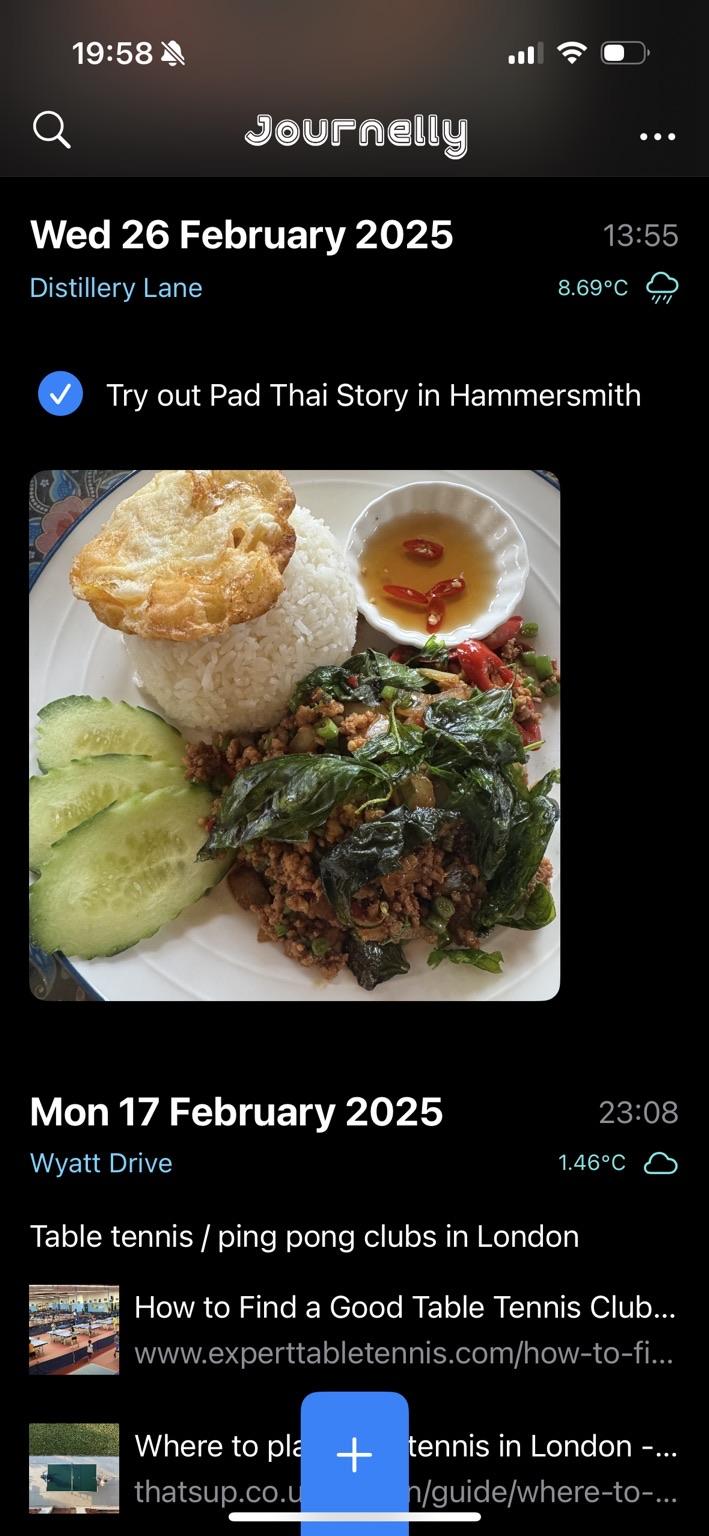
Journelly automatically includes date and time in your entries. Optionally, it'll also include location and weather details.
For now, your entries can include text, images, checkboxes, bullets, and links.
While entering items orally isn't yet possible as per Irreal's post, you can use the standard keyboard button to dictate text.

Powered by plain text (org markup)
If you're an Emacs org mode fan, you'll be happy to know that Journelly stores data as plain text, using org to structure its entries.
If you're unfamiliar with these things, you don't need to learn any of it to use the app. It's just what's under the hood.
* [2025-02-26 Wed 13:55] @ Distillery Lane
:PROPERTIES:
:LATITUDE: 51.488644146827866
:LONGITUDE: -0.22292387343051026
:WEATHER_TEMPERATURE: 8.69°C
:WEATHER_CONDITION: Rain
:WEATHER_SYMBOL: cloud.rain
:END:
- [X] Try out Pad Thai Story in Hammersmith

[[file:Journelly.org.assets/images/4F0F3923-675A-461E-9B02-63CEDE76C765.jpg]]
Join the beta group
Want to give Journelly a try? Join the TestFlight beta group. Send me an email address (any would do) for the TestFlight invite.
You can reach out at journelly/./invite/@/xenodium.com or Mastodon / Twitter / Reddit / Bluesky.
]]>While DeepSeek is the latest joinee, Open Router (thank you djr7C4), Kagi summarizer, and Perplexity are also a model-swap away.
chatgpt-shell is nearing 30K MELPA downloads. Are you a happy user? Consider making this project sustainable by ✨sponsoring✨.


After resetting my Keychron K3 Pro, my F1 to F12 keys were no longer my default macOS keys. The entire row was defaulting to macOS's special keys (i.e. Mission Control, Launch Pad, Volume, etc). At first, I thought I may just need to revisit the macOS setting "Use F1, F2, etc keys as standard function keys", yet toggling the setting made no difference.

Turns out, I had remapped those keys long ago and simply forgot about it. Factory resetting my keyboard got rid of this customization. This post is a reminder for my future self, and anyone else looking to remap their F1-F12 keys.
Save your current layout
Via https://usevia.app, I saved my current keyboard layout (the out-of-box layout) and named it k3_pro_ansi_white(before).json.

Apply your changes
I made a second copy of the layout and named it k3_pro_ansi_white(after).json. In this new file, I located the two layers (first and second) and simply swapped the two row chunks using a text editor.
The diff looks a little something like this:
--- k3_pro_ansi_white(before).json    2025-02-20 09:44:03
+++ k3_pro_ansi_white(after).json 2025-02-20 09:43:59
@@ -5,18 +5,18 @@
   "layers": [
     [
       "KC_ESC",
-      "KC_BRID",
-      "KC_BRIU",
-      "CUSTOM(4)",
-      "CUSTOM(5)",
-      "BL_DEC",
-      "BL_INC",
-      "KC_MPRV",
-      "KC_MPLY",
-      "KC_MNXT",
-      "KC_MUTE",
-      "KC_VOLD",
-      "KC_VOLU",
+      "KC_F1",
+      "KC_F2",
+      "KC_F3",
+      "KC_F4",
+      "KC_F5",
+      "KC_F6",
+      "KC_F7",
+      "KC_F8",
+      "KC_F9",
+      "KC_F10",
+      "KC_F11",
+      "KC_F12",
       "CUSTOM(8)",
       "KC_DEL",
       "BL_STEP",
@@ -103,18 +103,18 @@
     ],
     [
       "KC_TRNS",
-      "KC_F1",
-      "KC_F2",
-      "KC_F3",
-      "KC_F4",
-      "KC_F5",
-      "KC_F6",
-      "KC_F7",
-      "KC_F8",
-      "KC_F9",
-      "KC_F10",
-      "KC_F11",
-      "KC_F12",
+      "KC_BRID",
+      "KC_BRIU",
+      "CUSTOM(4)",
+      "CUSTOM(5)",
+      "BL_DEC",
+      "BL_INC",
+      "KC_MPRV",
+      "KC_MPLY",
+      "KC_MNXT",
+      "KC_MUTE",
+      "KC_VOLD",
+      "KC_VOLU",
       "KC_TRNS",
       "KC_TRNS",
       "BL_TOGG",
Similarly, here's side-by-side look via Emacs ediff:


Load your modified layout
Now that we have k3_pro_ansi_white(after).json with our changes, all that's left is loading through https://usevia.app. You are now done.

While F1-F12 keys should now be available by default. To access your macOS special keys use the fn key.
Enjoy your F1-F12 default keys!
Final k3_pro_ansi_white(after).json
In case you'd like to see the entire content of k3_pro_ansi_white(after).json, here it is:
{
  "name": "Keychron K3 Pro ANSI White",
  "vendorProductId": 875823667,
  "macros": ["", "", "", "", "", "", "", "", "", "", "", "", "", "", "", ""],
  "layers": [
    [
      "KC_ESC",
      "KC_F1",
      "KC_F2",
      "KC_F3",
      "KC_F4",
      "KC_F5",
      "KC_F6",
      "KC_F7",
      "KC_F8",
      "KC_F9",
      "KC_F10",
      "KC_F11",
      "KC_F12",
      "CUSTOM(8)",
      "KC_DEL",
      "BL_STEP",
      "KC_GRV",
      "KC_1",
      "KC_2",
      "KC_3",
      "KC_4",
      "KC_5",
      "KC_6",
      "KC_7",
      "KC_8",
      "KC_9",
      "KC_0",
      "KC_MINS",
      "KC_EQL",
      "KC_BSPC",
      "KC_NO",
      "KC_PGUP",
      "KC_TAB",
      "KC_Q",
      "KC_W",
      "KC_E",
      "KC_R",
      "KC_T",
      "KC_Y",
      "KC_U",
      "KC_I",
      "KC_O",
      "KC_P",
      "KC_LBRC",
      "KC_RBRC",
      "KC_BSLS",
      "KC_NO",
      "KC_PGDN",
      "KC_CAPS",
      "KC_A",
      "KC_S",
      "KC_D",
      "KC_F",
      "KC_G",
      "KC_H",
      "KC_J",
      "KC_K",
      "KC_L",
      "KC_SCLN",
      "KC_QUOT",
      "KC_NO",
      "KC_ENT",
      "KC_NO",
      "KC_HOME",
      "KC_LSFT",
      "KC_NO",
      "KC_Z",
      "KC_X",
      "KC_C",
      "KC_V",
      "KC_B",
      "KC_N",
      "KC_M",
      "KC_COMM",
      "KC_DOT",
      "KC_SLSH",
      "KC_NO",
      "KC_RSFT",
      "KC_UP",
      "KC_END",
      "KC_LCTL",
      "CUSTOM(0)",
      "CUSTOM(2)",
      "KC_NO",
      "KC_NO",
      "KC_NO",
      "KC_SPC",
      "KC_NO",
      "KC_NO",
      "KC_NO",
      "CUSTOM(3)",
      "MO(1)",
      "KC_RCTL",
      "KC_LEFT",
      "KC_DOWN",
      "KC_RGHT"
    ],
    [
      "KC_TRNS",
      "KC_BRID",
      "KC_BRIU",
      "CUSTOM(4)",
      "CUSTOM(5)",
      "BL_DEC",
      "BL_INC",
      "KC_MPRV",
      "KC_MPLY",
      "KC_MNXT",
      "KC_MUTE",
      "KC_VOLD",
      "KC_VOLU",
      "KC_TRNS",
      "KC_TRNS",
      "BL_TOGG",
      "KC_TRNS",
      "CUSTOM(11)",
      "CUSTOM(12)",
      "CUSTOM(13)",
      "KC_TRNS",
      "KC_TRNS",
      "KC_TRNS",
      "KC_TRNS",
      "KC_TRNS",
      "KC_TRNS",
      "KC_TRNS",
      "KC_TRNS",
      "KC_TRNS",
      "KC_TRNS",
      "KC_NO",
      "KC_TRNS",
      "BL_TOGG",
      "BL_STEP",
      "BL_INC",
      "KC_TRNS",
      "KC_TRNS",
      "KC_TRNS",
      "KC_TRNS",
      "KC_TRNS",
      "KC_TRNS",
      "KC_TRNS",
      "KC_TRNS",
      "KC_TRNS",
      "KC_TRNS",
      "KC_TRNS",
      "KC_NO",
      "KC_TRNS",
      "KC_TRNS",
      "KC_TRNS",
      "BL_DEC",
      "KC_TRNS",
      "KC_TRNS",
      "KC_TRNS",
      "KC_TRNS",
      "KC_TRNS",
      "KC_TRNS",
      "KC_TRNS",
      "KC_TRNS",
      "KC_TRNS",
      "KC_NO",
      "KC_TRNS",
      "KC_NO",
      "KC_TRNS",
      "KC_TRNS",
      "KC_NO",
      "KC_TRNS",
      "KC_TRNS",
      "KC_TRNS",
      "KC_TRNS",
      "CUSTOM(14)",
      "MAGIC_TOGGLE_NKRO",
      "KC_TRNS",
      "KC_TRNS",
      "KC_TRNS",
      "KC_TRNS",
      "KC_NO",
      "KC_TRNS",
      "KC_TRNS",
      "KC_TRNS",
      "KC_TRNS",
      "KC_TRNS",
      "KC_TRNS",
      "KC_NO",
      "KC_NO",
      "KC_NO",
      "KC_TRNS",
      "KC_NO",
      "KC_NO",
      "KC_NO",
      "KC_TRNS",
      "KC_TRNS",
      "KC_TRNS",
      "KC_TRNS",
      "KC_TRNS",
      "KC_TRNS"
    ],
    [
      "KC_ESC",
      "KC_F1",
      "KC_F2",
      "KC_F3",
      "KC_F4",
      "KC_F5",
      "KC_F6",
      "KC_F7",
      "KC_F8",
      "KC_F9",
      "KC_F10",
      "KC_F11",
      "KC_F12",
      "KC_PSCR",
      "KC_DEL",
      "BL_STEP",
      "KC_GRV",
      "KC_1",
      "KC_2",
      "KC_3",
      "KC_4",
      "KC_5",
      "KC_6",
      "KC_7",
      "KC_8",
      "KC_9",
      "KC_0",
      "KC_MINS",
      "KC_EQL",
      "KC_BSPC",
      "KC_NO",
      "KC_PGUP",
      "KC_TAB",
      "KC_Q",
      "KC_W",
      "KC_E",
      "KC_R",
      "KC_T",
      "KC_Y",
      "KC_U",
      "KC_I",
      "KC_O",
      "KC_P",
      "KC_LBRC",
      "KC_RBRC",
      "KC_BSLS",
      "KC_NO",
      "KC_PGDN",
      "KC_CAPS",
      "KC_A",
      "KC_S",
      "KC_D",
      "KC_F",
      "KC_G",
      "KC_H",
      "KC_J",
      "KC_K",
      "KC_L",
      "KC_SCLN",
      "KC_QUOT",
      "KC_NO",
      "KC_ENT",
      "KC_NO",
      "KC_HOME",
      "KC_LSFT",
      "KC_NO",
      "KC_Z",
      "KC_X",
      "KC_C",
      "KC_V",
      "KC_B",
      "KC_N",
      "KC_M",
      "KC_COMM",
      "KC_DOT",
      "KC_SLSH",
      "KC_NO",
      "KC_RSFT",
      "KC_UP",
      "KC_END",
      "KC_LCTL",
      "KC_LGUI",
      "KC_LALT",
      "KC_NO",
      "KC_NO",
      "KC_NO",
      "KC_SPC",
      "KC_NO",
      "KC_NO",
      "KC_NO",
      "KC_RALT",
      "MO(3)",
      "KC_RCTL",
      "KC_LEFT",
      "KC_DOWN",
      "KC_RGHT"
    ],
    [
      "KC_TRNS",
      "KC_BRID",
      "KC_BRIU",
      "CUSTOM(6)",
      "CUSTOM(7)",
      "BL_DEC",
      "BL_INC",
      "KC_MPRV",
      "KC_MPLY",
      "KC_MNXT",
      "KC_MUTE",
      "KC_VOLD",
      "KC_VOLU",
      "KC_TRNS",
      "KC_TRNS",
      "BL_TOGG",
      "KC_TRNS",
      "CUSTOM(11)",
      "CUSTOM(12)",
      "CUSTOM(13)",
      "KC_TRNS",
      "KC_TRNS",
      "KC_TRNS",
      "KC_TRNS",
      "KC_TRNS",
      "KC_TRNS",
      "KC_TRNS",
      "KC_TRNS",
      "KC_TRNS",
      "KC_TRNS",
      "KC_NO",
      "KC_TRNS",
      "BL_TOGG",
      "BL_STEP",
      "BL_INC",
      "KC_TRNS",
      "KC_TRNS",
      "KC_TRNS",
      "KC_TRNS",
      "KC_TRNS",
      "KC_TRNS",
      "KC_TRNS",
      "KC_TRNS",
      "KC_TRNS",
      "KC_TRNS",
      "KC_TRNS",
      "KC_NO",
      "KC_TRNS",
      "KC_TRNS",
      "KC_TRNS",
      "BL_DEC",
      "KC_TRNS",
      "KC_TRNS",
      "KC_TRNS",
      "KC_TRNS",
      "KC_TRNS",
      "KC_TRNS",
      "KC_TRNS",
      "KC_TRNS",
      "KC_TRNS",
      "KC_NO",
      "KC_TRNS",
      "KC_NO",
      "KC_TRNS",
      "KC_TRNS",
      "KC_NO",
      "KC_TRNS",
      "KC_TRNS",
      "KC_TRNS",
      "KC_TRNS",
      "CUSTOM(14)",
      "MAGIC_TOGGLE_NKRO",
      "KC_TRNS",
      "KC_TRNS",
      "KC_TRNS",
      "KC_TRNS",
      "KC_NO",
      "KC_TRNS",
      "KC_TRNS",
      "KC_TRNS",
      "KC_TRNS",
      "KC_TRNS",
      "KC_TRNS",
      "KC_NO",
      "KC_NO",
      "KC_NO",
      "KC_TRNS",
      "KC_NO",
      "KC_NO",
      "KC_NO",
      "KC_TRNS",
      "KC_TRNS",
      "KC_TRNS",
      "KC_TRNS",
      "KC_TRNS",
      "KC_TRNS"
    ]
  ],
  "encoders": []
}
- 150 ml milk
- 2 tsp instant yeast (2.25 tsp active-dry yeast, 17.5g fresh yeast)
- 1 large egg
- 1 egg yolk
- 50 grams sugar
- 1/2 tsp vanilla extract
- 1/2 tsp ground cardamom
- 1/2 tsp salt
- 375 grams all-purpose or bread flour
- 57 grams unsalted butter, softened
Filling
- 71 grams unsalted butter, softened
- 65 grams brown sugar
- 1.5 tsp ground cardamom
- Pinch of salt
Along the way, I moved from regular daily streaming to buying and playing music offline, relying on the odd streaming service exclusively for discovery. This setup's been working great so far. I get unrestricted playback (for life) with the occasional discovery session whenever I see fit.
Setup
Ready Player Mode runs in Emacs. You install it, enable its minor mode (for media recognition), and you're ready to go.
(use-package ready-player
  :ensure t
  :config
  (ready-player-mode +1))
Ready Player Mode will try to use either mpv, vlc, ffplay, or mplayer (in that order) to play media, but mpv works best.
Ready to go
Post setup, you can open media files like any other text file and Emacs will just play it for you. Say, open a dired buffer, navigate to a file, and open as usual.
Buttons vs key bindings
If buttons are your cup of tea, use tab or backtab to navigate around.

Alternatively, single-key bindings are available. You can find them all in the transient help menu, via the ? binding.

Global key bindings
Global key bindings are available, so you can interact with the player without switching buffers.

Global bindings are under the C-c m prefix.
C-c m SPC Toggle play/stop of media. C-c m r Cycle through repeat settings: file, directory, off. C-c m m Toggle switching between player buffer and previous buffer. C-c m s Toggle shuffle setting. C-c m a Toggle autoplay setting. C-c m n Open the next media file in the same directory. C-c m c Open my media collection. C-c m i Show playback info in the echo area. C-c m p Open the previous media file in the same directory. C-c m / Search the `dired' playlist for playback (experimental).
If you prefer to use other bindings, disable default ones with:
(setq ready-player-set-global-bindings nil)
Open externally
You can always open the currently played file externally, using your system default player. This is bound to the e key.
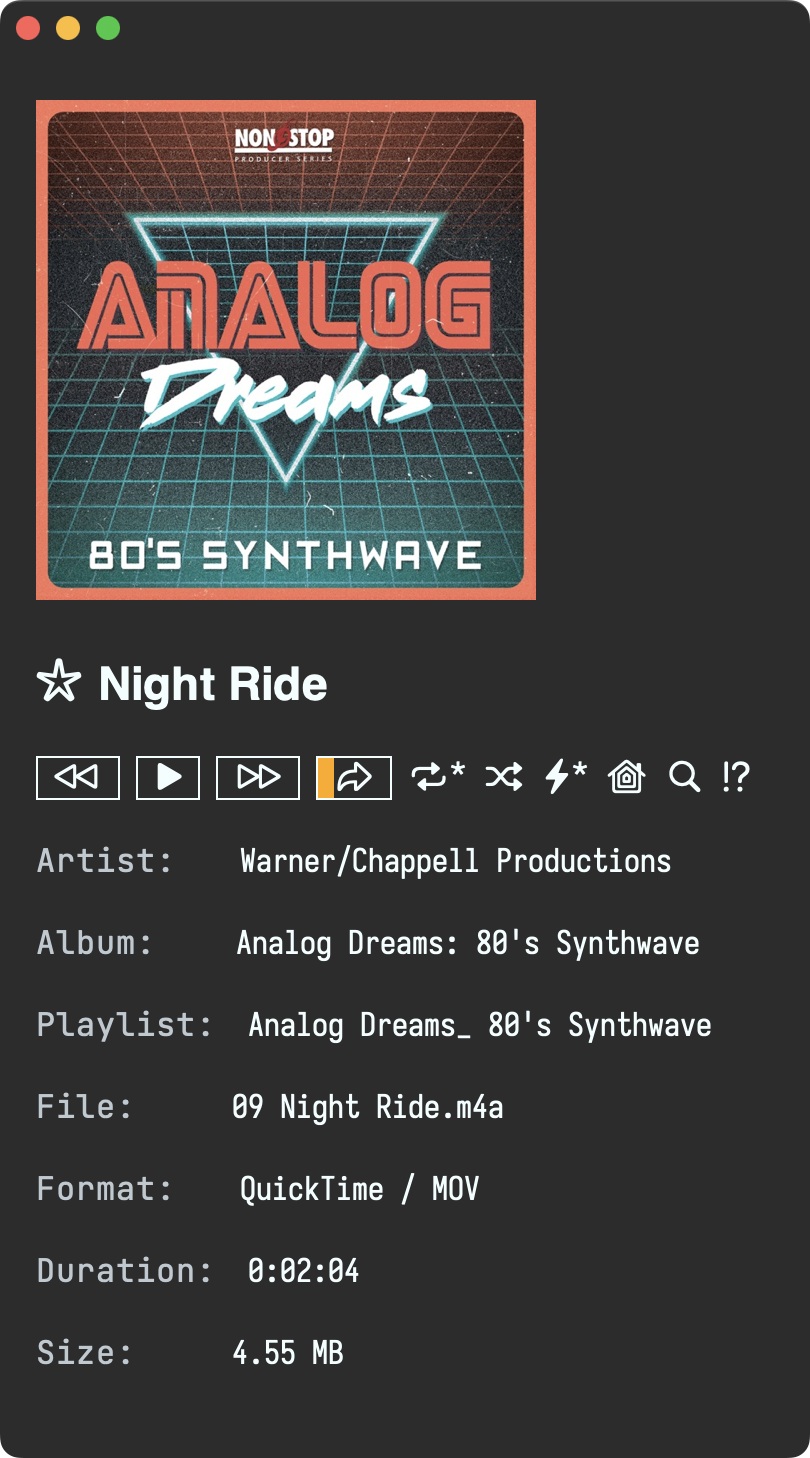
Repeat, shuffle, and autoplay
Repeat, shuffle, and autoplay should do what you'd expect and can be toggled via r s and a keys.

Play current directory
By default, Ready Player will continue playing other media found in the current directory. Use n and p bindings to move through different tracks.
Seek
Ready Player works best with mpv player. If you have it installed, you can seek through tracks.

Play your collection
Ready Player can remember your music collection, but needs a tiny addition to the existing setup via the ready-player-my-media-collection-location variable.
(use-package ready-player
  :custom
  (ready-player-my-media-collection-location "~/path/to/your/music/collection")
  :config
  (ready-player-mode +1))
Your music collection is now available via the home button.

Index + search
Your music collection is automatically indexed. Same for the currently played directory, so you can search for tracks.


Bookmarking
This is a new feature inspired by tristanC's use of Emacs bookmarks with Ready Player. Bookmarks are now displayed and toggled from the player interface.
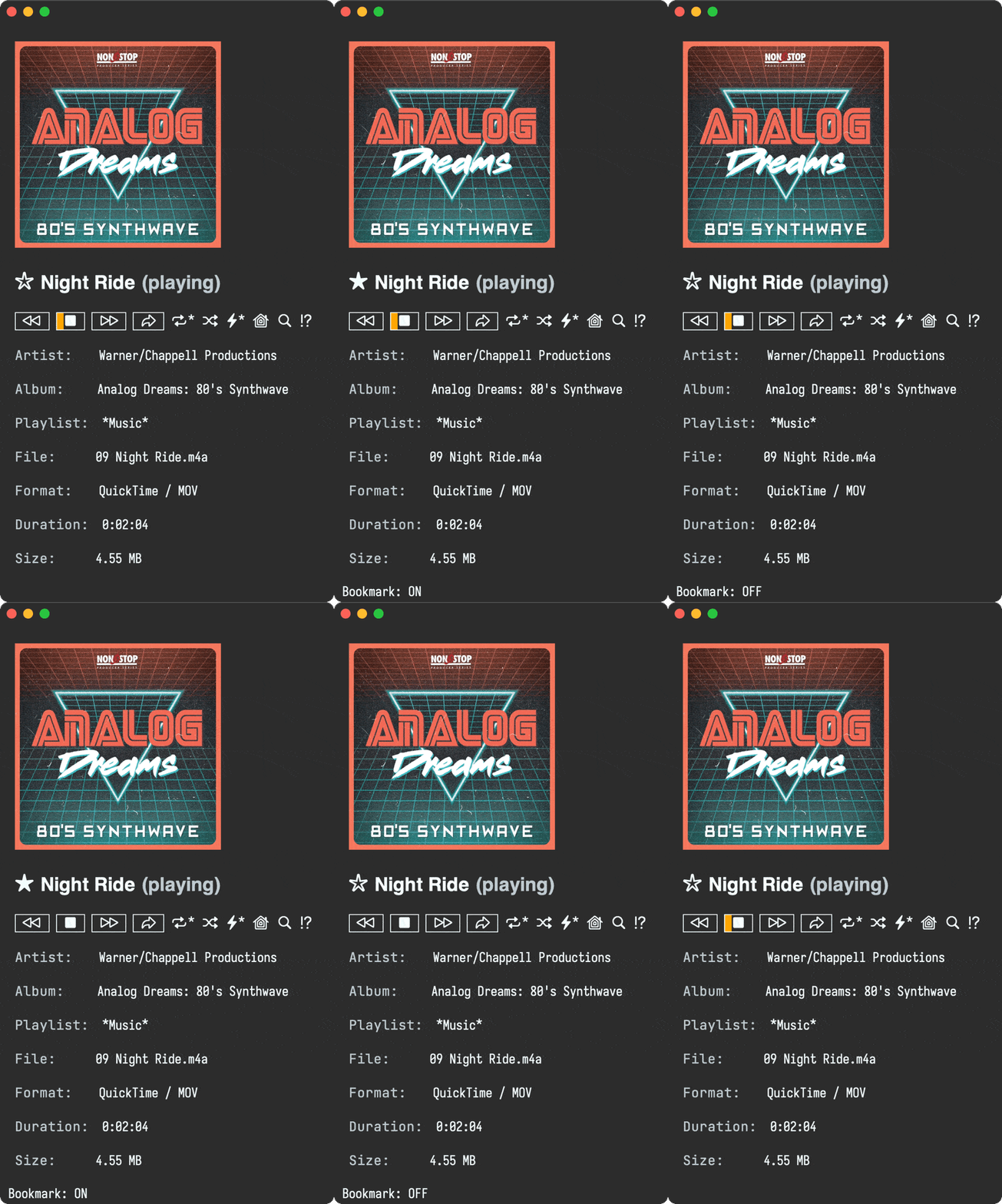
Bookmarks are searchable too.

Download album cover
Missing album cover? Download it via M-x ready-player-download-album-artwork.
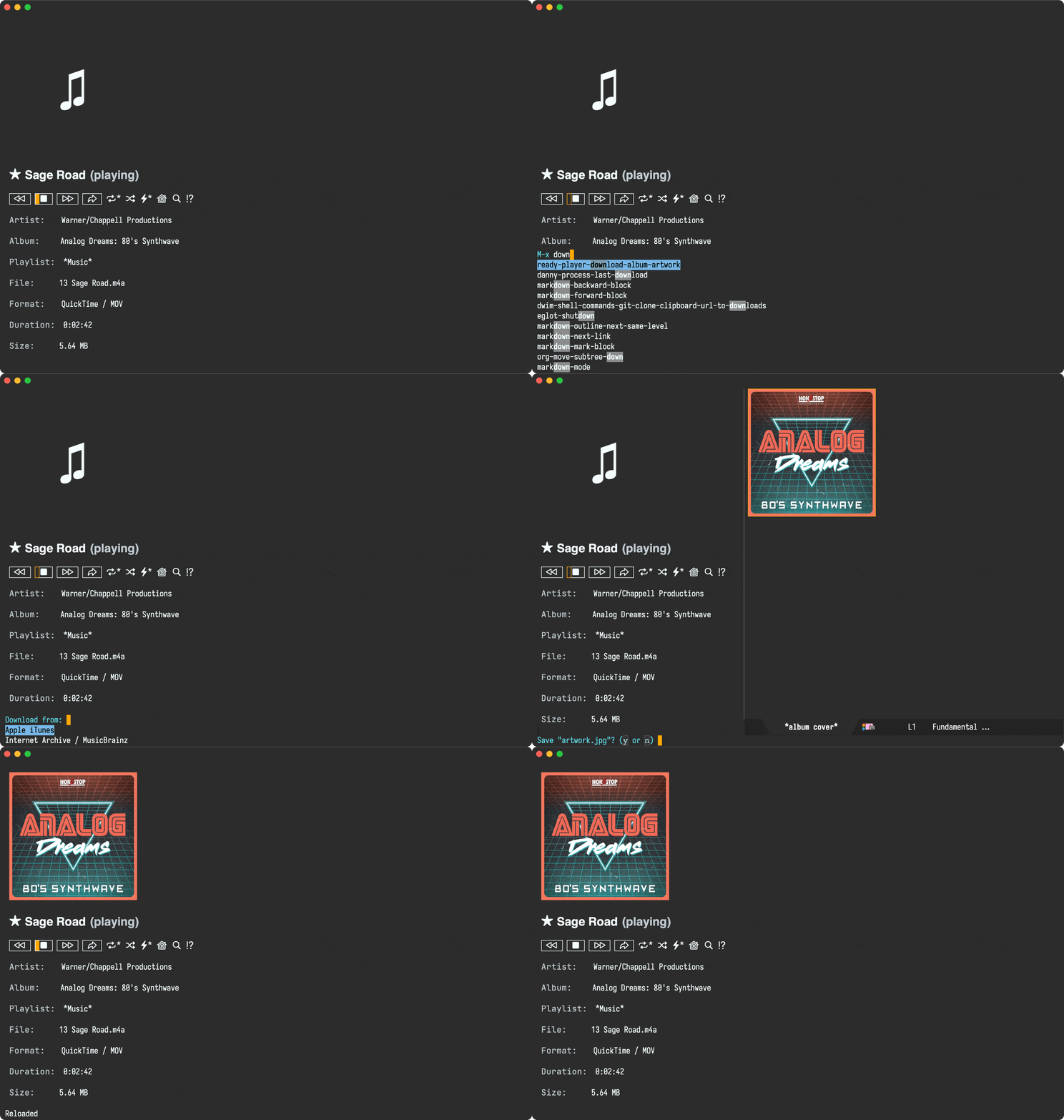
Embracing dired
I mentioned playing media from current directory or your music collection, but Ready Player is really just playing media from a dired buffer. If you can craft a dired buffer, Ready Player should be able to play it. Think find-dired.
Advanced features
Ready Player should be umm… ready to play with little configuration. If you want further customizations, check out its documentation.
Enjoy your unrestricted music offline, now and forever!
✨sponsor✨ this project.
]]>Take email, as an example. Back in 2018 I thought "managing email from Emacs… surely that's crazy-talk", yet I gave it a try just in case. 7 years later and I never looked back. I still use the excellent mu4e client.
As you become more accustomed to Emacs, you may find yourself wishing you could navigate other tasks just as efficiently. But this doesn't happen right away. The editor starts moulding to your needs, initially as you copy others's code/configurations, but this can only take you so far. Emacs truly does mould to your own needs, once you start learning a little elisp.
When comparing elisp to modern languages, one may be tempted to dismiss it as a niche language from another era. While both of those things may be true, its moulding and glueing capabilities remain just as relevant and powerful today, even in the LLM era.
Take a random workflow like extracting vocabulary from a Japanese class paper handout. While it may seem far-fetched for Emacs to handle this, it's actually fairly straightforward with a little elisp glue. Often, this consists of finding some crucial utilities and glueing them up.
Take a screenshot
I'm mostly on macOS, so I can use the built-in screencapture utility to capture the screen and save to a file.
(call-process "/usr/sbin/screencapture" nil nil nil "-i" "path/to/screenshot.png")
Get an LLM to OCR things for ya
These days, there are no shortages of neither large language models nor Emacs clients. I built one: chatgpt-shell, so I feed the screenshot to chatgpt-shell-lookup, giving it a prompt like:
1. Fill out an org mode table using this format as an example:

|----------+----------+-------+--------+---------+------|
| Hiragana | Katakana | Kanji | Romaji | English | Tags |
|----------+----------+-------+--------+---------+------|
|          |          |       |        |         |      |
|----------+----------+-------+--------+---------+------|

2. Fill out Hiragana or Katakana when appropriate. Never both.
3. Fill out Kanji when appropriate.
4. Show long romaji vowels (i.e. ō).
5. DO NOT use Markdown source blocks.
6. DO NOT add any text or explanations outside the org table.
Be sure to always check LLM output ;)
Let org do its thing
Since I requested org markup from the LLM, I can use org-mode to navigate cells and tweak data as needed. The output I get looks a little something like this:
| Hiragana               | Katakana   | Kanji                | Romaji               | English               | #Tags              |
|------------------------+------------+----------------------+----------------------+-----------------------+--------------------|
| べんきょう を します   |            | 勉強 を します       | benkyō o shimasu     | study                 | #study             |
...
| かいもの を します     |            | 買い物 を します     | kaimono o shimasu    | shop                  | #shopping          |
...
Sarasa Gothic (detour)
More of a side-note than anything… As a beginner Japanese learner, I quickly discovered I needed a font supporting my new rendering needs. I found Sarasa Gothic Mono, a lovely font (thanks to this Reddit post).
More elisp glue
Now that I got my Japanese vocabulary in org format, I can continue leveraging elisp to glue other things from my target workflow, like iterating over the table and generating a tsv with my new vocabulary:
(while (org-at-table-p)
  (let* ((front ...)
         (hiragana (org-table-get-field 1))
         (katakana (org-table-get-field 2))
         (kanji (org-table-get-field 3))
         (romaji (org-table-get-field 4))
         (meaning (org-table-get-field 5))
         (tags (org-table-get-field 6)))
    (with-current-buffer output-buffer
      (insert (format "%s\t%s\t%s\t%s\t%s\t%s\t%s\n"
                      front
                      hiragana
                      katakana
                      kanji
                      romaji
                      meaning
                      (replace-regexp-in-string "#" "" tags)))))
  (forward-line 1))
べんきょう を します   べんきょう を します     勉強 を します    benkyō o shimasu    study   study
...
かいもの を します    かいもの を します      買い物 を します   kaimono o shimasu   shop    shopping
...
Anki
So where is all this elisp glueing going? Now that I have my new vocabulary in a .tsv table, I can feed it to Anki, the popular spaced repetition app. While there are a handful of existing Anki Emacs packages, converting with an elisp loop was simple enough and gave me lots of freedom on how to structure my cards.
iPhone
Once I got the new vocabulary imported into Anki, I can subsequently sync it over to the iPhone. In some way, you can say that a bit of elisp glue here and there facilitated the entire workflow.
By the way, now you know why there's a random chatgpt-shell-japanese-lookup function included in chatgpt-shell.
Learn elisp
While Emacs and elisp may not be the most fashionable pair, they sure fill a huge void for me. They provide a platform that can easily mould to my specific needs.
If you're an Emacser and have been shying away from learning elisp, do yourself a favour and get your toes dipped. You'll be glad to.
Soon enough, you'll enable workflows that mould exactly to the way you like things to work. In other words, they simply do what ✨you✨ mean ;)
]]>#+ATTR_HTML: :width 90%

Why build a blogging platform
There's been a resurgence in blogging of sorts. Wonderful in itself, but the popular platforms are fairly erm unfriendly to their readers.
These days, search results might lead you to an interesting blog post, but you're greeted with messages like:
“The author made this story available to ^^^^^^ members only. If you’re new to ^^^^^^, create a new account to read this story on us.”
Kinda strange for a platform to offload blame onto its users.
In one instance, I bit the bullet. Created an account, logged in, only to find out the specific post was reserved to paying members. “Alright,” I thought, “let’s do this.” Sadly, when I finally arrived, the content was a bit of a letdown. After all those hoops…
Meanwhile, both Privacy Badger and uBlock Origin were going haywire. Great, this thing is tracking me too. At least the site is lean… I kid, of course not.
So that's that. Off I went to build a blogging platform to exclude the yucky bits the modern web has brought to our blogs.
My blogging journey
I'm what you may call an accidental blogger. Sometime ago, I started jotting notes using plain text file sprinkled with org markup. I'd use my text editor for both writing and recall. It worked well when in front of my computer, not so much when on the move or sharing things with anyone. By that point, I decided to export my notes to HTML and post online. Over time, folks started reaching out about something read in my notes, errrm blog posts, and so by then I suppose I had become a blogger.
In 11 years of blogging, my approach hasn't changed much. I still write to the very same plain text file I used to write my notes to. I found this approach fairly accessible, with little ceremony. When I want to write, I open the usual text file and just write. HTML exporting consisted of hacky elisp cobbled together over time. While the code was nothing to rave about, it did the job just fine over the years. Having said that, it was more of a "it works on my machine" sorta thing.
Enter lmno.lol
lmno.lol is heavily inspired by the same workflow. You write your notes or blog posts to a single plain text file, sprinkling Markdown this time around, and just drag and drop it to the web.
lmno.lol takes care of the rest.
A Little blast from the past
Remember ASCII art? Figlet? You can bring back some of that nostalgic web by adding a banner to your blog.
lmno.lol enables that via text art banners. What would you add?
# blog-text-art-banner

 /$$$$$$$                            /$$
| $$__  $$                          | $$
| $$  \ $$  /$$$$$$  /$$$$$$$   /$$$$$$$  /$$$$$$   /$$$$$$
| $$$$$$$/ /$$__  $$| $$__  $$ /$$__  $$ /$$__  $$ /$$__  $$
| $$__  $$| $$$$$$$$| $$  \ $$| $$  | $$| $$$$$$$$| $$  \__/
| $$  \ $$| $$_____/| $$  | $$| $$  | $$| $$_____/| $$
| $$  | $$|  $$$$$$$| $$  | $$|  $$$$$$$|  $$$$$$$| $$
|__/  |__/ \_______/|__/  |__/ \_______/ \_______/|__/
Read anywhere
Needless to say, this platform has no tracking, ads, or paywalls. It also tries to stay away from bloat and uses JavaScript for optional features only. If you're wondering, all blogs include RSS FEEDS with full content.
Blogs render wonderfully pretty much anywhere.
Help sustain a better web
We have plenty of features we’d like to add. We host blogs for a small fee ($1.50 per month). This fee helps us cover hosting expenses, maintain and develop features, and keep the platform running smoothly. That’s the entirety of our transaction—no ads, no tracking, no selling of user data.
There are no paywalls here. You can read fully and freely. However, please consider becoming a paying customer, even if you don’t plan to blog yourself. Your support ensures the platform remains sustainable and independent.
As a paying customer, you’ll also get to reserve your own blog handle. By doing so, you not only support the platform but also promote an inclusive internet experience that is fast, smooth, and free of constant tracking, intrusive advertising, paywalls, and data collection.
By supporting services like lmno.lol, you prove like-minded services are not only possible but fully sustainable without deceitful tech.
I hope you like lmno.lol. Happy blogging!
]]>
Later on, in a "Multiple cursors - how and why?" Reddit post, I showcased the overlay usage. Peter Oliver asked if the package could be submitted to MELPA. To my delight, he also volunteered to take on the submission.
Unfortunately, I had failed to check back on the MELPA submission until today. I'm happy to report that, thanks to Peter, symbol-overlay-mc is now on MELPA.
Happy symbol-overlay-multiple-cursors editing! ;)
]]>A little later, Sacha shared a preliminary video feed dump, in org! With that, I wrote the first experiment to render the org feed and emacs.tv was born.

emacs.tv is merely a few days old. Powered by an org feed (rendered client-side), but we can fetch and render in all sorts of ways. emacs.tv brings it to the web, though I'm sure we can come up with all sorts of Emacs integrations. A new major mode? Or maybe convert the org feed to rss and plug into elfeed?
This is what a feed entry looks like:
* EmacsConf.org: How we use Org Mode and TRAMP to organize and run a multi-track conference :emacsconf:emacsconf2023:org:tramp:
:PROPERTIES:
:DATE: 2023-12-03
:URL: https://emacsconf.org/2023/talks/emacsconf
:MEDIA_URL: https://media.emacsconf.org/2023/emacsconf-2023-emacsconf--emacsconforg-how-we-use-org-mode-and-tramp-to-organize-and-run-a-multitrack-conference--sacha-chua--main.webm
:YOUTUBE_URL: https://www.youtube.com/watch?v=uTregv3rNl0
:TOOBNIX_URL: https://toobnix.org/w/eX2dXG3xMtUHuuBz4fssGT
:TRANSCRIPT_URL: https://media.emacsconf.org/2023/emacsconf-2023-emacsconf--emacsconforg-how-we-use-org-mode-and-tramp-to-organize-and-run-a-multitrack-conference--sacha-chua--main.vtt
:SPEAKERS: Sacha Chua
:SERIES: EmacsConf 2023
:END:
We need your help
As mentioned, this is a new project. It's a good start, but it can only get better with your help.
Submit more content
Sacha kickstarted a wonderful video feed, a collection of 1715 videos as of today. We need more. Are your published videos missing? Reckon other videos should be listed? Please help by submitting new entries.
Improve our tagging
Many of the listed videos could use more tags. Please help us by tagging content in video.org and submit a pull request.
Take it for a spin
Or maybe just take emacs.tv for a spin and give us some feedback.
Happy holidays! 🎄☃️
]]>With jllw's great idea in mind, I set out to prototype an eshell pager, my preferred shell.
The initial results ain't too shabby:

While you can easily flip through all eshell commands and outputs (via single-character n/p bindings), you can also compose and fire off new commands using a magit-style approach. That is, craft your desired command and C-c C-c to send it off.
The prototype is currently focused on eshell, but it can be easily ported to comint and other shells by writing new shell-maker configs:
(shell-pager--make-config
 :shell-buffer buffer
 :page-buffer (shell-pager--buffer)
 :next #'shell-pager--eshell-next
 :previous #'shell-pager--eshell-previous
 :current #'shell-pager--eshell-current-item
 :subscribe #'shell-pager--eshell-subscribe
 :unsubscribe #'shell-pager--eshell-unsubscribe
 :submit #'shell-pager--eshell-submit
 :interrupt #'shell-pager--eshell-interrupt)
shell-pager's super rough/experimental code is now on GitHub.
It's been a fun experiment so far. Time will tell, whether or not shell-pager can replace most of my eshell interactions. The good news is that this isn't an all or nothing sorta thing. shell-pager complements eshell, so I can always jump back to eshell itself and continue with the very same shell history.
While chatgpt-shell offered chatgpt-shell-next-item and chatgpt-shell-previous-item commands, it had a few rough edges which prevented me from fully adopting. The default bindings C-c C-n and C-c C-p didn't exactly help either, making repeated navigation fairly clunky. repeat-mode would have helped a little, yet I was yearning for a familiar experience… more like tab and Shift-tab in web browsers.
While shells often tab-complete commands and/or arguments, I'm not super convinced tab completion is a good candidate for an LLM Emacs shell. Having said that, searching for previous prompts a la Ctr-r is indeed a handy feature and already supported in chatgpt-shell (via M-r).
This is all to say that the with the latest chatgpt-shell navigation changes (using <tab> and <backtab> bindings), the chatgpt-shell experience feels way more natural. You can see it in action…

Tab navigation jumps between prompts, links, and code blocks. You may have noticed code blocks are automatically selected, in case you want to quickly copy and paste elsewhere.
This mode of navigation is also present in the compose UX (via M-x chatgpt-shell-prompt-compose). In addition to <tab> and <backtab>, you can use n and p bindings (post prompt submission).

Give the new navigation a try. See how it feels. Some of it is fairly fresh, so please file bugs if needed.
]]>While my post is roughly 4.5 years old, these days I continue to reach out to the likes of seq.el, map.el, subr-x.el and let-alist.el on a regular basis. My post also shared some great third party options. Maybe my post could use an update? Happy to take suggestions.
A few days later, I ran into awesome-elisp, which aggregates a ton of resources to check out. Funnily enough, I had bookmarked it a long while ago and simply forgot about it. On a somewhat related note, when I reviewed my old list of bookmarks, I didn't have Yoo Box's it is not hard to read Lisp code bookmarked, which changed the way I viewed and read elisp code (spoiler alert, as a tree). I remember how well this approach also translated to languages like Objective-C, enabling me to inline more things without worrying too much.
In any case, the reddit post was another reminder for me to go and check out some of those bookmarks I never got to read, including the awesome-elisp one.
]]>chatgpt-shell, this babel package has now gone multi-model also.
ob-chatgpt-shell follows the familiar babel form. To swap models, use the existing :version param as follows.
#+begin_src chatgpt-shell :results output :version gpt-4o
  Who built you?
#+end_src

#+RESULTS:
: I was developed by OpenAI, a research organization focused on creating and promoting friendly AI for the benefit of all humanity.

#+begin_src chatgpt-shell :results output :version claude-3-5-sonnet-20240620
  Who built you?
#+end_src

#+RESULTS:
: I was created by Anthropic.

#+begin_src chatgpt-shell :results output :version qwen2.5-coder
  Who built you?
#+end_src

#+RESULTS:
: I was built by Alibaba Cloud. How can I assist you today?

#+begin_src chatgpt-shell :results output :version gemini-1.5-pro-latest
  Who built you?
#+end_src

#+RESULTS:
: I was built by Google.  More specifically, I'm a large language model, trained by Google.
Keep in mind that :version depends on chatgpt-shell-models to resolve its models. You may need to add other models. If you add new ones, consider contributing a pull request, so we all benefit from the addition.
Should ob-chatgpt-shell rename?
See this.
Please report issues
In addition to being a fairly new feature, chatgpt-shell multi-model support required quite a few structural changes. We may still need additional polishing follow-ups. If you encounter any issues please report them.
Make this project sustainable
Maintaining, experimenting, implementing feature requests, and supporting open-source packages takes work. Today, chatgpt-shell has roughly 21.5K downloads on MELPA and many untracked elsewhere. If you're one of the happy users, consider sponsoring the project. If you see potential, help fuel development by sponsoring too.
Perhaps you enjoy some of the content I write about? Find my Emacs posts/tips useful?
- Blog (xenodium.com) (Web)
- Blog (lmno.lol/alvaro) (Web)
Alternatively, you want a blogging platform that skips the yucky side effects of the modern web?
Maybe you enjoy one of my other projects?
- Plain Org (org mode / iOS)
- Flat Habits (org mode / iOS)
- Scratch (org mode / iOS)
- macosrec (macOS)
- Fresh Eyes (macOS)
- dwim-shell-command (Emacs)
- company-org-block (Emacs)
- org-block-capf (Emacs)
- ob-swiftui (Emacs)
- chatgpt-shell (Emacs)
- ready-player (Emacs)
- sqlite-mode-extras
- ob-chatgpt-shell (Emacs)
- dall-e-shell (Emacs)
- ob-dall-e-shell (Emacs)
- shell-maker (Emacs)
So, umm… I'll just leave my GitHub sponsor page here.
]]>M-x chatgpt-shell-quick-insert
While chatgpt-shell's quick insert mechanism already enabled selecting a region and requesting changes, it was more of a "I'm feeling lucky" situation. If the changes didn't pan out, you'd have to discard the suggestion and start over.
With the latest changes, in addition to accepting or discarding (y/n bindings) suggestions, we can now iterate using the i binding.

M-x chatgpt-shell-prompt-compose
While quick insertions rely on minibuffer input, chatgpt-shell-prompt-compose opens a dedicated buffer for a more thorough interactions. Select a region, invoke chatgpt-shell-prompt-compose (my preferred binding being C-c C-e), and a new compose buffer is created with the region text. Add your instructions and submit with C-c C-c. Post submission, the compose buffer becomes read-only and single-character key-bindings take over. For example: r replies (for further iteration) and n/p (or TAB/shift-TAB) navigation. There are more bindings.
Until now, we could easily craft more involved queries and continue iterating from the compose buffer, but integrating suggested changes was a manual process. That is, navigate to a code block, select, copy it and then paste it elsewhere.
With the latest changes, pressing i (insert) while on a code block will attempt to insert it wherever the initial interaction took place.

Both of these changes show now be available on MELPA. While I demoed ChatGPT, the two mechanism should now work with any of the supported models (ChatGPT, Claude, Gemini, and Ollama).
]]>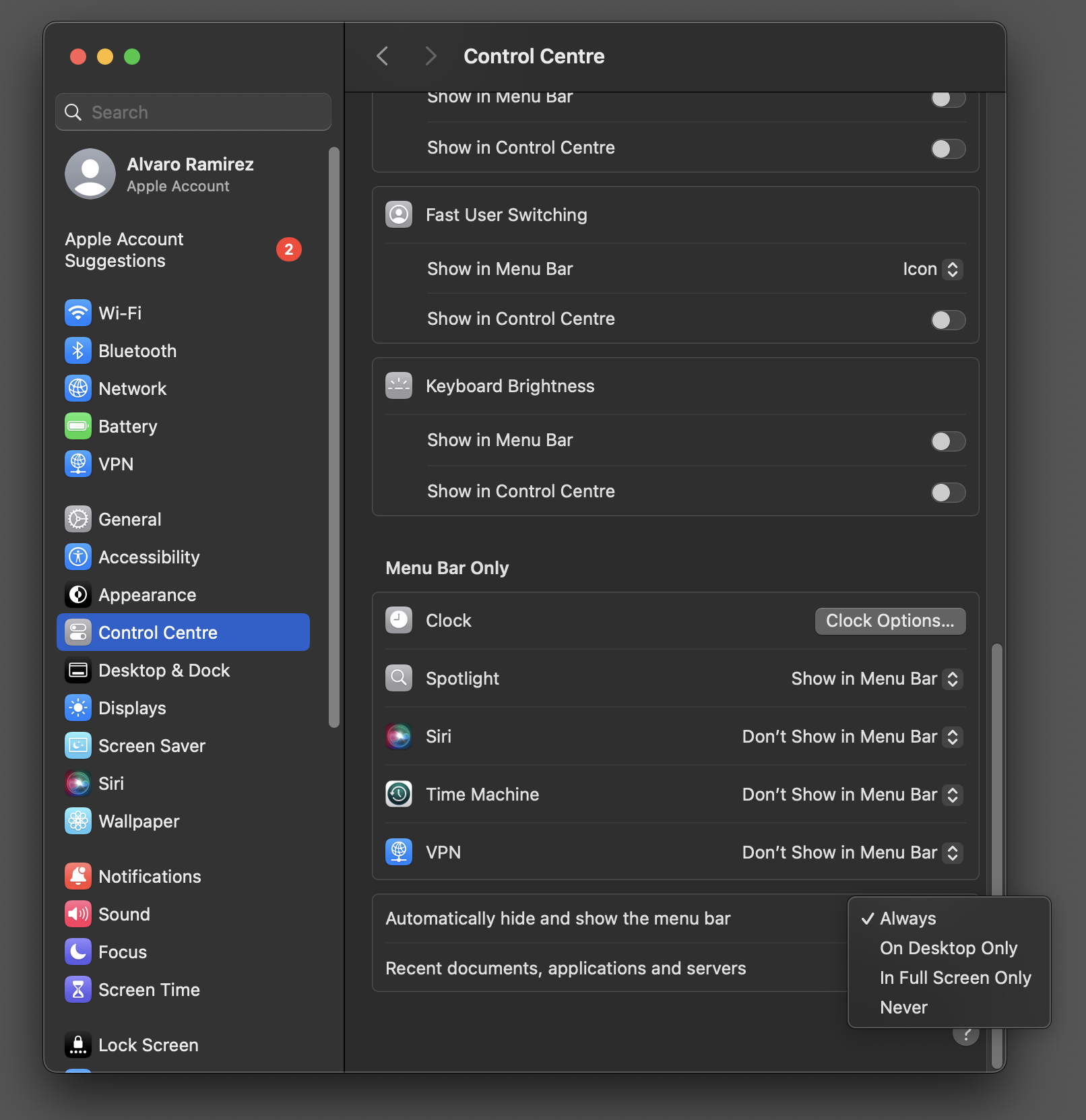
On rare occasions, I turn this setting off (say for a screen grab). While reaching out to macOS Control Center is OK, I wanted to quickly toggle it from the comfort of Emacs via M-x fuzzy search.
We can leverage AppleScript to toggle the setting on and off. In the past, I would write shell scripts for this kinda thing and invoke from the command line. These days, I dump them into a dwim-shell-command and quickly forget about its implementation. From then on, I just M-x and fuzzy search for some magical incantation (I'm looking at you ffmpeg). I got a bunch of these things…
(defun dwim-shell-commands-macos-toggle-menu-bar-autohide ()
  "Toggle macOS menu bar auto-hide."
  (interactive)
  (dwim-shell-command-on-marked-files
   "Toggle menu bar auto-hide."
   "current_status=$(osascript -e 'tell application \"System Events\" to get autohide menu bar of dock preferences')

if [ \"$current_status\" = \"true\" ]; then
    osascript -e 'tell application \"System Events\" to set autohide menu bar of dock preferences to false'
    echo \"Auto-hide disabled.\"
else
    osascript -e 'tell application \"System Events\" to set autohide menu bar of dock preferences to true'
    echo \"Auto-hide enabled.\"
fi"
   :utils "osascript"
   :silent-success t))
…and that's all there is to it.
chatgpt-shell is more than a shell. Check out the demos in the previous post.
For anyone keen on keeping all their LLM interactions offline, Ollama seems like a great option. I'm an Ollama noobie myself and already looking forward to getting acquainted. Having an offline LLM available at my Emacs fingertips will be super convenient.
For the more familiar with Ollama, please give the chatgpt-shell integration a try (it's on MELPA).
v2.0.6 has a basic/inital Ollama implementation. Please give it a good run and report bugs.
You can swap models via:
M-x chatgpt-shell-swap-model
Help make this project sustainable. Sponsor the work.
]]>
Changing course
In the past, I envisioned a different path for multi-model support. By isolating shell logic into a new package (shell-maker), folks could use it as a building block to create new shells (adding support for their favourite LLM).
While each shell-maker-based shell currently shares a basic common experience, I did not foresee the minor differences affecting the general Emacs user experience. Learning the quirks of each new shell felt like unnecessary friction in developing muscle memory. I also became dependent on chatgpt-shell features, which I often missed when using other shells.
Along with slightly different shell experiences, we currently require multiple package installations (and setups). Depending on which camp you're on (batteries included vs fine-grained control) this may or may not be a downside.
With every new chatgpt-shell feature I showcased, I was often asked if they could be used with other LLM providers. I typically answered with "I've been meaning to work on this…" or "I heard you can do multi-model chatgpt-shell using a bridge like liteLLM". Neither of these where great answers, resulting in me just postponing the chunky work.
Eventually, I bit the bullet, changed course, and got to work on multi-model support. With my initial plan to spin multiple shells via shell-maker, chatgpt-shell's implementation didn't exactly lend itself to support multiple clients. Long story short, chatgpt-shell multi-model support required quite a bit of work. This where I divert to ask you to help make this project sustainable by sponsoring the work.
Make this project sustainable
Maintaining, experimenting, implementing feature requests, and supporting open-source packages takes work. Today, chatgpt-shell has over 20.5K downloads on MELPA and many untracked others elsewhere. If you're one of the happy users, consider sponsoring the project. If you see potential, help fuel development by sponsoring too.
Perhaps you enjoy some of the content I write about? Find my Emacs posts/tips useful?
- Blog (xenodium.com) (Web)
- Blog (lmno.lol/alvaro) (Web)
Alternatively, you want a blogging platform that skips the yucky side effects of the modern web?
Maybe you enjoy one of my other projects?
- Plain Org (org mode / iOS)
- Flat Habits (org mode / iOS)
- Scratch (org mode / iOS)
- macosrec (macOS)
- Fresh Eyes (macOS)
- dwim-shell-command (Emacs)
- company-org-block (Emacs)
- org-block-capf (Emacs)
- ob-swiftui (Emacs)
- chatgpt-shell (Emacs)
- ready-player (Emacs)
- sqlite-mode-extras
- ob-chatgpt-shell (Emacs)
- dall-e-shell (Emacs)
- ob-dall-e-shell (Emacs)
- shell-maker (Emacs)
So, umm… I'll just leave my GitHub sponsor page here.
chatgpt-shell, more than a shell
With chatgpt-shell being a comint shell, you can bring your favourite Emacs flows along.

As I used chatgpt-shell myself, I kept experimenting with different integrations and improvements. Read on for some of my favourites…
A shell hybrid
chatgpt-shell includes a compose buffer experience. This is my favourite and most frequently used mechanism to interact with LLMs.
For example, select a region and invoke M-x chatgpt-shell-prompt-compose (C-c C-e is my preferred binding), and an editable buffer automatically copies the region and enables crafting a more thorough query. When ready, submit with the familiar C-c C-c binding. The buffer automatically becomes read-only and enables single-character bindings.

Navigation: n/p (or TAB/shift-TAB)
Navigate through source blocks (including previous submissions in history). Source blocks are automatically selected.
Reply: r
Reply with with follow-up requests using the r binding.
Give me more: m
Want to ask for more of the same data? Press m to request more of it. This is handy to follow up on any kind of list (suggestion, candidates, results, etc).
Request entire snippets: e
LLM being lazy and returning partial code? Press e to request entire snippet.
Quick quick: q
I'm a big fan of quickly disposing of Emacs buffers with the q binding. chatgpt-shell compose buffers are no exception.
Confirm inline mods (via diffs)
Request inline modifications, with explicit confirmation before accepting.

Execute snippets (a la org babel)
Both the shell and the compose buffers enable users to execute source blocks via C-c C-c, leveraging org babel.

Vision experiments
I've been experimenting with image queries (currently ChatGPT only, please sponsor to help bring support for others).
Below is a handy integration to extract Japanese vocabulary. There's also a generic image descriptor available via M-x chatgpt-shell-describe-image that works on any Emacs image (via dired, image buffer, point on image, or selecting a desktop region).

Supporting new models
Your favourite model not yet supported? File a feature request. You also know how to fuel the project. Want to contribute new models? Reach out.
Local models
While the two new implementations rely on cloud APIs, local services are now possible. I've yet to use a local LLM, but please reach out, so we can make these happen too. Want to contribute?
Should chatgpt-shell rename?
With chatgpt-shell going multi-model, it's not unreasonable to ask if this package should be renamed. Maybe it should. But that's additional work we can likely postpone for the time being (and avoid pushing users to migrate). For now, I'd prefer focusing on polishing the multi-model experience and work on ironing out any issues. For that, I'll need your help.
Take Gemini and Claude for a spin
Multi-model support required chunky structural changes. While I've been using it myself, I'll need wider usage to uncover issues. Please take it for a spin and file bugs or give feedback. Or if you just want to ping me, I'd love to hear about your experience (Mastodon / Twitter / Reddit / Email).
- Be sure to update to
chatgpt-shellv2.0.1 andshell-makerv0.68.1 as a minimum. - Set
chatgpt-shell-anthropic-keyorchatgpt-shell-google-key. - Swap models with existing
M-x chatgpt-shell-swap-model-versionor set a default with(setq chatgpt-shell-model-version "claude-3-5-sonnet-20240620")or(setq chatgpt-shell-model-version "claude-gemini-1.5-pro-latest"). - Everything else should just work 🤞😅
Happy Emacsing!
]]>I'm splitting the repository as a first step in reworking chatgpt-shell to enable multi-model support (i.e. Gemini, Claude, and others), a popular feature request.
Want multi-model support?
Go 👍 the feature request and ✨sponsor✨ the work.
If keen on having a multi-modal chatgpt-shell at your fingertips, please consider sponsoring to make the project sustainable. Improvements like this, integrations, and keeping up with the AI space takes quite a bit of work and effort.
New package repositories
chatgpt-shell
No repo location changes. Remains at https://github.com/xenodium/chatgpt-shell
chatgpt-shell carries the ChatGPT shell itself, but also convenience integrations.
My hope is to make this a multi-model package.

ob-chatgpt-shell
Moves to https://github.com/xenodium/ob-chatgpts-shell
An extension of chatgpt-shell to execute org babel blocks as ChatGPT prompts.
dall-e-shell
Moves to https://github.com/xenodium/dall-e-shell
A dedicated shell for DALL-E image generation.

ob-dall-e-shell
Moves to https://github.com/xenodium/ob-dall-e-shell
An extension of dall-e-shell to execute org babel blocks as ChatGPT prompts.
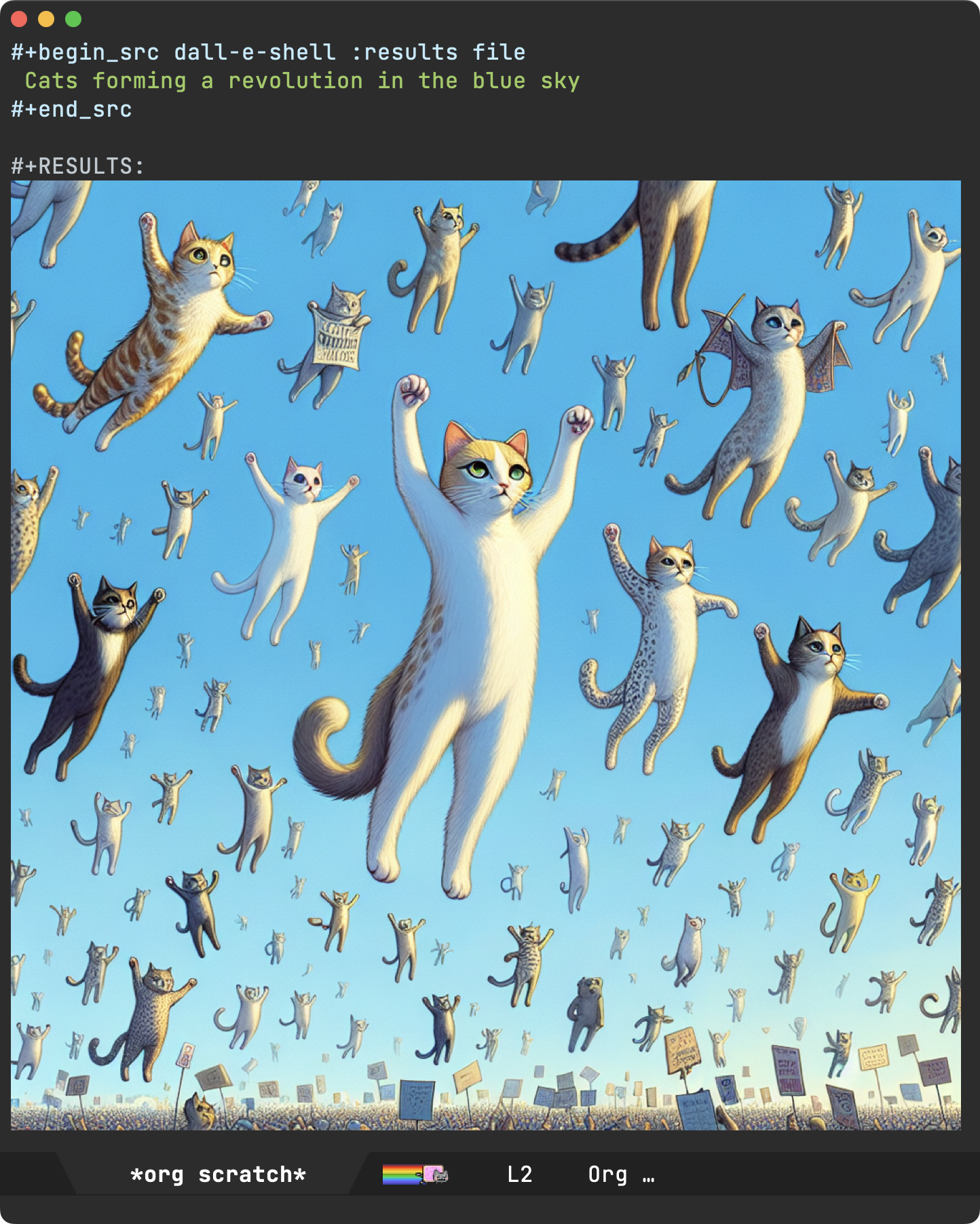
shell-maker
Moves to https://github.com/xenodium/shell-maker
shell-maker a convenience wrapper around comint mode to build shells. Both chatgpt-shell and dall-e-shell are built on top of shell-maker.
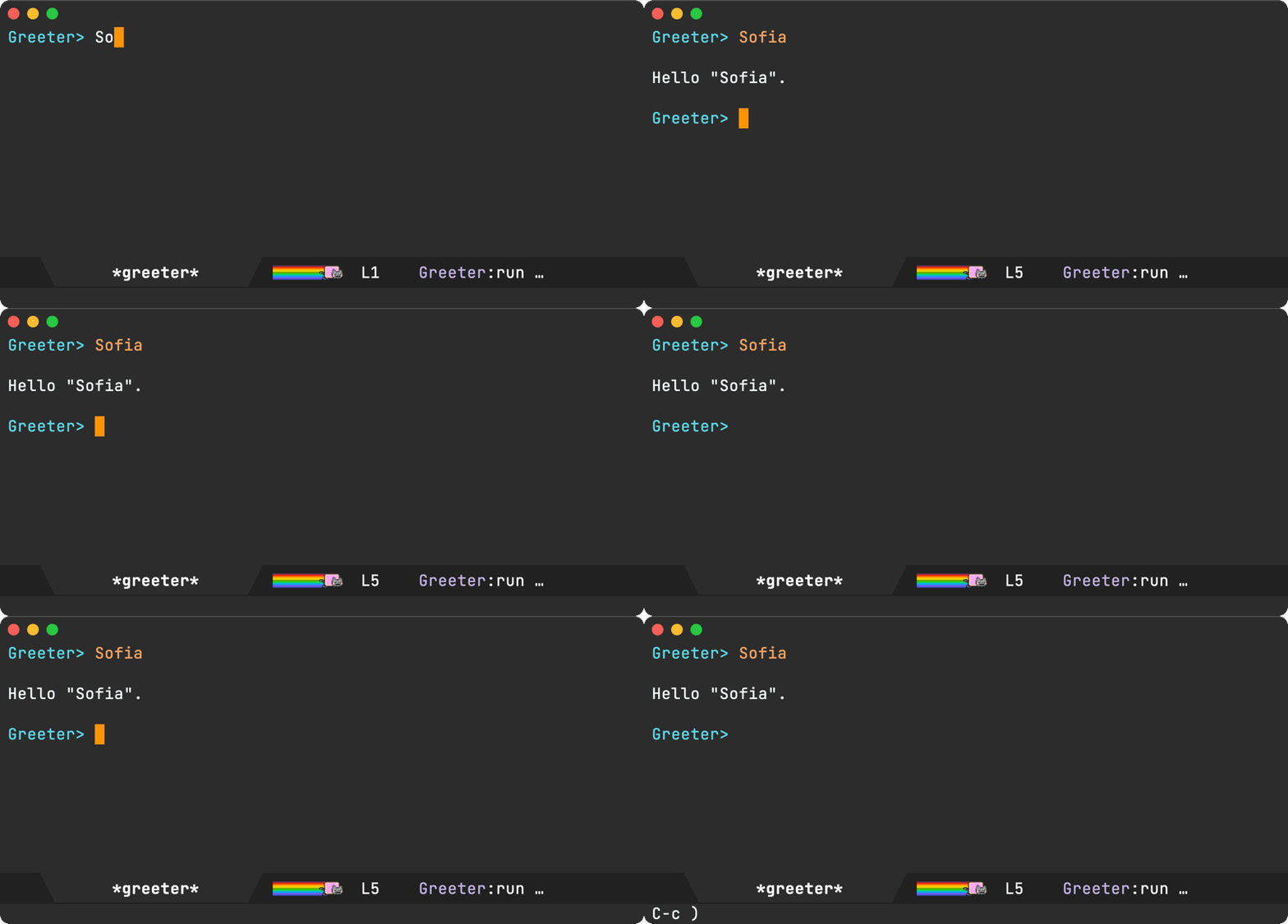
Enjoying this content? Using one of my Emacs packages?
Help make the work sustainable. Consider sponsoring. I'm also building lmno.lol. A platform to drag and drop your blog to the web.
]]>While my dired usage increased over the years, my dired config remained largely unchanged. Today, I'll show a new dired tweak.
As you likely suspect by now, I'm a big fan of hide-details-mode. It gives me super clean and minimalistic view of my files.

If I need more details, it's one toggle away using my trusty C-( binding.

Now this is a super minor thing, but for a little while, I wished I could also hide the current directory's absolute path as part of hide-details-mode's toggling. In the same spirit as other hidden dired details, I rarely need to see the absolute path. And if I did, it'd only be a toggle away.
With that in mind, I set out to bend dired my way. I looked at the dired-hide-details-mode built-in code (dired.el) and came across invisibility specs, which I hadn't used before. Dired uses add-to-invisibility-spec and remove-from-invisibility-spec to show and hide details using the invisible property set to dired-hide-details-information.
Now that we know what property to set, we need to find the text to apply it to. Dired offers that via dired-subdir-regexp. All we need to do is match the regular expression and apply our invisible property to the relevant bounds.
(defun hide-dired-details-include-all-subdir-paths ()
  (save-excursion
    (goto-char (point-min))
    (while (re-search-forward dired-subdir-regexp nil t)
      (let* ((match-bounds (cons (match-beginning 1) (match-end 1)))
             (path (file-name-directory (buffer-substring (car match-bounds)
                                                          (cdr match-bounds))))
             (path-start (car match-bounds))
             (path-end (+ (car match-bounds) (length path)))
             (inhibit-read-only t))
        (put-text-property path-start path-end
                           'invisible 'dired-hide-details-information)))))
All that's left is for us to add our new function to a hook, and we're good to go.
(use-package dired
  :hook ((dired-mode . dired-hide-details-mode)
         (dired-after-readin . hide-dired-details-include-all-subdir-paths)))
My Dired window is even cleaner now. The current directory's absolute path is now hidden.
There may be times we need to peek at the absolute path. We can now toggle hiding this detail just like the others.

My first Emacs patch
While this is a rather small change, I figured I could use it to get my toes dipped as a first Emacs contribution. I've since reworked the patch to fit into dired.el's code and submitted for review.
I'm happy to report the tiny feature's now merged to master as of a couple of days ago. Yay! 🎉
It'll be sometime until the feature makes it to a release, but if you're living on the Emacs master edge, it should be available there. While the feature is disabled by default, it can enabled with:
(setq dired-hide-details-hide-absolute-location t)
Happy hiding!
Enjoying this content? Using one of my Emacs packages?
Help make the work sustainable. Consider sponsoring. I'm also building lmno.lol. A platform to drag and drop your blog to the web.
]]>macOS's Preview app can easily delete pages from a pdf by selecting undesired pages and hitting the delete key. This is fine for one pdf but for a handful of them, I figured there's a command line incantation I could use out there, and indeed there is:
qpdf my.pdf --pages . 1 -- my-one-page.pdf
With command in mind, I resorted to my now my typical approach of:
- Convert to a generic dwim-shell-command.
- Batch apply.
I could be done at this point, but since I now have the command fresh in mind…
- Save command for future usage.
So let's get on with it.
Converting to dwim-shell-command
qpdf '<<f>>' --pages . 1 -- '<<fne>>_1.<<e>>'
Batch apply
Other than show it in action, it may be worth mentioning dwim-shell-command recognizes files in region (in addition to dired's mark of course), so you can just select and apply.
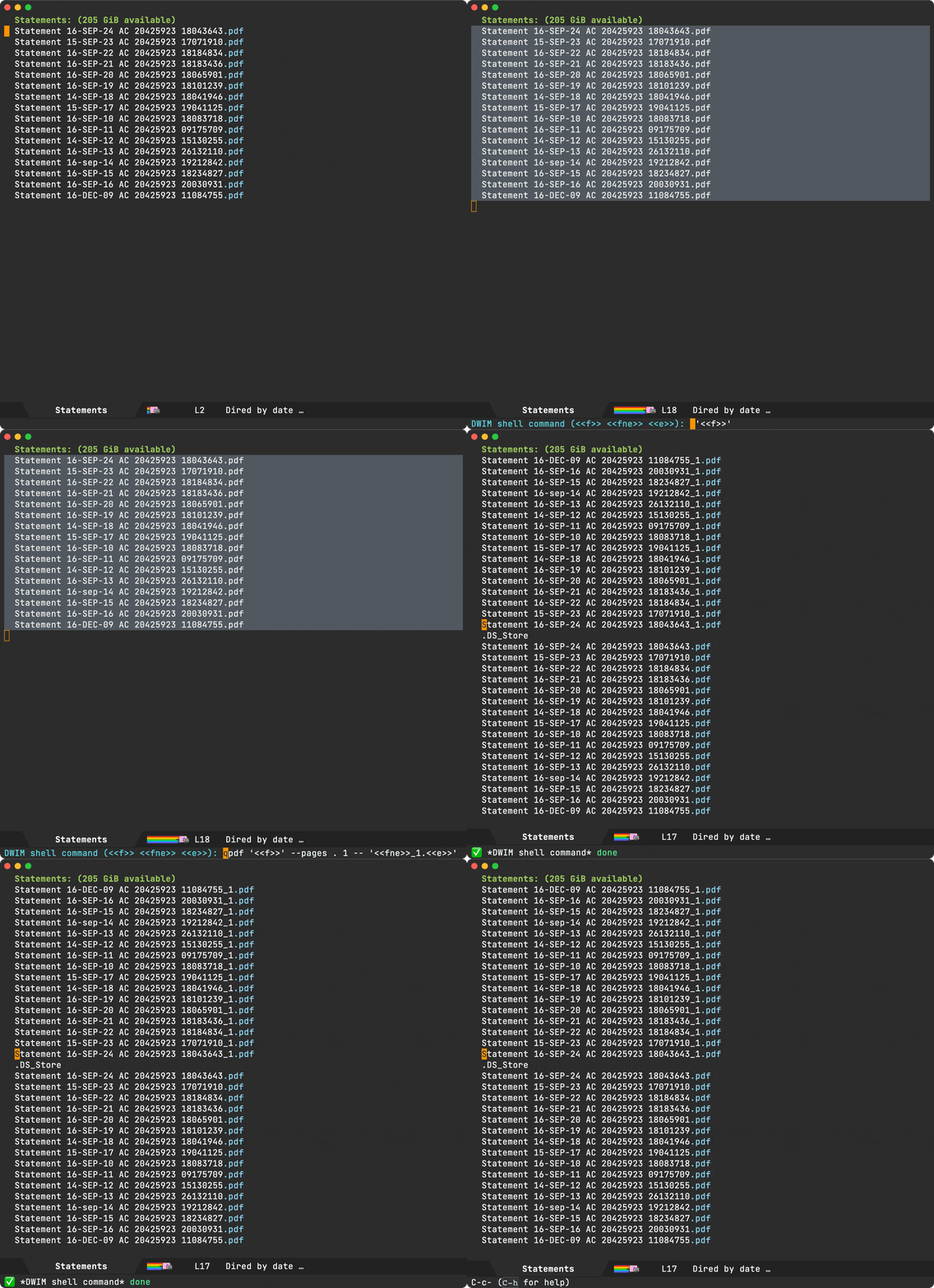
Save for future usage
Saving these commands for future usage typically consists of merely wrapping in an Emacs command so we can invoke via M-x (and your favorite narrowing framework for that fuzzy quick magic).
(defun dwim-shell-commands-keep-pdf-page ()
  "Keep a page from pdf."
  (interactive)
  (let ((page-num (read-number "Keep page number: " 1)))
    (dwim-shell-command-on-marked-files
     "Keep pdf page"
     (format "qpdf '<<f>>' --pages . %d -- '<<fne>>_%d.<<e>>'" page-num page-num)
     :utils "qpdf")))
For this instance, there's a tiny bit of additional logic to ask the user which page they'd like to keep.
While there's no way I'll remember qpdf my.pdf --pages . 1 -- my-one-page.pdf, I can easily find it in the future by searching with something like M-x keep page.
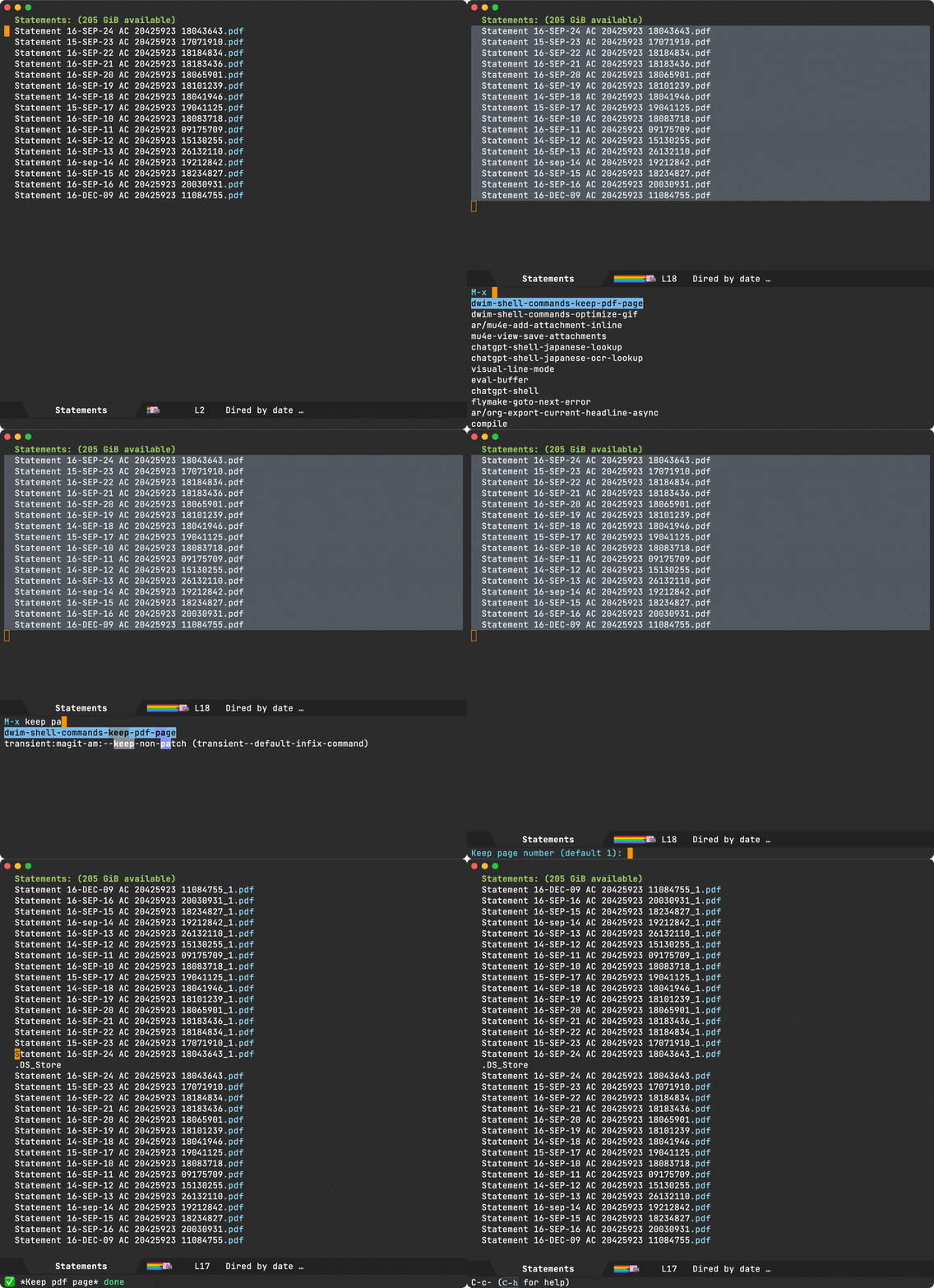
My toolbox
I've saved a bunch of these commands and use many of them regularly. You can find in the optional component of dwim-shell-command.
Enjoying this content? Using one of my Emacs packages?
Help make the work sustainable. Consider sponsoring. I'm also building lmno.lol. A platform to drag and drop your blog to the web.
]]>chatgpt-shell-prompt-compose, which automatically grabs the active region. This led me to explore a few options to select a region, or maybe even roll my own. I should also mention, these regions don't typically require compilable/complete structures.
In most of these instances, I just reach out to one of my region favourites like expand-region, mark-defun, or mark-whole-buffer. Alternatively, I navigate to different points using sexp commands like backward-sexp and forward-sexp (or maybe something like sp-backward-up-sexp from smartparens), using set-mark-command in-between to activate the region.
While these commands typically yield balanced expressions, it's often unnecessary for my LLM queries. This led me to ask folks for different ways of selecting regions, which highlighted great package suggestions like avy, meow, and easy-kill.
While I've been intrigued by meow's modal editing for some time, I'm not ready for that fair trial jump. Will have to postpone it for a little longer.
Easy-kill offers easy-mark, in some ways similar to the built-in mark-sexp, but with additional marking heuristics and possibly other goodies I missed. At present, I get similar benefits from the likes of expand-region and the other sexp helpers.
Avy's avy-kill-ring-save-region could work for my purpose, though I wish it left the region active. Maybe that's already possible? I could look into extending avy, though Christian's suggestions led me to lean more on visual feedback in my own region-expanding experiments.
The goal was to enable extending regions in both vertical directions by simultaneously adding lines at both ends. Sure, this doesn't guarantee structural completeness, but it may just be enough for my LLM-feeding purpose. Maybe this already exists in the Emacs universe, but hey, it's an excuse to throw some elisp lines together…
Assuming there's an existing active region, expanding in both directions is pretty straightforward.
(defun bubble-expand()
  "Expand region."
  (interactive)
  (when (> (point) (mark))
    (exchange-point-and-mark))
  (forward-line -1)
  (exchange-point-and-mark)
  (forward-line 1)
  (exchange-point-and-mark))

(defun bubble-shrink ()
  "Shrink region."
  (interactive)
  (when (< (point) (mark))
    (exchange-point-and-mark))
  (forward-line -1)
  (exchange-point-and-mark)
  (forward-line 1))
While I've yet to use this region-expanding approach long enough to validate its usefulness, it sure is fun to play with it.
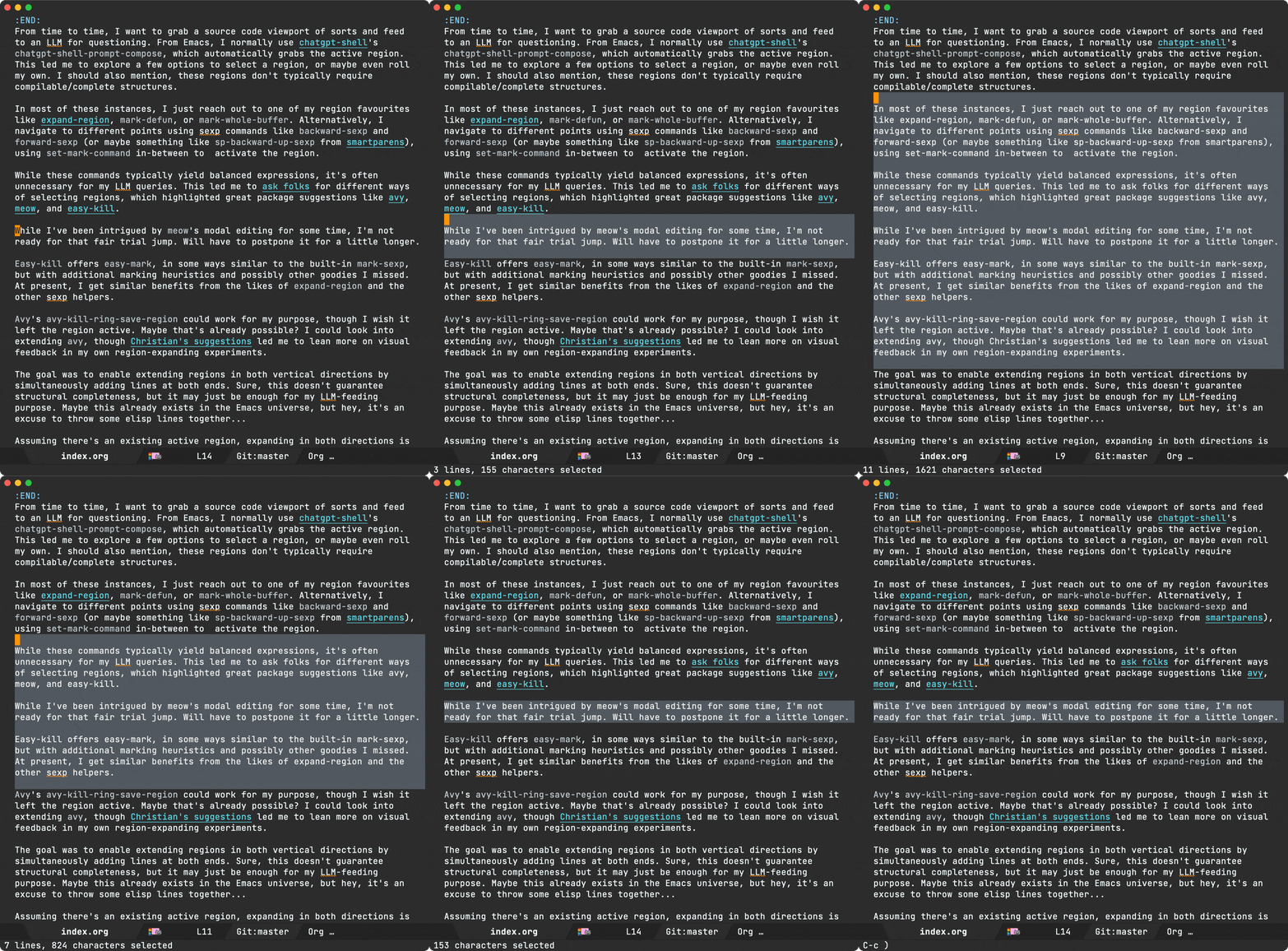
This got me thinking, what other funky things I could do with the region? Could I shift the region selection like a viewport of sorts? As you now expect, the answer in Emacs is almost always of course we can…
(defun bubble-shift-up ()
  "Shift the region up by one line."
  (interactive)
  (when (> (point) (mark))
    (exchange-point-and-mark))
  (forward-line -1)
  (forward-line 0)
  (exchange-point-and-mark)
  (forward-line -1)
  (end-of-line)
  (activate-mark)
  (exchange-point-and-mark))

(defun bubble-shift-down ()
  "Shift the region down by one line."
  (interactive)
  (when (> (point) (mark))
    (exchange-point-and-mark))
  (forward-line)
  (forward-line 0)
  (exchange-point-and-mark)
  (forward-line)
  (end-of-line)
  (activate-mark)
  (exchange-point-and-mark))

My friend Vaarnan also suggested looking into UX around providing line count, which is possible by providing a prefix into bubble-expand-region.
C-5 M-x bubble-expand-region
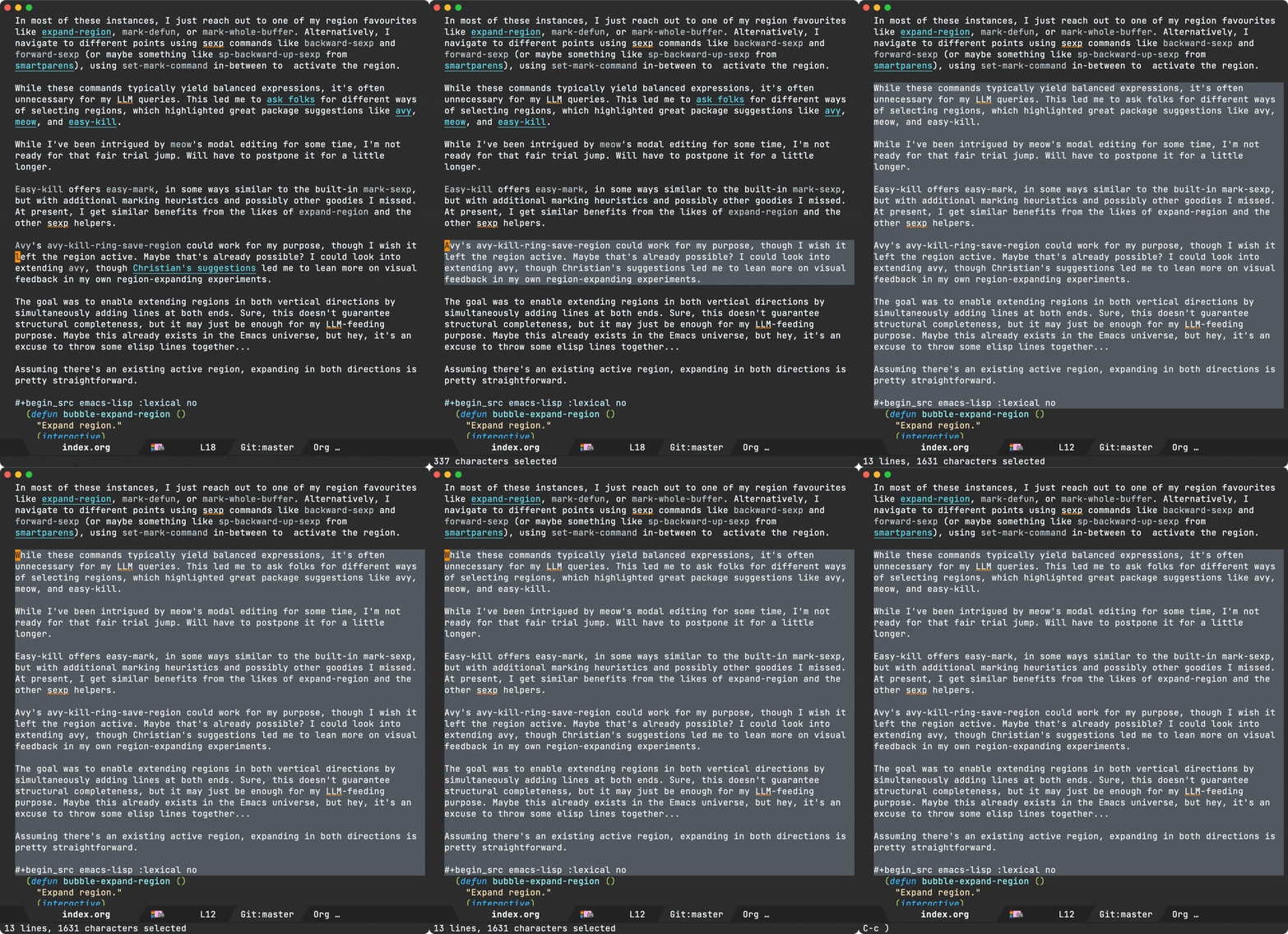
These commands alone aren't as effective unless we have some key-bindings around them. I've tied things up into a minor mode, called… you guessed it: bubble-mode. Oooh, a mode, you may say it's now official ;) Well, no. It's still an experiment of sorts and currently lives in my Emacs config repo.
The key bindings I've chosen are:
C-c C-w: Enter bubble-mode.C-p: bubble-expand.C-n: bubble-shrink.S-C-p: bubble-move-up.S-C-n: bubble-move-down.Numbers 1-0: Expand 1 to 10 lines.RET: Exit bubble-mode.
Note: Inspired by expand-region, any other key binding/command automatically exits bubble-mode.
C-c C-w kinda works for me as C-c w is already bound to expand-region. Let's see if that sticks, though I may have to give up the org-refile binding.
So does it work for my original LLM intent? We shall see, but it seems to so far. You can play with it if you'd like (it's on github). Here's what that flow now looks like:
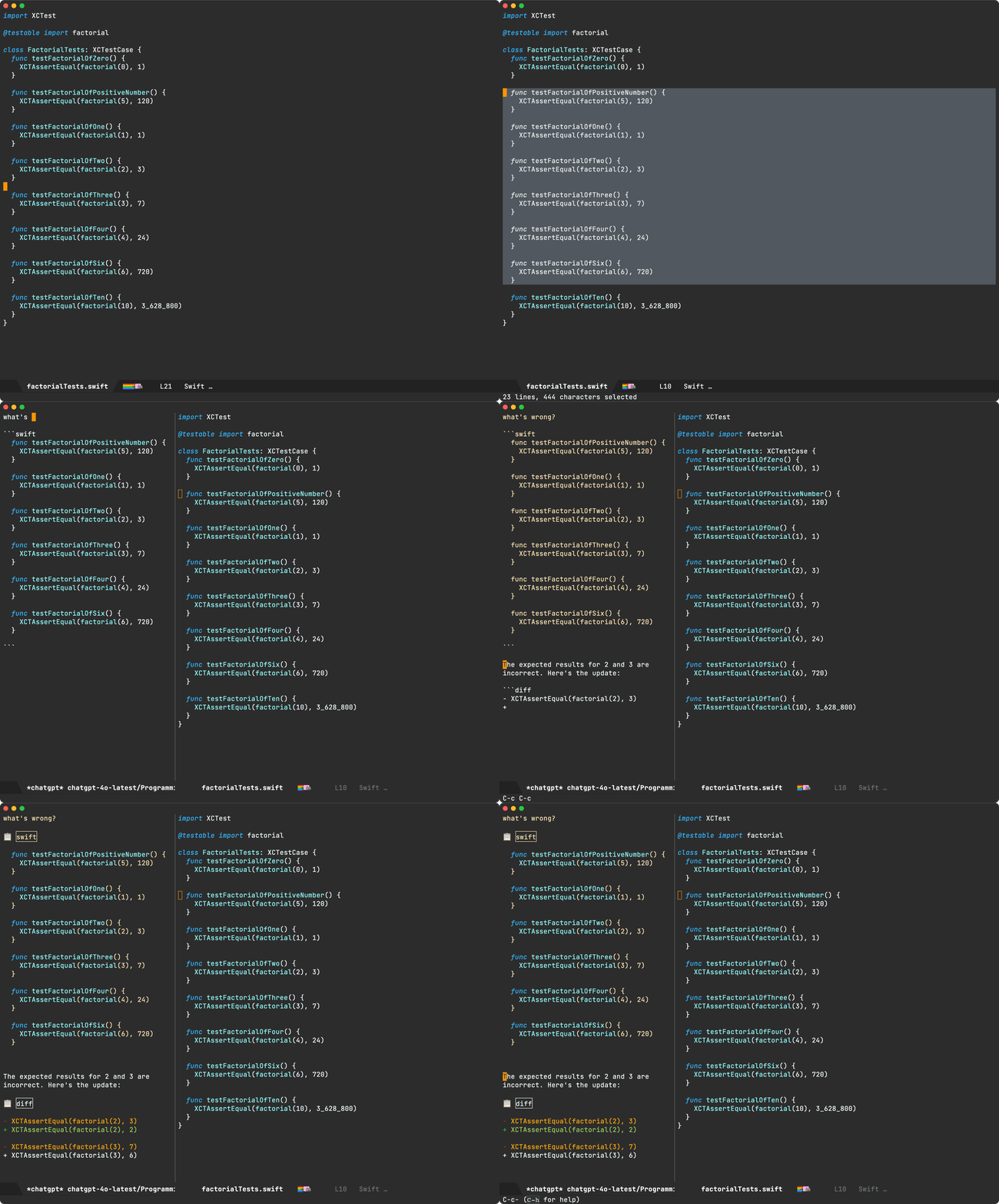
Enjoying this content? Using one of my Emacs packages?
Help make the work sustainable. Consider sponsoring. I'm also building lmno.lol. A platform to drag and drop your blog to the web.
]]>(message "Hello world")
If we want to get a little fancier, we can propertize the text to add some styling.
(message (propertize "hello " 'face '(:foreground "#C3E88D"))
         (propertize "world" 'face '(:foreground "#FF5370")))

With this in mind, I set out to add a tiny command to ready-player.
I wanted the ability to ask what's on without switching to another buffer. The echo area is perfect for that. It should display track title, artist, and album.
(message (concat "Ahead " ;; title
                 (propertize "Wire " 'face '(:foreground "#C3E88D")) ;; artist
                 (propertize "The Ideal Copy" 'face '(:foreground "#FF5370")))) ;; album
This kinda works, but I wasn't convinced with the styling. Maybe I need multi-line?
(message (concat "Ahead\n" ;; title
                 (propertize "Wire\n" 'face '(:foreground "#C3E88D")) ;; artist
                 (propertize "The Ideal Copy" 'face '(:foreground "#FF5370")))) ;; album

I felt something was missing. If I could just add the album artwork as a thumbnail… The ideal layout would maybe look something like:
+-------+
|       | Ahead
| image | Wire
|       | The Ideal Copy
+-------+
While the text-everywhere nature of Emacs buffers has many advantages, building more involved layouts can have its challenges. But hey, for that simple read-only message we're aiming at, we can certainly get creative without too much trouble. You see, Emacs has native svg support, so we can craft our fancy layout in elisp and tell Emacs to render it for us.
While I'm a noob at doing anything in svg from Emacs, adding an image and three labels, really isn't that difficult.
(message
 (let* ((image-width 90)
        (image-height 90)
        (text-height 25)
        (svg (svg-create (frame-pixel-width) image-height)))
   (svg-embed svg "path/to/thumbnail.png"
              "image/png" nil
              :x 0 :y 0 :width image-width :height image-height)
   (svg-text svg "Ahead"
             :x (+ image-width 10) :y text-height
             :fill (face-attribute 'default :foreground))
   (svg-text svg "Wire"
             :x (+ image-width 10) :y (* 2 text-height)
             :fill "#C3E88D")
   (svg-text svg "The Ideal Copy" :x (+ image-width 10) :y (* 3 text-height)
             :fill "#FF5370")
   (with-temp-buffer
     (svg-insert-image svg)
     (buffer-string))))
The code is fairly self-explanatory. While there may be an even simpler way (please lemme know), I used a temporary buffer to embed the svg in the propertized text prior to feeding to the handy message function.
…and with that, we get a richer display of the current track.

While I haven't experimented with other ways of creating multi-column layouts in Emacs (including images), I'd love to know if there's anything else available besides svg.
Enjoying these tips? Using one of my Emacs packages?
Help make them sustainable. Consider supporting this work.
]]>The initial implementation served me well while reviewing lots of tiny audio files I used to practice learning a new language. At this point, I started thinking, could I use ready-player for regular music consumption? The thing is, long ago I had stopped buying music and relied on streamed music from online services. Could I go back to offline?
Dusting off my old media collection brought lots of memories as I rediscovered tunes. Having said that, the ready-player experience wasn't quite cutting it for an extended listening experience. I no longer wanted to occasionally peek at media to learn a language. I wanted to load a full music collection. I wanted random access to everything. I wanted Emacs to remember what I was listening to across sessions… While I did add some pluggable flows, I still needed additional changes to make the experience more pleasant.
While plugging away at my own ready-player's pet peeves, I also collected a handful of feature requests. Let's go over the latest features.
Seek (f/b binding) - feature request
While not a feature I initially thought ranked highly in priority, I now find myself seeking audio files from time to time. Ready Player delegates all playback to the likes of mpv, vlc, mplayer, and so on… Up until now, interacting with these utilities merely consisted of feeding a media file path on to the respective process.
Command line utilities like mpv offer socket communication via --input-ipc-server to enable further requests like seeking forward and back. Ready player now supports seeking via mpv. Maybe support for other utilities can be added in the future.
If you're on a recent version of ready-player, seeking is automatically enabled if you've got mpv installed and aren't explicitly customizing ready-player-open-playback-commands. The default value takes care of things:
(defcustom ready-player-open-playback-commands
  '(("mpv" "--audio-display=no" "--input-ipc-server=<<socket>>")
    ("vlc")
    ("ffplay")
    ("mplayer"))
  "..."
  :type '(repeat (list string))
  :group 'ready-player)

Pause/resume (SPC binding) - feature request
Until now, ready-player could only play and stop, so you always had to start playing tracks from the beginning. With mpv ipc support now in place, adding pause/resume was a breeze. Like seek, it should just work for ya if mpv is on your system and no explicit customization of ready-player-open-playback-commands.
Repeat current file (r binding) - feature request
While repeating current playlist (or directory) was already supported, there was a feature request to enable repeating files. Toggling repeat now cycles through available modes.

Selective players - feature request
With ready-player delegating to a single utility for either audio or video playback, folks may have a need to specify different utilities for either of these two. While I'm happy for mpv to handle both audio and video, we now have a couple of prepending options.
Use a predicate function
Prepend each utility with either the built-in ready-player-is-audio-p or ready-player-is-video-p functions, or maybe create your own predicate helper.
(setq ready-player-open-playback-commands
      '((ready-player-is-audio-p "ffplay")
        (ready-player-is-video-p "mpv")))
Use an extension list
In this example, we delegate mp3 and ogg playback to ffplay and everything else to mpv.
(setq ready-player-open-playback-commands
      '((("mp3" "ogg") "ffplay")
        ("mpv")))
Autoplay (a binding) - feature request
Automatically start playing once file opens. No need for user to explicitly request playback.
Mark in dired (m binding) - feature request
Open a dired buffer and mark the currently played file.
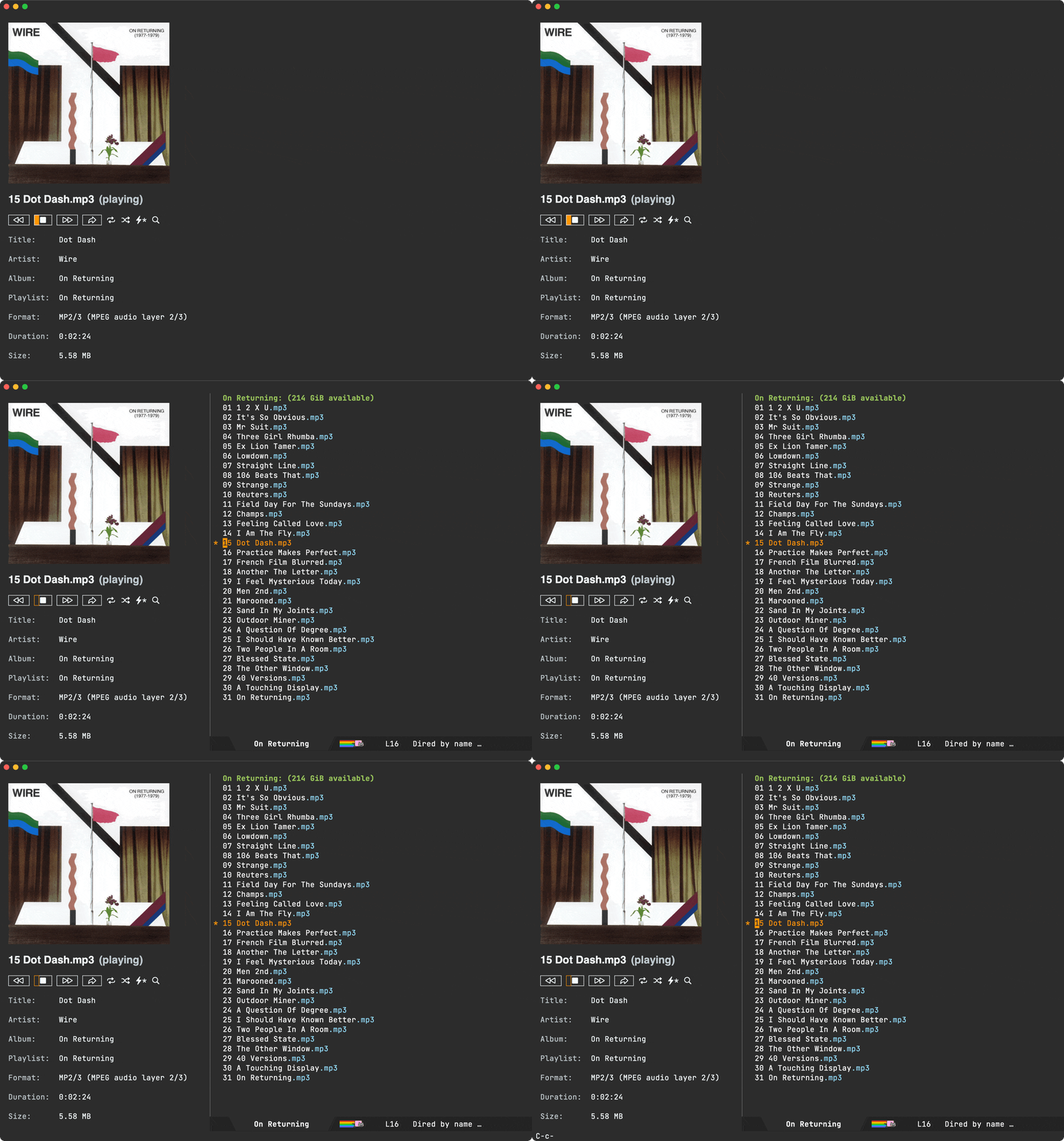
M3u playlists - feature request
While I talked about how the dired abstraction made basic m3u playlist support possible, it wasn't until recently that I included this experiment in the package itself. In addition, .m3u are now recognized by Emacs and automatically open like any other file: find-file, dired, projectile…
Load recursive directory
With the dired abstraction at its core, ready player can load any dired buffer. You could do something like:
M-x find-dired RET.- Pick a directory. RET.
- Type
"-iname \*.mp3 -o -iname \*.ogg -o -iname \*.m4a"RET. M-x ready-player-load-dired-bufferRET.
While uber flexible, there's no need to regularly do that, so you can now invoke M-x ready-player-load-directory and it will recursively find all media files in it.
Toggle player view (C-c m m binding)
While we can always get back to the player buffer via our favourite buffer-switching mechanism (I like ivy's ivy-switch-buffer), we now have M-x ready-player-view-player available for quicker toggle.
Remember session
Playback is now remembered across Emacs sessions. Toggling player view (C-c m m binding) or playback (C-c m SPC binding) starts the last song you were playing on your previous Emacs session.
Index + searching (/ or C-c m /)
We now have automatic indexing, which enables richer searching across your collection, not to mention that random access I was craving.

Global bindings
Last but not least, you may have noticed a handful of key bindings throughout the post. Single-character bindings all work within a ready-player buffer. Bindings prefixed C-c m are now globally available when ready-player-mode is turned on. This can be customized via ready-player-set-global-bindings.
Please help make it all self-sustainable
If you find this package useful or got the features you wanted, please consider sponsoring the work. I've left my tech job (maybe a post for another time) and looking to make projects like ready-player self-sustainable.
If you're an iOS/macOS user, you can also buy my apps. Here's another freebie (macosrec) I've put out there, which I regularly use to capture Emacs demos for this blog.
You may also enjoy this blog and all the tips I share. Blog posts take time. Consider sponsoring my blog.
I've built other Emacs packages you may already use or would like to. Maybe I already built a feature request? Consider sponsoring:
I'm also building lmno.lol, a new blogging platform, with drag and drop to the web. Maybe you want to try that too? Get in touch.
Thank you!
Álvaro
]]>*scratch* for iOS. If you haven't heard about *scratch*, it's a tiny app I built (part of the org bundle).
*scratch* enables writing things on the go as quickly as possible.
- No need to create a new note.
- No need to bring keyboard up.
- Just open and write.
- Bonus: Basic Emacs org markup ;-)
v1.3 (and yesterday's v1.2) are now available on the App Store. They are minor releases bringing:
- A monospaced font.
- A layout fix for "Settings > Display & Brightness > Display Zoom > Larger Text (often affecting iPhones with smaller screens).
- A menu fix.

Are you a fan of this app? Want to rate on the App Store? Please help me spread the word. Tell your friends.
I was curious to see how image-mode resolved next and previous files, so I checked the associated keybinding (n) via helpful-key (my preferred alternative to describe-key), and landed on image-next-file. While this function only takes care of high-level routing, it led me to image-mode--next-file, which is where the actual next/previous file resolution happens:
(defun image-mode--next-file (file n)
  "Go to the next image file in the parent buffer of FILE.
This is typically a Dired buffer, but may also be a tar/archive buffer.
Return the next image file from that buffer.
If N is negative, go to the previous file."
  ...)
While image-mode--next-file's implementation details are worth checking out, its docstring already highlights the bit I found most interesting: dired's involvement in the mix. I'm not sure why I initially found dired usage surprising. Buffers are Emacs's backbone. They are the fundamental structures holding the content we work with, whether it’s editing text, reading logs, displaying information, and many others including file management… Dired specializes buffers for this last purpose. While dired itself is a powerhouse, at its core it's just an ordered list of files.
Given a location within a dired buffer, we can use its helpers to find next and previous files. Like image-mode, ready-player now mirrors this approach (minus tar/archive handling). This got me thinking more about the dired abstraction… If it quacks like a duck, and walks like a duck, then it's probably errrm a dired buffer. What I actually mean is that associating a dired buffer to a ready-player buffer effectively attaches a playlist of sorts. It doesn't quite matter how this dired buffer was constructed. What's important is that it's recognized as a dired buffer, so all relevant helpers remain useful.
With dired buffers acting as media playlists, we can easily create a directory playlist by merely pointing dired to the current directory. This is the default behaviour in ready-player. When you open a media file, we attach a dired buffer pointing to the current directory. Play next or previous item, and you're effectively moving up and down the associated dired buffer.
Things get more interesting when we craft dired buffers in more creative ways than just supplying a path to a directory. One of my favourite commands is find-dired. It runs the find utility, crafting a dired buffer with its results.
For kicks, I added a ready-player-load-dired-playback-buffer command to ready-player, so we can just load any dired buffer, including our newly generated one, courtesy of find-dired.
With this generated buffer loaded and ready-player random playback enabled, we get to see our lucky jumps across find results.
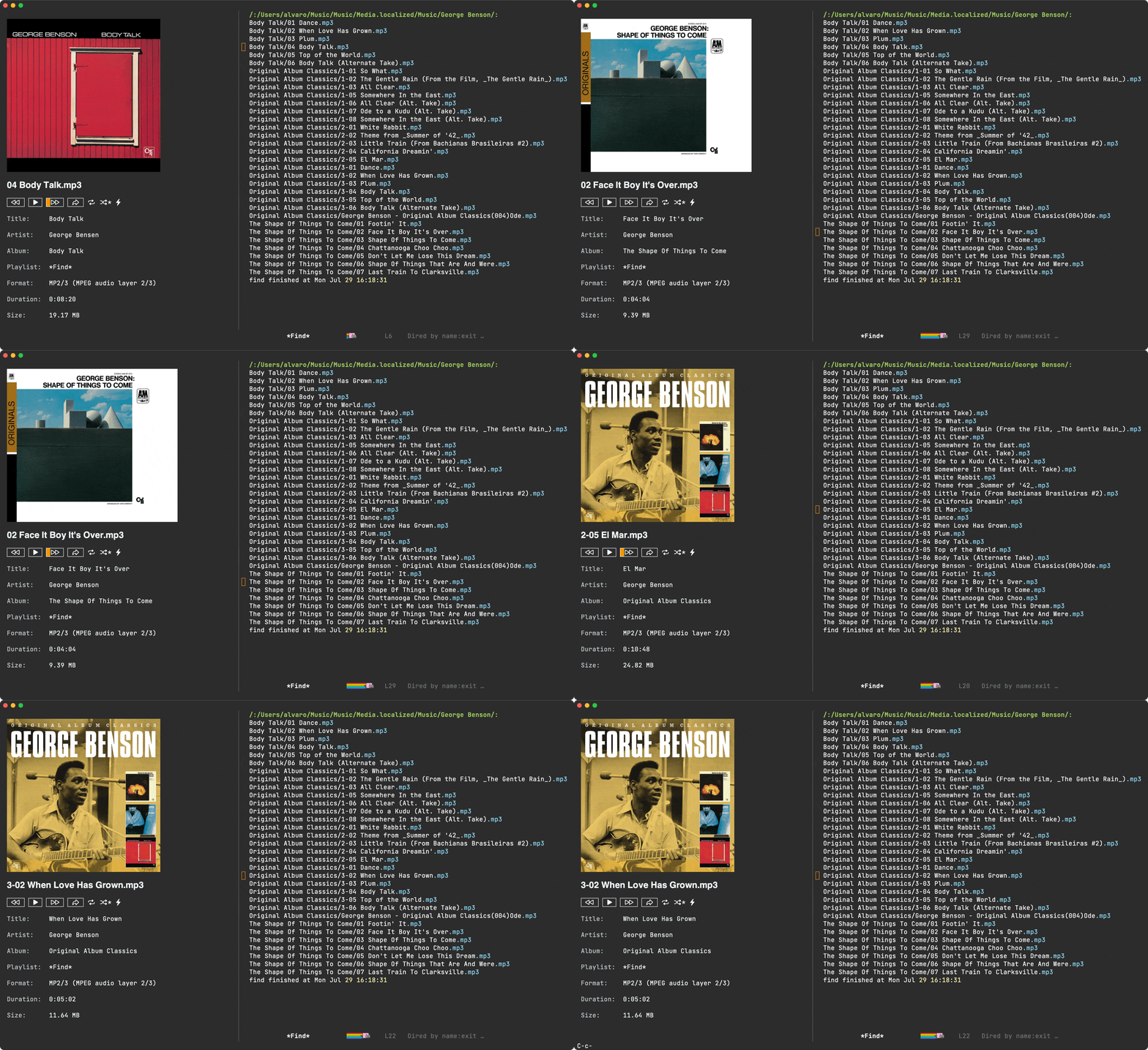
At this point I thought "this is prolly as far as I'll take things"… ready-player was born to address quick access to media, typically from dired itself. For deep playlist handling, there are many other Emacs media players.
The thing is, with my newly found reusable dired abstraction, a rough m3u playlist experiment didn't seem that far-fetched at all. I'd need to read an m3u file and generate a dired buffer. I knew nothing about m3u's, other than being text files including media paths, along with optional metadata. I figured minimal m3u reading support shouldn't be too difficult.
If we are to create a playlist including the first three album tracks from the artist above, it'd look something like this:
#EXTM3U

#EXTINF:-1,George Benson - Dance
/absolute/path/to/Music/George Benson/Body Talk/01 Dance.mp3
#EXTINF:-1,George Benson - When Love Has Grown
/absolute/path/to/Music/George Benson/Body Talk/02 When Love Has Grown.mp3
#EXTINF:-1,George Benson - Plum
/absolute/path/to/Music/George Benson/Body Talk/03 Plum.mp3

#EXTINF:-1,George Benson - So What
/absolute/path/to/Music/George Benson/Original Album Classics/1-01 So What.mp3
#EXTINF:-1,George Benson - The Gentle Rain
/absolute/path/to/Music/George Benson/Original Album Classics/1-02 The Gentle Rain (From the Film, _The Gentle Rain_).mp3
#EXTINF:-1,George Benson - All Clear
/absolute/path/to/Music/George Benson/Original Album Classics/1-03 All Clear.mp3

#EXTINF:-1,George Benson - Footin' It
/absolute/path/to/Music/George Benson/The Shape Of Things To Come/01 Footin' It.mp3
#EXTINF:-1,George Benson - Face It Boy It's Over
/absolute/path/to/Music/George Benson/The Shape Of Things To Come/02 Face It Boy It's Over.mp3
#EXTINF:-1,George Benson - Shape Of Things To Come
/absolute/path/to/Music/George Benson/The Shape Of Things To Come/03 Shape Of Things To Come.mp3
A crude function to extract file paths into a list would look something like the following:
(defun ready-player--media-at-m3u-file (m3u-path)
  "Read m3u playlist at M3U-PATH and return files."
  (with-temp-buffer
    (insert-file-contents m3u-path)
    (let ((files))
      (while (re-search-forward
              (rx bol (not (any "#" space))
                  (zero-or-more (not (any "\n")))
                  eol) nil t)
        (when (file-exists-p (match-string 0))
          (push (match-string 0) files)))
      (nreverse files))))
Feeding our m3u file to our new function conveniently returns a list of found files:
("/absolute/path/to/Music/George Benson/Body Talk/01 Dance.mp3"
 "/absolute/path/to/Music/George Benson/Body Talk/02 When Love Has Grown.mp3"
 "/absolute/path/to/Music/George Benson/Body Talk/03 Plum.mp3"
 "/absolute/path/to/Music/George Benson/Original Album Classics/1-01 So What.mp3"
 "/absolute/path/to/Music/George Benson/Original Album Classics/1-02 The Gentle Rain (From the Film, _The Gentle Rain_).mp3"
 "/absolute/path/to/Music/George Benson/Original Album Classics/1-03 All Clear.mp3"
 "/absolute/path/to/Music/George Benson/The Shape Of Things To Come/01 Footin' It.mp3"
 "/absolute/path/to/Music/George Benson/The Shape Of Things To Come/02 Face It Boy It's Over.mp3"
 "/absolute/path/to/Music/George Benson/The Shape Of Things To Come/03 Shape Of Things To Come.mp3")
Next we need to create a dired buffer from a list of files. This is where I thought things would get trickier, but I was pleasantly surprised.
The dired docstring had the answer:
(defun dired (dirname &optional switches)
  "...

If DIRNAME is a cons, its first element is taken as the directory name
and the rest as an explicit list of files to make directory entries for.
In this case, SWITCHES are applied to each of the files separately, and
therefore switches that control the order of the files in the produced
listing have no effect.

..."
  ...)
With that in mind, this is all it takes:
(let ((default-directory "/absolute/path/to/Music/George Benson"))
  (dired '("*My fancy m3u list*"
           "Body Talk/01 Dance.mp3"
           "Body Talk/02 When Love Has Grown.mp3"
           "Body Talk/03 Plum.mp3"
           "Original Album Classics/1-01 So What.mp3"
           "Original Album Classics/1-02 The Gentle Rain (From the Film, _The Gentle Rain_).mp3"
           "Original Album Classics/1-03 All Clear.mp3"
           "The Shape Of Things To Come/01 Footin' It.mp3"
           "The Shape Of Things To Come/02 Face It Boy It's Over.mp3"
           "The Shape Of Things To Come/03 Shape Of Things To Come.mp3")))
Here's the dired buffer to prove it:
We now have all the pieces. We can wire them up in a ready-player-load-m3u-playlist function.
From the previous snippet, you'd notice all file paths are relative to default-directory. While in the following snippet I use try-completion to find the longest common substring amongst the paths, I wonder if there's a more appropriate built-in function for this? I'd love to hear.
(defun ready-player-load-m3u-playlist ()
  "Load an .m3u playlist."
  (interactive)
  (let* ((m3u-path (read-file-name "find m3u: " nil nil t nil
                                   (lambda (name)
                                     (or (string-match "\\.m3u\\'" name)
                                         (file-directory-p name)))))
         (media-files (if (string-match "\\.m3u\\'" m3u-path)
                          (ready-player--media-at-m3u-file m3u-path)
                        (error "Not a .m3u file")))
         (default-directory (file-name-directory
                             (try-completion "" media-files)))
         (m3u-fname (file-name-nondirectory m3u-path))
         (dired-buffer-name (format "*%s*" m3u-fname))
         (dired-buffer (dired (append (list dired-buffer-name)
                                      (mapcar (lambda (path)
                                                (file-relative-name path default-directory))
                                              media-files)))))
    (ready-player-load-dired-playback-buffer dired-buffer)))
We're good to go now! Invoking M-x ready-player-load-m3u-playlist enables us to load our m3u playlist, automatically opening the first media file, and also navigate each song in the list one by one.
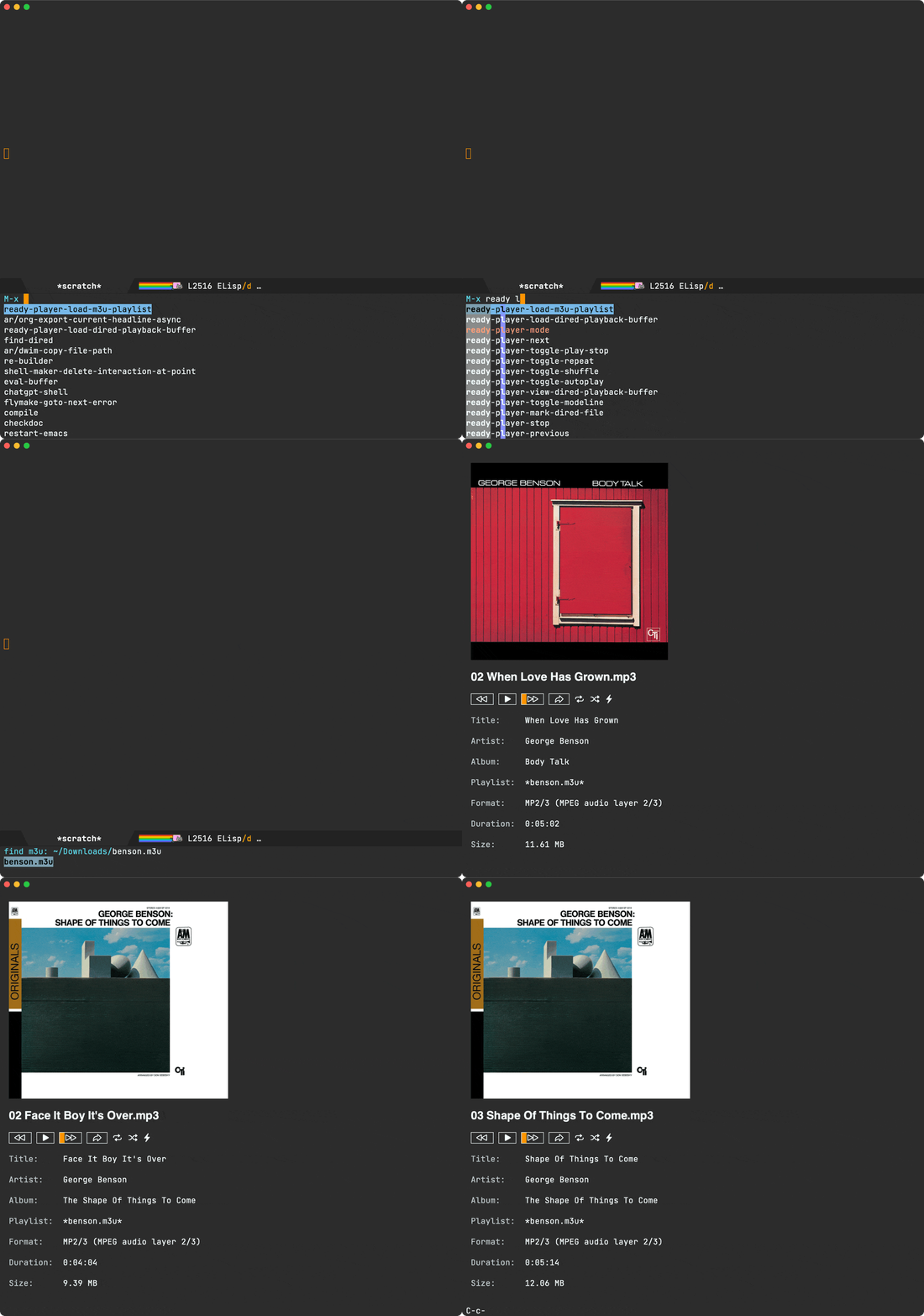
This was a really fun experiment. While dired is often used to manage files within a directory, its magic also extends to dired buffers crafted in more creative ways. find-dired and find-grep-dired are my two favourite built-ins. Are there other ones you like? Do tell.
Not long ago, I added ready-player-load-dired-playback-buffer to ready-player, but ready-player-load-m3u-playlist remains a local experiment (for now anyway). Let's see ;-)
Unrelated - Want your own blog?
Like this blog? Want to start a blog? Run your blog off a single file. Write from the comfort of your favourite text editor and drag and drop to the web. I'm launching a blogging service at lmno.lol. Looking for early adopters. Get in touch.
]]>macOS supports many Emacs bindings (out of the box). Ctrl-n and Ctrl-p are some of my favourites. Not only can I use these to move the cursor up and down while editing text, but in many cases, for list selections too. Out of the box, list selection, in particular, is more miss than hit. Spotlight and web drop boxes are the biggest pet peeves. Without remapping, vertical movement can only be achieved via arrow keys.
I had a sudden reminder recently when Spotlight's Ctrl-p/n didn't just work. I wanted to launch Firefox Developer Edition, the second result. Ctrl-n did nothing! The horror!
Turns out, I had a tiny misconfiguration, possibly as I recently switched to using my keyboard via Bluetooth? I needed "Modify events" set for my keyboard.

After setting "Modify events" for my external keyboard, my beloved key bindings started working again. Balance restored.
Unrelated - Want your own blog?
Like this blog? Want to start a blog? Run your blog off a single file. Write from the comfort of your favourite text editor and drag and drop to the web. I'm launching a blogging service at lmno.lol. Looking for early adopters. Get in touch.
]]>So, I totally missed the macOS native emoji picker is actually supported out of the box 😭. Thanks to redditor u/hrabannixlisp who pointed me in the right direction.
ns-do-show-character-palette is bound to C-s-SPC by default, which didn't work for me as I use (setq mac-command-modifier 'meta), that is, ⌘ as meta modifier.
While I won't be giving up (setq mac-command-modifier 'meta), I can certainly use ns-do-show-character-palette via M-x or a different binding. Thank you u/hrabannixlisp!
Read on for how I went about it the long convoluted way 🤷♂️
A couple of years ago, I was delighted to discover a macOS freebie for us Emacs users. Newer Macbook models started shipping with a globe/🌐 key, which summons the macOS native emoji picker. Pressing this key in Emacs works as you'd expect (no config required 🎉).
While I seldom use emojis, the globe key worked great for me until I started using an external keyboard, which didn't have this magical key. The potential solutions I came across suggest either reprogramming the keyboard or using the likes of Karabiner-Elements to map other keys to an alternate shortcut: Ctrl-⌘-SPC. As far as I can tell, this is the only other available shortcut (please reach out if otherwise). Not a great option (it conflicts with Emacs's mark-sexp). Not that I'd be super keen to lose this mark command, but even unbinding doesn't seem of much help.
While we have Emacs packages available for different emoji-picking experiences, I was keen on maintaining that native experience I enjoyed before. I nearly gave up on the matter until I remembered we have at least one more tool in the Emacs toolbox: dynamic modules. Thanks to Valeriy Savchenko's emacs-swift-module, we can leverage Swift to integrate native macOS experiences.
With that in mind, I set out to find the relevant macOS API, which turned out to be a lovely one-liner:
NSApp.orderFrontCharacterPalette(nil)
Let's bring it into Emacs via emacs-swift-module's infrastructure:
try env.defun(
  "macos-module--show-emoji-picker",
  with: "Show emoji picker (macOS module implementation)."
) { (env: Environment) in
  NSApp.orderFrontCharacterPalette(nil)
}
In theory, this is all we need. We can M-x eval-expression (macos-module--show-emoji-picker) and the picker simply pops up. I haven't worked out how define an interactive command from emacs-swift-module just yet, so for now I'll just wrap with a little elisp:
(defun macos-show-emoji-picker ()
  "Show macOS emoji picker."
  (interactive)
  (macos-module--show-emoji-picker))
And with that, we got our native macoOS emoji picker back at our fingertips:

While the dedicated globe key just worked without configuration, it required newer hardware. This new approach works on older Macbooks too. Since it's an interactive command, you can optionally bind to your preferred keys.
Having said all that, you may have noticed a brief lag during insertion. I haven't worked out the source, but since I rarely use emojis, this will have to do for now. If you have a better macOS alternative working on external keyboards, I'd love to hear about it!
I've added macos-show-emoji-picker to EmacsMacOSModule, a tiny repo I've used to experiment with emacs-swift-module. You can find EmacsMacOSModule on GitHub.
Unrelated - Want your own blog?
Like this blog? Want to start a blog? Run your blog off a single file. Write from the comfort of your favourite text editor and drag and drop to the web. I'm launching a blogging service at lmno.lol. Looking for early adopters. Get in touch.
]]>I spend a bunch of time in front of a computer screen and Fresh Eyes has been helping me stick with the often recommended 20-20-20 rule.

Fresh Eyes 1.7 ships a handful of improvements suggested by users:
- Postpone Fresh Eyes for 1 hour, 2 hours, 3 hours, or until the next day.
- Revamped notification.
- Revamped countdown screen.
- Reorganized menu.
- New keyboard shortcuts.
- Fresh Eyes is now translated to German 🇩🇪🇩🇪🇩🇪.
One-time purchase; [no]{.underline} subscriptions, [no]{.underline} additional payments, [no]{.underline} ads.
Want to support my blogging and other open source work?
Buy this app (or the others) ;) Tell your friends!
There's always GitHub sponsoring if your prefer.

Unrelated - Want your own blog?
Like this blog? Want to start a blog? Run your blog off a single file. Write from the comfort of your favourite text editor and drag and drop to the web. I'm launching a blogging service at lmno.lol. Looking for early adopters. Get in touch.
]]>Ready Player Mode is a lightweight major mode to open media (audio/video) files in an Emacs buffer.
Install, enable via M-x ready-player-mode and you should be good to go.
Open and preview media files (audio + video) like other files. If in repeat mode, ready-player attempts to play other files in the current directory. Track playback from the corresponding dired buffer.
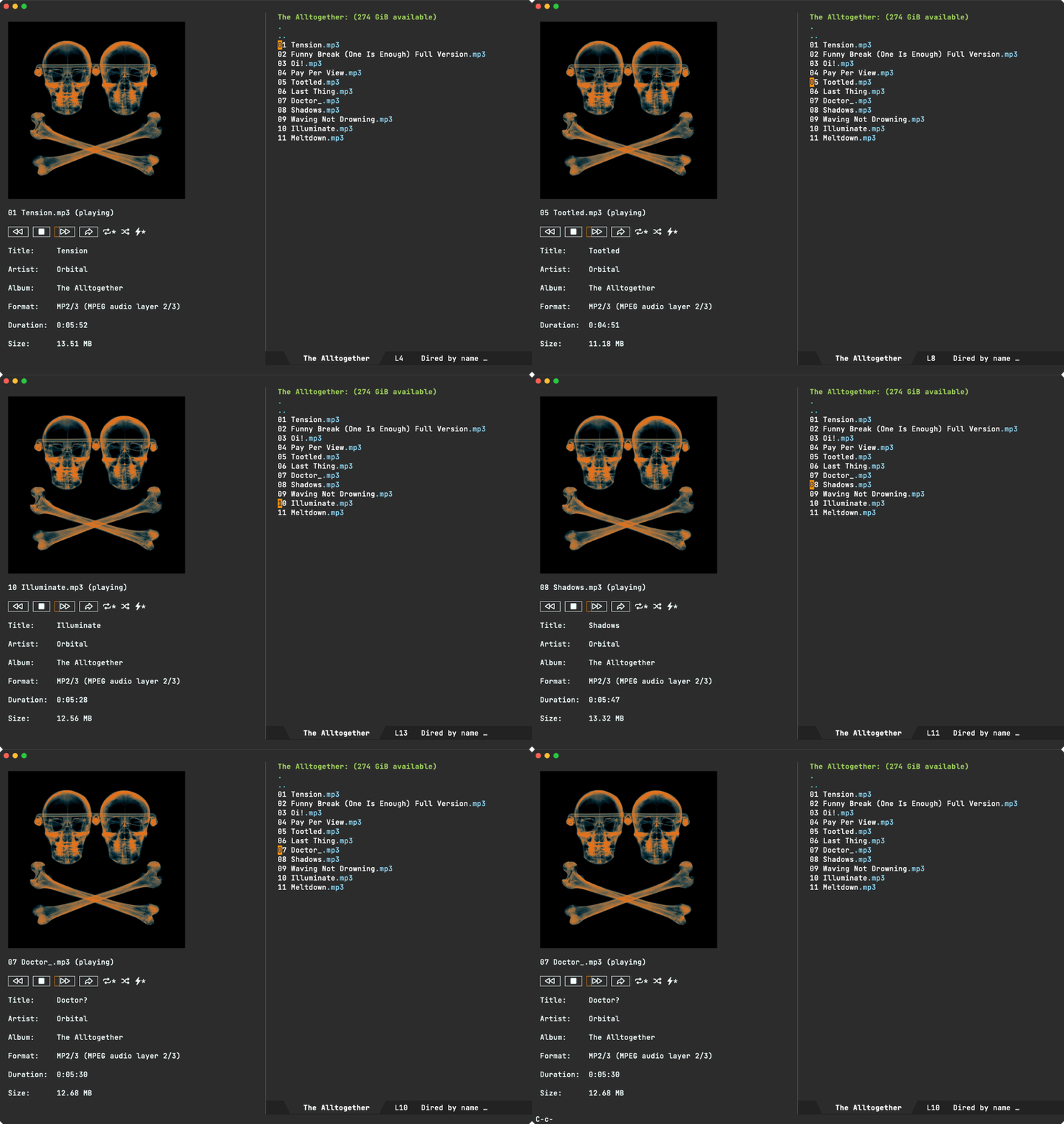
Playback is handled by your favourite command line utility. ready-player-mode will try to use either mpv, vlc, ffplay, or mplayer (in that order), but you can customize that. I'd love to hear of other defaults worth considering.
Bonus rendering includes media thumbnails and metadata, if either ffmpegthumbnailer or ffmpeg are found.
Unrelated - Want your own blog?
Like this blog? Want to start a blog? Run your blog off a single file. Write from the comfort of your favourite text editor and drag and drop to the web. I'm launching a blogging service at lmno.lol. Looking for early adopters. Get in touch.
]]>If you've seen me post a screenshot or gif after April 2023, it was likely taken with macosrec.
As of macosrec v0.7.3, OCR was added to the mix. I've also added a couple of dwim-shell-commands (dwim-shell-commands-macos-ocr-text-from-desktop-region and dwim-shell-commands-macos-ocr-text-from-image), so I can do things like:
OCR region
Use the mouse to select a region to OCR.
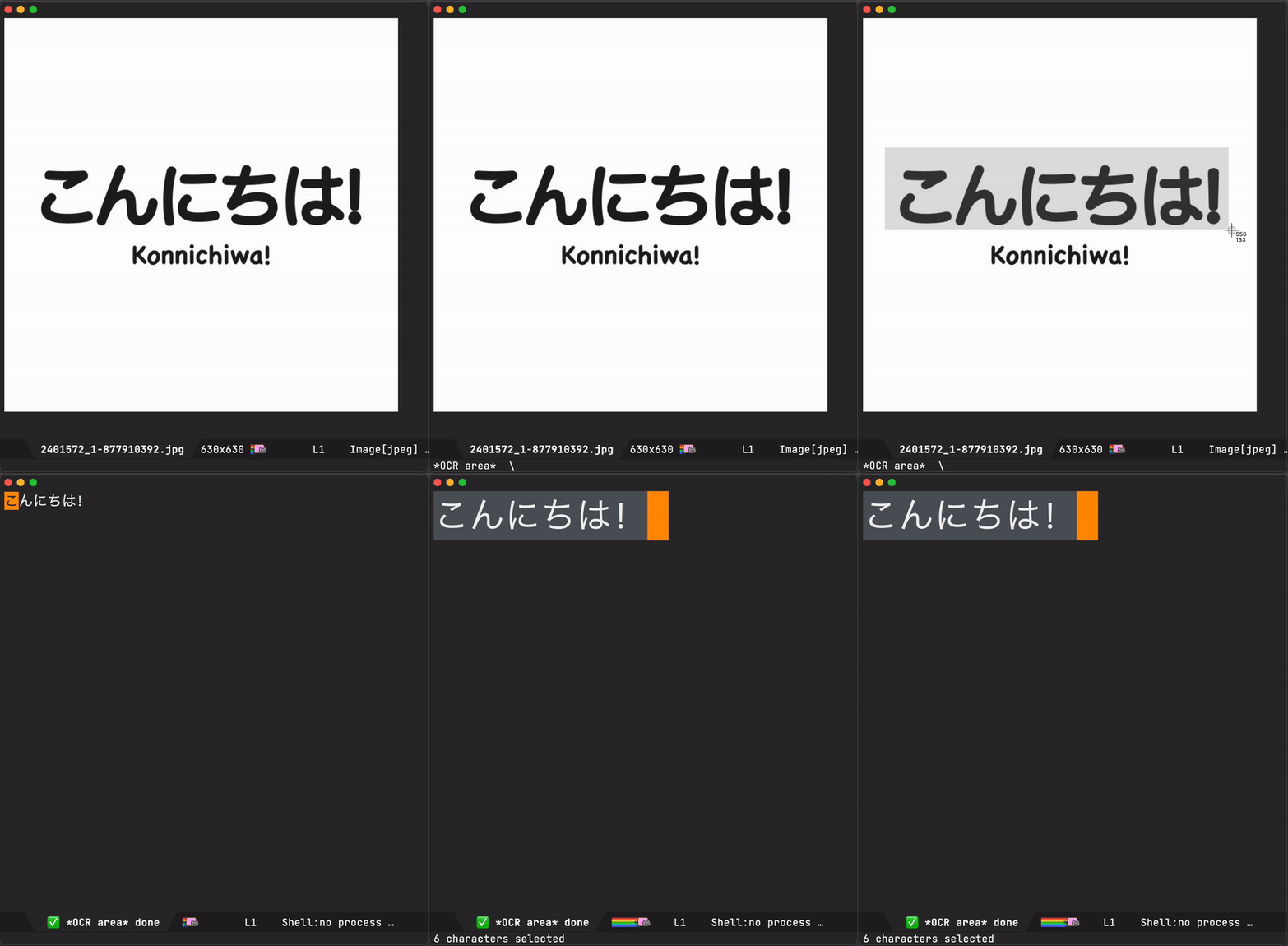
*This gif area recording was captured via macOS's built-in screencapture.
OCR dired files
Selecting any file (or files) in dired OCRs the whole lot.
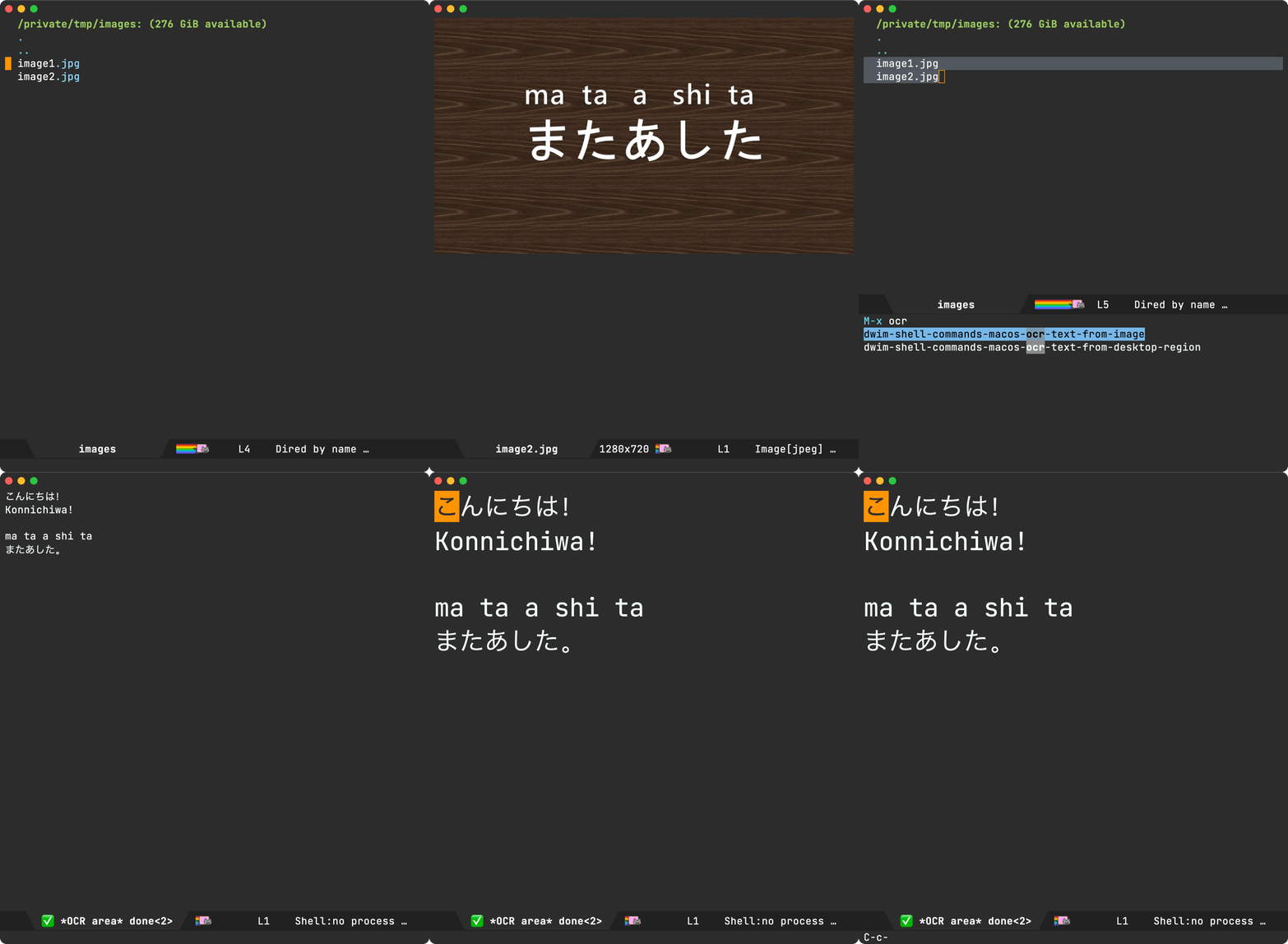
*This gif window recording was captured via macosrec.
Invoking dwim-shell-commands-macos-ocr-text-from-image from the current image buffer does the job also.
What about non-macOS users?
The same approach can be used with any other OCR command line tool. dwim-shell-command includes dwim-shell-commands-tesseract-ocr-text-from-image, which uses tesseract.
While I've had more reliable results via macosrec (using macOS's Vision API), I'm sure there are other great alternatives on linux. If you know of one, I'd love to hear.
Available on github
Both macosrec and dwim-shell-command are on GitHub and installable via brew install xenodium/macosrec/macosrec and MELPA respectively.
Unrelated - Want your own blog?
Like this blog? Want to start a blog? Run your blog off a single file. Write from the comfort of Emacs and drag and drop to the web. I'm launching a blogging service at lmno.lol. Looking for early adopters. Get in touch.
]]>While the compounding benefits of using your favourite Emacs utilities are evident over time, learning elisp takes the compounding effect to another level. It empowers you to have those aha moments like "if I could just wire this awesome utility with that other one, it'd be perfect for me" and enable you to act on it.
Take, for example, symbol-overlay and multiple-cursors. Two Emacs packages I've been using for years. The first one is a feature you've likely experienced on your favourite IDE or editor without thinking too much about it. Placing your editor cursor on a variable automatically highlights its usages. It's one of those lovely features with zero learning demands.

The second utility, multiple-cursors, does demand some learning but can be so fun to use once you get the hang of it. Below is a little multiple cursor demo I used recently in a reddit comment, but you really should check out Emacs Rocks! Episode 13: multiple-cursors (stick around for the ending).

So where am I going with this? While symbol-overlay offers a mechanism to rename symbols via symbol-overlay-rename, I prefer multiple-cursors for this kind of thing… "if I could just get symbol-overlay to tell multiple-cursors where to place my cursors, it'd be just perfect for me".
I've been wanting this tweak for some time. Today's the day I finally act on it. I had no idea how to go about it, but opening symbol-overlay.el (via M-x find-library symbol-overlay) and browsing through all functions (via imenu) yields the first piece I needed: symbol-overlay-get-list.

(defun symbol-overlay-get-list (dir &optional symbol exclude)
  "Get all highlighted overlays in the buffer.
If SYMBOL is non-nil, get the overlays that belong to it.
DIR is an integer.
If EXCLUDE is non-nil, get all overlays excluding those belong to SYMBOL."
  ...)
Let's take symbol-overlay-get-list for a spin, courtesy of M-x eval-expression, and see what we get out of it:
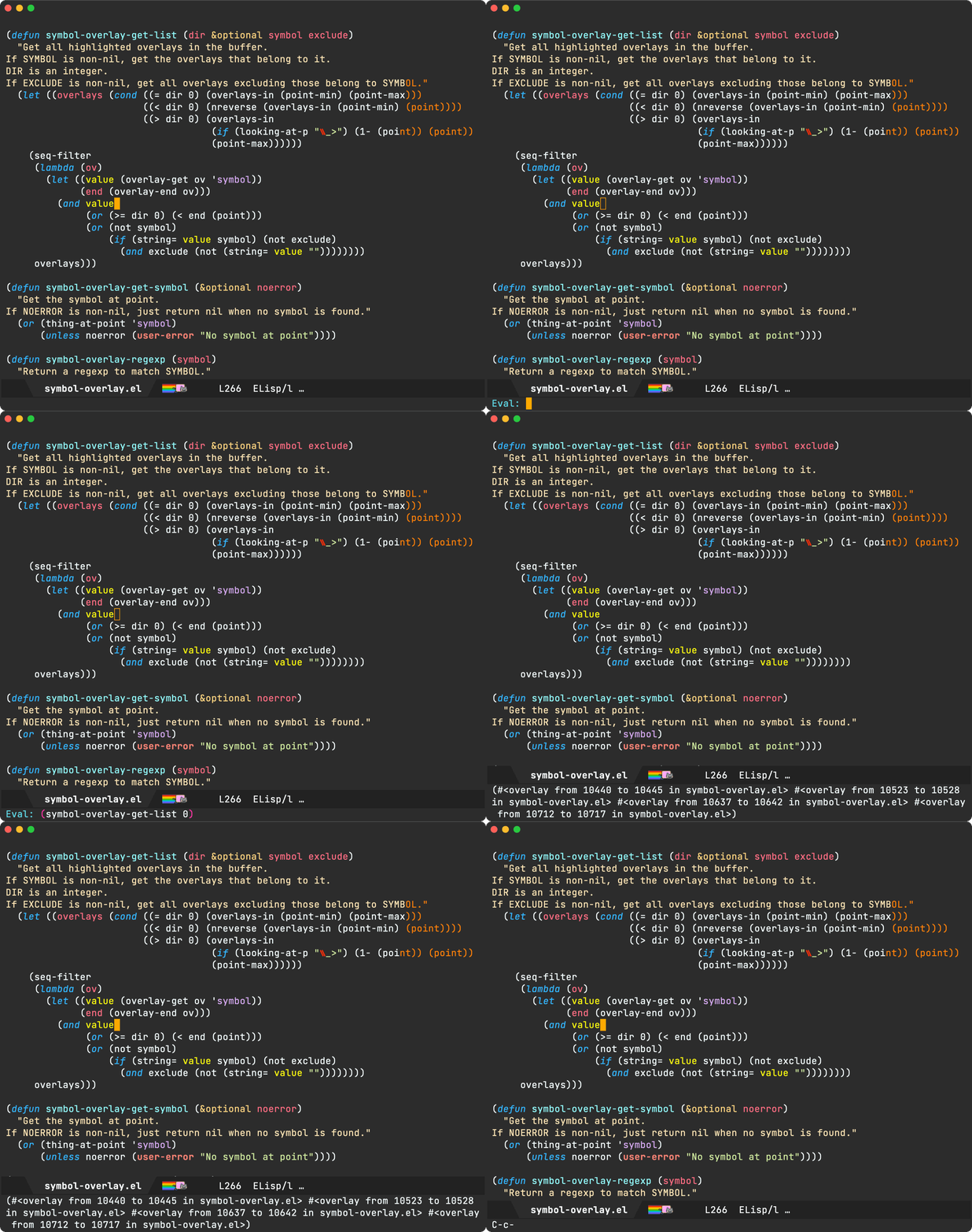
With a list of overlays, we now know where to tell multiple-cursors to do its thing. For the second piece, we needed to peek at any of the multiple-cursors commands I already use. I happen to pick mc/mark-all-like-this to examine what's under the hood.
(defun mc/mark-all-like-this ()
  "Find and mark all the parts of the buffer matching the currently active region"
  (interactive)
  (unless (region-active-p)
    (error "Mark a region to match first."))
  (mc/remove-fake-cursors)
  (let ((master (point))
        (case-fold-search nil)
        (point-first (< (point) (mark)))
        (re (regexp-opt (mc/region-strings) mc/enclose-search-term)))
    (mc/save-excursion
     (goto-char 0)
     (while (search-forward-regexp re nil t)
       (push-mark (match-beginning 0))
       (when point-first (exchange-point-and-mark))
       (unless (= master (point))
         (mc/create-fake-cursor-at-point))
       (when point-first (exchange-point-and-mark)))))
  (if (> (mc/num-cursors) 1)
      (multiple-cursors-mode 1)
    (mc/disable-multiple-cursors-mode)))
The star of the mc/mark-all-like-this attraction is mc/create-fake-cursor-at-point, used to create each cursor. If we can just iterate over the overlays, we'd be able to create a fake cursor per overlay. There's some additional logic needed to ensure all fake cursors are placed in the same relative position within symbol (using an offset). Finally, we need to enable multiple-cursors-mode.
We put it all together in ar/mc-mark-all-symbol-overlays:
(defun ar/mc-mark-all-symbol-overlays ()
  "Mark all symbol overlays using multiple cursors."
  (interactive)
  (mc/remove-fake-cursors)
  (when-let* ((overlays (symbol-overlay-get-list 0))
              (point (point))
              (point-overlay (seq-find
                              (lambda (overlay)
                                (and (<= (overlay-start overlay) point)
                                     (<= point (overlay-end overlay))))
                              overlays))
              (offset (- point (overlay-start point-overlay))))
    (setq deactivate-mark t)
    (mapc (lambda (overlay)
            (unless (eq overlay point-overlay)
              (mc/save-excursion
               (goto-char (+ (overlay-start overlay) offset))
               (mc/create-fake-cursor-at-point))))
          overlays)
    (mc/maybe-multiple-cursors-mode)))
and with that, you finally get to see it all in action…
Unrelated - Want your own blog?
Like this blog? Want to start a blog? Run your blog off a single file. Write from the comfort of Emacs (or your favourite text editor) and drag and drop to the web. I'm launching a blogging service at lmno.lol. Looking for early adopters. Get in touch.
]]>
As an Emacs user, I eventually made the leap over to dired as my file manager of choice. Dired has magical things like wdired. But this post isn't so much about dired and more about the occasional need to peek at media files (images, audio, and video) from Emacs (including dired).
To view images in Emacs, there's image mode, a fantastic major mode for taking a quick look without leaving your editor. Image mode strikes a great balance. You can get in quickly and out. The q keyboard binding is fabulous for bailing out. While viewing an image, you may quickly open the previous/next one by using n and p keyboard binding. For me, this is just about all I need within my text editor. For anything else, I resort to my favorite image viewing app (macOS's Preview).
For audio and video, we aren't as lucky with Emacs built-in features (even for a quick peek). While Emacs faithfully opens the files, it's not realistically practical for my typical needs.
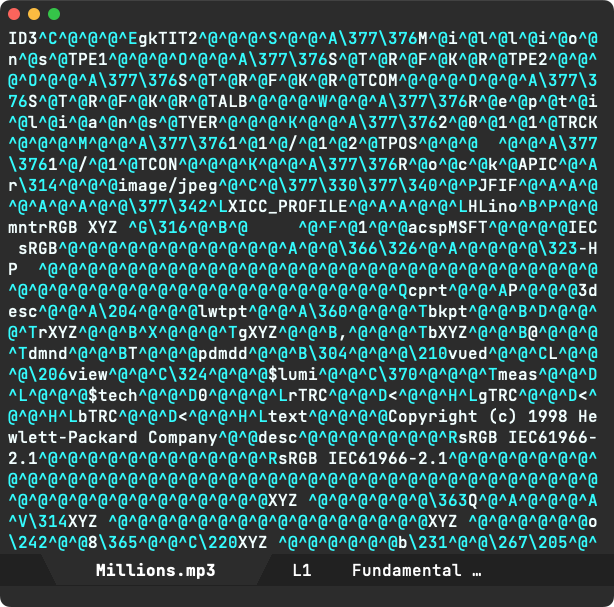
There's a convenient package aptly named openwith, which automatically opens specific files in an external app. This isn't just for media files, but anything really. It works well with office docs, for example. While I've used it for quite some time, I found always bouncing to an external app for peeking at audio/video somewhat suboptimal.
While a reddit post yielded some handy options, none were in the same spirit as image mode. Having said that, I did come across mediainfo-mode on my search, which is pretty neat for viewing media metadata quickly. Bonus points for q keyboard binding to exit and mediainfo-mode-open command to open with an external app. There may be other packages out there (I'd love to hear about them), though most seemed to focus on listening to music (and playlist management), which is a different flow from what I'm after.
Ready player mode enters the chat
With all that, I had no choice (I kid of course) but to go and throw some lines of elisp together and see if I could get to my ideal media experience, and so ready player mode was born…

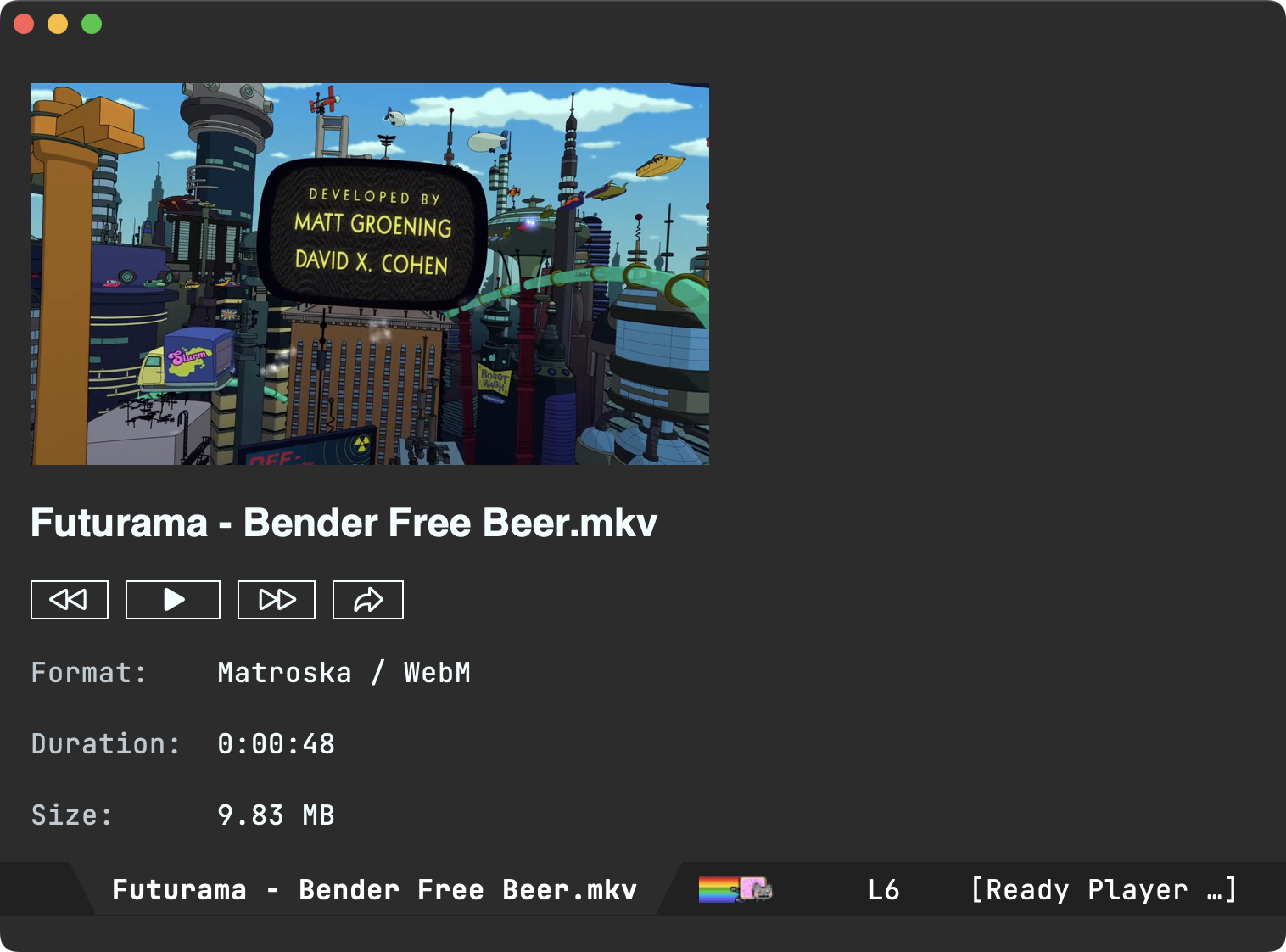
As core features, ready-player-mode has two buttons: one to play from within Emacs and one to open media in the preferred external app. You can TAB your way to the buttons. RET or click actions the buttons, in addition to the SPC keyboard binding to toggle playback.
Like image mode, ready-player-mode offers n/p navigation to open the next/previous media file in the current directory.
ready-player-mode attempts to display basic metadata if possible, courtesy of ffprobe and ffmpeg. You'll need these installed on your system if you want the optional metadata.
Playback is handled by your favourite command line utility. ready-player-mode will try to use either mpv, vlc, ffplay, or mplayer (in that order), but you can customize that.
ready-player-mode is available on GitHub if you're keen to check it out. Keep in mind this is a brand new package (a day old!), so it may need some improvements. If you do give it a try, I'd love to hear how you got on. I've only tested on macOS so far.
Unrelated - Want your own blog?
Like this blog? Want to start a blog? Run your blog off a single file. Write from the comfort of Emacs and drag and drop to the web. I'm launching a blogging service at lmno.lol. Looking for early adopters. Get in touch.
]]>There are brief times, however, when that keyboard-driven muscle memory overlaps my mouse usage, resulting in a buffer catastrophe. I joke of course. What I'm actually referring to is nothing more than a slight annoyance. There are times when I inadvertently trigger <C-wheel-up> or <C-wheel-down> events (because I happen to hold Ctrl down while triggering scrolling events). This results in buffer font size quickly changing to either really large or super small, depending on whether I was scrolling up or down at the time. The snafu is further exacerbated by inertial scrolling on trackpads. Go ahead and press the Ctrl key while your buffer is carrying some of that inertia. The font size is affected just the same, even though there was no explicit physical/touching activity on the trackpad at the time.

While this behaviour was a little annoying, I would typically just reopen the file via C-x C-v RET (aka find-alternate-file), which would reset the font size as a convenient side-effect. Now, you may wonder if reopening the file would also forget the point/cursor position, but that's not an issue if you've got the handy built-in save-place-mode turned on (highly recommended).
Ok and all, but this is a second-class workaround at best. What I really wanted is for the mouse/trackpad to stop messing with my font size.
Lucky for me, I bumped into a simple solution shared by Shane Celis and Thanga Ayyanar. It worked a treat, and it's only a few lines of elisp.
(global-set-key (kbd "<pinch>") 'ignore)
(global-set-key (kbd "<C-wheel-up>") 'ignore)
(global-set-key (kbd "<C-wheel-down>") 'ignore)
Thank you folks. Balance restored.
Update
While I was using C-x C-v RET (aka find-alternate-file) to reset font size, Luke T. Shumaker and Matthew G. shared a better reset alternative:
C-u 0 M-x text-scale-adjust
Take, for example, batch-renaming. Turn wdired on via dired-toggle-read-only, use something like Magnar's multiple-cursors (or built-in keyboard macros) and commit via wdired-finish-edit (using the often-familar C-c C-c binding). You've now renamed multiple files as it if were any other text buffer. Pretty magical.

One downside (or so I thought) is that wdired didn't automagically also take care of git renames for me, you know DWIM-style.
Every time I renamed anything via wdired and subsequently pulled up my trusty magit, I was a little sad it wasn't all just handled… The renamed files were seen as deleted, along with all the untracked counterparts.

So, I set out to change this unacceptable state of affairs 😀. I started off by setting a breakpoint on wdired-finish-edit via edebug (see why this util is awesome).
I wanted to see what wdired-finish-edit did under the hood, which led me to dired-rename-file. As I stepped through the code, I spotted the dired-vc-rename-file variable, which does exactly what you think it does 🤦.
One setq later…
(setq dired-vc-rename-file t)
…and boom! From now on, renaming from dired does exactly what you would expect. Here's magit to prove it:

lol. I was so fixated on "adding git rename support", that I forgot to first search the documentation.
While you can search for variables via the built-in describe-variable, I'm a fan of Wilfred's helpful equivalent: helpful-variable. Coupled with with your favourite completion framework (Abo Abo's ivy for me), it's as easy a fuzzy searching for anything you're after:

This post is also at lmno.lol.
]]>
Today, Fresh Eyes was approved and is now available on the macOS App Store.
The 20-20-20 rule is simple:
Take a break from looking at your computer screen every 20 minutes and look away at something roughly 20 feet away (6 metres) for 20 seconds.
While there are no shortages of macOS timer apps available, I figured it'd be fun to build a 20-20-20 one anyway.
Meet Fresh Eyes. I've been using it in the last few days. If you'd like to give it a try, send me an email at [email protected] and I'll reply with a TestFlight invite.

If looking for alternatives, Samuel W. Flint offers a couple of great options:
- On Emacs: hammy.el by Adam Porter (alphapapa).
- On Linux/Windows (GTK-based): Workrave by Raymond Penners & Rob Caeler.
Update
Fresh Eyes has now been approved and is available on the macOS App Store.
Emacs 29.3 is an emergency bugfix release, so this time I've upgraded promptly. I'm on macOS using the great Emacs Plus so upgraded via Homebrew using:
brew reinstall emacs-plus@29 --with-imagemagick --with-no-frame-refocus --with-native-comp --with-savchenkovaleriy-big-sur-3d-icon --with-poll
ps. Like this splash screen? Check out the Emacs eye candy post.
]]>Turns out, there's a continuation entry in fringe-indicator-alist variable that handles this. Removing this entry also removes the curly arrows.
(setq-default fringe-indicator-alist
              (delq (assq 'continuation fringe-indicator-alist) fringe-indicator-alist))
Alternatively, one could write a simple function to toggle displaying the continuation indicator.

(defun toggle-continuation-fringe-indicator ()
  (interactive)
  (setq-default
   fringe-indicator-alist
   (if (assq 'continuation fringe-indicator-alist)
       (delq (assq 'continuation fringe-indicator-alist) fringe-indicator-alist)
     (cons '(continuation right-curly-arrow left-curly-arrow) fringe-indicator-alist))))
That's it for this post. A tiny tip. Perhaps there's a better way to handle it. If you know, I'd love to know too (Mastodon / Twitter / Reddit / Email).
]]>Plain Org / plainorg.com
My more generic solution to access org files on the go and away from Emacs.

Flat Habits / flathabits.com
My take on frictionless habit tracking truly respecting user privacy and their time (absolutely no distractions).

*scratch* / App Store
Sure, we have tons of note-taking apps but most require more steps than desirable to write something down ASAP. Launch the app and you're good to write. No new note creation, bring keyboard up, etc.

Common denominator
In addition to being offline-first, no cloud, no login, no ads, no tracking, no social… each app targets a specific purpose, sharing an important common denominator: they all use org markup as the underlying storage.
The Org bundle / App Store
While you can still get each of my apps individually, you now have the option to get them all as a single bundle: The Org bundle.

Journelly joining the bundle soon…
Continuing on the org storage theme, I got another app in the works. Also joining The Org bundle, maintaining its privacy-first approach: offline, no cloud, no login, no ads, no tracking, no social… this time in the journaling space.
Journelly is currently in beta, want to join?


Emacs 29 introduced the handy sqlite-mode. Soon after, I tried a couple of experiments here and there to bring additional functionality.
Folks reached out. The additions seemed useful to them and were keen on upstreaming or pushing to MELPA. While I can't commit to upstreaming at this moment, I can happily meet halfway on MELPA.
As of a couple of days, you can find sqlite-mode-extras on MELPA and GitHub. Contributions totally welcome.
While I haven't heard of issues, please continue treating the package as experimental and exercise safety with your data. Please back up.
]]>I didn't have all the right ingredients for the full-blown salad at home, so I set out to experiment with the dressing's punchy flavours. While I've gone a little rogue here, I mean no disrespect to the faithful recipe and all its glory. Luckily, I did have fish sauce at home, which I considered the core ingredient, and made do with everything else I could find.
This is where I landed:
- 2 cloves of garlic
- Thai chillies to taste (improvised with chilli flakes)
- 2 tablespoons of fish sauce
- 1 tablespoons of palm sugar (improvised with honey)
- 2 limes squeezed (improvised with lemon)
- 1 tablespoon of dried shrimp (didn't have any)
- 1 small plum tomato (I used 2 of those bite-size ones)
Using my trusty mortar and pestle, I ground and crushed the garlic, chilli flakes, and tomato, forming a paste of sorts. Then added the remaining liquids (fish sauce, honey and lemon) diluting the paste.
- 2 tablespoons of roasted peanuts (roasted some cashews)
Most recipes seem to suggest using peanuts, though my local Thai restaurant uses cashews. Luckily I had cashews at home, so I'm copied my local. Roasted them on pan for a few minutes.
As you can imagine, I didn't just have a green papaya laying around at home, so I experimented with other crunchy veggies. While I won't reveal what the other veggies were (oh man, I've gone way off script), both my other half and I were happy with the results.
Som Tam dressing packs an awesome punch. If your salads were feeling a little boring, give this a try!
]]>
I followed The easiest no knead bread recipe (video).
No-knead method
Dough
- 1 1/4 cups (300g) lukewarm water
- 2 teaspoons (8g) salt
- 1 teaspoon (3.5g) yeast
- 3 cups (420g) all purpose flour
Mix thoroughly (I like to use Ciro's spoon mixing method from this video), cover and rest for 6 hours. Stretch and fold if the dough collapsed on itself to rescue.
Bake
- Preheat oven (and dutch oven) at 230°C.
- Flour.
I didn't have a dutch oven, but my oven-proof saucepans (with lid) did just fine. Carefully take the pan out of the oven, sprinkle the bottom with some flour, and place the dough inside. Cover with lid (careful, also hot) and bake for 30-35 minutes.
Crust
- Reduce heat to 200°C.
Remove the lid and bake for another 10 minutes or until you get the crust darkness of your choice.
Rest
Let the bread cool on a cooling rack for 45 mins before cutting. If no rack available, set upsidedown.
Stretch and fold method
Dough
- 1 1/4 cups (300g) lukewarm water
- 2 1/2 teaspoons (10g) salt
- 2 teaspoon (7g) yeast
- 3 cups (420g) all purpose flour
Mix thoroughly (I like to use Ciro's spoon mixing method from this video), cover and rest for 6 hours. Stretch and fold if the dough collapsed on itself to rescue.
Stretch and fold
See Emma Fontanella's stretch and fold technique and apply 4-5 times every 30 mins.
Follow no-knead method
Remaining steps are the same as the no-knead method.
]]>
Garlic almond paste
- 1/8 cup of olive oil.
- 8 cloves of garlic chopped.
- 1/4 cup almond meal (flour).
Cook garlic in low-medium heat until softened. Add almond meal and cook 3-4 mins or until golden. Set aside to cool.
- 1 large handful of parsley.
Blend the almond mixture to make a paste. Set aside.
Spices
- 1 large onion halved and sliced.
In a large pan, cook onion until softened.
- 1/8 cup of olive oil.
- 1 large red chilli finely chopped (on occasions, I use chilli flakes).
- 1 teaspoon of smoked paprika.
- 2 bay leaves.
Add chilli, paprika, and bay leaves and cook for 30 seconds (or fragrant).
Liquids
- 1/3 cup dry white wine (I've used cooking sake on occasion).
- 1000g of passata (typically comes in 500g packs).
- 400g plum tomatoes tin (undrained).
- 1 teaspoon of saffron threads (soaked in 2 tablespoons of water).
- 1 tablespoon of tomato paste.
- 2 cups of fish stock (I've used 2 stock cubes + same amount of water).
Add the wine, passata, plum tomatoes, saffron, tomato pate, and fish stock. Simmer for 10 minutes.
Fish
- 700g of firm white fish (cut into 5 cm chunks).
- 12 mussels.
Add the almond paste, fish, and mussels. Cook for 3-4 minutes.
- 12 prawns (shelled).
Add the prawns. Cook for 3 minutes (or pink).
Finishing touches
Season with salt and pepper to taste. I've added roughly a teaspoon of salt.
Garnish generously with parsley and you're good to go.
]]>o______________o
| Hello world! |
o--------------o
\ ^__^
\ (oo)_______
(__)\ )\/\
||----w |
|| ||
Keen to get started with your Hello World Cloudflare Worker? Skip to the setup section.
A little background
The vast majority of my software development experience has been centered around client-side software. The few times I've needed a server-side component for a hobby project, I've historically provisioned a linux virtual machine somewhere and ran whatever services I needed. I have to admit though, I don't enjoy the provisioning process, configuration, maintenance, upgrades, database admin, etc. which take time away from the part I enjoy more: building and experimenting with features.
While containers have made things somewhat simpler, much of the maintenance tradeoffs remain.
These days, the server-managing overhead has been greatly reduced by "serverless" solutions. Odd terminology for a server offering, but I digress. It more or less refers to removing most of that additional responsibility that comes with managing your own servers and enabling you to focus on building your business logic. Having said that, I've typically shied away from these services, with the possibly irrational fear of vendor lock-in.
The thing is, if most of my potential server-side needs merely require an entry point (where I could route/handle incoming requests) and possibly some persistence (maybe a database), I should be able to abstract these things away and build server-side logic against portable abstractions. With that in place, maybe there's little vendor lock-in to worry about? Who knows, the devil's in the detail. If I keep shying away from these services, I'll never know, so maybe I should try some and see.
Let's try Cloudflare Workers
There are no shortages of serverless options offering functions as a service. Google Cloud, AWS Lambda, Azure Functions, Vercel Functions, Netlify Functions, Fastly, Cloudflare workers, I could go on…
While I haven't researched the different offerings, I had made a mental note to check out Cloudflare Workers as they had announced D1, their database backed by SQLite …and who doesn't love SQLite? ;) OK, I'm no expert here, but I have had a pleasant experience whenever I've used it. These days, even Emacs 29 got some SQLite love, which prompted me to add cell navigation/navigation and try other experiments.
D1 / SQLite in beta
Keep in mind that D1 is in public beta and not yet recommended for large production workloads. From the Cloudflare site:
"While the D1 team expects breaking changes and issues to be minimal, they may still occur. The D1 team generally does not recommend running large production workloads on beta products."
Workers cost
In terms of pricing (as of 2024-01-13), the free tier enables workers to handle up 100,000 requests per day. Plenty for trying things out.
In any case, we're only checking out Cloudflare's offering, so let's move on…
Settings up a new Cloudflare Worker (via web dash) {#settings-up-a-new-cloudflare-worker-via-web-dash id="cloudflare-worker-hello-world-setup"}
Cloudflare has a tiny snippet on their Workers landing page that sets things up rather quickly, but [I won't be using it]{.underline}.
~/ $ npm create cloudflare -- my-app
~/ $ cd my-app
~/ $ npx wrangler deploy
Published https://my-app.world.workers.dev
⚠️ Note: before you get copying and pasting, read on.
Cloudflare's snippet is helpful, but it does quite a bit under the hood. I'm somewhat of a node and serverless noob, so I wanted to understand things a little more and figure out the bare minimum needed to start a minimal Cloudflare Worker project.
Instead, we'll first click here and there over at https://dash.cloudflare.com to spin off our new worker from the web and later continue from the command line.
Give the worker a name. We'll call it "todos" to give ya a little sneak peek at what the next post is possibly about… But you can call it whatever you'd like. Keep in mind you'll need to use this name to refer to your new worker.
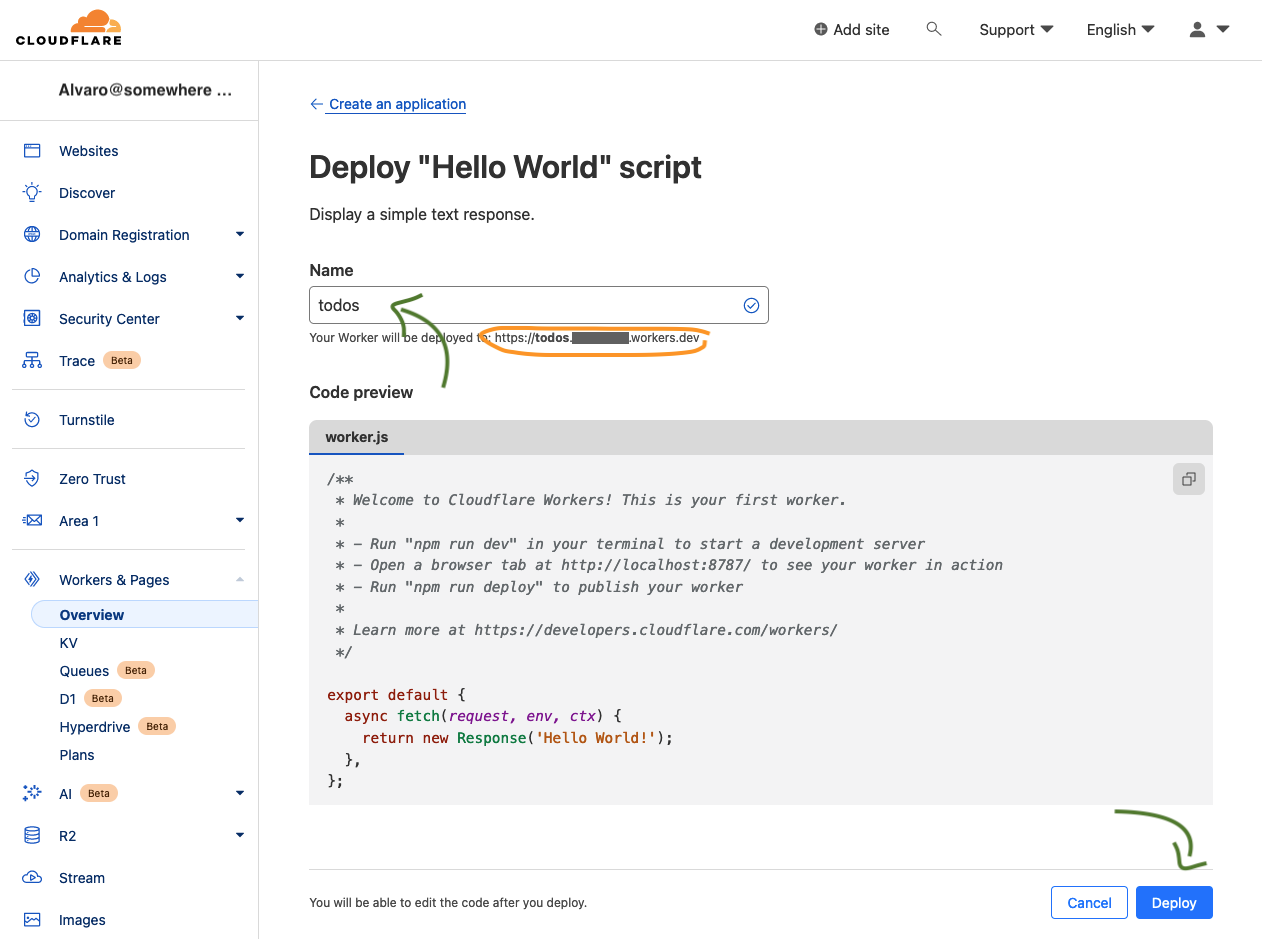
Congrats, you've now deployed a new worker. You can access it via the URL that looks something like https://todos.somewhere.workers.dev

This is great and all, but we want to build something with this new worker, so let's set up our local development environment…
Prerequisites
You'll need node.js installed on your machine.
I happen to be on macOS, so I installed node via Homebrew.
brew install node
Create a new node project
We want to start with a bare bones node project, so let's do just that.
mkdir HelloCloudflareWorker
cd HelloCloudflareWorker
npm init -y
Install TypeScript (compiler)
I like some guardrails when targetting Javascript, so I'll use the TypeScript compiler in this project. Let's install it.
npm install --save-dev typescript
npx tsc --init
Install Cloudflare Typescript types
To have Cloudflare types information accessible to the TypeScript compiler, we'll need to install that too.
npm install --save-dev @cloudflare/workers-types
Install Wrangler (Cloudflare tooling)
To manage your worker from the command-line, you'll need Cloudflare's wrangler tool. Let's install it.
npm install --save-dev wrangler
Point Wrangler to our worker
We're done installing things now. Let's point wrangler to our new worker by creating its config file.
wrangler.toml
name = "todos"
main = "worker/worker.ts"
Worker entry point
By default, the worker we created using Cloudflare's dash has the following entry point:
export default {
  async fetch(request, env, ctx) {
    return new Response( 'Hello World!'):
  }
}
However, this isn't yet included in our development environment. We need to write our first bit of code. You may have noticed our wrangler.toml is pointing to the main entry point (worker/worker.ts) and this file doesn't exist yet. Let's create it, though be sure to also create its owning directory:
mkdir worker
Now we can create our very own worker/worker.ts. Let's make the first change that shapes worker to our liking. Rather than just printing "Hello World", let's style things up using our cow friend. We'll create worker/worker.ts and include the spiffed up message.
worker/worker.ts
import { Env, ExecutionContext } from '@cloudflare/workers-types';

export default {
  async fetch(request: Request, env: Env, ctx: ExecutionContext): Promise<Response> {
    let defaultResponse = `
   o______________o
   | Hello World! |
   o--------------o
           \\   ^__^
            \\  (oo)\_______
               (__)\\       )\\/\\
                   ||----w |
                   ||     ||`
    return new Response(defaultResponse);
  }
};
It's worth mentioning the import statement, since it brings Cloudflare's type information for both Env and ExecutionContext.
Running worker locally
Okay, we now have our worker/worker.ts code ready to go. Let's run it locally. For that we use the wrangler utility.
npx wrangler dev
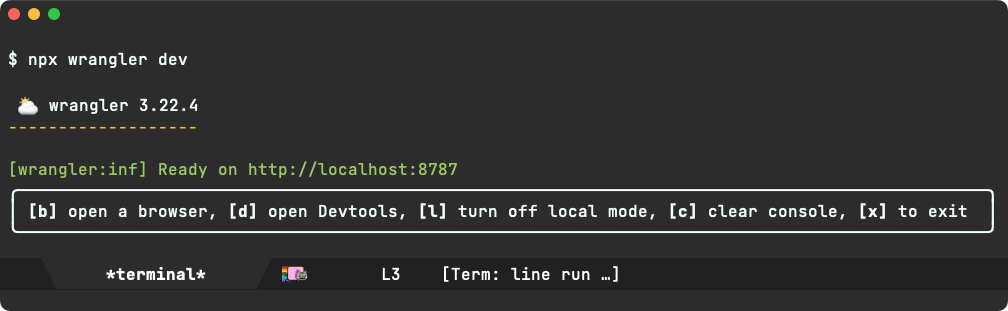
With that, you'll notice the worker is now running locally and waiting to be visited at http://localhost:8787.

Deploying worker
When we first created the worker via https://dash.cloudflare.com, it automatically deployed to https://todos.somewhere.workers.dev. But our mods only ran locally. Let's deploy, again with the wrangler utility.
npx wrangler deploy
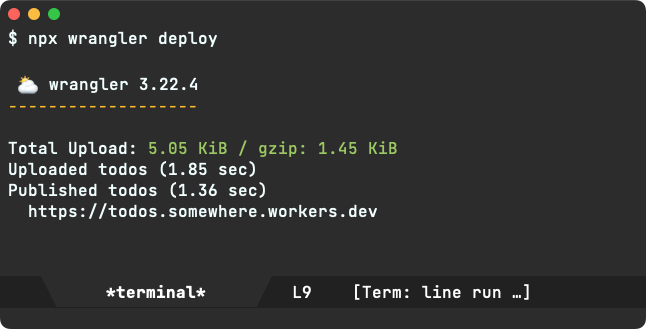
We're good to go. Let's point our browser to the worker's public location.
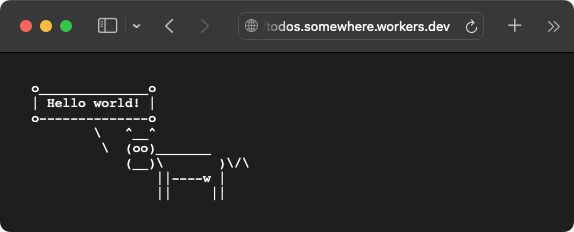
…and with that, we have a functional Cloudflare Worker and a local development environment to shape things up however we'd like. What would you use the Worker for?
Gave this primer a try? I'd love to hear from ya (Mastodon / Twitter / Reddit / Email).
Enjoying this content? Find it useful?
Consider ✨sponsoring me✨ or buy ✨my iOS apps✨.
]]>In the past, I've also talked about blurring the lines between shell and editor. That is, using Emacs as your shell (eshell being my favourite) enables compounding goodies from both shell and editor when both are used from the same app.
Keeping interactions within the same app also cuts down on some of that friction that comes with context switching between your text editor and the browser for llm things.
Today, my interactions with llms typically consists of copying and pasting details from other Emacs buffers, crafting a query, and finally submitting by pressing enter (RET) from a shell like chatgpt-shell.
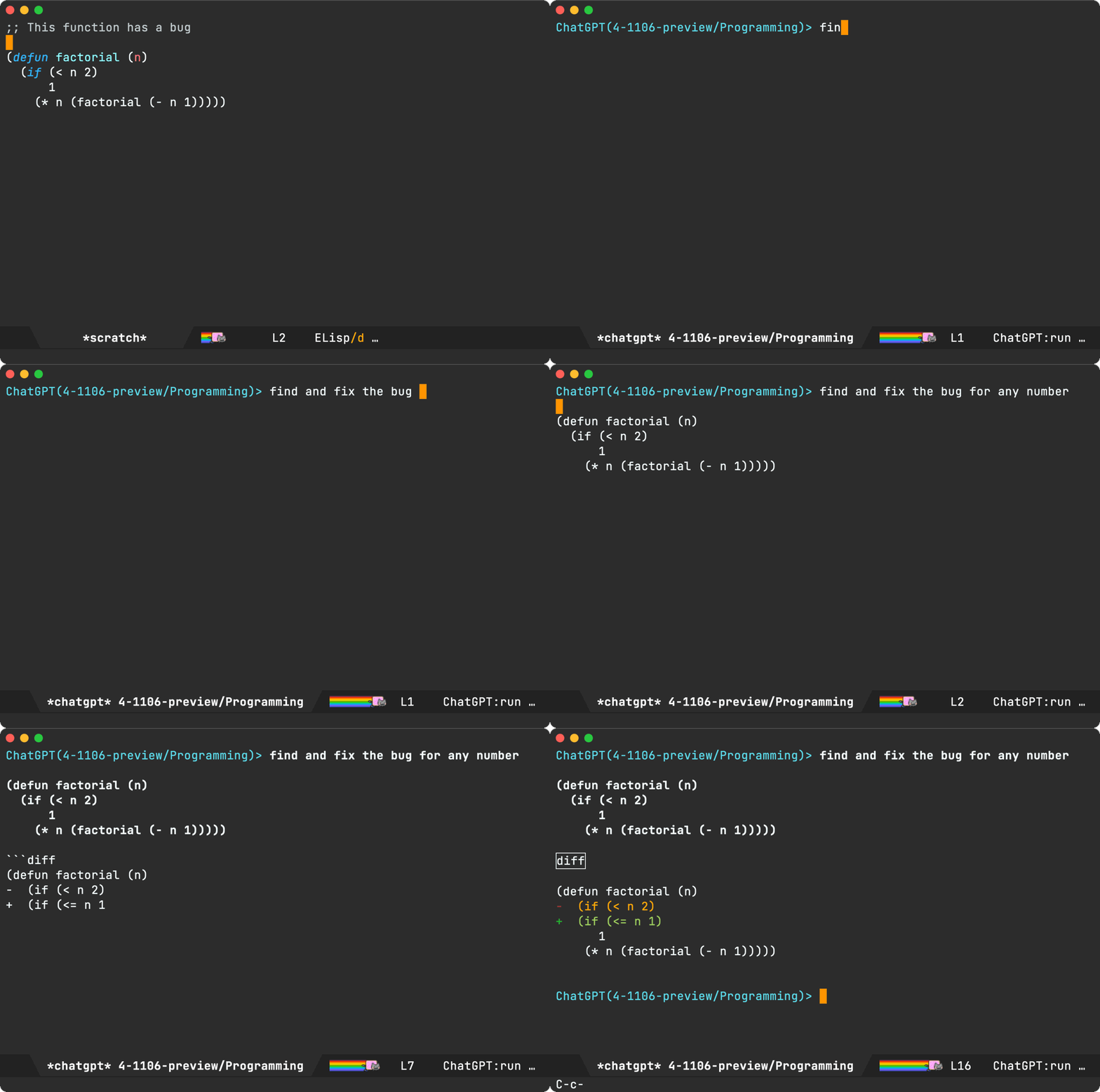
With the entire interaction happening from Emacs, we're already cutting a fair amount of friction… But we can do better, specially when copying, pasting, and crafting those multi-line queries (you don't want to prematurely submit those shell queries by inadvertently pressing RET when you want a newline).
chatgpt-shell-prompt-compose
This is where chatgpt-shell-prompt-compose comes in, an opinionated experiment bringing some of my favourite "compose" features over from the likes of magit commit buffers, org capture, mu4e compose, and so on…
You can bring a compose buffer up by invoking M-x chatgpt-shell-prompt-compose. From there, you can both craft and send your queries. If you're a magit fan, the process should feel fairly familiar with crafting a git commit message by editing away and quickly committing (via C-c C-c binding). Similarly, you can also abort with the familiar C-c C-k binding.

I use this compose utility often enough that I bound it to C-c C-e, though this may not be your cup of tea (needs overriding other mode maps).
(use-package chatgpt-shell
  :commands
  (chatgpt-shell
   chatgpt-shell-prompt-compose)
  :bind (("C-c C-e" . chatgpt-shell-prompt-compose)
         :map org-mode-map
         ("C-c C-e" . chatgpt-shell-prompt-compose)
         :map eshell-mode-map
         ("C-c C-e" . chatgpt-shell-prompt-compose)
         :map mu4e-compose-mode-map
         ("C-c C-e" . chatgpt-shell-prompt-compose)
         :map emacs-lisp-mode-map
         ("C-c C-e" . chatgpt-shell-prompt-compose)))
While the compose buffer displays a single query/response at a time, it also follows on from previous requests. You can press r to reply and continue the conversation.
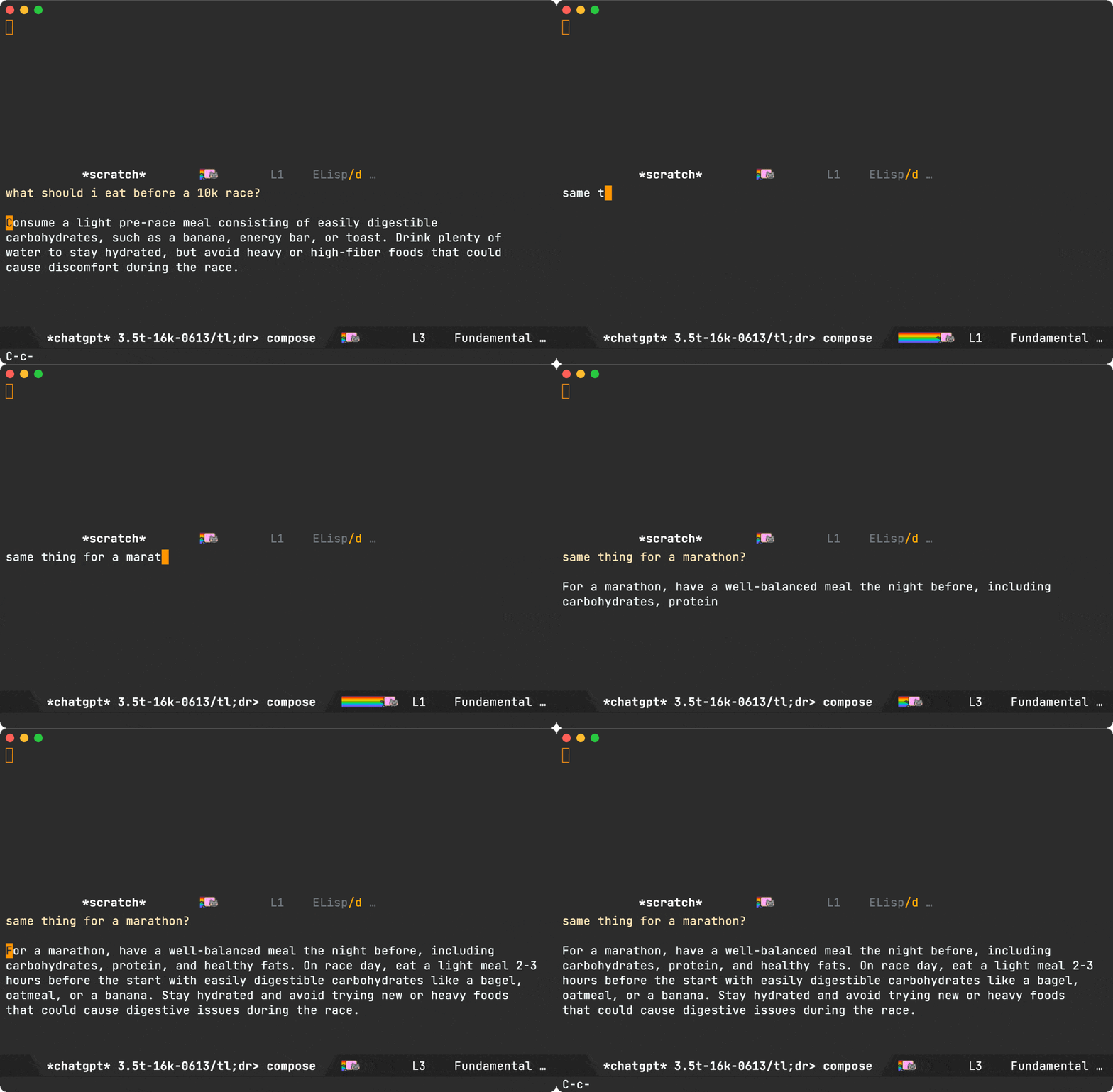
The compose buffer is fairly stateless and mostly serves as viewport over the last query in the shell itself. If you invoke chatgpt-shell-prompt-compose with a prefix (ie. C-u), it wipes the shell history. You can do it from the compose buffer itself, if you forgot to prior to launching.
You can also use the o binding to jump to the "other buffer" (the shell carrying the conversation history).
If using the r and o bindings in a compose buffer sounds a little strange, fear not. The compose buffer is writeable while crafting queries, thus you can safely insert any character. Once a query is submitted (via C-c C-c), the buffer automatically becomes read-only, and thus unlocking single-character bindings.
Another magit commit favorite of mine is using the M-p or M-n bindings to insert previous messages via git-commit-prev-message or git-commit-next-message.
With that in mind, I also brought M-p and M-n over to the editable compose buffer.
If cycling isn't efficient enough, you can also use the typical M-r binding to search and insert from history.
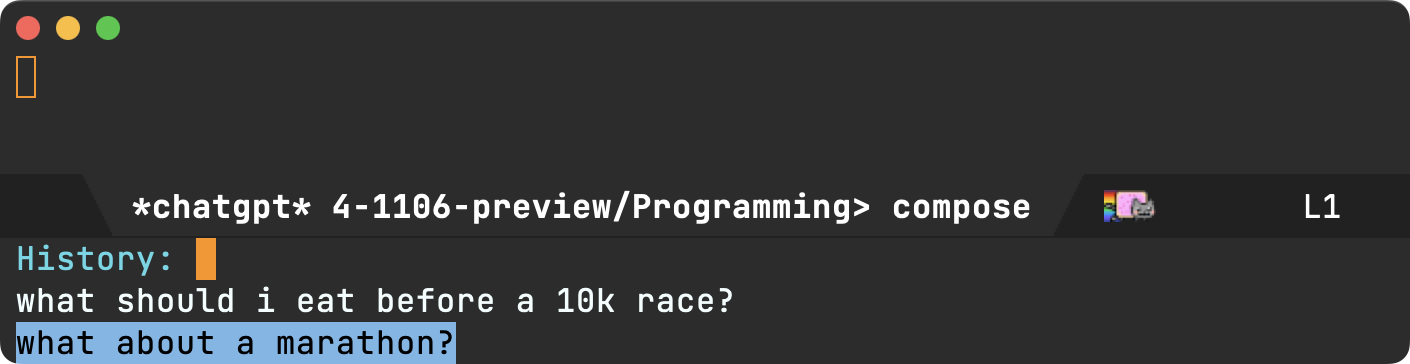
Now, getting back to removing some of that copy-pasting friction… Selecting text in any buffer and invoking M-x chatgpt-shell-prompt-compose (or C-c C-e in my case) automatically pastes the region into the compose buffer. You get to tweak your query before submitting (via that familiar C-c C-c), in a more flexible buffer (compared to a shell).
Note: You can also invoke the compose command with a region as many times as you'd like. Each region is sent to the compose buffer, so you can craft more involved queries before submission.
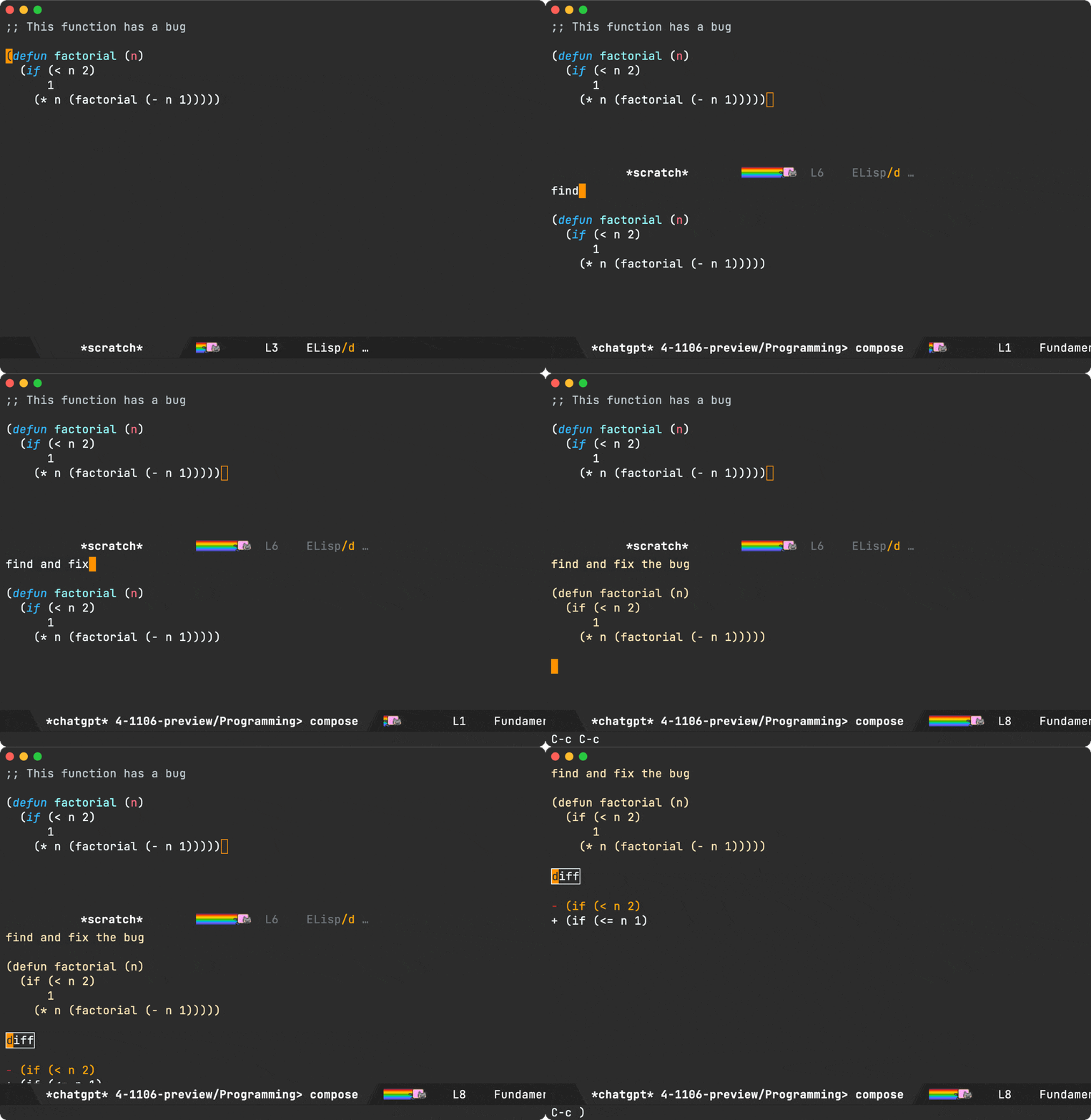
While I typically prefer short query responses (using diffs like the example above), I sometimes want full snippets as follow-ups. I found myself typing "show entire snippet" often enough, that I now use one of those single-character bindings (e) for this purpose.

Compose bindings
I've showcased most of the compose key bindings, here's the whole lot (so far anyway), which you can also view from chatgpt-shell-prompt-compose's documentation.
Editing
C-c C-cto send the buffer query.C-c C-kto cancel compose buffer.M-rsearch through history.M-pcycle through previous item in history.M-ncycle through next item in history.
Read-only
C-c C-cAfter sending offers to abort query in-progress.qExits the read-only buffer.gRefresh (re-send the query). Useful to retry on disconnects.nJump to next source block.pJump to next previous block.rReply to follow-up with additional questions.eSend "Show entire snippet" query.oJump to other buffer (ie. the shell itself).C-M-hMark block at point.
Buyer beware: it's all pretty experimental
When I started playing with the compose buffer idea, I wasn't too sure whether or not its usage would stick, so I basically hacked chatgpt-shell-prompt-compose to pieces. A cheap prototype of sorts to validate the idea before fully committing to a more involved solution.
I'll eventually rewrite chatgpt-shell-prompt-compose as either a major or minor mode if there's enough interest.
For now, I'll continue using as is to validate its usefulness.
If you give chatgpt-shell-prompt-compose a try, I'd love to hear your feedback (Mastodon / Twitter / Reddit / Email).
Enjoying this content? Find it useful? Consider sponsoring.
]]>What I can maybe say is, the shows features Reddit, Brave browser, terminal usage (ifconfig, nmap, hydra, responder), and a reference to the good 'ol Vi vs Emacs rivalry, which I hope folks these days don't take further than friendly teasing between dear cousins.
In any case, being an Emacs nut, the scene gave me a good tickle. It's a great show, with a lovely Emacs cherry on top! While the show title and description didn't immediately draw me in, I'm glad I gave it a chance.


Pretty neat, you can generate an account number without providing an email address. You can also pre-pay with a ton of options, including cash, crypto, credit cards, PayPal, wire transfers…
After seeing your account credited, one can download a generated WireGuard configuration. Also a WireGuard noob, so took this opportunity to give it a try.
The WireGuard macOS app has an "Import Tunnel(s) from File…" option where you can import the .conf file downloaded from Mullvad's generated config. After that, all I had to do was click the "Activate" button and Bob's your uncle.
You can test your connection via:
curl https://am.i.mullvad.net/connected
I had a brief stint at using the command-line alternative via homebrew brew install wireguard-go wireguard-tools, but that seems to fail silently:
wg-quick up xxxxx
[#] wireguard-go utun
[+] Interface for xxxxx is utun7
[#] wg setconf utun7 /dev/fd/63
[#] ifconfig utun7 inet xxx.xxx.xxx.xxx/xx xxx.xxx.xxx.xxx alias
[#] ifconfig utun7 inet6 xxxx:xxxx:xxxx:xxxx::x:xxxx/xxx alias
[#] ifconfig utun7 up
[#] route -q -n add -inet6 ::/1 -interface utun7
[#] route -q -n add -inet6 8000::/1 -interface utun7
[#] route -q -n add -inet xxx.xxx.xxx.xxx/x -interface utun7
[#] route -q -n add -inet xxx.xxx.xxx.xxx/x -interface utun7
[#] route -q -n add -inet xxx.xxx.xxx.xxx -gateway xxx.xxx.xxx.xxx
[#] networksetup -getdnsservers Wi-Fi
[#] networksetup -getsearchdomains Wi-Fi
[#] networksetup -getdnsservers iPhone USB
[#] networksetup -getsearchdomains iPhone USB
[#] networksetup -getdnsservers Thunderbolt Bridge
[#] networksetup -getsearchdomains Thunderbolt Bridge
[#] networksetup -getdnsservers xxxxx
[#] networksetup -getsearchdomains xxxxx
[#] networksetup -setdnsservers iPhone USB xxx.xxx.xxx.xxx
[#] networksetup -setsearchdomains iPhone USB Empty
[#] networksetup -setdnsservers xxxxx xxx.xxx.xxx.xxx
[#] networksetup -setsearchdomains xxxxx Empty
[#] networksetup -setdnsservers Wi-Fi xxx.xxx.xxx.xxx
[#] networksetup -setsearchdomains Wi-Fi Empty
[#] networksetup -setdnsservers Thunderbolt Bridge xxx.xxx.xxx.xxx
[#] networksetup -setsearchdomains Thunderbolt Bridge Empty
[+] Backgrounding route monitor
curl https://am.i.mullvad.net/connected
I'm on a Macbook M1 Pro, running macOS Sonoma. If you got wg-quick working on Sonoma, I'd love to hear from ya (Mastodon / Twitter / Reddit / Email).

To make things a little more interesting, I'm introducing a new org-based app to help anyone with regular journaling.

Plain text is the serialization format. No conversion/import/export needed.

Though it's early days, it's fairly functional. Been using it daily for some time. You can opt in to use an external org file and sync with your beloved Emacs.
Want to give it a try? Want a TestFlight invite? Send me an email address (any would do) at either of these: Mastodon / Twitter / Reddit / Email.
The topic of org being fairly Emacs-oriented, though a strength for someone far down the rabbit hole, it is understandable to call it out for someone in a different position. Lucky for us, org markup is plain text and can be implemented by apps other than Emacs, like Journelly itself for iOS and even more experimentally on macOS:
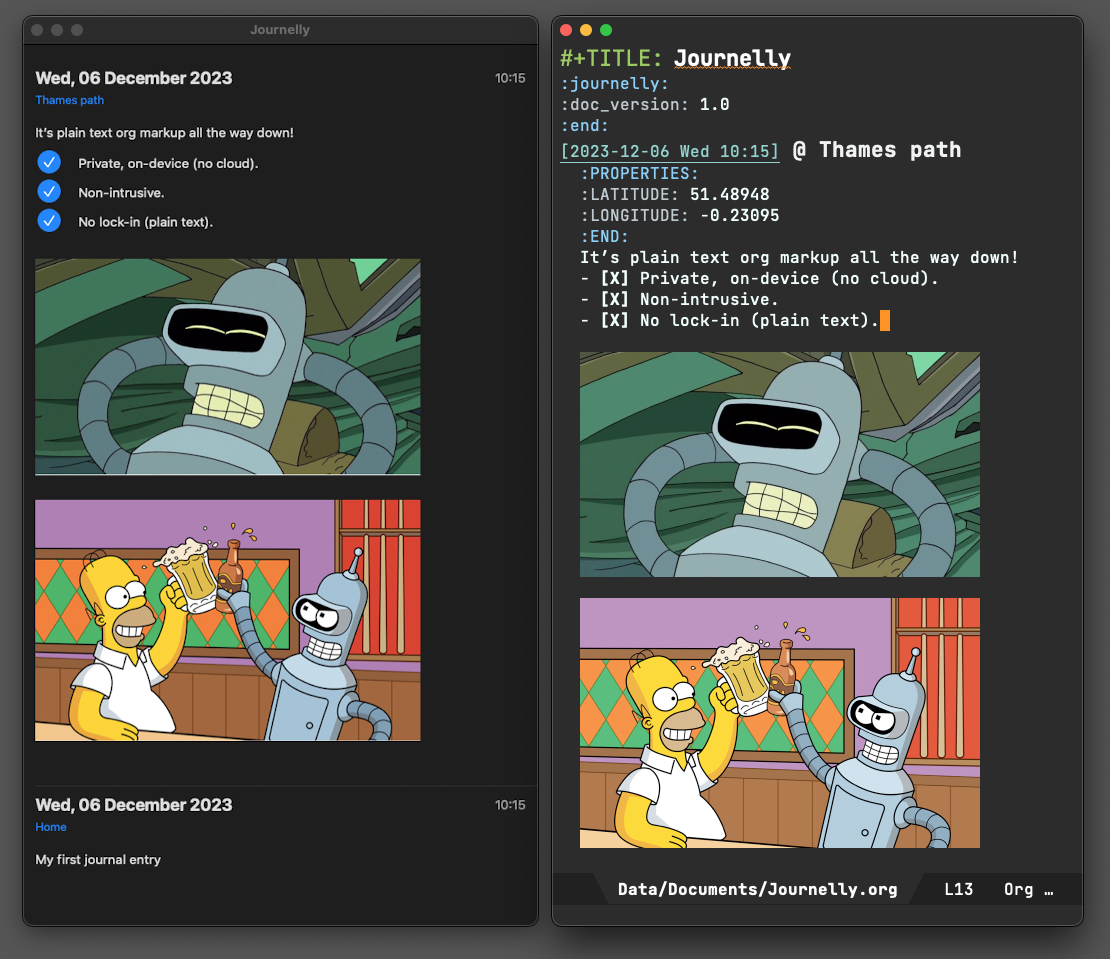
And like Journelly for iOS, I got other org things available on iOS:
| As an Org mode fan, so I wrote Plain Org for iOS. It's on the App Store. | |
 |
Inspired by Atomic Habits, I wrote Flat Habits for iOS. Also on the App Store. |
| I needed an Emacs-inspired scratch buffer on iOS (who doesn't?), so I built one. |
- As an Org mode fan, so I wrote Plain Org for iOS. It's on the App Store.
- Inspired by Atomic Habits, I wrote Flat Habits for iOS. Also on the App Store.
- I needed an Emacs-inspired scratch buffer on iOS (who doesn't?), so I built one.
Just like the stuff I do or write about? Sponsor me.
]]>I've been toying with the idea of managing browser bookmarks from you know where. Maybe dump a bunch of links into an org file and use that as a quick and dirty bookmark manager. We'll start with a flat list plus fuzzy searching and see how far that gets us.
The org file would look a little something like this:
::: captioned-content ::: caption bookmarks.org :::
My bookmarks
- [[https://lobste.rs/t/emacs][Emacs editor (Lobsters)]]
- [[https://emacs.stackexchange.com][Emacs Stack Exchange]]
- [[https://www.reddit.com/r/emacs][Emacs subreddit]]
- [[https://emacs.ch][Emacs.ch (Mastodon)]]
- [[https://www.emacswiki.org][EmacsWiki]]
- [[https://planet.emacslife.com/][Planet Emacslife]]
:::
Next we need fuzzy searching, but first let's write a little elisp to extract all links from the org file:
(require 'org-element)
(require 'seq)

(defun browser-bookmarks (org-file)
  "Return all links from ORG-FILE."
  (with-temp-buffer
    (let (links)
      (insert-file-contents org-file)
      (org-mode)
      (org-element-map (org-element-parse-buffer) 'link
        (lambda (link)
          (let* ((raw-link (org-element-property :raw-link link))
                 (content (org-element-contents link))
                 (title (substring-no-properties (or (seq-first content) raw-link))))
            (push (concat title
                          "\n"
                          (propertize raw-link 'face 'whitespace-space)
                          "\n")
                  links)))
        nil nil 'link)
      (seq-sort 'string-greaterp links))))
The snippet uses org-element to iterate over links to collect/return them in a list. We join both the title and url, so searching can match either of these values. We also add a little formatting (new lines/face) to spiff things up.
(browser-bookmarks "/private/tmp/bookmarks.org")
We can now feed our list to our preferred narrowing framework (ivy, helm, ido, vertico) and use it to quickly select a bookmark. In the past, I've used the likes of ivy-read directly, though have since adopted the humble but mighty completing-read which hooks up to any of the above frameworks.
With that in mind, let's use completing-read to make a selection and split the text to extract the corresponding URL. Feed it to browse-url, and you got your preferred browser opening your bookmark.
(defun open-bookmark ()
  (interactive)
  (browse-url (seq-elt (split-string (completing-read "Open: " (browser-bookmarks "/private/tmp/bookmarks.org")) "\n") 1)))
I remain a happy ivy user, so we can see its fuzzy searching in action.

At this point, we now have our bookmark-launching Emacs utility. It's only an M-x open-bookmark command away, but we want to make it accessible from anywhere in our operating system, in my case macOS.
Let's enable launching from the command line, though before we do that, let's craft a dedicated frame for this purpose.
(defmacro present (&rest body)
  "Create a buffer with BUFFER-NAME and eval BODY in a basic frame."
  (declare (indent 1) (debug t))
  `(let* ((buffer (get-buffer-create (generate-new-buffer-name "*present*")))
          (frame (make-frame '((auto-raise . t)
                               (font . "Menlo 15")
                               (top . 200)
                               (height . 20)
                               (width . 110)
                               (internal-border-width . 20)
                               (left . 0.33)
                               (left-fringe . 0)
                               (line-spacing . 3)
                               (menu-bar-lines . 0)
                               (minibuffer . only)
                               (right-fringe . 0)
                               (tool-bar-lines . 0)
                               (undecorated . t)
                               (unsplittable . t)
                               (vertical-scroll-bars . nil)))))
     (set-face-attribute 'ivy-current-match frame
                         :background "#2a2a2a"
                         :foreground 'unspecified)
     (select-frame frame)
     (select-frame-set-input-focus frame)
     (with-current-buffer buffer
       (condition-case nil
           (unwind-protect
               ,@body
             (delete-frame frame)
             (kill-buffer buffer))
         (quit (delete-frame frame)
               (kill-buffer buffer))))))
Most of the snippet styles our new frame and invokes the body parameter. While I don't typically resort to macros, we get a little syntatic sugar here, so we can invoke like so:
(defun present-open-bookmark-frame ()
  (present (browse-url (seq-elt (split-string (completing-read "Open: " (browser-bookmarks "/private/tmp/bookmarks.org")) "\n") 1))))
Wrapping our one-liner with the present-open-bookmark-frame function enables us to easily invoke from the command line, with something like
emacsclient -ne "(present-open-bookmark-frame)"
Now that we can easily invoke from the command line, we have the flexibility to summon from anywhere. We can even bind to a key shortcut, available anywhere (not just Emacs). I typically do this via Hammerspoon, with some helpers, though there are likely simpler options out there.
function emacsExecute(activate, elisp)
   if activate then
      activateFirstOf({
            {
               bundleID="org.gnu.Emacs",
               name="Emacs"
            }
      })
   end

   local socket, found = emacsSocketPath()
   if not found then
      hs.alert.show("Could not get emacs socket path")
      return "", false
   end

   local output,success = hs.execute("/opt/homebrew/bin/emacsclient -ne \""..elisp.."\" -s "..socket)
   if not success then
      hs.alert.show("Emacs did not execute: "..elisp)
      return "", false
   end

   return output, success
end

function openBookmark()
   appRequestingEmacs = hs.application.frontmostApplication()
   emacsExecute(false, "(present-open-bookmark-frame)")
   activateFirstOf({
         {
            bundleID="org.gnu.Emacs",
            name="Emacs"
         }
   })
end

hs.hotkey.bind({"alt"}, "W", openBookmark)
With that, we have our Emacs-powered bookmark launcher, available from anywhere.
While we used our Emacs frame presenter to summon our universal bookmark launcher, we can likely the same mechanism for other purposes. Maybe a clipboard (kill ring) manager?

What would you use it for? Get in touch (Mastodon / Twitter / Reddit / Email).
Enjoying this content? Find it useful? Consider ✨sponsoring✨.
]]>Most of my Emacs-bending adventures have been powered by elisp, primarily on macOS. I also happen to have an iOS dev background, so when Valeriy Savchenko announced his project bringing Emacs dynamic modules powered by Swift, I added it to my never-ending list of things to try out.
Fast-forward to a year later, and Roife's introduction to emt finally gave me that much-needed nudge to give emacs-swift-module a try. While I wish I had done it earlier, I also wish emacs-swift-module had gotten more visibility. Native extensions written in Swift can open up some some neat integrations using native macOS UX/APIs.
While I'm new to Savchenko's emacs-swift-module, the project has wonderful documentation. It quickly got me on my way to build an experimental dynamic module introducing a native context menu for sharing files from my beloved editor.

Most of the elisp/native bridging magic happens with fairly little Swift code:
try env.defun(
  "macos-module--share",
  with: """
    Share files in ARG1.

    ARG1 must be a vector (not a list) of file paths.
    """
) { (env: Environment, files: [String]) in
  let urls = files.map { URL(fileURLWithPath: $0) }

  let picker = NSSharingServicePicker(items: urls)
  guard let view = NSApp.mainWindow?.contentView else {
    return
  }

  let x = try env.funcall("macos--emacs-point-x") as Int
  let y = try env.funcall("macos--emacs-point-y") as Int

  let rect = NSRect(
    x: x + 15, y: Int(view.bounds.height) - y + 15, width: 1, height: 1
  )
  picker.show(relativeTo: rect, of: view, preferredEdge: .maxY)
}
This produced an elisp macos-module--share function I could easily access from elisp like so:
(defun macos-share ()
  "Share file(s) with other macOS apps.

If visiting a buffer with associated file, share it.

While in `dired', any selected files, share those.  If region is
active, share files in region.  Otherwise share file at point."
  (interactive)
  (macos-module--share (vconcat (macos--files-dwim))))
On a side note, (macos--files-dwim) chooses files depending on context. That is, do what I mean (DWIM) style. If there's a file associated with current buffer, share it. When in dired (the directory editor, aka file manager), look at region, selected files, or default to file at point.
(defun macos--files-dwim ()
  "Return buffer file (if available) or marked/region files for a `dired' buffer."
  (if (buffer-file-name)
      (list (buffer-file-name))
    (or
     (macos--dired-paths-in-region)
     (dired-get-marked-files))))

(defun macos--dired-paths-in-region ()
  "If `dired' buffer, return region files.  nil otherwise."
  (when (and (equal major-mode 'dired-mode)
             (use-region-p))
    (let ((start (region-beginning))
          (end (region-end))
          (paths))
      (save-excursion
        (save-restriction
          (goto-char start)
          (while (< (point) end)
            ;; Skip non-file lines.
            (while (and (< (point) end) (dired-between-files))
              (forward-line 1))
            (when (dired-get-filename nil t)
              (setq paths (append paths (list (dired-get-filename nil t)))))
            (forward-line 1))))
      paths)))
I got one more example of a native macOS integration I added. Being an even simpler one, and in hindsight, I prolly should have introduced it first. In any case, this one reveals dired files in macOS's Finder app (including the selection itself).
try env.defun(
  "macos-module--reveal-in-finder",
  with: """
    Reveal (and select) files in ARG1 in macOS Finder.

    ARG1 mus be a vector (not a list) of file paths.
    """
) { (env: Environment, files: [String]) in
  NSWorkspace.shared.activateFileViewerSelecting(files.map { URL(fileURLWithPath: $0) })
}
The corresponding elisp is nearly identical to its macos-share sibling:
(defun macos-reveal-in-finder ()
  "Reveal file(s) in macOS Finder.

If visiting a buffer with associated file, reveal it.

While in `dired', any selected files, reveal those.  If region is
active, reveal files in region.  Otherwise reveal file at point."
  (interactive)
  (macos-module--reveal-in-finder (vconcat (macos--files-dwim))))
My Swift module experiment introduces two native macOS UX integrations, now available via M-x macos-share and M-x macos-reveal-in-finder. I've pushed all code to it's own repo.
I hope this post brings visibility to the wonderful emacs-swift-module project and sparks new, native, and innovative integrations for those on macOS. Can't wait to see what others can do with it.
Enjoying this content? Find it useful? Consider ✨sponsoring✨.
]]>Get the new key, probably already in gpg key chain. Try listing it:
gpg --list-keys
To re-encrypt, pass init with new key is enough. It'll prompt for old pass key.
cd path/to/.password-store
pass init NEW-GPG-KEY

I'll share details on how I smash my burgers, but here's a quick ingredient list, if that's all you need.
- Mince beef (20%-30% fat).
- Streaky bacon.
- Brioche burger buns.
- American cheese slices (cheddar individual slices work too).
- Lettuce.
- Tomatoes.
- Onions.
- Pickles.
- Jalapeños.
- Garlic.
- Chipotle powder.
- Mayonnaise.
- Salt.
- Pepper.
- Oil.
- Greaseproof paper.
- Butter.
The calling
My quest to smash burgers at home didn't start until earlier this year, while watching the The Menu. I just could't stop craving the burger from that scene, so I set out to start smashing my own.

The gear
Don't rush to buy anything fancy. Your existing gear will likely do the job just fine. I'd say try a few things out and only upgrade when needed. I'll share the gear I use and where I felt I needed tweaking.
Skillet
While I didn't have a griddle at home, I did have a couple of trusty Lodge skillets (cast iron and carbon steel). Both work great for burgers, though I have a slight preference for the carbon steel one, as it's the bigger of the two and gives a little more room for manoeuvring, specially when smashing two burgers at a time.
Heat the skillet up and add a little oil. If the oil starts smoking, be quick to drop the patties and start smashing.
Grill Spatula (too big/stiff for skillet)
Somewhat inspired by the film, I got myself a wide spatula so I could firmly press those patties against the skillet, and to flip of course.
While this kind of spatula may work well on a spacious griddle, I felt constrained on a relatively small cast iron. Specially when flipping. I went looking for an alternative.

Spatula + smasher (my winning combo)
Over at the r/castiron subreddit, I discovered fish spatulas. They are fairly agile on cast irons but also work great for loosening burger patties before flipping.

While effective for flipping, fish spatulas are obviously no good for smashing. So I got myself a burger smasher. This combo worked well for me.
When smashing, use greaseproof paper to prevent the patties from sticking to the smasher.
Ingredients
While I've drawn inspiration from others, I've landed on my own preferred ingredients. I'm sure that will continue changing over time. Pick and choose as your heart desires.
Minced/ground beef
Minced beef with higher fat content (around 20-30%) is often recommended for a couple of reasons:
-
Flavour: Fat equals flavour in cooking. The higher fat content will melt during cooking and become 'self-basting', resulting in a juicier and more flavourful burger.
-
Texture: The fat in the beef melts under heat, helping the burger achieve a crispy, caramelized exterior known as the Maillard reaction, which contrasts nicely against the soft, juicy interior.
In the UK, I can typically find minced beef with 15%-20% fat content at the main supermarkets.
Be sure to salt and pepper to taste (as in picture) on one side. Once flipped on pan, salt and pepper the other side.
Bacon
I tend to prefer smoked streaky bacon, but hey these will be your burgers. Your burgers, your rules.

Buns (brioche)
I hear potato buns are great for burgers. I've yet to try them. So far, I've settled for brioche. I happen to find these near me, so I've gone with them.

Butter the buns and brown on the skillet for a minute. Check the buns often. Brioche buns can burn quickly.
American cheese
American cheese is often the burger cheese of choice.

While American cheese isn't widely available in the UK, the individually wrapped orange-looking cheddar cheese slices work just fine.
Toppings
I like my burgers with lettuce, tomatoes, onions, pickles, and occasionally jalapeños. For pickles, I typically just take cornichons and slice them up.

Burger sauce (chipotle/garlic/mayo)
While classic burger sauce is often made with mayo, ketchup, pickles, and mustard, I've gone fairly rogue here.
You see, I love chipotle mayo. I'm also a fan of garlic mayo, so I figured why not both? Turns out these three ingredients work great together.
I like to draw out the flavours by first mixing the garlic and chipotle with a little hot water.
- 1 garlic clove.
- 2 teaspoons of chipotle powder.
- 1 tablespoon of hot water.
- Pinch of salt.
…and then thicken with mayo.
- 1/4 cup of mayo.
These are very rough measurements, tweak to your preference. Make more garlicky, spicier, or soften things by adding garlic, chipotle, or mayo.
Assembling
I like to assemble in the following order from the bottom bun up.
- Sauce on bottom bun.
- Lettuce.
- Tomatoes.
- Onions.
- 2 patties (melted cheese on both).
- Bacon.
- Pickles.
- Jalapeños.
- Sauce on top bun (oops, I forgot in the picture).

…and here's the final product.
If you gave smashing burgers a go, I'd love to hear about it. Also any tips are very much welcome. Get in touch (Mastodon / Twitter / Reddit / Email).
]]>I do most of my iOS coding in Emacs. It's a hybrid of sorts between Emacs and Xcode. If I need to use the debugger, Xcode is a clear winner for me. If I happen to be visiting a Swift file in an Emacs buffer, I typically used the handy crux-open-with from crux to open in Xcode, and continue from there. This worked OK, but I always wished opening in Xcode would also jump to the same line number as the Emacs point (cursor) location. This is particularly useful if I had just spotted where I'd like to set a breakpoint in an Emacs buffer and need to transition over to Xcode.
It turns out, there's a nifty command line utility for that. xed, the Xcode text editor invocation tool. It enables telling Xcode what file to open and at what line number:
xed -line 141 path/to/some/file.swift
With that in mind, I've added my own version of crux-open-with, using dwim-shell-command.
When running on macOS, the function checks whether or not I'm visiting a buffer for a programming language, and opens the file in Xcode at the same line number.
(defun dwim-shell-commands-open-externally ()
  "Open file(s) externally."
  (interactive)
  (dwim-shell-command-on-marked-files
   "Open externally"
   (if (eq system-type 'darwin)
       (if (derived-mode-p 'prog-mode)
           (format "xed --line %d '<<f>>'"
                   (line-number-at-pos (point)))
         "open '<<f>>'")
     "xdg-open '<<f>>'")
   :shell-args '("-x" "-c")
   :silent-success t
   :utils (if (eq system-type 'darwin)
              "open"
            "xdg-open")))

dwim-shell-commands-open-externally is now added to dwim-shell-commands.el.
ps. If you find opening the same file in a different context handy, you may also like the package browse-at-remote that opens the visited file at its corresponding remote location (for example, GitHub). I can never remember the name of the function (browse-at-remote), so I aliased it to something I'd remember and moved on…
(defalias 'ar/open-at-github #'browse-at-remote))
magick convert -fuzz 3% -define trim:percent-background=0% -trim +repage path/to/input.png path/to/output.png
Pretty neat. It does the job, but I won't remember it next time. May as well make another dwim-shell-command function out of it and conveniently invoke from Emacs via a memorable name plus fuzzy search.
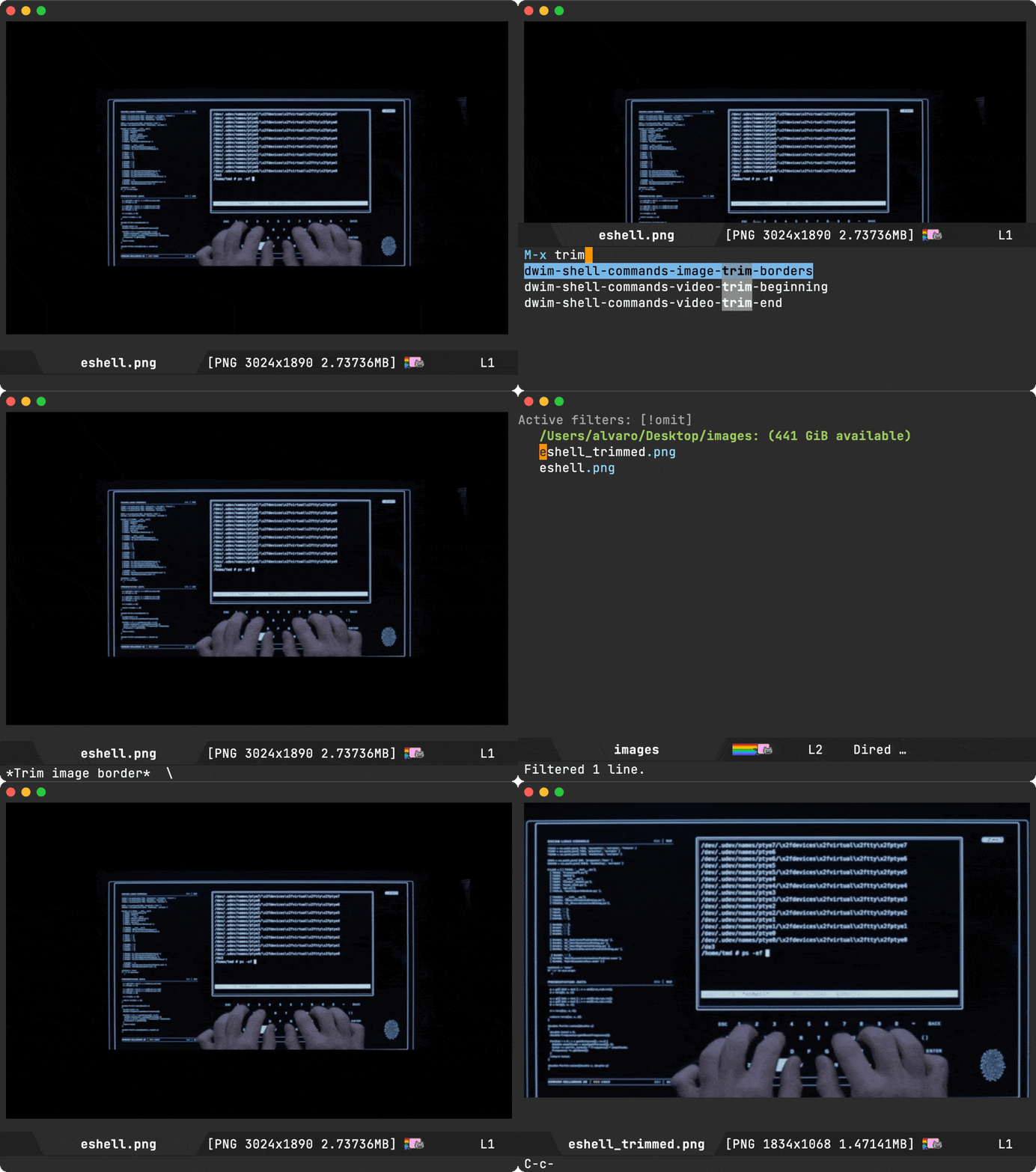
(defun dwim-shell-commands-image-trim-borders ()
  "Trim image(s) border (useful for video screenshots)."
  (interactive)
  (dwim-shell-command-on-marked-files
   "Trim image border"
   "magick convert -fuzz 3% -define trim:percent-background=0% -trim +repage '<<f>>' '<<fne>>_trimmed.<<e>>'"
   :utils "magick"))
While the screenshot I've just used was a little blurry, it's from the movie Tron Legacy, and it features Emacs eshell. This is old news, though well covered.

dwim-shell-commands-image-trim-borders is now added to dwim-shell-commands.el
Sometimes, I'd like a little more than just viewing the image. I'd like to see basic image details like type, dimensions, and file size. The imagemagick identify utility is pretty handy for that.
identify -format "%m %wx%h %b" path/to/image.png
I could easily invoke shell-command for this or even create a dwim-shell-command function (maybe I will), but if this info was proactively displayed in the mode line, I wouldn't have to fetch it myself.
Since I know I can use the identify command for this, I may as well see if I can plug it into the mode line.
Turns out this wasn't too bad by setting setting mode-line-format. I added a little logic to only include image details while in image-mode and rely on process-lines to fetch the details. This function returns a list, which is a happy coincidence since mode-line-format also expects a list.
(setq-default mode-line-format
              '(" "
                mode-line-front-space
                mode-line-client
                mode-line-frame-identification
                mode-line-buffer-identification
                (:eval
                 (when (eq major-mode 'image-mode)
                   ;; Needs imagemagick installed.
                   (process-lines "identify" "-format" "[%m %wx%h %b]" (buffer-file-name))))
                " "
                mode-line-position
                (vc-mode vc-mode)
                (multiple-cursors-mode mc/mode-line)
                " " mode-line-modes
                mode-line-end-spaces))

I'd love to hear if there's a pure elisp alternative (mastodon/twitter). I gave (image-size (image-get-display-property) :pixels) a try, but that seemed to return the display size in buffer rather than actual file size.
I wanted an additional @icloud.com account for myself. My first thought was to head over to https://developer.apple.com and create a new account, but that requires an existing email address. I wanted an actual @icloud.com email address.
My next thought was to create a new account using the iOS simulator, but that complained about creating too many accounts already. Strange, as I hadn't created any.
I could create an account from macOS settings itself, though that would require logging out my current account (and the syncing implications). To get around that, I could maybe create a temporary macOS user. Instead, I somewhat revisited the simulator route and looked for a VM option to run macOS. This gave me an excuse to play with VM options on macOS.
I had been meaning to check out lima as per Hacker News's Lima: A nice way to run Linux VMs on Mac. The Hacker News's thread has a handful of great recommendations. Amongst them, tart (macOS and Linux VMs on Apple Silicon) stood out, as it also gave me the Mac on Mac option.
Installing tart via Homebrew followed the typical brew command… a breeze via my trusty Emacs eshell:
brew install cirruslabs/cli/tart
Cloning a VM image, while straightforward, it did take a little while for the chunky download:
tart clone ghcr.io/cirruslabs/macos-sonoma-base:latest sonoma-base
Running the macOS Sonoma VM was a breeze:
tart run sonoma-base
…and with that, I got a full (and disposable) macOS VM I can use to create another @icloud.com account:

While there may be simpler options out there to create an @icloud.com account (please do let me know mastodon/twitter), the VM did the job. I'd been meaning to find a low friction mechanism to run VMs for a different reason, but that's a post for another time.
]]>I'm on macOS. Downgraded by downloading the 2.4.0 Homebrew formula at https://raw.githubusercontent.com/Homebrew/homebrew-core/59edfe598541186430d49cc34f42671e849e2fc9/Formula/gnupg.rb and installing with:
brew unlink gnupg
brew install ~/Downloads/gnupg.rb
toggle-rot13-mode, and unpackaged/lorem-ipsum-overlay. All great options. I wanted a solution I could feed a single regular expression to obscure matches. I also wanted toggling capabilities, so I had a quick go at it…

I also wanted the ability to redact the entire buffer content, so feeding a space to the regexp query also translates to [[:graph:]], effectively redacting all visible characters.
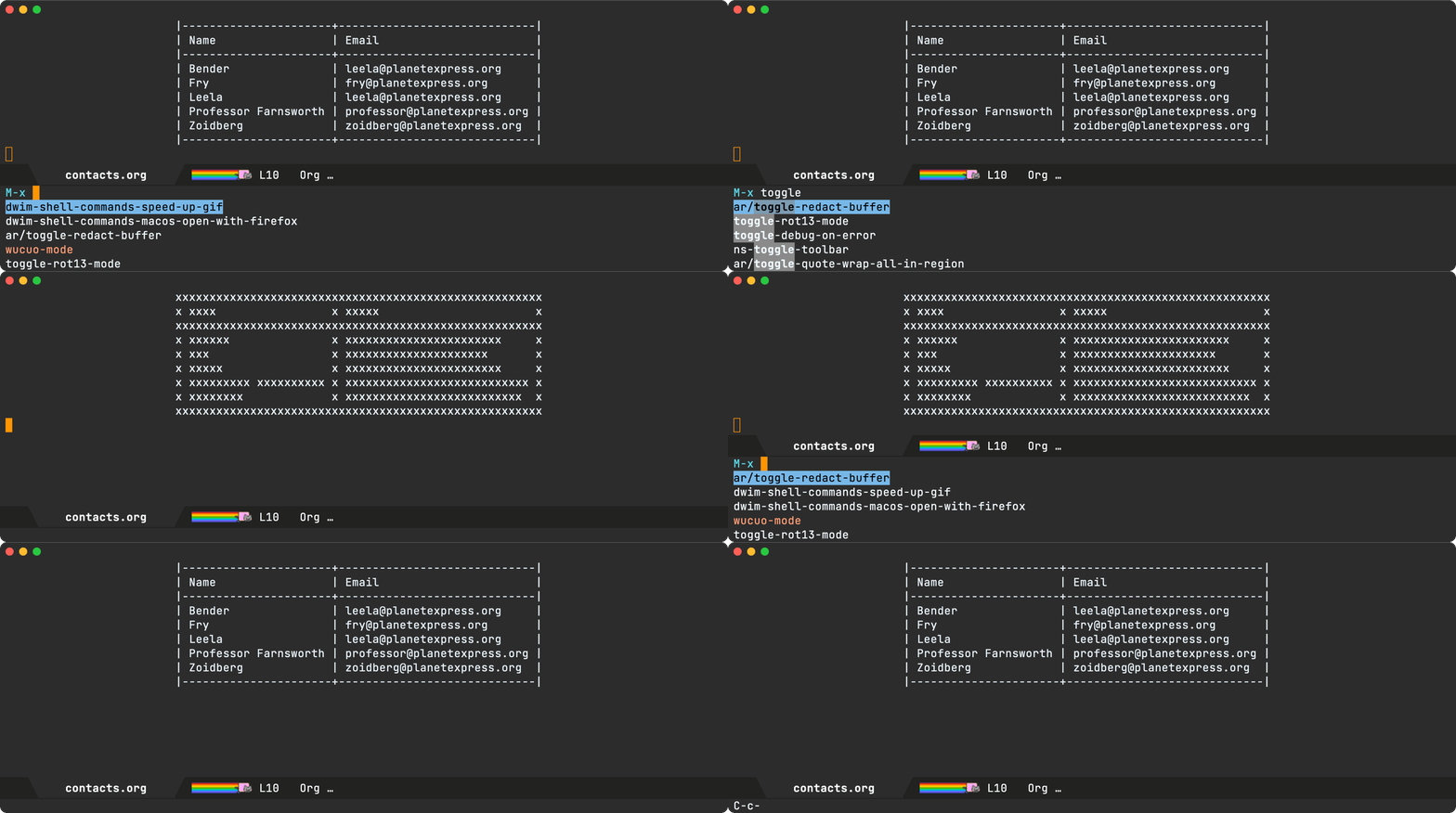
The solution is overlay-based, ensuring the buffer content remains unchanged. The function may have its own rough edges, yet it certainly scratched the itch for the current need. I'll leave ya with the snippet.
(defun ar/toggle-redact-buffer ()
  "Redact buffer content matching regexp. A space redacts all."
  (interactive)
  (let* ((redacted)
         (regexp (string-trim (read-regexp "Redact regexp" 'regexp-history-last)))
         (matches (let ((results '()))
                    (when (string-empty-p regexp)
                      (setq regexp "[[:graph:]]")
                      (setq regexp-history-last regexp)
                      (add-to-history 'regexp-history regexp))
                    (save-excursion
                      (goto-char (point-min))
                      (while (re-search-forward regexp nil t)
                        (push (cons (match-beginning 0) (match-end 0)) results)))
                    (nreverse results))))
    (mapc (lambda (match)
            (dolist (overlay (overlays-in (car match) (cdr match)))
              (setq redacted t)
              (delete-overlay overlay))
            (unless redacted
              (overlay-put (make-overlay (car match) (cdr match))
                           'display (make-string (- (cdr match) (car match)) ?x))))
          matches)))
Kindle offers a neat service where you can email a file to your @kindle.com address and it automatically shows up in your Kindle library.
I already do email from my beloved editor, and like most Emacs things, it's powered by elisp. In other words, it's basically up for grabs if you'd like to glue it to anything else, so I did…
I can now select a region and invoke M-x send-to-kindle-as-txt to send it over to my Kindle.

Soon enough, the note shows up on my Kindle.
Opening the note reveals the same content we had previously selected and sent from our malleable editor.

While it looks kinda magical, it's fairly simple under the hood. It takes the region content, writes it to a txt file, creates an email message buffer attaching the file, and finally sends via message-send-and-exit.
If M-x send-to-kindle-as-txt is invoked with a C-u prefix, you get to inspect the message buffer right before sending via C-c C-c.
Here's the full snippet.
(defcustom send-to-kindle-from-email
  nil
  "Your own email address to send from via mu4e."
  :type 'string
  :group 'send-to-kindle)

(defcustom send-to-kindle-to-email
  nil
  "Your Kindle email address to send pdf to."
  :type 'string
  :group 'send-to-kindle)

(defun send-to-kindle-as-txt (review)
  (interactive "P")
  (unless send-to-kindle-from-email
    (setq send-to-kindle-from-email
          (read-string "From email address: ")))
  (unless send-to-kindle-to-email
    (setq send-to-kindle-to-email
          (read-string "To email address: ")))
  (let* ((content (string-trim (if (region-active-p)
                                   (buffer-substring (region-beginning) (region-end))
                                 (buffer-string))))
         (note-name (let ((name (string-trim (read-string "Note name: "))))
                      (if (string-empty-p name)
                          (nth
                           0 (string-split
                              (substring content 0 (min 40 (length content))) "\n"))
                        name)))
         (path (concat (temporary-file-directory) note-name))
         (txt (concat path ".txt"))
         (buffer (get-buffer-create (generate-new-buffer-name "*Email txt*"))))
    (with-temp-buffer
      (insert content)
      (write-file txt))
    (with-current-buffer buffer
      (erase-buffer)
      ;; Disable hooks
      (let ((message-mode-hook nil))
        (message-mode))
      (insert
       (format
        "From: %s
To: %s
Subject: %s
--text follows this line--
<#multipart type=mixed>
<#part type=\"text/plain\" filename=\"%s\" disposition=attachment>
<#/part>
<#/multipart>"
        send-to-kindle-from-email
        send-to-kindle-to-email
        note-name txt))
      (unless review
        (message-send-and-exit)))
    (when review
      (switch-to-buffer buffer))))
By the way, and I only just learned this today… To take a screenshot on a Kindle Paperwhite, tap on these opposite corners.
- Copy the file URL from browser.
- Drop to Emacs eshell.
- Change current directory.
- Type "curl -o file"
- Paste the file URL.
- Run curl command.
- Type "shasum -a 256 file".
- Run shasum command.
- Copy the generated hash.
- Maybe delete the downloaded file?
We can maybe shave some steps off by downloading directly from the browser, though that may also bring additional clicks and navigating to a download location.
Amongst the steps, shasum is the star player, and its output can be seen below.
shasum -a 256 path/to/downloaded/file
Not a huge deal. One can copy the hash from the output, but why go through multiple small manual steps when I know I can get Emacs to simplify the lot? I've expedited a similar flow in the past when cloning git repos. Let's simplify again so hashing a hosted file boils down to:
- Copy the file URL from browser.
- Run an Emacs interactive command.
This is where I pull out dwim-shell-command (a little package I wrote) and glue the lot to get an expedited experience.
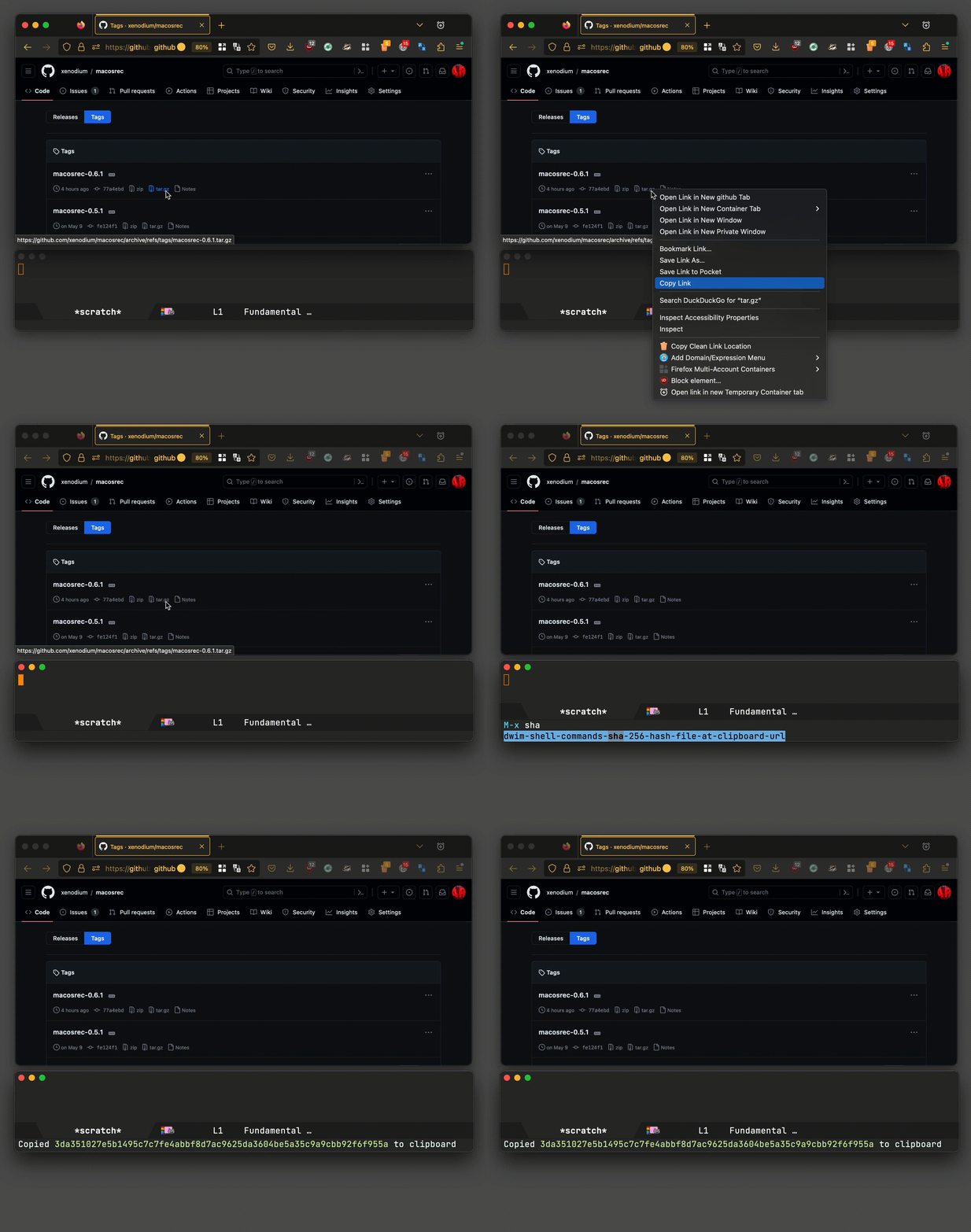
There isn't much to the function other than glueing a little elisp and a shell script via dwim-shell-command for some buffer/error handling.
(defun dwim-shell-commands-sha-256-hash-file-at-clipboard-url ()
  "Download file at clipboard URL and generate SHA-256 hash."
  (interactive)
  (let ((url (current-kill 0)))
    (unless (string-match-p "^http[s]?://" url)
      (user-error "No URL in clipboard"))
    (dwim-shell-command-on-marked-files
     "Generate SHA-256 hash from clipboard URL."
     (format
      "temp_file=$(mktemp)
       function cleanup {
         rm -f $temp_file
       }
       trap cleanup EXIT
       curl --no-progress-meter --location --fail --output $temp_file %s || exit 1
       shasum -a 256 $temp_file | awk '{print $1}'"
      (shell-quote-argument url))
     :utils '("curl" "shasum")
     :on-completion
     (lambda (buffer process)
       (if-let ((success (= (process-exit-status process) 0))
                (hash (with-current-buffer buffer
                        (string-trim (buffer-string)))))
           (progn
             (kill-buffer buffer)
             (kill-new hash)
             (message "Copied %s to clipboard"
                      (propertize hash 'face 'font-lock-string-face)))
         (switch-to-buffer buffer))))))
dwim-shell-commands-sha-256-hash-file-at-clipboard-url is now in dwim-shell-commands.el, the optional counterpart in dwim-shell-command.
UPDATE
There's better way. Thanks to Philip Kaludercic for suggesting curl -s example.com | sha256sum - | cut -d " " -f1 and Sacha Chua who pinged me about it.
Also note I'm now relying on the <<cb>> template, since dwim-shell-command replaces it with the clipboard/kill ring.
(defun dwim-shell-commands-sha-256-hash-file-at-clipboard-url ()
  "Download file at clipboard URL and generate SHA-256 hash."
  (interactive)
  (unless (string-match-p "^http[s]?://" (current-kill 0))
    (user-error "No URL in clipboard"))
  (dwim-shell-command-on-marked-files
   "Generate SHA-256 hash from clipboard URL."
   "curl -s '<<cb>>' | sha256sum - | cut -d ' ' -f1"
   :utils '("curl" "sha256sum")
   :on-completion
   (lambda (buffer process)
     (if-let ((success (= (process-exit-status process) 0))
              (hash (with-current-buffer buffer
                      (string-trim (buffer-string)))))
         (progn
           (kill-buffer buffer)
           (kill-new hash)
           (message "Copied %s to clipboard"
                    (propertize hash 'face 'font-lock-string-face)))
       (switch-to-buffer buffer)))))
Learning to Edebug really "is the right decision for anyone who doesn't know how to Edebug." Why, you may ask? He best puts it as "running into errors is not only a consequence of tinkering with your editor, it is the only road to graduating in Emacs."
For me personally, it earned me that independence to bend Emacs my way. Don't like how something works? Pull up the debugger to help me understand how a package or function works. I've done this countless of times to bend things my way.
Speaking of edebug, I had been meaning to tweak edebug's result display behaviour for quite some time. As you step through code, edbug prints the result of previous expressions to the minibuffer. This works well, but I couldn't help but feel like my eyes were constantly jumping between the code and the minibuffer at the bottom of the window.

I wanted to minimize the eye jumping experience, so I figured I could likely bend things my way and print the result at point. How did I go about it? The same way I often do. Figure out what function is called for a given key binding via describe-key or my favourite replacement helpful-key from helpful.el. This led me to edebug-next-mode in edebug.el. At that point, I could have set a breakpoint in edebug-next-mode and eventually step into the relevant code, but hey we had a better clue. We knew that all output started with "Result:", so we could just search for that string in edebug.el instead. Jackpot! edebug-compute-previous-result and its adjacent edebug-previous-result are just the right functions:
(defun edebug-compute-previous-result (previous-value)
  (if edebug-unwrap-results
      (setq previous-value
            (edebug-unwrap* previous-value)))
  (setq edebug-previous-result
        (concat "Result: "
                (edebug-safe-prin1-to-string previous-value)
                (eval-expression-print-format previous-value))))

(defun edebug-previous-result ()
  "Print the previous result."
  (interactive)
  (message "%s" edebug-previous-result))
We can see that edebug-previous-result invokes message which is responsible for displaying the debugged expression's result in the minibuffer. Modifying this functions behaviour would be enough to achieve inline display, but I also want to remove "Result:" from the displayed message. Neither of these functions offer configurability, so we'll resort to advising both functions. That is, monkey patch them (errm I know… lovely).
(defun adviced:edebug-compute-previous-result (_ &rest r)
  "Adviced `edebug-compute-previous-result'."
  (let ((previous-value (nth 0 r)))
    (if edebug-unwrap-results
        (setq previous-value
              (edebug-unwrap* previous-value)))
    (setq edebug-previous-result
          (edebug-safe-prin1-to-string previous-value))))

(advice-add #'edebug-compute-previous-result
            :around
            #'adviced:edebug-compute-previous-result)
adviced:edebug-compute-previous-result removes "Result:" in addition to dropping (eval-expression-print-format previous-value), which I don't typically rely on.
(require 'eros)

(defun adviced:edebug-previous-result (_ &rest r)
  "Adviced `edebug-previous-result'."
  (eros--make-result-overlay edebug-previous-result
    :where (point)
    :duration eros-eval-result-duration))

(advice-add #'edebug-previous-result
            :around
            #'adviced:edebug-previous-result)
adviced:edebug-previous-result is in charge of display via message, so all we need is some replacement. I initially played with popup-tip and that did the job just fine, but Colin led me to a better path while pointing to Clojure and Common Lisp. This reminded me of eros: Evaluation Result OverlayS for Emacs Lisp, which I already used. Swapping message for eros--make-result-overlay did the trick. Yes, this is a private function, but I can live with that. This code is only an advice-remove away from disabling, but hey look at those inline results!
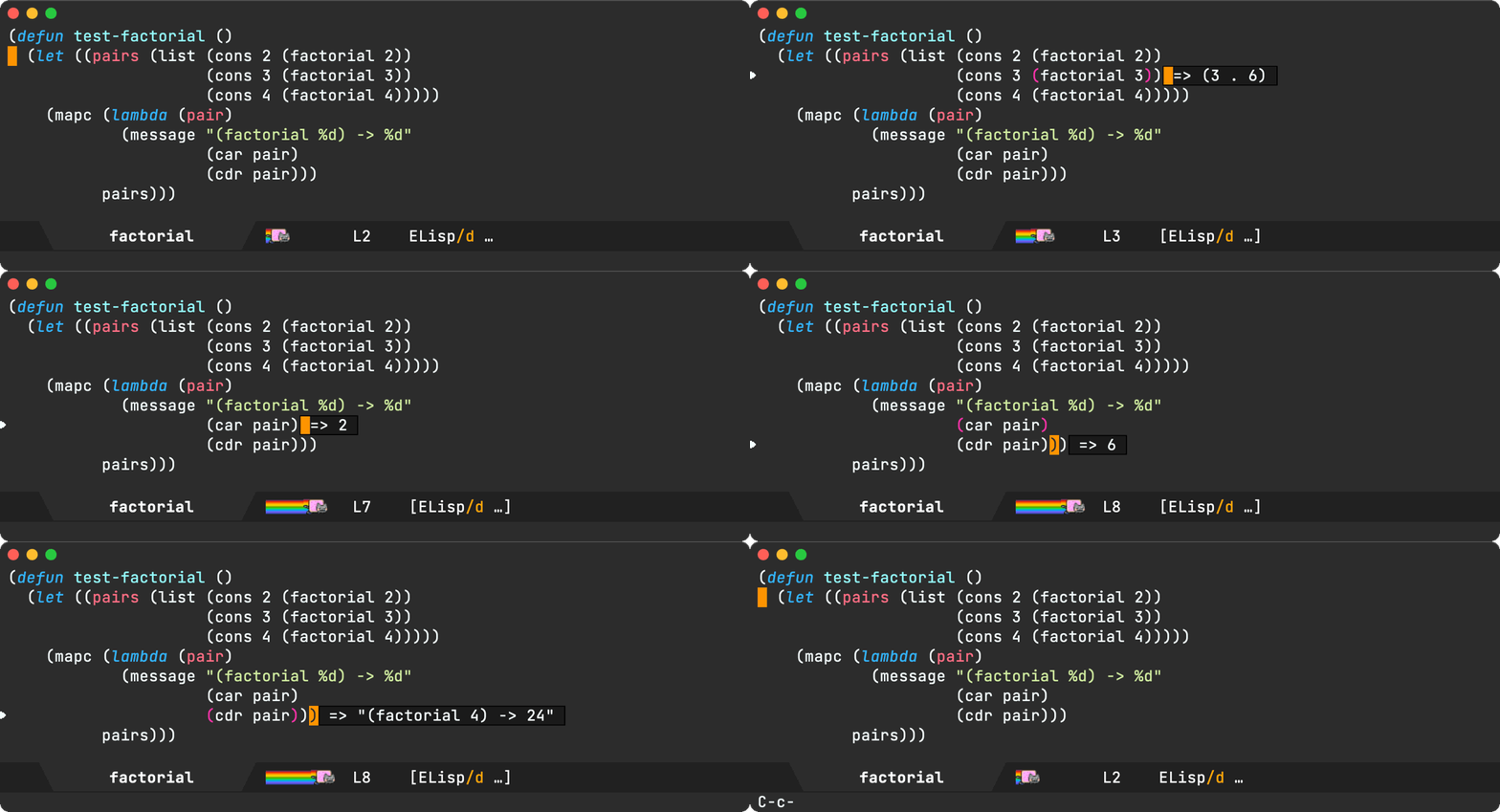
sqlite-mode-extras-compose-and-execute: Compose and execute a query.

sqlite-mode-extras-execute: Execute a query.

sqlite-mode-extras-add-row: Add row to table at point.
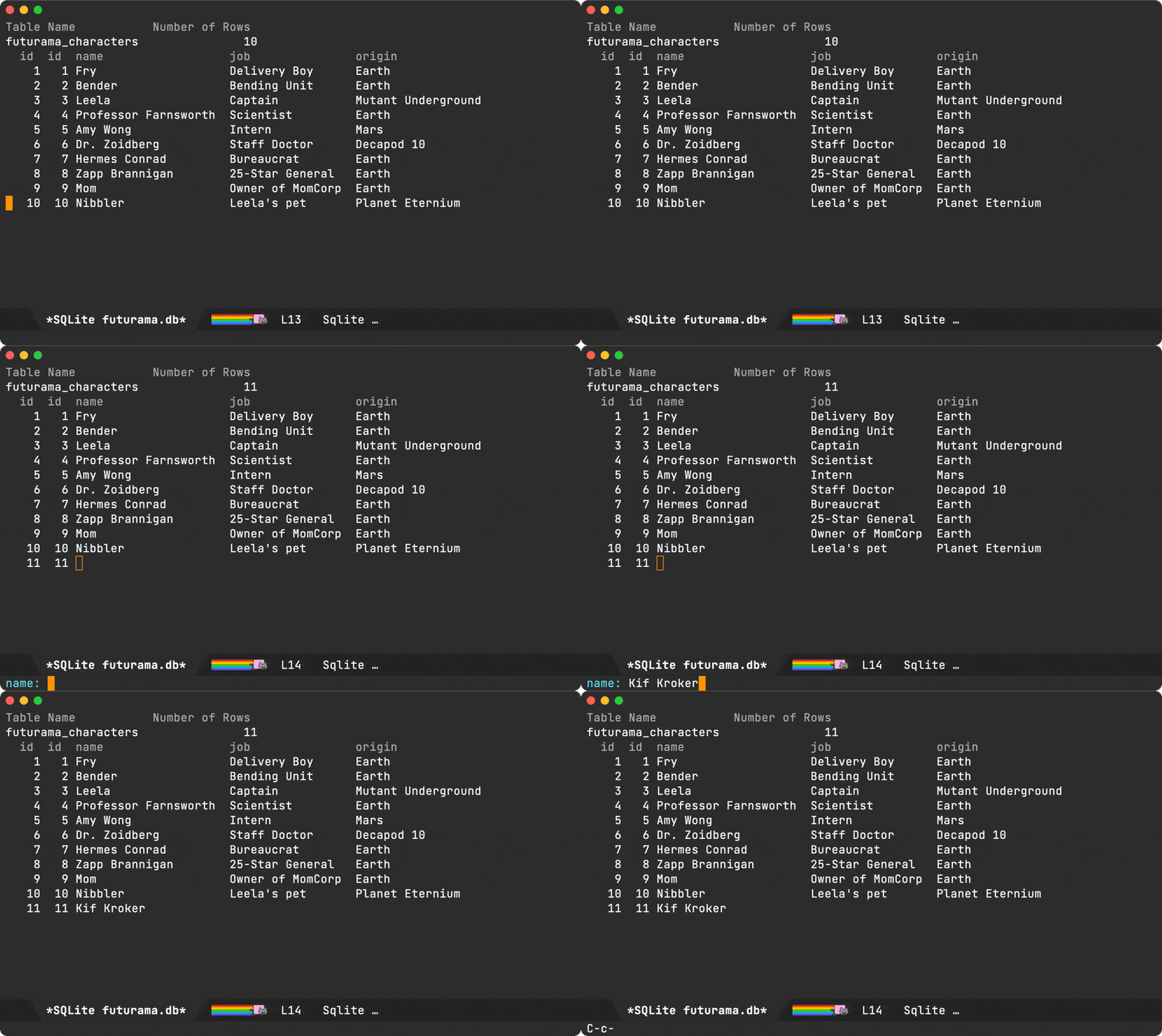
sqlite-mode-extras-delete-row-dwim: Similar tosqlite-mode-deletebut also enables deleting range in region.

sqlite-mode-extras-refresh: Refreshes the buffer re-querying the database.sqlite-mode-extras-ret-dwim: If on table, toggle expansion. If on row, edit it.sqlite-mode-extras-execute-and-display-select-query: Executes a query and displays results.

I've been playing with the following key bindings:
(use-package sqlite-mode-extras
  :bind (:map
         sqlite-mode-map
         ("n" . next-line)
         ("p" . previous-line)
         ("b" . sqlite-mode-extras-backtab-dwim)
         ("f" . sqlite-mode-extras-tab-dwim)
         ("+" . sqlite-mode-extras-add-row)
         ("D" . sqlite-mode-extras-delete-row-dwim)
         ("C" . sqlite-mode-extras-compose-and-execute)
         ("E" . sqlite-mode-extras-execute)
         ("S" . sqlite-mode-extras-execute-and-display-select-query)
         ("DEL" . sqlite-mode-extras-delete-row-dwim)
         ("g" . sqlite-mode-extras-refresh)
         ("<backtab>" . sqlite-mode-extras-backtab-dwim)
         ("<tab>" . sqlite-mode-extras-tab-dwim)
         ("RET" . sqlite-mode-extras-ret-dwim)))
The code lives in sqlite-mode-extras.el under my Emacs config repo. Beware, it's fairly experimental and hasn't been tested thoroughly.
]]>This got me thinking about Apple's Wallet pkpasses. I don't really know much about them. Could I potentially create my own .pkpass? If I could just include the same barcode as in the photo, it should do the job just fine.
Now I should mention, Tesco does have an app on the App Store. If you just want the official Wallet pass on your iPhone, use that. But I was curious about whether or not I could create my own pass.
Turns out I can. I followed Apple's building your first pass which runs you through creating Wallet identifiers/certificates, editing pass.json, and downloading/building signpass (the utility used to sign .pass bundles).
The signpass utility is included in WalletCompanionFiles.zip, which comes with a handful of sample passes.
WalletCompanionFiles
│
├── SamplePasses
│   │
│   ├── BoardingPass.pass
│   ├── Coupon.pass
│   ├── Event.pass
│   ├── Event.pkpass
│   ├── Generic.pass
│   └── StoreCard.pass
│       │
│       ├── pass.json
│       └── ...
└── signpass
Being a rewards card, I opted to look into StoreCard.pass, but like all other passes, the barcode itself is what makes each pass scannable. The barcode details are specified in the bundles's pass.json file. I needed to figure out the relevant values describing the Tesco barcode.
"barcode": {
  "format": "???",
  "message": "???",
  "messageEncoding": "???"
}
I had no clue what values I should use for a Tesco Clubcard. I did, however, have a photo of the barcode I needed. This is in fact what prompted looking into scanning barcodes from Emacs, which worked just great. It gave me all the crucial bits for the Clubcard.
"barcode": {
  "format": "PKBarcodeFormatCode128",
  "message": "1234567890123456",  // not my actual Clubcard number of course.
  "messageEncoding": "iso-8859-1"
}
That's all that's needed for the barcode section, the most useful part of the pass. We're not done though. We also need our registered Wallet identifiers, so the signpass utility can sign.
"passTypeIdentifier": "my.com.identifier.passmaker", // also not my actual one.
"teamIdentifier": "AAABBBCCCD", // nor this one.
We should be able to sign the pass with the following:
signpass -p StoreCard.pass
We're technically done. We now have a working card, but it looks just like the sample store card included in WalletCompanionFiles.

What's the fun in that? Now that I can make my own Clubcard, let's customize it!
For imagery, I replaced a couple of images in the .pass bundle:
StoreCard.pass
│
├── pass.json
├── icon.png
├── logo.png // replaced
└── strip.png // replaced
I replaced logo.png using a Tesco logo I found on Wikipedia. I had initially removed strip.png, but that made the card feel a little empty. I was thinking of using a Tesco carrier bag to bulk the space up. While I didn't find a suitable bag image, I did land on "Very Little Helps, 2008". Using my limited GIMP skills, I cropped one of the images and also replaced strip.png.

The remaining customizations took place in pass.json and should be fairly self-explanatory. There's the text shown in all labels as well as three customizable colours (background, label, and foreground).
{
  "formatVersion": 1,
  "passTypeIdentifier": "my.com.identifier.passmaker", // also not my actual one.
  "teamIdentifier": "AAABBBCCCD", // nor this one.
  "serialNumber": "AnySerialNumberYouWant",
  "barcode": {
    "format": "PKBarcodeFormatCode128",
    "message": "1234567890123456",
    "messageEncoding": "iso-8859-1"
  },
  "organizationName": "Not Tesco of course",
  "description": "Not a Tesco reqards card",
  "logoText": "Clubcard",
  "foregroundColor": "rgb(255, 255, 255)",
  "labelColor": "rgb(255, 255, 255)",
  "backgroundColor": "rgb(2, 81, 158)", // Blue for that Tesco look
  "storeCard": {
    "auxiliaryFields": [
      {
        "key": "membership",
        "label": "Member since 2023",
        "value": ""
      },
      {
        "key": "membership2",
        "label": "Expires sometime",
        "value": ""
      }
    ]
  }
}
…and with all that, here's what my very own custom Tesco Clubcard pkpass looks like. As you can appreciate, my image-editing skills aren't all that great, but hey this will do for now.

Update
Redditor u/stupergenius suggested using the image's original background color. Nice suggestion. Tweaked via pass.json:
"foregroundColor": "rgb(2, 81, 158)",
"labelColor": "rgb(15, 58, 105)",
"backgroundColor": "rgb(166, 202, 214)",

Out of the box, it supports the following browsing features:
sqlite-mode-list-data: List the data from the table under point.sqlite-mode-list-column: List the columns of the table under point.sqlite-mode-list-tables: Re-list the tables from the currently selected database.
On the editing side of things it supports row deletion:
sqlite-mode-delete: Delete the row under point.
While fairly spartan, it lays foundations for additional tools and features.
Two features I would like to have:
- TAB navigation across table rows and columns.
- Updating the row's field at point.
This would give me the familiar behaviour I'm used to in my org tables as well as other common spreadsheet tools.
Luckily, this is Emacs, so we can bend it our way… and I sure did!
Here's tab navigating forward:

Here's tab navigating backward:
And updating row fields:

Most of the navigation is achieved by querying the current buffer to figure out column positions. Editing was in some ways easier, as I looked at sqlite-mode-delete to figure out how it handled the query.
To get the more familiar navigation behaviour, I've adjusted my key bindings as follows:
(use-package sqlite-mode-extras
  :bind (:map
         sqlite-mode-map
         ("n" . next-line)
         ("p" . previous-line)
         ("<backtab>" . sqlite-mode-extras-backtab-dwim)
         ("<tab>" . sqlite-mode-extras-tab-dwim)
         ("RET" . sqlite-mode-extras-ret-dwim)))
The code for sqlite-mode-extras-tab-dwim, sqlite-mode-extras-backtab-dwim, and sqlite-mode-extras-ret-dwim is little rough still (hacky even), but hey still fun.
For now, the code lives in sqlite-mode-extras.el under my Emacs config repo. Improvements/fixes totally welcome!
]]>Now every so often, I need to take a quick peek at an sqlite3 table. Emacs 29.1 ships sqlite-mode, which can help with that. Use sqlite-mode-open-file to open a database.
Pressing RET on a table shows its content via sqlite-mode-list-data. DEL does as you'd expect and delete a row via sqlite-mode-delete.
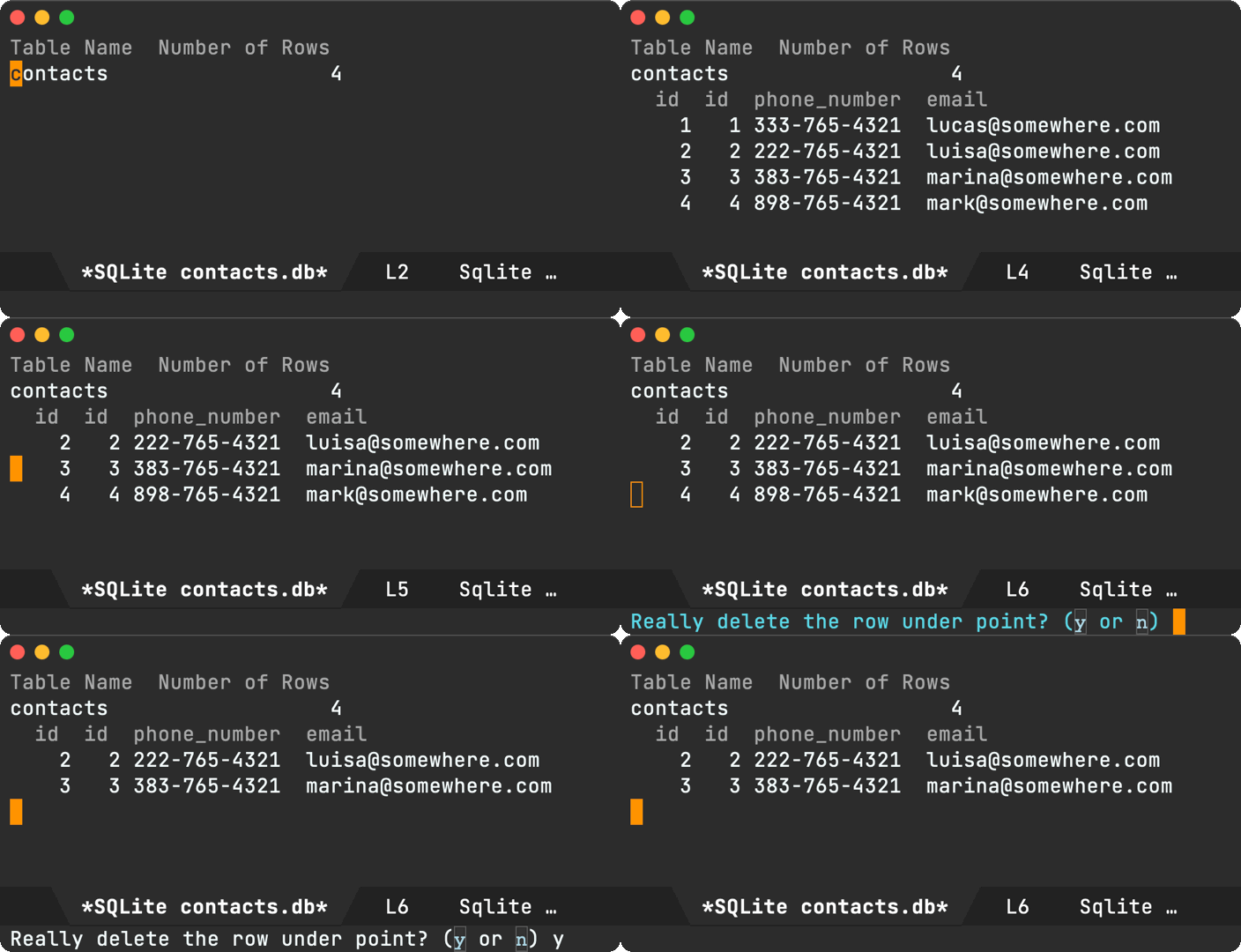
This time around, I needed the opposite: to scan a code from an image file. This is where zbar's zbarimg comes in. These days, I'm mostly on macOS, so I installed via Homebrew:
$ brew install zbar
There's really nothing to the command. You feed it an image, and it outputs the scanned details. Perfect.
$ zbarimg path/to/code-128.png
CODE-128:hello world
scanned 1 barcode symbols from 1 images in 0.02 seconds
The only challenge is my brain. I probably won't remember the name of this wonderful tool next time I need it, so I'll just add it to my dwim-shell-commands.el arsenal with a memorable name:
(defun dwim-shell-commands-image-scan-code ()
  "Scan any code from image(s)."
  (interactive)
  (dwim-shell-command-on-marked-files
   "Scan code"
   "zbarimg '<<f>>'"
   :utils "zbarimg"))
In the future, rather than reaching out to zbarimg directly, I'll use my trusty fuzzy search and… voilà!

Because dwim-shell-command operates on either dired files or current file, we can also apply our new function when viewing the QR code itself.
dwim-shell-commands-image-scan-code is now pushed to dwim-shell-commands.el, the optional package in dwim-shell-command.
I'm giving JavaScript another try, but this time with an Emacs chatgpt-shell standing by. Reentering the JavaScript world as a noob, I often know what I want to enable, but I'm unfamiliar with which project knobs to turn to set things up.
While I may want to dig deeper into things in the future, at present I just want to dabble with JavaScript. I want a local project set up as quickly as possible. ChatGPT has been pretty handy at that. The Emacs ChatGPT shell and its minibuffer prompts work fairly well for my needs, yet I often found myself wishing it could behave more like a magit commit buffer. That is, launch a dedicated buffer (not the shell itself), ask the question, maybe paste some snippets, and send it on its way with that oh so familiar and satisfying C-c C-c binding (sending mail also says hello).
This is where M-x chatgpt-shell-prompt-compose comes in. It's a mash between the ChatGPT shell and a magit commit buffer:
In the background, the buffer is still powered by the shell itself, so you can reuse it to ask clarifying questions.

A couple of additional features worth mentioning… Invoking chatgpt-shell-prompt-compose with an active region automatically copies the region content over to the compose buffer. This is handy if you'd like to create more elaborate prompts with further editing. So far, this feels more natural than editing text from the shell or the minibuffer, where RET doesn't insert new lines.
The compose buffer is powered by a background shell (storing history for us). Typing clear followed by C-c C-c clears the background shell history.
chatgpt-shell-prompt-compose is available in chatgpt-shell v0.72.1. I've so far bound it to C-c C-e, though I've already found some unfortunate clashes.
Luckily, we also have the built-in Emacs psychotherapist we can chat to, courtesy of M-x doctor. It's powered by elisp, and like all Emacs things, it's basically up for grabs. What I mean is, elisp implements many of these features, but also glues the lot for you. Once you learn a little elisp, you can build new Emacs features but also glue others for that magical compound effect.

A little while ago, I wanted to give ChatGPT a try, preferably from Emacs (of course). I figured a shell interface would be a great fit for the interaction. Emacs already shipped with a general command interpreter (comint), so I cobbled together a ChatGPT Emacs shell.

So where am I going with all this? The fine netizens r/emaphis and salgernon both planted a great seed:
- "Now for extra-credit, add the ability for Alt-X doctor to psychoanalyze Chat-GPT".
- "So how about a quick M-x psychoanalyze-chatgpt?"
I haven't forgotten about you. Let's take chatgpt-shell, M-x doctor, our versatile elisp glue, and let's make them talk:

There isn't too much to the code, but beware:
- If you want to run it, you'll need chatgpt-shell installed and set up.
- This was a quick fun hack. No code judging ;)
The snippet is further down… Start with chatgpt-shell-visit-doctor as the entry point, setting things up for us. It creates both the *chatgpt* and *doctor* buffers and arranges the windows next to each other.
We also set a ChatGPT system prompt to guide things a little:
"Pretend to be an overwhelmed Emacs user who is obsessed with configuring their init.el file. You are in a session talking to a psychotherapist. Limit your output to no more than 20 words. In the course of 5 exchanges between you and the therapist, show improvements. On the 8th exchange after therapist speaks, declare you are cured and only output 'Thank you doc, I think I'm cured!'"
ChatGPT and Emacs doctor can go on and on, so we limit ChatGPT responses to 20 words per response and 8 exchanges. We don't want the session to abruptly end without a resolution, so we'll use Thank you doc, I think I'm cured! as our key phrase to end the session.
We register chatgpt-shell--on-chatgpt-patient-response as a hook to receive ChatGPT output, which we feed to the *doctor* buffer. We subsequently get a doctor response that's fed back to ChatGPT via chatgpt-shell--insert-doc-response.
We add some additional freebies like binding Ctrl-c Ctrl-c to chatgpt-shell-leave-doctor, so we can bail out of the exchange from the *chatgpt* buffer.
We also introduced chatgpt-shell--insert-delayed-text as a replacement for insert to slow things down a little. For visual effects, really.
(require 'chatgpt-shell)

(defun chatgpt-shell-visit-doctor ()
  (interactive)
  (setq chatgpt-shell--doctor-in-session t)
  (when (get-buffer "*doctor*")
    (kill-buffer "*doctor*"))
  (delete-other-windows)
  (split-window-horizontally)
  (other-window 1)
  (doctor)
  (visual-line-mode 1)
  (when (fboundp 'accent-menu-mode)
    (accent-menu-mode -1))
  (mapc
   (lambda (shell-buffer)
     (kill-buffer shell-buffer))
   (chatgpt-shell--shell-buffers))
  (other-window 1)
  (setq chatgpt-shell-system-prompts
        '(("Doc" . "Pretend to be an overwhelmed Emacs user who is obsessed with configuring their init.el file. You are in a session talking to a psychotherapist. Limit your output to no more than 20 words. In the course of 5 exchanges between you and the therapist, show improvements. On the 8th exchange after therapist speaks, declare you are cured and only output \"Thank you doc, I think I'm cured!\".")))
  (setq chatgpt-shell-system-prompts nil)
  (setq chatgpt-shell-system-prompt nil)
  (with-current-buffer (chatgpt-shell)
    (define-key chatgpt-shell-mode-map (kbd "C-c C-c")
      'chatgpt-shell-leave-doctor)
    (shell-maker-set-buffer-name (current-buffer)
                                 "*chatgpt*"))
  (chatgpt-shell--insert-doc-response))

(defun chatgpt-shell--doc-conversation ()
  (let ((convo (with-current-buffer "*doctor*"
                 (split-string (buffer-string) "\n\n"))))
    (seq-remove
     (lambda (item)
       (string-empty-p (string-trim item)))
     (append
      ;; Replace first doc line, so it drops "Each time you are finished talking, type RET twice."
      (list "I am the psychotherapist.  Please, describe your problems.")
      (mapcar
       (lambda (item)
         (replace-regexp-in-string "\n" " " item))
       (cdr convo))))))

(defun chatgpt-shell--doc-response ()
  (let* ((conversation (chatgpt-shell--doc-conversation))
         (length (seq-length conversation))
         (doc-response (nth (1- length) conversation)))
    doc-response))

(defun chatgpt-shell--insert-doc-response ()
  (with-current-buffer "*chatgpt*"
    (goto-char (point-max))
    (chatgpt-shell--insert-delayed-text (chatgpt-shell--doc-response))
    (call-interactively 'shell-maker-submit)))

(defun chatgpt-shell--insert-delayed-text (text)
  "Insert TEXT into the current buffer, with a delay between each character."
  (dolist (char (string-to-list text))
    (insert char)
    (sit-for 0.009)))

(defun chatgpt-shell--on-chatgpt-patient-response (command output)
  (if (and chatgpt-shell--doctor-in-session
           (not (string-match-p (regexp-quote "I'm cured") output)))
      (progn
        (with-current-buffer "*chatgpt*"
          (goto-char (point-max)))
        (with-selected-window (get-buffer-window "*doctor*")
          (goto-char (point-max))
          (chatgpt-shell--insert-delayed-text output)
          (call-interactively 'doctor-ret-or-read)
          (chatgpt-shell--insert-doc-response)))
    (message "Bye Bye")))

(defun chatgpt-shell-leave-doctor ()
  (interactive)
  (setq chatgpt-shell--doctor-in-session nil)
  (call-interactively 'chatgpt-shell-ctrl-c-ctrl-c))

(add-hook 'chatgpt-shell-after-command-functions
          #'chatgpt-shell--on-chatgpt-patient-response)

(global-set-key (kbd "M-q") #'chatgpt-shell-visit-doctor)
Ok, enough already. Let's see it in action.

If you'd like to take a closer look for analysis, here's the official transcript of this fruitful session:
I am the psychotherapist. Please, describe your problems. Each time you are finished talking, type RET twice.
I spend hours tweaking my Emacs config, but it's never perfect. I'm overwhelmed and obsessed with customization.
Is it because it's not ever perfect you are overwhelmed and obsessed with customization that you came to me?
Yes, I can't stop myself from constantly trying to tweak and improve my Emacs configuration. It's consuming me.
Emacs? Hah! I would appreciate it if you would continue.
Sorry about that. Yes, I came to you because I'm overwhelmed by my obsession with customizing my Emacs configuration.
Does it bother you that you are overwhelmed by your obsession with customizing your emacs configuration?
Absolutely! I feel trapped in an endless cycle of tweaking and configuring, unable to achieve satisfaction.
Why do you say that?
I constantly seek perfection in my Emacs config, but it's an unattainable goal that leaves me exhausted and frustrated.
When did you first know that it's an unattainable goal that leaves you exhausted and frustrated?
I've realized it recently after spending countless hours trying to perfect my Emacs configuration without any lasting satisfaction.
Are you sure?
Thanks you doc, I think I'm cured.
While we can work exclusively with the *doctor* buffer making requests directly to the ChatGPT API, where's the fun in that? Getting the buffers to talk to each other enables us to marvel at both the beauty and absurdity of being able to glue anything together in our lovely Emacs world.
Happy Emacsing!
]]>Like this project? Consider ✨sponsoring✨.
Multi-session support
You can run multiple shell instances independently configured to use different versions or system prompts.
This was biggest recent change. Please report issues.
Display system prompt and version
The current shell's version and system prompt are now displayed more prominently in both the shell prompt and buffer name.
With multi-session support, displaying shell details in the buffer name becomes more important as it makes it easier to find shells across your buffer list.
Rename shell buffers
While buffer names are now automatically derived, one can also use chatgpt-shell-rename-buffer to use custom buffer names.
ob-chatgpt-shell improvements
Use :temperature to specify the temperature.
Use :context CONTEXT-NAME to pick and choose which source blocks to aggregate as context. Thank you Thomas Moulia.
Use :preflight t to debug ob-chatgpt-shell execution.
chatgpt-shell-write-git-commit
Adds chatgpt-shell-write-git-commit, so you can generate commit messages using the current region. Thank you Simon Judd.
Approximate context length
chatgpt-shell now uses chatgpt-shell--approximate-context-length to approximate the context size and discard history if necessary. This is pretty experimental but seems to work well enough. It's enabled by default to get some feedback. Please file bugs if needed or send PRs to improve.
S-<return> for multiline input
In addition to C-J to insert multi-line input, S-<return> is also supported. Thank you shouya for the submission.
Welcome message
A welcome message now makes the help much more discoverable for new or sporadic users. Thank you shouya for the suggestion.
Help me
While the README documents the shells and Emacs is self-documenting, we now have a help command to make things a little more discoverable.
Hello chatgpt-shell-mode and dall-e-shell-mode
Both chatgpt-shell and dall-e-shell are both based on shell-maker and until recently both shared shell-maker-mode as their major mode. This didn't play well with yasnippet. Both shells now enable independent major modes: chatgpt-shell-mode and dall-e-shell-mode. Thank you Daniel Liden for the proposal.
Saving transcript customizations
Make transcript saving more customizable via shell-maker-transcript-default-path and shell-maker-transcript-default-filename. Thank you gnusupport.
New ChatGPT model versions
New OpenAI model versions were recently released and added to chatgpt-shell: gpt-3.5-turbo-0613 and gpt-4-0613. Thanks you Norio Suzuki.
Load awesome prompts
M-x chatgpt-shell-load-awesome-prompts to download and import curated prompts from awesome-chatgpt-prompts. Thank you Daniel Gomez.
ob-async
We had reports that ob-chatgpt-shell didn't play nice with ob-async. Thank you William Medrano for the solution.
Configurable prompts
Functions like chatgpt-shell-describe-code ask ChatGPT to describe the code in region. These functions used hardcoded English prompts. These are now configurable, so users can tweak or translate if preferred. Thank you Norio Suzuki.
chatgpt-shell-prompt-header-describe-codechatgpt-shell-prompt-header-refactor-codechatgpt-shell-prompt-header-generate-unit-testchatgpt-shell-prompt-header-proofread-regionchatgpt-shell-prompt-header-whats-wrong-with-last-commandchatgpt-shell-prompt-header-eshell-summarize-last-command-output
Similarly, James' recommendation to bind his file-duplicating command to C-c d [^1] sent a signal to my brain triggering Bozhidar Batsov's crux-duplicate-current-line-or-region.
crux-duplicate-current-line-or-region is part of a "collection of Ridiculously useful extensions for Emacs" (yeah that's crux). The command itself does what it says on the tin.
Let's duplicate the current line.
Now let's duplicate the current region.
Since I already have a well-internalized key-binding duplicating lines/regions in text buffers, I could extend a similar behaviour to dired files with almost zero adoption effort.
In case you haven't noticed, I've made it a part-time job to make command line utilities easily accessible from Emacs (1 2 3 4 5 6 7 8 9 10 11 12 13 14 15 16 17 18 19 20 21) via dwim-shell-command. Partly because it's fairly quick and partly 'cause it's fun.
Jame's post gave me yet another opportunity to exercise my errrm part-time job. This time, duplicating files. All I need is the cp utility and a template:
cp -R '<<f>>' '<<f(u)>>'
I seldom type these template's myself when I want to execute a command (via M-x dwim-shell-command). I typically wrap these templates in interactive commands, making them easily accessible via M-x and your favorite completion framework. I happen to use ivy.
(require 'dwim-shell-command)

(defun dwim-shell-commands-duplicate ()
  "Duplicate file(s)."
  (interactive)
  (dwim-shell-command-on-marked-files
   "Duplicate file(s)."
   "cp -R '<<f>>' '<<f(u)>>'"
   :utils "cp"))
There's nothing much to the command. Most logic is handled by the template, replacing <<f>> with the current file and <<f(u)>> with a uniquified version of it. Having said this, there's a bunch of free DWIM love that kicks in, courtesy of the dwim-shell-command package by yours truly. Let's give our new dwim-shell-commands-duplicate command a spin.
Like crux-duplicate-current-line-or-region duplicates the current line, our new command duplicates the current dired file.
Got multiple files to duplicate? Like crux-duplicate-current-line-or-region, we can use the region for a similar purpose.
While we have been using the region to duplicate adjacent files, we can also mark specific files.
Our cp -R '<<f>>' '<<f(u)>>' template uses the -R (recursive) flag, so we get another freebie. In addition to files, we can also duplicate directories.

Lastly, because we're on a DWIM train, if your current buffer happens to be visiting a file, you can M-x dwim-shell-commands-duplicate the current file to duplicate it. You're automatically dropped to a dired buffer, with point on the new file (à la dired-jump).

While duplicating files using a template was a mere cp -R '<<f>>' '<<f(u)>>' away, we get a bunch of free DWIM magic applied to a handful of use-cases and contexts. What made the file-duplicating use-case extra special is that it maps almost exactly to an equivalent text command. Keep the same key bindings and we almost get a "free feature".
(use-package crux
  :ensure t
  :commands crux-open-with
  :bind
  (("C-c d" . crux-duplicate-current-line-or-region)))

(use-package dwim-shell-command
  :ensure t
  :bind (:map dired-mode-map
              ("C-c d" . dwim-shell-commands-duplicate))
  :config
  ;; Loads all my own dwim shell commands
  ;; (including `dwim-shell-commands-duplicate')
  (require 'dwim-shell-commands))
You can find my ever-growing list of similar commands over at dwim-shell-commands.el (the optional part of the package). Got some nifty usages? Would love to check 'em out. Get in touch.
Like this or other content? ✨Sponsor✨ via GitHub Sponsors.
Update
If you're keen on a regex-based approach, u/arthurno1 offers a great built-in alternative: dired-do-copy-regexp (bound to % C).
convert image1.jpg image2.jpg image3.jpg +append joined.jpg
Great, now I know, but I'll rarely use it and will soon forget it. I may as well add it to my repository of DWIM command line utilities, wrapped in a convenient Emacs function, applicable from different contexts… know what I mean? 🙃
I built dwim-shell-command for this purpose. You can take the above command and easily turn it into an interactive Emacs command with something like the following:
(require 'dwim-shell-command)

(defun dwim-shell-commands-join-images-horizontally ()
  "Join all marked images horizontally as a single image."
  (interactive)
  (dwim-shell-command-on-marked-files
   "Join images horizontally"
   "convert -verbose '<<*>>' +append 'joined.jpg'"
   :utils "convert"))
You can select as many images as you'd like from the comfort of your dired and make the ImageMagick happen.

The snippet does the job just fine, but we can make it smarter. For starters, let's not hardcode the output filename. We'll ask the user instead. While we're asking, let's offer a default filename, but let's not assume the output extension is .jpg. Let's guess based on the image selection. While we're at it, let's not override the output file if already exists. Uniquify it.
Most of the above can be achieved by either using dwim-shell-command helpers or its templating language. For example, <<joined.png(u)>> ensures that if joined.png already exists, it automatically generates joined(1).png instead.
(require 'dwim-shell-command)

(defun dwim-shell-commands-join-images-horizontally ()
  "Join all marked images horizontally as a single image."
  (interactive)
  (let ((filename (format "joined.%s"
                          (or (seq-first (dwim-shell-command--file-extensions)) "png"))))
    (dwim-shell-command-on-marked-files
     "Join images horizontally"
     (format "convert -verbose '<<*>>' +append '<<%s(u)>>'"
             (dwim-shell-command-read-file-name
              (format "Join as image named (default \"%s\"): " filename)
              :default filename))
     :utils "convert")))
Here's the new horizontal command in action…

Notice how this time we didn't mark the images using dired-mark, typically bound to m. Instead, we made our selection using the region. Also, if you haven't gotten your junk food fix yet, here's the fries equivalent ;)

We'll rinse all and repeat to get the vertical command equivalent. I know, I know, there's fair amount of duplication but c'est la vie.
(require 'dwim-shell-command)

(defun dwim-shell-commands-join-images-vertically ()
  "Join all marked images vertically as a single image."
  (interactive)
  (let ((filename (format "joined.%s"
                          (or (seq-first (dwim-shell-command--file-extensions)) "png"))))
    (dwim-shell-command-on-marked-files
     "Join images vertically"
     (format "convert -verbose '<<*>>' -append '<<%s(u)>>'"
             (dwim-shell-command-read-file-name
              (format "Join as image named (default \"%s\"): " filename)
              :default filename))
     :utils "convert")))
…and for our grand finale, we'll vertically join our burgers and fries. Behold!

These commands are now part of dwim-shell-command. To get them, load the optional commands via (require 'dwim-shell-commands).
The idea is simple. Add a placeholder like <<other-block>> to an org babel source block, and it will be automatically replaced (verbatim) with the content (or result) of referred block before execution. You'll also need the :noweb yes header argument.
#+NAME: other-block
#+begin_src swift
  print("Hello 0")
#+end_src

#+RESULTS: other-block
: Hello 0

#+BEGIN_SRC swift :noweb yes
  <<other-block>>
  print("Hello 1")
#+END_SRC

#+RESULTS:
: Hello 0
: Hello 1
Since <<other-block>> is replaced with the content of said block, at execution time, the block is effectively equivalent to executing:
print("Hello 0")
print("Hello 1")
Why is this so versatile? Org babel can include/execute all sorts of languages, so you can mix and match the result from one language and massage it to appear as the body of another block using the same (or different) language.
I was recently asked how to include the result from one babel block in another using ob-chatgpt-shell. While the initial question was looking for a solution involving variables, we can use noweb to achieve a similar goal.
Note that in this case, I'll be using <<hello()>>, with (), to refer to #+RESULTS: rather than the source block itself.
#+NAME: hello
#+BEGIN_SRC chatgpt-shell
Say hello in spanish
#+END_SRC

#+RESULTS: hello
Hola

#+BEGIN_SRC chatgpt-shell :noweb yes
<<hello()>>
What does the previous line say verbatim?
#+END_SRC
Executing the block
<<hello()>>
What does the previous line say verbatim?
Gives us
#+RESULTS:
The previous line says "Hola".
On a similar note, I was asked if the results from a previous source block could be fed to a Swift Chart block using ob-swiftui.
While I'm new to Swift Charts, I do love glueing things via Emacs lisp. I figured I could write a little elisp to generate random data and feed it to a SwiftUI block via <<data()>>. The result is pretty neat, based on Apple's LineMark example.
#+NAME: data
#+begin_src emacs-lisp :lexical no
  (concat (mapconcat (lambda (n)
                       (format "MonthlyHoursOfSunshine(city: \"Seattle\", month: %d, hoursOfSunshine: %d),"
                               n (random 100)))
                     (number-sequence 1 20) "\n")
          "\n"
          (mapconcat (lambda (n)
                       (format "MonthlyHoursOfSunshine(city: \"Cupertino\", month: %d, hoursOfSunshine: %d),"
                               n (random 100)))
                     (number-sequence 1 20) "\n"))
#+end_src

#+begin_src swiftui :results file :noweb yes
  import Charts

  struct MonthlyHoursOfSunshine: Identifiable {
    var city: String
    var date: Date
    var hoursOfSunshine: Double
    var id = UUID()

    init(city: String, month: Int, hoursOfSunshine: Double) {
      let calendar = Calendar.autoupdatingCurrent
      self.city = city
      self.date = calendar.date(from: DateComponents(year: 2020, month: month))!
      self.hoursOfSunshine = hoursOfSunshine
    }
  }

  struct ContentView: View {
    var data: [MonthlyHoursOfSunshine] = [
<<data()>>
    ]
    var body: some View {
      Chart(data) {
        LineMark(
          x: .value("Month", $0.date),
          y: .value("Hours of Sunshine", $0.hoursOfSunshine)
        )
        .foregroundStyle(by: .value("City", $0.city))
      }
      .frame(minWidth: 800, minHeight: 300)
      .padding()
      .colorScheme(.dark)
    }
  }
#+end_src
While I've shown fairly basic usages of noweb, we can accomplish some nifty integrations. Check out the noweb reference syntax for more examples and additional header arguments like tangle, strip-tangle, and others.
emacs-lisp-mode as an example. To customize its behaviour, one may add a hook function to emacs-lisp-mode-hook, or if you're a little lazy while experimenting, you may even use a lambda.
(add-hook 'emacs-lisp-mode-hook
          #'my/emacs-lisp-mode-config)

(add-hook 'emacs-lisp-mode-hook
          (lambda ()
            (message "I woz ere")))
emacs-lisp-mode-hook's content would subsequently look as follows:
'(my/emacs-lisp-mode-config
  (lambda nil
    (message "I woz ere"))
  ert--activate-font-lock-keywords
  easy-escape-minor-mode
  lisp-extra-font-lock-global-mode)
Maybe my/emacs-lisp-mode-config didn't work out for us and we'd like to remove it. We can use remove-hook for that and evaluate something like:
(remove-hook 'emacs-lisp-mode-hook #'my/emacs-lisp-mode-config)
The lambda can be removed too, but you ought to be careful in using the same lambda body.
(remove-hook 'emacs-lisp-mode-hook
             (lambda ()
               (message "I woz tere")))
There are other ways to remove the lambdas, but we're digressing here… We typically have to write these throwaway snippets to undo our experiments. What if we just had a handy helper always available to remove items from sequences (edit: we do, remove-hook is already interactive, see Update 2 below)? After all, hooks are just lists (sequences).
While the interactive command can likely be simplified further, I tried to optimize for ergonomic usage. For example, completing-read gives us a way narrow down whichever variable we'd like to modify as well as the item we'd like to remove. seqp is also handy, as we filter out noise by automatically removing any variable that's not a sequence.
(defun ar/remove-from-list-variable ()
  (interactive)
  (let* ((var (intern
               (completing-read "From variable: "
                                (let (symbols)
                                  (mapatoms
                                   (lambda (sym)
                                     (when (and (boundp sym)
                                                (seqp (symbol-value sym)))
                                       (push sym symbols))))
                                  symbols) nil t)))
         (values (mapcar (lambda (item)
                           (setq item (prin1-to-string item))
                           (concat (truncate-string-to-width
                                    (nth 0 (split-string item "\n"))
                                    (window-body-width))
                                   (propertize item 'invisible t)))
                         (symbol-value var)))
         (index (progn
                  (when (seq-empty-p values) (error "Already empty"))
                  (seq-position values (completing-read "Delete: " values nil t)))))
    (unless index (error "Eeek. Something's up."))
    (set var (append (seq-take (symbol-value var) index)
                     (seq-drop (symbol-value var) (1+ index))))
    (message "Deleted: %s" (truncate-string-to-width
                            (seq-elt values index)
                            (- (window-body-width) 9)))))
Hooks are just an example of lists we can delete from. I recently used the same command on display-buffer-alist.
While this has been a fun exercise, I can't help but think that I'm likely re-inventing the wheel here. Is there something already built-in that I'm missing?
Update 1
alphapapa suggested some generalizations that would provide an editing buffer of sorts. This is a neat idea, using familiar key bindigs C-c C-c to save and C-c C-k to bail.
Beware, I haven't tested the code with a diverse set of list items, so there's a chance of corrupting the variable content. Improvements to the code are totally welcome.
;;; -*- lexical-binding: t; -*-

(defun ar/edit-list-variable ()
  (interactive)
  (let* ((var (intern
               (completing-read "From variable: "
                                (let (symbols)
                                  (mapatoms
                                   (lambda (sym)
                                     (when (and (boundp sym)
                                                (seqp (symbol-value sym)))
                                       (push sym symbols))))
                                  symbols) nil t)))
         (values (string-join
                  (mapcar #'prin1-to-string (symbol-value var))
                  "\n")))
    (with-current-buffer (get-buffer-create "*eval elisp*")
      (emacs-lisp-mode)
      (local-set-key (kbd "C-c C-c")
                     (lambda ()
                       (interactive)
                       (eval-buffer)
                       (kill-this-buffer)
                       (message "Saved: %s" var)))
      (local-set-key (kbd "C-c C-k") 'kill-this-buffer)
      (erase-buffer)
      (insert (format "(setq %s\n `(%s))" var values))
      (mark-whole-buffer)
      (indent-region (point-min) (point-max))
      (deactivate-mark)
      (switch-to-buffer (current-buffer)))))
Update 2
So hunch was right…
"While this has been a fun exercise, I can't help but think that I'm likely re-inventing the wheel here. Is there something already built-in that I'm missing?"
juicecelery's Reddit commit confirmed it. Thank you! remove-hook is already interactive 🤦♂️. TIL 😁
juicecelery was kind enough to point out an improvement in the custom function:
]]>"but I see your improvements, for instance that non list items are removed from the selection."
I must confess, my temporary print statements are fairly uninspiring. Sometimes I log the name of the method/function, but I also resort to less creative options like print("Yay") or print("Got here").
My laziness and lack of creativity knows no boundaries, so if I need multiple unique entries, I often copy, paste, and append numbers to my entries: print("Yay 2"), print("Yay 3"), print("Yay 4")… I know, are you judging yet?
So rather than develop the creative muscle, I've decided to lean on laziness and old habits, so let's make old habit more efficient :) I no longer want to copy, paste, and increment my uncreative log statements. Instead, I'll let Emacs do it for me!
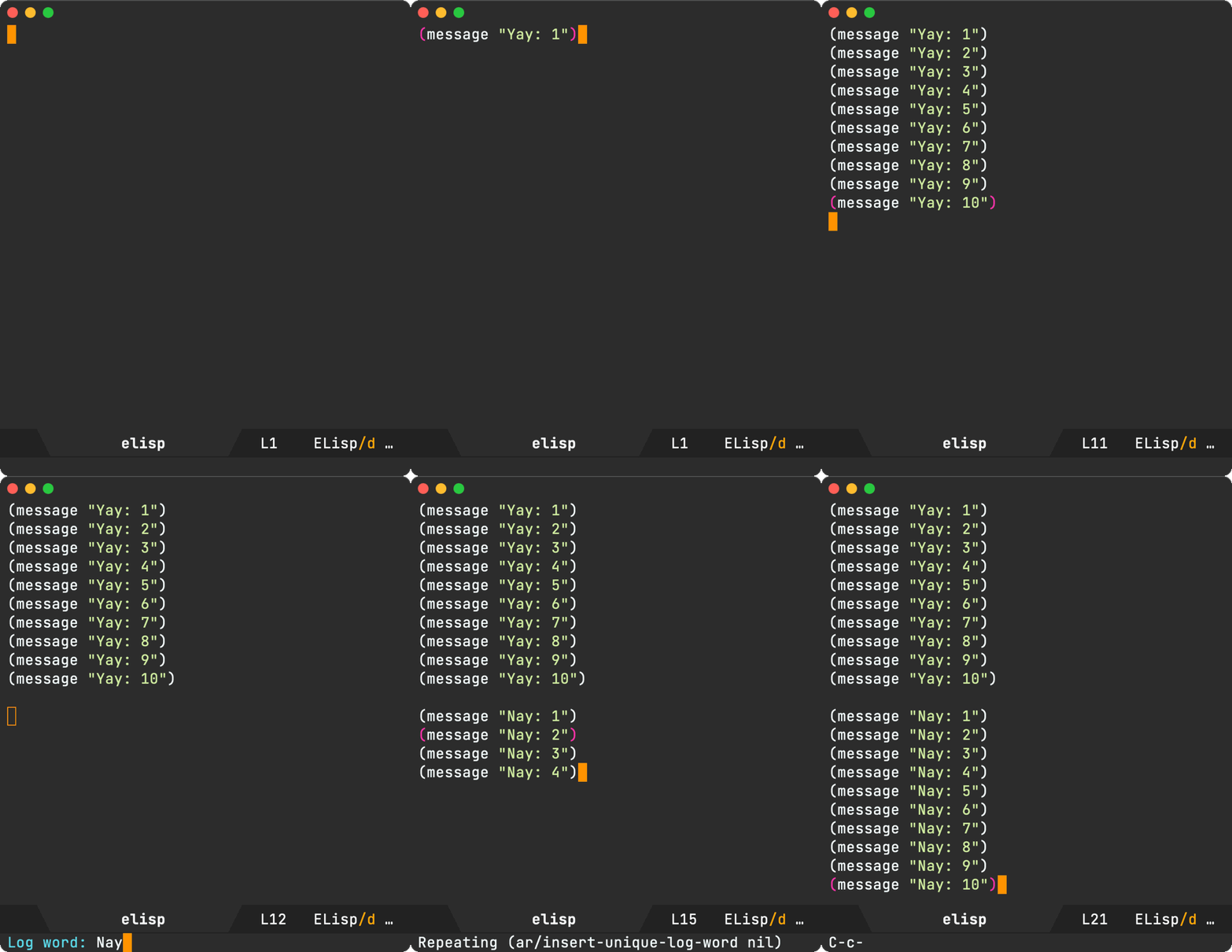
There isn't a whole lot to the implementation. It searches the current buffer for other instances of the same logging string and captures the largest counter found. It subsequently prints the same string with the counter incremented. This can be done in a few lines of elisp, but I figure I wanted some additional features like auto indenting and changing the logging string when using a prefix.
(defvar ar/unique-log-word "Yay")

(defun ar/insert-unique-log-word (prefix)
  "Inserts `ar/unique-log-word' incrementing counter.

With PREFIX, change `ar/unique-log-word'."
  (interactive "P")
  (let* ((word (cond (prefix
                      (setq ar/unique-log-word
                            (read-string "Log word: ")))
                     ((region-active-p)
                      (setq ar/unique-log-word
                            (buffer-substring (region-beginning)
                                              (region-end))))
                     (ar/unique-log-word
                      ar/unique-log-word)
                     (t
                      "Reached")))
         (config
          (cond
           ((equal major-mode 'emacs-lisp-mode)
            (cons (format "(message \"%s: \\([0-9]+\\)\")" word)
                  (format "(message \"%s: %%s\")" word)))
           ((equal major-mode 'swift-mode)
            (cons (format "print(\"%s: \\([0-9]+\\)\")" word)
                  (format "print(\"%s: %%s\")" word)))
           ((equal major-mode 'ada-mode)
            (cons (format "Ada.Text_Io.Put_Line (\"%s: \\([0-9]+\\)\");" word)
                  (format "Ada.Text_Io.Put_Line (\"%s: %%s\");" word)))
           ((equal major-mode 'c++-mode)
            (cons (format "std::cout << \"%s: \\([0-9]+\\)\" << std::endl;" word)
                  (format "std::cout << \"%s: %%s\" << std::endl;" word)))
           (t
            (error "%s not supported" major-mode))))
         (match-regexp (car config))
         (format-string (cdr config))
         (max-num 0)
         (case-fold-search nil))
    (when ar/unique-log-word
      (save-excursion
        (goto-char (point-min))
        (while (re-search-forward match-regexp nil t)
          (when (> (string-to-number (match-string 1)) max-num)
            (setq max-num (string-to-number (match-string 1))))))
      (setq max-num (1+ max-num)))
    (unless (looking-at-p "^ *$")
      (end-of-line))
    (insert (concat
             (if (looking-at-p "^ *$") "" "\n")
             (format format-string
                     (if ar/unique-log-word
                         (number-to-string (1+ max-num))
                       (string-trim
                        (shell-command-to-string
                         "grep -E '^[a-z]{6}$' /usr/share/dict/words | shuf -n 1"))))))
    (call-interactively 'indent-for-tab-command)))
Note: This snippet may evolve independently of this post. For the latest, chech my Emacs config's fe-prog.el.
I want to be lazy in other languages, so the function can now be extended to support other languages. Here's the Swift counterpart.
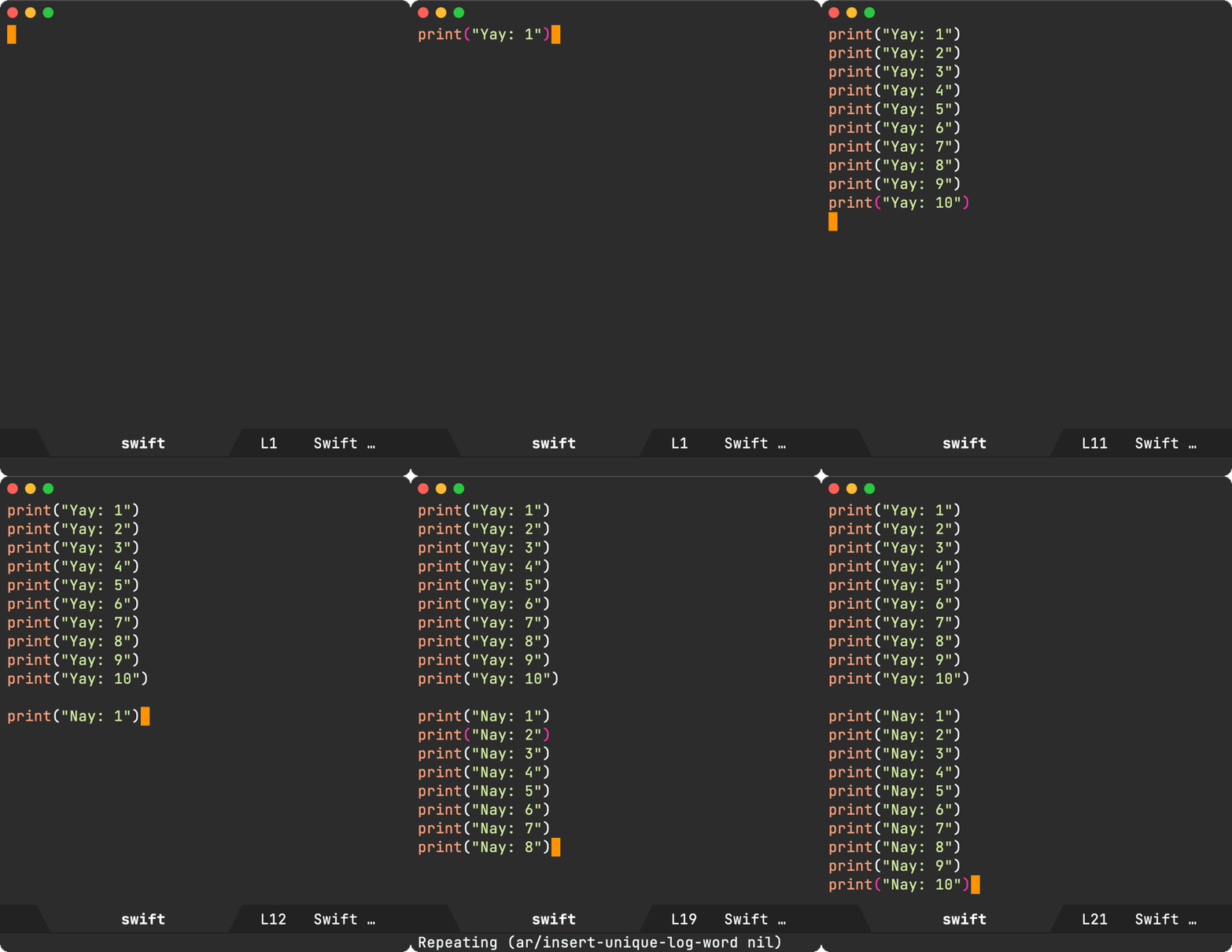
Since I sometimes log function names, I figured making it region-aware would help with that.
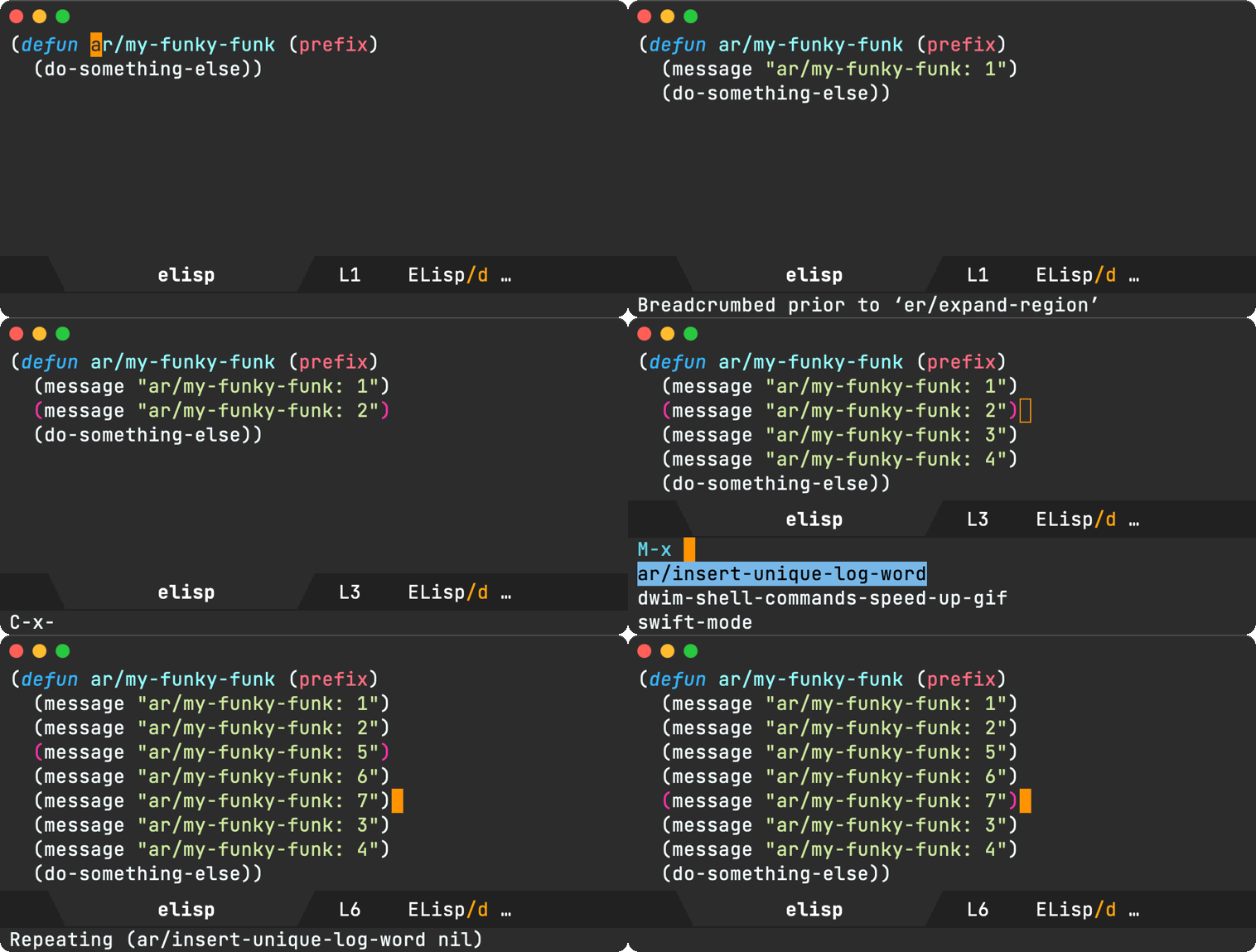
I'm sure there's a package out there that does something similar, but I figure this would be a fun little elisp hack.
Happy logging!
Update 1
Set ar/unique-log-word to nil and let it generate a random word. Maybe I get to learn new words as I debug ;)
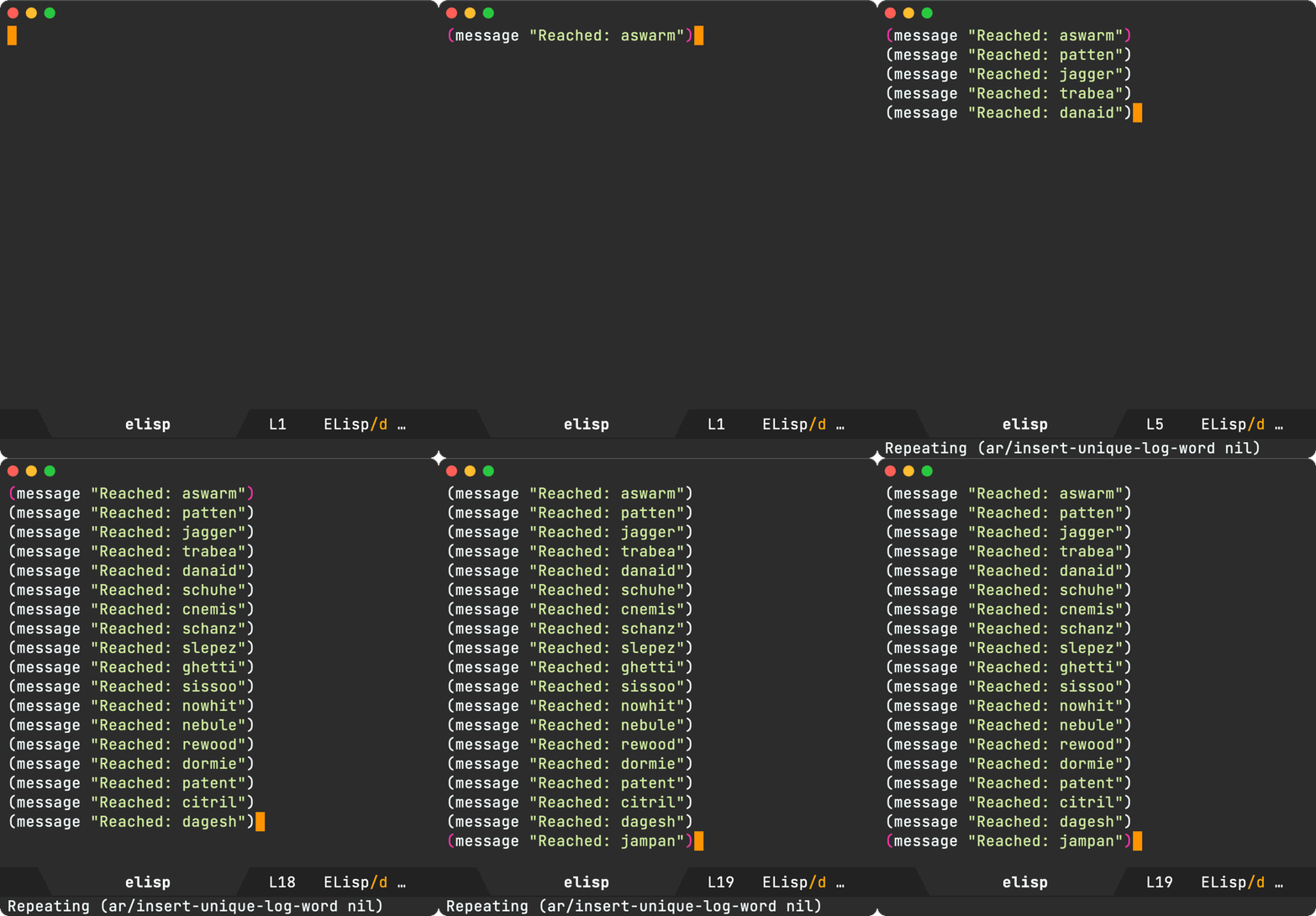
Update 2
Added Ada and C++ support, thanks to James Dyer's post.
]]>ls usage.
Also thanks to Bram for sharing his upload to 0x0.st implementation. I'd been wanting to do something similar for imgur, but 0x0.st is a much better alternative!
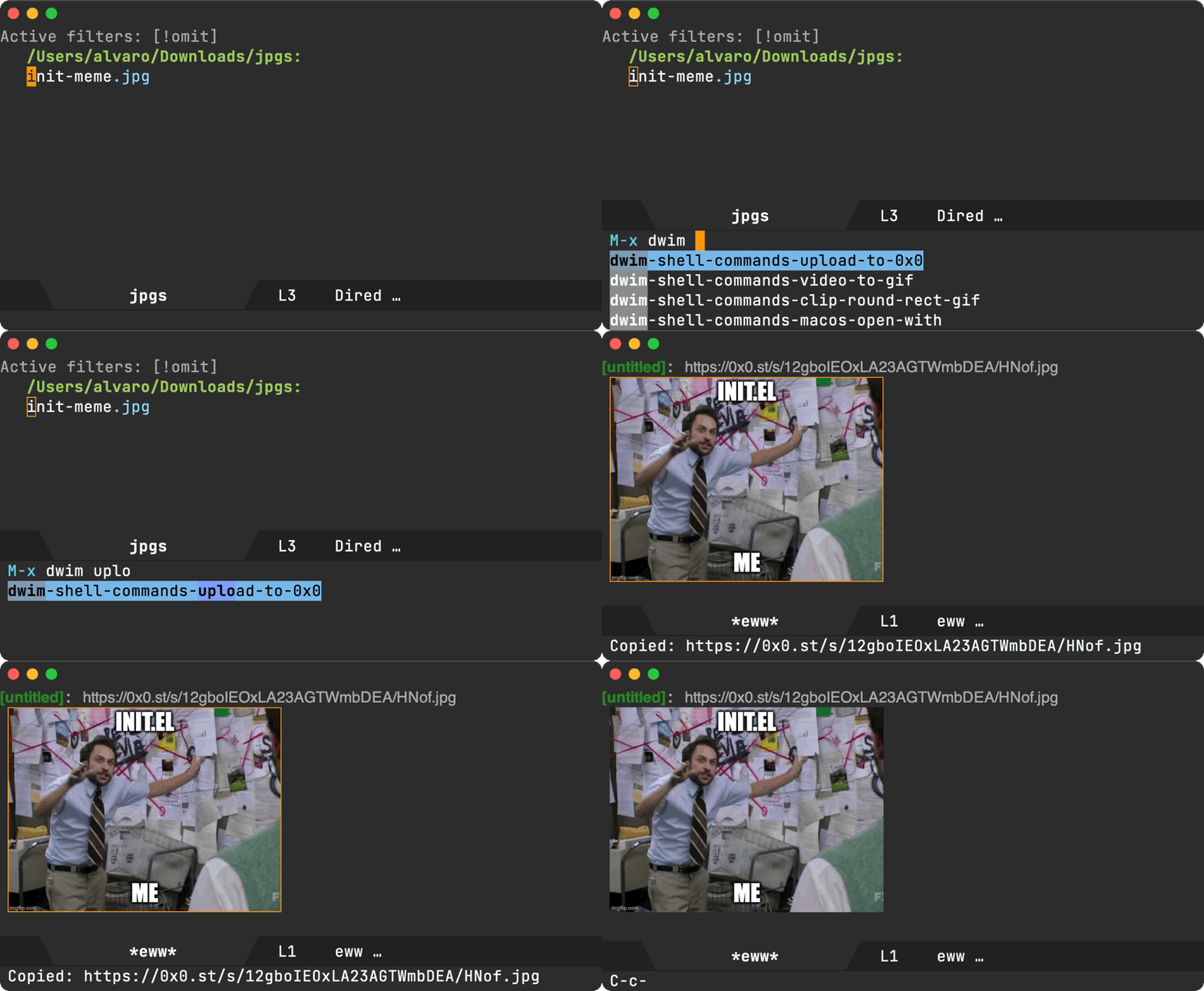
dwim-shell-commands-upload-to-0x0 is now part of dwim-shell-commands.el (the optional part of the package). It has a couple of additional touches:
- Open the uploaded image in eww browser.
- Automatically copy the upload URL to kill-ring. You're likely gonna share this link, right?
If you're unfamiliar with dwim-shell-command, it enables Emacs shell commands with DWIM behaviour:
- Asynchronously.
- Using noweb templates.
- Automatically injecting files (from dired or other buffers) or kill ring.
- Managing buffer focus with heuristics.
- Showing progress bar.
- Quick buffer exit.
- More reusable history.
In addition to replacing shell-command with dwim-shell-command, I also use it to bring all sorts of command line utilities to familiar Emacs workflows (in dired or current buffers), without having to remember complex command invocations.
I've covered many of the use-cases before:
- Emacs DWIM shell-command
- Emacs: Password-protect current pdf (revisited)
- png to icns (Emacs DWIM style)
- Emacs: DWIM shell command (multi-language)
- dwim-shell-command on Melpa
- dwim-shell-command improvements
- dwim-shell-command video streams
- dwim-shell-command with template prompts
- dwim-shell-command usages: pdftotext and scp
- Emacs: Reveal in macOS Finder (DWIM style)
- Emacs: macOS sharing (DWIM style)
dall-e-shell (a DALL-E Emacs shell), ob-chatgpt-shell (ChatGPT org babel support), and ob-dall-e-shell (DALL-E org babel support) were initially excluded from the chatgpt-shell MELPA submission while I worked out their split.
That's now sorted and the packages are available on MELPA.

Here's ob-chatgpt-shell and ob-dall-e-shell in action.
Here's dall-e-shell.
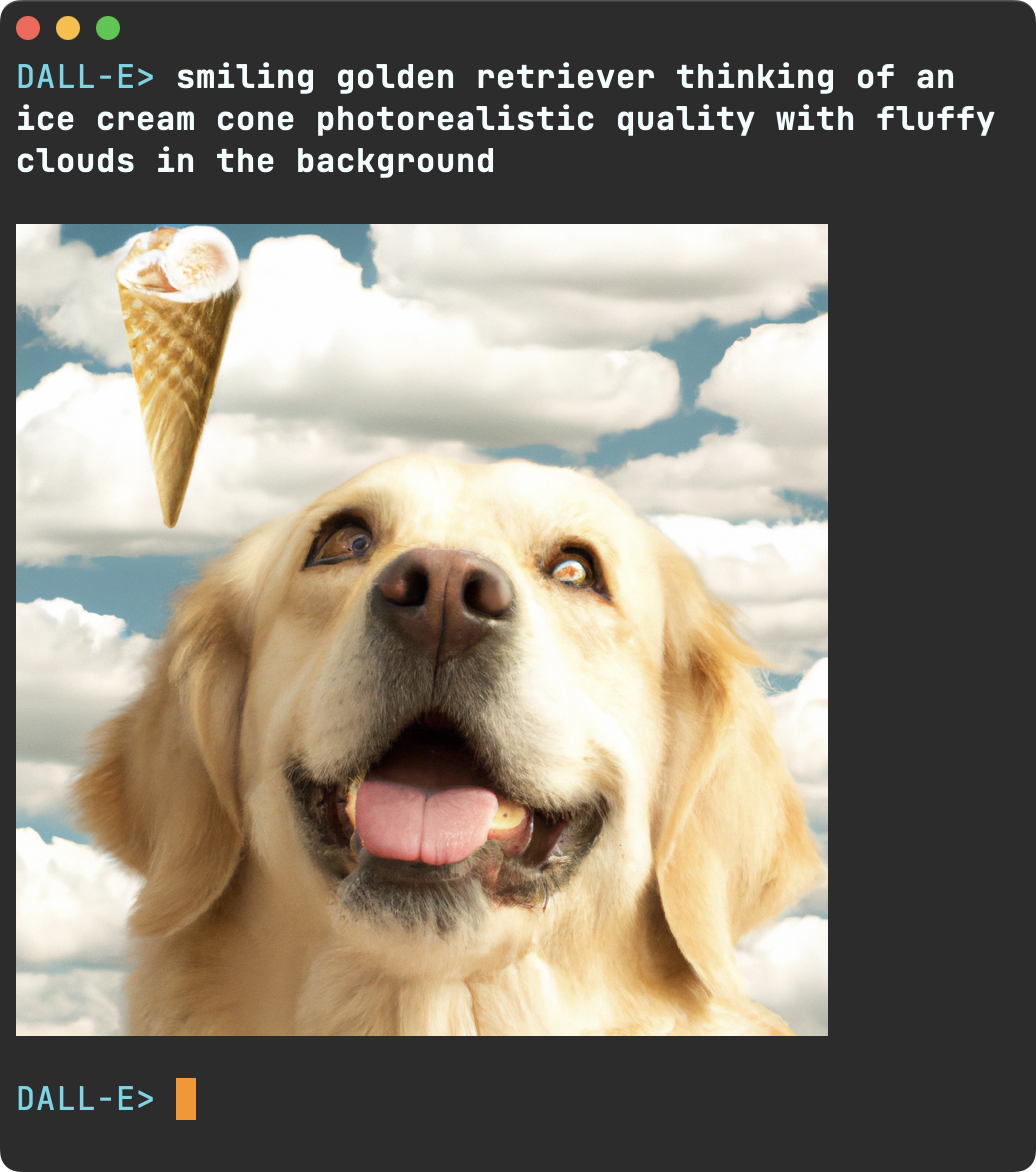
Here's an extract of the docs table:
| Custom variable                       | Description                                                 |
|---------------------------------------+-------------------------------------------------------------|
| chatgpt-shell-display-function        | Function to display the shell.                              |
| chatgpt-shell-curl-additional-options | Additional options for `curl' command.                      |
| chatgpt-shell-system-prompt           | The system message helps set the behavior of the assistant. |
While the table docs didn't take long to build manually, they quickly became out of sync with their elisp counterparts. Not ideal, as it'll require a little more careful maintenance in the future.
Emacs being the self-documenting editor that it is, I figured I should be able to extract customizable variables, commands, along with their respective docs, and generate these very same org tables.
I had no idea how to go about this, but apropos-variable and apropos-command surely knew where to fetch the details from. A peek into apropos.el quickly got me on my way. Turns out mapatoms is just what I needed. It iterates over obarray, Emacs's symbol table. We can use it to extract the symbols we're after.
Since we're filtering symbols from chatgpt-shell, we can start by including only those whose symbol-name match "^chatgpt-shell". Out of all matching, we should only keep custom variables. We can use custom-variable-p to check for that. This gives us all relevant variables. We can subsequently get each variable's corresponding docs using (get symbol 'variable-documentation) and put it into a list.
Now, if we pull our org babel rabbit out of our Emacs magic hat, we can use :results table to print the list as an org table. The source block powering this magic trick looks as follows:
#+begin_src emacs-lisp :results table :colnames '("Custom variable" "Description")
  (let ((rows))
    (mapatoms
     (lambda (symbol)
       (when (and (string-match "^chatgpt-shell"
                                (symbol-name symbol))
                  (custom-variable-p symbol))
         (push `(,symbol
                 ,(car
                   (split-string
                    (or (get (indirect-variable symbol)
                             'variable-documentation)
                        (get symbol 'variable-documentation)
                        "")
                    "\n")))
               rows))))
    rows)
#+end_src
And just like that… we effortlessly get our elisp docs in an org table, straight from Emacs's symbol table.

It's worth noting that our snippet used indirect-variable to resolve aliases but also limited descriptions to the first line in each docstring.
To build a similar table for interactive commands, we can use the following block (also including bindings).
#+BEGIN_SRC emacs-lisp :results table :colnames '("Binding" "Command" "Description")
  (let ((rows))
    (mapatoms
     (lambda (symbol)
       (when (and (string-match "^chatgpt-shell"
                                (symbol-name symbol))
                  (commandp symbol))
         (push `(,(mapconcat
                   #'help--key-description-fontified
                   (where-is-internal
                    symbol shell-maker-mode-map nil nil (command-remapping symbol)) ", ")
                 ,symbol
                 ,(car
                   (split-string
                    (or (documentation symbol t) "")
                    "\n")))
               rows))))
    rows)
#+END_SRC
You see? This post wasn't really about ChatGPT. Aren't you glad you stuck around? 😀
]]>Now on MELPA
While chatgpt-shell is a young package still, it seems useful enough to share more widely. As of today, chatgpt-shell is available on MELPA. Many thanks to Chris Rayner for his MELPA guidance to get the package added.
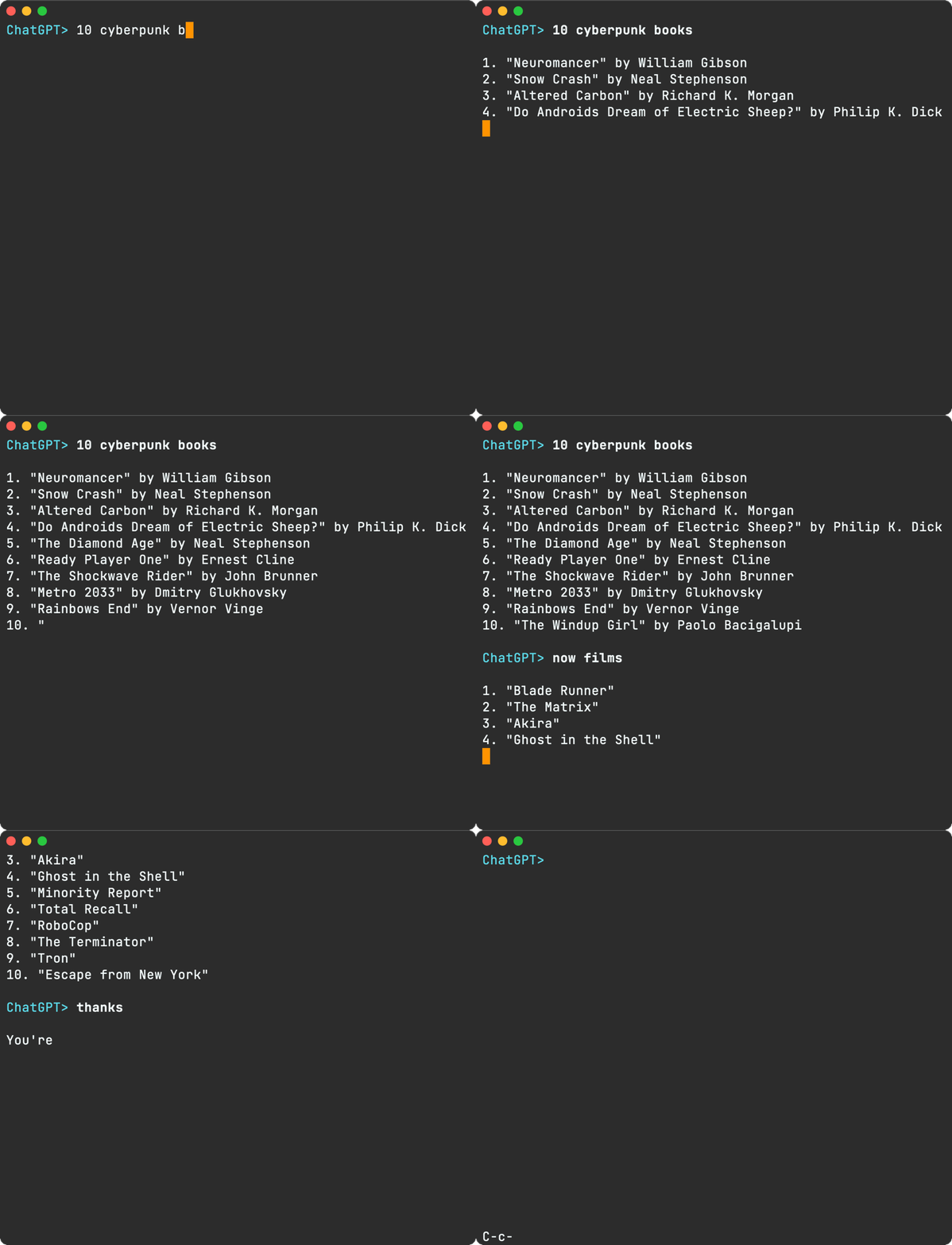
I'll cover some of the goodies included in the latest chatgpt-shell.
Delegating to Org Babel
chatgpt-shell now evaluates Markdown source blocks by delegating to org babel. I've had success with a handful of languages. In some instances, some babel headers may need overriding in chatgpt-shell-babel-headers.
Here's a Swift execution via babel, showing standard output.

In addition to standard output, chatgpt-shell can now render blocks generating images. Here's a rendered SwiftUI layout via ob-swiftui.

Can also do diagrams. Here's ditaa in action.

Renaming blocks
At times, ChatGPT may forget to label source blocks or maybe you just want to name it differently… You can now rename blocks at point.
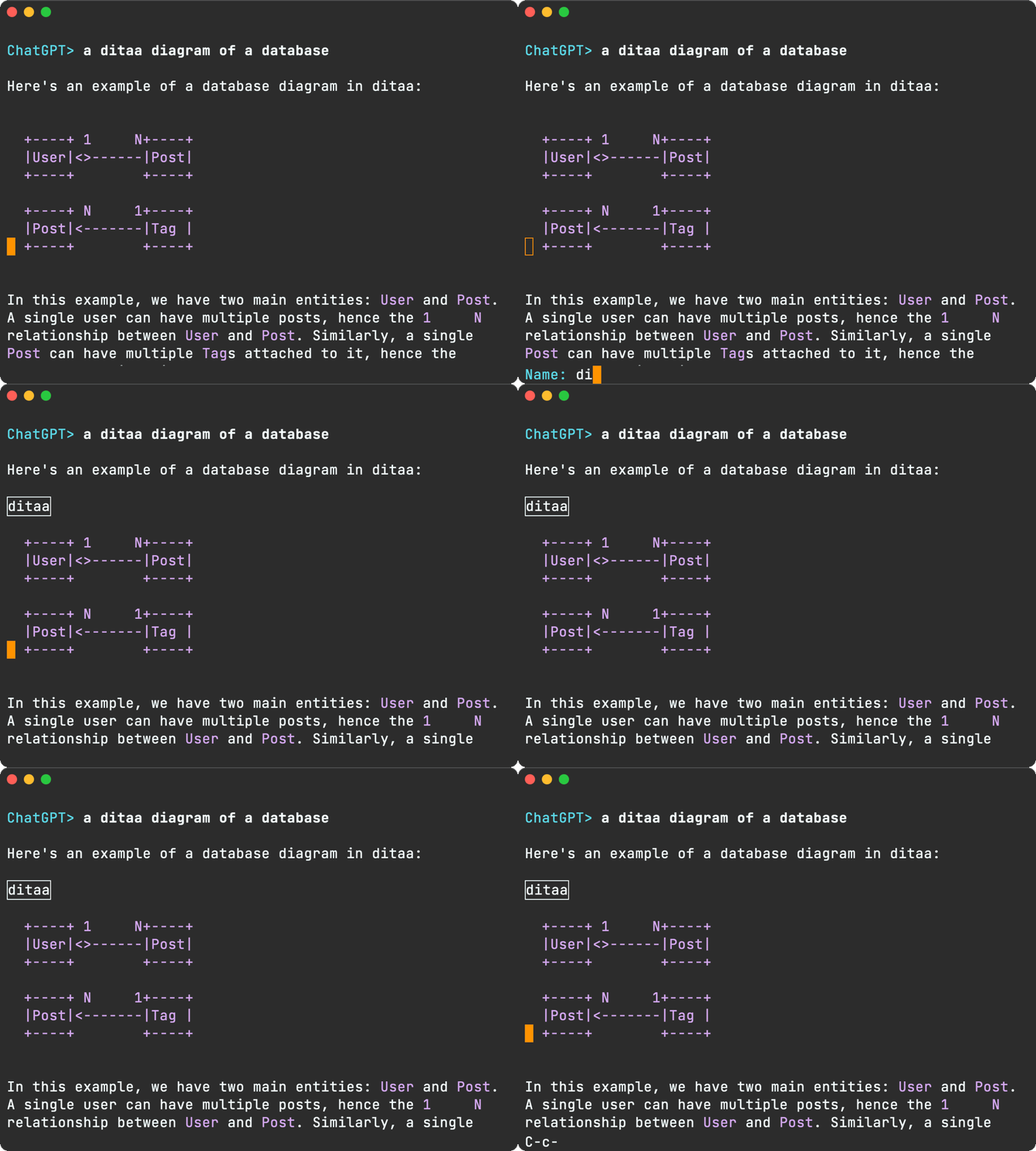
Send prompt/region
There are a handful of commands to send prompts from other buffers, including the region. For example chatgpt-shell-explain-code.
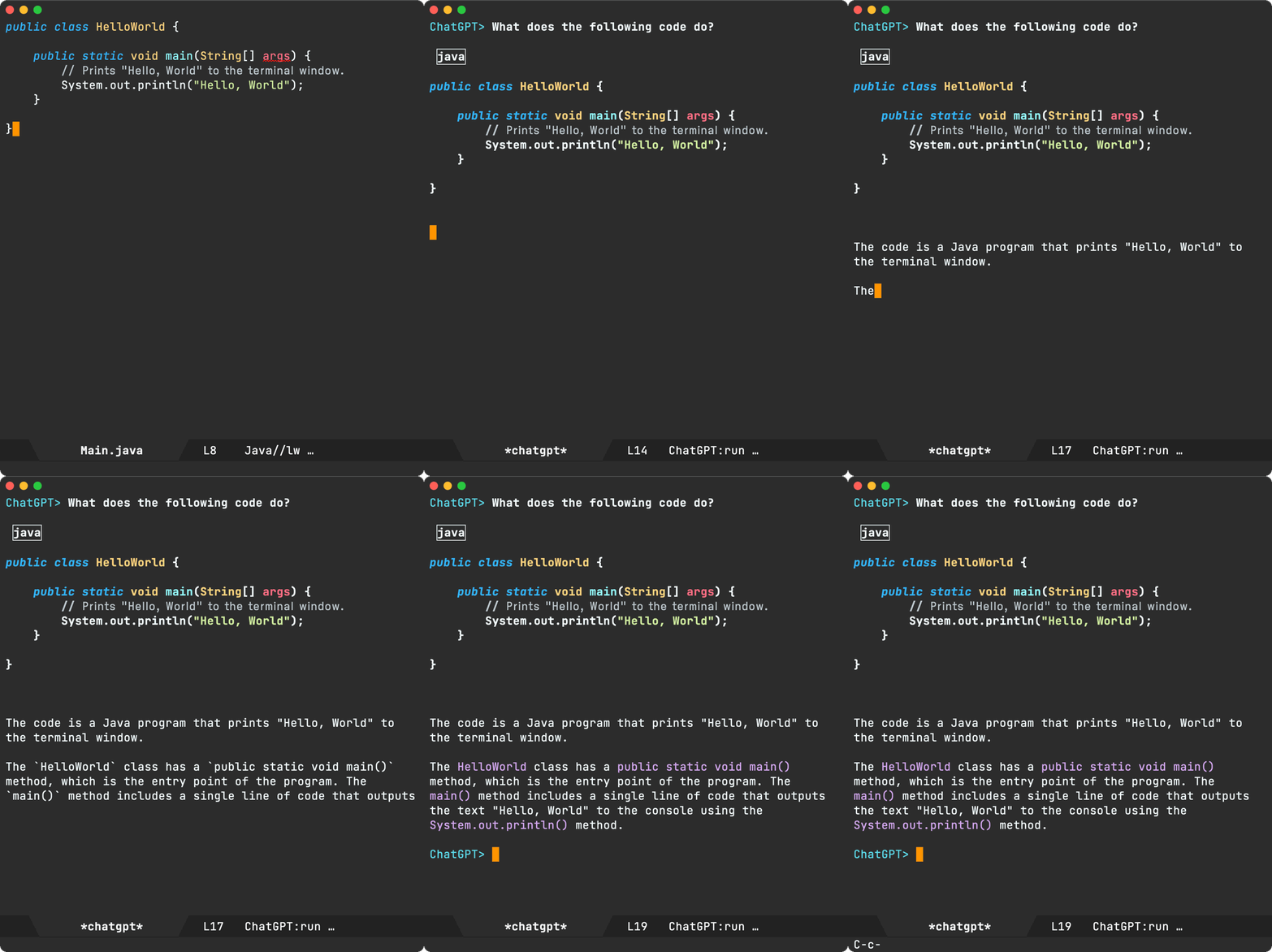
- chatgpt-shell-send-region
- chatgpt-shell-generate-unit-test
- chatgpt-shell-refactor-code
- chatgpt-shell-proofread-doc
- chatgpt-shell-eshell-summarize-last-command-output
- chatgpt-shell-eshell-whats-wrong-with-last-command
Saving/restoring transcript
You can save your current session to a transcript and restore later.

History improvements
Nicolas Martyanoff has a great post on making IELM More Comfortable. A couple of improvements that stood out for me were:
- Making the command history persistent.
- Searching history with
shell-maker-search-history/M-rviacompleting-read.
shell-maker-search-history, coupled with your completion framework of choice, can be pretty handy. I happen to use Oleh Krehel's ivy.
shell-maker (make your own AI shells)
While ChatGPT is a popular service, there are many others sprouting. Some are cloud-based, others local, proprietary, open source… In any case, it'd be great be able to hook on to them without much overhead. shell-maker should help with that. The first shell-maker clients are chatgpt-shell and dall-e-shell.
While I've built dall-e-shell, it'd be great to see what others can do with shell-maker. If you wire it up to anything, please get in touch (Mastodon / Twitter / Reddit / Email).
dall-e-shell, ob-chatgpt-shell, and ob-dall-e-shell (on MELPA too)
UPDATE: dall-e-shell, ob-chatgpt-shell, and ob-dall-e-shell are now available on MELPA also.
You've seen dall-e-shell in the previous section. Here's what ob-chatgpt-shell and ob-dall-e-shell look like in an org mode document:
How are you using chatgpt-shell?
Whether you are an existing chatgpt-shell user, or would like to give things a try, installing from MELPA should generally make things easier for ya. As I mentioned, chatgpt-shell is a young package still. There are unexplored Emacs integrations out there. I'd love to hear about whatever you come up with (Mastodon / Twitter / Reddit / Email).
If you've read a handful of my posts, you would have come across either a screenshot or a short clip with some demo. Historically, I've used the macOS's built-in utility invoked via ⌘ + Shift + 5. It does a fine job for screenshots. For video captures, it's got a couple of small quirks.
Record window
Unlike screenshots, macOS video capture cannot record a specific window. While you can select a region, it's easy to inadvertently include a portion of your wallpaper in the recording. Not a big deal, but I felt posted screencasts could look as clean as their screenshot counterparts if we could record the window alone.
Let's compare grabbing a region vs window alone. I know the clean look may be subjective, but see what I mean?


Cancel recording
macOS has a handy shortcut (⌘ + Ctrl + Esc) to stop recording. If you got your demo right, you're done. If not, you have one more step remaining (right click to delete the blooper).

Also not a huge deal, but I was hoping for a single shortcut to stop recording [and]{.underline} also automatically discard. I haven't found one, but would love to hear if otherwise.
macosrec enters the chat
I wanted more flexibility to build my own recording/screenshotting flows. A command line utility could be quite versatile at that, so I built macosrec.
macosrec enables taking a screenshot or recording a window video entirely from the command line.
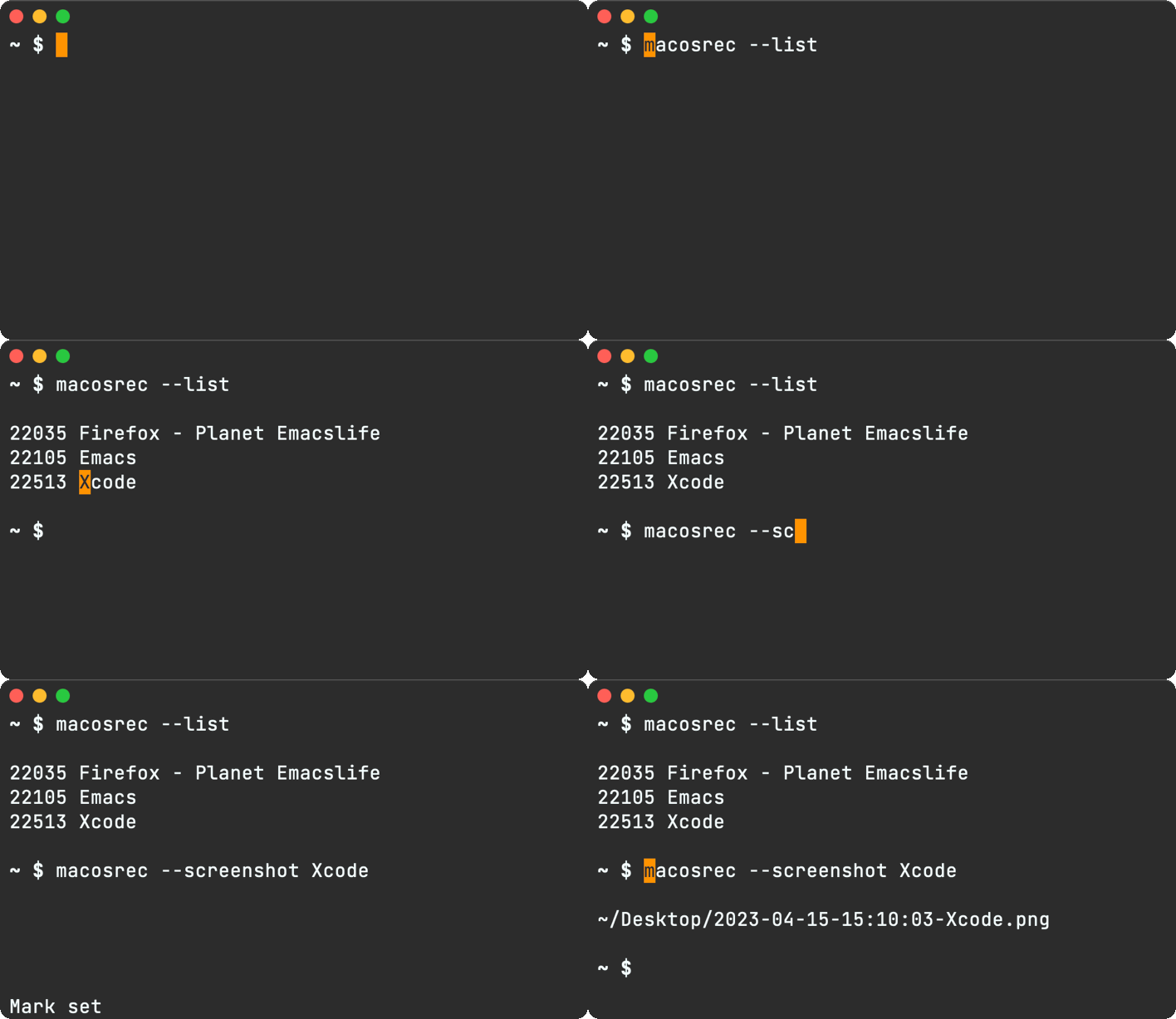
elisp glues the world
Command line utilities can be invoked in all sorts of ways, but I'm an Emacs nutter so you can see where this is going… I want Emacs key bindings to control the lot.
C-c _ Take screenshot of a window C-c ( Start recording window C-c ) Stop recording window C-c 8 Abort recording
Integrating command line utilities into Emacs and making them quickly accessible seems to have become a full-time hobby of mine. I kid, but it's become a pretty painless process for me. I built dwim-shell-command for that. If you've never heard of DWIM, it stands for "Do what I mean". To give you an idea of the kinds of things I'm using DWIM commands for, check the following out:
- dwim-shell-commands-audio-to-mp3
- dwim-shell-commands-bin-plist-to-xml
- dwim-shell-commands-clipboard-to-qr
- dwim-shell-commands-drop-video-audio
- dwim-shell-commands-files-combined-size
- dwim-shell-commands-git-clone-clipboard-url
- dwim-shell-commands-git-clone-clipboard-url-to-downloads
- dwim-shell-commands-image-to-grayscale
- dwim-shell-commands-image-to-icns
- dwim-shell-commands-image-to-jpg
- dwim-shell-commands-image-to-png
- dwim-shell-commands-pdf-password-protect
- dwim-shell-commands-reorient-image
- dwim-shell-commands-resize-gif
- dwim-shell-commands-resize-image
- dwim-shell-commands-resize-video
- dwim-shell-commands-speed-up-gif
- dwim-shell-commands-speed-up-video
- dwim-shell-commands-unzip
- dwim-shell-commands-video-to-gif
- dwim-shell-commands-video-to-optimized-gif
- dwim-shell-commands-video-to-webp
If it ever took you a little while to find the right command incantation to get things right, only to forget all about it next time you need it (I'm looking at you ffmpeg), dwim-shell-command can help you easily save things for posterity and make them easily accessible in the future.
Since we're talking ffmpeg, here's all it takes to have gif conversion handy:
(defun dwim-shell-commands-video-to-gif ()
  "Convert all marked videos to gif(s)."
  (interactive)
  (dwim-shell-command-on-marked-files
   "Convert to gif"
   "ffmpeg -loglevel quiet -stats -y -i '<<f>>' -pix_fmt rgb24 -r 15 '<<fne>>.gif'"
   :utils "ffmpeg"))
There's no way I'll remember the ffmpeg command, but I can always fuzzy search my trusty commands with something like "to gif" and apply to either the current buffer file or any selected dired files.

So where am I going with this? I wrote DWIM shell commands for the bindings I previously described:
C-c _ dwim-shell-commands-macos-screenshot-window
C-c ( dwim-shell-commands-macos-start-recording-window
C-c ) dwim-shell-commands-macos-end-recording-window
C-c 8 dwim-shell-commands-macos-abort-recording-window
Out of all of commands, dwim-shell-commands-macos-start-recording-window is likely the most interesting one.
(defun dwim-shell-commands-macos-start-recording-window ()
  "Select and start recording a macOS window."
  (interactive)
  (let* ((window (dwim-shell-commands--macos-select-window))
         (path (dwim-shell-commands--generate-path "~/Desktop" (car window) ".mov"))
         (buffer-file-name path) ;; override so <<f>> picks it up
         (inhibit-message t))
    (dwim-shell-command-on-marked-files
       "Start recording a macOS window."
       (format
        "# record .mov
         macosrec --record '%s' --mov --output '<<f>>'
         # speed .mov up x1.5
         ffmpeg -i '<<f>>' -an -filter:v 'setpts=1.5*PTS' '<<fne>>_x1.5.<<e>>'
         # convert to gif x1.5
         ffmpeg -loglevel quiet -stats -y -i '<<fne>>_x1.5.<<e>>' -pix_fmt rgb24 -r 15 '<<fne>>_x1.5.gif'
         # speed .mov up x2
         ffmpeg -i '<<f>>' -an -filter:v 'setpts=2*PTS' '<<fne>>_x2.<<e>>'
         # convert to gif x2
         ffmpeg -loglevel quiet -stats -y -i '<<fne>>_x2.<<e>>' -pix_fmt rgb24 -r 15 '<<fne>>_x2.gif'"
        (cdr window))
       :silent-success t
       :monitor-directory "~/Desktop"
       :no-progress t
       :utils '("ffmpeg" "macosrec"))))
As you likely expect, this command invokes macosrec to start recording a window. The nifty part is that when it's done recording (and saving the .mov file), it automatically creates multiple variants. For starters, it creates x1.5 and x2 .mov videos, but it also generates their .gif counterparts.
Let's recap here for a sec. You start recording a window video with C-c (, end with C-c ), and automagically have all these generated files waiting for you.
You can subsequently inspect any of the video candidates and pick the most appropriate variant. Discard whatever else you don't need.
The output bundle is tailored to my needs. Maybe you want to invoke gifsycle for more optimized versions? Or maybe you want automatic webp generation via ffmpeg? DWIM does that I mean, so you likely have other plans…
dwim-shell-commands-macos-start-recording-window and all other DWIM commands are now included in dwim-shell-commands.el, which ships optionally as part of dwim-shell-command.
macosrec is also on GitHub, but if you want to be on your way, you can install via:
brew tap xenodium/macosrec
brew install macosrec
This is my way to record and screenshot windows the lazy way. How would you tweak to make it yours?
]]>ob-swiftui has two modes of rendering SwiftUI blocks: :results window, which runs outside of Emacs in a native window and :results file, which renders and saves to a file. The latter can be viewed directly from Emacs.
:results file was a little clunky. That is, it hardcoded dimensions I had to manually modify if the canvas wasn't big enough. It was also a little slow.
The clunkyness really came through with my chatgpt-shell experiments, so I took a closer look and made a few changes to remove hardcoding and speeds things up.
The results ain't too shabby.
Another tiny improvement is that if you'd like to compose a more complex layout made of multiple custom views, ob-swiftui now looks for a ContentView as that root view by default. Specifying another root view was already possible but it had to be explicitly requested via :view param.
You can now omit the :view param if you name the root view ContentView:
#+begin_src swiftui
  struct ContentView: View {
    var body: some View {
        TopView()
        BottomView()
    }
  }

  struct TopView: View {
    var body: some View {
      Text("Top text")
    }
  }

  struct BottomView: View {
    var body: some View {
      Text("Bottom text")
    }
  }
#+end_src
The improvements have been pushed to ob-swiftui and will soon be picked up on melpa.
Edit: Added ContentView details.
]]>
It's been a while since I've made visually significant changes to my Emacs config. May as well briefly document for posterity…
Nyan Mode
First things first. The adorable and colorful little fella in my mode line is a Nyan Cat (if you dare, check the meme video). Yes, I know it's sooo 2011, but it's 2023 and I still love the little guy hanging out in my Emacs mode line. I still get asked about it.

This fabulous feature comes to us via the great Nyan Mode package. If looks haven't convinced you, Nyan also packs scrolling functionality. Click anywhere in it.
Oh, and if you can't get enough of Nyan, there's also zone-nyan for Emacs.
Emacs Plus (macOS)
I should mention I'm running Emacs 28 on macOS via the excellent Emacs Plus homebrew recipe. These are all the options I enable.
brew install emacs-plus@28 --with-imagemagick --with-no-frame-refocus --with-native-comp --with-savchenkovaleriy-big-sur-icon
Icon
Since we're talking eye candy, let's chat about --with-savchenkovaleriy-big-sur-icon. This Emacs Plus option enables Valeriy Savchenko's wonderful icon.

Titlebar
I've enabled both transparent title bar as well as dark appearance, giving a minimal window decoration.

(add-to-list 'default-frame-alist '(ns-transparent-titlebar . t))
(add-to-list 'default-frame-alist '(ns-appearance . dark))
Note: both of these variables are prefixed ns- (macOS-only settings).
Font (JetBrains Mono)
I've been on JetBrains Mono font for quite some time now. In the past, I've also been a fan of Mononoki and Menlo (on macOS) or Meslo (similar elsewhere).
Theme (Materialized)
I'm using Materialized which I derived from the great Material Theme for Emacs.
Modeline tabs/ribbons (Moody)
The moody package adds a nice touch displaying mode line elements as tabs and ribbons.
Modeline menus (Minions)
The minions package removes lots of minor mode clutter from the mode line and stashes it away in menus.
Hiding modeline (hide mode line mode)
Hiding the mode line isn't something I use in most major modes. However, I found it complements my shell (eshell) quite well. While I was sceptical at first, once I hid the mode line in my shell I never looked back. I just didn't miss it. I also love the uncluttered clean vibe. hide-mode-line-mode can help with that.
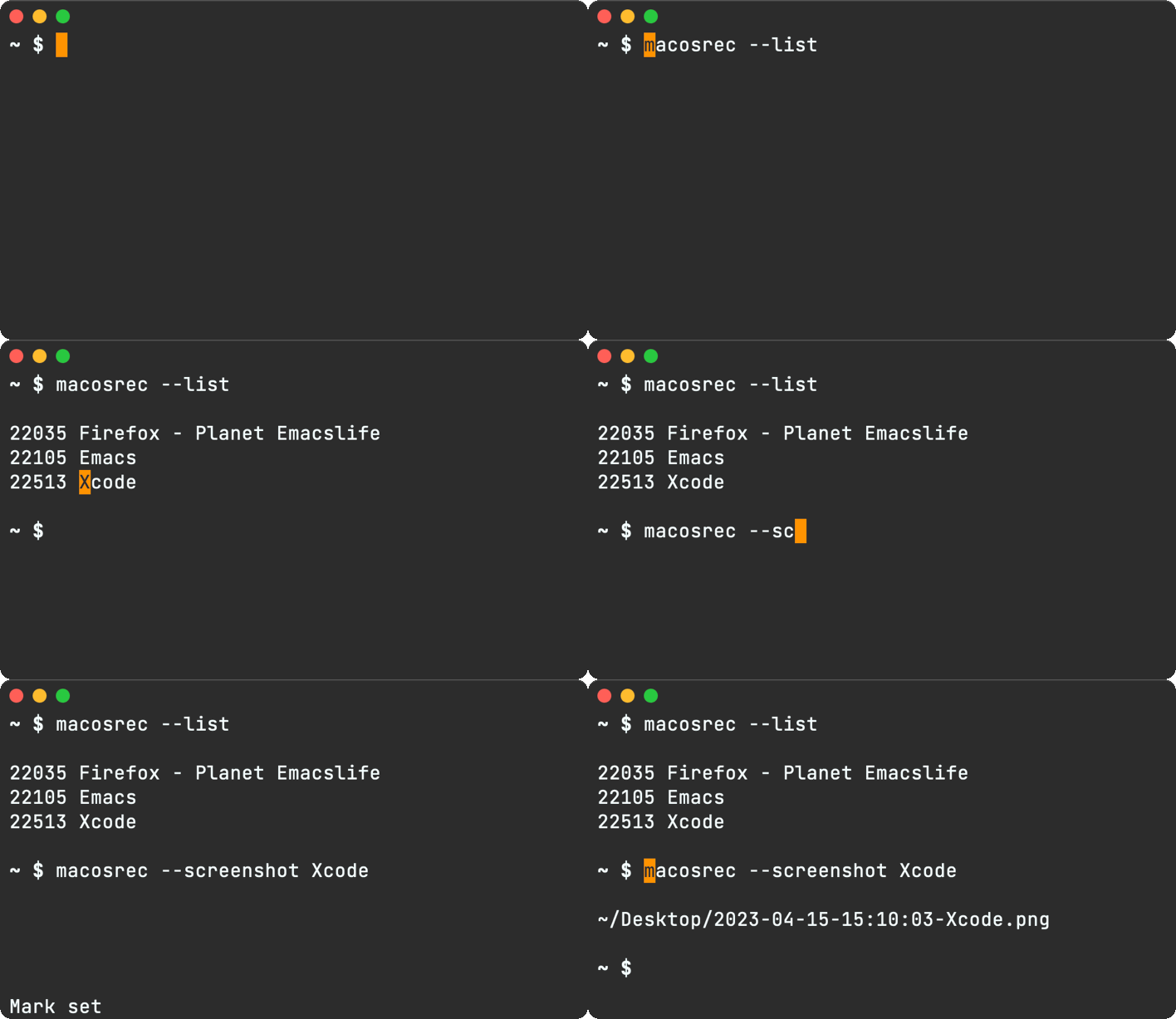
Welcome screen
Back in October 2022, I experimented with adding a minimal welcome screen. I was initially hesitant, as I was already a fan of the welcome scratch buffer. In any case, I figured I'd eventually get tired of it and remove it. Well, it's enabled in my config still ;) My initial attachment to a landing scratch quickly faded. I'm only a C-x b binding away from invoking ivy-switch-buffer to get me anywhere.
The great Emacs logo originally shared by u/pearcidar43.
Zones
I've been meaning to re-enable zones in my config. They always gave me a good tickle. I've already mentioned zone-nyan, but if you're new to zones, they kick off after a period of inactivity (similar to a screensaver).
Here's zone-pgm-rotate in all its glory. Oh and it's built-in!
Coincidentally, I had a go at writing a basic zone a little while ago.
Config
Most of the items mentioned I pulled from my Emacs config's fe-ui.el. There's more there if you're interested.
What is some of your favorite Emacs eye candy? reddit / mastodon / twitter.
]]>As mentioned in the previous post, I took inspiration in other Emacs packages (primarily ielm) to figure out what I needed from comint. Soon, I got ChatGPT working.

As I was looking at OpenAI API docs, I learned about DALL-E: "an AI system that can create realistic images and art from a description in natural language."
Like ChatGPT, they also offered an API to DALL-E, so I figured I may as well try to write a shell for that too… and I did.

There was quite a bit of code duplication between the two Emacs shells I had just written. At the same time, I started hearing from folks about integrating other tools, some cloud-based, some local, proprietary, open source.. There's Cody, invoke-ai, llama.cpp, alpaca.cpp, and the list continues to grow.
With that in mind, I set out to reduce the code duplication and consolidate into a reusable package. And so shell-maker was born, a maker of Emacs shells.
shell-maker's internals aren't too different from the code I had before. It's still powered by comint, but instead offers a reusable convenience wrapper.
It takes little code to implement a shell, like the sophisticated new greeter-shell ;)

(require 'shell-maker)

(defvar greeter-shell--config
  (make-shell-maker-config
   :name "Greeter"
   :execute-command
   (lambda (command _history callback error-callback)
     (funcall callback
              (format "Hello \"%s\"" command)
              nil))))

(defun greeter-shell ()
  "Start a Greeter shell."
  (interactive)
  (shell-maker-start greeter-shell--config))
shell-maker is available on GitHub and currently bundled with chatgpt-shell. If there's enough interest and usage, I may just break it out into its own package. For now, it's convenient to keep with chatgpt-shell and dall-e-shell.
If you plug shell-maker into other tools, I'd love to hear about it.
Happy shell making!
]]>Flat Habits is a habit tracker that’s mindful of your time, data, and privacy. It's a simple but effective iOS app.

If you care about how your data is stored, Flat Habits is powered by org plain text markup without any cloud component. You can use your favorite editor (Emacs, Vim, VSCode, etc.) to poke at habit data, if that's your cup of tea.
What's new?
- Quicker toggling, now exposing Done/Skip.
- Double tap marks Done.
- Also display in 12 hour time format.
- Overdue habits are now labelled "past" and coloured orange.
- Don't dismiss creation dialog if tapping outside.
- Set #+STARTUP: nologdrawer in new files.
Are you a fan?
Is Flat Habits helping you keep up with your habits? Please rate/review 😊
]]>chatgpt-shell has evolved a bit and is now on MELPA.
I had been meaning to give ChatGPT a good try, preferably from Emacs. As an eshell fan, ChatGPT seemed like the perfect fit for a shell interface of sorts. With that in mind, I set out to wire ChatGPT with Emacs's general command interpreter (comint).
I had no previous experience building anything comint-related, so I figured I could just take a peek at an existing comint-derived mode to achieve a similar purpose. inferior-emacs-lisp-mode (ielm) seemed to fit the bill just fine, so I borrowed quite a bit to assemble a basic shell experience.
From then on, it was mostly about sending each request over to the ChatGPT API to get a response. For now, I'm relying on curl to make each request. The invocation is fairly straightforward:
curl "https://api.openai.com/v1/chat/completions" \
     -H "Authorization: Bearer YOUR_OPENAI_KEY" \
     -H "Content-Type: application/json" \
     -d "{
     \"model\": \"gpt-3.5-turbo\",
     \"messages\": [{\"role\": \"user\", \"content\": \"YOUR PROMPT\"}]
     }"
There are two bits of information needed in each request. The API key, which you must get from OpenAI, and the prompt text itself (i.e. whatever you want ChatGPT to help you with). The results are not too shabby.
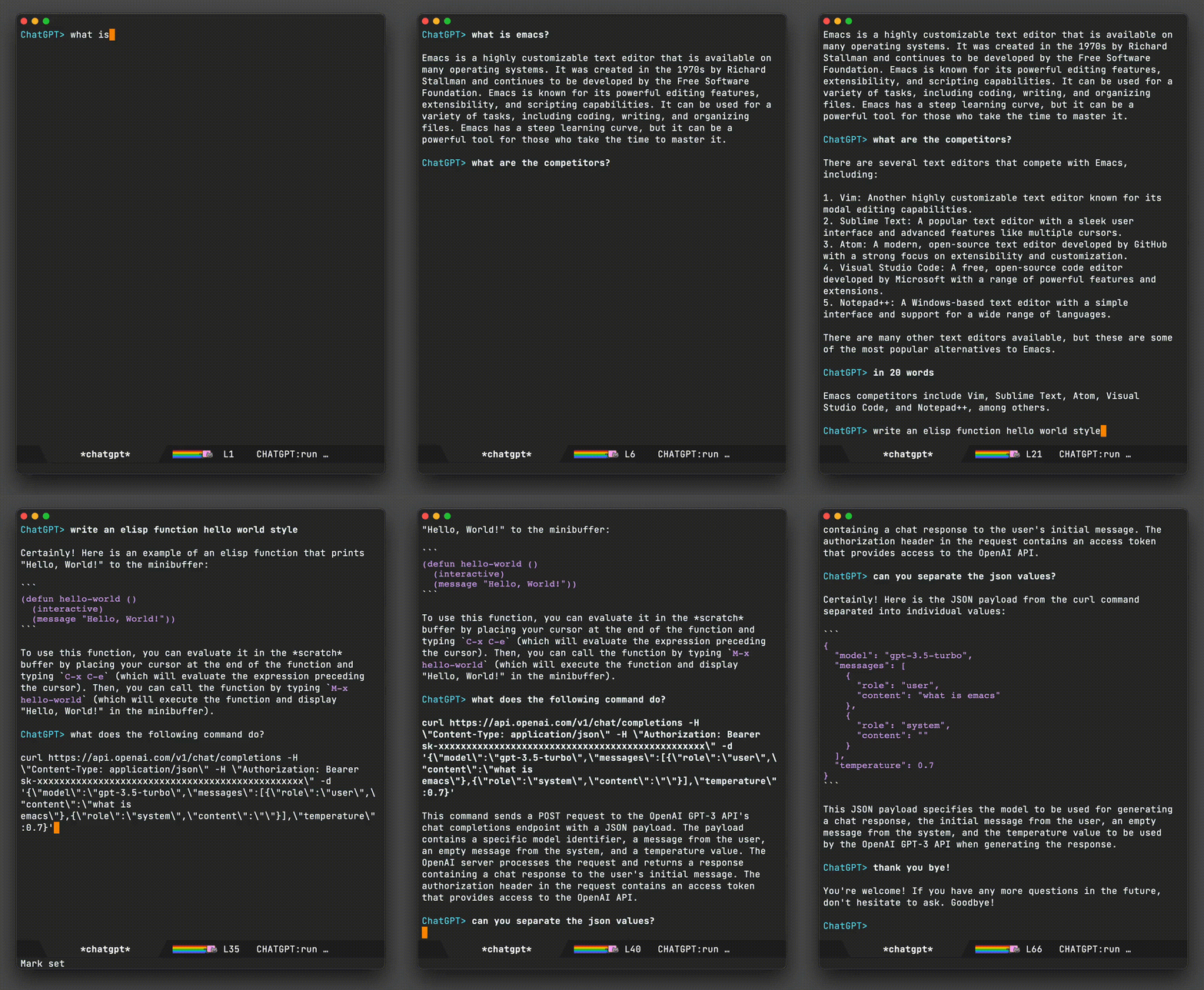
I've uploaded the code to GitHub as a tiny chatgpt-shell package. It's a little experimental and rough still, but hey, it does the job for now. Head over to github to take a look. The latest iteration handles multiline prompts (use C-j for newlines) and basic code highlighting.
Let's see where it all goes. Pull requests for improvements totally welcome ;-)
]]>*scratch* area (à la Emacs), so I built one.

What's the use-case? You're on the go. Someone's telling you directions, or a phone number, name of a restaurant, anything really… you just need to write it down right now, quickly!
No time to create a new contact, a note, a file, or spend time on additional taps, bring up keyboard… You just want to write it somewhere with the least amount of friction.
Being an Emacs and org user, I had to sprinkle the app with basic markup support for headings, lists and checkboxes. Also, having a *scratch* "buffer" on my iPhone gives me that warm emacsy fuzzy feeling :)
You can download *scratch* from the App Store.
Find it useful? Please help me spread the word. Tell your friends.


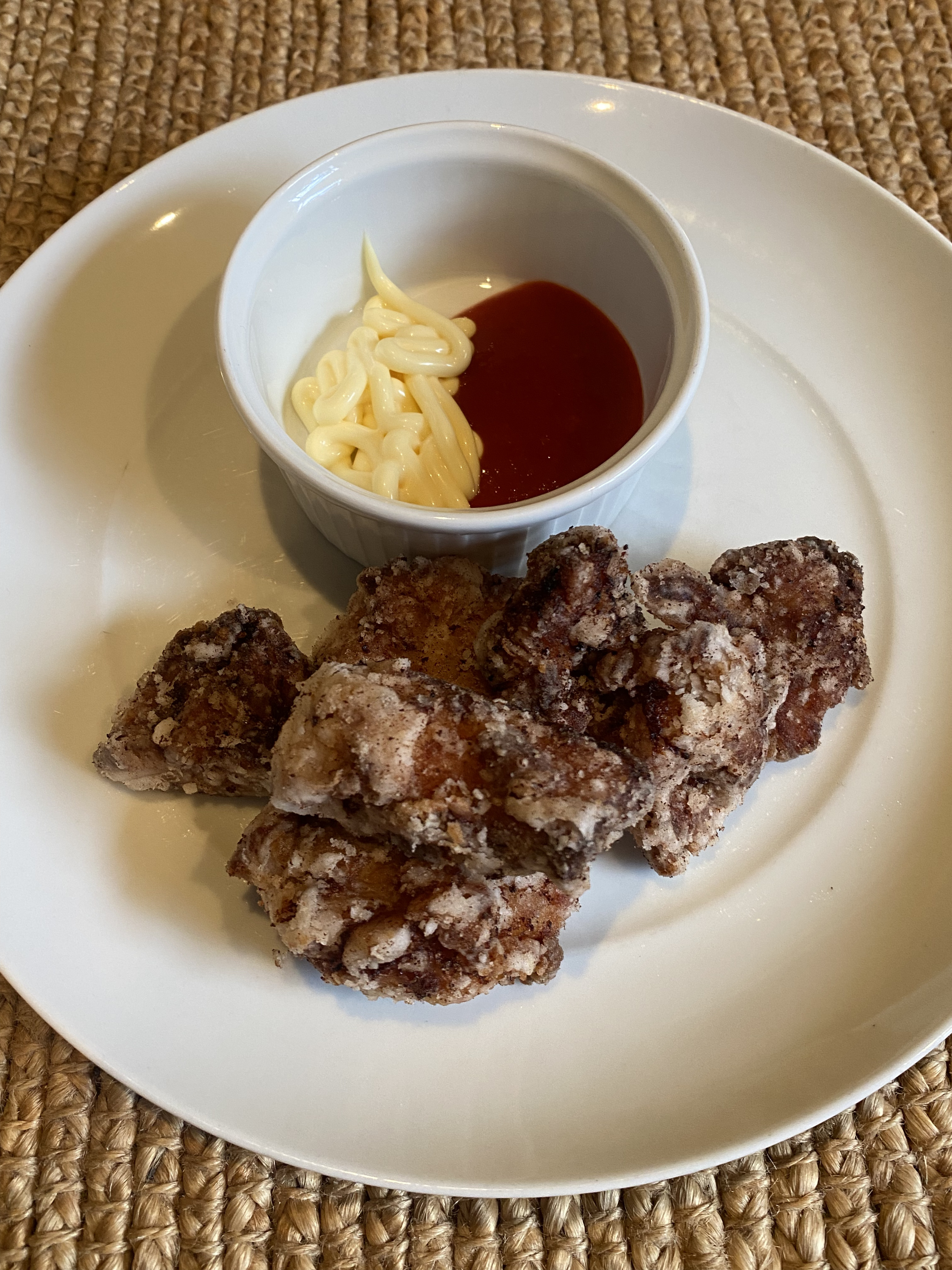
Dice the chicken
- 350 grams boneless chicken thighs
Dice the chicken up.
Marinade for 30 mins
- 1 tablespoon soy sauce (Kikkoman or similar)
- 1 tablespoon cooking Sake
- 2 tablespoons of grated ginger (include liquids)
- 1/2 teaspoon Mirin
Mix all ingredients into a ziploc bag. Add the diced chicken and let it marinade for 30 minutes in the fridge.
Pat dry
- Paper towels
After marinating, pat the chicken dry with paper towels and set aside.
Breading
- Potato starch
Ok, not quite breading since we're using potato starch but same goal. Sprinkle the chicken pieces and make sure they are fully coated with the starch.
Frying (1st round)
- Vegetable oil
- Paper towels
Heat up (roughly at 160°C) enough oil in a pan to cover the chicken pieces. Cook for about 3 minutes. The pieces don't have to be super golden at this point. There will be another round of frying for that.
Rest for 4 minutes
- Paper towels
Let the chicken rest on paper towels for about 4 minutes before frying again.
Frying (2nd round)
- Vegetable oil
- Paper towels
This time heat up the oil at roughly 200°C. This is a quick in-and-out action to make the chicken crispy. Cook for 30 seconds. Take out and set aside on some paper towels. Let it cool and it's ready to eat.
Dipping
- Kewpie mayo
- Sriracha sauce
This is totally optional, but I'm a fan of both Kewpie mayo and Sriracha sauce. You can dip your chicken in either or both!
]]>org-present's spartan but effective approach resonated with me. David's touches bring the wonderfully stylish icing to the cake. I personally liked his practice of collapsing slide subheadings by default. This lead me to think about slide navigation in general…
There were two things I wanted to achieve:
- Easily jump between areas of interest. Subheadings, links, and code blocks would be a good start.
- Collapse all but the current top-level heading within the slide, as navigation focus changes.
A quick search for existing functions led me to org-next-visible-heading, org-next-link, and org-next-block. While these make it easy to jump through jump between headings, links, org block on their own, I wanted to jump to whichever one of these is next (similar a web browser's tab behaviour). In a way, DWIM style.
I wrapped the existing functions to enable returning positions. This gave me ar/rg-next-visible-heading-pos, ar/rg-next-link-pos, and ar/rg-next-block-pos respectively. Now that I can find out the next location of either of these items, I can subsequently glue the navigation logic in a function like ar/org-present-next-item. To restore balance to the galaxy, I also added ar/org-present-previous-item.
(defun ar/org-present-next-item (&optional backward)
  "Present and reveal next item."
  (interactive "P")
  ;; Beginning of slide, go to previous slide.
  (if (and backward (eq (point) (point-min)))
      (org-present-prev)
    (let* ((heading-pos (ar/org-next-visible-heading-pos backward))
           (link-pos (ar/org-next-link-pos backward))
           (block-pos (ar/org-next-block-pos backward))
           (closest-pos (when (or heading-pos link-pos block-pos)
                          (apply (if backward #'max #'min)
                                 (seq-filter #'identity
                                             (list heading-pos
                                                   link-pos
                                                   block-pos))))))
      (if closest-pos
          (progn
            (cond ((eq heading-pos closest-pos)
                   (goto-char heading-pos))
                  ((eq link-pos closest-pos)
                   (goto-char link-pos))
                  ((eq block-pos closest-pos)
                   (goto-char block-pos)))
            ;; Reveal relevant content.
            (cond ((> (org-current-level) 1)
                   (ar/org-present-reveal-level2))
                  ((eq (org-current-level) 1)
                   ;; At level 1. Collapse children.
                   (org-overview)
                   (org-show-entry)
                   (org-show-children)
                   (run-hook-with-args 'org-cycle-hook 'children))))
        ;; End of slide, go to next slide.
        (org-present-next)))))

(defun ar/org-present-previous-item ()
  (interactive)
  (ar/org-present-next-item t))

(defun ar/org-next-visible-heading-pos (&optional backward)
  "Similar to `org-next-visible-heading' but for returning position.

Set BACKWARD to search backwards."
  (save-excursion
    (let ((pos-before (point))
          (pos-after (progn
                       (org-next-visible-heading (if backward -1 1))
                       (point))))
      (when (and pos-after (not (equal pos-before pos-after)))
        pos-after))))

(defun ar/org-next-link-pos (&optional backward)
  "Similar to `org-next-visible-heading' but for returning position.

Set BACKWARD to search backwards."
  (save-excursion
    (let* ((inhibit-message t)
           (pos-before (point))
           (pos-after (progn
                        (org-next-link backward)
                        (point))))
      (when (and pos-after (or (and backward (> pos-before pos-after))
                               (and (not backward) (> pos-after pos-before))))
        pos-after))))

(defun ar/org-next-block-pos (&optional backward)
  "Similar to `org-next-block' but for returning position.

Set BACKWARD to search backwards."
  (save-excursion
    (when (and backward (org-babel-where-is-src-block-head))
      (org-babel-goto-src-block-head))
    (let ((pos-before (point))
          (pos-after (ignore-errors
                       (org-next-block 1 backward)
                       (point))))
      (when (and pos-after (not (equal pos-before pos-after)))
        ;; Place point inside block body.
        (goto-char (line-beginning-position 2))
        (point)))))

(defun ar/org-present-reveal-level2 ()
  (interactive)
  (let ((loc (point))
        (level (org-current-level))
        (heading))
    (ignore-errors (org-back-to-heading t))
    (while (or (not level) (> level 2))
      (setq level (org-up-heading-safe)))
    (setq heading (point))
    (goto-char (point-min))
    (org-overview)
    (org-show-entry)
    (org-show-children)
    (run-hook-with-args 'org-cycle-hook 'children)
    (goto-char heading)
    (org-show-subtree)
    (goto-char loc)))
Beware, this was a minimal effort (with redundant code, duplication, etc) and should likely be considered a proof of concept of sorts, but the results look promising. You can see a demo in action.
While this was a fun exercise, I can't help but think there must be a cleaner way of doing it or there are existing packages that already do this for you. If you do know, I'd love to know.
Future versions of this code will likely be updated in my Emacs org config.
Update
Removed a bunch of duplication and now rely primarily on existing org-next-visible-heading, org-next-link, and org-next-block.
Christian Tietze and Alan Third both have useful posts in this space:
I'm currently using the following to render SF symbols in all buffers (macOS only):
;; Enable rendering SF symbols on macOS.
(when (memq system-type '(darwin))
  (set-fontset-font t nil "SF Pro Display" nil 'append))
Now that I can render SF symbols everywhere, I may be more included to use them to spif things up.
I've added sf-symbol-insert to sf.el, let's see if usage sticks.
With Christian Tietze recently posting how he rendered SF Symbols in Emacs, I figured there may be a way to shift the above workflow to rely on Emacs completion instead. While I initially went down a rabbit hole to programmatically extract SF symbols (via something like SFSafeSymbols), I took a step back to rethink the strategy.
From the SF Symbols app, one can select multiple symbols and copy/paste either the symbols themselves or their respective names. The catch is you can only copy disjointed data. That is, you can copy the symbols or their names, but not both in one go. Let's take a look at what the disjointed data looks like. I've pasted both under separate sections in an Emacs buffer.

If I could rejoin these two sets, I would have a lookup table I could easily invoke from Emacs.
There are roughly 4500 symbols, so copying, pasting, along with text manipulation isn't manually feasible. Lucky for us, an Emacs keyboard macro is the perfect hammer for this nail. You can see the macro in action below.

This looks fairly magical (and it is), but when you break it down into its building blocks, it's nothing more than recording your keystrokes and replaying them. Starting with the cursor at the beginning of square.and.arrow.up, these are the keystrokes we'd need to record:
C-s : iseach-forward to search for a character and jump to it
=
: insert = so we jump to == Symbols ==
<return> : runs isearch-exit since we're done jumping.
C-n
: next-line.
C-a
: beginning-of-line.
C-SPC
: set-mark-command to activate the region.
C-f
: forward-char to select symbol.
C-w
: kill-ring-save to cut/kill the symbol.
C-u C-<space>
: set-mark-command (with prefix) to jump back to where we started before searching.
C-y
: yank to yank/paste the symbol.
C-<space>
: set-mark-command to activate the region.
C-e
: end-of-line to select the entire line.
" : As a smartparens user, inserting quote with region places quotes around selection.
C-n
: next-line.
C-a
: beginning-of-line. We are now at a strategic location where we can replay the above commands.
To start/end recording and executing keyboard macros, use:
C-x ( : kmacro-start-macro
C-x ) : kmacro-end-macro
C-x e
: kmacro-end-and-call-macro runs your macro. Press e immediately after to execute again.
C-u 0 C-x e : kmacro-end-and-call-macro (with zero prefix) repeat until there is an error.
Our previous example ran on a handful of SF symbols. Let's bring out the big guns and run on the entire dataset. This time, we'll run the entire flow, including macro creation and executing until there is an error (i.e. process the whole lot).

Now that we have our data joined, we can feed it to the humble completing-read.

It's worth highlighting that to render SF Symbols in Emacs, we must propertize our text with one of the macOS SF fonts, for example "SF Pro".
With all the pieces in place, let's use our new function to insert SF symbol names in a SwiftUI snippet. Since we're using completing-read we can fuzzy search our lookups with our favorite completion frameworks (in my case via ivy).

While this post is macOS-specific, it gives a taste of how powerful Emacs keyboard macros can be. Be sure to check out Emacs Rocks! Episode 05: Macros in style and Keyboard Macros are Misunderstood - Mastering Emacs. For those that dabble in elisp, you can appreciate how handy completing-read is with very little code.
The full source to sf-symbol-insert-name is available in my Emacs config repo. The function is fairly bare bones and has had fairly little testing. Patches totally welcome.
Update
There is some redundancy in the snippet I had forgotten to remove. Either way, latest version at sf.el.
]]>Chris's post reminded me of a few use-cases I'd been meaning to add DWIM shell commands for.
ffmpeg
- Trimming seconds from videos
-
dwim-shell-commands-video-trim-beginningusing:ffmpeg -i '<<f>>' -y -ss <<Seconds:5>> -c:v copy -c:a copy '<<fne>>_trimmed.<<e>>' -
dwim-shell-commands-video-trim-endusing:ffmpeg -sseof -<<Seconds:5>> -i '<<f>>' -y -c:v copy -c:a copy '<<fne>>_trimmed.<<e>>'Side-node: The
<<Seconds:5>>placeholder is recognized as a query, so Emacs will prompt you for a numeric value.
-
- Extracting audio from videos
-
dwim-shell-commands-video-to-mp3using:ffmpeg -i '<<f>>' -vn -ab 128k -ar 44100 -y '<<fne>>.mp3'
-
With these new dwim shell commands added, I can easily apply them one after the other. No need to remember command details.

macOS aliases
After rebuilding Emacs via the wonderful emacs-plus, I recently broke my existing /Applications/Emacs.app alias. No biggie, one can easily add a new one alias from macOS Finder, but I've been wanting to do it from Emacs. Turns out there's a bit of AppleScript we can turn into a more memorale command like dwim-shell-commands-macos-make-finder-alias:
osascript -e 'tell application \"Finder\" to make alias file to POSIX file \"<<f>>\" at POSIX file \"%s\"'
It's highly unlikely I'll remember the AppleScript snippet (are there better ways?), but I'll easily find and invoke my new command with fuzzy searching:

Included in dwim-shell-command
All of these are now included in dwim-shell-commands.el, which you can optionally load after installing dwim-shell-command from MELPA.
]]>
With an extra push, we could have written a smarter yasnippet, but it may require a fair bit of parsing logic. Fast forward to today, and bringing context-awareness seems like the right match for Tree-sitter. While Tree-sitter can enable faster and more reliable syntax-highlighting in our beloved text editor, it can also power smarter tools. It does so by exposing a semantic snapshot of our source code using a syntax tree.
Let's see how we can use Tree-sitter to realise our original yasnippet vision. We'll start with the same struct snippet we used back in 2020. The goal is to generate an initializer using the existing definitions.
struct Coordinate {
  public let x: Int
  public let y: Int
  public let z: Int
}
While Emacs will will soon ship its own Tree-sitter integration, I've opted to try out the emacs-tree-sitter package as Swift support is currently included in tree-sitter-langs.
I have much to learn much about Tree-sitter syntax trees, but the package ships with a handy tool to dump the tree via tree-sitter-debug-mode.
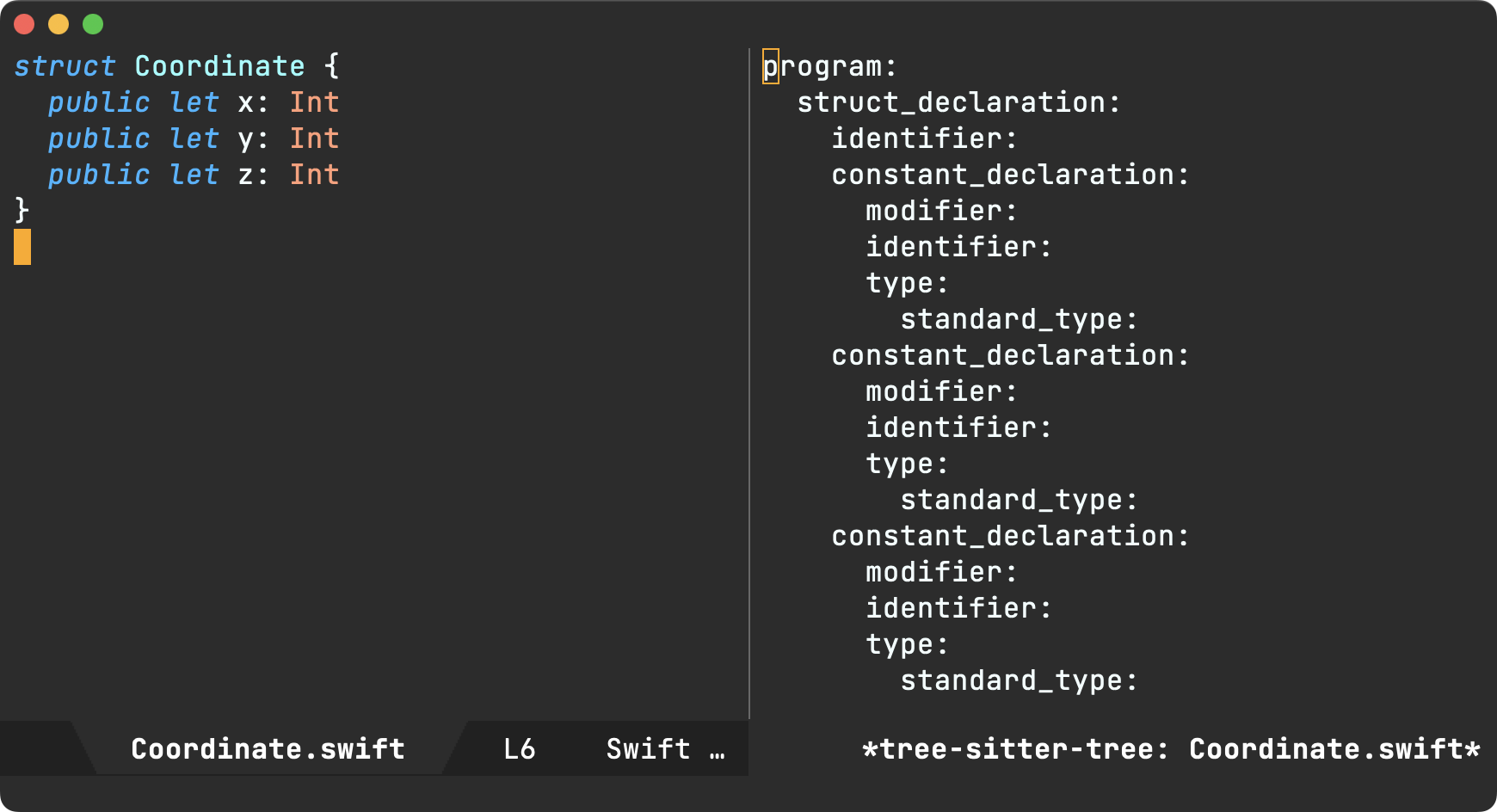
With a syntax tree in mind, one can craft a query to semantically extract parts of the code. In our case, we want property names and types. I've yet to get acquainted with Tree-sitter's query syntax, but the package also ships with another handy tool that helps view query results via tree-sitter-query-builder.
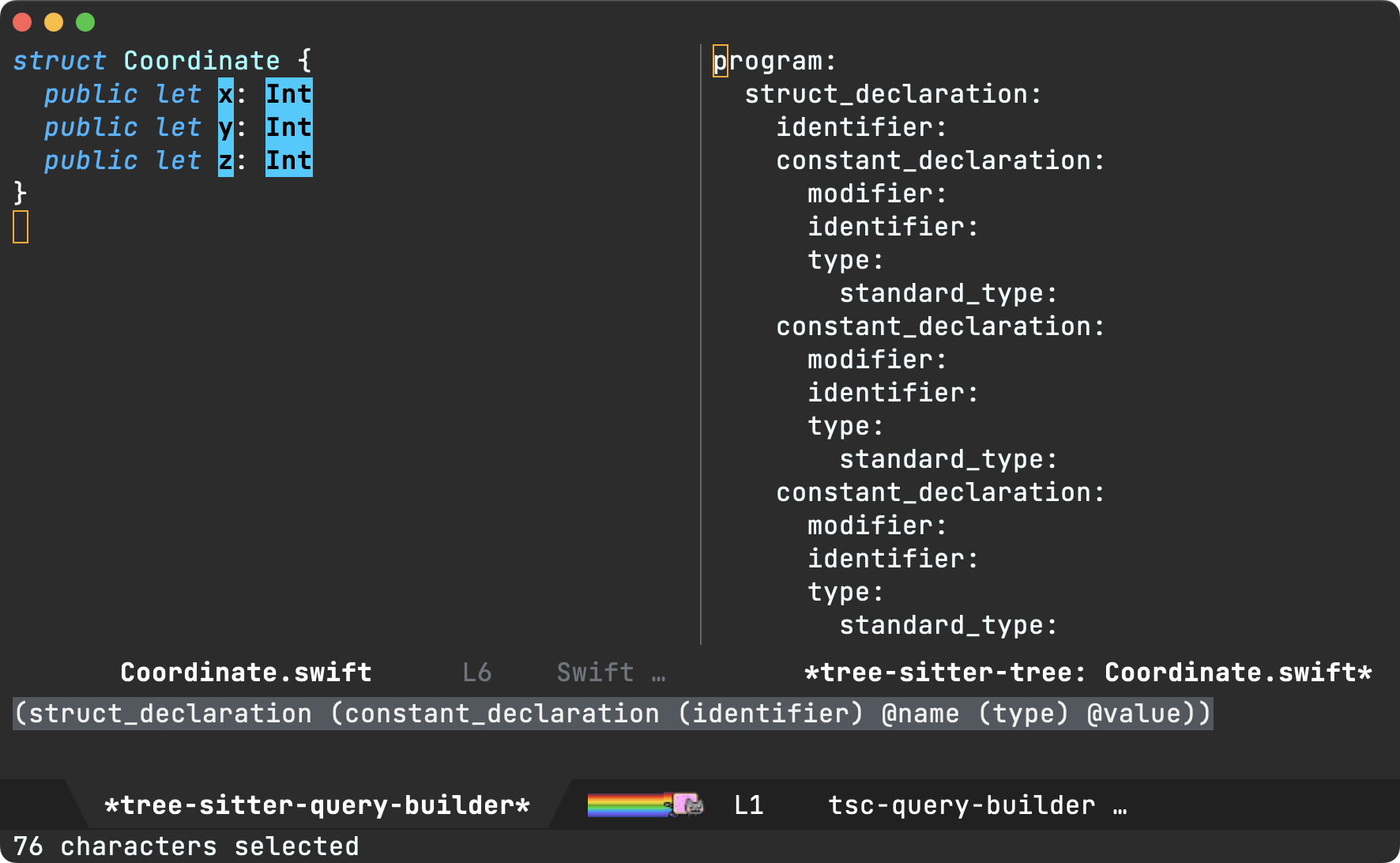
The following query extracts all the let properties in file. You can see the builder in action above, highlighting our query results.
(struct_declaration (constant_declaration (identifier) @name (type) @value))
If we want to be more thorough, we should likely cater for classes, vars, int/string literals, etc. so the query needs to be extended as follows. I'm sure it can be written differently, but for now, it does the job.
(struct_declaration (variable_declaration (identifier) @name (type) @type))
(struct_declaration (variable_declaration (identifier) @name (string) @value))
(struct_declaration (variable_declaration (identifier) @name (number) @value))
(struct_declaration (constant_declaration (identifier) @name (type) @value))
(struct_declaration (constant_declaration (identifier) @name (string) @value))
(struct_declaration (constant_declaration (identifier) @name (number) @value))
(class_declaration (variable_declaration (identifier) @name (type) @type))
(class_declaration (variable_declaration (identifier) @name (string) @value))
(class_declaration (variable_declaration (identifier) @name (number) @value))
(class_declaration (constant_declaration (identifier) @name (type) @type))
(class_declaration (constant_declaration (identifier) @name (string) @value))
(class_declaration (constant_declaration (identifier) @name (number) @value))
Now that we got our Tree-sitter query sorted, let's write a little elisp to extract the info we need from the generated tree. We'll write a swift-class-or-struct-vars-at-point function to extract the struct (or class) at point and subsequently filter its property names/types using our query. To simplify the result, we'll return a list of alists.
(defun swift-class-or-struct-vars-at-point ()
  "Return a list of class or struct vars in the form '(((name . \"foo\") (type . \"Foo\")))."
  (cl-assert (seq-contains local-minor-modes 'tree-sitter-mode) "tree-sitter-mode not enabled")
  (let* ((node (or (tree-sitter-node-at-point 'struct_declaration)
                   (tree-sitter-node-at-point 'class_declaration)))
         (vars)
         (var))
    (unless node
      (error "Neither in class nor struct"))
    (mapc
     (lambda (item)
       (cond ((eq 'identifier
                  (tsc-node-type (cdr item)))
              (when var
                (setq vars (append vars (list var))))
              (setq var (list (cons 'name (tsc-node-text
                                           (cdr item))))))
             ((eq 'type
                  (tsc-node-type (cdr item)))
              (setq var (map-insert var 'type (tsc-node-text
                                               (cdr item)))))
             ((eq 'string
                  (tsc-node-type (cdr item)))
              (setq var (map-insert var 'type "String")))
             ((eq 'number
                  (tsc-node-type (cdr item)))
              (setq var (map-insert var 'type "Int")))
             (t (message "%s" (tsc-node-type (cdr item))))))
     (tsc-query-captures
      (tsc-make-query tree-sitter-language
                      "(struct_declaration (variable_declaration (identifier) @name (type) @type))
                       (struct_declaration (variable_declaration (identifier) @name (string) @value))
                       (struct_declaration (variable_declaration (identifier) @name (number) @value))
                       (struct_declaration (constant_declaration (identifier) @name (type) @value))
                       (struct_declaration (constant_declaration (identifier) @name (string) @value))
                       (struct_declaration (constant_declaration (identifier) @name (number) @value))
                       (class_declaration (variable_declaration (identifier) @name (type) @type))
                       (class_declaration (variable_declaration (identifier) @name (string) @value))
                       (class_declaration (variable_declaration (identifier) @name (number) @value))
                       (class_declaration (constant_declaration (identifier) @name (type) @type))
                       (class_declaration (constant_declaration (identifier) @name (string) @value))
                       (class_declaration (constant_declaration (identifier) @name (number) @value))")
      node nil))
    (when var
      (setq vars (append vars (list var))))
    vars))
Finally, we write a function to generate a Swift initializer from our property list.
(defun swift-class-or-struct-initializer-text (vars)
"Generate a Swift initializer from property VARS."
(cl-assert (seq-contains local-minor-modes 'tree-sitter-mode) "tree-sitter-mode not enabled")
(format
(string-trim
"
init(%s) {
%s
}")
(seq-reduce (lambda (reduced var)
(format "%s%s%s: %s"
reduced
(if (string-empty-p reduced)
"" ", ")
(map-elt var 'name)
(map-elt var 'type)))
vars "")
(string-join
(mapcar (lambda (var)
(format "self.%s = %s"
(map-elt var 'name)
(map-elt var 'name)))
vars)
"\n ")))
We're so close now. All we need is a simple way invoke our code generator. We can use yasnippet for that, making init our expandable keyword.
# -*- mode: snippet -*-
# name: init all
# key: init
# --
`(swift-class-or-struct-initializer-text (swift-class-or-struct-vars-at-point))`
And with all that, we've got our yasnippet vision accomplished!

Be sure to check out this year's relevant EmacsConf talk: Tree-sitter beyond syntax highlighting.
All code is now pushed to my config repo. By the way, I'm not super knowledgable of neither yasnippet nor Tree-sitter. Improvements are totally welcome. Please reach out on the Fediverse if you have suggestions!
Update
Josh Caswell kindly pointed out a couple of interesting items:
- tree-sitter-langs's Swift grammar is fairly outdated/incomplete.
- There are more up-to-date Swift grammar implementations currently available:
- tree-sitter-swifter (by Josh Caswell himself)
- tree-sitter-swift (by Alex Pinkus)
proced (check out Mickey Petersen's article), I somehow find myself using macOS's Activity Monitor to this purpose. Kinda odd, considering I prefer to do these kinds of things from Emacs.
What I'd really like is a way to quickly fuzzy search a list of active processes and choose the unresponsive culprid, using my preferred completion frontend (in my case ivy).
The function below gives us a fuzzy-searchable process utility. While we could use ivy-read directly in our implementation, we're better of using completing-read to remain compatible with other completion frameworks. I'm a big fan of the humble completing-read. You feed it a list of candidates and it prompts users to pick one.
To build our process list, we can lean on proced's own source: proced-process-attributes. We transform its output to an alist, formatting the visible keys to contain the process id, owner, command name, and the command line which invoked the process. Once a process is chosen, we can send a kill signal using signal-process dwim-shell-command and our job is done.
(require 'dwim-shell-command)
(require 'map)
(require 'proced)
(require 'seq)
(defun dwim-shell-commands-kill-process ()
"Select and kill process."
(interactive)
(let* ((pid-width 5)
(comm-width 25)
(user-width 10)
(processes (proced-process-attributes))
(candidates
(mapcar (lambda (attributes)
(let* ((process (cdr attributes))
(pid (format (format "%%%ds" pid-width) (map-elt process 'pid)))
(user (format (format "%%-%ds" user-width)
(truncate-string-to-width
(map-elt process 'user) user-width nil nil t)))
(comm (format (format "%%-%ds" comm-width)
(truncate-string-to-width
(map-elt process 'comm) comm-width nil nil t)))
(args-width (- (window-width) (+ pid-width user-width comm-width 3)))
(args (map-elt process 'args)))
(cons (if args
(format "%s %s %s %s" pid user comm (truncate-string-to-width args args-width nil nil t))
(format "%s %s %s" pid user comm))
process)))
processes))
(selection (map-elt candidates
(completing-read "kill process: "
(seq-sort
(lambda (p1 p2)
(string-lessp (nth 2 (split-string (string-trim (car p1))))
(nth 2 (split-string (string-trim (car p2))))))
candidates) nil t)))
(prompt-title (format "%s %s %s"
(map-elt selection 'pid)
(map-elt selection 'user)
(map-elt selection 'comm))))
(when (y-or-n-p (format "Kill? %s" prompt-title))
(dwim-shell-command-on-marked-files
(format "Kill %s" prompt-title)
(format "kill -9 %d" (map-elt selection 'pid))
:utils "kill"
:error-autofocus t
:silent-success t))))
I've pushed dwim-shell-commands-kill-process to my config dwim-shell-commands.el. Got suggestions? Alternatives? Lemme know.
Update
I've moved dwim-shell-commands-kill-process from my Emacs config to dwim-shell-commands.el. A few advantages:
- Killing processes is now async.
- Should anything go wrong, an error message is now accessible.
- You can easily install via MELPA.
If you prefer the previous version (without a dependency on dwim-shell-command), have a look at the initial commit.
]]>dwim-shell-commands-macos-open-with and dwim-shell-commands-open-externally are typically enough for me to handle opening files outside of Emacs. But every now and then I'd like to change the default macOS app associated with specific file types. Now this isn't particularly challenging in macOS, but it does require a little navigating to get to the right place to change this default setting.
Back in March 2020, I tweeted about duti: a command-line utility capable of setting default applications for various document types on macOS. While I liked the ability to change default apps from the command-line, the habit never quite stuck.
Fast forward to 2022. I've been revisiting lots of my command-line usages (specially those that never stuck) and making them more accessible from Emacs via dwim-shell-command. I seldom change default apps on macOS, so my brain forgets about duti itself, let alone its arguments, order, etc. But with a dwim shell command like dwim-shell-commands-macos-set-default-app, I can easily invoke the command via swiper's counsel-M-x fuzzy terms: "dwim set".
As an added bonus, I get to reuse dwim-shell-commands--macos-apps from "open with" to quickly pick the new default app, making the whole experience pretty snappy.
(defun dwim-shell-commands-macos-set-default-app ()
"Set default app for file(s)."
(interactive)
(let* ((apps (dwim-shell-commands-macos-apps))
(selection (progn
(cl-assert apps nil "No apps found")
(completing-read "Set default app: " apps nil t))))
(dwim-shell-command-on-marked-files
"Set default app"
(format "duti -s \"%s\" '<<e>>' all"
(string-trim
(shell-command-to-string (format "defaults read '%s/Contents/Info.plist' CFBundleIdentifier"
(map-elt apps selection)))))
:silent-success t
:no-progress t
:utils "duti")))
(defun dwim-shell-commands--macos-apps ()
"Return alist of macOS apps (\"Emacs\" . \"/Applications/Emacs.app\")."
(mapcar (lambda (path)
(cons (file-name-base path) path))
(seq-sort
#'string-lessp
(seq-mapcat (lambda (paths)
(directory-files-recursively
paths "\\.app$" t (lambda (path)
(not (string-suffix-p ".app" path)))))
'("/Applications" "~/Applications" "/System/Applications")))))
As usual, I've added dwim-shell-commands-macos-set-default-app to dwim-shell-commands.el, which you can install via MELPA.
Did you find this tiny integration useful? Check out Hey Emacs, where did I take that photo?
]]>Luckily the exiftool command line utility does the heavy lifting when it comes to extracting metadata. Since I want it quickly accessible from Emacs (in either dired or current buffer), a tiny elisp snippet would give me just that (via dwim-shell-command).

(defun dwim-shell-commands-image-exif-metadata ()
"View EXIF metadata in image(s)."
(interactive)
(dwim-shell-command-on-marked-files
"View EXIF"
"exiftool '<<f>>'"
:utils "exiftool"))
The above makes all Exif metadata easily accessible, including the photo's GPS coordinates. But I haven’t quite answered the original question. Where did I take the photo? I now know the coordinates, but I can’t realistically deduce neither the country nor city unless I manually feed these values to a reverse geocoding service like OpenStreetMap. Manually you say? This is Emacs, so we can throw more elisp glue at the problem, mixed in with a little shell script, and presto! We've now automated the process of extracting metadata, reverse geocoding, and displaying the photo's address in the minibuffer. Pretty nifty.

(defun dwim-shell-commands-image-reverse-geocode-location ()
"Reverse geocode image(s) location."
(interactive)
(dwim-shell-command-on-marked-files
"Reverse geocode"
"lat=\"$(exiftool -csv -n -gpslatitude -gpslongitude '<<f>>' | tail -n 1 | cut -s -d',' -f2-2)\"
if [ -z \"$lat\" ]; then
echo \"no latitude\"
exit 1
fi
lon=\"$(exiftool -csv -n -gpslatitude -gpslongitude '<<f>>' | tail -n 1 | cut -s -d',' -f3-3)\"
if [ -z \"$lon\" ]; then
echo \"no longitude\"
exit 1
fi
json=$(curl \"https://nominatim.openstreetmap.org/reverse?format=json&accept-language=en&lat=${lat}&lon=${lon}&zoom=18&addressdetails=1\")
echo \"json_start $json json_end\""
:utils '("exiftool" "curl")
:silent-success t
:error-autofocus t
:on-completion
(lambda (buffer)
(with-current-buffer buffer
(goto-char (point-min))
(let ((matches '()))
(while (re-search-forward "^json_start\\(.*?\\)json_end" nil t)
(push (match-string 1) matches))
(message "%s" (string-join (seq-map (lambda (json)
(map-elt (json-parse-string json :object-type 'alist) 'display_name))
matches)
"\n")))
(kill-buffer buffer)))))
Displaying the photo's address in the minibuffer is indeed pretty nifty, but what if I’d like to drop a pin in a map for further exploration? This is actually simpler, as there's no need for reverse geocoding. Following a similar recipe, we merely construct an OpenStreetMap URL and open it in our favourite browser.

(defun dwim-shell-commands-image-browse-location ()
"Open image(s) location in browser."
(interactive)
(dwim-shell-command-on-marked-files
"Browse location"
"lat=\"$(exiftool -csv -n -gpslatitude -gpslongitude '<<f>>' | tail -n 1 | cut -s -d',' -f2-2)\"
if [ -z \"$lat\" ]; then
echo \"no latitude\"
exit 1
fi
lon=\"$(exiftool -csv -n -gpslatitude -gpslongitude '<<f>>' | tail -n 1 | cut -s -d',' -f3-3)\"
if [ -z \"$lon\" ]; then
echo \"no longitude\"
exit 1
fi
if [[ $OSTYPE == darwin* ]]; then
open \"http://www.openstreetmap.org/?mlat=${lat}&mlon=${lon}&layers=C\"
else
xdg-open \"http://www.openstreetmap.org/?mlat=${lat}&mlon=${lon}&layers=C\"
fi"
:utils "exiftool"
:error-autofocus t
:silent-success t))
Got suggestions? Improvements? All three functions are now included in dwim-shell-commands.el as part of dwim-shell-command. Pull requests totally welcome ;)
]]>*scratch* buffer is the first thing I see when I launch an Emacs session. Coupled with persistent-scratch, it's served me well over the years. I gotta say though, my scratch buffer accumulates random bits and often becomes a little messy. It's not the most visually appealing landing buffer when launching Emacs. But who cares, I'm only a C-x b binding away from invoking ivy-switch-buffer to get me wherever I need to be. It's powered by ivy-use-virtual-buffers, which remembers recent files across sessions.
Having said all of this, I recently ran into u/pearcidar43's post showcasing a wonderful Emacs banner. Lucky for us, they shared the image, so I got curious about building a minimal welcome buffer of sorts. Nothing fancy, the only requirements being to load quickly and enable me to get on with my C-x b ritual. Throw in a little bonus to exit quickly by pressing just q if I so desire.


I didn't know a whole lot on how to go about it, so I took a peek at emacs-dashboard for inspiration. Turns out, I needed little code to get the desired effect in my early-init.el:
(defun ar/show-welcome-buffer ()
"Show *Welcome* buffer."
(with-current-buffer (get-buffer-create "*Welcome*")
(setq truncate-lines t)
(let* ((buffer-read-only)
(image-path "~/.emacs.d/emacs.png")
(image (create-image image-path))
(size (image-size image))
(height (cdr size))
(width (car size))
(top-margin (floor (/ (- (window-height) height) 2)))
(left-margin (floor (/ (- (window-width) width) 2)))
(prompt-title "Welcome to Emacs!"))
(erase-buffer)
(setq mode-line-format nil)
(goto-char (point-min))
(insert (make-string top-margin ?\n ))
(insert (make-string left-margin ?\ ))
(insert-image image)
(insert "\n\n\n")
(insert (make-string (floor (/ (- (window-width) (string-width prompt-title)) 2)) ?\ ))
(insert prompt-title))
(setq cursor-type nil)
(read-only-mode +1)
(switch-to-buffer (current-buffer))
(local-set-key (kbd "q") 'kill-this-buffer)))
(setq initial-scratch-message nil)
(setq inhibit-startup-screen t)
(when (< (length command-line-args) 2)
(add-hook 'emacs-startup-hook (lambda ()
(when (display-graphic-p)
(ar/show-welcome-buffer)))))
This being Emacs, I can bend it as far as needed. In my case, I didn't need much, so I can probably stop here. It was a fun experiment. I'll even try using it for a little while and see if it sticks. I'm sure there's plenty more that could be handled (edge cases, resizes, etc.), but if you want something more established, consider something like emacs-dashboard instead. I haven't used it myself, but is pretty popular.
]]>Take images as an example. Though Emacs can display them quickly, I also open images externally using the default app (Preview in my case). But then there are those times when I'd like to open with a different app for editing (maybe something like GIMP). It'd be nice to quickly choose which app to open with.
There isn't much to the code. Get a list of apps, ask user to pick one (via completing-read), and launch the external app via dwim-shell-command-on-marked-files.
There's likely a better way of getting a list of available apps (happy to take suggestions), but searching in "/Applications" "~/Applications" and "/System/Applications" does the job for now.
(defun dwim-shell-commands-macos-open-with ()
"Convert all marked images to jpg(s)."
(interactive)
(let* ((apps (seq-sort
#'string-lessp
(seq-mapcat (lambda (paths)
(directory-files-recursively
paths "\\.app$" t (lambda (path)
(not (string-suffix-p ".app" path)))))
'("/Applications" "~/Applications" "/System/Applications"))))
(selection (progn
(cl-assert apps nil "No apps found")
(completing-read "Open with: "
(mapcar (lambda (path)
(propertize (file-name-base path) 'path path))
apps)))))
(dwim-shell-command-on-marked-files
"Open with"
(format "open -a '%s' '<<*>>'" (get-text-property 0 'path selection))
:silent-success t
:no-progress t
:utils "open")))
dwim-shell-commands-macos-open-with is now included in dwim-shell-command, available on melpa. What other uses can you find for it?
Tohiko noticed fullscreen wasn't working at all while Calvin proposed enumeration for tighter Emacs integration.
Calvin's suggestion enables using completing-read to pick the sharing service. This makes the integration feel more at home. As a bonus, it also enables sharing from fullscreen Emacs.
As an ivy user, you can see a vertical list of sharing services.

Here's the new snippet, now pushed to dwim-shell-commands.el:
(defun dwim-shell-commands--macos-sharing-services ()
"Return a list of sharing services."
(let* ((source (format "import AppKit
NSSharingService.sharingServices(forItems: [
%s
]).forEach {
print(\"\\($0.prompt-title)\")
}"
(string-join (mapcar (lambda (file)
(format "URL(fileURLWithPath: \"%s\")" file))
(dwim-shell-command--files))
", ")))
(services (split-string (string-trim (shell-command-to-string (format "echo '%s' | swift -" source)))
"\n")))
(when (seq-empty-p services)
(error "No sharing services available"))
services))
(defun dwim-shell-commands-macos-share ()
"Share selected files from macOS."
(interactive)
(let* ((services (dwim-shell-commands--macos-sharing-services))
(service-name (completing-read "Share via: " services))
(selection (seq-position services service-name #'string-equal)))
(dwim-shell-command-on-marked-files
"Share"
(format
"import AppKit
_ = NSApplication.shared
NSApp.setActivationPolicy(.regular)
class MyWindow: NSWindow, NSSharingServiceDelegate {
func sharingService(
_ sharingService: NSSharingService,
didShareItems items: [Any]
) {
NSApplication.shared.terminate(nil)
}
func sharingService(
_ sharingService: NSSharingService, didFailToShareItems items: [Any], error: Error
) {
let error = error as NSError
if error.domain == NSCocoaErrorDomain && error.code == NSUserCancelledError {
NSApplication.shared.terminate(nil)
}
exit(1)
}
}
let window = MyWindow(
contentRect: NSRect(x: 0, y: 0, width: 0, height: 0),
styleMask: [],
backing: .buffered,
defer: false)
let services = NSSharingService.sharingServices(forItems: [\"<<*>>\"].map{URL(fileURLWithPath:$0)})
let service = services[%s]
service.delegate = window
service.perform(withItems: [\"<<*>>\"].map{URL(fileURLWithPath:$0)})
NSApp.run()" selection)
:silent-success t
:shell-pipe "swift -"
:join-separator ", "
:no-progress t
:utils "swift")))
dwim-shell-command is available on melpa. What other uses can you find for it?
]]>A few days ago, I wrote dwim-shell-commands-macos-reveal-in-finder. While I've written a bunch of other dwim-shell-commands, what set this case apart was the use of Swift to glue an Emacs workflow.
(defun dwim-shell-commands-macos-reveal-in-finder ()
"Reveal selected files in macOS Finder."
(interactive)
(dwim-shell-command-on-marked-files
"Reveal in Finder"
"import AppKit
NSWorkspace.shared.activateFileViewerSelecting([\"<<*>>\"].map{URL(fileURLWithPath:$0)})"
:join-separator ", "
:silent-success t
:shell-pipe "swift -"))
There is hardly any Swift involved, yet it scratched a real itch I couldn't otherwise reach (reveal multiple dired files in macOS's Finder).
divinedominion's reddit comment got me thinking of other use-cases, so I figured why not push this Swift-elisp beeswax a little further… Let's add macOS's sharing ability via dwim-shell-command, so I could invoke it from the comfort of my beloved dired or any 'ol Emacs buffer visiting a file.
(defun dwim-shell-commands-macos-share ()
"Share selected files from macOS."
(interactive)
(let* ((position (window-absolute-pixel-position))
(x (car position))
(y (- (x-display-pixel-height)
(cdr position))))
(dwim-shell-command-on-marked-files
"Share"
(format
"import AppKit
_ = NSApplication.shared
NSApp.setActivationPolicy(.regular)
let window = InvisibleWindow(
contentRect: NSRect(x: %d, y: %s, width: 0, height: 0),
styleMask: [],
backing: .buffered,
defer: false)
NSApp.activate(ignoringOtherApps: true)
DispatchQueue.main.async {
let picker = NSSharingServicePicker(items: [\"<<*>>\"].map{URL(fileURLWithPath:$0)})
picker.delegate = window
picker.show(
relativeTo: .zero, of: window.contentView!, preferredEdge: .minY)
}
NSApp.run()
class InvisibleWindow: NSWindow, NSSharingServicePickerDelegate, NSSharingServiceDelegate {
func sharingServicePicker(
_ sharingServicePicker: NSSharingServicePicker, didChoose service: NSSharingService?
) {
if service == nil {
print(\"Cancelled\")
// Delay so \"More...\" menu can launch System Preferences
DispatchQueue.main.asyncAfter(deadline: .now() + 0.1) {
NSApplication.shared.terminate(nil)
}
}
}
func sharingServicePicker(
_ sharingServicePicker: NSSharingServicePicker,
delegateFor sharingService: NSSharingService
) -> NSSharingServiceDelegate? {
return self
}
func sharingService(
_ sharingService: NSSharingService,
didShareItems items: [Any]
) {
NSApplication.shared.terminate(nil)
}
func sharingService(
_ sharingService: NSSharingService, didFailToShareItems items: [Any], error: Error
) {
let error = error as NSError
if error.domain == NSCocoaErrorDomain && error.code == NSUserCancelledError {
NSApplication.shared.terminate(nil)
}
exit(1)
}
}" x y)
:silent-success t
:shell-pipe "swift -"
:join-separator ", "
:no-progress t
:utils "swift")))
Sure there is some trickery involved here (like creating an invisible macOS window to anchor the menu), but hey the results are surprisingly usable. Take a look…

I've pushed dwim-shell-commands-macos-share to dwim-shell-commands.el in case you'd like to give it a try. It's very much an experiment of sorts, so please treat it as such. For now, I'm looking forward to AirDropping more files and seeing if the flow sticks. Oh, and I just realised I can use this to send files to iOS Simulators. Win.
dwim-shell-command is available on melpa. What other uses can you find for it?
]]>dwim-shell-command-on-marked-files. I've made some small tweaks, but here's the gist of it:
(defun dwim-shell-commands-feh-marked-files ()
"View all marked files with feh."
(interactive)
(dwim-shell-command-on-marked-files
"View with feh"
"feh --auto-zoom --scale-down '<<*>>'"
:silent-success t
:utils "feh"))
(defun dwim-shell-commands-dragon-marked-files ()
"Share all marked files with dragon."
(interactive)
(dwim-shell-command-on-marked-files
"View with dragon"
"dragon --on-top '<<*>>'"
:silent-success t
:utils "dragon"))
I love seeing what others get up to by using dwim-shell-command. Are there new magical command-line utilities out there I don't know about? In this instance, I got to learn about feh and dragon.
feh is a no-frills image viewer for console users while dragon is a simple drag-and-drop source/sink for X or Wayland. Both utilities are great uses of dwim-shell-command, enabling a seamless transition from Emacs to the outside world. These days I'm rarely on a linux box, so I was keen to ensure macOS had these cases covered.
Preview is a solid macOS equivalent to feh. Preview is already macOS's default image viewer. A simple open '<<f>>' would do the job, but if we'd like to make this command more portable, we can accomodate as follows:
(defun dwim-shell-commands-open-externally ()
"Open file(s) externally."
(interactive)
(dwim-shell-command-on-marked-files
"Open externally"
(if (eq system-type 'darwin)
"open '<<f>>'"
"xdg-open '<<f>>'")
:silent-success t
:utils "open"))
Special mention goes to Bozhidar Batsov's crux which achieves similar functionality via crux-open-with. crux provides a bunch of other useful functions. Some of my favourites being crux-duplicate-current-line-or-region, crux-transpose-windows, crux-delete-file-and-buffer, and crux-rename-buffer-and-file, but I digress.
Moving on to a dragon equivalent on macOS, I thought I had it covered via reveal-in-osx-finder or reveal-in-folder. Turns out, neither of these reveal multiple dired-selected files within Finder. At first, I thought this could be easily achieved by passing additional flags/params to macOS's open command, but it doesn't seem to be the case. Having said that, this Stack Overflow post, has a solution in Objective-C, which is where things got a little more interesting. You see, back in July I added multi-language support to dwim-shell-command and while it highlighted language flexibility, I hadn't yet taken advantage of this feature myself. That is, until today.
The Objective-C snippet from the Stack Overflow post can be written as a Swift one-liner. Ok I lie. It's actually two lines, counting the import, but you can see that this multi-language Emacs transition/integration is pretty easy to add.
(defun dwim-shell-commands-macos-reveal-in-finder ()
"Reveal selected files in macOS Finder."
(interactive)
(dwim-shell-command-on-marked-files
"Reveal in Finder"
"import AppKit
NSWorkspace.shared.activateFileViewerSelecting([\"<<*>>\"].map{URL(fileURLWithPath:$0)})"
:join-separator ", "
:silent-success t
:shell-pipe "swift -"))
<<*>> is the centrepiece of the snippet above. It gets instantiated with a list of files joined using the ", " separator.
NSWorkspace.shared.activateFileViewerSelecting(["/path/to/file1", "/path/to/file2"].map { URL(fileURLWithPath: $0) })
The proof of the pudding is of course in the eating, so ummm let's show it in action:

I should mention the webp animation above was also created using my trusty dwim-shell-commands-video-to-webp also backed by dwim-shell-command.
(defun dwim-shell-commands-video-to-webp ()
"Convert all marked videos to webp(s)."
(interactive)
(dwim-shell-command-on-marked-files
"Convert to webp"
"ffmpeg -i '<<f>>' -vcodec libwebp -filter:v fps=fps=10 -compression_level 3 -lossless 1 -loop 0 -preset default -an -vsync 0 '<<fne>>'.webp"
:utils "ffmpeg"))
dwim-shell-command is available on melpa. What other uses can you find for it?
UPDATE: Most DWIM shell commands I use are available as part of dwim-shell-commands.el. See dwim-shell-command's install command line utilities.
Hadn't had time to post, but v1.5 has been available on the App Store for a couple of weeks now. The update is mostly a bugfix release, primarily addressing inline editing issues that appeared on iOS 16, along with a few other changes:
- Render form feeds at end of headings at all times.
- Fixes new files not recognized by org-roam.
- Fixes share sheet saving from cold launch.
- Fixes inline editing on iOS 16.

I love org markup, but we (iPhone + org users) are a fairly niche bunch. If you're finding Plain Org useful, please help support this effort by getting the word out. Tell your friends, tweet, or blog about it. Or just support via the App Store :)
]]>I've migrated most one-liners and scripts I had to dwim-shell-command equivalents. They are available at dwim-shell-commands.el. Having said that, it's great to discover new usages from dwim-shell-command users.
Take u/TiMueller's Reddit comment, showcasing pdftotext. Neat utility I was unaware of. It does as it says on the tin and converts a pdf to text. Can be easily saved to your accessible repertoire with:
(defun dwim-shell-commands-pdf-to-txt ()
"Convert pdf to txt."
(interactive)
(dwim-shell-command-on-marked-files
"pdf to txt"
"pdftotext -layout '<<f>>' '<<fne>>.txt'"
:utils "pdftotext"))

tareefdev wanted a quick command to secure copy remote files to a local directory. Though this use-case is already covered by Tramp, I suspect a DWIM command would make it a little more convenient (async by default). However, Tramp paths aren't usable from the shell unless we massage them a little. We can use dwim-shell-command-on-marked-files's :post-process-template to drop the "/ssh:" prefix.
(defun dwim-shell-commands-copy-remote-to-downloads ()
(interactive)
(dwim-shell-command-on-marked-files
"Copy remote to local Downloads"
"scp '<<f>>' ~/Downloads/"
:utils "scp"
:post-process-template
(lambda (script file)
;; Tramp file path start with "/ssh:". Drop it.
(string-replace file
(string-remove-prefix "/ssh:" file)
script))))
dwim-shell-command is available on MELPA (531 downloads as of 2022-10-01).
]]>Unsurprisingly, the trash safety net also extends to other Emacs areas. For example, discarding files from Magit (via magit-discard) becomes a recoverable operation. As an eshell user, the trash can also help you recover from rm blunders.
You can enable macOS system trash in Emacs by setting trash-directory along with defining system-move-file-to-trash:
(setq trash-directory "~/.Trash")
;; See `trash-directory' as it requires defining `system-move-file-to-trash'.
(defun system-move-file-to-trash (file)
"Use \"trash\" to move FILE to the system trash."
(cl-assert (executable-find "trash") nil "'trash' must be installed. Needs \"brew install trash\"")
(call-process "trash" nil 0 nil "-F" file))
function reframeFocusedWindow()
local win = hs.window.focusedWindow()
local maximizedFrame = win:screen():frame()
maximizedFrame.x = maximizedFrame.x + 15
maximizedFrame.y = maximizedFrame.y + 15
maximizedFrame.w = maximizedFrame.w - 30
maximizedFrame.h = maximizedFrame.h - 30
local leftFrame = win:screen():frame()
leftFrame.x = leftFrame.x + 15
leftFrame.y = leftFrame.y + 15
leftFrame.w = leftFrame.w / 2 - 15
leftFrame.h = leftFrame.h - 30
local rightFrame = win:screen():frame()
rightFrame.x = rightFrame.w / 2
rightFrame.y = rightFrame.y + 15
rightFrame.w = rightFrame.w / 2 - 15
rightFrame.h = rightFrame.h - 30
if win:frame() == maximizedFrame then
win:setFrame(leftFrame)
return
end
if win:frame() == leftFrame then
win:setFrame(rightFrame)
return
end
win:setFrame(maximizedFrame)
end
hs.hotkey.bind({"alt"}, "F", reframeFocusedWindow)
Looping through layouts is done with a global key-binding of option f or, if familiar with a macOS keyboard, ⌥ f.
For those unfamiliar with Hammerspoon… If you're a tinkerer and a macOS user, you'd love Hammerspoon. Like elisp gluing all things Emacs, Hammerspoon uses Lua to glue all things macOS. For example, here's a stint at writing a narrowing utility for macOS using chooser.
]]>convert -verbose -size 200x400 xc:none empty200x400.png
Great, I now know the one-liner for it. But because I'm in the mood of saving these as seamless command-line utils, I figured I should save the dwim-shell-command equivalent.
I wanted configurable image dimensions, so I used read-number together with format to create the templated command and fed it to dwim-shell-command-on-marked-files. Job done:
(defun dwim-shell-commands-make-transparent-png ()
"Create a transparent png."
(interactive)
(let ((width (read-number "Width: " 200))
(height (read-number "Height: " 200)))
(dwim-shell-command-on-marked-files
"Create transparent png"
(format "convert -verbose -size %dx%d xc:none '<<empty%dx%d.png(u)>>'"
width height width height)
:utils "convert")))
The resulting dwim-shell-commands-make-transparent-png is fairly simple, but dwim-shell-command aims to remove friction so you're more inclined to save reusable commands. In this case, we can shift querying and formatting into the template.
<<Width:200>> can be interpreted as "ask the user for a value using the suggested prompt and default value."

With template queries in mind, dwim-shell-commands-make-transparent-png can be further reduced to essentially the interactive command boilerplate and the template itself:
(defun dwim-shell-commands-make-transparent-png ()
"Create a transparent png."
(interactive)
(dwim-shell-command-on-marked-files
"Create transparent png"
"convert -verbose -size <<Width:200>>x<<Height:200>> xc:none '<<empty<<Width:200>>x<<Height:200>>.png(u)>>'"
:utils "convert"))

Note: Any repeated queries (same prompt and default) are treated as equal. That is, ask the user once and replace everywhere. If you'd like to request separate values, change either prompt or the default value.
]]>ImageMagick's convert command-line utility works great for this purpose. Feed it some images and it creates a pdf for you:
convert image1.png image2.png image3.png combined.pdf
Using convert for this purpose was pretty straightforward. I'm sure I'll use it again in a similar context, but what if I can make future usage more seamless? In the past, I would just make a note of usage and revisit when needed. Though this works well enough, it often requires some amount of manual work (looking things up, tweaking command, etc) if you happen to forget the command syntax.
I wanted common one-liners (or longer shell scripts) to be easily reusable and accessible from Emacs. Turns out, the dwim-shell-command experiment is working fairly well for this purpose. In addition to providing template expansion, it generally tries to do what I mean (focus when needed, reveal new files, rename buffers, etc).
Here's how I saved the convert command instance for future usage:
(defun dwim-shell-commands-join-as-pdf ()
"Join all marked images as a single pdf."
(interactive)
(dwim-shell-command-on-marked-files
"Join as pdf"
"convert -verbose '<<*>>' '<<joined.pdf(u)>>'"
:utils "convert"))
From now on, any time I'd like to join multiple files into a pdf, I can now select them all and invoke dwim-shell-commands-join-as-pdf.
In the saved command, '<<*>>' expands to either dired selected files or whatever file happens to be open in the current buffer. The buffer file isn't of much help for joining multiple items, but can be handy for other instances (say I want to convert current image to jpeg).
Moving on to '<<joined.pdf(u)>>', we could have just written as joined.pdf, but wrapping it ensures the resulting file name is unique. That is, if joined.pdf already exists, write joined(1).pdf instead.
These kinds of command-line integrations are working well for me. Take the webp animation above, it was created by invoking dwim-shell-commands-video-to-webp on a .mov file. Easy peasy. While I can easily memorize the convert command for the pdf instance, I'm hopeless in the webp scenario:
ffmpeg -i '<<f>>' -vcodec libwebp -filter:v fps=fps=10 -compression_level 3 -lossless 1 -loop 0 -preset default -an -vsync 0 '<<fne>>'.webp
While searching through command line history helps to quickly re-spin previous commands, it requires remembering the actual utility used for any particular action. On the other hand, wrapping with Emacs functions enables me to remember the action itself, using more memorable names. Also, fuzzy searching works a treat.

It's been roughly a month since I started playing around with this idea of wrapping command-line utilities more seamlessly. Since then, I've brought in a bunch of use-cases that are now quickly accessible (all in dwim-shell-commands.el):
- dwim-shell-commands-audio-to-mp3
- dwim-shell-commands-clipboard-to-qr
- dwim-shell-commands-copy-to-desktop
- dwim-shell-commands-copy-to-downloads
- dwim-shell-commands-docx-to-pdf
- dwim-shell-commands-download-clipboard-stream-url
- dwim-shell-commands-drop-video-audio
- dwim-shell-commands-epub-to-org
- dwim-shell-commands-external-ip
- dwim-shell-commands-files-combined-size
- dwim-shell-commands-git-clone-clipboard-url
- dwim-shell-commands-git-clone-clipboard-url-to-downloads
- dwim-shell-commands-http-serve-dir
- dwim-shell-commands-image-browse-location
- dwim-shell-commands-image-exif-metadata
- dwim-shell-commands-image-reverse-geocode-location
- dwim-shell-commands-image-to-grayscale
- dwim-shell-commands-image-to-icns
- dwim-shell-commands-image-to-jpg
- dwim-shell-commands-image-to-png
- dwim-shell-commands-install-iphone-device-ipa
- dwim-shell-commands-join-as-pdf
- dwim-shell-commands-kill-gpg-agent
- dwim-shell-commands-kill-process
- dwim-shell-commands-macos-bin-plist-to-xml
- dwim-shell-commands-macos-caffeinate
- dwim-shell-commands-macos-hardware-overview
- dwim-shell-commands-macos-open-with
- dwim-shell-commands-macos-reveal-in-finder
- dwim-shell-commands-macos-set-default-app
- dwim-shell-commands-macos-share
- dwim-shell-commands-macos-toggle-dark-mode
- dwim-shell-commands-macos-toggle-display-rotation
- dwim-shell-commands-make-transparent-png
- dwim-shell-commands-move-to-desktop
- dwim-shell-commands-move-to-downloads
- dwim-shell-commands-open-clipboard-url
- dwim-shell-commands-open-externally
- dwim-shell-commands-pdf-password-protect
- dwim-shell-commands-pdf-to-txt
- dwim-shell-commands-ping-google
- dwim-shell-commands-rename-all
- dwim-shell-commands-reorient-image
- dwim-shell-commands-resize-gif
- dwim-shell-commands-resize-image
- dwim-shell-commands-resize-video
- dwim-shell-commands-speed-up-gif
- dwim-shell-commands-speed-up-video
- dwim-shell-commands-stream-clipboard-url
- dwim-shell-commands-svg-to-png
- dwim-shell-commands-unzip
- dwim-shell-commands-url-browse
- dwim-shell-commands-video-to-gif
- dwim-shell-commands-video-to-optimized-gif
- dwim-shell-commands-video-to-webp
What other use-cases would you consider? dwim-shell-command is available on melpa.
Update
2022-11-14 dwim-shell-commands.el list updated.
]]>If you have a newer MacBook model, you can press the 🌐 key to summon the emoji picker (character viewer). You may need to set this key binding from macOS keyboard preferences.
I'm happy to take this Emacs freebie, kthxbye.

Edits:
- Like other macOS apps, this dialog can be invoked via control-command-space (thanks mtndewforbreakfast). Note: you'd lose this ability if you
(setq mac-command-modifier 'meta)in your config. - The 🌐 key is a feature on newer MacBook hardware and likely needs configuration (thanks Fabbi-).
id: cb ---) I found one more.
- Copy URL from browser.
- Invoke
dwim-shell-commands-mpv-stream-clipboard-url. - Enjoy picture in picture from Emacs ;)
What's the secret sauce? Very little. Invoke the awesome mpv with a wrapping function using dwim-shell-command-on-marked-files.
(defun dwim-shell-commands-mpv-stream-clipboard-url ()
"Stream clipboard URL using mpv."
(interactive)
(dwim-shell-command-on-marked-files
"Streaming"
"mpv --geometry=30%x30%+100%+0% \"<<cb>>\""
:utils "mpv"
:no-progress t
:error-autofocus t
:silent-success t))
The typical progress bar kinda got in the way, so I added a new option :no-progress to dwim-shell-command-on-marked-files, so it can be used for cases like this one.
On Emacs, C-x 8 ' a would be the equivalent, but it just didn't stick for me. Fortunately, there's an alternative, using dead keys. Mickey Petersen gives a wonderful introduction. Having said all this, I still longed for macOS's input mechanism.
Thanks to Christian Tietze's post, I discovered the accent package. While it doesn't handle press-and-hold, it does the heavy lifting of offering a menu with character options. If I could just bring that press-and-hold…
My initial attempt was to use key chords (via use-package):
(use-package accent
:ensure t
:chords (("aa" . ar/spanish-accent-menu)
("ee" . ar/spanish-accent-menu)
("ii" . ar/spanish-accent-menu)
("oo" . ar/spanish-accent-menu)
("uu" . ar/spanish-accent-menu)
("AA" . ar/spanish-accent-menu)
("EE" . ar/spanish-accent-menu)
("II" . ar/spanish-accent-menu)
("OO" . ar/spanish-accent-menu)
("UU" . ar/spanish-accent-menu)
("nn" . ar/spanish-accent-menu)
("NN" . ar/spanish-accent-menu)
("??" . ar/spanish-accent-menu)
("!!" . ar/spanish-accent-menu))
:config
(defun ar/spanish-accent-menu ()
(interactive)
(let ((accent-diacritics
'((a (á))
(e (é))
(i (í))
(o (ó))
(u (ú ü))
(A (Á))
(E (É))
(I (Í))
(O (Ó))
(U (Ú Ü))
(n (ñ))
(N (Ñ))
(\? (¿))
(! (¡)))))
(ignore-error quit
(accent-menu)))))
While it kinda works, "nn" quickly got in the way of my n/p magit navigation. Perhaps key chords are still an option for someone who doesn't need the "nn" chord, but being a Spanish speaker, I need that "ñ" from long "n" presses!
I'm now trying a little experiment using an after-change-functions hook to monitor text input and present the accent menu. I'm sure there's a better way (anyone with ideas?). For now, it gives me something akin to press-and-hold.
I'm wrapping the hook with a minor mode to easily enable/disable whenever needed. I'm also overriding accent-diacritics to only include the characters I typically need.
(use-package accent
:ensure t
:hook ((text-mode . accent-menu-mode)
(org-mode . accent-menu-mode)
(message-mode . accent-menu-mode))
:config
(setq accent-diacritics '((a (á))
(e (é))
(i (í))
(o (ó))
(u (ú ü))
(A (Á))
(E (É))
(I (Í))
(O (Ó))
(U (Ú Ü))
(n (ñ))
(N (Ñ))
(\? (¿))
(! (¡))))
(defvar accent-menu-monitor--last-edit-time nil)
(define-minor-mode accent-menu-mode
"Toggle `accent-menu' if repeated keys are detected."
:lighter " accent-menu mode"
(if accent-menu-mode
(progn
(remove-hook 'after-change-functions #'accent-menu-monitor--text-change t)
(add-hook 'after-change-functions #'accent-menu-monitor--text-change 0 t))
(remove-hook 'after-change-functions #'accent-menu-monitor--text-change t)))
(defun accent-menu-monitor--text-change (beginning end length)
"Monitors text change BEGINNING, END, and LENGTH."
(let ((last-edit-time accent-menu-monitor--last-edit-time)
(edit-time (float-time)))
(when (and (> end beginning)
(eq length 0)
last-edit-time
(not undo-in-progress)
;; 0.27 seems to work for my macOS keyboard settings.
;; Key Repeat: Fast | Delay Until Repeat: Short.
(< (- edit-time last-edit-time) 0.27)
(float-time (time-subtract (current-time) edit-time))
(accent-menu-monitor--buffer-char-string (1- beginning))
(seq-contains-p (mapcar (lambda (item)
(symbol-name (car item)))
accent-diacritics)
(accent-menu-monitor--buffer-char-string beginning))
(string-equal (accent-menu-monitor--buffer-char-string (1- beginning))
(accent-menu-monitor--buffer-char-string beginning)))
(delete-backward-char 1)
(ignore-error quit
(accent-menu)))
(setq accent-menu-monitor--last-edit-time edit-time)))
(defun accent-menu-monitor--buffer-char-string (at)
(when (and (>= at (point-min))
(< at (point-max)))
(buffer-substring-no-properties at (+ at 1)))))
As a bonus, it ocurred to me that I could use the same press-and-hold to handle question marks in Spanish (from my UK keyboard).
Dired region
In DWIM style, if you happen to have a dired region selected, use region files instead. There's no need to explicitly mark them.
Clipboard (kill-ring) replacement
Use <<cb>> to substitute with clipboard content. This is handy for cloning git repos, using a URL copied from your browser.
git clone <<cb>>

This illustrates <<cb>> usage, but you may want to use dwim-shell-commands-git-clone-clipboard-url from dwim-shell-commands.el instead. It does the same thing internally, but makes the command more accessible.
(defun dwim-shell-commands-git-clone-clipboard-url ()
"Clone git URL in clipboard to `default-directory'."
(interactive)
(dwim-shell-command-on-marked-files
(format "Clone %s" (file-name-base (current-kill 0)))
"git clone <<cb>>"
:utils "git"))
Counter replacement
Use <<n>> to substitute with a counter. You can also use <<3n>> to start the counter at 3.
Handy if you'd like to consistently rename or copy files.
mv '<<f>>' 'image(<<n>>).png'
Can also use an alphabetic counter with <<an>>. Like the numeric version, can use any letter to start the counter with.
mv '<<f>>' 'image(<<an>>).png'

Prefix counter
Use a prefix command argument on dwim-shell-commands to repeat the command a number of times. Combined with a counter, you can make multiple copies of a single file.

Optional error prompt
Set dwim-shell-command-prompt-on-error to nil to skip error prompts. Focus process buffers automatically instead.

Configurable prompt
By default, dwim-shell-command shows all supported placeholders. You can change that prompt to something shorter using dwim-shell-command-prompt.

⚠️ Use with care ⚠️
The changes are pretty fresh. Please use with caution (specially the counter support).
]]>
<<cb>> gets replaced by a clipboard (kill ring) URLMy pull request to add dwim-shell-command to melpa has been merged. Soon, you'll be able to install directly from Milkypostman’s Emacs Lisp Package Archive.
dwim-shell-command is another way to invoke shell commands from our beloved editor. Why a different way? It does lots of little things for you, removing friction you didn't realise you had. You can check out the README, but you'll appreciate it much more once you try it out.
In addition, it's enabled me to bring lots of command-line tools into my Emacs config and make them highly accessible. You can see my usages over at dwim-shell-command-commands.el.
What kind of command-line tools? ffmpeg, convert, gifsycle, atool, qdpf, plutil, qrencode, du, sips, iconutil, and git (so far anyway). Below is a simple example, but would love to hear how you get to use it.
(defun dwim-shell-command-audio-to-mp3 ()
"Convert all marked audio to mp3(s)."
(interactive)
(dwim-shell-command-on-marked-files
"Convert to mp3"
"ffmpeg -stats -n -i '<<f>>' -acodec libmp3lame '<<fne>>.mp3'"
:utils "ffmpeg"))
I've written about dwim-shell-command before:
- Emacs: DWIM shell command (multi-language)
- png to icns (Emacs DWIM style)
- Emacs: Password-protect current pdf (revisited)
- Emacs DWIM shell-command
Irreal's also covered it:
]]>
I'm a fan of the unzip command line utility that ships with macOS. I give it a .zip file and it unzips it for me. No flags or arguments to remember (for my typical usages anyway). Most importantly, I've fully internalized the unzip command into muscle memory, probably because of its perfect mnemonic.
But then there's .tar, .tar.gz, .tar.xz, .rar, and a whole world of compression archives, often requiring different tools, flags, etc. and I need to remember those too.
Can't remember where I got this "life hack" from, but it suggests something along the lines of…
::: center Once you find a lost item at home, place it in the first spot you looked. :::
Great, I'll find things quickly. Win.
Now, I still remember a couple of unarchiving commands from memory (looking at you tar xvzf), but I've noticed the first word that pops into mind when extracting is always unzip.
There's the great atool wrapper out there to extract all kinds of archives (would love to hear of others), but unlucky for me, its name never comes to mind as quickly as unzip does.
With "life hack" in mind, let's just create an unzip eshell alias to atool. Next time I need to unarchive anything, the first word that comes to mind (unzip!) will quickly get me on my way…
alias unzip 'atool --extract --explain $1'
Or if you prefer to add to your Emacs config:
(eshell/alias "unzip" "atool --extract --explain $1")
While I'm fan of Emacs eshell, it's not everyone's cup of tea. Lucky for us all, aliases are a popular feature across shells. Happy unzipping!
Bonus
Since I'm a keen on using "unzip" mnemonic everywhere in Emacs (not just my shell), I now have a DWIM shell-command for it:
(defun dwim-shell-command-unzip ()
"Unzip all marked archives (of any kind) using `atool'."
(interactive)
(dwim-shell-command-on-marked-files
"Unzip" "atool --extract --explain '<<f>>'"
:utils "atool"))
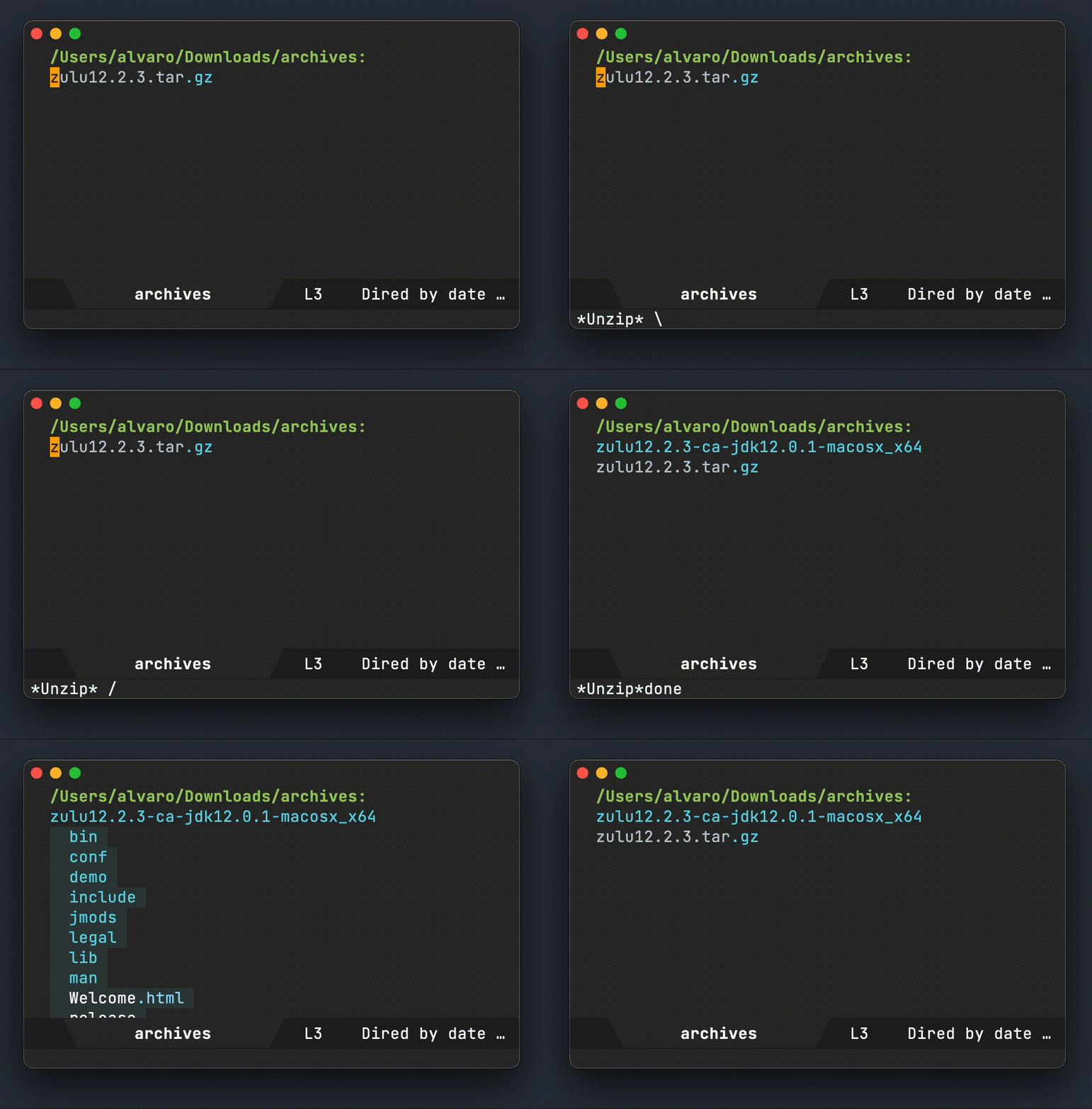
UPDATE:
Lobste.rs has great comments. Thanks all:
Aliases missing on remote machines
Concerns about aliases not available on remote machines. Valid. Certainly brings challenges if you can't modify the environment on the remote machine. The severity would depend on how frequently you have to do this. Fortunately for me, it's infrequent.
Additionally, if accessing remote machine via eshell, this is a non-issue. You get to transparently bring most of your environment with you anyway.
Unzip keyword is overloaded
The alias is overloading the unzip command. I know. It's a little naughty. Going with it for now. I used to use "extract" (also in comments), which I still like but somehow "unzip" still wins my memory race. There's also "x" (nice option), which seems to originate from prezto. I could consider unzipp, unzip1, or some other variation.
Not sure how I missed this, but there's also an existing alias for atool: aunpack. Could be a great alternative.
Pause before extracting archives
Valid point. In my case, the pause typically happens before I invoke the alias.
Littering
If the archive didn't have a root dir, it can litter your current directory. Indeed a pain to clean up. For this, we can atool's --subdir param to always create subdirectory when extracting.
Alias to retrain
Neat trick: alias unzip = “echo ‘use atool’” to help retrain yourself. Reminds me of Emacs guru-mode.
atool alternatives
Nice to see other options suggested dtrx (comment), archiver (comment), unar (comment), bsdtar from libarchive (comment), unp, patool, and the tangentially related zgrep (comment).
]]>
As I prune my Emacs config off, I came across a forgotten bit of elisp I wrote about 6 years ago. While it's not going to power up your Emacs fu, it may lift your spirits, or maybe just aid discovery of new words.
You see, I had forgotten about zone.el altogether: a fabulous package to tickle your heart. You can think of it as screensaver built into Emacs.
If the built-in zones don't do it for ya, check out the few on melpa (nyan, sl, and rainbow).
So, my nostalgic bit of elisp dates Jun 17 2016: a basic but functional zone (zone-words), displaying words from WordNet. Surely the package can use plenty of improvements (here's one), but hey this is Emacs and pretty much all existing code will run, no matter how old. In Emacs time, 2016 is practically yesterday!
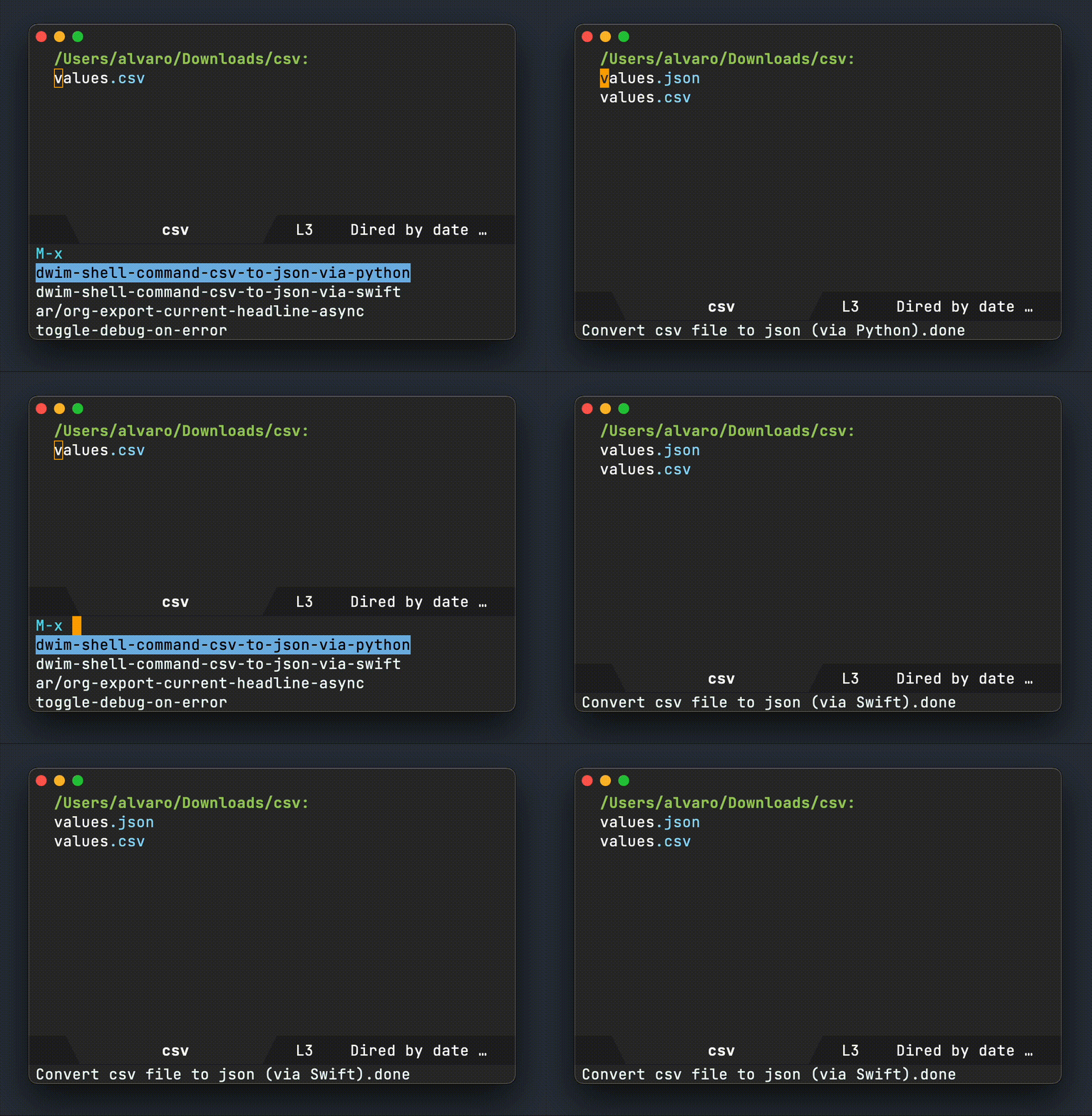
I keep on goofying around with dwim-shell-command and it's sibling dwim-shell-command-on-marked-files from dwim-shell-command.el.
In addition to defaulting to zsh, dwim-shell-command-on-marked-files now support other shells and languages. This comes in handy if you have snippets in different languages and would like to easily invoke them from Emacs. Multi-language support enables "using the best tool for the job" kinda thing. Or maybe you just happen to know how to solve a particular problem in a specific language.
Let's assume you have an existing Python snippet to convert files from csv to json. With dwim-shell-command-on-marked-files, you can invoke the Python snippet to operate on either dired or buffer files.
(defun dwim-shell-command-csv-to-json-via-python ()
"Convert csv file to json (via Python)."
(interactive)
(dwim-shell-command-on-marked-files
"Convert csv file to json (via Python)."
"
import csv
import json
text = json.dumps({ \"values\": list(csv.reader(open('<<f>>')))})
fpath = '<<fne>>.json'
with open(fpath , 'w') as f:
f.write(text)"
:shell-util "python"
:shell-args "-c"))
Or, maybe you prefer Swift and already had a snippet for the same thing?
(defun dwim-shell-command-csv-to-json-via-swift ()
"Convert csv file to json (via Swift)."
(interactive)
(dwim-shell-command-on-marked-files
"Convert csv file to json (via Swift)."
"
import Foundation
import TabularData
let filePath = \"<<f>>\"
print(\"reading \\(filePath)\")
let content = try String(contentsOfFile: filePath).trimmingCharacters(in: .whitespacesAndNewlines)
let parsedCSV = content.components(separatedBy: CSVWritingOptions().newline).map{
$0.components(separatedBy: \",\")
}
let jsonEncoder = JSONEncoder()
let jsonData = try jsonEncoder.encode([\"value\": parsedCSV])
let json = String(data: jsonData, encoding: String.Encoding.utf8)
let outURL = URL(fileURLWithPath:\"<<fne>>.json\")
try json!.write(to: outURL, atomically: true, encoding: String.Encoding.utf8)
print(\"wrote \\(outURL)\")"
:shell-pipe "swift -"))
You can surely solve the same problem in elisp, but hey it's nice to have options and flexibility.
]]>
Since writing a DWIM version of the shell-command, I've been having a little fun revisiting command line utilities I sometimes invoke from my beloved editor. In this instance, converting a png file to an icns icon. What's more interesting about this case is that it's not just a one-liner, but a short script in itself. Either way, it's just as easy to invoke from Emacs using dwim-shell-command--on-marked-files.
(defun dwim-shell-command-convert-image-to-icns ()
"Convert png to icns icon."
(interactive)
(dwim-shell-command-on-marked-files
"Convert png to icns icon"
"
# Based on http://stackoverflow.com/questions/12306223/how-to-manually-create-icns-files-using-iconutil
# Note: png must be 1024x1024
mkdir <<fne>>.iconset
sips -z 16 16 '<<f>>' --out '<<fne>>.iconset/icon_16x16.png'
sips -z 32 32 '<<f>>' --out '<<fne>>.iconset/[email protected]'
sips -z 32 32 '<<f>>' --out '<<fne>>.iconset/icon_32x32.png'
sips -z 64 64 '<<f>>' --out '<<fne>>.iconset/[email protected]'
sips -z 128 128 '<<f>>' --out '<<fne>>.iconset/icon_128x128.png'
sips -z 256 256 '<<f>>' --out '<<fne>>.iconset/[email protected]'
sips -z 256 256 '<<f>>' --out '<<fne>>.iconset/[email protected]'
sips -z 512 512 '<<f>>' --out '<<fne>>.iconset/icon_512x512.png'
sips -z 512 512 '<<f>>' --out '<<fne>>.iconset/[email protected]'
sips -z 1024 1024 '<<f>>' --out '<<fne>>.iconset/[email protected]'
iconutil -c icns '<<fne>>.iconset'"
:utils '("sips" "iconutil")
:extensions "png"))
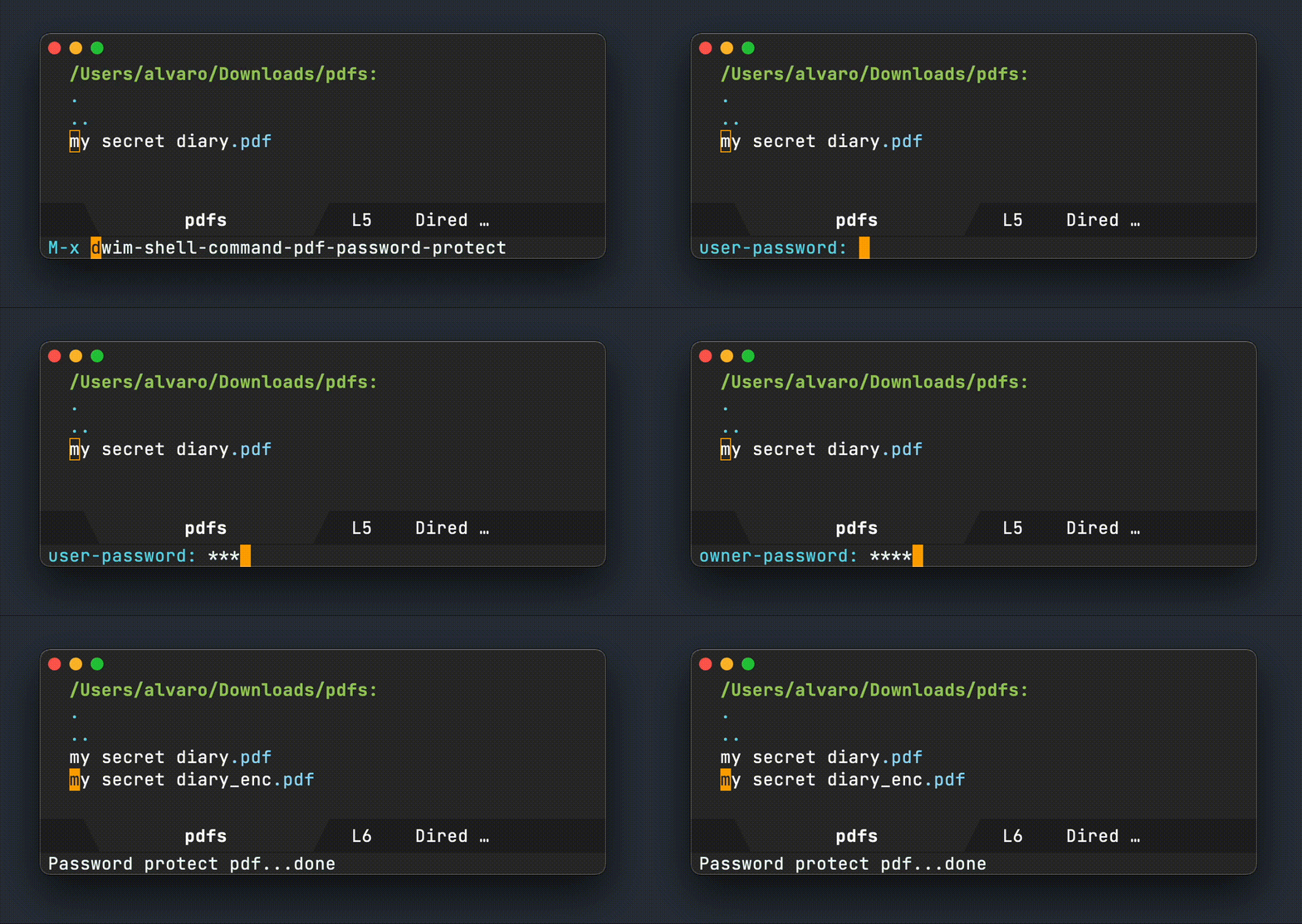
With a recent look at writing DWIM shell commands, I've been revisiting my custom Emacs functions invoking command line utilities.
Take this post, for example, where I invoke qpdf via a elisp. Using the new dwim-shell-command--on-marked-files in dwim-shell-command.el, the code is stripped down to a bare minimum:
(defun dwim-shell-commands-pdf-password-protect ()
"Password protect pdf."
(interactive)
(dwim-shell-command-on-marked-files
"Password protect pdf"
(format "qpdf --verbose --encrypt '%s' '%s' 256 -- '<<f>>' '<<fne>>_enc.<<e>>'"
(read-passwd "user-password: ")
(read-passwd "owner-password: "))
:utils "qpdf"
:extensions "pdf"))
Compare the above dwim-shell-command--on-marked-files usage to my previous implementation:
(defun pdf-password-protect ()
"Password protect current pdf in buffer or `dired' file."
(interactive)
(unless (executable-find "qpdf")
(user-error "qpdf not installed"))
(unless (equal "pdf"
(or (when (buffer-file-name)
(downcase (file-name-extension (buffer-file-name))))
(when (dired-get-filename nil t)
(downcase (file-name-extension (dired-get-filename nil t))))))
(user-error "no pdf to act on"))
(let* ((user-password (read-passwd "user-password: "))
(owner-password (read-passwd "owner-password: "))
(input (or (buffer-file-name)
(dired-get-filename nil t)))
(output (concat (file-name-sans-extension input)
"_enc.pdf")))
(message
(string-trim
(shell-command-to-string
(format "qpdf --verbose --encrypt '%s' '%s' 256 -- '%s' '%s'"
user-password owner-password input output))))))
This really changes things for me. I'll be more inclined to add more of these tiny integrations to lots of great command line utilities. Take this recent Hacker News post on ocrmypdf as an example. Their cookbook has lots of examples that can be easily used via dwim-shell-command--on-marked-files.
What command line utils would you use?
]]>I've talked about DWIM before, where I bend Emacs to help me do what I mean. Emacs is also great for wrapping command-line one-liners with elisp, so I can quickly invoke commands without thinking too much about flags, arguments, etc.
I keep thinking the shell-command is ripe for plenty of enhancements using our DWIM fairydust.
Do what I mean how?
Smart template instantiation
I've drawn inspiration from dired-do-shell-command, which substitutes special characters like * and ? with marked files. I'm also drawing inspiration from org babel's noweb syntax to substitute <<f>> (file path), <<fne>> (file path without extension), and <<e>> (extension). My initial preference was to use something like $f, $fne, and $e, but felt they clashed with shell variables.

Operate on dired marked files
This is DWIM, so if we're visiting a dired buffer, the shell command should operate on all the marked files.
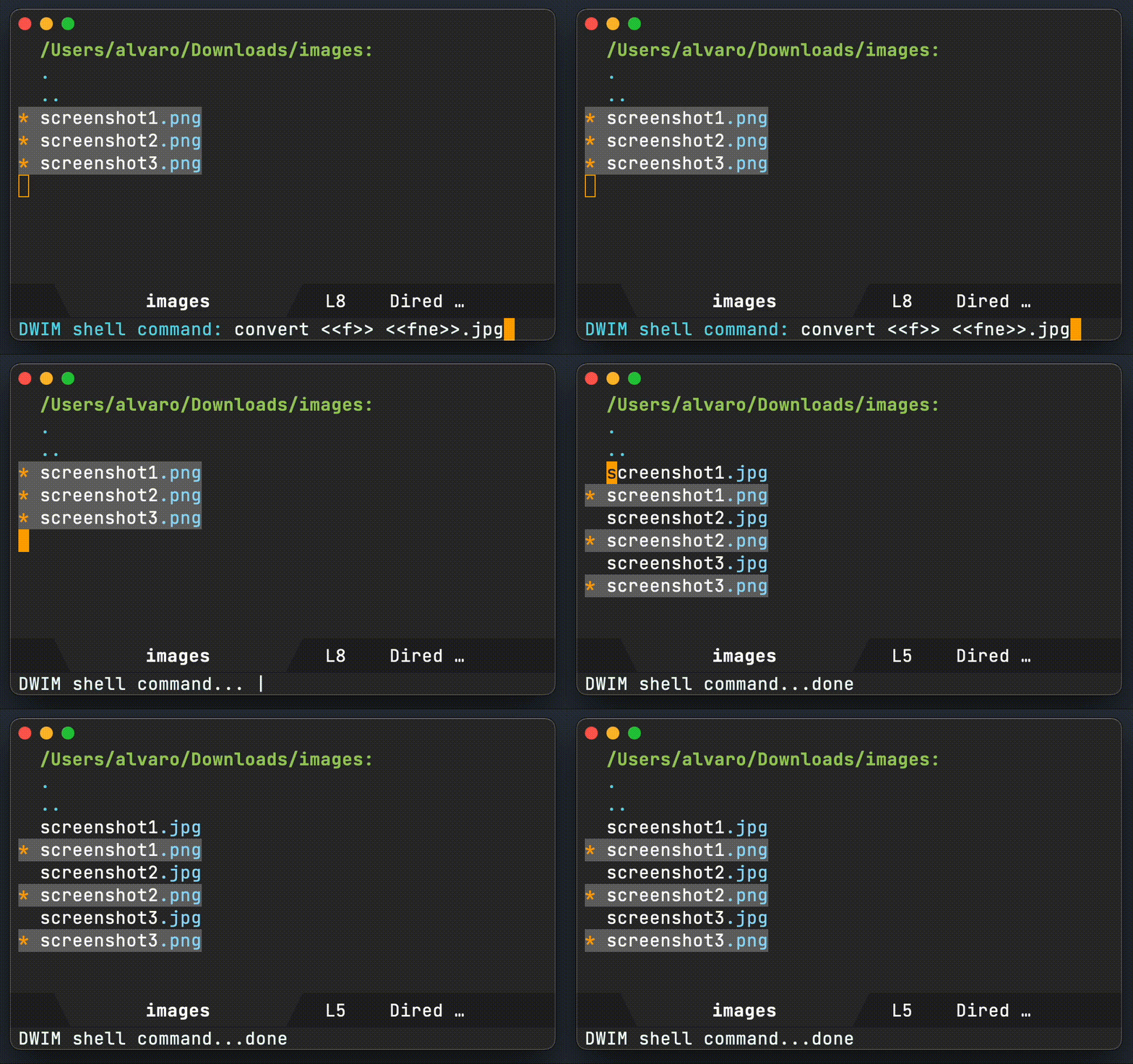
Operate on current buffer file
Similarly, if visiting a buffer with an associated file, operate on that file instead.
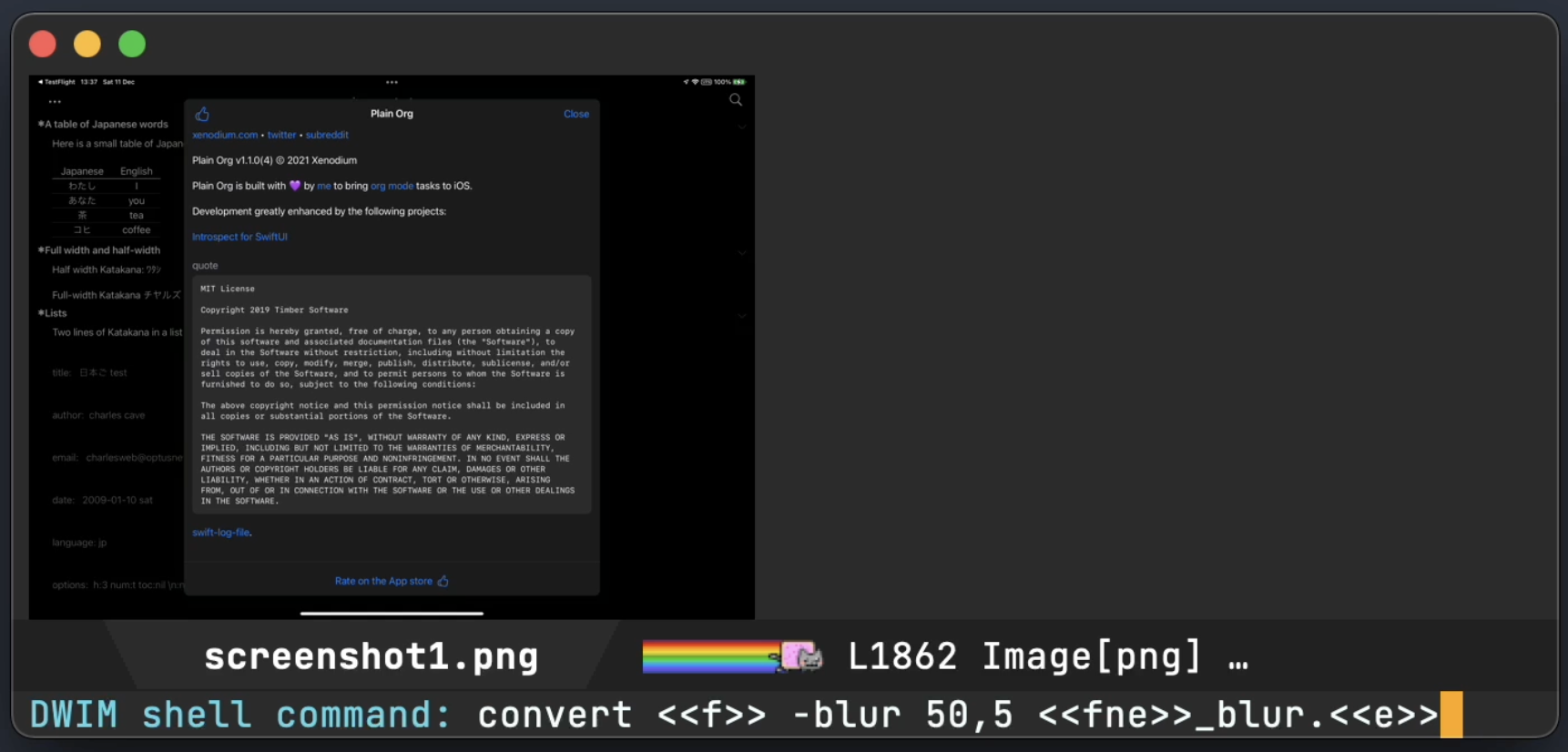
Automatically take me to created files
Did the command create a new file in the current directory? Take me to it, right away.
Show me output on error
I'm not usually interested in the command output when generating new files, unless there was an error of course. Offer to show it.

Show me output if no new files
Not all commands generate new files, so automatically show me the output for these instances.
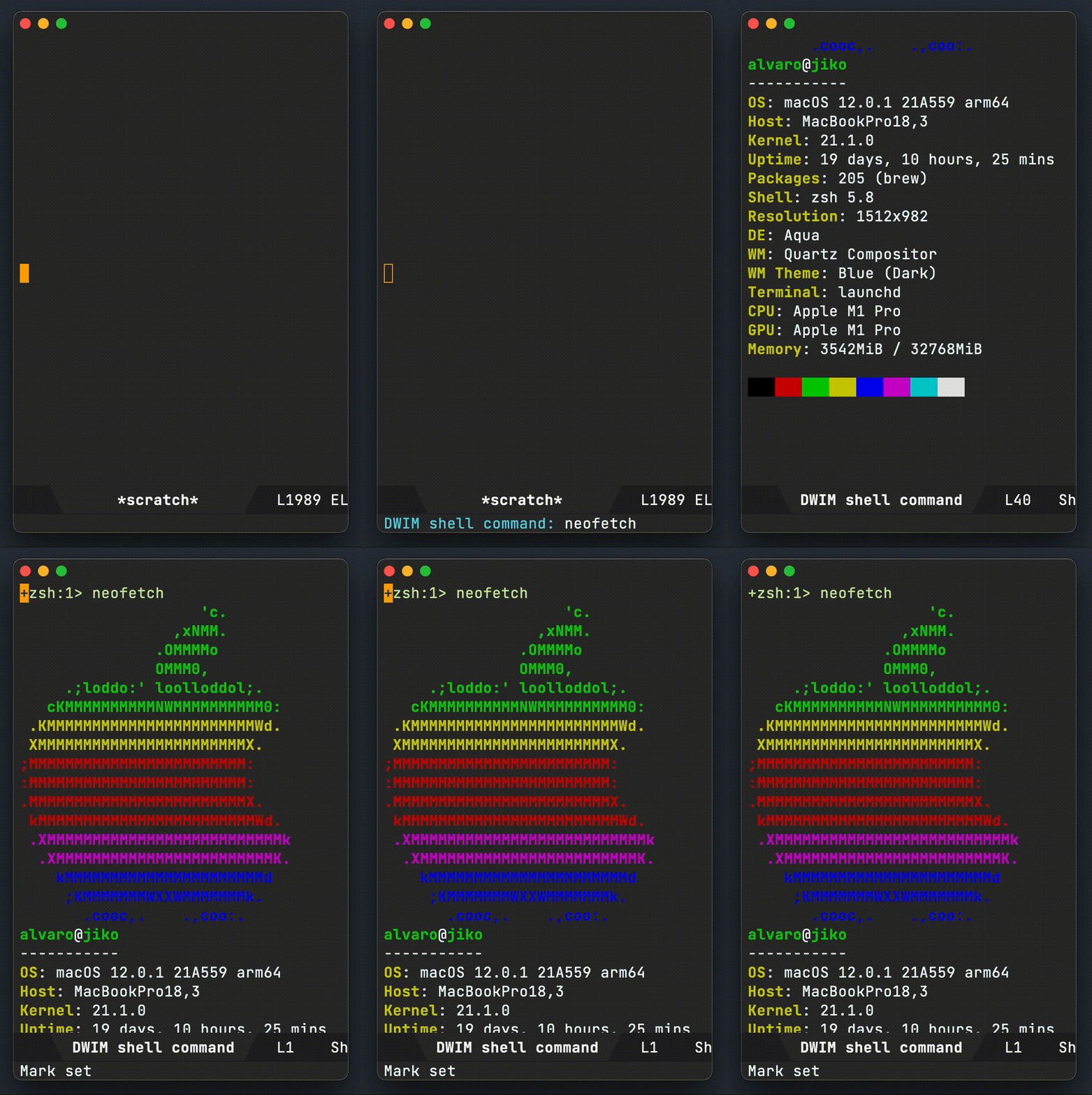
Make it easy to create utilities
ffmpeg is awesome, but man I can never remember all the flags and arguments. I may as well wrap commands like these in a convenient elisp function and invoke via execute-extended-command, or my favorite counsel-M-x (with completion), bound to the vital M-x.
All those gifs you see in this post were created with dwim-shell-command-convert-to-gif, powered by the same elisp magic.
(defun dwim-shell-command-convert-to-gif ()
"Convert all marked videos to optimized gif(s)."
(interactive)
(dwim-shell-command--on-marked-files
"Convert to gif"
"ffmpeg -loglevel quiet -stats -y -i <<f>> -pix_fmt rgb24 -r 15 <<fne>>.gif"
:utils "ffmpeg"))
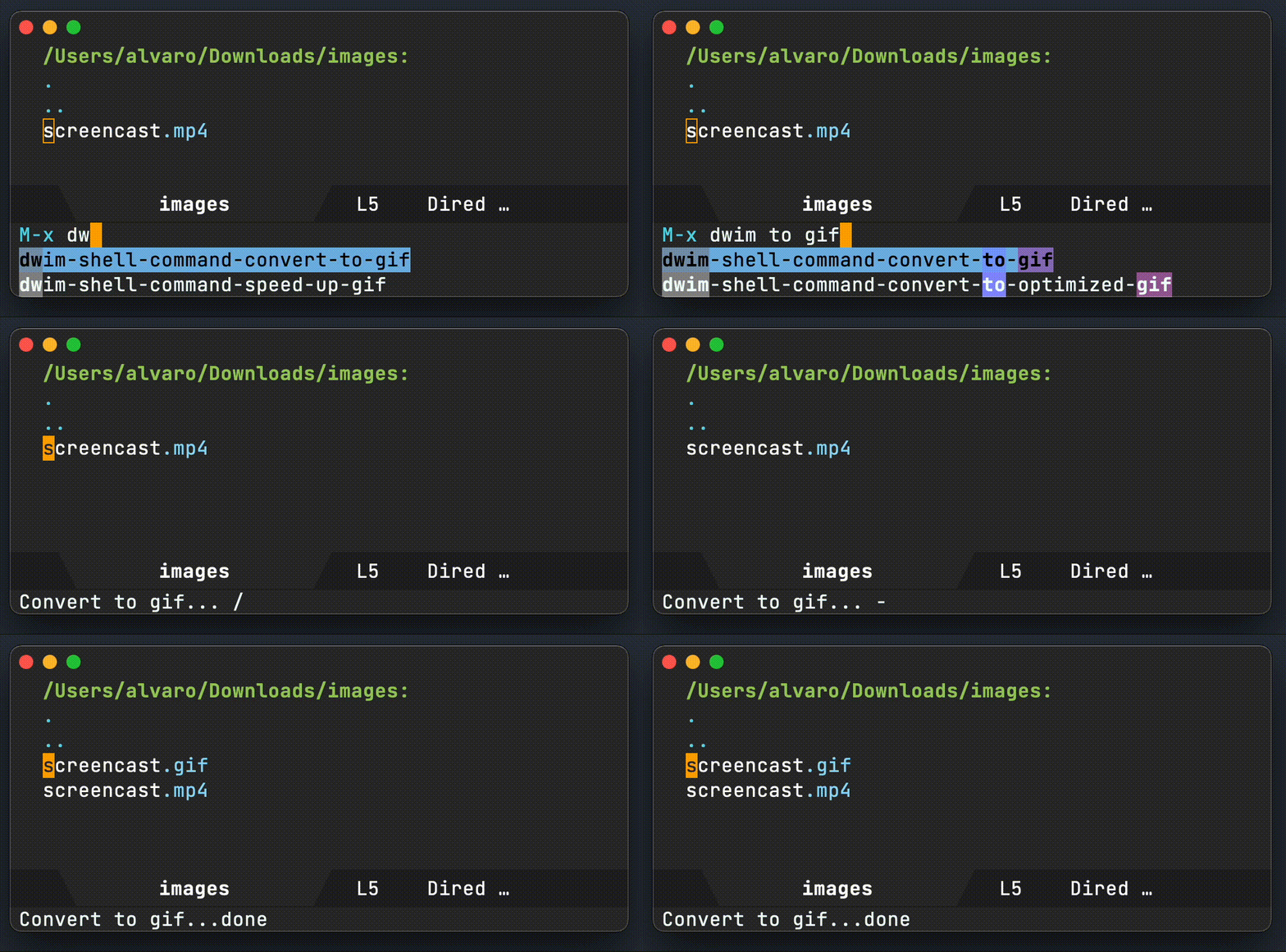
This makes wrapping one-liners a breeze, so let's do some more…
(defun dwim-shell-command-convert-audio-to-mp3 ()
"Convert all marked audio to mp3(s)."
(interactive)
(dwim-shell-command-on-marked-files
"Convert to mp3"
"ffmpeg -stats -n -i '<<f>>' -acodec libmp3lame '<<fne>>.mp3'"
:utils "ffmpeg"))
(defun dwim-shell-command-convert-image-to-jpg ()
"Convert all marked images to jpg(s)."
(interactive)
(dwim-shell-command-on-marked-files
"Convert to jpg"
"convert -verbose '<<f>>' '<<fne>>.jpg'"
:utils "convert"))
(defun dwim-shell-command-drop-video-audio ()
"Drop audio from all marked videos."
(interactive)
(dwim-shell-command-on-marked-files
"Drop audio" "ffmpeg -i '<<f>>' -c copy -an '<<fne>>_no_audio.<<e>>'"
:utils "ffmpeg"))
Make it spin ;)
Ok, not quite, but use Emacs's progress-reporter just for kicks.

Use it everywhere
dwim-shell-command covers my needs (so far anyway), so I'm binding it to existing bindings.
(use-package dwim-shell-command
:bind
("M-!" . dwim-shell-command))
(use-package dired
:bind (:map dired-mode-map
([remap dired-do-async-shell-command] . dwim-shell-command)
([remap dired-do-shell-command] . dwim-shell-command)
([remap dired-smart-shell-command] . dwim-shell-command)))
Bring those command line utilities
On the whole, this really changes things for me. I'll be more inclined to bring command line utilities to seamless Emacs usage. Take this recent Hacker News post on ocrmypdf as an example. Their cookbook has lots of examples that can be easily used via dwim-shell-command--on-marked-files. What command line utilities would you bring?
Where's the code?
UPDATE: dwim-shell-command is now available on melpa.
The code for dwim-shell-command.el is likely a bit rough still, but you can take a peek if interested. Keep in mind this is DWIM, tailored for what ✨I✨ mean. Some of the current behavior may not be your cup of tea, but this is Emacs. You can bend it to do what ✨you✨ mean. Happy Emacsing.
]]>Every so often, I need to password-protect a pdf. On macOS, Preview has a simple solution, but I figured there must be a command line utility to make this happen. There are options, but qdf did the job just fine.
qpdf --verbose --encrypt USER-PASSWORD OWNER-PASSWORD KEY-LENGTH -- input.pdf output.pdf
So what does qpdf have to do with Emacs? Command-line utilities are easy to invoke from Emacs via shell-command (M-!), but I don't want to remember the command nor the parameters. I may as well add a function that does what I mean and password-protect either buffers or dired files.
(defun pdf-password-protect ()
"Password protect current pdf in buffer or `dired' file."
(interactive)
(unless (executable-find "qpdf")
(user-error "qpdf not installed"))
(unless (equal "pdf"
(or (when (buffer-file-name)
(downcase (file-name-extension (buffer-file-name))))
(when (dired-get-filename nil t)
(downcase (file-name-extension (dired-get-filename nil t))))))
(user-error "no pdf to act on"))
(let* ((user-password (read-passwd "user-password: "))
(owner-password (read-passwd "owner-password: "))
(input (or (buffer-file-name)
(dired-get-filename nil t)))
(output (concat (file-name-sans-extension input)
"_enc.pdf")))
(message
(string-trim
(shell-command-to-string
(format "qpdf --verbose --encrypt '%s' '%s' 256 -- '%s' '%s'"
user-password owner-password input output))))))
I was on a long flight recently 🦘, so I gave list and checkbox editing a little love. There's a couple of other minor improvements included.
If you haven't heard of Plain Org, it gives you access to org files on iPhone while away from your beloved Emacs.
I love org markup, but we (iPhone + org users) are a fairly niche bunch. If you're finding Plain Org useful, please help support this effort by getting the word out. Tell your friends, tweet, or blog about it.
On to v1.4 release notes…
Improved list/checkbox editing
Adding list or checkbox items is traditionally cumbersome via the iPhone's keyboard. This release adds new toolbar actions and smart return to simplify things.

Render form feed characters
Form feed characters are now rendered within expanded headings.
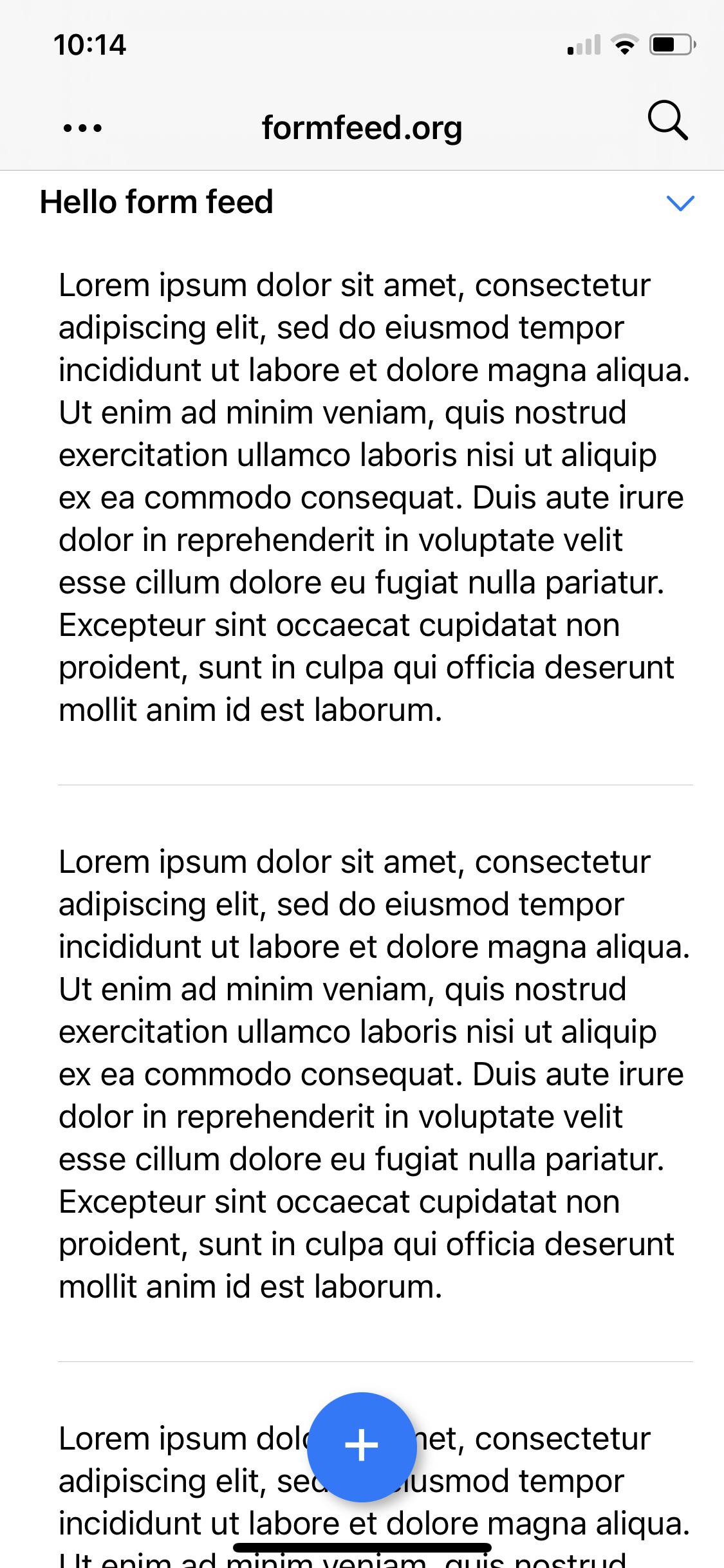
Note: There's a limitation. Form feed characters at the end of a heading aren't currently displayed.
Other
Increased all button tap areas in edit toolbar. This should hopefully improve interaction.
]]>If you haven't heard of Plain Org, it gives you access to org files on iPhone while away from your beloved Emacs.
I love org markup, but we (iPhone + org users) are a fairly niche bunch. If you're finding Plain Org useful, please help support this effort by getting the word out. Tell your friends, tweet, or blog about it.
On to v1.3 release notes…
Toggle recurring tasks
You can now toggle recurring tasks with either catchup <2022-04-15 Fri ++1d>, restart <2022-04-15 Fri .+1d>, or cumulate <2022-04-15 Fri +1d> repeaters.

Log state transitions
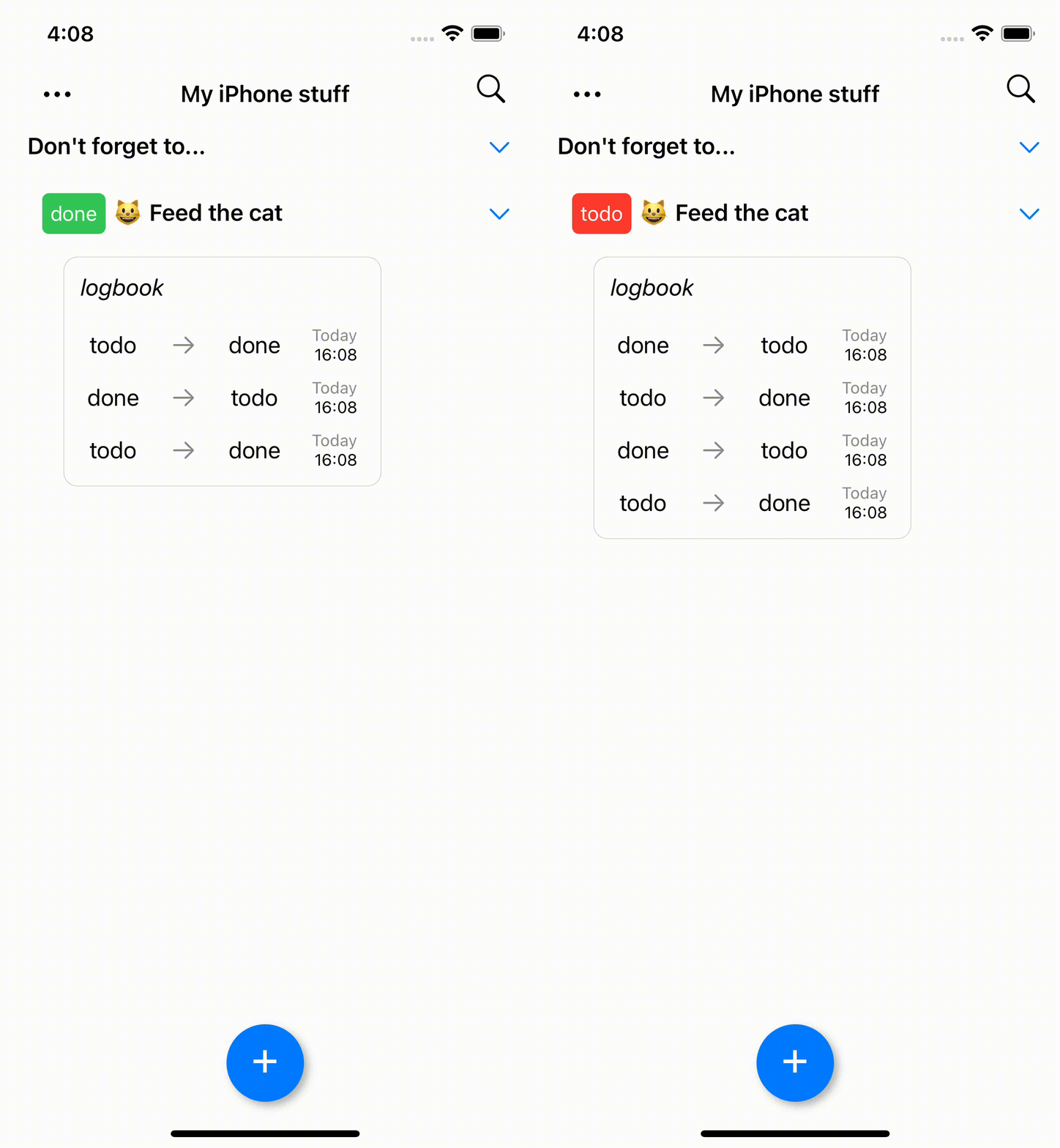
Fullscreen view
The navigation bar now hides on scroll. This can be enabled/disabled via View > Full Screen menu.
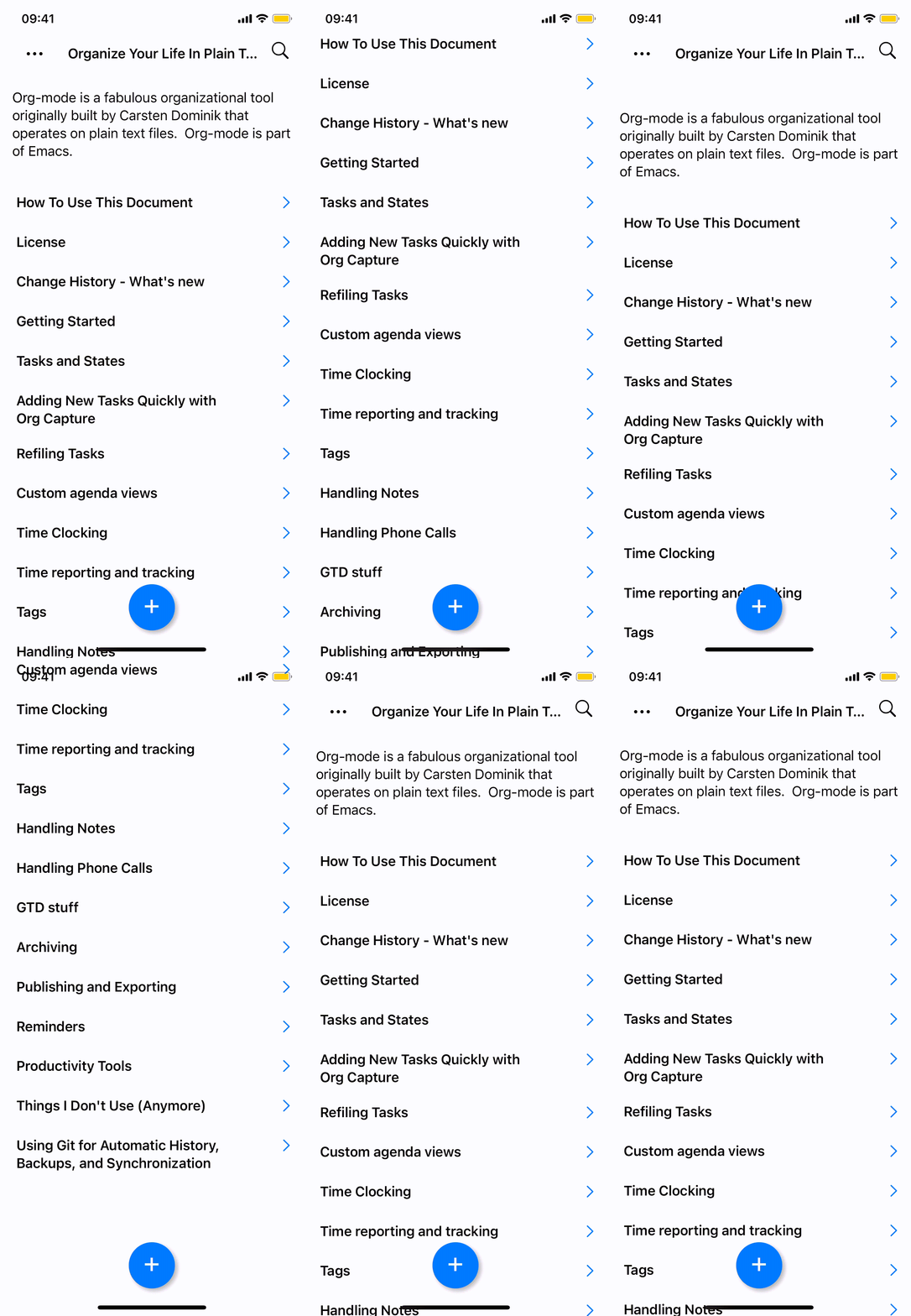
The previous screenshot text comes from Org Mode - Organize Your Life In Plain Text, a magnificent org resource.
Deadline and scheduled date rendered
In the past, SCHEDULED and DEADLINE were rendered (but only one of them at a time). Now both are rendered alongside each other (deadline has an orange tint).

Roundtripping fidelity
Many roundtripping fidelity improvements included in 1.3. Shoutout to u/Oerm who reported unnecessary formatting changes in unmodified areas and helped test all fixes.
Other bug fixes improvements
- Disable raw text edit menu when file is not accessible.
- Minor improvements to inline editing layouts (vertical height and drawers).
- ABRT and HABIT now recognized as a popular keywords.
- Improve state transition alignment to match org mode behaviour.
- Fixes roundtripping state transition notes (leading to data loss).
- Log creation from share sheet.
- Increment DEADLINE and SCHEDULED, not just first found.
- Roundtrip more whitespace in untouched areas.
- Fixes org syntax inadvertently parsed within begin_src blocks (leading to data loss).
If you haven't heard of Plain Org, it gives you access to org files on iPhone while away from your beloved Emacs.
I love org markup, but we (iPhone + org users) are a fairly niche userbase. If you're finding Plain Org useful, please help support this effort by getting the word out. Tell your friends, tweet, or blog about it.
On to v1.2.1 release notes…
Render LOGBOOK
State transitions and LOGBOOK drawers are now recognized and rendered as such.
Either of the following snippets are rendered as togglable LOGBOOK drawers.
* TODO Feed the fish
- State "DONE" from "TODO" [2022-03-11 Fri 12:23]
* TODO Feed the cat
:LOGBOOK:
- State "DONE" from "TODO" [2022-03-11 Fri 12:23]
:END:
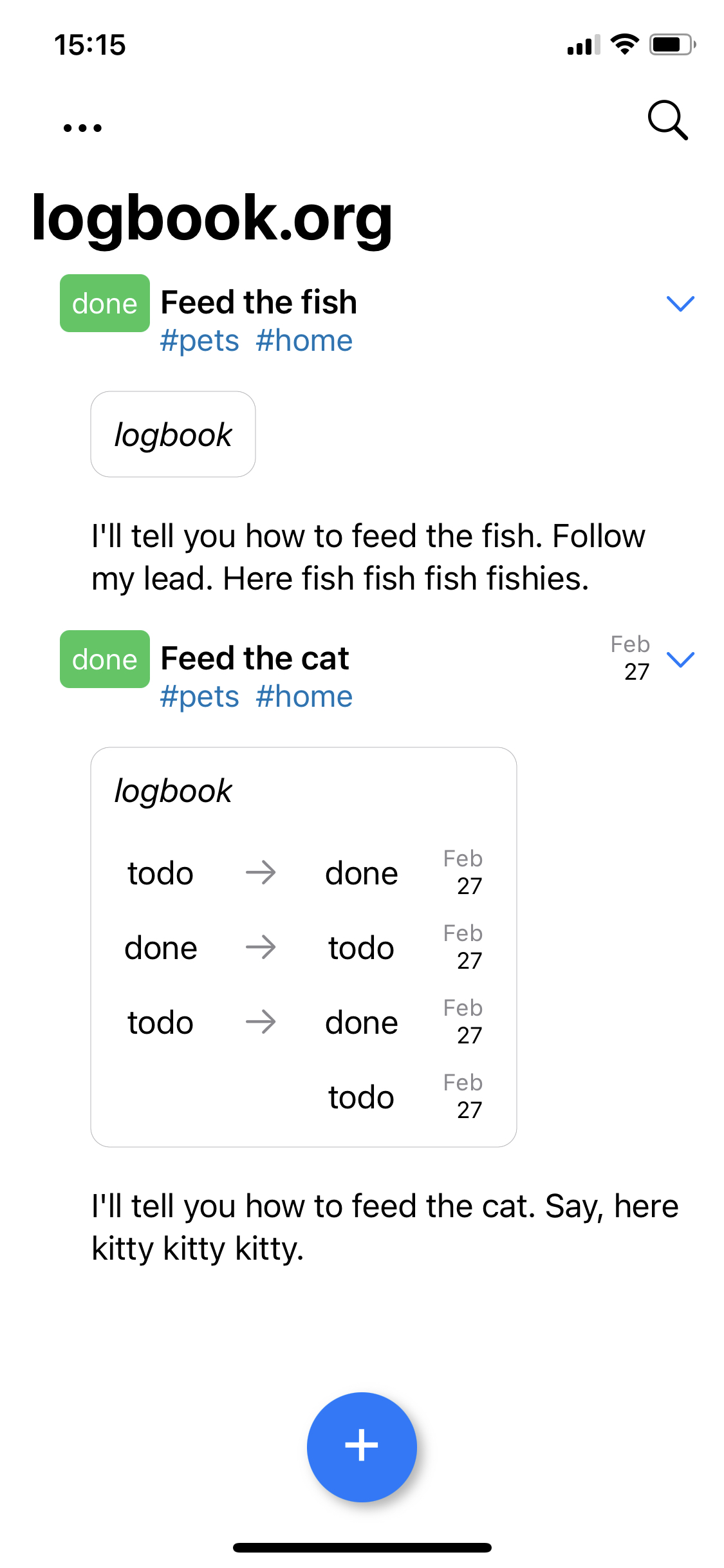
Add task to top/bottom
Up until now, tasks were always appended to the bottom of things. This didn't work so well if you like seeing recent items bubbling up to the top.
This version adds a new setting: Settings > Add new tasks to > Top/Bottom, giving you the choice.
Note: Top is the new default value, please change this setting if you'd like to keep the previous behaviour.

Checking for changes
Local file changes aren't always detected via state change notifications, so additional checks are now in place to offer reloading files.
Open inactive files
After adding new tasks via iOS's share sheet, if the item was added to a file other than the active one, offer to open that instead.
Other improvements
- Color keyword red/green depending on #+TODO: position.
- Round-trip planning order (SCHEDULED, CLOSED, DEADLINE).
- Improve tag alignment to match org mode behaviour (best effort, sorry).
- Improve vertical spacing prior to lists.
- Improve share sheet reliability.
- Fix opening local links from list items.
- Fix indent for list items without previous content.
- Fix race condition in adding TITLE and ID to new files.
- Fix incorrect keyword color selection in search toolbar.
- Fix menu inadvertently closing.
- Fix menu tapping for iPad.

I've talked about DWIM in the past, that wonderful Emacs ability to do what ✨I✨ mean.
Emacs being hyper-configurable, we can always teach it more things, so it can do exactly what we mean.
There are no shortages of buffer searching packages for Emacs. I'm a fan of Oleh Krehel's swiper, but before that, I often relied on the built-in isearch. Swiper is my default goto mechanism and have it bound to C-s (replacing the built-in isearch-forward).
Swiper services most needs until I start combining with other tools. Take keyboard macros and multiple cursors. Both wonderful, but neither can rely on swiper to do their thing. Ok, swiper does, but in a different way.
Rather than binding C-s to swiper, let's write a DWIM function that's aware of macros and multiple cursors. It must switch between swiper, isearch, and phi-search depending on what I want (search buffer, define macro, or search multiple cursors).
Let's also tweak swiper's behavior a little further and prepopulate its search term with the active region. Oh, and I also would like swiper to wrap around (see ivy-wrap). But only swiper, not other ivy utilities. I know, I'm picky, but that's the whole point of DWIM… so here's my function to search forward that does exactly what ✨I✨ mean:
(defun ar/swiper-isearch-dwim ()
(interactive)
;; Are we using multiple cursors?
(cond ((and (boundp 'multiple-cursors-mode)
multiple-cursors-mode
(fboundp 'phi-search))
(call-interactively 'phi-search))
;; Are we defining a macro?
(defining-kbd-macro
(call-interactively 'isearch-forward))
;; Fall back to swiper.
(t
;; Wrap around swiper results.
(let ((ivy-wrap t))
;; If region is active, prepopulate swiper's search term.
(if (and transient-mark-mode mark-active (not (eq (mark) (point))))
(let ((region (buffer-substring-no-properties (mark) (point))))
(deactivate-mark)
(swiper-isearch region))
(swiper-isearch))))))
The above snippet searches forward, but I'm feeling a little off-balance. Let's write an equivalent to search backwards. We can then bind it to C-r, also overriding the built-in isearch-backward.
(defun ar/swiper-isearch-backward-dwim ()
(interactive)
;; Are we using multiple cursors?
(cond ((and (boundp 'multiple-cursors-mode)
multiple-cursors-mode
(fboundp 'phi-search-backward))
(call-interactively 'phi-search-backward))
;; Are we defining a macro?
(defining-kbd-macro
(call-interactively 'isearch-backward))
;; Fall back to swiper.
(t
;; Wrap around swiper results.
(let ((ivy-wrap t))
;; If region is active, prepopulate swiper's search term.
(if (and transient-mark-mode mark-active (not (eq (mark) (point))))
(let ((region (buffer-substring-no-properties (mark) (point))))
(deactivate-mark)
(swiper-isearch-backward region))
(swiper-isearch-backward))))))
These may be on the hacky side of things, but hey… they do the job. If there are better/supported ways of accomplishing a similar thing, I'd love to hear about it.
]]>
My grandmother Hilda used to bake this for us grandkids. I don't know the origin of the recipe, but my parents, aunts, and cousins, they all bake it too. I'm a big fan, but only get to eat it when visiting. Yesterday, I changed that. Finally baked it myself ø/
Ingredients
- 200g salted butter
- 2 cups (400 g) sugar
- 4 eggs
- 3 cups (375 g) plain flour
- 3 teaspoons baking powder
- 1 tablespoon (15 ml) vanilla extract
- 1 cup (250 ml) milk
- 2 tablespoons (30 ml) Málaga Virgen wine (port works too)
Prep
- Ensure all ingredients are at room temperature before you start.
- Preheat oven at 175C.
- Separate egg yolks and whites. Keep both.
- Consolidate liquids into a bowl (milk + wine + vanilla).
- Consolidate sifted powders into a bowl (flour + baking powder).
Meringue
- Beat egg whites into a snowy meringue. Set aside.
Mixer
- Beat butter in the mixer until creamy (important).
- Add sugar and mix thoroughly ensuring creamy consistency remains (important).
- Mix yolks in thoroughly one by one.
- Mix in the meringue.
- You're done with the mixer.
Hand mixing
- With a wooden spoon, alternate hand mixing the liquids and the powders. Start with liquids and end with powders.
Pour into mould
- Pour the mix into a non-stick baking mould.
Bake
- Bake in oven between 60 and 70 mins, but don’t be afraid to leave longer if needed. Mileage varies across ovens.
- Use a cake tester after 60 minutes to decide how much longer to bake for (if needed).
Turns out, it's very simple. Just set image-use-external-converter and install relevant external tools.
(setq image-use-external-converter t)
I'm a use-package user, so I prefer to set with:
(use-package image
:custom
;; Enable converting external formats (ie. webp) to internal ones.
(image-use-external-converter t))
So what are the external tools needed? C-h v image-use-external-converter gives us the info we need:
If non-nil, create-image will use external converters for exotic formats.
Emacs handles most of the common image formats (SVG, JPEG, PNG, GIF and some others) internally, but images that don't have native support in Emacs can still be displayed if an external conversion program (like ImageMagick "convert", GraphicsMagick "gm" or "ffmpeg") is installed.
This variable was added, or its default value changed, in Emacs 27.1.
I happen to be a macOS user, so I install ImageMagick with:
brew install imagemagick

When building software for the Apple ecosystem, Xcode is often the editor of choice. With Emacs being my personal preference, I rarely find other iOS devs with a similar mindset.
When I saw Mikael Konradsson's post describing his Emacs Swift development setup, I reached out to say hello. While exchanging tips and tricks, the topic of searching Apple's docs came up. It had been a while since I looked into this, so it was a great reminder to revisit the space.
Back in June 2020, I wrote a snippet to fuzzy search hackingwithswift.com, using Emacs's ivy completion framework. With a similar online API, we could also search Apple's docs. Turns out, there is and we can we can use it to search developer.apple.com from our beloved editor.
;;; counsel-apple-search.el -*- lexical-binding: t; -*-
(defun ar/counsel-apple-search ()
"Ivy interface for dynamically querying apple.com docs."
(interactive)
(require 'request)
(require 'json)
(require 'url-http)
(ivy-read "apple docs: "
(lambda (input)
(let* ((url (url-encode-url (format "https://developer.apple.com/search/search_data.php?q=%s" input)))
(c1-width (round (* (- (window-width) 9) 0.3)))
(c2-width (round (* (- (window-width) 9) 0.5)))
(c3-width (- (window-width) 9 c1-width c2-width)))
(or
(ivy-more-chars)
(let ((request-curl-options (list "-H" (string-trim (url-http-user-agent-string)))))
(request url
:type "GET"
:parser 'json-read
:success (cl-function
(lambda (&key data &allow-other-keys)
(ivy-update-candidates
(mapcar (lambda (item)
(let-alist item
(propertize
(format "%s %s %s"
(truncate-string-to-width (propertize (or .title "")
'face '(:foreground "yellow")) c1-width nil ?\s "…")
(truncate-string-to-width (or .description "") c2-width nil ?\s "…")
(truncate-string-to-width (propertize (string-join (or .api_ref_data.languages "") "/")
'face '(:foreground "cyan1")) c3-width nil ?\s "…"))
'url .url)))
(cdr (car data)))))))
0))))
:action (lambda (selection)
(browse-url (concat "https://developer.apple.com"
(get-text-property 0 'url selection))))
:dynamic-collection t
:caller 'ar/counsel-apple-search))
If you haven't heard of Plain Org, it gives ya access to your org files on iOS while away from your beloved Emacs.
If you're finding Plain Org useful, please help support this effort by getting the word out. Tell your friends, tweet, or blog about it.
Ok, now on to what's included in the v1.2 release…
Edit heading sections inline
v1.0 introduced outline editing (for headings only). In v1.2, we can also edit section content. Press the return key multiple times to exit out section editing.

Filter by keyword/priority/tag
From the search dialog, you can now filter by keyboard, priority, and tag.
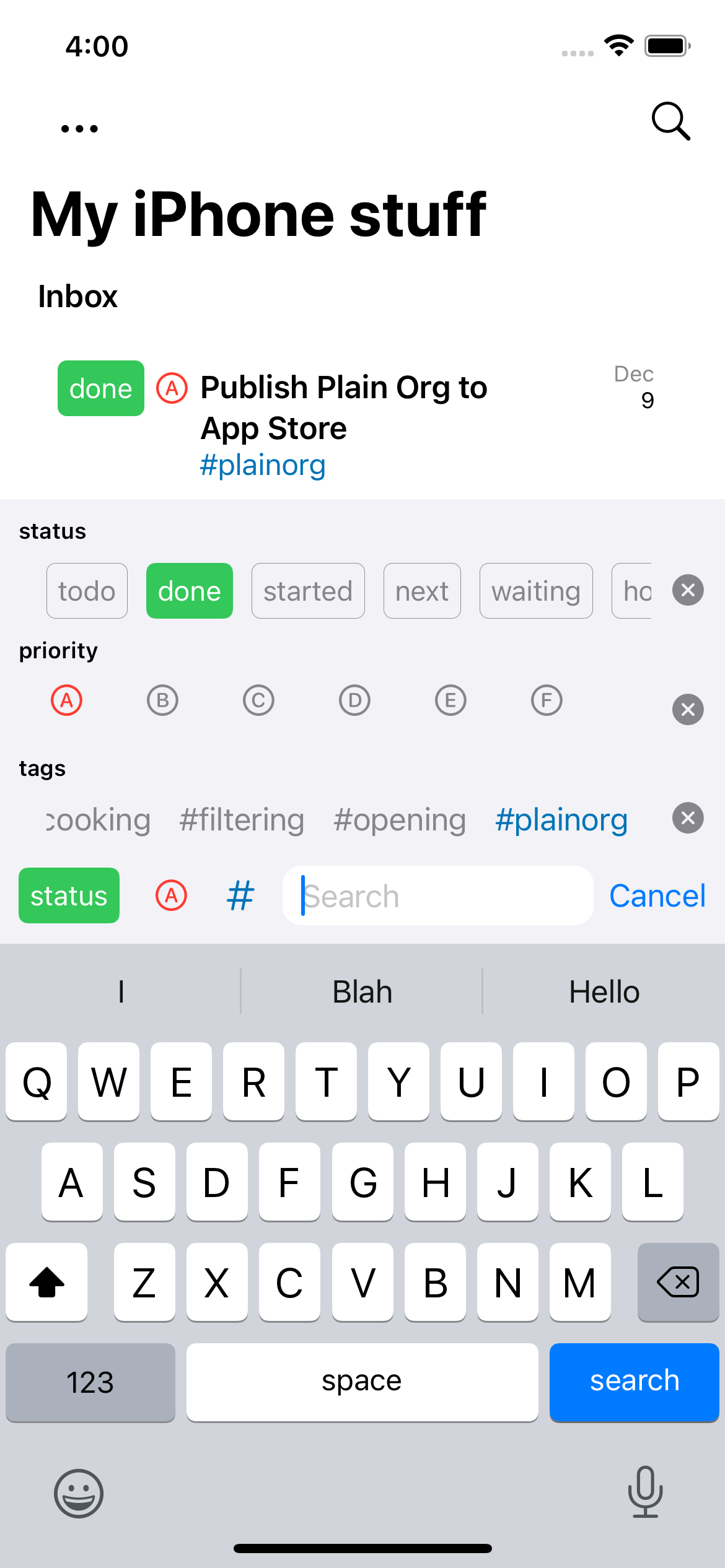
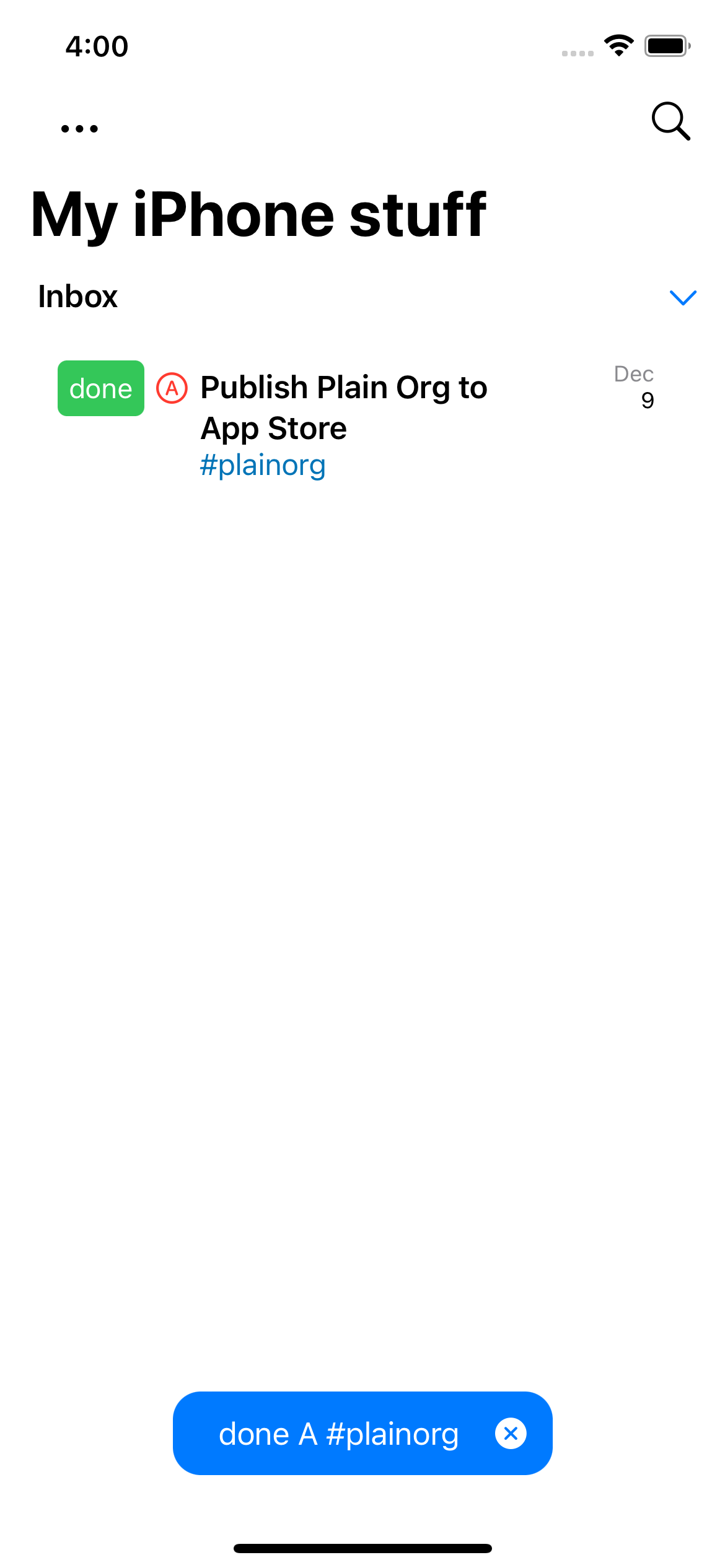
Render drawers and properties
Drawers are now rendered and can be expanded to view their content.

Open files via the Files app's "Share" sheet
From the Files app, you can now explicitly request launching files in Plain Org by using the "Share" menu.
Render LaTeX src blocks (experimental)
This one has its rough edges at the moment, so have to mark it [experimental]{.underline}, but… you can can now render #+begin_src latex blocks.
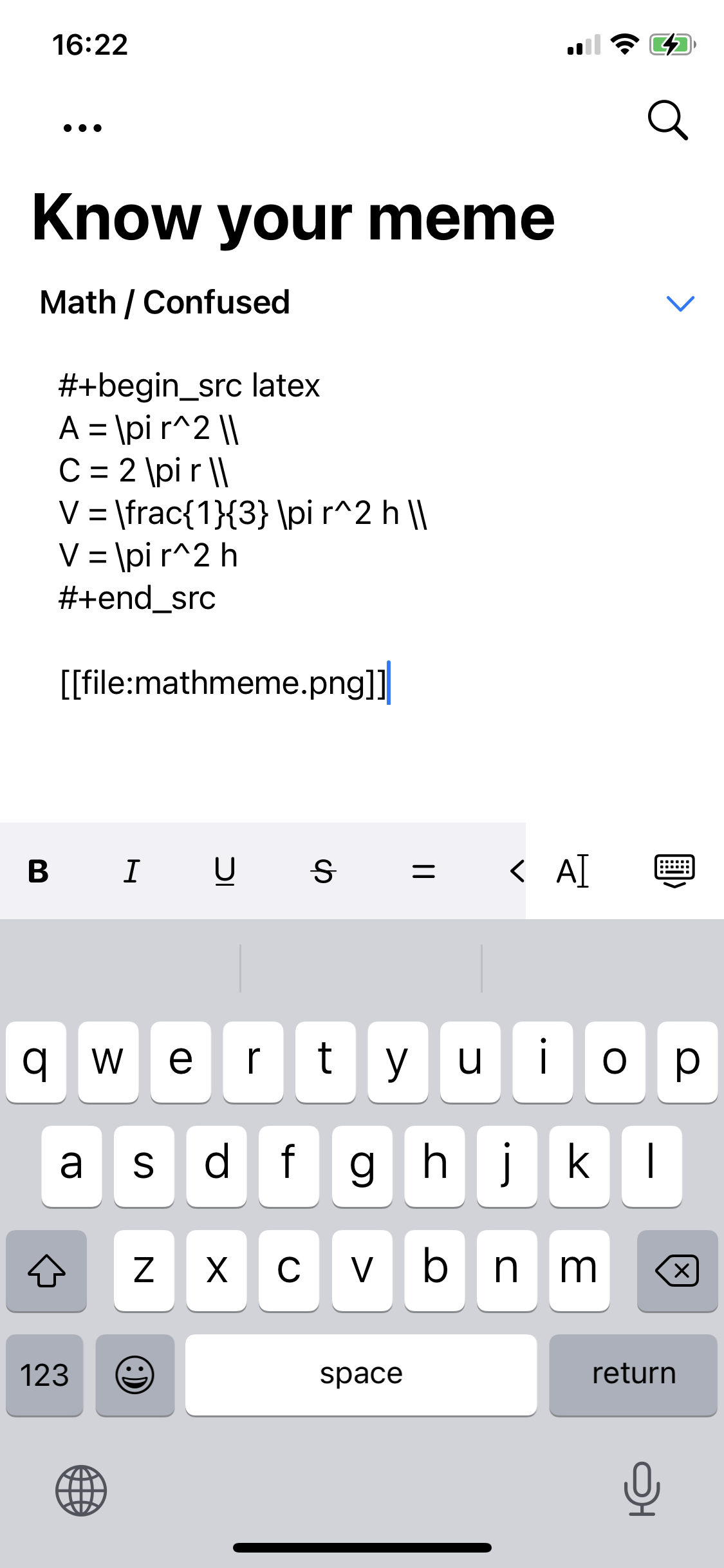

Insert title/id in new files
New files created via Plain Org automatically get #+TITLE: and :ID: inserted by default as follows:
#+TITLE: My favorite title
:PROPERTIES:
:ID: 7C845D38-8D80-41B5-BEB1-94F673807355
:END:
UPDATE: Sorry, this feature currently has a bug. You may not get these values inserted into your new document. Working on a fix.
Adding new tags quicker
Add tags quicker via the new + button.
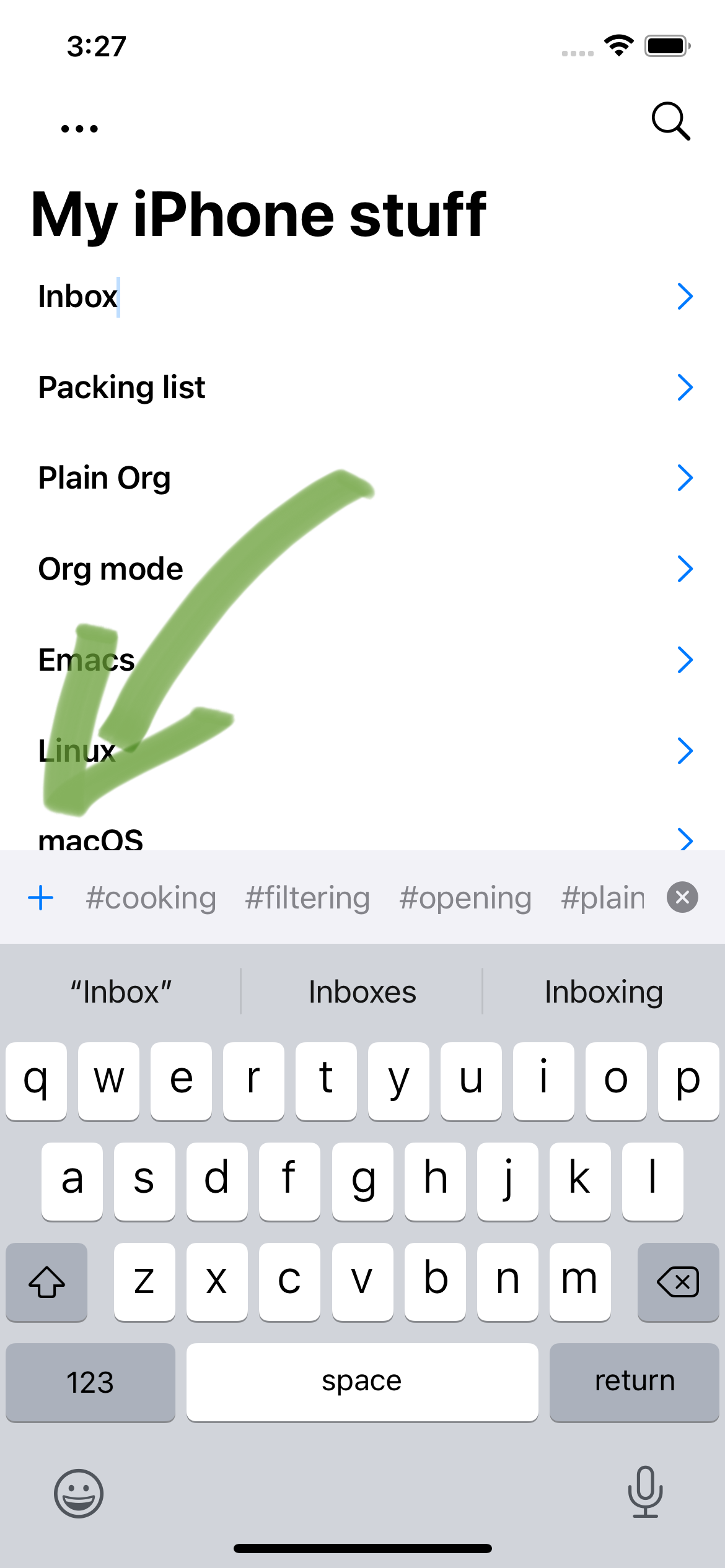
Enable/disable sticky tags
Keywords, indent, and tags are maintained when adding new headings via outline editing. If you prefer disabling sticky tags, this can now be disabled.
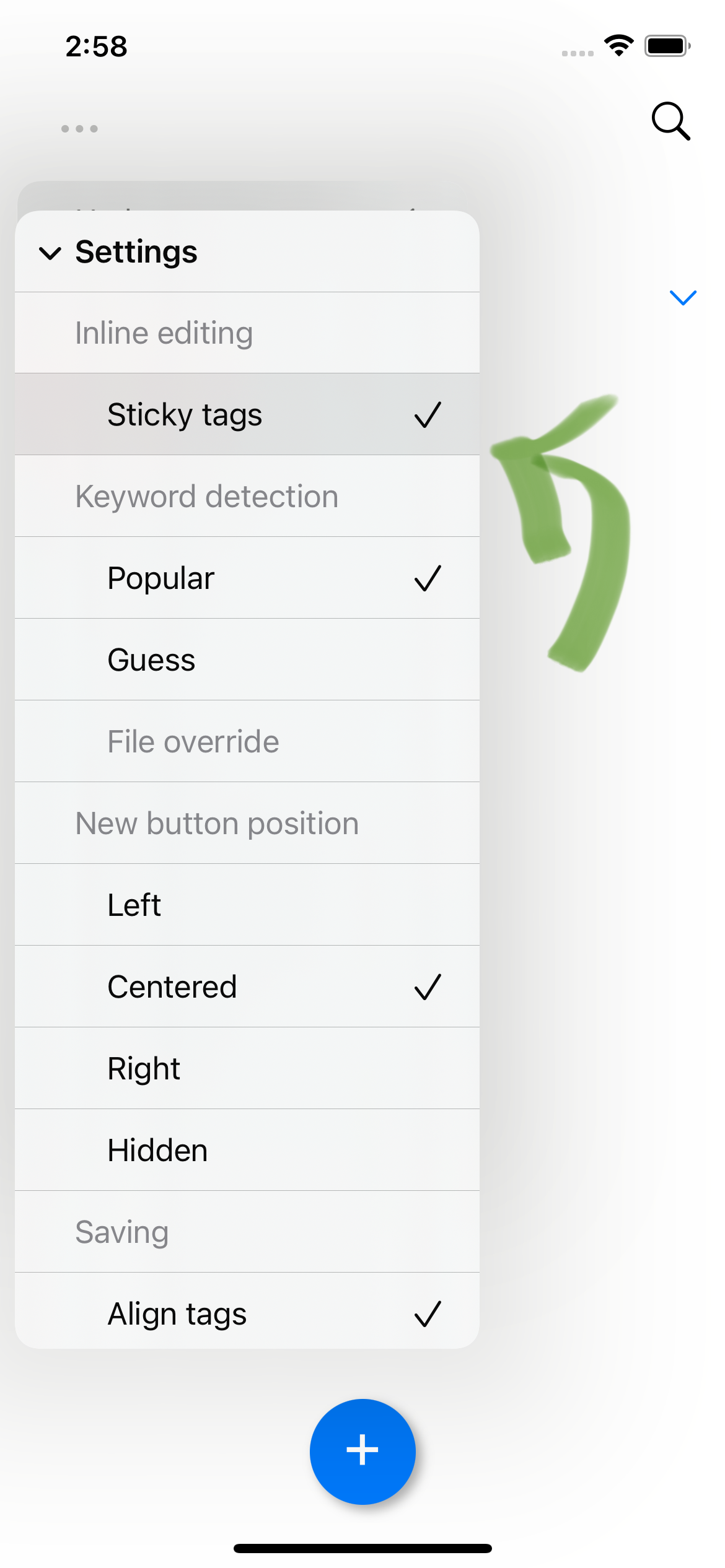
Improved navigation bar
v1.2 makes the navigation bar feel more at home on your iPhone. It uses a large title which scrolls into the navigation bar.
Bugfixes
- Fix table rendering for iPad width.
- Fix image's horizontal padding.
- Fix adding new tags on new headings.
- Fix snapshotting bug resulting in Syncthing conflicts.
- Fix tapping menu after presenting other dialogs.
- Filter out parenthesis in file-local keywords like
TODO(t). - Commit pending inline changes if search is requested.
- Fix opening local links inside tables.
- Roundtrip whitespace in empty headings.
- Roundtrip trailing whitespace when raw-editing heading content.
- Tapping on body content should not toggle expansion.
After reading Atomic Habits during the first lockdown, I was excited to try out its actionables, specially tracking to keep me honest.
I tried a bunch of iOS apps, but wanted no friction, no tracking, no cloud, no social, no analytics, no account, etc. so eventually built Flat Habits (flathabits.com). Also wanted to own my habit data (as plain text), so I made sure Flat Habits stored its data locally as an org file.
I'm an Emacs nutter and can say the strength in habit tracking lies in removing daily friction from the tracking process itself. A quickly accessible mobile app can really help with that. For me, Emacs plays a less important role here. The plain text part is cherry on top (bringing piece of mind around lock-in). In my case, it's been months since I looked at the plain text file itself from an Emacs org buffer. The iOS app, on the other hand, gets daily usage.
As for forming lasting habits (the actual goal here)… it's been well over a year since I started running as a regular form of exercise. While reading Atomic Habits really changed how I think of habits, a tracker played a crucial part in the daily grind. I happen to have built a tracker that plays nice with Emacs.
It's a new year. If you're looking at forming new habits, you may want some inspiration and also practical and concrete guidance. The book Atomic Habits can help with that. You can decide on which apps and how to implement the tracking process later on. Pen and paper is also a viable option and there are plenty of templates you can download.
There's a surplus of habit-tracking apps on the app stores. I built yet another one for iOS, modeled after my needs.


If you're finding Plain Org useful, please help support this effort by getting the word out. Tell your friends, tweet, or blog about it.
What is Plain Org?
Ok, now on to what's included in the v1.1 release…
Compact mode
By default, Plain Org layout uses generous padding. The new option Menu -> View -> Compact mode packs more content into your screen.

Regroup active and inactive tasks
Regrouping tasks now bubbles active ones up. Similarly, inactive tasks drop to the bottom of their node. Changes are persisted to the org file.

Native table rendering
Tables are now rendered natively but also support displaying links and other formatting within cells.

Open local ID links
If your file provider supports granting access to folders, local ID links (ie. id:eb155a82-92b2-4f25-a3c6-0304591af2f9) can now be resolved and opened from Plain Org. Note that for ID links to resolve, other org files must live in either the same directory or a subdirectory.
Fill paragraphs
If your org paragraphs contain newlines optimizing for bigger screens, you can toggle Menu -> View -> Fill paragraph to optimize rendering for your iPhone. This rendering option makes no file modifications.
By the way, the previous screenshot text comes from Org Mode - Organize Your Life In Plain Text, a magnificent org resource.
Show/hide basic scheduling
Use the new Menu -> View -> Scheduling to toggle showing SCHEDULED or DEADLINE dates.
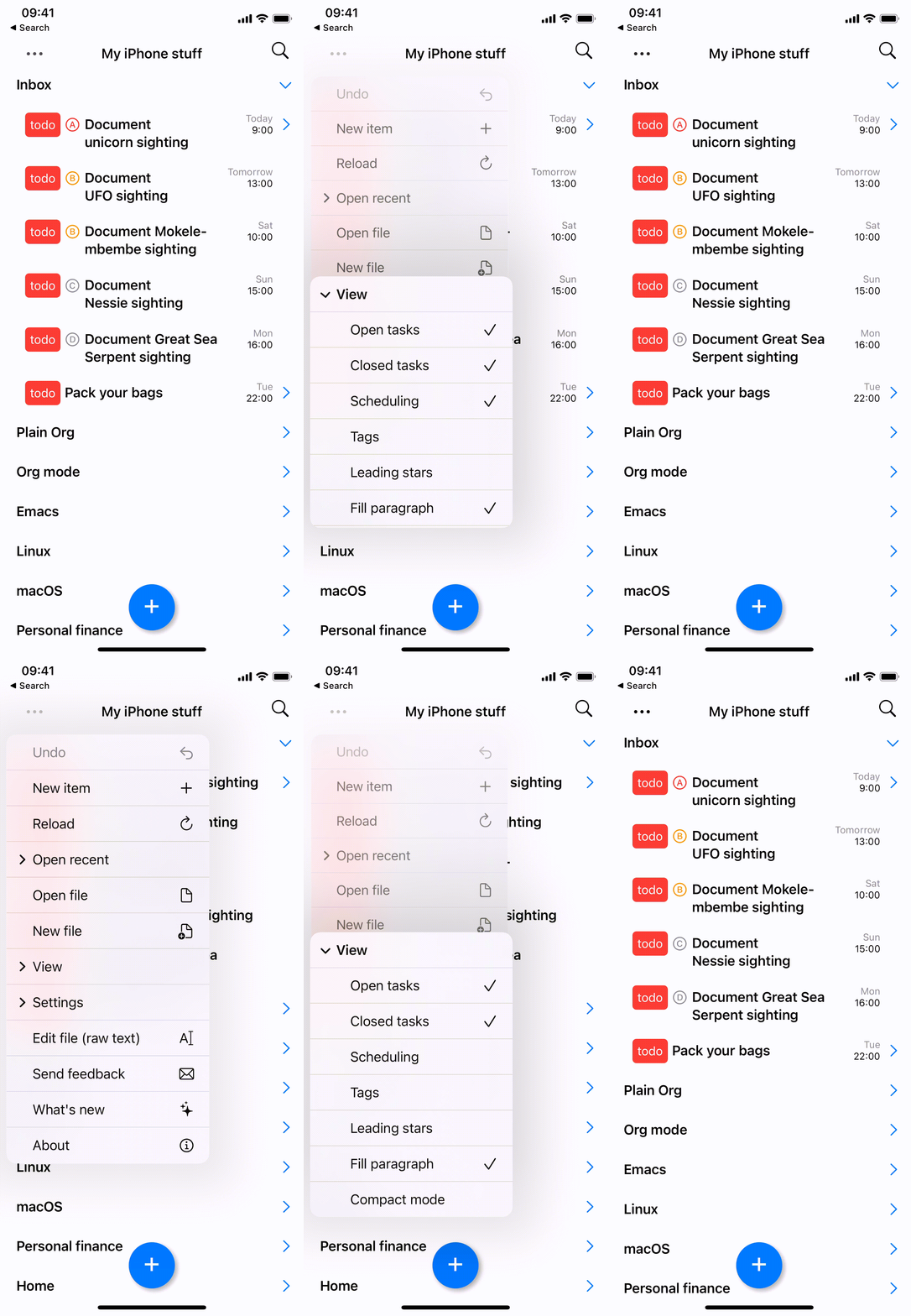
Show/hide tags
Similarly, the new Menu -> View -> Tags option toggles displaying tags.
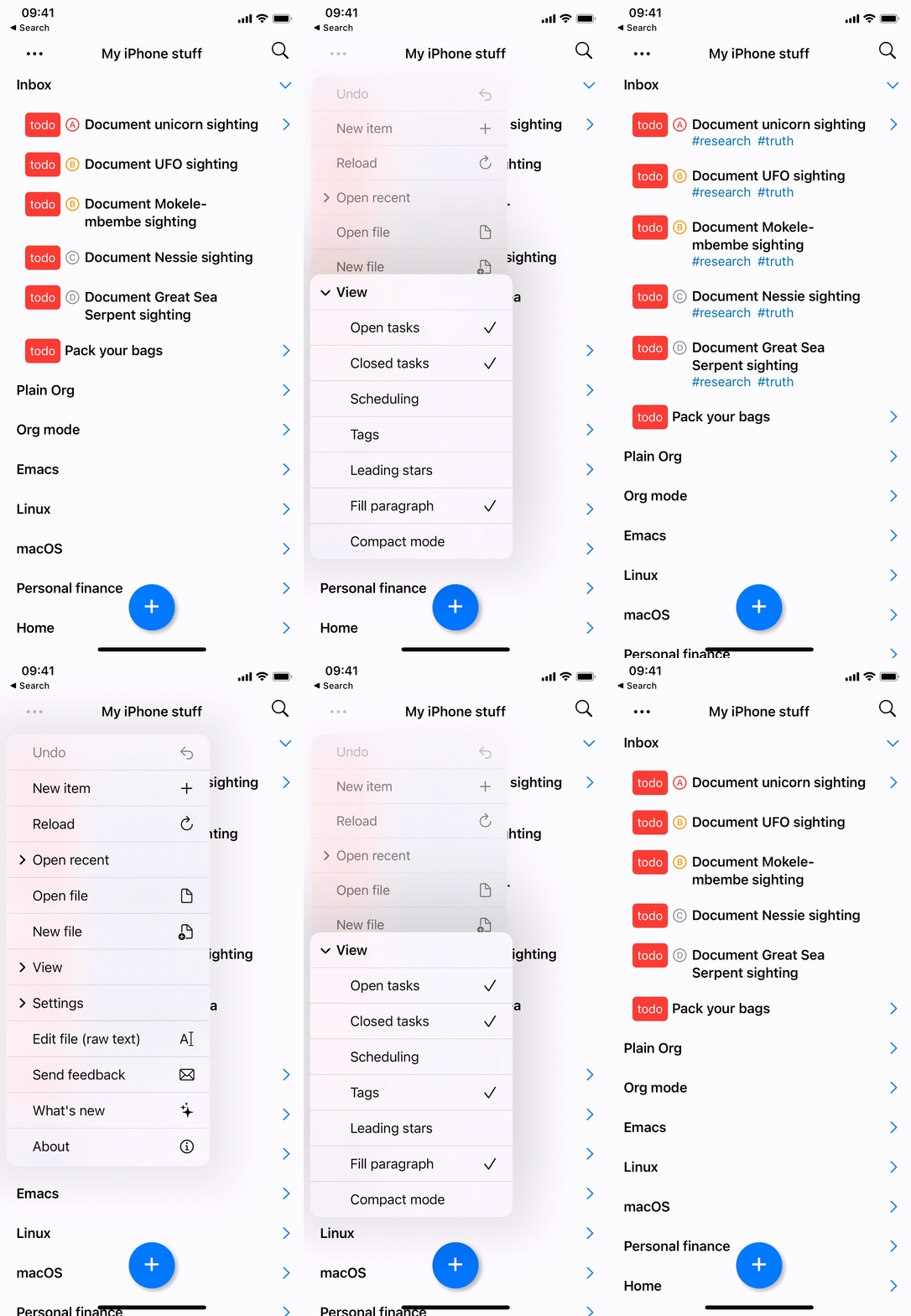
Native list rendering
Lists are now rendered natively. With the exception of numbered cases, list items now share a common bullet icon. Description lists are also recognized and receive additional formatting when rendered.
- First list item
* Second list item
+ Third list item
1. Numbered list item
+ Term :: Description for term
Numbered checkboxes are now recognized and receive the same formatting and interaction as their non-numbered counterparts.
1. [ ] First checkbox
2. [X] Second checkbox
3. [X] Third checkbox

Reload current file
Plain Org may not be able to automatically reload files for some syncing providers. In those instances, use Menu -> Reload to explicitly request a reload.
Open .txt files
Although .org files are plain text files, they aren't always recognized by other text-editing apps. This release enables opening .txt files, so you can choose to render them in Plain Org, while giving you the option to edit elsewhere.
Bugfixes
- Improve vertical whitespace handling.
- Fixes rendering edge cases.
- Fail gracefully when creating new files on unsupported cloud providers.
- Prevent creating new files with redundant extensions.
- File access improvements.
- Replicates property spacing behaviour using Emacs's
org-property-formatdefault value. - Fixes keyword picker border rendering.
- Improves rendering performance for large nodes.
Let's say we'd like to validate table rendering with links, we can write a test as follows:
func testTableWithLinks() throws {
assertSnapshot(
matching: OrgMarkupText.make(
"""
| URL | Org link |
|------------------------+-------------|
| https://flathabits.com | [[https://flathabits.com][Flat Habits]] |
| Regular text | Here too |
|------------------------+-------------|
"""),
as: .image(layout: .sizeThatFits))
}
The corresponding snapshot golden can be seen below.
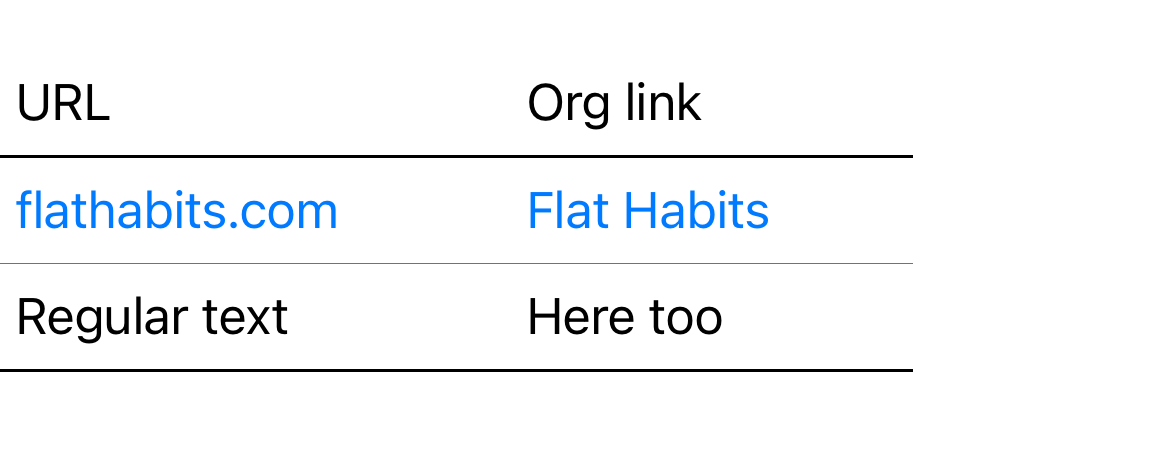
This is all done rather effortlessly thanks to Point Free's wonderful swift-snapshot-testing utilities.
So what does any of this have to do with Emacs? You see, as I added more snapshot tests and made modifications to the rendering logic, I needed a quick way to visually inspect and override all goldens. All the main pieces were already there, I just needed some elisp glue to bend Emacs my way™.
First, I needed to run my Xcode builds from the command line. This is already supported via xcodebuild. Next, I needed a way to parse test execution data to extract failing tests. David House's xcodebuild-to-json handles this perfectly. What's left? Glue it all up with some elisp.
Beware, the following code snippet is packed with assumptions about my project, it's messy, surely has bugs, can be optimized, etc. But the important point here is that Emacs is such an amazing malleable power tool. Throw some elisp at it and you can to bend it to your liking. After all, it's [your]{.underline} editor.
And so here we are, I can now run snapshot tests from Emacs using my hacked up plainorg-snapshot-test-all function and quickly override (or ignore) all newly generated snapshots by merely pressing y/n keys. Oh, and our beloved web browser was also invited to the party. Press "d" to open two browser tabs if you'd like to take a closer look (not demoed below).
Success. Emacs bends again.

;;; -*- lexical-binding: t; -*-
(defun plainorg-snapshot-test-all ()
"Invoke xcodebuild, compare failed tests screenshots side-to-side,
and offer to override them."
(interactive)
(let* ((project (cdr (project-current)))
(json-tmp-file (make-temp-file "PlainOrg_Tests_" nil ".json"))
(default-directory project))
(unless (file-exists-p (concat project "PlainOrg.xcodeproj"))
(user-error "Not in PlainOrg project"))
(set-process-sentinel
(start-process
"xcodebuild"
(with-current-buffer
(get-buffer-create "*xcodebuild*")
(let ((inhibit-read-only t))
(erase-buffer))
(current-buffer))
"/usr/bin/xcodebuild"
"-scheme" "PlainOrg" "-target" "PlainOrgTests" "-destination" "name=iPhone 13" "-quiet" "test")
(lambda (p e)
(with-current-buffer (get-buffer "*xcodebuild*")
(let ((inhibit-read-only t))
(insert (format "xcodebuild exit code: %d\n\n" (process-exit-status p)))))
(when (not (eq 0 (process-exit-status p)))
(set-process-sentinel
(start-process
"xcodebuild-to-json"
"*xcodebuild*"
"/opt/homebrew/bin/xcodebuild-to-json"
"--derived-data-folder" (format "/Users/%s/Library/Developer/Xcode/DerivedData/"
(user-login-name)) "--output" json-tmp-file)
(lambda (p e)
(with-current-buffer (get-buffer "*xcodebuild*")
(let ((inhibit-read-only t))
(insert (format "xcodebuild-to-json exit code: %d\n\n" (process-exit-status p)))))
(when (= 0 (process-exit-status p))
(with-current-buffer (get-buffer "*xcodebuild*")
(let ((inhibit-read-only t))
(insert "Screenshot comparison started\n\n")))
(plainorg--snapshot-process-json (get-buffer "*xcodebuild*") json-tmp-file)
(with-current-buffer (get-buffer "*xcodebuild*")
(let ((inhibit-read-only t))
(insert "\nScreenshot comparison finished\n"))
(read-only-mode +1))))))))
(switch-to-buffer-other-window "*xcodebuild*")))
(defun plainorg--snapshot-process-json (result-buffer json)
"Find all failed snapshot tests in JSON and offer to override
screenshots, comparing them side to side."
(let ((hashtable (with-current-buffer (get-buffer-create "*build json*")
(erase-buffer)
(insert-file-contents json)
(json-parse-buffer))))
(mapc
(lambda (item)
(when (equal (gethash "id" item)
"SnapshotTests")
(mapc
(lambda (testCase)
(when (and (gethash "failureMessage" testCase)
(string-match-p "Snapshot does not match reference"
(gethash "failureMessage" testCase)))
(let* ((paths (plainorg--snapshot-screenshot-paths
(gethash "failureMessage" testCase)))
(override-result (plainorg--snapshot-override-image
"Expected screenshot"
(nth 0 paths) ;; old
"Actual screenshot"
(nth 1 paths) ;; new
(nth 0 paths))))
(when override-result
(with-current-buffer result-buffer
(let ((inhibit-read-only t))
(insert override-result)
(insert "\n")))))))
(gethash "testCases" item))))
(gethash "classes" (gethash "details" hashtable)))))
(defun plainorg--snapshot-screenshot-paths (failure-message)
"Extract a paths list from FAILURE-MESSAGE of the form:
failed - Snapshot does not match reference.
@−
\"/path/to/expected/screenshot.1.png\"
@+
\"/path/to/actual/screenshot.1.png\"
Newly-taken snapshot does not match reference.
"
(mapcar
(lambda (line)
(string-remove-suffix "\""
(string-remove-prefix "\"" line)))
(seq-filter
(lambda (line)
(string-prefix-p "\"" line))
(split-string failure-message "\n"))))
(defun plainorg--snapshot-override-image (old-buffer old new-buffer new destination)
(let ((window-configuration (current-window-configuration))
(action)
(result))
(unwind-protect
(progn
(delete-other-windows)
(split-window-horizontally)
(switch-to-buffer (with-current-buffer (get-buffer-create old-buffer)
(let ((inhibit-read-only t))
(erase-buffer))
(insert-file-contents old)
(image-mode)
(current-buffer)))
(switch-to-buffer-other-window (with-current-buffer (get-buffer-create new-buffer)
(let ((inhibit-read-only t))
(erase-buffer))
(insert-file-contents new)
(image-mode)
(current-buffer)))
(while (null result)
(setq action (read-char-choice (format "Override %s? (y)es (n)o (d)iff in browser? "
(file-name-base old))
'(?y ?n ?d ?q)))
(cond ((eq action ?n)
(setq result
(format "Keeping old %s" (file-name-base old))))
((eq action ?y)
(copy-file new old t)
(setq result
(format "Overriding old %s" (file-name-base old))))
((eq action ?d)
(shell-command (format "open -a Firefox %s --args --new-tab" old))
(shell-command (format "open -a Firefox %s --args --new-tab" new)))
((eq action ?q)
(set-window-configuration window-configuration)
(setq result (format "Quit %s" (file-name-base old)))))))
(set-window-configuration window-configuration)
(kill-buffer old-buffer)
(kill-buffer new-buffer))
result))
For those of us with org as our markup of choice, the App Store is far less crowded. I wish we could fill more than a screen's worth of search results, so you know… I could show you another pretty gif scrolling through org results. For now, we'll settle on a single frame showcasing our 4 org options.
Beorg, MobileOrg, Flat Habits, and Orgro are all great options. Each with strengths of their own. Organice, while not on the App Store, is another option for those looking for a web alternative. Of these, I had already authored one of them. More on that in a sec… You see, about a year ago I wanted to play with Swift, SPM, and lsp itself. Also, having Swift code completion in Emacs via lsp-sourcekit sounded like a fun thing to try out, so I started using it while writing a Swift org parser.
While working on the parser, I happened to be reading Atomic Habits (awesome book btw)… It was also a great time to play around with SwiftUI, which by the way, is pretty awesome too. With Atomic Habits fresh in mind, org parser in one hand, and SwiftUI in the other, I built Flat Habits: a lightweight habit tracker powered by org.
I love being able to save habit data to plain text and easily track on my iPhone (via Flat Habits) or laptop (via Emacs). I wanted to extend similar convenience to org tasks, so I built Plain Org.
My previous post mentioned quickly adding new tasks and searching existing ones as Plain Org's driving goals. Of course, neither of those are as useful without automatic cloud syncing, so pluging into iOS's third party cloud support was a must-have.
With these baseline features in place, I started an alpha/beta group via TestFlight. Early Plain Org adopters have been wonderfully supportive, given lots of great feedback, and helped shape the initial feature set you see below.
There's plenty more that can be supported, but hey let's get v1 out the door. Gotta start somewhere.
Plain Org v1 features
- View and edit your org mode tasks while on the go.
- Beautifully rendered org markup.
- Sync your org files using your favorite cloud provider.
- Create new files.
- Outline-style editing with toolbar
- Keywords
- Indent
- Priority
- Tags
- Formatting: bold, italic, underline, strikethrough, verbatim, and code.
- Add links from Safari via share extension.
- Add new tasks via Spotlight.
- Reorder headings via drag/drop.
- Checkboxes
- Interactive toggling.
- Quickly reset multiple checkboxes.
- Follow local links.
- Show inline images.
- File-local keywords and visibility.
- Filter open/closed tasks.
- Show/hide stars.
- Edit raw text.
- Light/dark mode.
Plain Org joins the chat
Today Plain Org joins the likes of Beorg, MobileOrg, Flat Habits, and Orgro on the App Store.

Since then, I've received some great feedback, which I've been slowly chipping away at. My intent isn't so much to move my org workflow over to iOS, but to supplement Emacs while away from my laptop.
As of now, this is what the inline edit experience looks like:
If, like me, you prefer dark mode. The app's got ya covered:

Plain Org is not yet available on the App Store, but you can get a TestFlight invite if you send me an email address. Ping me on reddit, twitter, or email me at "plainorg" + "@" + "xenodium.com".
You can also check out progress over at the r/plainorg subreddit.
]]>But then I'm away from my laptop… and I need to quickly record habits on the go. I need it to be low-friction. Ssh'ing to an Emacs instance from a smartphone isn't an option. I'm an iPhone user, so whatever the solution, it should play nice with Emacs and org mode. I built Flat Habits for habit tracking and I'm fairly happy with the result. As of today, my longest-tracked habit is on a 452-day streak.
Moving on to org tasks/TODOs… I want something fairly frictionless while on the go. With Flat Habits as a stepping stone, I can now reuse some parts to build Plain Org. This new app should give me quick access to my tasks. The two driving goals are: quickly add new tasks and search existing ones while away from my laptop. Ok, maybe basic editing helps too. Oh and it should sync over cloud, of course.

I now have an early implementation of sorts, available on TestFlight. If you'd like to give it a try, send me an email address to receive the the invite. Ping me on reddit, twitter, or email me at "plainorg" + "@" + "xenodium.com".
]]>What's new?
This release implements a few of features requested by users.
Multiday weekly habits
This is the chunkiest addition and most requested feature. You can now select multiple days when scheduling weekly habits.

Historical management
Sometimes you forget to mark a habit done or make a mistake toggling one. Either way, you can now toggle any habit day from the calendar/streak view.
Long tap
Long tap shows you the editing option available for that day.
Short tap
Short tap typically toggles between "Done" and "Not done".
Where's today?
A few folks rightfully asked for today's date to be highlighted in the calendar view, and so we now have a red circle.
Improved error messages
Hopefully you don't run into issues, but if you do, I hope the app helps ya sort them out.
Bugfixes
- Tapping on blur now dismisses habit edit dialog.
- Future habits now longer editable.
- Skipped habits no longer have a default tap action.
- Undoing from streak/calendar view now refreshes correctly.
- Undoing habit addition on iPad removes streak/calendar view.
To transition from macOS Finder to Emacs, Christian offers an Emacs interactive command that fetches Finder's location and opens a dired buffer via AppleScript. On a similar note, I learned from redditor u/pndc that Finder's proxy icons can be dragged over to Emacs, which handily drops ya into a dired buffer.
With these two solutions in mind, I looked into a third one to offer a context menu option in Finder to show the file in Emacs. This turned out to be fairly easy using Automator, which I've rarely used.

I created a flow that runs a shell script to "Show in Emacs", revealing the selected file or folder in an dired buffer. This is similar to Christian's solution, but invoked from Finder itself. The flow also uses dired-goto-file which moves the point (cursor) to the file listed under dired.

current_dir=$(dirname "$1")
osascript -e 'tell application "Emacs" to activate'
path/to/emacsclient --eval "(progn (dired \"$current_dir\") (dired-goto-file \"$1\"))"
As a bonus, I added an "Open in Emacs" option, which does as it says on the tin. Rather than show the file listed in a dired buffer, it gets Emacs to open it in your favorite major mode. This option is not technically needed since Finder already provides an "Open With" context menu, but it does remove a few click here and there.

osascript -e 'tell application "Emacs" to activate'
/Users/alvaro/homebrew/bin/emacsclient --eval "(find-file \"$1\")"
On a side note, Emacs defaults to creating new frames when opening files via "Open With" menu (or "open -a Emacs foo.txt"). I prefer to use my existing Emacs frame, which can be accomplished by setting ns-pop-up-frames to nil.
(setq ns-pop-up-frames nil)

Not long ago, I made a note to go back and read Mac for Translators's Emacs regex with Emacs lisp post. The author highlights Emacs's ability to apply additional logic when replacing text during a search-and-replace session. It does so by leveraging elisp expressions.
Coincidentally, a redditor recently asked What is the simplest way to apply a math formula to all numbers in a buffer/region? Some of the answers also point to search and replace leveraging elisp expressions.
While I rarely need to apply additional logic when replacing matches, it's nice to know we have options available in our Emacs toolbox. This prompted me to check out replace-regexp's documentation (via M-x describe-function or my favorite M-x helpful-callable). There's lots in there. Go check its docs out. You may be pleasantly surprised by all the features packed under this humble function.
For instance, \& expands to the current match. Similarly, \#& expands to the current match, fed through string-to-number. But what if you'd like to feed the match to another function? You can use \, to signal evaluation of an elisp expression. In other words, you could multiply by 3 using \,(* 3 \#&) or inserting whether a number is odd or even with something like \,(if (oddp \#&) "(odd)" "(even)").
Take the following text:
1
2
3
4
5
6
We can label each value "(odd)" or "(even)" as well as multiply by 3, by invoking replace-regexp as follows:
M-x replace-regexp
[PCRE] Replace regex:
[-0-9.]+
Replace regex [-0-9.]+:
\& \,(if (oddp \#&) "(odd)" "(even)") x 3 = \,(* 3 \#&)
1 (odd) x 3 = 3
2 (even) x 3 = 6
3 (odd) x 3 = 9
4 (even) x 3 = 12
5 (odd) x 3 = 15
6 (even) x 3 = 18
It's worth noting that replace-regexp's cousin query-replace-regexp also handles all this wonderful magic.
Happy searching and replacing!
]]>
When I say extend, I didn't quite modify ob-swift itself, but rather advised org-babel-execute:swift to modify its behavior at runtime.
Fast-forward to June 2021 and Scott Nicholes reminded me there's still interest in org babel SwiftUI support. ob-swift seems a little inactive, but no worries there. The package offers great general-purpose Swift support. On the other hand, SwiftUI previews can likely live as a single-purpose package all on its own… and so I set off to bundle the rendering functionality into a new ob-swiftui package.
Luckily, org babel's documentation has a straightforward section to help you develop support for new babel languages. They simplified things by offering template.el, which serves as the foundation for your language implementation. For the most part, it's a matter of searching, replacing strings, and removing the bits you don't need.
The elisp core of ob-swiftui is fairly simple. It expands the org block body, inserts the expanded body into a temporary buffer, and finally feeds the code to the Swift toolchain for execution.
(defun org-babel-execute:swiftui (body params)
"Execute a block of SwiftUI code in BODY with org-babel header PARAMS.
This function is called by `org-babel-execute-src-block'"
(message "executing SwiftUI source code block")
(with-temp-buffer
(insert (ob-swiftui--expand-body body params))
(shell-command-on-region
(point-min)
(point-max)
"swift -" nil 't)
(buffer-string)))
The expansion in ob-swiftui–expand-body is a little more interesting. It decorates the block's body, so it can become a fully functional and stand-alone SwiftUI macOS app. If you're familiar with Swift and SwiftUI, the code should be fairly self-explanatory.
From an org babel's perspective, the expanded code is executed whenever we press C-c C-c (or M-x org-ctrl-c-ctrl-c) within the block itself.
It's worthing mentioning that our new implementation supports two babel header arguments (results and view). Both extracted from params using map-elt and replaced in the expanded Swift code to enable/disable snapshotting or explicitly setting a SwiftUI root view.
(defun ob-swiftui--expand-body (body params)
"Expand BODY according to PARAMS and PROCESSED-PARAMS, return the expanded body."
(let ((write-to-file (member "file" (map-elt params :result-params)))
(root-view (when (and (map-elt params :view)
(not (string-equal (map-elt params :view) "none")))
(map-elt params :view))))
(format
"
// Swift snippet heavily based on Chris Eidhof's code at:
// https://gist.github.com/chriseidhof/26768f0b63fa3cdf8b46821e099df5ff
import Cocoa
import SwiftUI
import Foundation
let screenshotURL = URL(fileURLWithPath: NSTemporaryDirectory(), isDirectory: true).appendingPathComponent(ProcessInfo.processInfo.globallyUniqueString + \".png\")
let preview = %s
// Body to run.
%s
extension NSApplication {
public func run<V: View>(_ view: V) {
let appDelegate = AppDelegate(view)
NSApp.setActivationPolicy(.regular)
mainMenu = customMenu
delegate = appDelegate
run()
}
public func run<V: View>(@ViewBuilder view: () -> V) {
let appDelegate = AppDelegate(view())
NSApp.setActivationPolicy(.regular)
mainMenu = customMenu
delegate = appDelegate
run()
}
}
extension NSApplication {
var customMenu: NSMenu {
let appMenu = NSMenuItem()
appMenu.submenu = NSMenu()
let quitItem = NSMenuItem(
title: \"Quit \(ProcessInfo.processInfo.processName)\",
action: #selector(NSApplication.terminate(_:)), keyEquivalent: \"q\")
quitItem.keyEquivalentModifierMask = []
appMenu.submenu?.addItem(quitItem)
let mainMenu = NSMenu(title: \"Main Menu\")
mainMenu.addItem(appMenu)
return mainMenu
}
}
class AppDelegate<V: View>: NSObject, NSApplicationDelegate, NSWindowDelegate {
var window = NSWindow(
contentRect: NSRect(x: 0, y: 0, width: 414 * 0.2, height: 896 * 0.2),
styleMask: [.titled, .closable, .miniaturizable, .resizable, .fullSizeContentView],
backing: .buffered, defer: false)
var contentView: V
init(_ contentView: V) {
self.contentView = contentView
}
func applicationDidFinishLaunching(_ notification: Notification) {
window.delegate = self
window.center()
window.contentView = NSHostingView(rootView: contentView)
window.makeKeyAndOrderFront(nil)
if preview {
screenshot(view: window.contentView!, saveTo: screenshotURL)
// Write path (without newline) so org babel can parse it.
print(screenshotURL.path, terminator: \"\")
NSApplication.shared.terminate(self)
return
}
window.title = \"press q to exit\"
window.setFrameAutosaveName(\"Main Window\")
NSApp.activate(ignoringOtherApps: true)
}
}
func screenshot(view: NSView, saveTo fileURL: URL) {
let rep = view.bitmapImageRepForCachingDisplay(in: view.bounds)!
view.cacheDisplay(in: view.bounds, to: rep)
let pngData = rep.representation(using: .png, properties: [:])
try! pngData?.write(to: fileURL)
}
// Additional view definitions.
%s
"
(if write-to-file
"true"
"false")
(if root-view
(format "NSApplication.shared.run(%s())" root-view)
(format "NSApplication.shared.run {%s}" body))
(if root-view
body
""))))
For rendering inline SwiftUI previews in Emacs, we rely on NSView's bitmapImageRepForCachingDisplay to capture an image snapshot. We write its output to a temporary file and piggyback-ride off org babel's :results file header argument to automatically render the image inline.
Here's ob-swiftui inline rendering in action:

When rendering SwiftUI externally, we're effectively running and interacting with the generated macOS app itself.

The two snippets give a general sense of what's needed to enable org babel to handle SwiftUI source blocks. Having said that, the full source and setup instructions are both available on github.
ob-swiftui is now available on melpa.
]]>
I recently tweeted that Vivek Haldar's 10-year old post rings true today just the same. He writes about the levels of Emacs proficiency. All 6 levels are insightful in their own right, but for the sake of this post, let's quote an extract from level 4. Shell inside Emacs:
"And then, you learned about it: M-x shell.
It was all just text. Why did you need another application for it? Why should only the shell prompt be editable? Why can’t I move my cursor up a few lines to where the last command spewed out its results? All these problems simply disappear when your shell (or shells) simply becomes another Emacs buffer, upon which all of the text manipulation power of Emacs can be brought to bear."
In other words, we aren't merely removing shell restrictions, but opening up possibilities…
Take Emacs eshell looping, for example. I use it so infrequently, I could never remember eshell's syntax. I would refer back to EmacsWiki's Eshell For Loop or Mastering Emacs's Mastering Eshell comments for a reminder. It finally dawned on me. I don't need to internalize this eshell syntax. I have YASnippet available like any other buffer. I could just type "for" and let YASnippet do the rest for me.
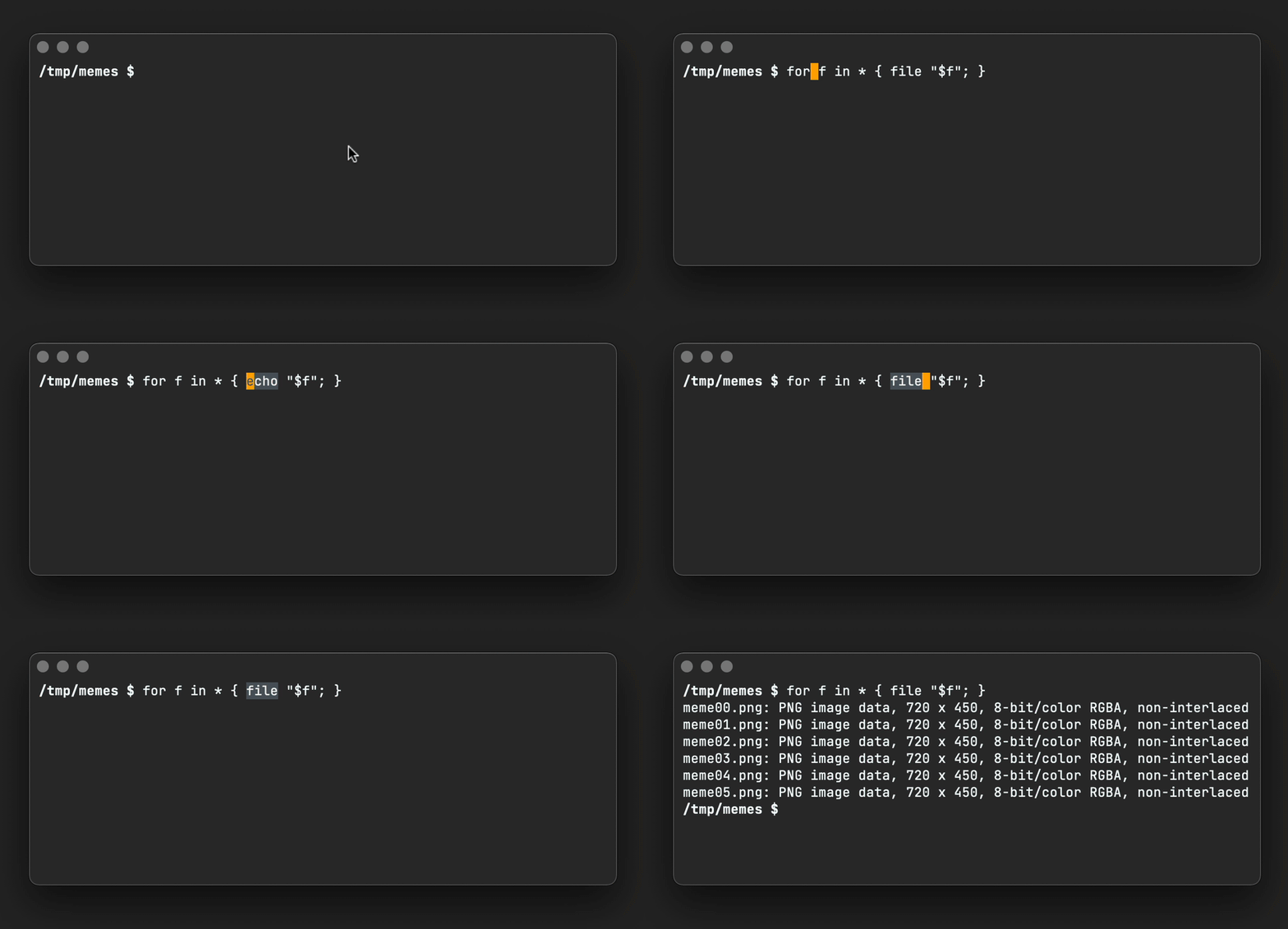
All I need is a tiny YASnippet:
#name : Eshell for loop
#key : for
# --
for f in ${1:*} { ${2:echo} "$f"; $3} $0
Want a gentle and succinct YASnippet intro? Check out Jake's YASnippet introduction video.
If you're a shell-mode user, YASnippet would have you covered in your favorite shell. The expansion snippet can be modified to a Bash equivalent, giving us the same benefit. We type "for" and let YASnippet expand and hop over arguments. Here's a Bash equivalent emphasizing the hopping a little more:

#name : bash for loop
#key : for
# --
for f in ${1:*}; do ${2:echo} $f; done $0
ps. Looks like vterm, term, or ansi-term work too. See Shane Mulligan's post: Use YASnippets in term and vterm in emacs.
]]>swift package generate-xcodeproj
Xcode can handle Swift packages directly. Similarly, xcodebuild can handle them too. This isn't new. It's likely been available since Xcode 11. I just totally missed it.
Note: I've yet to dig into Xcode 13 beta, as Swift packages may already support the build/test features I was after in xcodebuild (like build/test on Catalyst).
In any case, on to xcodebuild… but let's first create a brand new Swift package.
Creating a Swift package library
mkdir FooBar && cd FooBar
swift package init --type library
List package schemes
We can use xcodebuild to list the available schemes.
xcodebuild -list
Show supported platform, architecture, etc
Similarly, we can list destinations supported for the schemes.
xcodebuild -showdestinations -scheme FooBar
macOS builds
Let's build for macOS, though let's first import UIKit into FooBar.swift. This ensures we get an expected failure when building for macOS.
import UIKit
struct FooBar {
var text = "Hello, World!"
}
Now let's attempt to build it…
xcodebuild build -quiet -scheme FooBar -destination 'platform=macOS'
The failure expected as UIKit isn't available on your typical macOS builds.
macOS Catalyst builds
We do, however, have Catalyst available, so we can use its variant to build for macOS with UIKit support, and.. voilà!
xcodebuild build -quiet -scheme FooBar -destination 'platform=macOS,variant=Mac Catalyst' && echo \\o/

I get the occasional ping to package the code from this post and publish it on melpa. Finally gave it a go. Moved the code here.
This was my first time publishing on melpa. The process was very smooth. Big thanks to melpa volunteers!
]]>
I was a rather puzzled the first time I spotted DWIM in an Emacs interactive command name. Don't think I remember what the command itself was, but what's important here is that DWIM stands for do what I mean.
I love DWIM interactive commands. They enable commands to be smarter and thus pack more functionality, without incurring the typical cognitive overhead associated with remembering multiple commands (or key bindings). The Emacs manual does a great job describing DWIM for the comment-dwim command:
The word “dwim” is an acronym for “Do What I Mean”; it indicates that this command can be used for many different jobs relating to comments, depending on the situation where you use it.
It's really great to find built-in DWIM-powered Emacs commands. Third-party packages often include them too. I typically gravitate towards these commands and bind them in my Emacs config. Examples being upcase-dwim, downcase-dwim, or mc/mark-all-dwim.
But what if the DWIM command doesn't exist or the author has written a command for what they mean? This is your editor, so you can make it do what you mean.
Take for example, org-insert-link, bound to C-c C-l by default. It's handy for inserting org mode links. I used it so frequently that I quickly internalized its key binding. Having said that, I often found myself doing some lightweight preprocessing prior to invoking org-insert-link. What if I can make org-insert-link do what I mean?
What do I mean?
Use URLs when in clipboard
If the URL is already in the clipboard, don't ask me for it. Just use it.
Use the region too
If I have a region selected and there's a URL in the clipboard, just sort it out without user interaction.
Automatically fetch titles
Automatically fetch URL titles from their HTML tag, but ask me for tweaks before insertion.
Fallback to org-insert-link
If my DWIM rules don't apply, fall back to using good ol' org-insert-link.
My most common use case here is when editing an existing link where I don't want neither its title nor URL automatically handled.
The code
This is your own DWIM command that does what you mean. Strive to write a clean implementation, but hey you can be forgiven for not handling all the cases that other folks may want or inlining more code than usual. The goal is to bend your editor a little, not write an Emacs package.
(defun ar/org-insert-link-dwim ()
"Like `org-insert-link' but with personal dwim preferences."
(interactive)
(let* ((point-in-link (org-in-regexp org-link-any-re 1))
(clipboard-url (when (string-match-p "^http" (current-kill 0))
(current-kill 0)))
(region-content (when (region-active-p)
(buffer-substring-no-properties (region-beginning)
(region-end)))))
(cond ((and region-content clipboard-url (not point-in-link))
(delete-region (region-beginning) (region-end))
(insert (org-make-link-string clipboard-url region-content)))
((and clipboard-url (not point-in-link))
(insert (org-make-link-string
clipboard-url
(read-string "title: "
(with-current-buffer (url-retrieve-synchronously clipboard-url)
(dom-text (car
(dom-by-tag (libxml-parse-html-region
(point-min)
(point-max))
'title))))))))
(t
(call-interactively 'org-insert-link)))))
Org web tools package
I showed how to write your own DWIM command, so you can make Emacs do what ✨you✨ mean. ar/org-insert-link-dwim was built for my particular needs.
Having said all of this, alphapapa has built a great package with helpers for the org web/link space. It doesn't do what I mean (for now anyway), but it may work for you: org-web-tools: View, capture, and archive Web pages in Org-mode[^2].
]]>
A recent Hacker News post, Ask HN: Favorite Blogs by Individuals, led me to dust off my oldie but trusty command to extract comment links. I use it to dissect these wonderful references more effectively.
You see, I wrote this command back in 2015. We can likely revisit and improve. The enlive package continues to do a fine job fetching, parsing, and querying HTML. Let's improve my code instead… we can shed a few redundant bits and maybe use newer libraries and features.
Most importantly, let's improve the user experience by sanitizing and filtering URLs a little better.
We start by writing a function that looks for a URL in the clipboard and subsequently fetches, parses, and extracts all links found in the target page.
(require 'enlive)
(require 'seq)
(defun ar/scrape-links-from-clipboard-url ()
"Scrape links from clipboard URL and return as a list. Fails if no URL in clipboard."
(unless (string-prefix-p "http" (current-kill 0))
(user-error "no URL in clipboard"))
(thread-last (enlive-query-all (enlive-fetch (current-kill 0)) [a])
(mapcar (lambda (element)
(string-remove-suffix "/" (enlive-attr element 'href))))
(seq-filter (lambda (link)
(string-prefix-p "http" link)))
(seq-uniq)
(seq-sort (lambda (l1 l2)
(string-lessp (replace-regexp-in-string "^http\\(s\\)*://" "" l1)
(replace-regexp-in-string "^http\\(s\\)*://" "" l2))))))
Let's chat (current-kill 0) for a sec. No improvement from my previous usage, but let's just say building interactive commands that work with your current clipboard (or kill ring in Emacs terminology) is super handy (see clone git repo from clipboard).
Moving on to sanitizing and filtering URLs… Links often have trailing slashes. Let's flush them. string-remove-suffix to the rescue. This and other handy string-manipulating functions are built into Emacs since 24.4 as part of subr-x.el.
Next, we can keep http(s) links and ditch everything else. The end-goal is to extract links posted by users, so these are typically fully qualified external URLs. seq-filter steps up to the task, included in Emacs since 25.1 as part of the seq.el family. We remove duplicate links using seq-uniq and sort them via seq-sort. All part of the same package.
When sorting, we could straight up use seq-sort and string-lessp and nothing else, but it would separate http and https links. Let's not do that, so we drop http(s) prior to comparing strings in seq-sort's predicate. replace-regexp-in-string does the job here, but if you'd like to skip regular expressions, string-remove-prefix works just as well.
Yay, sorting no longer cares about http vs https:
https://andymatuschak.org
http://antirez.com
https://apenwarr.ca/log
...
With all that in mind, let's flatten list processing using thread-last. This isn't strictly necessary, but since this is the 2021 edition, we'll throw in this macro added to Emacs in 2016 as part of 25.1. Arthur Malabarba has a great post on thread-last.
Now that we've built out ar/scrape-links-from-clipboard-url function, let's make its content consumable!
The completing frameworks way
This is the 2021 edition, so power up your completion framework du jour and feed the output of ar/scrape-links-from-clipboard-url to our completion robots…
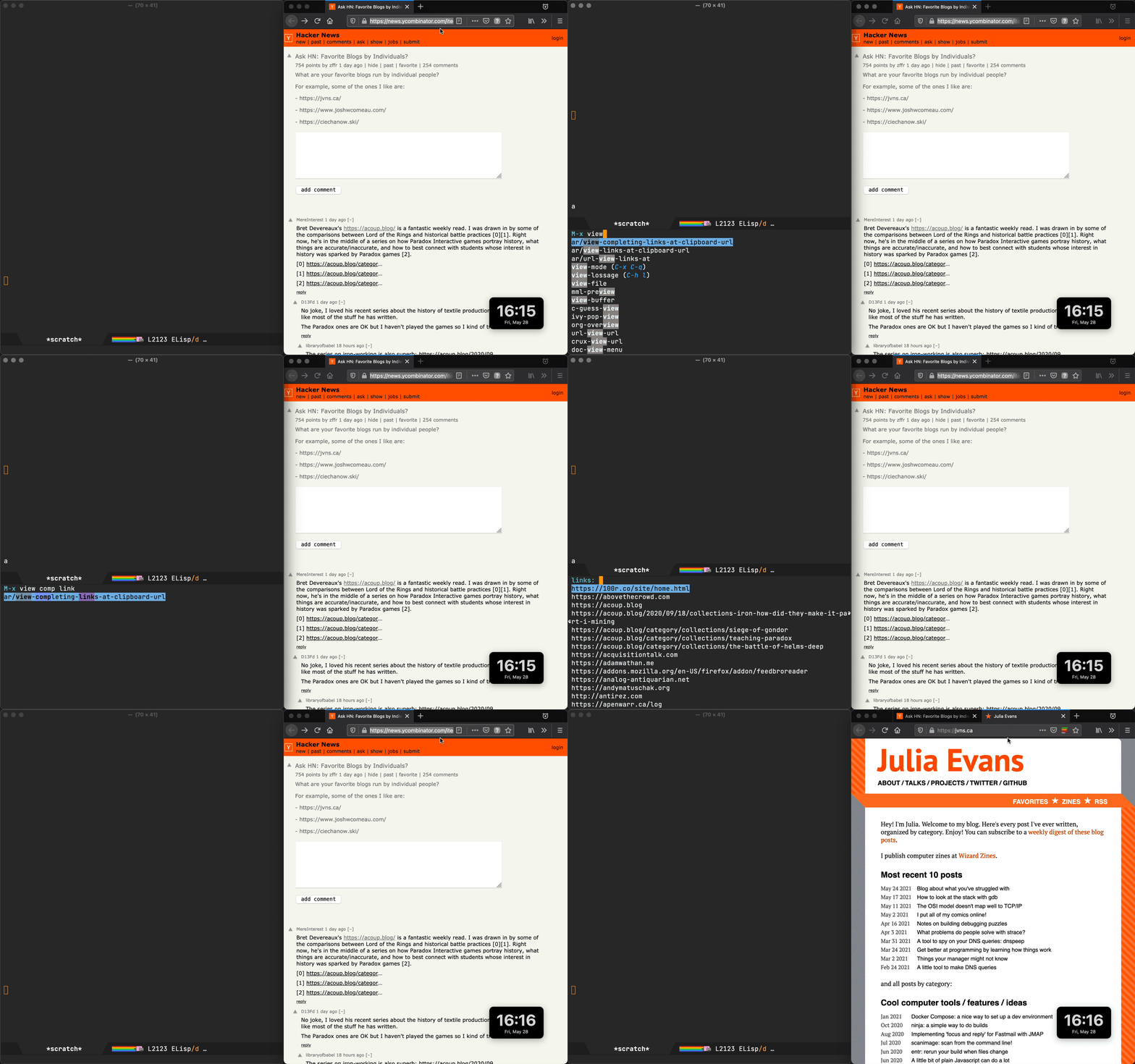
I'm heavily vested in ivy, but since we're using the built-in completing-read function, any completion framework like vertico, selectrum, helm, or ido should kick right in to give you extra powers.
(defun ar/view-completing-links-at-clipboard-url ()
"Scrape links from clipboard URL and open all in external browser."
(interactive)
(browse-url (completing-read "links: "
(ar/scrape-links-from-clipboard-url))))
The auto-open way (use with caution)
Sometimes you just want to open every link posted in the comments and use your browser to discard, closing tabs as needed. The recent HN news instance wasn't one of these cases, with a whopping 398 links returned by our ar/scrape-links-from-clipboard-url.

Note: I capped the results to 5 in this gif/demo to prevent a Firefox tragedy (see seq-take).
In a case like Hacker News's, we don't want to surprise-attack the user and bomb their browser by opening a gazillion tabs, so let's give a little heads-up using y-or-n-p.
(defun ar/browse-links-at-clipboard-url ()
(interactive)
(let ((links (ar/scrape-links-from-clipboard-url)))
(when (y-or-n-p (format "Open all %d links? " (length links)))
(mapc (lambda (link)
(browse-url link))
links))))
The org way
My 2015 solution leveraged an org mode buffer to dump the fetched links. The org way is still my favorite. You can use whatever existing Emacs super powers you already have on top of the org buffer, including searching and filtering fueled by your favourite completion framework. I'm a fan of Oleh's swiper.
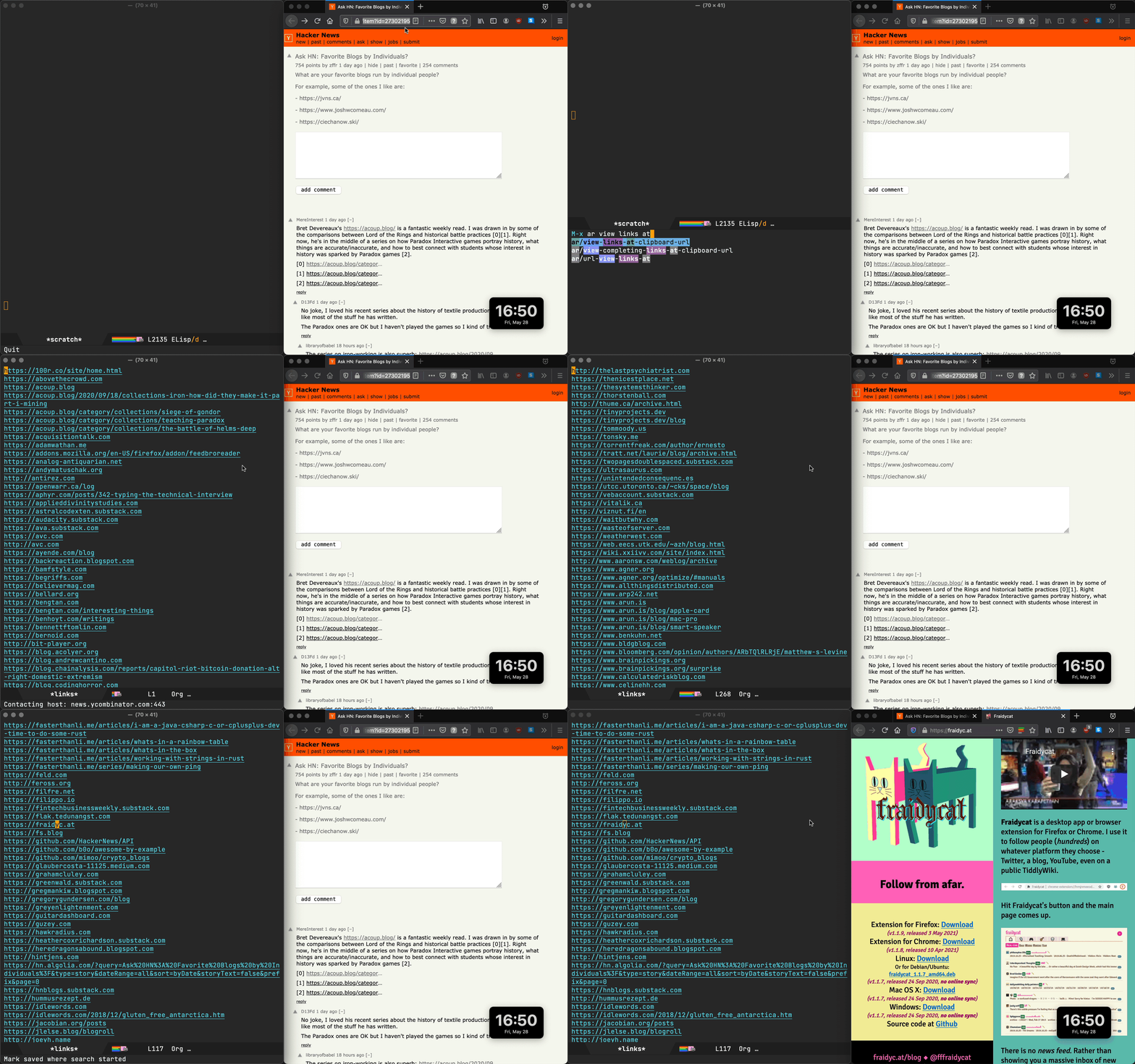
The 2021 implementation is mostly a tidy-up, removing some cruft, but also uses our new ar/scrape-links-from-clipboard-url function to filter and sort accordingly.
(require 'org)
(defun ar/view-links-at-clipboard-url ()
"Scrape links from clipboard URL and dump to an org buffer."
(interactive)
(with-current-buffer (get-buffer-create "*links*")
(org-mode)
(erase-buffer)
(mapc (lambda (link)
(insert (org-make-link-string link) "\n"))
(ar/scrape-links-from-clipboard-url))
(goto-char (point-min))
(switch-to-buffer (current-buffer))))
Emacs + community + packages + your own glue = awesome
To power our 2021 link scraper, we've used newer libraries included in more recent versions of Emacs, leveraged an older but solid HTML-parsing package, pulled in org mode (the epicenter of Emacs note-taking), dragged in our favorite completion framework, and tickled our handy browser all by smothering the lot with some elisp glue to make Emacs do exactly what we want. Emacs does rock.
]]>gpg: decryption failed: No secret key
OMG! Where's my secret key gone!?
But but but, gpg –list-secret-keys says they're there. Puzzled…
Ray Oei's Stack Overflow answer solved the mystery for me: pinentry never got invoked, so likely something's up with the agent… Killing (and thus restaring) the gpg-agent did the trick:
gpgconf --kill gpg-agent
Thank you internet stranger. Balance restored.
]]>
I'm a big fan of Boris Buliga's Emacs Plus homebrew recipe for customizing and installing Emacs builds on macOS.
For a little while, I took a detour and built Emacs myself, so I could enable Andrea Corallo's fantastic native compilation. I documented the steps here. Though it was fairly straightforward, I did miss Emacs Plus's convenience.
I had been meaning to check back on Emacs Plus for native compilation support. Turns out, it was merged back in Dec 2020, and it works great!
Enabling native compilation is simple (just use –with-native-comp). As a bonus, you get all the Emacs Plus goodies. I'm loving –with-elrumo2-icon, enabling a spiffy icon to go with macOS Big Sur. –with-no-frame-refocus is also handy to avoid refocusing other frames when another one is closed.
In any case, here's the minimum needed to install Emacs Plus with native compilation support enabled:
brew tap d12frosted/emacs-plus
brew install emacs-plus@28 --with-native-comp
Sit tight. Homebrew will build and install some chunky dependencies (including gcc and libgccjit).
Note: Your init.el needs tweaking to take advantage of native compilation. See my previous post for how I set mine, or go straight to my config.
]]>
Here's a quick and dirty function to cycle through my window layouts:
function reframeFocusedWindow()
local win = hs.window.focusedWindow()
local maximizedFrame = win:screen():frame()
maximizedFrame.x = maximizedFrame.x + 15
maximizedFrame.y = maximizedFrame.y + 15
maximizedFrame.w = maximizedFrame.w - 30
maximizedFrame.h = maximizedFrame.h - 30
local leftFrame = win:screen():frame()
leftFrame.x = leftFrame.x + 15
leftFrame.y = leftFrame.y + 15
leftFrame.w = leftFrame.w - 250
leftFrame.h = leftFrame.h - 30
local rightFrame = win:screen():frame()
rightFrame.x = rightFrame.w - 250 + 15
rightFrame.y = rightFrame.y + 15
rightFrame.w = 250 - 15 - 15
rightFrame.h = rightFrame.h - 30
-- Make space on right
if win:frame() == maximizedFrame then
win:setFrame(leftFrame)
return
end
-- Make space on left
if win:frame() == leftFrame then
win:setFrame(rightFrame)
return
end
win:setFrame(maximizedFrame)
end
A here's my ⌥-F binding to reframeFocusedWindow:
hs.hotkey.bind({"alt"}, "F", reframeFocusedWindow)
Flat Habits v1.0.2 is out today, with habit-toggling now supported from the streak view.
Flat Habits runs on org, making it a great complement to Emacs and org agenda ø/
Flat Habits v1.0.1 is now released and available in the App Store.
org import (import vs in-place)
We can now import org files from the menu. Importing gives ya the option to either import (copy into the app) or open in-place. The latter enables users to sync org files with other iOS apps or just open/edit from Emacs for the full org-mode/agenda experience.


Syncing with your desktop can be achieved by either iCloud or by enabling other providers in the Files app (after installing the likes of Google Drive, Dropbox, etc).
Please note that importing (copying into the app) is currently the recommended flow. Opening in-place and syncing is still fairly experimental, so please back up your org files regularly. If you do run into syncing issues, please get in touch.
Good luck with your habits!
]]>No friction. No social. No analytics. No account. No cloud. No lock-in.
So what is it?
An iOS app to help you form and track lasting habits.
Why an app?
Tracking and accountability may help you develop positive habits. A simple habit-tracking app should make this easy. I'm not a habits expert, but got inspired by James Clear's Atomic Habits. Read that book if you're interested in the topic.
I wanted a frictionless habit tracker that gets out of the way, so I built one to my taste.
Sounds like a lot of work?
You mean habit tracking? It's not. I tried to make the app simple and focused. Mark a habit done whenever you do it. It's really encouraging to see your daily streaks grow. I really don't want to break them.
What kind of habits?
Any recurring habit you'd like to form like exercise, water the plants, read, make your bed, recycle, call grandma, yoga, cleaning, drink water, meditate, take a nap, make your lunch, journal, laundry, push-ups, sort out the dryer filter, floz, take your vitamins, take your meds, eat salad, eat fruit, practice a language, practice an instrument, go to bed early…
So it's like a task/todo app?
Nope. This app focuses solely on habits. Unlike todos/tasks, habits must happen regularly. If you don't water the plants, they will die. If you don't exercise regularly, you won't get the health benefits. Keep your habits separate from that long list of todos. You know, that panic-inducing list you're too afraid to look at.
Where is my data stored?
On your iPhone as a plain text file (in org mode format). You can view, edit, or migrate your data at any time (use export from the menu). You may also save it to a shared location, so you can access it from multiple devices/apps. Some of us like to use our beloved text editors (Emacs, Vim, VSCode, etc.) to poke at habits.
Got more questions?
I may not have the answer, but I can try. Ping me at flathabits*at*xenodium.com.
Privacy policy
No personal data is sent to any server, as there is no server component to this app. There are neither third party integrations, accounts, analytics, nor trackers in this app. All your data is kept on your iPhone, unless you choose a cloud provider to sync or store your data. See your cloud provider's privacy policy for details on how they may handle it.
If you choose to send feedback by email, you have the option to review and attach logs to help diagnose issues. If you'd like an email thread to be deleted, just ask.
To join TestFlight as a beta tester, you likely gave your email address. If you'd like your email removed, just ask. Note that TestFlight has its own Terms Of Service.
]]>
I've been wanting org to keep track of my daily habits for a little while. The catalyst: reading James Clear's wonderful Atomic Habits (along with plenty of lock-down inspiration).
As much as I live in Emacs and org mode, it just wasn't practical enough to rely on my laptop for tracking habits. I wanted less friction, so I've been experimenting with building a toy app for my needs. Naturally, org support was a strict requirement, so I could always poke at it from my beloved editor.
I've been using the app every day with success. The habits seem to be sticking, but equally important, it's been really fun to join the fabulous world of Emacs/Org with iOS/SwiftUI.
This is all very experimental[^3] and as mentioned on reddit (follow-up here) and twitter, the app isn't available on the App Store. I may consider publishing if there's enough interest, but in the mean time, you can reach out and install via TestFlight.
Send me an email address to flathabits*at*xenodium.com for a TestFlight invite.
2021-03-12 Update: Now with iOS Files app/sync integration
If you can sync your org file with your iPhone (ie. Drive/Dropbox/iCloud), and list it in the Files app, you should be able to open/edit[^4] with Flat Habits (that's the name now). With iOS Files integration, you should be able to sync your habits between your iPhone and your funky editor powering org mode[^5].
export DEVELOPER_DIR=$(xcode-select --print-path)
/Applications/Xcode.app/Contents/SharedFrameworks/DVTFoundation.framework/Versions/A/Resources/symbolicatecrash crashlog.crash MyFoo.app.dSYM
]]>Although I'm not currently using all-the-icons, it did remind me to take a look at mu4e's built-in variables to spiff up my email. It's pretty simple. Find the icons you like and set them as follows:

(setq mu4e-headers-unread-mark '("u" . "📩 "))
(setq mu4e-headers-draft-mark '("D" . "🚧 "))
(setq mu4e-headers-flagged-mark '("F" . "🚩 "))
(setq mu4e-headers-new-mark '("N" . "✨ "))
(setq mu4e-headers-passed-mark '("P" . "↪ "))
(setq mu4e-headers-replied-mark '("R" . "↩ "))
(setq mu4e-headers-seen-mark '("S" . " "))
(setq mu4e-headers-trashed-mark '("T" . "🗑️"))
(setq mu4e-headers-attach-mark '("a" . "📎 "))
(setq mu4e-headers-encrypted-mark '("x" . "🔑 "))
(setq mu4e-headers-signed-mark '("s" . "🖊 "))
Ensure tests are invoked as follows:
swift test --enable-code-coverage
A high level report can be generated with:
xcrun llvm-cov report .build/x86_64-apple-macosx/debug/FooPackageTests.xctest/Contents/MacOS/FooPackageTests \
-instr-profile=.build/x86_64-apple-macosx/debug/codecov/default.profdata -ignore-filename-regex=".build|Tests"
llvm-cov can export as lcov format:
xcrun llvm-cov export -format="lcov" .build/x86_64-apple-macosx/debug/FooPackageTests.xctest/Contents/MacOS/FooPackageTests -instr-profile=.build/x86_64-apple-macosx/debug/codecov/default.profdata -ignore-filename-regex=".build|Tests" > coverage.lcov
With the report in lcov format, we can look for an Emacs package to visualize coverage in source files. Found coverlay.el to require minimal setup. I was interested in highlighting only untested areas, so I set tested-line-background-color to nil:
(use-package coverlay
:ensure t
:config
(setq coverlay:tested-line-background-color nil))
After installing coverlay, I enabled the minor mode via M-x coverlay-minor-mode, invoked M-x coverlay-watch-file to watch coverage.lcov for changes, and voilà!

- In investing, patience is rewarded.
- In growing a talent, patience is rewarded.
- In building a business, patience is rewarded.
- In love and friendships, patience is rewarded.
- Patience = success
I feel like there's an Emacs lesson somewhere in there…
]]>- Esquerra de l’Eixample, Barcelona
- Downtown, Los Angeles
- Sham Shui Po, Hong Kong
- Bedford-Stuyvesant, New York
- Yarraville, Melbourne
- Wedding, Berlin
- Shaanxi Bei Lu/Kangding Lu, Shanghai
- Dennistoun, Glasgow
- Haut-Marais, Paris
- Marrickville, Sydney
- Verdun, Montreal
- Kalamaja, Tallinn
- Hannam-dong, Seoul
- Bonfim, Porto
- Ghosttown, Oakland
- Chula-Samyan, Bangkok
- Alvalade, Lisbon
- Noord, Amsterdam
- Centro, São Paulo
- Holešovice, Prague
- Lavapiés, Madrid
- Opebi, Lagos
- Narvarte, Mexico City
- Uptown, Chicago
- Little Five Points, Atlanta
- Wynwood, Miami
- Phibsboro, Dublin
- Nørrebro, Copenhagen
- Bugis, Singapore
- Gongguan, Taipei
- Soho, London
- Binh Thanh, Ho Chi Minh City
- Melville, Johannesburg
- Kabutocho, Tokyo
- Porta Venezia, Milan
- Taman Paramount, Kuala Lumpur
- Allston, Boston
- Bandra West, Mumbai
- Arnavutköy, Istanbul
- Banjar Nagi, Ubud
Unsurprisingly, I'd also like to invoke it as an interactive command via Emacs's M-x (see Emacs: connect my Bluetooth speaker). With narrowing frameworks like ivy, helm, and ido, invoking these commands is just a breeze.
Turns out, this was pretty simple to accomplish, thanks to Eric Nitardy's fb-rotate command line utility. All that's left to do is wrap it in a tiny elisp function hack, add the toggling logic, and voilà!
The screen capture goes a little funky when rotating the display, but you get the idea. It works better in person :)
…and here's the snippet:
(defun ar/display-toggle-rotation ()
(interactive)
(require 'cl-lib)
(cl-assert (executable-find "fb-rotate") nil
"Install fb-rotate from https://github.com/CdLbB/fb-rotate")
;; # Display_ID Resolution ____Display_Bounds____ Rotation
;; 2 0x2b347692 1440x2560 0 0 1440 2560 270 [main]
;; From fb-rotate output, get the `current-rotation' from Column 7, row 1 zero-based.
(let ((current-rotation (nth 7 (split-string (nth 1 (process-lines "fb-rotate" "-i"))))))
(call-process-shell-command (format "fb-rotate -d 1 -r %s"
(if (equal current-rotation "270")
"0"
"270")))))
- Copy git repo URL from browser.
- Drop to Emacs eshell.
- Change current directory.
- Type "git clone ".
- Paste git repo URL.
- Run git command.
- Change directory to cloned repo.
- Open dired.
No biggie, but why go through the same steps every time? We can do better. We have a hyper malleable editor, so let's get it to grab the URL from clipboard and do its thing.
shell-command or async-shell-command can help in this space, but require additional work: change location, re-type command, what if directory already exists… This is Emacs, so we can craft the exact experience we want. I did take inspiration from shell-command to display the process buffer correctly (git progress, control codes, etc.) and landed on the following experience:
;; -*- lexical-binding: t -*-
(defun ar/git-clone-clipboard-url ()
"Clone git URL in clipboard asynchronously and open in dired when finished."
(interactive)
(cl-assert (string-match-p "^\\(http\\|https\\|ssh\\)://" (current-kill 0)) nil "No URL in clipboard")
(let* ((url (current-kill 0))
(download-dir (expand-file-name "~/Downloads/"))
(project-dir (concat (file-name-as-directory download-dir)
(file-name-base url)))
(default-directory download-dir)
(command (format "git clone %s" url))
(buffer (generate-new-buffer (format "*%s*" command)))
(proc))
(when (file-exists-p project-dir)
(if (y-or-n-p (format "%s exists. delete?" (file-name-base url)))
(delete-directory project-dir t)
(user-error "Bailed")))
(switch-to-buffer buffer)
(setq proc (start-process-shell-command (nth 0 (split-string command)) buffer command))
(with-current-buffer buffer
(setq default-directory download-dir)
(shell-command-save-pos-or-erase)
(require 'shell)
(shell-mode)
(view-mode +1))
(set-process-sentinel proc (lambda (process state)
(let ((output (with-current-buffer (process-buffer process)
(buffer-string))))
(kill-buffer (process-buffer process))
(if (= (process-exit-status process) 0)
(progn
(message "finished: %s" command)
(dired project-dir))
(user-error (format "%s\n%s" command output))))))
(set-process-filter proc #'comint-output-filter)))
Updates
- Added lexical binding.
- Checks clipboard for ssh urls also.
Grind/blend spices
- 2 teaspoons smoked paprika
- 2 teaspoons cumin seeds
- 2 teaspoons whole pepper corn mix
- 2 teaspoons chilly flakes
If spices are whole, grind or blend them. Set aside.
Optionally: Substitute 1 teaspoon of paprika with chipotle pepper.

Mix into a paste
- 2 tablespoons honey
- 1 teaspoon of dijon mustard
Mix the honey, mustard, and previous spices into a paste.
Rub the mix in
Rub mix thoroughly into the pork shoulder.
Bake (1 hour)
Place in a pot (lid off) and bake in the oven for 1 hour at 200 °C.
Add liquids
- 1/2 cup of water.
- 4 tablespoons of apple cider vinegar.
Add liquids to pot.
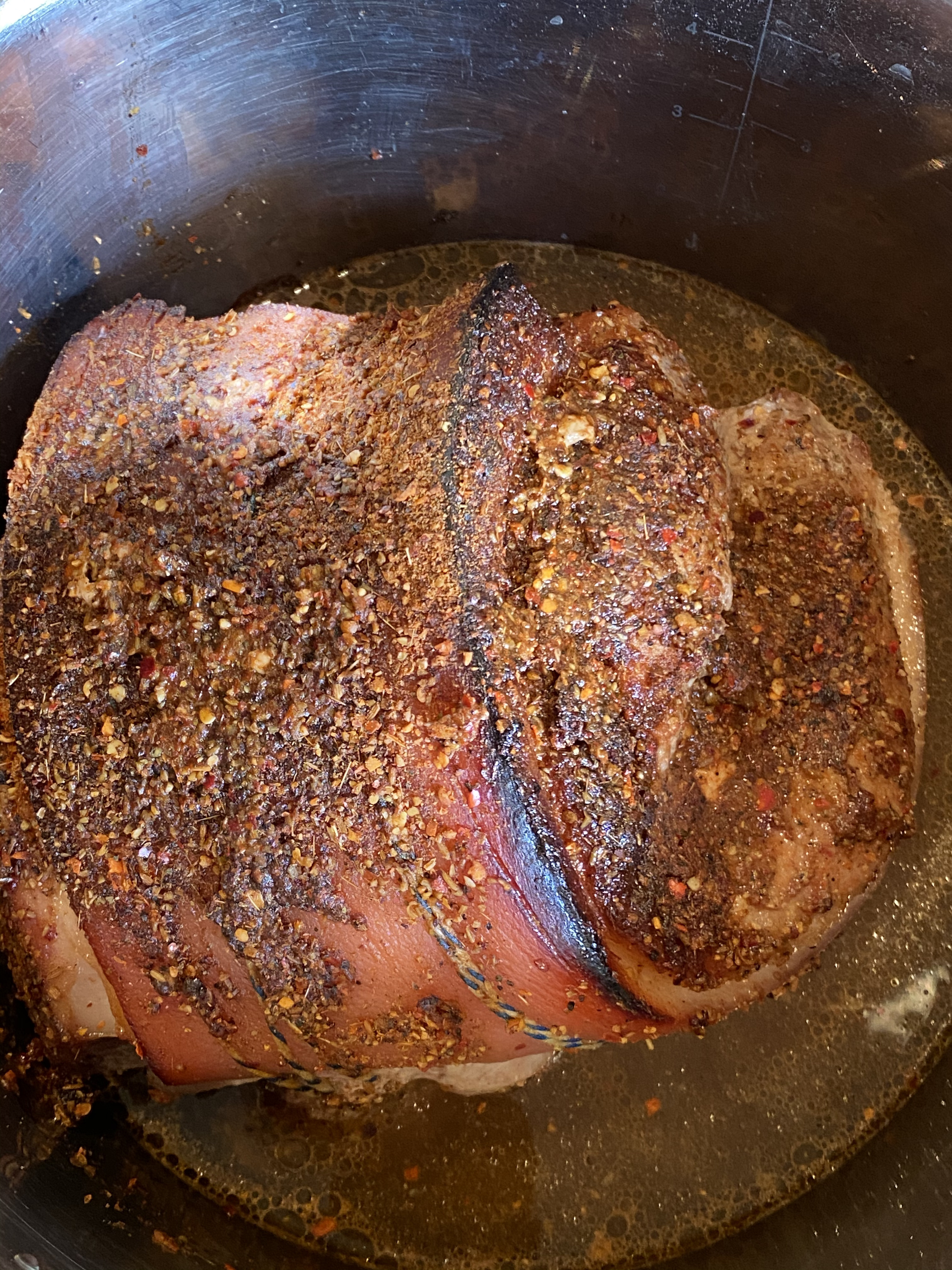
Bake (3-5 hours)
Bake between 3 to 5 hours 150 °C. Check every hour or two. Does the meat fall easily when spread with two forks? If so, you're done.

Pull apart
Use two forks to pull the meat apart.
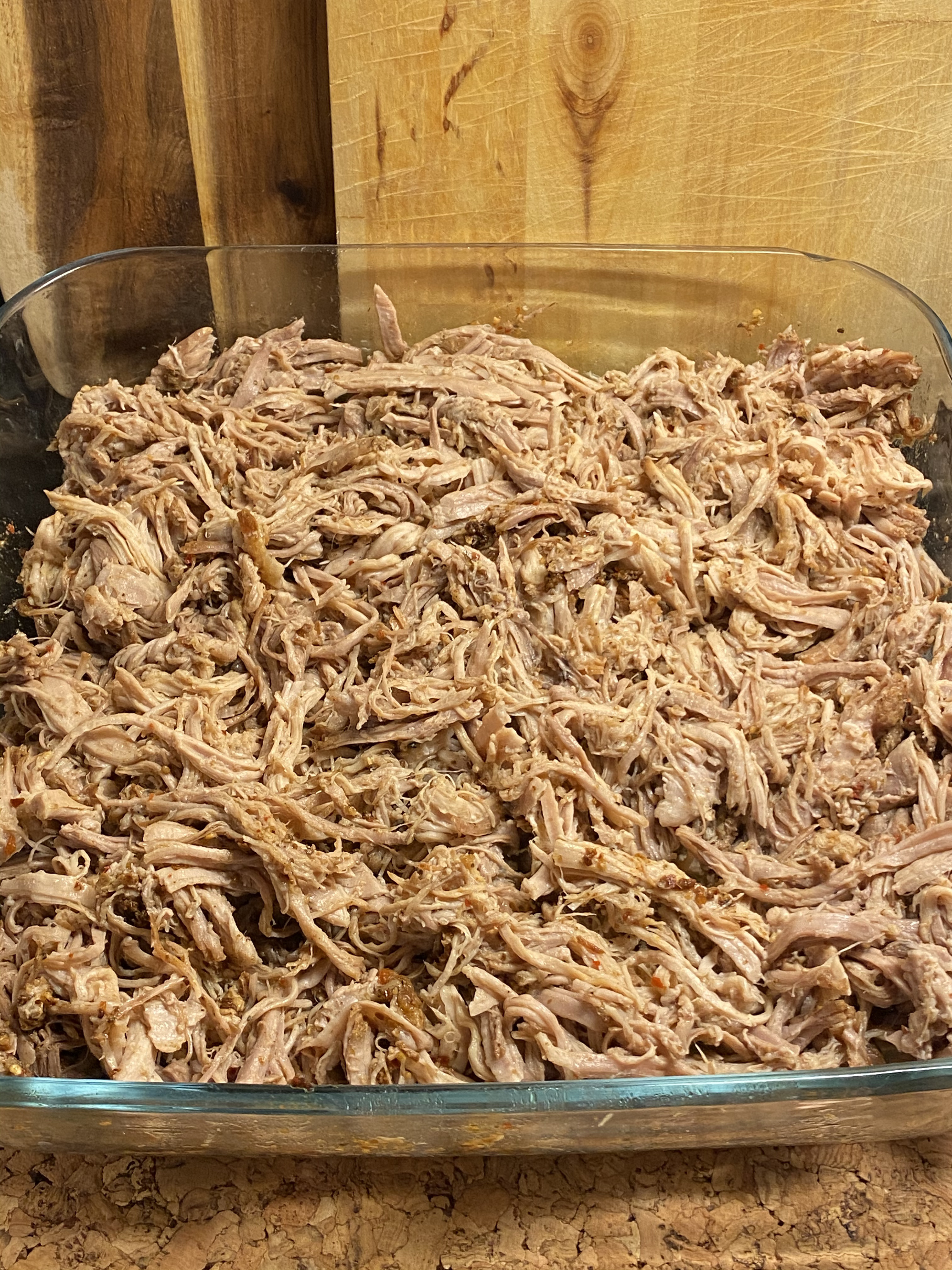
I wanted the chaining primarily driven through header arguments as follows:
#+name: block-0
#+begin_src swift
print("hello 0")
#+end_src
#+name: block-1
#+begin_src swift :include block-0
print("hello 1")
#+end_src
#+RESULTS: block-1
: hello 0
: hello 1
I didn't find the above syntax and behaviour supported out of the box (or didn't search hard enough?). Fortunately, this is our beloved and malleable editor, so we can always bend it our way! Wasn't quite sure how to go about it, so I looked at other babel packages for inspiration. ob-async was great for that.
Turns out, advicing org-babel-execute-src-block did the job:
(defun adviced:org-babel-execute-src-block (&optional orig-fun arg info params)
(let ((body (nth 1 info))
(include (assoc :include (nth 2 info)))
(named-blocks (org-element-map (org-element-parse-buffer)
'src-block (lambda (item)
(when (org-element-property :name item)
(cons (org-element-property :name item)
item))))))
(while include
(unless (cdr include)
(user-error ":include without value" (cdr include)))
(unless (assoc (cdr include) named-blocks)
(user-error "source block \"%s\" not found" (cdr include)))
(setq body (concat (org-element-property :value (cdr (assoc (cdr include) named-blocks)))
body))
(setf (nth 1 info) body)
(setq include (assoc :include
(org-babel-parse-header-arguments
(org-element-property :parameters (cdr (assoc (cdr include) named-blocks)))))))
(funcall orig-fun arg info params)))
(advice-add 'org-babel-execute-src-block :around 'adviced:org-babel-execute-src-block)
Before I built my own support, I did find that noweb got me most of what I needed, but required sprinkling blocks with placeholder references.
Combining :noweb and :prologue would have been a great match, if only prologue did expand the noweb reference. I'm sure there's an alternative I'm missing. Either way, it was fun to poke at babel blocks and build my own chaining support.
]]>
(defun ar/toggle-quote-wrap-all-in-region (beg end)
"Toggle wrapping all items in region with double quotes."
(interactive (list (mark) (point)))
(unless (region-active-p)
(user-error "no region to wrap"))
(let ((deactivate-mark nil)
(replacement (string-join
(mapcar (lambda (item)
(if (string-match-p "^\".*\"$" item)
(string-trim item "\"" "\"")
(format "\"%s\"" item)))
(split-string (buffer-substring beg end)))
" ")))
(delete-region beg end)
(insert replacement)))
Why not automatically edit the source block in corresponding major mode after completion? I think I can also get used to that!
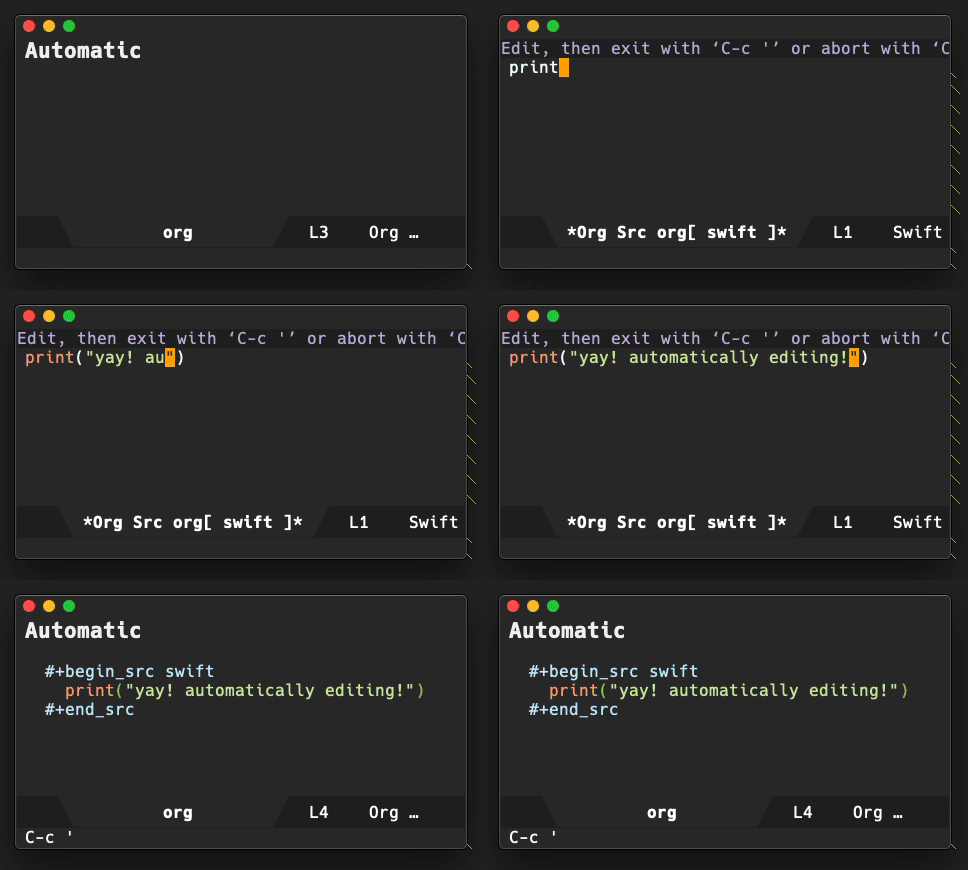
Or maybe the automatic approach is too eager? There's also a middle ground: ask immediately after.

Or maybe I don't want either in the end? Time will tell, but I now have all three options available:
(defcustom company-org-block-edit-mode 'auto
"Customize whether edit mode, post completion was inserted."
:type '(choice
(const :tag "nil: no edit after insertion" nil)
(const :tag "prompt: ask before edit" prompt)
(const :tag "auto edit, no prompt" auto)))
The new option is now in the company-org-block snippet with my latest config.
]]>To create a library package, we can use the following:
swift package init --type library
Alternatively, to create a command-line utility use:
swift package init --type executable
Turns out, there are a few options: empty, library, executable, system-module, manifest.
With a little elisp, we can write a completing function to quickly generate a Swift package/project without the need to drop to the shell.
Bonus: I won't have to look up SPM options if I ever forget them.
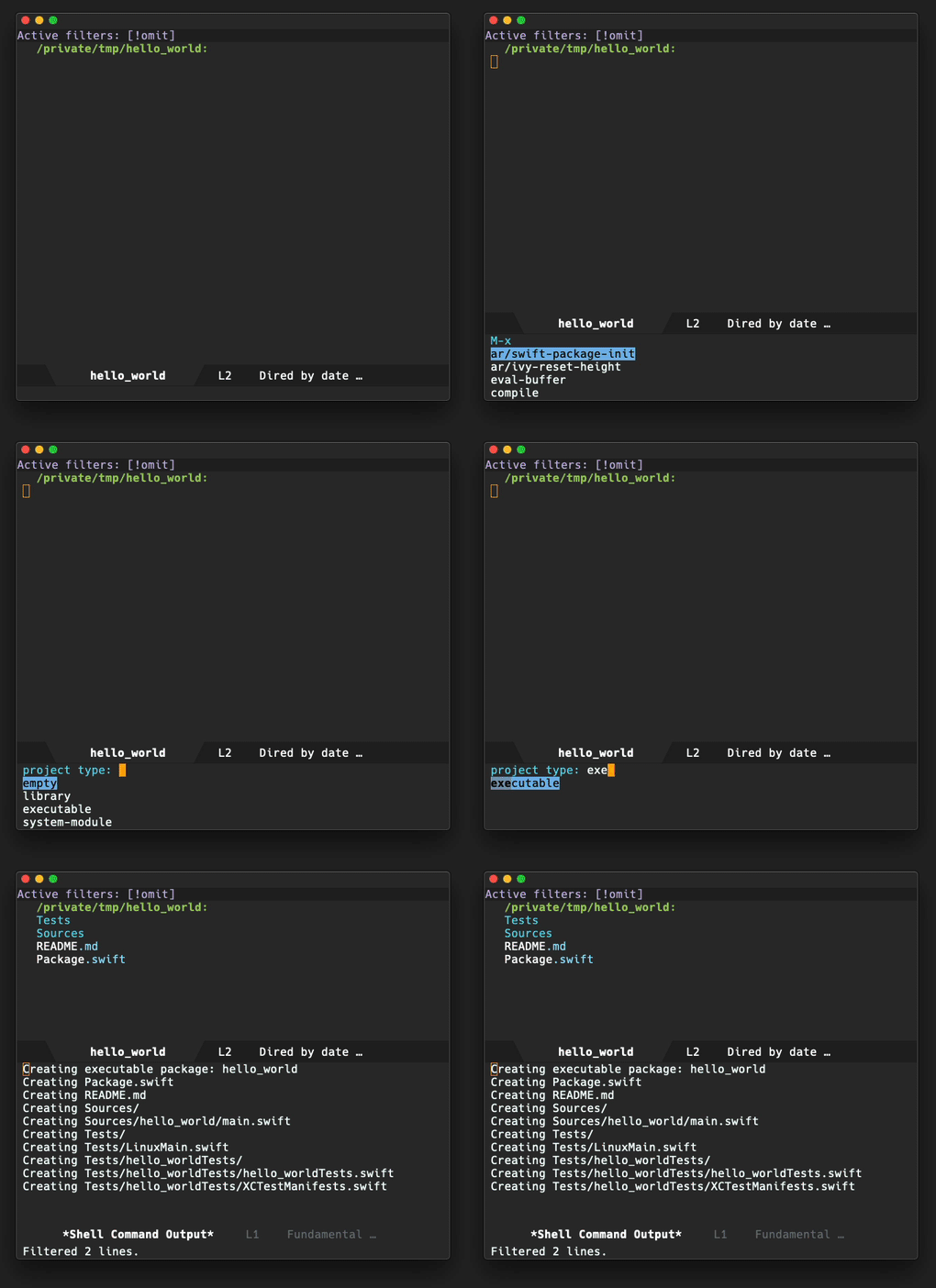
(defun ar/swift-package-init ()
"Execute `swift package init', with optional name and completing type."
(interactive)
(let* ((name (read-string "name (default): "))
(type (completing-read
"project type: "
;; Splits "--type empty|library|executable|system-module|manifest"
(split-string
(nth 1 (split-string
(string-trim
(seq-find
(lambda (line)
(string-match "--type" line))
(process-lines "swift" "package" "init" "--help")))
" "))
"|")))
(command (format "swift package init --type %s" type)))
(unless (string-empty-p name)
(append command "--name " name))
(shell-command command))
(dired default-directory)
(revert-buffer))
In addition to moving Emacs point (cursor) up/down using C-p/C-n, I've internalized the same bindings to select an option from a list. Good Emacs examples of these are company mode and ivy.
Vertical cursor movement using Emacs bindings works well in most macOS apps, including forms and text boxes in web pages. However, selecting from a completion list doesn't quite work as expected. Although the binding is technically handled, it moves the cursor within the text widget, ignoring the suggested choices.

Atif Afzal's Use emacs key bindings everywhere has a solution for the ignored case. He uses Karabiner Elements to remap c-p and c-n to arrow-up and arrow-down.
It's been roughly a week since I started using the Karabiner remapping, and I've yet to find a case where a web page (or any other macOS app) did not respond to c-p and c-n to move selection from a list.
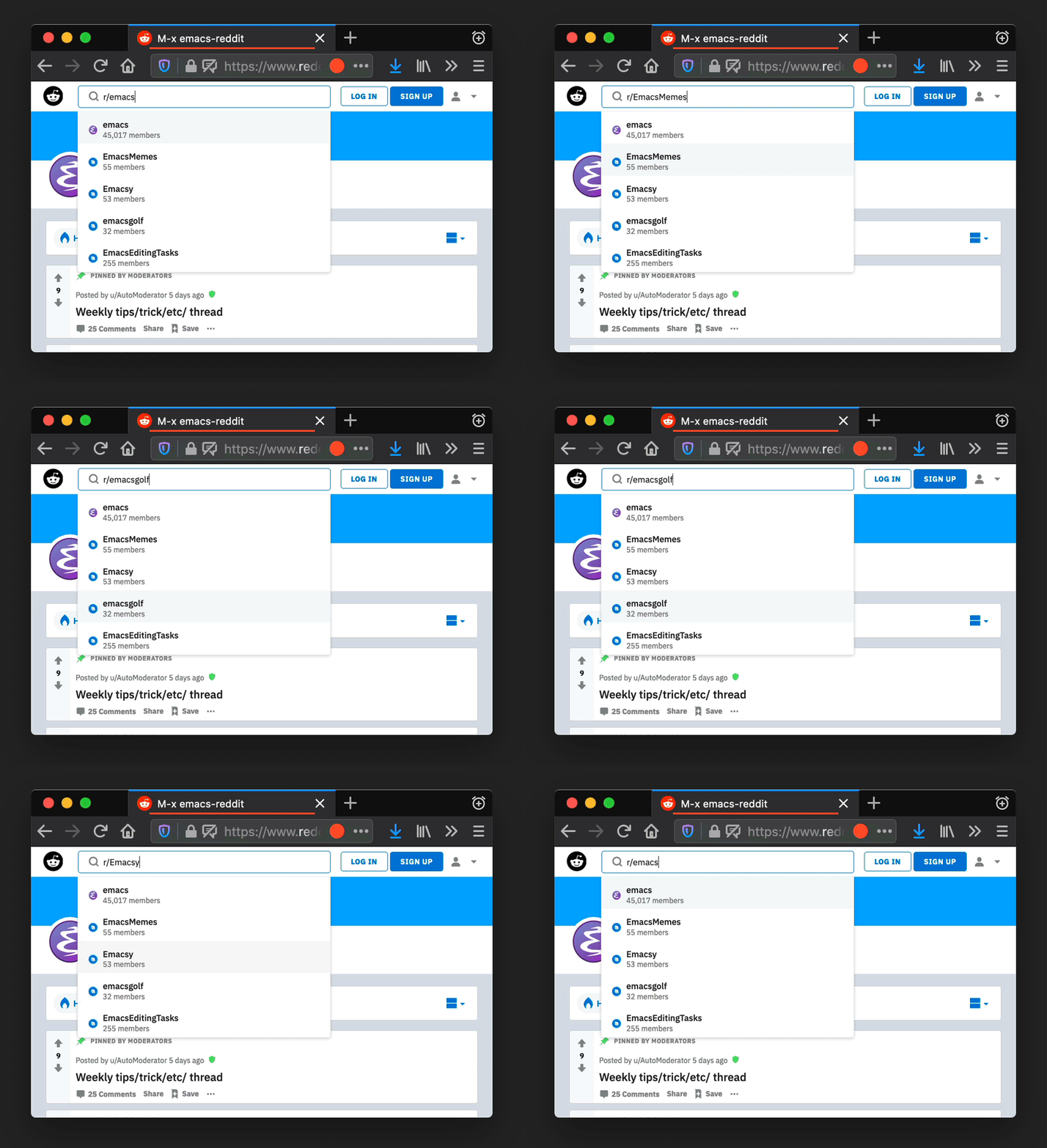
My ~/.config/karabiner/karabiner.json configuration is as follows:
{
"global": {
"check_for_updates_on_startup": true,
"show_in_menu_bar": true,
"show_profile_name_in_menu_bar": false
},
"profiles": [
{
"complex_modifications": {
"parameters": {
"basic.simultaneous_threshold_milliseconds": 50,
"basic.to_delayed_action_delay_milliseconds": 500,
"basic.to_if_alone_timeout_milliseconds": 1000,
"basic.to_if_held_down_threshold_milliseconds": 500,
"mouse_motion_to_scroll.speed": 100
},
"rules": [
{
"description": "Ctrl+p/Ctrl+n to arrow up/down",
"manipulators": [
{
"from": {
"key_code": "p",
"modifiers": {
"mandatory": [
"control"
]
}
},
"to": [
{
"key_code": "up_arrow"
}
],
"conditions": [
{
"type": "frontmost_application_unless",
"bundle_identifiers": [
"^org\\.gnu\\.Emacs"
]
}
],
"type": "basic"
},
{
"from": {
"key_code": "n",
"modifiers": {
"mandatory": [
"control"
]
}
},
"to": [
{
"key_code": "down_arrow"
}
],
"conditions": [
{
"type": "frontmost_application_unless",
"bundle_identifiers": [
"^org\\.gnu\\.Emacs"
]
}
],
"type": "basic"
}
]
}
]
},
"devices": [],
"fn_function_keys": [],
"name": "Default profile",
"parameters": {
"delay_milliseconds_before_open_device": 1000
},
"selected": true,
"simple_modifications": [],
"virtual_hid_keyboard": {
"country_code": 0,
"mouse_key_xy_scale": 100
}
}
]
}
Bonus (C-g to exit)
Pressing Esc often dismisses or cancels macOS windows, menus, etc. This is also the case for web pages. As an Emacs user, I'm pretty used to pressing C-g to cancel, quit, or exit things. With that in mind, mapping C-g to Esc is surprisingly useful outside of Emacs. Here's the relevant Karabiner C-g binding for that:
{
"description": "Ctrl+G to Escape",
"manipulators": [
{
"description": "emacs like escape",
"from": {
"key_code": "g",
"modifiers": {
"mandatory": [
"left_control"
]
}
},
"to": [
{
"key_code": "escape"
}
],
"conditions": [
{
"type": "frontmost_application_unless",
"bundle_identifiers": [
"^org\\.gnu\\.Emacs"
]
}
],
"conditions": [
{
"type": "frontmost_application_unless",
"bundle_identifiers": [
"^org\\.gnu\\.Emacs"
]
}
],
"type": "basic"
}
]
}
ps. Note to self: Lennart's blog has notes on the topic but for linux.
UPDATE: Ensure bindings are only active when Emacs is [not]{.underline} active.
]]>
Combine in a pot
- 2/3 cup of basmati rice
- 400 ml of coconut milk
- 4 cups of milk [^6]
- 3 tablespoons of honey [^7]
- 1/4 teaspoon of crushed cardamom seeds [^8]
- 1/8 teaspoon of salt
Simple. Combine all ingredients in a pot.
Boil and simmer
Bring ingredients to a boil and simmer at low heat for 45 minutes. Stir occasionally.
Mix in butter
- 1 tablespoon of butter.
Turn stove off, add a tablespoon of butter, and mix in.
Serve warm or cold
After mixing in the butter, the rice pudding is done. You can serve warm or cold.
Garnish (optional)
- Pistachios
- Cinnamon
Optionally garnish with either pistachios or cinnamon (or both).
]]>In any case, I found formulatepro. Dormant at Google Code Archive, but also checked in to github. With a tiny patch, it builds and runs on Catalina. One can easily insert an image via "File > Place Image…".
Luckily, the hard work's already handled by pytunes, a command line interface to macOS's iTunes/Music app. We add ffprobe and some elisp glue to the mix, and we can generate an Emacs media index.
Indexing takes roughly a minute per 1000 files. Prolly suboptimal, but I don't intend to re-index frequently. For now, we can use a separate process to prevent Emacs from blocking, so we can get back to playing tetris from our beloved editor:
(defun musica-index ()
"Indexes Music's tracks in two stages:
1. Generates \"Tracks.sqlite\" using pytunes (needs https://github.com/hile/pytunes installed).
2. Caches an index at ~/.emacs.d/.musica.el."
(interactive)
(message "Indexing music... started")
(let* ((now (current-time))
(name "Music indexing")
(buffer (get-buffer-create (format "*%s*" name))))
(with-current-buffer buffer
(delete-region (point-min)
(point-max)))
(set-process-sentinel
(start-process name
buffer
(file-truename (expand-file-name invocation-name
invocation-directory))
"--quick" "--batch" "--eval"
(prin1-to-string
`(progn
(interactive)
(require 'cl-lib)
(require 'seq)
(require 'map)
(message "Generating Tracks.sqlite...")
(process-lines "pytunes" "update-index") ;; Generates Tracks.sqlite
(message "Generating Tracks.sqlite... done")
(defun parse-tags (path)
(with-temp-buffer
(if (eq 0 (call-process "ffprobe" nil t nil "-v" "quiet"
"-print_format" "json" "-show_format" path))
(map-elt (json-parse-string (buffer-string)
:object-type 'alist)
'format)
(message "Warning: Couldn't read track metadata for %s" path)
(message "%s" (buffer-string))
(list (cons 'filename path)))))
(let* ((paths (process-lines "sqlite3"
(concat (expand-file-name "~/")
"Music/Music/Music Library.musiclibrary/Tracks.sqlite")
"select path from tracks"))
(total (length paths))
(n 0)
(records (seq-map (lambda (path)
(let ((tags (parse-tags path)))
(message "%d/%d %s" (setq n (1+ n))
total (or (map-elt (map-elt tags 'tags) 'title) "No title"))
tags))
paths)))
(with-temp-buffer
(prin1 records (current-buffer))
(write-file "~/.emacs.d/.musica.el" nil))))))
(lambda (process state)
(if (= (process-exit-status process) 0)
(message "Indexing music... finished (%.3fs)"
(float-time (time-subtract (current-time) now)))
(message "Indexing music... failed, see %s" buffer))))))
Once media is indexed, we can feed it to ivy for that narrowing-down fuzzy-searching goodness! It's worth mentioning the truncate-string-to-width function. Super handy for truncating strings to a fixed width and visually organizing search results in columns.
(defun musica-search ()
(interactive)
(cl-assert (executable-find "pytunes") nil "pytunes not installed")
(let* ((c1-width (round (* (- (window-width) 9) 0.4)))
(c2-width (round (* (- (window-width) 9) 0.3)))
(c3-width (- (window-width) 9 c1-width c2-width)))
(ivy-read "Play: " (mapcar
(lambda (track)
(let-alist track
(cons (format "%s %s %s"
(truncate-string-to-width
(or .tags.title
(file-name-base .filename)
"No title") c1-width nil ?\s "…")
(truncate-string-to-width (propertize (or .tags.artist "")
'face '(:foreground "yellow")) c2-width nil ?\s "…")
(truncate-string-to-width
(propertize (or .tags.album "")
'face '(:foreground "cyan1")) c3-width nil ?\s "…"))
track)))
(musica--index))
:action (lambda (selection)
(let-alist (cdr selection)
(process-lines "pytunes" "play" .filename)
(message "Playing: %s [%s] %s"
(or .tags.title
(file-name-base .filename)
"No title")
(or .tags.artist
"No artist")
(or .tags.album
"No album")))))))
(defun musica--index ()
(with-temp-buffer
(insert-file-contents "~/.emacs.d/.musica.el")
(read (current-buffer))))
The remaining bits are straigtforward. We add a few interactive functions to control playback:
(defun musica-info ()
(interactive)
(let ((raw (process-lines "pytunes" "info")))
(message "%s [%s] %s"
(string-trim (string-remove-prefix "Title" (nth 3 raw)))
(string-trim (string-remove-prefix "Artist" (nth 1 raw)))
(string-trim (string-remove-prefix "Album" (nth 2 raw))))))
(defun musica-play-pause ()
(interactive)
(cl-assert (executable-find "pytunes") nil "pytunes not installed")
(process-lines "pytunes" "play")
(musica-info))
(defun musica-play-next ()
(interactive)
(cl-assert (executable-find "pytunes") nil "pytunes not installed")
(process-lines "pytunes" "next"))
(defun musica-play-next-random ()
(interactive)
(cl-assert (executable-find "pytunes") nil "pytunes not installed")
(process-lines "pytunes" "shuffle" "enable")
(let-alist (seq-random-elt (musica--index))
(process-lines "pytunes" "play" .filename))
(musica-info))
(defun musica-play-previous ()
(interactive)
(cl-assert (executable-find "pytunes") nil "pytunes not installed")
(process-lines "pytunes" "previous"))
Finally, if we want some convenient keybindings, we can add something like:
(global-set-key (kbd "C-c m SPC") #'musica-play-pause)
(global-set-key (kbd "C-c m i") #'musica-info)
(global-set-key (kbd "C-c m n") #'musica-play-next)
(global-set-key (kbd "C-c m p") #'musica-play-previous)
(global-set-key (kbd "C-c m r") #'musica-play-next-random)
(global-set-key (kbd "C-c m s") #'musica-search)
Hooray! Controlling music is now an Emacs keybinding away: ø/
comments on twitter.
UPDATE1: Installing pytunes with pip3 install pytunes didn't just work for me. Instead, I cloned and installed as:
git clone https://github.com/hile/pytunes
pip3 install file:///path/to/pytunes
pip3 install pytz
brew install libmagic
UPDATE2: Checked in to dot files.
]]>

Preheat oven
Preheat oven at 175°C.
Ingredients at room temperature
Ensure the cream cheese, sour cream, and eggs are at room temperature before starting.
Mix cream cheese
- 900g of cream cheese
Mix the cream cheese thoroughly.
Mix sugar
- 240g of sugar
Add half the sugar. Mix in thoroughly. Add second half and mix.
Mix sour cream, corn flour, and vanilla.
- 100g sour cream
- 40g corn flour
- 1tbsp vanilla bean paste
Add the three ingredients and mix well.
Mix eggs
- 3 eggs
- 1 egg yolk
Add the eggs and mix for 30 seconds.
Mix by hand
Finish mixing thoroughly by hand, using a wooden spoon.
Prepare pan
- Springform pan
- Parchment paper
A springform pan works best here. Wrap its plate with parchment paper and lock it in place.
Pour mix
- Strainer
Pour the mix through a strainer and into the prepared pan.
Rest mix
Let the mix rest in the pan for 10 minutes to let air bubbles out.
Bake
Bake for an 1 hour 10 minutes. Maybe add another 10 minutes (or more) if surface is still pale. Turn the oven off, leave door half open, and let it sit for 20 minutes.
Cool off
Take out and let it cool off to room temperature.
Refrigerate
Refrigerate for 4 hours (or overnight) before removing the sides of the pan.
Eat!
Nom nom. Yum yum.
Bonus (topping)
I winged this one and it worked out well. Heated up frozen berries with some honey and used it as topping. The whole combo was pretty tasty.
]]>
Via Marcin Swieczkowski's Upgrading The OSX Dock, change default to make macOS's dock auto-hide faster:
defaults write com.apple.dock autohide-time-modifier -float 0.2; killall Dock
I took a look at the [[init]{.underline}]{.underline} snippet from Jorgen Schäfer's elpy. It uses elpy-snippet-init-assignments to generate the assignments.
With small tweaks, we can get the same action going on for Swift ø/
init.yasnippet:
# -*- mode: snippet -*-
# name: init with assignments
# key: init
# --
init(${1:, args}) {
${1:$(swift-snippet-init-assignments yas-text)}
}
$0
.yas-setup.el:
(defun swift-snippet-init-assignments (arg-string)
(let ((indentation (make-string (save-excursion
(goto-char start-point)
(current-indentation))
?\s)))
(string-trim (mapconcat (lambda (arg)
(if (string-match "^\\*" arg)
""
(format "self.%s = %s\n%s"
arg arg indentation)))
(swift-snippet-split-args arg-string)
""))))
(defun swift-snippet-split-args (arg-string)
(mapcar (lambda (x)
(if (and x (string-match "\\([[:alnum:]]*\\):" x))
(match-string-no-properties 1 x)
x))
(split-string arg-string "[[:blank:]]*,[[:blank:]]*" t)))
swift build -Xswiftc "-sdk" -Xswiftc "/Applications/Xcode.app/Contents/Developer/Platforms/iPhoneSimulator.platform/Developer/SDKs/iPhoneSimulator13.0.sdk" -Xswiftc "-target" -Xswiftc "x86_64-apple-ios13.0-simulator"
ps. Can get the SDK path with:
xcrun --sdk iphonesimulator --show-sdk-path
Below are the instructions I use to build Andrea Corallo's gccemacs on macOS. It is based on Allen Dang's handy instructions plus some changes of my own.
Install gcc and libgccjit via homebrew
brew install gcc libgccjit
Save configure script
Create configure-gccemacs.sh
#!/bin/bash
set -o nounset
set -o errexit
# Configures Emacs for building native comp support
# http://akrl.sdf.org/gccemacs.html
readonly GCC_DIR="$(realpath $(brew --prefix libgccjit))"
[[ -d $GCC_DIR ]] || { echo "${GCC_DIR} not found"; exit 1; }
readonly SED_DIR="$(realpath $(brew --prefix gnu-sed))"
[[ -d $SED_DIR ]] || { echo "${SED_DIR} not found"; exit 1; }
readonly GCC_INCLUDE_DIR=${GCC_DIR}/include
[[ -d $GCC_INCLUDE_DIR ]] || { echo "${GCC_INCLUDE_DIR} not found"; exit 1; }
readonly GCC_LIB_DIR=${GCC_DIR}/lib/gcc/10
[[ -d $GCC_LIB_DIR ]] || { echo "${GCC_LIB_DIR} not found"; exit 1; }
export PATH="${SED_DIR}/libexec/gnubin:${PATH}"
export CFLAGS="-O2 -I${GCC_INCLUDE_DIR}"
export LDFLAGS="-L${GCC_LIB_DIR} -I${GCC_INCLUDE_DIR}"
export LD_LIBRARY_PATH="${GCC_LIB_DIR}"
export DYLD_FALLBACK_LIBRARY_PATH="${GCC_LIB_DIR}"
echo "Environment"
echo "-----------"
echo PATH: $PATH
echo CFLAGS: $CFLAGS
echo LDFLAGS: $LDFLAGS
echo DYLD_FALLBACK_LIBRARY_PATH: $DYLD_FALLBACK_LIBRARY_PATH
echo "-----------"
./autogen.sh
./configure \
--prefix="$PWD/nextstep/Emacs.app/Contents/MacOS" \
--enable-locallisppath="${PWD}/nextstep/Emacs.app/Contents/MacOS" \
--with-mailutils \
--with-ns \
--with-imagemagick \
--with-cairo \
--with-modules \
--with-xml2 \
--with-gnutls \
--with-json \
--with-rsvg \
--with-native-compilation \
--disable-silent-rules \
--disable-ns-self-contained \
--without-dbus
Make it executable
chmod +x configure-gccemacs.sh
Clone Emacs source
git clone --branch master https://github.com/emacs-mirror/emacs gccemacs
Configure build
cd gccemacs
../configure-gccemacs.sh
Native lisp compiler found?
Verify native lisp compiler is found:
Does Emacs have native lisp compiler? yes
Build
Put those cores to use. Find out how many you got with:
sysctl hw.logicalcpu
Ok so build with:
make -j4 NATIVE_FAST_BOOT=1
cp -r lisp nextstep/Emacs.app/Contents/Resources/
cp -r native-lisp nextstep/Emacs.app/Contents
make install
Note: Using NATIVE_FAST_BOOT=1 significantly improves build time (totalling between 20-30 mins, depending on your specs). Without it, the build can take hours.
The macOS app build (under nextstep/Emacs.app) is ready, but read on before launching.
Remove ~/emacs.d
You likely want to start with a clean install, byte-compiling all packages with the latest Emacs version. In any case, rename ~/emacs.d (for backup?) or remove ~/emacs.d.
init.el config
Ensure exec-path includes the script's "–prefix=" value, LIBRARY_PATH points to gcc's lib dir, and finally set comp-deferred-compilation. I wrapped the snippet in my exec-path-from-shell config, but setting early in init.el should be enough.
(use-package exec-path-from-shell
:ensure t
:config
(exec-path-from-shell-initialize)
(if (and (fboundp 'native-comp-available-p)
(native-comp-available-p))
(progn
(message "Native comp is available")
;; Using Emacs.app/Contents/MacOS/bin since it was compiled with
;; ./configure --prefix="$PWD/nextstep/Emacs.app/Contents/MacOS"
(add-to-list 'exec-path (concat invocation-directory "bin") t)
(setenv "LIBRARY_PATH" (concat (getenv "LIBRARY_PATH")
(when (getenv "LIBRARY_PATH")
":")
;; This is where Homebrew puts gcc libraries.
(car (file-expand-wildcards
(expand-file-name "~/homebrew/opt/gcc/lib/gcc/*")))))
;; Only set after LIBRARY_PATH can find gcc libraries.
(setq comp-deferred-compilation t))
(message "Native comp is *not* available")))
Launch Emacs.app
You're good to go. Open Emacs.app via finder or shell:
open nextstep/Emacs.app
Deferred compilation logs
After setting comp-deferred-compilation (in init.el config section), .elc files should be asyncronously compiled. Function definition should be updated to native compiled equivalent.
Look out for an Async-native-compile-log buffer. Should have content like:
Compiling .emacs.d/elpa/moody-20200514.1946/moody.el...
Compiling .emacs.d/elpa/minions-20200522.1052/minions.el...
Compiling .emacs.d/elpa/persistent-scratch-20190922.1046/persistent-scratch.el...
Compiling .emacs.d/elpa/which-key-20200721.1927/which-key.el...
...
Can also check for .eln files:
find ~/.emacs.d -iname *.eln | wc -l
UPDATE1: Added Symlink Emacs.app/Contents/eln-cache section for update 11.
UPDATE2: Noted using NATIVE_FAST_BOOT makes the build much faster.
UPDATE3: Removed symlinks and copied content instead. This simplifies things. Inspired by Ian Wahbe's build-emacs.sh.
UPDATE4: Removed homebrew recipe patching. Thanks to Dmitry Shishkin's instructions.
UPDATE5: Use new flag –with-native-compilation and master branch.
]]>
For time display, I've gone back and forth between an always-displayed macOS's menu bar to an auto-hide menu bar, and letting Emacs display the time. Neither felt great nor settled.
With some tweaks, Paul Hudson's How to use a timer with SwiftUI, led me to build a simple desk clock. Ok, let's not get fancy. It's really just an always-on-top floating window, showing a swiftUI label, but hey I like the minimalist feel ;)
Let's see if it sticks around or it gets in the way… Either way, here's standalone snippet. Run with swift deskclock.swift.
import Cocoa
import SwiftUI
let application = NSApplication.shared
let appDelegate = AppDelegate()
NSApp.setActivationPolicy(.regular)
application.delegate = appDelegate
application.mainMenu = NSMenu.makeMenu()
application.run()
struct ClockView: View {
@State var time = "--:--"
let timer = Timer.publish(every: 1, on: .main, in: .common).autoconnect()
var body: some View {
GeometryReader { geometry in
VStack {
Text(time)
.onReceive(timer) { input in
let formatter = DateFormatter()
formatter.dateFormat = "HH:mm"
time = formatter.string(from: input)
}
.font(.system(size: 40))
.padding()
}.frame(width: geometry.size.width, height: geometry.size.height)
.background(Color.black)
.cornerRadius(10)
.frame(maxWidth: .infinity, maxHeight: .infinity)
}
}
}
extension NSWindow {
static func makeWindow() -> NSWindow {
let window = NSWindow(
contentRect: NSRect.makeDefault(),
styleMask: [.closable, .miniaturizable, .resizable, .fullSizeContentView],
backing: .buffered, defer: false)
window.level = .floating
window.setFrameAutosaveName("everclock")
window.collectionBehavior = [.canJoinAllSpaces, .stationary, .ignoresCycle, .fullScreenPrimary]
window.makeKeyAndOrderFront(nil)
window.isMovableByWindowBackground = true
window.titleVisibility = .hidden
window.backgroundColor = .clear
return window
}
}
class AppDelegate: NSObject, NSApplicationDelegate {
var window = NSWindow.makeWindow()
var hostingView: NSView?
func applicationDidFinishLaunching(_ notification: Notification) {
hostingView = NSHostingView(rootView: ClockView())
window.contentView = hostingView
NSApp.activate(ignoringOtherApps: true)
}
}
extension NSRect {
static func makeDefault() -> NSRect {
let initialMargin = CGFloat(60)
let fallback = NSRect(x: 0, y: 0, width: 100, height: 150)
guard let screenFrame = NSScreen.main?.frame else {
return fallback
}
return NSRect(
x: screenFrame.maxX - fallback.width - initialMargin,
y: screenFrame.maxY - fallback.height - initialMargin,
width: fallback.width, height: fallback.height)
}
}
extension NSMenu {
static func makeMenu() -> NSMenu {
let appMenu = NSMenuItem()
appMenu.submenu = NSMenu()
appMenu.submenu?.addItem(
NSMenuItem(
title: "Quit \(ProcessInfo.processInfo.processName)",
action: #selector(NSApplication.terminate(_:)), keyEquivalent: "q"
))
let mainMenu = NSMenu(title: "Main Menu")
mainMenu.addItem(appMenu)
return mainMenu
}
}

Paul Hudson authors excellent Swift material at hackingwithswift.com. I regularly land on the site while searching for snippets from the browser. I was wondering if I could search for snippets directly from Emacs.
Turns out, hackingwithswift uses a JSON HTTP request for querying code examples. With this in mind, we can use ivy-read like Oleh Krehel's counsel-search and search for Swift snippets from our favorite editor:
(require 'request)
(require 'json)
(defun ar/counsel-hacking-with-swift-search ()
"Ivy interface to query hackingwithswift.com."
(interactive)
(ivy-read "hacking with swift: "
(lambda (input)
(or
(ivy-more-chars)
(let ((request-curl-options (list "-H" (string-trim (url-http-user-agent-string)))))
(request
"https://www.hackingwithswift.com/example-code/search"
:type "GET"
:params (list
(cons "search" input))
:parser 'json-read
:success (cl-function
(lambda (&key data &allow-other-keys)
(ivy-update-candidates
(mapcar (lambda (item)
(let-alist item
(propertize .title 'url .url)))
data)))))
0)))
:action (lambda (selection)
(browse-url (concat "https://www.hackingwithswift.com"
(get-text-property 0 'url selection))))
:dynamic-collection t
:caller 'ar/counsel-hacking-with-swift-search))
✨ UPDATE: The snippets in this post are outdated. See ob-swiftui for better SwiftUI babel support. ✨
Chris Eidhof twitted a handy snippet that enables quickly bootstrapping throwaway SwiftUI code. It can be easily integrated into other tools for rapid experimentation.
Being a SwiftUI noob, I could use some SwiftUI integration with my editor of choice. With some elisp glue and a small patch, Chris's snippet can be used to generate SwiftUI inline previews using Emacs org babel. This is particularly handy for playing around with SwiftUI layouts.
We can piggyback ride off zweifisch's ob-swift by advicing org-babel-execute:swift to inject the org source block into the bootstrapping snippet. We also add a hook to org-babel-after-execute-hook to automatically refresh the inline preview.
If you're a use-package user, the following snippet should make things fairly self-contained (if you have melpa set up already).
(use-package org
:hook ((org-mode . org-display-inline-images))
:config
(use-package ob
:config
(use-package ob-swift
:ensure t
:config
(org-babel-do-load-languages 'org-babel-load-languages
(append org-babel-load-languages
'((swift . t))))
(defun ar/org-refresh-inline-images ()
(when org-inline-image-overlays
(org-redisplay-inline-images)))
;; Automatically refresh inline images.
(add-hook 'org-babel-after-execute-hook 'ar/org-refresh-inline-images)
(defun adviced:org-babel-execute:swift (f &rest args)
"Advice `adviced:org-babel-execute:swift' enabling swiftui header param."
(let* ((body (nth 0 args))
(params (nth 1 args))
(swiftui (cdr (assoc :swiftui params)))
(output))
(when swiftui
(assert (or (string-equal swiftui "preview")
(string-equal swiftui "interactive"))
nil ":swiftui must be either preview or interactive")
(setq body (format
"
import Cocoa
import SwiftUI
import Foundation
let screenshotURL = URL(fileURLWithPath: NSTemporaryDirectory(), isDirectory: true).appendingPathComponent(ProcessInfo.processInfo.globallyUniqueString + \".png\")
let preview = %s
NSApplication.shared.run {
%s
}
extension NSApplication {
public func run<V: View>(@ViewBuilder view: () -> V) {
let appDelegate = AppDelegate(view())
NSApp.setActivationPolicy(.regular)
mainMenu = customMenu
delegate = appDelegate
run()
}
}
extension NSApplication {
var customMenu: NSMenu {
let appMenu = NSMenuItem()
appMenu.submenu = NSMenu()
let quitItem = NSMenuItem(
title: \"Quit \(ProcessInfo.processInfo.processName)\",
action: #selector(NSApplication.terminate(_:)), keyEquivalent: \"q\")
quitItem.keyEquivalentModifierMask = []
appMenu.submenu?.addItem(quitItem)
let mainMenu = NSMenu(title: \"Main Menu\")
mainMenu.addItem(appMenu)
return mainMenu
}
}
class AppDelegate<V: View>: NSObject, NSApplicationDelegate, NSWindowDelegate {
var window = NSWindow(
contentRect: NSRect(x: 0, y: 0, width: 414 * 0.2, height: 896 * 0.2),
styleMask: [.titled, .closable, .miniaturizable, .resizable, .fullSizeContentView],
backing: .buffered, defer: false)
var contentView: V
init(_ contentView: V) {
self.contentView = contentView
}
func applicationDidFinishLaunching(_ notification: Notification) {
window.delegate = self
window.center()
window.contentView = NSHostingView(rootView: contentView)
window.makeKeyAndOrderFront(nil)
if preview {
screenshot(view: window.contentView!, saveTo: screenshotURL)
// Write path (without newline) so org babel can parse it.
print(screenshotURL.path, terminator: \"\")
NSApplication.shared.terminate(self)
return
}
window.setFrameAutosaveName(\"Main Window\")
NSApp.activate(ignoringOtherApps: true)
}
}
func screenshot(view: NSView, saveTo fileURL: URL) {
let rep = view.bitmapImageRepForCachingDisplay(in: view.bounds)!
view.cacheDisplay(in: view.bounds, to: rep)
let pngData = rep.representation(using: .png, properties: [:])
try! pngData?.write(to: fileURL)
}
"
(if (string-equal swiftui "preview")
"true"
"false")
body))
(setq args (list body params)))
(setq output (apply f args))
(when org-inline-image-overlays
(org-redisplay-inline-images))
output))
(advice-add #'org-babel-execute:swift
:around
#'adviced:org-babel-execute:swift))))
Snippet also at github gist and included in my emacs config.
UPDATE: See ob-swiftui for a better version of babel SwiftUI support.
Once the snippet is evaluated, we're ready to use in an org babel block. We introduced the :swiftui header param to switch between inline static preview and interactive mode.
To try out an inline preview, create a new org file (eg. swiftui.org) and a source block like:
#+begin_src swift :results file :swiftui preview
VStack(spacing: 10) {
HStack(spacing: 10) {
Rectangle().fill(Color.yellow)
Rectangle().fill(Color.green)
}
Rectangle().fill(Color.blue)
HStack(spacing: 10) {
Rectangle().fill(Color.green)
Rectangle().fill(Color.yellow)
}
}
.frame(maxWidth: .infinity, maxHeight: .infinity)
#+end_src
#+results:

Place the cursor anywhere inside the source block (#+begin_src/#+end_src) and press C-c C-c (or M-x org-ctrl-c-ctrl-c).
To run interactively, change the :swiftui param to interactive and press C-c C-c (or M-x org-ctrl-c-ctrl-c). When running interactively, press "q" (without ⌘) to quit the Swift app.
comments on twitter.
Update
- Tweaked the snippet to make it more self-contained and made the steps more reproducible. Need to work out how to package things to make them more accessible. May be best to contribute as a patch to ob-swift and we can avoid the icky advice-add.
- Thanks to Chris Eidhof for PNG support (instead of TIFF). Also TIL Swift's print has got a terminator param.

Christopher Wellons's elfeed is a wonderful Emacs rss reader. In Mike Zamansky's Using Emacs 72 - Customizing Elfeed video, he highlights a desire to open elfeed entries in the background. That is, open the current rss entry (or selected entries) without shifting focus from Emacs to your browser. This behaviour is somewhat analogous to ⌘-clicking/ctrl-clicking on multiple links in the browser without losing focus.
I've been wanting elfeed to open links in the background for some time. Zamansky's post was a great nudge to look into it. He points to the relevant elfeed-search-browse-url function, re-implemented to suit his needs. In a similar spirit, I wrote a function to open the current rss entry (or selected entries) in the background.
I'm running macOS, so I took a look at [browse-url-default-macosx-browser](https://github.com/emacs-mirror/emacs/blob/d714aa753b744c903d149a1f6c69262d958c313e/lisp/net/browse-url.el#L1018 I ) to get an idea of how URLs are opened. Simple. It let's macOS handle it via the "open" command, invoked through start process. Looking at open's command-line options, we find –background which "does not bring the application to the foreground."
open --background http://xenodium.com
"b" is already bound to elfeed-search-browse-url, so in our snippet we'll bind "B" to our new background function, giving us some flexibility:
(use-package elfeed
:ensure t
:bind (:map elfeed-search-mode-map
("B" . ar/elfeed-search-browse-background-url))
:config
(defun ar/elfeed-search-browse-background-url ()
"Open current `elfeed' entry (or region entries) in browser without losing focus."
(interactive)
(let ((entries (elfeed-search-selected)))
(mapc (lambda (entry)
(assert (memq system-type '(darwin)) t "open command is macOS only")
(start-process (concat "open " (elfeed-entry-link entry))
nil "open" "--background" (elfeed-entry-link entry))
(elfeed-untag entry 'unread)
(elfeed-search-update-entry entry))
entries)
(unless (or elfeed-search-remain-on-entry (use-region-p))
(forward-line)))))
Maybe xdg-open does a similar thing on linux (I've not looked). Ping me if you have a linux solution and I can update the function.
Happy Emacsing.
ps. I noticed elfeed uses browse-url-generic if elfeed-search-browse-url's is invoked with a prefix. Setting browse-url-generic-program and browse-url-generic-args to use background options may be a more generic solution. For now, a custom function does the job.
comments on twitter.
]]>I now use dwim-shell-command, which reduces the logic to:
(defun dwim-shell-commands-image-to-jpg ()
"Convert all marked images to jpg(s)."
(interactive)
(dwim-shell-command-on-marked-files
"Convert to jpg"
"convert -verbose '<<f>>' '<<fne>>.jpg'"
:utils "convert"))
Original post
Shell one-liners are super handy for batch-processing files. Say you'd like to convert a bunch of images from HEIC to jpg, you could use something like:
for f in *.HEIC ; do convert "$f" "${f%.*}.jpg"; done
Save the one-liner (or memorize it) and pull it from your toolbox next time you need it. This is handy as it is, but Emacs dired is just a file-management powerhouse. Its dired-map-over-marks function is just a few elisp lines away from enabling all sorts of batch processing within your dired buffers.
Dired already enables selecting and deselecting files using all sorts of built-in mechanisms (dired-mark-files-regexp, find-name-dired, etc) or wonderful third-party packages like Matus Goljer's dired-filters.
Regardless of how you selected your files, here's a snippet to run ImageMagick's convert on a bunch of selected files:
;;; -*- lexical-binding: t; -*-
(defun ar/dired-convert-image (&optional arg)
"Convert image files to other formats."
(interactive "P")
(assert (or (executable-find "convert") (executable-find "magick.exe")) nil "Install imagemagick")
(let* ((dst-fpath)
(src-fpath)
(src-ext)
(last-ext)
(dst-ext))
(mapc
(lambda (fpath)
(setq src-fpath fpath)
(setq src-ext (downcase (file-name-extension src-fpath)))
(when (or (null dst-ext)
(not (string-equal dst-ext last-ext)))
(setq dst-ext (completing-read "to format: "
(seq-remove (lambda (format)
(string-equal format src-ext))
'("jpg" "png")))))
(setq last-ext dst-ext)
(setq dst-fpath (format "%s.%s" (file-name-sans-extension src-fpath) dst-ext))
(message "convert %s to %s ..." (file-name-nondirectory dst-fpath) dst-ext)
(set-process-sentinel
(if (string-equal system-type "windows-nt")
(start-process "convert"
(generate-new-buffer (format "*convert %s*" (file-name-nondirectory src-fpath)))
"magick.exe" "convert" src-fpath dst-fpath)
(start-process "convert"
(generate-new-buffer (format "*convert %s*" (file-name-nondirectory src-fpath)))
"convert" src-fpath dst-fpath))
(lambda (process state)
(if (= (process-exit-status process) 0)
(message "convert %s ✔" (file-name-nondirectory dst-fpath))
(message "convert %s ❌" (file-name-nondirectory dst-fpath))
(message (with-current-buffer (process-buffer process)
(buffer-string))))
(kill-buffer (process-buffer process)))))
(dired-map-over-marks (dired-get-filename) arg))))
The snippet can be shorter, but wouldn't be as friendly. We ask users to provide desired image format, spawn separate processes (avoids blocking Emacs), and generate a basic report. Also adds support for Windows.

BEWARE
The snippet isn't currently capping the number of processes, but hey we can revise in the future…
Update
Thanks to Philippe Beliveau for pointing out a bug in snippet (now updated) and changes to make it Windows compatible.
]]>
Blend
- Ripe banana.
- 2 Eggs.
- 1/3 cup instant oats.
- 1/2 teaspoon baking powder.
Really is this easy. Add all ingredients and blend.
Cook
Medium to low heat. Cook for 3 minutes. Flip. Cook for 1 minute. You're done.
]]>
But could we make it quicker from our beloved editor?
Turns out with a little elisp glue, we can fuzzy search our Bluetooth devices and toggle connections. We can use Oleh Krehel's ivy-read for fuzzy searching and Felix Lapalme's nifty BluetoothConnector to list devices and toggle Bluetooth connections.
As a bonus, we can make it remember the last selected device, so you can quickly toggle it again.
(defun ar/ivy-bluetooth-connect ()
"Connect to paired bluetooth device."
(interactive)
(assert (string-equal system-type "darwin")
nil "macOS only. Sorry :/")
(assert (executable-find "BluetoothConnector")
nil "Install BluetoothConnector from https://github.com/lapfelix/BluetoothConnector")
(ivy-read "(Dis)connect: "
(seq-map
(lambda (item)
(let* ((device (split-string item " - "))
(mac (nth 0 device))
(name (nth 1 device)))
(propertize name
'mac mac)))
(seq-filter
(lambda (line)
;; Keep lines like: af-8c-3b-b1-99-af - Device name
(string-match-p "^[0-9a-f]\\{2\\}" line))
(with-current-buffer (get-buffer-create "*BluetoothConnector*")
(erase-buffer)
;; BluetoothConnector exits with 64 if no param is given.
;; Invoke with no params to get a list of devices.
(unless (eq 64 (call-process "BluetoothConnector" nil (current-buffer)))
(error (buffer-string)))
(split-string (buffer-string) "\n"))))
:require-match t
:preselect (when (boundp 'ar/misc-bluetooth-connect--history)
(nth 0 ar/misc-bluetooth-connect--history))
:history 'ar/misc-bluetooth-connect--history
:caller 'ar/toggle-bluetooth-connection
:action (lambda (device)
(start-process "BluetoothConnector"
(get-buffer-create "*BluetoothConnector*")
"BluetoothConnector" (get-text-property 0 'mac device) "--notify"))))
comments on twitter.
]]>duti -s io.mpv aiff
UPDATES:
I've made this recipe a couple of times. Made two improvements worth mentioning.
Flan tin / quiche pan
My first pizzas were rectangular, matching the baking tray shape, but I really wanted round pies. I found a quiche pan at home and gave that a try. Worked pretty well. The dish bottom comes up, which is pretty handy.
Double baking
Bake in two stages:
- Bake the pizza for 6 minutes (without the mozarella) at bottom of oven.
- Add mozzarella and make for 4 minutes at top of the oven.
Recipe
Ok, on to the recipe now…
Dissolve the yeast
- 7g of yeast.
- 325ml of lukewarm water.
Dissolve the yeast in the lukewarm water.
Mixing the dough
- 500g of flour.
- 1 teaspoon of salt.
Gradually add flour to the yeast and water mix, using the bottom of a spoon to work it until smooth (no lumps). The dough will be very sticky at first. Stay faithful to the spoon. It'll work. BBC's How to make pizza like a Neapolitan master has a great demo. I followed the dough technique.
Kneading the dough
Sprinkle some flour on the table and knead the dough (punch, stretch, and fold many times) from previous step. Eventually, the dough will hold its shape.
Make 4 balls
Roll the dough into a cylinder and cut into 4 pieces. Make 4 balls.
Make the tomato sauce
- 500g of passata.
- 3 cloves of garlic.
I love garlic. Who doesn't? Slice the garlic finely and combine with the passata in a class jar. Shake it a little. Garlic and passata. That's your sauce.
Cover for 2 hours
Place the 4 dough balls into a container and cover with a damp cloth for 2 hours. You can make 4 pizzas.
*Rookie mistake: I should have used a bigger container. The balls grew and merged.
Preheat oven
Preheat the oven at 250°C.
Stretch base

Sprinkle more flour on table prior to shaping the dough. Place ball on table, flatten. Flip over, flatten again. Gradually stretch until you have the shape and thickness desired.
Place base on baking tray
- Semolina
- Aluminium foil
Line up the tray with some aluminium foil. Before transferring the base on to the baking tray, sprinkle semolina (or breadcrumbs) on the foil (it helps prevent the dough from sticking).
Toppings

- Tomato sauce.
- Salt.
- Olive oil.
- Parmesan cheese.
- 125g of Mozzarella cheese.
- Fresh basil.
Spread some of the tomato sauce with a spoon. Sprinkle salt, olive oil, and parmesan cheese. Break the mozzarella into pieces and spread throughout. Add some basil leaves. Your basic margherita pizza is now ready for the oven.
Bake pizza
Place the tray in the oven for 10 minutes. This worked for my oven, which goes up to 250°C. Either way, keep an eye on it.
Post baking toppings
- Anchovies.
Controversial, but I really like anchovies. Add them post-baking and you're good to go. Enjoy your pizza.
Helpful references
]]>
I combined elements from two recipes: 3 Ingredient oatmeal cookies (The Food Medic), Amy's Healthy Banana Oatmeal Raisin Cookies (Amy's Healthy Baking) and added my own touches.
Preheat oven
Preheat the oven at 180°C.
Mash bananas
- 2 medium ripe bananas.
Mash until bananas have no significant lumps.
Mix most ingredients (except oats)
- 4 tablespoons crunchy peanut butter.
- 1/2 teaspoon of ground cinnamon.
- 1/2 teaspoon of ground cardamom.
- 1/4 teaspoon of vanilla.
- 1/3 cup raisins.
Add the peanut butter, cinnamon, cardamom, and vanilla into the mashed bananas. Mix well. Add raisins and mix a little further to spread them out.
Add oats
- 1 3/4 cups of oats.
Add the oats to the mix in a few rounds to ensure its evenly mixed.
Flattened balls in tray
Make balls, place on baking tray, and gently flatten. They'll be on the chunky side.
Note: They won't spread as much as traditional cookies.
Bake for 15 mins
Bake for about 15 minutes or until golden.
Let cool off and enjoy
Wait a little and nom nom nom…
ps. Full recipe source in org file.
]]>
mu/mu4e 1.4 is out. About a week ago, I built and installed its pre-release version (1.3.10) and noted build steps on macOS. It's been working great for me. Today, I updated to 1.4.
I was keen to try the new release out. I had been experiencing a short delay immediately after syncing/indexing mail. An initial investigation pointed to contact syncing, but I didn't dig further. The 1.4 release notes had a promising entry:
In many cases, `mu4e' used to receive all contacts after each indexing operation; this was slow for some users, so we have updated this to only get the contacts that have changed since the last round.
After upgrading. The delay is gone for me ø/
Note: there are a few config tweaks needed for the 1.4 upgrade, but these are well-documented in the release notes. For me, it primarily consisted of:
- Swapping elisp mu4e-maildir var for mu init –maildir path/to/local/IMAP.
- Swapping elisp mu4e-user-mail-address-list for mu init –my-address [email protected] –my-address [email protected].
- Disabling mu4e-maildirs-extension (not yet compatible with mu 1.4). No issues here, since I hardly ever look at the mu4e-main buffer. I have global binding to my unread messages that looks a little something like this:
(defun ar/mu4e-view-unread-messages ()
(interactive)
(mu4e-headers-search-bookmark (concat "flag:unread AND "
"flag:unread AND "
"NOT flag:trashed AND "
"(maildir:/box1/INBOX OR "
"maildir:/box2/INBOX)")))
comments on twitter.
]]>Start time + duration
ffmpeg -ss hh:mm:ss.msec -i in.mpeg -c copy -map 0 -t hh:mm:ss.msec out.mpeg
Start time + end time
ffmpeg -ss hh:mm:ss.msec -i in.mpeg -c copy -map 0 -to hh:mm:ss.msec out.mpeg
Every now and then I'd like to execute extended commands on all cursors, but they have no keys bound to them. If you're an ivy/counsel fan like me (and all packages by Abo Abo), you use counsel-M-x to invoke commands. However, counsel-M-x doesn't support multiple cursors out of the box. Luckily, this is Emacs and we can fix that…
Back in December 2019, I made a note to revisit u/snippins1987's weekly tip to pair helm-M-x with multiple cursors. Finally got back to it. With a few changes, we can also make the snippet work with counsel-M-x ø/.
(defun adviced:counsel-M-x-action (orig-fun &rest r)
"Additional support for multiple cursors."
(apply orig-fun r)
(let ((cmd (intern (car r))))
(when (and (boundp 'multiple-cursors-mode)
multiple-cursors-mode
cmd
(not (memq cmd mc--default-cmds-to-run-once))
(not (memq cmd mc/cmds-to-run-once))
(or mc/always-run-for-all
(memq cmd mc--default-cmds-to-run-for-all)
(memq cmd mc/cmds-to-run-for-all)
(mc/prompt-for-inclusion-in-whitelist cmd)))
(mc/execute-command-for-all-fake-cursors cmd))))
(advice-add #'counsel-M-x-action
:around
#'adviced:counsel-M-x-action)

(use-package string-inflection
:ensure t
:bind (:map prog-mode-map
("C-M-j" . string-inflection-cycle)))

comments on twitter
]]>
Soak beans (overnight)
- 1 cup of rajmah (kidney beans).
- 2 cups of sabut urad (black lentils).
Place the beans in a bowl with plenty of water. The beans will soak it up so ensure there's enough.
Cooking the beans
- 3 liters of water.
- 1 cinamon stick.
- 1 tablespoon of turmeric.
- 2 bay leaves.
Drain the beans and combine new ingredients into a pot. Bring to a boil and simer for 1.5 hours. Check beans aren't firm (give 'em a try'). If so extend another 15-30 mins.
Prepare paste
- 1 4 cm piece of ginger.
- 1 large onion.
- 6 garlic cloves.
- 2 tomatoes.
Put through blender (with choppin pulse) or food processor until you get a paste.
Golden paste
- Paste.
- 3 tablespoons of butter.
- 1 tablespoon of cumin seeds.
- 1 tablespoon of coriander powder.
- 1 tablespoon of chilly powder (or less to make milder).
- 1 fresh red hot pepper (find one with medium heat level) chopped.
- 1 tablespoon of cumin powder.
- 1/4 cup of water.
- 3/4 tablespoon of salt.
Heat up the butter (medium heat) and brown the cumin seeds (maybe 30 seconds). Add the paste from previous step. Cook for about 4 minutes or until golden. Add the remaining ingredients in step (except water) and cook for another 30 seconds. Add the water and salt and mix to make more fluid and remove from heat.
Tying it all together
- 1 tablespoon of panchpuram (cumin, fenugreek, mistard, and fennel seeds).
- 300 ml of double cream.
Combine the cooked beans, golden paste, and seeds. Simmer for about 15 minutes. Add the cream and cook for about 2 minutes. You are effectively done.
Garnish (optional)
You can serve and optionally garnish with some chopped coriander. Recommended.
Serve with
Basmati rice, rotis, buttered buns, or even corn tortillas (unorthodox, but hey).
]]>Some modern and predictable built-in exceptions I now reach out to are:
- map.el for key/values, alists, hash-tables and arrays (built-in as of Emacs 25.1).
- seq.el for sequence manipulation functions (built-in as of Emacs 25.1).
- subr-x.el has a handful of string functions (built-in as of Emacs 24.4).
- let-alist.el wonderful syntax for alists, great for json (built-in as of Emacs 25.1).
If you don't mind reaching out to third-party libs (you likely have some of these already installed), here are some modern, predictable, and well-documented ones that always get me out of trouble:
- s.el string manipulation.
- f.el file/path handling.
- dash.el for lists.
- ht.el for hashtables.
- ts.el for date and time.
I'm happy with built-ins like map.el, seq.el, and let-alist.el. subr-x.el is also pretty nice, although not as full-featured as third-party s.el.
Am I missing out on other modern built-ins or third-party libraries?
UPDATE: Added a handful of newly discovered libraries plus suggestions by Daniel Martín (thanks!). Not tried any of these myself.
- rtree.el binary tree that stores ranges (Built-in).
- ov.el simple way to manipulate overlay.
- Toby Cubitt's libraries (heap, overlays, queue, avl-tree, trie, dict-tree, etc).
- shadchen.el pattern-matching.
- m-buffer.el buffers.
- esxml.el xml and html.
- a.el associative structures.
- asoc.el association list library.
- yk-color.el linear RGB color manipulation.
comments on twitter
]]>
While the wonderful smartparens gives Emacs pair-matching powers, it doesn't automatically indent between pairs (out of the box anyway).
Luckily, smartparens does provide sp-local-pair, which enables us to achieve a similar goal.
With a short snippet, we can autoindent between {}, [], and () when pressing return in-between.
(defun indent-between-pair (&rest _ignored)
(newline)
(indent-according-to-mode)
(forward-line -1)
(indent-according-to-mode))
(sp-local-pair 'prog-mode "{" nil :post-handlers '((indent-between-pair "RET")))
(sp-local-pair 'prog-mode "[" nil :post-handlers '((indent-between-pair "RET")))
(sp-local-pair 'prog-mode "(" nil :post-handlers '((indent-between-pair "RET")))
comments on twitter
]]>
A random search yielded the Honeywell CM927 LCD screen fail - common? thread, with a promising comment by Phil:
"Strip the unit and remove the circuit board (just a few plastic clips, no screws). Remove the LCD assembly from the circuit board (more plastic clips and an eight pin push connection). Removed the LCD unit from the clear plastic housing (more plastic clips). Finally heat up the plastic ribbon where it is stuck to the circuit board (hair dryer will do trick) and then firmly press it onto the circuit board… probably worth doing this several times; in effect you are remating the ribbon to the circuit board by softening the adhesive. Put it all back together and it should be working again."
Phil's instructions were great. There's also a super handy video by El Tucan, also linked by Stevie.
Success ø/
Heating up the plastic ribbon and pressing it onto the circuit board did the trick for me. Took a few tries for all segments to appear, but the screen is looking great again.
Thank you Internet strangers! :)

A friend recommended lifeintheuktestweb.co.uk. Overall, I found their practice tests very useful. Taking a bunch tests helped me internalize the material.
Took some notes along the way (mostly data with years attached) and dumped it into an org table. This helped me form a mental timeline.
NOTE: These tables alone are not comprehensive enough to prepare for the exam. You'll need to know additional information without dates attached.
Events
Year Event
2012 Diamond Jubilee 1999 Scottish Parliament formed 1973 UK joins the EU ø/ 1972 Mary Peters wins Gold medal (pentathlon) 1957 Treaty of Rome signed (March 25) 1950 UK signs European Convention of Human Rights 1949 Ireland become a republic 1947 Granted independence India, Pakistan and Ceylon (Sri Lanka) 1945 Clement Attlee elected 1945 Alexander Fleming discovers penicillin 1945 WWII ends 1944 Butler Act (free secondary education England/Wales) 1940 Battle of Britain 1939 Germany invades Poland 1930s Turing Machine 1936 BBC first regular television service 1932 First television broadcast 1930 British Film Studios Fluorish 1928 Women/men with same voting age 1918 WWI ends (November 11, 11am) 1903 Emmeline Pankhurst Women’s Social and Political Union (suffragettes) 1902 Motor-car racing in UK 1896 First film shown publicly 1899-1902 The Boer War (South Africa) 1870-1914 120000 Russian and Polish Jews fled to Britain to escape prosecution 1853-1856 Crimean War 1851 Great Exhibition (showcased Crystal Palance) 1837 Queen Victoria becomes queen (at 18) 1833 Emancipation Act (abolished slavery throughout British Emprire) 1832 The Reform Act (increase number of people with voting rights) 1776 North American colonies want out (don't tax us without representation) 1745 Bonnie Prince Charlie gets support by clansmen from Scottish highlands 1714 Queen Ann dies, George I becomes King 1689 Bill of rights (limit rights of kings) 1688 William of Orange invades England (proclaims king) 1680-1720 Huguenots refugees came to England (from France) 1695 Free press (newspapers) established 1679 Habeas Corpus Act (right to trial) 1649-1660 Cromwell rules republic for 11 years (Charles I executed) 1642 English Civil war (Cavaliers vs Roundheads) 1606 Union flag created 1588 English beat Spanish Armada 1348 Black death (third population die) 1314 Battle of Bannockburn: Robert the Bruce (Scottish King) beats English invasion 1284 Statute of Rhuddlan (Wales joins Crown, by King Edward I) 1215 Magna Carta created 1066 Norman Conquest (Saxon King Harold killed by William I) 300-400 AD Christians appear in Britain 789 AD Vikings first visit Britain and raid coastal towns 6000 years ago Farmers come to Britain
Population
Year Population
2010 > 62 million 2005 < 60 million 1998 57 million 1951 50 million 1901 40 million 1851 20 million 1700 5 million 1600 > 4 million
]]>A little while ago, Julia tweeted about a utility she's building to view her original comics on similar topics. I instantly thought it'd be a fun tool to implement for Emacs eshell.
Since then, I subscribed to wizardzines.com/saturday-comics and received a few comics (awk, tar, and bash tricks). I saved them locally (using topic name and dropping file extensions).
ls -1 ~/Downloads/wizardzines-comics/
awk bash tar
By no means battle-tested, but here's an elisp snippet defining the ecomic command. It displays inlined comics in the handy eshell.
(require 'eshell)
(require 'iimage)
(defvar wizardzines-comics-path "~/Downloads/wizardzines-comics")
(defun eshell/ecomic (&rest args)
"Display command comic in ARGS.
Note: ensure comic images live in `wizardzines-comics-path', named with
command name and no extension."
(eshell-eval-using-options
"ecomic" args
'((?h "help" nil nil "show this usage screen")
:external "ecomic"
:show-usage
:usage "COMMAND
Show COMMAND comic from Julia Evans' https://wizardzines.com/saturday-comics")
(let* ((command (nth 0 (eshell-stringify-list (eshell-flatten-list args))))
(image-fpath (concat (file-name-as-directory
(expand-file-name wizardzines-comics-path))
command)))
(unless (file-exists-p image-fpath)
(error "comic: \"%s\" not found :-(" command))
(eshell-buffered-print "\n")
(add-text-properties 0 (length image-fpath)
`(display ,(create-image image-fpath)
modification-hooks
(iimage-modification-hook))
image-fpath)
(eshell-buffered-print image-fpath)
(eshell-flush))))
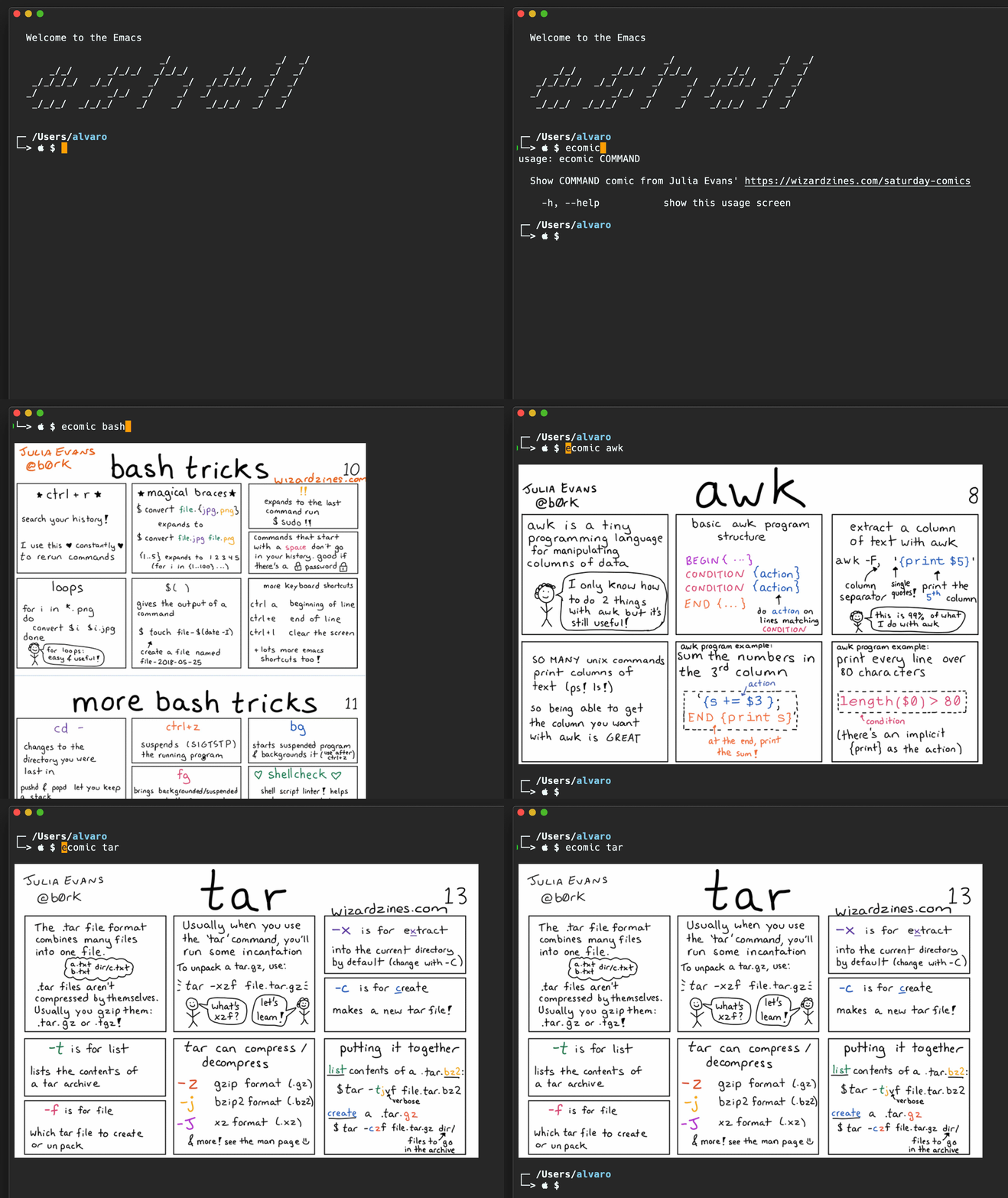
comments on twitter
Updates
- Tweaked title.
(push '(counsel-ag . "--file-search-regex '' -- ") ivy-initial-inputs-alist)
(push '(counsel-rg . "--glob '**' -- ") ivy-initial-inputs-alist)
The default switches stay out of the way in typical searches, but can be easily modified to include (or exclude) results matching specific file names.

comments on twitter
]]>counsel-rg is my default searcher. It returns results quickly, with live updates as I tweak the search query.
Up until recently, my queries typically matched text in files only. This works great, but every so often I wished I could amend the query to include (or exclude) results matching specific file names. Turns out, you can prepend the search query with additional switches using the "–" separator.
The switches are usually utility-specific, but if we wanted to keep results from file names matching a glob, we can prepend the ripgrep query with something like "–glob Make* –" or the shorter version "-g Make* –".
rg: -g Make* – install

Back in 2015, I bound the "<" key to a hydra for quickly inserting org blocks. The idea came from Oleg's post on org-mode block templates in Hydra. The suggested binding settled in my muscle memory without much effort.
Fast forward to Febrary 2019. I replaced the hydra with org-insert-structure-template when org-try-structure-completion was removed from org mode. No biggie, as I kept the same binding to "<" and hardly noticed the change.
Since my primary use-case for easy templates is inserting source blocks, I was keen to expedite choosing the source language as well as inserting the source block itself.
Writing a small company mode completion backend fits my primary use-case pretty well.

The company backend looks as follow (Warning: Snippet needs Org v9.2).
Note: This code is not up to date. Install via melpa or see its repository.
(require 'map)
(require 'org)
(require 'seq)
(defvar company-org-block-bol-p t "If t, detect completion when at
begining of line, otherwise detect completion anywhere.")
(defvar company-org--regexp "<\\([^ ]*\\)")
(defun company-org-block (command &optional arg &rest ignored)
"Complete org babel languages into source blocks."
(interactive (list 'interactive))
(cl-case command
(interactive (company-begin-backend 'company-org-block))
(prefix (when (derived-mode-p 'org-mode)
(company-org-block--grab-symbol-cons)))
(candidates (company-org-block--candidates arg))
(post-completion
(company-org-block--expand arg))))
(defun company-org-block--candidates (prefix)
"Return a list of org babel languages matching PREFIX."
(seq-filter (lambda (language)
(string-prefix-p prefix language))
;; Flatten `org-babel-load-languages' and
;; `org-structure-template-alist', join, and sort.
(seq-sort
#'string-lessp
(append
(mapcar #'prin1-to-string
(map-keys org-babel-load-languages))
(map-values org-structure-template-alist)))))
(defun company-org-block--template-p (template)
(seq-contains (map-values org-structure-template-alist)
template))
(defun company-org-block--expand (insertion)
"Replace INSERTION with actual source block."
(delete-region (point) (- (point) (1+ ;; Include "<" in length.
(length insertion))))
(if (company-org-block--template-p insertion)
(company-org-block--wrap-point insertion
;; May be multiple words.
;; Take the first one.
(nth 0 (split-string insertion)))
(company-org-block--wrap-point (format "src %s" insertion)
"src")))
(defun company-org-block--wrap-point (begin end)
"Wrap point with block using BEGIN and END. For example:
#+begin_BEGIN
|
#+end_END"
(insert (format "#+begin_%s\n" begin))
(insert (make-string org-edit-src-content-indentation ?\s))
;; Saving excursion restores point to location inside code block.
(save-excursion
(insert (format "\n#+end_%s" end))))
(defun company-org-block--grab-symbol-cons ()
"Return cons with symbol and t whenever prefix of < is found.
For example: \"<e\" -> (\"e\" . t)"
(when (looking-back (if company-org-block-bol-p
(concat "^" company-org--regexp)
company-org--regexp)
(line-beginning-position))
(cons (match-string-no-properties 1) t)))
To use, add the backend enable company-mode in org-mode:
(add-to-list 'company-backends 'company-org-block)
(company-mode +1)
Updates
- Removed language-specific header logic (use org-babel-default-header-args instead).
- Also completes non-source block templates from org-structure-template-alist.
- Source in my dot files.
- Removed unnecessary binding. Just add company backend as usual.
- Thanks to Takaaki Ishikawa for suggesting `org-edit-src-content-indentation'.
- Thanks to Thomas Kobber for highlighting incompatibility with older org versions.
Invoking M-n in shell-command's prompt is handy for quickly getting the current buffer's file name. This works great for one-off shell commands like "chmod +x script.sh" or "tidy -xml -i -m data.xml". Unfortunately, these commands aren't easily reusable from shell-command's minibuffer history, since it'll keep hardcoded file names.
There's likely existing built-in functionality or a more elaborate package for this, but advising read-shell-command enables us to write more reusable commands like "chmod +x $f" or "tidy -xml -i -m $f". We merely replace $f with (buffer-file-name), and let everything else continue as usual.
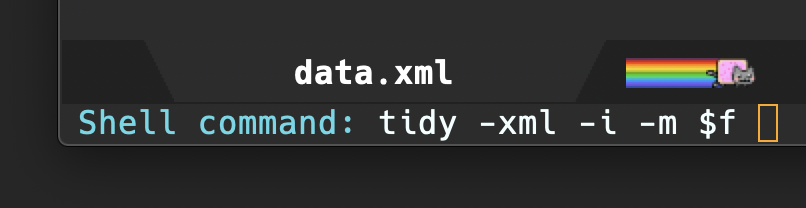
(defun ar/adviced-read-shell-command (orig-fun &rest r)
"Advice around `read-shell-command' to replace $f with buffer file name."
(let ((command (apply orig-fun r)))
(if (string-match-p "\\$f" command)
(replace-regexp-in-string "\\$f"
(or (buffer-file-name)
(user-error "No file file visited to replace $f"))
command)
command)))
(advice-add 'read-shell-command
:around
'ar/adviced-read-shell-command)
It's worth mentioning that searching minibuffer history is pretty simple when leveraging counsel to fuzzy search (via counsel-minibuffer-history, bound to C-r by default).
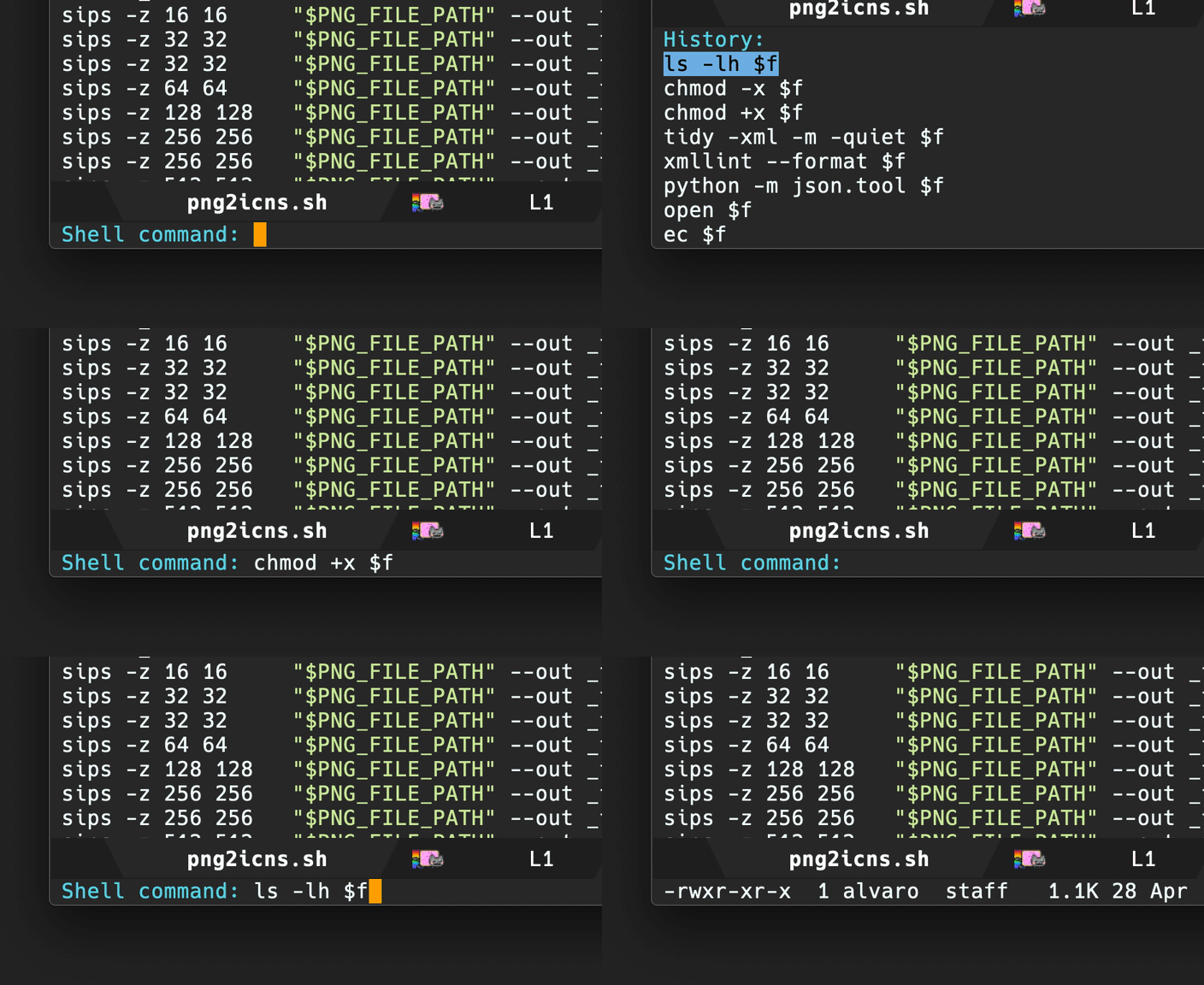
On a final note, searching minibuffer history for cache hits is way more useful with richer history content. Be sure to save minibuffer history across Emacs sessions and increase shell-command-history using the built-in savehist-mode.
(use-package savehist
:custom
(savehist-file "~/.emacs.d/savehist")
(savehist-save-minibuffer-history t)
(history-length 10000)
(savehist-additional-variables
'(shell-command-history))
:config
(savehist-mode +1))
I had totally missed Ole's post back in 2015: A simple multiple-cursors extension to swiper. Turns out, swiper has multiple cursors support out of the box (bound to C-7 by default). Yay!
UPDATE: Thanks to irreal's post, please remember to add swiper-mc to mc/cmds-to-run-once list (or things won't work as expected). This typically happens interactively when you invoke C-7 the first time around. Make sure you answer "n" when you see a prompt like:

If you happen to choose "y" by mistake, take a look at ~/.emacs.d/.mc-lists.el to correct it. Remove swiper-mc from mc/cmds-to-run-for-all and add it to mc/cmds-to-run-once. Invoke m-x eval-buffer to reset the values and you're good to go.
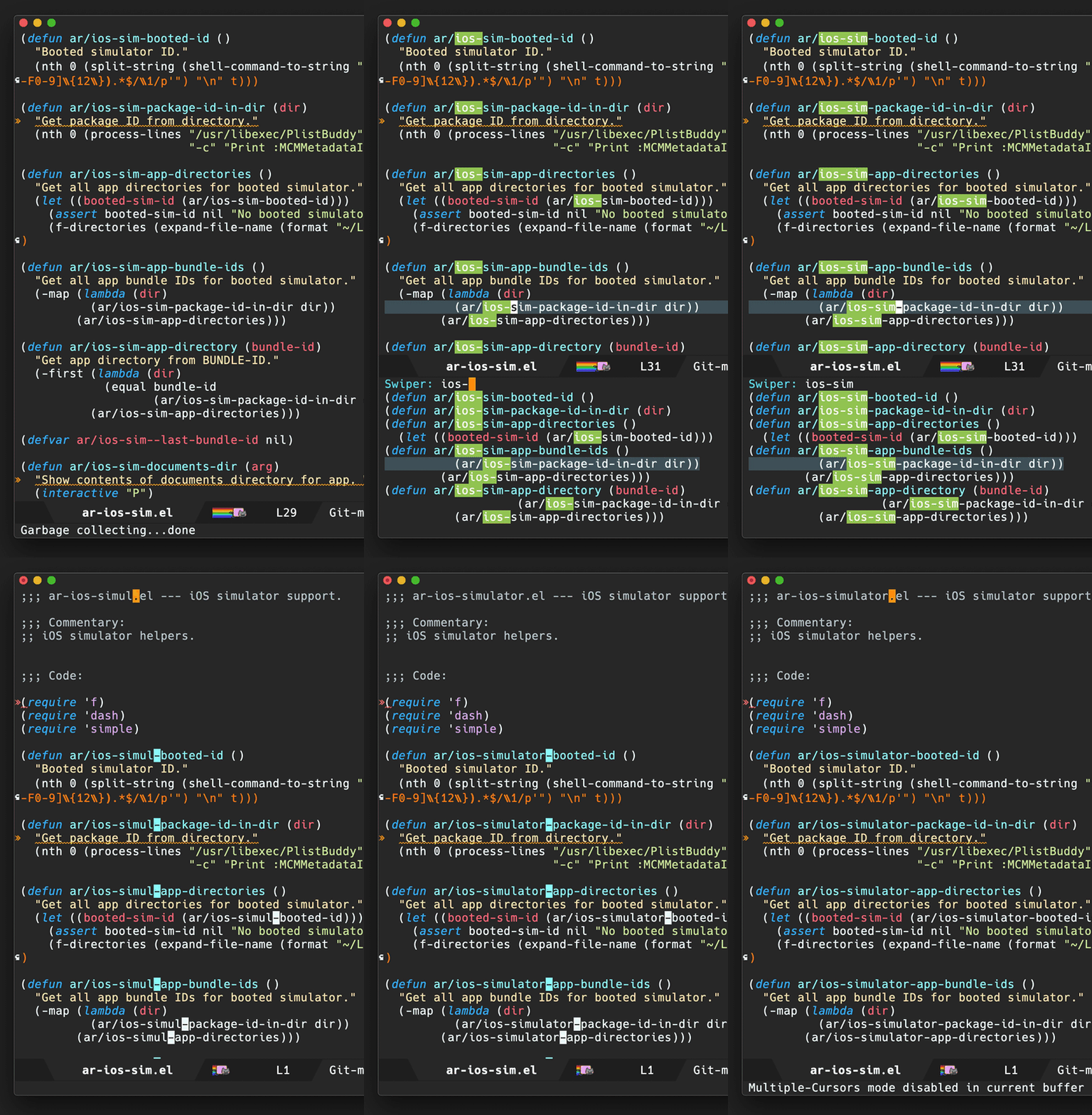
gifsicle -U in.gif `seq -f "#%g" 0 3 398` -O2 -o out.gif
ps. 398 is the total number of frames, which you can get with:
identify in.gif
It's way easier to maintain a blacklist (with no regex) using an org table.
Blacklist
#+name: spam-entries
| .spammy |
| [email protected] |
| henryzeespammer.com |
| yumspam.com |
and subsequently use org babel (elisp snippet) to generate the regex.
Regex gen
#+begin_src emacs-lisp :var rows=spam-entries
(require 'dash)
(require 's)
(concat "^"
(s-join "|"
(mapcar (lambda (entry)
(setq entry (regexp-quote
(s-trim entry)))
(assert (s-present? entry))
(cond
;; Blacklist email address: [email protected]
((s-contains-p "@" entry)
(format "(%s)" entry))
;; Blacklist top-level domain: .spammy
((s-starts-with-p "\\." entry)
(format "([^.]*%s)" entry))
;; Blacklist domain: @spammer.spammy
(t
(format "(.*@%s)" entry))))
(-sort
'string<
(-map (lambda (row)
(nth 0 row))
rows))))
"$")
#+end_src
#+RESULTS:
: ^([^.]*\.spammy)|(dodgyfella@hotmail\.com)|(.*@henryzeespammer\.com)|(.*@yumspam\.com)$
UPDATE: Tweaked elisp and regex (but not animation) also found John Bokma's post: Blacklisting domains with Postfix.

I can likely reformat dates using the built-in parse-time-string and format-time-string functions, but hey why not give the ts.el library a try…
(defun ar/region-to-timestamp ()
"Convert date like \"29 Apr 2019\" to \"2019-04-29\"."
(interactive)
(let ((date (ts-parse (buffer-substring
(region-beginning)
(region-end)))))
(delete-region (region-beginning)
(region-end))
(insert (ts-format "%Y-%m-%d" date))))
Bound the new function to a temporary keybinding, so I can invoke from multiple cursors:
(bind-key "M-q" #'ar/region-to-timestamp)
and voilà!
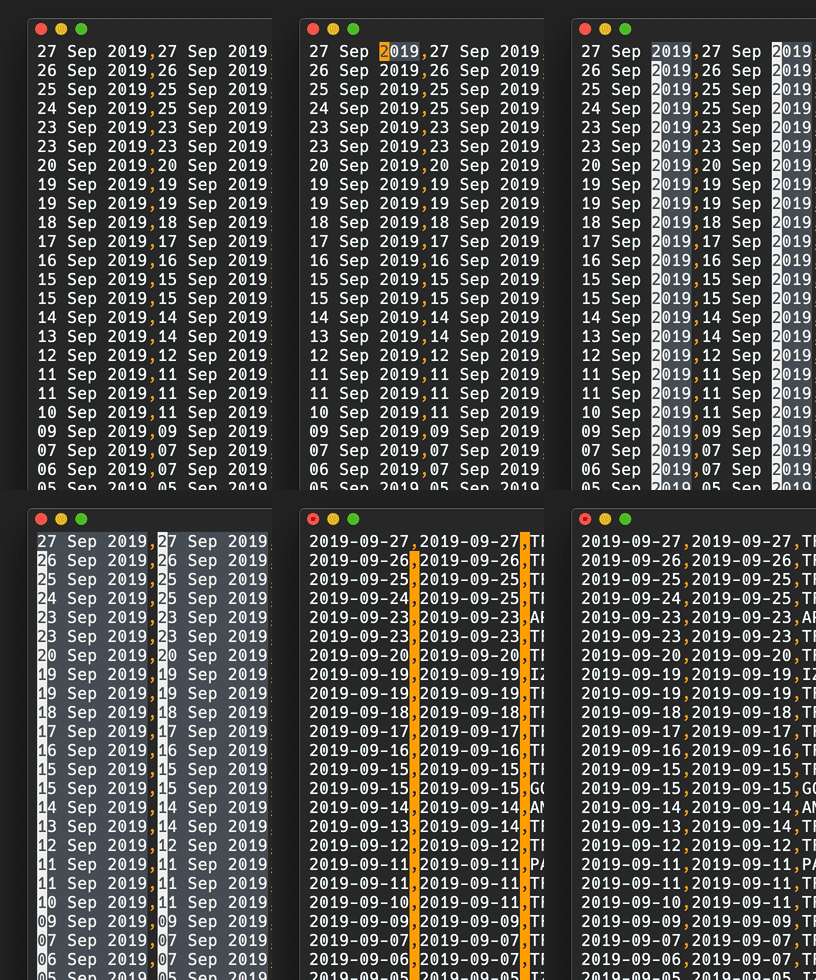

I typically prefer hiding file and directory details until I need them. The built-in dired-hide-details-mode makes this easy with the "(" key toggle. Coupled with Steve Purcell's diredfl (for coloring), it strikes a great user experience.

With a short snippet, you can also show/hide dired details in style:
(use-package dired
:hook (dired-mode . dired-hide-details-mode)
:config
;; Colourful columns.
(use-package diredfl
:ensure t
:config
(diredfl-global-mode 1)))
UPDATE: Thanks to Daniel Martín, who pointed me to dired-git-info. This package adds git logs to dired file and directory details.

Binding dired-git-info-mode to ")" is a nice complement to dired-hide-details-mode's "(" binding.
(use-package dired-git-info
:ensure t
:bind (:map dired-mode-map
(")" . dired-git-info-mode)))
In your ~/.ssh/config add:
Host *
ControlPath ~/.ssh/master-%h:%p
ControlMaster auto
ControlPersist 10m
convert path/to/input.pdf[2] path/to/output.png
convert -resize 10000x10000 path/to/input.pdf[2] path/to/output.png
convert: FailedToExecuteCommand `'gs' -sstdout=%stderr -dQUIET -dSAFER -dBATCH -dNOPAUSE -dNOPROMPT -dMaxBitmap=500000000 -dAlignToPixels=0 -dGridFitTT=2 '-sDEVICE=pngalpha' -dTextAlphaBits=4 -dGraphicsAlphaBits=4 '-r72x72' -dFirstPage=3 -dLastPage=3 '-sOutputFile=/var/folders/2y/nj_s07ms7l5gfsffh89_79zm0000gn/T/magick-30950xzlPsgqGUwtA%d' '-f/var/folders/2y/nj_s07ms7l5gfsffh89_79zm0000gn/T/magick-30950jpGyui82uGOQ' '-f/var/folders/2y/nj_s07ms7l5gfsffh89_79zm0000gn/T/magick-30950cuDVTNjArshs'' (1) @ error/pdf.c/InvokePDFDelegate/292.
However, I had the error above (missing gs), resolved by installing ghostscript.
brew install ghostscript
I'm now using universal ctags, as recommended by counsel-etags.
From universal ctag's Building on Mac OS:
brew tap universal-ctags/universal-ctags
brew install --HEAD universal-ctags
.ctags
--langdef=swift
--langmap=swift:+.swift
--kinddef-swift=v,variable,variables
--kinddef-swift=f,function,functions
--kinddef-swift=s,struct,structs
--kinddef-swift=c,class,classes
--kinddef-swift=p,protocol,protocols
--kinddef-swift=e,enum,enums
--kinddef-swift=t,typealias,typealiases
--regex-swift=/(var|let)[ \t]+([^:=]+).*$/\2/v/
--regex-swift=/func[ \t]+([^\(\)]+)\([^\(\)]*\)/\1/f/
--regex-swift=/struct[ \t]+([^:\{]+).*$/\1/s/
--regex-swift=/class[ \t]+([^:\{]+).*$/\1/c/
--regex-swift=/protocol[ \t]+([^:\{]+).*$/\1/p/
--regex-swift=/enum[ \t]+([^:\{]+).*$/\1/e/
--regex-swift=/(typealias)[ \t]+([^:=]+).*$/\2/v/
Exuberant ctags (older/buggy?)
Install gnu global (ensure homebrew uses –with-exuberant-ctags flag).
brew install global
brew install ctags
pip install pygments
.ctags
--langdef=swift
--langmap=swift:.swift
--regex-swift=/[[:<:]]class[[:>:]][[:space:]]+([[:alnum:]_]+)/\1/c,class/
--regex-swift=/[[:<:]]enum[[:>:]][[:space:]]+([[:alnum:]_]+)/\1/e,enum/
--regex-swift=/[[:<:]]func[[:>:]][[:space:]]+([[:alnum:]_]+)/\1/f,function/
--regex-swift=/[[:<:]]protocol[[:>:]][[:space:]]+([[:alnum:]_]+)/\1/P,protocol/
--regex-swift=/[[:<:]]struct[[:>:]][[:space:]]+([[:alnum:]_]+)/\1/s,struct/
--regex-swift=/[[:<:]]typealias[[:>:]][[:space:]]+([[:alnum:]_]+)/\1/t,typealias/
.globalrc
default:\
:tc=pygments:
ctags:\
:tc=exuberant-ctags:
exuberant-ctags|plugin-example|setting to use Exuberant Ctags plug-in parser:\
:tc=common:\
:ctagscom=ctags:\
:ctagslib=$libdir/gtags/exuberant-ctags.la:\
:langmap=Swift\:.swift:\
:gtags_parser=Swift\:$ctagslib:
pygments:\
:tc=pygments-parser:
pygments-parser|Pygments plug-in parser:\
:langmap=Swift\:.swift:\
:gtags_parser=Swift\:$pygmentslib:\
:langmap=Common-Lisp\:.cl.lisp.el:\
:gtags_parser=Common-Lisp\:$pygmentslib:\
:langmap=Python\:.py.pyw.sc.tac.sage:\
:gtags_parser=Python\:$pygmentslib:\
:langmap=Ruby\:.rb.rbw.rake.gemspec.rbx.duby:\
:gtags_parser=Ruby\:$pygmentslib:\
:langmap=Objective-C++\:.mm.hh:\
:gtags_parser=Objective-C++\:$pygmentslib:\
:langmap=Objective-C\:.m.h:\
:gtags_parser=Objective-C\:$pygmentslib:\
:ctagscom=ctags:\
:pygmentslib=$libdir/gtags/pygments-parser.la:\
:tc=common:
common:\
:skip=build/,HTML/,HTML.pub/,tags,TAGS,ID,y.tab.c,y.tab.h,gtags.files,cscope.files,cscope.out,cscope.po.out,cscope.in.out,SCCS/,RCS/,CVS/,CVSROOT/,{arch}/,autom4te.cache/,*.orig,*.rej,*.bak,*~,#*#,*.swp,*.tmp,*_flymake.*,*_flymake,*.o,*.a,*.so,*.lo,*.zip,*.gz,*.bz2,*.xz,*.lzh,*.Z,*.tgz,*.min.js,*min.css:
(use-package counsel-gtags
:ensure t
:commands counsel-gtags-mode
:bind (:map
counsel-gtags-mode-map
("M-." . counsel-gtags-dwim)
("M-," . counsel-gtags-go-backward))
:hook ((swift-mode . counsel-gtags-mode)
(swift-mode . ggtags-mode)))
;; Needs .ctags and .globalrc in $HOME.
(use-package ggtags
:ensure t
:commands ggtags-mode)
Helpful references
https://github.com/osdakira/dotfiles/blob/395640726d669674496a8035458840f0742e54a5/gtags.conf https://github.com/NicholasTD07/dotfiles/blob/e66eb05b408fbcb0d47994fc8a0a79bf438b9e03/.globalrc https://github.com/NicholasTD07/dotfiles/blob/master/.ctags https://github.com/sg2002/gtags.conf-tutorial/blob/master/gtags.conf https://aozsky.com/swift/swift_ide
]]>From //Script Editor/, save following script as Application (MailOnEmacs.app). From Mail.app, Preferences -> Default email reader and chosse MailOnEmacs.app.
on open location myurl
tell application "Emacs" to activate
set text item delimiters to {":"}
do shell script "/path/to/emacsclient --eval '(browse-url-mail \"" & myurl & "\")'"
end open location
adduser -m -d /home/<username> <username>
passwd <username>
usermod -aG sudo <username>
Save path to my.ledger in ledger-file block.
#+name: ledger-file
#+begin_src emacs-lisp
"my.ledger"
#+end_src
gnuplot terminal (png or qt)
Select gnuplot terminal. Using png to output images, but qt is handy too for interactive chart inspection.
Use png for inline or qt for interactive
#+name: gnuplot-term
#+begin_src emacs-lisp
"png"
#+end_src
Monthly Income and Expenses
Generate income report.
#+name: income-data
#+begin_src bash :results table :noweb yes
ledger -f <<<ledger-file>>> -j reg ^Income -M --collapse --plot-amount-format="%(format_date(date, \"%Y-%m-%d\")) %(abs(quantity(scrub(display_amount))))\n"
#+end_src
Generate expenses report.
#+name: expenses-data
#+begin_src sh :results table :noweb yes
ledger -f <<<ledger-file>>> -j reg ^Expenses -M --collapse
#+end_src
Plot income vs expenses.
set terminal myterm size 3500,1500
set style data histogram
set style histogram clustered gap 1
set style fill transparent solid 0.4 noborder
set xtics nomirror scale 0 center
set ytics add ('' 0) scale 0
set border 1
set grid ytics
set title "Monthly Income and Expenses"
set ylabel "Amount"
plot income using 2:xticlabels(strftime('%b', strptime('%Y-%m-%d', strcol(1)))) title "Income" linecolor rgb "light-salmon", '' using 0:2:2 with labels left font "Courier,8" rotate by 15 offset -4,0.5 textcolor linestyle 0 notitle, expenses using 2 title "Expenses" linecolor rgb "light-green", '' using 0:2:2 with labels left font "Courier,8" rotate by 15 offset 0,0.5 textcolor linestyle 0 notitle
changeMAC() {
local mac=$(openssl rand -hex 6 | sed 's/\(..\)/\1:/g; s/.$//')
ifconfig en0 ether $mac
ifconfig en0 down
ifconfig en0 up
echo "Your new physical address is $mac"
}
changeMAC
#+RESULTS:
Your new physical address is b4:b2:f8:77:bb:87
ps. Also see Execute org blocks as root.
]]>git clone -b swift-5.2-branch https://github.com/apple/swift-format.git
cd swift-format
swift build
.build/x86_64-apple-macosx/debug/swift-format --help
OVERVIEW: Format or lint Swift source code.
USAGE: swift-format [options] <filename or path> ...
OPTIONS:
--configuration The path to a JSON file containing the configuration of the linter/formatter.
--in-place, -i Overwrite the current file when formatting ('format' mode only).
--mode, -m The mode to run swift-format in. Either 'format', 'lint', or 'dump-configuration'.
--recursive, -r Recursively run on '.swift' files in any provided directories.
--version, -v Prints the version and exists
--help Display available options
POSITIONAL ARGUMENTS:
filenames or paths One or more input filenames
UPDATE: Now uses swift-5.2-branch (for Xcode 11.4), according to Matching swift-format to Your Swift Version.
]]>ledger -f my.ledger reg "^Expenses" and expr 'any(account=~/Assets:Cash:Wallet/)' -b 02/19 -e 04/09
Bank account income between two dates
ledger -f my.ledger reg "^Assets:Bank:Acme" and expr "amount > 0" -b 02/19 -e 04/09
Formatting reg output
ledger -f my.ledger reg "^Assets:Bank:Acme" --format="%(payee) %(amount)\n"
When combining find-dired with wdired, one can easily find matching files and quickly batch rename them using something like multiple cursors or keyboard macros. I've been a fan of the find-dired -> dired-toggle-read-only -> mc/mark-all-like-this workflow for quite some time, but I always wished I could adjust find-dired queries a little quicker by getting immediate feedback.
Completion frontends like ivy and helm are perfect for getting this kind of immediate feedback. Peeking into ivy's counsel source, I borrowed some ideas to glue counsel-style narrowing on a find command, which I can easily translate to a writeable dired buffer for all that joyful-mutiple-cursor-editing experience.

The code for ar/counsel-find is a little rough but can be found at here.
]]>This is all working as expected: the selection gets indented and the point is left in the current location.
Say we have the following snippet we'd like to indent.

Mark region with C-M-h (mark-defun)
Indent with <tab> (indent-for-tab-command)

We're done. The selected function is now indented as expected.
But… I always wished the point returned to the location prior to initiating the region-marking command, in this case mark-defun.
In short, I wish the point had ended in the following location.
I'm not aware of an existing package that helps with this, so here's a tiny minor mode (divert-mode) to help with restoring point location after indenting a region. The diverted-events variable can be used to track specific region selecting commands and associate breadcrumb functions to replace the point location as needed.
;;; diverted.el --- Identify temporary diversions and automatically
;;; move point back to original location.
;;; Commentary:
;; Automatically come back to a original location prior to diversion.
;;; Code:
(require 'cl)
(require 'seq)
(defstruct diverted-event
from ;; Initial function (eg. 'mark-defun)
to ;; Follow-up function (eg. 'indent-for-tab-command)
breadcrumb)
(defvar diverted-events
(list
(make-diverted-event :from 'mark-defun
:to 'indent-for-tab-command
:breadcrumb (lambda ()
(diverted--pop-to-mark-command 2)))
(make-diverted-event :from 'er/expand-region
:to 'indent-for-tab-command
:breadcrumb (lambda ()
(diverted--pop-to-mark-command 2)))
(make-diverted-event :from 'mark-whole-buffer
:to 'indent-for-tab-command
:breadcrumb (lambda ()
(diverted--pop-to-mark-command 2))))
"Diversion events to look for.")
(defun diverted--resolve (symbol)
"Resolve SYMBOL to event."
(seq-find (lambda (event)
(equal symbol
(diverted-event-from event)))
diverted-events))
(defun diverted--pop-to-mark-command (n)
"Invoke `pop-to-mark-command' N number of times."
(dotimes (_ n)
(pop-to-mark-command)))
(defun diverted--advice-fun (orig-fun &rest r)
"Get back to location prior to diversion using advice around `diverted-events' (ORIG-FUN and R)."
(let ((recognized-event (diverted--resolve last-command)))
(when recognized-event
(funcall (diverted-event-breadcrumb recognized-event))
(message "Breadcrumbed prior to `%s'"
(diverted-event-from recognized-event)))))
(defun diverted-mode-enable ()
"Enable diverted-mode."
(interactive)
(diverted-mode-disable)
(mapc (lambda (event)
(advice-add (diverted-event-to event)
:after
'diverted--advice-fun)
(message "Looking for `%s' after `%s' diversions."
(diverted-event-to event)
(diverted-event-from event)))
diverted-events)
(message "diverted-mode enabled"))
(defun diverted-mode-disable ()
"Disable diverted-mode."
(interactive)
(mapc (lambda (event)
(advice-remove (diverted-event-to event)
'diverted--advice-fun)
(message "Ignoring `%s' after `%s' diversions."
(diverted-event-to event)
(diverted-event-from event)))
diverted-events)
(message "diverted-mode disabled"))
(define-minor-mode diverted-mode
"Detect temporary diversions and restore point location."
:init-value nil
:lighter " diverted"
:global t
(if diverted-mode
(diverted-mode-enable)
(diverted-mode-disable)))
(provide 'diverted)
;;; diverted.el ends here
UPDATE(2019-04-20): Source on github.
]]>t = 20 # years
r = 0.07 # rate
pv = 200000.00 # present value
fv = pv * (1+r)**t # future value
print("Pension of %.2f at %d%% will be worth %.2f in %d years" % (pv, 100 * r, fv, t))
#+RESULTS:
Pension of 200000.00 at 7% will be worth 773936.89 in 20 years
t = 20 # years
r = 0.07 # rate
pv = 200000.00 # present value
n = 1
fv = pv * (1 + r/n)**(n*t) # future value
print ("First formula calculates final value to: %.2f" % fv)
fv = pv * (1 + r/n)**(n*1) # year 1 only
print("Year %d: %.2f" % (1, fv))
for i in range (2, t+1):
fv = fv * (1 + r/n)**(n*1) # Calculate one year at a time
print("Year %d: %.2f" % (i, fv))
First formula calculates final value to: 773936.89
Year 1: 214000.00
Year 2: 228980.00
Year 3: 245008.60
Year 4: 262159.20
Year 5: 280510.35
Year 6: 300146.07
Year 7: 321156.30
Year 8: 343637.24
Year 9: 367691.84
Year 10: 393430.27
Year 11: 420970.39
Year 12: 450438.32
Year 13: 481969.00
Year 14: 515706.83
Year 15: 551806.31
Year 16: 590432.75
Year 17: 631763.04
Year 18: 675986.46
Year 19: 723305.51
Year 20: 773936.89
1.4
Updated steps for building mu/mu4e 1.4:
brew install gmime
export CPPFLAGS="-I$(brew --prefix)/Cellar/gmime/3.2.3/include -I$(brew --prefix)/include"
export LDFLAGS=-L$(brew --prefix)/Cellar/gmime/3.2.3/lib
export PKG_CONFIG_PATH=$(brew --prefix)/Cellar/gmime/3.2.3/lib/pkgconfig:$(brew --prefix)/opt/libffi/lib/pkgconfig
export EMACS=/Applications/Emacs.app/Contents/MacOS/Emacs
./configure --prefix=$(~/local)
make install
1.2
Recently built Emacs's mu/mu4e 1.2.0 from source on macOS. Steps:
brew install gmime
export CPPFLAGS=-I$(brew --prefix)/Cellar/gmime/3.2.3/include
export LDFLAGS=-L$(brew --prefix)/Cellar/gmime/3.2.3/lib
export PKG_CONFIG_PATH=$(brew --prefix)/Cellar/gmime/3.2.3/lib/pkgconfig:$(brew --prefix)/opt/libffi/lib/pkgconfig
./configure --prefix=$(~/local) --disable-dependency-tracking
make install
UPDATE(2019-04-16): Another approach at Irreal's Mu/mu4e 1.2 Available.
]]>Get set up with:
pip install pandas
pip install xlrd
Read with:
import pandas
xlf = pandas.ExcelFile("sheet.xlsx")
print xlf.sheet_names
[u'my sheet']
Came in handy when numbering an org table:
Starting from week 4:
Week Monday Tuesday Wednesday Thursday Friday Saturday Sunday
4 Rest 40 mins easy 30 mins tempo Rest 40 mins cross Rest (03/24) 60 mins 6.7 km 5.1 Km - - 41:51 m 30:00 m 61.3 Kg 60.8 Kg 5 Rest 40 mins easy 30 mins tempo Rest 40 mins interval Rest (03/31) 11 Km 11.9 Km - 5.99 Km 11.0 Km 80:00 m 40 m 60:08 m 6 Rest 40 mins easy 30 mins tempo Rest 40 mins interval/cross Rest (04/07) 13 Km 7 Rest 40 mins easy 30 mins tempo Rest 40 mins interval Rest (04/14) 60 mins 8 Rest 40 mins easy 30 mins tempo Rest 50 mins interval/cross Rest (04/21) 16 Km 9 Rest 40 mins easy 30 mins tempo Rest 50 mins interval Rest (04/28) 8 Km 10 Rest 40 mins easy 30 mins tempo Rest 40 mins interval/cross Rest (05/05) 19 Km 11 Rest 40 mins easy 30 mins tempo Rest 40 mins interval Rest (05/12) 10 Km 12 Rest 40 mins easy 30 mins tempo Rest 50 mins easy Rest (05/19) Race
]]>
This has the unfortunate side-effect that I could be moved from one macOS desktop/space to another when closing an Emacs frame.
Finally managed do something about it. Since I install Emacs on macOS via homebrew, a small patch on emacs-plus recipe small patch on emacs-plus recipe did the job.

UPDATE: Pull request merged in d12frosted/emacs-plus.
The patch patch has been merged into d12frosted/homebrew-emacs-plus. To use:
brew tap d12frosted/emacs-plus
brew install emacs-plus --without-spacemacs-icon --with-no-frame-refocus
Balance restored.
]]>md5 file
SHA-1
shasum -a 1 file
SHA-256
shasum -a 256 file
Wrote a little elisp to do a similar thing using the clipboard via Emacs:
(defun ar/misc-clipboard-to-qr ()
"Convert text in clipboard to qrcode and display within Emacs."
(interactive)
(let ((temp-file (concat (temporary-file-directory) "qr-code")))
(if (eq 0 (shell-command (format "qrencode -s10 -o %s %s"
temp-file
(shell-quote-argument (current-kill 0)))
"*qrencode*"))
(switch-to-buffer (find-file-noselect temp-file t))
(error "Error: Could not create qrcode, check *qrencode* buffer"))))

ps. Encoding your WiFi access point password into a QR code shows how to encode WiFi access point passwords:
qrencode -o wifi.png "WIFI:T:WPA;S:<SSID>;P:<PASSWORD>;;"
More comprehensively:
SSID=SSID_GOES_HERE
pwgen -s 63 > 00wifi.txt
qrencode -o 00wifi.png "WIFI:T:WPA;S:${SSID};P:$(cat 00wifi.txt);;"
For example:
package main
import (
"fmt"
"time"
)
func main() {
goodLayout := "January 2 2006"
if t, err := time.Parse(goodLayout, "March 10 2019"); err != nil {
fmt.Printf("%s\n", err)
} else {
fmt.Printf("%v\n", t)
}
badLayout := "January 2 2009"
if t, err := time.Parse(badLayout, "March 10 2019"); err != nil {
fmt.Printf("%s\n", err)
} else {
fmt.Printf("%v\n", t)
}
}
#+RESULTS:
2019-03-10 00:00:00 +0000 UTC
parsing time "March 10 2019" as "January 2 2009": cannot parse "19" as "009"
At first look, 'ivy-set-sources seemed like the right choice, but it's used during setup to agregate sources. Subsequent 'ivy-set-sources calls are ignored during an 'ivy-read session.
There's an ivy feature request over at github with a similar goal in mind. Although the feature is not yet supported, there's a handy suggestion to use 'ivy-quit-and-run to quit the current command and run a different one.
With 'ivy-quit-and-run in mind, we can write our 'ar/ivy-read function to take a list of sources and add a little logic to cycle through them using a keybiding, in my case <left> and <right>.
;;; -*- lexical-binding: t; -*-
(require 'cl)
(cl-defstruct
ar/ivy-source
prompt
collection
action)
(cl-defun ar/ivy-read (sources &key index initial-input)
(let ((kmap (make-sparse-keymap))
(source))
(cl-assert (> (length sources) 0))
(when (null index) (setq index 0))
(setq source (nth index sources))
(define-key kmap (kbd "<right>") (lambda ()
(interactive)
(ivy-quit-and-run (ar/ivy-read sources
:index (if (>= (1+ index)
(length sources))
0
(1+ index))
:initial-input ivy-text))))
(define-key kmap (kbd "<left>") (lambda ()
(interactive)
(ivy-quit-and-run (ar/ivy-read sources
:index (if (< (1- index)
0)
(1- (length sources))
(1- index))
:initial-input ivy-text))))
(ivy-read (ar/ivy-source-prompt source)
(ar/ivy-source-collection source)
:action (ar/ivy-source-action source)
:initial-input initial-input
:keymap kmap)))
(defun ar/ivy-food-menu ()
(interactive)
(ar/ivy-read (list
(make-ar/ivy-source :prompt "Pizza: "
:action (lambda (selection)
(message "Selected pizza: %s" selection))
:collection (lambda (str pred v)
(list "Bianca Neve - Mozzarella, Ricotta, Sausage, Extra Virgin Olive Oil, Basil"
"Boscaiola - Mozzarella, Tomato Sauce, Sausage, Mushrooms, Extra Virgin Olive Oil, Basil"
"Calzone - Ricotta, Ham, Mushrooms, Artichokes. Topped with Tomato Sauce and Extra Virgin Olive Oil."
"Capricciosa - Mozzarella,Tomato Sauce, Prosciutto Cotto Ham, Mushrooms, Artichokes, Extra Virgin Olive Oil."
"Carciofi - Mozzarella, Tomato Sauce, Artichokes, Extra Virgin Olive Oil, Basil."
"Diavola - Mozzarella, Tomato Sauce, Spicy Salami, Extra Virgin Olive Oil, Basil."
"Funghi - Mozzarella, Tomato Sauce, Mushrooms, Extra Virgin Olive Oil, Basil.")))
(make-ar/ivy-source :prompt "Tacos: "
:action (lambda (selection)
(message "Selected taco: %s" selection))
:collection (lambda (str pred v)
(list "Pork pibil - Slow cooked in citrus & spices, with pink pickled onions."
"Grilled chicken & avocado - Ancho rub, guacamole & green tomatillo salsa."
"Plantain - Sweet & spicy chipotle & crumbled feta."
"Poblano pepper - Caramelised onions, corn & cashew nut mole."
"Buttermilk chicken - Served crispy fried with habanero & white onion relish & spiced mayo."
"Sustainable battered cod - mSC certified cod with shredded slaw, chipotle mayo & pickled cucumber."
"Chargrilled steak - Avocado & chipotle salsas.")))
(make-ar/ivy-source :prompt "Burgers: "
:action (lambda (selection)
(message "Selected burger: %s" selection))
:collection (lambda (str pred v)
(list "The cheese - Aged beef patty with american cheese, gherkins, ketchup & mustard."
"The yeah! - Aged beef patty with american cheese, gherkins, yeah! sauce & salad."
"The yfc or hot yfc - Crispy chicken with lime or chipotle crema, lettuce, pickled onion & slaw."
"The rancher - Grilled chicken with ranch dressing, bacon & salad."
"The bubbah - Aged beef patty with smokey aubergine, pickled red cabbage, lettuce, roast toms, onions & cheddar."
"The bulgogi - Sesame-spiced beef patty with miso mayo, pickled radish, onion, cucumber & spring onion."
"The summer - Aged beef patty with sriracha mayo, lettuce, onion, toms, avo, cheddar & bacon."))))))

ps. Menu data from Star of Kings, Wahaca, and Pizzarino.
]]>brew tap d12frosted/emacs-plus
brew install emacs-plus --without-spacemacs-icon --HEAD
brew info emacs-plus
d12frosted/emacs-plus/emacs-plus: stable 26.1, devel 26.1-rc1, HEAD
GNU Emacs text editor
https://www.gnu.org/software/emacs/
/Users/some-user/homebrew/Cellar/emacs-plus/HEAD-8fe21b0 (3,985 files, 123.0MB) *
Built from source on 2019-01-12 at 09:26:09 with: --without-spacemacs-icon
From: https://github.com/d12frosted/homebrew-emacs-plus/blob/master/Formula/emacs-plus.rb
==> Dependencies
Build: pkg-config
Recommended: little-cms2, gnutls, librsvg, imagemagick@6
Optional: dbus, mailutils
==> Requirements
Optional: x11
==> Options
--with-ctags
Don't remove the ctags executable that Emacs provides
--with-dbus
Build with dbus support
--with-emacs-icons-project-EmacsIcon1
Using Emacs icon project EmacsIcon1
--with-emacs-icons-project-EmacsIcon2
Using Emacs icon project EmacsIcon2
--with-emacs-icons-project-EmacsIcon3
Using Emacs icon project EmacsIcon3
--with-emacs-icons-project-EmacsIcon4
Using Emacs icon project EmacsIcon4
--with-emacs-icons-project-EmacsIcon5
Using Emacs icon project EmacsIcon5
--with-emacs-icons-project-EmacsIcon6
Using Emacs icon project EmacsIcon6
--with-emacs-icons-project-EmacsIcon7
Using Emacs icon project EmacsIcon7
--with-emacs-icons-project-EmacsIcon8
Using Emacs icon project EmacsIcon8
--with-emacs-icons-project-EmacsIcon9
Using Emacs icon project EmacsIcon9
--with-emacs-icons-project-emacs-card-blue-deep
Using Emacs icon project emacs-card-blue-deep
--with-emacs-icons-project-emacs-card-british-racing-green
Using Emacs icon project emacs-card-british-racing-green
--with-emacs-icons-project-emacs-card-carmine
Using Emacs icon project emacs-card-carmine
--with-emacs-icons-project-emacs-card-green
Using Emacs icon project emacs-card-green
--with-mailutils
Build with mailutils support
--with-modern-icon
Using a modern style Emacs icon by @tpanum
--with-no-titlebar
Experimental: build without titlebar
--with-pdumper
Experimental: build from pdumper branch and with
increasedremembered_data size (--HEAD only)
--with-x11
Experimental: build with x11 support
--with-xwidgets
Experimental: build with xwidgets support (--HEAD only)
--without-cocoa
Build a non-Cocoa version of Emacs
--without-gnutls
Build without gnutls support
--without-imagemagick@6
Build without imagemagick@6 support
--without-librsvg
Build without librsvg support
--without-libxml2
Build without libxml2 support
--without-little-cms2
Build without little-cms2 support
--without-modules
Build without dynamic modules support
--without-multicolor-fonts
Build without a patch that enables multicolor font support
--without-spacemacs-icon
Build without Spacemacs icon by Nasser Alshammari
--devel
Install development version 26.1-rc1
--HEAD
Install HEAD version
==> Caveats
Emacs.app was installed to:
/Users/some-user/homebrew/Cellar/emacs-plus/26.1
To link the application to default Homebrew App location:
brew linkapps
or:
ln -s /Users/some-user/homebrew/Cellar/emacs-plus/26.1/Emacs.app /Applications
--natural-title-bar option was removed from this formula, in order to
duplicate its effect add following line to your init.el file
(add-to-list 'default-frame-alist '(ns-transparent-titlebar . t))
(add-to-list 'default-frame-alist '(ns-appearance . dark))
or:
(add-to-list 'default-frame-alist '(ns-transparent-titlebar . t))
(add-to-list 'default-frame-alist '(ns-appearance . light))
If you are using macOS Mojave, please note that most of the experimental
options are forbidden on Mojave. This is temporary decision.
To have launchd start d12frosted/emacs-plus/emacs-plus now and restart at login:
brew services start d12frosted/emacs-plus/emacs-plus
Or, if you don't want/need a background service you can just run:
emacs
The macOS install instructions have a prerequisite:
brew install poppler automake
Installed with:
(use-package pdf-tools
:ensure t
:mode ("\\.pdf\\'" . pdf-view-mode)
:config
(pdf-tools-install)
(setq-default pdf-view-display-size 'fit-page)
(setq pdf-annot-activate-created-annotations t))
ps. (pdf-tools-install) may not find libffi on macOS. Try:
(setenv "PKG_CONFIG_PATH"
(f-join
(file-name-as-directory
(nth 0
(split-string
(shell-command-to-string "brew --prefix"))))
"Cellar" "libffi" "3.2.1" "lib" "pkgconfig"))
This was straightforward, having already installed tesseract.
for i in IMG_3*.jpg; do echo $i; tesseract $i $(basename $i .tif) pdf; done
Should now have a handful of OCR'd pdfs:
ls *.jpg.pdf
IMG_3104.jpg.pdf
IMG_3105.jpg.pdf
IMG_3106.jpg.pdf
IMG_3107.jpg.pdf
Finally, join all pdfs into one. Turns out macOS has a handy python script already installed. We can use it as:
/usr/bin/python "/System/Library/Automator/Combine PDF Pages.action/Contents/Resources/join.py" -o joined.pdf IMG_*pdf
ps. pdfgrep is great for searching pdfs.
Useful references
]]>Now, I typically attach files when composing mu4e emails by using mml-attach-file, which attaches the file using <#part>…<#/part>. However, the Amazon service did not find the attached pdf, so no pdf was added to my Kindle.
Fortunately, I found a handy Reddit thread, leding me to a working solution. Wrapping the part using <#multipart type=mixed>…<#/multipart> did the job, using mml-insert-multipart, followed by mml-attach-file.
Resulting attachment should look something like:
<#multipart type=mixed>
<#part type="application/pdf" filename="/path/to/file.pdf" disposition=attachment>
<#/part>
<#/multipart>
I should add a convenience elisp function for this, but that's for another time…
]]>
I wanted a small tweak in Ivy's `minibuffer-keyboard-quit' invocation, commonly invoked via C-g key binding:
- If we have text selected in minibuffer, deselect it.
- If we have any text in minibuffer, clear it.
- If no text in minibuffer, quit.
Added `ar/ivy-keyboard-quit-dwim' for this purpose. Binding it to C-g in ivy-minibuffer-map:
(use-package ivy
:ensure t
:bind (:map ivy-minibuffer-map
("C-g" . ar/ivy-keyboard-quit-dwim))
:config
(defun ar/ivy-keyboard-quit-dwim ()
"If region active, deactivate. If there's content, clear the minibuffer. Otherwise quit."
(interactive)
(cond ((and delete-selection-mode (region-active-p))
(setq deactivate-mark t))
((> (length ivy-text) 0)
(delete-minibuffer-contents))
(t
(minibuffer-keyboard-quit)))))

diff <(find dir1 -type f -exec stat -f '%N %z' '{}' \; | sort) <(find dir2 -type f -exec stat -f '%N %z' '{}' \; | sort)
1,3c1,2
< dir1/one.txt 14
< dir1/subdir/file.txt 5
< dir1/three.txt 7
---
> dir2/one.txt 19
> dir2/two.txt 0
Note: Using diff, find, sort, and stat on macOS.
Update 1
I've since learned about mtree (thanks Roman!). A nice utility to add to the toolbox.
mtree -p emacs-25.1 -c -k size -d
# user: me
# machine: my-machine
# tree: /path/to/emacs-25.1
# date: Wed Dec 5 22:21:07 2018
# .
/set type=dir
. size=1152
# ./admin
admin size=960
# ./admin/charsets
charsets size=544
# ./admin/charsets/glibc
glibc size=3392
# ./admin/charsets/glibc
..
# ./admin/charsets/mapfiles
mapfiles size=640
# ./admin/charsets/mapfiles
..
Update 2
I've added Emacs ediff to the mix:
(require 'f)
(defun ar/ediff-dir-content-size ()
"Diff all subdirectories (sizes only) in two directories."
(interactive)
(let* ((dir1-path (read-directory-name "Dir 1: "))
(dir2-path (read-directory-name "Dir 2: "))
(buf1 (get-buffer-create (format "*Dir 1 (%s)*" (f-base dir1-path))))
(buf2 (get-buffer-create (format "*Dir 2 (%s)*" (f-base dir2-path)))))
(with-current-buffer buf1
(erase-buffer))
(with-current-buffer buf2
(erase-buffer))
(shell-command (format "cd %s; find . -type d | sort | du -h" dir1-path) buf1)
(shell-command (format "cd %s; find . -type d | sort | du -h" dir2-path) buf2)
(ediff-buffers buf1 buf2)))
let players = [ "goose": "run!" ]
let move = players["duck1"] ?? players["duck2"] ?? players["duck3"] ?? players["goose"]
print("\(String(describing: move))")
ps. Swift snippet run on Emacs org babel's ob-swift. See Multiline Swift strings for details.
]]>With my Money or Your Life hat on, I took a closer look for potential savings. Results were disappointing, when compared to alternatives like Asda.
Here's a table comparing Ocado (30% off) and Asda (no discount):
Ocado Asda
Coconut Merchant Organic Raw Extra Virgin Coconut Oil 500ml 6.74 KTC 100% pure coconut oil 2.00 Waitrose Love Life Popcorn Maize 510g 1.50 Cypressa Popping Corn 2x500g = 1000g 1.50 Whitworths Ground Almonds 2.00 Whitworths Ground Almonds 1.60 Total £ 5.10 -30% £ 7.17
#+TBLFM: @8$3=vsum(@2$3..@7$3);£ %.2f::@9$2=vsum(@2$2..@7$2) * 0.7;£ %.2f
On the upside, Ocado has plenty of items I cannot find at Asda. May be a good opportunity to get these items at a discount.
Emacs org tables
Small tables are the perfect use-case for Emacs org-mode tables. Been a while since I used one, so great timing for a little refresh.
Here's the org source for the table above (prior to exporting to HTML):
|-------------------------------------------------------------+--------+--------|
| | Ocado | Asda |
|-------------------------------------------------------------+--------+--------|
| [[https://www.ocado.com/webshop/product/Coconut-Merchant-Organic-Raw-Extra-Virgin-Coconut-Oil/372144011][Coconut Merchant Organic Raw Extra Virgin Coconut Oil 500ml]] | 6.74 | |
| [[https://groceries.asda.com/product/oils/ktc-coconut-hair-oil/910000033621][KTC 100% pure coconut oil]] | | 2.00 |
| [[https://www.ocado.com/webshop/product/Waitrose-Love-Life-Popcorn-Maize/25130011][Waitrose Love Life Popcorn Maize 510g]] | 1.50 | |
| [[https://groceries.asda.com/promotion/2-for-pound-1.50/ls89129][Cypressa Popping Corn 2x500g = 1000g]] | | 1.50 |
| [[https://www.ocado.com/webshop/product/Whitworths-Ground-Almonds/275684011][Whitworths Ground Almonds]] | 2.00 | |
| [[https://groceries.asda.com/product/baking-nuts-seeds-fruit/whitworths-ground-almonds/910000797981][Whitworths Ground Almonds]] | | 1.60 |
|-------------------------------------------------------------+--------+--------|
| Total | | £ 5.10 |
|-------------------------------------------------------------+--------+--------|
| -30% | £ 7.17 | |
|-------------------------------------------------------------+--------+--------|
#+TBLFM: @8$3=vsum(@2$3..@7$3);£ %.2f::@9$2=vsum(@2$2..@7$2) * 0.7;£ %.2f
As user:
#+BEGIN_SRC sh
whoami
#+END_SRC
#+RESULTS:
: user
As root:
#+BEGIN_SRC sh :dir /sudo::
whoami
#+END_SRC
#+RESULTS:
: root
func greetWorld() {
var message = "hello"
var betterMessage: String {
return "\(message) world"
}
print(betterMessage)
}
greetWorld()
Being an org-mode fan, I thought I'd give Swift multiline strings a try using Org Babel's ob-swift. I get to verify it and document at the same time. Win.
Swift org mode source blocks (ie. BEGIN_SRC/END_SRC) can be added as follows:
#+BEGIN_SRC swift :exports both
print("""
Hello World
""")
print("""
Hello World
""")
#+END_SRC
#+RESULTS:
: Hello World
: Hello World
By pressing C-c C-c anywhere in the code block, the snippet is executed and its output captured in the RESULT block. Super handy for quickly trying out snippets and keeping as future reference.
As a bonus, the above blocks can be exported to HTML (amongst other formats). With some styling, it looks as follows:
print("""
Hello World
""")
print("""
Hello World
""")
Hello World
Hello World
I wanted a way to easily switch through my typical categories of related content by quickly changing elfeed filters using a completion framework.
Emacs's completing-read plays nicely with your favorite completing framework (mine is ivy). With a couple of functions, we can get Emacs to ask us for the filtering category using human-readable options and quickly presenting related content. Binding the new functionality to <tab> is working well for me.
(use-package elfeed :ensure t
:commands elfeed
:bind (:map elfeed-search-mode-map
("<tab>" . ar/elfeed-completing-filter))
:config
(defun ar/elfeed-filter-results-count (search-filter)
"Count results for SEARCH-FILTER."
(let* ((filter (elfeed-search-parse-filter search-filter))
(head (list nil))
(tail head)
(count 0))
(let ((lexical-binding t)
(func (byte-compile (elfeed-search-compile-filter filter))))
(with-elfeed-db-visit (entry feed)
(when (funcall func entry feed count)
(setf (cdr tail) (list entry)
tail (cdr tail)
count (1+ count)))))
count))
(defun ar/elfeed-completing-filter ()
"Completing filter."
(interactive)
(let ((categories (-filter
(lambda (item)
(> (ar/elfeed-filter-results-count (cdr item))
0))
'(("All" . "@6-months-ago +unread")
("BBC" . "@6-months-ago +unread +bbc")
("Dev" . "@6-months-ago +unread +dev")
("Emacs" . "@6-months-ago +unread +emacs")
("Health" . "@6-months-ago +unread +health")
("Hacker News" . "@6-months-ago +unread +hackernews")
("iOS" . "@6-months-ago +unread +ios")
("Money" . "@6-months-ago +unread +money")))))
(if (> (length categories) 0)
(progn
(ar/elfeed-view-filtered (cdr (assoc (completing-read "Categories: " categories)
categories)))
(goto-char (window-start)))
(message "All caught up \\o/")))))
We don't actually need two functions, but ar/elfeed-filter-results-count enables us to list only those feeds that actually have new content. The list will shrink as we get through our content. When no content is left, we get a little celebratory message.

pandoc -t latex some.docx -o some.pdf
pdflatex not found. Please select a different --pdf-engine or install pdflatex
Installed pdflatex on macOS with:
brew install mactex
Can also use HTML5. Install wkhtmltopdf with:
brew install Caskroom/cask/wkhtmltopdf
Convert with:
pandoc -t html5 some.docx -o some.pdf
If on use-package, the function can defined and bound to the "v" key using:
(use-package elfeed
:ensure t
:bind (:map elfeed-search-mode-map
("v" . ar/elfeed-mark-visible-as-read))
:config
(defun ar/elfeed-mark-visible-as-read ()
(interactive)
(require 'window-end-visible)
(set-mark (window-start))
(goto-char (window-end-visible))
(activate-mark)
(elfeed-search-untag-all-unread)
(elfeed-search-update--force)
(deactivate-mark)
(goto-char (window-start))))

I now have 4 email accounts managed by mu4e, and unfortunately receiving lots of junk mail.
I regularly peek at junk folders for false positives and delete junk email permanently. I've been wanting a quick way to glance at junk mail and easily delete page by page.
Deleting emails page by page is not supported in mu4e by default. Fortunately, this is Emacs and we can change that™.
There's a handy package by Roland Walker called window-end-visible. We can use it to select mu4e emails by page and subsequently glue it all together to enable deleting emails by page.
(require 'mu4e)
(require 'window-end-visible)
(defun ar/mu4e-delete-page ()
(interactive)
(set-mark (window-start))
(goto-char (window-end-visible))
(activate-mark)
(mu4e-headers-mark-for-trash)
(mu4e-mark-execute-all t)
(deactivate-mark)
(goto-char (window-start)))
I'm a use-package fan, so I use it to bind the "v" key to delete visible emails (by page).
(use-package mu4e
:bind (:map mu4e-headers-mode-map
("v" . ar/mu4e-delete-page))
My VPS needs are fairly small (mostly hobby and tinkering). Vultr† has a plan for $2.50/month (not seen anything cheaper). The caveat for the price, you get ipv6 access only (ie. 0000:1111:2222:3333:4444:5555:6666:7777:8888).
So far so good, but my ISP doesn't yet support ipv6:
$ ping6 0000:1111:2222:3333:4444:5555:6666:7777:8888
$ ping6: UDP connect: No route to host
Fortunately, we can still work with ipv6 by using a tunnel (TIL about Hurricane Electric's tunnel broker). After signing up and creating a tunnel, they conveniently show you "Example Configurations" from the "Tunnel Details" menu. In my case, macOS:
ifconfig gif0 create
ifconfig gif0 tunnel <ipv4 client broker IP or DCHP internal IP> <ipv4 server IP>
ifconfig gif0 inet6 <ipv6 client broker IP> <ipv6 server IP> prefixlen 128
route -n add -inet6 default <ipv6 server IP>
Note: If behind router, use the DHCP internal IP.
After configuring with ifconfig, all is good. Yay!
$ ping6 0000:1111:2222:3333:4444:5555:6666:7777:8888
PING6(56=40+8+8 bytes) 2001:111:22:aaa::2 --> 0000:1111:2222:3333:4444:5555:6666:7777:8888
16 bytes from 0000:1111:2222:3333:4444:5555:6666:7777:8888, icmp_seq=0 hlim=52 time=270.019 ms
16 bytes from 0000:1111:2222:3333:4444:5555:6666:7777:8888, icmp_seq=1 hlim=52 time=290.834 ms
16 bytes from 0000:1111:2222:3333:4444:5555:6666:7777:8888, icmp_seq=2 hlim=52 time=311.960 ms
16 bytes from 0000:1111:2222:3333:4444:5555:6666:7777:8888, icmp_seq=3 hlim=52 time=330.902 ms
I'm an ipv6 noob. I mostly need ssh access. My typical usages need small tweaks.
For ssh:
ssh -6 username@0000:1111:2222:3333:4444:5555:6666:7777:8888
For scp:
scp -6 file.txt username@\[0000:1111:2222:3333:4444:5555:6666:7777:8888\]:/remote/dir/
† I get $10 credit if you use this affiliate link. Thank you.
]]>Eshell has a handy feature to jump back and forth over previous prompts using M-x eshell-previous-prompt (C-c C-p) and M-x eshell-next-prompt (C-c C-n). Upon learning about these two functions, my immediate reaction was to try imenu. Surprisingly, it didn't "just work", but a tiny bit of elisp brought balance back to the Emacs universe.
In an eshell mode hook function, one can set the imenu-generic-expression to help it find your favorite prompt:
(setq-local imenu-generic-expression
'(("Prompt" " $ \\(.*\\)" 1)))
Ah it's the little things…

ps. If wondering why my imenu experience looks a little different, that's because I'm using Abo Abo's wonderful counsel and M-x counsel-semantic-or-imenu.
]]>

(use-package goto-addr
:hook ((compilation-mode . goto-address-mode)
(prog-mode . goto-address-prog-mode)
(eshell-mode . goto-address-mode)
(shell-mode . goto-address-mode))
:bind (:map goto-address-highlight-keymap
("<RET>" . goto-address-at-point)
("M-<RET>" . newline))
:commands (goto-address-prog-mode
goto-address-mode))

defaults write com.apple.symbolichotkeys AppleSymbolicHotKeys -dict-add 70 '<dict><key>enabled</key><false/></dict>'
(defun ar/git-commit-search-message-history ()
"Search and insert commit message from history."
(interactive)
(insert (completing-read "History: "
;; Remove unnecessary newlines from beginning and end.
(mapcar (lambda (text)
(string-trim text))
(ring-elements log-edit-comment-ring)))))
Now we bind it to M-r and we're good to go:
(bind-key "M-r" #'ar/git-commit-search-message-history git-commit-mode-map)
May also want to persist log-edit-comment-ring across Emacs sessions by adding log-edit-comment-ring to savehist variables. Also ensure savehist-mode is enabled:
(add-to-list 'savehist-additional-variables log-edit-comment-ring)
(savehist-mode +1)
- Almonds (BuyWholeFoodsOnline.co.uk, £1.06/100g @ Amazon).
- Banana.
- Blueberries.
- Chia seeds (£4.99/Kg @ Real Food Source).
- Cocoa powder (Active foods, £ 1.7/100g @ Bulk Powders).
- Coconut water (Innocent, £0.37/100ml @ Tesco).
- Crunchy peanut butter (£ 4.99/Kg @ Real Food Source).
- Matcha powder (Active £6.8/100g @ Bulk Powders).
- Strawberries.
ps. I have no affiliation to either retailer. Prices may change.
]]>brew install python3
Use pip3 to install ludget:
pip3 install ludget
makeinfo doc.texi
View with:
Open in Emacs and render as info with:
(defun ar/format-info-mode ()
(interactive)
(let ((file-name (buffer-file-name)))
(kill-buffer (current-buffer))
(info file-name)))
I wanted to mark all my Yahoo unread emails as read. Yahoo's webmail enables marking 500 emails at a time, making the process a little tedious.
Mu-discuss has a handy thread, highlighting that moving/renaming synced messages (in your local file system) would do the job. This worked well for me.
Let's do just that…
WARNING: Copy a small sample of your mails to a separate directory and run some trials until you feel comfortable.
Find your mail directory.
cd path/to/mail
Peek at the messages you'd like to mark unread:
ls -1 new/
Rename message files by appending "S" to their filename and moving from new/ to cur/ directory.
for FILE in new/*; do mv "${FILE}" cur/$(basename "${FILE}")S; done;
We can verify the move.
ls -1 cur/
Let's sync the local changes.
mbsync -Va
…and we're done ;)
]]>defaults write http://com.apple .iphonesimulator ShowSingleTouches 1
First register your app at dev.fitbit.com/apps/new and get a client_id=AABBCC.
You'll also need your USER_ID, from your Fitbitx user profile.
We'll also need a token. I used the implicit grant flow URL in my browser and extracted access_token=TOKEN.
Now let's wire up two org source blocks to fetch the data and subsequently plot using gnuplot.
It's pretty neat. You can take the output from one source block and use it as input to another.
We use curl to fetch data from fitbit's API and pipe through jq and sed to massage the output format into two columns.
Note: Before using gnuplot in org babel, you'll need to install the gnuplot package and add to babel languages.
(use-package gnuplot :ensure t)
(use-package ob
:config
(org-babel-do-load-languages
'org-babel-load-languages
'((gnuplot . t))))
curl -s -H "Authorization: Bearer TOKEN" https://api.fitbit.com/1/user/USER_ID/body/weight/date/2018-06-09/2018-07-11.json | jq '.[][] | "\(.dateTime) \(.value)"' | sed 's/"//g'
2018-06-09 65.753 2018-06-10 65.762 2018-06-11 65.771 2018-06-12 65.78 2018-06-13 65.789 2018-06-14 65.798 2018-06-15 65.807 2018-06-16 65.816 2018-06-17 65.825 2018-06-18 65.85 2018-06-19 65.96 2018-06-20 64.1 2018-06-21 65.64 2018-06-22 65.47 2018-06-23 65.515 2018-06-24 65.56 2018-06-25 65.605 2018-06-26 65.65 2018-06-27 65.18 2018-06-28 64.49 2018-06-29 64.49 2018-06-30 64.41 2018-07-01 64.33 2018-07-02 64.25 2018-07-03 64.17 2018-07-04 64.55 2018-07-05 64.39 2018-07-06 64.33 2018-07-07 65.06 2018-07-08 63.28 2018-07-09 63.4 2018-07-10 64.22 2018-07-11 63.95
Now feed the two column data to gnuplot.
reset
set title "My recent weight"
set xdata time
set timefmt '%Y-%m-%d'
set format x "%d/%m/%y"
set term png
set xrange ['2018-06-09':'2018-07-11']
plot data u 1:2 with linespoints title 'Weight in Kg'
Fetching data and plotting through org babel and gnuplot is pretty sweet. I've barely scratched the surface. There's more at Org-babel-gnuplot and Plotting tables in Org-Mode using org-plot. Either way, this is another Emacs super power to keep in the toolbox.
]]>echo foo | grep bar | tr z a | cat
echo ${PIPESTATUS[@]}
There are great productivity boosters like Alfred and Quicksilver for macOS, with batteries included.
If you're a tinkerer, you'd enjoy the powerful Hammerspoon. Like elisp gluing all things Emacs, Hammerspoon uses Lua to glue all things macOS. You can build your own narrowing utilities using chooser and a little Lua.
local chooser = hs.chooser.new(function(choice)
hs.alert.show(choice['text'])
end)
chooser:choices({
{
["text"] = "Alfred\n",
["subText"] = "macOS only\n",
},
{
["text"] = "Quicksilver\n",
["subText"] = "macOS only\n",
},
{
["text"] = "Hammerspoon\n",
["subText"] = "macOS only\n",
},
{
["text"] = "Emacs\n",
["subText"] = "is everywhere :)\n",
},
})
chooser:show()
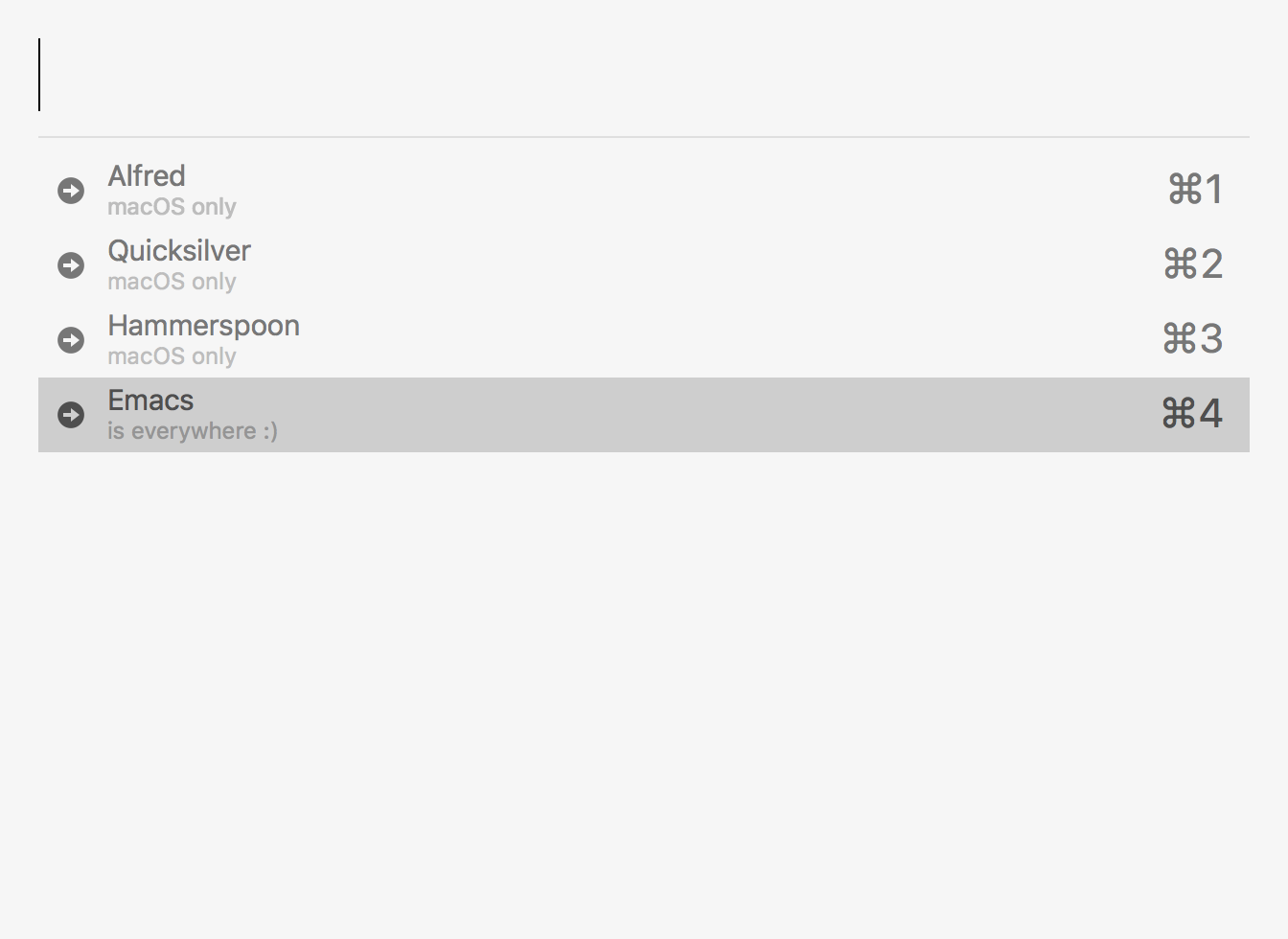
Howard Abrams's post on Capturing Content for Emacs inspired me to look at gluing Emacs and macOS to launch my own cross-platform narrowing utilities.
I've also taken this opportunity to look at Oleh Krehel's wonderful completion package: Ivy. We can use it to build a macOS narrowing utility.
Ivy is remarkably easy to use. Turns out, ivy-read is all you need. A simple Emacs completion can be accomplished with little elisp.
(ivy-read "Hello ivy: "
'("One "
"Two "
"Three "
"Four "))
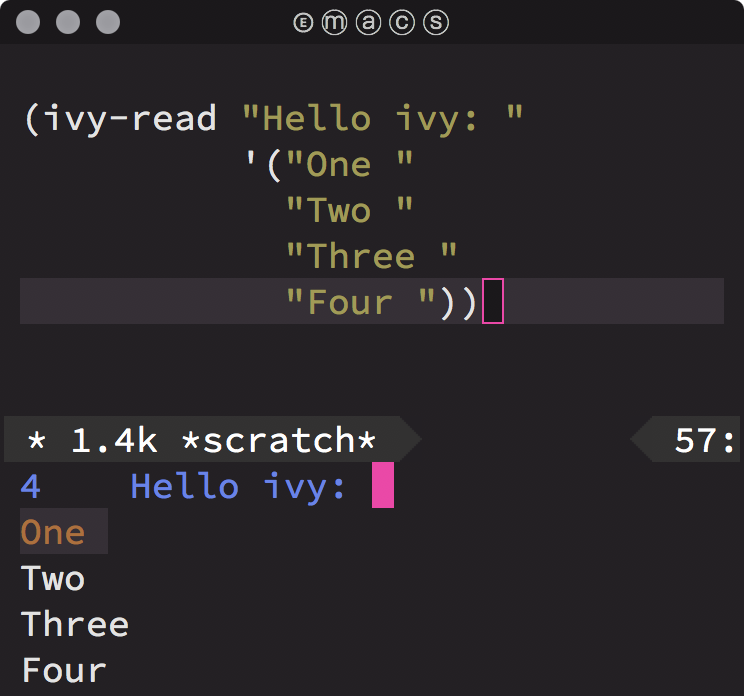
Pretty nifty. Let's make this completion more accessible from the rest of the OS. To do so, we create a separate Emacs frame and make it pretty. We also want it to interact with the OS. We'll use ivy-read's :action to invoke a tiny bit of AppleScript.
Oh and we'll also use some funny quotes to tease ourselves about our beloved editor.
(with-current-buffer (get-buffer-create "*modal-ivy*")
(let ((frame (make-frame '((auto-raise . t)
(background-color . "DeepSkyBlue3")
(cursor-color . "MediumPurple1")
(font . "Menlo 15")
(foreground-color . "#eeeeec")
(height . 20)
(internal-border-width . 20)
(left . 0.33)
(left-fringe . 0)
(line-spacing . 3)
(menu-bar-lines . 0)
(minibuffer . only)
(right-fringe . 0)
(tool-bar-lines . 0)
(top . 48)
(undecorated . t)
(unsplittable . t)
(vertical-scroll-bars . nil)
(width . 110)))))
(set-face-attribute 'ivy-minibuffer-match-face-1 frame
:background nil
:foreground nil)
(set-face-attribute 'ivy-minibuffer-match-face-2 frame
:background nil
:foreground "orange1")
(set-face-attribute 'ivy-minibuffer-match-face-3 frame
:background nil
:foreground "orange1")
(set-face-attribute 'ivy-minibuffer-match-face-4 frame
:background nil
:foreground "orange1")
(set-face-attribute 'ivy-current-match frame
:background "#ffc911"
:foreground "red")
(set-face-attribute 'minibuffer-prompt frame
:foreground "grey")
(let ((ivy-height 20)
(ivy-count-format ""))
(ivy-read "Emacs acronyms: "
'(" Emacs: Escape-Meta-Alt-Control-Shift "
" Emacs: Eight Megabytes And Constantly Swapping "
" Emacs: Even a Master of Arts Comes Simpler "
" Emacs: Each Manual's Audience is Completely Stupified "
" Emacs: Eventually Munches All Computer Storage "
" Emacs: Eradication of Memory Accomplished with Complete Simplicity "
" Emacs: Easily Maintained with the Assistance of Chemical Solutions "
" Emacs: Extended Macros Are Considered Superfluous "
" Emacs: Every Mode Accelerates Creation of Software "
" Emacs: Elsewhere Maybe All Commands are Simple "
" Emacs: Emacs Makes All Computing Simple "
" Emacs: Emacs Masquerades As Comfortable Shell "
" Emacs: Emacs My Alternative Computer Story "
" Emacs: Emacs Made Almost Completely Screwed "
" Emacs: Each Mail A Continued Surprise "
" Emacs: Eating Memory And Cycle-Sucking "
" Emacs: Elvis Masterminds All Computer Software "
" Emacs: Emacs Makes A Computer Slow" )
:action (lambda (funny-quote)
(async-shell-command (format "osascript -e 'tell app \"System Events\" to display dialog \"%s\" buttons {\"OK\"}'" funny-quote)))
:unwind (lambda ()
(shell-command "/Applications/Hammerspoon.app/Contents/Resources/extensions/hs/ipc/bin/hs -c 'backFromEmacs()'")
(delete-frame)
(other-window 1))))))
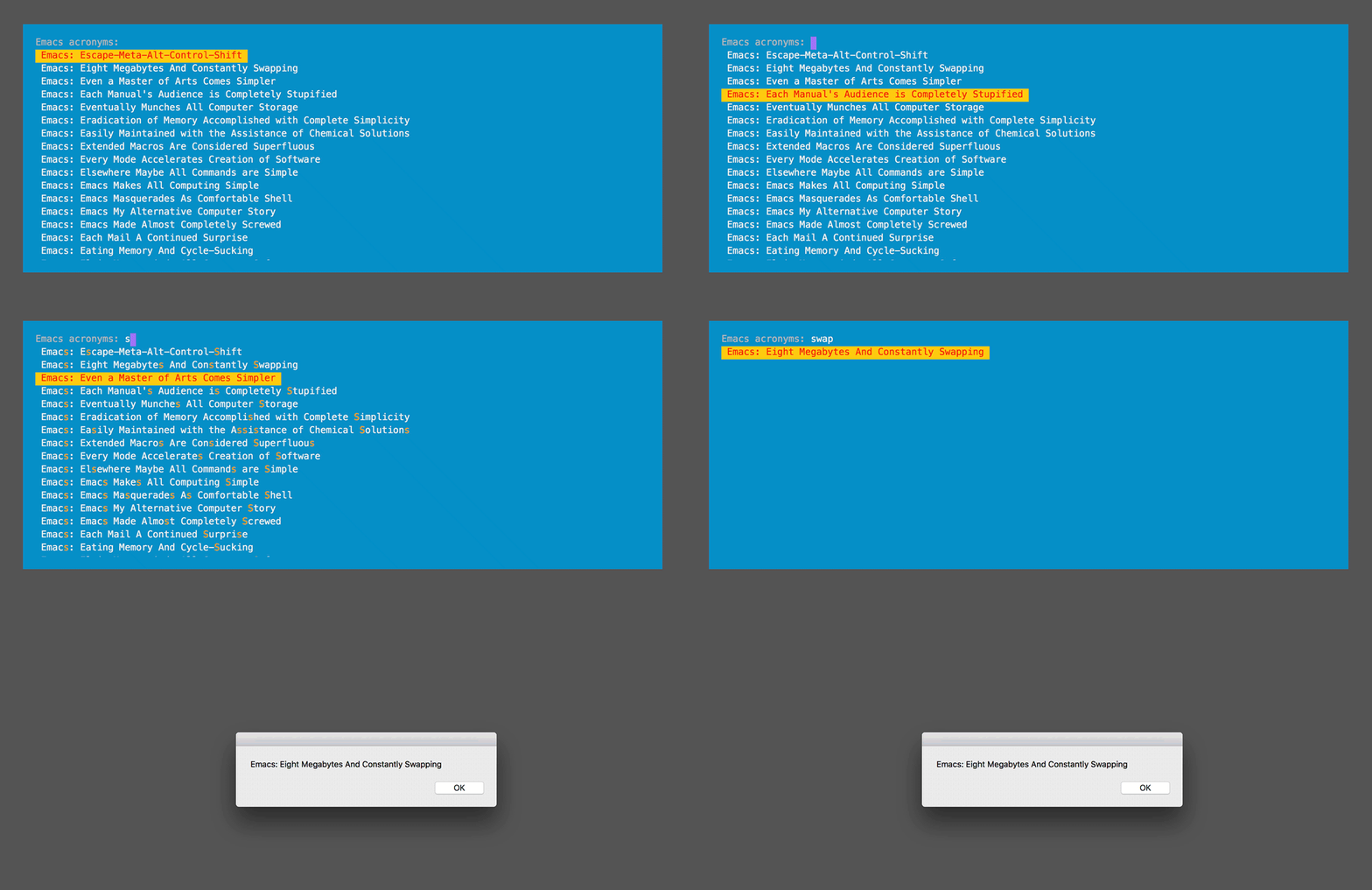
So where's all this going? I wrote a utility to extract all links from this page's org file and make them easily searchable from anywhere on macOS by invoking ⌥-W.
The keys are bound using Lua, Hammerspoon, and emacsclient. This works well on macOS, but there are alternatives for other operating systems.
hs.execute("emacsclient -ne \""..elisp.."\" -s /tmp/emacs*/server")
Here's the resulting utility in action:
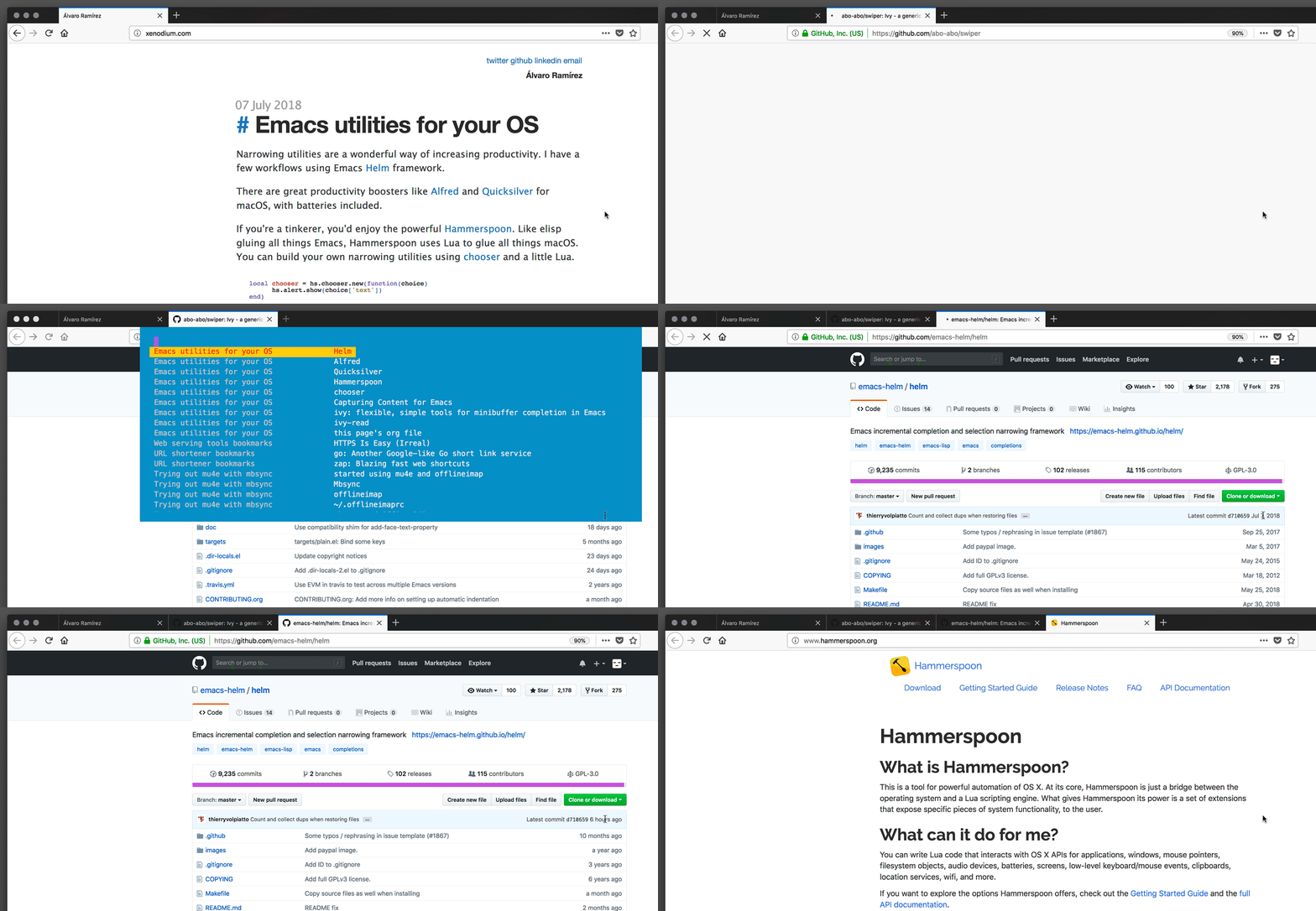
These integrations look promising. They enable me to bring cross-platform Emacs utilities into areas I hadn't considered.
]]>Install isync (for mbsync)
brew install isync
Configure mbsync
Mbsync uses ~/.mbsyncrc for configuration. Migrating ~/.offlineimaprc to ~/.mbsyncrc looks like:
IMAPAccount Personal
Host some.imap.host.com
User your_user_name
PassCmd "gpg --quiet --batch -d ~/.offlineimap_accountname.gpg"
Port 993
SSLType IMAPS
AuthMechs Login
CertificateFile ~/.offlineimapcerts.pem
# My IMAP provider doesn't handle concurrent IMAP commands.
PipelineDepth 1
IMAPStore Personal-remote
Account Personal
MaildirStore Personal-local
Path ~/IMAP/Personal/
Inbox ~/IMAP/Personal/INBOX
Channel Personal
Master :Personal-remote:
Slave :Personal-local:
Patterns *
Create Slave
Sync All
Expunge Both
SyncState *
No concurrent IMAP commands supported
My IMAP provider doesn't handle concurrent IMAP commands. mbsync and Office 365 had the answer:
PipelineDepth 1
Initial sync
Run initial from the command line sync:
mbsync -Va
While syncing my largest inbox, it sometimes received an unexpected EOF error:
IMAP error: unexpected EOF from some.imap.host.com (1.2.3.4:993)
First few times, I restarted the syncing manually, but then used a loop to automatically restart it.
Bash loops:
while true; do mbsync -V Personal; sleep 5; done
for i in {1..5}; do mbsync -V Personal; sleep 5; done
Eshell loop:
for i in (number-sequence 1 10) {mbsync -V Personal; sleep 5}
Create mu index
Reindex using mu, but first remove existing index for offlineimap messages:
rm -rf ~/.mu
Ok, do index now:
mu index --maildir=~/IMAP
Mu4e tweaks
The get mail command should now point to mbsync.
(csetq mu4e-get-mail-command "mbsync -Va")
I had issues with duplicate IDs after moving and deleting messages from mu4e. Migrating from offlineimap to mbsync for mu4e had the answer:
(csetq mu4e-change-filenames-when-moving t)
Helpful references
- A modern mutt setup with neomutt, mbsync, msmtp and mu — part one | webgefrickel.
- Migrating from offlineimap to mbsync for mu4e | Pragmatic Emacs.
- My personal Email setup - Notmuch, mbsync, postfix and dovecot.
- org-msg: Compose and reply to emails in a Outlook HTML friendly style.
- Reading IMAP Mail in Emacs on OSX.
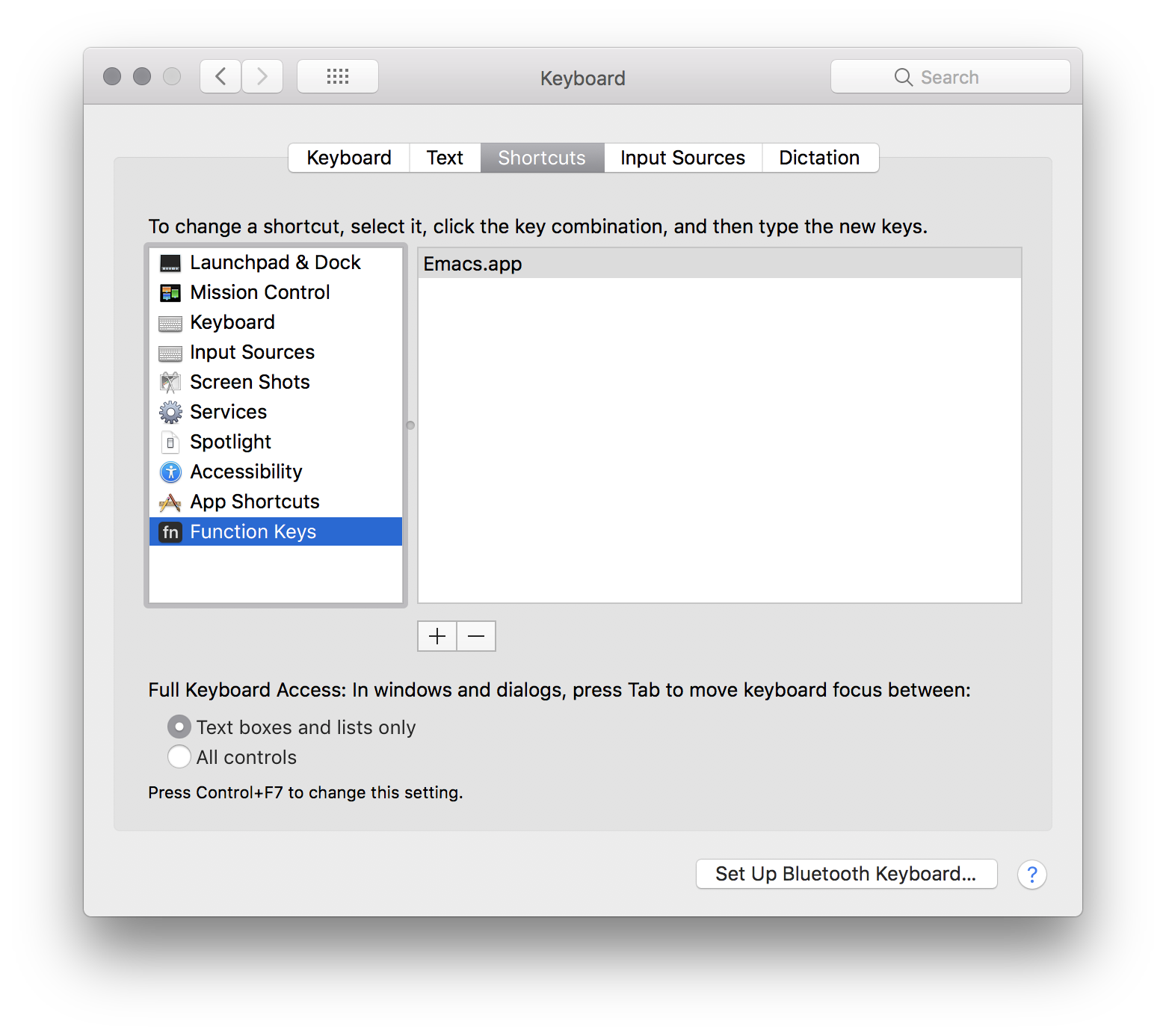
As usual, Homebrew saves the day. Install with:
brew install findutils
Unless you install with –with-default-names (I don't), GNU utilities will be prefixed with a "g".
gfind --version
If you need more, there are others:
brew install binutils
brew install diffutils
brew install ed
brew install findutils
brew install gawk
brew install gnu-indent
brew install gnu-sed
brew install gnu-tar
brew install gnu-which
brew install gnutls
brew install grep
brew install gzip
brew install screen
brew install watch
brew install wdiff --with-gettext
brew install wget
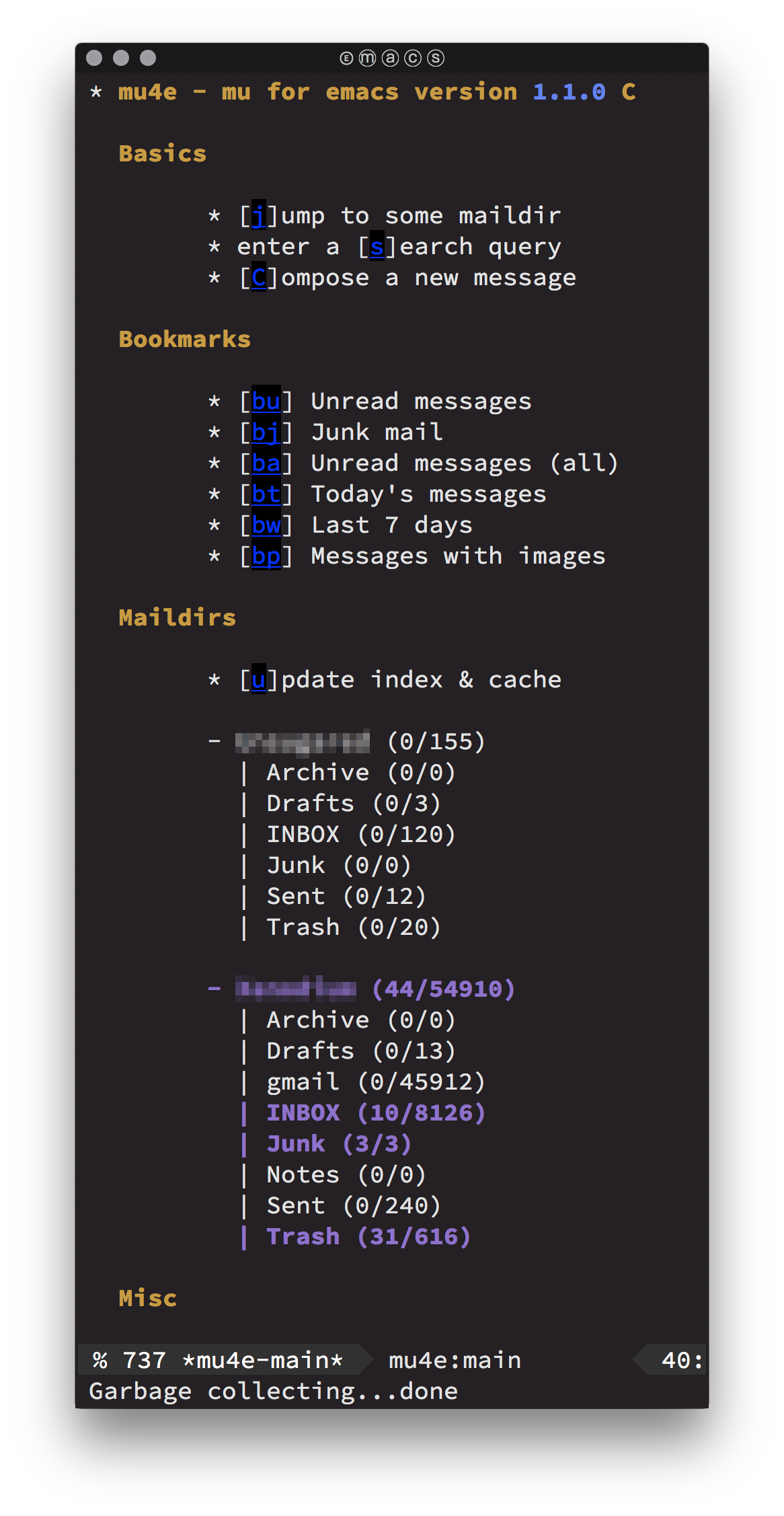

Managing Email from Emacs. Surely that's crazy-talk, but hey… let's give it a try.
Install offlineimap
Need to sync via imap. Use offlineimap. I'm on macOS, so homebrew is king for installing:
brew install offlineimap
Before can configure offlineimap, we'll need to handle a few things first.
Get a cert fingerprint
Use openssl for getting a certificate fingerprint. From offlineimap's FAQ:
SSL_CERT_DIR="" openssl s_client -connect imap.migadu.com:993 < /dev/null 2>/dev/null | openssl x509 -fingerprint -noout -text -in /dev/stdin
Should give you something like:
SHA1 Fingerprint=AA:BB:CC:DD:EE:DD:FF:AA:00:AA:2A:AA:AA:AA:A8:20:80:AA:A2:AA
Encrypt password
Offlineimap can read passwords in plain text in its .offlineimaprc config file, but that's yuckie. Let's encrypt the password and use gnupg for that. Install it:
brew install gnupg
If you haven't already, generate a key
gpg --full-gen-key
Generate an offlineimap account password file.
echo "YourPassword" | gpg --encrypt --recipient "Your Name" -o ~/.offlineimap_accountname.gpg
Python password wrapper
Based on Fabian's Encrypt OfflineIMAP and msmtp password with GnuPG, I created ~/.read_password.py with:
import os
import subprocess
def read_password(path):
return subprocess.check_output(["gpg\n", "--quiet\n", "--batch\n", "-d\n", os.path.expanduser(path)]).strip()
ps. Alternatively, see The homely Mutt's section to store password in macOS's keychain.
Configure offlineimap
Offlineimap uses ~/.offlineimaprc for configuration. We now have all we need to put the configuration together:
[general]
accounts = Personal
# Load this python file.
pythonfile = ~/.read_password.py
[Account Personal]
localrepository = Personal-Local
remoterepository = Personal-Remote
# After syncing, let mu index it.
postsynchook = mu index --maildir ~/stuff/active/Mail
# Sync imap every 5 minutes.
autorefresh = 5
# Alternate between 10 quick syncs and full syncs.
quick = 10
[Repository Personal-Local]
type = Maildir
localfolders = ~/stuff/active/Mail/Personal
[Repository Personal-Remote]
type = IMAP
remotehost = some.imap.host.com
remoteuser = your_user_name
# Use function defined in .read_password.py to read the password.
remotepasseval = read_password("~/.offlineimap_personal_account_password.gpg")
# Use the SHA1 fingerprint retrieved with openssl.
cert_fingerprint = aabbccddeeddffaa00aa2aaaaaaaa82080aaa2aa
Cert file
You can use macOS's certificates from Keychain Access -> System Roots -> Certificates, select all, and ⌘-⇧-e (for export items). Save to ~/certs.pem and use offlineimap configutation:
sslcacertfile = /path/to/certs.pem
Another option is executing lib/mk-ca-bundle.pl from curl's tarball to generate ca-bundle.crt, using certdata.txt from Mozilla's source tree.
Install mu4e
Manually modified mu4e recipe to pick up my Emacs binary. TIL about homebrew's edit command:
brew edit mu
Changed the one line:
- ENV["EMACS"] = "no" if build.without? "emacs"
- ENV["EMACS"] = "/Users/alvaro/homebrew/Cellar/emacs-plus/26.1-rc1_2/bin/emacs"
Finally installed mu4e:
brew install mu
Configure mu4e
Lastly, configure mu4e:
(add-to-list 'load-path
(expand-file-name "~/homebrew/share/emacs/site-lisp/mu/mu4e"))
(use-package mu4e
:config
;; Update mail using 'U' in main view:
(setq mu4e-get-mail-command "offlineimap")
(setq mu4e-view-show-addresses t)
(setq mu4e-attachment-dir (expand-file-name "~/Downloads/"))
(setq mu4e-maildir "path/to/Mail")
(setq mu4e-html2text-command "w3m -T text/html") ;; alternatively "textutil -stdin -format html -convert txt -stdout"
(setq mu4e-user-mail-address-list '("[email protected]"
"[email protected]"))
(setq mu4e-context-policy 'pick-first)
(setq mu4e-compose-context-policy 'always-ask)
(setq mu4e-contexts
(list
(make-mu4e-context
:name "domain1"
:enter-func (lambda () (mu4e-message "Entering context [email protected]"))
:leave-func (lambda () (mu4e-message "Leaving context [email protected]"))
:match-func (lambda (msg)
(when msg
(mu4e-message-contact-field-matches
msg '(:from :to :cc :bcc) "[email protected]")))
:vars '((user-mail-address . "[email protected]")
(user-full-name . "My name")
(mu4e-sent-folder . "/Domain1/Sent")
(mu4e-drafts-folder . "/Domain1/Drafts")
(mu4e-trash-folder . "/Domain1/Trash")
(mu4e-compose-signature . nil)
(mu4e-compose-format-flowed . nil)
(smtpmail-smtp-user . "[email protected]")
(smtpmail-smtp-server . "smtp.domain1.com")
(smtpmail-smtp-service . 587)))
(make-mu4e-context
:name "domain2"
:enter-func (lambda () (mu4e-message "Entering context [email protected]"))
:leave-func (lambda () (mu4e-message "Leaving context [email protected]"))
:match-func (lambda (msg)
(when msg
(mu4e-message-contact-field-matches
msg '(:from :to :cc :bcc) "[email protected]")))
:vars '((user-mail-address . "[email protected]")
(user-full-name . "My name")
(mu4e-sent-folder . "/Domain2/Sent")
(mu4e-drafts-folder . "/Domain2/Drafts")
(mu4e-trash-folder . "/Domain2/Trash")
(mu4e-compose-signature . nil)
(mu4e-compose-format-flowed . nil)
(smtpmail-smtp-user . "[email protected]")
(smtpmail-smtp-server . "smtp.domain2.com")
(smtpmail-smtp-service . 587))))))
(use-package smtpmail
:config
(setq smtpmail-stream-type 'starttls)
(setq smtpmail-debug-info t)
(setq smtpmail-warn-about-unknown-extensions t)
(setq smtpmail-queue-mail t)
(setq smtpmail-default-smtp-server nil)
;; Created with mu mkdir path/to/Mail/queue
;; Also avoid indexing.
;; touch path/to/Mail/queue/.noindex
(setq smtpmail-queue-dir "path/to/Mail/queue/cur"))
(use-package message
:config
(setq message-send-mail-function 'smtpmail-send-it))
Authinfo
Create an ~/.authinfo file for sendmail authentication with:
machine smtp.host1.com login [email protected] password somepassword1
machine smtp.host2.com login [email protected] password somepassword2
Encrypt ~/.authinfo with M-x epa-encrypt-file. Keep ~/.authinfo.gpg and delete ~/.authinfo.
Mu4e helpful references
- A Complete Guide to Email in Emacs using Mu and Mu4e.
- A year with Notmuch mail - a super-fast email client available on Emacs.
- Archaic: text based email clients rock - DEV Community (lots of great links).
- areina's Manage your email in emacs with mu4e.
- Better Email with mu4e (NaN).
- Configuring Emacs mu4e with nullmailer, offlineimap and multiple identities.
- Drowning in Email; mu4e to the Rescue.
- Ebzzry: Setting up Mail in Emacs.
- Emacs as email client with offlineimap and mu4e on OS X.
- Email done right (mu).
- Encrypt OfflineIMAP and msmtp password with GnuPG.
- Etienne's Mu4e customization.
- GitHub - OfflineIMAP/imapfw: imapfw (IMAP/mail framework).
- Gmail Gnus GPG Guide (GGGG).
- Handling Email with Emacs (helm included).
- I got mu4e working! (Reddit).
- Installing mu and mu4e with homebrew with emacs.
- Iqbal Ansari's mail config.
- iqbalansari/dotEmacs: calendar integration.
- Mail in Emacs with mu4e and mbsync (jherrlin).
- Master your inbox with mu4e and org-mode.
- Mu's github mirror.
- Mu's page.
- mu4e: an E-mail Client for Emacs.
- mu4easy: mu4e + mbsync configuration for multiple accounts..
- OfflineIMAP with SSL files on OSX - Sebastian Christ.
- OfflineIMAP: sync and backup tool for IMAP (Hacker News) and mbsync in comments.
- Practical guide to use Gnus with Gmail.
- Pragmatic Emacs's mu4e tutorials.
- Prodissues: Adding mu4e Support To Emacs.
- Prodissues: Emacs GPG For Dummies.
- Reading IMAP Mail in Emacs on OSX.
- Sending queued mails in the background with mu4e.
- Setting Up Mu4e 1.0 C - aliquot.
- Solene's post: Sending mail with mu4e.
- The Emacs Network Security Manager.
- The Ultimate Emailing Agent with Mu4e and Emacs.
- TIP: How to easily manage your emails with mu4e (Reddit).
- Two custom headers for mu4e - Étienne Deparis.
- Using Emacs to read gmail (Emacs subreddit).
- Using mu4e (Brool blog).
- Zamansky mu4e's sample config.
- Zamansky's video on mu4e.
To install:
brew tap d12frosted/emacs-plus
brew install emacs-plus --without-spacemacs-icon
Config:
(when (memq window-system '(mac ns))
(add-to-list 'default-frame-alist '(ns-appearance . dark)) ; nil for dark text
(add-to-list 'default-frame-alist '(ns-transparent-titlebar . t)))

(use-package openwith :ensure t
:config
(csetq openwith-associations
'(("\\.\\(mp4\\|mp3\\|webm\\|avi\\|flv\\|mov\\)$" "open" (file))))
(openwith-mode 1))
defaults write com.apple.finder AppleShowAllFiles TRUE
killall Finder
]]>]]>Control panel > External devices > USB Disk 1 > Eject
]]>Control panel > Shared Folder > Encryption > Mount
Could not chdir to home directory /var/services/homes/someone: No such file or directory
Fixed via:
]]>Control Panel > User > Advanced > User Home > [x] Enable user home service
Based on https://gist.github.com/rex/223b4be50285f6b8b3e06dea50d15887:
#!/bin/bash
set -o nounset
set -o errexit
echo "Arguments:"
echo "$@"
echo "---"
readonly FILES_PATTERN='(\..+)?$'
readonly FORBIDDEN='(@?NOCOMMIT|@?COMMITFAIL)'
if ( git diff --cached --name-only | grep -E "$FILES_PATTERN" | xargs grep -E --with-filename -n "$FORBIDDEN" ); then
echo "ERROR: @COMMITFAIL or @NOCOMMIT found. Exiting to save you from yourself."
exit 1
fi
Save to a file and create a symbolic link to your .git/hooks directory:
ln -s ../../git/commit-fail-pre-hook.sh .git/hooks/pre-commit
CFLAGS="-O0 -g3" ./configure ...
make
And good 'ol gdb (lldb works too):
gdb ../nextstep/Emacs.app/Contents/MacOS/Emacs
Reference
]]>brew install pdfgrep
Balance restored.
]]>go build -ldflags=-s
UPX (Ultimate Packer for eXecutables) packs the binary further.
upx --ultra-brute
Install
$ brew install gs
$ brew install imagemagick
$ brew install tesseract
$ convert -density 300 -depth 8 receipt.pdf receipt.png
$ tesseract receipt.png receipt.png.txt
$ brew install shellcheck
Bonus: If using Emacs's flycheck, you get ShellCheck support out of the box.
]]>- https://yunomi.life
- https://shop.ippodo-tea.co.jp/kyoto/shopf/index.html
- https://www.o-cha.com
- http://hojotea.com/categ_e/viewe.htm
- http://yuuki-cha.com
- http://www.hibiki-an.com/index.php
- http://www.thes-du-japon.com/index.php?main_page=index
- https://www.chadoteahouse.com
- https://www.denstea.com
- https://www.sazentea.com/en
- http://www.ujicha-kanbayashi.co.jp
- http://www.marukyu-koyamaen.co.jp/products.html
- http://www.fukumotoen.co.jp/shop/
- http://www.myokoen.com/shop/index.html
Option 1
osascript -e 'id of app "Emacs"'
Option 2
mdls -name kMDItemCFBundleIdentifier -r SomeApp.app

Installing Chunkwm
$ brew tap crisidev/homebrew-chunkwm
$ brew install --HEAD --with-tmp-logging chunkwm
Add a configuration file. Started off from this example.
~.chunkwmrc chmod +x ~.chunkwmrc
Note: Ensure core::plugin_dir matches homebrew's plugin directory. Typically something like: //path/to/homebrew/opt/chunkwm/share/chunkwm/plugins/
Start chunkwmrc service.
$ brew services start crisidev/chunkwm/chunkwm
Installing skhd (a hotkey daemon)
$ brew install --HEAD --with-logging koekeishiya/formulae/skhd
Start skhd service.
$ brew services start koekeishiya/formulae/skhd
Skhd logs location.
/Users/you/homebrew/var/log/skhd/skhd.[out|err].log
Add a configuration file. Started off from this example.
~/.skhdrc
chmod +x ~/.skhdrc
Installing khd (easily invoke hotkeys from terminal)
$ brew install khd
Some additional Mission Control and keyboard shortcut preferences:
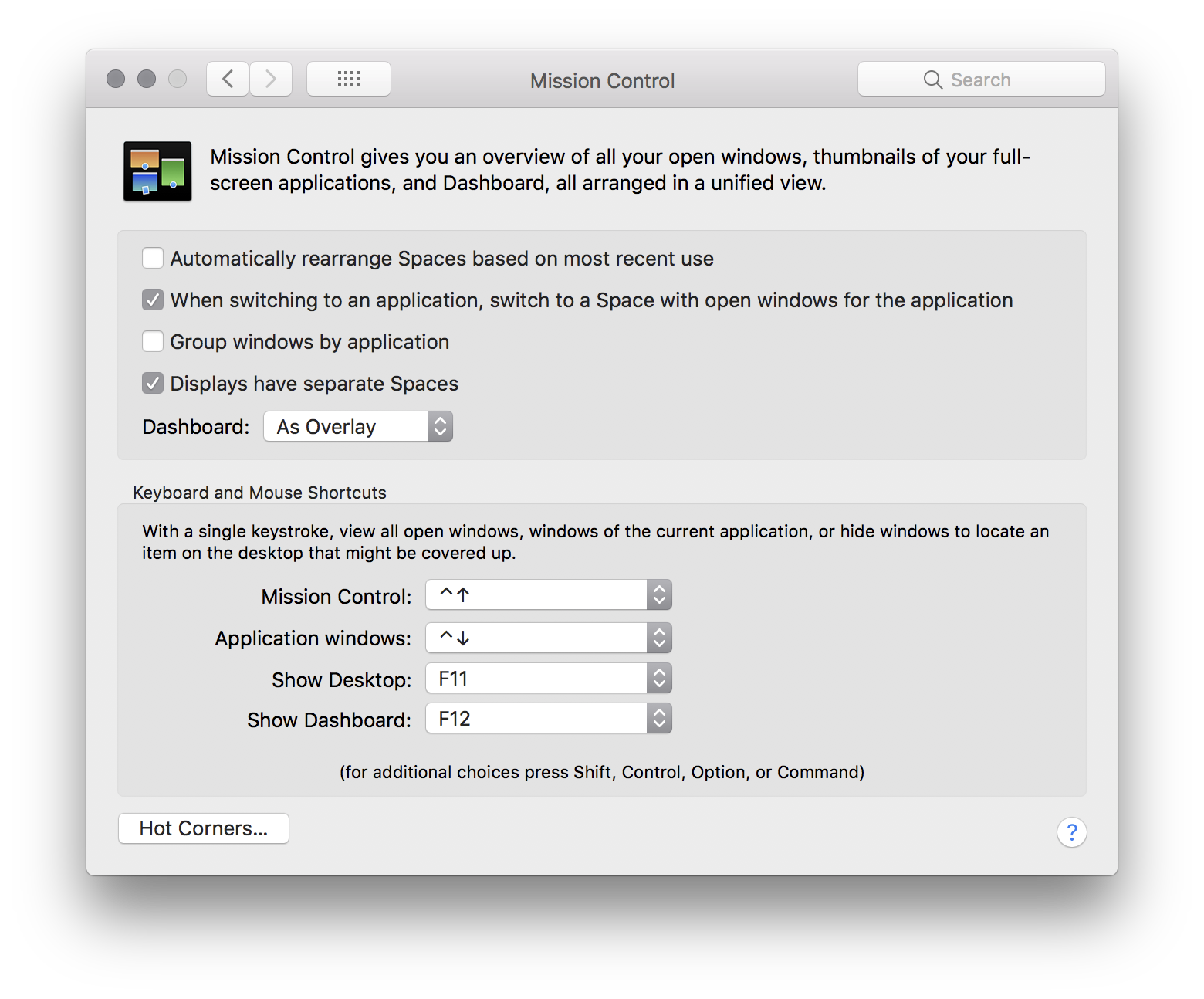

brew tap bazelbuild/tap
brew install bazelbuild/tap/bazel
Build
git clone https://github.com/bazelbuild/bazel.git
cd bazel
bazel build //src:bazel
Get your bazel binary
Self-contained binary in bazel-bin/src/bazel
Known revisions
- https://github.com/bazelbuild/bazel.git @ d81a46cebe07f73d3ea38206262cf7a1a9513b42
- https://github.com/bazelbuild/rules_apple.git @ e921a9f727e039c8b5087d4f98c5d09f189658cd
mkdir tmp
cd tmp
xar -xf ../Some.pkg
cat Payload | gunzip -dc |cpio -i
]]>brew tap caskroom/cask
brew install caskformula/caskformula/inkscape
]]>- Rebase interactively (r, i).
- Move point to commit to ammend.
- Execute command (x).
git commit --amend --author="name <email>"
- Commit (c, c).

brew --cache
(require 'ob)
(defcustom org-babel-objc-compile-command "clang -x objective-c -framework Foundation"
"For example: \"clang -x objective-c -framework Foundation\"."
:group 'org-babel
:version "24.3"
:type 'string)
(defun org-babel-execute:objc (body params)
"Compile Objective-C BODY with org PARAMS and execute binary."
(let* ((src-file (org-babel-temp-file "org-babel-objc-block-" ".m"))
(cmpflag (or (cdr (assq :cmpflag params)) ""))
(full-body (org-babel-expand-body:generic body params))
(bin-file
(org-babel-process-file-name
(org-babel-temp-file "org-babel-objc-block" org-babel-exeext))))
(with-temp-file src-file (insert full-body))
(org-babel-eval
(concat org-babel-objc-compile-command " " cmpflag " " src-file " " "-o" " " bin-file) "")
;; Using 2>&1 since org babel does not include stderr in output from NSLog.
(let ((results (org-babel-eval (concat (org-babel-process-file-name bin-file) " 2>&1") "")))
(org-babel-reassemble-table
(org-babel-result-cond (cdr (assq :result-params params))
(org-babel-read results)
(let ((tmp-file (org-babel-temp-file "c-")))
(with-temp-file tmp-file (insert results))
(org-babel-import-elisp-from-file tmp-file)))
(org-babel-pick-name
(cdr (assq :colname-names params)) (cdr (assq :colnames params)))
(org-babel-pick-name
(cdr (assq :rowname-names params)) (cdr (assq :rownames params)))))))
(provide 'ob-objc)
Add objc to org-babel-load-languages, and you can subsequently compile and run Objective-C blocks like:
#import <Foundation/Foundation.h>
int main() {
NSLog(@"Hello World");
return 0;
}
Get utility with:
npm install -g ipa-deploy
npm install -g ios-deploy
Install ipa on connected iPhone:
ipa-deploy path/to/your/App.ipa
Install app on booted simulator
Install ipa on connected iPhone:
xcrun simctl install booted path/to/your/App.app
Install ipa on booted simulator
#!/bin/bash
# Unzip ipa, install app, and run on booted simulator.
set -o nounset
set -o errexit
readonly IPA_PATH=$1
readonly TEMP_DIR_PATH=$(mktemp -d)
readonly BASENAME=$(basename ${IPA_PATH})
readonly NAME=${BASENAME%.*}
readonly APP_DIR_PATH="${TEMP_DIR_PATH}/Payload/${NAME}.app"
readonly PLIST_FILE_PATH="${APP_DIR_PATH}/Info.plist"
trap "rm -rf ${TEMP_DIR_PATH}" EXIT
unzip -o "${IPA_PATH=}" -d "${TEMP_DIR_PATH}"
readonly BUNDLE_ID=$(/usr/libexec/PlistBuddy -c "Print CFBundleIdentifier" ${PLIST_FILE_PATH})
xcrun simctl install booted "${APP_DIR_PATH}"
xcrun simctl launch booted "${BUNDLE_ID}"

(require 'cl-lib)
(require 'company)
(require 'dash)
(require 'pcomplete)
(require 's)
(defun company-pcomplete--overlap-tail (a b)
"When A is \"SomeDev\" and B is \"Developer\", return \"eloper\"."
(let ((prefix a)
(remaining nil))
(while (and (not remaining) (> (length prefix) 0))
(when (s-starts-with? prefix b)
(setq remaining (substring b (length prefix))))
(setq prefix (substring prefix 1)))
remaining))
(defun company-pcomplete--candidates (prefix)
"Get candidates for PREFIX company completion using `pcomplete'."
;; When prefix is: "~/Down" and completion is "Downloads", need
;; to find common string and join into "~/Downloads/".
(-map (lambda (item)
(if (s-starts-with? prefix item)
item
(concat prefix (company-pcomplete--overlap-tail prefix item))))
(all-completions prefix (pcomplete-completions))))
(defun company-pcomplete (command &optional arg &rest ignored)
"Complete using pcomplete. See `company''s COMMAND ARG and IGNORED for details."
(interactive (list 'interactive))
(case command
(interactive (company-begin-backend 'company-pcomplete))
(prefix (company-grab-symbol))
(candidates
(company-pcomplete--candidates arg))))
Don't forget to add company-pcomplete to company-backends, and if you want an explicit binding, use something like:
(bind-key "<backtab>" #'company-complete eshell-mode-map)
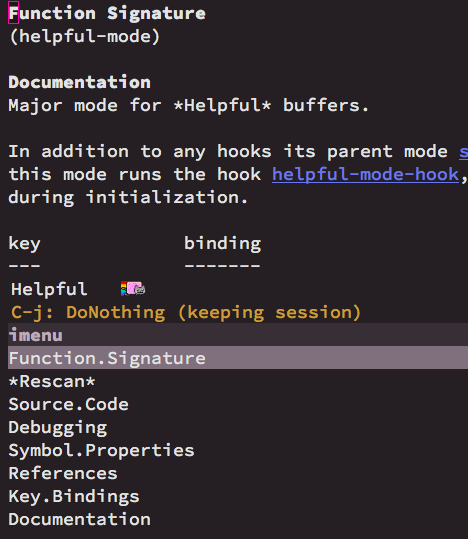
(defun helpful--create-imenu-index ()
"Create an `imenu' index for helpful."
(beginning-of-buffer)
(let ((imenu-items '()))
(while (progn
(beginning-of-line)
;; Not great, but determine if looking at heading:
;; 1. if it has bold face.
;; 2. if it is capitalized.
(when (and (eq 'bold (face-at-point))
(string-match-p
"[A-Z]"
(buffer-substring (line-beginning-position)
(line-end-position))))
(add-to-list 'imenu-items
(cons (buffer-substring (line-beginning-position)
(line-end-position))
(line-beginning-position))))
(= 0 (forward-line 1))))
imenu-items))
(defun helpful-mode-hook-function ()
"A hook function for `helpful-mode'."
(setq imenu-create-index-function #'helpful--create-imenu-index))
(add-hook 'helpful-mode-hook
#'helpful-mode-hook-function)
Standing on the shoulders of package giants (dash and f included) and some elisp, we can bring random access to project directories from the shell.
(require 'cl-lib)
(require 'company)
(require 'dash)
(require 'f)
(require 'projectile)
(defvar-local company-projectile-cd-prefix "cd ")
(defun company-projectile-cd (command &optional arg &rest ignored)
"Company shell completion for any projectile path."
(interactive (list 'interactive))
(case command
(interactive (company-begin-backend 'company-projectile-cd))
(prefix
(company-grab-symbol-cons company-projectile-cd-prefix
(length company-projectile-cd-prefix)))
(candidates
(company-projectile-cd--candidates
(company-grab-symbol-cons company-projectile-cd-prefix
(length company-projectile-cd-prefix))))
(post-completion
(company-projectile-cd--expand-inserted-path arg))))
(defun company-projectile-cd--candidates (input)
"Return candidates for given INPUT."
(company-projectile-cd--reset-root)
(when (consp input)
(let ((search-term (substring-no-properties
(car input) 0 (length (car input))))
(prefix-found (cdr input)))
(when prefix-found
(if (projectile-project-p)
(company-projectile-cd--projectile search-term)
(company-projectile-cd--find-fallback search-term))))))
(defun company-projectile-cd--projectile (search-term)
(-filter (lambda (path)
(string-match-p (regexp-quote
search-term)
path))
(-snoc
(projectile-current-project-dirs)
;; Throw project root in there also.
(projectile-project-root))))
(defun company-projectile-cd--find-fallback (search-term)
(ignore-errors
(-map (lambda (path)
(string-remove-prefix "./" path))
(apply #'process-lines
(list "find" "." "-type" "d" "-maxdepth" "2" "-iname"
(format "\*%s\*" search-term))))))
(defun company-projectile-cd--expand-inserted-path (path)
"Replace relative PATH insertion with its absolute equivalent if needed."
(unless (f-exists-p path)
(delete-region (point) (- (point) (length path)))
(insert (concat (projectile-project-root) path))))
(defun company-projectile-cd--reset-root ()
"Reset project root. Useful when cd'ing in and out of projects."
(projectile-reset-cached-project-root)
(when (projectile-project-p)
(projectile-project-root)))
#!/bin/bash -e
set -e
set -o pipefail
if [ "$#" -ne 1 ]; then
echo "\nusage: to_icns.sh path/to/image.png\n"
exit 1
fi
readonly IMAGE_FPATH=$1
readonly BASENAME=$(basename ${IMAGE_FPATH%.*})
mkdir ${BASENAME}.iconset
sips -z 16 16 $IMAGE_FPATH --out "${BASENAME}.iconset/icon_16x16.png"
sips -z 32 32 $IMAGE_FPATH --out "${BASENAME}.iconset/[email protected]"
sips -z 32 32 $IMAGE_FPATH --out "${BASENAME}.iconset/icon_32x32.png"
sips -z 64 64 $IMAGE_FPATH --out "${BASENAME}.iconset/[email protected]"
sips -z 128 128 $IMAGE_FPATH --out "${BASENAME}.iconset/icon_128x128.png"
sips -z 256 256 $IMAGE_FPATH --out "${BASENAME}.iconset/[email protected]"
sips -z 256 256 $IMAGE_FPATH --out "${BASENAME}.iconset/icon_256x256.png"
sips -z 512 512 $IMAGE_FPATH --out "${BASENAME}.iconset/[email protected]"
sips -z 512 512 $IMAGE_FPATH --out "${BASENAME}.iconset/icon_512x512.png"
cp $IMAGE_FPATH "${BASENAME}.iconset/[email protected]"
iconutil -c icns ${BASENAME}.iconset
rm -R ${BASENAME}.iconset
echo Wrote ${BASENAME}.icns
Bluetooth Explorer can be downloaded from https://developer.apple.com/download/more. Search for Hardware IO tools:

Open Hardware_IO_Tools_for_Xcode_7.3.dmg and launch Bluetooth Explorer:

Select Audio Options:
Check Force use of aptX:
Don't forget to disconnect and reconnect your Bluetooth device.
]]>defaults write -g KeyRepeat -int 1
defaults write -g InitialKeyRepeat -int 10
(defun ar/helm-ag (arg)
"Helm-ag search remembering last location. With ARG, forget the last location."
(interactive "P")
(defvar ar/helm-ag--default-locaction nil)
(setq ar/helm-ag--default-locaction
(read-directory-name "search in: " (if arg
default-directory
ar/helm-ag--default-locaction) nil t))
(helm-do-ag ar/helm-ag--default-locaction))
(defun ar/helm-ag-insert (arg)
;; Helm-ag and insert match.
(interactive "P")
(let* ((actions (helm-make-actions
"Insert"
(lambda (candidate)
;; Drop file:line:column. For example:
;; arc_hostlink.c:13:2:#include <linux/fs.h>
;; => #include <linux/fs.h>
(insert (replace-regexp-in-string "^[^ ]*:" "" candidate)))))
(helm-source-do-ag (helm-build-async-source "The Silver Searcher"
:init 'helm-ag--do-ag-set-command
:candidates-process 'helm-ag--do-ag-candidate-process
:persistent-action 'helm-ag--persistent-action
:action actions
:nohighlight t
:requires-pattern 3
:candidate-number-limit 9999
:keymap helm-do-ag-map
:follow (and helm-follow-mode-persistent 1))))
(call-interactively #'ar/helm-ag)))
gpg: problem with the agent: Inappropriate ioctl for device
gpg: error creating passphrase: Operation cancelled
gpg: symmetric encryption of '[stdin]' failed: Operation cancelled
Basic installation required:
brew install gnupg
But worked around the error above by using pinentry-mac (UI), instead of Emacs prompts.
brew install pinentry-mac
Edited ~/.gnupg/gpg-agent.conf with:
pinentry-program path/to/homebrew/bin/pinentry-mac
May need to kill gpg-agent to reload config.
gpgconf --kill gpg-agent
Plan A
Install gnuplot Qt
If you have the resources, you can try the Qt flavor. You need at least 15GB to download and a long build. Ran out of space on my Macbook Air. Aborted.
brew install gnuplot --with-qt
Plan B
Install xquartz
brew install Caskroom/cask/xquartz
Install gnuplot x11
brew install gnuplot --with-x11
Install feedgnuplot
Feedgnuplot is handy for plotting data streams realtime.
brew install feedgnuplot
Plan C
Install with no options
brew install gnuplot
So far so good, but default gnuplot formula uses Qt and the Cocoa plugin could not be loaded:
qt.qpa.plugin: Could not find the Qt platform plugin "cocoa" in ""
Debugging
-
QT_DEBUG_PLUGINS
Turns out you can get plugin logs using the QT_DEBUG_PLUGINS environment variable:
export QT_DEBUG_PLUGINS=1QFactoryLoader::QFactoryLoader() checking directory path "/Users/myuser/homebrew/Cellar/gnuplot/5.2.6_1/libexec/gnuplot/5.2/platforms" …
This led me to find out about the gnuplot/5.2/gnuplot_qt binary.
-
qt_prfxpath
Getting the Qt prefix can be done by inspecting QtCore's strings:
strings /Users/myuser/homebrew/Cellar/qt/5.12.3/Frameworks/QtCore.framework/QtCore | grep qt_prfxpathqt_prfxpath=/usr/local/Cellar/qt/5.12.3Ok so qt_prfxpath is pointing to usr/local/Cellar/qt, while my installation's is at //Users/myuser/homebrew/Cellar/qt. This is problematic and indeed my fault for installing homebrew in Users/myuser/homebrew instead of the recommended //usr/local.
Symlinking did the job:
sudo mkdir -p /usr/local/Cellar sudo ln -s ~/homebrew/Cellar/qt /usr/local/Cellar/qt/Users/myuser/homebrew/Cellar/gnuplot/5.2.6_1/libexec/gnuplot/5.2/gnuplot_qtSuccess.
- Mr and Mrs Mohgan's Super Crispy Roti Prata (source) on Crane Road. Dhal/fish/mutton curry side.
- Roast Paradise (maybe) Address: #01-122 Old Airport Road Food Centre. Hours: Tues-Sun: 11am to 4pm or till sold out, Wed and Sun: 11am to 2pm, Closed on Mondays.
- Fatty Cheong, 肥仔详, (#01-120, ABC Brickworks Food Centre, 6 Jalan Bukit Merah Singapore 150006): char siew and xio bak rice and char siew noodles.
- Hoo Kee Bak Chang (Amoy Street Food Centre): bak zhang (glutinous rice dumpling). Try Choose from three kinds: chestnut ($2.80); chestnut with salted egg yolk ($3.60); and chestnut with mushroom ($3.60).
- Lim Kee (Orchard) Banana Fritters (Maxwell food centre, source).
- Mr Avocado Exotic Juice (Alexandra village food centre, source).
- Tanglin Crispy Curry Puff (Hong Lim Food Centre or Maxwell, source) (东陵酥皮咖喱角). Try sardine curry puff?
- Chuan Kee Satay (source). Long queue for pork satay.
- Selera Rasa Nasi Lemak (source).
- Fu Shun Jin Ji Shao La Mian Jia (Maxwell food centre, source): Char siu + noodles.
- Shanghai La Mian Xiao Long Bao (Alexandra Village food centre, source): xiao long bao or soup dumplings ($4.50 for 7 pieces).
- Ginger Garden.
- Palms valley.
- Orchid garden.
- www.tea-chapter.com.sg
- Chong Yu Wanton Mee (Tiong Bahru Market And Food Centre #02-30, 30 Seng Poh Road, source).
- old-fashioned treats at Tiong Bahru Galicier (55 Tiong Bahru Rd).
- Pek Sin Choon Tea: Oldest team merchants.
- Ang Mo Kio: Sri Mariamman Hindu temple.
- Strangelets: quirky stuff from around the world.
- 40 Hands: Allegedly one of most popular coffee joints.
- BooksActually: Coolest book shop.
- 1939 Hotel.
- The Library (49 Keong Saik Rd): night drinks, ask for key/password next door (the-study.sg) (**)
- Mariko's (Now Phat Cat laundry): Maybe food or drink at night? (**)
- Rose Citron (23 Keong Said Rd): French and Asian articles.
- Coffee
- Nylon coffee roasters (http://nyloncoffee.sg).
- Just Want Coffee (justwant.com.sg).
- Cozy corner coffee.
- Sweets
- Grin Affair (grinaffair.com): natural ingredients into glass jar creations.
- Batterworks (batter-works.com): pastries.
- http://cozycornercoffee.com.
- Seriously ice scream (facebook.com/seriouslyicecream).
- Ji Xiang Confectionery (jixiangconfectionery.com): Traditional glutinous sweets. (**)
- Food
- The Provision Shop (Blk 3 Everton Park): for a classic and affordable meal.
- Chew the Fat (Blk 6 Everton Park): comfort food.
- Eden's Kitchen (http://edenskitchen.sg): healthy, green tea, coconut oil, etc.
- Char: unconventional char siu (source).
- The Banana Leaf Apollo (Little India).
- Beach Road Scissors-Cut (220 Jln Besar): Curry Rice. (**)
- Fu Zhou Poh Hwa Oyster Cake (166 Jln Besar): UFO-shaped snacks. (**)
- Swee Choon Tim Sum Restaurant: a dim sum institution!. (**)
- Papa Palheta coffee: best coffee in town?.
- General Company: awesome design and workshops. (**)
- The Bravery: brunch, aka awesome pancakes. (**)
- AEIOU: Retro shopping.
- Hajjah Mona Nasi Padang (Geylang Serai food centre): Order nasi padang (try dry one).
- Biryani Express (Geylang Serai food centre)
- Red light district. Still?
- Brawn & Brains (Coffee).
- Old Geylang (crocodile, turtle soup, other oddities).
- Hi-Thrift (1 Geylang Rd): Second hand treasures? (**).
import (
"flag"
)
type args struct {
flag1 string
flag2 string
arg string
}
func parseArgs() args {
args := args{}
flag.StringVar(&args.flag1, "flag1\n", "\n", "some flag 1 with sample `value`")
flag.StringVar(&args.flag2, "flag2\n", "\n", "some flag 2 with sample `value`")
flag.CommandLine.Usage = func() {
fmt.Fprintf(os.Stderr, "Usage of %s:\n\n", os.Args[0])
fmt.Fprintf(os.Stderr, "\n myarg\n\n")
flag.PrintDefaults()
}
flag.Parse()
args.arg = flag.Arg(0)
if args.flag1 == "" || args.flag2 == "" || args.arg == "" {
flag.CommandLine.Usage()
os.Exit(1)
}
return args
}
func main() {
args := parseArgs()
fmt.Printf("Args: %#v\n", args)
}
go run main.go -flag1 val1 -flag2 val2 arg
Convert pngs to pdfs
# start with a bunch of PNG images of your zine pages
# convert them all to PDF
for i in *.png
do
# imagemagick is the best thing in the world
convert $i $i.pdf
done
Combine pdfs
Combine pdfs using pdftk:
pdftk *.pdf cat output zine.pdf
Combine pdfs using poppler:
pdf unite PDF1.pdf PDF2.pdf PDF3.pdf
Reorder pdf pages
# pdfmod is a GUI that lets you reorder pages
pdfmod zine.pdf
Add margins to pdf
# pdfcrop lets you add margins to the pdf. this is good because otherwise the
# printer will cut off stuff at the edges
pdfcrop --margin '29 29 29 29' zine.pdf zine-intermediate.pdf
Turn pdf into booklet
# pdfjam is this wizard tool that lets you take a normal ordered pdf and turn
# it into something you can print as a booklet on a regular printer.
# no more worrying about photocopying machines
pdfjam --booklet true --landscape --suffix book --letterpaper --signature 12 --booklet true --landscape zine-intermediate.pdf -o zine-booklet.pdf
Here's a simple way to combine completing-read and the compile command to enable fuzzy searching your compile history:

(defun ar/compile-completing ()
"Compile with completing options."
(interactive)
(let ((compile-command (completing-read "Compile command: " compile-history)))
(compile compile-command)
(add-to-list 'compile-history compile-command)))
brew install emacs --devel --with-cocoa --with-gnutls --with-librsvg --with-imagemagick

The only hiccup so far's been org mode failing to export, which was fixed by re-installing it (follow this thread).
]]>- Nikki Tren.
- Vietnamese Cajun.
- DC: 146K LY Chinh Thang.
- 0908 208 866.
- Bahn Mi
- Pate Bu Cha
- Nhan Dat Bi Cha
Zone keeps a list of programs to choose from when kicked off. Below is a basic zone-hello program, along with an interactive command for previewing. Not much to these. The tiny program prepares the screen for zoning and inserts text while no input is pending.
(defun zone-hello ()
(delete-other-windows)
(setq mode-line-format nil)
(zone-fill-out-screen (window-width) (window-height))
(delete-region (point-min) (point-max))
(goto-char (point-min))
(while (not (input-pending-p))
(insert "hello zone\n")
(zone-park/sit-for (point-min) 0.2)))
(defun zone-hello-preview ()
(interactive)
(let ((zone-programs [zone-hello]))
(zone)))
Here's what zone-hello looks like:

Back to improving our emotional vocabulary, we'll need a dictionary for our goal. A quick search yields a potential list of words. We can use WordNet to define them while offline. These two sources will do for now. We tie it all together in zone-words.el and the resulting zone program looks as follow:

UPDATE: Just came across Animations With Emacs. A post with awesome zone examples.
]]>- Fire up the manual (M-x info-emacs-manual or C-h r).
- Info-goto-node (or g).
- Type "counting days" and voilá:
To determine the number of days in a range, set the mark on one date using `C-<SPC>', move point to another date, and type `M-=' (`calendar-count-days-region'). The numbers of days shown is [inclusive]{.underline}; that is, it includes the days specified by mark and point.

Note: you can use the mouse to jump to another date, or "g d" (calendar-goto-date).
]]>RoutingHTTPServer *routingHTTPServer = [[RoutingHTTPServer alloc] init];
[routingHTTPServer setPort:8000];
[routingHTTPServer setDefaultHeader:@"Server" value:@"YourAwesomeApp/1.0"];
[routingHTTPServer handleMethod:@"GET"
withPath:@"/hello"
block:^(RouteRequest *request, RouteResponse *response) {
[response setHeader:@"Content-Type" value:@"text/plain"];
[response respondWithString:@"Hello!"];
}];
NSError *error = nil;
if (![routingHTTPServer start:&error]) {
NSLog(@"Error starting HTTP Server: %@\n", error);
}


WEEK MON TUE WED THU FRI SAT SUN
1 Rest 5 Km 5 Km Cycle Rest 5 Km 8 Km 9 Km
29:56 29:54 29:45 1:00:55
2 Rest 7 Km 5 Km Cycle Rest 5 Km 10 Km
41:36 27:52 28:23 59:17
3 Rest 8 Km 8.1 Km 5 Km Cycle Rest 5 Km 12 Km
49:29 29:33 27:50 1:06
4 Rest 8 Km Rest 8 Km Rest 5 Km 14 Km
46:39 49:28 29:40
5 Rest 8 Km Rest 8 Km Rest 6 Km 16 Km 10 Km
48:50 53:38
6 Rest 8 Km 8 Km 8 Km Rest 8 Km 19 Km
51:39 37:09 2:02
7 Rest 8 Km Rest 12 Km Rest 8 Km 16 Km
52:55
8 Rest 8 Km Rest 5 Km 5 K Rest Race
An expression consistently evaluating to the same result, regardless of context.
References
]]>brew install llvm --with-clang
Install RTags
git clone --recursive https://github.com/Andersbakken/rtags.git
cd rtags
cmake -DCMAKE_PREFIX_PATH=/Users/your-user-name/homebrew/opt/llvm -DCMAKE_EXPORT_COMPILE_COMMANDS=1 .
make
Start RTags daemon
path/to/rtags/bin/rdm 2> /tmp/rdm.log
Compilation database
Install xctool
brew install xctool
Generate a compilation database
cd path/to/your/objc-project
xctool -sdk iphonesimulator -arch x86_64 -scheme SomeScheme -reporter pretty -reporter json-compilation-database:compile_commands.json clean build
Load compilation database
path/to/rtags/bin/rc -J path/to/your/objc-project/compile_commands.json
Install RTags Emacs package
(use-package rtags :ensure t
:config
(setq rtags-use-helm t) ;; Optional. Enable if helm fan (I am!).
(setq rtags-path "path/to/rtags/bin/"))
Ready to go
Use any of the rtags interactive commands. For example:
M-x rtags-find-symbol
References
]]>(cl-loop for day in '("mon" "tue" "wed" "thu" "fri" "sat" "sun")
do (print day))
cl-loop for from to
(cl-loop for x from 1 to 5
do (print x))
pcase literal matching
(pcase "word"
('word (message "Matched 'word symbol"))
("word" (message "Matched \"word\" string")))
Avoid nesting with the help of thread-first and thread-last.
(thread-last "12.....34"
(string-remove-prefix "1")
(string-remove-suffix "4"))
Find file upwards, up parents, up hierarchy
(locate-dominating-file FILE NAME)
Find executable in PATH
(executable-find COMMAND)
Read string with completion (helm/ido/ivy friendly)
(completing-read PROMPT COLLECTION &optional PREDICATE REQUIRE-MATCH INITIAL-INPUT HIST DEF INHERIT-INPUT-METHOD)
Execute command/process and return list (similar to shell-command-to-string)
(process-lines PROGRAM &rest ARGS)
Iterating org buffer
(org-element-map (org-element-parse-buffer) '(headline link)
(lambda (element)
(cond
((and (eq (org-element-type element) 'headline)
(= (org-element-property :level element) 1))
(print "headline"))
((eq (org-element-type element) 'link)
(print "link")))
nil))
NSNumber *number1 = @1024;
NSNumber *number2 = @1024.123f;
NSNumber *number3 = @'A';
NSNumber *number4 = @YES;
NSNumber *number5 = @24ul; // Unsigned long.
NSNumber *number6 = @123456ll; // Long Long.
NSNumber *number7 = @5050.50; // Float.
NSNumber *number8 = @1543; // Integer
NSNumber *number9 = @111.456; // Double
Array literals
NSArray *names = @[@"John\n", @"Peter\n", @"Jaye\n", @"George\n", @"Max"];
NSArray *mutableNames = [@[@"John\n", @"Peter\n", @"Jaye\n", @"George\n", @"Max"] mutableCopy];
import random
def randomMAC():
mac = [0x00, 0x16, 0x3e,
random.randint(0x00, 0x7f),
random.randint(0x00, 0xff),
random.randint(0x00, 0xff),
]
return ':'.join(map(lambda x: "%02x" % x, mac))
print 'MAC => %s' % randomMAC()
MAC => 00:16:3e:7e:f7:fa
(defun ar/variables-matching-pattern (pattern)
"Get a list of all variables matching PATTERN."
(let ((matched-variables '()))
(mapatoms
(lambda (symbol)
;; Symbol is variable?
(when (and (boundp symbol)
(string-match pattern (symbol-name symbol)))
(add-to-list 'matched-variables symbol))))
matched-variables))
(let ((variables ""))
(mapc (lambda (variable-symbol)
(setq variables
(concat variables
(format "%s => %s\n"
(symbol-name variable-symbol)
(symbol-value variable-symbol)))))
(ar/variables-matching-pattern "^tern-.*"))
variables)
tern-mode-keymap => (keymap (3 keymap (4 . tern-get-docs) (3 . tern-get-type) (18 . tern-rename-variable)) (27 keymap (44 . tern-pop-find-definition) (67108910 . tern-find-definition-by-name) (46 . tern-find-definition)))
tern-update-argument-hints-async => nil
tern-known-port => nil
tern-mode => nil
tern-activity-since-command => -1
tern-project-dir => nil
tern-last-point-pos => nil
tern-last-completions => nil
tern-explicit-port => nil
tern-idle-time => 2.5
tern-find-definition-stack => nil
tern-last-argument-hints => nil
tern-idle-timer => nil
tern-server => nil
tern-last-docs-url => nil
tern-buffer-is-dirty => nil
tern-command-generation => 0
tern-flash-timeout => 0.5
tern-update-argument-hints-timer => 500
tern-mode-hook => nil
tern-command => (tern)
Needs proselint installed:
pip install proselint
Also needs a flycheck checker defined:
(flycheck-define-checker proselint
"A linter for prose."
:command ("proselint" source-inplace)
:error-patterns
((warning line-start (file-name) ":" line ":" column ": "
(id (one-or-more (not (any " "))))
(message) line-end))
:modes (gfm-mode
markdown-mode
org-mode
text-mode))
(add-to-list 'flycheck-checkers 'proselint)
curl http://url.tld/file.json | gojson -name=Repository
- M-x magit-log-current.
- Move point to prior revision.
- M-x magit-reset-soft (defaults to revision at point).
Or if you want a single function:
(require 'magit)
(defun ar/magit-soft-reset-head~1 ()
"Soft reset current git repo to HEAD~1."
(interactive)
(magit-reset-soft "HEAD~1"))
[TODO]{.todo .TODO} Object spread syntax proposed for ES7.
[TODO]{.todo .TODO} if (typeof myvar = 'undefined') …
[TODO]{.todo .TODO} copy object and set with Object.assign({}, state, {property: newValue}).
[TODO]{.todo .TODO} Use ES6 computed property syntax.
[TODO]{.todo .TODO} ES6 syntax: import * as reducers from './reducers'.
]]>[TODO]{.todo .TODO} Debugging tips.
[TODO]{.todo .TODO} Examples of Emacs modules.
[TODO]{.todo .TODO} htop-like CPU and memory graphs for Emacs.
[TODO]{.todo .TODO} Timp: multithreading library.
[TODO]{.todo .TODO} Effortless Major Mode Development.
[TODO]{.todo .TODO} cl-spark implementation of Zach Holman's spark and Gil Gonçalves' vspark with little extension.
[TODO]{.todo .TODO} map.el for map-like collections built-in as of 25.1.
[TODO]{.todo .TODO} Standard library for key/value data structures.
[TODO]{.todo .TODO} Making Elisp regex look nicer.
[TODO]{.todo .TODO} Adapting code using the old defadvice.
[TODO]{.todo .TODO} seq.el sequence library built-in as of 25.1.
[TODO]{.todo .TODO} Binding of parson JSON parser.
[TODO]{.todo .TODO} Helm-dash find-as-you-type.
[TODO]{.todo .TODO} Org mode - Parsing rich HTML directly when pasting? (Stack Overflow).
[TODO]{.todo .TODO} From @_wilfredh, use (interactive "*") for commands that edit the buffer, so they show a helpful error if the buffer is read only.
]]>C-x 8 ' A -> Á
]]>Albums -> Recently Deleted -> Select -> Delete All
Ingredients
- Salt and ground black pepper.
- All-purpose flour.
- Eggs (beaten).
- Bread crumbs (natural).
- Oil.
Preparation
- Flatten the pork/chicken/veal.
- Season (salt and pepper).
- Heat pan with a generous amount of oil.
- Dip into flour -> egg -> bread crumbs.
Garnish
- Anchovies.
- Capers.
Photo
Checkout
- Browserify.
- Webpack (more stable?).
- React-transform-hmr.
- Reselect: A redux selector for redux.
Slides
]]>GNU
date -d @192179700
Tue Feb 3 07:15:00 GMT 1976
BSD/OS X
date -r 192179700
Tue Feb 3 07:15:00 GMT 1976
longcmd ; [Ctrl-Z] ; bg ; disown ; screen ; reptyr $( pidof longcmd )
[DONE]{.done .DONE} The science of craving.
]]>for p in *.jpg; do
ffmpeg -loop_input -f image2 -i $p -t 3 -r 4 -s 1080x720 -f avi - >> slides.avi;
done
(message (substitute-command-keys "Press \\[ar/ox-html-export] to export org file"))
Press <f6> to export org file
Error (use-package): ob :config: Invalid function: org-babel-header-args-safe-fn
Just learned dired enables you to mark files and byte compile via M-x dired-do-byte-compile.
]]>NSDictionary *dictionary = @{
@"key1" : @"val1\n",
@"key2" : @"val2\n",
@"key3" : @"val3\n",
@"key4" : @"val4\n",
@"key5" : @"val5\n",
@"key6" : @"val6\n",
};
NSError *error;
NSData *jsonData =
[NSJSONSerialization dataWithJSONObject:dictionary options:0 error:&error];
if (error) {
// noooooooooo!
}
NSString *json =
[[NSString alloc] initWithData:jsonData encoding:NSUTF8StringEncoding];
]]>Step into a Viennese blast from the past. Beautiful setting and pleasant vibe. Ordered a dirty martini on the rocks, a bottle of Merlot, Käsespätzle (with bacon), and Wiener Schnitzel (with anchovy/capers/egg). All very tasty.
But…
Surprisingly, desserts (Topfenstrudel, Berggasse and coffee) were nothing spectacular. Also not a cheap eat (£50 per person).
Photos


Ingredients (2 servings)
- 60g unsalted butter, cut into dice, plus extra to grease
- 1 tbsp cocoa powder
- 60g dark chocolate, broken into pieces
- 1 egg and 1 egg yolk
- 60g caster sugar
- 1 tbsp plain flour
Preparation
- Pre-heat the oven to 200C if cooking immediately, and put a baking tray on the middle shelf. Butter the inside of 2 small ramekins or pudding moulds, and then put the cocoa in one and turn it to coat the inside, holding it over the second mould to catch any that escapes. Do the same with the other mould.
- Put the butter and chocolate into a heatproof bowl set over, but not touching, a pan of simmering water and stir occasionally until melted. Allow to cool slightly.
- Vigorously whisk together the egg, yolk, sugar and a pinch of salt until pale and fluffy. Gently fold in the melted chocolate and butter, and then the flour. Spoon into the prepared moulds, stopping just shy of the top – at this point the mixture can be refrigerated until needed, or even frozen, as the puddings will not wait around once cooked.
- Put on to a hot baking tray and cook for 12 minutes (14 if from cold, 16 if frozen) until the tops are set and coming away from the sides of the moulds. Leave to rest for 30 seconds and then serve in the ramekins or turn out on to plates if you're feeling confident – they're great with clotted cream or plain ice cream.
Central St. Giles location. Ordered a Kirin Ichiban beer and a Spicy Tonkotsu with a seasoned boiled egg. Awesome medium-spice broth, tasty egg and firm noodles. Got additional noodles for £1.50.
But…
The space feels soulless. Think generic, chain, Pizza Express…
Photos


(use-package zone-rainbow :ensure t
:after zone
:config
(setq zone-programs (vconcat [zone-rainbow] zone-programs)))
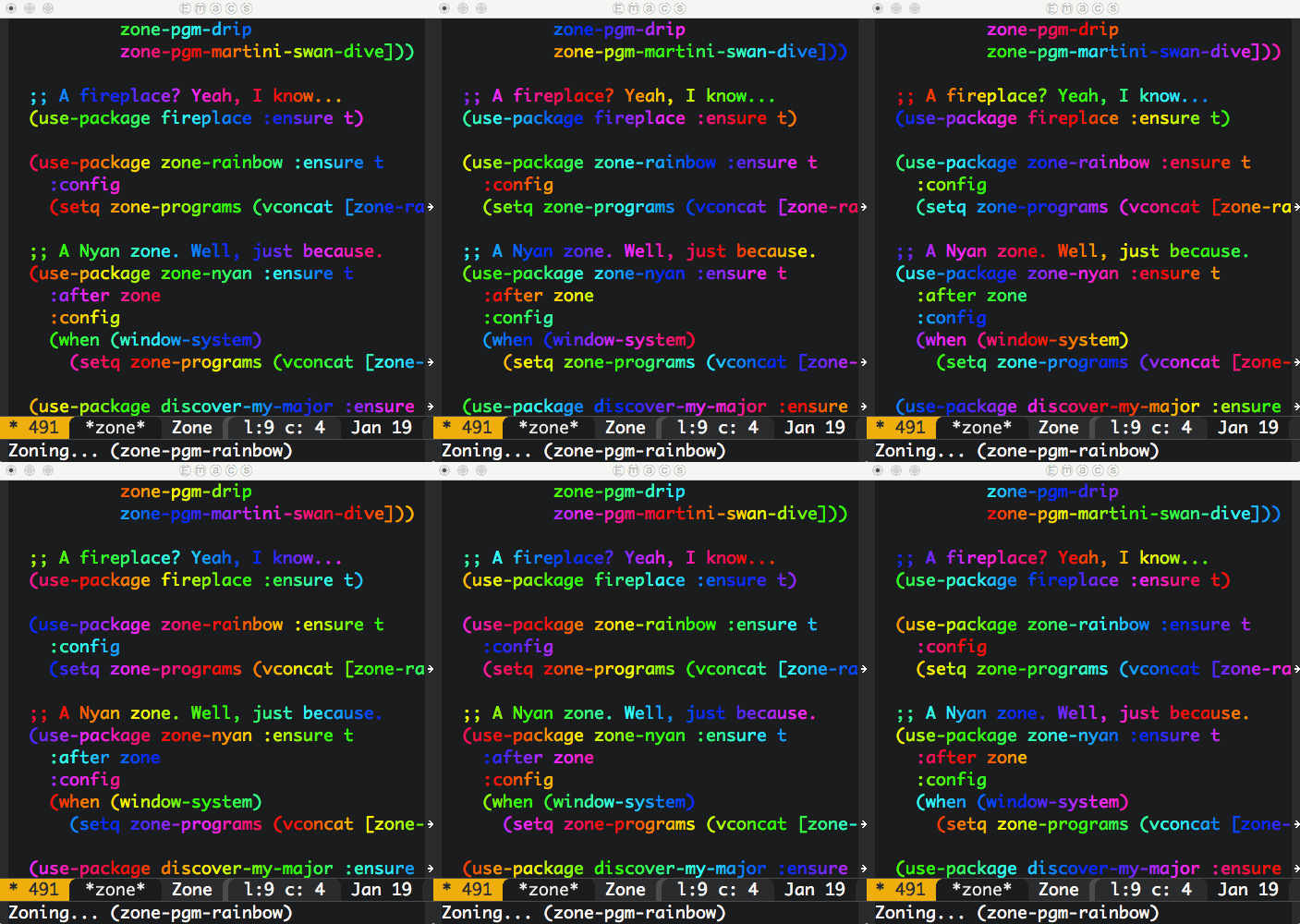
- ⌃⌘Y or ⌘\ continue.
- F8 or ⇧⌘; step out.
- F7 or ⌘; step in.
- F6 or ⌘’ step over.
(lldb) expr @import UIKit
Shorten typing by creating aliases in ~/.lldbinit:
command alias uikit expr @import UIKit
command alias foundation expr @import Foundation
[DONE]{.done .DONE} Clang-based C/C++/Objective-C refactoring toolset (unmaintained).
[DONE]{.done .DONE} SimSim: access to application data folders.
[DONE]{.done .DONE} xcpretty (fast and flexible formatter/prettifier for xcodebuild output).
[DONE]{.done .DONE} xctool.
]]>$ gsettings set org.gnome.desktop.interface gtk-key-theme "Emacs"
or if on Cinnamon:
$ gsettings set org.cinnamon.desktop.interface gtk-key-theme Emacs
If your desktop environment is not running gnome-settings-daemon, start it with:
$ gnome-settings-daemon
More at Emacs Keybindings in Chrome Without Gnome and How to get Emacs key bindings in Ubuntu.
]]>brew install llvm --with-clang
Configure Emacs
(use-package irony :ensure t
:config
(add-hook 'objc-mode-hook 'irony-mode)
(add-hook 'irony-mode-hook 'irony-cdb-autosetup-compile-options))
(use-package company-irony :ensure t
:config
(add-hook 'objc-mode-hook (lambda ()
(setq-local company-backends '((company-irony)))))
(add-hook 'irony-mode-hook 'company-irony-setup-begin-commands))
install irony server
Run:
M-x irony-install-server
NOTE: Needs libclang: Install with "brew install llvm –with-clang" By default, irony-install-server did not find libclang on Mac OS. irony-install-server invokes cmake for you. Work around by adding:
-DCMAKE_PREFIX_PATH=/Users/your-user-name/homebrew/opt/llvm
For example:
cmake -DCMAKE_PREFIX_PATH=/Users/your-user-name/homebrew/opt/llvm -DCMAKE_INSTALL_PREFIX\=/Users/your-user-name/.emacs.d/irony/ /Users/your-user-name/.emacs.d/elpa/irony-20160106.1223/server && cmake --build . --use-stderr --config Release --target install
Compilation database
Install xctool
brew install xctool
Generate compilation database
xctool -sdk iphonesimulator -arch x86_64 -scheme SomeScheme -reporter pretty -reporter json-compilation-database:compile_commands.json clean build
Set Irony's database path
]]>M-x irony-cdb-json-add-compile-commands-path
(use-package highlight-symbol :ensure t
:config
(set-face-attribute 'highlight-symbol-face nil
:background "default"
:foreground "#FA009A")
(setq highlight-symbol-idle-delay 0)
(setq highlight-symbol-on-navigation-p t)
(add-hook 'prog-mode-hook #'highlight-symbol-mode)
(add-hook 'prog-mode-hook #'highlight-symbol-nav-mode))
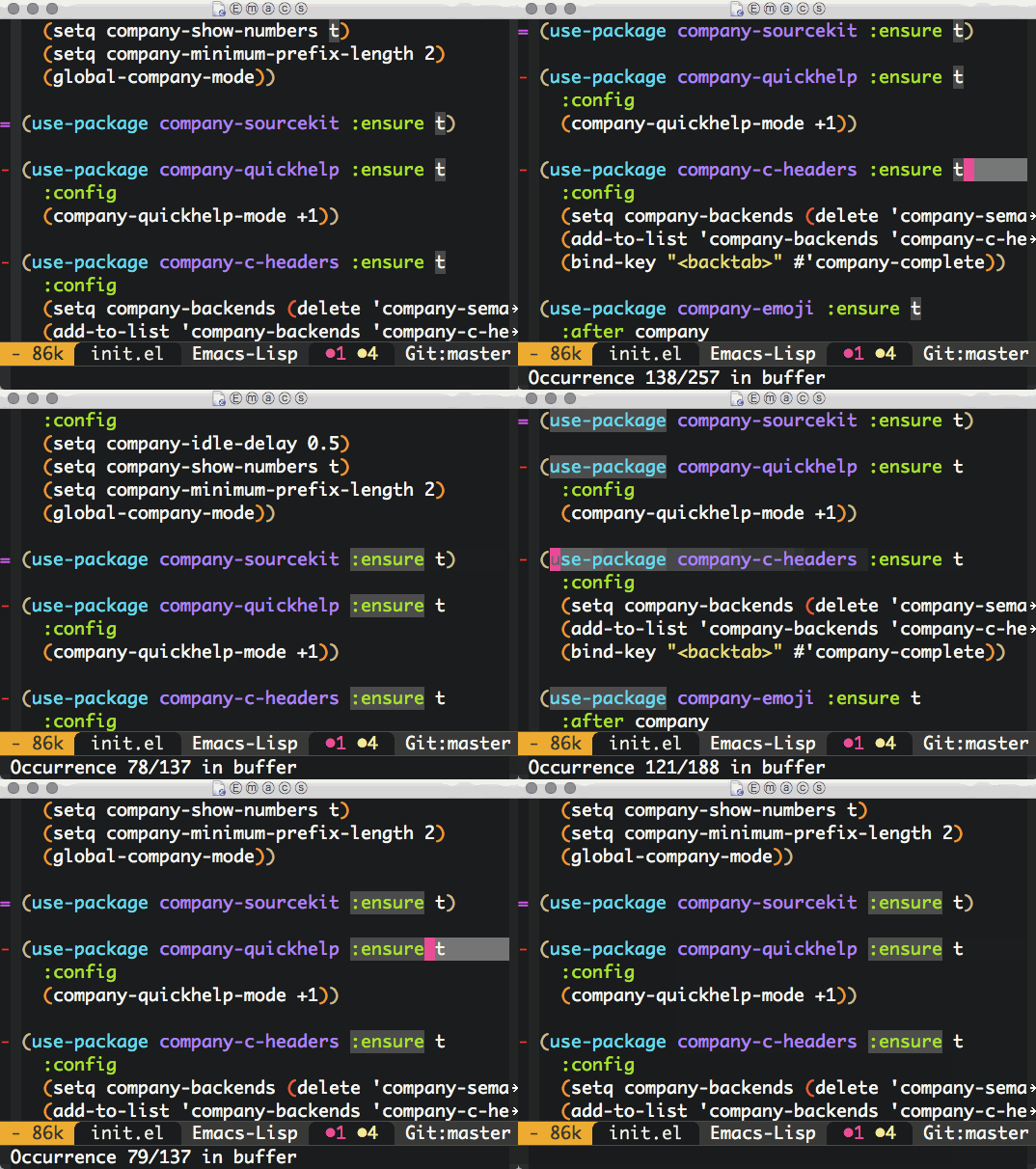
Anger
"I do get angry, but I feel angry with myself for it. Full conquest of anger is possible only through self-realization. We should love even those who have the worst opinion of us. This is ahimsa, the rest is only ignorance."
Bad handwriting
"I am now of opinion that children should first be taught the art of drawing before learning how to write. Let the child learn his letters by observation as he does different objectives, such as flowers, birds, etc., and let him learn handwriting only after he has learned to draw objects."
Conduct of the Ashram
"Service without humility is selfishness and egotism."
Eating
"There is a great deal of truth in the saying that man becomes what he eats. The grosser the food, the grosser the body."
Heart
"There are chords in every human heart. If we only know how to strike the right chord, we bring out the music."
Moral law
The law of truth and love.
Renouncing or forgoing
Nishkulanand sings: "Renunciation of objects, without the renunciation of desires, is short-lived, however hard you may try."
Silence
"Man spoils matters much more by speech than by silence."
Time
"Every minute that runs to waste never returns. Yet, knowing this, how much time do we waste?"
The palate
"Turn to the birds and beasts, and what do you find? They never eat merely to please the palate, they never go on eating till their inside is full to overflowing. And yet, we regard ourselves as superior to the animal creation!"
Vow of Swadeshi
"The person who has taken the vow of swadeshi will never use articles which conceivably involve violation of truth in their manufature or on the part of their manufacturers."
]]>- Block time away from reactive tasks (email).
- Business = wasted energy.
- Exercise, sleep, and 90 minute work bursts.
- Incomplete tasks prompt healthy thinking out of context.
- Time off or stepping back is invaluable.
- Genuinely help were most successful/enjoyable.
- Plan for saying no while highlighting priority and seeking feedback.
- Measure important behavior change.
- Make time now (automate, simplify, etc.).
- 1 teaspoon of salt.
- 1.5 cups of milk.
- 2 cups of flour.
- 2 eggs.
- 2 tablespoons sugar.
- 4 tablespoons of melted butter.
- 6 teaspoons of baking powder.
Makes 10/11 pancakes.
Dal Makhani (Buttered black lentils)

Roti-Chapati-Phulka

which -a emacsclient
/Users/user/homebrew/bin/emacsclient
/usr/bin/emacsclient
I always forget about type though:
type -a emacsclient
emacsclient is /Users/user/homebrew/bin/emacsclient
emacsclient is /usr/bin/emacsclient
{prefix}/lib/node_modules
vs
path/to/project/node_modules
View npm config
npm config list
; cli configs
user-agent = "npm/2.14.2 node/v4.0.0 darwin x64"
; node bin location = /Users/user/.nvm/versions/node/v4.0.0/bin/node
; cwd = /Users/user/stuff/active/blog
; HOME = /Users/user
; 'npm config ls -l' to show all defaults.
Get config value
npm config get prefix
/Users/user/.nvm/versions/node/v4.0.0
Set config value
npm config set prefix=$HOME/some/location
Install package globally
node install --global <package-name>
or
node install -g <package-name>
List global packages
npm list --global
You can also use –depth=0 to make less verbose.
/Users/user/.nvm/versions/node/v4.0.0/lib
├─┬ [email protected]
│ ├── [email protected]
│ ├─┬ [email protected]
│ │ ├── [email protected]
│ │ ├── [email protected]
...
Install local package
npm install <package-name> --save
–save will add <package-name> dependency to your package.json.
package.json
See using a package.json.
Uninstall package
npm uninstall <package-name>
Install package at version
npm install <package-name>@1.7.0
Search packages
npm search linter
Online documentation
Online documentation is great so far. More at docs.npmjs.com.
]]>[DONE]{.done .DONE} Kwm: Tiling window manager with focus follows mouse for OSX.
cp ~/homebrew/Cellar/kwm/1.1.3/homebrew.mxcl.kwm.plist ~/Library/LaunchAgents/
launchctl load ~/Library/LaunchAgents/homebrew.mxcl.kwm.plist
[DONE]{.done .DONE} Turn off shadows with ShadowToggle.
[DONE]{.done .DONE} Disk Inventory X: disk usage utility for Mac.
]]>
(defun ar/helm-helm (title candidates on-select-function)
"Helm with TITLE CANDIDATES and ON-SELECT-FUNCTION."
(helm :sources `((name . ,title)
(candidates . ,candidates)
(action . ,on-select-function))
:buffer "*helm-exec*"
:candidate-number-limit 10000))
(defun ar/shell-send-command (command)
"Send COMMAND to shell mode."
(assert (string-equal mode-name "Shell") nil "Not in Shell mode")
(goto-char (point-max))
(comint-kill-input)
(insert command)
(comint-send-input))
(defun ar/helm-shell-search-history ()
"Narrow down bash history with helm."
(interactive)
(assert (string-equal mode-name "Shell") nil "Not in Shell mode")
(ar/helm-helm "bash history"
(with-temp-buffer
(insert-file-contents "~/.bash_history")
(reverse
(delete-dups
(split-string (buffer-string) "\n"))))
#'ar/shell-send-command))
Bonus: Replace existing M-r binding to use ar/helm-shell-search-history.
(bind-key "M-r" #'ar/helm-shell-search-history shell-mode-map)
$ find . -exec file --mime-type '{}' \;
./AUTORUN.INF: text/plain
./DICOMDIR: application/dicom
./MediaViewerLauncher.EXE: application/octet-stream
...
./Libraries/BASEPRINTER.DLL: application/octet-stream
./Libraries/CDDATABURNER.DLL: application/octet-stream
./Libraries/COM.DLL: application/octet-stream
...
./Libraries/ACE.DLL: application/octet-stream
./Libraries/ACE_SSL.DLL: application/octet-stream
./Libraries/ATL90.DLL: application/octet-stream
...
./DICOM/PAT_0000: application/x-directory
./DICOM/PAT_0000/STD_0000/SER_0000/OBJ_0001/IM_0001: application/dicom
./DICOM/PAT_0000/STD_0000/SER_0001/OBJ_0001/ED_0001: application/dicom
./DICOM/PAT_0000/STD_0000/SER_0002/OBJ_0001/ED_0001: application/dicom
./Worklist/ClinicalInfo/067eccde-b299-e511-9114-005056ad3afe.mht: text/html
./Worklist/Report/067eccde-b299-e511-9114-005056ad3afe.mht: text/html
./Worklist/Worklist.wl: application/octet-stream
I'm on a Mac, so most of these files were not useful to me. The more interesting files were IM_0001 and ED_0001 with "application/dicom" MIME type. DICOM files stand for Digital Imaging and Communications in Medicine. How to view these on a Mac? OsiriX viewer is an option. OsiriX, though on the heavy side (100.7MB download), it rendered the X-ray successfully.

Unsurprisingly, ImageMagick's convert utility also handles DICOM files. Converting to PNG worked well.
$ convert ./DICOM/PAT_0000/STD_0000/SER_0001/OBJ_0001/ED_0001 ED_0001.png

DICOM files also hold patient's metadata and optional reports. The file format is well known. OsiriX gives you access to it, but a few lines of python can also extract it for you. First install the pydicom package:
$ sudo pip install pydicom
Running the python interpreter is enough to peek at the metadata:
>>> import dicom
>>> ds = dicom.read_file("./DICOM/PAT_0000/STD_0000/SER_0000/OBJ_0001/IM_0001")
>>> ds
(0008, 0000) Group Length UL: 400
(0008, 0005) Specific Character Set CS: 'ISO_IR 100'
(0008, 0016) SOP Class UID UI: Computed Radiography Image Storage
(0008, 0020) Study Date DA: '20151203'
(0008, 0021) Series Date DA: '20151203'
(0008, 0023) Content Date DA: '20151203'
(0008, 0030) Study Time TM: '120519.000000'
(0008, 0031) Series Time TM: '120520.000000'
(0008, 0033) Content Time TM: '120643.000000'
(0008, 0060) Modality CS: 'CR'
(0008, 0070) Manufacturer LO: 'Canon Inc.'
...
There were other DICOM files with a report:
>>> import dicom
>>> ds = dicom.read_file("./DICOM/PAT_0000/STD_0000/SER_0001/OBJ_0001/ED_0001")
>>> ds
(0008, 0005) Specific Character Set CS: 'ISO_IR 100'
(0008, 0016) SOP Class UID UI: Encapsulated PDF Storage
...
(0042, 0012) MIME Type of Encapsulated Document LO: 'application/pdf'
DCMTK is another alternative tool to extract DICOM metadata. The source is available and can be built:
$ tar xf dcmtk-3.6.0.tar.gz
$ cd dcmtk-3.6.0
$ cmake .
$ make
Or installed via homebrew:
$ brew install dcmtk
DCMTK includes dcmdump. You can use it to dump DICOM files:
$ dcmdata/apps/dcmdump DICOM/PAT_0000/STD_0000/SER_0000/OBJ_0001/IM_0001
# Dicom-File-Format
# Dicom-Meta-Information-Header
# Used TransferSyntax: Little Endian Explicit
(0002,0000) UL 192 # 4, 1 FileMetaInformationGroupLength
(0002,0001) OB 01\00 # 2, 1 FileMetaInformationVersion
(0002,0002) UI =ComputedRadiographyImageStorage # 26, 1 MediaStorageSOPClassUID
(0002,0003) UI [1.2.392.200046.100.2.1.1.42667.20151203120519.1.1.1] # 52, 1 MediaStorageSOPInstanceUID
(0002,0010) UI =LittleEndianExplicit # 20, 1 TransferSyntaxUID
(0002,0012) UI [1.3.46.670589.42.1.4.4.5] # 24, 1 ImplementationClassUID
(0002,0013) SH [PhilipsISPACS445] # 16, 1 ImplementationVersionName
...
Of interest, David Clunie's Medical Image Format Site.
]]>=GOOGLETRANSLATE("Hello World\n","en\n","es")
=GOOGLETRANSLATE(A2,B2,C2)
=GOOGLETRANSLATE(A2)
mogrify -type Grayscale image.png
(use-package dired-subtree :ensure t
:after dired
:config
(bind-key "<tab>" #'dired-subtree-toggle dired-mode-map)
(bind-key "<backtab>" #'dired-subtree-cycle dired-mode-map))

gpg --full-generate-key
Export private key
gpg --export-secret-key -a <keyid> > <private.asc>
Import key
gpg --import < <private.asc>
Delete public key
gpg --delete-keys <keyid>
Delete private key
gpg --delete-secret-keys <keyid>
Edit key
gpg --edit-key <keyid>
gpg> uid (lists IDs)
gpg> uid 2 (marks ID)
gpg> deluid (deletes marked ID)
Really remove this user ID? (y/N) y
Change passphrase of the secret key
gpg --edit-key Your-Key-ID-Here
gpg> passwd
gpg> save
References
]]>rsync --rsync-path=/usr/local/bin/rsync \
--partial \
--progress \
--rsh=ssh \
john@host:/path/to/file \
path/to/partial/file
]]>$ curl -O https://storage.googleapis.com/dart-archive/channels/stable/release/1.13.0/sdk/dartsdk-macos-x64-release.zip
$ unzip dartsdk-macos-x64-release.zip
$ export PATH=`pwd`/dart-sdk/bin:$PATH
Verify with:
$ pub --version
$ dart path/to/bin/snapshots/analysis_server.dart.snapshot --sdk=path/to/dart-sdk
NOTE: The server reads requests from standard input. Either escape or execute the following as one-liner json requests.
{
"id": "1\n",
"method": "analysis.setAnalysisRoots\n",
"params": {
"included": [
"path/to/your/dart/project"
],
"excluded": []
}
}
{
"id": "3\n",
"method": "completion.getSuggestions\n",
"params": {
"file": "path/to/some/file.dart\n",
"offset": 673
}
}
(use-package spaceline :ensure t
:config
(use-package spaceline-config
:config
(spaceline-toggle-minor-modes-off)
(spaceline-toggle-buffer-encoding-off)
(spaceline-toggle-buffer-encoding-abbrev-off)
(setq powerline-default-separator 'rounded)
(setq spaceline-highlight-face-func 'spaceline-highlight-face-evil-state)
(spaceline-define-segment line-column
"The current line and column numbers."
"l:%l c:%2c")
(spaceline-define-segment time
"The current time."
(format-time-string "%H:%M"))
(spaceline-define-segment date
"The current date."
(format-time-string "%h %d"))
(spaceline-toggle-time-on)
(spaceline-emacs-theme 'date 'time))

--- a/lisp/emacs-lisp/package.el
+++ b/lisp/emacs-lisp/package.el
@@ -1161,6 +1161,7 @@ package--with-work-buffer
(let* ((url (concat ,url-1 ,file))
(callback (lambda (status)
(let ((b (current-buffer)))
+ (goto-char (point-min))
(unwind-protect (wrap-errors
(when-let ((er (plist-get
status :error)))
(error "Error retrieving: %s %S" url er))
[TODO]{.todo .TODO} A Simple Formula for Changing Our Behavior.
[TODO]{.todo .TODO} Be Grateful More Often.
[TODO]{.todo .TODO} GTD sucks for creative work.
[TODO]{.todo .TODO} Land, Capital, Attention: This Time it Is the Same.
[TODO]{.todo .TODO} Mindset: What You Believe Affects What You Achieve (Gates Notes).
[TODO]{.todo .TODO} The Case for Getting Rid of Borders—Completely.
[TODO]{.todo .TODO} The Ultimate Guide to Personal Productivity Methods.
[TODO]{.todo .TODO} Thing Explainer: A Basic Guide for Curious Minds (Gates Notes).
[TODO]{.todo .TODO} Your body language shapes who you are.
]]>brew update
brew install emacs --HEAD --use-git-head --with-cocoa --with-srgb --with-gnutls
brew linkapps emacs
Development
brew update
brew install emacs --devel --with-cocoa --with-srgb --with-gnutls
brew linkapps emacs
then
Had problems loading seq. Removed byte-compiled packages:
$ find ~/.emacs.d/elpa -iname *.elc -exec rm '{}' \;
- 160 g dry chickpeas.
- 4 cloves garlic minced.
- 1 tsp fine sea salt.
- 1 1/2 tbsp lemon juice.
- 1/4 tsp ground cumin.
- 6 tbsp tahini paste.
- 2/3 cup cooking water.
- Extra virgin olive oil, for serving.
- Red pepper flakes, for serving.
- Zahter mixture, for serving.
- Soak chickpeas overnight.
- Discard water and rinse chickpeas.
- Cook in low heat (about 5 cups water) for 1.5 hours for until soft (but keeping shape.) Check if can be mashed with thumnb.
- Save cooking water.
- Peal chickpeas (optional).
- Blend ingredients until silky paste. Taste and add lemon/salt/cooking water.
Keeps in fridge for 3-4 days. Freeze otherwise.


][Dockerfile Best Practices | Hacker News]].
- A Beginner’s Guide To Docker Compose – Linux Hint.
- Basic Docker Commands for Beginners | Hacker News.
- Docker for Beginners (Hacker News).
- Docker for Beginners.
- How To Remove Docker Images, Containers, and Volumes | DigitalOcean.
- Simplifying Docker on OS X (Hacker News).
- What problems have you run into in practice when using containers?.
Can't find a python package in Binstar? Here's a post on Using PyPi Packages with Conda. If that fails, you can try pip from your Conda python environment.
]]>pkill -SIGUSR2 emacs
ps. Not had a chance to try it, but next time it happens…
]]>Mon Tue Wed Thu Fri Sat Sun
Oct 26 Oct 27 Oct 28 Oct 29 Oct 30 Oct 31 Nov 1 60 min 30 min 2k @ 4.55/k rest 105 min 2 min rest ✔ (repeat x 3) Nov 2 Nov 3 Nov 4 Nov 5 Nov 6 Nov 7 Nov 8 30 min 30 min 1k @ 4.50/k 30 min 30 min rest 5k @ 4.55/k 90 sec rest (repeat x 5) Nov 9 Nov 10 Nov 11 Nov 12 Nov 13 Nov 14 Nov 15 10k easy 30 min 1k @ 4.55/k 30 min 30 min rest race day 1 min easy (repeat x 3)
]]>2.5 w/u to 4x([email protected] w/0.25R@7) to 3x([email protected] w/0.5R@7) to 2.5 c/d.
Is read from left to right as:
2.5 mile warm up to four times through 1.25 miles at 11.5 miles per hour with 0.25 miles recovery at 7 miles per hour to three times through 3.75 miles at 10.5 miles per hour with 0.5 miles recovery at 7 miles per hour to 2.5 miles cool down.
import distutils.spawn
print distutils.spawn.find_executable('git')
/usr/bin/git

(require 'enlive) ;; https://github.com/zweifisch/enlive
(require 'org)
(defun ar/input-clipboard-url-or-prompt ()
"Return a URL from clipboard or prompt user for one."
(let* ((clipboard (current-kill 0))
(url (if (string-match "^https?://" clipboard)
clipboard
(read-string "URL: "))))
(unless (string-match "^https?://" url)
(error "Not a URL"))
url))
(defun ar/url-fetch-anchor-elements (url)
"Fetch anchor elements in URL as list of alist:
\((title . \"my title\")
(url . \"http://some.location.com\"))."
(let ((elements (enlive-query-all (enlive-fetch url) [a])))
(mapcar (lambda (element)
`((title . ,(enlive-text element))
(url . ,(enlive-attr element 'href))))
elements)))
(defun ar/url-view-links-at ()
"View external links in HTML from prompted URL or clipboard."
(interactive)
(with-current-buffer (get-buffer-create "*links*")
(org-mode)
(view-mode -1)
(erase-buffer)
(mapc (lambda (anchor)
(let-alist anchor
(when (and .url (string-match "^http" .url))
(insert (org-make-link-string .url
.title) "\n"))))
(ar/url-fetch-anchor-elements
(ar/input-clipboard-url-or-prompt)))
(delete-duplicate-lines (point-min) (point-max))
(goto-char (point-min))
(toggle-truncate-lines +1)
(view-mode +1)
(switch-to-buffer (current-buffer))))
UPDATE(2019-04-13): Refreshed post with latest code from my init. Thanks to Gijs for pinging.
]]>
(require 'helm-projectile)
(defun ar/shell-cd (dir-path)
"Like shell-pop--cd-to-cwd-shell, but without recentering."
(unless (string-equal mode-name "Shell")
(error "Not in Shell mode"))
(message mode-name)
(goto-char (point-max))
(comint-kill-input)
(insert (concat "cd " (shell-quote-argument dir-path)))
(let ((comint-process-echoes t))
(comint-send-input)))
(defun ar/helm-projectile-shell-cd ()
"Change shell current working directory using helm projectile."
(interactive)
(unless (string-equal mode-name "Shell")
(error "Not in Shell mode"))
(let ((helm-dir-source (copy-tree helm-source-projectile-directories-list)))
(add-to-list 'helm-dir-source '(action . ar/shell-cd))
(add-to-list 'helm-dir-source '(keymap . nil))
(add-to-list 'helm-dir-source '(header-line . "cd to directory..."))
(helm :sources helm-dir-source
:buffer "*helm-dirs*"
:candidate-number-limit 10000)))


Edit: Similar post here.
]]>// Requisite: npm install node-fetch --save
// Save to fetch-demo.js
// Run: node fetch-demo.js
var fetch = require('node-fetch');
fetch("http://xenodium.com/data/javascript-fetch-node-sample/message.json\n", {
method: 'GET',
timeout: 5000
}).then(function(response) {
return response.json();
}).then(function(response) {
console.log('subject: ' + response.subject);
console.log('body: ' + response.body);
}).catch(function(reason) {
console.log(reason);
});
Installed WordNet on Mac:
$ brew install wordnet
Want a word ending in "esome"?
$ wn esome -grepn -grepv -grepa -grepr | egrep -o -e "\w*esome\b" | sort | uniq
adventuresome
awesome
blithesome
bunglesome
cuddlesome
esome
fivesome
gruesome
lithesome
lonesome
lovesome
meddlesome
mettlesome
nettlesome
threesome
tiresome
torturesome
troublesome
unwholesome
venturesome
wholesome
Single GOPATH
$GOPATH/src/github.com/soundcloud/foo
Repo structure
github.com/soundcloud/whatever
-
README.md
-
Makefile
-
main.go
-
support.go
-
foo
-
foo.go
-
bar.go
-
-
whatever-server
- main.go
-
wharever-worker
- main.go
Formatting and style
Use gofmt.
Google's codereview guidelines.
Avoid named return parameters.
Avoid make and new (unless you know sizes).
Use struct{} for sentinel values: sets, signal chans.
-
Conveys no information in it this part.
-
Instead of empty interface.
-
instead of boolean.
Break long lines at parameters
-
No need to compact.
-
Keep trailing coma in last argument.
Flags
func main() {
var (
foo = flags.String("foo\n", "doch\n", "...")
bar = flat.Int("bar\n", 34, "...")
)
flag.Parse()
// ...
}
Logging
-
package log
-
Telemetry
-
Push model (gets expensive over time)
-
Graphite
-
Statsd
-
AirBrake
-
-
Pull model (chosen)
-
expvar
-
Prometheus
-
Testing
-
package testing
-
Unit tests
-
reflect.DeepEqual
-
-
Integration
-
Use flags for starting services
-
// +build integration
-
Code validation
-
On Save
-
Go fmt
-
Go import (go fmt++)
-
-
On Build
-
Go vet
-
Golint
-
Go test
-
-
On Deploy
- go test -tags=integration
-
GoCov?
Dependency management
-
Unimportant projects
- go get -d (and hope)
-
Important
-
VENDOR (ie. copy into your repo)
-
Git submodules (no!).
-
Git subtrees (seem OK).
-
Tool (godep?).
-
Build
-
For binaries (use _vendor subdir)
-
-
$ pip
Traceback (most recent call last):
File "/usr/local/bin/pip\n", line 5, in <module>
from pkg_resources import load_entry_point
File "/System/Library/Frameworks/Python.framework/Versions/2.7/Extras/lib/python/pkg_resources.py\n", line 2793, in <module>
working_set.require(__requires__)
File "/System/Library/Frameworks/Python.framework/Versions/2.7/Extras/lib/python/pkg_resources.py\n", line 673, in require
needed = self.resolve(parse_requirements(requirements))
File "/System/Library/Frameworks/Python.framework/Versions/2.7/Extras/lib/python/pkg_resources.py\n", line 576, in resolve
raise DistributionNotFound(req)
pkg_resources.DistributionNotFound: pip==1.1
Updating my pip installation fixes the break:
$ sudo easy_install -U pip
There's a corner in Chinatown hosting some truly superb treats. If you get caught in the rush between Newport court and Newport place, you'd likely fail to notice some the awesome street food stands.


Chilly squid
I've walked past this place many times and never noticed it. They serve a handful of items, but the grilled chilly squid skewers caught my attention. They're grilled, brushed with chilly sauce and finished with sprinkled sesame and cumin seeds. Super tasty.


Pancake + Crisp + Egg + Hot chillies = Jiān Bǐng 煎餅
I first had these delicious breakfast savory pancakes at a Beijing street food stall. Never expected to randomly find Jiān Bǐng in London. It's a crepe with an additional egg spread, hoisin sauce, chilly sauce, hot chillies, topped with spring onions and coriander, all wrapping a wonderfully crispy bread cracker. And.. it's awesome.
Tai Yaki
Chinatown Bakery is hard to miss. Pedestrian traffic slows down as we all fall under the spell of the Tai Yaki machine. This wonderful assembly line produces fish-shaped sweet waffles filled with custard. They are the perfect dessert after some savory street snacks. You can get a bag of 4 for £2.


All near each other
All these delights are within a stone's throw away from each other.

Useful?
Was this post useful to you? do reply!
Better suggestion?
London is full of overhyped, gimmicky, and unnecessarily expensive restaurants. Very few deliver truly awesome food (even those expensive ones). Got suggestions? I'd love to hear from you @xenodium.
]]>

$ mogrify -resize 10% *.png
Using dimensions:
$ mogrify -resize 120x120 *.png
Lots of other alternatives from ImageMagick's documentation:
-resize scale% -resize scale-x%xscale-y% -resize width -resize xheight -resize widthxheight -resize widthxheight^ -resize widthxheight! -resize widthxheight> -resize widthxheight< -resize area@
Fix image aspect ratios for Instagram:
$ mogrify -resize 1080x1350 -gravity center -extent 1080 *.jpg
Lucky 7 is a small nostalgic American diner on Westbourne Park road. I like the vibe, the space, and the unpretentious waiting staff. I go to Lucky 7 often enough, originally for the buttermilk pancakes, but the list of favorites on the menu keeps growing.


Smileys by w.dyer.
Buttermilk Banana pancakes
These are my favorite pancakes in London by far. Banana buttermilk pancakes and a few free coffee refills usually sort me out until dinner time. Add a side of bacon if extra hungry. You probably don't need it though.


Reuben sandwich
The reuben has been on Lucky 7's specials menu for months now. Not had many of these in London, but compared to The Brass Rail's, this reuben was a clear winner. The sandwich is huge and comes with fries. My girlfriend and I struggled to finish one between the two of us.


Vanilla milkshake (add malt!)
This milkshake hits the spot every time, but it's filling. You almost have to decide between the shake and an actual meal. If you must have it, add malt. Sorry, no picture.
Huevos Rancheros
This is a breakfast dish I can equally make (better?) at home, but Lucky 7 wins hands down every time I'm feeling particularly lazy. Sorry, no picture.
Useful?
Was this post useful to you? do reply!
Better suggestion?
London is full of overhyped, gimmicky, and unnecessarily expensive restaurants. Very few deliver truly awesome food (even those expensive ones). Got suggestions? I'd love to hear from you @xenodium.
]]>$ for i in *.png; do convert -auto-orient "$i" "$i"; done


Other contenders considered: Etymotic Research HF5, and Shure SE215. Also considered bluetooth alternatives like JayBird BlueBuds X and Plantronics BackBeat GO 2.
I'm somewhat nervous to pay more for a pair of headphones. Let's hope they don't meet the same unfortunate fate. We'll see.
]]>WEEK MON TUE WED THU FRI SAT SUN
1 Rest 5 Km 5 Km Cycle Rest 5 Km 7 Km 2 Rest 5 Km 5 Km Cycle Rest 5 Km 8 Km 3 Rest 7 Km 5 Km Cycle Rest 5 Km 10 Km 4 Rest 8 Km 5 Km Cycle Rest 5 Km 12 Km 5 Rest 8 Km Rest 8 Km Rest 5 Km 14 Km 6 Rest 8 Km Rest 8 Km Rest 6 Km 16 Km 7 Rest 8 Km 8 Km 8 Km Rest 8 Km 19 Km 8 Rest 8 Km Rest 12 Km Rest 8 Km 16 Km 9 Rest 8 Km Rest 5 Km 5 Km Rest Race
My times:
WEEK MON TUE WED THU FRI SAT SUN
1 Rest ✘ 29:04 ✔ Rest 26:36 38:40 2 Rest 29:11 28:50 ✔ Rest 27:07 44:55 3 Rest 40:46 26:29 ✔ Rest ✘ 57:01 4 Rest 46:46 ✘ ✘ Rest 30:08 1:12:10 5 Rest 46:59 Rest 44:46 Rest 24:50 1:25:24 6 Rest 50:02 Rest 46:24 Rest ✘ 1:37:39 7 Rest 46:54 46:41 46:42 Rest ✘ 1:57:57 8 Rest 45:28 Rest 48:13 (8km) Rest 43:56 ✘ 9 Rest 44:24 Rest 27:12 26:09 Rest 1:58:28
]]>So far, I've kept each of these services open in separate windows. But that doesn't always work. Click on any link in your inbox and you're back to playing cleanup. This is where site-specific browsers (SSB) can help.
Epichrome enables you to build Chrome-based SSBs (on Mac OSX). Build an SSB for the usual suspects and easily jump to them using the app switcher.

More at OSX Chrome SSB and Quora thread
UPDATE: Enable the Chrome extension to open URLs in default browser.

And choose the default browser to open URLs.

ar/open-build-file searches your current and parent directories to find a build file.
(defvar ar/project-file-names '("Makefile" "SConstruct" "BUILD"))
(defun ar/parent-directory (path)
"Get parent directory for PATH."
(unless (equal "/" path)
(file-name-directory (directory-file-name path))))
(defun ar/find-upwards (path filename)
"Search upwards from PATH for a file named FILENAME."
(let ((file (concat path filename))
(parent (ar/parent-directory (expand-file-name path))))
(if (file-exists-p file)
file
(when parent
(ar/find-upwards parent filename)))))
(defun ar/open-closest (filename)
"Open the closest FILENAME in current or parent dirs (handy for finding Makefiles)."
(let ((closest-file-path (ar/find-upwards (buffer-file-name)
filename)))
(when closest-file-path
(message closest-file-path)
(switch-to-buffer (find-file-noselect closest-file-path)))
closest-file-path))
(defun ar/open-build-file ()
"Open the closest project file in current or parent directory.
For example: Makefile, SConstruct, BUILD, etc.
Append `ar/project-file-names' to search for other file names."
(interactive)
(catch 'found
(mapc (lambda (filename)
(when (ar/open-closest filename)
(throw 'found t)))
ar/project-file-names)
(error "No project file found")))
$ lipo -create libOne_i386.a libOne_x86_64.a libOne_armv7.a libOne_arm64.a -output libOne.a
| Date | Item | Charge |
|------------------+----------------+----------|
| [2015-06-18 Thu] | Cash | 20.00 |
| [2015-07-11 Sat] | Lucky 7 | 42.97 |
| [2015-07-13 Mon] | Santa Maria | 32.00 |
| [2015-07-12 Sun] | Tayyabs | 46.00 |
| [2015-07-13 Mon] | The Brass Rail | 39.00 |
| [2015-07-13 Mon] | Underground | 10.00 |
| [2015-07-10 Fri] | Cash | 20.00 |
| [2015-07-13 Mon] | Cash | 20.00 |
| [2015-07-14 Tue] | Cash | 20.00 |
|------------------+----------------+----------|
| | total | £ 249.97 |
#+TBLFM: @11$3=vsum(@2..@10);£ %.2f
…while the exported HTML below could be easily pasted on to an email.
Date Item Charge
[2015-06-18 Thu] Cash 20.00 [2015-07-11 Sat] Lucky 7 42.97 [2015-07-13 Mon] Santa Maria 32.00 [2015-07-12 Sun] Tayyabs 46.00 [2015-07-13 Mon] The Brass Rail 39.00 [2015-07-13 Mon] Underground 10.00 [2015-07-10 Fri] Cash 20.00 [2015-07-13 Mon] Cash 20.00 [2015-07-14 Tue] Cash 20.00 total £ 249.97
#+TBLFM: @11$3=vsum(@2..@10);£ %.2f
(setq comint-password-prompt-regexp (concat comint-password-prompt-regexp
"\\|"
"Password for red alert:"))
- Bravi Ragazzi (Streatham).
- Homeslice (Covent Garden).
- Lord Morpeth (Hackney).
- Santa Maria (Ealing).
- Voodoo Ray's (Dalston).
- Well Kneaded Wagon (Date-dependent location).
apt-get install ffmpeg imagemagick (linux)
brew install ffmpeg imagemagick (Mac)
Convert to gif:
ffmpeg -i my.mp4 -pix_fmt rgb24 -r 5 my.gif
Optimize with:
convert -dither none -layers Optimize my.gif my_optimized.gif
UPDATE: There's also licecap and subsequently optimize with:
cat source.gif | gifsicle --colors 256 --optimize=3 --delay=15 > target.gif
UPDATE: Also consider for .mov:
ffmpeg -i in.mov -pix_fmt rgb24 -r 10 -f gif - | gifsicle --optimize=3 --delay=3 > out.gif
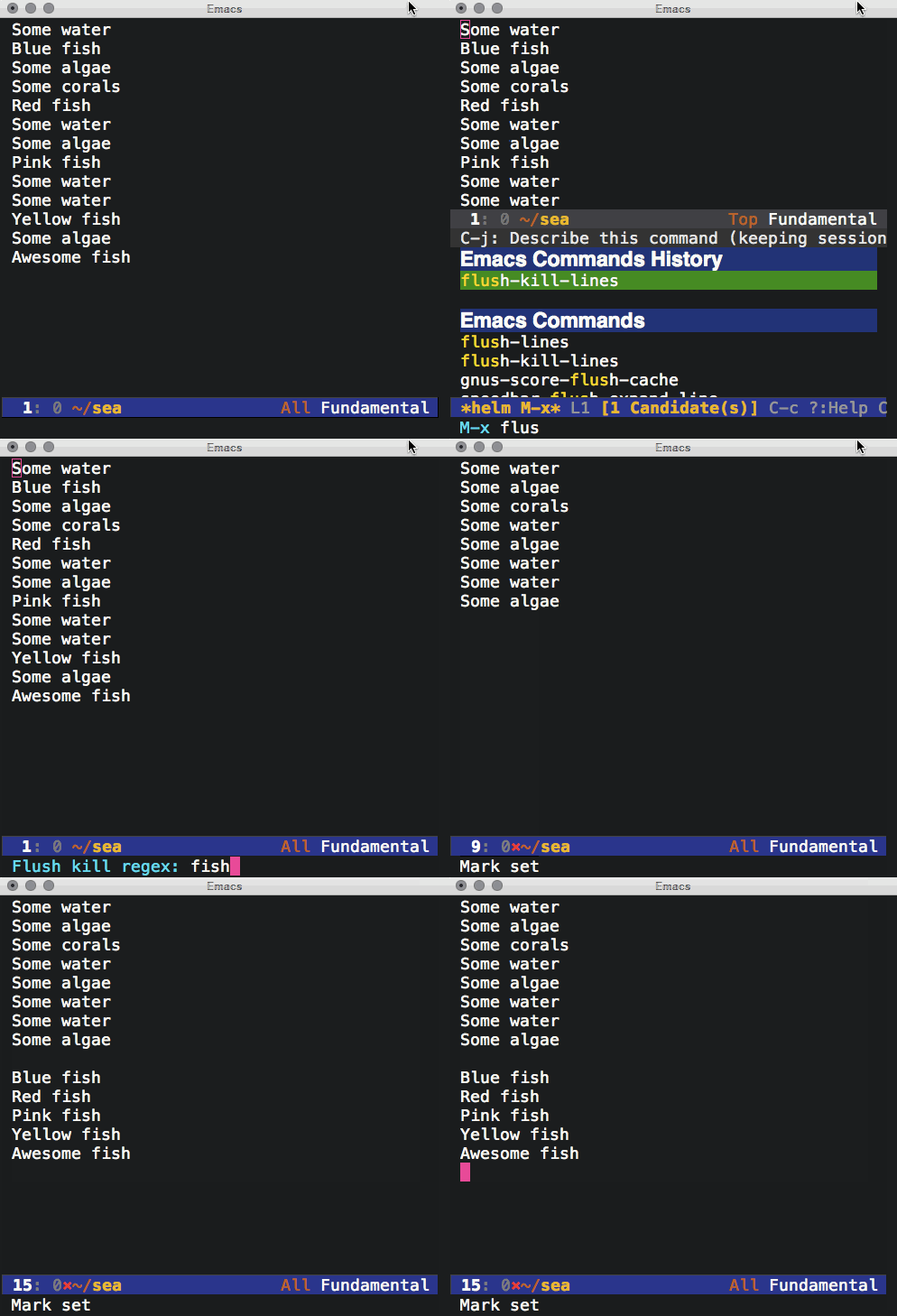
Here's the equivalent in Emacs lisp:
(defun flush-kill-lines (regex)
"Flush lines matching REGEX and append to kill ring. Restrict to \
region if active."
(interactive "sFlush kill regex: ")
(save-excursion
(save-restriction
(when (use-region-p)
(narrow-to-region (point) (mark))
(goto-char 0))
(while (search-forward-regexp regex nil t)
(move-beginning-of-line nil)
(kill-whole-line)))))

]]>System Preferences -> Keyboard -> Keyboard Tab -> Modifier Keys…
The ebook is available in epub and pdf format. Though Emacs's docview is super handy for viewing pdf's, searching didn't feel as comfortable as searching in org mode. The epub, on the other hand, proved useful. Pandoc can easily convert from epub to org.
pandoc --from=epub --to=org mastering-emacs.epub > mastering-emacs.org
After a some tidying (mostly removing BEGIN_HTML/END_HTML blocks and adding TITLE/AUTHOR), the resulting org file is surprisingly clean and easy to search/navigate. helm-swoop and helm-org-in-buffer-headings are great for that.

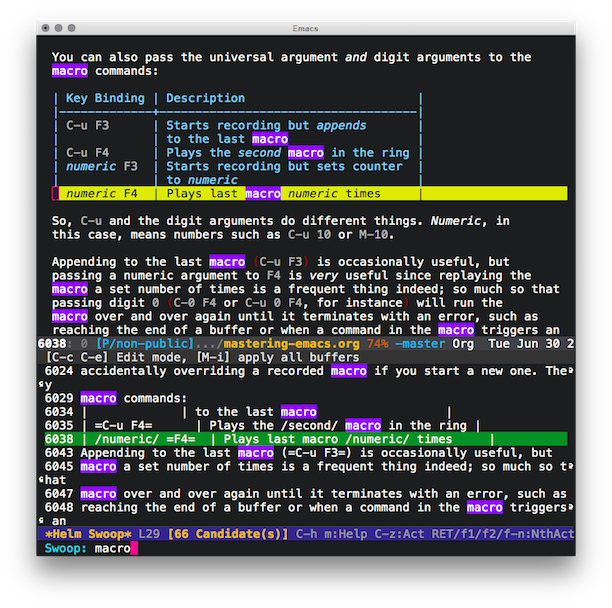

$ brew cask install wwdc
- (instancetype)retain {
NSLog(@"%p, retain\n", self);
return [super retain];
}
- (oneway void)release {
NSLog(@"%p, release\n", self);
[super release];
}
- (instancetype)autorelease {
NSLog(@"%p, autorelease\n", self);
return [super autorelease];
}
- Antipode.
- Arang.
- Bone Daddies.
- Gelupo.
- Grind.
- Holy Cow.
- Kerbisher and Malt.
- Kulu Kulu (South Ken).
- Le Relais de Venise.
- Lucky 7's.
- Royal China.
- Shree Krishna Vada Pav.
- Sri Suwoon.
- Tayyabs.
- The Cow.
- Tonkotsu.
- B. Fleischmann - I'm Not Ready For The Grave Yet.
- B. Fleischmann - Pop Loops For Breakfast.
- B. Fleischmann - Sidonie.
- B. Fleischmann - The Humbucking Coil.
- B. Fleischmann - The Tired Sounds of Stars of the Lid.
- B. Fleischmann - Welcome Tourist.
- Bexar Bexar - Haralambos.
- Budhaditya Mukherjee - Sitar Recital.
- Daft Punk - TRON: Legacy.
- General Fuzz - Soulful Filling.
- Inception (Music From The Motion Picture).
- ISAN - Lucky Cat.
- ISAN - Plans Drawn In Pencil.
- Jayanthi Kumaresh - Mysterious Duality.
- Mogwai - Les Revenants.
- Moondog - Big Cat.
- Moonrise Kingdom (Original Soundtrack).
- Nico Muhly - Drones.
- Paul Leonard-Morgan - Limitless (Original Motion Picture Soundtrack).
- Robert Scott Thompson - Upon the Edge of Night.
- Ryan Miller - The Kings of Summer (Jordan Vogt-Roberts' Original Motion Picture Soundtrack).
- Stars of the Lid - And Their Refinement of the Decline.
- Start of the Lid - Gravitational Pull vs. The Desire for an Aquatic Life.
- Terry Riley - A Rainbow In Curved Air; Poppy Nogood and the Phantom Band.
- Trent Reznor & Atticus Ross - The Social Network (Soundtrack from the Motion Picture).
- Trentemøller - Into The Great Wide Yonder.
- Tycho - Awake.
- Various Artists - Singing Strings From India.
- vitling: Triple Saw (algorithmic music) #algorave.
- Whiplash (Original Motion Picture Soundtrack).
- Youth Lagoon - The Year Of Hibernation.


M-x flush-lines RET ^$ RET
NSString *tempDir = NSTemporaryDirectory();
NSLog(@"%@\n", tempDir);
NSString *dataFilePath = [tempDir stringByAppendingPathComponent:@"my.file"];
[data writeToFile:dataFilePath atomically:YES];
]]>#!/bin/bash
set -o nounset
set -o errexit
# Based on instructions from:
# http://blog.hardcodes.de/articles/63/building-clang-format-and-friends-on-osx-mountain-lion
readonly LLVM_DIR_PATH='/tmp/llvm'
update_repo() {
if [[ ! -d $1 ]]; then
git clone $2
else
cd $1
git pull
cd ..
fi
cd ..
}
update_all_repos() {
update_repo "llvm" "http://llvm.org/git/llvm.git"
pushd "${LLVM_DIR_PATH}/llvm/tools"
update_repo "clang" "http://llvm.org/git/clang.git"
popd
cd "../../${LLVM_DIR_PATH}/llvm/tools/clang/tools"
update_repo "clang-tools-extra" "http://llvm.org/git/clang-tools-extra.git"
cd "../../.."
}
build_clang() {
mkdir -p clang
mkdir -p build
cd clang
../llvm/configure --enable-libcpp --enable-cxx11 --enable-debug-symbols=no --enable-optimized --prefix="${LLVM_DIR_PATH}/build"
make install
}
mkdir -p $LLVM_DIR_PATH
cd ${LLVM_DIR_PATH}
update_all_repos
build_clang
Bonus: use clang-format-configurator.
]]>- (instancetype)initWithFrame:(CGRect)frame {
self = [super initWithFrame:frame];
if (self) {
// Disable autoresizing mask translation for parent.
self.translatesAutoresizingMaskIntoConstraints = NO;
_subview1 = [[UIView alloc] init];
// Disable autoresizing mask translation for subview.
_subview1.translatesAutoresizingMaskIntoConstraints = NO;
_subview1.backgroundColor = [UIColor redColor];
[self addSubview:_subview1];
// Creates a dictionary of bindings to be used in visual format.
NSDictionary *viewBindings = NSDictionaryOfVariableBindings(_subview1);
// H: horizontal layout
// |-50- spacing in relation to superview
// [_subview1(==50)] subview1's width
[self addConstraints:[NSLayoutConstraint constraintsWithVisualFormat:@"H:|-50-[_subview1(==50)]"
options:0
metrics:nil
views:viewBindings]];
[self addConstraints:[NSLayoutConstraint constraintsWithVisualFormat:@"V:[_subview1(==50)]"
options:0
metrics:nil
views:viewBindings]];
}
return self;
}
Also consider:
- A UIView Subclass should implement intrinsicContentSize.
- A UIView Subclass should never add constraints on neither itself (ie. self) nor superview.
References
]]>
- Mishuku
- Sancha neighborhood. Lots of places to eat.
- Sangenjaya
- Soba Noodle Kochi
- Seiki (Japanese dishes)
- Sent from my iPhone
- Sakae street
- Tokoshima (wine and yakitori)
@startuml
abstract class Singer {
abstract void sing()
void Dance()
}
skinparam monochrome true
Singer <|-- PopSinger
Singer <|-- SalsaSinger
class PopSinger {
void sing()
}
class SalsaSinger {
void sing()
}
@enduml
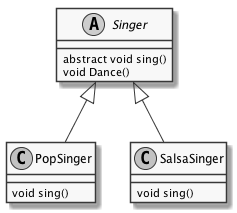
Install plantuml on Mac OS X:
brew install plantum
Generating diagram:
$GRAPHVIZ_DOT=~/homebrew/bin/dot java -jar path/to/plantuml.8018.jar diagram.plantuml
ps. Installation and verification gist.
ps2. More handy UML examples in this fork.
]]><iframe width='420'
height='315'
src='https://www.youtube.com/embed/XjKtkEMUYGc'
frameborder='0'
allowfullscreen>
</iframe>
<iframe width="420"
height="315"
src="https://www.youtube.com/embed/QRBcm6jFJ3Q"
frameborder="0"
allowfullscreen>
</iframe>
results in an embedded video when exporting your org file:
<iframe width="420"
height="315"
src="https://www.youtube.com/embed/QRBcm6jFJ3Q"
frameborder="0"
allowfullscreen>
</iframe>
(use-package git-commit-training-wheels-mode :ensure t
:commands (git-commit-training-wheels-mode))
(use-package git-commit-mode :ensure t
:config
(add-hook 'git-commit-mode-hook 'git-commit-training-wheels-mode)
:commands (git-commit-mode))
Another great post by Chris Beams.
]]>(defun org-html-fontify-code (code lang)
;; ...
(funcall lang-mode)
;;;;;;;;;;;;;;;;;;;;;;;;;;;;;;;;;;;;;;;;;;;;;;;;;;;;;;;;;;;;;;;;;;;;
(when (require 'fill-column-indicator nil 'noerror)
(fci-mode -1))
;;;;;;;;;;;;;;;;;;;;;;;;;;;;;;;;;;;;;;;;;;;;;;;;;;;;;;;;;;;;;;;;;;;;
(insert code)
;; ...
$ pod try POD_NAME
div{
height: 200px;
background: #ccc;
display: flex;
justify-content: center;
align-items: center;
}
p{
margin: auto
}
(require 'goto-addr)
(defun ar/helm-buffer-url-candidates ()
"Generate helm candidates for all URLs in buffer."
(save-excursion
(goto-char (point-min))
(let ((helm-candidates '())
(url))
(while (re-search-forward goto-address-url-regexp
nil t)
(setq url
(buffer-substring-no-properties (match-beginning 0)
(match-end 0)))
(add-to-list 'helm-candidates
(cons url
url)))
helm-candidates)))
(defun ar/helm-buffer-urls ()
"Narrow down and open a URL in buffer."
(interactive)
(helm :sources `(((name . "Buffer URLs")
(candidates . ,(ar/helm-buffer-url-candidates))
(action . (lambda (url)
(browse-url url)))))))
$ git reset --soft HEAD~1
]]>]]>If the current defun is actually a call to `defvar', then reset the variable using its initial value expression even if the variable already has some other value. (Normally `defvar' does not change the variable's value if it already has a value.) Treat `defcustom' similarly.
$ defaults read \
/Applications/Xcode.app/Contents/Info DVTPlugInCompatibilityUUID
Additional suggestions as Stack Overflow.
]]>- Chi running.
- Chia and pinole. Random recipes here.
- Heritage Seeds.
- Ken Mierke’s Evolution running.
- Pose method.
- Quotes, references, videos, etc. at ultimate paleo guide.
Recipe by Megan Mignot, based on book references:
Mama Tita’s Pancakes
- 1 ½ cups cooked brown rice
- 1 cup coconut milk
- 2 ripe bananas
- 1 tablespoon honey
- ½ cup white cornmeal
- 2 teaspoons baking powder
- Private org drawer to prevent export:
:PRIVATE:
My super duper secret text I don't want to export.
:END:
- C-c C-p/C-c C-n Jump over sections.
- (setq org-hide-leading-stars t).
- (org-bullets-mode).
- (org-refile).
- C-u (org-refile) jumps, no refile.
- (helm-org-in-buffer-headings).
- Use completionWithItemsHandler on iOS 8.
- Sample:
NSString *title = @"Sharing on iOS bookmarks.";
NSURL *url = [NSURL URLWithString:@"http://xenodium.com/#sharing-on-ios"];
UIImage *image = [UIImage imageNamed:@"beautiful-image"];
UIActivityViewController *controller =
[[UIActivityViewController alloc]
initWithActivityItems:@[title, url, image]
applicationActivities:nil];
// self being a UIViewController.
[self presentViewController:controller animated:YES completion:nil];
- Sharing through Mail app on simulator isn't supported.
viewServiceDidTerminateWithError: Error Domain=_UIViewServiceInterfaceErrorDomain Code=3 "The operation couldn’t be completed. (_UIViewServiceInterfaceErrorDomain error 3.)" UserInfo=… {Message=Service Connection Interrupted}
- Sharing through Mail app on device is OK.
- WWDC 2014 Creating Extensions for iOS and OSX, Part 1.
- Share Extensions talk by Guy Fullerton.
- Usually view controllers in addition to plist.
- CFBundleDisplayName.
- NSExtendion.
- NSExtensionAttributes.
- NSExtensionActivationRule.
- NSExtensionAttributes.
- SLComposeServiceViewController.
- UIActivityViewController.
- Share Extensions talk by Guy Fullerton.
- WWDC 2014 Creating Extensions for iOS and OSX, Part 2.
- Want to a share URL to App Store? See Technical Q&A 1633.
(debug-on-entry 'ido-mode)
When done, use cancel.
(cancel-debug-on-entry 'ido-mode)
- Ensure DVTPlugInCompatibilityUUIDs is in Info.plist.
- Get from:
defaults read \
/Applications/Xcode.app/Contents/Info DVTPlugInCompatibilityUUID
- Luis Solanos's Xcode-RuntimeHeaders.
- Boris Bügling's Xcode-RuntimeHeaders fork.
- Building the Xcode plugin snapshots.
- Xcode Explorer enables you to explore Xcode events/notifications.
- Creating an Xcode4 plugin.
- Common Xcode plugin techniques.
- XcodeExplorer to monitor Xcode internals.
- Debugging your Xcode plugin.
$ rm -rf ~/Library/Application\ Support/Developer/Shared/Xcode/Plug-ins/Alcatraz.xcplugin
$ rm -rf ~/Library/Application\ Support/Alcatraz
ps. Removing all plugins:
$ rm -rf ~/Library/Application\ Support/Developer/Shared/Xcode/Plug-ins/*
(defun ar/prefilled-swiper ()
"Pre-fill swiper input with region."
(interactive)
(if (region-active-p)
(let ((region-text (buffer-substring (region-beginning)
(region-end))))
(swiper region-text))
(swiper)))
(global-set-key (kbd "C-s")
#'ar/prefilled-swiper)


Frequently used apps:
- 1 password.
- Choosy.
- Divvy.
- Fastscript.
- Fluid (SSB).
- Launchbar.
- Skitch (screenshots).
- te (Text expander).
Dotfiles
]]>id: build-3
$ git clone https://github.com/Valloric/ycmd.git
$ cd ycmd
$ git submodule update --init --recursive
$ ./build.sh --clang-completer
Test
$ python ycmd
serving on http://127.0.0.1:54265
More info
]]>Saporitalia (Italian/pizza), Notting Hill.
Menus | Lunch, Dinner, Sunday Roast - Blacklock.
Food & Drink - The Barbary | Covent Garden Restaurant | Neal's Yard | London.
Pophams Bakery.
Yipin China | Restaurants in Islington, London.
Sunday (breakfast).
The Quince Tree Cafe London (Cafe), Paddington.
Bombay Bustle (Indian), Mayfair.
Kyseri (modern turkish), Fitzrovia.
Pied a Terre (fine dining), Fitzrovia.
The Ledbury (fine dining), Notting Hill.
Flour and Grape (Pasta), Bermondsey.
Honi Pokē (poke), Soho.
ZIA LUCIA (pizza), Highbury Islington.
Yeast Bakery.
Pavillion Cafe.
Palm Vaults.
Angel
[TODO]{.todo .TODO} Shawarma Bar - Berber and Q.
[TODO]{.todo .TODO} Bombay Burrito (Indian burrito takeaway & restaurant: Angel, Islington).
Baker Street
[DONE]{.done .DONE} L’ANTICA PIZZERIA DA MICHELE (Pizza), Baker Street.
Barbican
[TODO]{.todo .TODO} Sushi Tetsu (must book, well in advance).
Barnsbury
[TODO]{.todo .TODO} Sunday (breakfast, cafe, working).
Battersea
[TODO]{.todo .TODO} Tonkotsu (ramen).
Brick Lane
[TODO]{.todo .TODO} Chez Elles (french).
[TODO]{.todo .TODO} Fika (Swedish, cinnamon buns, coffee).
Bermondsey
[TODO]{.todo .TODO} Druid Street market
-
FAT London (Kimchee ).
-
& Cultured butter.
Bethnal Green
[DONE]{.done .DONE} Lahpet (Burmese) <2018-12-02 Sun> <2018-12-27 Thu>
id: lahpet-burmese-2018-12-02-sun-2018-12-27-thu
Brixton
[TODO]{.todo .TODO} Nanban (Japanese soul food).
Borough
[DONE]{.done .DONE} Padella (great fresh pasta).
[TODO]{.todo .TODO} Roasting Plant: Fresh Roasted Coffee <2019-01-15 Tue>
Camberwell
[TODO]{.todo .TODO} Sun of Camberwell (Roast beef, Yorkshire, and sticky toffee pudding).
[TODO]{.todo .TODO} Silk Road (Chinese, Lamb/cumin skewers).
Canada Water
[TODO]{.todo .TODO} Chuck burger (truck).
Cannon street
[TODO]{.todo .TODO} The Brigadiers (Indian) <2019-01-22 Tue>
Chiswick
[TODO]{.todo .TODO} The Coffee Traveller <2019-01-16 Wed>
Covent Garden
[TODO]{.todo .TODO} Punjab (Punjabi).
[TODO]{.todo .TODO} 鼎泰豐・Din Tai Fung・ディンタイフォン・딘타이펑 (soup dumplings) <2019-03-12 Tue>
[TODO]{.todo .TODO} Little Kolkata (London Restaurant - Kolkata Spirits) <2019-03-12 Tue>
[TODO]{.todo .TODO} Duende (modern Spanish).
[TODO]{.todo .TODO} Rock & Sole Plaice (fish and chips).
[TODO]{.todo .TODO} Timber Yard (coffee, working).
[TODO]{.todo .TODO} Chicks 'n' Sours.
[TODO]{.todo .TODO} Jidori (chicken yakitori) <2018-12-02 Sun>
[DONE]{.done .DONE} Dishoom (Indian), try Lamb raan.
[DONE]{.done .DONE} Sagar (South Indian): Great food!
Clapham
[TODO]{.todo .TODO} Joe Public Pizza.
Crouch end
[TODO]{.todo .TODO} The Haberdashery (coffee, working).
[TODO]{.todo .TODO} Blend (coffee, working).
Ealing
[TODO]{.todo .TODO} Kiraku (Sushi).
[TODO]{.todo .TODO} Wa Cafe (Japanese Patiserie).
Earls court
[TODO]{.todo .TODO} MAM (Vietnamese) <2018-12-02 Sun>
[TODO]{.todo .TODO} Jollibee UK (filipino fried chicken/fast food) <2019-03-12 Tue>
Edware road
[DONE]{.done .DONE} GOGI (korean): Average. Also, they lied to me and apologized with £10 credit.
Euston
[TODO]{.todo .TODO} Roti King (Indian/Pakistani/Singaporean): 40, Doric Way, Euston, NW1 1LH.
Farringdon
[TODO]{.todo .TODO} Quality Chop House.
[TODO]{.todo .TODO} Daddy Donkey (Mexican).
[TODO]{.todo .TODO} J+A (coffe, working).
Fitzrovia
[TODO]{.todo .TODO} Indian YMCA (inexpensive Indian).
[TODO]{.todo .TODO} Pastificio al dente (Italian, fresh pasta) <2019-03-12 Tue>
[TODO]{.todo .TODO} House of Ho (Vietnamese).
Golders Green
[TODO]{.todo .TODO} Cafe Japan (Sushi).
Hackney
[TODO]{.todo .TODO} Pidgin.
[TODO]{.todo .TODO} DabbaDrop (Indian delivery subscription).
Hammersmith
[DONE]{.done .DONE} Indian Zing (Indian): It was OK (not great).
[TODO]{.todo .TODO} Dragon cat cafe (bubble tea and wheel cake). <2019-07-14 Sun>
Hamstead
[TODO]{.todo .TODO} Jin Kichi (Japanese).
Harrow
[TODO]{.todo .TODO} Mazar (Afghan).
Hatch End
[TODO]{.todo .TODO} Chuck Burger.
Holborn
[TODO]{.todo .TODO} Prufrock Café (coffee, working).
[TODO]{.todo .TODO} Good & Proper (coffee, tea, working).
[TODO]{.todo .TODO} Noble Rot (wine bar/food) <2019-01-22 Tue>
Holloway Road
[TODO]{.todo .TODO} Xi'an impression (Xi'an)
Islington
[TODO]{.todo .TODO} Delhi Grill (Indian), try chicken makhani and naan.
[TODO]{.todo .TODO} BabaBoom (the kebab makers) <2018-12-02 Sun>
[TODO]{.todo .TODO} Roots N1 (Indian).
[TODO]{.todo .TODO} The pig and butcher (sunday roast).
[TODO]{.todo .TODO} Busan BBQ (Korean meets American diner/burgers and fried chicken).
[TODO]{.todo .TODO} Smokehouse Islington.
[TODO]{.todo .TODO} Katsuke 100 (Japanese tea/cake room). <2019-07-14 Sun>
Kensington
[TODO]{.todo .TODO} Clarke's, try the burger.
Kensal Green
[TODO]{.todo .TODO} Centro Galego de Londres (Gallician).
Kentish town
[TODO]{.todo .TODO} The Fields Beneath (coffee, working).
King's Cross
[TODO]{.todo .TODO} Itadaki Zen.
[TODO]{.todo .TODO} German Gymnasium.
[DONE]{.done .DONE} Yeah! Burger at Star of Kings.
[TODO]{.todo .TODO} Wing Wing (Korean fried chicken)s.
[TODO]{.todo .TODO} Sambal Shiok known for laksa and satai burger. <2019-07-14 Sun>
Leicester square
Curry House Ichibanya UK Japanese Restaurant London WC2H <2019-03-12 Tue>.
Leytonstone
Singburi (Thai) <2019-05-07 Tue>.
Liverpool street
[TODO]{.todo .TODO} Gunpowder (Indian).
[TODO]{.todo .TODO} Cinnamon Kitchen (Indian).
London Bridge
[TODO]{.todo .TODO} Santo Remedio (Mexican).
Marylebone
[DONE]{.done .DONE} Fischer's (Austrian). Great atmosphere and schnitzel. Not cheap.
[TODO]{.todo .TODO} Nambutei (Sushi).
[TODO]{.todo .TODO} Lurra (Basque).
Mayfair
[TODO]{.todo .TODO} Mayfair chippy (Fish and chips).
[TODO]{.todo .TODO} Ikeda (Japanese).
[TODO]{.todo .TODO} THE ARAKI (Sushi) / pricey.
Mornington Crescent
[TODO]{.todo .TODO} Asakusa (Japanese).
Notting Hill
[TODO]{.todo .TODO} Blend (coffee, working).
[TODO]{.todo .TODO} The continental pantry.
[TODO]{.todo .TODO} MAM (Vietnamese) <2018-12-02 Sun>
Old Street
[TODO]{.todo .TODO} Sardine (French).
[TODO]{.todo .TODO} Sasuke (ramen).
Olympia
[DONE]{.done .DONE} Aborz (Iranian). <2018-12-27 Thu>
Oxford street
[TODO]{.todo .TODO} Roti Chai (Indian).
Peckham
[TODO]{.todo .TODO} Ganapati (South Indian).
[TODO]{.todo .TODO} The Begging Bowl (Thai) <2019-05-07 Tue>.
Piccadilly
[TODO]{.todo .TODO} Urban tea rooms (coffee/tea/brunch) <2019-03-12 Tue>
[TODO]{.todo .TODO} Machiya (Japanese comfort) <2018-12-02 Sun>
[TODO]{.todo .TODO} YORI-Korean Restaurant <2019-03-12 Tue>
[TODO]{.todo .TODO} Rochelle Canteen @ The Institute of Contemporary Arts (ICA) (Pie and ping Sunday special) <2019-02-12 Tue>
[TODO]{.todo .TODO} Dark Chocolate Coated Chocolate Pearl, 190g - Fortnum & Mason <2020-06-14 Sun>.
Putney
[TODO]{.todo .TODO} authentic Japanese restaurant in Putney - Tomoe, London Traveller Reviews - TripAdvisor.
Sheppherds bush
[TODO]{.todo .TODO} Caco & Co (Portuguese cafe). <2019-07-14 Sun>
[TODO]{.todo .TODO} Chop chop (Noodle bar). <2019-07-14 Sun>
Shoreditch
[TODO]{.todo .TODO} Mast Brothers chocolate makers.
[TODO]{.todo .TODO} Sagardi (basque).
[TODO]{.todo .TODO} Look mum no hands (cofee, working).
[TODO]{.todo .TODO} J+A (coffe, working).
[TODO]{.todo .TODO} Good & Proper (coffee, tea, working).
[TODO]{.todo .TODO} Smokestak (BBQ).
[TODO]{.todo .TODO} Pho Viet 68 (Banh mi).
Sloane Square
[TODO]{.todo .TODO} Rasoi (Indian).
Soho
[TODO]{.todo .TODO} Le Hanoi (Vietnamese) <2018-12-02 Sun>
[TODO]{.todo .TODO} Cay Tre (Vietnamese) <2018-12-02 Sun>
[TODO]{.todo .TODO} Viet Food (Vietnamese) <2018-12-02 Sun>
[TODO]{.todo .TODO} Tao Tao Ju (Dim sum) <2018-12-02 Sun>
[TODO]{.todo .TODO} Lokhandwala London (Top Indian Tapas Restaurant & Bar in London) <2019-01-15 Tue>
[TODO]{.todo .TODO} DUM biryani (Indian) <2019-01-15 Tue>
[TODO]{.todo .TODO} Pastaio (Italian, fresh pasta) <2019-01-15 Tue>.
[TODO]{.todo .TODO} Bun House (ie. pork buns).
[TODO]{.todo .TODO} Temper restaurant (BBQ/tapas).
[TODO]{.todo .TODO} Golden Union (fish bar).
[TODO]{.todo .TODO} Melt Room (Cheese toasties).
[TODO]{.todo .TODO} Shotgun (BBQ).
[TODO]{.todo .TODO} Smack Lobster (Lobster rolls).
[TODO]{.todo .TODO} Smoking Goat (Thai), highly recommended.
[TODO]{.todo .TODO} Atari Ya (Sushi).
[TODO]{.todo .TODO} Yumi Izakaya (Japanese).
[TODO]{.todo .TODO} Jugemu (Japanese).
[TODO]{.todo .TODO} Darjeeling Express (Indian).
[TODO]{.todo .TODO} Hoppers Dosas, Rice, Roast, Kothu & Arrack (Sri Lanka and Tamil Nadu).
[TODO]{.todo .TODO} Timber Yard (coffee, working).
[DONE]{.done .DONE} Pizza Pilgrims.
[DONE]{.done .DONE} Kiln (Thai), highly recommended.
[DONE]{.done .DONE} BAO (Bao buns! enough said).
[DONE]{.done .DONE} SAID (italian chocolate shop). Awesome hot chocolate.
Southhall
[DONE]{.done .DONE} Brilliant restaurant (healthier Indian). <2018-12-27 Thu>
id: brilliant-restaurant-healthier-indian.-2018-12-27-thu
Southbank
[TODO]{.todo .TODO} Tonkotsu (ramen).
South Kensington
[TODO]{.todo .TODO} Hour Glass (Pub restaurant).
Smithfield
[TODO]{.todo .TODO} Bird of Smithfield (Sheppherd's pie, ox cheek, cheesecake).
Spitafields
[DONE]{.done .DONE} Som Saa (Thai), highly recommended. <2018-12-27 Thu>
[TODO]{.todo .TODO} Lahpet (Burmese) <2018-12-02 Sun>
Strand
[TODO]{.todo .TODO} India Club (around for 50 years) <2019-05-21 Tue>
Stoke Newingtom
[TODO]{.todo .TODO} The Haberdashery (coffee, working).
Tottenham Court Road.
[DONE]{.done .DONE} Kanada-Ya (rammen): Not bad.
Tower Hill
[TODO]{.todo .TODO} M. Manze (pie and mash).
[TODO]{.todo .TODO} Maltby street market.
Tufnell Park
[TODO]{.todo .TODO} Monsoon (Indian), try lamb naga.
Turnham Green
[TODO]{.todo .TODO} Chief Coffee.
Victoria
[TODO]{.todo .TODO} Dominique Ansel Bakery (Bakery) <2019-01-22 Tue>
[TODO]{.todo .TODO} Dominique Ansel Bakery <2018-12-11 Tue>
[TODO]{.todo .TODO} Bleeker (burger) <2019-01-22 Tue>
Walthamstow
[TODO]{.todo .TODO} Grillstock BBQ.
Waterloo
[TODO]{.todo .TODO} The Laughing Gravy.
[TODO]{.todo .TODO} Zen China.
West Hamstead
[TODO]{.todo .TODO} Nautilus (fish and chips).
[TODO]{.todo .TODO} Mamacita (Mexican).
Whitechapel
[TODO]{.todo .TODO} Lahore Kebab House, try seekh kebabs with roti.
[TODO]{.todo .TODO} Sushinoen.
Wimbledon
[TODO]{.todo .TODO} Dalchini (Indian), try spicy cocunut fish curry.
]]>Sizzle spices (40 seconds)
- 1 tablespoon oil
- 1 teaspoon cumin seeds
- 4 cloves
- 2 black cardamon pods
- 1 cinnamon stick
Sautee onion (2 mins or browned/opaque)
- 1 small yellow onion (chopped)
Sautee rice + salt (1 minute)
- 2 cups of basmati rice
- 1.2 teaspoon of salt
Boil, then partially cover and simmer (8 minutes or water gone)
- 4 cups water
Rest 5 minutes (covered)
Slow-cooked lamb
- Preheat oven: 240°C (no fan) 220°C (fan).
- Lamb face up in tray.
- Cook for 30 mins (or brown).
- Take lamb out.
- Add to tray: broth, onions, rosemary.
- Lamb face down (broth covers 1/3 or 1/4).
- Cover with lid (or baking/parchment paper then 2 layers of foil).
- Bake for 3.5 hours at 180°C (no fan).
- Take out.
- Turn lamb face up (over again). Check if liquid needs top-up.
- Cook for 2 more hours.
- Check if ready. Does meat fall off the bone with fork?
- If not, keep for another 30 mins. Check again.
- You are done ø/.
Tom Kha Gai soup
- Chicken or Prawns
- 2 kaffir lime leaves
- 1 lemongrass stalk
- 1 1/2 cocunut milk
- 3/4 sliced fresh galaghal
- 1 1/2 chicken stock or water
- 1/2 cup mushrooms
- 3 1/2 tbsp sugar
- 1/2 cup of cilantro
- 1-4 thai chillies
- 1-2 tbsp chili oil
- 1 green onion
Veg-Fruit juice
- Lime
- Ginger
- Apple
- Chilly
- Celery
- Fig
- Blueberries
Berry Hempster
- Hemp milk
- Hemp protein
- Strawberry
- Blueberry
- Date
How to cook Beef Chow Fun.
Cavolo nero with anchovies, chilli and garlic.
Vietnamese Pork Lettuce Wraps (my own versions)
- Pork Mince.
- Chopped garlic.
- Chopped chillies.
- Chopped ginger.
- 4 tablespoons of soy sauce.
- 2 tablespoons of apple cider vinegar.
- Sesame oil (for cooking mince).
- Half tablespoon of coconut sugar.
- Lettuces (for wrapping).
[TODO]{.todo .TODO} Pay What You Want (bandcamp).
[TODO]{.todo .TODO} Zontali on Twitter: "Name one of your most emotionally resonant songs, and I ….
[TODO]{.todo .TODO} Generative.fm.
[TODO]{.todo .TODO} Diminished Fifth.
[TODO]{.todo .TODO} Archive of Indian music.
[TODO]{.todo .TODO} Budhaditya Mukherjee.
[TODO]{.todo .TODO} Debashish Bhattcharya.
[TODO]{.todo .TODO} Halim Jafar Khan and his Disciples - Sitar Quintet - LP published in India in 1968.
[TODO]{.todo .TODO} Harjinderpal Singh.
[TODO]{.todo .TODO} Jayanthi Kumaresh.
[TODO]{.todo .TODO} Kayhan Kalhor.
[TODO]{.todo .TODO} Malaya Chalo.
[TODO]{.todo .TODO} Mehboob Nadeem.
[TODO]{.todo .TODO} Nirmalya Dey.
[TODO]{.todo .TODO} Zia Mohiuddin.
[TODO]{.todo .TODO} Music sites
- 3hive
- A Closer Listen
- Alfitude
- Abduction Radiation
- Addicted
- Acid Stag
- ADHOC
- Album of the Year
- American Songwriter
- Any Decent Music?
- Aquarium Drunkard
- Atwood Magazine
- Backseat Mafia
- Birp!
- Black Plastic
- Bleep
- Blinded by the Floodlights
- Bloodbuzzed
- Brighton Music Blog
- Brooklyn Vegan
- Built on a Weak Spot
- buzzbands.la
- Cereal and Sounds
- Chillhop Blog
- Classics Dujour
- Classic Rock History
- Clout
- Clunk Magazine
- Consequence of Sound
- Cool Music and Things
- Crack Magazine
- Curious for Music
- Darren’s Music Blog
- Daytrotter
- Desert Island Cloud
- Digital Tour Bus
- Diffuser.fm
- Disco Naivete’
- DiscoverNu
- Discovery Music
- Dinked
- Dork
- Drag City
- Driven Far Off
- Dummy Magazine
- Earmilk
- Ear to the Ground Music
- Eclectic Music Lover
- Elicit Magazine
- Exclaim!
- Exposed Magazine
- Fame Magazine
- Fact Magazine
- Fashionably Early
- First in Music
- Fluxblog
- For the Love of Bands
- For the Rabbits
- From the Strait
- FV Music Blog
- Gas Mask Magazine
- Gig Goer
- GoldFlakePaint
- GoldenPlec
- Goldmine
- Gorilla Vs. Bear
- God is in the TV
- Grimy Goods
- Hard of Hearing Music
- Hardly Art
- Hearing Things!
- High Clouds
- Hype Machine
- High Five For…
- Hot Press
- Hype Machine
- hundreds of music sites
- latest posts
- I Herat Moosiq
- Impose Magazine
- In Tune
- Independent Music Reviews
- Indie-Tapes
- Indie88
- Indie30
- Indie Air
- Indie Artist Go
- Indie Central Music
- Indie is not a Genre
- Indie Music Filter
- Indie Obsessive
- Indie Pulse Magazine
- Indie Rock Cafe
- Indie Underground
- Indiemuck
- Indietronica
- Infinite Volume Magazine
- Is This Music?
- It’s All Indie
- It’s Indie and We Know it
- IQ
- Juno
- Kaput Magazine
- Keep Walking Music
- S. Ben Ali
- LA Record
- Largehearted Boy
- Lefuturewave
- Little Indie Blogs
- Lucy McCourt
- Mad Mackeral
- MEL Magazine
- Mix it all Up
- MORIndie
- My Old Kentucky Blog
- Music Assent
- Music Authentic
- Music Bloggers Network
- Music Crowns
- Music for Misfits
- Music Industry Blog
- Music Machinery
- Music Matters
- Music Review World
- Music Savage
- Musikblog
- Neon Filler
- Top 100 Indie and Alternative Albums list
- Neon Music
- New Sound Generation UK
- New Sounds
- NiteStylez
- Noctis
- Noise Artists
- Notion
- Now Then Magazine
- NME
- No Depression
- #RootsMusic
- Nordic Music Review
- NYCTaper
- Oblivious Pop
- Golden Tiki
- Obscure Sound
- Oh My Rockness
- One Great Song
- One Song a Day
- One Stop Record Shop
- One Quart Magazine
- Overblown UK
- Ovrld
- Pastel Wasteland
- Pilerats
- Pink Wafer
- Pitchfork
- Plastic
- Please Pass the Indie
- Popped Music UK
- Portals
- Post-Trash
- Purple Melon
- Raven Sings the Blues
- Record of the Day
- Rhythm Section
- Right Cord Music
- Rock the Pigeon
- Padraigs
- Scene Point Blank
- Schon!
- Scientists of Sound
- Scottish Music Network
- She Bops
- Shindig!
- Shoegaze Blog
- Sidekick Music
- Sinusoidal Music
- Sodwee
- So Young Magazine
- Some Kind of Wonderful
- Sould Doubt Magazine
- Sound Good to Me Too
- SPIN
- Spinditty
- Stamp The Wax
- Static Dive
- Stepkid
- Stereofox
- Stereogum
- Stereo Stickman
- Still in Rock
- Swell Tone
- Swim into the Sound
- Sync.
- Tenement TV
- Test Pressing
- That Grape Juice
- The Alternative
- The Bops Collective
- The Blue Walrus
- The Burning Ear
- The Daily Listening
- The Daily Music Report
- Fader
- The Grey Estates
- The HoneyPop
- The Indie Grid
- The Indie Scene
- The Indie Sound
- The Last Mixed Tape
- The Line of Best Fit
- The Luna Collective
- The Music
- The Music Files
- The Music Manual
- The Music Mermaid
- The Music Ninja
- The New LoFi
- The Other Side Reviews
- The Playground
- The Pit London
- The Point of Everything
- The Quietus
- The Reviews are in
- The Revue
- The Scenestar
- The Sonic Mosquito Soup
- The Skinny
- The Sound Sniffer
- The Static Dive
- The Thin Air
- The Waster
- The WonderWhy
- The Zine UK
- This Song is Sick
- Three Imaginary Girls
- Tiny Mix Tapes
- Tone Def Sound
- Top Shelf Records
- Turntable Kitchen
- Turtle Tempo UK
- Two Story Melody
- Upset Magazine
- Upstream Indie
- Under the Radar Magazine
- Uranium Waves
- Various Small Flames
- Vulture
- We all want someone to shout for
- We Plug Good Music
- We Write About Music
- When the Horn Blows
- Where the Music Meets
- Wolf in a Suit
- Words for Music
- ZS Noize
- Xune Mag
- XLR8R
- Your Roman Features
- Attack Magazine
- Audiodrums
- BoilerRoomTV
- Daily Beat
- Dance Music NW
- Data Transmission
- Deep House Amsterdam
- DJ Gym
- DJ Mag
- EDM.com
- EDM Sauce
- EDMTunes
- EDM Identity
- EKM
- Electro Jams
- ElectroWow
- Electronic Beats
- Emerald City EDM
- FAZEmag
- of the Beast
- Dummy Mag
- Hammarica
- Inverted Audio
- Life Support Machine UK
- Magnetic Magazine
- Minimal Freaks
- Mixing-DJ
- MixMag
- Pilerats
- Plastic
- Purple Sneakers
- Rave Culture
- Raver Rafting
- Resident Advisor
- r/electronicmusic
- Robot Dance Music
- Run the Trap
- Smash the Club
- Stoney Roads
- Synthtopia
- That Drop
- The Untz
- this song is sick
- this song slaps
- Traxsource
- Tropical Bass
- We Rave You
- When We Dip
- 2DopeBoyz
- 24Hip-Hop
- Album Talks
- BallerStatus
- BeatRoute
- Beats, Rhymes and Lists
- BigNoiseRadio
- Radio Stations
- Five Elements
- BlackoutHipHop
- Central Sauce
- Complex
- Cornell Hip Hop Collection
- Datpiff
- DesiHipHop
- DJ Booth
- Dummy Mag
- Earmilk
- FakeShoreDrive
- Genius
- Grungecake
- Hip Hop All Around
- HipHopDX
- HipHopnMore
- HipHopOnDeck
- HipHopPush
- HipHopSince87
- Hip-HopVibe
- HipHopWired
- Hot97
- HotNewHipHop
- HypeBeast
- HypeMagazine
- IndieHipHop
- LA on Lock
- MRCNNLIVE
- OkayPlayer
- OnSmash
- Pilerats
- Rap-Up.com
- RapRadar
- RapReviews
- Raptology
- Rapzilla
- reddit/r/hiphopheads
- RespectMyRegion
- ResultsandNoHype
- Royal Bey
- Siccness
- SOHH
- Stardom101Mag
- The BoomBox
- The Pit London
- TheSource
- Thizzler
- UndergoundHipHopBlog
- Underground Underdogs
- UPROXX
- Urban Vault
- WordisBond
- WorldStarHipHop
- XXL Magazine
- 106.3 Radio
- Better Must Come
- Blazin Reggae Vibes
- Canadian Reggae World
- Caribbean Dance Radio
- Dancecrasher UK
- Dancehall Magazine
- Digestivo Reggae
- Dub Vendor UK
- Jamaicans.com
- Jump Up Records
- Reggae Around the World
- Reggae Festival Guide
- Reggae Fraternity UK
- ReggaeNation
- ReggaeMani
- Reggae Showtime Radio
- Reggae Steady Ska
- Reggae Report
- Reggae Unite
- ReggaeVibe
- Reggaeville
- Riddims World
- Roots Reggae Hub
- The Pier
- Toronto Reggae
- Trojan Records
- United Reggae
- Urban Islandz
- VP Records
- World A Reggae
- YardHype
- Americana UK
- Blues & Roots Radio
- Nashville Gab
- Rocking Magpie
- Taste of Country
- Twangville
- Battle of the Midwestern Housewives
- Free Ska Foundation
- The Duff Guide
- Rude Boy Train
- Skabook
- Beatroute
- MuuMuse
- Folk Radio UK
- Classic Rock
- eon music
- Lambgoat
- MOJO
- Rock And Roll Garage
- Talkhouse
- Ultimate Classic Rock
- Disposable America
- Exit Stencil
- Exploding in Sound Records
- Lauren Records
- Ghostly
- Longwell Records
- Matador Records
- Merge Records
- Polyvinyl Records
- Post Present Medium
- Remote Control
- Slumberland Records
- Sub Pop Records
- Western Vinyl
- Best Vinyl Podcasts
- Dice
- Village Voice
- Louder
- New Releases
- Radio K
- Roots Music Report
- The Unsigned Guide
- Top Shelf Music Magazine
- Two Story Melody
- Vinyl Me Please
- Palmer’s Bar
- Ditto
- Rightcord Music UK
- ISpyTunes
- TellingBeatzz


[TODO]{.todo .TODO} mercury (fuzzy tab search).
]]>(setq-local my-clever-var)
- Execute before saving buffer:
(add-hook 'write-file-hooks
(lambda ()
(message "about to save!")))
- Possibly use to start processes and send file content:
(make-comint NAME PROGRAM &optional STARTFILE &rest SWITCHES)
- Creating markers:
(setq my-marker (copy-marker (point)))
#<marker at 10251 in *ielm*>
(marker-buffer my-marker)
#<buffer *ielm*>
(marker-position my-marker)
10251 (#o24013, #x280b, ?⠋)
- Get org heading at point:
(org-get-heading 'no-tags 'no-todo)
- Remove string text properties. From manual:
(substring-no-properties STRING &optional FROM TO)
Return a substring of STRING, without text properties. It starts at index FROM and ends before TO. TO may be nil or omitted; then the substring runs to the end of STRING. If FROM is nil or omitted, the substring starts at the beginning of STRING. If FROM or TO is negative, it counts from the end.
- Skip org entry metadata/drawers:
(org-end-of-meta-data-and-drawers)
- Random access to org entry using id (or CUSTOM_ID):
(org-open-link-from-string "[[#%exciting-custom-id]]")
- Go to where the function is defined.
- Press C-u C-M-x. Edebug breakpoint for function.
- Invoke function in question.
- n/c will get you around.
- q when done.
- Pretty printing objects:
(let ((my-var (list "val1"
"val2"
"val3")))
(pp-to-string my-var))
- Search and/or replace in curent buffer:
(re-search-forward "needle"
nil t)
(match-beginning 0) ;; Start location of match from last search.
(match-end 0) ;; End location of match from last search.
(replace-match "love")
;; needle-in-haystack
- Restrict buffer editing to a region:
(narrow-to-region (point)
(point-max))
- Restore restriction:
(save-restriction (narrow-to-region (point)
(point-max))
- Restore point, mark, and current buffer:
(save-excursion (goto-char (point-max))
(insert "Hello elisp."))
- Concatenating strings:
(concat "Hello " "elisp " "world.")
- Grabbing thing at point:
(thing-at-point 'word)
(thing-at-point 'symbol)
(thing-at-point 'line)
- Unit test with ert.
- Basic iteration with dolist:
(dolist (v '("a" "b" "c"))
(print v))
- Output to other buffer:
(with-current-buffer (get-buffer-create "*some buffer*")
(princ '(some list to print)
(current-buffer)))
- For a temporary buffer, use with-temp-buffer:
(with-temp-buffer
(insert "abc")
(point))
- Cons cells bookmark.
- Check for substring:
(string-match-p REGEXP STRING &optional START)
- Matching substrings and accessing groups:
(setq haystack "Always click [[http://reddit.com/r/emacs][here]].")
(setq needle-re "\\[\\[\\(.*\\)]\\[\\(.*\\)]]")
"\\[\\[\\(.*\\)]\\[\\(.*\\)]]"
(string-match needle-re haystack)
13 (#o15, #xd, ?\C-m)
(match-string 0 haystack)
"[[http://reddit.com/r/emacs][here]]"
(match-string 1 haystack)
"http://reddit.com/r/emacs"
(match-string 2 haystack)
"here"
- Return argument unchanged (noop):
(identity ARG)
- Org insert today's timestamp
(org-insert-time-stamp (current-time))
- OS version in .emacs: Determine OS in emacs lisp.
- First element
(car LIST)
- All but first element
(cdr LIST)
- Add NEWELT to front of PLACE
(push NEWELT PLACE)
- Invoke 'FUNCTION for each in SEQUENCE
(mapcar FUNCTION SEQUENCE)
- Search/replace
(while (search-forward "Hello")
(replace-match "Bonjour"))
- Save to kill ring = copy.
- Point = cursor position.
- Mark = a buffer position.
- Kill = cut text.
- Yank = paste.
- Buffer:File = 1:1.
- Window:Buffer = 1:1.
- Frame:Window = 1:many.
- Font lock = syntax highlighting.
bonus tip
prefix key, followed by c-h, lists keys in prefix.
keymap
maps key to action.
keymap found in buffer and most major modes.
keys
- undefined: self explanatory.
- prefix key: ie. c-x (part of complete key).
- complete key: complete input executes associated command.
mapping
- (define-key keymap key def): add to current buffer map.
- (local-set-key key command): add to active buffer (no map option).
- (local-unset-key key)
- (global-set-key key command): add to global keymap (all buffers).
- (global-unset-key key)
key codes
- kbd: macro transaltes human-readable key to emacs readable.
- function and navigation keys must be surrounded by <>.
- example: (kbd "c-c p") or (kbd "<f8>") of (kbd "<down>").
remapping
- use remap to replace mapping (ie. kill-line with my/kill-line).
- (define-key keymap [remap original-function] 'my-own-function).
reserved keys
- "c-c ?" generally reserved for you, but third party packages use it.
- function keys (ie. f1-f12).
- hyper and super (ancient).
lookup order
- in a nutshell: minor mode keys, local keys, global keys.
- full order:
- overriding-terminal-local-map: terminal-specific key binds.
- overriding-local-map: override all other local keymaps (avoid if possible).
- char property at point: useful for yasnippet.
- emulation-mode-map-alists: advanced multi-mode keymap.
- minor-mode-overriding-map-alist: minor modes in major modes.
- minor-mode-map-alist: as previous (preferred for minor modes) <—–
- current-local-map: buffers current local map.
- current-global-map: last place to look (ie. global).
mode hooks
- (local-set-key (kbd "c-c q") 'my-awesome-method)) in hook-method.
- for key-chord-define, use current-local-map.
[TODO]{.todo .TODO} Adam Curtis HyperNormalisation HD - YouTube.
[TODO]{.todo .TODO} YouTube’s top creators are burning out (Hacker News).
[TODO]{.todo .TODO} Donald Knuth Lectures - YouTube.
[TODO]{.todo .TODO} Rashomon by Akira Kurosawa.
[TODO]{.todo .TODO} Seeing spaces.
[TODO]{.todo .TODO} An exclusive seminar with Julian Assange.
[TODO]{.todo .TODO} The (Secret) City of London, Part 1: History.
[TODO]{.todo .TODO} The (Secret) City of London, Part 2: History.
[TODO]{.todo .TODO} The UK Gold.
[TODO]{.todo .TODO} Terra Plana - Learning the skill of barefoot running.
[TODO]{.todo .TODO} The Science of Compassion ॐ Mata Amritanandamayi ॐ Documentary.
[TODO]{.todo .TODO} Rich Hickey Talks (clojure).
[TODO]{.todo .TODO} Redux: The Single Immutable State Tree screencast.
[TODO]{.todo .TODO} Anders Hejlsberg and Lars Bak: TypeScript, JavaScript, and Dart.
[TODO]{.todo .TODO} How To Travel… The Slow Hustle Way.
[TODO]{.todo .TODO} 2015-12-10 Emacs Chat - John Wiegley.
[TODO]{.todo .TODO} How To Order Salads From Inside Emacs.
[TODO]{.todo .TODO} An introduction to Emacs Lisp.
[TODO]{.todo .TODO} 12 Challenging Steps to Being a Better Interviewer – Cate Huston at The Lead Developer 2015.
[TODO]{.todo .TODO} Born Rich: Children Of The Insanely Wealthy.
[TODO]{.todo .TODO} Emacs for writers.
[TODO]{.todo .TODO} Frugal fire 002: justin mccurry (rootofgood).
[TODO]{.todo .TODO} Graham Hancock – The War on Consciousness.
[TODO]{.todo .TODO} Griefwalker.
[TODO]{.todo .TODO} How to win the loser's game.
[TODO]{.todo .TODO} John Green's "Crash Course History" videos.
[TODO]{.todo .TODO} Matthieu Ricard Leads a Meditation on Altruistic Love and Compassion.
[TODO]{.todo .TODO} Matthieu Ricard: "Altruism" | Talks at Google.
[TODO]{.todo .TODO} Nick Hanauer – Rich People Don’t Create Jobs.
[TODO]{.todo .TODO} Programming is terrible — Lessons learned from a life wasted.
[TODO]{.todo .TODO} Rupert Sheldrake – The Science of Delusion.
[TODO]{.todo .TODO} Surya Namaskar stretches.
[TODO]{.todo .TODO} The Emacs of distros.
[TODO]{.todo .TODO} The Known Universe by AMNH.
[DONE]{.done .DONE} Juliet Schor Iris Nights: Re-Thinking Materialism.
[DONE]{.done .DONE} The Internets own boy.
[DONE]{.done .DONE} BBC's secret of levitation.
[DONE]{.done .DONE} Hold Fast.
[DONE]{.done .DONE} This is water, commencement speech.
[DONE]{.done .DONE} This is water.
]]>[TODO]{.todo .TODO} Watch SAKAMOTO DAYS | Netflix Official Site.
[TODO]{.todo .TODO} Mishima: A Life in Four Chapters (1985) - IMDB.
[TODO]{.todo .TODO} Drive My Car (2021) - IMDb.
[TODO]{.todo .TODO} The Suicide Squad (2021) - IMDb.
[TODO]{.todo .TODO} Movies that feel like you're watching an adaptation of the Cyberpunk RPG?.
[TODO]{.todo .TODO} Movies that get better with more viewings.
[TODO]{.todo .TODO} Zhang Yimou: China's Greatest Director | Part 2 .
[TODO]{.todo .TODO} Take your pill.
[TODO]{.todo .TODO} A handful of choices, but Hundreds of Beavers caught my attention.
[TODO]{.todo .TODO} https://www.metacritic.com
[TODO]{.todo .TODO} Chalk line.
[TODO]{.todo .TODO} Anime Scene Search Engine - trace.moe.
[TODO]{.todo .TODO} Poorly Drawn Lines.
[TODO]{.todo .TODO} VHYes (2019) - Rotten Tomatoes.
[TODO]{.todo .TODO} The Sandman (comic book) - Wikipedia
[TODO]{.todo .TODO} The Sandman (TV Series 2021– ) - IMDb
[TODO]{.todo .TODO} Korean films/shows to watch
[TODO]{.todo .TODO} Gemini man.
[TODO]{.todo .TODO} Tigertail (2020) - Rotten Tomatoes.
[TODO]{.todo .TODO} Buffaloed (2019) - Rotten Tomatoes.
[TODO]{.todo .TODO} 12 Hour Shift (2020) - Rotten Tomatoes.
[TODO]{.todo .TODO} What's your favorite Kurosawa film?.
[TODO]{.todo .TODO} Korean Pork Belly Rhapsody | Netflix.
[TODO]{.todo .TODO} Back to Life | Netflix.
[TODO]{.todo .TODO} The Best Movies of 2020 – Best New Films of the Year.
[DONE]{.done .DONE} if something happens.
[TODO]{.todo .TODO} The Essentials Movie Recs - Google Sheets.
[TODO]{.todo .TODO} Hipsters (2008) - IMDb.
[TODO]{.todo .TODO} Den radio (2008) - IMDb.
[TODO]{.todo .TODO} Alyosha Popovich i Tugarin Zmey (2004) - IMDb.
[TODO]{.todo .TODO} Brilliantovaya ruka (1969) - IMDb.
[TODO]{.todo .TODO} Stalker (1979) - IMDb.
[TODO]{.todo .TODO} Solaris (1972) - IMDb.
[TODO]{.todo .TODO} Miss Hokusai (2015) - IMDb.
[TODO]{.todo .TODO} The Hunt (2012) - IMDb.
[TODO]{.todo .TODO} Attack the Block: Trailer #2.
[TODO]{.todo .TODO} Upgrade (2018) - IMDb.
[TODO]{.todo .TODO} The Way Back (2011) - Rotten Tomatoes.
[TODO]{.todo .TODO} Big Nothing (2006) - IMDb.
[TODO]{.todo .TODO} A Most Violent Year (2014) - IMDb.
[TODO]{.todo .TODO} The Peanut Butter Falcon (2019) - IMDb.
[TODO]{.todo .TODO} Technotise - Edit i ja (2009) - IMDb.
[TODO]{.todo .TODO} Tetsuo: The Bullet Man (2009) - IMDb.
[TODO]{.todo .TODO} Sleep Dealer.
[TODO]{.todo .TODO} Sky Blue.
[TODO]{.todo .TODO} Paycheck (2003) - IMDb.
[TODO]{.todo .TODO} Returner (2002) - IMDb.
[TODO]{.todo .TODO} Cypher (2002) - IMDb.
[TODO]{.todo .TODO} The Little Shop of Horrors (1986) - IMDb.
[TODO]{.todo .TODO} To the Lake.
[TODO]{.todo .TODO} Throne of Blood (1957) - IMDb.
[TODO]{.todo .TODO} Raised by Wolves (TV Series 2020– ) - IMDb.
[TODO]{.todo .TODO} Untouchable (2011) - IMDb.
[TODO]{.todo .TODO} Midnight in Paris (2011) - IMDb.
[TODO]{.todo .TODO} Paris, je t'aime (2006) - IMDb.
[TODO]{.todo .TODO} Watch Alice in Paris | Prime Video.
[TODO]{.todo .TODO} Plan Coeur (TV Series 2018– ) - IMDb.
[TODO]{.todo .TODO} what good shows are streaming rn?.
[TODO]{.todo .TODO} First Cow | Where to Stream and Watch | Decider.
[TODO]{.todo .TODO} 'She Dies Tomorrow' Movie Review: A Person-to-Person Paranoia Pandemic.
[TODO]{.todo .TODO} ‘Palm Springs,’ 2020’s Most Fun Movie.
[TODO]{.todo .TODO} 'Spaceship Earth': Why crazy new doc is must-watch quarantine viewing.
[TODO]{.todo .TODO} 'Don't Breathe' is latest movie to use Detroit as its scary setting.
[TODO]{.todo .TODO} Spaceship Earth (2020) - IMDb.
[TODO]{.todo .TODO} Reviews - zerokspot.com.
[TODO]{.todo .TODO} TSP2013: Only Lovers Left Alive – Random Thoughts.
[TODO]{.todo .TODO} TSP2008: Burn After Reading – Random Thoughts.
[TODO]{.todo .TODO} TSP2009: The Limits of Control – Random Thoughts.
[TODO]{.todo .TODO} TSP2002: Adaptation. – Random Thoughts.
[TODO]{.todo .TODO} TSP2015: Trainwreck – Random Thoughts.
[TODO]{.todo .TODO} If you could wave a wand and instantly have more episodes of one TV series that has already concluded, which series would you pick?.
[TODO]{.todo .TODO} The Advisors Alliance - Wikipedia.
[TODO]{.todo .TODO} The 300 Coda: My Top 50 Movies of 2018 and My Top 40.
[TODO]{.todo .TODO} Green Room (film) - Wikipedia.
[TODO]{.todo .TODO} 'Relic' is a Masterclass in Independent Horror | MovieBabble.
[TODO]{.todo .TODO} Hidden (Caché) (2005) - IMDb.
[TODO]{.todo .TODO} OTB#1: Tokyo Story – Random Thoughts.
[TODO]{.todo .TODO} Into the Night | Netflix Official Site.
[TODO]{.todo .TODO} Undone (TV Series 2019– ) - IMDb.
[TODO]{.todo .TODO} Quarantine Staff Picks: Part 7 | MovieBabble.
[TODO]{.todo .TODO} Quarantine Staff Picks: Part 6 | MovieBabble.
[TODO]{.todo .TODO} Quarantine Staff Picks: Part 5 | MovieBabble.
[TODO]{.todo .TODO} Quarantine Staff Picks: Part 4 | MovieBabble.
[TODO]{.todo .TODO} Quarantine Staff Picks: Part 3 | MovieBabble.
[TODO]{.todo .TODO} Quarantine Staff Picks: Part 2 | MovieBabble.
[TODO]{.todo .TODO} Quarantine Staff Picks: Part 1 | MovieBabble.
[TODO]{.todo .TODO} Quarantine Staff Picks: Part 8 | MovieBabble.
[TODO]{.todo .TODO} Gary Hustwit (filmography).
[TODO]{.todo .TODO} Helvetica, a documentary on typography.
[TODO]{.todo .TODO} twitter: black documentaries that assist in understanding racism, prejudice, police brutality, and more.
[TODO]{.todo .TODO} MovieBabble - The Casual Way to Discuss Movies.
[TODO]{.todo .TODO} bitdepth.
[TODO]{.todo .TODO} Burning (2018) - IMDb.
[TODO]{.todo .TODO} American Honey (2016) - Rotten Tomatoes.
[TODO]{.todo .TODO} Undone.
[TODO]{.todo .TODO} The Wire - Wikipedia.
[TODO]{.todo .TODO} Ajin: Demi-Human - Wikipedia.
[TODO]{.todo .TODO} Halt and Catch Fire.
[TODO]{.todo .TODO} A Beginner's Guide To Afrofuturism: 7 Titles To Watch And Read.
[TODO]{.todo .TODO} Sunbeam city wiki: Solarpunk.
[TODO]{.todo .TODO} Goldmund on Twitter: Watched Fight Club, thought about it, and realized why ….
[TODO]{.todo .TODO} Chance on Twitter: Post your favorite movie..
[TODO]{.todo .TODO} NFLX2019 January 4th: Lionheart – Random Thoughts.
[TODO]{.todo .TODO} NFLX2019 January 18th: Soni – Random Thoughts.
[TODO]{.todo .TODO} NFLX2019 December 31st: Ghost Stories – Random Thoughts.
[TODO]{.todo .TODO} NFLX2019 November 15th: Klaus – Random Thoughts.
[TODO]{.todo .TODO} NFLX2019 October 18th: Seventeen – Random Thoughts.
[TODO]{.todo .TODO} NFLX2019 August 2nd: Otherhood – Random Thoughts.
[TODO]{.todo .TODO} NFLX2019 May 30th: Chopsticks – Random Thoughts.
[TODO]{.todo .TODO} NFLX2019 May 24th: The Perfection – Random Thoughts.
[TODO]{.todo .TODO} NFLX2019 July 31st: The Red Sea Diving Resort – Random Thoughts.
[TODO]{.todo .TODO} Paris is Us.
[TODO]{.todo .TODO} Directors’ top 100 | BFI.
[TODO]{.todo .TODO} It Follows - Wikipedia.
[TODO]{.todo .TODO} The 20 Best Cyberpunk Movies of All Time.
[TODO]{.todo .TODO} Ragnarok | Netflix Official Site.
[TODO]{.todo .TODO} Home – Neon Dystopia.
[TODO]{.todo .TODO} Patriot (Amazon)
[TODO]{.todo .TODO} The Expanse (Amazon)
[TODO]{.todo .TODO} The Boys (Amazon)
[TODO]{.todo .TODO} The Last Kingdom (Netflix)
[TODO]{.todo .TODO} The Witcher (Netflix)
[TODO]{.todo .TODO} Travelers (Netflix)
[TODO]{.todo .TODO} If I Only Hadn’t Met You (Netflix)
[TODO]{.todo .TODO} Peaky Blinders (Netflix)
[TODO]{.todo .TODO} Catch-22 (Hulu)
[TODO]{.todo .TODO} American Factory - Wikipedia.
[TODO]{.todo .TODO} October Faction | Netflix Official Site.
[TODO]{.todo .TODO} Transfers | Netflix.
[TODO]{.todo .TODO} Ad Vitam | Netflix Official Site.
[TODO]{.todo .TODO} On Children | Netflix Official Site.
[TODO]{.todo .TODO} Perfume | Netflix Official Site.
[TODO]{.todo .TODO} The Gift | Netflix Official Site.
[TODO]{.todo .TODO} Ares | Netflix Official Site.
[TODO]{.todo .TODO} Demon Slayer: Kimetsu no Yaiba - Wikipedia.
[TODO]{.todo .TODO} Yuri on Ice.
[TODO]{.todo .TODO} Twitter: "Has anyone here seen Parasite?".
[TODO]{.todo .TODO} White House Down (2013) - IMDb.
[TODO]{.todo .TODO} American Sniper (2014) - IMDb.
[TODO]{.todo .TODO} Hannibal Burress, Hasan Minhaj, Neal Brennan, Dave Chappelle.
[TODO]{.todo .TODO} The Insider (film) - Wikipedia.
[TODO]{.todo .TODO} I need recommendations for shows/movies (preferably on Netflix).
[TODO]{.todo .TODO} Taste of Tea.
[TODO]{.todo .TODO} Japanology Episodes List.
[TODO]{.todo .TODO} Japanology Plus - TV | NHK WORLD-JAPAN Live & Programs.
[TODO]{.todo .TODO} David Attenborough's Our Planet.
[TODO]{.todo .TODO} Infernal Affairs - Wikipedia.
[TODO]{.todo .TODO} Victoria Aveyard on Twitter: "when your roommate asks for a Marvel watch list with commentary… ".
[TODO]{.todo .TODO} ROMA.
[TODO]{.todo .TODO} The Killing of a Sacred Deer (2017).
[TODO]{.todo .TODO} Private Life.
[TODO]{.todo .TODO} You Were Never Really Here.
[TODO]{.todo .TODO} Sorry to Bother You.
[TODO]{.todo .TODO} Game Night.
[TODO]{.todo .TODO} Support the Girls.
[TODO]{.todo .TODO} Steven Yeun, Burning.
[TODO]{.todo .TODO} A Simple Favor.
[TODO]{.todo .TODO} Ask HN: Mind blowing documentaries?.
[TODO]{.todo .TODO} The 21st Century’s Most Acclaimed Films (including films from 2000).
[TODO]{.todo .TODO} Koyaanisqatsi.
[TODO]{.todo .TODO} Mifune: The Last Samurai (2015) - IMDb.
[TODO]{.todo .TODO} Sunshine Superman (2014) - IMDb.
[TODO]{.todo .TODO} Under the Sun (Netflix): "Under the Sun keeps forcing us to ponder why we watch representations of real life and what we think we’re learning about reality in the process".
[TODO]{.todo .TODO} Peter and the Farm (Netflix).
[TODO]{.todo .TODO} Lessons of Darkness - Wikipedia.
[TODO]{.todo .TODO} The story of stuff.
[TODO]{.todo .TODO} Immortality.
[TODO]{.todo .TODO} Ichi the killer.
[TODO]{.todo .TODO} Audition.
[TODO]{.todo .TODO} The Happiness of the Katakuris.
[TODO]{.todo .TODO} Agitator.
[TODO]{.todo .TODO} Gozu.
[TODO]{.todo .TODO} Outrage.
[TODO]{.todo .TODO} Minbo.
[TODO]{.todo .TODO} Blues harp.
[TODO]{.todo .TODO} Goyokin.
[TODO]{.todo .TODO} The hidden blade.
[TODO]{.todo .TODO} Wild Tales.
[TODO]{.todo .TODO} The Road.
[TODO]{.todo .TODO} Moon.
[TODO]{.todo .TODO} Who am I.
[TODO]{.todo .TODO} Tarkovsky films.
[TODO]{.todo .TODO} Snowpiercer.
[TODO]{.todo .TODO} Kubo and the two strings.
[TODO]{.todo .TODO} Spotlight.
[TODO]{.todo .TODO} Creed.
[TODO]{.todo .TODO} Innocence of memories.
[TODO]{.todo .TODO} The revenant.
[TODO]{.todo .TODO} Big short.
[TODO]{.todo .TODO} Pressure Cooker.
[TODO]{.todo .TODO} Bob and David.
[TODO]{.todo .TODO} Akira kurosawa director.
[TODO]{.todo .TODO} All About Eve.
[TODO]{.todo .TODO} Babadook.
[TODO]{.todo .TODO} Death to Smoochy.
[TODO]{.todo .TODO} Enter the void, by gaspar noe.
[TODO]{.todo .TODO} Four horsemen.
[TODO]{.todo .TODO} Hirokazu koreeda director.
[TODO]{.todo .TODO} Naomi kawaze director.
[TODO]{.todo .TODO} Nostalghia.
[TODO]{.todo .TODO} Sion sono director.
[TODO]{.todo .TODO} Solyaris
[TODO]{.todo .TODO} Stalker
[TODO]{.todo .TODO} Takashi kitano director.
[TODO]{.todo .TODO} Takashi miike director.
[TODO]{.todo .TODO} The connection.
[TODO]{.todo .TODO} The mirror
[TODO]{.todo .TODO} The Silent Partner.
[TODO]{.todo .TODO} Uncle boonmee who can recall his past lives, by apichatpong weerasethakul.
[TODO]{.todo .TODO} Waking life, by rickard linklater.
[TODO]{.todo .TODO} Xah Lee's movie list.
[DONE]{.done .DONE} Halt and Catch Fire (TV Series 2014–2017) - IMDb.
[DONE]{.done .DONE} Twinsters.
[DONE]{.done .DONE} Mindhunter (Netflix)
[DONE]{.done .DONE} Altered Carbon (Netflix)
OBSOLETE Narcos (Netflix)
[DONE]{.done .DONE} The Marvelous Mrs. Maisel (Amazon)
[DONE]{.done .DONE} Sneaky Pete (Amazon)
[DONE]{.done .DONE} Ozark (Netflix)
[DONE]{.done .DONE} Midnight Diner: Tokyo Stories (Netflix)
[DONE]{.done .DONE} Dark (Netflix)
[DONE]{.done .DONE} Altered Carbon | Netflix Official Site.
[DONE]{.done .DONE} The Men Who Made Us Spend - a really amazing 3 part documentary from the BBC on spending and consumerism.
[DONE]{.done .DONE} Annihilation (film) - Wikipedia.
[DONE]{.done .DONE} 13 Assasins <2018-12-27 Thu>.
[DONE]{.done .DONE} 7 Samurai <2018-12-27 Thu>.
[DONE]{.done .DONE} Dogs of Berlin (TV Series 2018– ) - IMDb.
[DONE]{.done .DONE} Tidying Up with Marie Kondo.
[DONE]{.done .DONE} The True cost.
[DONE]{.done .DONE} Awake, the life of yogananda.
[DONE]{.done .DONE} Birdman.
[DONE]{.done .DONE} Boyhood.
[DONE]{.done .DONE} She A Chinese.
[DONE]{.done .DONE} Wet Hot American Summer.
]]>[TODO]{.todo .TODO} Swift Secrets on Apple Books.
[TODO]{.todo .TODO} Island: Amazon.co.uk: Aldous Huxley: 9780099477778: Books.
[TODO]{.todo .TODO} Amazon.com: Hieroglyph: Stories and Visions for a Better Future eBook.
[TODO]{.todo .TODO} Meredith: The Future of Silicon Valley (fiction).
[TODO]{.todo .TODO} Working in Public: The Making and Maintenance of Open Source Software eBook.
[TODO]{.todo .TODO} No More Mr Nice Guy: A Proven Plan for Getting What You Want.
[TODO]{.todo .TODO} Thread on Wask Factory (more titles).
[TODO]{.todo .TODO} The Wasp Factory - Wikipedia.
[TODO]{.todo .TODO} Book recommendation thread by Maris Kreizman.
[TODO]{.todo .TODO} Extreme Privacy: What It Takes to Disappear: Bazzell, Michael: 9798643343707.
[TODO]{.todo .TODO} 'You Are Not So Smart': Why We Can't Tell Good Wine From Bad - The Atlantic.
[TODO]{.todo .TODO} The Deficit Myth - Stephanie Kelton.
[TODO]{.todo .TODO} Metadata: Forty book recommendations.
[TODO]{.todo .TODO} Solarpunk (62 books).
[TODO]{.todo .TODO} Bolo’bolo | The Anarchist Library.
[TODO]{.todo .TODO} The velvet monkey wrench : Muir, John, 1918-.
[TODO]{.todo .TODO} Solarpunk Community Discord List (108 books).
[TODO]{.todo .TODO} Launch: An Internet Millionaire's Secret Formula to Sell Almost anything online.
[TODO]{.todo .TODO} The Psychology of Money: The Psychology of Money: Timeless lessons on wealth, greed, and happiness.
[TODO]{.todo .TODO} Recommendations | The Quill to Live.
[TODO]{.todo .TODO} My 2020 Reading List · FumbLing.
[TODO]{.todo .TODO} Norse Mythology by Neil Gaiman.
[TODO]{.todo .TODO} Auto by David Wailing.
[TODO]{.todo .TODO} Ask HN: Book recommendations for understanding financial systems? | Hacker News.
[TODO]{.todo .TODO} Andromeda (novel) - Wikipedia.
[TODO]{.todo .TODO} SOLARPUNK : A REFERENCE GUIDE - Solarpunks - Medium.
[TODO]{.todo .TODO} The Final Circle of Paradise - Wikipedia.
[TODO]{.todo .TODO} Here's a visual of my 35 favorite books of the decade..
[TODO]{.todo .TODO} Cyberpunk: Then and Now | Hacker News.
[TODO]{.todo .TODO} Accelerate: The Science of Lean Software and Devops.
[TODO]{.todo .TODO} Drive: The Surprising Truth About What Motivates Us | Hacker News Books.
[TODO]{.todo .TODO} Pachinko (novel) - Wikipedia.
[TODO]{.todo .TODO} Paul Hudson on Twitter: Can you recommend some manga?.
[TODO]{.todo .TODO} Dan Abramov: Please point me to a book about programming that isn't boring.
[TODO]{.todo .TODO} John's Amazon wishlist.
[TODO]{.todo .TODO} Super Thinking: Upgrade Your Reasoning and Make Better Decisions with Mental Models.
[TODO]{.todo .TODO} Gut: the inside story of our body's most under-rated organ.
[TODO]{.todo .TODO} Evan Sandhoefner on Twitter: Which books/papers/talks/etc have blown your mind / changed your worldview significantly?.
[TODO]{.todo .TODO} JOY ON DEMAND: The Art of Discovering the Happiness Within.
[TODO]{.todo .TODO} 8 Minute Meditation Expanded : Quiet Your Mind. Change Your Life.
[TODO]{.todo .TODO} Mindfulness in Plain English: 20th Anniversary Edition: Amazon.co.uk.
[TODO]{.todo .TODO} Bettina Bauer: What is your favorite Science Fiction novel? (twitter).
[TODO]{.todo .TODO} Altered Traits: Science Reveals How Meditation Changes Your Mind, Brain, and Body.
[TODO]{.todo .TODO} Junk Food Japan: Addictive Food from Kurobuta.
[TODO]{.todo .TODO} Ask HN: Recommend one book I need to read this summer?.
[TODO]{.todo .TODO} I am a cat (Soseki Natsume).
[TODO]{.todo .TODO} Thinking in Systems: A Primer: Amazon.co.uk: Diana Wright, Donella H. Meadows: 9781844077250: Books.
[TODO]{.todo .TODO} Casting SPELs in Lisp (Emacs edition).
[TODO]{.todo .TODO} Land of lisp.
[TODO]{.todo .TODO} Juggling for the Complete Klutz by John Cassidy.
[TODO]{.todo .TODO} Positioning: The Battle for Your Mind.
[TODO]{.todo .TODO} Snow Crash - Wikipedia.
[TODO]{.todo .TODO} The Little Book of Common Sense Investing, Updated and Revised.
[TODO]{.todo .TODO} The Little LISPer, Third Edition: 9780023397639: Computer Science Books @ Amazon.com.
[TODO]{.todo .TODO} The Anatomy of Peace: Resolving the Heart of Conflict.
[TODO]{.todo .TODO} Superfast Lead at speed.
[TODO]{.todo .TODO} A company of one.
[TODO]{.todo .TODO} Shoe Dog: A Memoir by the Creator of NIKE.
[TODO]{.todo .TODO} Caitlin Doughty's top 8 books from 2018.
[TODO]{.todo .TODO} Global Economy as you've never seen it.
[TODO]{.todo .TODO} Replay.
[TODO]{.todo .TODO} Siddhartha: A Novel.
[TODO]{.todo .TODO} Out (novel) by Natsuo Kirino.
[TODO]{.todo .TODO} Folklore, Folktales, and Fairy Tales from Japan: A Digital Library.
[TODO]{.todo .TODO} A Tale for the Time Being by Ruth Ozeki.
[TODO]{.todo .TODO} Kitchen by Banan Yashimoto.
[TODO]{.todo .TODO} The Overspent American: Why We Want What We Don't Need Paperback.
[TODO]{.todo .TODO} Enough by Patrick Rhone.
[TODO]{.todo .TODO} Hot Air has a nice selection.
[TODO]{.todo .TODO} Domain-Driven Design: Tackling Complexity in the Heart of Software 1st Edition.
[TODO]{.todo .TODO} Seeing like a State: How Certain Schemes to Improve the Human Condition Have Failed Paperback.
[TODO]{.todo .TODO} Conquest of Abundance: A Tale of Abstraction versus the Richness of Being 2nd Edition.
[TODO]{.todo .TODO} The Wisdom of No Escape: And the Path of Loving-Kindness.
[TODO]{.todo .TODO} The Anatomy of Peace: Resolving the Heart of Conflict.
[TODO]{.todo .TODO} The Millionaire Next Door.
[TODO]{.todo .TODO} Refactoring: Improving the Design of Existing Code.
[TODO]{.todo .TODO} Touched by the Goddess: On Ramanujan (Hacker News).
[TODO]{.todo .TODO} Kundalini – An Untold Story: A Himalayan Mystic's Insight into the Power of Kundalini and Chakra Sadhana.
[TODO]{.todo .TODO} Show HN: Top books mentioned in comments on Hacker News.
[TODO]{.todo .TODO} The Prime of Miss Jean Brodie (novel).
[TODO]{.todo .TODO} Plan B.
[TODO]{.todo .TODO} Deskbound.
[TODO]{.todo .TODO} The Way of Wanderlust: The Best Travel Writing of Don George (Travelers' Tales).
[TODO]{.todo .TODO} We (novel).
[TODO]{.todo .TODO} Top Books on Amazon Based on Links in Hacker News Comments (Hacker News).
[TODO]{.todo .TODO} I'm OK, You're OK (Thomas A. Harris).
[TODO]{.todo .TODO} Mistakes Were Made (but not by me) (Tavris/Aronson).
[TODO]{.todo .TODO} Crucial Conversations (Patterson, Kelly…).
[TODO]{.todo .TODO} When Prophecy Fails (Festinger).
[TODO]{.todo .TODO} Influence (Robert Cialdini).
[TODO]{.todo .TODO} The Seven Day Weekend (Ricardo Semler).
[TODO]{.todo .TODO} Elements of Style (various).
[TODO]{.todo .TODO} The Man Who Sold the Eiffel Tower (various).
[TODO]{.todo .TODO} How to talk to anyone (Leil Lowndes).
[TODO]{.todo .TODO} On Heroes, Hero-Worship, and the Heroic in History by Thomas Carlyle.
[TODO]{.todo .TODO} Edwin Sir Arnold's The Light of Asia.
[TODO]{.todo .TODO} Edwin Sir Arnold's The Song Celestial or Bhagavad-Gita.
[TODO]{.todo .TODO} 50 great curries of india.
[TODO]{.todo .TODO} 8 Week to optimum health.
[TODO]{.todo .TODO} A Guide to the Good Life: The Ancient Art of Stoic Joy.
[TODO]{.todo .TODO} Building Microservices.
[TODO]{.todo .TODO} First Opium War essay.
[TODO]{.todo .TODO} Full catastrophe living.
[TODO]{.todo .TODO} goodreads.com.
[TODO]{.todo .TODO} Leaving Microsoft to Change the world.
[TODO]{.todo .TODO} Letters from a stoic.
[TODO]{.todo .TODO} Michael's bookshelf.
[TODO]{.todo .TODO} Neil degrasse tyson's reading list.
[TODO]{.todo .TODO} On the Road, by Jack Kerouac.
[TODO]{.todo .TODO} Public domain audio books.
[TODO]{.todo .TODO} Royal horticultural society's organic Gardening.
[TODO]{.todo .TODO} Salman Rushdie books.
[TODO]{.todo .TODO} Technopoly: The Surrender of Culture to Technology.
[TODO]{.todo .TODO} The Songlines, Bruce Chatwin.
[TODO]{.todo .TODO} The Walker's Guide to Outdoor Clues and Signs.
[TODO]{.todo .TODO} Thing Explainer: Complicated Stuff in Simple Words.
[TODO]{.todo .TODO} Ultimate curry bible.
[TODO]{.todo .TODO} Veg patch.
[TODO]{.todo .TODO} What Every JavaScript Developer Should Know About ECMAScript 2015.
[TODO]{.todo .TODO} Cameron Desautels's 2016 reading list.
[TODO]{.todo .TODO} Thinking Fast and Slow (Kahneman).
[DONE]{.done .DONE} Autonomous by Annalee Newitz.
[DONE]{.done .DONE} This Book Is Full of Spiders by David Wong.
[DONE]{.done .DONE} Why we sleep (twitter outline).
[DONE]{.done .DONE} Flow: The Psychology of Optimal Experience.
[DONE]{.done .DONE} Haruki Murakami.
[DONE]{.done .DONE} Vagabonding: An Uncommon Guide to the Art of Long-Term World Travel.
]]>[TODO]{.todo .TODO} pyimports.
[TODO]{.todo .TODO} Sriram Krishnaswamy's init.
[TODO]{.todo .TODO} Using a Node repl in Emacs with nvm and npm.
[TODO]{.todo .TODO} arview.
[TODO]{.todo .TODO} company-flx: fuzzy matching to company.
[TODO]{.todo .TODO} Integration of the Go 'guru' analysis tool into Emacs.
[TODO]{.todo .TODO} company-mode/company-statistics: Sort completion candidates by previous completion choices.
[TODO]{.todo .TODO} Rewrite git history with Emacs, magit and git rebase.
[TODO]{.todo .TODO} Code coverage highlighting for Emacs.
[TODO]{.todo .TODO} tramp-theme.
[TODO]{.todo .TODO} cstyle.
[TODO]{.todo .TODO} A go Emacs config.
[TODO]{.todo .TODO} Try out ox-twbs.
[TODO]{.todo .TODO} Emacs Lisp function frequency.
[TODO]{.todo .TODO} How to make yasnippet and company work nicer? (Stack Exchange).
[TODO]{.todo .TODO} yasnippet-java-mode/java-snippets.el.
[TODO]{.todo .TODO} font-lock-studio.
[TODO]{.todo .TODO} buttercup.
[TODO]{.todo .TODO} markdown-preview-eww.
[TODO]{.todo .TODO} ediff-revision and magit-find-file to compare branches.
[TODO]{.todo .TODO} Flycheck linter for sh using checkbashisms.
[TODO]{.todo .TODO} El Kanban Org: parse org-mode todo-states to use org-tables as Kanban tables.
[TODO]{.todo .TODO} Emacs iOS development (qiita).
[TODO]{.todo .TODO} Emacs iOS development (fujimisakari).
[TODO]{.todo .TODO} encrypting org files.
[TODO]{.todo .TODO} flycheck-pos-tip.
[TODO]{.todo .TODO} Writing Python Docstrings with Emacs.
[TODO]{.todo .TODO} Try Completion for Objective-C (Github diff).
[TODO]{.todo .TODO} Emacs fasd support.
[TODO]{.todo .TODO} visual-regexp.
[TODO]{.todo .TODO} Open large files.
[TODO]{.todo .TODO} company-sourcekit (Swift completion): sample config.
[TODO]{.todo .TODO} emacs-java-imports.
[TODO]{.todo .TODO} append-to-buffer.
[TODO]{.todo .TODO} python-x: extras for interactive evaluation.
[TODO]{.todo .TODO} outlined-elisp-mode.
[TODO]{.todo .TODO} outlien-magic.
[TODO]{.todo .TODO} Gutter and linum+ config (see zvlex/dotfiles).
[TODO]{.todo .TODO} kurecolor: Editing color.
[TODO]{.todo .TODO} auto-insert-mode.
[TODO]{.todo .TODO} Buffer local cursor color: ccc.
[TODO]{.todo .TODO} clang indexing tool: clang-tags.
[TODO]{.todo .TODO} Create custom theme: Trường's post.
[TODO]{.todo .TODO} dired-hacks.
[TODO]{.todo .TODO} gtd emacs workflow: Charles cave's notes.
[DONE]{.done .DONE} emacs-index-search (lookup subject in Emacs manual).
[DONE]{.done .DONE} info-apropos (lookup subject in all manuals).
[TODO]{.todo .TODO} Jumping around tips: zerokspot.
[TODO]{.todo .TODO} Mac OS clipboard support (from terminal): pbcopy.
OBSOLETE Malabar mode: For Java.
[TODO]{.todo .TODO} Melpa recipe format:format.
OBSOLETE Naturaldocs for javascript: Vineet's post.
[TODO]{.todo .TODO} Org protocol: see irreal's post and oremacs's part 1 and part 2.
[TODO]{.todo .TODO} org-multiple-keymap. More at org-multiple-keymap.el.
[TODO]{.todo .TODO} org-reveal: Export org to reveal.js.
[TODO]{.todo .TODO} Practice touch/speed typing: speedtype.
[TODO]{.todo .TODO} private configuration: private.
[TODO]{.todo .TODO} project management for C/C++: malinka.
[TODO]{.todo .TODO} Project templates: skeletor.
[TODO]{.todo .TODO} Rewrite git logs. See emacs magit tutorial | rewrite older commit.
[TODO]{.todo .TODO} Selective display: Hide lines longer than.
[TODO]{.todo .TODO} shell-command-on-region: Print inline with C-u M-|.
[TODO]{.todo .TODO} shell-command: Print output inline with C-u M-!.
[TODO]{.todo .TODO} Simplify media file transformations: make-it-so.
[TODO]{.todo .TODO} yatemplate.
[TODO]{.todo .TODO} emacs-helm-xcdoc.
OBSOLETE Drill down org files using orgnav (helm-based).
OBSOLETE Prettier emacs. (use reformatter.el.)
OBSOLETE Spaceline walkthrough.
OBSOLETE Try out emacs Android debug (see this post).
OBSOLETE quickrun.el.
OBSOLETE Emacs for JavaScript.
OBSOLETE go-gopath.
OBSOLETE shift-number.el.
OBSOLETE https://github.com/xuchunyang/DevDocs.el.
OBSOLETE select-themes.
OBSOLETE Emacs purpose.
OBSOLETE Why are you changing gc-cons-threshold?.
OBSOLETE Corral.
OBSOLETE xcode-mode.
OBSOLETE commenter.
OBSOLETE Emacs JavaScript helpers.
OBSOLETE yahoo-weather-mode.
OBSOLETE Peek at peteyy's Javascript config.
OBSOLETE import-js.
OBSOLETE ES6 yasnippets.
OBSOLETE swank-js.
OBSOLETE TypeScript Interactive Development Environment for Emacs.
[DONE]{.done .DONE} Try out cquery, emacs-lsp, and company-lsp.
[DONE]{.done .DONE} (setq projectile-use-git-grep t). <2018-12-27 Thu>
[DONE]{.done .DONE} Is there any easy way to make .org files password protected? (Reddit).
[DONE]{.done .DONE} use-package binding to different maps
(use-package term
:bind
(:map
term-mode-map
("M-p" . term-send-up)
("M-n" . term-send-down)
:map term-raw-map
("M-o" . other-window)
("M-p" . term-send-up)
("M-n" . term-send-down)))
[DONE]{.done .DONE} Emacs qrencode.
[DONE]{.done .DONE} Smartparens.
[DONE]{.done .DONE} Hash region.
[DONE]{.done .DONE} helm-ispell.
[DONE]{.done .DONE} Pack/unpack files with atool on dired.
[DONE]{.done .DONE} company-shell.
[DONE]{.done .DONE} artbollocks-mode and writegood. More at Sacha's post.
[DONE]{.done .DONE} comint-prompt-read-only for making shell prompts read-only.
[DONE]{.done .DONE} org-page: Static blog.
[DONE]{.done .DONE} I just realized Emacs has a fast infix calculator that's not calc or quick-calc… (Reddit).
[DONE]{.done .DONE} How to get emacs key bindings in Ubuntu.
[DONE]{.done .DONE} org-autolist.
[DONE]{.done .DONE} Move up by parens: More at the manual.
[DONE]{.done .DONE} sunrise-sunset.
[DONE]{.done .DONE} ace-window.
[DONE]{.done .DONE} Checkdoc.
[DONE]{.done .DONE} Choose magit repo c-u c-x g (magit-status).
[DONE]{.done .DONE} continue comment blocks: m-j (indent-new-comment-line).
[DONE]{.done .DONE} Debug expanded elisp macros: See Wisdom and Wonder's post.
[DONE]{.done .DONE} delete-duplicate-lines
[DONE]{.done .DONE} Describe bindings: C-h b lists all bindings.
[DONE]{.done .DONE} Disable furniture
(menu-bar-mode -1)
(toggle-scroll-bar -1)
(tool-bar-mode -1)
[DONE]{.done .DONE} elmacro shows keyboard as emacs lisp.
[DONE]{.done .DONE} yasnippet mirrors with transformations more at snippet development.
For example:
- (${1:id})${2:foo}
{
return $2;
}
- (void)set${2:$(capitalize yas-text)}:($1)avalue
{
[$2 autorelease];
$2 = [avalue retain];
}
$0
[DONE]{.done .DONE} Emacs regex: Emacs: text pattern matching (regex) tutorial.
[DONE]{.done .DONE} export ascii art: artist mode + ditaa for uml. demo video.
[DONE]{.done .DONE} lispy.
[DONE]{.done .DONE} minimal: minimalist appearance.
[DONE]{.done .DONE} Narrowing regions
- c-x n n (narrow-to-region).
- c-x n w (Widen).
[DONE]{.done .DONE} nxml-mode.
[DONE]{.done .DONE} org-beautify-theme: a sub-theme to make org-mode more beautiful.
[DONE]{.done .DONE} Recursive query/replace
- M-x find-dired RET.
- Navigate to location, RET.
- Add find argument (omit for all files), RET.
- t (select all).
- Q (query-replace).
- Enter search/replace terms.
- y/n for each match.
- C-x s ! (save all).
[DONE]{.done .DONE} Repeat last command: C-x z (and just z threreafter).
[DONE]{.done .DONE} Replace char with a newline
- M-x replace-string RET ; RET C-q C-j.
- C-q (quoted-insert).
- C-j (newline).
[DONE]{.done .DONE} smart-mode-line, sacha's sample usage.
[DONE]{.done .DONE} Toggling key bingings: ode to the toggle.
[DONE]{.done .DONE} unify-opening
[DONE]{.done .DONE} use-package: lunaryorn.
[DONE]{.done .DONE} sunshine.el.
[DONE]{.done .DONE} youtube-dl: or emacs.
]]>sudo apt-get install texinfo build-essential xorg-dev libgtk-3-dev libjpeg-dev libncurses5-dev libgif-dev libtiff-dev libm17n-dev libpng12-dev librsvg2-dev libotf-dev
]]>$ brew tap railwaycat/emacsmacport
$ brew install emacs-mac
Shortcuts
- ⌘⇧o Fuzzy file search.
- ⌘⌥j Fuzzy file search (showing in Xcode project hierarchy).
- ⌘⇧j Show file in Xcode project hierarchy.
- ⌘⌥0 Show/hide utility area (right panel).
- ⌘0 Show/hide navigation area (left panel).
- ⇧⌘Y Show/hide debug area (bottom panel).
- Ctrli Indent selection.
- ⌘\ Toggle breakpoint on line.
- ⌘/ Toggle comment.
- ⌘[1-8] Select tabs on left panel.
- Ctrl[1-x] Select top file navigation menu items.
Xcode features
- Snippets.
- Templates.
- View debugging.
- Simctl (send files to simulator).
Plugins of interest
- Fuzzy autocomplete.
- Uncrustify for indentation.
- xcs code switch expansion.
- Org and order (for properties).
ssh -L 9909:192.168.1.1:80 home
][Christian Tietze: Emacs: center window on current monitor]].
- .emacs.d/gud-cdb.el (supports lldb).
- .emacs.dgud-lldb.el at master · junjiemars.emacs.d · GitHub.
- A GNU Emacs Themes Gallery (great for previewing).
- A Reminder About Macro Counters.
- A Simple Guide to Writing & Publishing Emacs Packages.
- A very minimal but elegant emacs (I think) : emacs.
- Aaron Bieber's blog.
- Absolute Beginner's Guide to Emacs.
- Accessing Devdocs from Emacs.
- Advanced Techniques for Reducing Emacs Startup Time.
- Ajoke.
- Amit's Thoughts: Emacs mode line simplified.
- An introduction to Magit, an Emacs mode for Git.
- Andrea Corallo: gccemacs Update 10 (July 16, 2020).
- Andrey's Opionated Emacs Guide.
- Animated guide to paredit.
- Any package/solution to fix cursor 1/3 from top of buffer? (ie. alternatives to centered-cursor-mode).
- Aspell 0.60.8 will have direct support for camelCase words (Update Emacs flyspell setup).
- Asynchronous rsync with Emacs, dired and tramp. – vxlabs.
- Automator to open files in Emacs clients by double-clicks.
- Awesome Emacs.
- Awesome shell extension eshell with wonderful features.
- Bastien's Emacs training.
- Best practices/tip for Companymode and/or YASnippet.
- Blimp - Bustling Image Manipulation Package (Emacs).
- Building Emacs on Macos for Linux Peeps – Random Thoughts.
- Building personal search infrastructure for your knowledge and code | beepb00p.
- C++ Integration: rtags vs emacs-cquery vs irony-mode (Reddit).
- C/C++ Completion in Emacs.
- Can't get Tern mode to work properly (Reddit).
- Capturing Code Snippets.
- ccls-navigate: semantic navigation for C/C++/ObjC .
- ccls: C/C++/ObjC language server supporting cross references, hierarchies, completion and semantic highlighting.
- Centered Cursor Mode in Vanilla Emacs.
- Chen Bin's councel/ctags/etags config.
- Clangd based Emacs C++ IDE (Doug Davis).
- Colors in emacs -nw (use ~/.Xresources).
- Compilation notifications in Emacs - Federico's Blog.
- Configuring Emacs from Scratch — Intro - Suvrat Apte - Medium.
- Configuring emacs to use eslint and babel with flycheck for javascript and React.js JSX.
- Content AND Presentation.
- counsel-etags: Fast, energy-saving, and powerful code navigation solution.
- Creating an emacs formatter the easy way.
- Cropping Images in Emacs (Lars Ingebrigtsen).
- Curated list of packages by Ernst de Hart.
- Custom REPL snippet.
- Customizing emacs mode line.
- Da's recipes on Emacs, IT, and more (Da Zhang's web notes).
- Deep diving into a major mode - Part 1 | Modern Emacs (handy for writing a REPL).
- Deep diving into a major mode - Part 2 (IDE Features) | Modern Emacs.
- dimmer.el (highlights active window).
- Directory-Local Variables.
- docker.el: Emacs integration for Docker.
- Ediff DWIM function by scripter.co.
- Editing HTML Textareas with Emacs: Bye, bye “It’s All Text! “, Hello “Textern".
- Editing remote code with Emacs (tramp tips) - Umar Ahmad.
- Editing XML in Emacs.
- Effective editing I:Movement
- Effective emacs tips: From ergoemacs.
- Effective emacs: Steve Yegge's effective emacs tips.
- Eglot based Emacs C++ IDE with clangd (ddavis.io).
- elfeed-score: brings Gnus-style scoring to Elfeed.
- Emacs - the Best Python Editor?.
- Emacs Advent Calendar 2019 - Qiita.
- Emacs and macOS Catalina issues (twitter).
- Emacs and the Language Server Protocol - Morten's Dev.
- Emacs as a C# development environment - Josh Wolfe.
- Emacs as my UE4 IDE with intellisense.
- EMACS CAN HAZ FANCY MEME – Random Thoughts.
- Emacs configuration: Simplify package management with cask.
- Emacs Fodder.
- Emacs for Cocoa development.
- Emacs for developers.
- Emacs for the React developer (Patrick Skiba).
- Emacs for the React developer | Patrick Skiba.
- Emacs for Web/Javascript Dev: rjsx, web-mode, tide, js2…..etc?.
- Emacs for Xcode+ios Development.
- Emacs frame as a pop-up input - Noetic Nought.
- Emacs from scratch (huytd).
- Emacs Gifts & Merchandise | Redbubble.
- Emacs Go Mode – Revisited – arenzana.org.
- Emacs goodies: Emacs post with tips for navigating code.
- Emacs horrors.
- Emacs Hydra: Allow completion when I can't remember the command name.
- Emacs in one year: Someone's emacs experience over a year.
- Emacs is sexy.
- Emacs Keybindings for Mac OS X.
- Emacs keybindings for vimium.
- Emacs live.
- Emacs modules (Philipp’s documents).
- Emacs Nifty tricks: Another source of emacs goodness.
- Emacs NYC videos.
- Emacs package integrating khard, a console cardav client.
- Emacs redux.
- Emacs rocks.
- Emacs Rust module.
- Emacs Setup (macOS) - Alexandru Nedelcu.
- Emacs snippet: Typescript with CSS in JS, JSX and graphql highlighing..
- Emacs striptease (removing furniture).
- Emacs Tramp tricks (including docker snippet).
- Emacs Tramp very slow on connection (The FreeBSD Forums).
- Emacs workshop.
- Emacs | less.
- Emacs – The Best Python Editor? – Real Python.
- Emacs, fonts and fontsets.
- Emacs, GnuPG and Pass | jherrlin.
- emacs-launcher: A launcher for programs, files, folders, web pages and other, using Emacs (supersedes anything-launcher).
- emacs-lsp/dap-mode: Debug Adapter Protocol for Emacs (Swift included).
- emacs-lsp/lsp-ivy: ivy workspace symbols offered by lsp-mode.
- emacs.d/nativecomp.md (gccemacs).
- Emacs: No modeline.
- Emacs: The Best Python Editor? – Real Python.
- Emacsclient –eval with command line arguments? : emacs.
- Emacslife.
- emacsql-sqlite3: Yet another EmacSQL backend for SQLite.
- EmacsWiki: Creating Your Own Compile Error Regexp.
- EmacsWiki: Eshell For Loop.
- Emagicians starter kit.
- emax64: 64-bit Emacs for Windows with ImageMagick 7.
- Endless parenthesis.
- Enterprise Java Development in Emacs.
- Eshell as a main shell.
- eshell-prompt-extras: Display extra information and color for your eshell prompt.
- Evan Misshula (lots of great tutorials).
- Evgeni Kolev Blog - Travis CI integration for emacs packages.
- Example of Syntax Highlighting.
- Exploring Emacs chart Library (chart-bar-quickie).
- extend #emacs to run an interactive REPL process.
- feed-builder.el: An RSS (and Atom?) generator : emacs.
- Find Commits Affecting a Function (Irreal).
- Fiplr: An Emacs Fuzzy Find in Project Package.
- Fix Emacs permissions on macOS Catalina.
- Flx for emacs: Sublime-style searching for emacs.
- Format XML like a pro.
- From Vim to Emacs+Evil chaotic migration guide.
- Fukuyama's Emacs/iOS.
- gccemacs on OSX (mikroskeem's gist).
- GCMH - the Garbage Collector Magic Hack.
- Get desktop notifications from Emacs shell commands ·.
- Get Stackoverflow answers with completion (without Helm) : emacs.
- GhostText: Use Emacs to write in your browser.
- Git diffs using Emacs ediff.
- git-identity.el: Manage multiple Git identities from inside Emacs.
- GitHub - alphapapa/yequake: Drop-down Emacs frames, like Yakuake (modal emacs frames).
- GitHub - AndreaCrotti/yasnippet-snippets: a collection of yasnippet.
- GitHub - bastibe/annotate.el: Annotate.el.
- GitHub - bzg/emacs-training: Emacs training.
- GitHub - CeleritasCelery/company-async-files: company-files with an async banckend.
- GitHub - chuntaro/epaint: A simple paint tool for Emacs.
- GitHub - dieggsy/esh-autosuggest: Fish-like autosuggestions in eshell..
- GitHub - emacs-jp/dmacro: Repeated detection and execution of key operationw.
- GitHub - gexplorer/simple-modeline: A simple mode-line for Emacs..
- GitHub - joaotavora/eglot: A client for Language Server Protocol servers.
- GitHub - mmontone/template-overlays: Emacs overlays for template files.
- GitHub - p3r7/space-theming: A port of Spacemacs theming layer to vanilla Emacs.
- GitHub - politza/pdf-tools: Emacs support library for PDF files..
- GitHub - rougier/elegant-emacs: A very minimal but elegant emacs (I think).
- GitHub - sebastiencs/company-box: A company front-end with icons.
- GitHub - takaxp/moom: A Moom port to Emacs - Make your dominant hand FREE from your mouse (easily move frames).
- GitHub - wbolster/emacs-direnv: direnv integration for emacs.
- GitHub - xuchunyang/another-emacs-server: An Emacs server built on HTTP and JSON.
- GitHub - yyoncho/dap-mode: Debug Adapter Protocol for Emacs (Java/Python).
- GitHub - zk-phi/electric-case: automatic foo-bar to fooBar and foo_bar.
- Github continuous integration for your Emacs init (yml config).
- gnuplot Emacs config.
- Go Delve - Debug Go programs interactively with the GUD.
- GPG In Emacs | Bytedude.
- Hardcore Freestyle Emacs.
- Helm Projectile: Is awesome for finding files in emacs.
- Help Plus: Enhancing Emacs help functions.
- hidepw - an Emacs minor mode for hiding passwords.
- Hot Air - Goodbye VSCode, Hello Emacs (Again) has handy JavaScript tips.
- How I enqueue online videos in mpv with Emacs : emacs.
- How is Doom Emacs so damn fast? : emacs.
- How is Doom’s startup so fast?
- How to Create a Screencast GIF in Emacs.
- How to Make an Emacs Minor Mode.
- How to run a new instance of emacs from within emacs | Yoo Box.
- How to write company-mode backends.
- How We Wrote a Textbook & (Tim Wheeler).
- Howard Abrams's Death to the Shell presentation.
- Howard Abrams's eshell config.
- hrisbarrett/swift-mode.
- iamleeg/swift-mode.
- Improve the plaintext email experience through format=flowed with long lines. - vxlabs (mu4e).
- interactive-align: Interactively align by regular expression in emacs.
- investigating Emacs CPU usage.
- Ivan Malison's Go config .
- Ivy completion at point in an overlay : emacs.
- Ivy, Counsel and Swiper (writequit.org).
- ivy-rich: An ivy wrapper providing additional customizations .
- ivy-youtube: Search for an Youtube video inside Emacs with Ivy.
- javadoc-lookup.
- Javascript code navigation in counsel-etags (Chen's blog).
- Javascript development environment.
- jcs-elpa/parse-it: Basic Parser in Emacs Lisp (Swift and ObjC included).
- JI Xiang.
- jjzmajic / handle: A handle for major-mode generic functions..
- Learn Emacs - 2019 Most Recommended Emacs Tutorials | Hackr.io.
- Ledger Emacs config.
- Lunarsite.
- macOS Catalina: Fixing Emacs After an Upgrade.
- Magit User Manual: Wip Modes.
- Make it easier to send "flowed" email messages from Emacs (mu4e).
- Make your Emacs Mode Line more useful - Sebastian Wiesner.
- Making Emacs work for me.
- Managing Directories with Emacs (dired).
- Marcin Borkowski: 2019-03-18 Free Emacs key bindings.
- Marcin Borkowski: 2019-07-08 Pausing an Emacs keyboard macro.
- Marcin Borkowski: C-x 4 bindings.
- Marquee header (scrolling text header/notification).
- Mastering Emacs.
- Meghanada-Mode: A Better Java Development Environment for Emacs.
- meme x giffy – Random Thoughts.
- Migrating Away From Use-Package.
- More emacs C++ goodness: More emacs dev environment tips.
- mu4e & xwidget / webkit snippet.
- Multiple Email Signatures with mu4e.
- My company-posframe configuration displaying backend names.
- My Emacs Configuration with use-package.
- My emacs development workflow.
- My Java, Android and Eclim Setup.
- myOS / email - Building the perfect email setup (Emacs/notmuch/mbsync).
- Name Emacs Daemons With the '–daemon=' Option.
- navigel: Emacs library to facilitate the creation of tabulated-list based UIs.
- Nerdgasms's Emacs tips.
- Neri Marschik's bazel-mode: Basic Bazel support for Emacs.
- Nimble (markdown replacement).
- Nocturnal Artifice.
- ns-playgrounds: Execute Swift and Objective C code snippets in Emacs (Extended org babel support).
- Nuclear weapon multi-editing via Ivy and Ag · Samuel Barreto.
- o-blog.
- Objective-C snippets #1.
- Objective-C snippets #2.
- Objective-C snippets #3.
- Ohai Emacs.
- olc: Open Location Code support for Emacs.
- Or Emacs.
- Organize Your Life With Org-Mode.
- Outlook-style HTML replies with mu4e.
- Password Management with Pass and Emacs (Patrick Skiba).
- PeachMelpa (Browse Emacs themes from MELPA).
- Phil Sung's Emacs slides.
- Philip Potter Emacs blog.
- Porthole: RPC servers for Emacs.
- Power up Anki with Emacs, Org mode, anki-editor and more.
- Prelude emacs distribution.
- prescient.el: simple but effective sorting and filtering for Emacs (ivy and company)..
- Presenting the Eshell.
- Projects - Projectile: The Project Interaction Library for Emacs.
- Punchagan's blog.
- Purcell's way to add downloaded repos to load-path.
- Radix trees, Dash and Company mode.
- React contribution layer for Spacemacs.
- Read Lisp, Tweak Emacs: How to read Emacs Lisp so that you can customize Emacs.
- Read your python module documentation from Emacs.
- Read your RSS feeds in emacs with elfeed.
- reformatter.el: Define commands which run reformatters on the current Emacs buffer.
- Removing/Altering Key Bindings from Minor Mode Keymaps · Emacs Redux.
- Robert Brown's bazel-mode: GNU Emacs mode for editing Bazel BUILD files.
- rougier/svg-lib: Emacs SVG libraries for creatings tags, icons and bars.
- rtags: Implement 'rename with multiple cursors'.
- Rubikitch.
- Sachua Chua.
- Sakito's Emacs Objective-C.
- Setting up Emacs for Qt (C++) development - LSP.
- Setting up GPG for Emacs (Random Thoughts).
- Slow TRAMP mode in Emacs (Super User).
- Smartparens: Emacs and Pairs article.
- SO: How can I refactor C++ source code using emacs?.
- Some Emacs macro tricks.
- Spaceline for Emacs (Jack Baty's weblog).
- Staying sane with Emacs (when facing drudge work) (Zwillingssterns Weltenwald).
- Step-by-step guide to C++ navigation and completion with Emacs and the Clang-based rtags.
- Stock Emacs tips (Reddit).
- Super spotlight search with ivy/counsel (Pragmatic Emacs).
- swift-helpful: A Self-Documenting Emacs Programming Environment for Swift.
- Techne (Emacs Friendly Keyboard): Operations Keys | Wisdom and Wonder.
- The Emacs Guru Guide to Key Bindings – Wilfred Hughes::Blog.
- The Emacs Package Developer's Handbook.
- The Ultimate Collection of Emacs Resources.
- thierryvolpiatto's mu4e config .
- Tide: TypeScript Interactive Development Environment for Emacs.
- TIP: How to use a stable and fast environment to develop in C++ : emacs.
- TRAMP is unbearably slow (OSX, ssh) - Emacs Stack Exchange.
- Tramp: Open file via SSH and Sudo with Emacs - Stack Overflow.
- Trần Xuân Trường's Emacs posts.
- tsmanip.el manipulate timestamps/dates anywhere like org shift up/down.
- Tuhdo's C/C++ dev on Emacs.
- Tuhdo's Emacs Mini Manual (PART 3) - CUSTOMIZING AND EXTENDING EMACS.
- Tutorial for building gccemacs on MacOS catalina.
- Universidad de Vigo's Emacs course.
- UOMF: My Emacs Key Binding Strategy.
- Uses of regular expressions in Emacs (John D. Cook).
- Uses of regular expressions in Emacs.
- Using ctags on modern Javascript (handy for Emacs).
- Using Emacs and Eclim for Android Development.
- Using Emacs as an IDE (The Common Lisp Cookbook).
- Using view-mode for modal navigation : emacs.
- vdirel vdir (calendars and contacts) for Emacs.
- Vedang Manerikar | Compiling and Running Emacs 28 from the native-comp.
- View and annotate PDFs in Emacs with PDF-tools (Pragmatic Emacs).
- Weekly tips/trick/etc/ thread : multiple-cursors-mode using helm/counsel.
- What Emacs communities exist?
- What the Emacsd.
- which-key-posframe: Let emacs-which-key use posframe to show its popup..
- WikEmacs - TRAMP.
- Wisdom and Wonder.
- Working with tramp mode on slow connection.
- Writing company backends.
- Writing yasnippets.
- Xah Lee's Emacs: Set Font.
- Xrefactory: A C/C++ Refactoring Browser for Emacs and XEmacs.
- yankpad: Paste yasnippets from an org-mode file.
- Yasnippet generator for Cocoa iphone SDK.
- Yet another completion engine powered by git grep.
- Yet another introduction to Emacs.
- Yi Tang's road to emacs documentation on readthedocs.io.
- yk-color: Elisp library for linear RGB color manipulation.
- Yoo Box's Emacs category.
- Zen in the Art of Emacs.
- The Emacs Garbage Collection Magic Hack.
gconftool --recursive-unset /apps/gnome-terminal
Want 256 colors?
Edit .bash_profile
export TERM="screen-256color"
Ensure .bash_profile is loaded
From gnome-terminal window:
gnome-terminal Edit Profiles… Edit Title and Command X Run command as login shell
Solarized
Bonus: See post to get solarized on gnome-terminal.
]]>ssh-keygen
cat ~/.ssh/id_dsa.pub | ssh user@remotehost 'cat >> ~/.ssh/authorized_keys'
On remote host
chmod 700 ~/.ssh
chmod 600 ~/.ssh/authorized_keys
UPDATE: Add "AddKeysToAgent yes" to .ssh/config and enter password only once.
]]>with open(path, 'r') as text_file:
text = text_file.read()
- Prefer list comprehensions to filter.
- Prefer using separate modules over classes if only using for separation.
- Keep in mind: "eafp vs lbyl" (ie. just let it throw).
- Prefer exceptions over assertions.
- Throw ValueError for wrong input.
- Return explicit False if remaining case is always false.
[^1]: Been using powder milk since lockdown, end-result's been tasty.
[^2]: The app's been fairly stable, but who knows… please backup your org file before feeding it to the lion.
[^3]: The app's been fairly stable, but who knows… please backup your org file before feeding it to the lion.
[^4]: The app's been fairly stable, but who knows… please backup your org file before feeding it to the lion.
[^5]: Yes, this post was written in org mode.
[^6]: Been using powder milk since lockdown, end-result's been tasty.
[^7]: Only tried raw honey so far.
[^8]: Can likely use ground cardamom. I enjoy the scents while crushing.
]]>