
AWS Athena
Source and destination
- In Polytomic, go to Connections → Add Connection → AWS Athena:
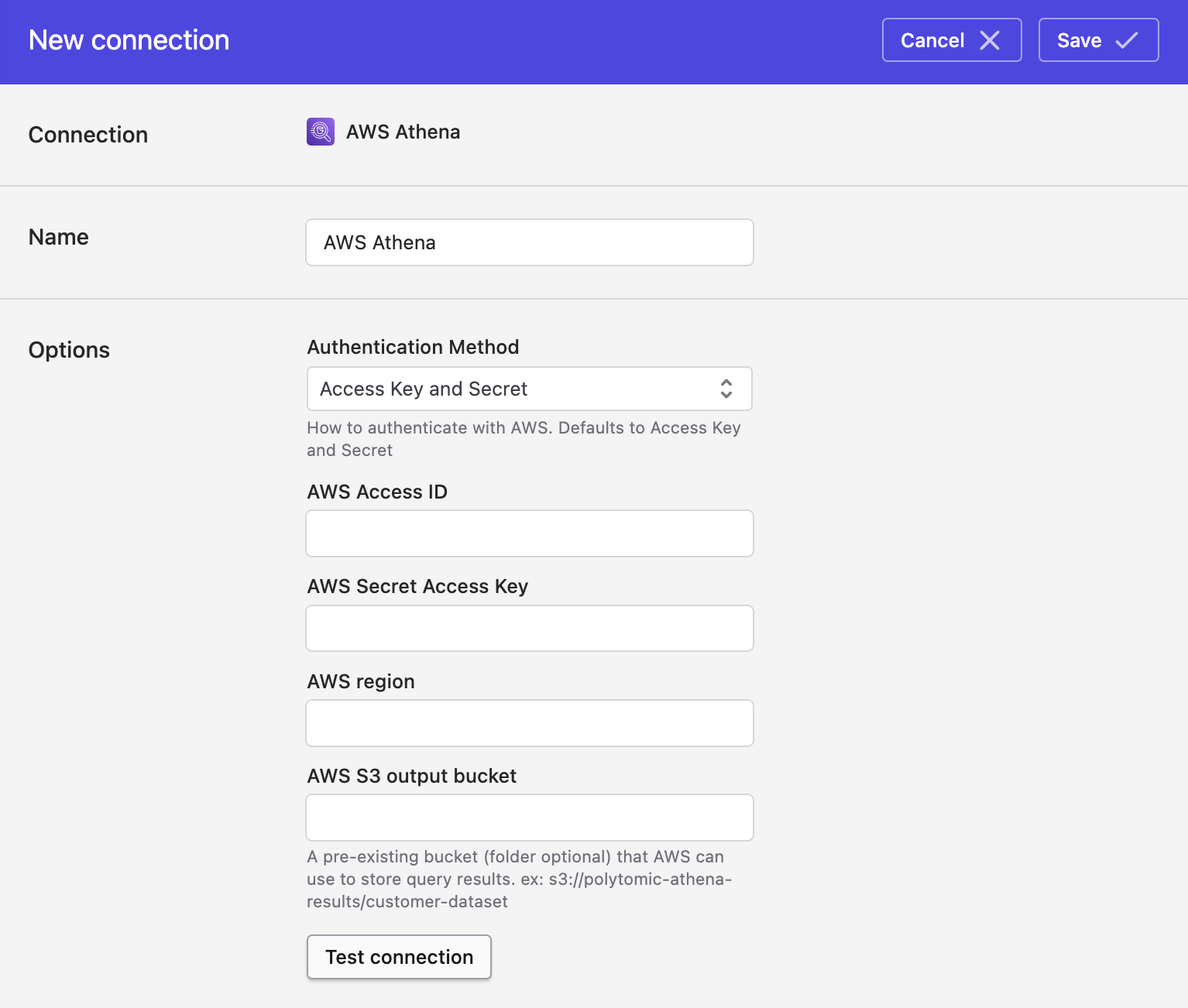
- If authenticating with an AWS Access Key and Secret, fill in the following fields:
- AWS Access ID
- AWS Secret Access Key
Alternatively, if authenticating with an IAM role, switch the Authentication Method dropdown to IAM role and enter your IAM role ARN:
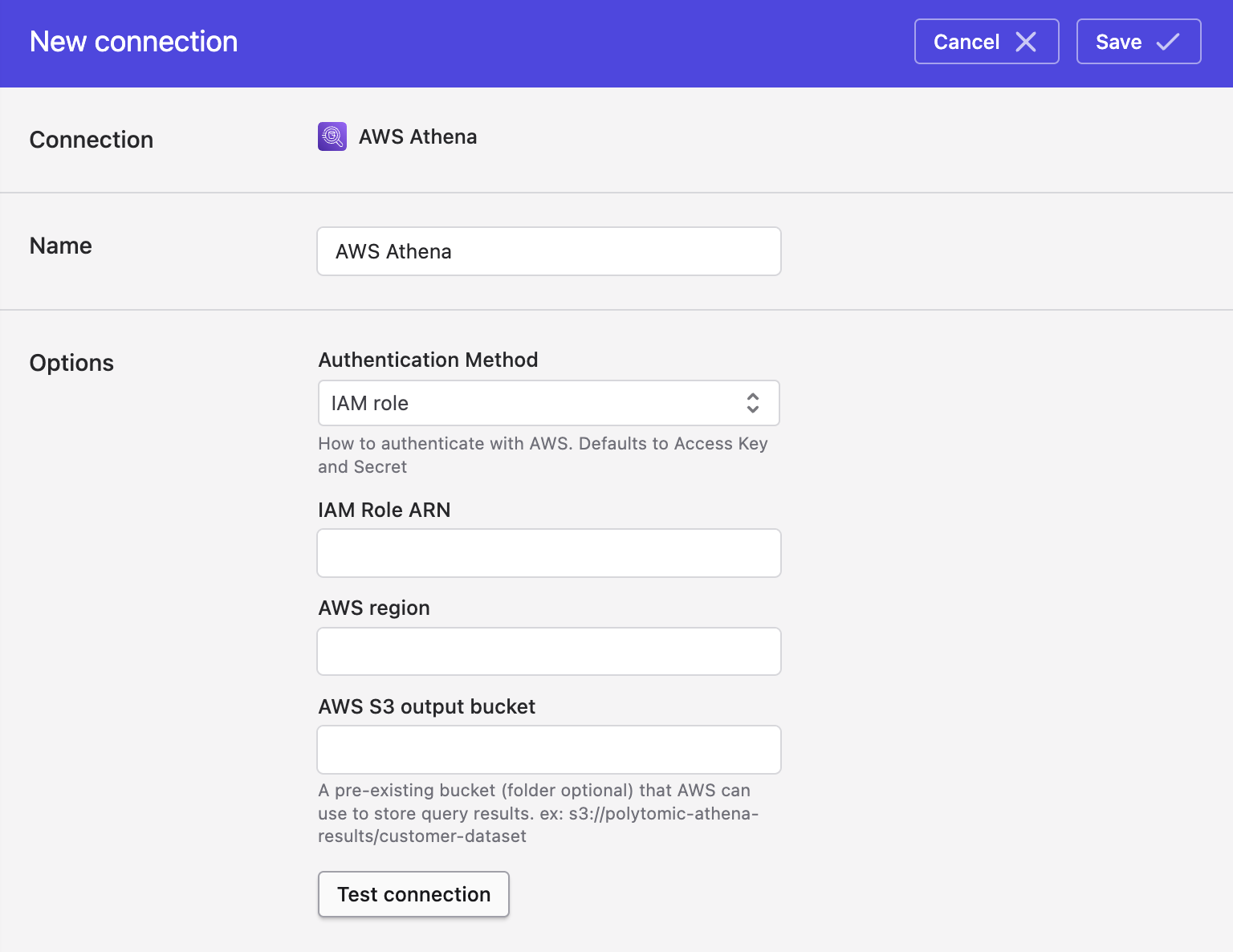
- Fill in the following fields:
- AWS region (e.g.
us-west-1) - AWS S3 output bucket
- Click Save.
IAM Permissions
Polytomic uses the following IAM Actions when introspecting Athena. Most users will grant these to the catalogs, databases, and tables they wish to use with Polytomic.
athena:GetNamedQueryathena:GetDataCatalogathena:GetPreparedStatementathena:GetQueryExecutionathena:GetQueryResultsathena:GetQueryResultsStreamathena:GetTableMetadataathena:GetWorkGroupathena:ListTableMetadataathena:ListDataCatalogsathena:ListDatabasesathena:StartQueryExecutionathena:StopQueryExecutionglue:GetTablesglue:GetTableglue:CancelStatementglue:GetDatabaseglue:GetDatabasesglue:SearchTables
Note: the user or IAM role must also have permission to access the underlying data in S3.
- On the buckets where data is stored (e.g.
arn:aws:s3:::my-bucket)s3:ListBucketon any buckets where data is storeds3:GetBucketLocationon any buckets where data is stored
- On the bucket objects where data is stored (e.g.
arn:aws:s3::my-bucket/*):s3:GetObject
- On the bucket where results will be written:
s3:GetObjects3:PutObjects3:DeleteObjects3:AbortMultipartUploads3:ListmultipartUploadParts
If you would like to write to Athena, make sure to add these permissions as well:
glue:CreateTableglue:UpdateTableglue:DeleteTableglue:CreateDatabase
If you'd like to use the 'tags' functionality, please make sure to include the sts:TagSession permission in addition to the sts:AssumeRole permission.
Updated 5 days ago