Editing Details For Multiple Comics
This page will show you how to edit the specific details for one or more comics at one time.
Initially, you need to select one or more comics by clicking on their covers.
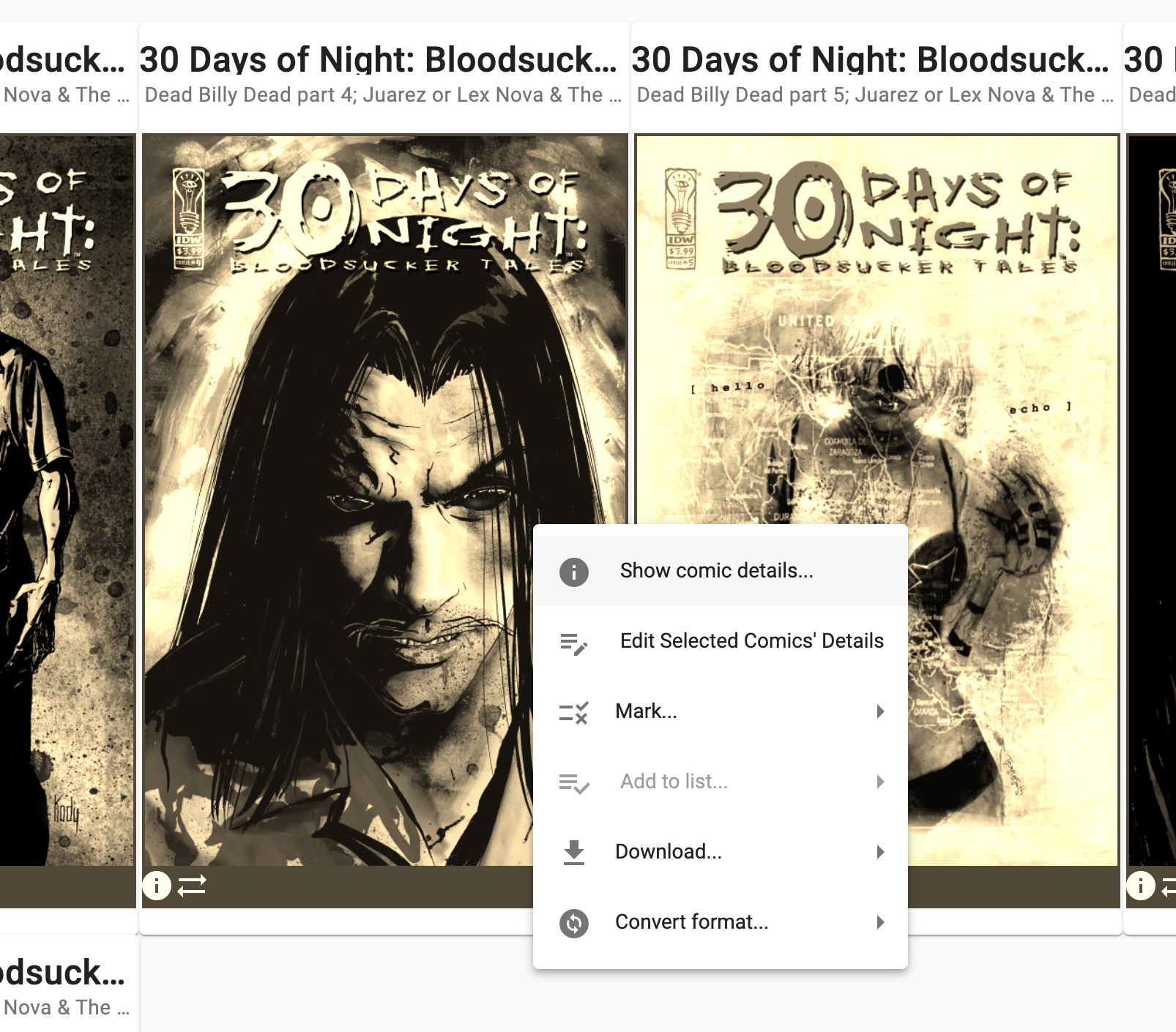
Open the context menu from the current display and select the Edit Selected Comic's Details menu item:
A form will be shown to let you enter the details for the set of comics selected.
If all of the comics share the same detail, such as publisher or series, then those fields will be pre-filled with those matching values.
If any comics have different values for a detail, then that detail is left blank.
In the following example, we see that the publisher, series and volume are the same for all comics, and the issue number is different for at least one of them:
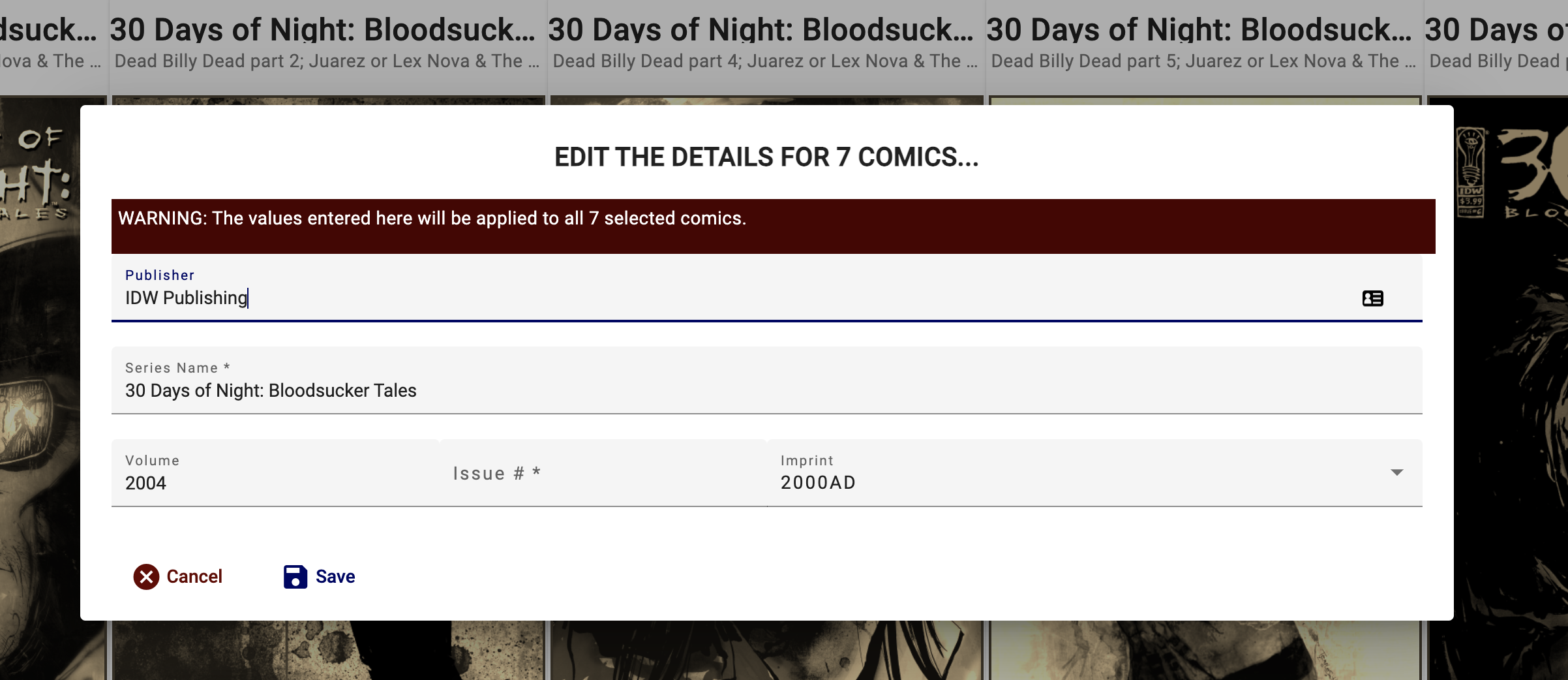
NOTE: If an input field is left blank, then no change is made to any comic.
The application will confirm with the user before starting the process. Once confirmed, the changes are submitted to the server, which processes the affected comics and updates the library accordingly.