- Change colors (primary, secondary, tertiary, link, hover)
- Change background image (12 + transparent)
- Change layouts (navigation, chat sidebar)
- Change font family
- Change font size
- Desktop Firefox
- Android Firefox
- Resolutions from 640x480 to 4k
- Looks nice on CRTs
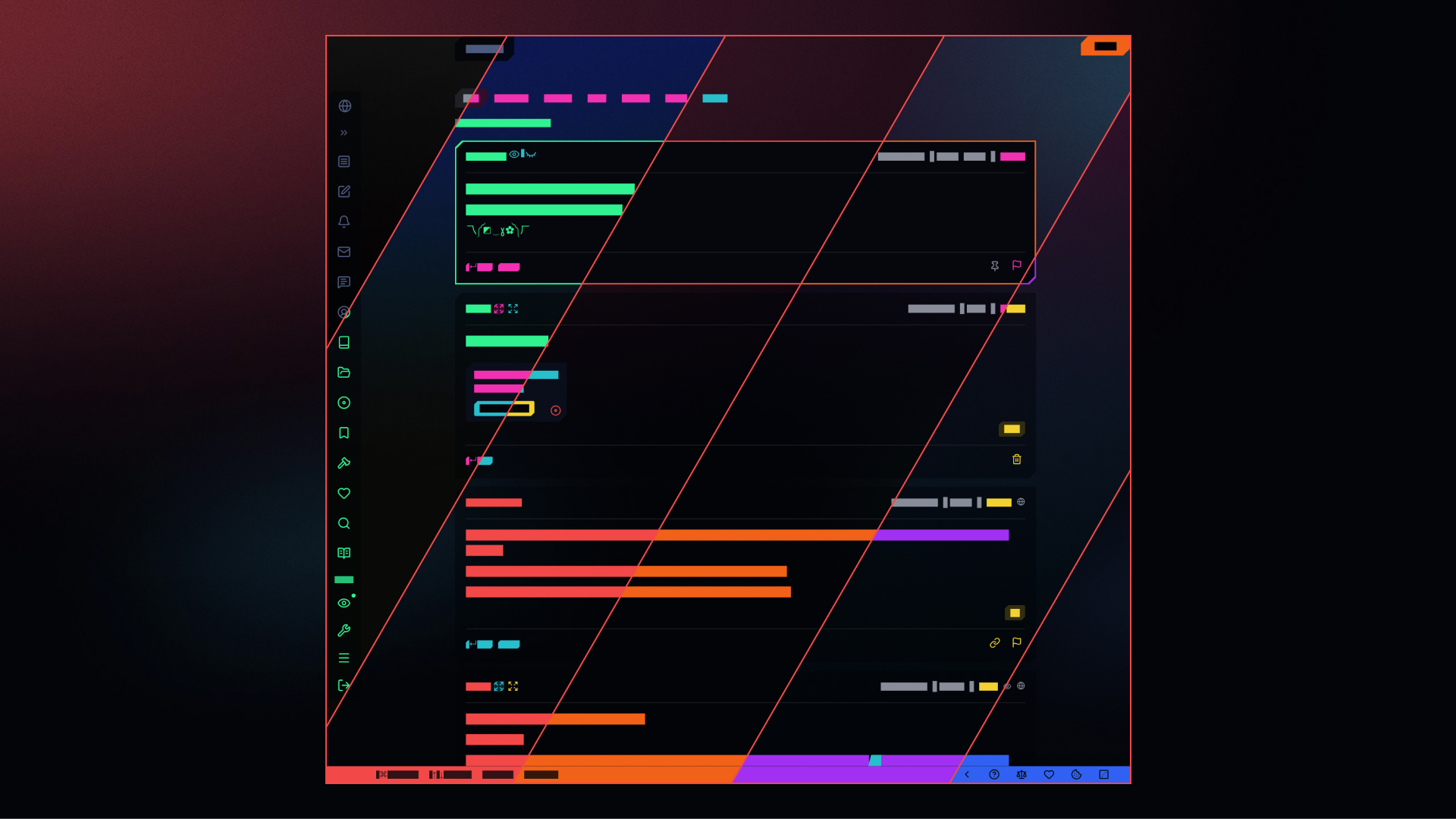
color combinations ↗
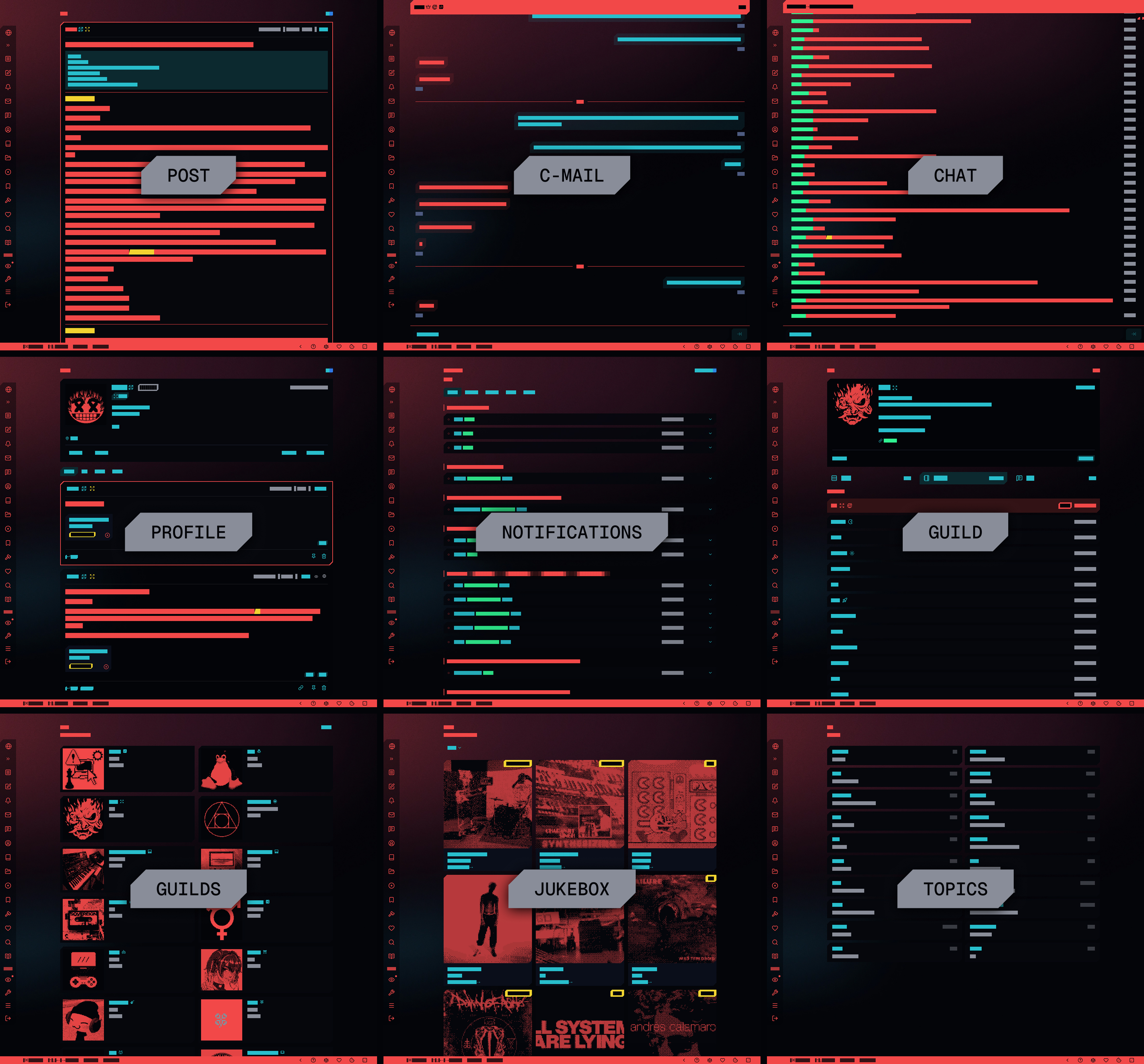
all pages ↗
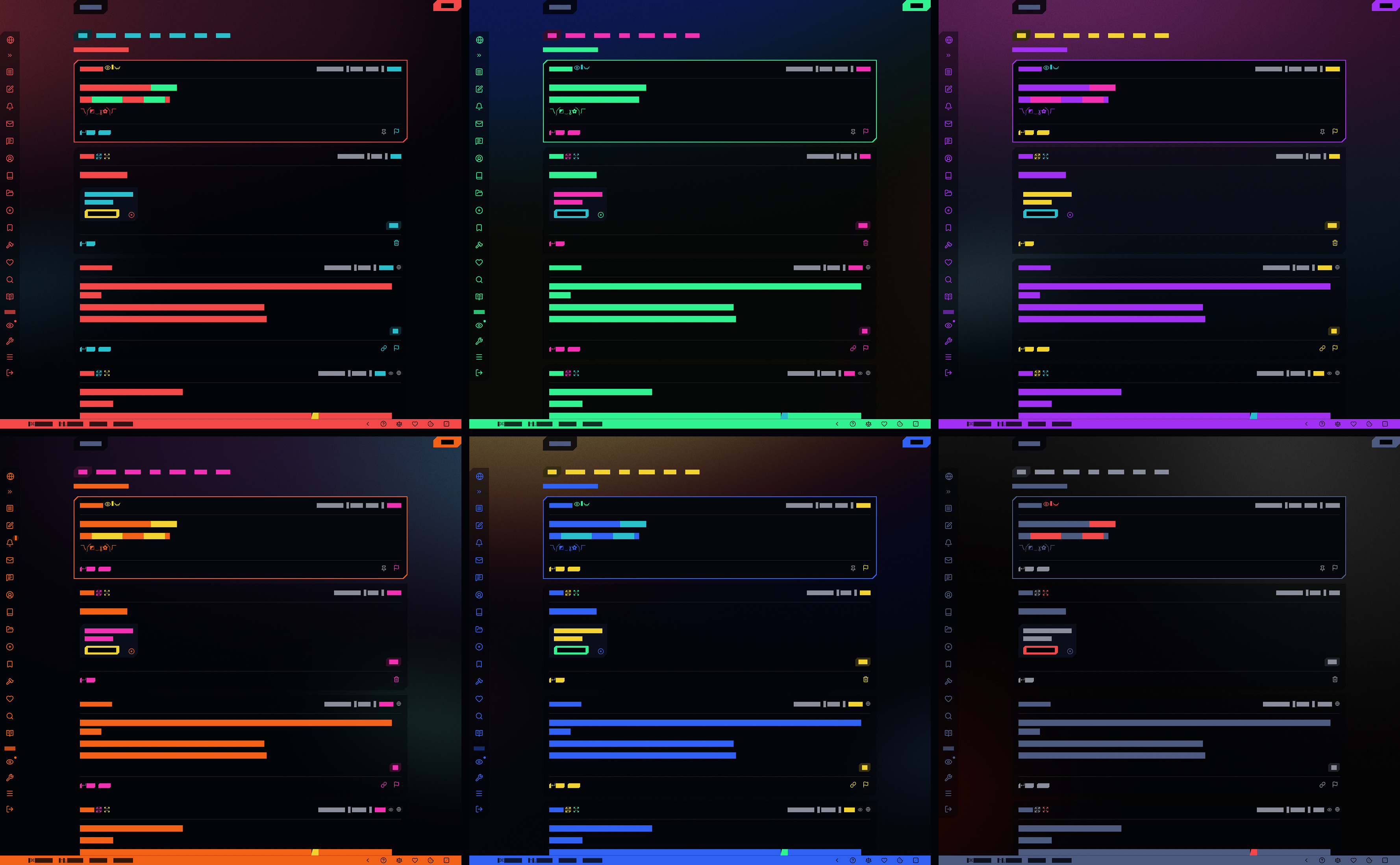
... and 99,994 other possible combinations! ↗
- Download and install Stylus
1. Install cybrcore theme
-
You can either use the theme as is or you can change it:
- Click on the Stylus icon in your browser toolbar
- Click on the cogwheel next to the name of the theme
- Pick your preferred options from dropdowns