This a sample of an Ruby Rails environment creation and sample application deploy using AWS CloudFormation and Puppet on CentOS.
- Create an AWS Key Pair
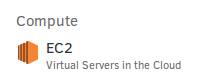
1.1 Open AWS Console and select select EC2 on Compute category
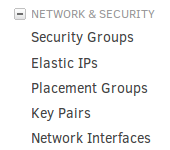
1.2 On the left menu, on "Network & Security", select Key Pairs
1.3 At the top of the page, click on "Create Key Pair" button

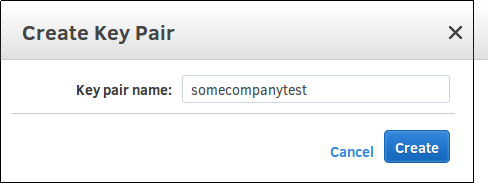
1.4 Give it a name and click on "Create" button
- Download the CF file here
You may optionally fork the code from here and change the git clone at app-clone on puppet/site.pp
-
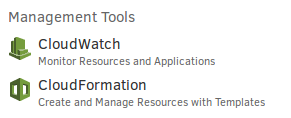
On AWS Console and select CloudFormation (CF) on "Management Tools" category
-
Click on "Create Stack" button

-
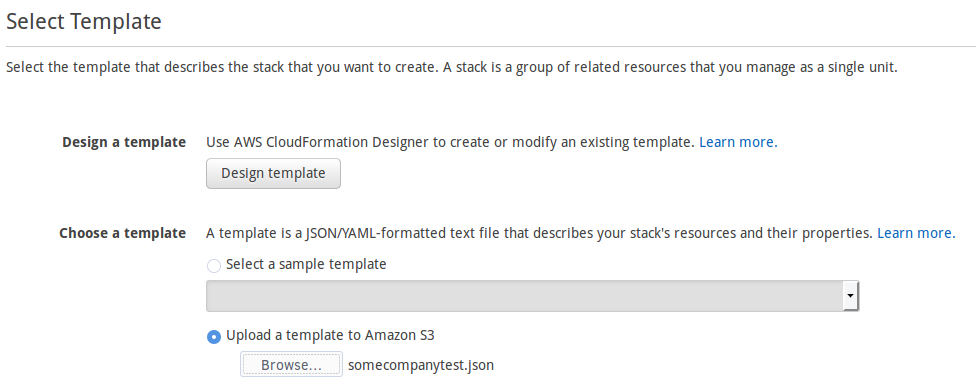
On the option "Upload a template Amazon to S3" click on "Browse..." button and select the file you downloaded as a pre-requisite
-
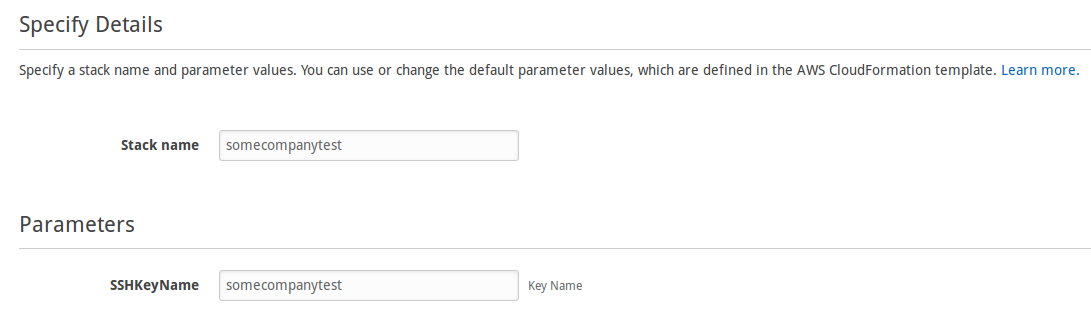
Type a name for your Stack
-
On SSHKeyName type the Key Pair name you created as a pre-requisite
-
Click on Next button twice

-
Click on Create button

-
Wait for it to get the "CREATE_COMPLETE" status


-
Get the application URL at Outputs

-
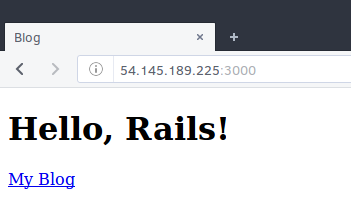
Check the page
-
On AWS Console open CloudFormation (CF)
-
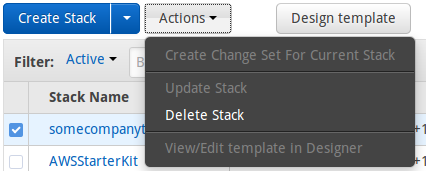
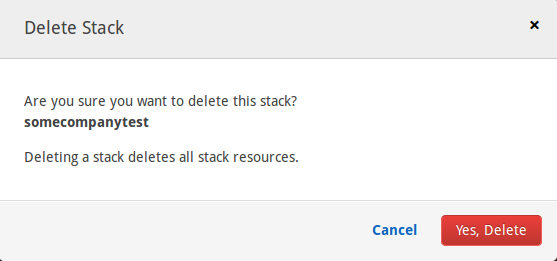
Select the stack you have created and click on Actions > Delete Stack
-
Click on "Yes, Delete" and wait for it to be deleted
https://github.com/alexharv074/webapp-demo
https://rvm.io/ https://www.phusionpassenger.com/library/walkthroughs/deploy/ruby/aws/nginx/oss/install_language_runtime.html
http://crohr.me/journal/2012/who-said-puppet-was-hard.html https://forge.puppet.com/maestrodev/rvm https://blog.csanchez.org/2014/01/14/installing-rvm-and-multiple-ruby-versions-with-puppet/ http://livecipher.blogspot.com.au/2013/01/deploy-code-from-git-using-puppet.html http://stackoverflow.com/questions/1349047/show-pending-migrations-in-rails https://phaseshiftllc.com/articles/2012/03/19/setting-up-vagrant-with-rvm-and-mysql-for-rails-development.html https://mikewilliamson.wordpress.com/2015/08/26/running-a-rails-app-with-systemd-and-liking-it/ http://jsonlint.com/
https://gist.github.com/gene1wood/a00d0b9d029f40e866df https://github.com/Accenture/adop-docker-compose
###README:
https://github.com/adam-p/markdown-here/wiki/Markdown-Cheatsheet
flapjack/omnibus-flapjack#72 https://ask.puppet.com/question/2177/how-to-execute-source-command/ http://stackoverflow.com/questions/23287357/already-activated-rake-version-different-than-what-gemfile-requires-prevents-rak