MS Bridge is a powerful cross-platform mobile application built with Flutter, designed to revolutionize the way students, professionals, and lifelong learners manage lecture notes, personal thoughts, and study materials.
The platform combines intelligent note-taking, structured reading, offline & cloud synchronization, and AI-powered assistance into a single seamless experience. With advanced privacy controls, customizable workflows, and blazing-fast local storage, MS Bridge adapts to the way you study, think, and work — online or offline.
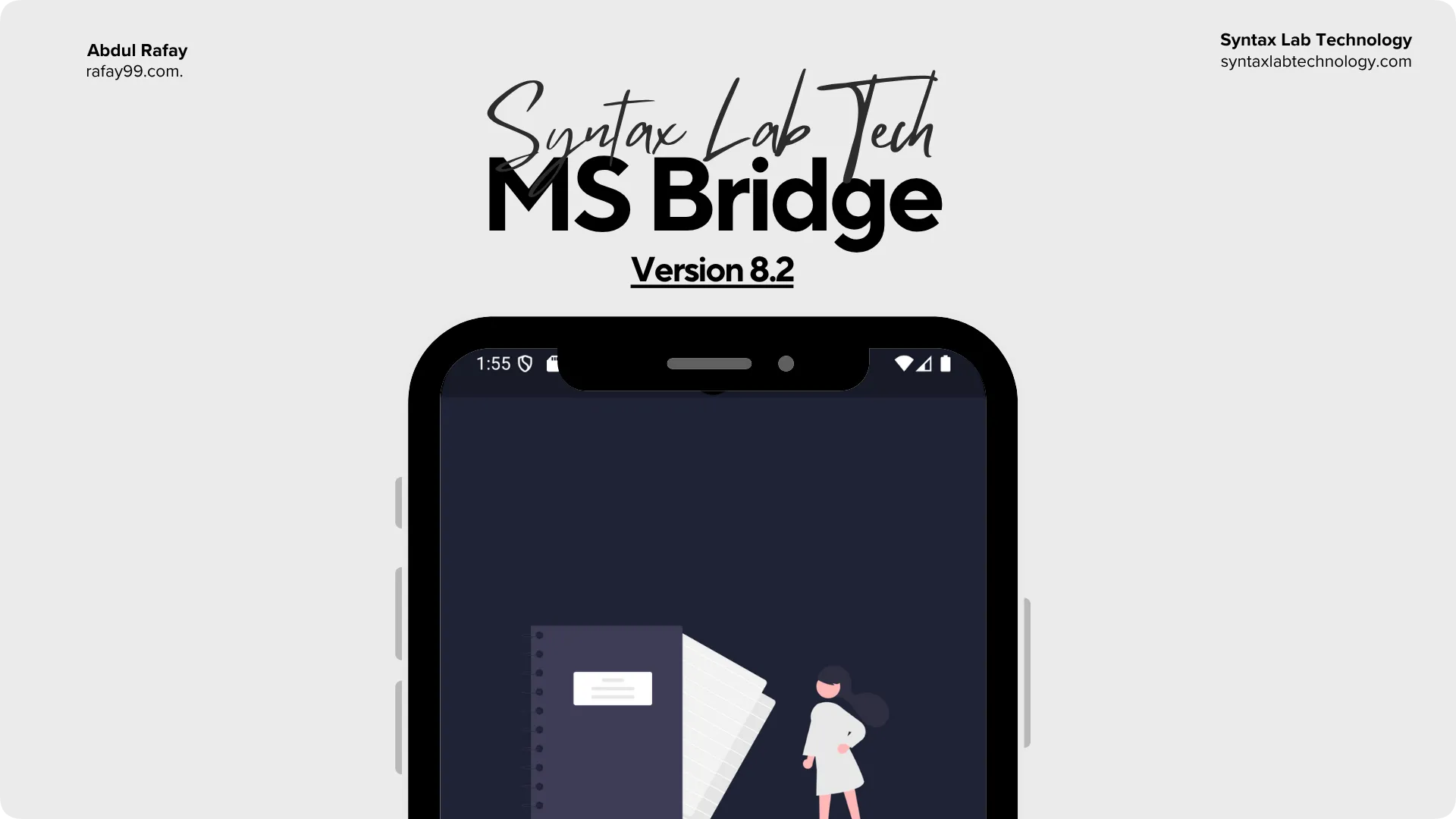
- Modern, distraction-free note editor with Markdown and diagram rendering
- Note organization with tags, templates, and case-insensitive search
- Integrated checklists and to-do items within notes
- AI-powered note summaries for quick understanding
- Conversational assistant with access to your personal notes and knowledge base
- Configurable AI model selection tailored to your workflow
- Real-time cross-device synchronization via Firebase
- Background workers for efficient, configurable sync
- Privacy-first local mode with Hive database support
- Data import/export for full portability
- Secure link-based note sharing
- Profile management and customizable themes (18+ styles)
- Support for multiple Google Fonts with live previews
- Productivity streak tracking with smart reminders
- Security options: biometric/fingerprint and PIN lock
- One-tap reset to default configurations
- In-app update system (direct from rafay99.com)
- Integrated CMS admin panel (via WebView)
- Built-in contact form for direct feedback
- Debugging tools (in progress)
- Speech-to-text note capture
- Audio/voice notes management
- Image-based note integration
- AI chatbot with image query support
- Advanced diagnostic tool (Logfinder)
- Flutter (3.25.1+): UI and application logic
- Firebase
- Authentication
- Firestore (real-time data storage)
- Cloud Functions (background tasks)
- Hive: Local, fast, offline-first NoSQL storage
- Google AI Studio API (or alternatives) for AI-powered summaries and chat
- http package for API integration
- Flutter SDK 3.25.1+
- Android Studio or VS Code with Flutter extensions
- Firebase project (authentication + database configured)
- AI service API key (Google AI Studio or compatible)
- Keystore for release builds
-
Clone repository
git clone https://github.com/rafay99-epic/MSBridge cd MSBridge -
Install dependencies
flutter pub get
-
Firebase setup:
- Add configuration files to platform-specific directories:
google-services.json→android/app/GoogleService-Info.plist→ios/Runner/
- Enable authentication and Firestore in Firebase Console
- Add configuration files to platform-specific directories:
-
Configure API keys (use
.envor environment variables):const firebaseConfig = { apiKey: 'YOUR_FIREBASE_API_KEY', projectId: 'YOUR_PROJECT_ID', appId: 'YOUR_APP_ID', }; const aiApiKey = 'YOUR_AI_API_KEY';
-
Run application
flutter run
-
Generate keystore:
keytool -genkey -v -keystore msbridge_keystore.jks -keyalg RSA -keysize 2048 -validity 10000 -alias msbridge
-
Update
key.propertiesandbuild.gradlewith keystore details.
Official APK releases are available at:
https://msbridge.rafay99.com/versions
Older builds can still be found under GitHub Releases.
Contributions are welcome. To participate:
- Fork the repository
- Create a feature branch (
feature/new-module) - Submit a Pull Request with a clear description
For more detail information please checkout
This project is licensed under the Apache License 2.0.
Developed and maintained by Abdul Rafay
- Website: rafay99.com
- Contact: [email protected]
- Blog: rafay99.com/blog/idea_to_app
- Flutter – Cross platform framework
- Firebase – Backend services
- Hive – Offline-first data layer
- Google AI Studio – AI-powered note summarization
- Open source community and contributors