As prerequisites I have used Ubuntu 20.04 on Windows 10 on which I have installed ansible, python3, boto and jenkins. For AWS, I have created a user with AdministratorAccess, downloaded the csv given at the end and created an ansible-vault file "cred.yml" containing: aws_access_key: Access key ID aws_secret_key: Secret access key and encrypted with the password in "password.txt"
I have also created a key pair (.pem) and specified the path in the /etc/ansible/ansible.cfg file.

In the ansible playbook (main.yml) I have created tasks for: Creating a VPC, Creating an Internet Gateway, Creating a Subnet, Creating a Security Group, Creating Network ACLs, Creating Route Table, Creating the EC2 Instance, Adding new instance to the host group and specified the role for httpd which will deploy the html page.
First, I have tested the solution without using any CI/CD tools and it was successfull:
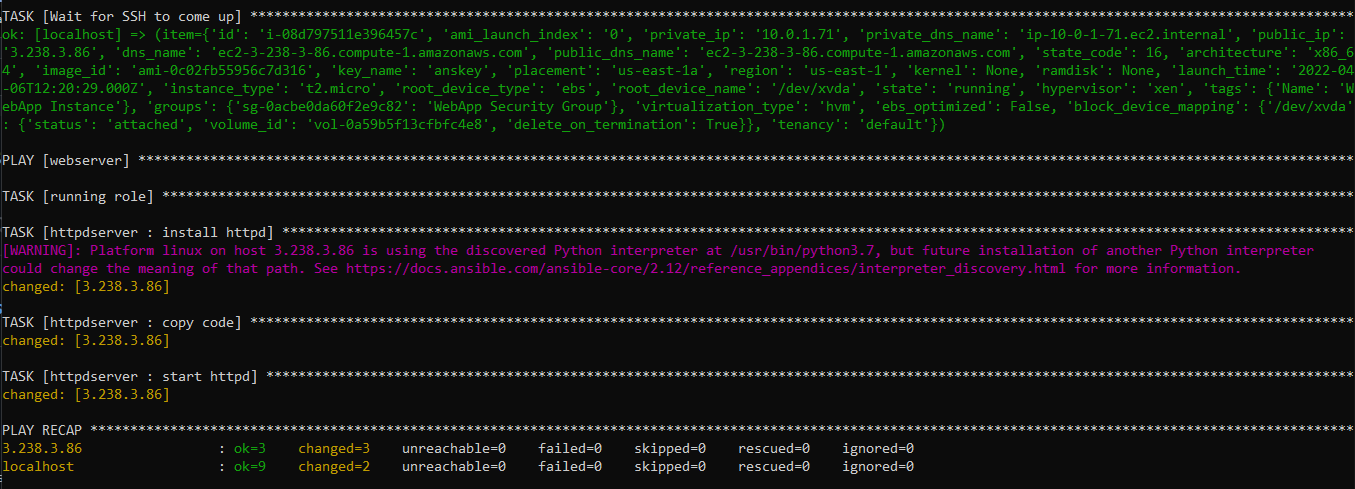
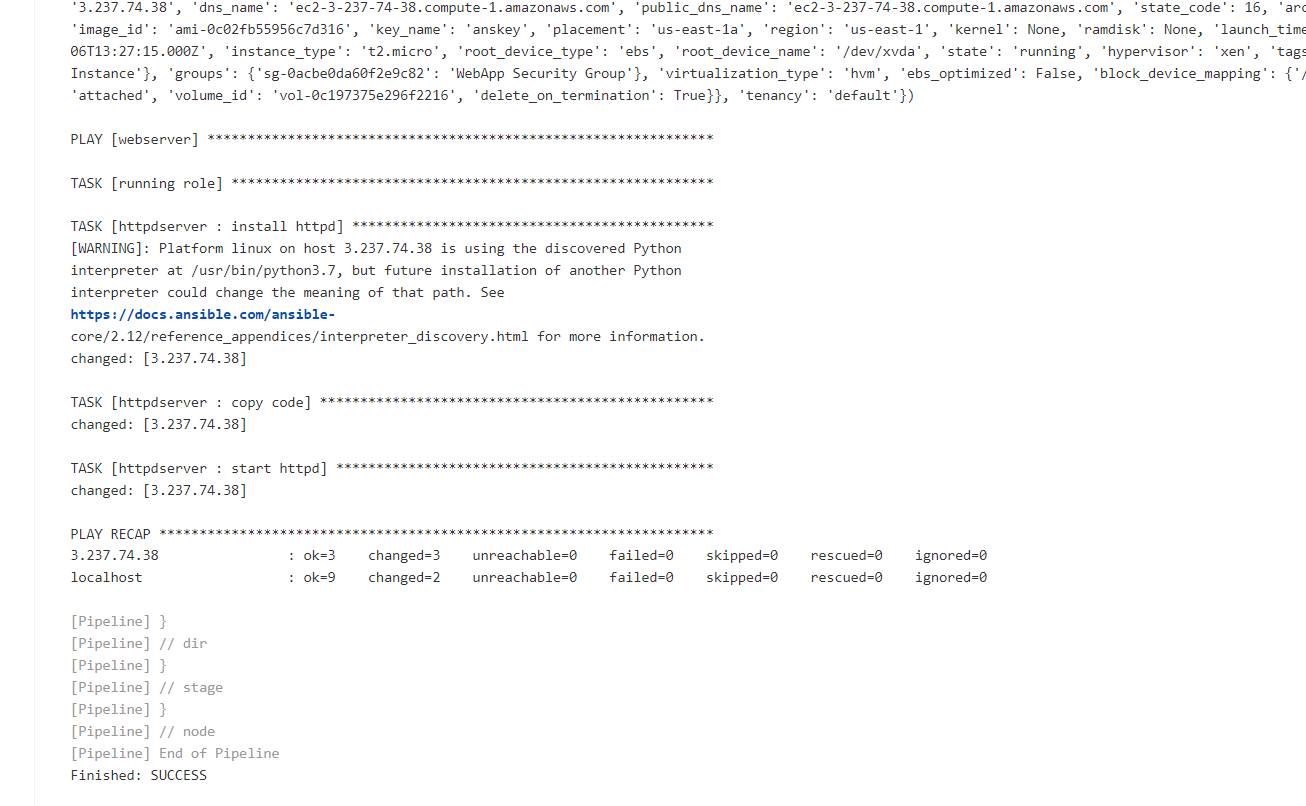
Then I have created a pipeline in Jekins which you can find in the Jenkinsfile which has 2 stages. The first stage will fetch the code from github using an access token and the second stage will run the ansible playbook in the specified directory with the password.txt provided as an extra variable.
The output of the jenkins pipeline was successful:
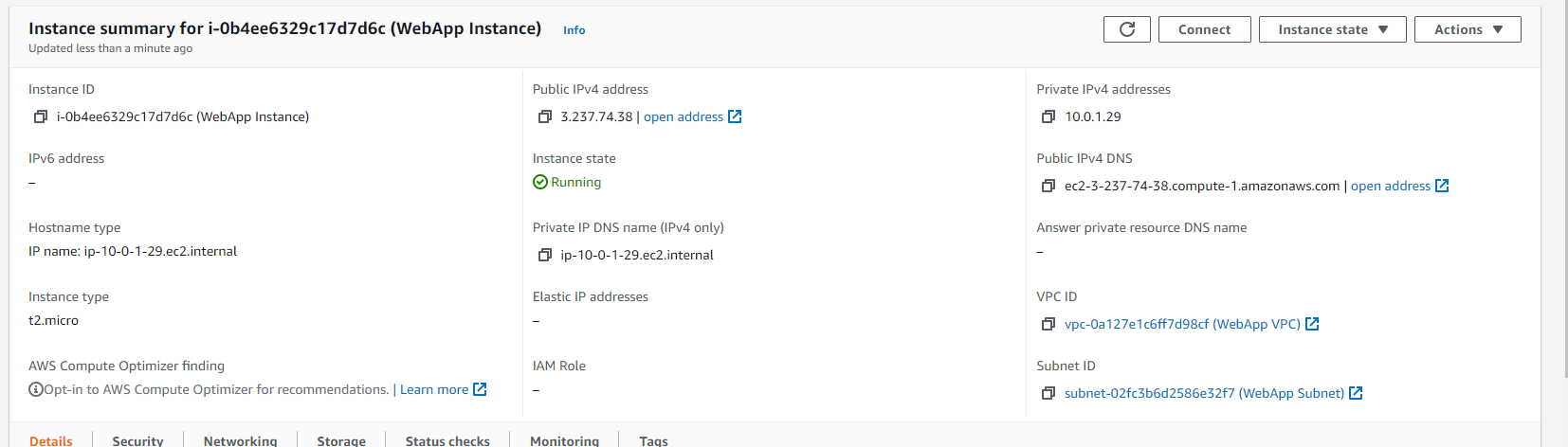
 and the instance was created:
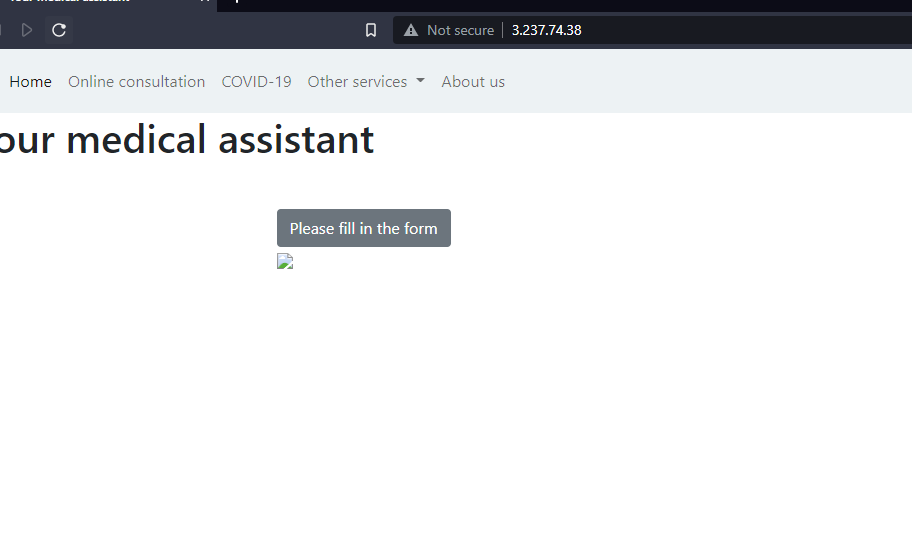
By typing in the browser the public ip of the instance, we can see the webpage deployed successfuly.