

Function • About • Updating • Fork structure • License • Supporters • Special thanks • Additional credit
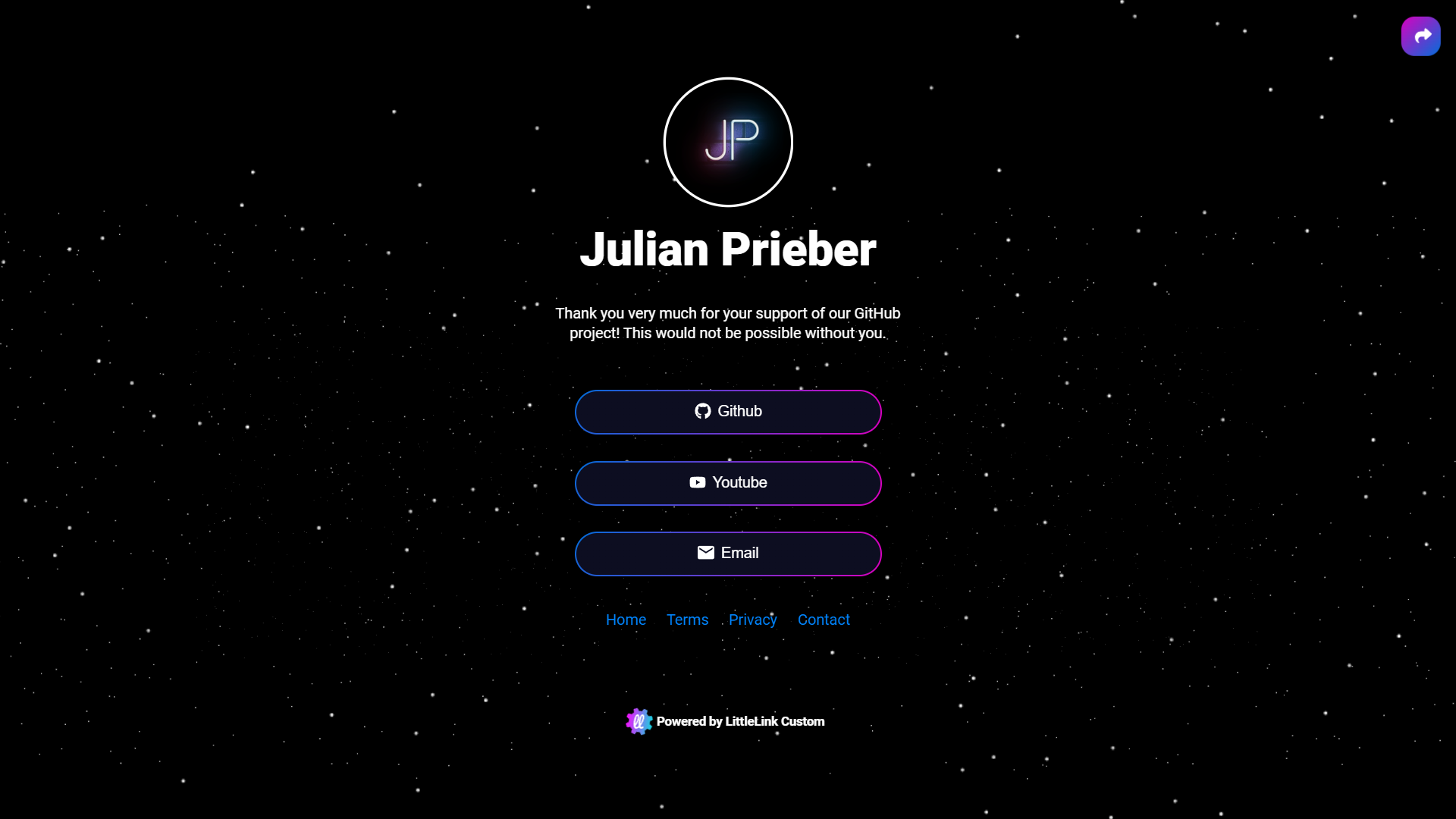
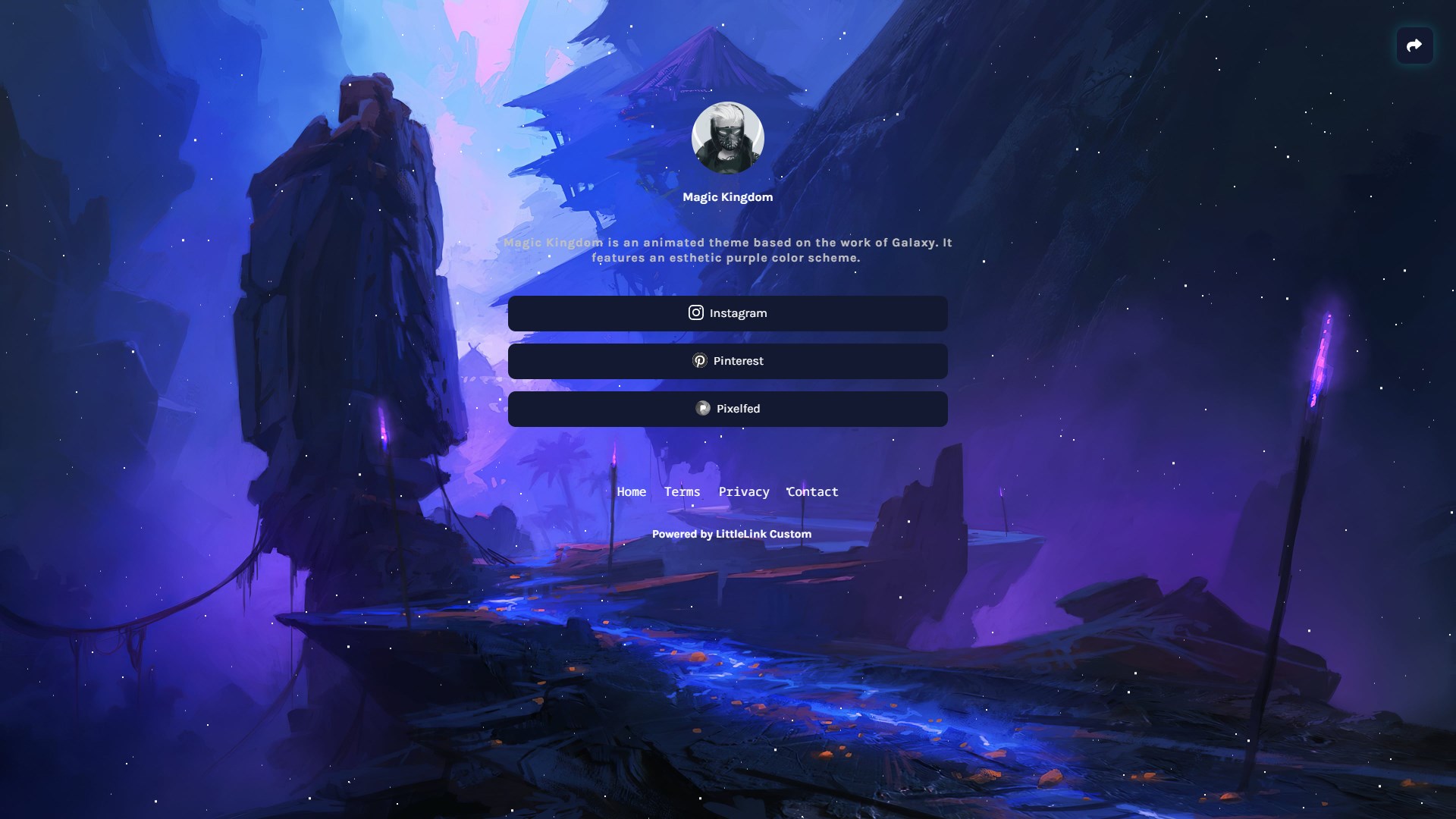
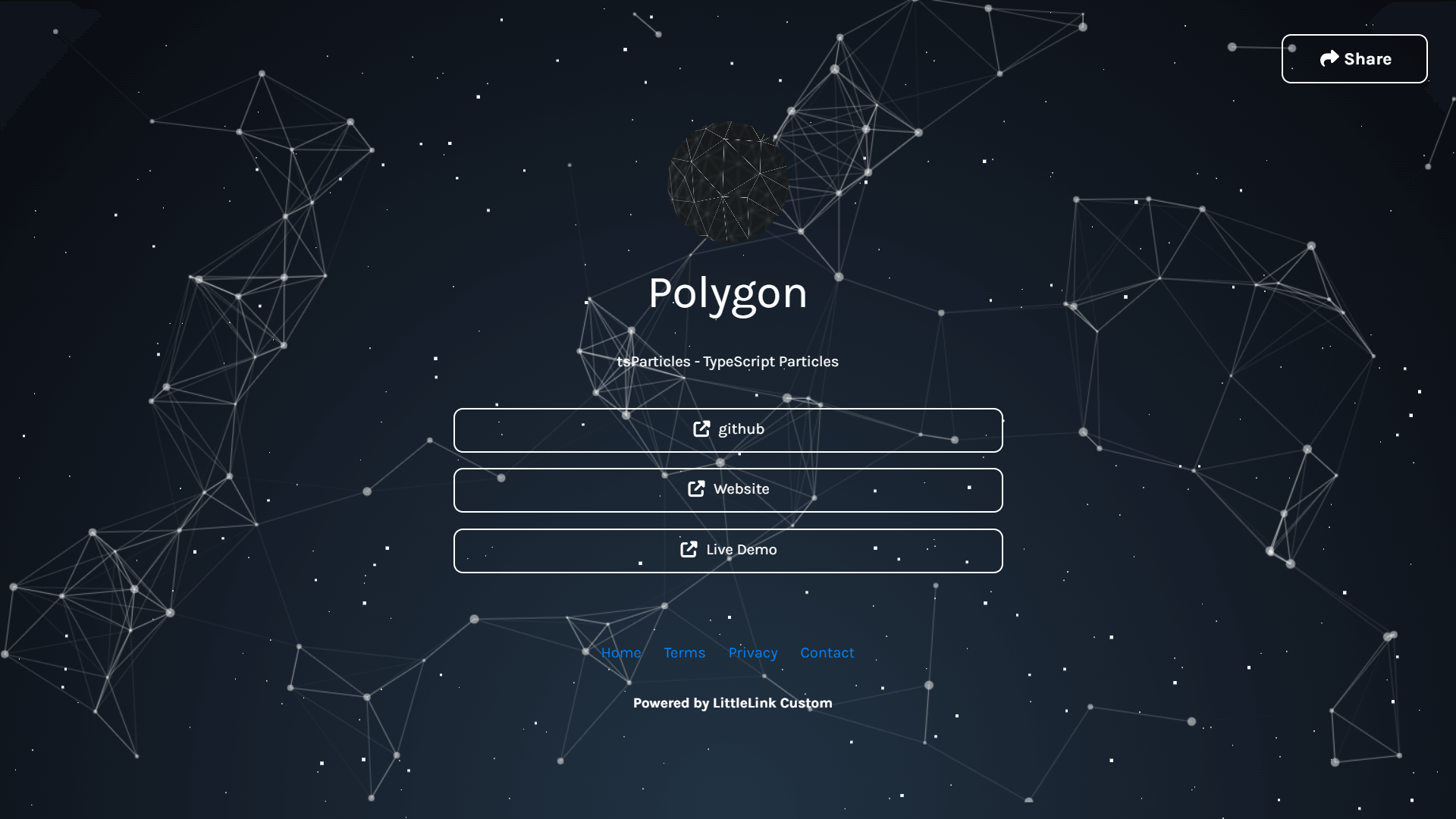
Customize the look of your LinkStack instance with themes.
Contribute by designing your own themes. You can read more about contributing below.
 |
 |
|---|---|
 |
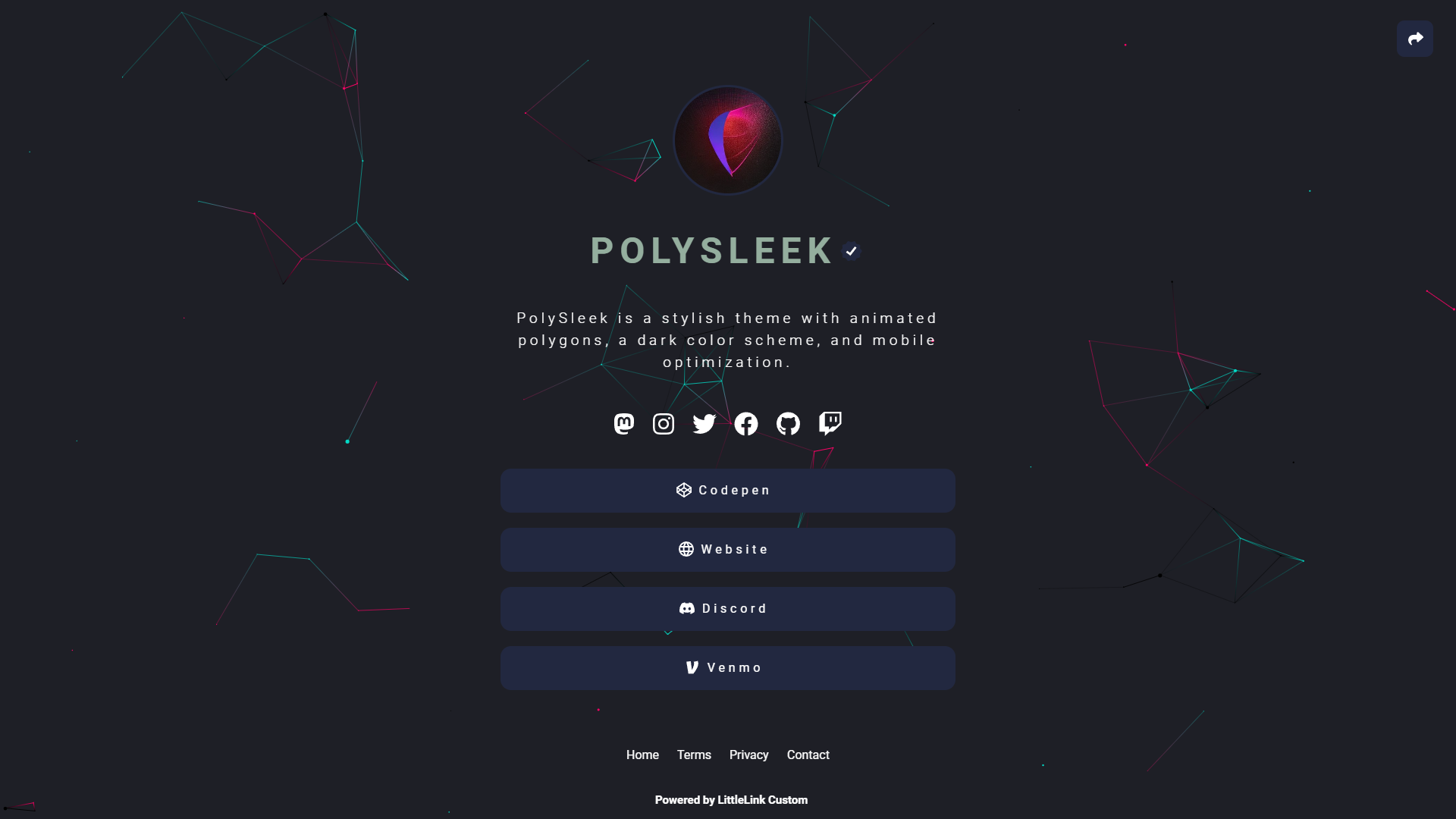 |
You can find all available Themes on here: linkstack.org/themes
You can add your downloaded themes to your LinkStack instance on the Admin Panel. Navigate to the 'Themes' tab and scroll to the bottom of the page.
Now click on Choose file and select your downloaded theme zip file. Now click on 'Upload theme' and you should be able to select your uploaded theme now.
If you know a bit about CSS, consider making your own theme and adding it to the public directory. Everything is documented in the dedicated GitHub repository.
github.com/LinkStackOrg/linkstack-themes/tree/main/contributing
- Download the latest release of LinkStack and simply place the folder 'linkstack' or the contents of this folder in the root directory of your website.
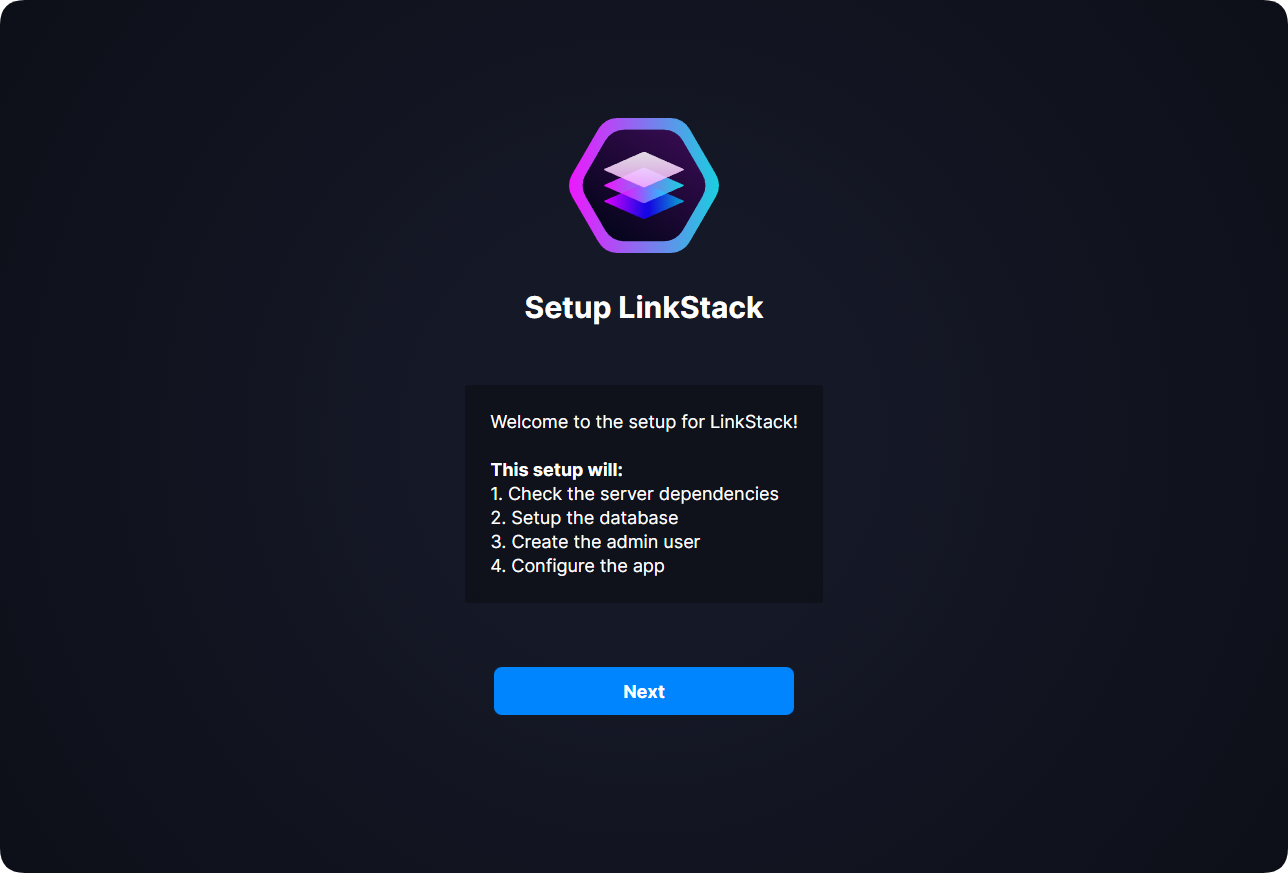
When accessing your instance for the first time, you will be greeted by the first setup page.
When a new version is released, you will get an update notification on your Admin Panel.
This updater allows you to update your installation with just one click.
How to use the Automatic Updater:
-
To update your instance, click on the update notification on your Admin Panel.
-
Click on “Update automatically” and the updater will take care of the rest.
You can still download updates manually. New versions will are still uploaded to the GitHub repository as usual.
Before updating, the updater will create a backup. Your instance won’t save more than two backups at a time. You can download these updates from the created folder: backups\updater-backups.
If you switched your database to MySQL, your database will not be included in the backup.

As of version 4.0.0, the license for this project has been updated to the GNU Affero General Public License v3.0, which explicitly requires that any modifications made to the project must be made public. This license also requires that a copyright notice and license notice be included in any copies or derivative works of the project.
Additionally, any changes made to the project must be clearly stated, and the source code for the modified version must be made available to anyone who receives the modified version. Network use of the project is also considered distribution, and as such, any network use of the project must comply with the terms of the license.
Finally, any derivative works of the project must be licensed under the same license terms as the original project.
You can support LinkStack here.
💖 Thank you:
-
Stephen Marshall
Thank you for improving LinkStack!
Thank you for all your efforts!